Downloaded 11 times
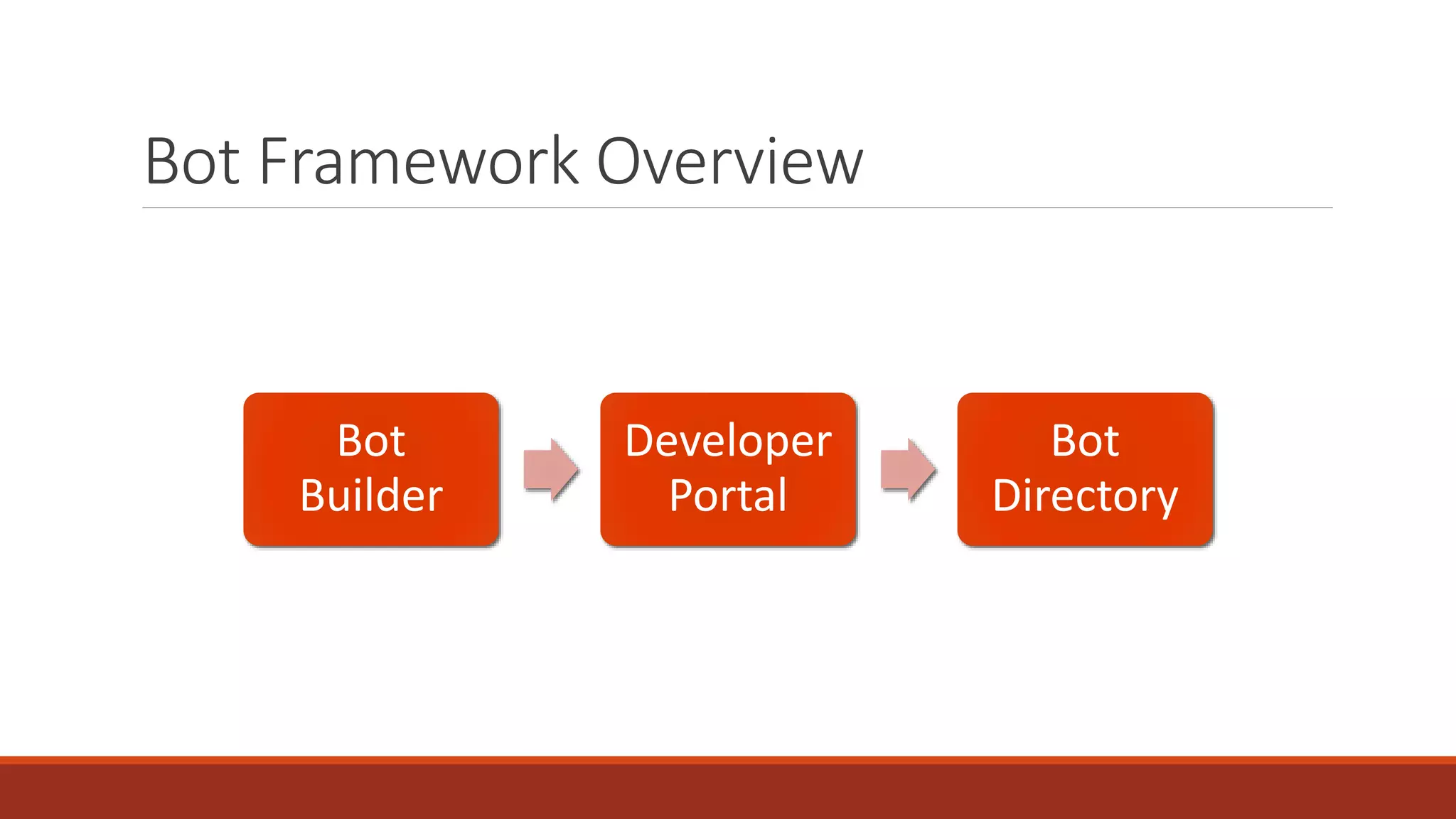
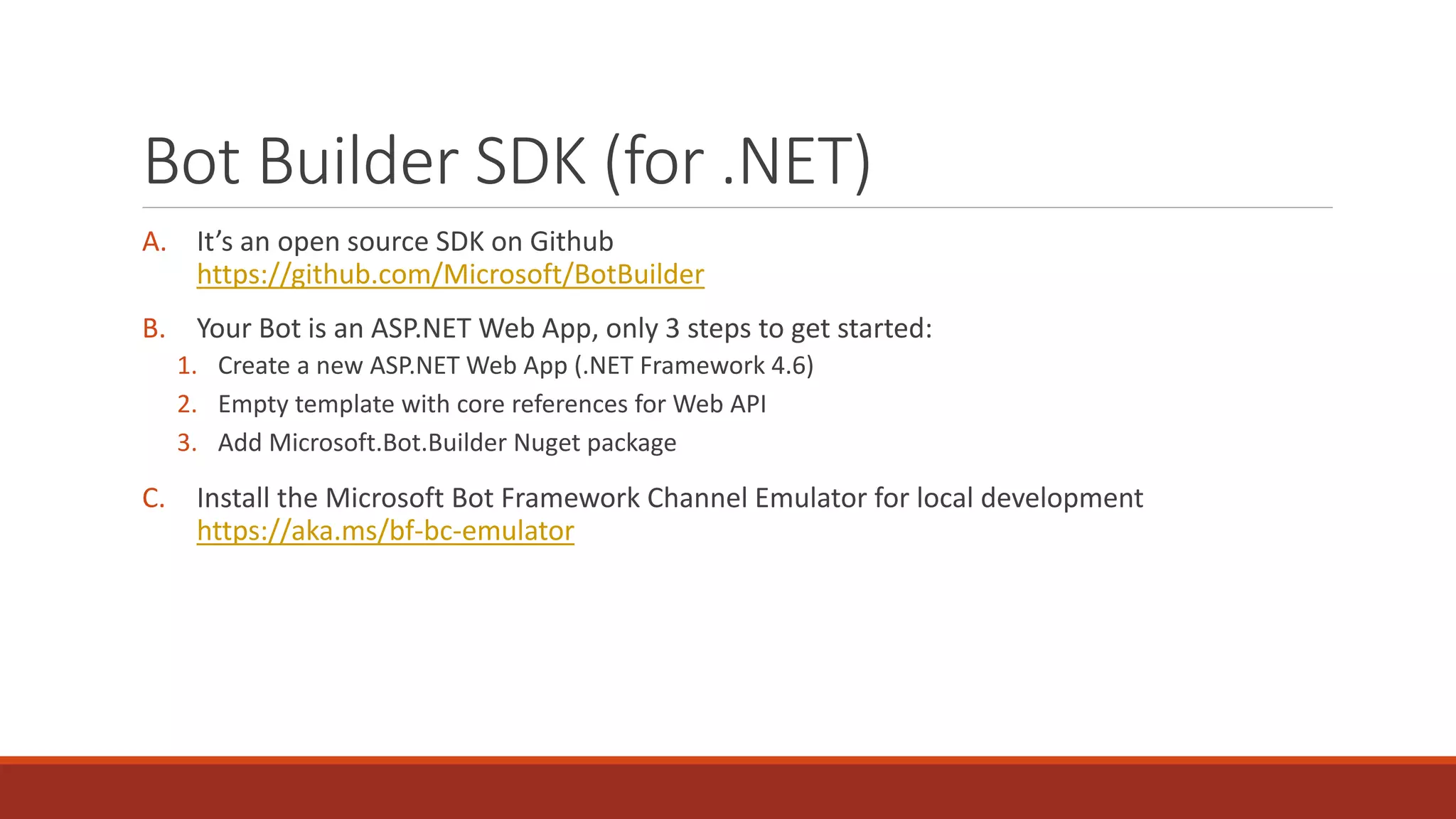
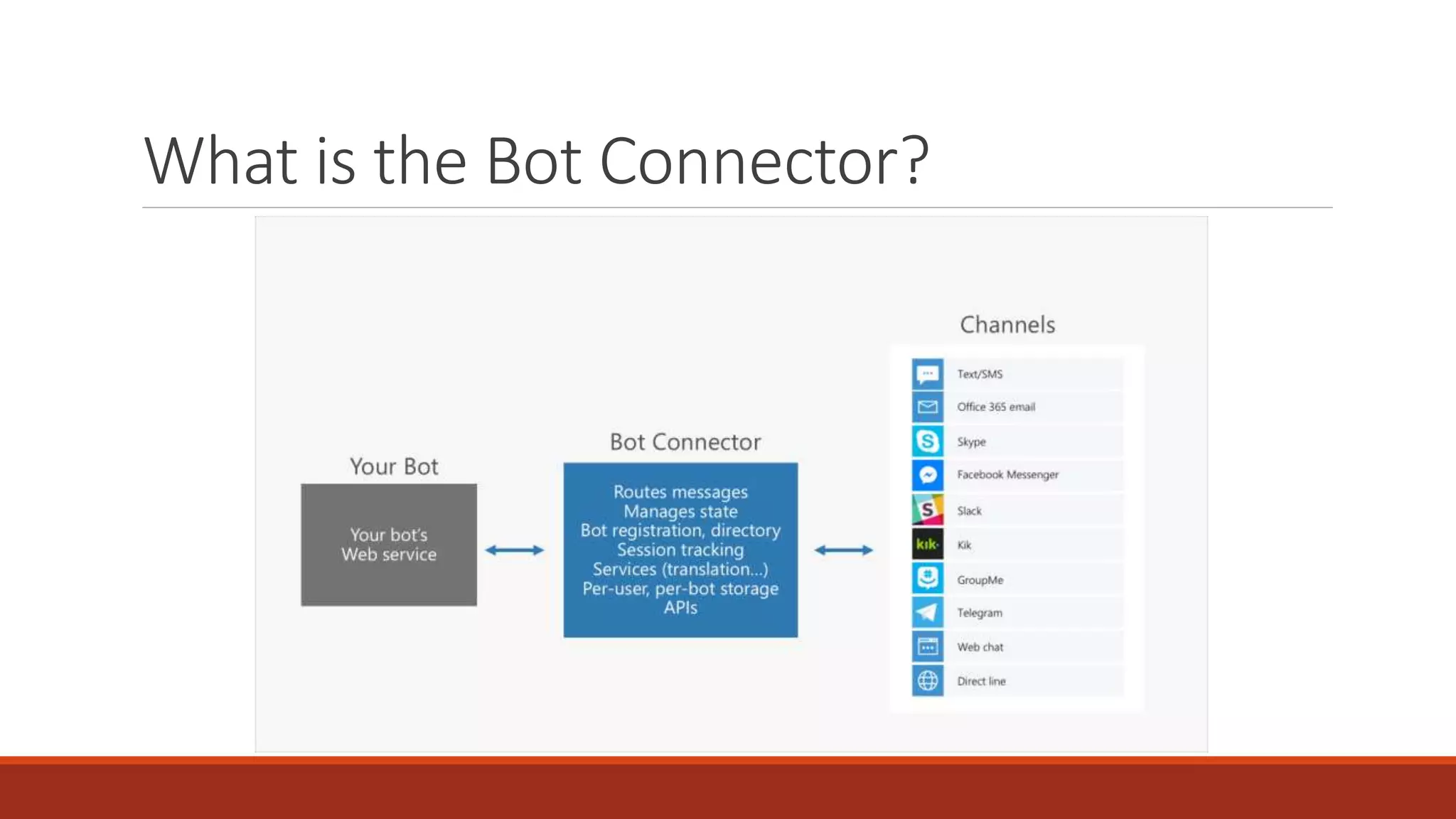
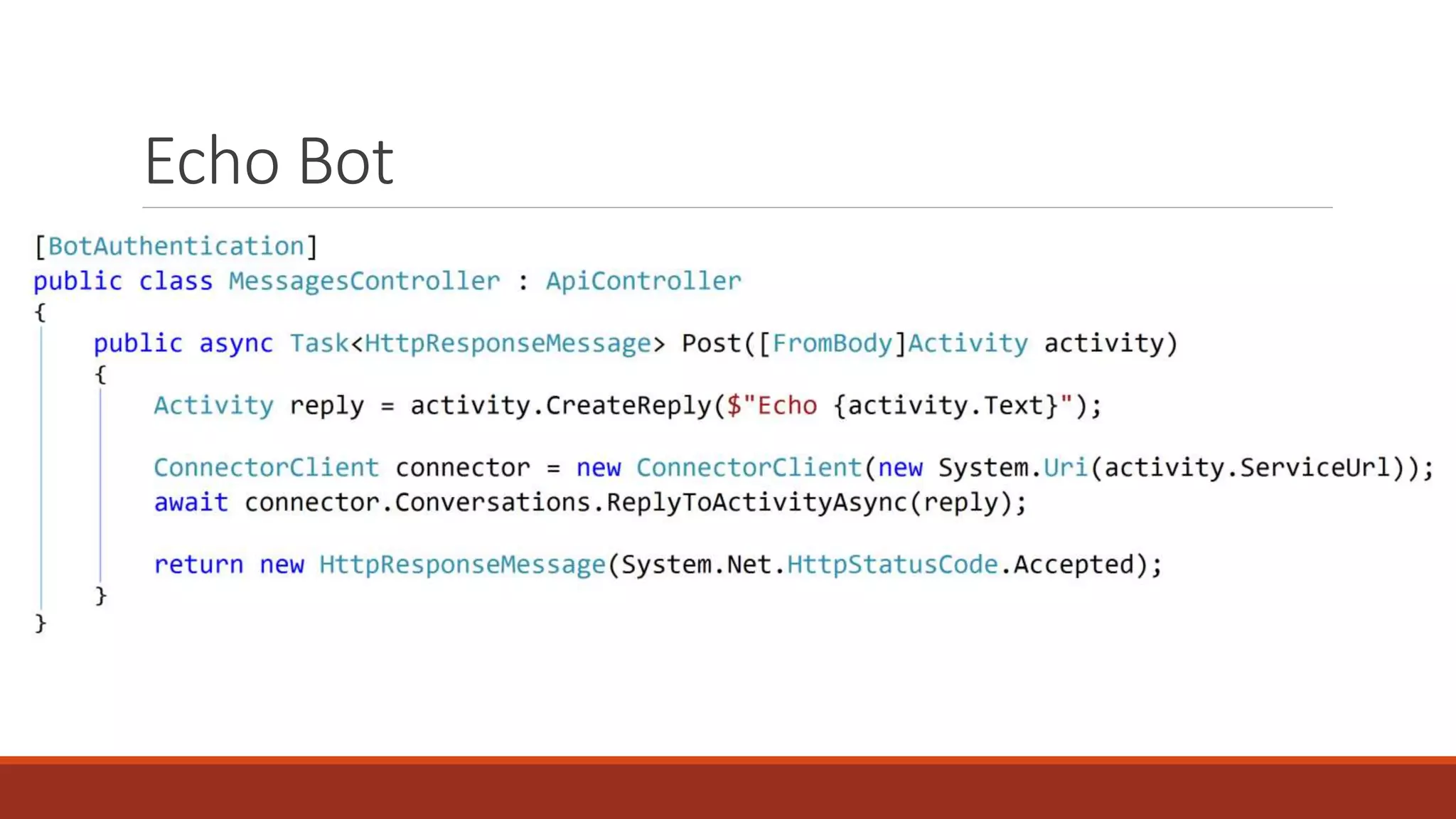
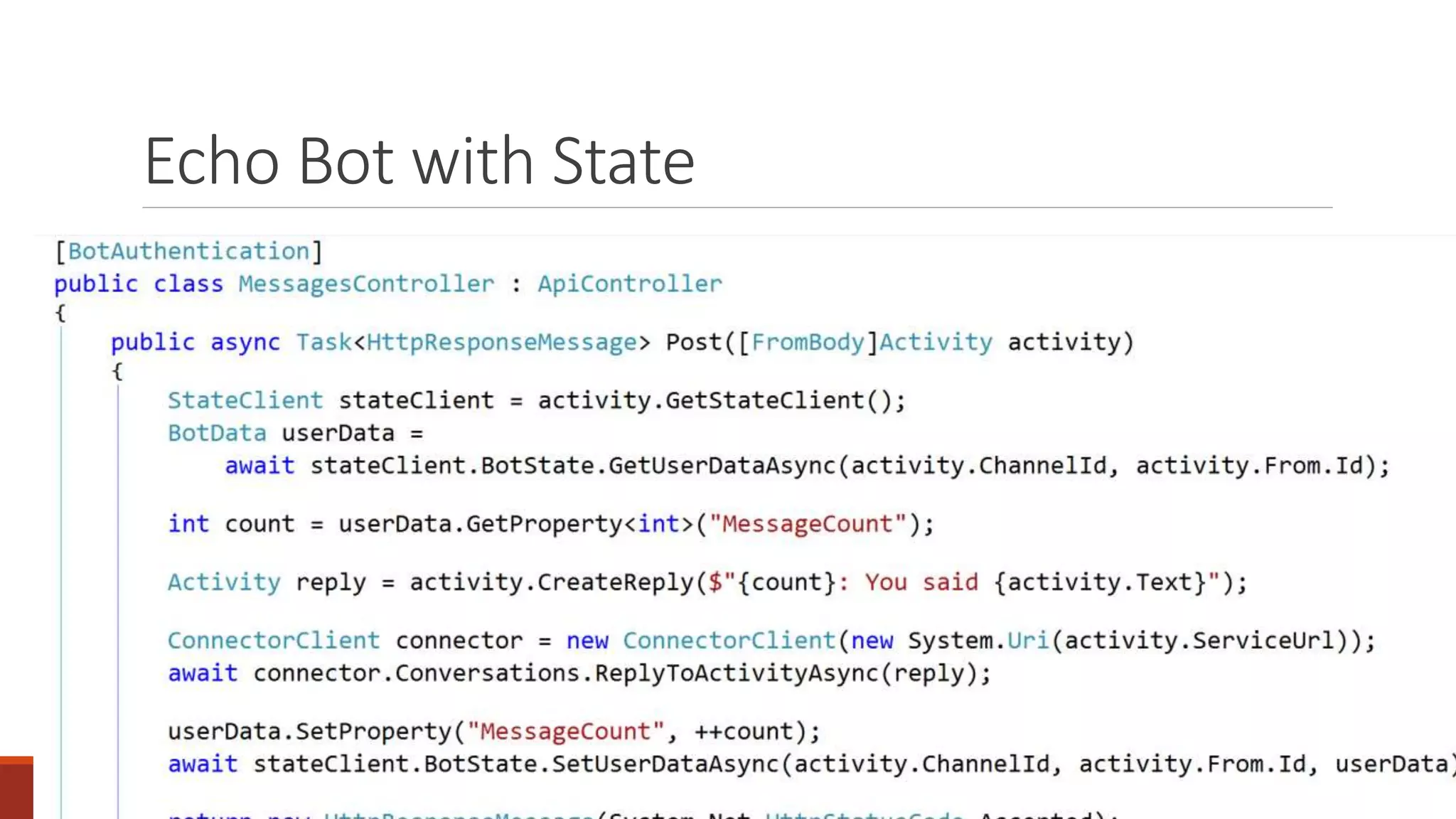
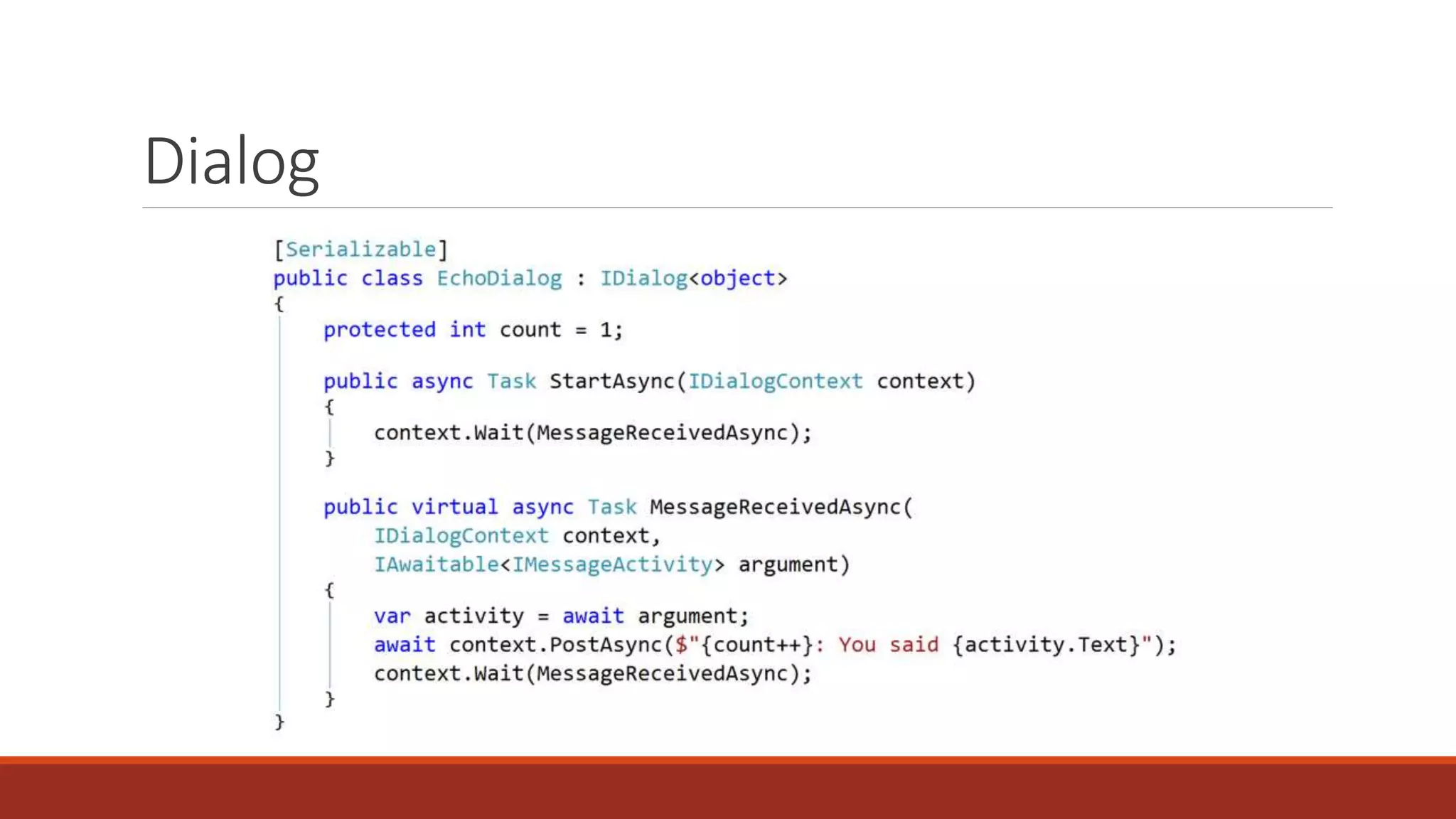
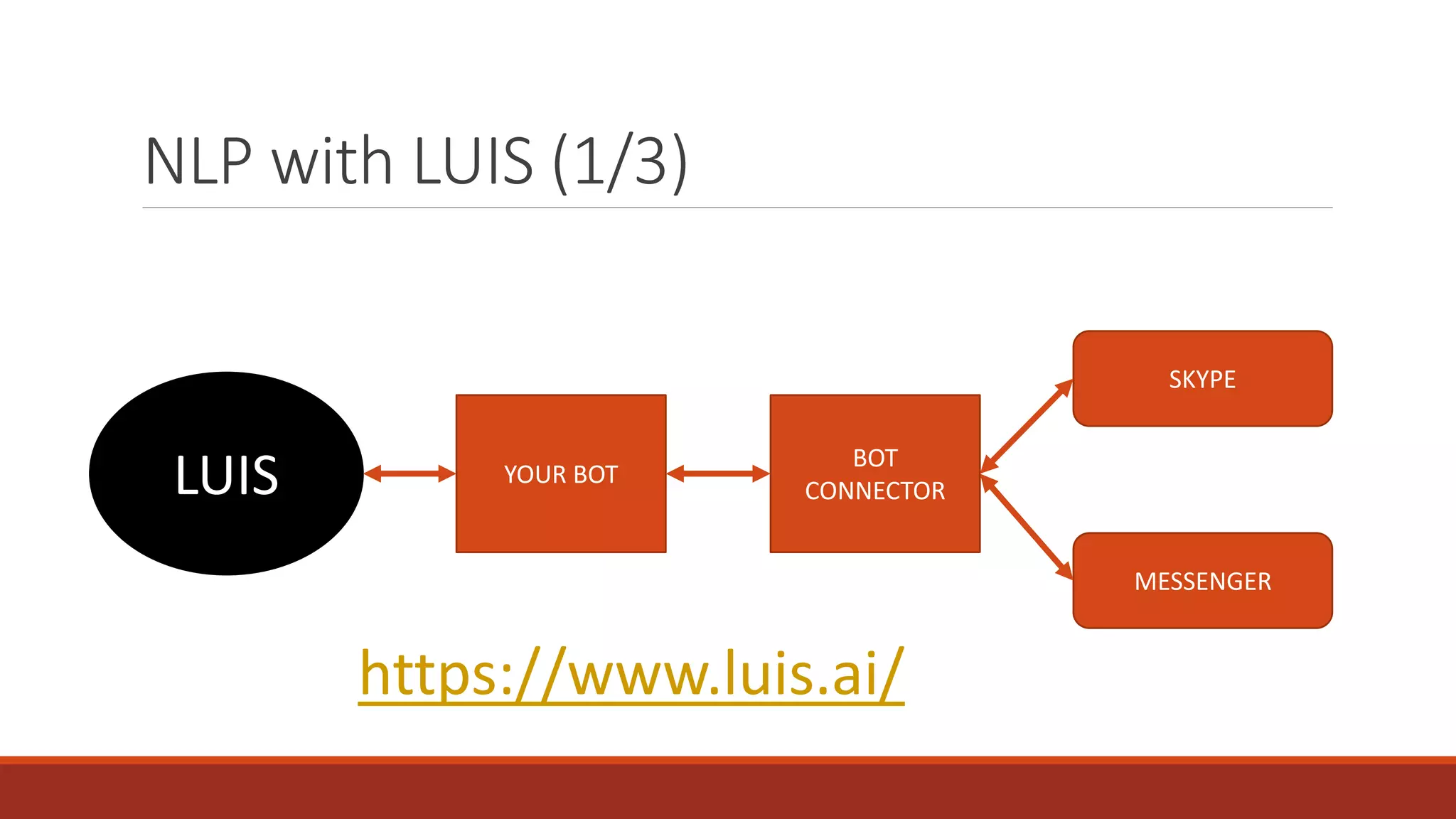
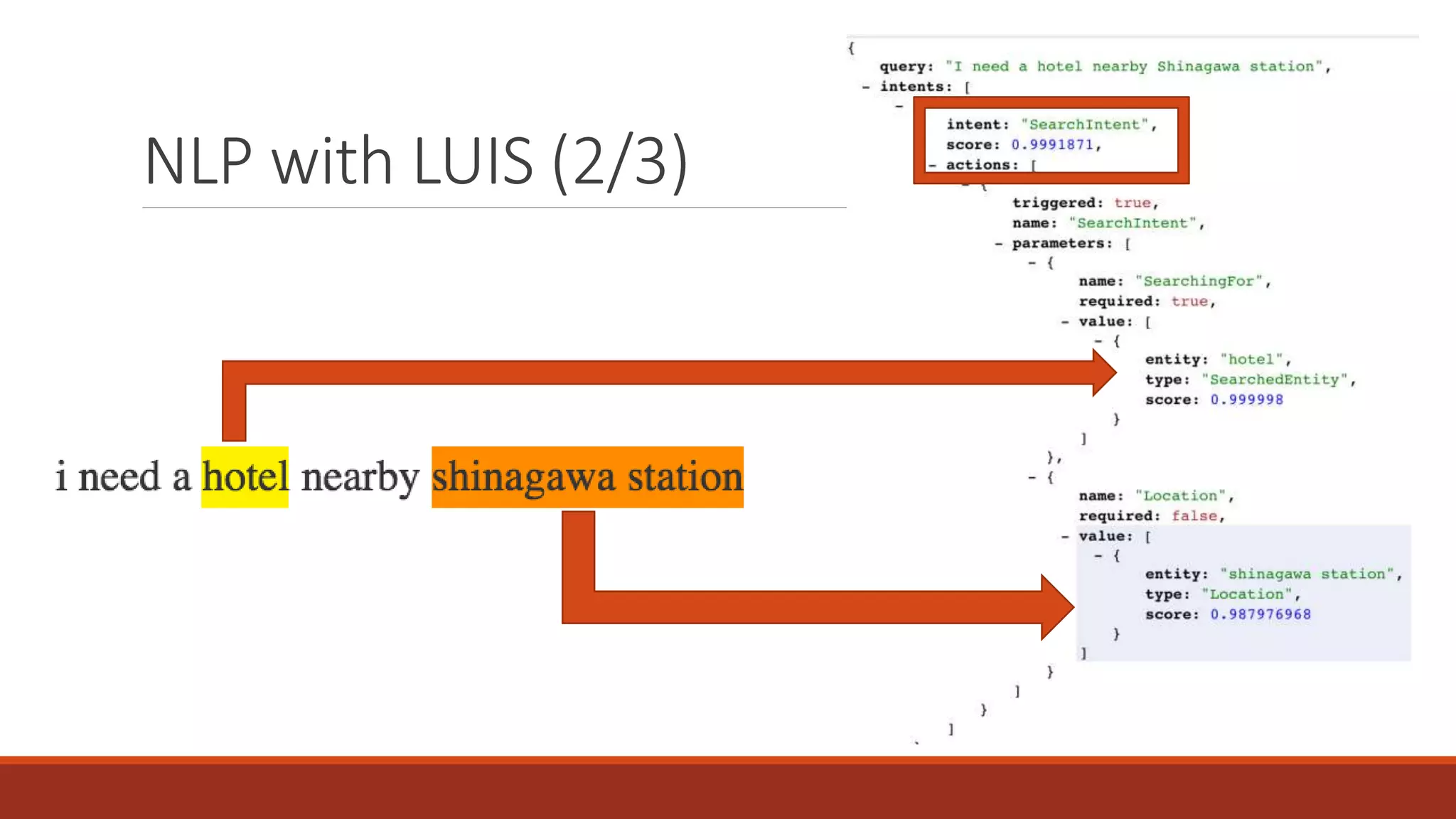
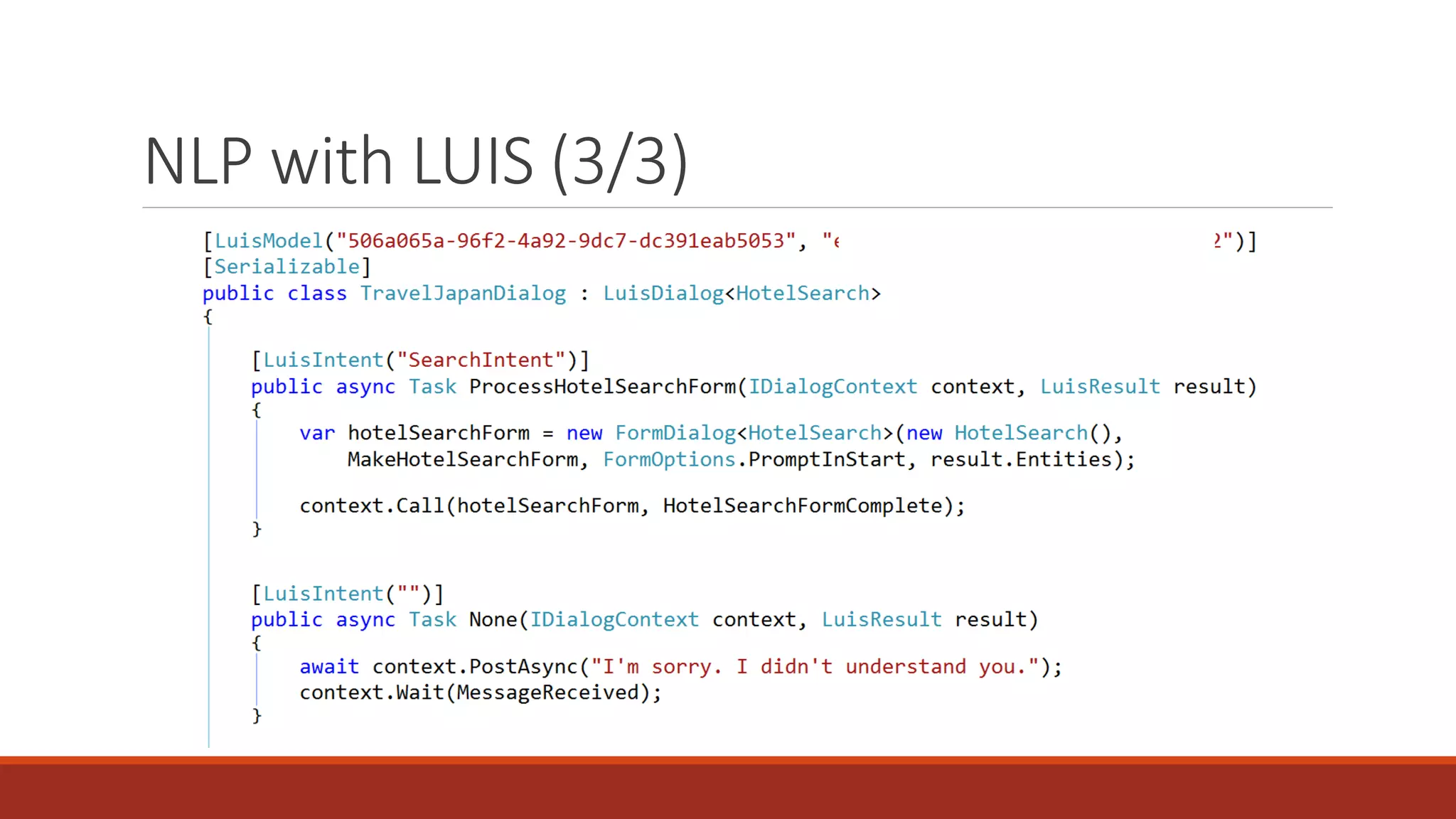
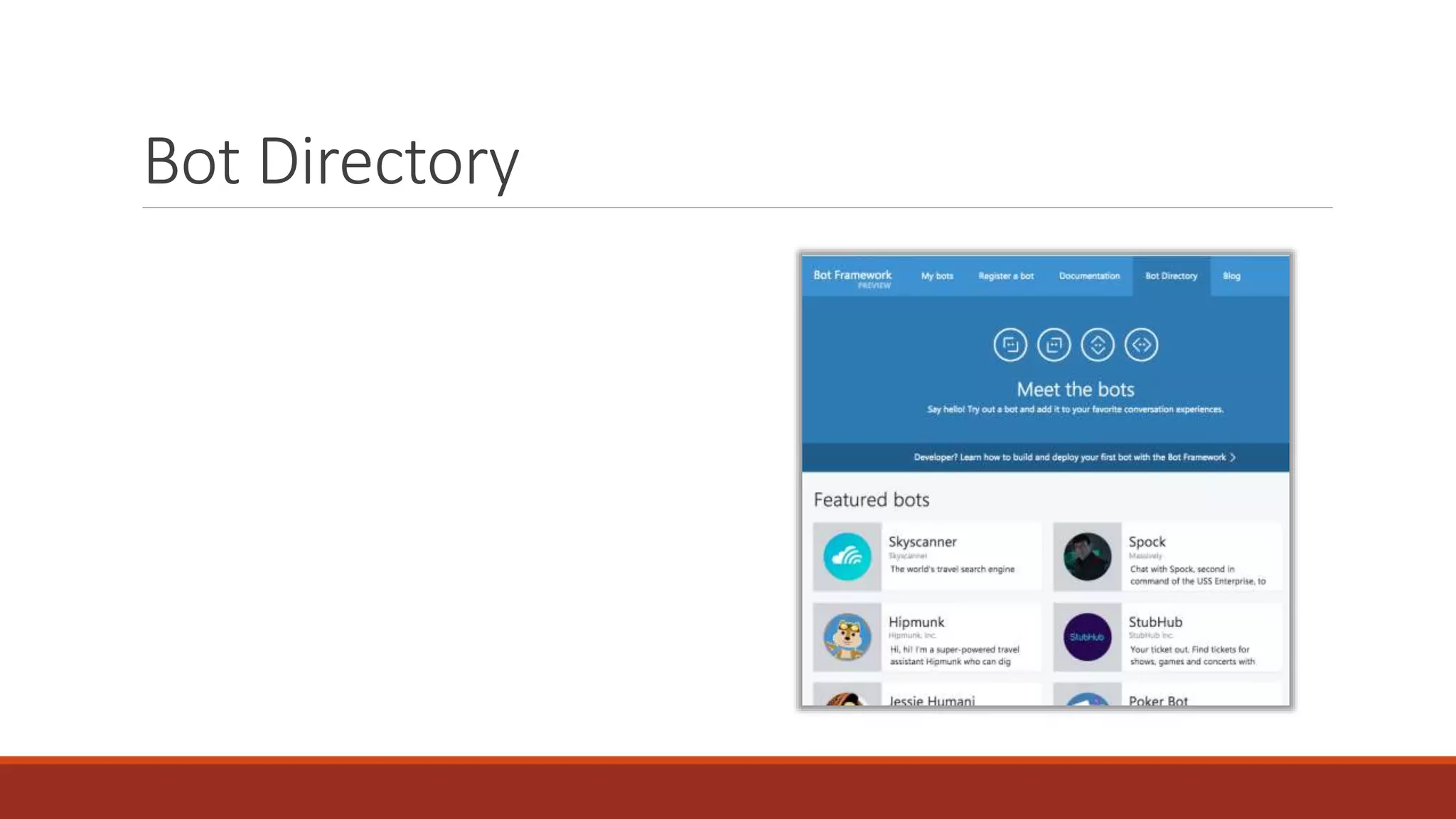

The document introduces the Microsoft Bot Framework, which was unveiled at the Build conference in March 2016. It outlines the steps to create a bot using an open-source SDK compatible with ASP.NET, emphasizing the use of the Bot Connector and integration with the Language Understanding Intelligent Service (LUIS). Additionally, it provides useful links for development resources and local bot testing.


![[DevDay2019] Micro Frontends Architecture - By Thang Pham, Senior Software En...](https://cdn.slidesharecdn.com/ss_thumbnails/microfrontendsarchitectureedit-190410074045-thumbnail.jpg?width=640&height=640&fit=bounds)


![Fundamentals of Extending Magento 2 - php[world] 2015](https://cdn.slidesharecdn.com/ss_thumbnails/talk2-fundamentalsofextendingmagento2-151120140930-lva1-app6892-thumbnail.jpg?width=640&height=640&fit=bounds)
![How to Install Magento 2 [Latest Version]](https://cdn.slidesharecdn.com/ss_thumbnails/how-to-install-magento2-150917083137-lva1-app6892-thumbnail.jpg?width=640&height=640&fit=bounds)


![Vibe Coding vs. Spec-Driven Development [Free Meetup]](https://cdn.slidesharecdn.com/ss_thumbnails/vibecodingvsspecdrivendevelopment-251209105622-43f455e7-thumbnail.jpg?width=640&height=640&fit=bounds)


