•Explain the steps involve in reading and writing to
a file in c++ program
•Reading from a File:
•1. Include Necessary Headers:
•#include <iostream> and #include <fstream> are necessary to
enable input/output operations and file streaming in C++.
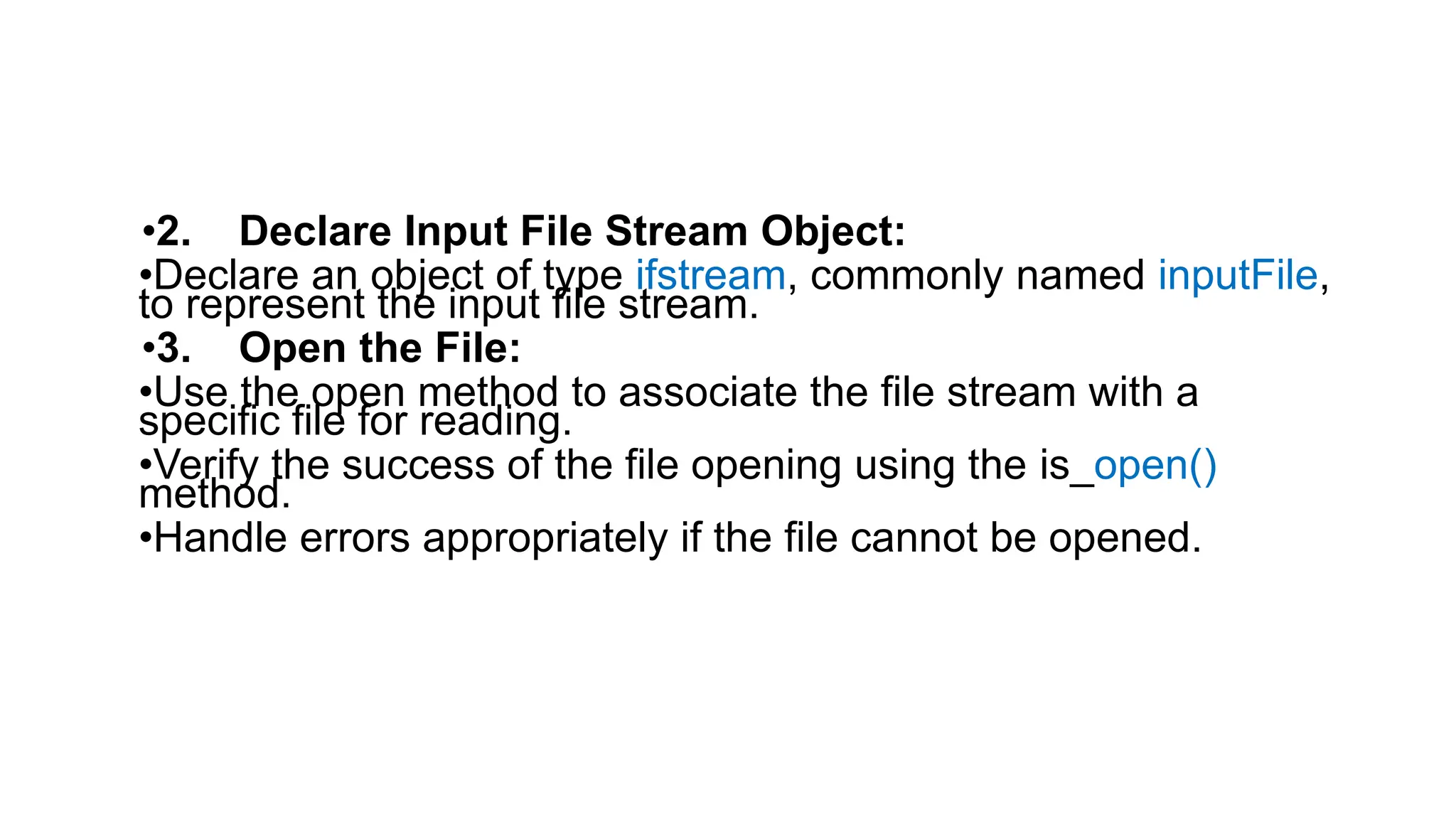
•2. Declare Input File Stream Object:
•Declare an object of type ifstream, commonly named inputFile,
to represent the input file stream.
•3. Open the File:
•Use the open method to associate the file stream with a
specific file for reading.
•Verify the success of the file opening using the is_open()
method.
•Handle errors appropriately if the file cannot be opened.
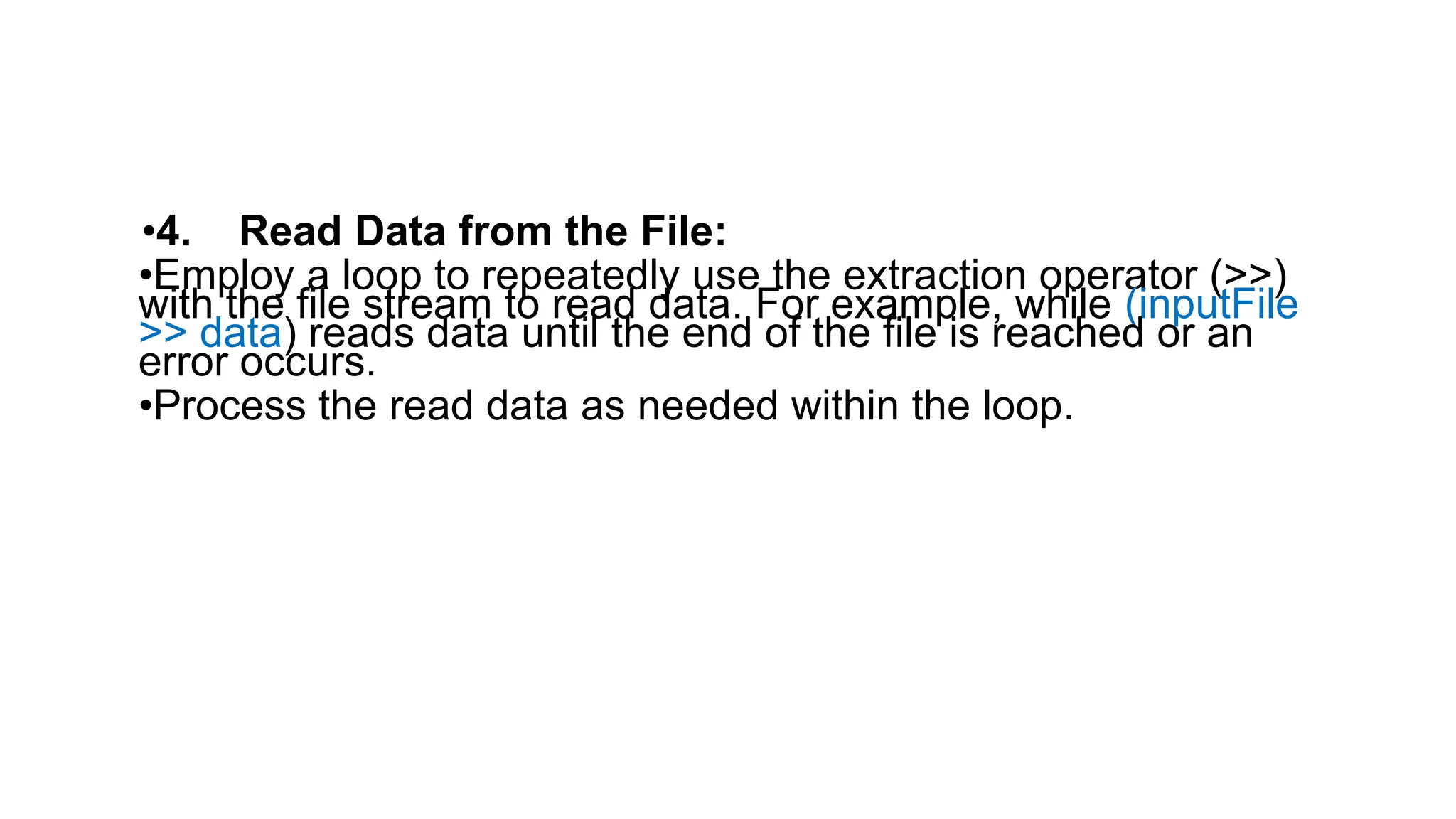
•4. Read Data from the File:
•Employ a loop to repeatedly use the extraction operator (>>)
with the file stream to read data. For example, while (inputFile
>> data) reads data until the end of the file is reached or an
error occurs.
•Process the read data as needed within the loop.
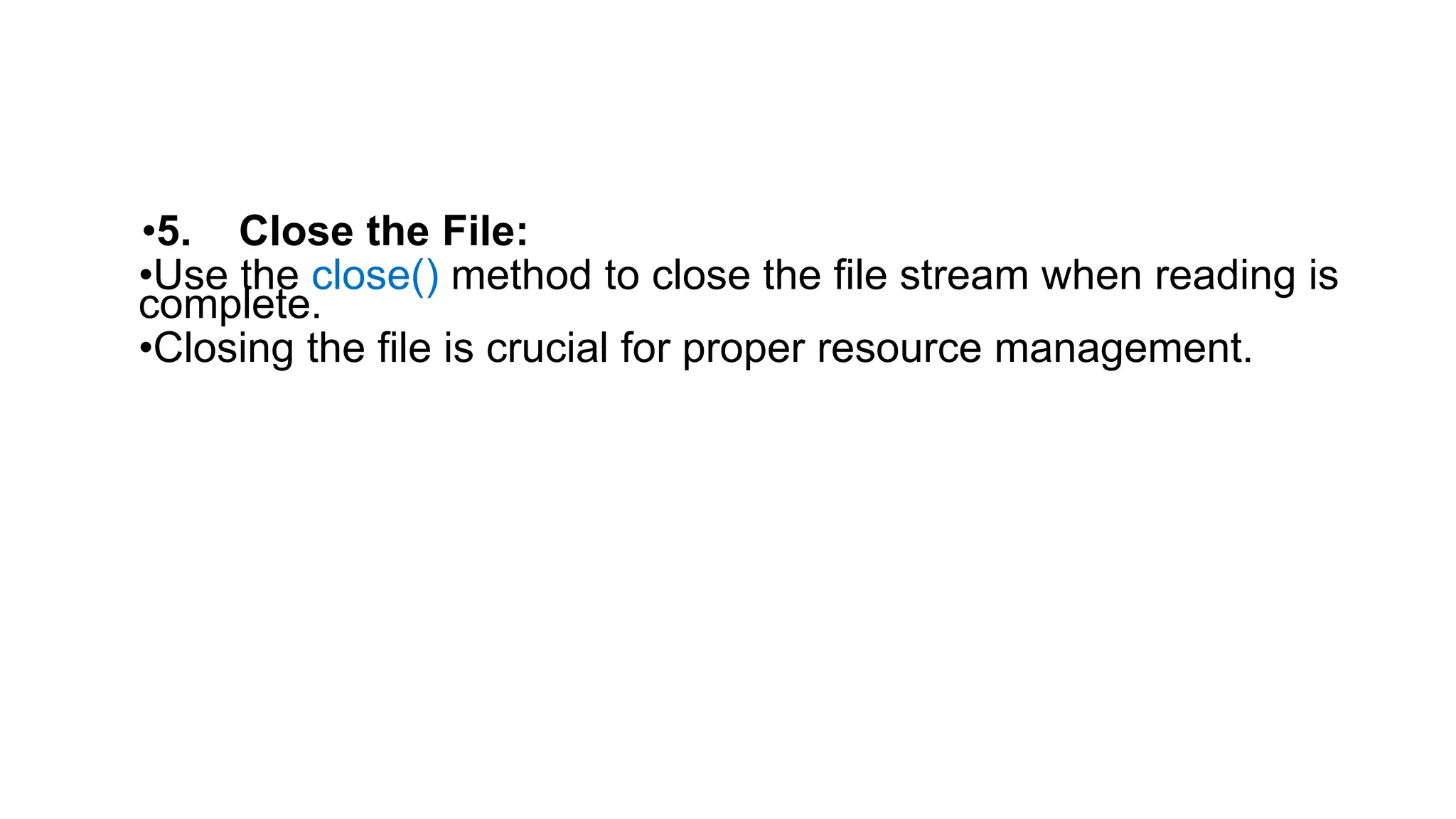
•5. Close the File:
•Use the close() method to close the file stream when reading is
complete.
•Closing the file is crucial for proper resource management.
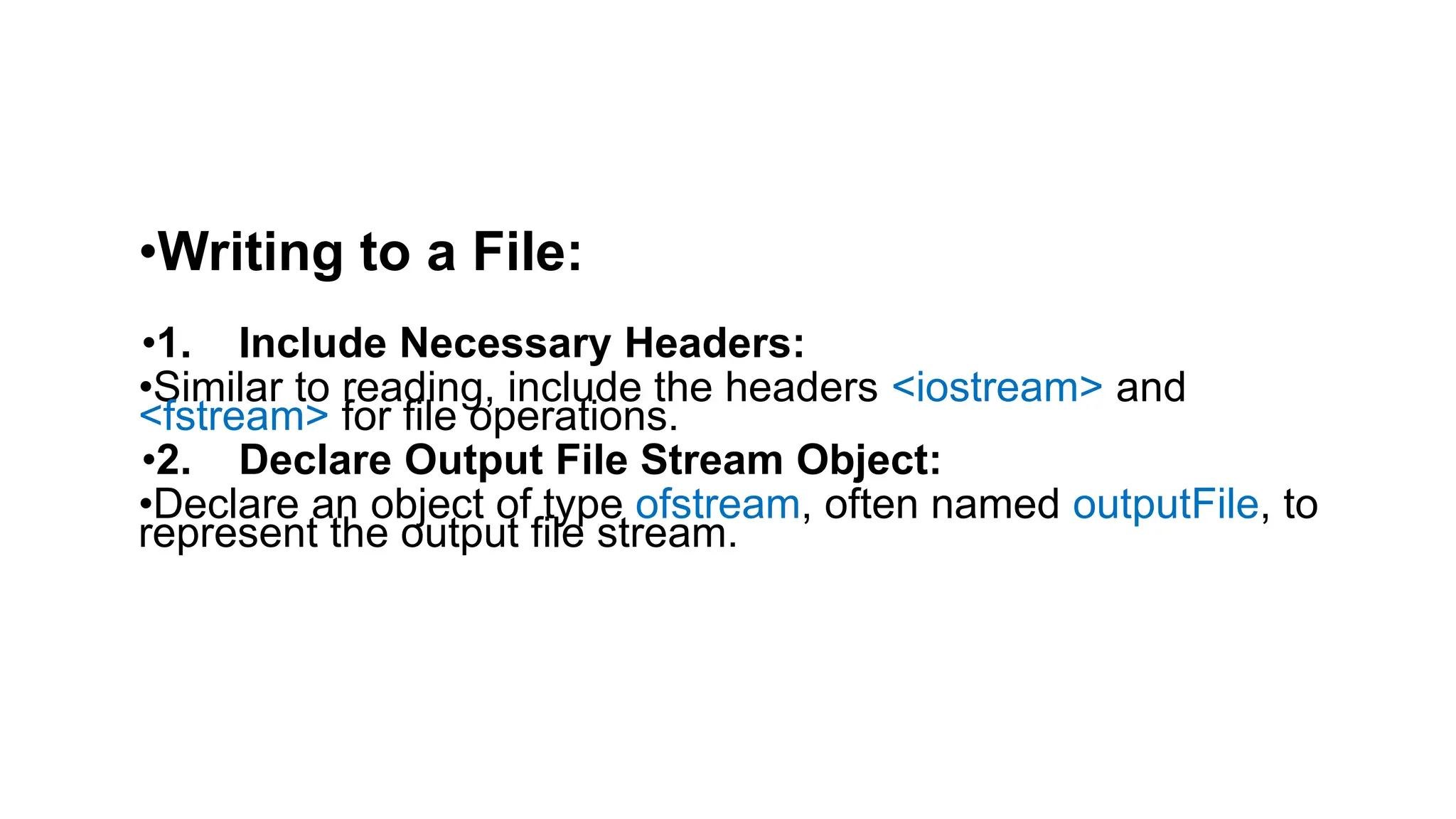
•Writing to a File:
•1. Include Necessary Headers:
•Similar to reading, include the headers <iostream> and
<fstream> for file operations.
•2. Declare Output File Stream Object:
•Declare an object of type ofstream, often named outputFile, to
represent the output file stream.
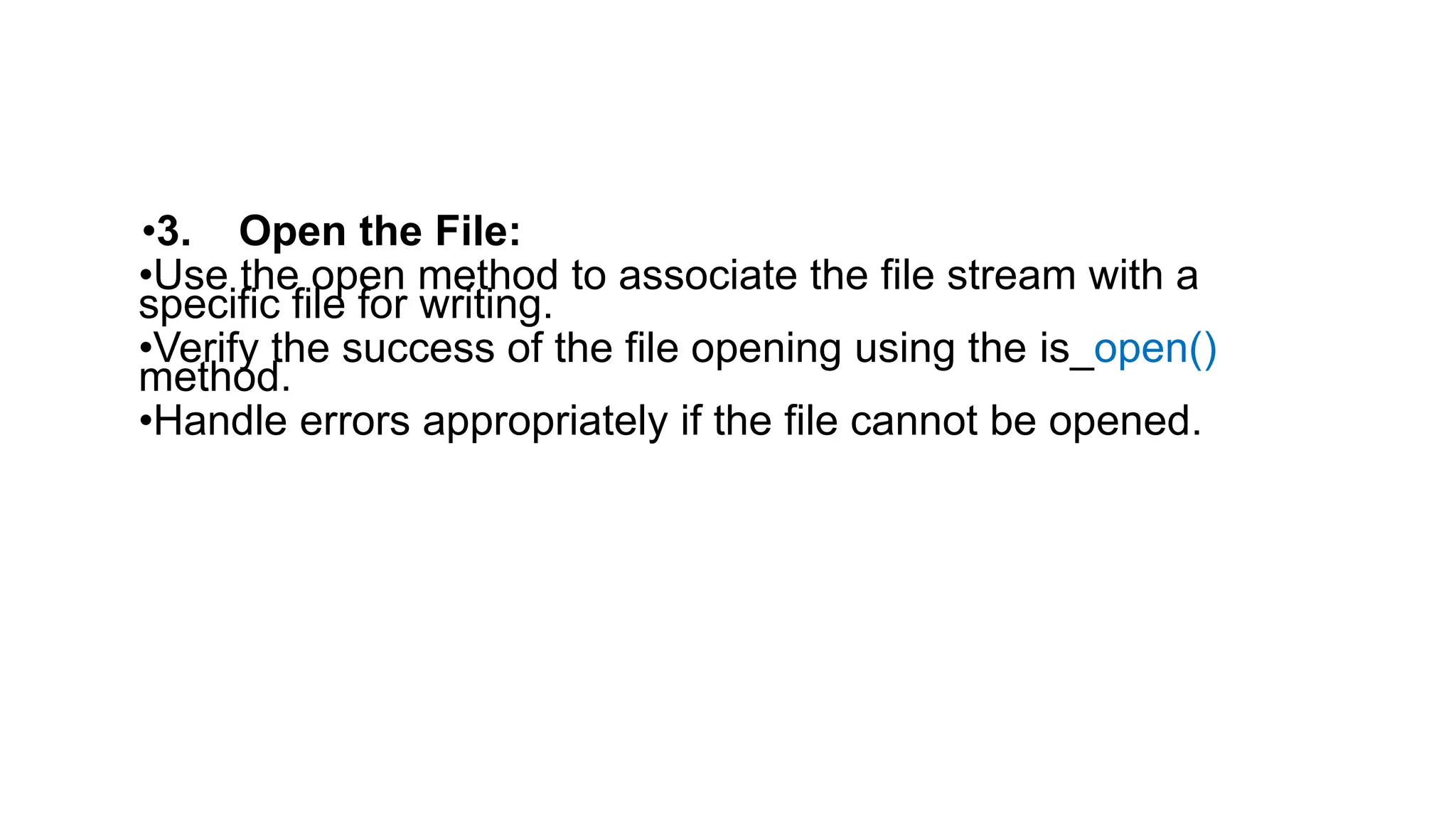
•3. Open the File:
•Use the open method to associate the file stream with a
specific file for writing.
•Verify the success of the file opening using the is_open()
method.
•Handle errors appropriately if the file cannot be opened.
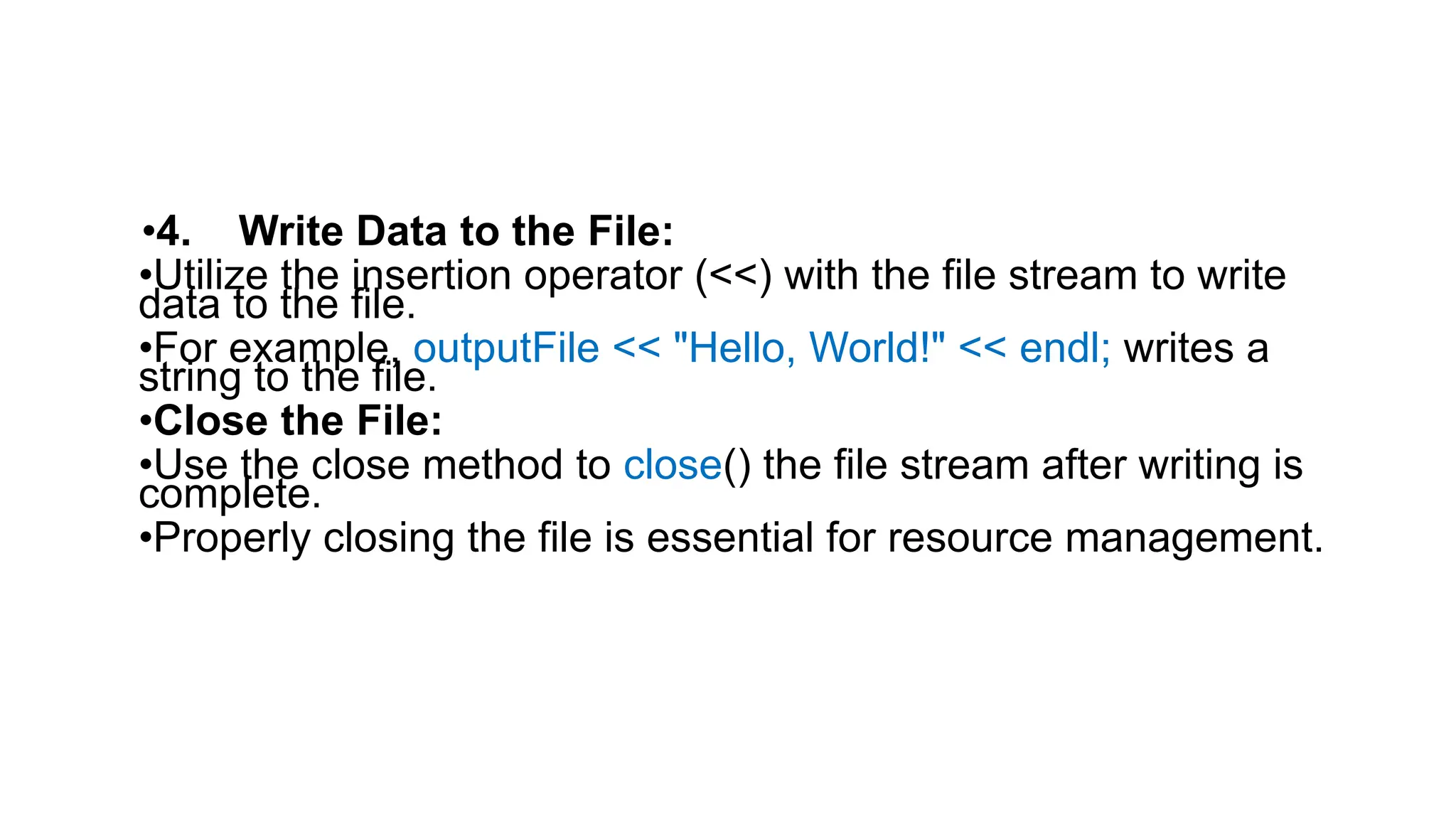
•4. Write Data to the File:
•Utilize the insertion operator (<<) with the file stream to write
data to the file.
•For example, outputFile << "Hello, World!" << endl; writes a
string to the file.
•Close the File:
•Use the close method to close() the file stream after writing is
complete.
•Properly closing the file is essential for resource management.

this file is related to c++ files how to write and read from files

  • 2.
    •Explain the stepsinvolve in reading and writing to a file in c++ program •Reading from a File: •1. Include Necessary Headers: •#include <iostream> and #include <fstream> are necessary to enable input/output operations and file streaming in C++.
  • 3.
    •2. Declare InputFile Stream Object: •Declare an object of type ifstream, commonly named inputFile, to represent the input file stream. •3. Open the File: •Use the open method to associate the file stream with a specific file for reading. •Verify the success of the file opening using the is_open() method. •Handle errors appropriately if the file cannot be opened.
  • 4.
    •4. Read Datafrom the File: •Employ a loop to repeatedly use the extraction operator (>>) with the file stream to read data. For example, while (inputFile >> data) reads data until the end of the file is reached or an error occurs. •Process the read data as needed within the loop.
  • 5.
    •5. Close theFile: •Use the close() method to close the file stream when reading is complete. •Closing the file is crucial for proper resource management.
  • 6.
    •Writing to aFile: •1. Include Necessary Headers: •Similar to reading, include the headers <iostream> and <fstream> for file operations. •2. Declare Output File Stream Object: •Declare an object of type ofstream, often named outputFile, to represent the output file stream.
  • 7.
    •3. Open theFile: •Use the open method to associate the file stream with a specific file for writing. •Verify the success of the file opening using the is_open() method. •Handle errors appropriately if the file cannot be opened.
  • 8.
    •4. Write Datato the File: •Utilize the insertion operator (<<) with the file stream to write data to the file. •For example, outputFile << "Hello, World!" << endl; writes a string to the file. •Close the File: •Use the close method to close() the file stream after writing is complete. •Properly closing the file is essential for resource management.