FILE HANDLING
By:
Divyadharshini K-22X013
Sukeerthi K-22X053
Tamilini S-22X056
Vishnuvardani K S-22X059
• File handling is used to store data permanently
in a computer.
• Using file handling we can store our data in
secondary memory (Hard disk).
How to achieve the File Handling?
• For achieving file handling we need to follow
the following steps:-
What is file handling?
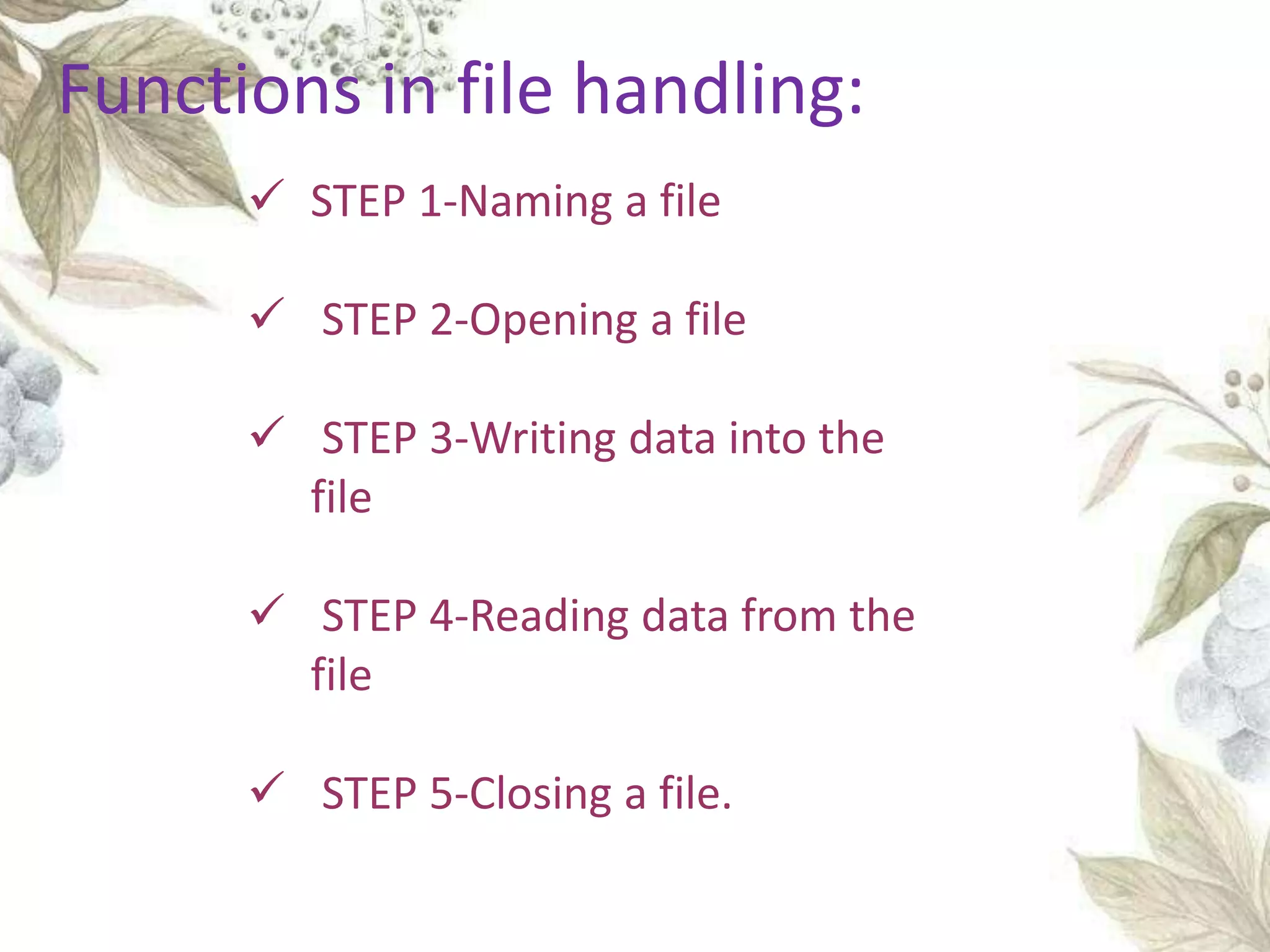
 STEP 1-Naming a file
 STEP 2-Opening a file
 STEP 3-Writing data into the
file
 STEP 4-Reading data from the
file
 STEP 5-Closing a file.
Functions in file handling:
• We give input to the executing program and the
execution program gives back the output.
• The sequence of bytes given as input to the
executing program and the sequence of bytes
that comes as output from the executing
program are called stream.
• In other words, streams are nothing but the
• flow of data in a sequence.
STREAMS
• The input and output operation between
the executing program and the devices like
keyboard and monitor are known as “console I/O
operation”.
• The input and output operation between the
executing program and files are known as “disk I/O
operation”.
• The iostream.h library holds all the stream
classes in the C++ programming language.
iostream
• This class is the base class for all stream
classes.
• The streams can be input or output streams.
• This class defines members that are
independent of how the templates of the class
are defined.
ios class
• The istream class handles the input stream in
c++ programming language.
• These input stream objects are used to read
and interpret the input as a sequence of
characters.
• The cin handles the input.
istream Class
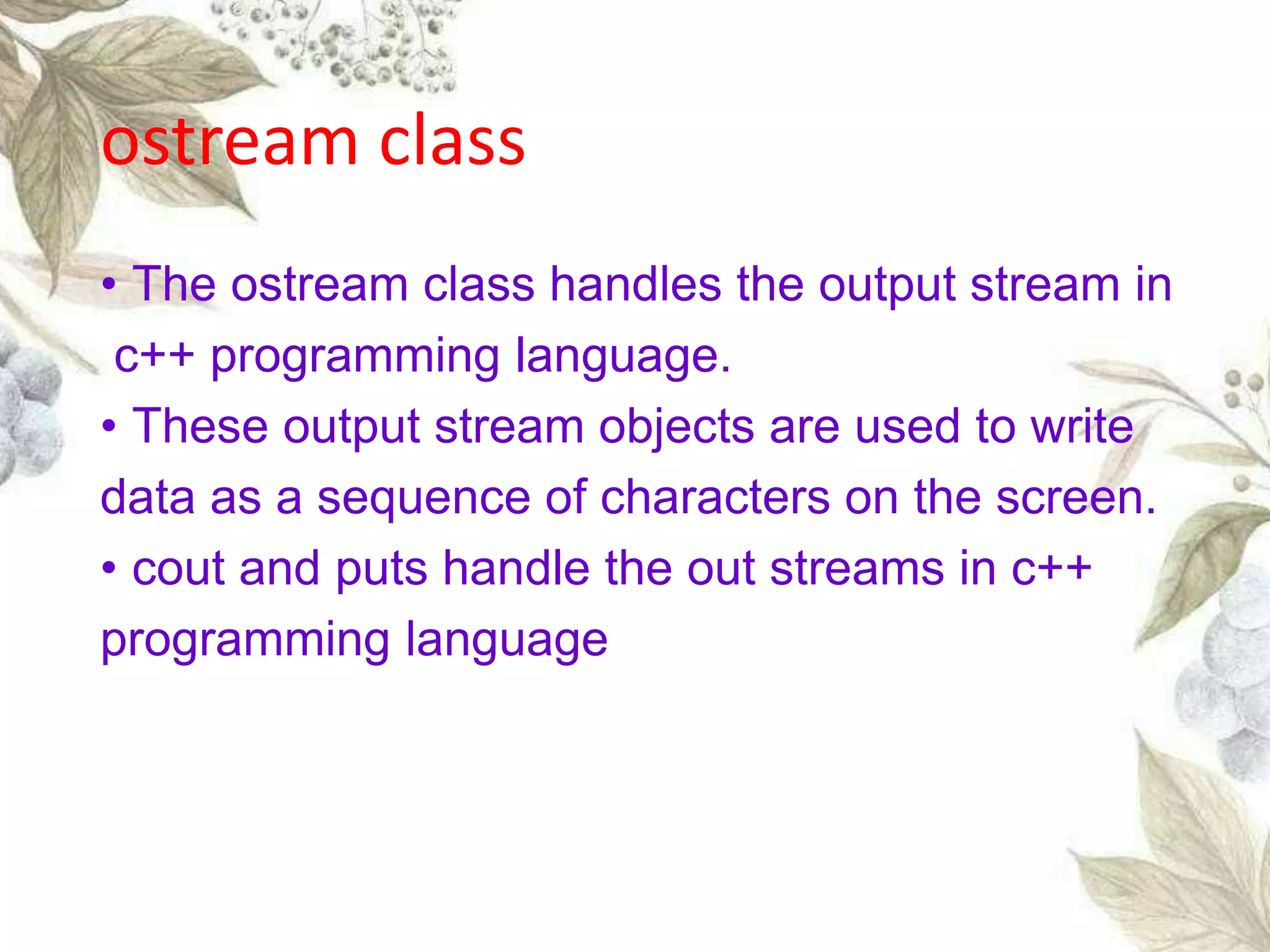
• The ostream class handles the output stream in
c++ programming language.
• These output stream objects are used to write
data as a sequence of characters on the screen.
• cout and puts handle the out streams in c++
programming language
ostream class
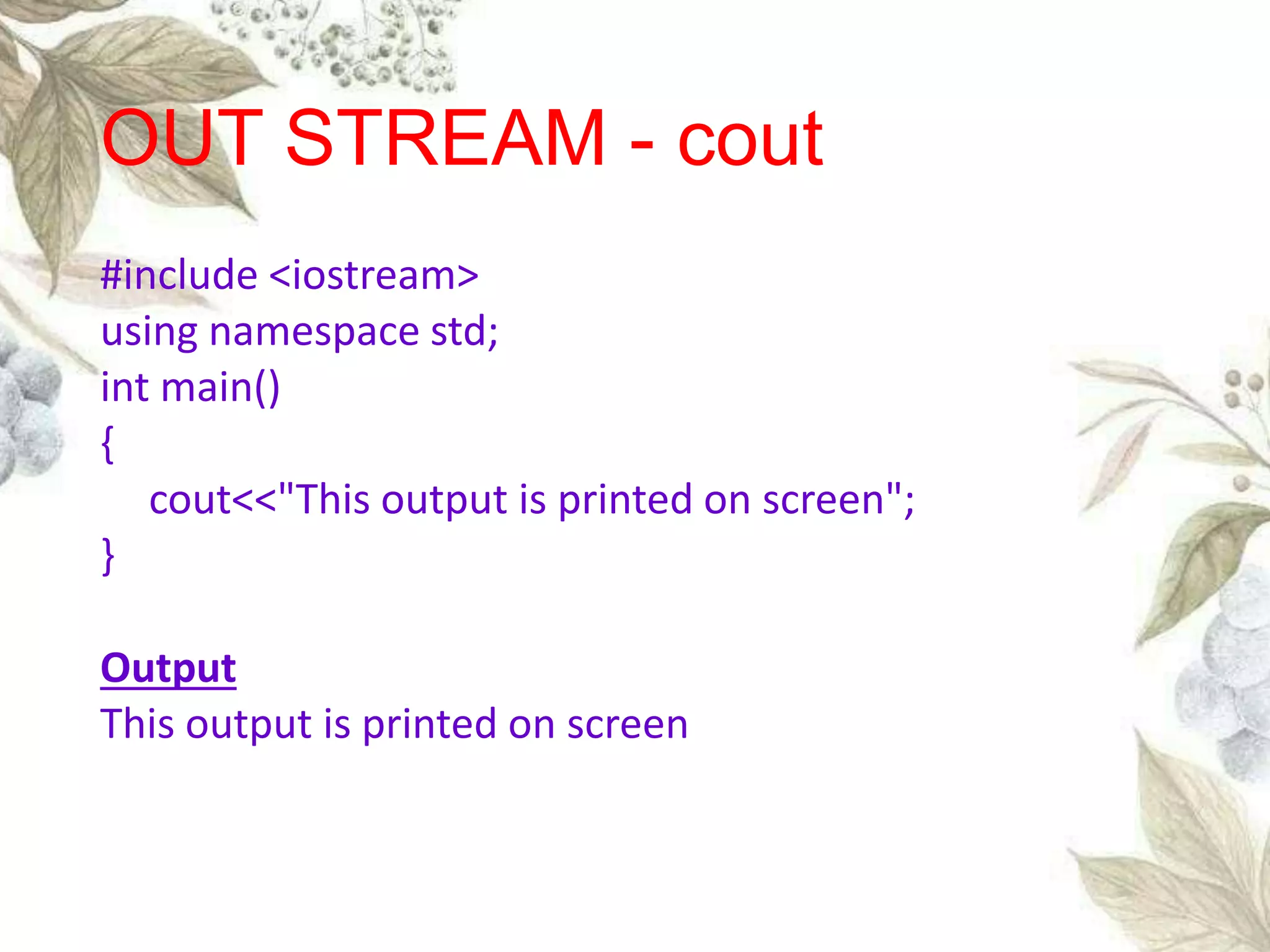
#include <iostream>
using namespace std;
int main()
{
cout<<"This output is printed on screen";
}
Output
This output is printed on screen
OUT STREAM - cout
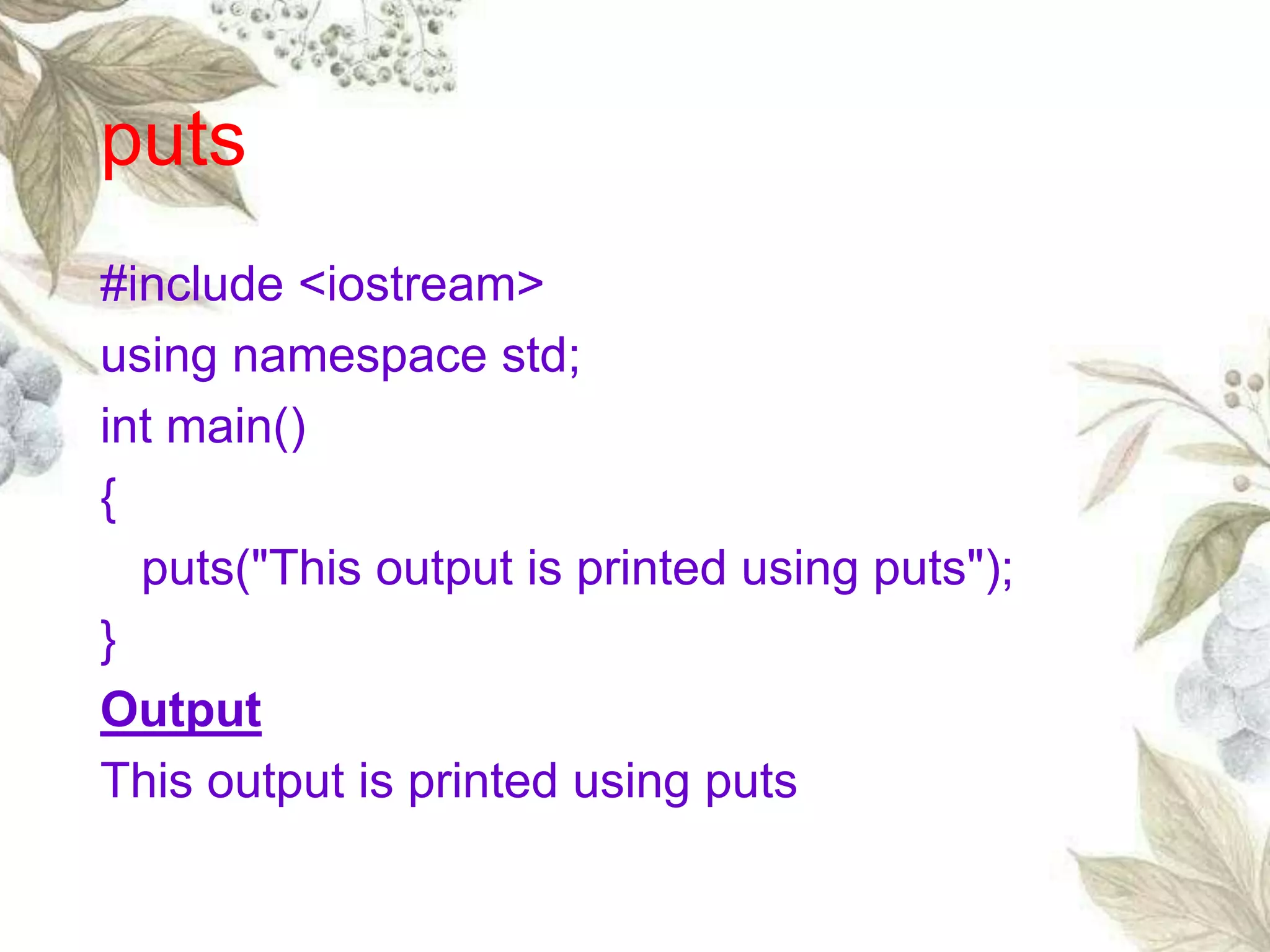
puts
#include <iostream>
using namespace std;
int main()
{
puts("This output is printed using puts");
}
Output
This output is printed using puts
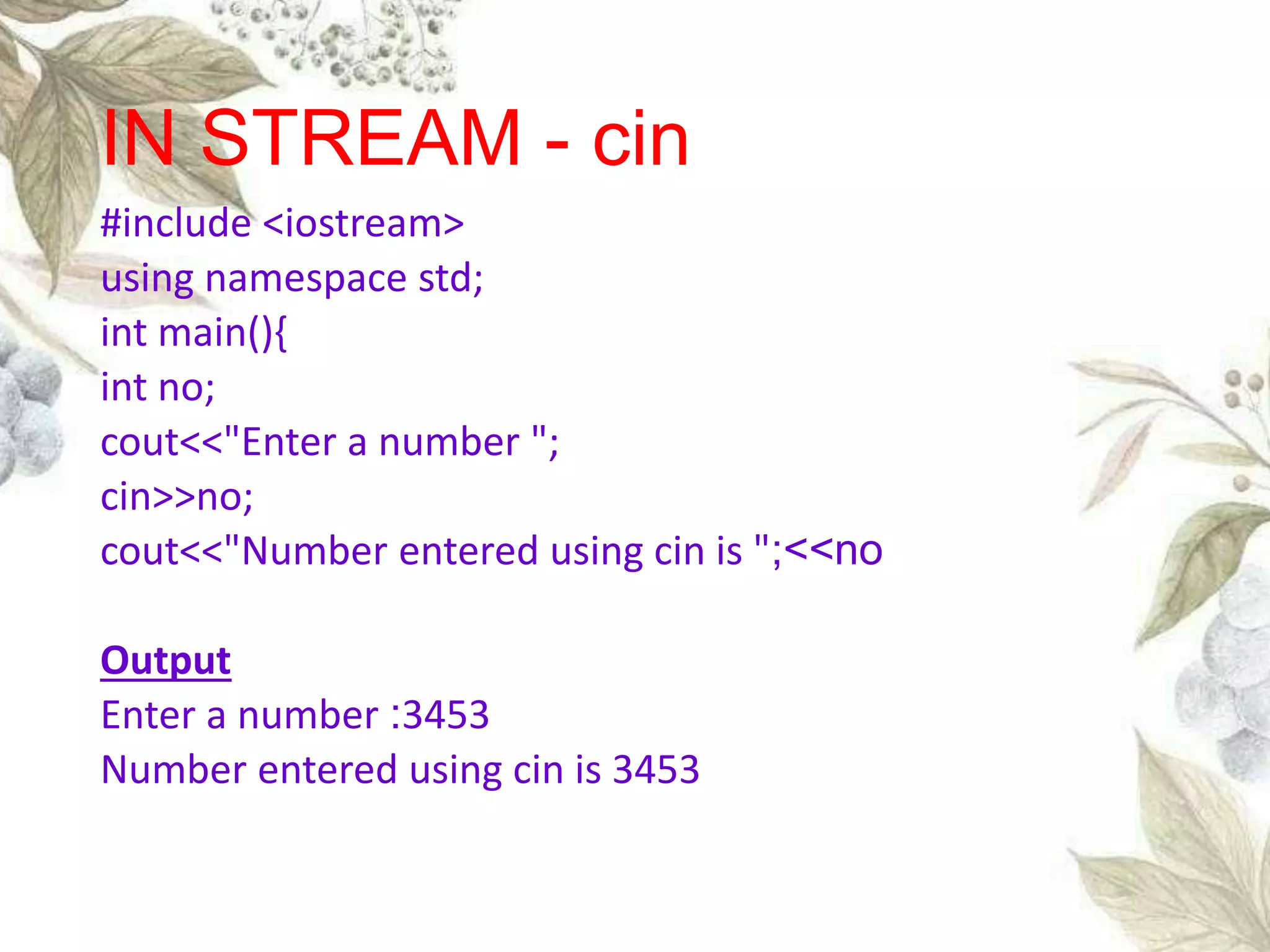
#include <iostream>
using namespace std;
int main(){
int no;
cout<<"Enter a number ";
cin>>no;
cout<<"Number entered using cin is ";<<no
Output
Enter a number :3453
Number entered using cin is 3453
IN STREAM - cin
gets
#include <iostream>
using namespace std;
int main()
{
char ch[10];
puts("Enter a character array");
gets(ch);
puts("The character array entered using gets is : ");
puts(ch);
}
Output
Enter a character array : thdgf
The character array entered using gets is : thdgf
Consider an example of declaring the examination
result. Design three classes: Student, Exam and
Result. The Student class has data members such
as those representing roll number name, etc.
Create
the class Exam by inheriting the Student class.
The
Exam class adds dat members representing the
marks scored in six subjects. Derive the Result
from the Exam clas and it has its own data
members such as total_marks. Write an interactive
program to mode this relationship.
EXAMPLE
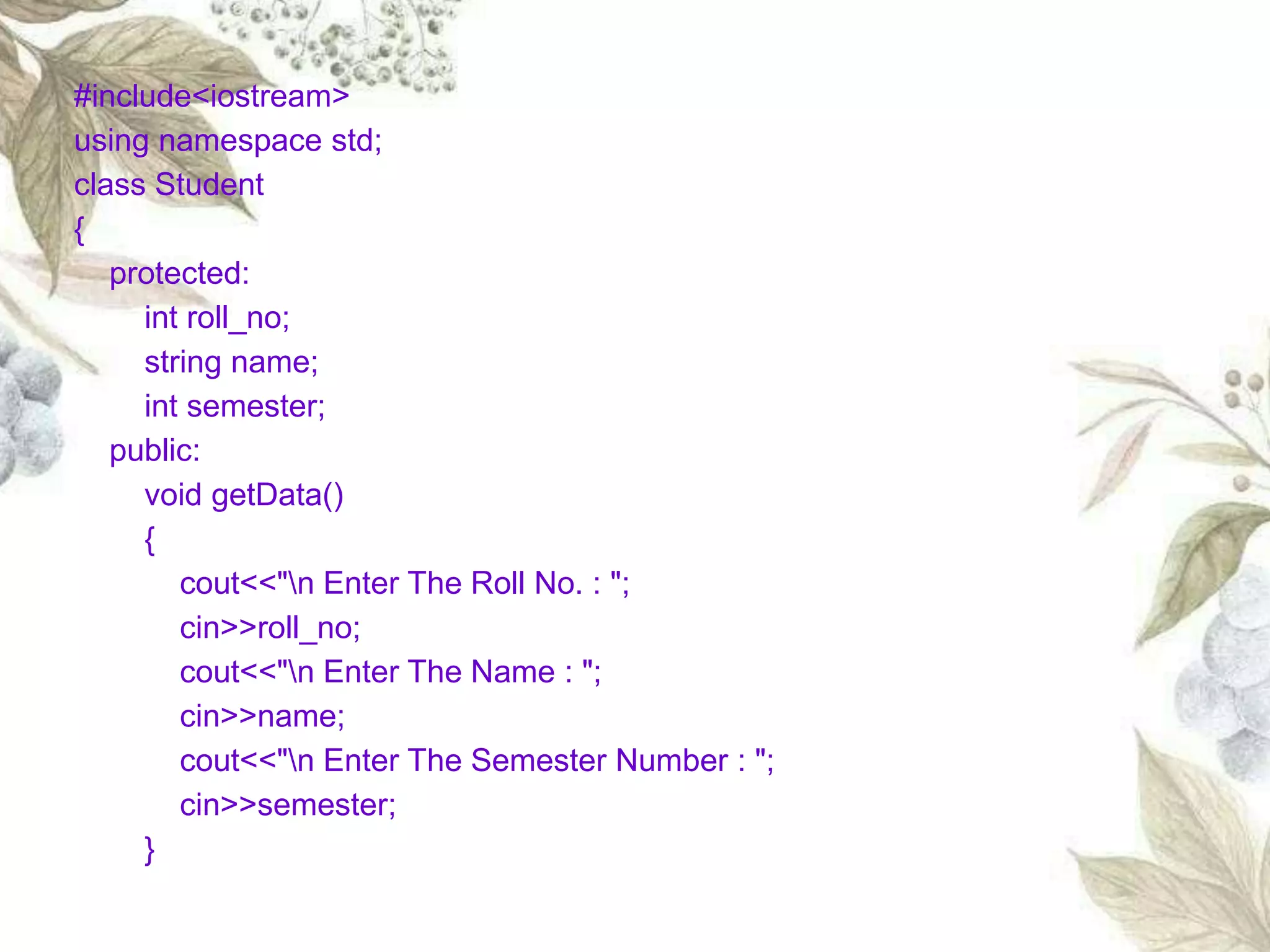
#include<iostream>
using namespace std;
class Student
{
protected:
int roll_no;
string name;
int semester;
public:
void getData()
{
cout<<"n Enter The Roll No. : ";
cin>>roll_no;
cout<<"n Enter The Name : ";
cin>>name;
cout<<"n Enter The Semester Number : ";
cin>>semester;
}
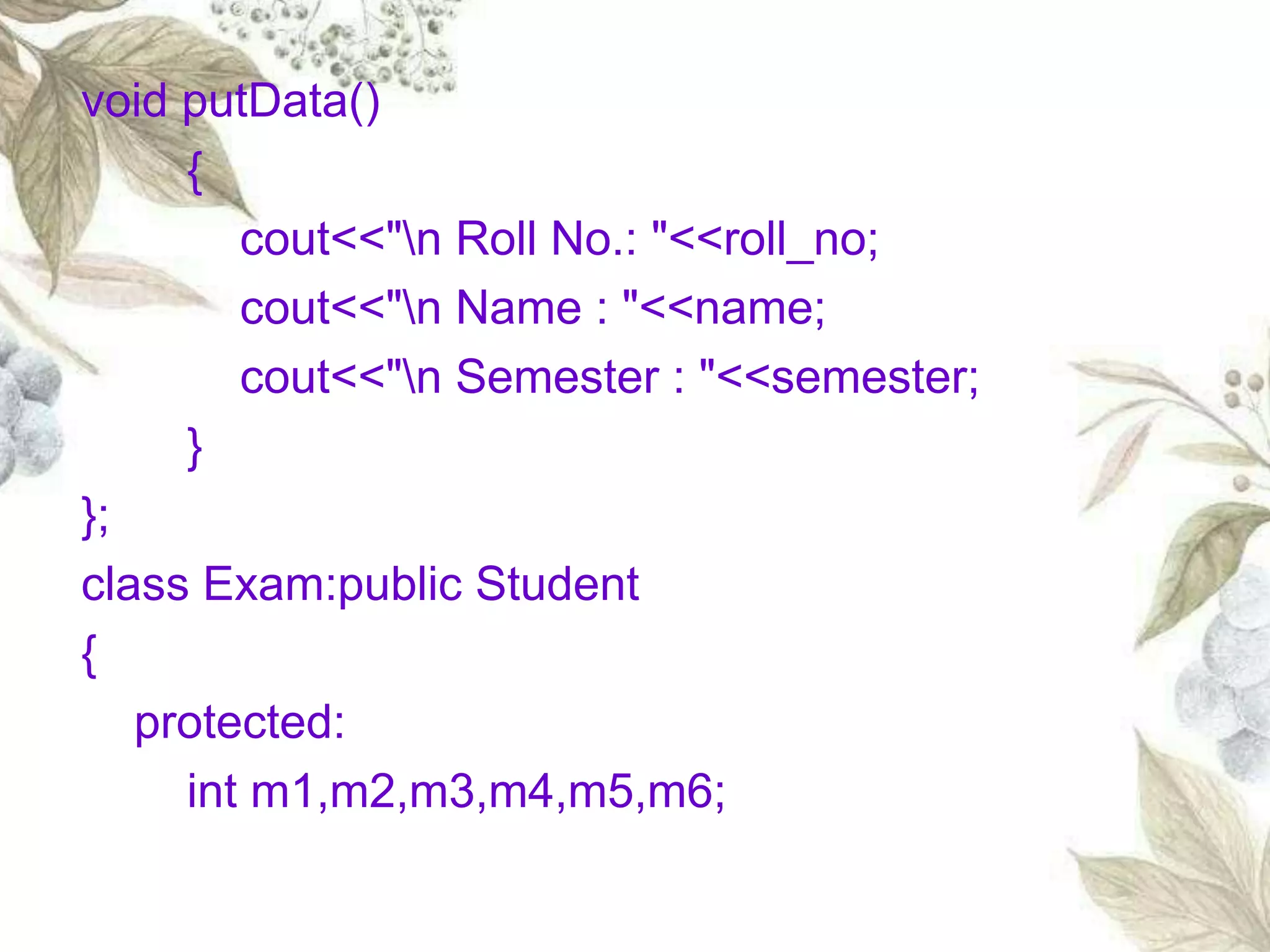
void putData()
{
cout<<"n Roll No.: "<<roll_no;
cout<<"n Name : "<<name;
cout<<"n Semester : "<<semester;
}
};
class Exam:public Student
{
protected:
int m1,m2,m3,m4,m5,m6;
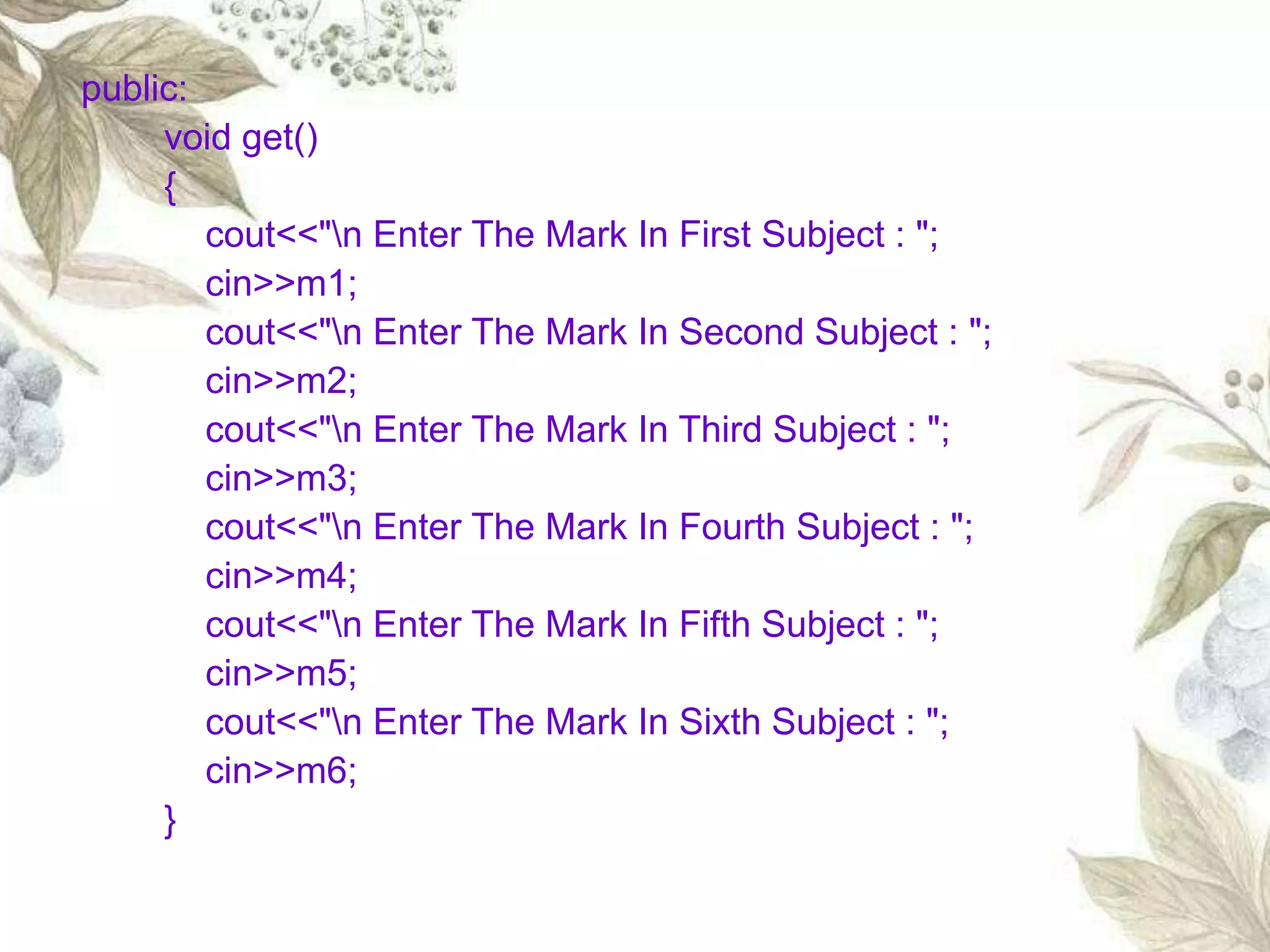
public:
void get()
{
cout<<"n Enter The Mark In First Subject : ";
cin>>m1;
cout<<"n Enter The Mark In Second Subject : ";
cin>>m2;
cout<<"n Enter The Mark In Third Subject : ";
cin>>m3;
cout<<"n Enter The Mark In Fourth Subject : ";
cin>>m4;
cout<<"n Enter The Mark In Fifth Subject : ";
cin>>m5;
cout<<"n Enter The Mark In Sixth Subject : ";
cin>>m6;
}
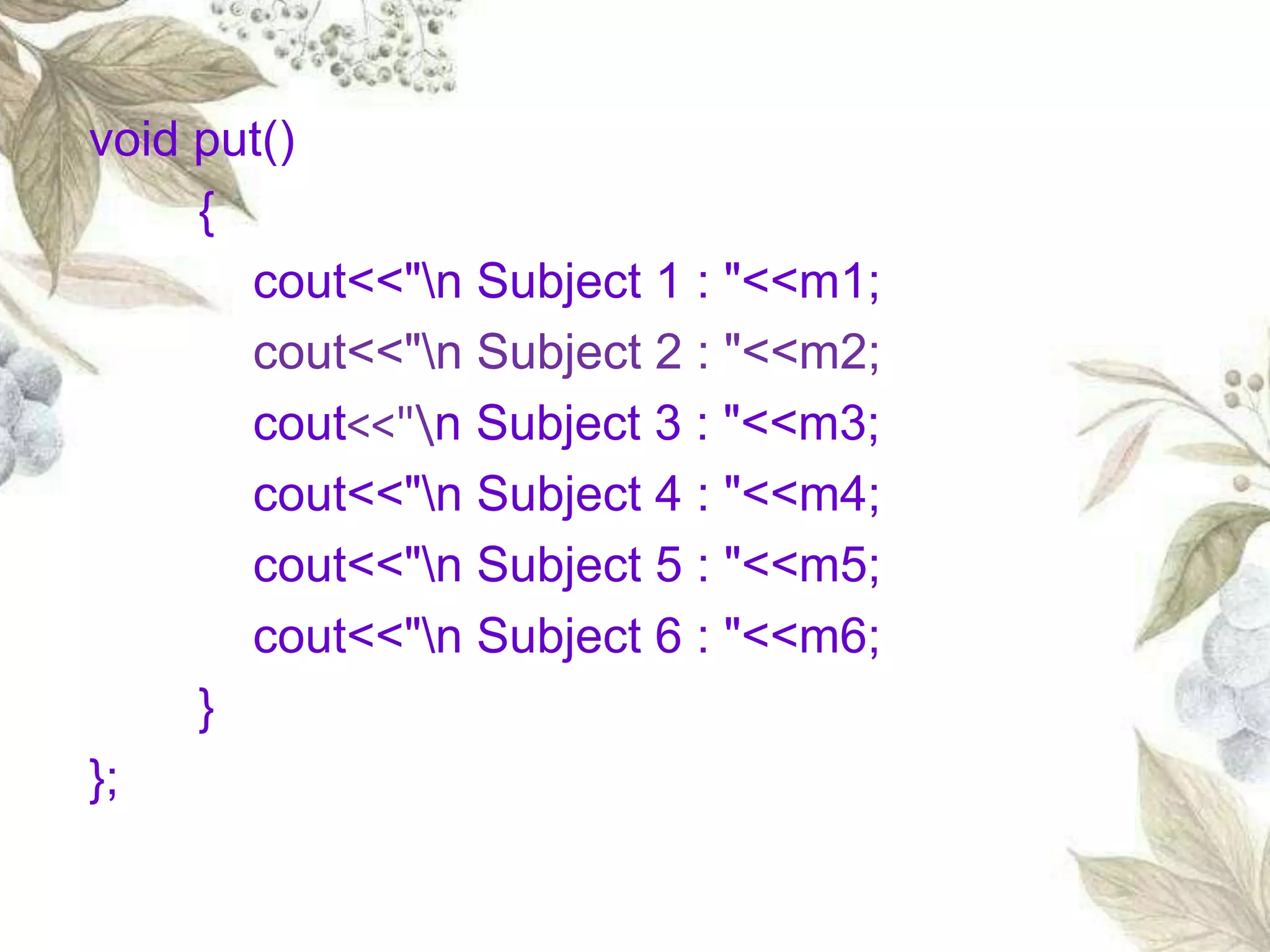
void put()
{
cout<<"n Subject 1 : "<<m1;
cout<<"n Subject 2 : "<<m2;
cout<<"n Subject 3 : "<<m3;
cout<<"n Subject 4 : "<<m4;
cout<<"n Subject 5 : "<<m5;
cout<<"n Subject 6 : "<<m6;
}
};
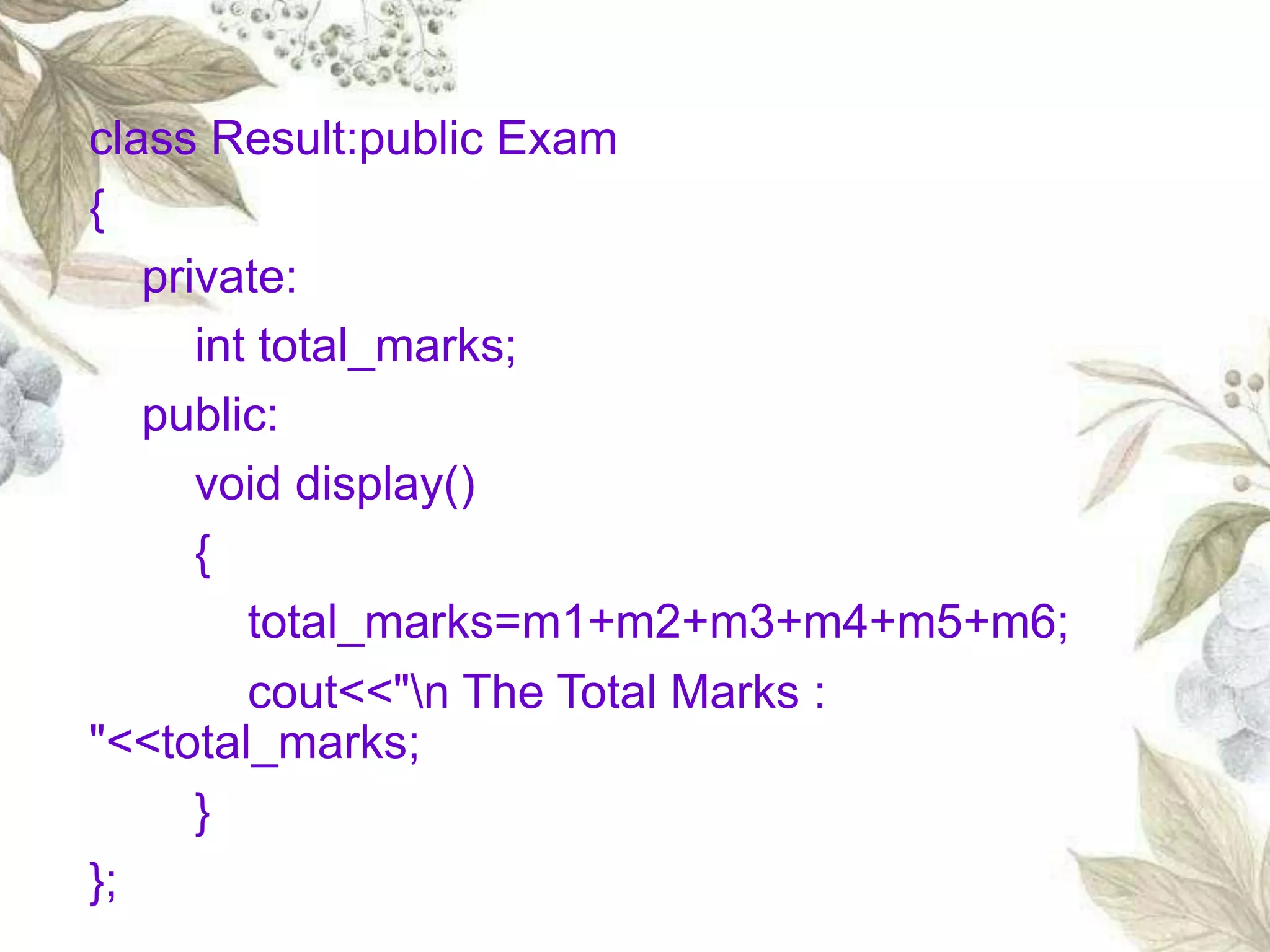
class Result:public Exam
{
private:
int total_marks;
public:
void display()
{
total_marks=m1+m2+m3+m4+m5+m6;
cout<<"n The Total Marks :
"<<total_marks;
}
};
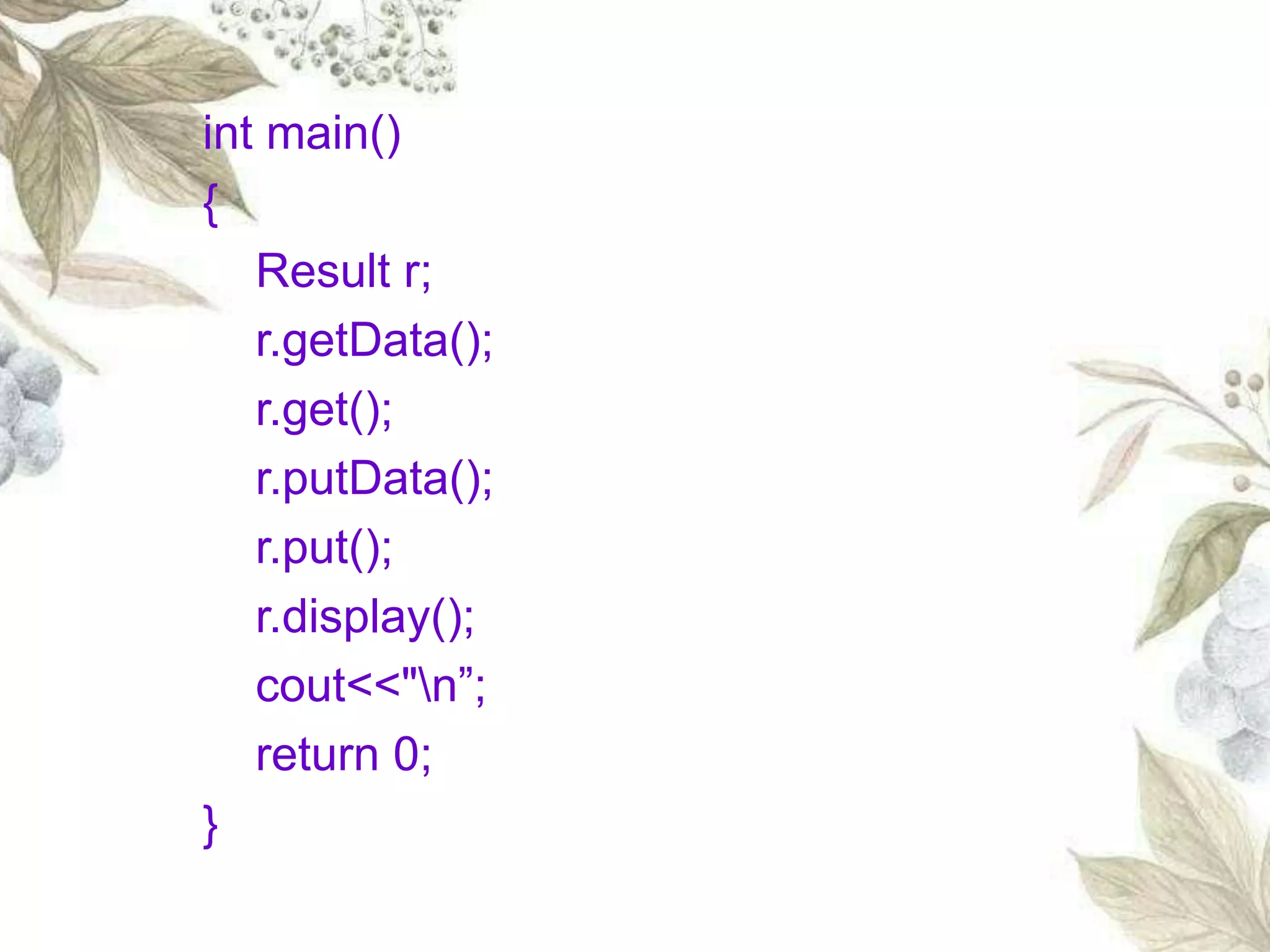
int main()
{
Result r;
r.getData();
r.get();
r.putData();
r.put();
r.display();
cout<<"n”;
return 0;
}
Enter The Roll No. : 59
Enter The Name : vishnuvardani
Enter The Semester Number : 2
Enter The Mark In First Subject : 94
Enter The Mark In Second Subject : 95
Enter The Mark In Third Subject : 96
Enter The Mark In Fourth Subject : 97
Enter The Mark In Fifth Subject : 98
Enter The Mark In Sixth Subject : 99
Roll No.: 59
Name : vishnuvardani
Semester : 2
Subject 1 : 94
Subject 2 : 95
Subject 3 : 96
Subject 4 : 97
Subject 5 : 98
Subject 6 : 99
The Total Marks : 579
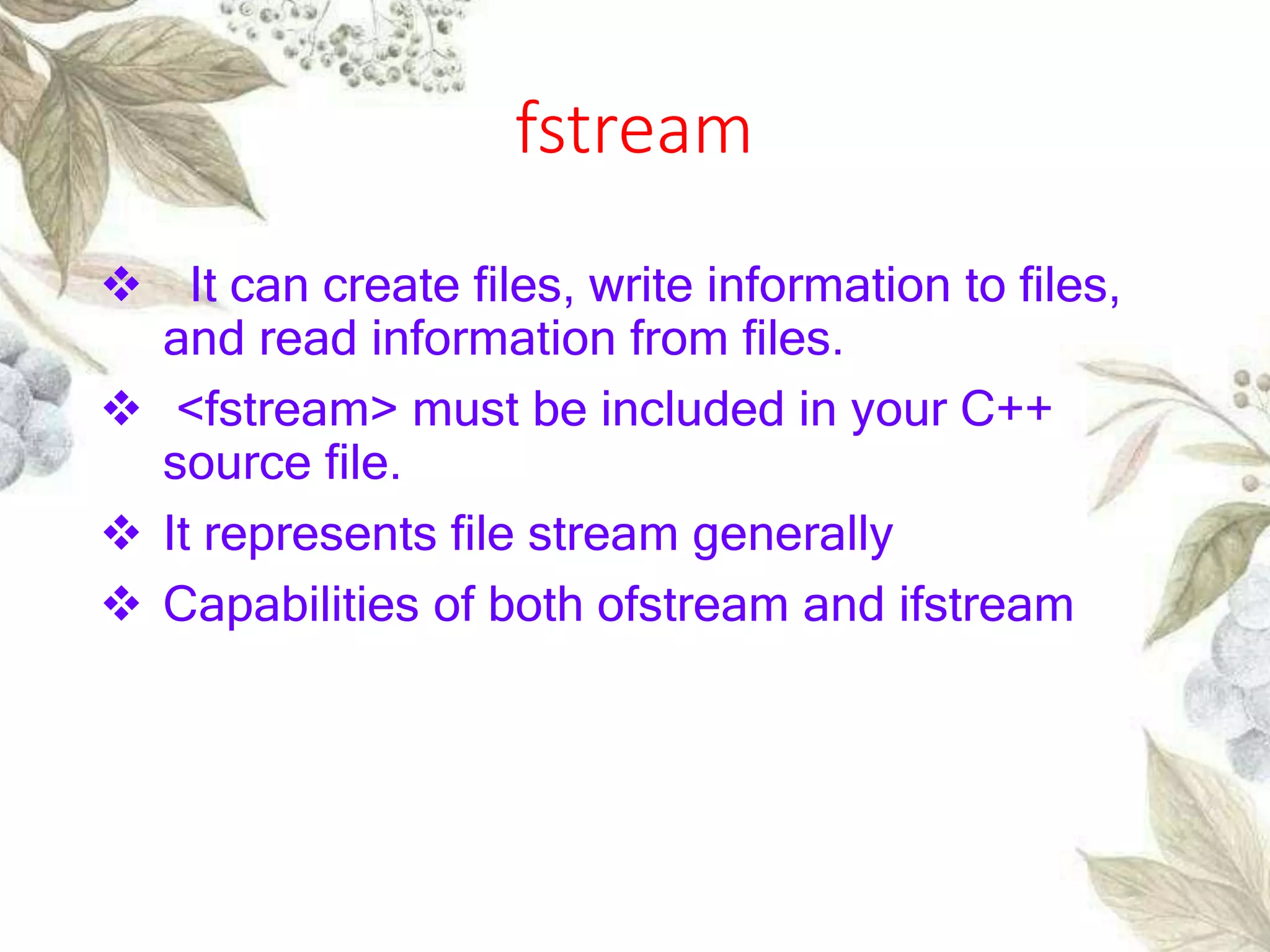
fstream
 It can create files, write information to files,
and read information from files.
 <fstream> must be included in your C++
source file.
 It represents file stream generally
 Capabilities of both ofstream and ifstream
Opening a file
A file must be opened before you can read
from it or write to it.
Either ofstream or fstream object may be
used.
 the first argument specifies the name and
location of the file
Second refers to the mode
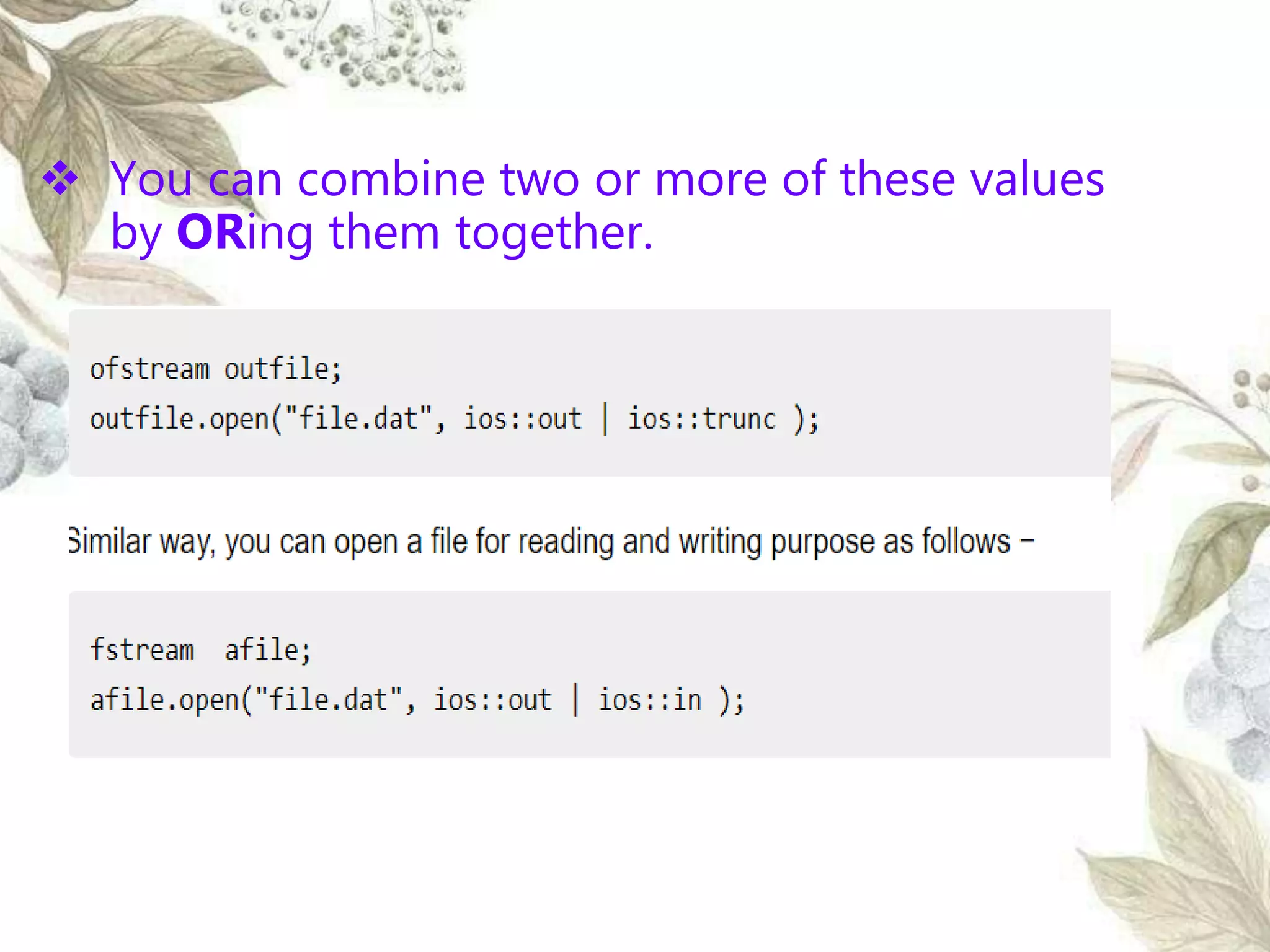
 You can combine two or more of these values
by ORing them together.
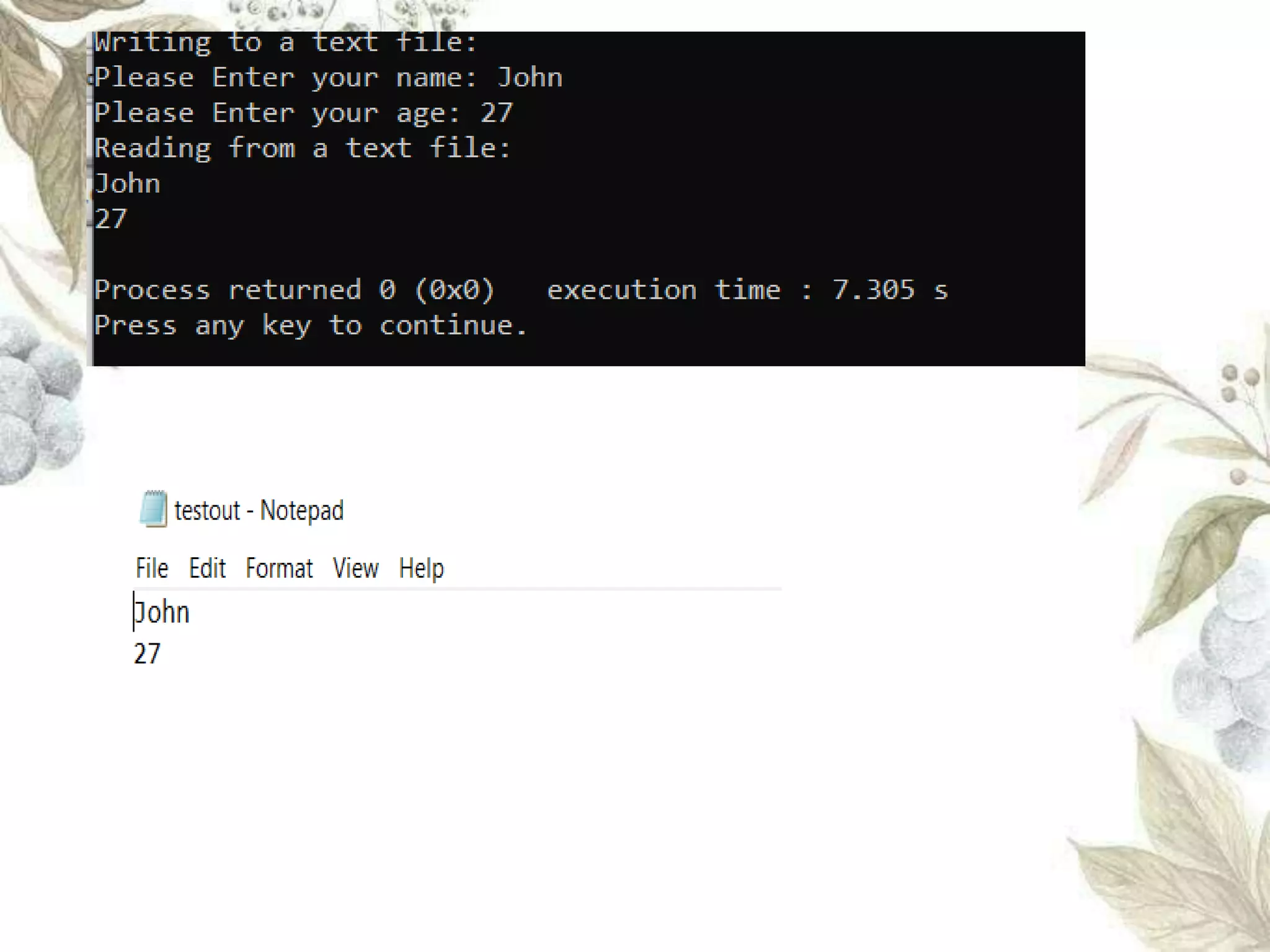
#include <fstream>
#include <iostream>
using namespace std;
int main ()
{
char input[75];
ofstream fout;
fout.open("testout.txt");
cout <<"Writing to a text file:" << endl;
cout << "Please Enter your name: ";
cin.getline(input, 100);
fout << input << endl;
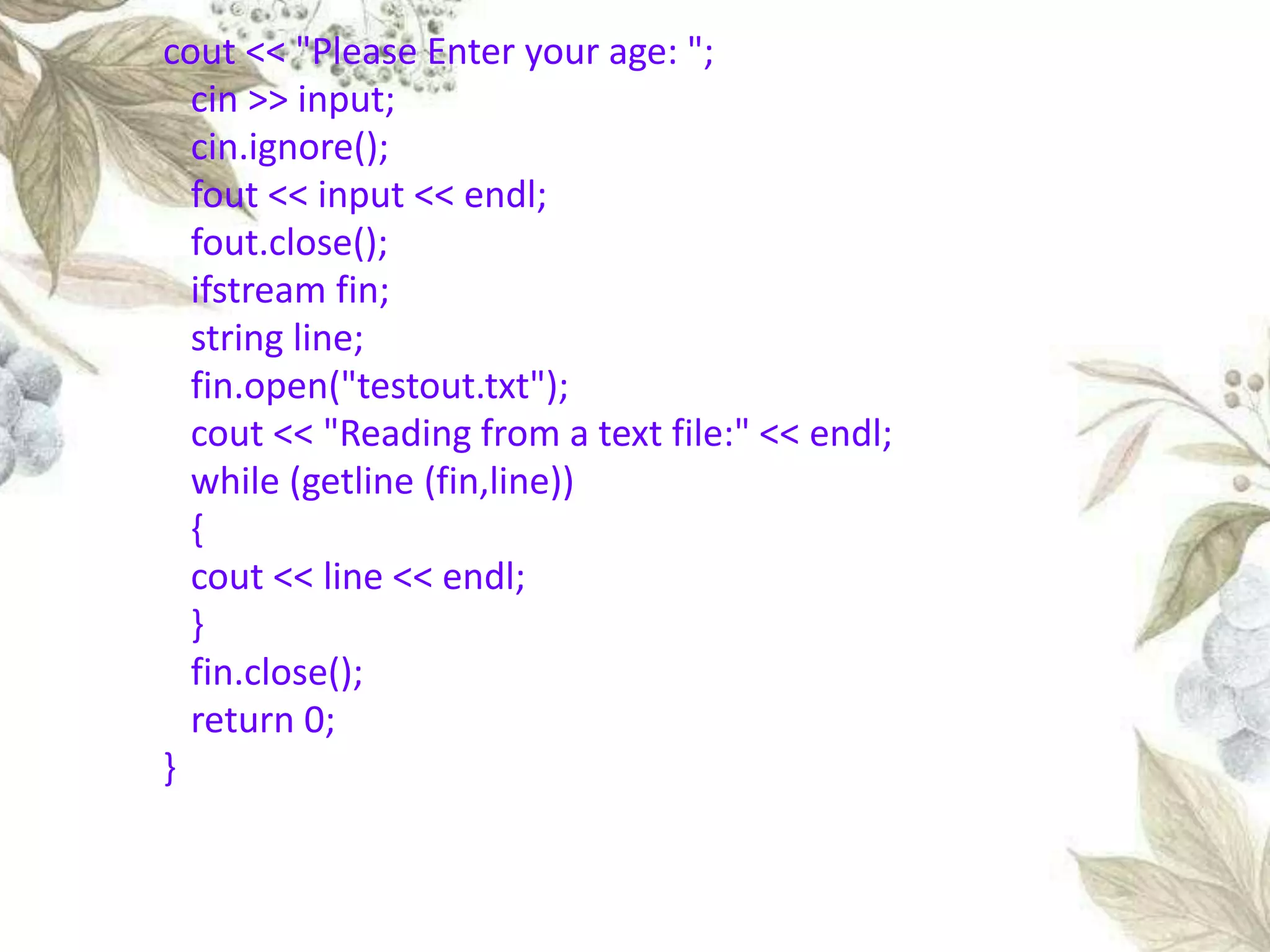
cout << "Please Enter your age: ";
cin >> input;
cin.ignore();
fout << input << endl;
fout.close();
ifstream fin;
string line;
fin.open("testout.txt");
cout << "Reading from a text file:" << endl;
while (getline (fin,line))
{
cout << line << endl;
}
fin.close();
return 0;
}
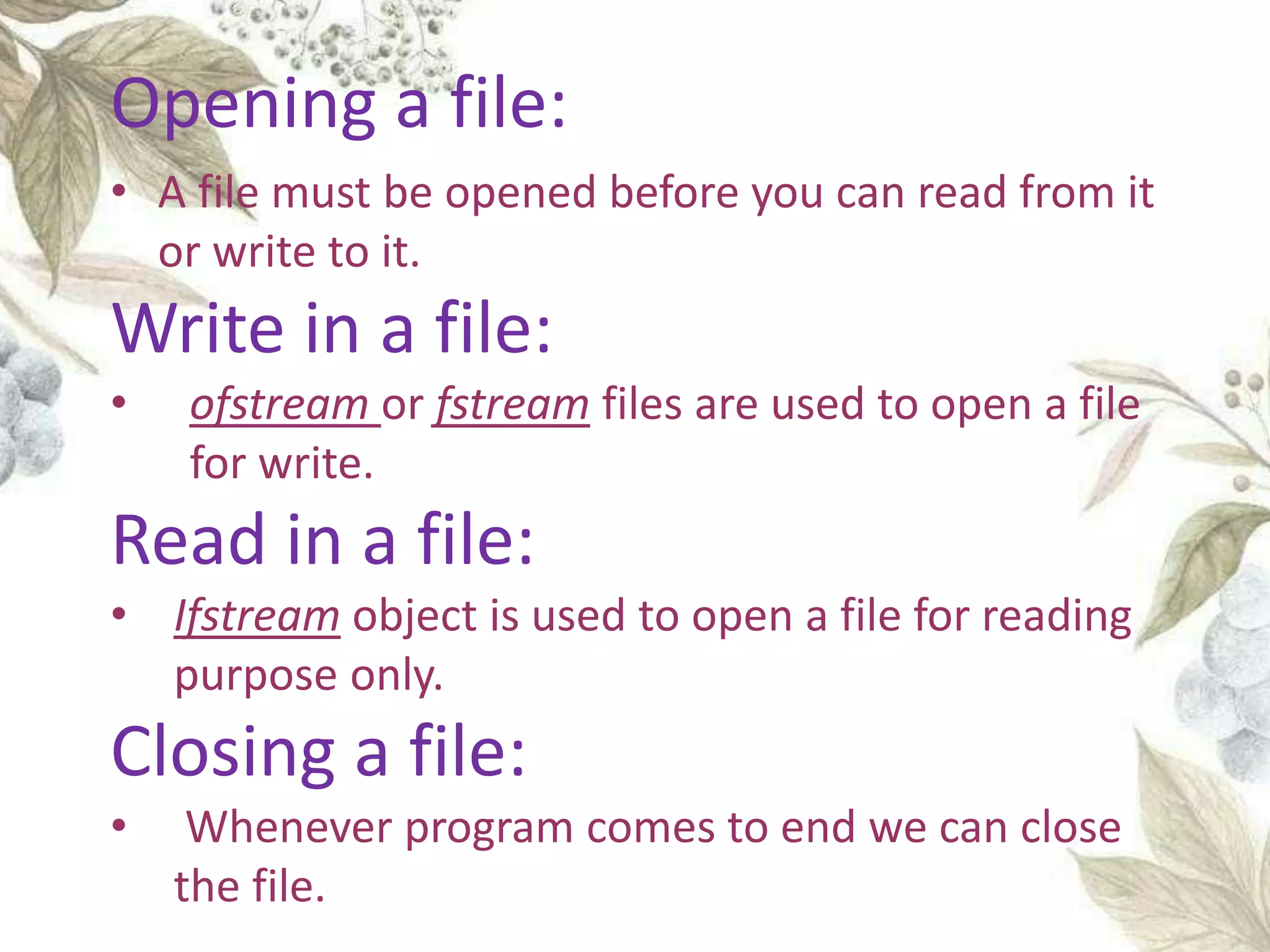
• A file must be opened before you can read from it
or write to it.
Write in a file:
• ofstream or fstream files are used to open a file
for write.
Read in a file:
• Ifstream object is used to open a file for reading
purpose only.
Closing a file:
• Whenever program comes to end we can close
the file.
Opening a file:
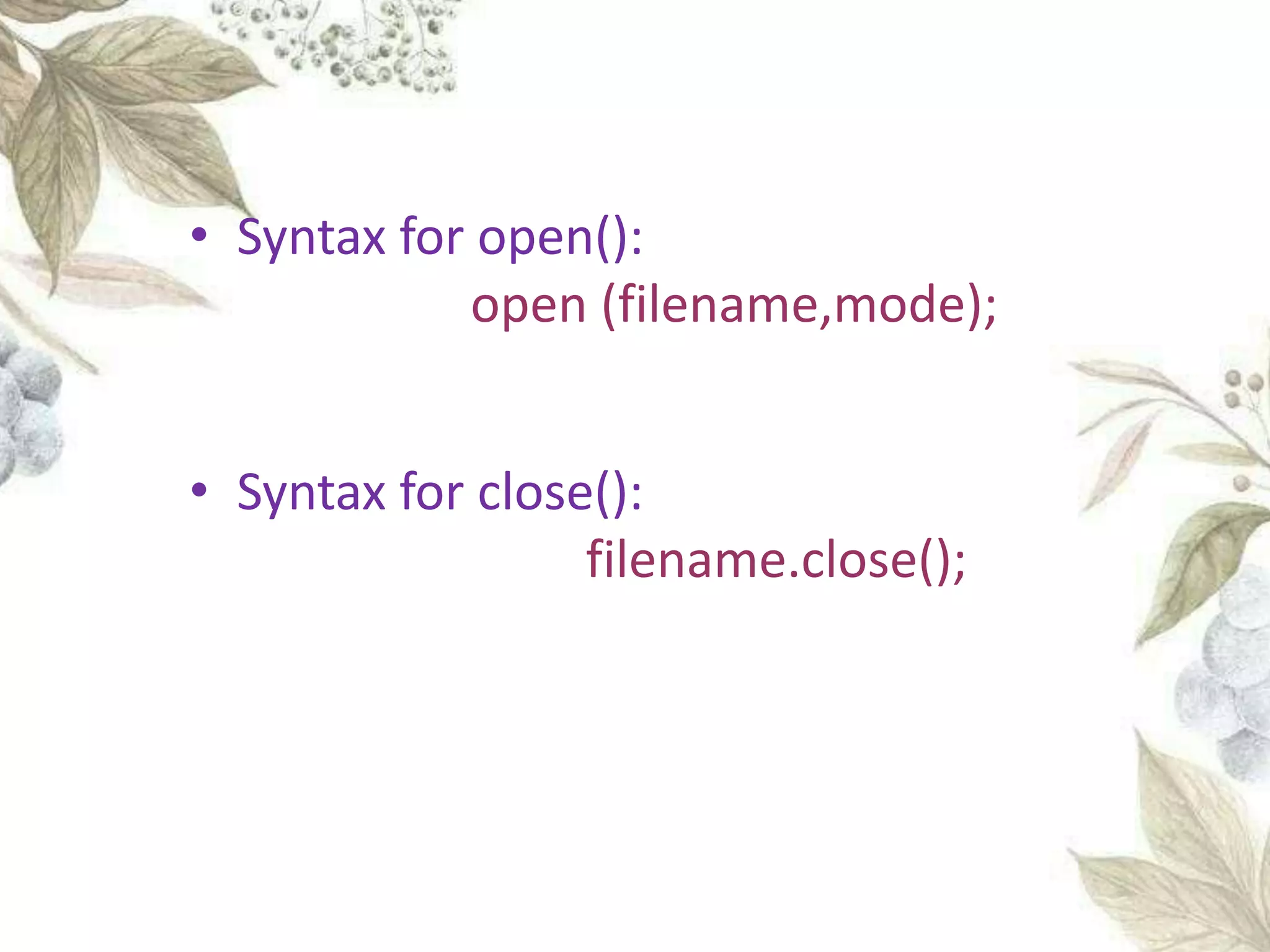
• Syntax for open():
open (filename,mode);
• Syntax for close():
filename.close();
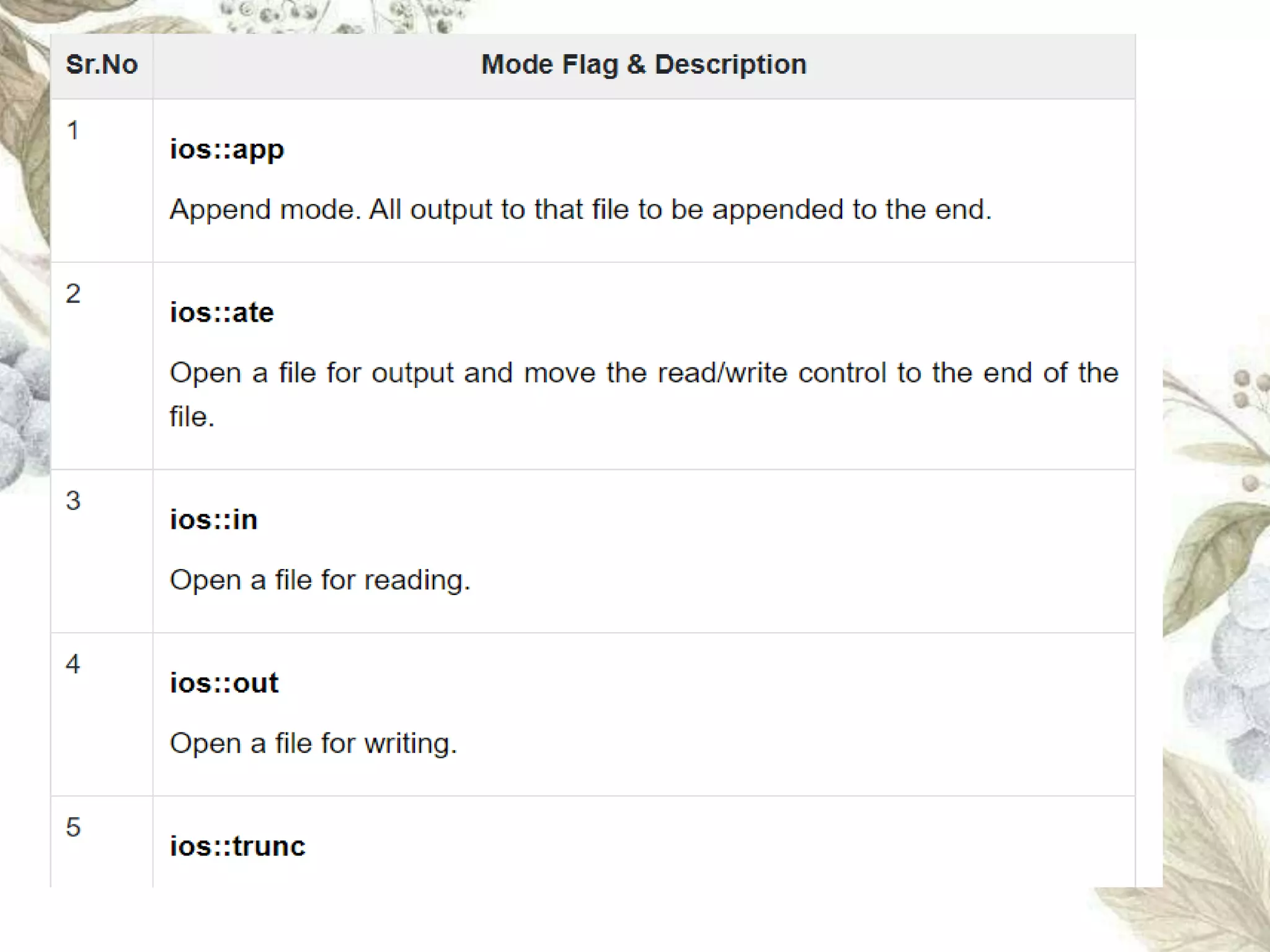
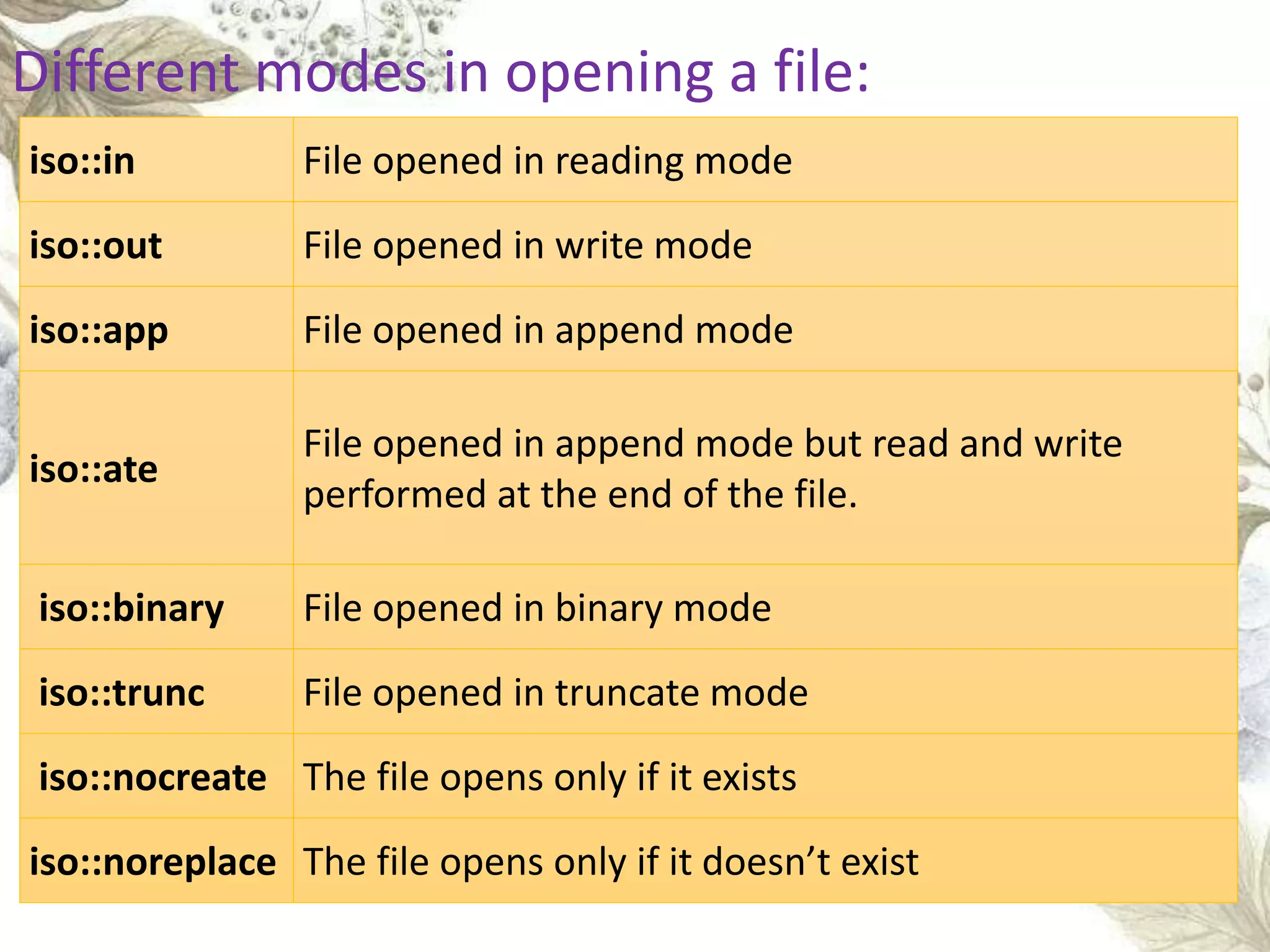
iso::in File opened in reading mode
iso::out File opened in write mode
iso::app File opened in append mode
iso::ate
File opened in append mode but read and write
performed at the end of the file.
iso::binary File opened in binary mode
iso::trunc File opened in truncate mode
iso::nocreate The file opens only if it exists
iso::noreplace The file opens only if it doesn’t exist
Different modes in opening a file:
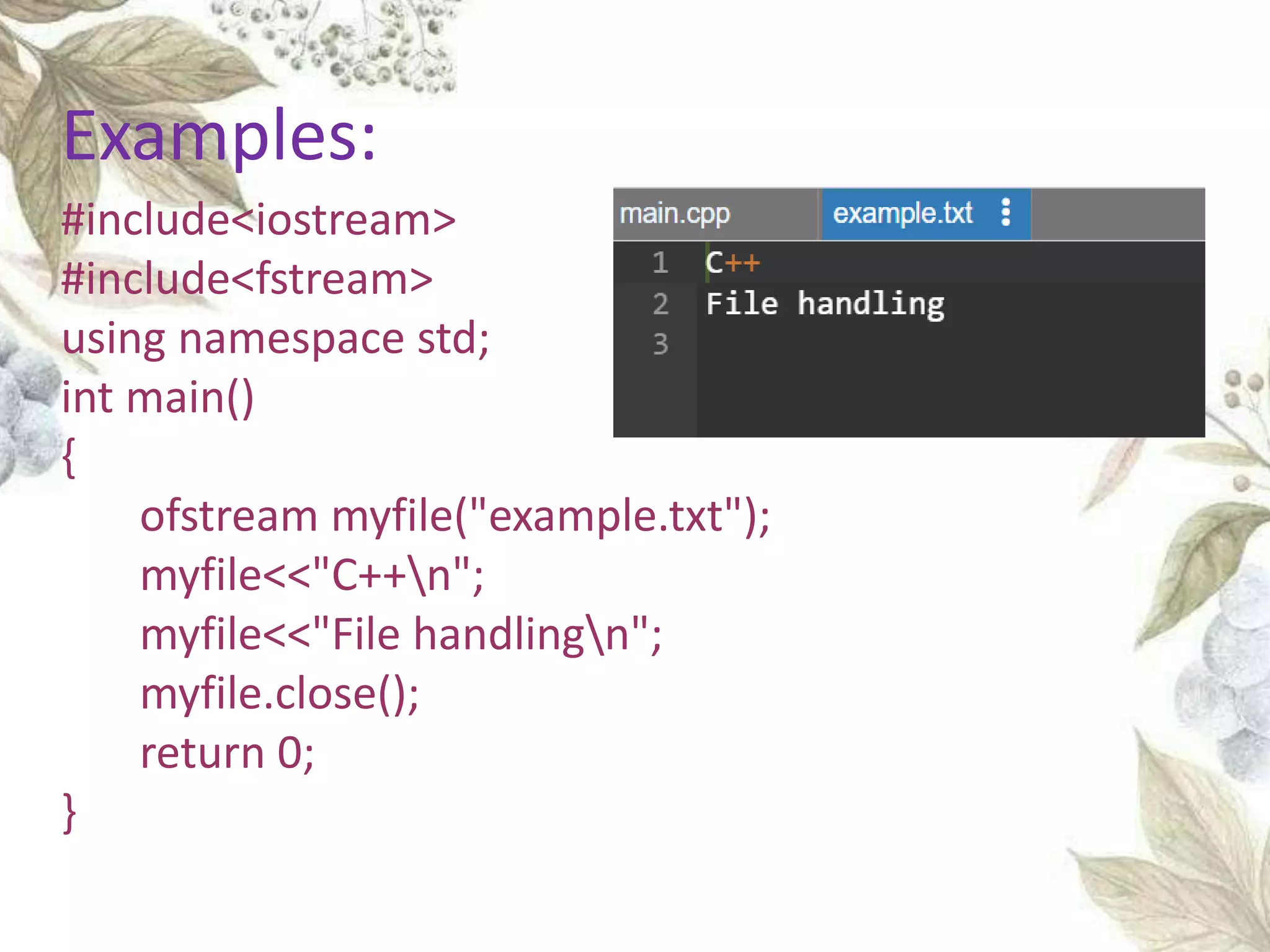
#include<iostream>
#include<fstream>
using namespace std;
int main()
{
ofstream myfile("example.txt");
myfile<<"C++n";
myfile<<"File handlingn";
myfile.close();
return 0;
}
Examples:
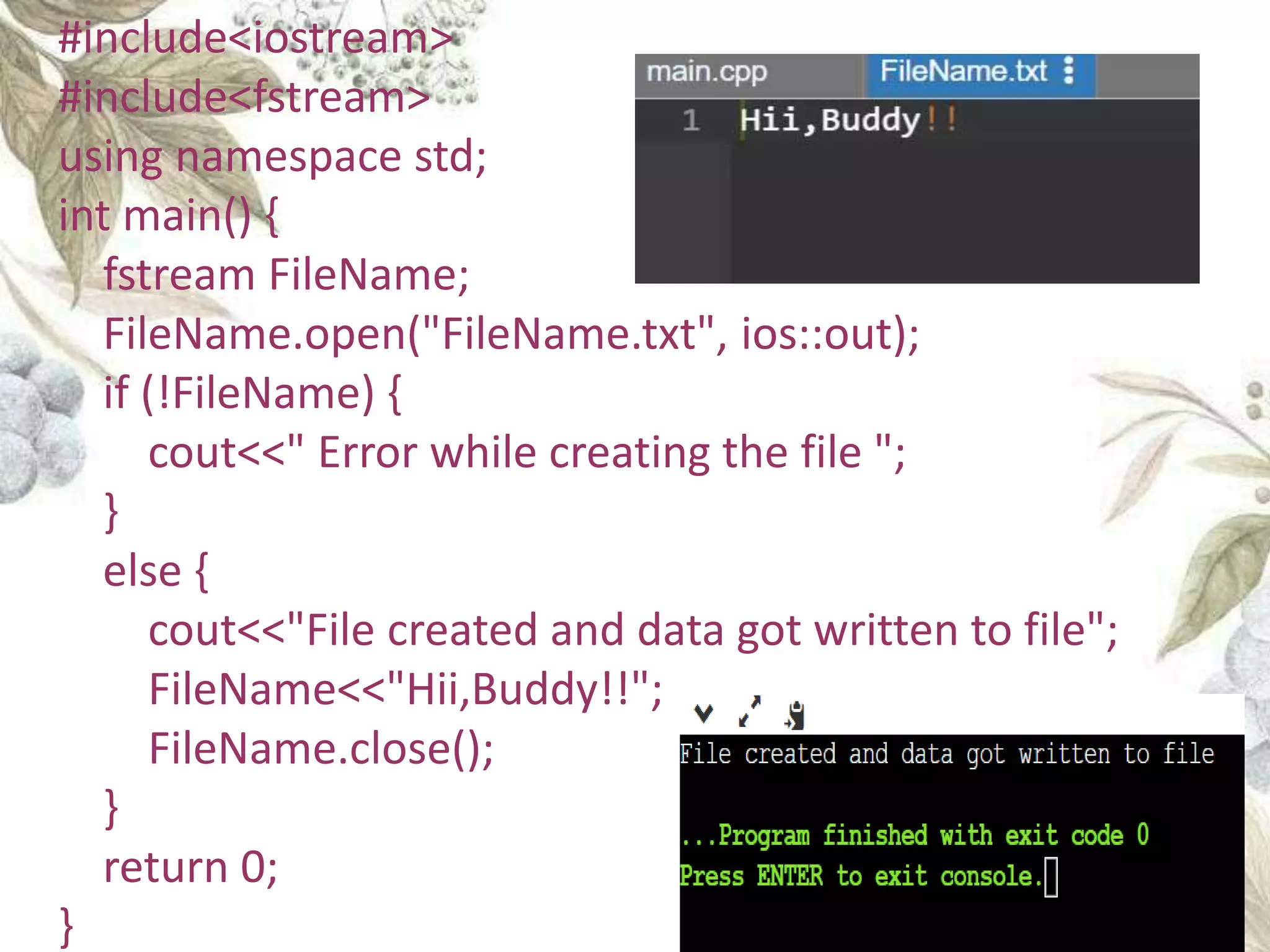
#include<iostream>
#include<fstream>
using namespace std;
int main() {
fstream FileName;
FileName.open("FileName.txt", ios::out);
if (!FileName) {
cout<<" Error while creating the file ";
}
else {
cout<<"File created and data got written to file";
FileName<<"Hii,Buddy!!";
FileName.close();
}
return 0;
}
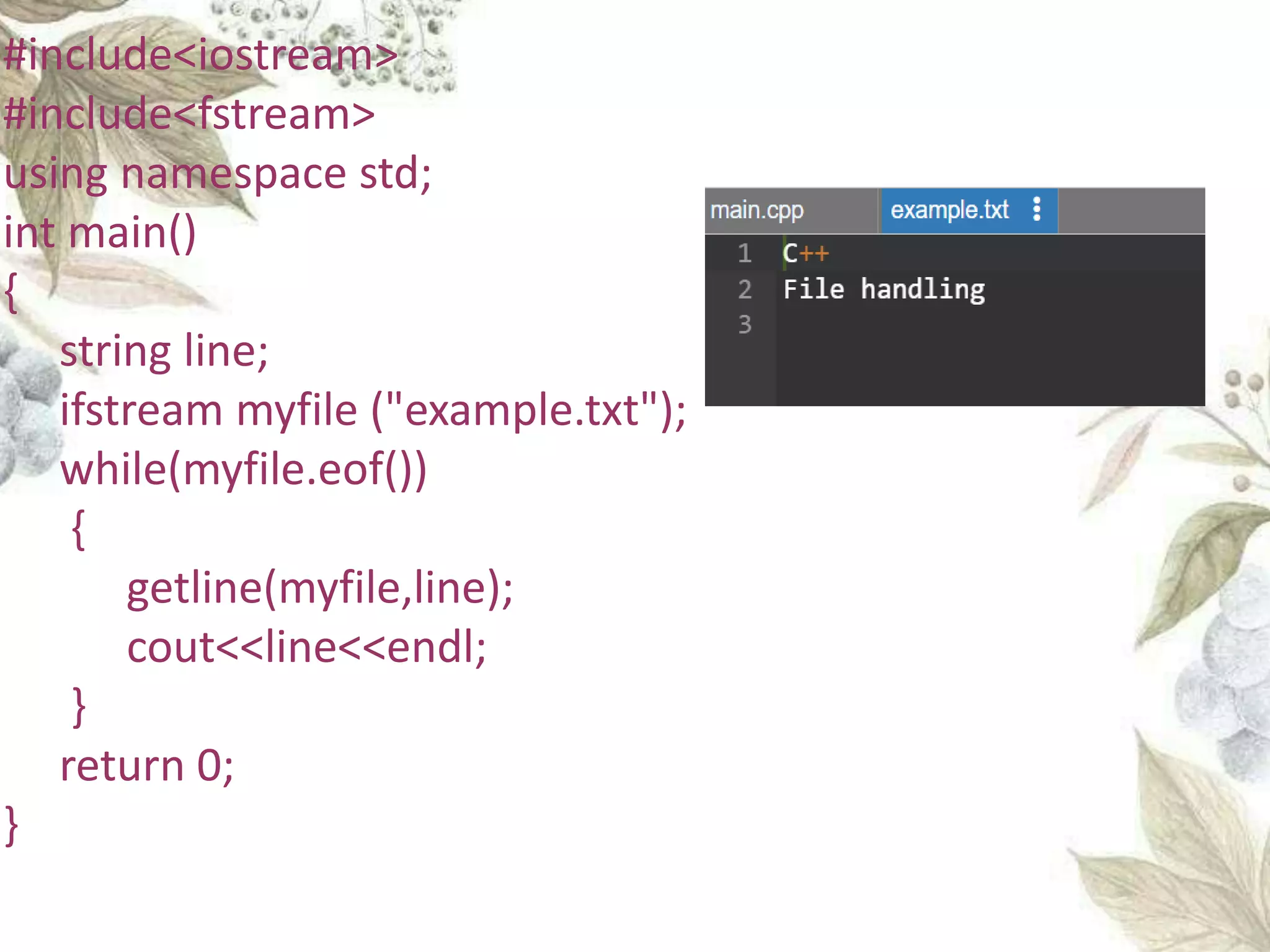
#include<iostream>
#include<fstream>
using namespace std;
int main()
{
string line;
ifstream myfile ("example.txt");
while(myfile.eof())
{
getline(myfile,line);
cout<<line<<endl;
}
return 0;
}
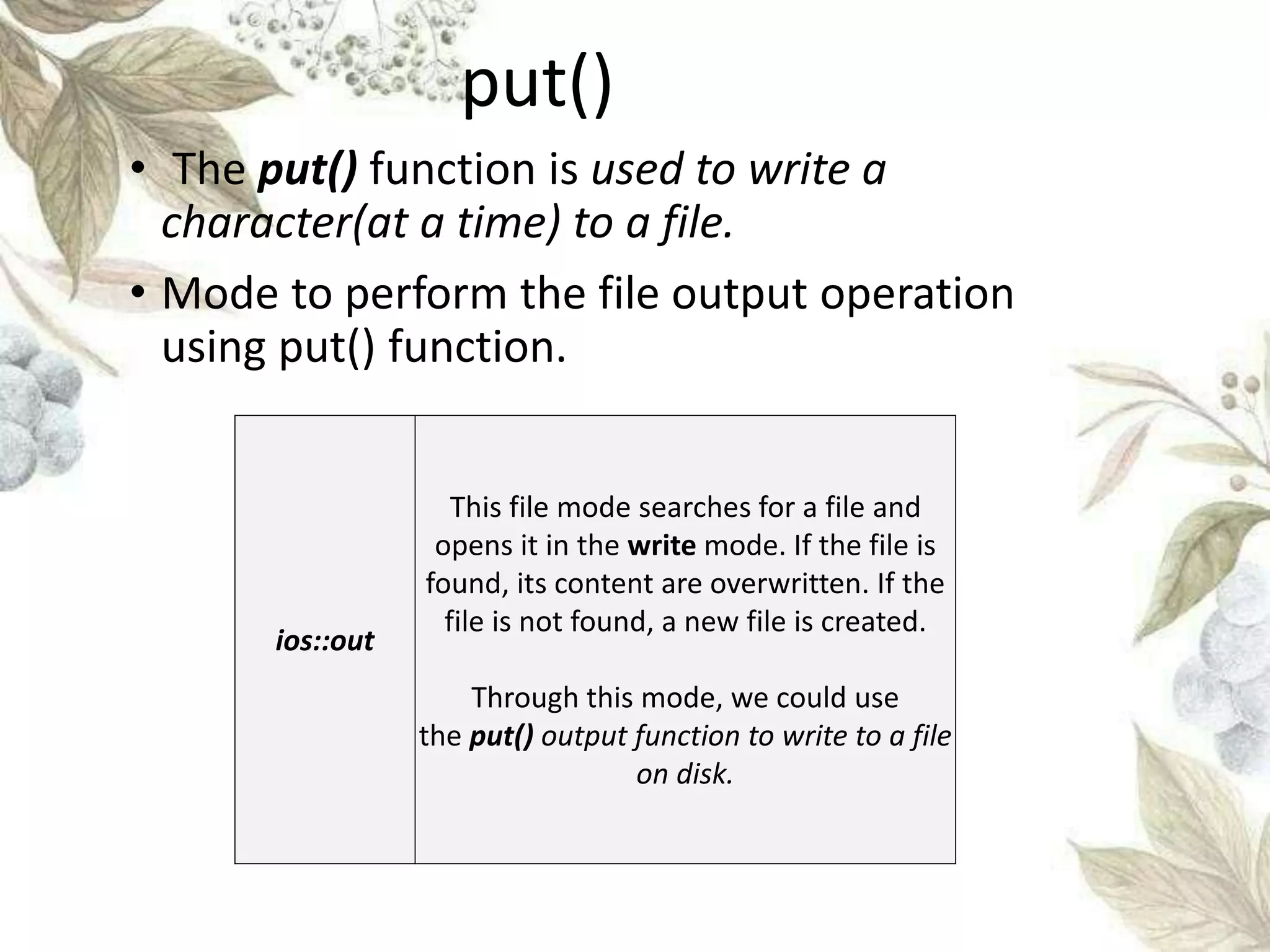
put()
• The put() function is used to write a
character(at a time) to a file.
• Mode to perform the file output operation
using put() function.
ios::out
This file mode searches for a file and
opens it in the write mode. If the file is
found, its content are overwritten. If the
file is not found, a new file is created.
Through this mode, we could use
the put() output function to write to a file
on disk.
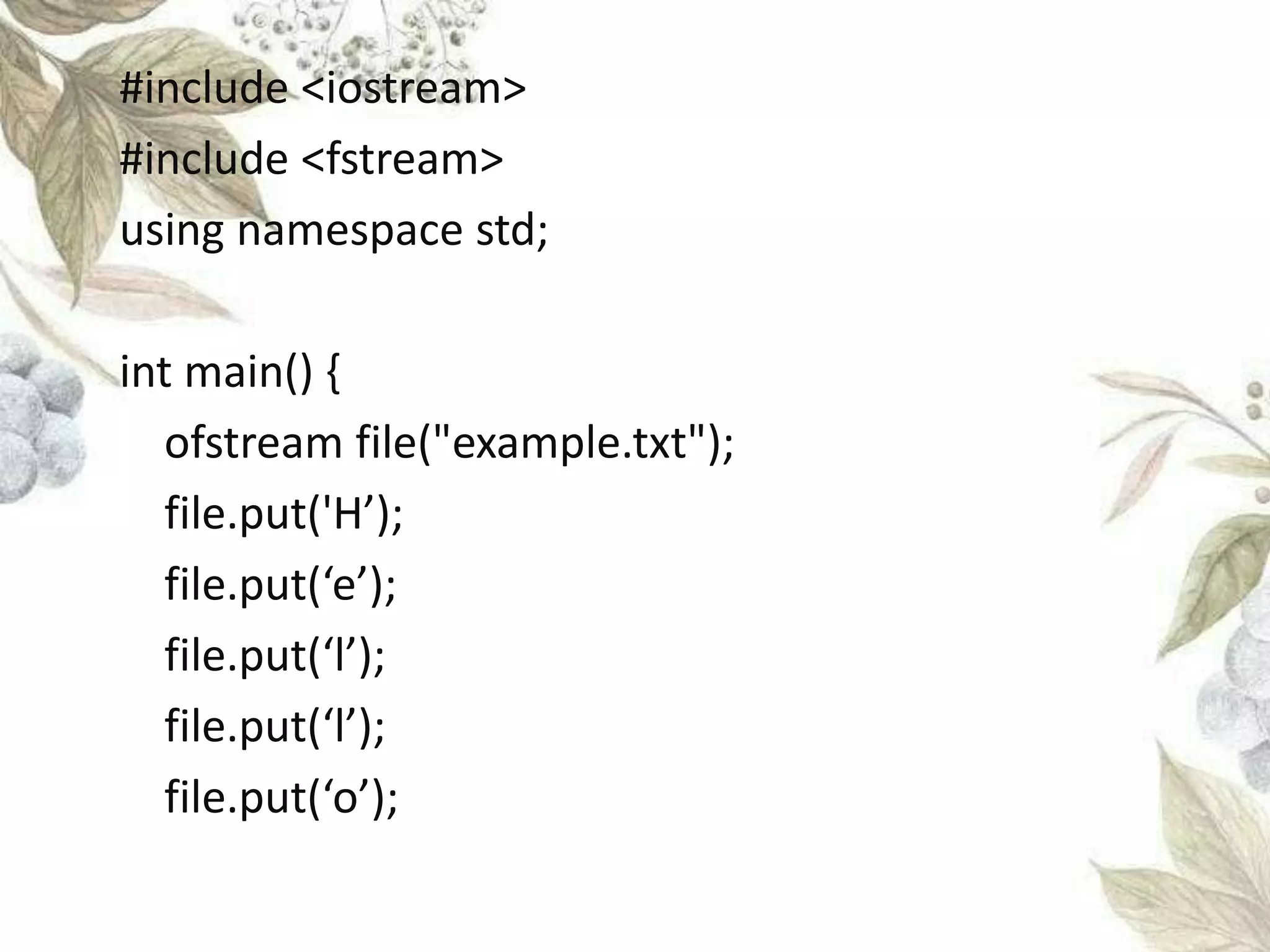
#include <iostream>
#include <fstream>
using namespace std;
int main() {
ofstream file("example.txt");
file.put('H’);
file.put(‘e’);
file.put(‘l’);
file.put(‘l’);
file.put(‘o’);
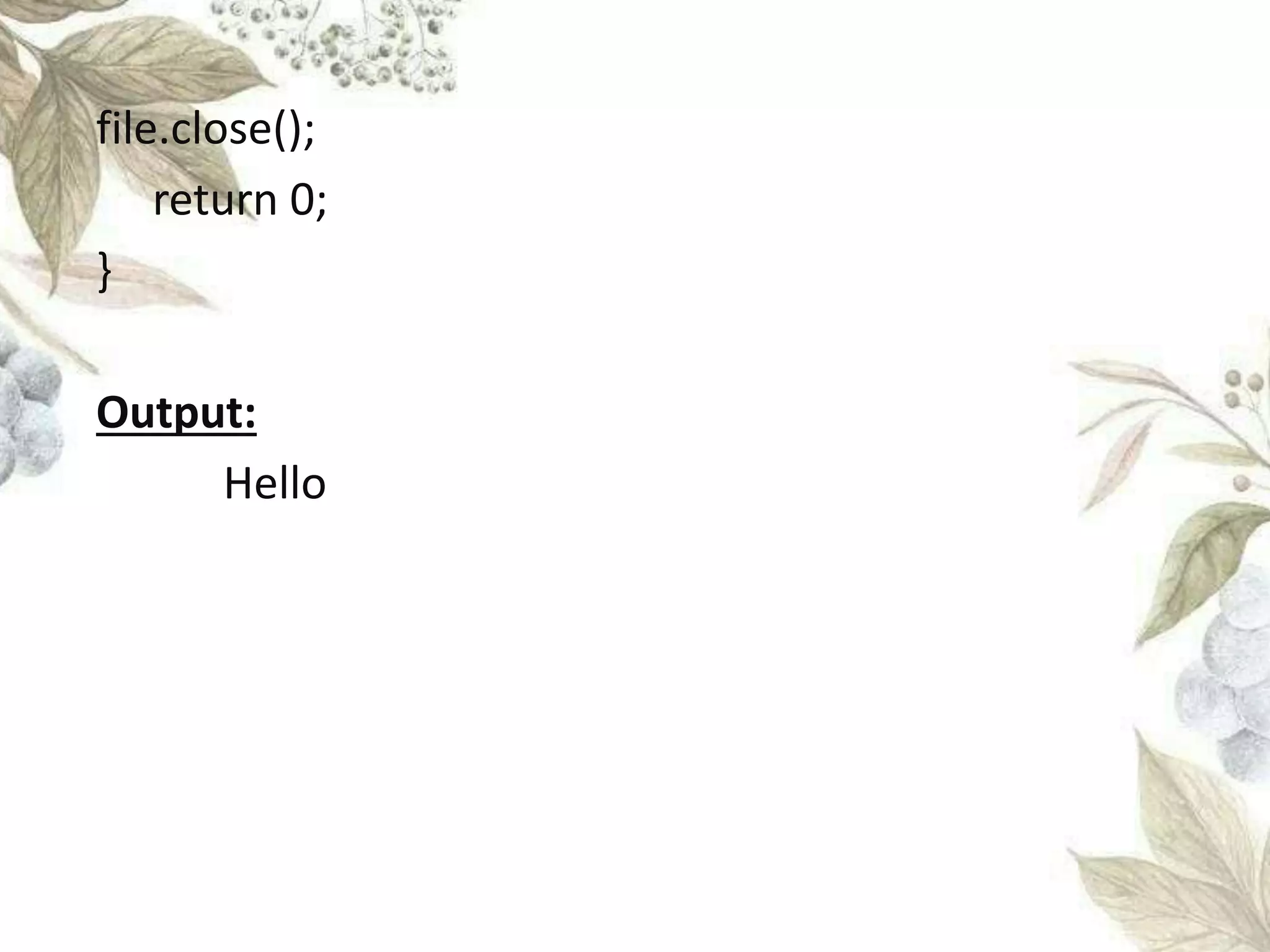
file.close();
return 0;
}
Output:
Hello
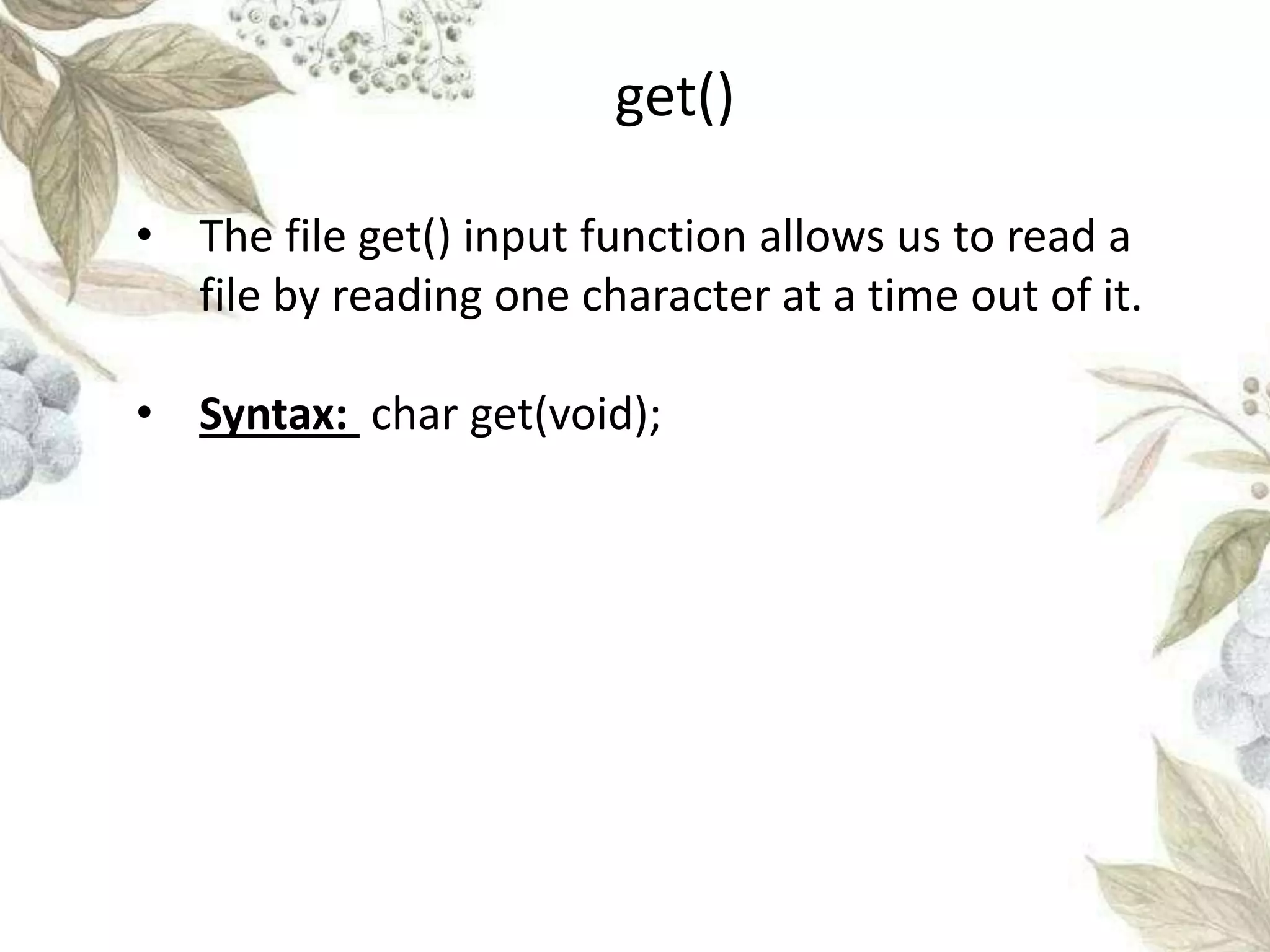
get()
• The file get() input function allows us to read a
file by reading one character at a time out of it.
• Syntax: char get(void);
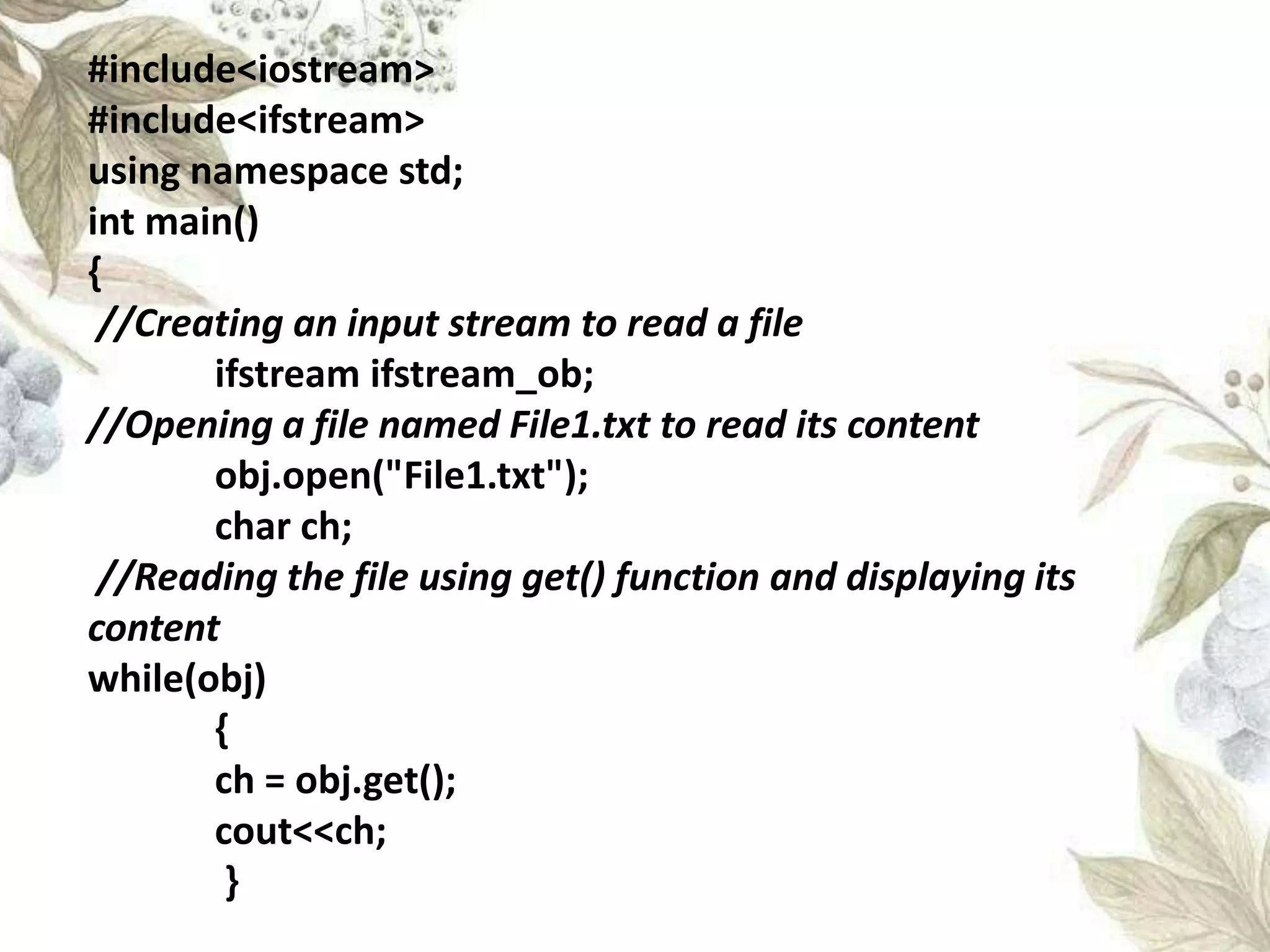
#include<iostream>
#include<ifstream>
using namespace std;
int main()
{
//Creating an input stream to read a file
ifstream ifstream_ob;
//Opening a file named File1.txt to read its content
obj.open("File1.txt");
char ch;
//Reading the file using get() function and displaying its
content
while(obj)
{
ch = obj.get();
cout<<ch;
}
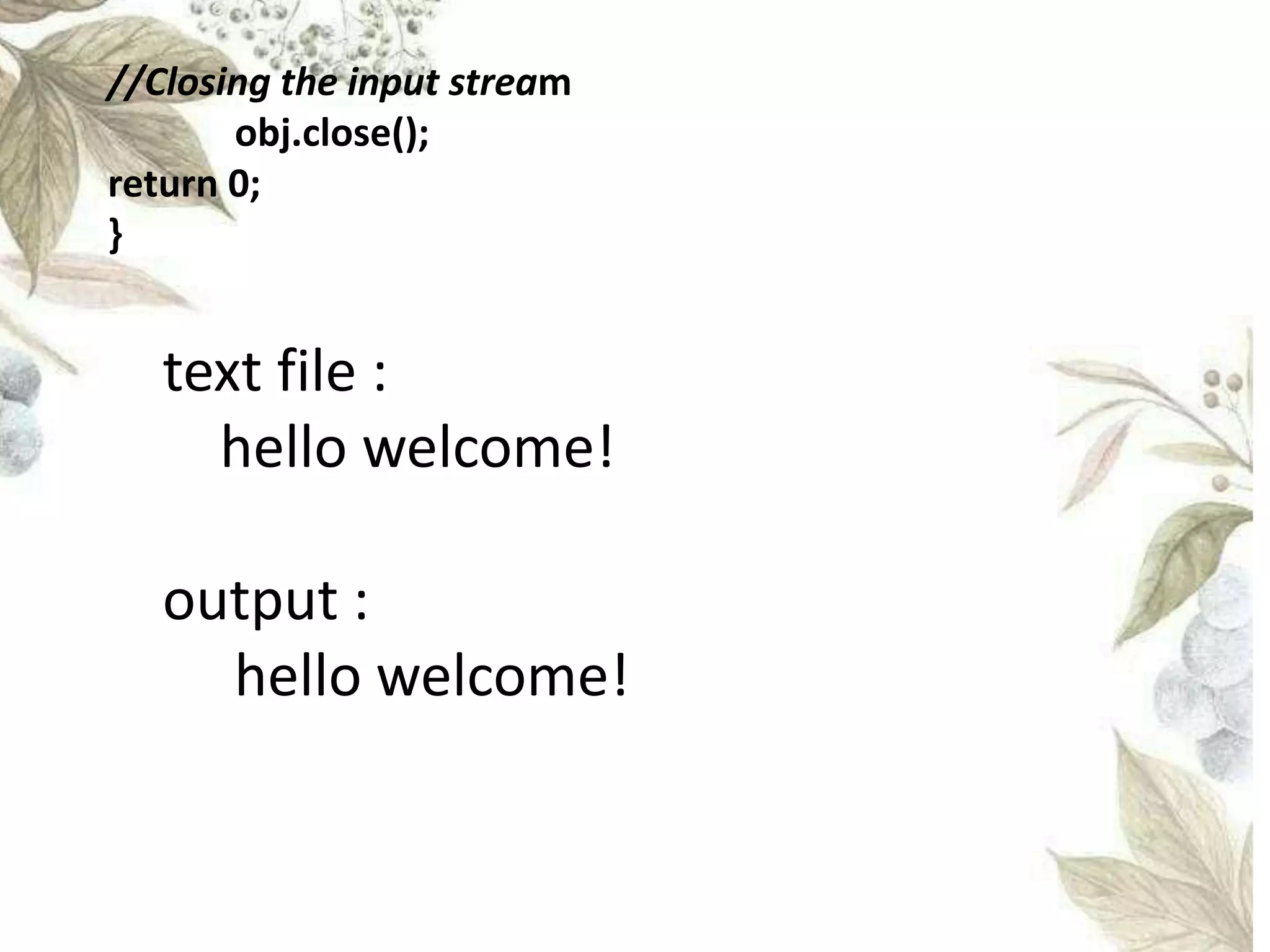
//Closing the input stream
obj.close();
return 0;
}
text file :
hello welcome!
output :
hello welcome!
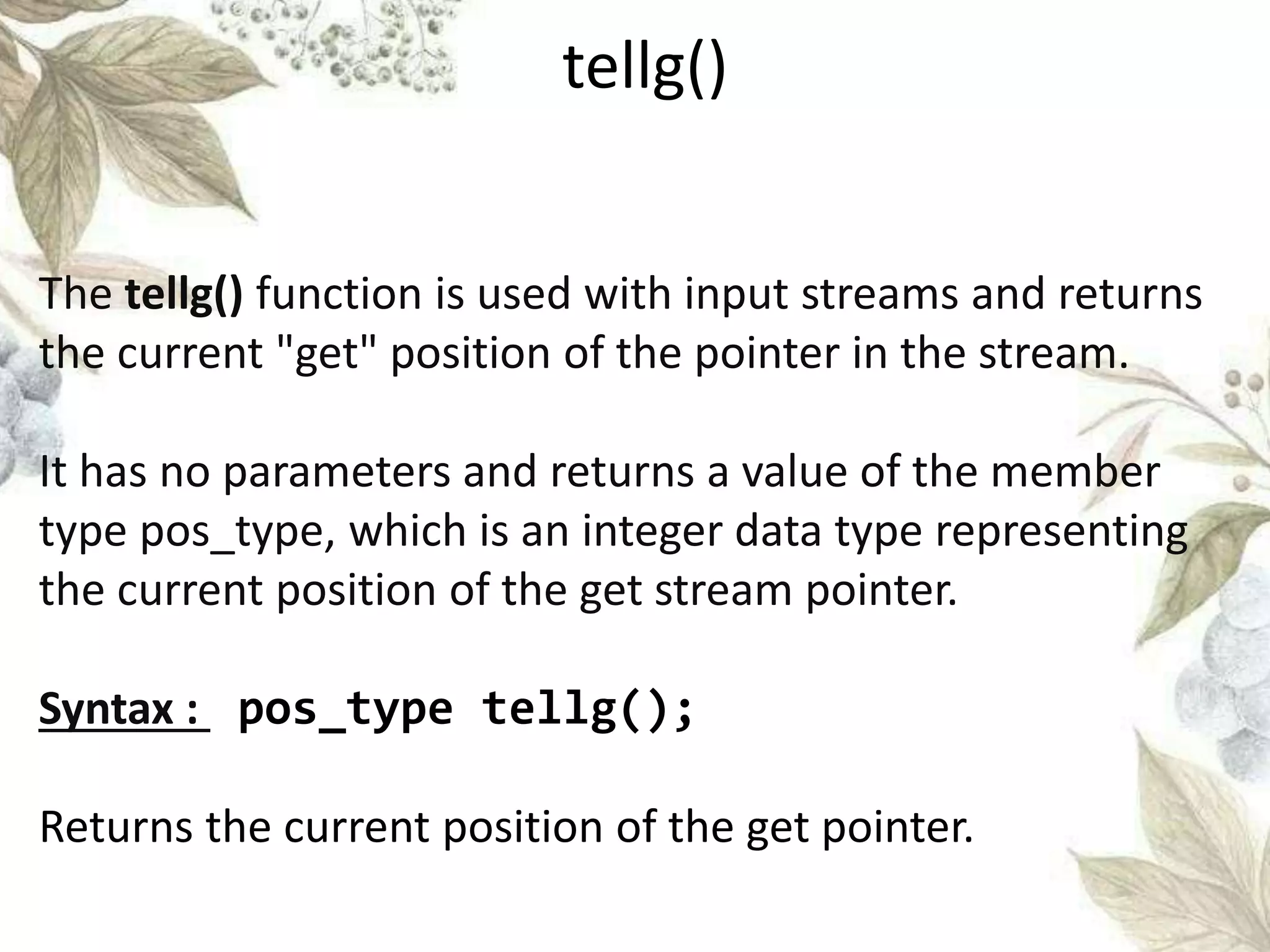
The tellg() function is used with input streams and returns
the current "get" position of the pointer in the stream.
It has no parameters and returns a value of the member
type pos_type, which is an integer data type representing
the current position of the get stream pointer.
Syntax : pos_type tellg();
Returns the current position of the get pointer.
tellg()
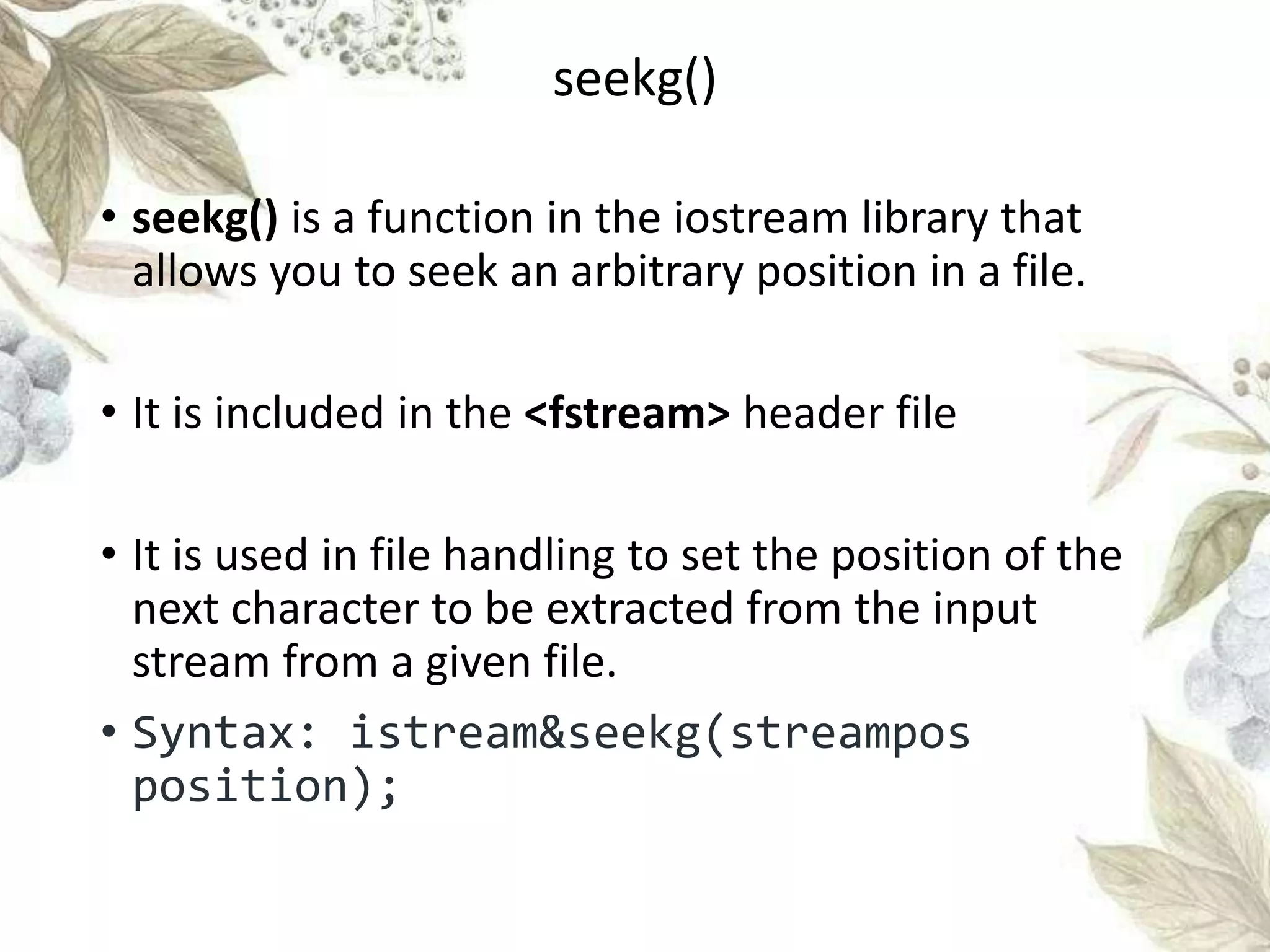
seekg()
• seekg() is a function in the iostream library that
allows you to seek an arbitrary position in a file.
• It is included in the <fstream> header file
• It is used in file handling to set the position of the
next character to be extracted from the input
stream from a given file.
• Syntax: istream&seekg(streampos
position);
seekg()
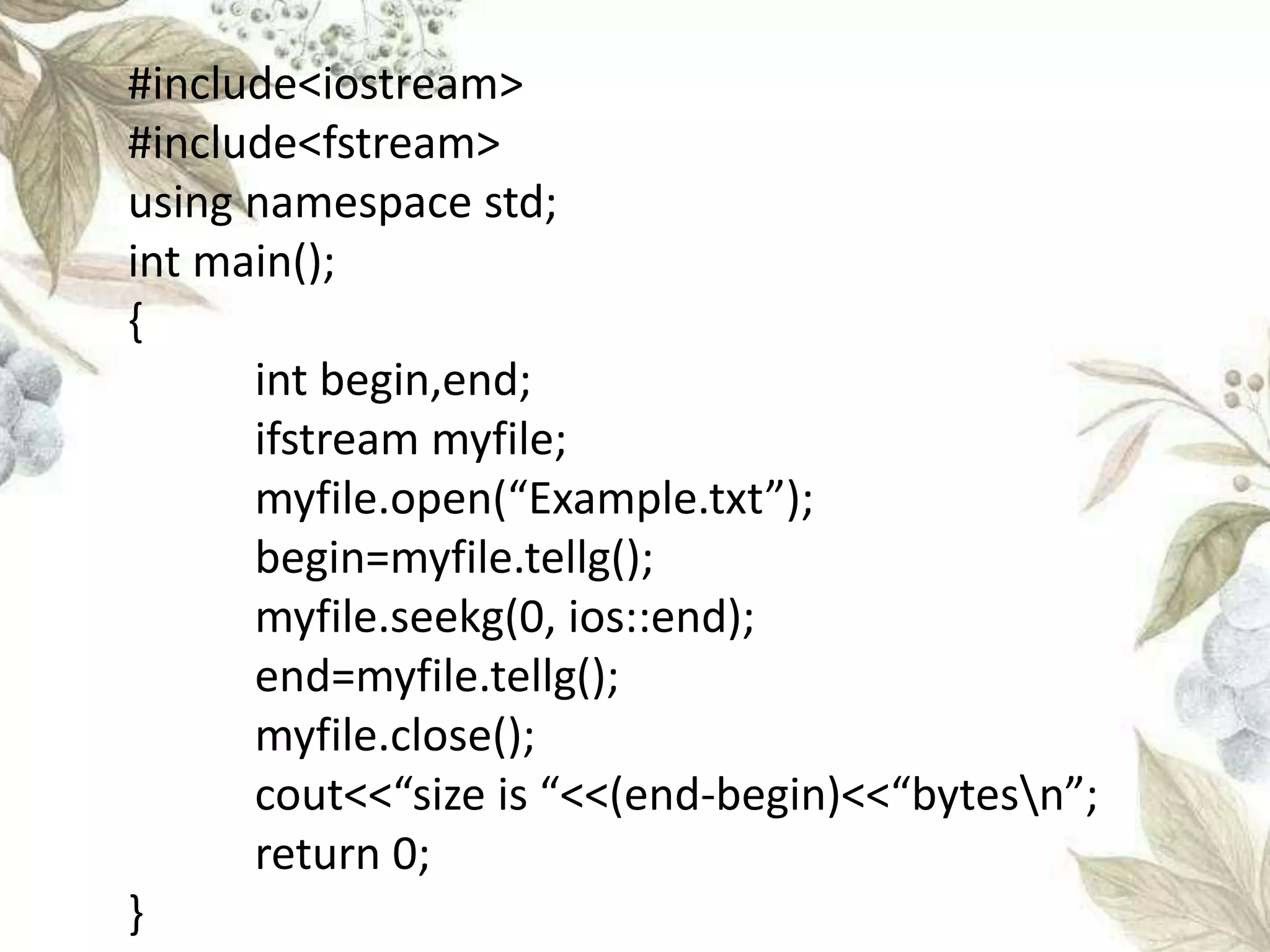
#include<iostream>
#include<fstream>
using namespace std;
int main();
{
int begin,end;
ifstream myfile;
myfile.open(“Example.txt”);
begin=myfile.tellg();
myfile.seekg(0, ios::end);
end=myfile.tellg();
myfile.close();
cout<<“size is “<<(end-begin)<<“bytesn”;
return 0;
}
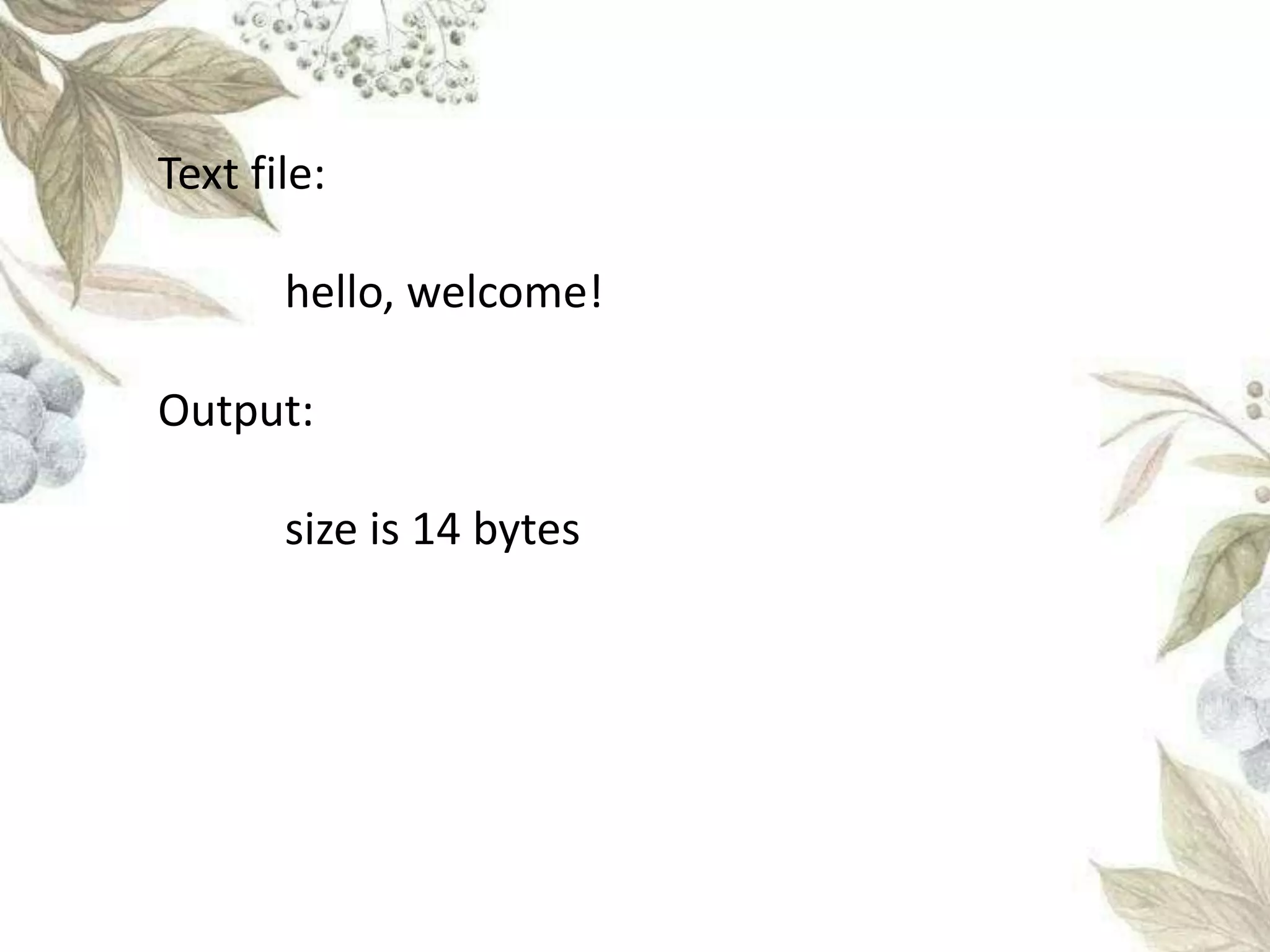
Text file:
hello, welcome!
Output:
size is 14 bytes
file handling final3333.pptx

file handling final3333.pptx

  • 1.
    FILE HANDLING By: Divyadharshini K-22X013 SukeerthiK-22X053 Tamilini S-22X056 Vishnuvardani K S-22X059
  • 2.
    • File handlingis used to store data permanently in a computer. • Using file handling we can store our data in secondary memory (Hard disk). How to achieve the File Handling? • For achieving file handling we need to follow the following steps:- What is file handling?
  • 3.
     STEP 1-Naminga file  STEP 2-Opening a file  STEP 3-Writing data into the file  STEP 4-Reading data from the file  STEP 5-Closing a file. Functions in file handling:
  • 4.
    • We giveinput to the executing program and the execution program gives back the output. • The sequence of bytes given as input to the executing program and the sequence of bytes that comes as output from the executing program are called stream. • In other words, streams are nothing but the • flow of data in a sequence. STREAMS
  • 5.
    • The inputand output operation between the executing program and the devices like keyboard and monitor are known as “console I/O operation”. • The input and output operation between the executing program and files are known as “disk I/O operation”.
  • 6.
    • The iostream.hlibrary holds all the stream classes in the C++ programming language. iostream
  • 7.
    • This classis the base class for all stream classes. • The streams can be input or output streams. • This class defines members that are independent of how the templates of the class are defined. ios class
  • 8.
    • The istreamclass handles the input stream in c++ programming language. • These input stream objects are used to read and interpret the input as a sequence of characters. • The cin handles the input. istream Class
  • 9.
    • The ostreamclass handles the output stream in c++ programming language. • These output stream objects are used to write data as a sequence of characters on the screen. • cout and puts handle the out streams in c++ programming language ostream class
  • 10.
    #include <iostream> using namespacestd; int main() { cout<<"This output is printed on screen"; } Output This output is printed on screen OUT STREAM - cout
  • 11.
    puts #include <iostream> using namespacestd; int main() { puts("This output is printed using puts"); } Output This output is printed using puts
  • 12.
    #include <iostream> using namespacestd; int main(){ int no; cout<<"Enter a number "; cin>>no; cout<<"Number entered using cin is ";<<no Output Enter a number :3453 Number entered using cin is 3453 IN STREAM - cin
  • 13.
    gets #include <iostream> using namespacestd; int main() { char ch[10]; puts("Enter a character array"); gets(ch); puts("The character array entered using gets is : "); puts(ch); } Output Enter a character array : thdgf The character array entered using gets is : thdgf
  • 14.
    Consider an exampleof declaring the examination result. Design three classes: Student, Exam and Result. The Student class has data members such as those representing roll number name, etc. Create the class Exam by inheriting the Student class. The Exam class adds dat members representing the marks scored in six subjects. Derive the Result from the Exam clas and it has its own data members such as total_marks. Write an interactive program to mode this relationship. EXAMPLE
  • 15.
    #include<iostream> using namespace std; classStudent { protected: int roll_no; string name; int semester; public: void getData() { cout<<"n Enter The Roll No. : "; cin>>roll_no; cout<<"n Enter The Name : "; cin>>name; cout<<"n Enter The Semester Number : "; cin>>semester; }
  • 16.
    void putData() { cout<<"n RollNo.: "<<roll_no; cout<<"n Name : "<<name; cout<<"n Semester : "<<semester; } }; class Exam:public Student { protected: int m1,m2,m3,m4,m5,m6;
  • 17.
    public: void get() { cout<<"n EnterThe Mark In First Subject : "; cin>>m1; cout<<"n Enter The Mark In Second Subject : "; cin>>m2; cout<<"n Enter The Mark In Third Subject : "; cin>>m3; cout<<"n Enter The Mark In Fourth Subject : "; cin>>m4; cout<<"n Enter The Mark In Fifth Subject : "; cin>>m5; cout<<"n Enter The Mark In Sixth Subject : "; cin>>m6; }
  • 18.
    void put() { cout<<"n Subject1 : "<<m1; cout<<"n Subject 2 : "<<m2; cout<<"n Subject 3 : "<<m3; cout<<"n Subject 4 : "<<m4; cout<<"n Subject 5 : "<<m5; cout<<"n Subject 6 : "<<m6; } };
  • 19.
    class Result:public Exam { private: inttotal_marks; public: void display() { total_marks=m1+m2+m3+m4+m5+m6; cout<<"n The Total Marks : "<<total_marks; } };
  • 20.
  • 21.
    Enter The RollNo. : 59 Enter The Name : vishnuvardani Enter The Semester Number : 2 Enter The Mark In First Subject : 94 Enter The Mark In Second Subject : 95 Enter The Mark In Third Subject : 96 Enter The Mark In Fourth Subject : 97 Enter The Mark In Fifth Subject : 98 Enter The Mark In Sixth Subject : 99 Roll No.: 59 Name : vishnuvardani Semester : 2 Subject 1 : 94 Subject 2 : 95 Subject 3 : 96 Subject 4 : 97 Subject 5 : 98 Subject 6 : 99 The Total Marks : 579
  • 22.
    fstream  It cancreate files, write information to files, and read information from files.  <fstream> must be included in your C++ source file.  It represents file stream generally  Capabilities of both ofstream and ifstream
  • 23.
    Opening a file Afile must be opened before you can read from it or write to it. Either ofstream or fstream object may be used.  the first argument specifies the name and location of the file Second refers to the mode
  • 25.
     You cancombine two or more of these values by ORing them together.
  • 26.
    #include <fstream> #include <iostream> usingnamespace std; int main () { char input[75]; ofstream fout; fout.open("testout.txt"); cout <<"Writing to a text file:" << endl; cout << "Please Enter your name: "; cin.getline(input, 100); fout << input << endl;
  • 27.
    cout << "PleaseEnter your age: "; cin >> input; cin.ignore(); fout << input << endl; fout.close(); ifstream fin; string line; fin.open("testout.txt"); cout << "Reading from a text file:" << endl; while (getline (fin,line)) { cout << line << endl; } fin.close(); return 0; }
  • 29.
    • A filemust be opened before you can read from it or write to it. Write in a file: • ofstream or fstream files are used to open a file for write. Read in a file: • Ifstream object is used to open a file for reading purpose only. Closing a file: • Whenever program comes to end we can close the file. Opening a file:
  • 30.
    • Syntax foropen(): open (filename,mode); • Syntax for close(): filename.close();
  • 31.
    iso::in File openedin reading mode iso::out File opened in write mode iso::app File opened in append mode iso::ate File opened in append mode but read and write performed at the end of the file. iso::binary File opened in binary mode iso::trunc File opened in truncate mode iso::nocreate The file opens only if it exists iso::noreplace The file opens only if it doesn’t exist Different modes in opening a file:
  • 32.
    #include<iostream> #include<fstream> using namespace std; intmain() { ofstream myfile("example.txt"); myfile<<"C++n"; myfile<<"File handlingn"; myfile.close(); return 0; } Examples:
  • 33.
    #include<iostream> #include<fstream> using namespace std; intmain() { fstream FileName; FileName.open("FileName.txt", ios::out); if (!FileName) { cout<<" Error while creating the file "; } else { cout<<"File created and data got written to file"; FileName<<"Hii,Buddy!!"; FileName.close(); } return 0; }
  • 34.
    #include<iostream> #include<fstream> using namespace std; intmain() { string line; ifstream myfile ("example.txt"); while(myfile.eof()) { getline(myfile,line); cout<<line<<endl; } return 0; }
  • 35.
    put() • The put()function is used to write a character(at a time) to a file. • Mode to perform the file output operation using put() function. ios::out This file mode searches for a file and opens it in the write mode. If the file is found, its content are overwritten. If the file is not found, a new file is created. Through this mode, we could use the put() output function to write to a file on disk.
  • 36.
    #include <iostream> #include <fstream> usingnamespace std; int main() { ofstream file("example.txt"); file.put('H’); file.put(‘e’); file.put(‘l’); file.put(‘l’); file.put(‘o’);
  • 37.
  • 38.
    get() • The fileget() input function allows us to read a file by reading one character at a time out of it. • Syntax: char get(void);
  • 39.
    #include<iostream> #include<ifstream> using namespace std; intmain() { //Creating an input stream to read a file ifstream ifstream_ob; //Opening a file named File1.txt to read its content obj.open("File1.txt"); char ch; //Reading the file using get() function and displaying its content while(obj) { ch = obj.get(); cout<<ch; }
  • 40.
    //Closing the inputstream obj.close(); return 0; } text file : hello welcome! output : hello welcome!
  • 41.
    The tellg() functionis used with input streams and returns the current "get" position of the pointer in the stream. It has no parameters and returns a value of the member type pos_type, which is an integer data type representing the current position of the get stream pointer. Syntax : pos_type tellg(); Returns the current position of the get pointer. tellg()
  • 42.
    seekg() • seekg() isa function in the iostream library that allows you to seek an arbitrary position in a file. • It is included in the <fstream> header file • It is used in file handling to set the position of the next character to be extracted from the input stream from a given file. • Syntax: istream&seekg(streampos position); seekg()
  • 43.
    #include<iostream> #include<fstream> using namespace std; intmain(); { int begin,end; ifstream myfile; myfile.open(“Example.txt”); begin=myfile.tellg(); myfile.seekg(0, ios::end); end=myfile.tellg(); myfile.close(); cout<<“size is “<<(end-begin)<<“bytesn”; return 0; }
  • 44.