Ring Documentation, Release 1.5.3
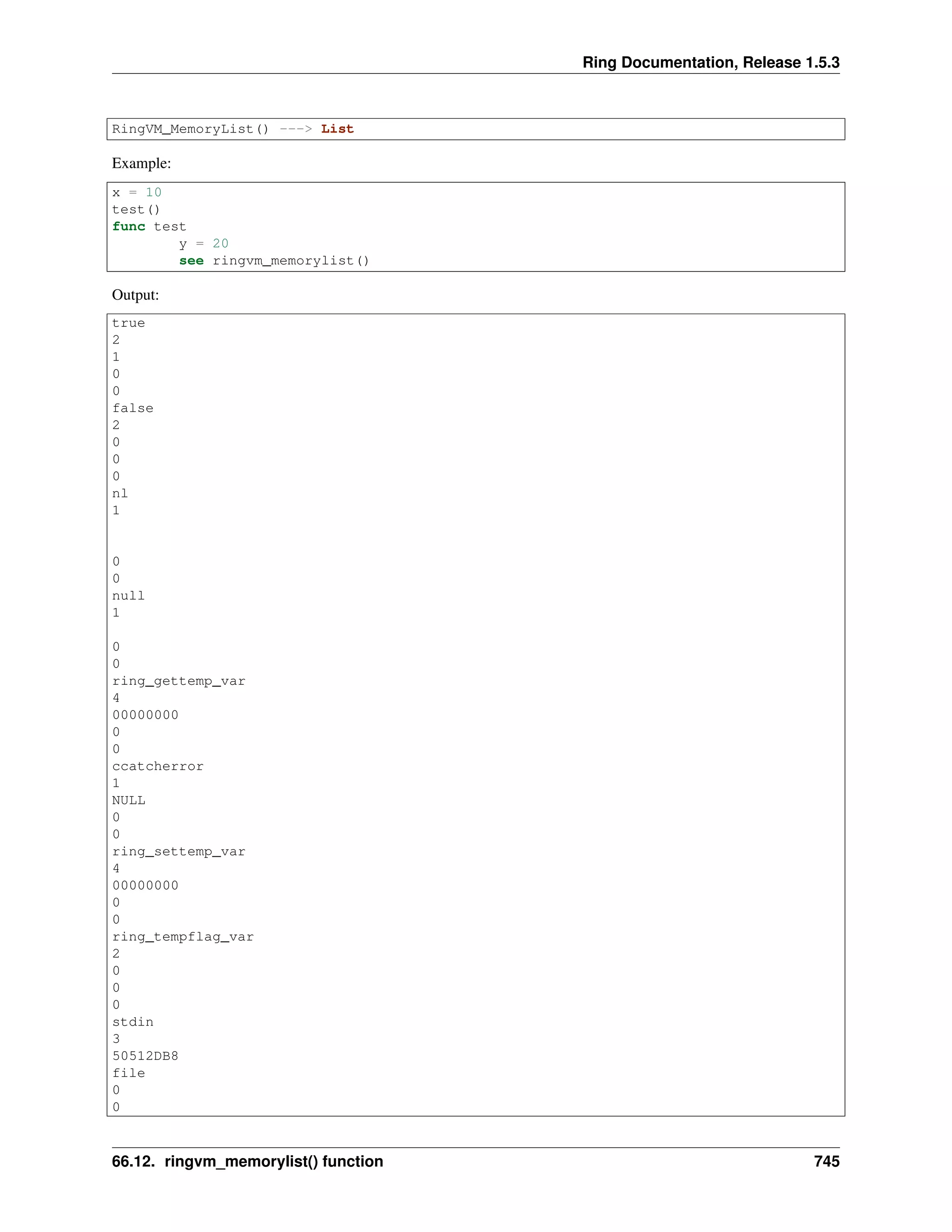
RingVM_MemoryList() ---> List
Example:
x = 10
test()
func test
y = 20
see ringvm_memorylist()
Output:
true
2
1
0
0
false
2
0
0
0
nl
1
0
0
null
1
0
0
ring_gettemp_var
4
00000000
0
0
ccatcherror
1
NULL
0
0
ring_settemp_var
4
00000000
0
0
ring_tempflag_var
2
0
0
0
stdin
3
50512DB8
file
0
0
66.12. ringvm_memorylist() function 745
Ring Documentation, Release 1.5.3
0
stdout
3
50512DD8
file
0
0
0
stderr
3
50512DF8
file
0
0
0
this
4
00000000
0
0
sysargv
3
B:ringbin/ring
B:/ring/tests/scripts/memorylist.ring
0
0
x
2
10
0
0
y
2
20
0
0
66.13 ringvm_calllist() function
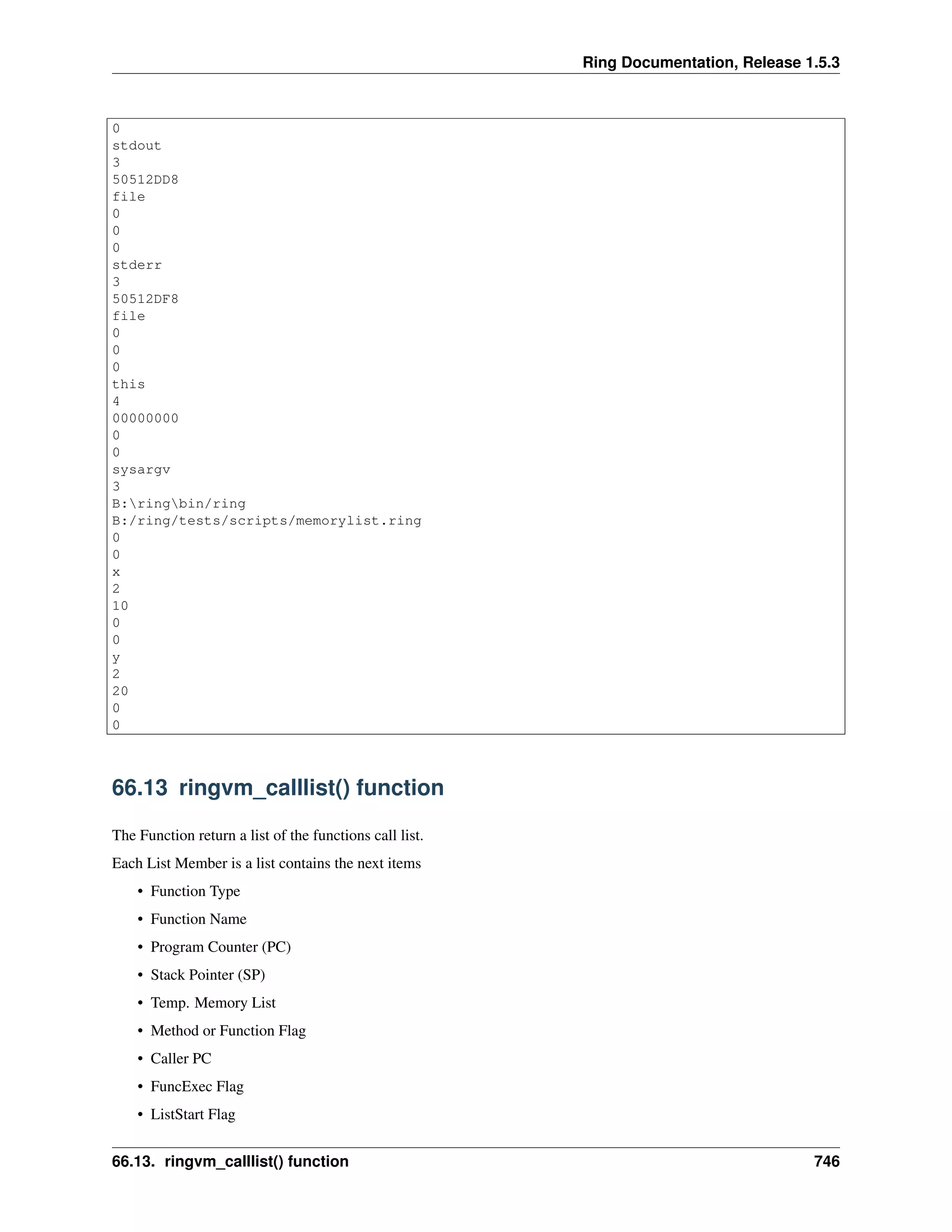
The Function return a list of the functions call list.
Each List Member is a list contains the next items
• Function Type
• Function Name
• Program Counter (PC)
• Stack Pointer (SP)
• Temp. Memory List
• Method or Function Flag
• Caller PC
• FuncExec Flag
• ListStart Flag
66.13. ringvm_calllist() function 746
Ring Documentation, Release 1.5.3
• Nested Lists Pointer
• State List
Syntax:
RingVM_CallList() ---> List
Example:
hello()
func hello
test()
func test
mylist = ringvm_calllist()
for t in mylist see t[2] + nl next
Output:
function hello() in file B:/ring/tests/scripts/calllist.ring
called from line 1
function test() in file B:/ring/tests/scripts/calllist.ring
called from line 3
ringvm_calllist
66.14 ringvm_fileslist() function
Function return a list of the Ring Files.
Syntax:
RingVM_FilesList() ---> List
Example:
load "stdlib.ring"
see ringvm_fileslist()
Output:
B:/ring/tests/scripts/fileslist.ring
B:ringbinstdlib.ring
eval
stdlib.ring
stdlib.rh
stdclasses.ring
stdfunctions.ring
stdbase.ring
stdstring.ring
stdlist.ring
stdstack.ring
stdqueue.ring
stdmath.ring
stddatetime.ring
stdfile.ring
stdsystem.ring
stddebug.ring
stddatatype.ring
66.14. ringvm_fileslist() function 747
Ring Documentation, Release 1.5.3
stdconversion.ring
stdodbc.ring
stdmysql.ring
stdsecurity.ring
stdinternet.ring
stdhashtable.ring
stdtree.ring
66.15 ringvm_settrace()
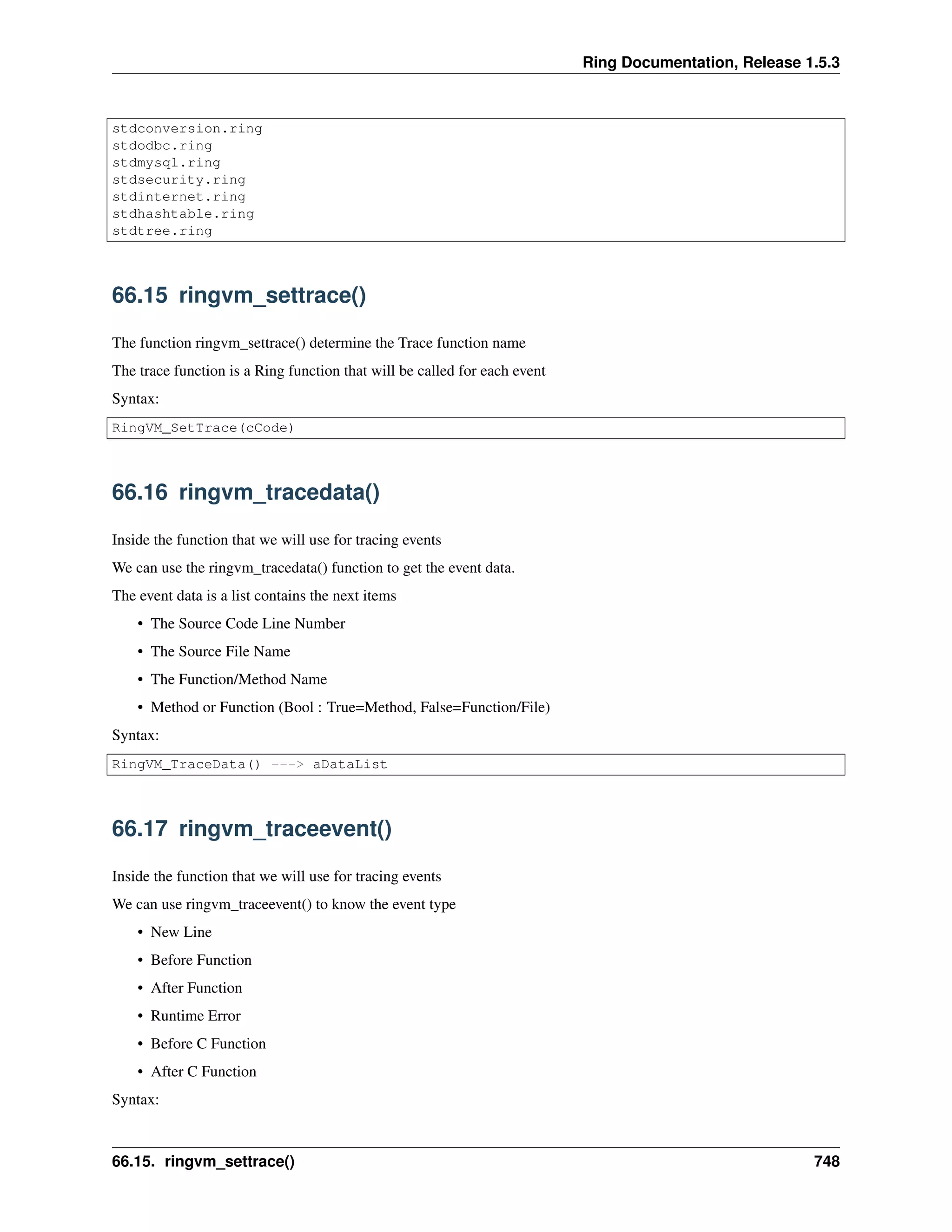
The function ringvm_settrace() determine the Trace function name
The trace function is a Ring function that will be called for each event
Syntax:
RingVM_SetTrace(cCode)
66.16 ringvm_tracedata()
Inside the function that we will use for tracing events
We can use the ringvm_tracedata() function to get the event data.
The event data is a list contains the next items
• The Source Code Line Number
• The Source File Name
• The Function/Method Name
• Method or Function (Bool : True=Method, False=Function/File)
Syntax:
RingVM_TraceData() ---> aDataList
66.17 ringvm_traceevent()
Inside the function that we will use for tracing events
We can use ringvm_traceevent() to know the event type
• New Line
• Before Function
• After Function
• Runtime Error
• Before C Function
• After C Function
Syntax:
66.15. ringvm_settrace() 748
Ring Documentation, Release 1.5.3
RingVM_TraceEvent() ---> nTraceEvent
66.18 ringvm_tracefunc()
The function return the name of the function that we are using for tracing events.
Syntax:
RingVM_TraceEvent() ---> cCode
66.19 ringvm_scopescount()
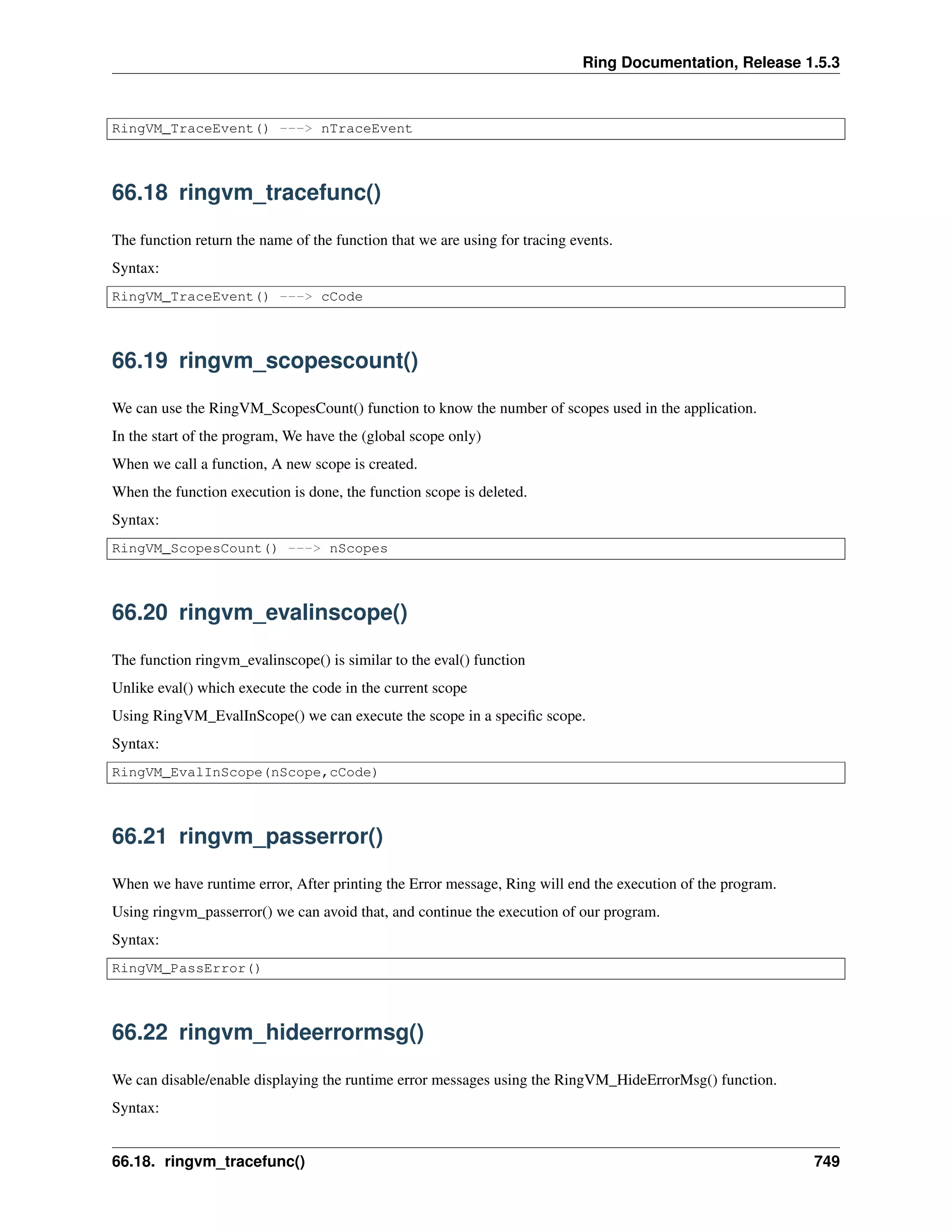
We can use the RingVM_ScopesCount() function to know the number of scopes used in the application.
In the start of the program, We have the (global scope only)
When we call a function, A new scope is created.
When the function execution is done, the function scope is deleted.
Syntax:
RingVM_ScopesCount() ---> nScopes
66.20 ringvm_evalinscope()
The function ringvm_evalinscope() is similar to the eval() function
Unlike eval() which execute the code in the current scope
Using RingVM_EvalInScope() we can execute the scope in a specific scope.
Syntax:
RingVM_EvalInScope(nScope,cCode)
66.21 ringvm_passerror()
When we have runtime error, After printing the Error message, Ring will end the execution of the program.
Using ringvm_passerror() we can avoid that, and continue the execution of our program.
Syntax:
RingVM_PassError()
66.22 ringvm_hideerrormsg()
We can disable/enable displaying the runtime error messages using the RingVM_HideErrorMsg() function.
Syntax:
66.18. ringvm_tracefunc() 749
Ring Documentation, Release 1.5.3
RingVM_HideErrorMsg(lStatus)
66.23 ringvm_callfunc()
We can call a function from a string without using eval() using the ringvm_callfunc()
Syntax:
RingVM_CallFunc(cFuncName)
66.24 Example - Using the Trace Functions
The next example use the Trace Functions to trace the program Events!
In practical, We will use the Trace Library instead of these low level functions!
load "tracelib.ring"
ringvm_settrace("mytrace()")
see "Hello, world!" + nl
see "Welcome" + nl
see "How are you?" +nl
mytest()
new myclass { mymethod() }
func mytest
see "Message from mytest" + nl
func mytrace
see "====== The Trace function is Active ======" + nl +
"Trace Function Name : " + ringvm_TraceFunc() + nl +
"Trace Event : "
switch ringvm_TraceEvent()
on TRACEEVENT_NEWLINE see "New Line"
on TRACEEVENT_NEWFUNC see "New Function"
on TRACEEVENT_RETURN see "Return"
on TRACEEVENT_ERROR see "Error"
on TRACEEVENT_BEFORECFUNC see "Before C Function"
on TRACEEVENT_AFTERCFUNC see "After C Function"
off
see nl +
"Line Number : " + ringvm_tracedata()[TRACEDATA_LINENUMBER] + nl +
"File Name : " + ringvm_tracedata()[TRACEDATA_FILENAME] + nl +
"Function Name : " + ringvm_tracedata()[TRACEDATA_FUNCNAME] + nl +
"Method or Function : "
if ringvm_tracedata()[TRACEDATA_METHODORFUNC] =
TRACEDATA_METHODORFUNC_METHOD
see "Method"
else
if ringvm_tracedata()[TRACEDATA_FUNCNAME] = NULL
see "Command"
else
see "Function"
66.23. ringvm_callfunc() 750
Ring Documentation, Release 1.5.3
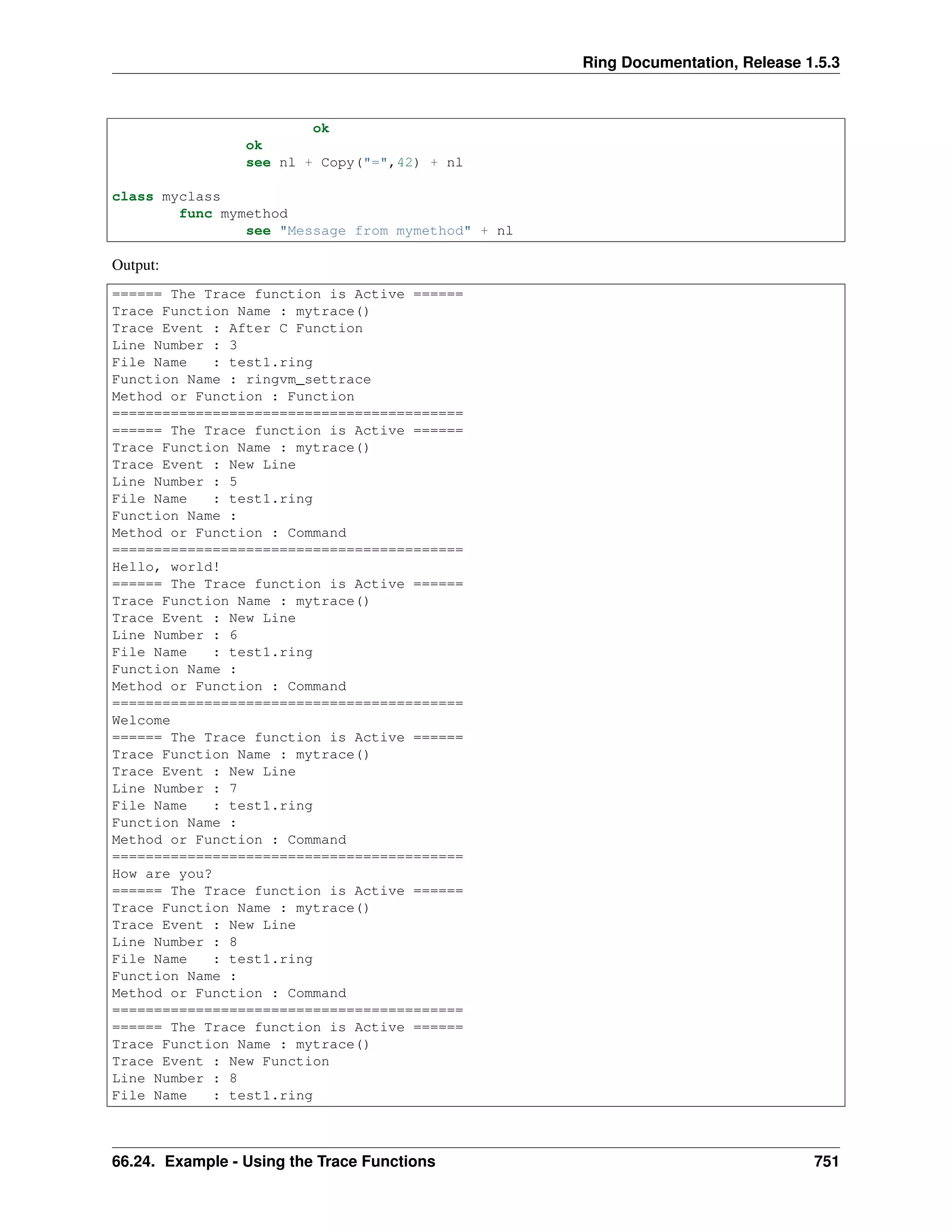
ok
ok
see nl + Copy("=",42) + nl
class myclass
func mymethod
see "Message from mymethod" + nl
Output:
====== The Trace function is Active ======
Trace Function Name : mytrace()
Trace Event : After C Function
Line Number : 3
File Name : test1.ring
Function Name : ringvm_settrace
Method or Function : Function
==========================================
====== The Trace function is Active ======
Trace Function Name : mytrace()
Trace Event : New Line
Line Number : 5
File Name : test1.ring
Function Name :
Method or Function : Command
==========================================
Hello, world!
====== The Trace function is Active ======
Trace Function Name : mytrace()
Trace Event : New Line
Line Number : 6
File Name : test1.ring
Function Name :
Method or Function : Command
==========================================
Welcome
====== The Trace function is Active ======
Trace Function Name : mytrace()
Trace Event : New Line
Line Number : 7
File Name : test1.ring
Function Name :
Method or Function : Command
==========================================
How are you?
====== The Trace function is Active ======
Trace Function Name : mytrace()
Trace Event : New Line
Line Number : 8
File Name : test1.ring
Function Name :
Method or Function : Command
==========================================
====== The Trace function is Active ======
Trace Function Name : mytrace()
Trace Event : New Function
Line Number : 8
File Name : test1.ring
66.24. Example - Using the Trace Functions 751
Ring Documentation, Release 1.5.3
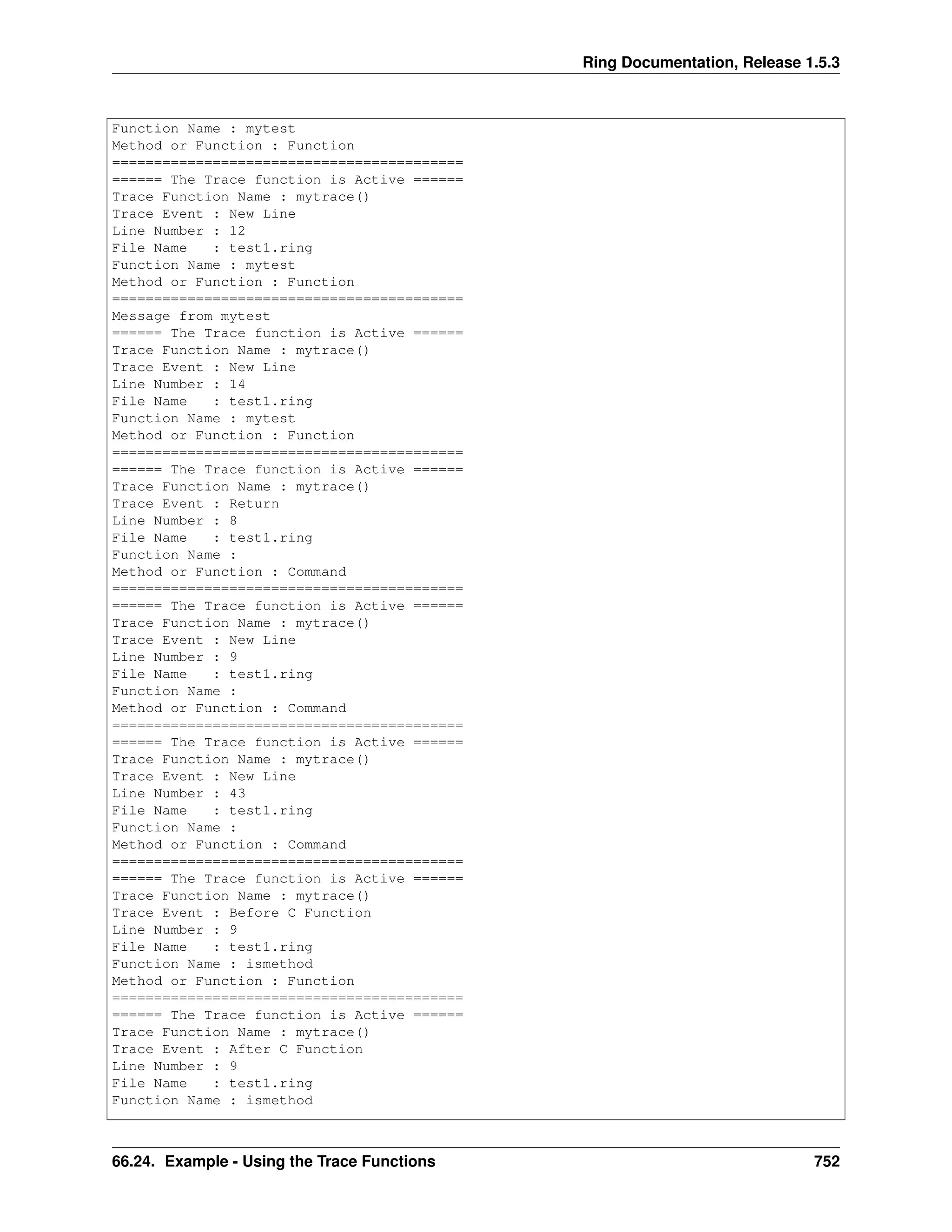
Function Name : mytest
Method or Function : Function
==========================================
====== The Trace function is Active ======
Trace Function Name : mytrace()
Trace Event : New Line
Line Number : 12
File Name : test1.ring
Function Name : mytest
Method or Function : Function
==========================================
Message from mytest
====== The Trace function is Active ======
Trace Function Name : mytrace()
Trace Event : New Line
Line Number : 14
File Name : test1.ring
Function Name : mytest
Method or Function : Function
==========================================
====== The Trace function is Active ======
Trace Function Name : mytrace()
Trace Event : Return
Line Number : 8
File Name : test1.ring
Function Name :
Method or Function : Command
==========================================
====== The Trace function is Active ======
Trace Function Name : mytrace()
Trace Event : New Line
Line Number : 9
File Name : test1.ring
Function Name :
Method or Function : Command
==========================================
====== The Trace function is Active ======
Trace Function Name : mytrace()
Trace Event : New Line
Line Number : 43
File Name : test1.ring
Function Name :
Method or Function : Command
==========================================
====== The Trace function is Active ======
Trace Function Name : mytrace()
Trace Event : Before C Function
Line Number : 9
File Name : test1.ring
Function Name : ismethod
Method or Function : Function
==========================================
====== The Trace function is Active ======
Trace Function Name : mytrace()
Trace Event : After C Function
Line Number : 9
File Name : test1.ring
Function Name : ismethod
66.24. Example - Using the Trace Functions 752
Ring Documentation, Release 1.5.3
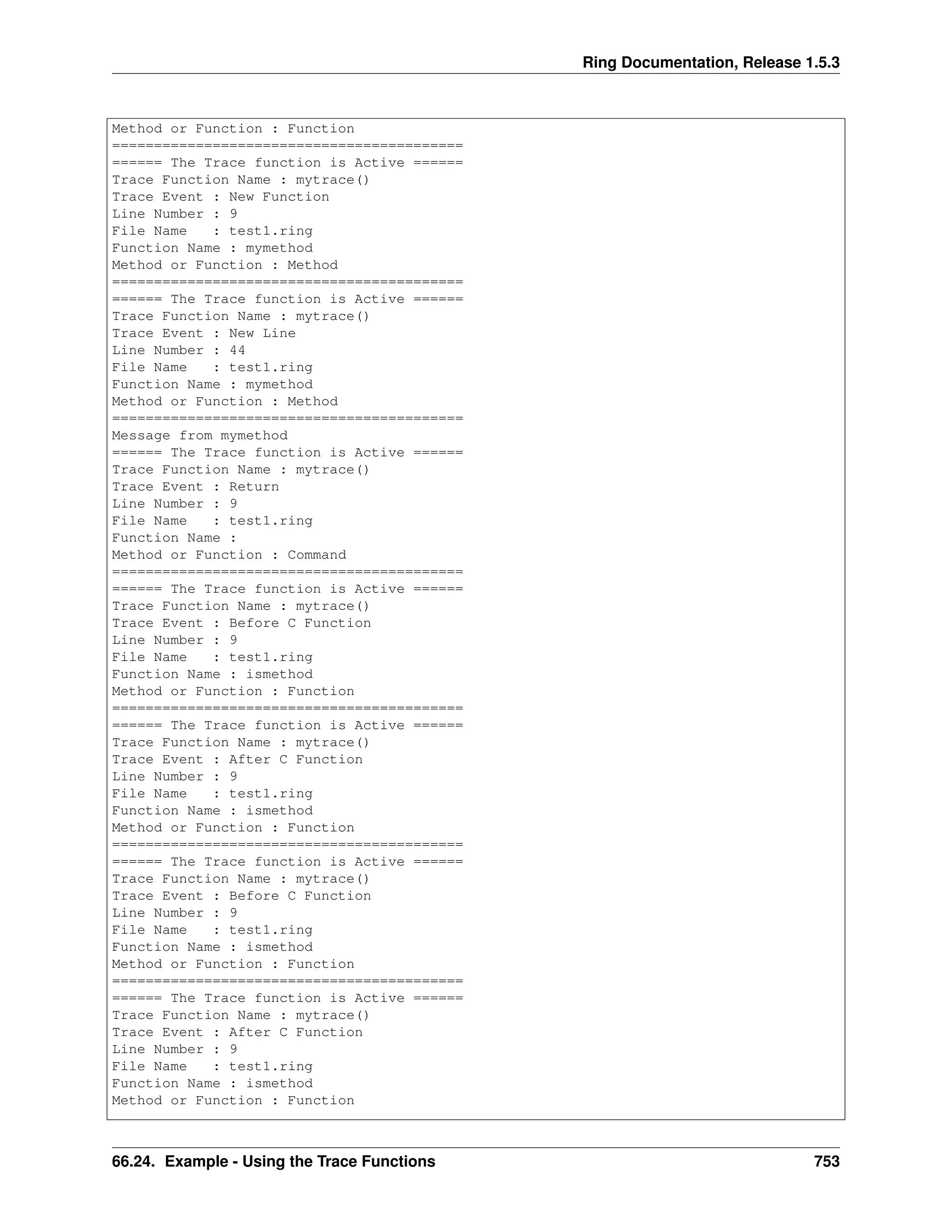
Method or Function : Function
==========================================
====== The Trace function is Active ======
Trace Function Name : mytrace()
Trace Event : New Function
Line Number : 9
File Name : test1.ring
Function Name : mymethod
Method or Function : Method
==========================================
====== The Trace function is Active ======
Trace Function Name : mytrace()
Trace Event : New Line
Line Number : 44
File Name : test1.ring
Function Name : mymethod
Method or Function : Method
==========================================
Message from mymethod
====== The Trace function is Active ======
Trace Function Name : mytrace()
Trace Event : Return
Line Number : 9
File Name : test1.ring
Function Name :
Method or Function : Command
==========================================
====== The Trace function is Active ======
Trace Function Name : mytrace()
Trace Event : Before C Function
Line Number : 9
File Name : test1.ring
Function Name : ismethod
Method or Function : Function
==========================================
====== The Trace function is Active ======
Trace Function Name : mytrace()
Trace Event : After C Function
Line Number : 9
File Name : test1.ring
Function Name : ismethod
Method or Function : Function
==========================================
====== The Trace function is Active ======
Trace Function Name : mytrace()
Trace Event : Before C Function
Line Number : 9
File Name : test1.ring
Function Name : ismethod
Method or Function : Function
==========================================
====== The Trace function is Active ======
Trace Function Name : mytrace()
Trace Event : After C Function
Line Number : 9
File Name : test1.ring
Function Name : ismethod
Method or Function : Function
66.24. Example - Using the Trace Functions 753
Ring Documentation, Release 1.5.3
==========================================
====== The Trace function is Active ======
Trace Function Name : mytrace()
Trace Event : New Line
Line Number : 11
File Name : test1.ring
Function Name :
Method or Function : Command
==========================================
66.25 Example - The Trace Library
The next example uses the Trace functions provided by the Ring language to create the Trace library.
Using the Trace library we have nice Tracing tools and Interaction debugger too.
# Trace Events
TRACEEVENT_NEWLINE = 1
TRACEEVENT_NEWFUNC = 2
TRACEEVENT_RETURN = 3
TRACEEVENT_ERROR = 4
TRACEEVENT_BEFORECFUNC = 5
TRACEEVENT_AFTERCFUNC = 6
# Trace Data
TRACEDATA_LINENUMBER = 1
TRACEDATA_FILENAME = 2
TRACEDATA_FUNCNAME = 3
TRACEDATA_METHODORFUNC = 4
# Method of Function
TRACEDATA_METHODORFUNC_METHOD = TRUE
TRACEDATA_METHODORFUNC_NOTMETHOD = FALSE
TRACE_BREAKPOINTS = TRUE
TRACE_TEMPLIST = []
func Trace cType
switch trim(lower(cType))
on :AllEvents
ringvm_settrace("TraceLib_AllEvents()")
on :Functions
ringvm_settrace("TraceLib_Functions()")
on :PassError
ringvm_settrace("TraceLib_PassError()")
on :Debugger
ringvm_settrace("TraceLib_Debugger()")
on :LineByLine
ringvm_settrace("TraceLib_LineByLine()")
off
func TraceLib_AllEvents
if right(ringvm_tracedata()[TRACEDATA_FILENAME],13) = "tracelib.ring"
return
ok
see "====== The Trace function is Active ======" + nl +
66.25. Example - The Trace Library 754

The Ring programming language version 1.5.3 book - Part 88 of 184

  • 1.
    Ring Documentation, Release1.5.3 RingVM_MemoryList() ---> List Example: x = 10 test() func test y = 20 see ringvm_memorylist() Output: true 2 1 0 0 false 2 0 0 0 nl 1 0 0 null 1 0 0 ring_gettemp_var 4 00000000 0 0 ccatcherror 1 NULL 0 0 ring_settemp_var 4 00000000 0 0 ring_tempflag_var 2 0 0 0 stdin 3 50512DB8 file 0 0 66.12. ringvm_memorylist() function 745
  • 2.
    Ring Documentation, Release1.5.3 0 stdout 3 50512DD8 file 0 0 0 stderr 3 50512DF8 file 0 0 0 this 4 00000000 0 0 sysargv 3 B:ringbin/ring B:/ring/tests/scripts/memorylist.ring 0 0 x 2 10 0 0 y 2 20 0 0 66.13 ringvm_calllist() function The Function return a list of the functions call list. Each List Member is a list contains the next items • Function Type • Function Name • Program Counter (PC) • Stack Pointer (SP) • Temp. Memory List • Method or Function Flag • Caller PC • FuncExec Flag • ListStart Flag 66.13. ringvm_calllist() function 746
  • 3.
    Ring Documentation, Release1.5.3 • Nested Lists Pointer • State List Syntax: RingVM_CallList() ---> List Example: hello() func hello test() func test mylist = ringvm_calllist() for t in mylist see t[2] + nl next Output: function hello() in file B:/ring/tests/scripts/calllist.ring called from line 1 function test() in file B:/ring/tests/scripts/calllist.ring called from line 3 ringvm_calllist 66.14 ringvm_fileslist() function Function return a list of the Ring Files. Syntax: RingVM_FilesList() ---> List Example: load "stdlib.ring" see ringvm_fileslist() Output: B:/ring/tests/scripts/fileslist.ring B:ringbinstdlib.ring eval stdlib.ring stdlib.rh stdclasses.ring stdfunctions.ring stdbase.ring stdstring.ring stdlist.ring stdstack.ring stdqueue.ring stdmath.ring stddatetime.ring stdfile.ring stdsystem.ring stddebug.ring stddatatype.ring 66.14. ringvm_fileslist() function 747
  • 4.
    Ring Documentation, Release1.5.3 stdconversion.ring stdodbc.ring stdmysql.ring stdsecurity.ring stdinternet.ring stdhashtable.ring stdtree.ring 66.15 ringvm_settrace() The function ringvm_settrace() determine the Trace function name The trace function is a Ring function that will be called for each event Syntax: RingVM_SetTrace(cCode) 66.16 ringvm_tracedata() Inside the function that we will use for tracing events We can use the ringvm_tracedata() function to get the event data. The event data is a list contains the next items • The Source Code Line Number • The Source File Name • The Function/Method Name • Method or Function (Bool : True=Method, False=Function/File) Syntax: RingVM_TraceData() ---> aDataList 66.17 ringvm_traceevent() Inside the function that we will use for tracing events We can use ringvm_traceevent() to know the event type • New Line • Before Function • After Function • Runtime Error • Before C Function • After C Function Syntax: 66.15. ringvm_settrace() 748
  • 5.
    Ring Documentation, Release1.5.3 RingVM_TraceEvent() ---> nTraceEvent 66.18 ringvm_tracefunc() The function return the name of the function that we are using for tracing events. Syntax: RingVM_TraceEvent() ---> cCode 66.19 ringvm_scopescount() We can use the RingVM_ScopesCount() function to know the number of scopes used in the application. In the start of the program, We have the (global scope only) When we call a function, A new scope is created. When the function execution is done, the function scope is deleted. Syntax: RingVM_ScopesCount() ---> nScopes 66.20 ringvm_evalinscope() The function ringvm_evalinscope() is similar to the eval() function Unlike eval() which execute the code in the current scope Using RingVM_EvalInScope() we can execute the scope in a specific scope. Syntax: RingVM_EvalInScope(nScope,cCode) 66.21 ringvm_passerror() When we have runtime error, After printing the Error message, Ring will end the execution of the program. Using ringvm_passerror() we can avoid that, and continue the execution of our program. Syntax: RingVM_PassError() 66.22 ringvm_hideerrormsg() We can disable/enable displaying the runtime error messages using the RingVM_HideErrorMsg() function. Syntax: 66.18. ringvm_tracefunc() 749
  • 6.
    Ring Documentation, Release1.5.3 RingVM_HideErrorMsg(lStatus) 66.23 ringvm_callfunc() We can call a function from a string without using eval() using the ringvm_callfunc() Syntax: RingVM_CallFunc(cFuncName) 66.24 Example - Using the Trace Functions The next example use the Trace Functions to trace the program Events! In practical, We will use the Trace Library instead of these low level functions! load "tracelib.ring" ringvm_settrace("mytrace()") see "Hello, world!" + nl see "Welcome" + nl see "How are you?" +nl mytest() new myclass { mymethod() } func mytest see "Message from mytest" + nl func mytrace see "====== The Trace function is Active ======" + nl + "Trace Function Name : " + ringvm_TraceFunc() + nl + "Trace Event : " switch ringvm_TraceEvent() on TRACEEVENT_NEWLINE see "New Line" on TRACEEVENT_NEWFUNC see "New Function" on TRACEEVENT_RETURN see "Return" on TRACEEVENT_ERROR see "Error" on TRACEEVENT_BEFORECFUNC see "Before C Function" on TRACEEVENT_AFTERCFUNC see "After C Function" off see nl + "Line Number : " + ringvm_tracedata()[TRACEDATA_LINENUMBER] + nl + "File Name : " + ringvm_tracedata()[TRACEDATA_FILENAME] + nl + "Function Name : " + ringvm_tracedata()[TRACEDATA_FUNCNAME] + nl + "Method or Function : " if ringvm_tracedata()[TRACEDATA_METHODORFUNC] = TRACEDATA_METHODORFUNC_METHOD see "Method" else if ringvm_tracedata()[TRACEDATA_FUNCNAME] = NULL see "Command" else see "Function" 66.23. ringvm_callfunc() 750
  • 7.
    Ring Documentation, Release1.5.3 ok ok see nl + Copy("=",42) + nl class myclass func mymethod see "Message from mymethod" + nl Output: ====== The Trace function is Active ====== Trace Function Name : mytrace() Trace Event : After C Function Line Number : 3 File Name : test1.ring Function Name : ringvm_settrace Method or Function : Function ========================================== ====== The Trace function is Active ====== Trace Function Name : mytrace() Trace Event : New Line Line Number : 5 File Name : test1.ring Function Name : Method or Function : Command ========================================== Hello, world! ====== The Trace function is Active ====== Trace Function Name : mytrace() Trace Event : New Line Line Number : 6 File Name : test1.ring Function Name : Method or Function : Command ========================================== Welcome ====== The Trace function is Active ====== Trace Function Name : mytrace() Trace Event : New Line Line Number : 7 File Name : test1.ring Function Name : Method or Function : Command ========================================== How are you? ====== The Trace function is Active ====== Trace Function Name : mytrace() Trace Event : New Line Line Number : 8 File Name : test1.ring Function Name : Method or Function : Command ========================================== ====== The Trace function is Active ====== Trace Function Name : mytrace() Trace Event : New Function Line Number : 8 File Name : test1.ring 66.24. Example - Using the Trace Functions 751
  • 8.
    Ring Documentation, Release1.5.3 Function Name : mytest Method or Function : Function ========================================== ====== The Trace function is Active ====== Trace Function Name : mytrace() Trace Event : New Line Line Number : 12 File Name : test1.ring Function Name : mytest Method or Function : Function ========================================== Message from mytest ====== The Trace function is Active ====== Trace Function Name : mytrace() Trace Event : New Line Line Number : 14 File Name : test1.ring Function Name : mytest Method or Function : Function ========================================== ====== The Trace function is Active ====== Trace Function Name : mytrace() Trace Event : Return Line Number : 8 File Name : test1.ring Function Name : Method or Function : Command ========================================== ====== The Trace function is Active ====== Trace Function Name : mytrace() Trace Event : New Line Line Number : 9 File Name : test1.ring Function Name : Method or Function : Command ========================================== ====== The Trace function is Active ====== Trace Function Name : mytrace() Trace Event : New Line Line Number : 43 File Name : test1.ring Function Name : Method or Function : Command ========================================== ====== The Trace function is Active ====== Trace Function Name : mytrace() Trace Event : Before C Function Line Number : 9 File Name : test1.ring Function Name : ismethod Method or Function : Function ========================================== ====== The Trace function is Active ====== Trace Function Name : mytrace() Trace Event : After C Function Line Number : 9 File Name : test1.ring Function Name : ismethod 66.24. Example - Using the Trace Functions 752
  • 9.
    Ring Documentation, Release1.5.3 Method or Function : Function ========================================== ====== The Trace function is Active ====== Trace Function Name : mytrace() Trace Event : New Function Line Number : 9 File Name : test1.ring Function Name : mymethod Method or Function : Method ========================================== ====== The Trace function is Active ====== Trace Function Name : mytrace() Trace Event : New Line Line Number : 44 File Name : test1.ring Function Name : mymethod Method or Function : Method ========================================== Message from mymethod ====== The Trace function is Active ====== Trace Function Name : mytrace() Trace Event : Return Line Number : 9 File Name : test1.ring Function Name : Method or Function : Command ========================================== ====== The Trace function is Active ====== Trace Function Name : mytrace() Trace Event : Before C Function Line Number : 9 File Name : test1.ring Function Name : ismethod Method or Function : Function ========================================== ====== The Trace function is Active ====== Trace Function Name : mytrace() Trace Event : After C Function Line Number : 9 File Name : test1.ring Function Name : ismethod Method or Function : Function ========================================== ====== The Trace function is Active ====== Trace Function Name : mytrace() Trace Event : Before C Function Line Number : 9 File Name : test1.ring Function Name : ismethod Method or Function : Function ========================================== ====== The Trace function is Active ====== Trace Function Name : mytrace() Trace Event : After C Function Line Number : 9 File Name : test1.ring Function Name : ismethod Method or Function : Function 66.24. Example - Using the Trace Functions 753
  • 10.
    Ring Documentation, Release1.5.3 ========================================== ====== The Trace function is Active ====== Trace Function Name : mytrace() Trace Event : New Line Line Number : 11 File Name : test1.ring Function Name : Method or Function : Command ========================================== 66.25 Example - The Trace Library The next example uses the Trace functions provided by the Ring language to create the Trace library. Using the Trace library we have nice Tracing tools and Interaction debugger too. # Trace Events TRACEEVENT_NEWLINE = 1 TRACEEVENT_NEWFUNC = 2 TRACEEVENT_RETURN = 3 TRACEEVENT_ERROR = 4 TRACEEVENT_BEFORECFUNC = 5 TRACEEVENT_AFTERCFUNC = 6 # Trace Data TRACEDATA_LINENUMBER = 1 TRACEDATA_FILENAME = 2 TRACEDATA_FUNCNAME = 3 TRACEDATA_METHODORFUNC = 4 # Method of Function TRACEDATA_METHODORFUNC_METHOD = TRUE TRACEDATA_METHODORFUNC_NOTMETHOD = FALSE TRACE_BREAKPOINTS = TRUE TRACE_TEMPLIST = [] func Trace cType switch trim(lower(cType)) on :AllEvents ringvm_settrace("TraceLib_AllEvents()") on :Functions ringvm_settrace("TraceLib_Functions()") on :PassError ringvm_settrace("TraceLib_PassError()") on :Debugger ringvm_settrace("TraceLib_Debugger()") on :LineByLine ringvm_settrace("TraceLib_LineByLine()") off func TraceLib_AllEvents if right(ringvm_tracedata()[TRACEDATA_FILENAME],13) = "tracelib.ring" return ok see "====== The Trace function is Active ======" + nl + 66.25. Example - The Trace Library 754