Download to read offline
![Ring Documentation, Release 1.10
Switch nKey
on KEY_LEFT
x -= 10
on KEY_RIGHT
x += 10
on KEY_UP
y -= 10
on KEY_DOWN
y += 10
off
}
}
mouse = func oGame,oSelf,nType,aMouseList {
if nType = GE_MOUSE_UP
oSelf {
x = aMouseList[GE_MOUSE_X]
y = aMouseList[GE_MOUSE_Y]
}
ok
}
}
} # Start the Events Loop
60.22 Using the Game Engine - Sprite - State event
Load "gameengine.ring" # Give control to the game engine
func main # Called by the Game Engine
oGame = New Game # Create the Game Object
{
title = "My First Game"
sprite
{
type = GE_TYPE_PLAYER # Just for our usage
x=400 y=400 width=100 height=100
file = "images/player.png"
transparent = true
Animate=false
Move=false # Custom Movement
Scaled=true
keypress = func oGame,oSelf,nKey {
oSelf {
Switch nKey
on KEY_LEFT
x -= 10
on KEY_RIGHT
x += 10
on KEY_UP
y -= 10
on KEY_DOWN
y += 10
off
}
}
mouse = func oGame,oSelf,nType,aMouseList {
60.22. Using the Game Engine - Sprite - State event 567](https://image.slidesharecdn.com/591ring-190430143834/85/The-Ring-programming-language-version-1-10-book-Part-60-of-212-10-320.jpg)

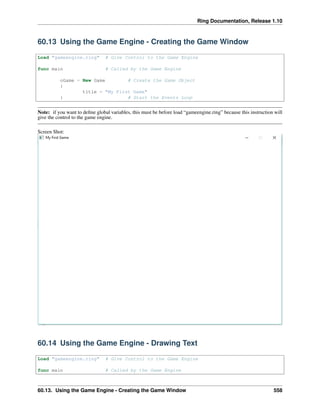
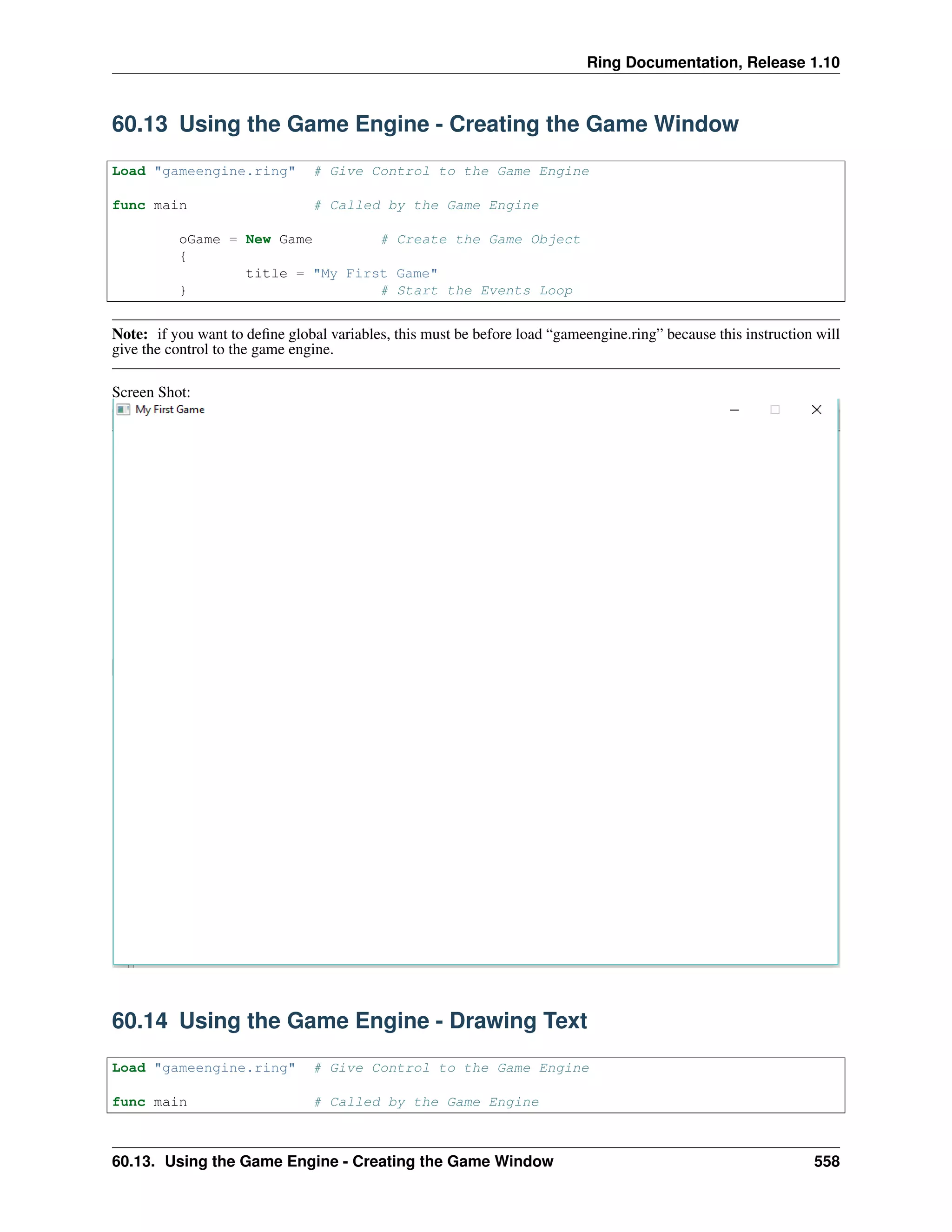
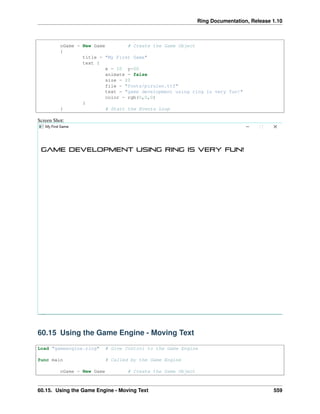
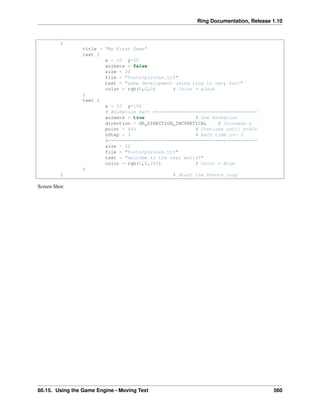
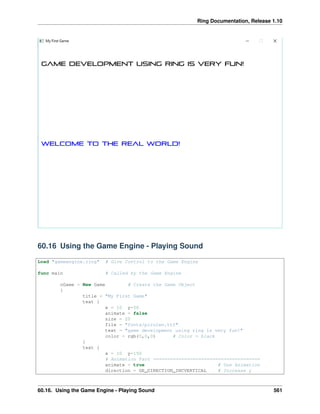
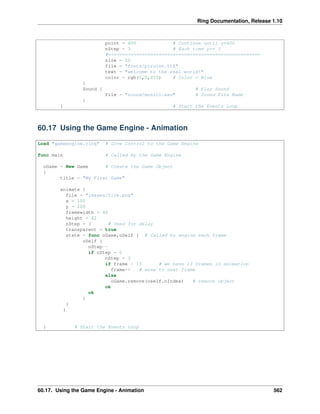
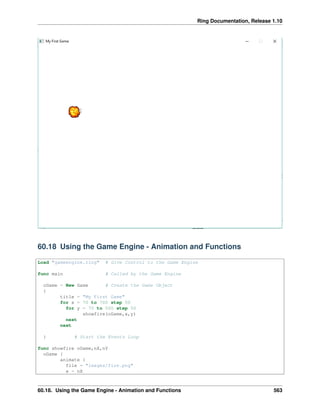
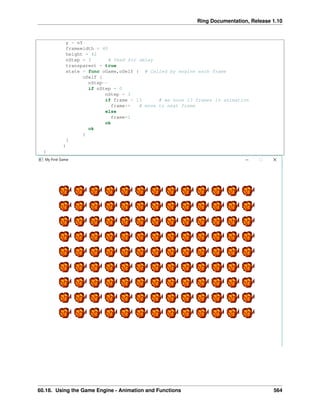
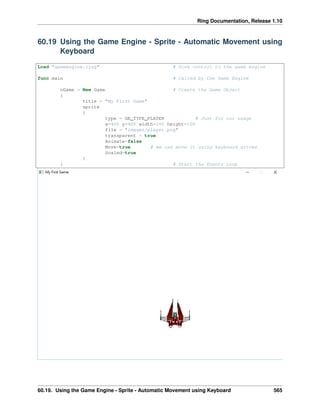
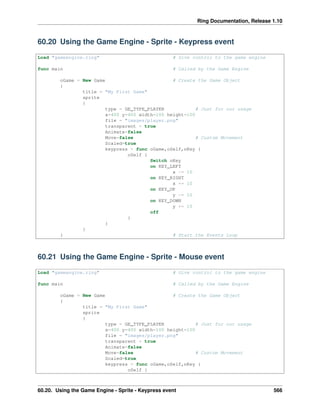
The document provides code examples for creating and customizing a game using the Ring game engine. It shows how to: 1. Load the game engine, create a game object, and start the event loop to initialize a basic game window. 2. Add text drawing and animation by modifying game object properties like position, color, font and movement settings. 3. Play sound by adding a sound object to the game. 4. Add sprite animation by loading image frames and updating the frame on each loop. 5. Handle keyboard and mouse input by adding keypress and mouse event functions to respond to user input.


