Introduction to the
Awesome .
Installation and editor Usage…
Part-1
About Me
- Full Stack Web Developer in python/django.
- Experience in Web application development and many other things.
- Happy to help anyone and share knowledge.
Connect with
me
YouTube https://www.youtube.com/channel/UCUG--Tc3bnSVvhgfTIaWwng
Facebook https://www.facebook.com/binayray2009
Wordpress https://binaykumarray.wordpress.com/
LinkedIn https://in.linkedin.com/in/binaykumarray
Email binayray2009@gmail.com
2
Installation
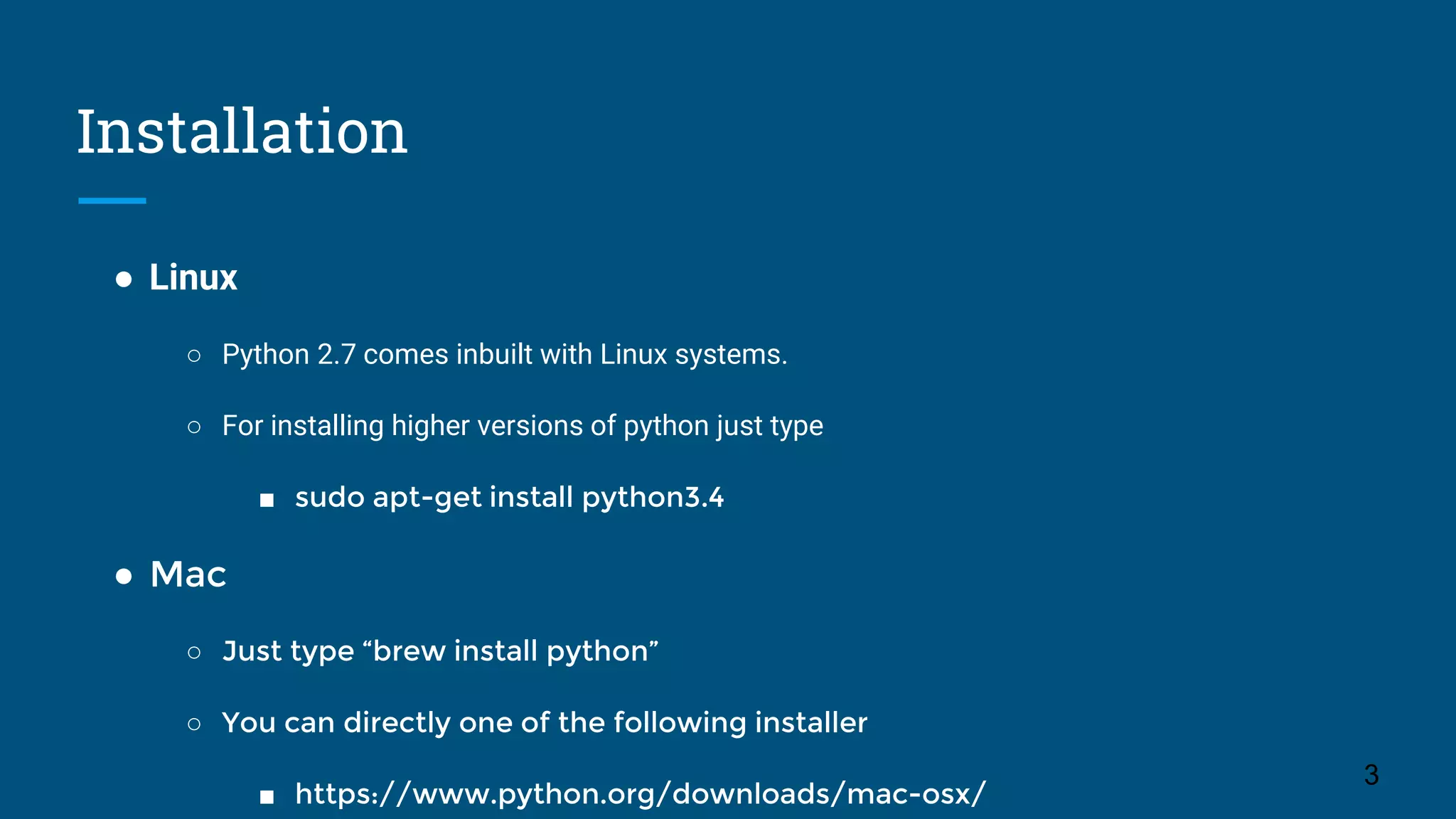
● Linux
○ Python 2.7 comes inbuilt with Linux systems.
○ For installing higher versions of python just type
■ sudo apt-get install python3.4
● Mac
○ Just type “brew install python”
○ You can directly one of the following installer
■ https://www.python.org/downloads/mac-osx/
3
Windows Installation
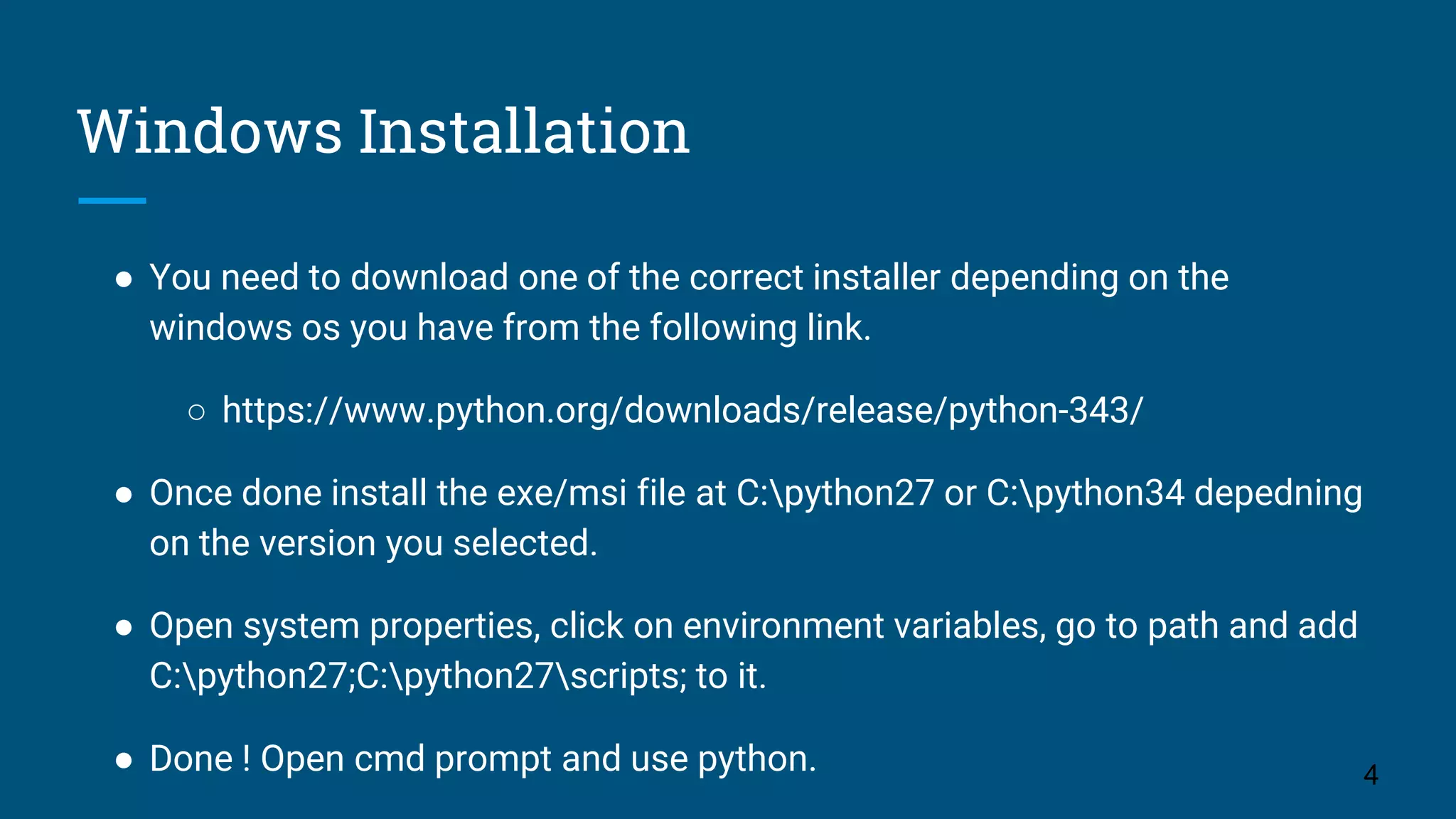
● You need to download one of the correct installer depending on the
windows os you have from the following link.
○ https://www.python.org/downloads/release/python-343/
● Once done install the exe/msi file at C:python27 or C:python34 depedning
on the version you selected.
● Open system properties, click on environment variables, go to path and add
C:python27;C:python27scripts; to it.
● Done ! Open cmd prompt and use python. 4
Editor
● It says “Life is easy without braces”
● Editor plays a vital role in python coding.
● Almost every editor supports python and all are good no doubt, but i haven’t
used all. I will name two editors of my choice.
● Firstly Pycharm. It’s so powerful that it compiles code, checks for error,
executes your code, manages your scm, Check for better coding practice,
create vagrant env and what not.
● Second if Sublime text 2. My personal favourite, as it is lightweight, Supports
all kind of plugins and give many access to the user. 5
ThanksStay Tuned for the next part. Enjoy !!
6

The Awesome Python Class Part-1

  • 1.
    Introduction to the Awesome. Installation and editor Usage… Part-1
  • 2.
    About Me - FullStack Web Developer in python/django. - Experience in Web application development and many other things. - Happy to help anyone and share knowledge. Connect with me YouTube https://www.youtube.com/channel/UCUG--Tc3bnSVvhgfTIaWwng Facebook https://www.facebook.com/binayray2009 Wordpress https://binaykumarray.wordpress.com/ LinkedIn https://in.linkedin.com/in/binaykumarray Email binayray2009@gmail.com 2
  • 3.
    Installation ● Linux ○ Python2.7 comes inbuilt with Linux systems. ○ For installing higher versions of python just type ■ sudo apt-get install python3.4 ● Mac ○ Just type “brew install python” ○ You can directly one of the following installer ■ https://www.python.org/downloads/mac-osx/ 3
  • 4.
    Windows Installation ● Youneed to download one of the correct installer depending on the windows os you have from the following link. ○ https://www.python.org/downloads/release/python-343/ ● Once done install the exe/msi file at C:python27 or C:python34 depedning on the version you selected. ● Open system properties, click on environment variables, go to path and add C:python27;C:python27scripts; to it. ● Done ! Open cmd prompt and use python. 4
  • 5.
    Editor ● It says“Life is easy without braces” ● Editor plays a vital role in python coding. ● Almost every editor supports python and all are good no doubt, but i haven’t used all. I will name two editors of my choice. ● Firstly Pycharm. It’s so powerful that it compiles code, checks for error, executes your code, manages your scm, Check for better coding practice, create vagrant env and what not. ● Second if Sublime text 2. My personal favourite, as it is lightweight, Supports all kind of plugins and give many access to the user. 5
  • 6.
    ThanksStay Tuned forthe next part. Enjoy !! 6