Buying a New Computer
What are you going to do with
the computer?
Basic Home User – Budget Desktop
• Browse the Web
• Send email
• Create Word document
Photos and Video – Power Desktop
• Transfer pictures from a digital camera
• Transfer video from a digital video camera
• Edit photos and video
Gaming – Gaming PC
• Simple graphics
• Complex graphics
RAM, Processor
What Are These Things and What
Do I Choose?
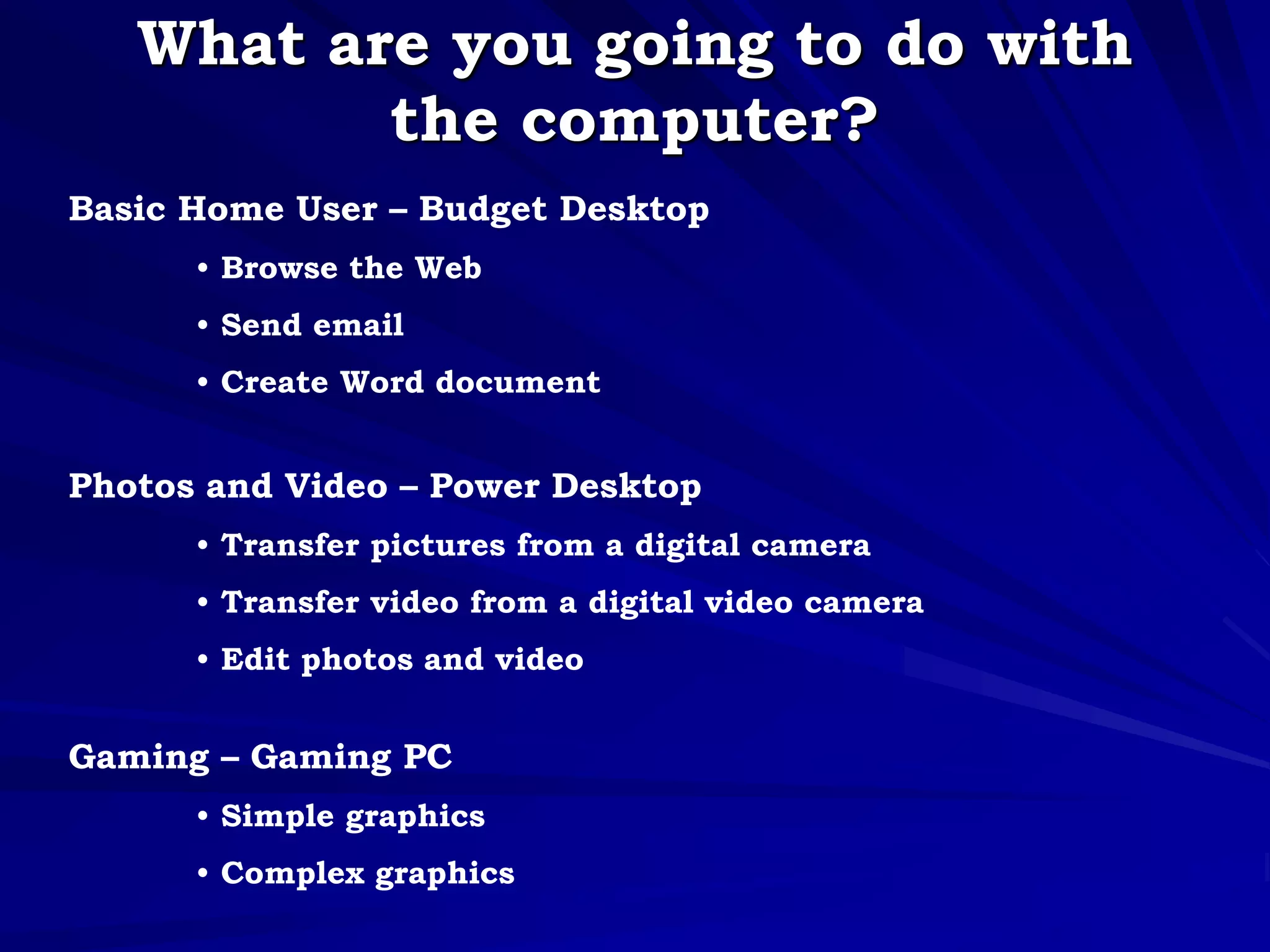
RAM – Random Access Memory
• Single most important component in my
opinion
• 4 to 6 GB recommended
• More is better – multitasking, printing, web
surfing
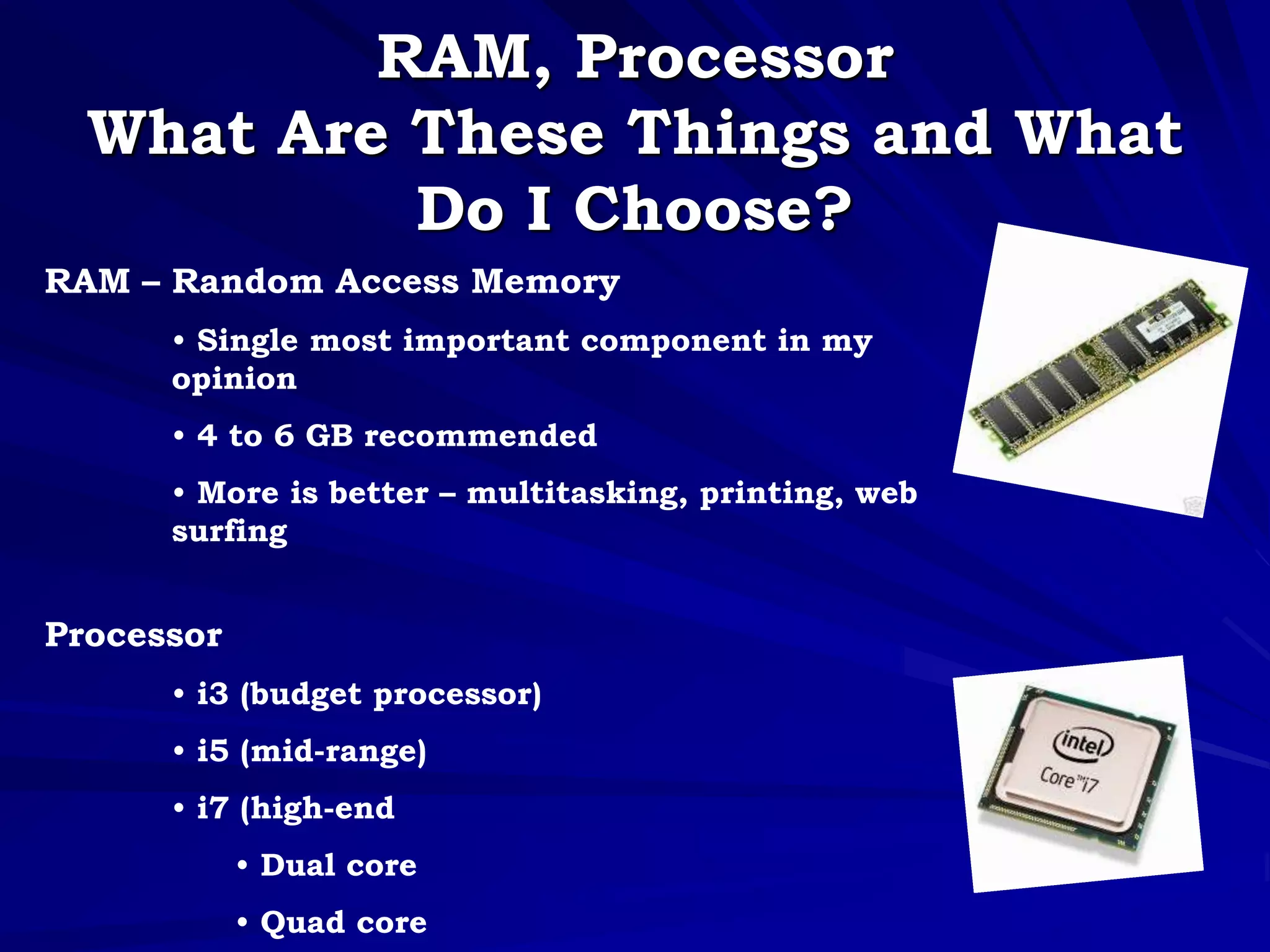
Processor
• i3 (budget processor)
• i5 (mid-range)
• i7 (high-end
• Dual core
• Quad core
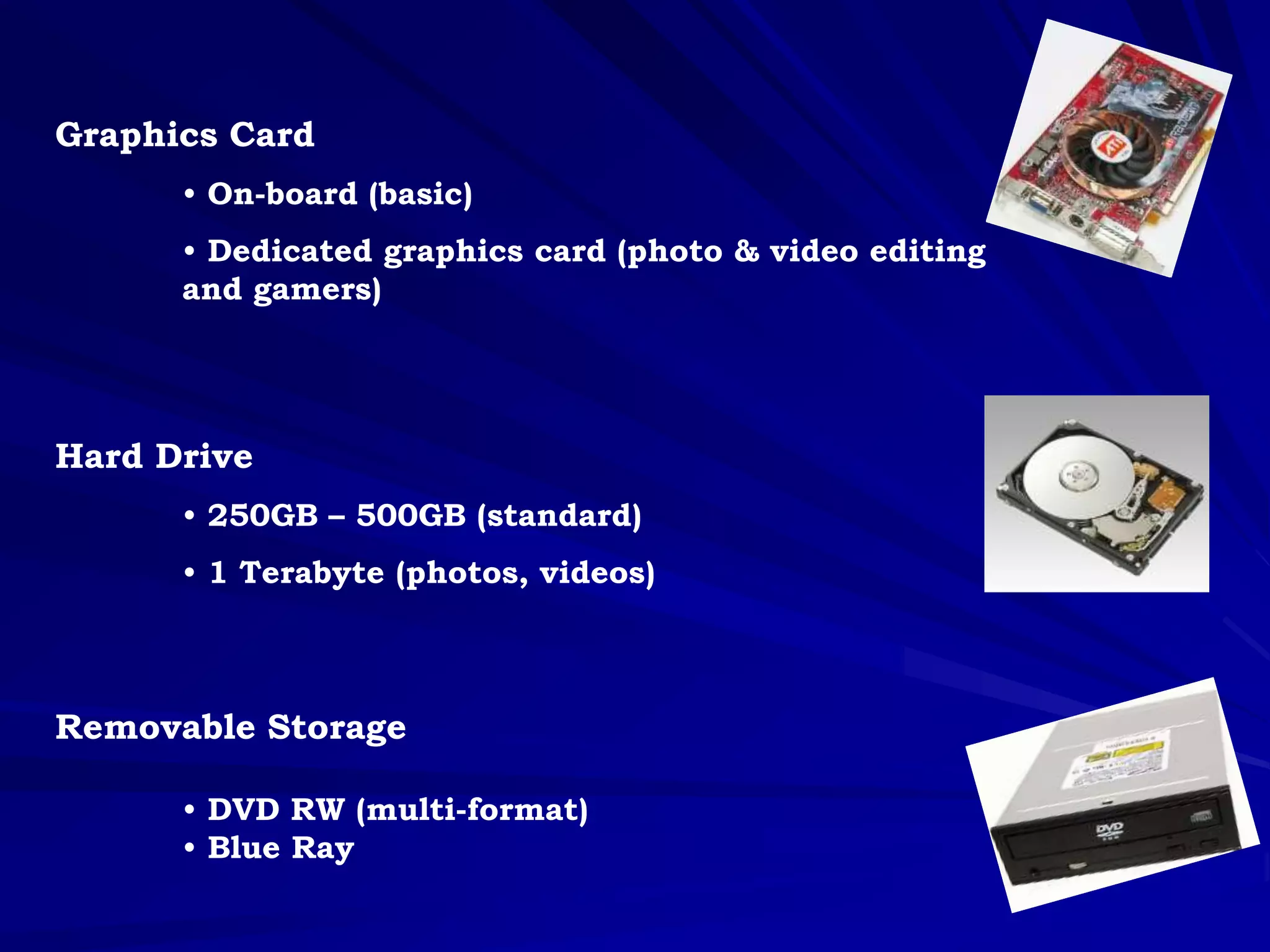
Graphics Card
• On-board (basic)
• Dedicated graphics card (photo & video editing
and gamers)
Hard Drive
• 250GB – 500GB (standard)
• 1 Terabyte (photos, videos)
Removable Storage
• DVD RW (multi-format)
• Blue Ray
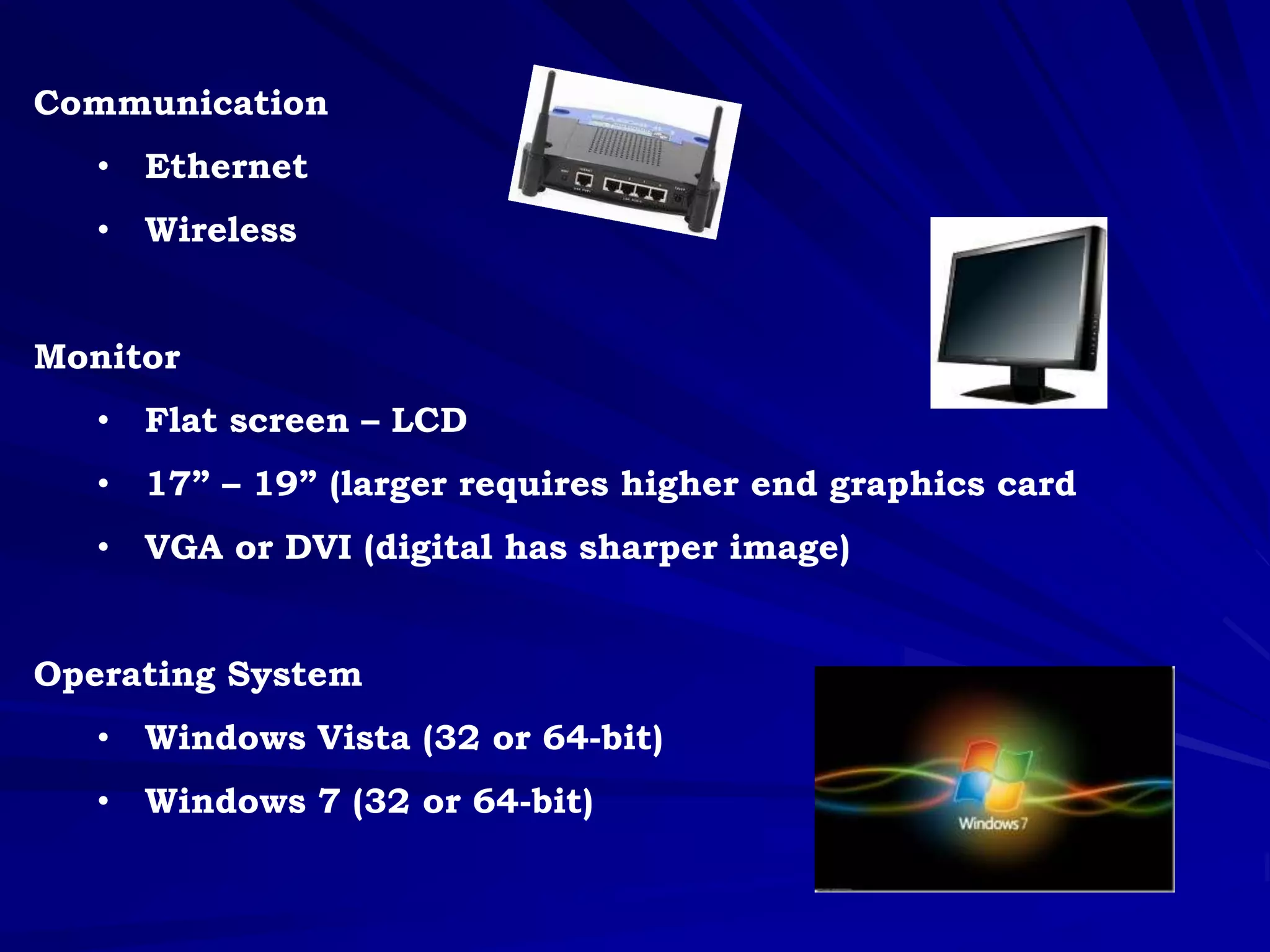
Communication
• Ethernet
• Wireless
Monitor
• Flat screen – LCD
• 17” – 19” (larger requires higher end graphics card
• VGA or DVI (digital has sharper image)
Operating System
• Windows Vista (32 or 64-bit)
• Windows 7 (32 or 64-bit)
Warranty and Technical Support
• 1-year should suffice
• Longer warranties cost much more
• Get upgrades at time of purchase
Questions?

Test Presentation

  • 1.
    Buying a NewComputer
  • 3.
    What are yougoing to do with the computer? Basic Home User – Budget Desktop • Browse the Web • Send email • Create Word document Photos and Video – Power Desktop • Transfer pictures from a digital camera • Transfer video from a digital video camera • Edit photos and video Gaming – Gaming PC • Simple graphics • Complex graphics
  • 4.
    RAM, Processor What AreThese Things and What Do I Choose? RAM – Random Access Memory • Single most important component in my opinion • 4 to 6 GB recommended • More is better – multitasking, printing, web surfing Processor • i3 (budget processor) • i5 (mid-range) • i7 (high-end • Dual core • Quad core
  • 5.
    Graphics Card • On-board(basic) • Dedicated graphics card (photo & video editing and gamers) Hard Drive • 250GB – 500GB (standard) • 1 Terabyte (photos, videos) Removable Storage • DVD RW (multi-format) • Blue Ray
  • 6.
    Communication • Ethernet • Wireless Monitor •Flat screen – LCD • 17” – 19” (larger requires higher end graphics card • VGA or DVI (digital has sharper image) Operating System • Windows Vista (32 or 64-bit) • Windows 7 (32 or 64-bit)
  • 7.
    Warranty and TechnicalSupport • 1-year should suffice • Longer warranties cost much more • Get upgrades at time of purchase
  • 9.