Download to read offline
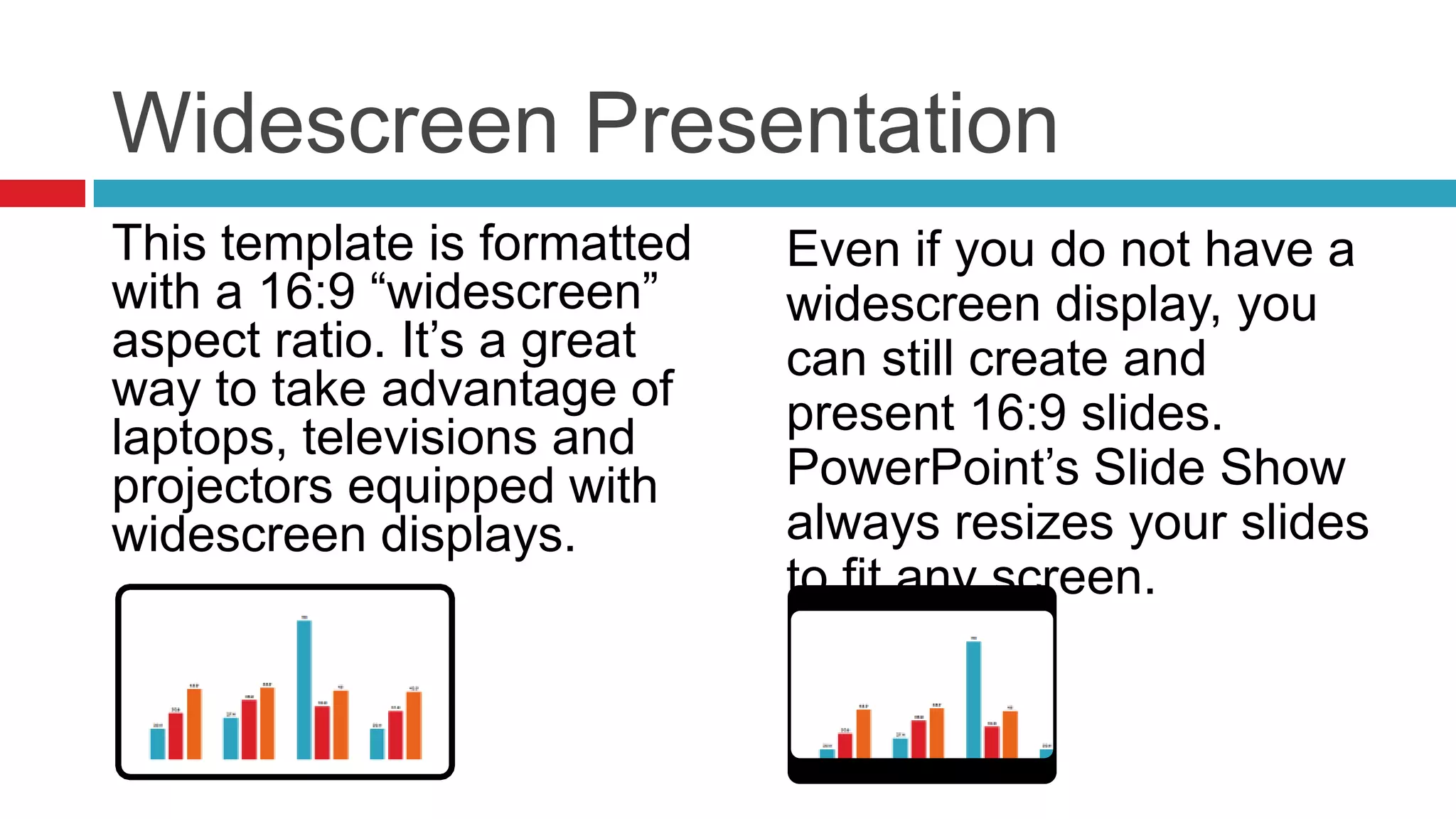
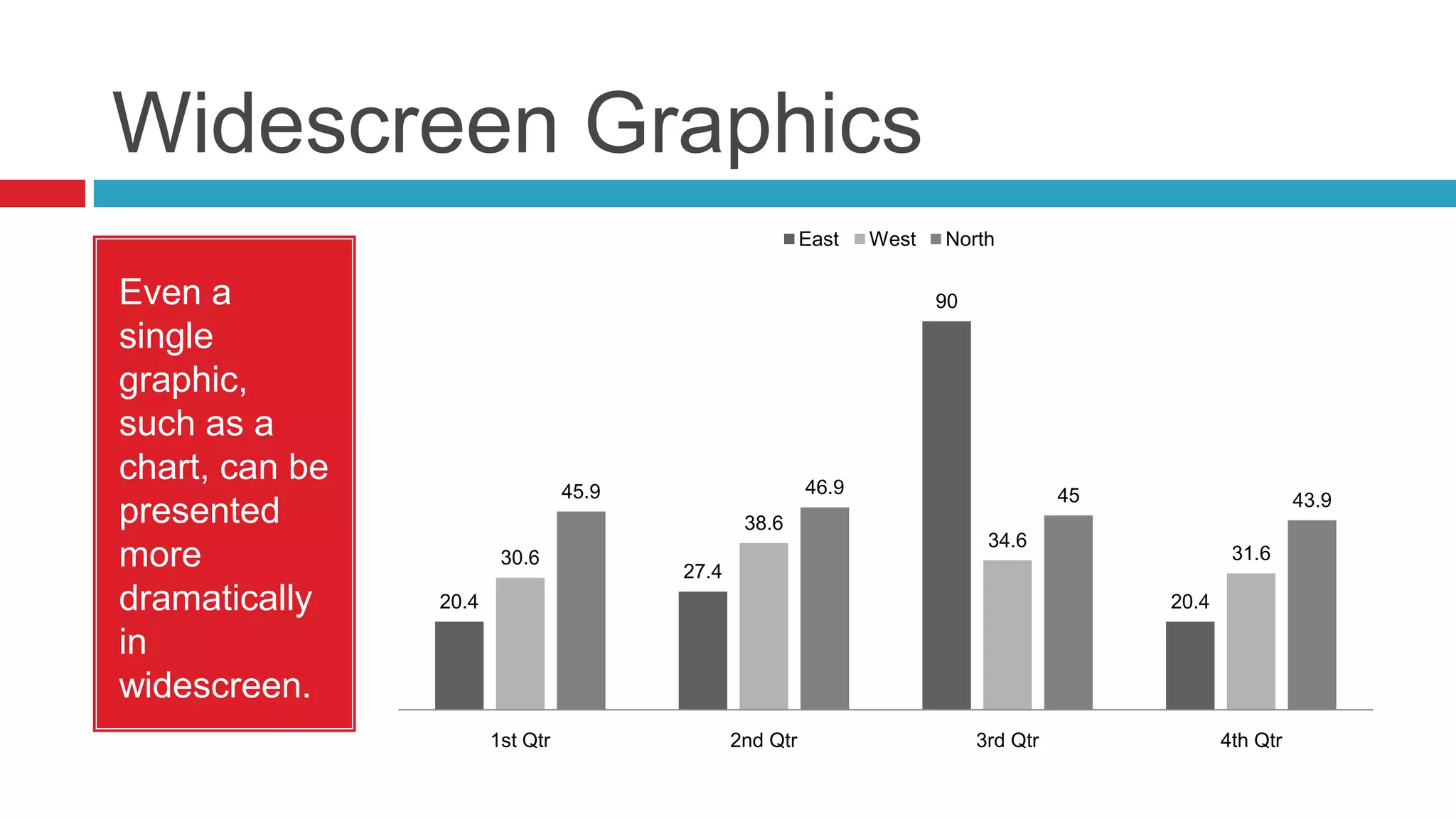
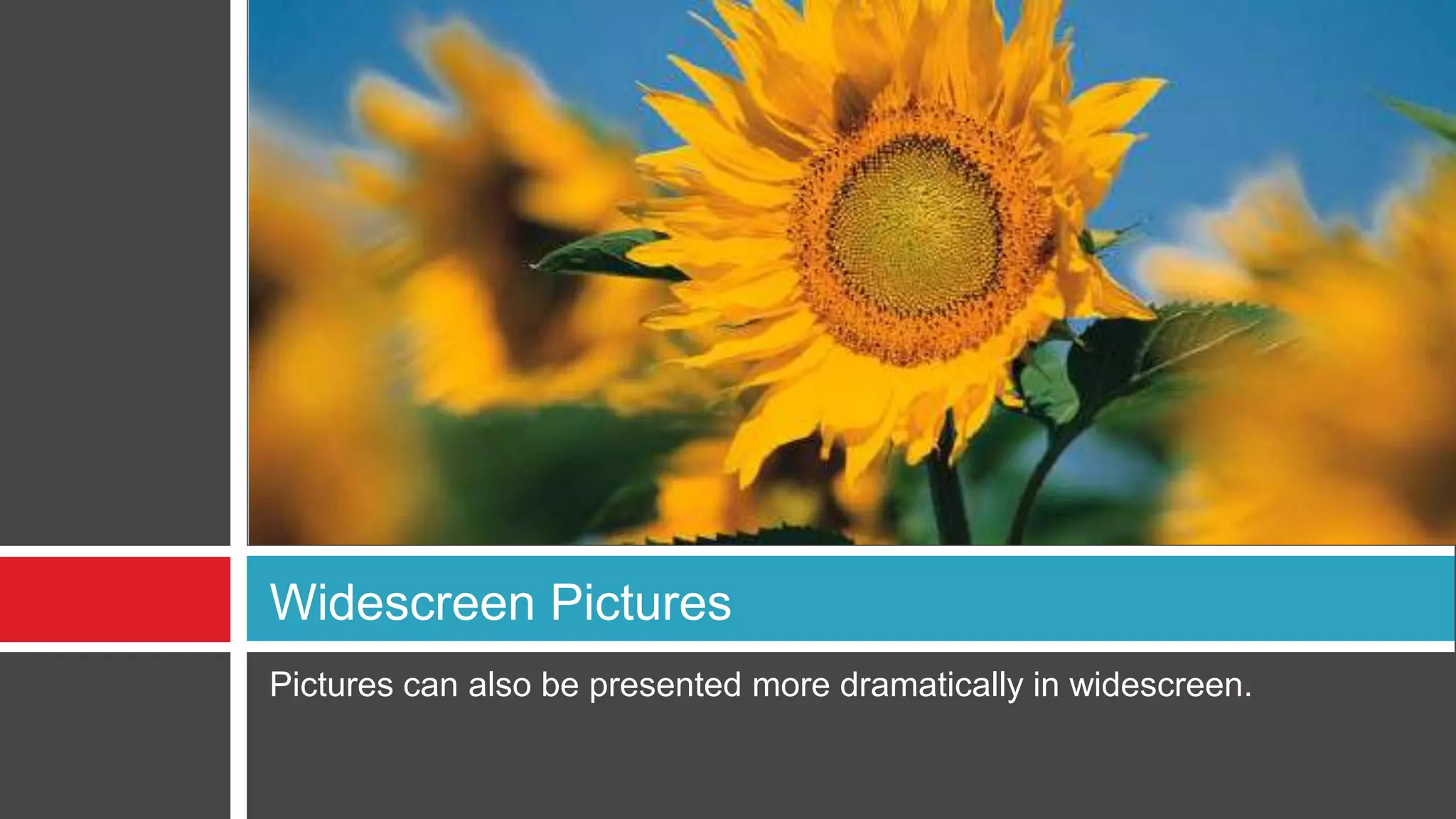
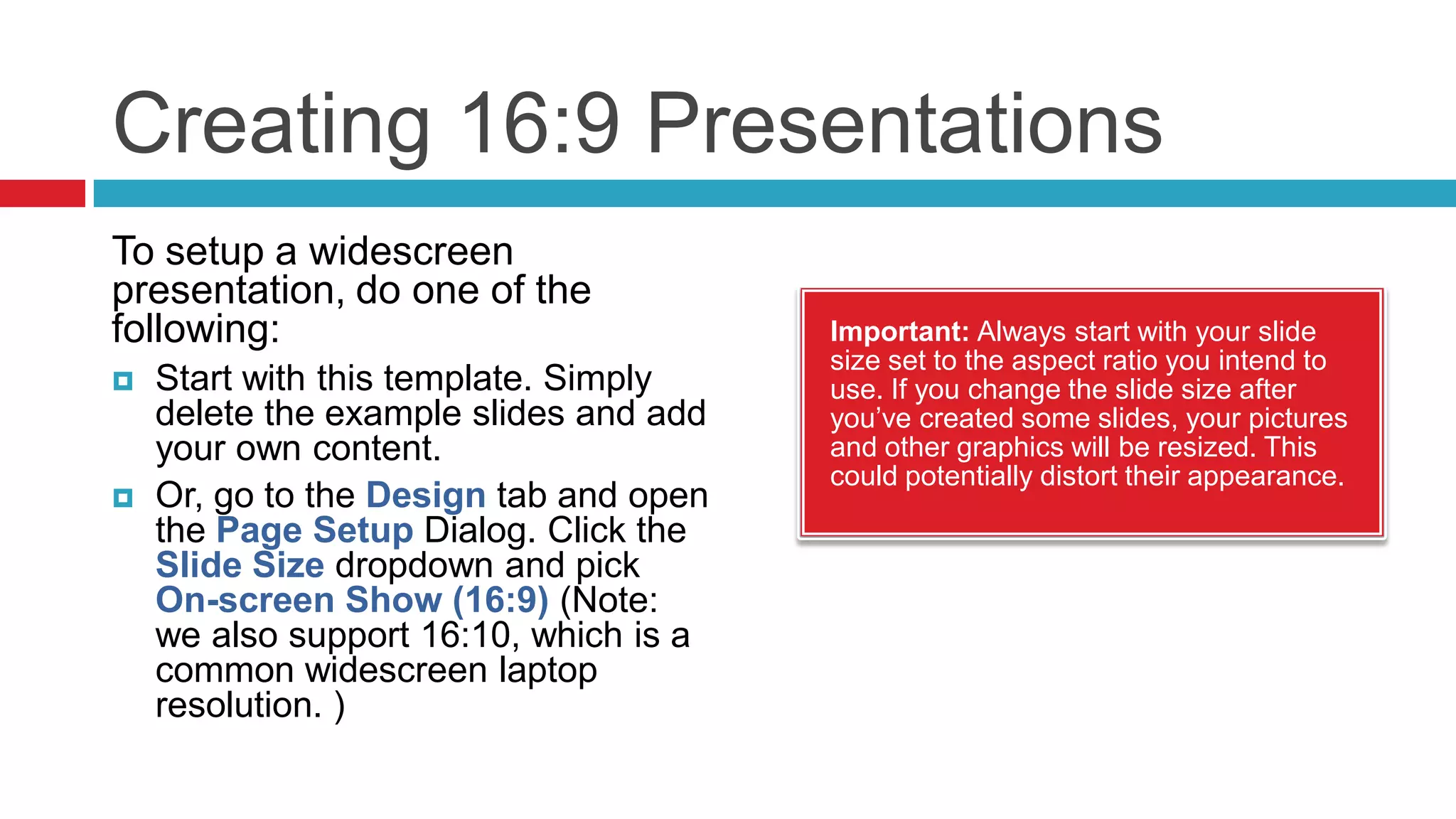
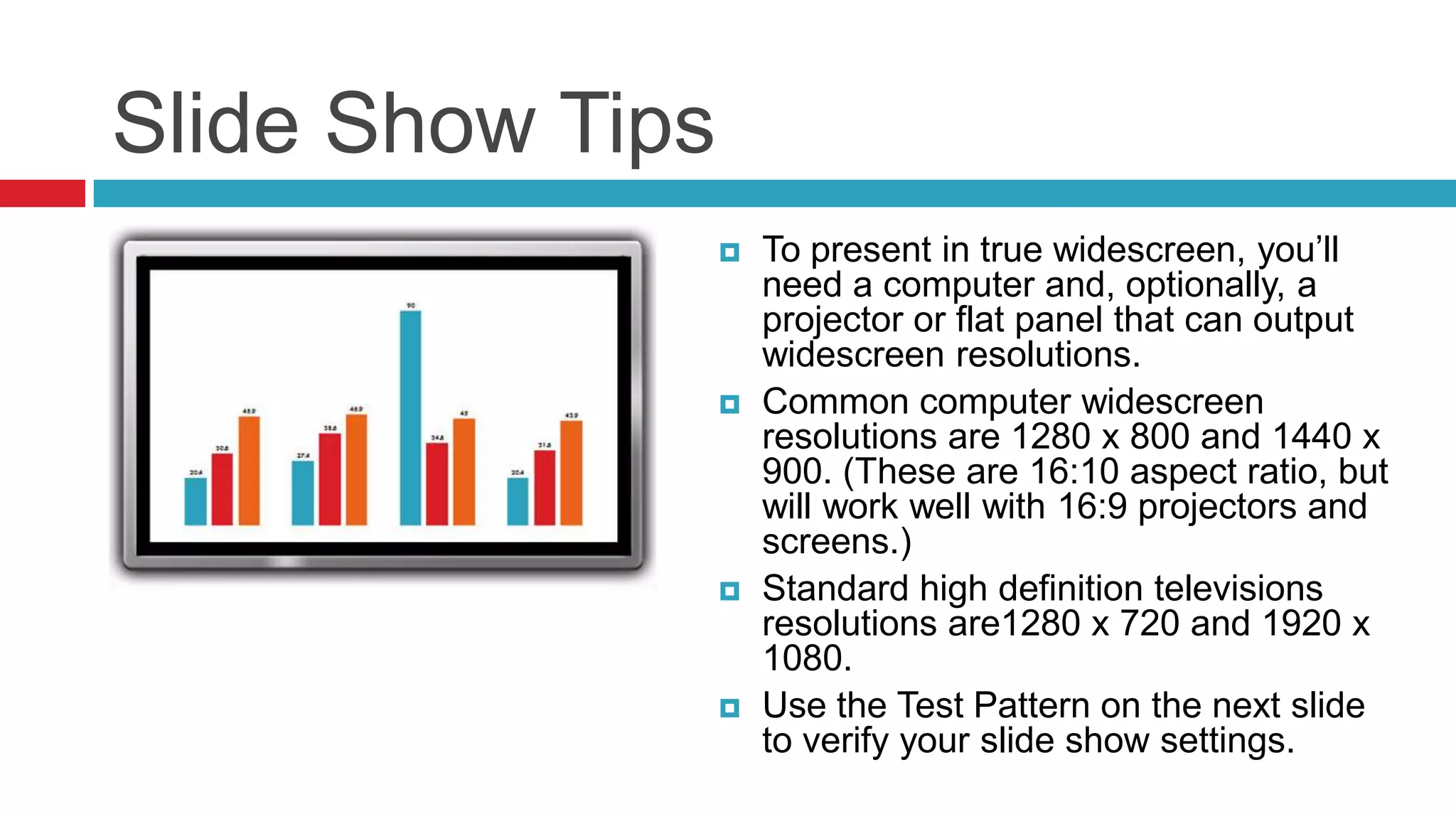
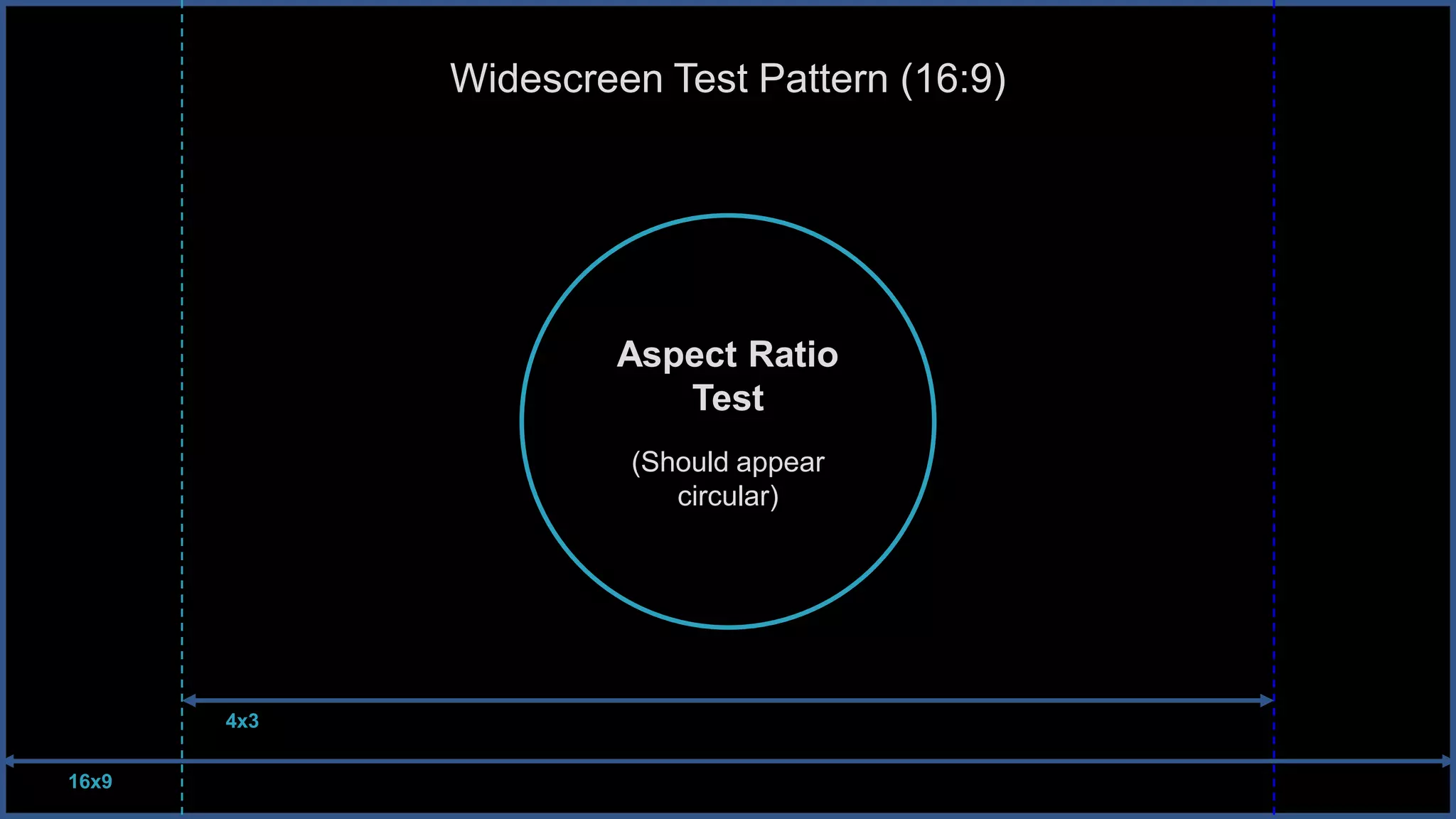

This document provides tips for creating and presenting widescreen PowerPoint slides in a 16:9 aspect ratio. It explains that slides will automatically resize for any display screen. Graphics and images fit more naturally side by side in widescreen. To set up a widescreen presentation, select the 16:9 slide size option or use the included widescreen template. Proper resolutions are listed to present in true widescreen on projectors and screens.


