Downloaded 435 times

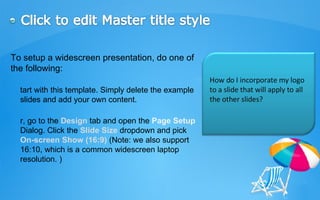



This document provides tips and instructions for setting up a widescreen PowerPoint presentation. It recommends starting with a template that supports 16:9 or 16:10 aspect ratios. It also describes how to add a consistent logo to all slides by inserting it on the master slide. Finally, it advertises additional services from a company such as converting PowerPoint to video formats or burning to DVD.


![Creating a powerful_presentation[1]](https://cdn.slidesharecdn.com/ss_thumbnails/creatingapowerfulpresentation1-100604185446-phpapp01-thumbnail.jpg?width=640&height=640&fit=bounds)


