Technology
for Equine Veterinarians
Mike Pownall, DVM, MBA
www.slideshare.net/mpownall
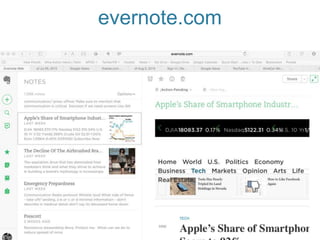
evernote.com
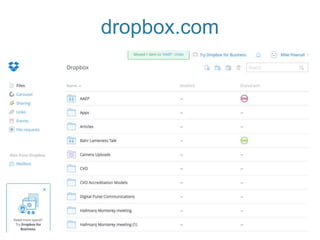
dropbox.com
Google
Drive
Maps
Calendar
Mail
Forms
simplybook.me
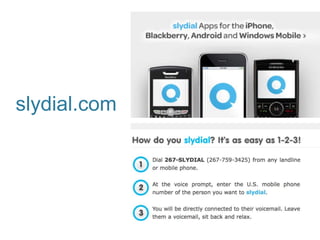
slydial.com
logmein.com
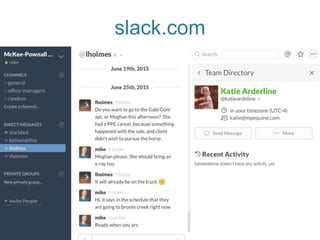
slack.com
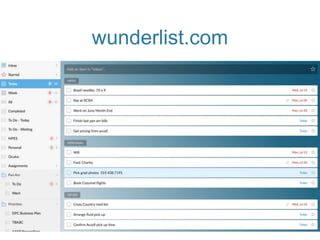
wunderlist.com
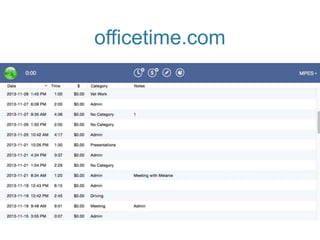
officetime.com
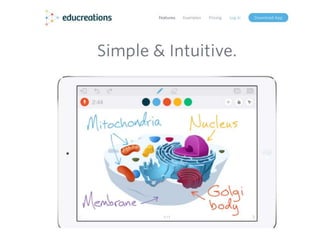
Educreations.com
Gotowebinar.com
hootsuite.com
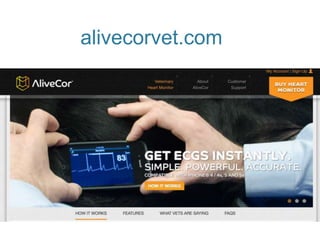
alivecorvet.comm
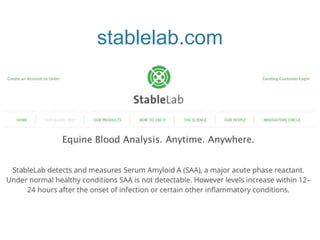
stablelab.com
Questions
• mike@mpequine.com
• www.veterinarybusinessmatters.com
• www.slideshare.net/mpownall

Editor's Notes

  • #3 Slide 2 There are 4 main factors that make a good technology for vets.
  • #4 Slide 3 #1 – Reduce the need for hardware that quickly goes out of date and files upon endless files.
  • #5 Slide 4 #2 – Simplicity.
  • #6 Slide 5 #3 – Collaboration between vets and office and vets and clients
  • #7 Slide 6 #4 – Good technology works between different screens. If we start something on a laptop we may return to it on a tablet or a phone. Ideally it works on all screens.
  • #8 Slide 7 Evernote is my goto for organizing everything in one spot. I can clip web pages from my web browser, take written and notes and photos. IT has an excellent search function and it syncs between all of my devices.
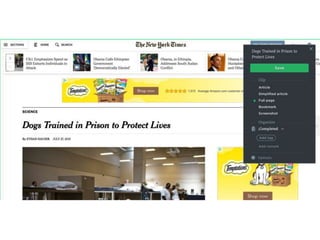
  • #9 Slide 8 Here is an example of saving a web page for future reference on Evernote
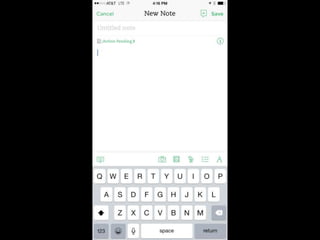
  • #10 Slide 9 An example of writing a note on my phone.
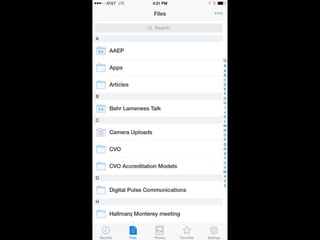
  • #11 Slide 10 I use Dropbox to store all of my files in the Cloud and I can access all my files on all of my devices. IT is a great way to send xrays or photos to clients. Instead of sending large files in an email a link is sent to the receiver that gives them access to the files in the Cloud.
  • #13 Slide 12 We live in a Google world and their suite of free tools are indispensible.
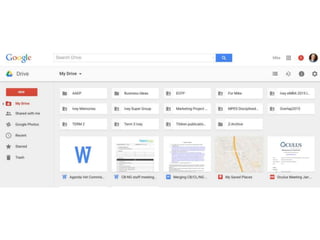
  • #14 Slide 13 Google Drive lets you create any kind of document, spreadsheet or presentation. The other benefit is that you can collaborate on the file in real time with others. I could be writing a document in Toronto and someone in San Diego can work on the document at the same time.
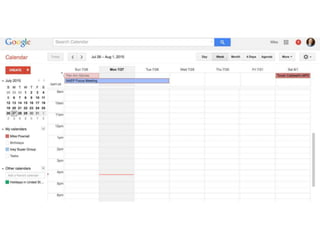
  • #15 Slide 14 Many vets use Google Calendar for scheduling their appointment. You can even send reminders to clients about appointments. You can do this in the Apple Calendar as well.
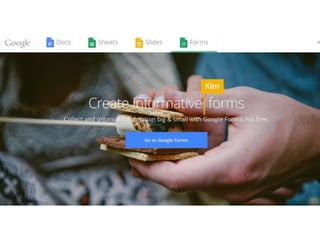
  • #16 Slide 15 Google Forms is a great way to create simple client surveys. Google is a must.
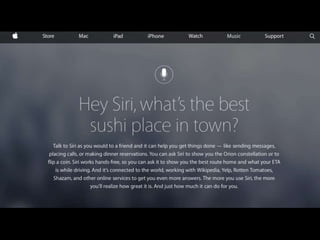
  • #17 Slide 16 Siri or Google Play are being used to get directions while you drive or even dictate medical records. They are becoming more and more powerful so there may be a time in the enar future that we don’t write medical records and only dictate them. I can’t wait for that day.
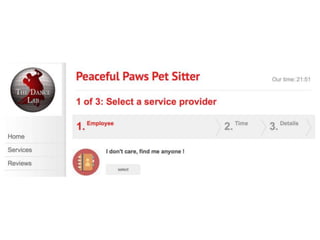
  • #19 Slide 18 This is a great tool to allow clients to schedule their own appointments online.
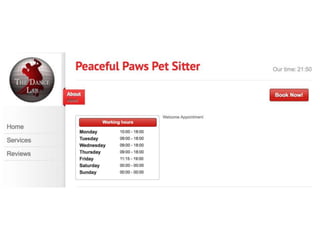
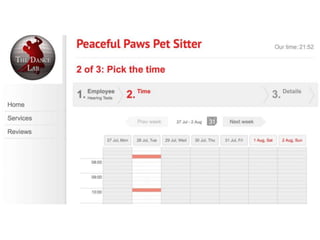
  • #20 Slide 19 The example on the website uses a pet sitter as an example. It shows the hours of service. You could restrict this to certain geographic areas.
  • #21 Slide 20 Then the client selects the Vet
  • #22 Slide 21 Then they pick the time they want
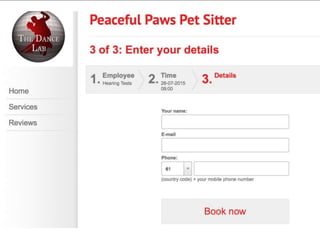
  • #23 Slide 22 Then they enter their information and the appointment is booked. My only concern with this is we are letting clients assume what the problem is. They think their horse has a runny nose, butt if they talked to a vet or someone from the office an endoscopy might be required. That could take more time than a simple respiratory examination.
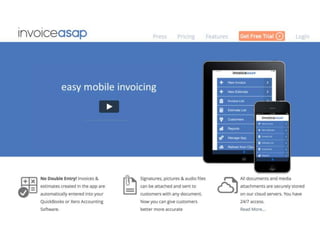
  • #24 Slide 23 This simple invoicing software was used by several attendees. It syncs with Quickbooks too.
  • #25 Slide 24 This is a great way to call someone and just get their voicemail.
  • #26 Slide 25 This simple software allows you to access your work computer from another computer. It is a great way to access files or medical information that isn’t on the device you are on.
  • #27 Slide 26 I use Genius Scan to take photos of receipts or documents. The software then creates a file of the item that you can email to someone else. I got rid of my home office scanner and just use this now.
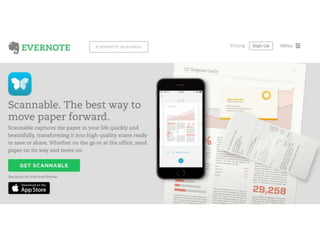
  • #28 Slide 27 This is the Evernote version of a scanner.
  • #29 Slide 28 Slack is incredible for collaborative text discussions. It can be between vets and office or between vets. You can create whatever group you want and people on laptops or desktops can text with vets in the field. Incredible software.
  • #30 Slide 29 This is my favorite To Do software and I have tried dozens. It is intuitive, simple and if you buy the Pro version you can share or assign tasks with others.
  • #31 Slide 30 I have used this tool if I want to track the time I spend on various tasks. For example you can use it to track how much driving you do in a day, or how much time you spend on medical records, or whatever you want.
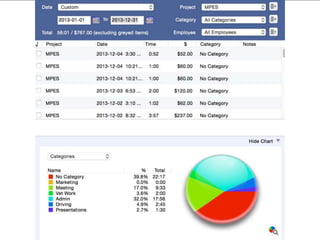
  • #32 Slide 31 It also gives easy to read reports so you know where your time has gone.
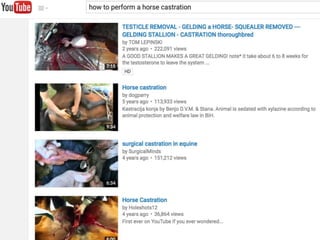
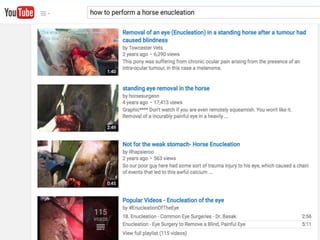
  • #33 Slide 32 YouTube is not just for watching silly videos. There are excellent videos on pretty much any subject by reputable people or institutions. It is my go to site when I want to learn something.
  • #35 Slide 34 I was introduced to this software by a farrier we work with. He uses it to share photos of feet and then he can do a voiceover of what he finds and then he draws on it.
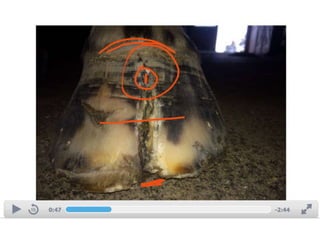
  • #36 Slide 35 This is an example of a toe crack case he sent me. This is a perfect collaboration tool. You can use it with farriers and horse owners. What a perfect tool to show off dental abnormalities to absent owners.
  • #37 Slide 36 We use a lot of online webinars for client education. We use these more than in person client CE events. Clients love them and they can refer back to them after we post them on slideshare.net
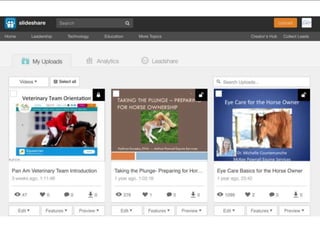
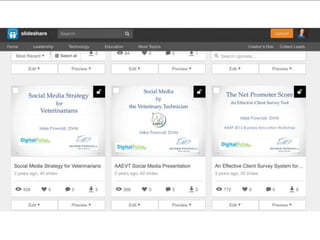
  • #38 Slide 37 Our vet practice has its own page on Slideshare where we post all of our webinars.
  • #39 Slide 38 I even have a page where I post all of my business presentations.
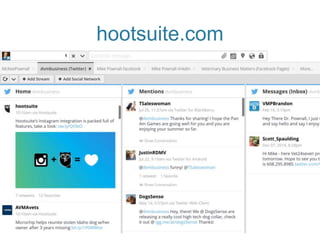
  • #40 Slide 39 We use hootsuite to schedule social media posts across all the popular platforms. It saves us a lot of time.
  • #41 Slide 40 ECG for your phone.
  • #42 Slide 41 Stall side analyzer to help identify the presence or absence of infections. What a difference this makes in the proper use of antibiotics.
  • #43 Slide 42 Instagram is a fun way to share photos with your mobile devices. You take a normal photo like you see on the left and then add simple filters to make the photo more artistic or special. This is very popular with horse show people so I recommend all horse vets try this social media software.
  • #44 Slide 43 More example of how people are using Instagram,
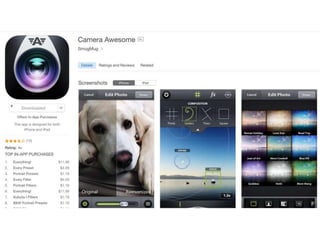
  • #45 Slide 44 Popular app to improve qualities of photos.
  • #46 Slide 45 The slow motion capabilities of the new iPhones are incredible. It is a great way to see a horse in motion. It is very helpful for subtle lameness exams.
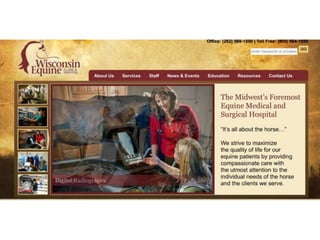
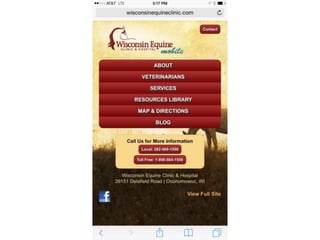
  • #47 Slide 46 It is hard to get all of the information from a detailed website onto a smart phone so it is recommended to get a mobile version of your website.
  • #48 Slide 47 Here is the mobile website of Wisconsin Equine. It is cheaper and gives better search rankings than creating a mobile app.
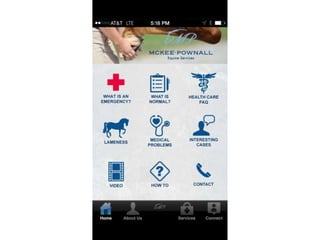
  • #49 Slide 48 We created a mobile app and we would not do it again. They are expensive to develop and you have to create individual ones for Android and Apple phones.