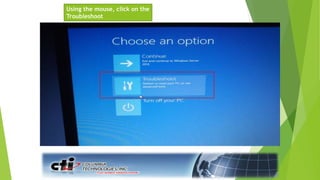
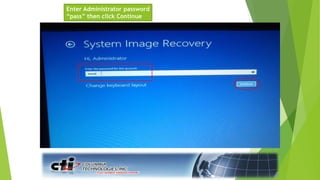
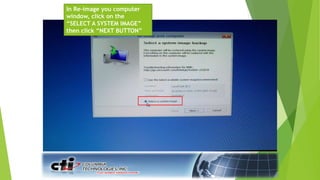
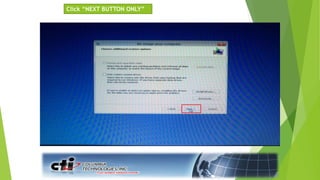
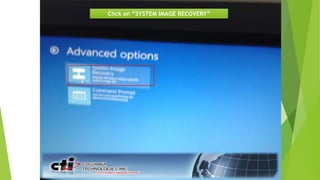
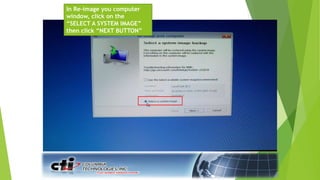
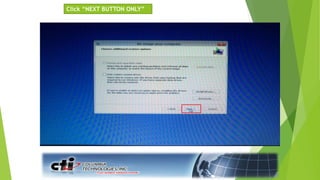
This document describes how to restore a computer to its original factory software configuration using two options: One Key Recovery or a System Recovery Disc. The One Key Recovery method involves pressing F8 during startup and selecting System Image Recovery to restore from the latest backup. The System Recovery Disc method requires booting from the repair disc, selecting System Image Recovery, and inserting multiple discs as needed to complete the restore process. Both methods will reimage the computer and restore it to its original factory state.