Download to read offline










![let package = Package(
name: "MyProject",
dependencies: [
.Package(url: "https://github.com/uraimo/SwiftyGPIO.git",
majorVersion: 0),
]
)](https://image.slidesharecdn.com/5-simonegpio-170301160022/85/SwiftyGPIO-20-320.jpg)
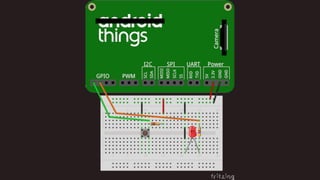
![A basic example
import SwiftyGPIO
let gpios = SwiftyGPIO.GPIOs(for:.RaspberryPi2)
guard var gpio2 = gpios[.P2], var gpio3 = gpios[.P3] else {
return
}
gpio2.direction = .IN
gpio3.direction = .OUT
while true {
gpio3.value = gpio2.value == 1 ? 0 : 1
}](https://image.slidesharecdn.com/5-simonegpio-170301160022/85/SwiftyGPIO-22-320.jpg)

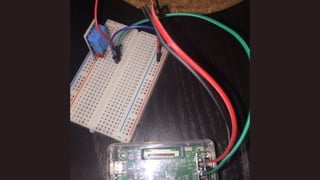

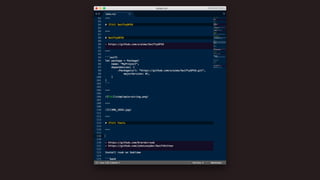
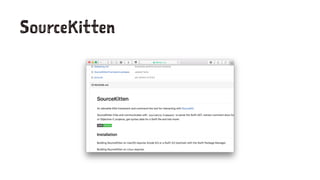
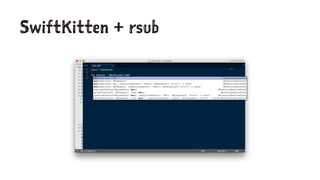
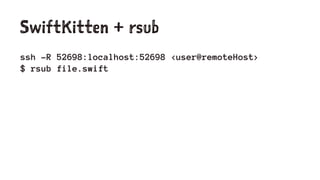
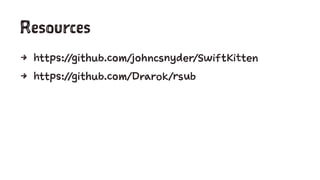




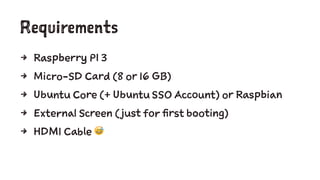
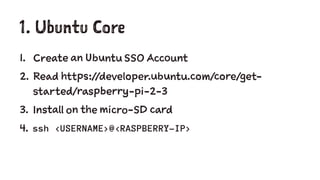
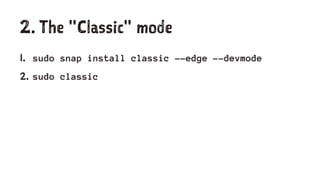
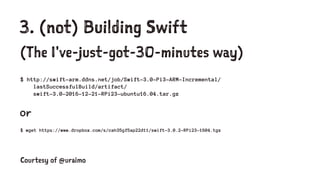
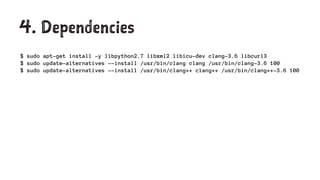
This document provides instructions for setting up Swift programming on a Raspberry Pi, including downloading Swift binaries, installing dependencies, and using the SwiftyGPIO library to access GPIO pins. Key steps include installing Ubuntu Core or Raspbian on an SD card, installing Swift binaries from a URL or building from source, installing dependencies like libxml2 and clang, and using SwiftyGPIO to configure pin directions and read/write values to control an output pin based on an input pin. Tools like SourceKitten and rsub enable using the Swift compiler and debugger remotely over SSH.


