SUITE SECRETS
LEVERAGING GOOGLE APPS SUITE FOR
EFFECTIVE COLLABORATION
Coral Owen, MS
Military Families Learning Network
University of Illinois at Urbana-Champaign
1
Welcome!
• Professional Development
Coordinator, Military Families
Learning Network
• MS, University of Florida
2
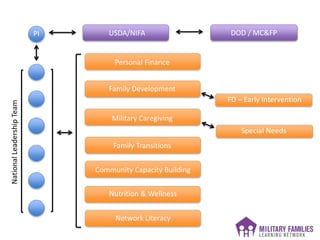
DOD / MC&FPUSDA/NIFA
Personal Finance
Family Development
Military Caregiving
Family Transitions
Community Capacity Building
Nutrition & Wellness
Network Literacy
FD – Early Intervention
Special Needs
3
PI
NationalLeadershipTeam
4
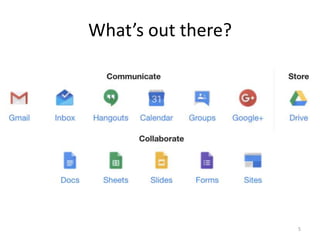
What’s out there?
5
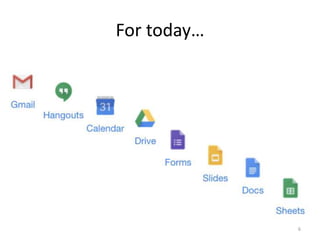
For today…
6
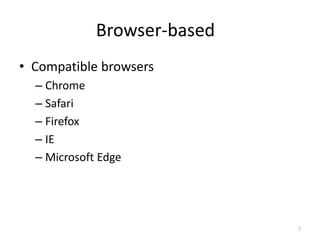
Browser-based
• Compatible browsers
– Chrome
– Safari
– Firefox
– IE
– Microsoft Edge
7
Non-browser options
• Microsoft Outlook
– Via Google Apps Sync for Microsoft Outlook
• IMAP clients
– Outlook, Outlook Express, Thunderbird, Windows
Mail, Apple Mail, etc.
• POP clients
Primarily for syncing contacts, mail and
calendars
8
Non-browser options
• Apps available for Android and iPhone
– Drive
– Gmail
– Hangouts
9
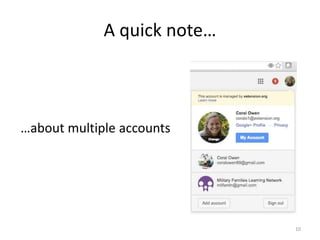
A quick note…
…about multiple accounts
10
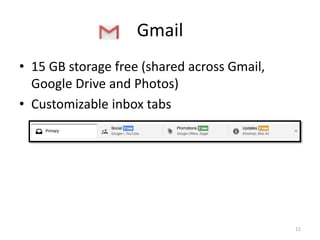
Gmail
• 15 GB storage free (shared across Gmail,
Google Drive and Photos)
• Customizable inbox tabs
11
12
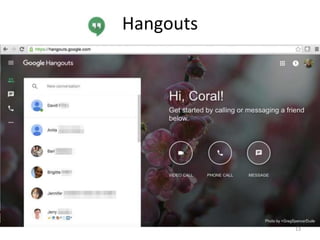
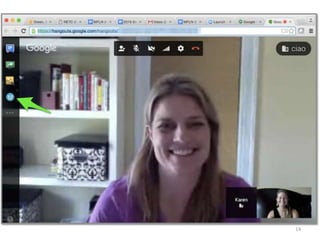
Hangouts
13
14
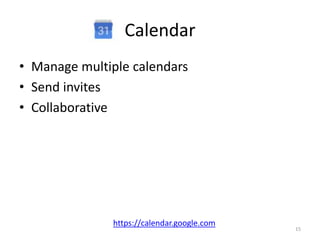
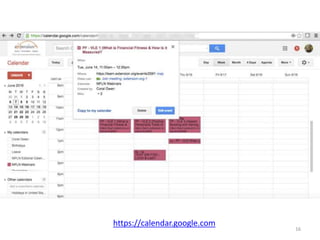
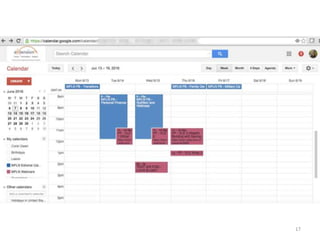
Calendar
• Manage multiple calendars
• Send invites
• Collaborative
https://calendar.google.com
15
https://calendar.google.com
16
17
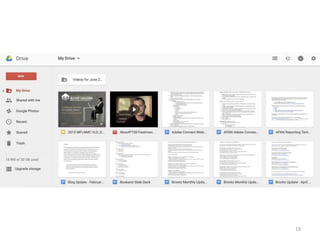
Drive
• 15 GB storage (shared with Gmail and Photos)
• Store and share Docs, Slides, Sheets and
Photos
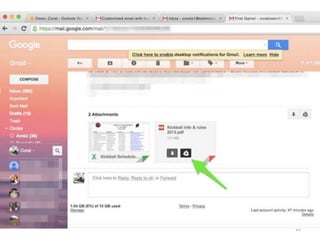
• Save attachments to Drive directly from Gmail
https://drive.google.com
18
19
Forms
• Collaborative
• Compatible with both browsers and handheld
devices
• Integrates with Sheets for easy analysis of
results or compilation of responses
• Highly customizable – formatting, photos,
video
20
Slides
• Import from PowerPoint
• Create/edit in Slides
• Fidelity of graphics or fonts may be altered
when importing
• Export as .pptx, .pdf, .jpg, .png
21
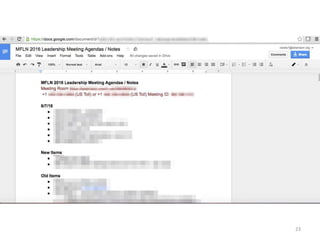
Docs
• Multiple collaborators
• Different levels of access
• Can import from Word or create in Google
Docs
• Export as .docx, .pdf
22
23
Sheets
• Multiple collaborators/access levels
• Can import from Excel or create directly in
Sheets
• Multiple sheets per doc (like Excel)
• Project management aspect
• Export as .xlsx, .pdf
24
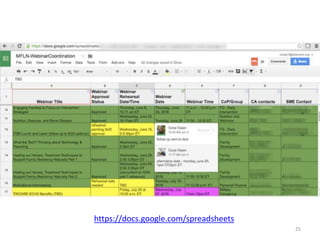
https://docs.google.com/spreadsheets
25
Where can I learn more?
• Lynda: https://www.lynda.com/
• Google Apps Learning Center:
https://apps.google.com/learning-center/
• YouTube
• Google
26
Thanks for coming!
Coral Owen
coral@illinois.edu
217-265-5144
27

Suite Secrets: Leveraging Google Apps Suite for Effective Collaboration