TITLE: SNAKE GAME
SUBTITLE:DEVELOPED USING PYTHON
PRESENTED BY:
K.PAVAN (24D41A05D1)
K.NIKHITHA (24D41A05D2)
K.PRADYOTHAN (24D41A05D3)
K.RAJU (24D41A05D4)
PYTHON PROGRAMMING LABORATORY
2.
INTRODUCTION
• What isSnake Game?
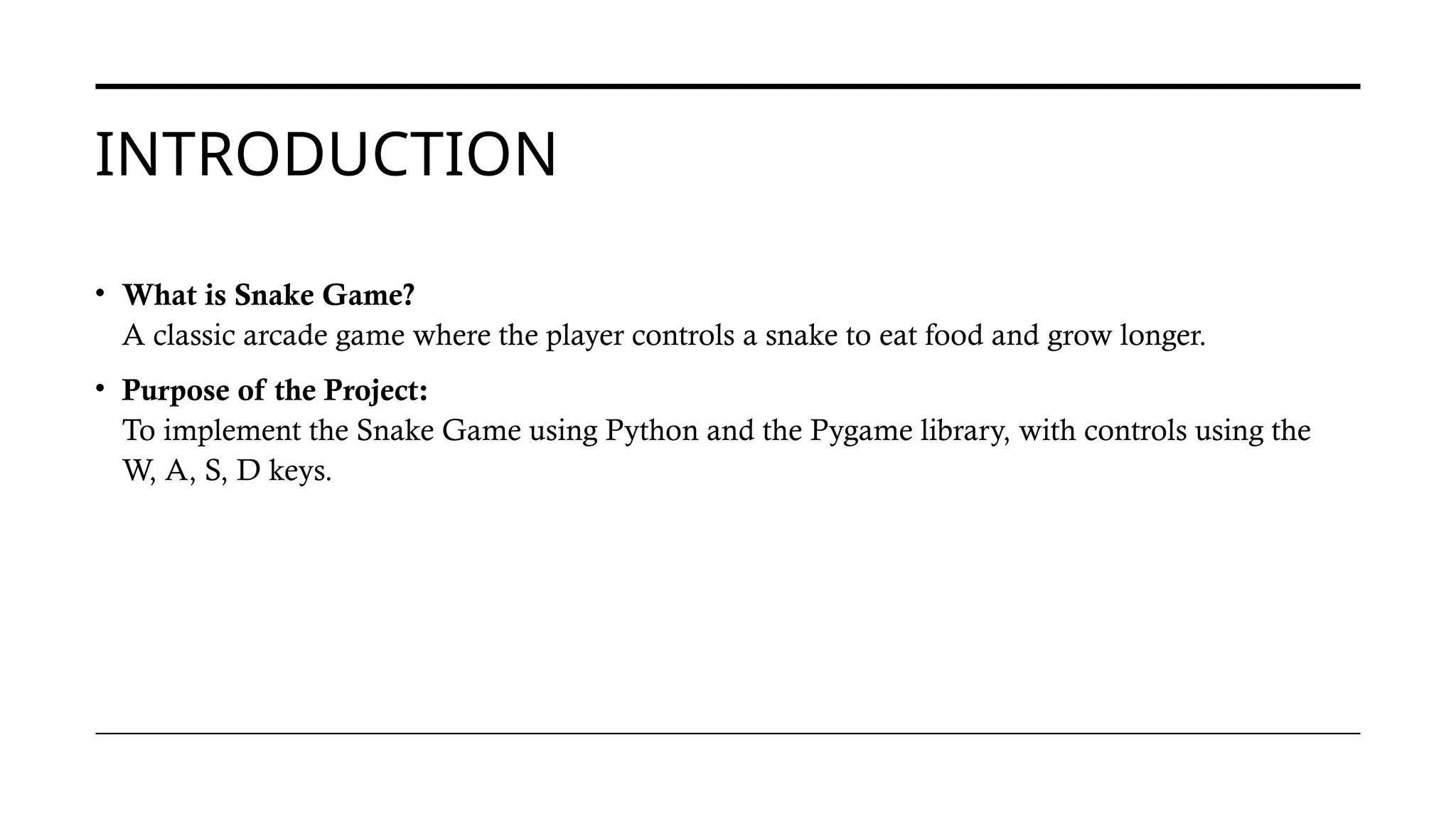
A classic arcade game where the player controls a snake to eat food and grow longer.
• Purpose of the Project:
To implement the Snake Game using Python and the Pygame library, with controls using the
W, A, S, D keys.
3.
TOOLS AND LIBRARIES
•Python – General-purpose programming language
• Pygame – A library for game development
• IDE Used: [e.g., VS Code or PyCharm]
• Operating System: [macOS/Windows/Linux]
4.
GAME WINDOW ANDSETUP
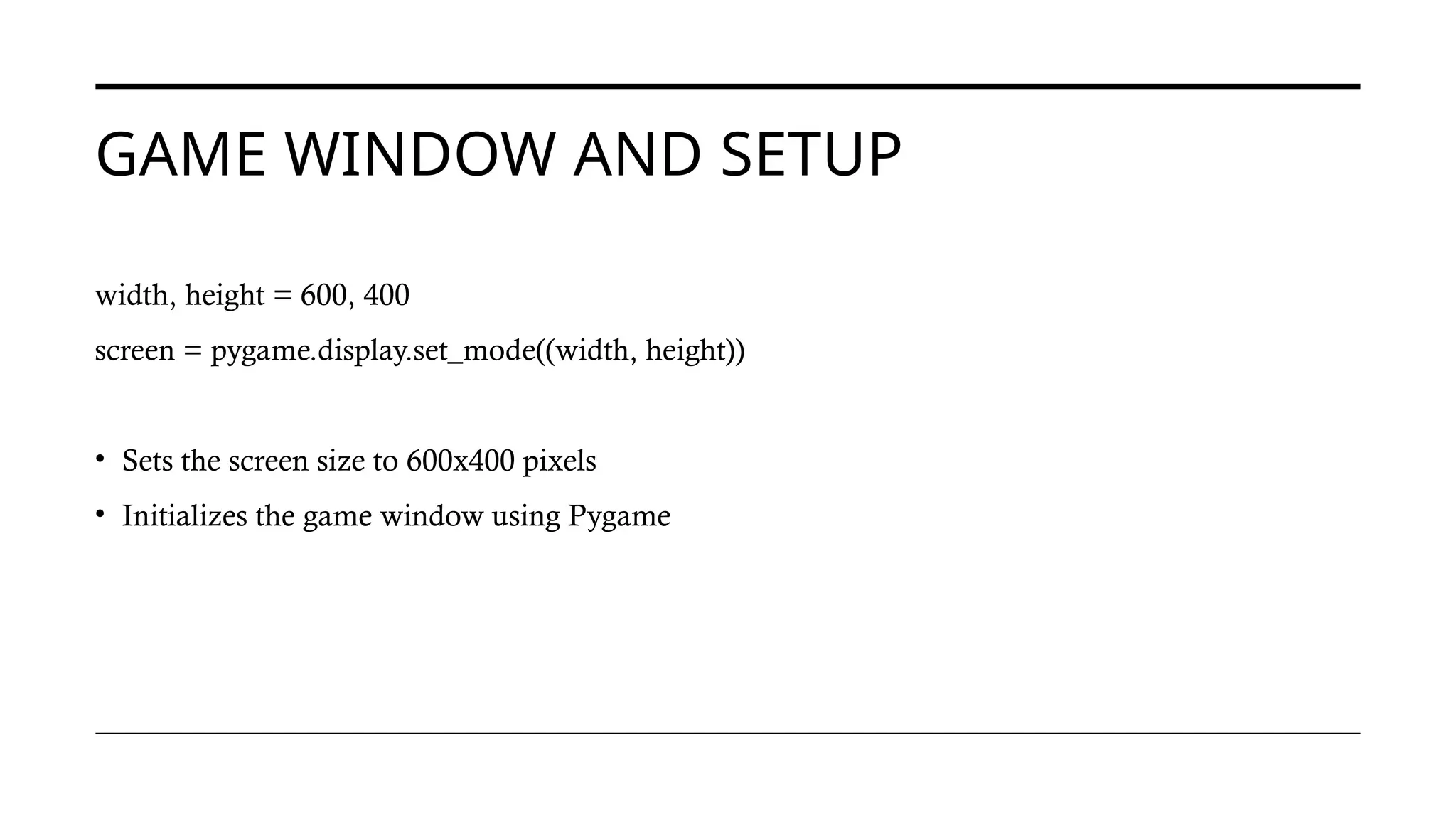
width, height = 600, 400
screen = pygame.display.set_mode((width, height))
• Sets the screen size to 600x400 pixels
• Initializes the game window using Pygame
5.
COLORS AND GAMESPEED
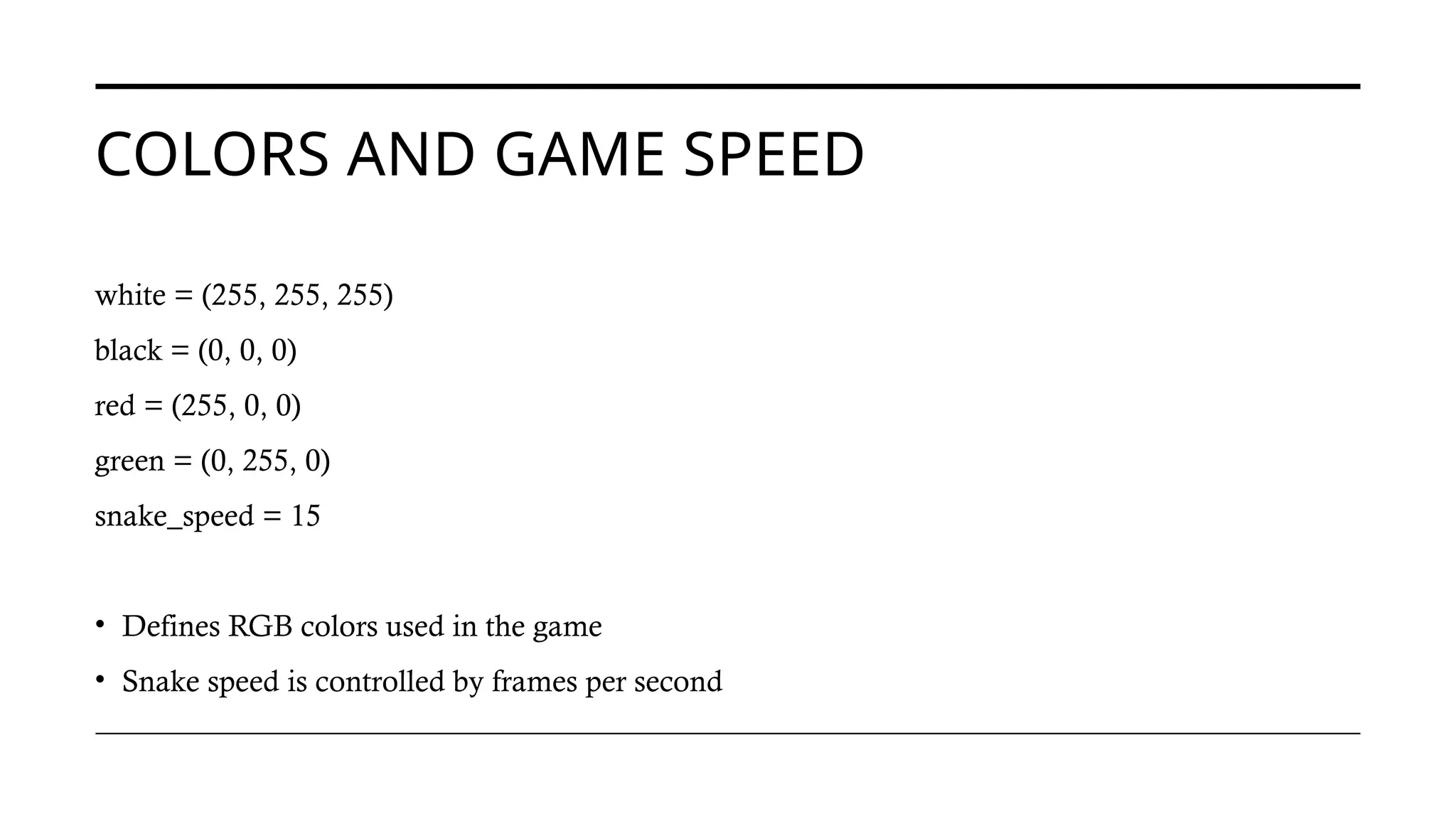
white = (255, 255, 255)
black = (0, 0, 0)
red = (255, 0, 0)
green = (0, 255, 0)
snake_speed = 15
• Defines RGB colors used in the game
• Snake speed is controlled by frames per second
6.
GAME INITIALIZATION
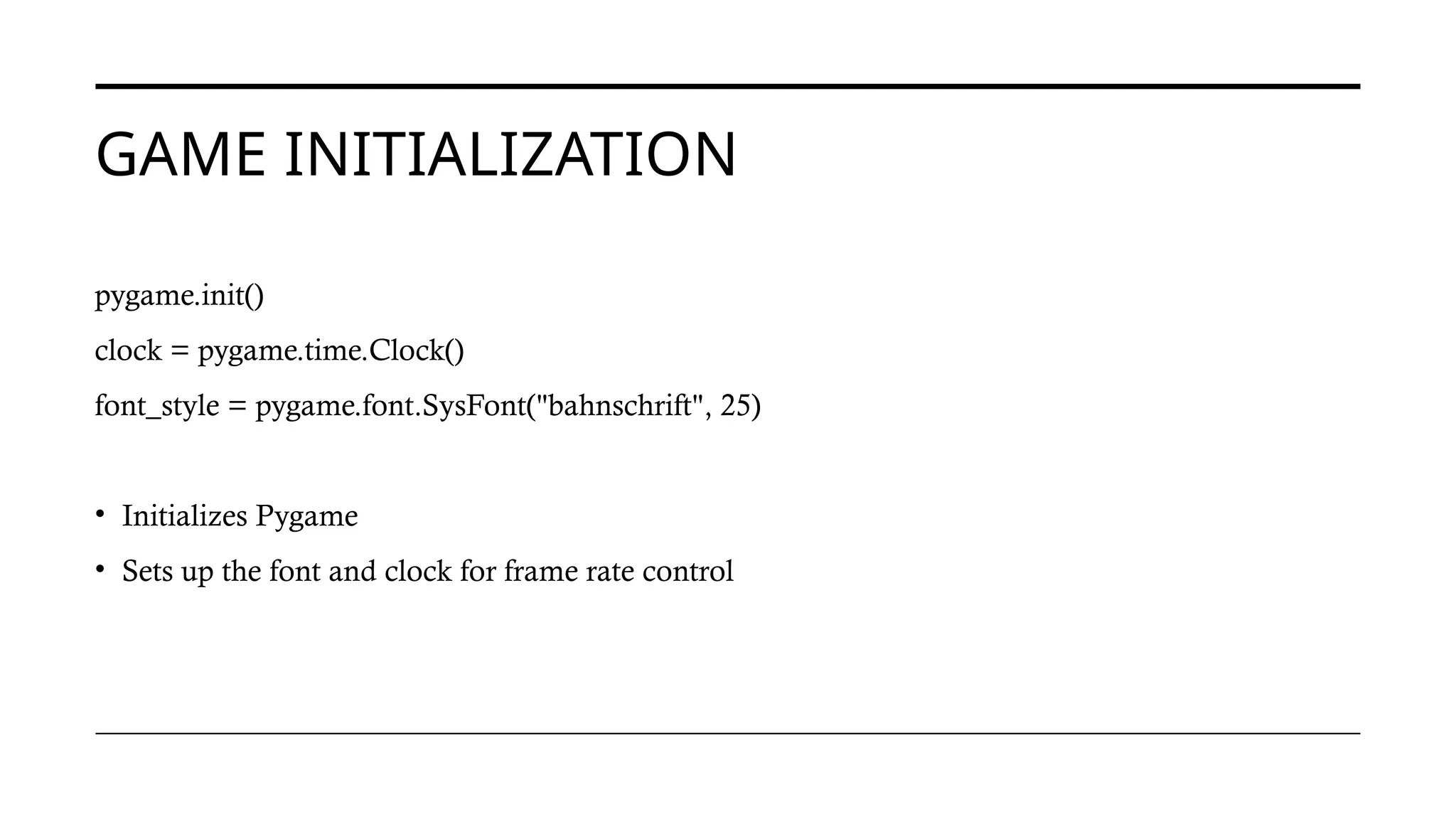
pygame.init()
clock =pygame.time.Clock()
font_style = pygame.font.SysFont("bahnschrift", 25)
• Initializes Pygame
• Sets up the font and clock for frame rate control
7.
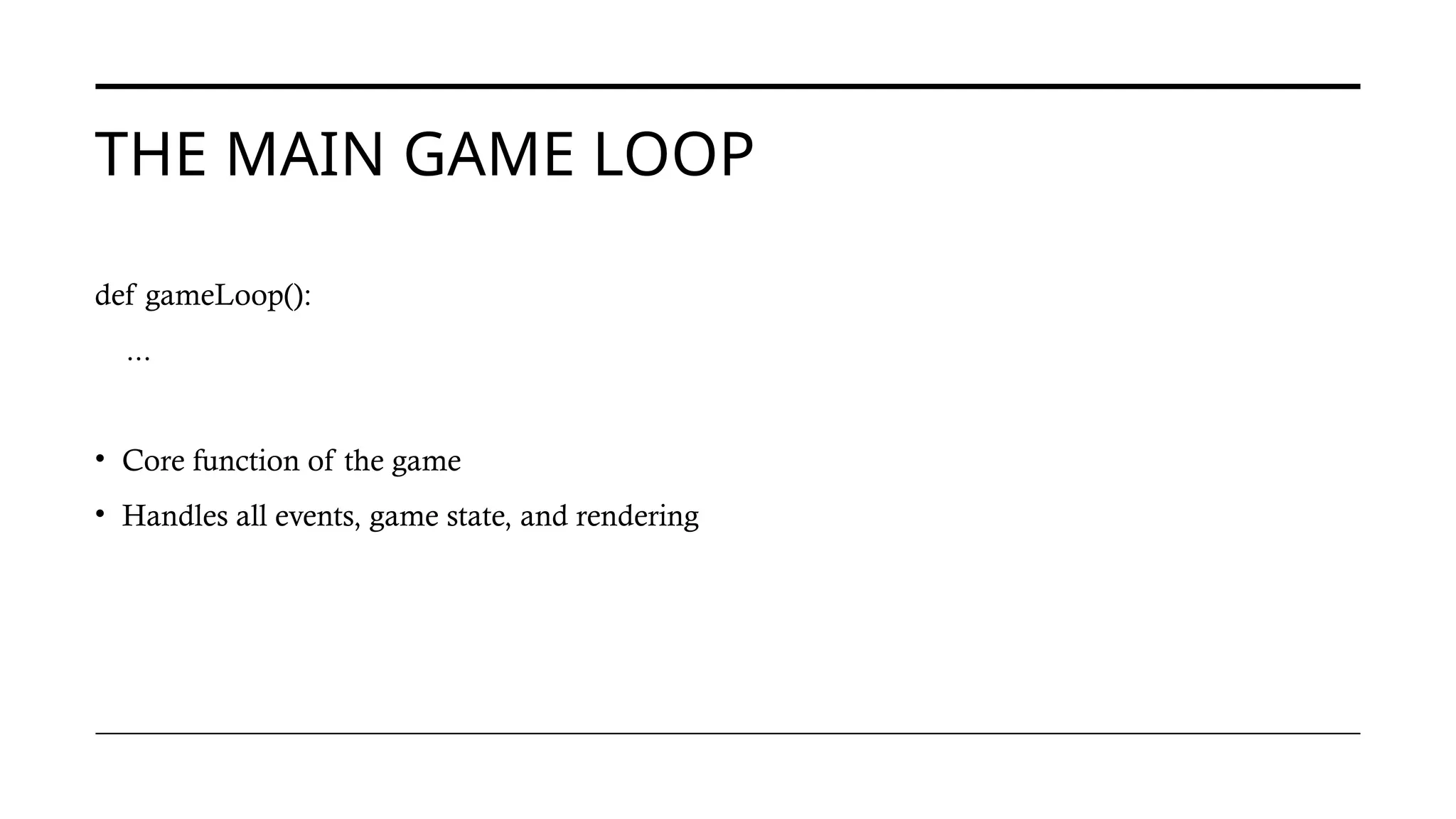
THE MAIN GAMELOOP
def gameLoop():
...
• Core function of the game
• Handles all events, game state, and rendering
8.
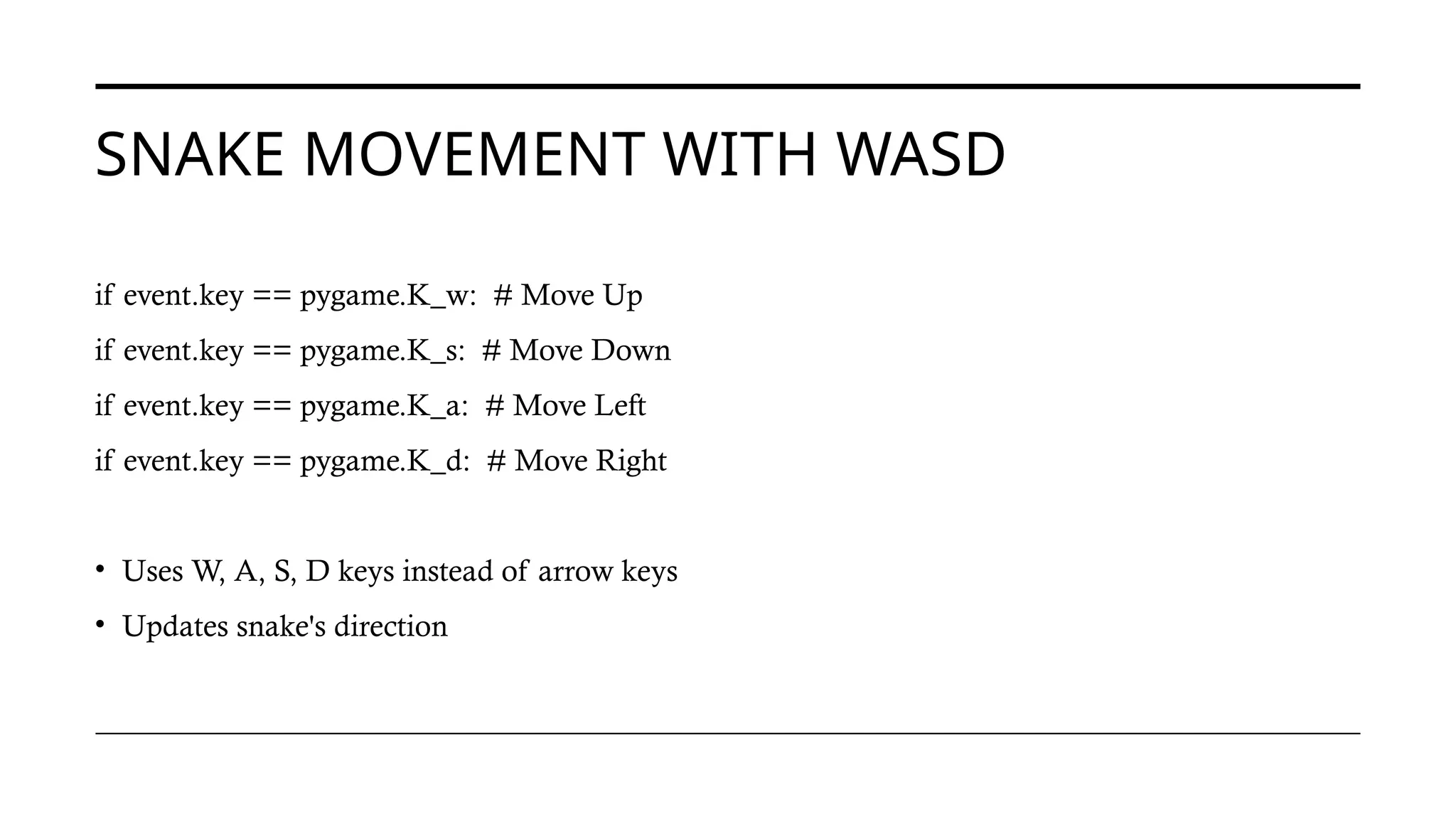
SNAKE MOVEMENT WITHWASD
if event.key == pygame.K_w: # Move Up
if event.key == pygame.K_s: # Move Down
if event.key == pygame.K_a: # Move Left
if event.key == pygame.K_d: # Move Right
• Uses W, A, S, D keys instead of arrow keys
• Updates snake's direction
9.
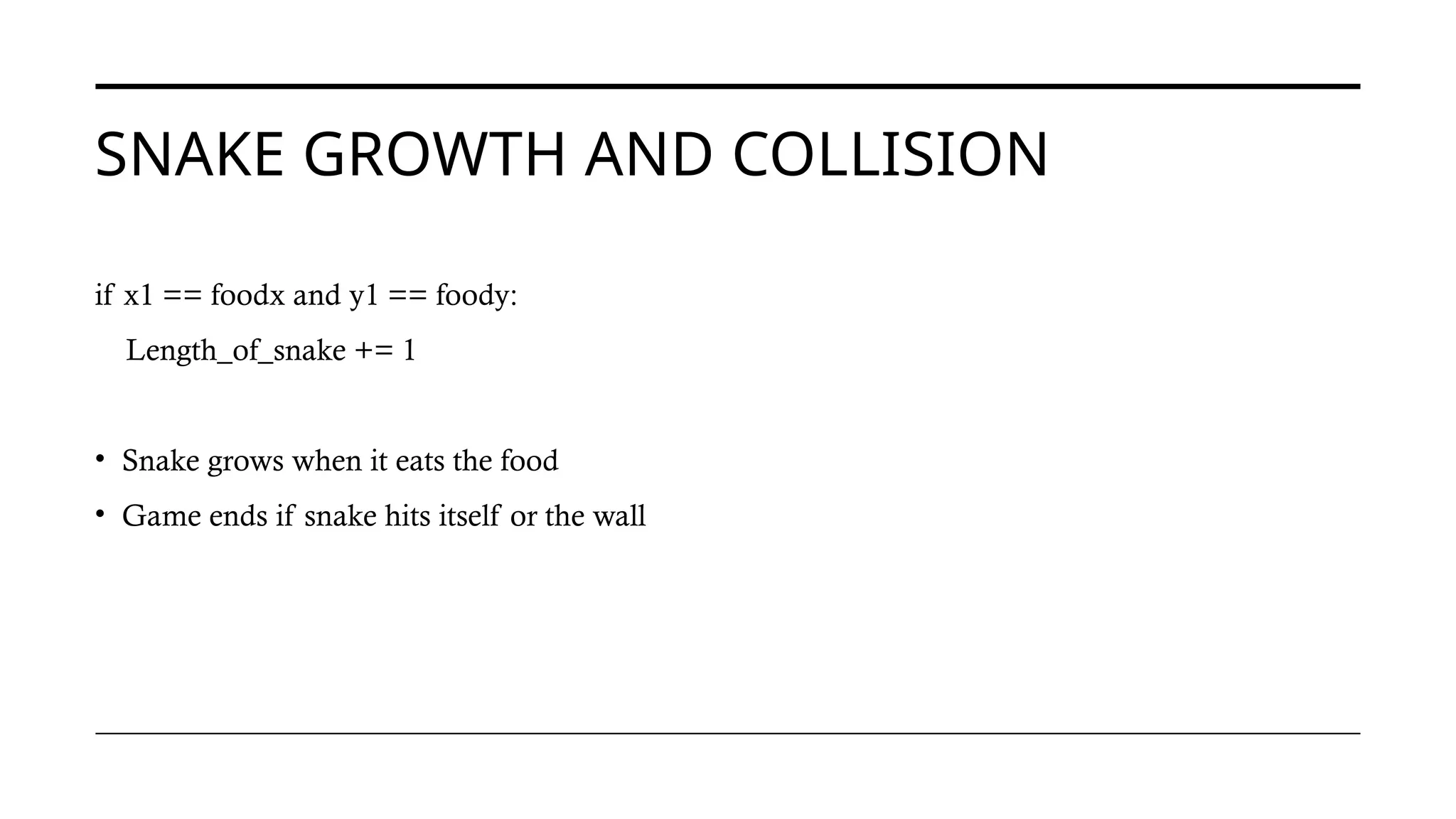
SNAKE GROWTH ANDCOLLISION
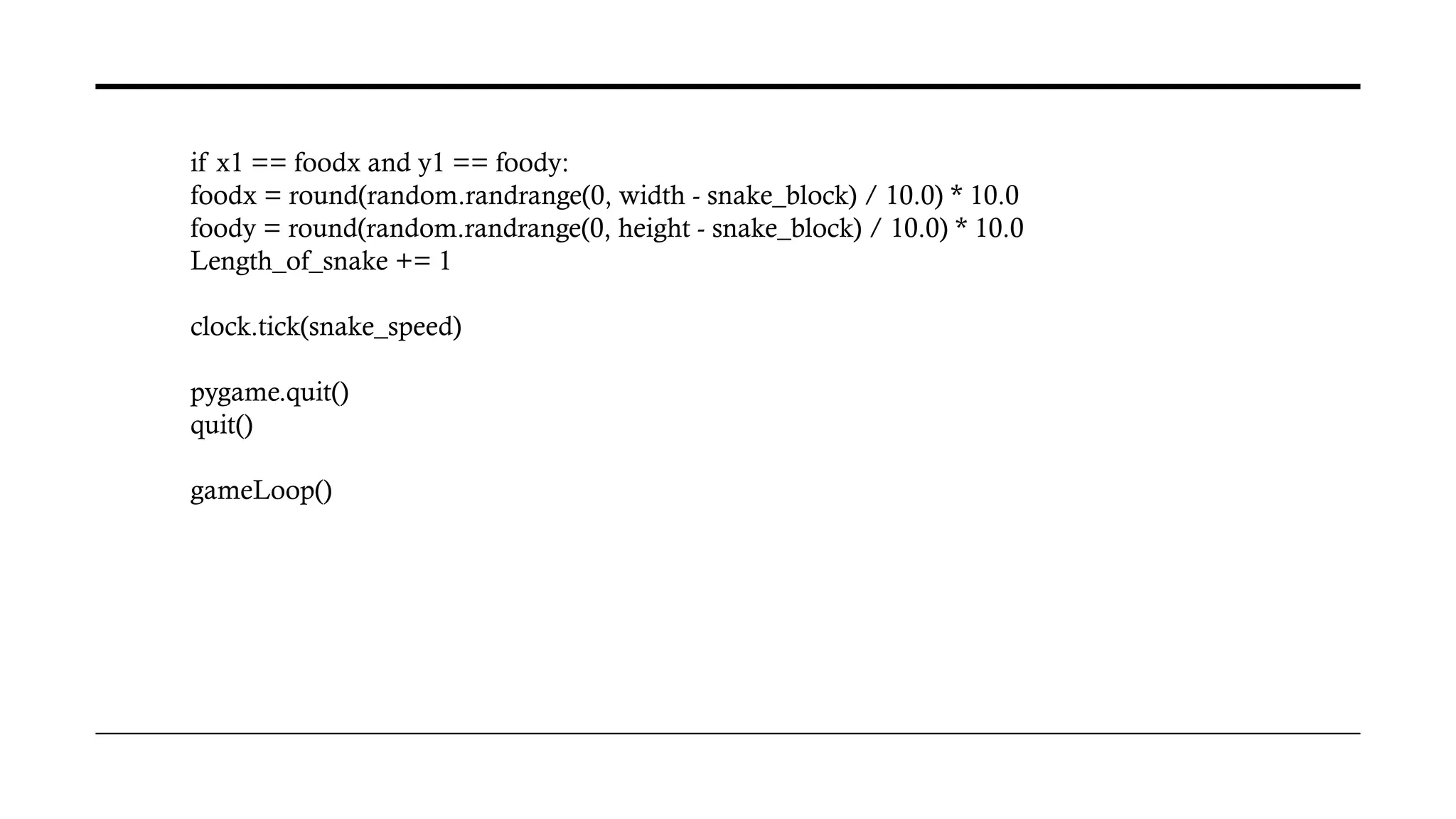
if x1 == foodx and y1 == foody:
Length_of_snake += 1
• Snake grows when it eats the food
• Game ends if snake hits itself or the wall
10.
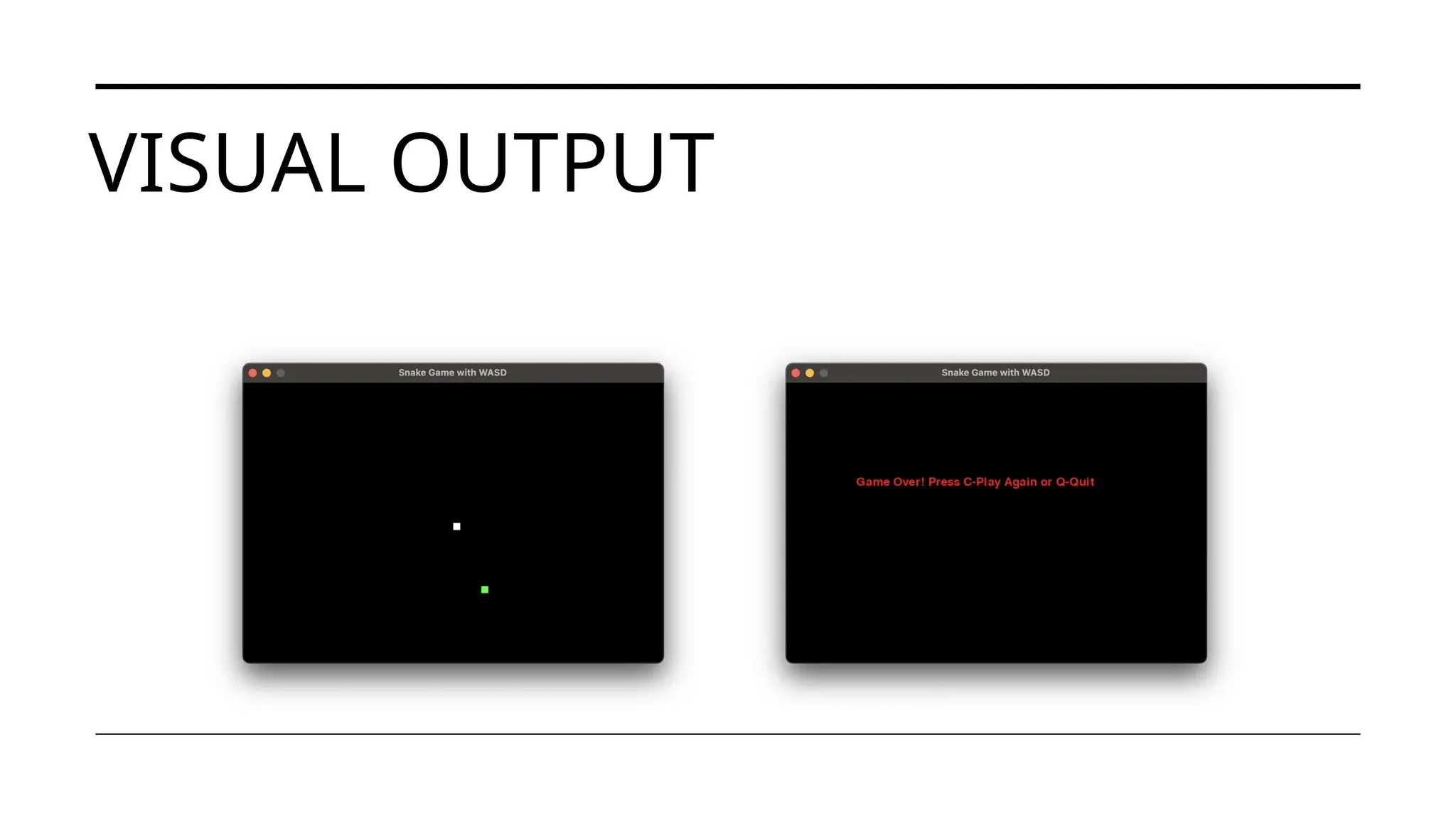
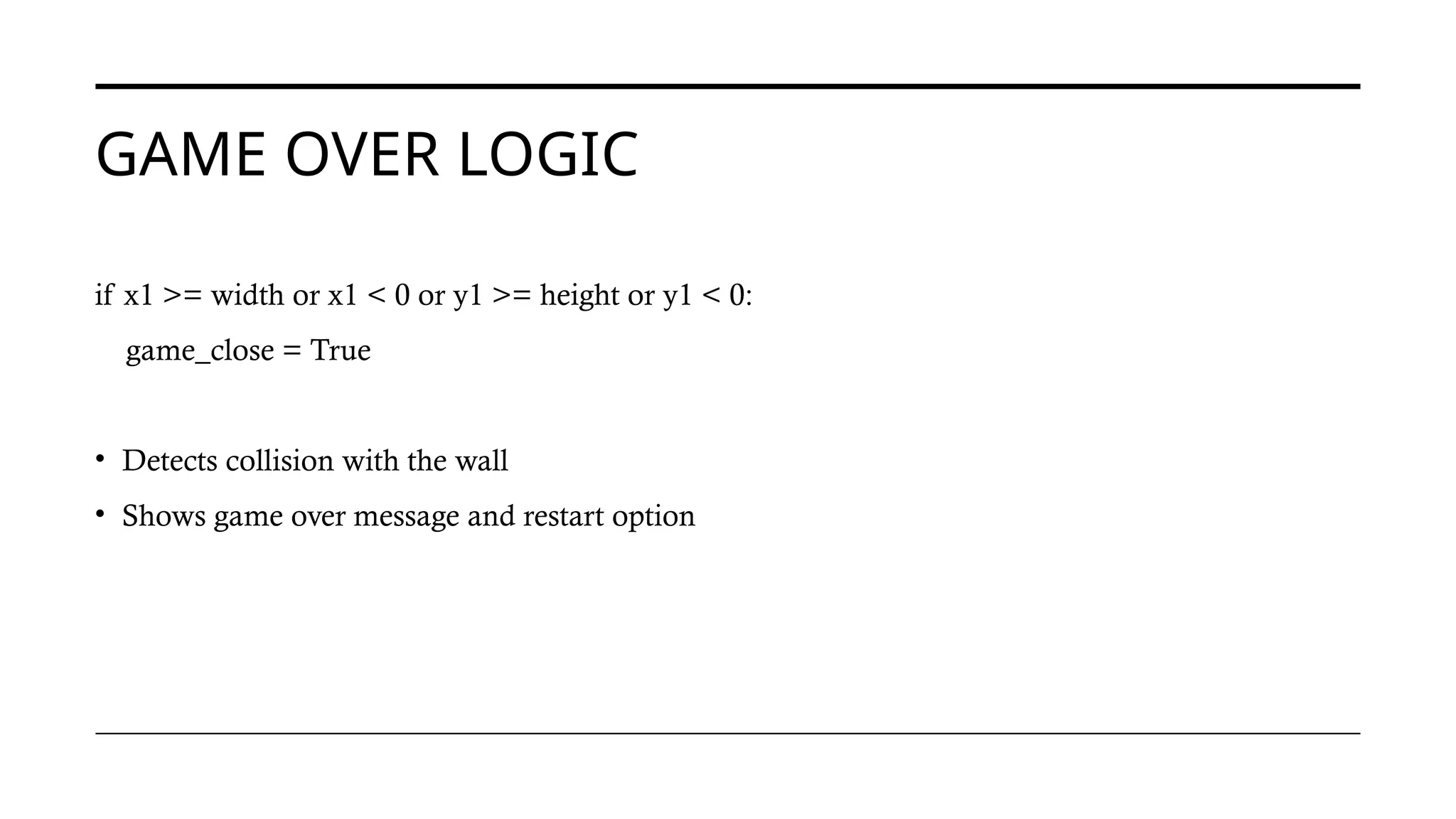
GAME OVER LOGIC
ifx1 >= width or x1 < 0 or y1 >= height or y1 < 0:
game_close = True
• Detects collision with the wall
• Shows game over message and restart option
11.
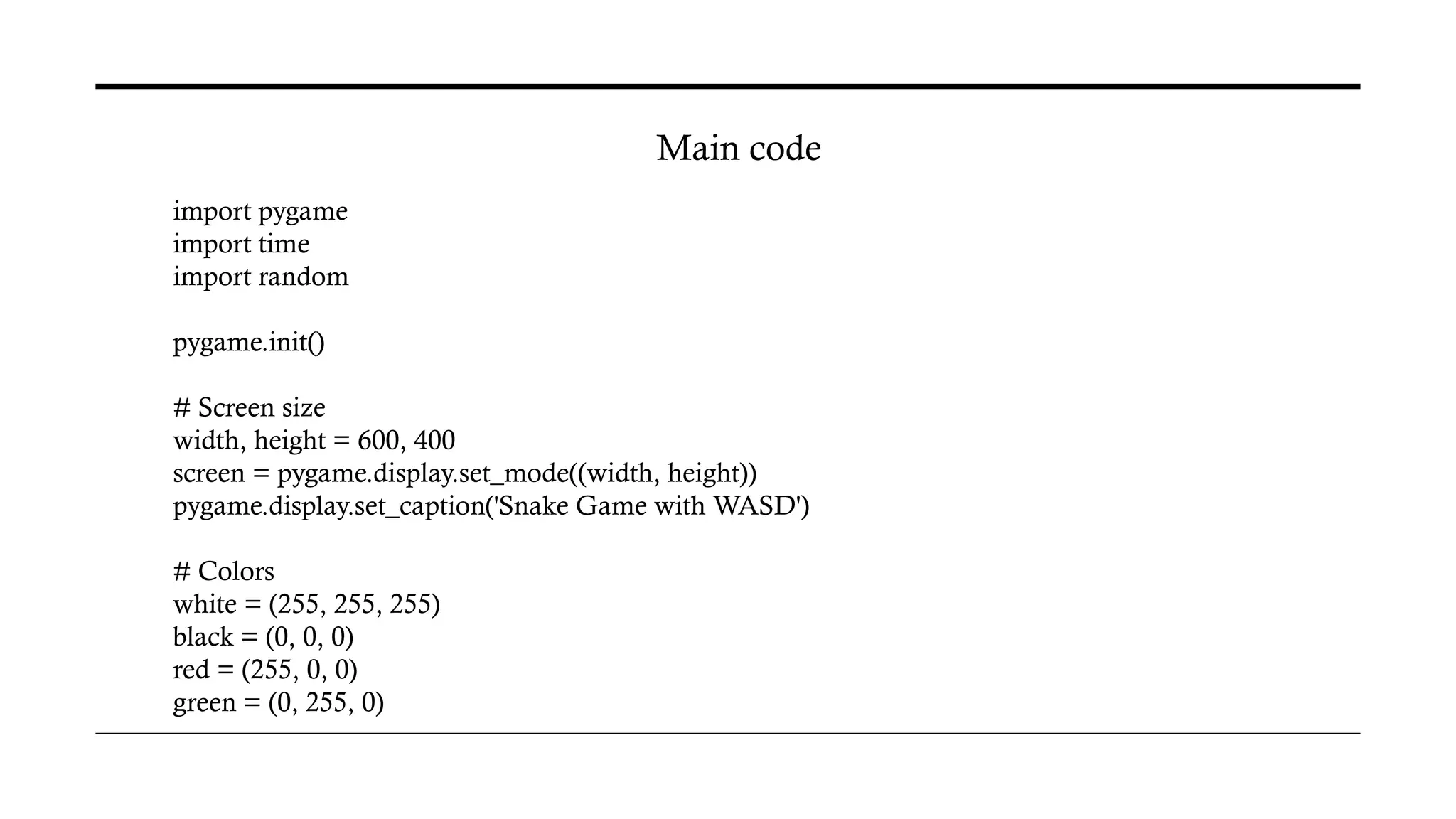
import pygame
import time
importrandom
pygame.init()
# Screen size
width, height = 600, 400
screen = pygame.display.set_mode((width, height))
pygame.display.set_caption('Snake Game with WASD')
# Colors
white = (255, 255, 255)
black = (0, 0, 0)
red = (255, 0, 0)
green = (0, 255, 0)
Main code
x1_change = 0
y1_change= 0
snake_List = []
Length_of_snake = 1
foodx = round(random.randrange(0, width - snake_block) / 10.0) * 10.0
foody = round(random.randrange(0, height - snake_block) / 10.0) * 10.0
while not game_over:
while game_close:
screen.fill(black)
message("Game Over! Press C-Play Again or Q-Quit", red)
pygame.display.update()
14.
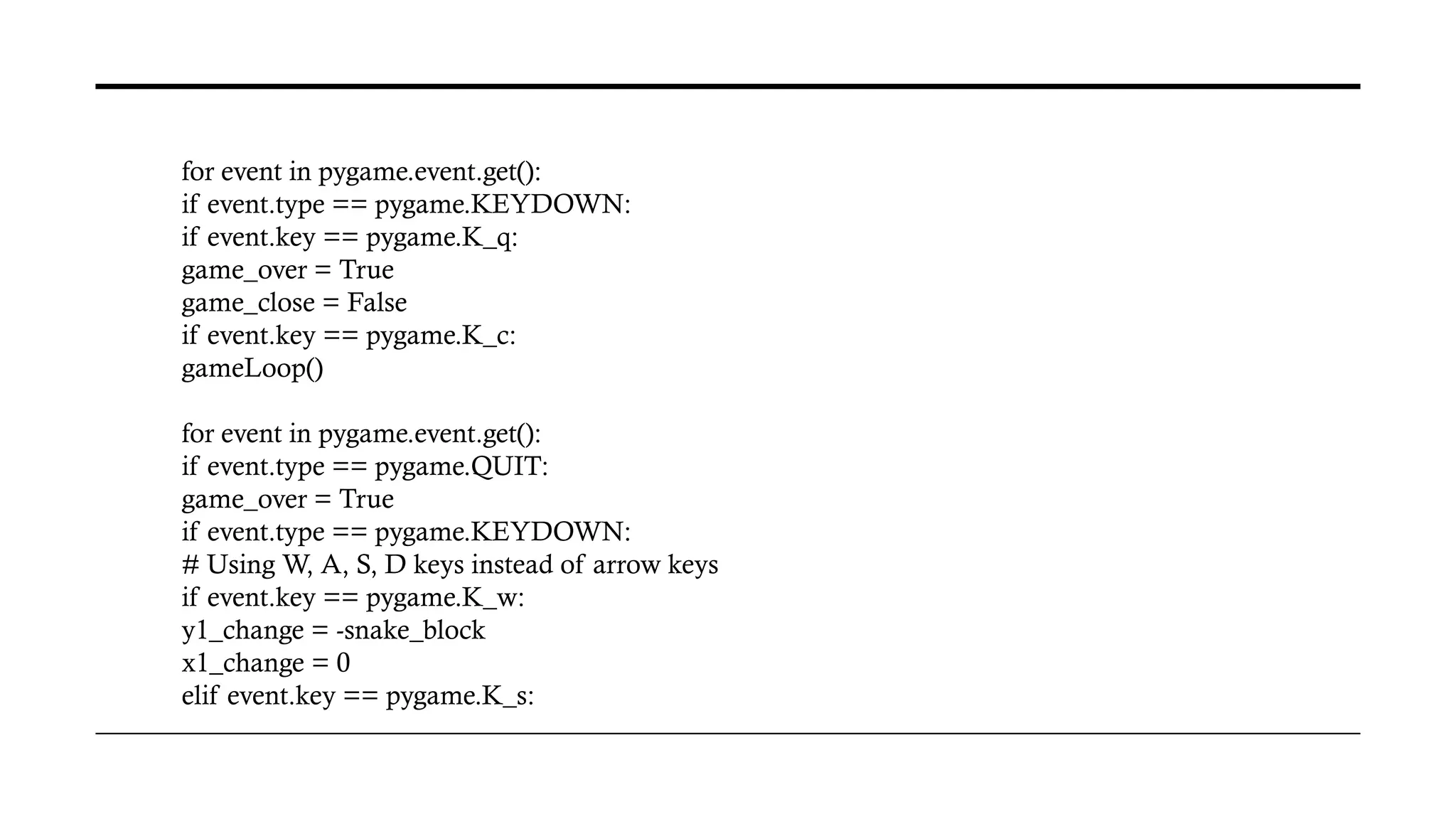
for event inpygame.event.get():
if event.type == pygame.KEYDOWN:
if event.key == pygame.K_q:
game_over = True
game_close = False
if event.key == pygame.K_c:
gameLoop()
for event in pygame.event.get():
if event.type == pygame.QUIT:
game_over = True
if event.type == pygame.KEYDOWN:
# Using W, A, S, D keys instead of arrow keys
if event.key == pygame.K_w:
y1_change = -snake_block
x1_change = 0
elif event.key == pygame.K_s:
15.
y1_change = snake_block
x1_change= 0
elif event.key == pygame.K_a:
x1_change = -snake_block
y1_change = 0
elif event.key == pygame.K_d:
x1_change = snake_block
y1_change = 0
# Check for collisions with the boundaries
if x1 >= width or x1 < 0 or y1 >= height or y1 < 0:
game_close = True
x1 += x1_change
y1 += y1_change
screen.fill(black)
pygame.draw.rect(screen, green, [foodx, foody, snake_block, snake_block])
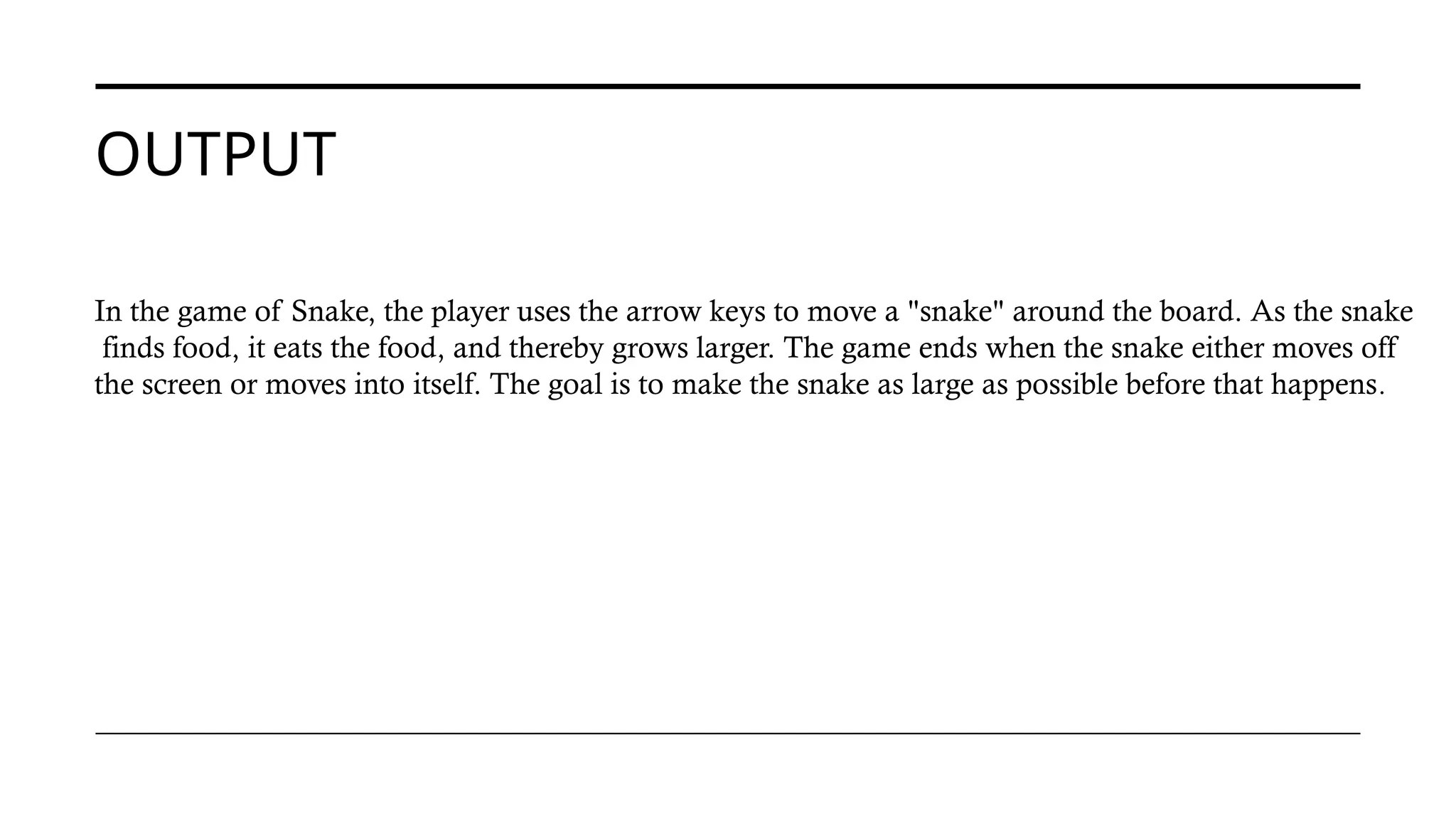
OUTPUT
In the gameof Snake, the player uses the arrow keys to move a "snake" around the board. As the snake
finds food, it eats the food, and thereby grows larger. The game ends when the snake either moves off
the screen or moves into itself. The goal is to make the snake as large as possible before that happens.

![TOOLS AND LIBRARIES
• Python – General-purpose programming language
• Pygame – A library for game development
• IDE Used: [e.g., VS Code or PyCharm]
• Operating System: [macOS/Windows/Linux]](https://image.slidesharecdn.com/snakegame-250620133919-fad4e2c0/75/Snake_game-pptx-introduction-to-snake-game-3-2048.jpg)
![clock = pygame.time.Clock()
snake_block = 10
snake_speed = 15
font_style = pygame.font.SysFont("bahnschrift", 25)
def message(msg, color):
mesg = font_style.render(msg, True, color)
screen.blit(mesg, [width/6, height/3])
def gameLoop():
game_over = False
game_close = False
x1 = width / 2
y1 = height / 2](https://image.slidesharecdn.com/snakegame-250620133919-fad4e2c0/75/Snake_game-pptx-introduction-to-snake-game-12-2048.jpg)
![x1_change = 0
y1_change = 0
snake_List = []
Length_of_snake = 1
foodx = round(random.randrange(0, width - snake_block) / 10.0) * 10.0
foody = round(random.randrange(0, height - snake_block) / 10.0) * 10.0
while not game_over:
while game_close:
screen.fill(black)
message("Game Over! Press C-Play Again or Q-Quit", red)
pygame.display.update()](https://image.slidesharecdn.com/snakegame-250620133919-fad4e2c0/75/Snake_game-pptx-introduction-to-snake-game-13-2048.jpg)
![y1_change = snake_block
x1_change = 0
elif event.key == pygame.K_a:
x1_change = -snake_block
y1_change = 0
elif event.key == pygame.K_d:
x1_change = snake_block
y1_change = 0
# Check for collisions with the boundaries
if x1 >= width or x1 < 0 or y1 >= height or y1 < 0:
game_close = True
x1 += x1_change
y1 += y1_change
screen.fill(black)
pygame.draw.rect(screen, green, [foodx, foody, snake_block, snake_block])](https://image.slidesharecdn.com/snakegame-250620133919-fad4e2c0/75/Snake_game-pptx-introduction-to-snake-game-15-2048.jpg)
![snake_Head = []
snake_Head.append(x1)
snake_Head.append(y1)
snake_List.append(snake_Head)
if len(snake_List) > Length_of_snake:
del snake_List[0]
for x in snake_List[:-1]:
if x == snake_Head:
game_close = True
for x in snake_List:
pygame.draw.rect(screen, white, [x[0], x[1],
snake_block, snake_block])
pygame.display.update()](https://image.slidesharecdn.com/snakegame-250620133919-fad4e2c0/75/Snake_game-pptx-introduction-to-snake-game-16-2048.jpg)