Download to read offline





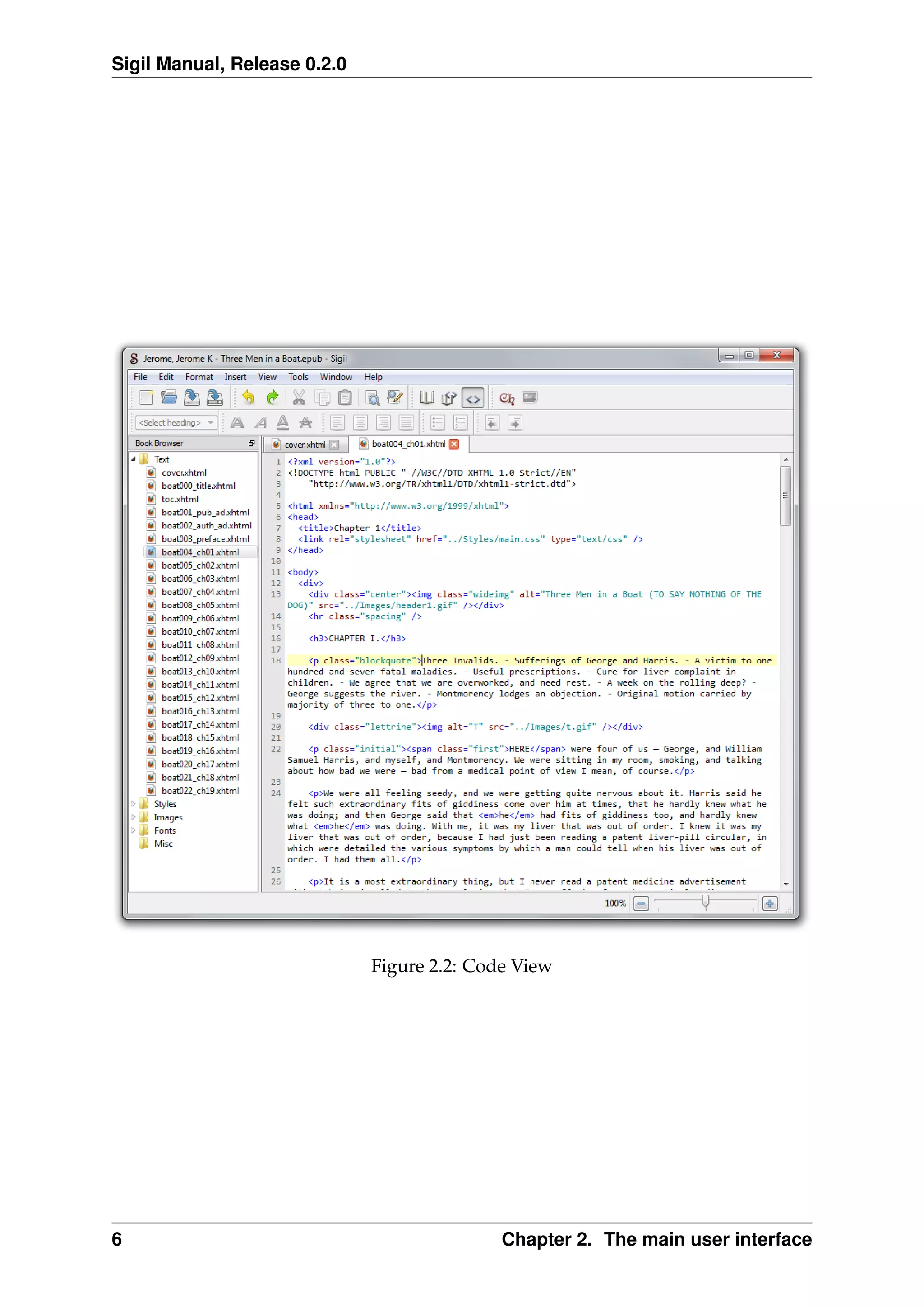
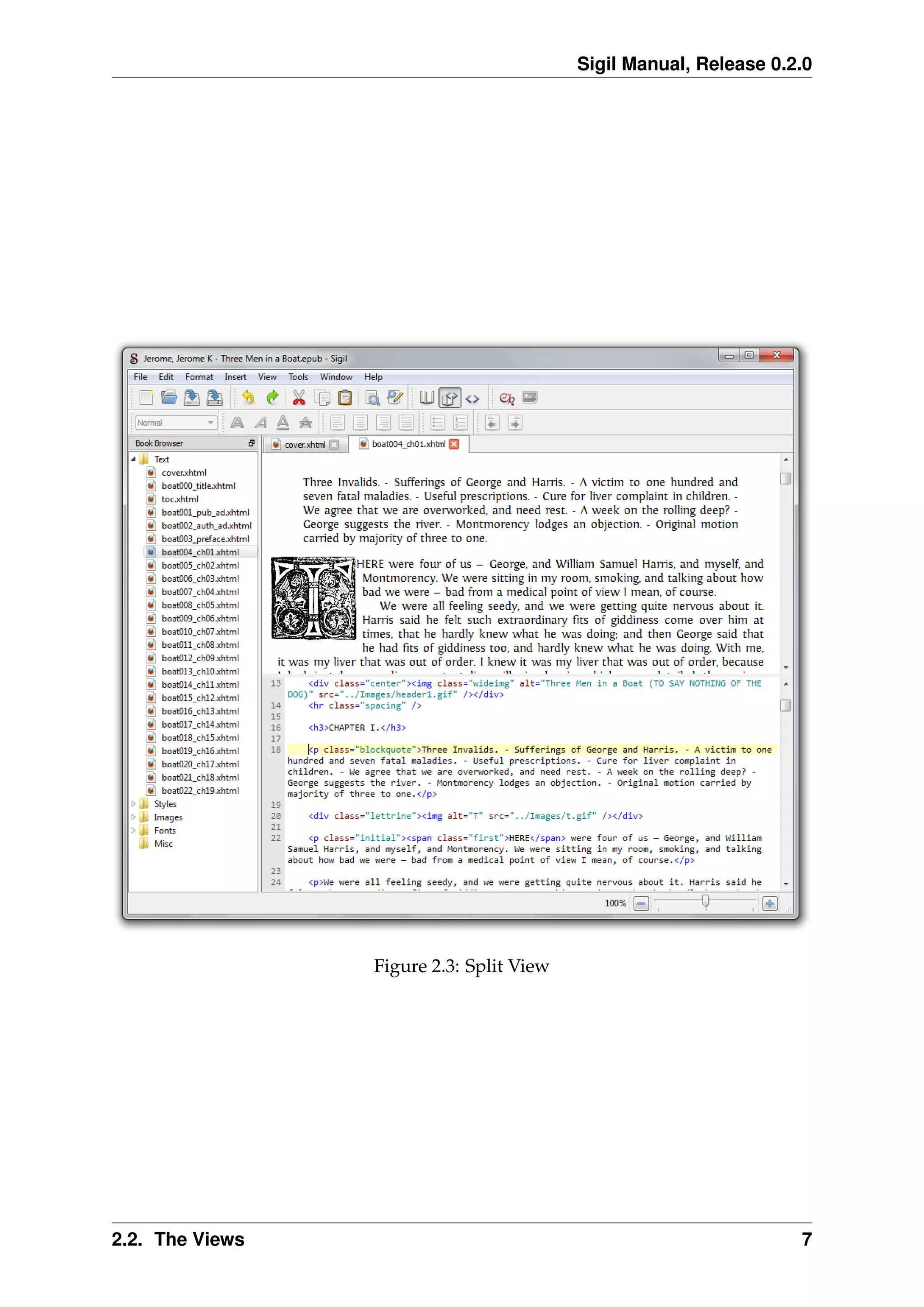


![Sigil Manual, Release 0.2.0
Character Matches
a Any character represents itself by default. a would match a.
? Matches any single character.
* Matches zero or more of any characters.
[...] Any character in the set; [abc] would match a or b or c.
So if for example you used the search string [123]abc?dd* with the Wildcard mode
selected, it would match any of the following: 1abceddertert, 3abc9dd--.!,
2abc_dd!#$79840sd 12adad ad and many more.
3.2 Regular expression mode
The regular expression (regex) engine used in Sigil is very “Perl-like” 2
. A general
introduction to regular expressions is beyond the scope of this manual. There are
many good overviews on the internet; one of which is available here. That site will
help you get started with regexes.
Here are some of the differences from Perl:
• In Sigil ^ always signifies the start of the string (apart from within character
classes), so carets should be escaped unless used in this way. The same applies
to $ which in Sigil always signifies the end of the string.
• Non-greedy matching cannot be applied to individual quantifiers. Expressions
like abc*?dd are not allowed. Use the Minimal matching option to set minimal
matching on the whole expression.
• Back-reference syntax is sed-like, that is in the form of #, e.g. 1, 2, 3 etc.
(0 is the whole matched string).
• While zero-width positive and zero-width negative lookahead assertions (in the
form of (?=pattern) and (?!pattern)) are supported, Perl’s look-behind
assertions, “independent” subexpressions and conditional expressions are not
supported.
2
The current regex engine used is actually Qt’s QRegExp. It will eventually be replaced with PCRE
because of the latter’s advanced features and performance.
3.2. Regular expression mode 11](https://image.slidesharecdn.com/sigil-0-150528111617-lva1-app6892/75/Sigil-0-2-0-manual-15-2048.jpg)


![Sigil Manual, Release 0.2.0
5.2 Expanded UI
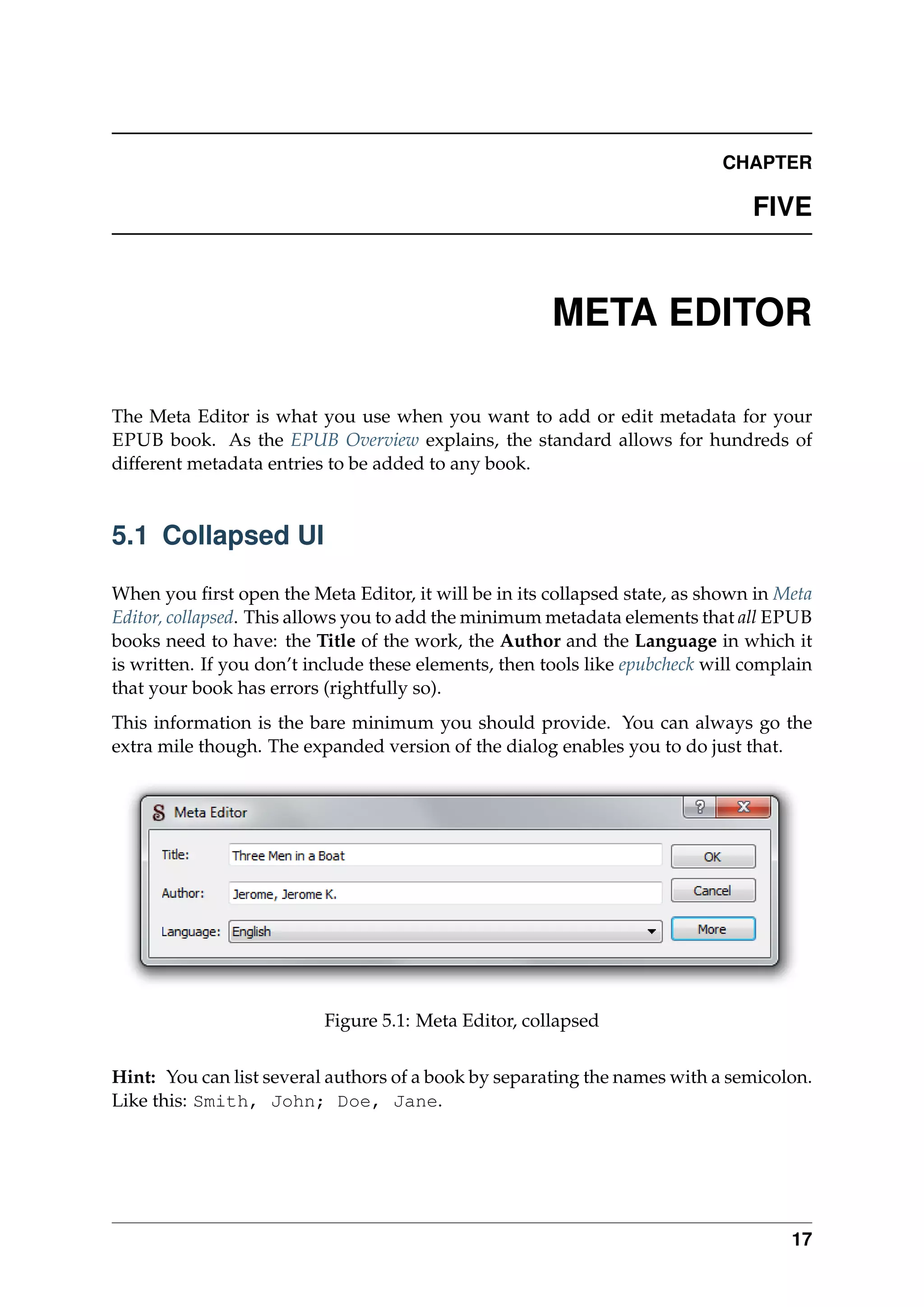
If you click on the More button, the dialog will expand; see Meta Editor, expanded. You
now have a table listing all the other types of metadata present in your EPUB book.
You can remove an item by selecting it and clicking the Remove button, or add new
items with the Add Basic and Add Adv[anced] buttons.
Figure 5.2: Meta Editor, expanded
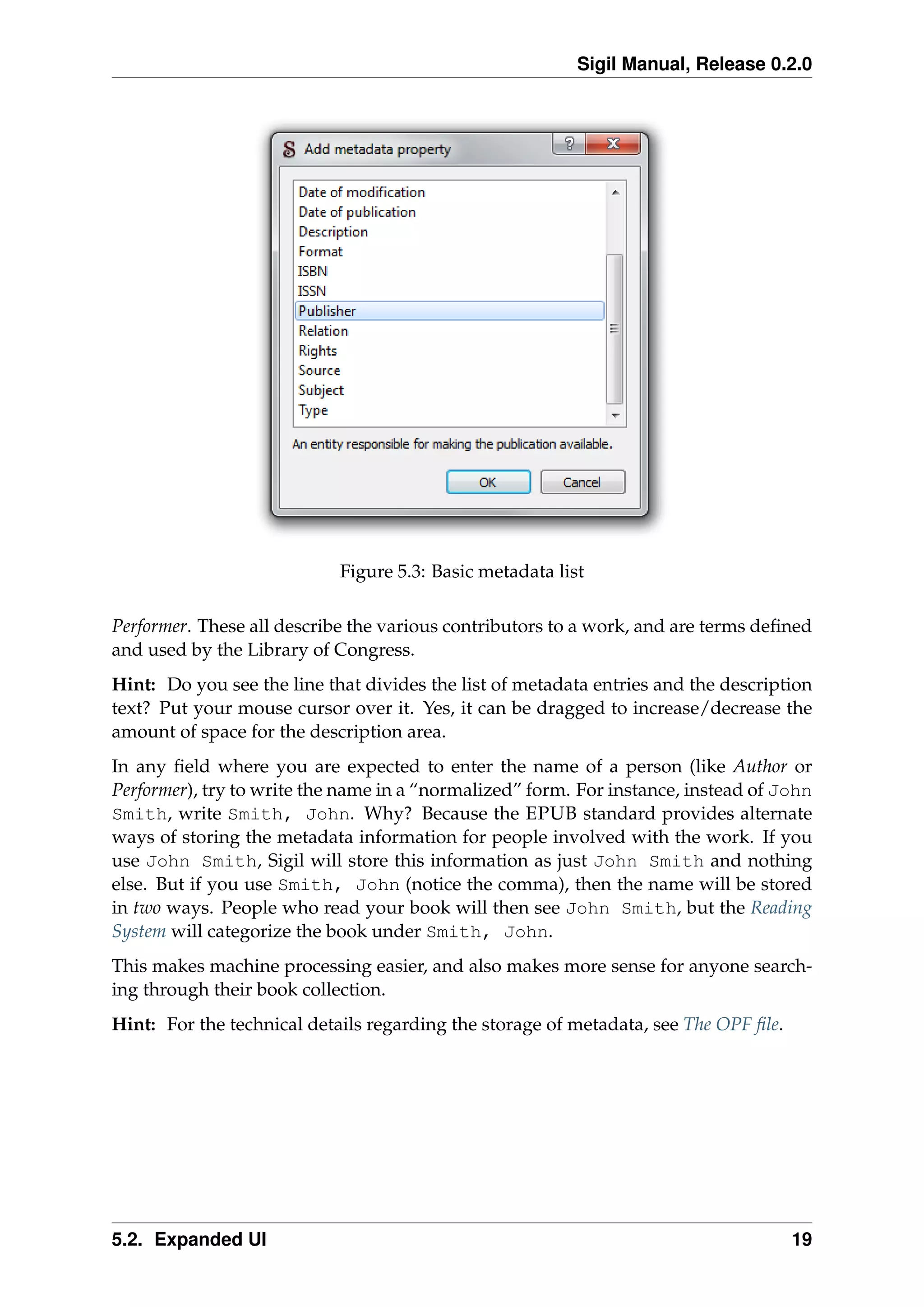
The basic metadata items (see Basic metadata list) are things like the dates of publica-
tion, creation and modification; description; content coverage; intellectual property
rights; the ISBN, ISSN and DOI numbers etc. You don’t need to use any of these, the
only ones that are required are the aforementioned title, author and language. But if
you do know any of this information, do add it to your books.
While there are only a few basic metadata items, there’s more than two hundred ad-
vanced entries (see Advanced metadata list), ranging from Illustrator to Patent holder to
18 Chapter 5. Meta Editor](https://image.slidesharecdn.com/sigil-0-150528111617-lva1-app6892/75/Sigil-0-2-0-manual-22-2048.jpg)





This document provides an overview of the Sigil EPUB editor user interface and features. The main interface includes a tabbed editing view, book browser, and tools for metadata, table of contents, and find/replace. The book browser displays the EPUB file structure including XHTML, CSS, images and other files. Editing views include book view for WYSIWYG editing, code view for direct code editing, and split view combining both. Advanced find/replace supports wildcard and regex search modes.


