SharePoint 2010 Governance Planning and Implementation
AgendaWhy do you need a Governance Plan?What does Governance mean in the context of SharePoint?Governance Top TenGovernance Details for SharePoint 2010Summary
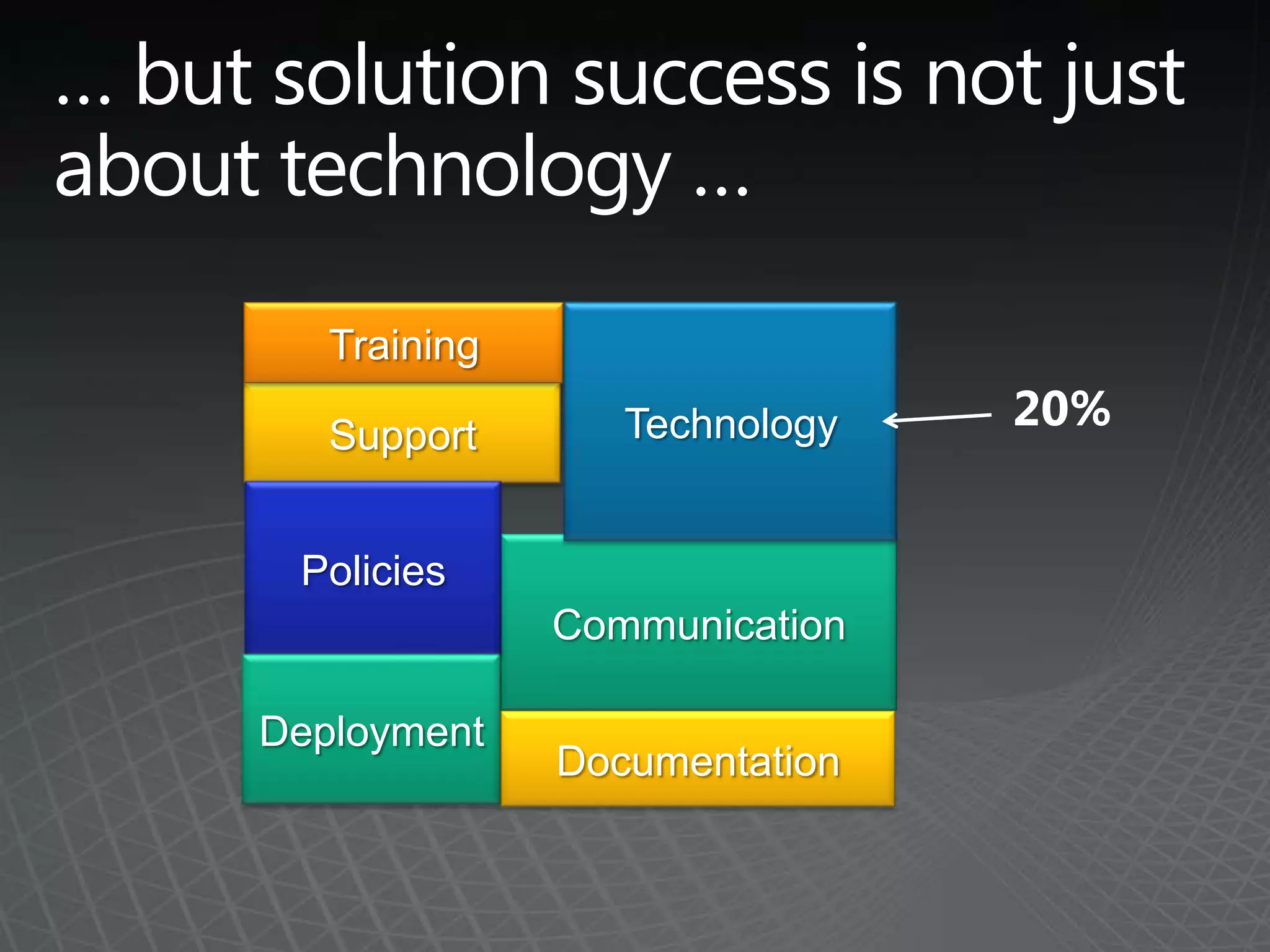
… but solution success is not just about technology …TrainingTechnology20%SupportPoliciesCommunicationDeploymentDocumentation
… and it’s easy to make mistakesNot defining policies on what to use SharePoint for (and what not to use it for)Empowering users without appropriate training and guidanceLetting users manage security when they have no clue what they are doingNot treating SharePoint like an enterprise applicationLetting users add lots of items to a list – literally kills the serverNot planning for scale and/or growthNot providing SharePoint as a centralized service for the organizationNot testing the backup/recovery process
So, why do you need a Governance Plan?Avoid portal, team site, and content "sprawl"Ensure that content quality is maintained for the life of the portalConsistently provide a high quality user experience by ensuring that the governance plan is followedEstablish clear decision making authority and escalation procedures so that policy violations are dealt with and conflicts are resolved on a timely basisEnsure that the portal strategy is aligned with business objectives so that it continuously delivers business value
Moreover, a Governance Plan is important because … SharePoint often overlaps with other installed applications in particular capabilitiesMany of SharePoint’s capabilities are not ‘required’ or ‘mandated’; users need to understand the value to get the benefitUsers can do a lot – we give them “great power” and need to ensure they accept their “great responsibility”
What is SharePoint governance?Your governance plan defines people roles, technology and policy guidelines, and processes to resolve ambiguity, manage short and long-range goals, and mitigate conflict within an organization Your governance planClarifies your plan for SharePoint design and usage Creates structure and framework to measure and manage the success of your solution over time
Concepts Incorporated in an Effective Governance PlanPeopleDefine a clear Vision for the solutionArticulate Roles and ResponsibilitiesTechnologyDefine policies for service levels and appropriate usePolicyArticulate design and usage principles  - best practices and formal policiesProcessDefine procedures for common tasks such as creating a new site or requesting new business  requirements
Top 10 Governance ‘Must Haves’
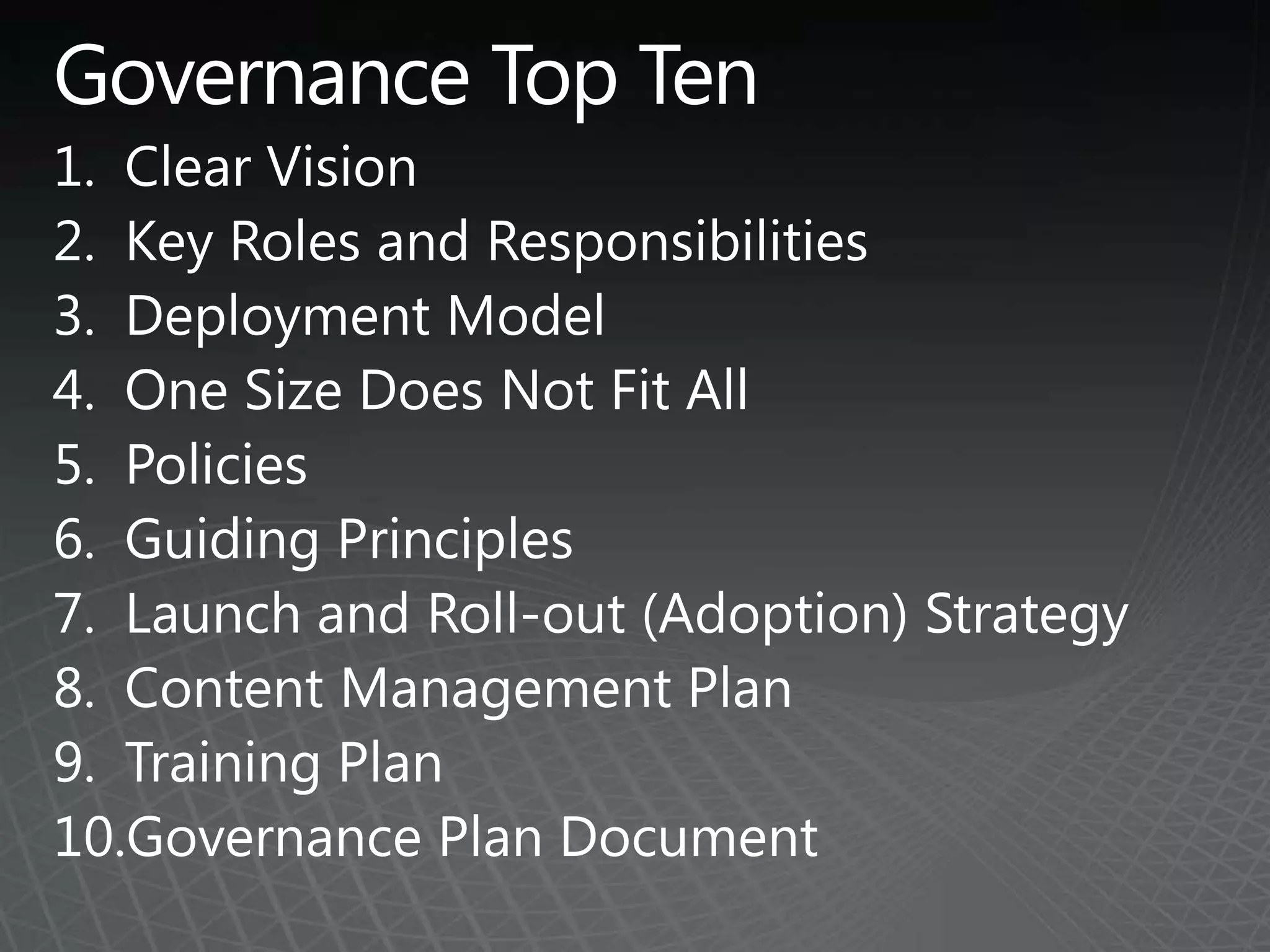
Governance Top TenClear VisionKey Roles and ResponsibilitiesDeployment ModelOne Size Does Not Fit AllPolicies Guiding PrinciplesLaunch and Roll-out (Adoption) StrategyContent Management PlanTraining PlanGovernance Plan Document
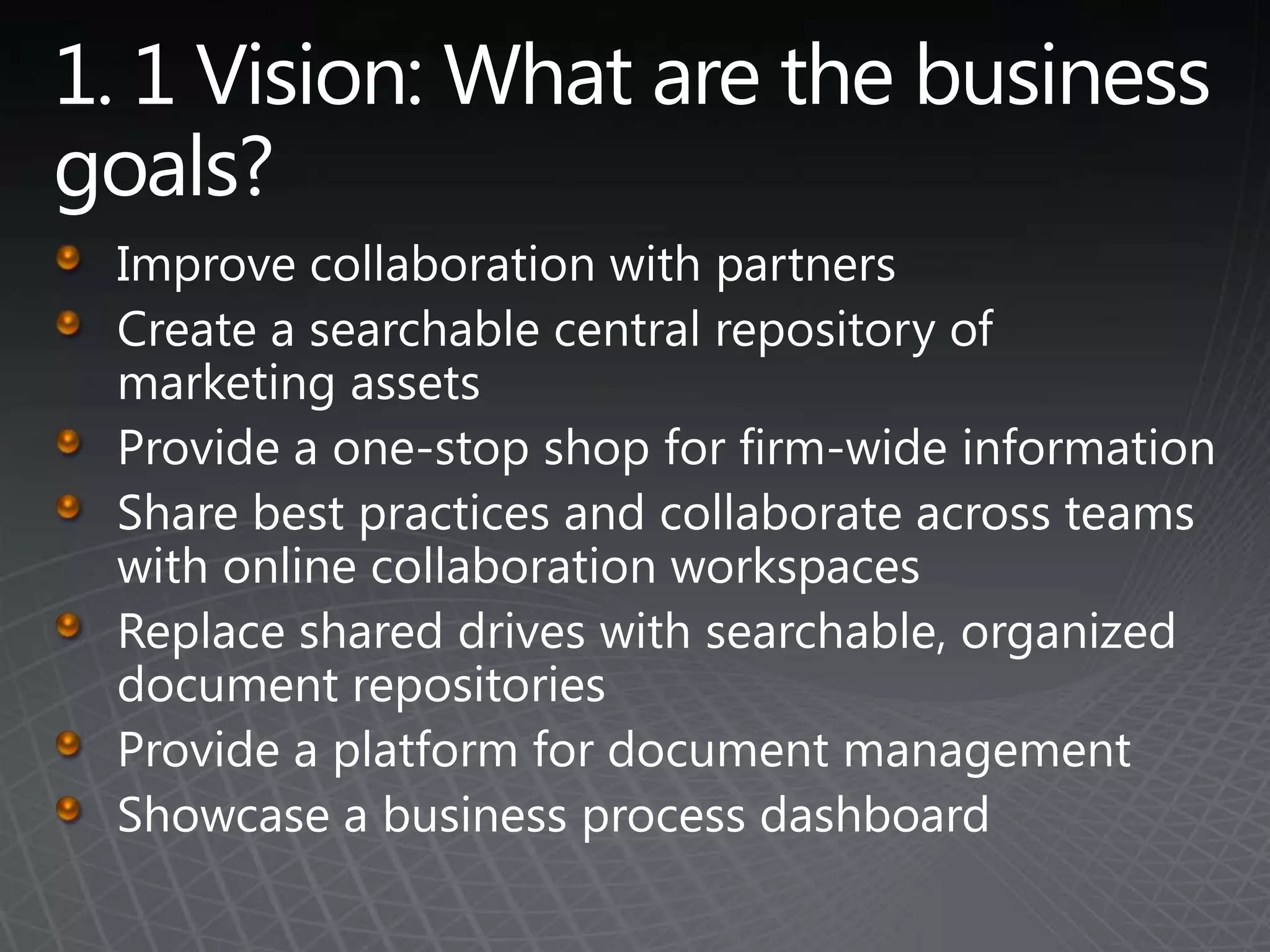
1. 1 Vision: What are the business goals? Improve collaboration with partnersCreate a searchable central repository of marketing assetsProvide a one-stop shop for firm-wide informationShare best practices and collaborate across teams with online collaboration workspacesReplace shared drives with searchable, organized document repositoriesProvide a platform for document managementShowcase a business process dashboard
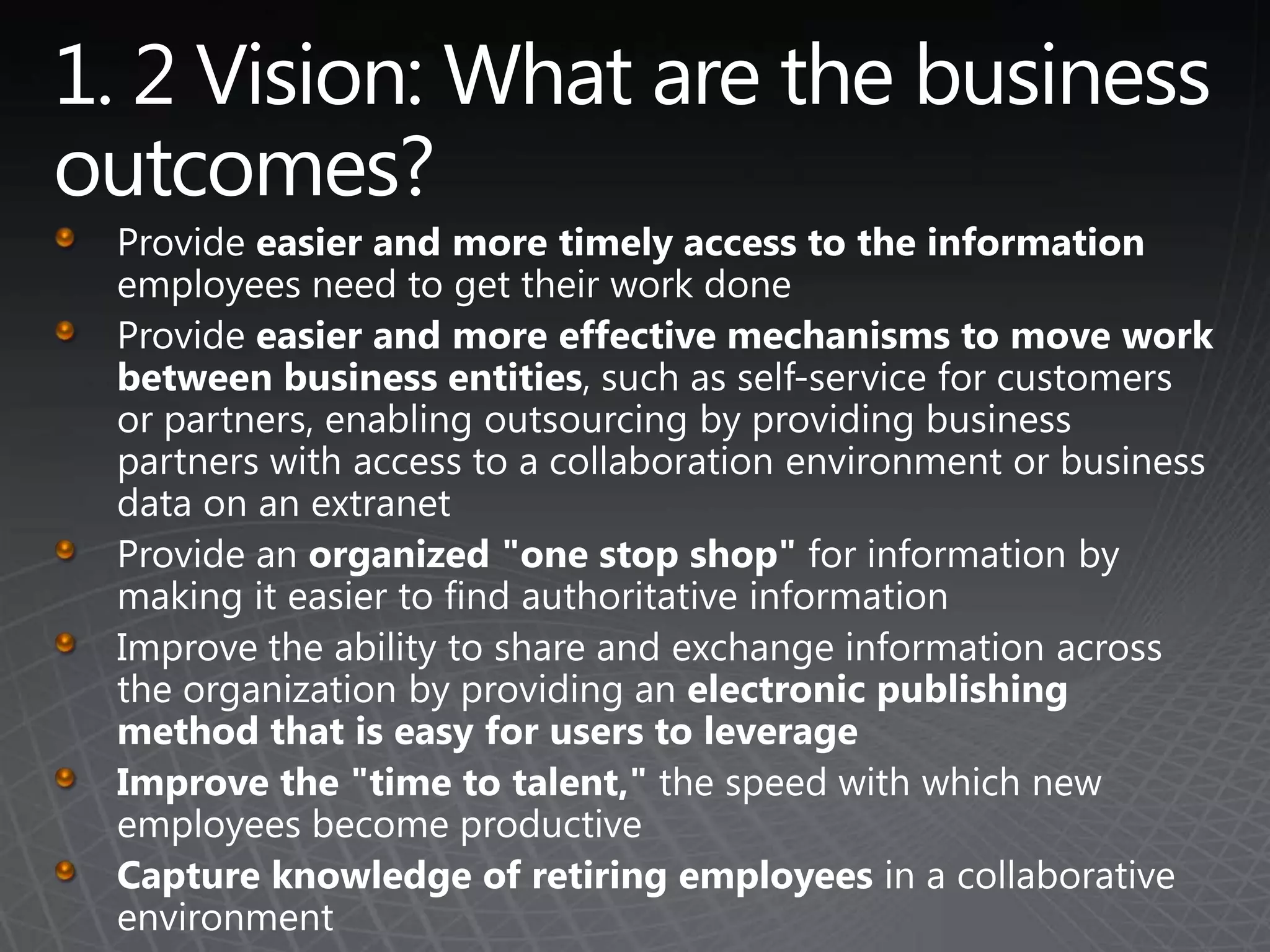
1. 2 Vision: What are the business outcomes? Provide easier and more timely access to the information employees need to get their work doneProvide easier and more effective mechanisms to move work between business entities, such as self-service for customers or partners, enabling outsourcing by providing business partners with access to a collaboration environment or business data on an extranetProvide an organized "one stop shop" for information by making it easier to find authoritative information Improve the ability to share and exchange information across the organization by providing an electronic publishing method that is easy for users to leverageImprove the "time to talent," the speed with which new employees become productiveCapture knowledge of retiring employees in a collaborative environment
2. Roles and ResponsibilitiesPut the right team together…earlyUse an upgrade as an opportunity!Don’t assume SharePoint can be managed with existing resources (even if SharePoint is already in place). Getting the right people in place is an important step in the process.Include both business process and IT process contacts on the governance teamWork with the PMO and standards teams within the organization to leverage ITIL, ISO, Six Sigma, and other standards that may be in place
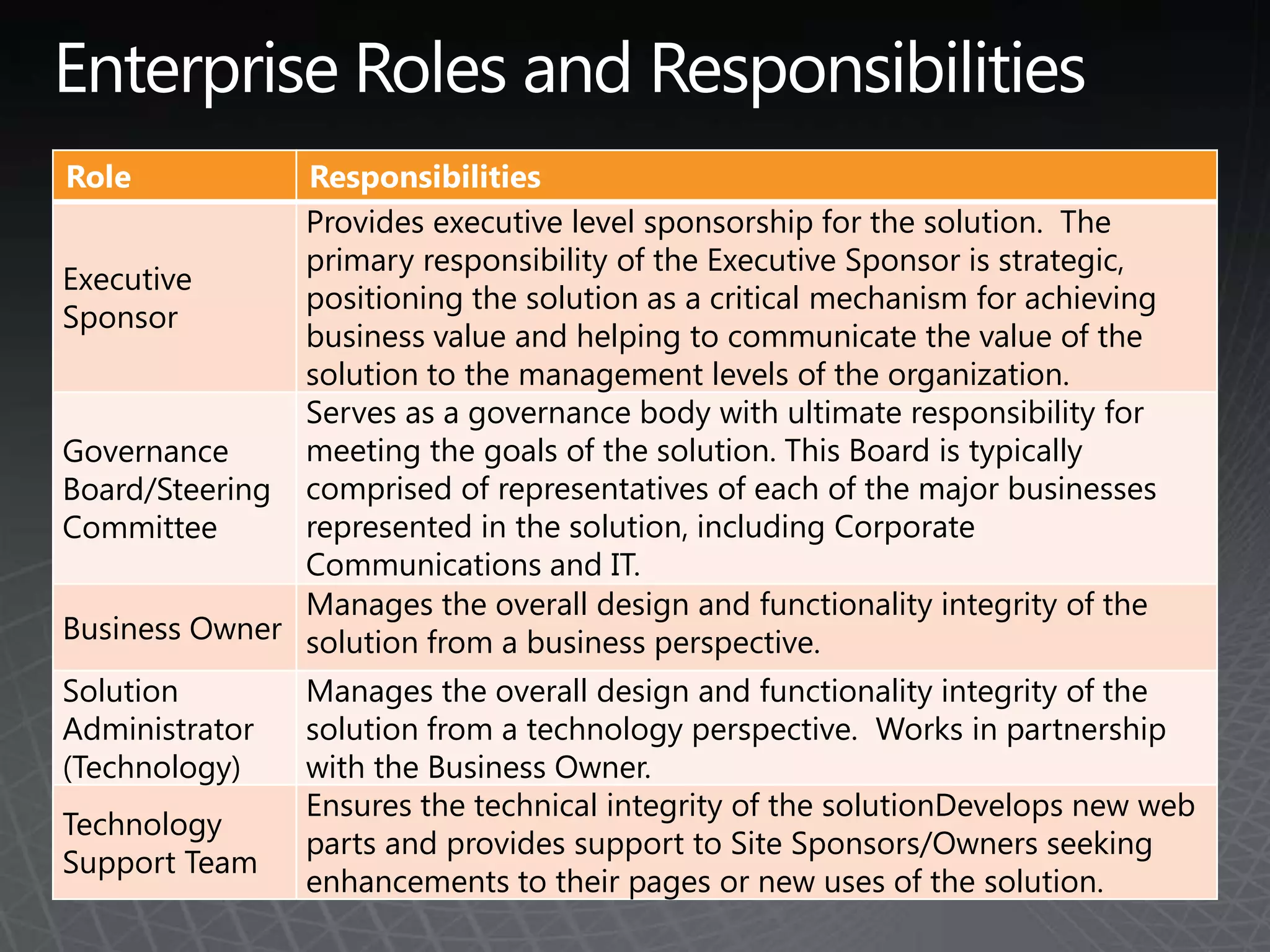
Enterprise Roles and Responsibilities
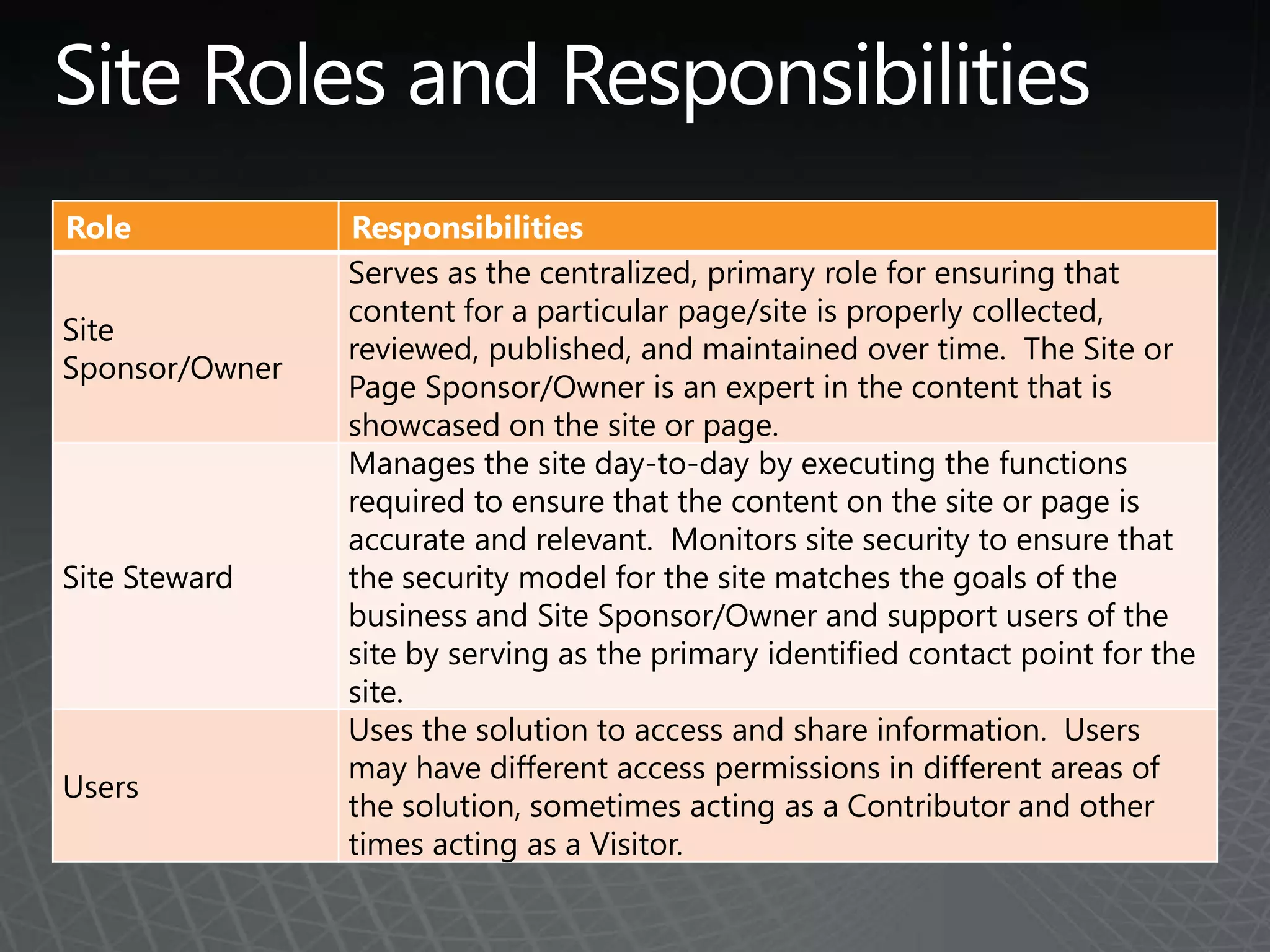
Site Roles and Responsibilities
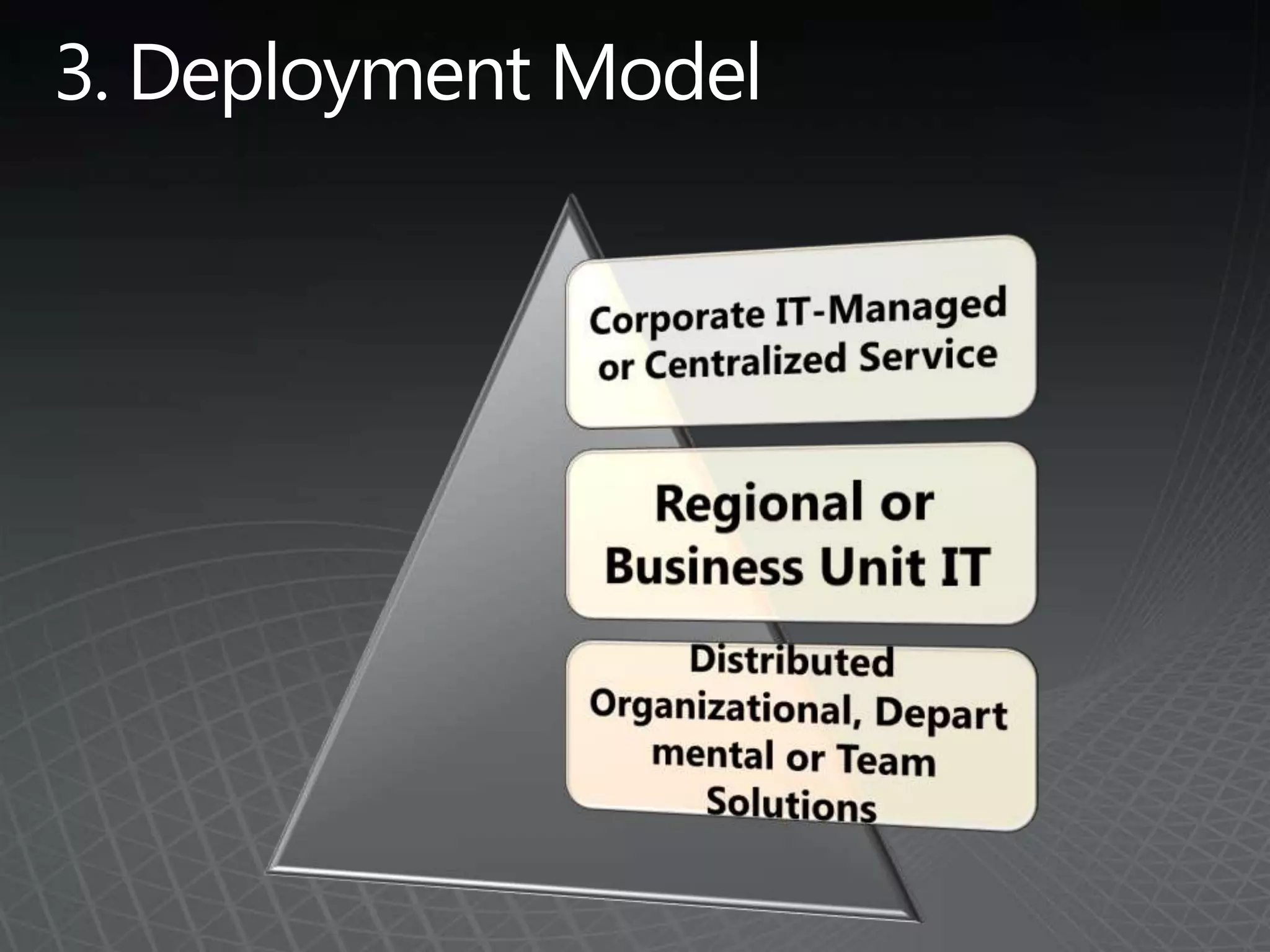
3. Deployment Model
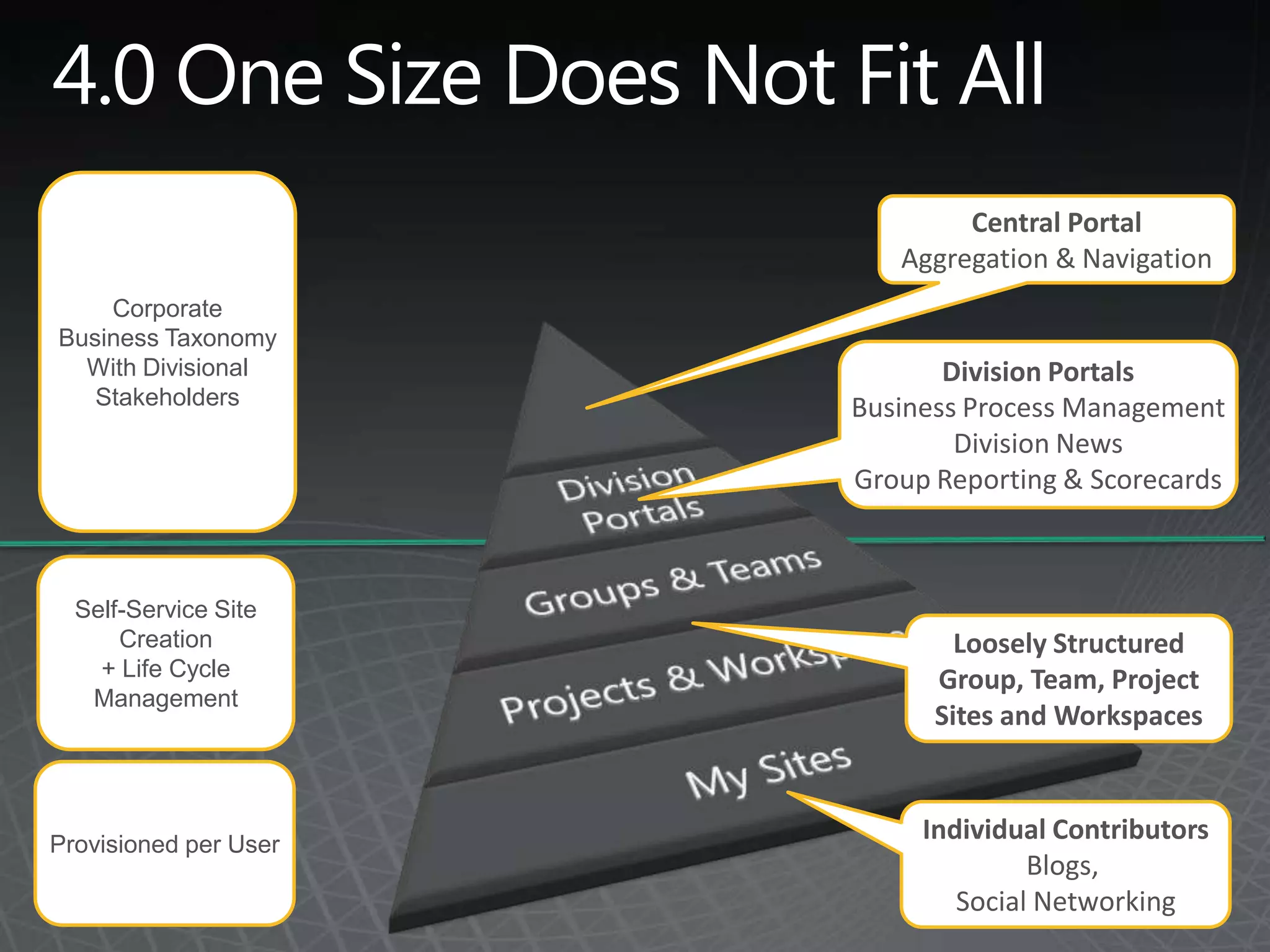
4.0 One Size Does Not Fit All CorporateBusiness TaxonomyWith DivisionalStakeholdersCentral PortalAggregation & NavigationDivision PortalsBusiness Process ManagementDivision NewsGroup Reporting & ScorecardsSelf-Service SiteCreation+Life CycleManagementLoosely StructuredGroup, Team, ProjectSites and WorkspacesProvisioned per UserIndividual ContributorsBlogs, Social Networking
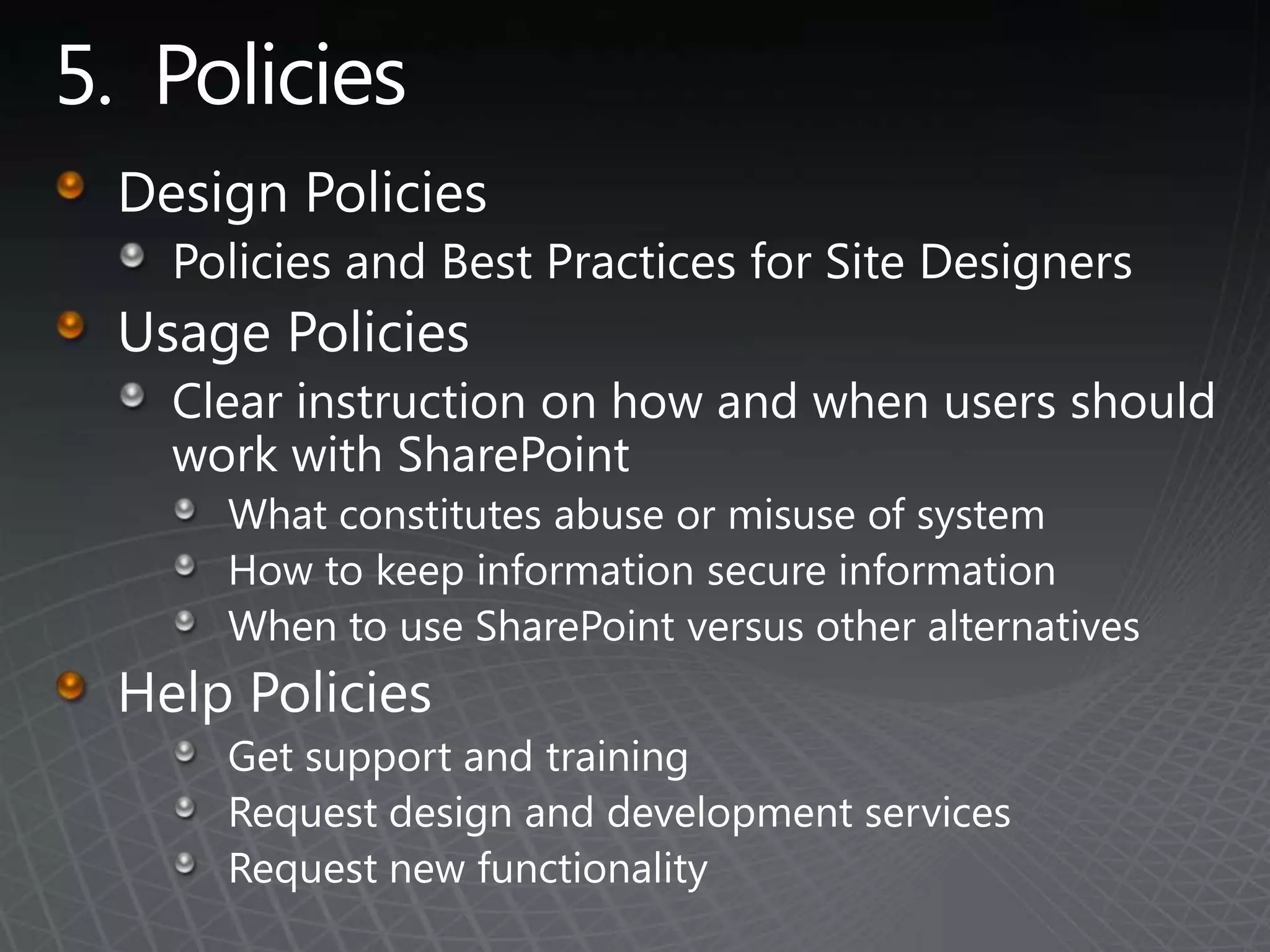
5.  PoliciesDesign PoliciesPolicies and Best Practices for Site DesignersUsage PoliciesClear instruction on how and when users should work with SharePointWhat constitutes abuse or misuse of systemHow to keep information secure information When to use SharePoint versus other alternativesHelp PoliciesGet support and trainingRequest design and development servicesRequest new functionality
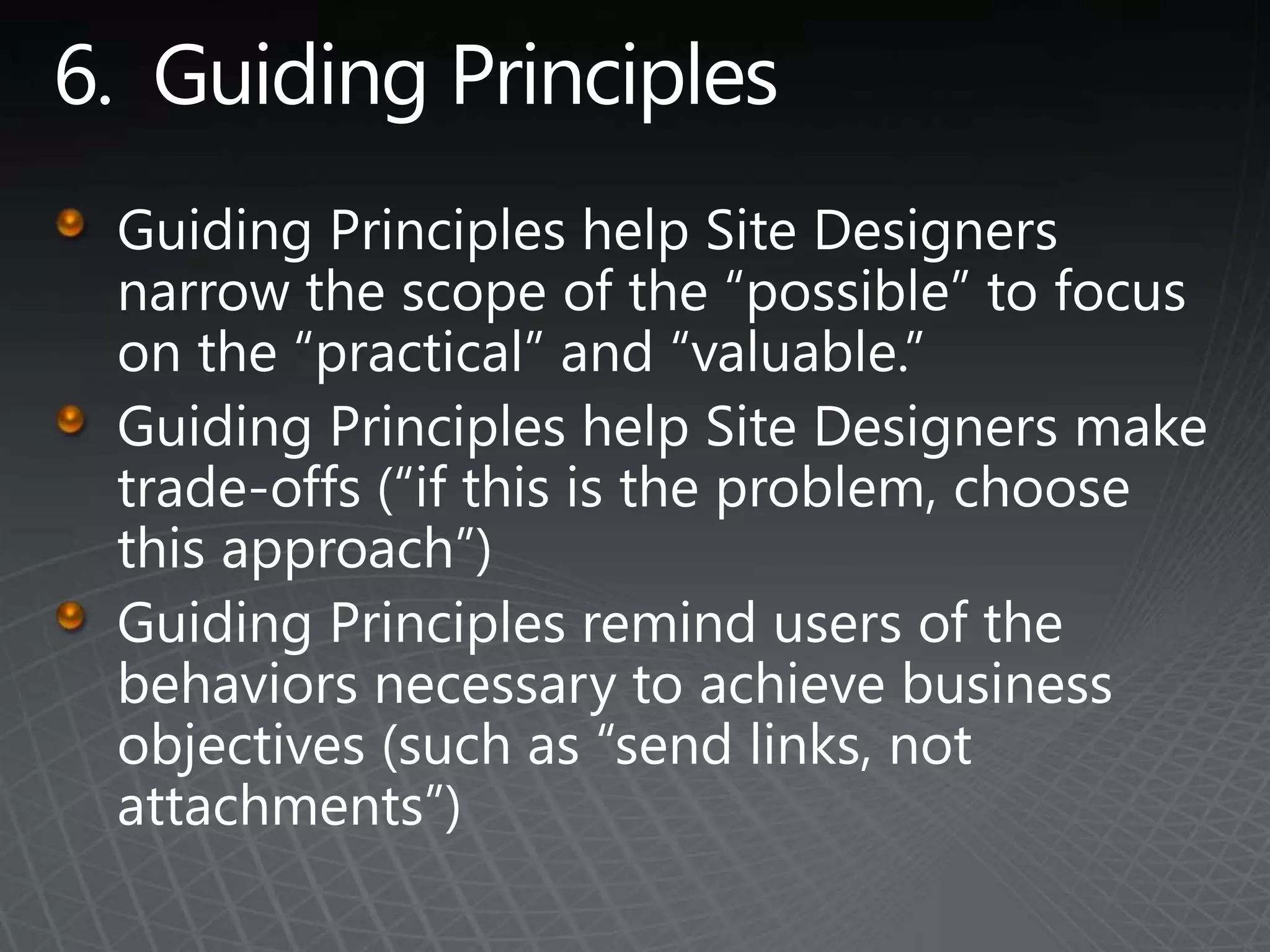
6.  Guiding PrinciplesGuiding Principles help Site Designers narrow the scope of the “possible” to focus on the “practical” and “valuable.”Guiding Principles help Site Designers make trade-offs (“if this is the problem, choose this approach”)Guiding Principles remind users of the behaviors necessary to achieve business objectives (such as “send links, not attachments”)
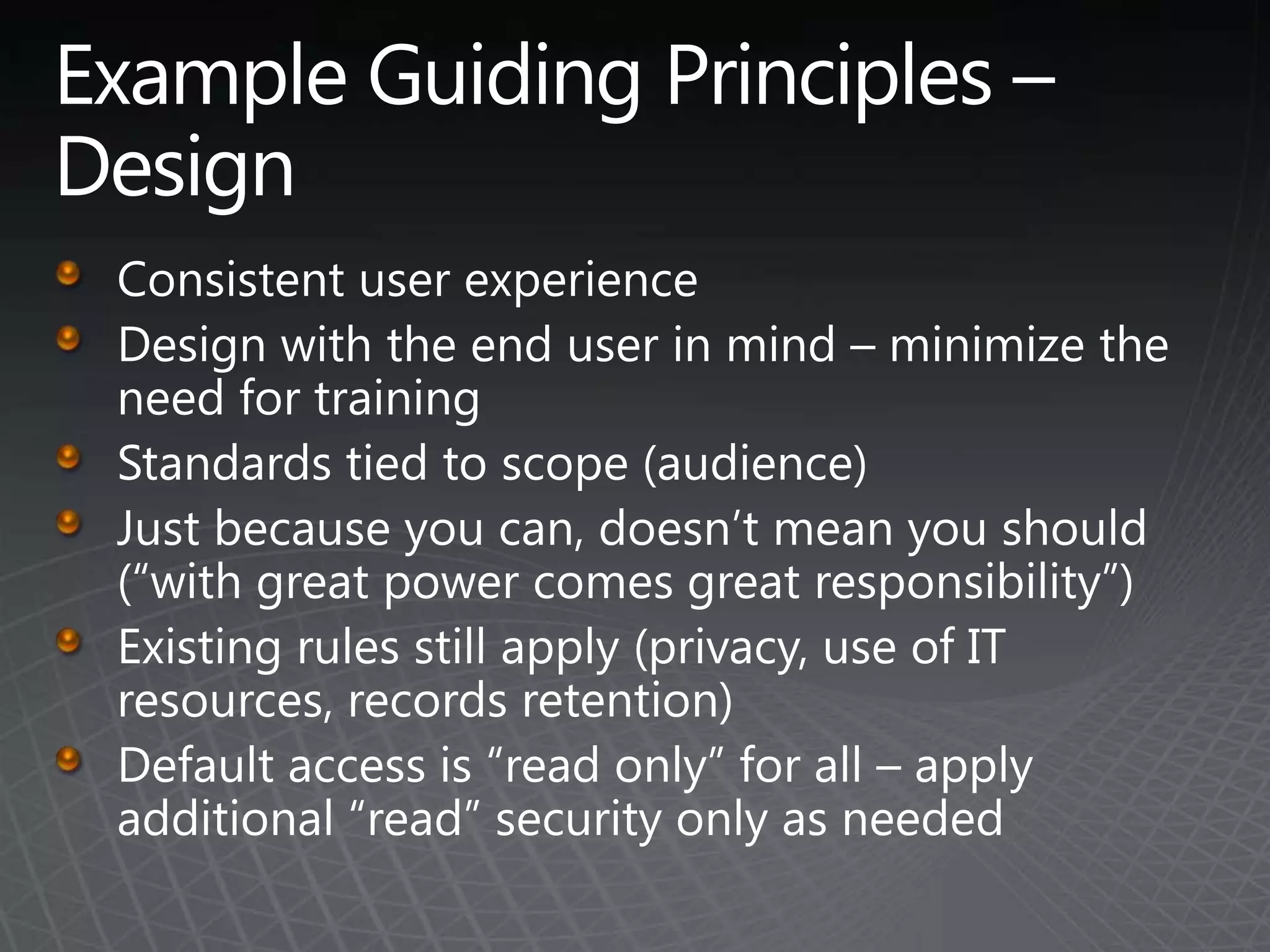
Example Guiding Principles – DesignConsistent user experienceDesign with the end user in mind – minimize the need for trainingStandards tied to scope (audience)Just because you can, doesn’t mean you should  (“with great power comes great responsibility”)Existing rules still apply (privacy, use of IT resources, records retention)Default access is “read only” for all – apply additional “read” security only as needed
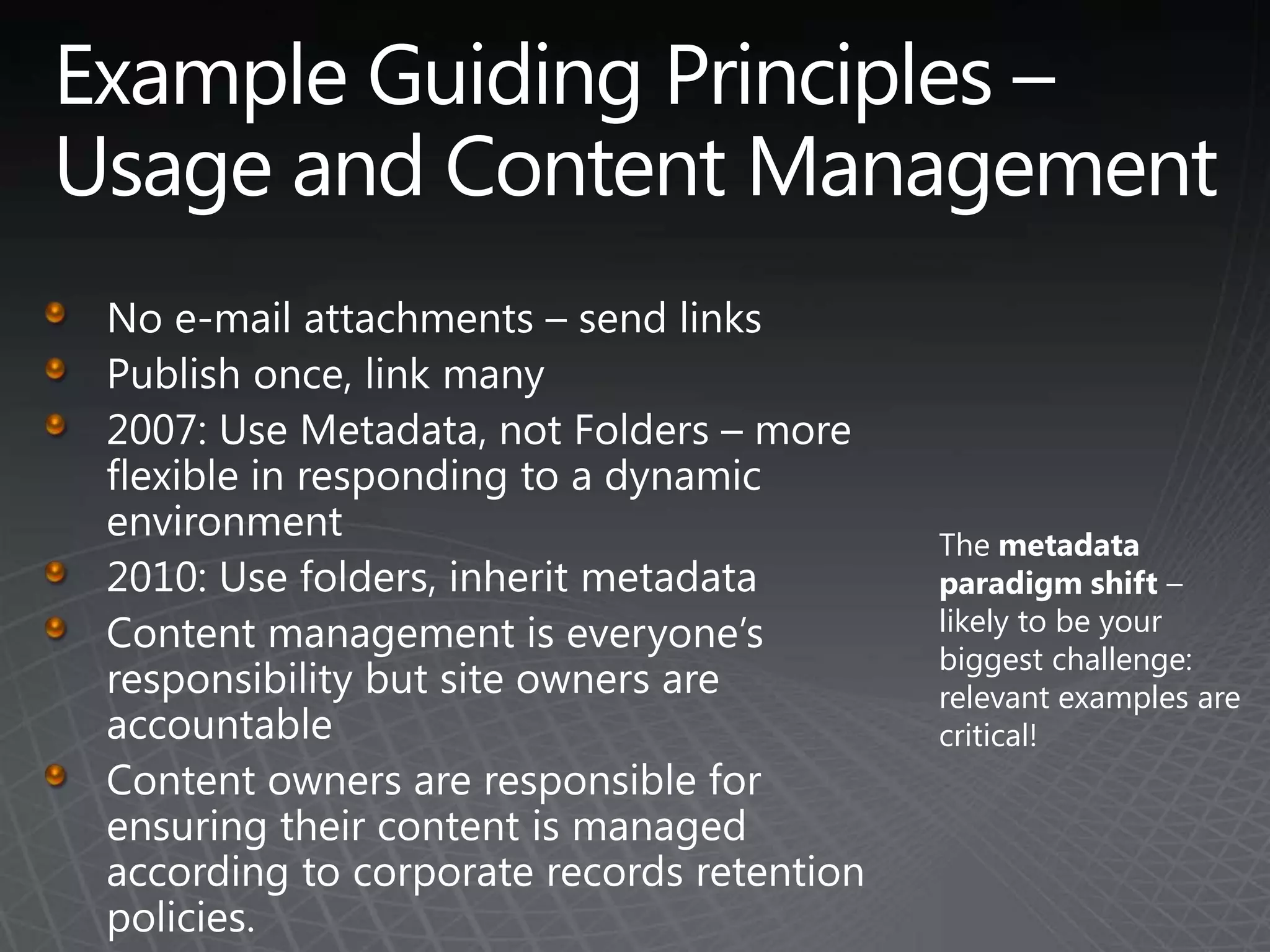
Example Guiding Principles – Usage and Content ManagementNo e-mail attachments – send linksPublish once, link many2007: Use Metadata, not Folders – more flexible in responding to a dynamic environment2010: Use folders, inherit metadataContent management is everyone’s responsibility but site owners are accountableContent owners are responsible for ensuring their content is managed according to corporate records retention policies. The metadata paradigm shift – likely to be your biggest challenge: relevant examples are critical!
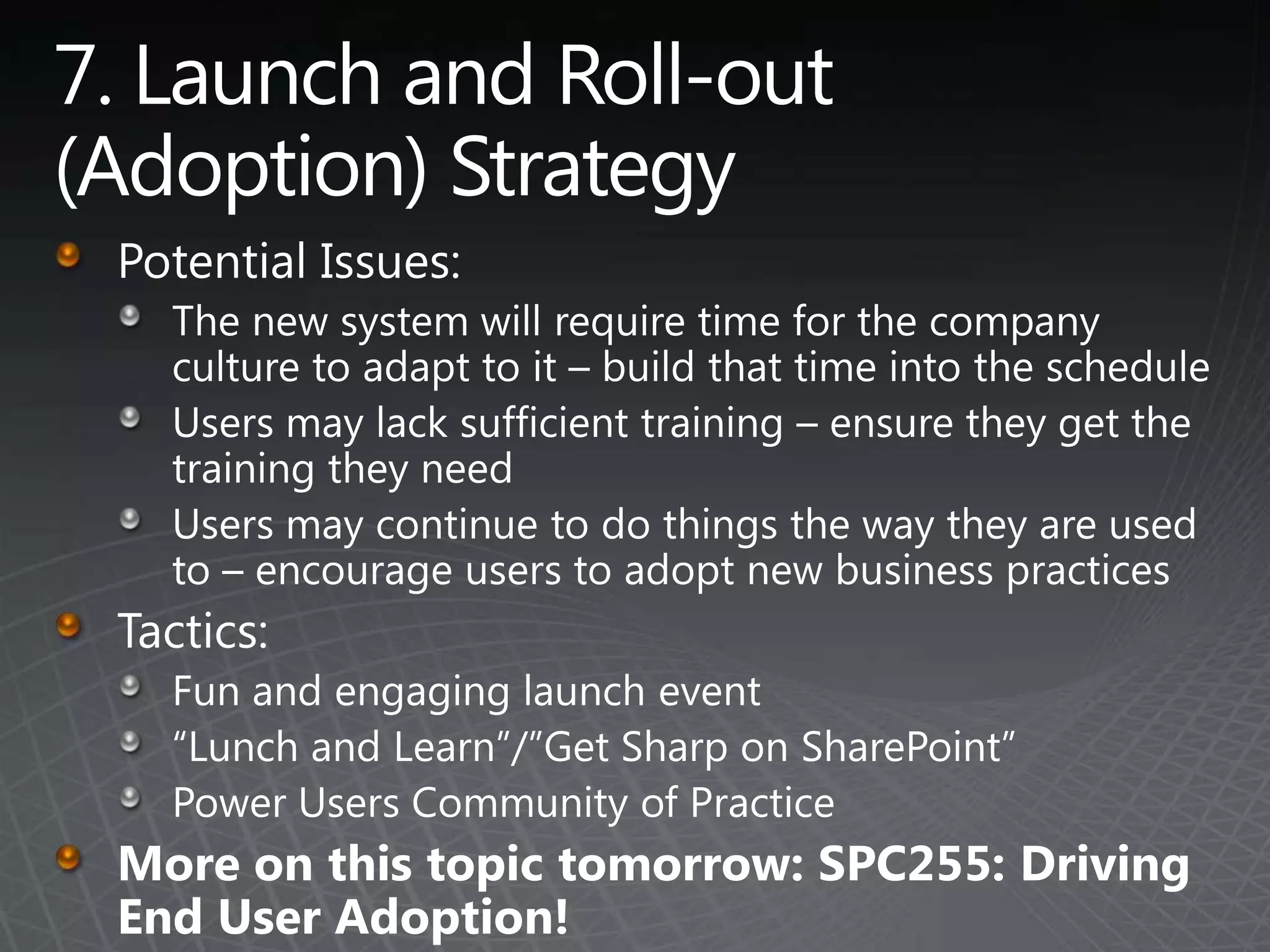
7. Launch and Roll-out (Adoption) StrategyPotential Issues:The new system will require time for the company culture to adapt to it – build that time into the scheduleUsers may lack sufficient training – ensure they get the training they needUsers may continue to do things the way they are used to – encourage users to adopt new business practicesTactics:Fun and engaging launch event“Lunch and Learn”/”Get Sharp on SharePoint”Power Users Community of PracticeMore on this topic tomorrow: SPC255: Driving End User Adoption!
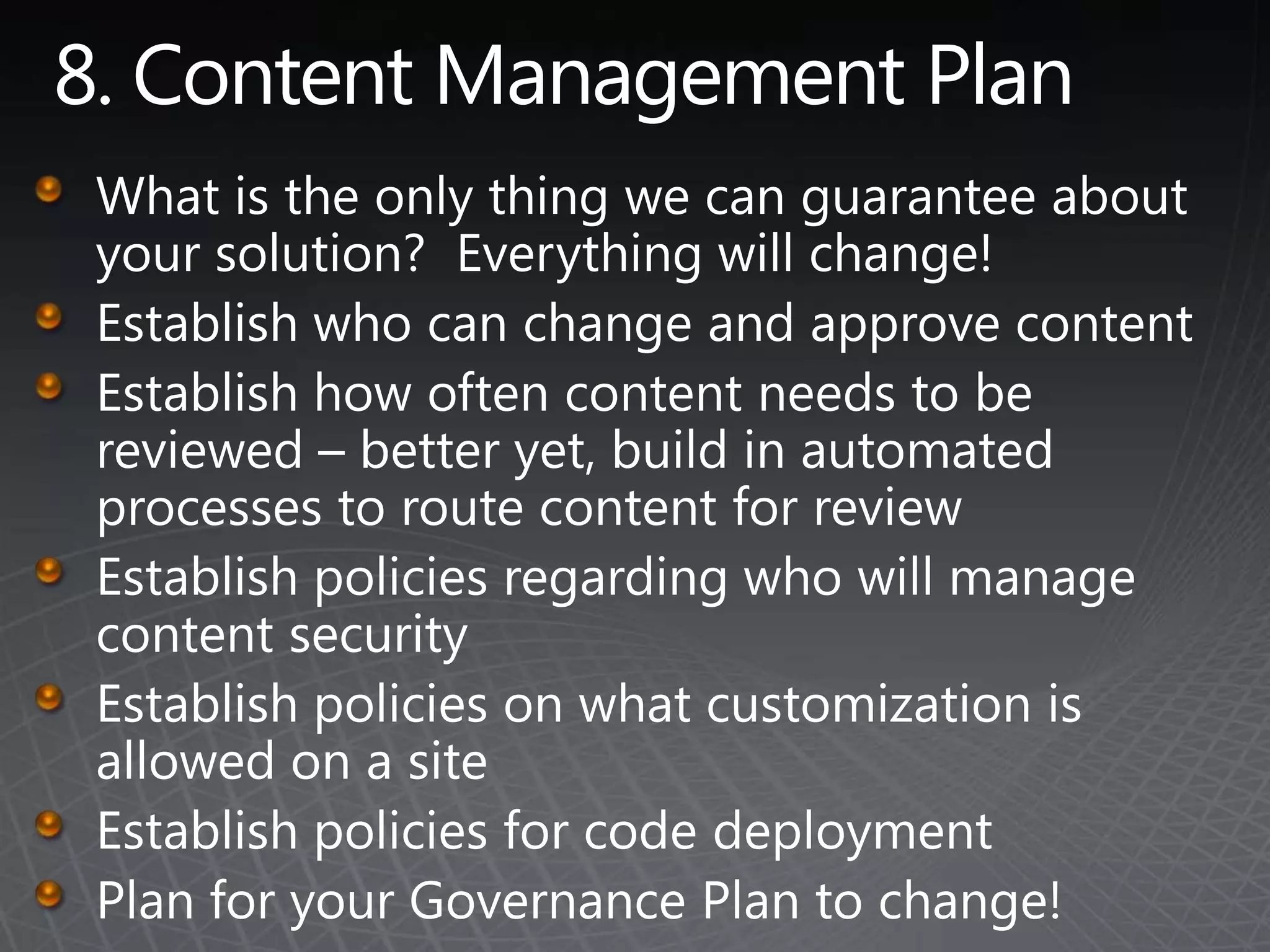
8. Content Management PlanWhat is the only thing we can guarantee about your solution?  Everything will change!Establish who can change and approve contentEstablish how often content needs to be reviewed – better yet, build in automated processes to route content for reviewEstablish policies regarding who will manage content securityEstablish policies on what customization is allowed on a siteEstablish policies for code deploymentPlan for your Governance Plan to change!
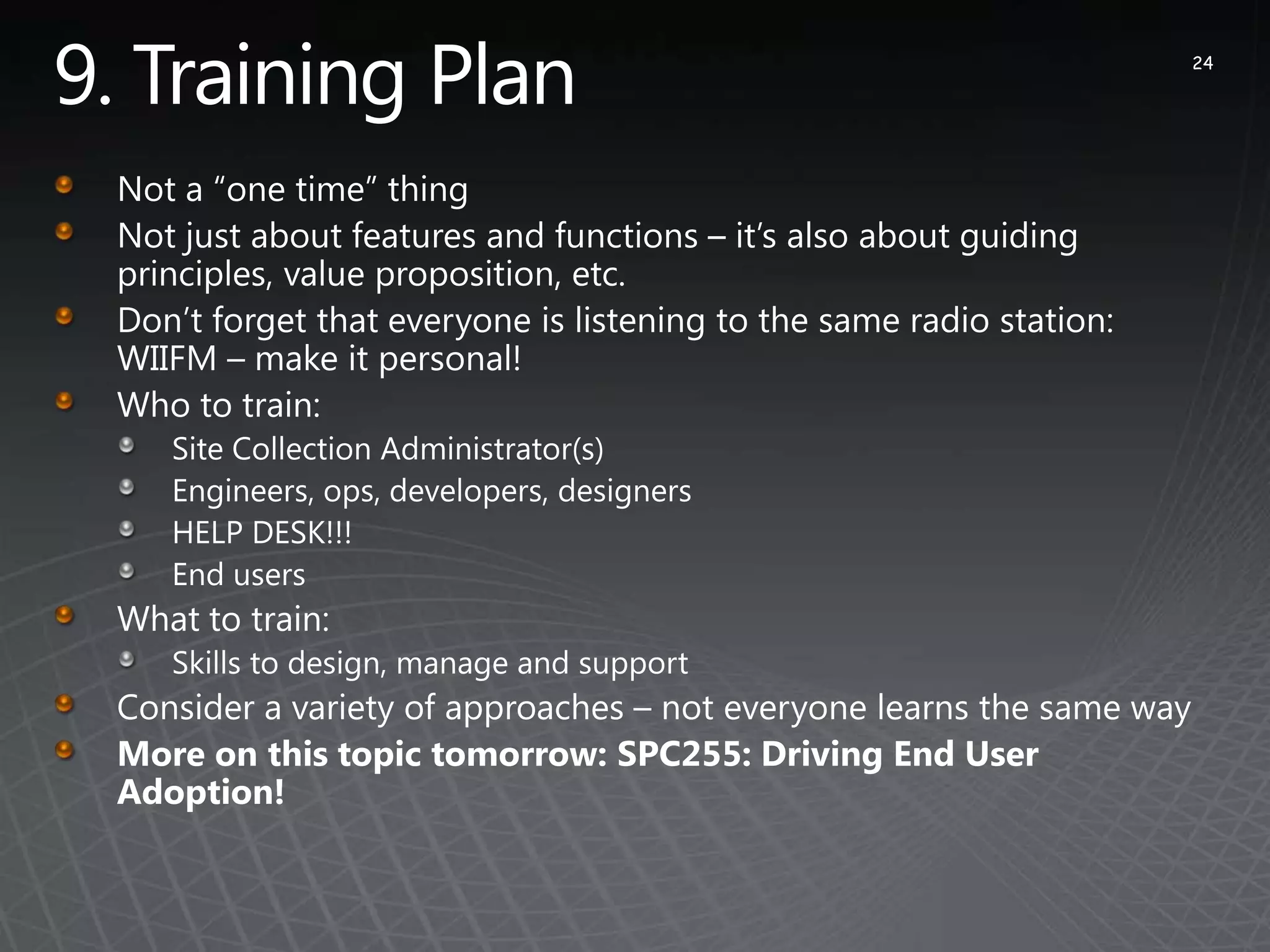
9. Training Plan24Not a “one time” thingNot just about features and functions – it’s also about guiding principles, value proposition, etc.Don’t forget that everyone is listening to the same radio station: WIIFM – make it personal!Who to train:Site Collection Administrator(s)Engineers, ops, developers, designers HELP DESK!!!End usersWhat to train:Skills to design, manage and supportConsider a variety of approaches – not everyone learns the same wayMore on this topic tomorrow: SPC255: Driving End User Adoption!
10. Governance Plan DocumentConsider breaking the document into “consumable” chunksVision, Roles and Responsibilities, Guiding PrinciplesPolicies, Guidelines/Best Practices, and ProceduresDon’t include:Implementation DetailsNetwork RequirementsFeature RequirementsTIP: The process of creating the document is the most important part!
SharePoint 2010: Detailed Governance Considerations
SharePoint 2010 ConsiderationsSocial Computing ImplicationsGovernance planning is even more important in SharePoint 2010 because the increased emphasis and availability of social computing features means there are more types of content to govern.SharePoint 2010 offers users a far more participatory role in the solution information architecture through the use of “social data” such as tags, bookmarks and ratings.  Users need to understand and internalize the value proposition for leveraging these features. Solution designers will likely need to provide both guidance and encouragement for their use.
SharePoint 2010 ConsiderationsManaged MetadataConsistent TerminologyBetter Navigation/FilteringBetter Search ResultsEasier on UsersBut…potential for confusionWhat is Metadata?Managed Keywords vs Managed TermsDocument Columns vs Social Tags
SharePoint 2010 ConsiderationsRecords ManagementIn-Place Records vs Records ArchiveYou’ll likely use both – need to decide which and whenHas effect on:Record retention rulesWhich users can view recordsEase of locating records (Collaborators vs Records Managers)Maintaining each version as a recordRecords AuditingSite Organization (and number of sites used)E-DiscoverySecurityIf you are doing Records Archive, you need a records manager role!
SharePoint 2010 ConsiderationsResource GovernorFor >5,000 Items in a ListWill prevent some sites from working – know how to communicate thisContent OrganizerPartitioning MechanismDo you use it?“Where did my document go?”
SharePoint 2010 ConsiderationsSharePoint CustomizationSharePoint Designer: Off or On?Partially Trusted vs Fully Trusted CodeSODA: SharePoint On-Demand ApplicationsExcel and Access Solutions
SummaryEstablish a governance framework to ensure quality and relevance of content and to ensure that all users understand their roles and responsibilities.Make sure that you have a Governance Board with a strong advocate in the role of Executive Sponsor.Keep your governance model simple.  Solutions need a strong governance model, but they don't need complicated models with lots of bureaucracy. Don't make the solution itself more complicated than it needs to be. Just because SharePoint has a cool feature doesn't mean that you need to deploy it – at least not right away.An effective Governance Plan doesn’t have to constrain every move – it has to provide guidance to users to ensure that your solution remains effective and vibrant over time.
Remember to fill out your evaluations onMySPCfor your chance to win two HD web cams and a designer mouse (3 prizes awarded daily)
Learn More about SharePoint 2010Information forIT Prosat TechNethttp://MSSharePointITPro.comInformation forDevelopersat MSDNhttp://MSSharePointDeveloper.comInformation forEveryonehttp://SharePoint.Microsoft.com
© 2009 Microsoft Corporation. All rights reserved. Microsoft, Windows, Windows Vista and other product names are or may be registered trademarks and/or trademarks in the U.S. and/or other countries.The information herein is for informational purposes only and represents the current view of Microsoft Corporation as of the date of this presentation.  Because Microsoft must respond to changing market conditions, it should not be interpreted to be a commitment on the part of Microsoft, and Microsoft cannot guarantee the accuracy of any information provided after the date of this presentation.  MICROSOFT MAKES NO WARRANTIES, EXPRESS, IMPLIED OR STATUTORY, AS TO THE INFORMATION IN THIS PRESENTATION.

SharePoint 2010 Governance Planning And Implementation

  • 1.
    SharePoint 2010 GovernancePlanning and Implementation
  • 2.
    AgendaWhy do youneed a Governance Plan?What does Governance mean in the context of SharePoint?Governance Top TenGovernance Details for SharePoint 2010Summary
  • 3.
    … but solutionsuccess is not just about technology …TrainingTechnology20%SupportPoliciesCommunicationDeploymentDocumentation
  • 4.
    … and it’seasy to make mistakesNot defining policies on what to use SharePoint for (and what not to use it for)Empowering users without appropriate training and guidanceLetting users manage security when they have no clue what they are doingNot treating SharePoint like an enterprise applicationLetting users add lots of items to a list – literally kills the serverNot planning for scale and/or growthNot providing SharePoint as a centralized service for the organizationNot testing the backup/recovery process
  • 5.
    So, why doyou need a Governance Plan?Avoid portal, team site, and content "sprawl"Ensure that content quality is maintained for the life of the portalConsistently provide a high quality user experience by ensuring that the governance plan is followedEstablish clear decision making authority and escalation procedures so that policy violations are dealt with and conflicts are resolved on a timely basisEnsure that the portal strategy is aligned with business objectives so that it continuously delivers business value
  • 6.
    Moreover, a GovernancePlan is important because … SharePoint often overlaps with other installed applications in particular capabilitiesMany of SharePoint’s capabilities are not ‘required’ or ‘mandated’; users need to understand the value to get the benefitUsers can do a lot – we give them “great power” and need to ensure they accept their “great responsibility”
  • 7.
    What is SharePointgovernance?Your governance plan defines people roles, technology and policy guidelines, and processes to resolve ambiguity, manage short and long-range goals, and mitigate conflict within an organization Your governance planClarifies your plan for SharePoint design and usage Creates structure and framework to measure and manage the success of your solution over time
  • 8.
    Concepts Incorporated inan Effective Governance PlanPeopleDefine a clear Vision for the solutionArticulate Roles and ResponsibilitiesTechnologyDefine policies for service levels and appropriate usePolicyArticulate design and usage principles - best practices and formal policiesProcessDefine procedures for common tasks such as creating a new site or requesting new business requirements
  • 9.
    Top 10 Governance‘Must Haves’
  • 10.
    Governance Top TenClearVisionKey Roles and ResponsibilitiesDeployment ModelOne Size Does Not Fit AllPolicies Guiding PrinciplesLaunch and Roll-out (Adoption) StrategyContent Management PlanTraining PlanGovernance Plan Document
  • 11.
    1. 1 Vision:What are the business goals? Improve collaboration with partnersCreate a searchable central repository of marketing assetsProvide a one-stop shop for firm-wide informationShare best practices and collaborate across teams with online collaboration workspacesReplace shared drives with searchable, organized document repositoriesProvide a platform for document managementShowcase a business process dashboard
  • 12.
    1. 2 Vision:What are the business outcomes? Provide easier and more timely access to the information employees need to get their work doneProvide easier and more effective mechanisms to move work between business entities, such as self-service for customers or partners, enabling outsourcing by providing business partners with access to a collaboration environment or business data on an extranetProvide an organized "one stop shop" for information by making it easier to find authoritative information Improve the ability to share and exchange information across the organization by providing an electronic publishing method that is easy for users to leverageImprove the "time to talent," the speed with which new employees become productiveCapture knowledge of retiring employees in a collaborative environment
  • 13.
    2. Roles andResponsibilitiesPut the right team together…earlyUse an upgrade as an opportunity!Don’t assume SharePoint can be managed with existing resources (even if SharePoint is already in place). Getting the right people in place is an important step in the process.Include both business process and IT process contacts on the governance teamWork with the PMO and standards teams within the organization to leverage ITIL, ISO, Six Sigma, and other standards that may be in place
  • 14.
    Enterprise Roles andResponsibilities
  • 15.
    Site Roles andResponsibilities
  • 16.
  • 17.
    4.0 One SizeDoes Not Fit All CorporateBusiness TaxonomyWith DivisionalStakeholdersCentral PortalAggregation & NavigationDivision PortalsBusiness Process ManagementDivision NewsGroup Reporting & ScorecardsSelf-Service SiteCreation+Life CycleManagementLoosely StructuredGroup, Team, ProjectSites and WorkspacesProvisioned per UserIndividual ContributorsBlogs, Social Networking
  • 18.
    5. PoliciesDesignPoliciesPolicies and Best Practices for Site DesignersUsage PoliciesClear instruction on how and when users should work with SharePointWhat constitutes abuse or misuse of systemHow to keep information secure information When to use SharePoint versus other alternativesHelp PoliciesGet support and trainingRequest design and development servicesRequest new functionality
  • 19.
    6. GuidingPrinciplesGuiding Principles help Site Designers narrow the scope of the “possible” to focus on the “practical” and “valuable.”Guiding Principles help Site Designers make trade-offs (“if this is the problem, choose this approach”)Guiding Principles remind users of the behaviors necessary to achieve business objectives (such as “send links, not attachments”)
  • 20.
    Example Guiding Principles– DesignConsistent user experienceDesign with the end user in mind – minimize the need for trainingStandards tied to scope (audience)Just because you can, doesn’t mean you should (“with great power comes great responsibility”)Existing rules still apply (privacy, use of IT resources, records retention)Default access is “read only” for all – apply additional “read” security only as needed
  • 21.
    Example Guiding Principles– Usage and Content ManagementNo e-mail attachments – send linksPublish once, link many2007: Use Metadata, not Folders – more flexible in responding to a dynamic environment2010: Use folders, inherit metadataContent management is everyone’s responsibility but site owners are accountableContent owners are responsible for ensuring their content is managed according to corporate records retention policies. The metadata paradigm shift – likely to be your biggest challenge: relevant examples are critical!
  • 22.
    7. Launch andRoll-out (Adoption) StrategyPotential Issues:The new system will require time for the company culture to adapt to it – build that time into the scheduleUsers may lack sufficient training – ensure they get the training they needUsers may continue to do things the way they are used to – encourage users to adopt new business practicesTactics:Fun and engaging launch event“Lunch and Learn”/”Get Sharp on SharePoint”Power Users Community of PracticeMore on this topic tomorrow: SPC255: Driving End User Adoption!
  • 23.
    8. Content ManagementPlanWhat is the only thing we can guarantee about your solution? Everything will change!Establish who can change and approve contentEstablish how often content needs to be reviewed – better yet, build in automated processes to route content for reviewEstablish policies regarding who will manage content securityEstablish policies on what customization is allowed on a siteEstablish policies for code deploymentPlan for your Governance Plan to change!
  • 24.
    9. Training Plan24Nota “one time” thingNot just about features and functions – it’s also about guiding principles, value proposition, etc.Don’t forget that everyone is listening to the same radio station: WIIFM – make it personal!Who to train:Site Collection Administrator(s)Engineers, ops, developers, designers HELP DESK!!!End usersWhat to train:Skills to design, manage and supportConsider a variety of approaches – not everyone learns the same wayMore on this topic tomorrow: SPC255: Driving End User Adoption!
  • 25.
    10. Governance PlanDocumentConsider breaking the document into “consumable” chunksVision, Roles and Responsibilities, Guiding PrinciplesPolicies, Guidelines/Best Practices, and ProceduresDon’t include:Implementation DetailsNetwork RequirementsFeature RequirementsTIP: The process of creating the document is the most important part!
  • 26.
    SharePoint 2010: DetailedGovernance Considerations
  • 27.
    SharePoint 2010 ConsiderationsSocialComputing ImplicationsGovernance planning is even more important in SharePoint 2010 because the increased emphasis and availability of social computing features means there are more types of content to govern.SharePoint 2010 offers users a far more participatory role in the solution information architecture through the use of “social data” such as tags, bookmarks and ratings. Users need to understand and internalize the value proposition for leveraging these features. Solution designers will likely need to provide both guidance and encouragement for their use.
  • 28.
    SharePoint 2010 ConsiderationsManagedMetadataConsistent TerminologyBetter Navigation/FilteringBetter Search ResultsEasier on UsersBut…potential for confusionWhat is Metadata?Managed Keywords vs Managed TermsDocument Columns vs Social Tags
  • 29.
    SharePoint 2010 ConsiderationsRecordsManagementIn-Place Records vs Records ArchiveYou’ll likely use both – need to decide which and whenHas effect on:Record retention rulesWhich users can view recordsEase of locating records (Collaborators vs Records Managers)Maintaining each version as a recordRecords AuditingSite Organization (and number of sites used)E-DiscoverySecurityIf you are doing Records Archive, you need a records manager role!
  • 30.
    SharePoint 2010 ConsiderationsResourceGovernorFor >5,000 Items in a ListWill prevent some sites from working – know how to communicate thisContent OrganizerPartitioning MechanismDo you use it?“Where did my document go?”
  • 31.
    SharePoint 2010 ConsiderationsSharePointCustomizationSharePoint Designer: Off or On?Partially Trusted vs Fully Trusted CodeSODA: SharePoint On-Demand ApplicationsExcel and Access Solutions
  • 32.
    SummaryEstablish a governanceframework to ensure quality and relevance of content and to ensure that all users understand their roles and responsibilities.Make sure that you have a Governance Board with a strong advocate in the role of Executive Sponsor.Keep your governance model simple. Solutions need a strong governance model, but they don't need complicated models with lots of bureaucracy. Don't make the solution itself more complicated than it needs to be. Just because SharePoint has a cool feature doesn't mean that you need to deploy it – at least not right away.An effective Governance Plan doesn’t have to constrain every move – it has to provide guidance to users to ensure that your solution remains effective and vibrant over time.
  • 33.
    Remember to fillout your evaluations onMySPCfor your chance to win two HD web cams and a designer mouse (3 prizes awarded daily)
  • 34.
    Learn More aboutSharePoint 2010Information forIT Prosat TechNethttp://MSSharePointITPro.comInformation forDevelopersat MSDNhttp://MSSharePointDeveloper.comInformation forEveryonehttp://SharePoint.Microsoft.com
  • 35.
    © 2009 MicrosoftCorporation. All rights reserved. Microsoft, Windows, Windows Vista and other product names are or may be registered trademarks and/or trademarks in the U.S. and/or other countries.The information herein is for informational purposes only and represents the current view of Microsoft Corporation as of the date of this presentation. Because Microsoft must respond to changing market conditions, it should not be interpreted to be a commitment on the part of Microsoft, and Microsoft cannot guarantee the accuracy of any information provided after the date of this presentation. MICROSOFT MAKES NO WARRANTIES, EXPRESS, IMPLIED OR STATUTORY, AS TO THE INFORMATION IN THIS PRESENTATION.