Off the beaten path…….
Building SharePoint
Enterprise Platforms
#suguk
Andy Talbot
February 02nd, 2016
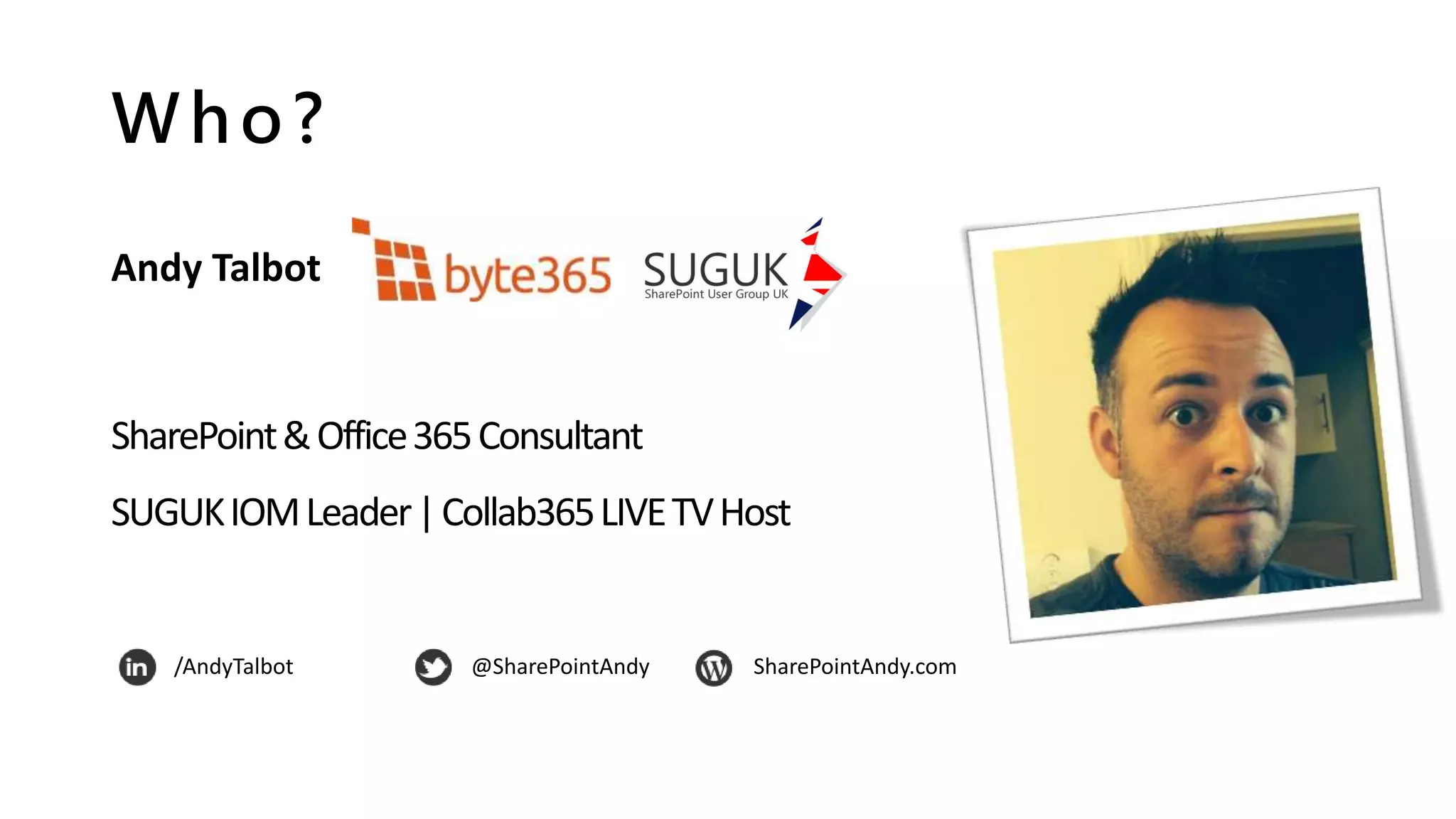
Who?
Andy Talbot
SharePoint&Office365Consultant
SUGUKIOMLeader|Collab365LIVETVHost
/AndyTalbot @SharePointAndy SharePointAndy.com
Collab365 Summit
100% FREE…..100% ONLINE…..100% AWESOME!
• LIVE TV Channel (from Microsoft Redmond) – 3 days covering IT PRO, DEV & BIZ
• Content covering Azure, Office 365 , SharePoint and Microsoft Learning
• Multiple Languages
SIGN UP NOW! http://bit.ly/collab365summit
Content Covered
This session includes:
• Pain points
• Lessons learnt
• Sensible questions
• Common sense thoughts
…you decide what applies to you!
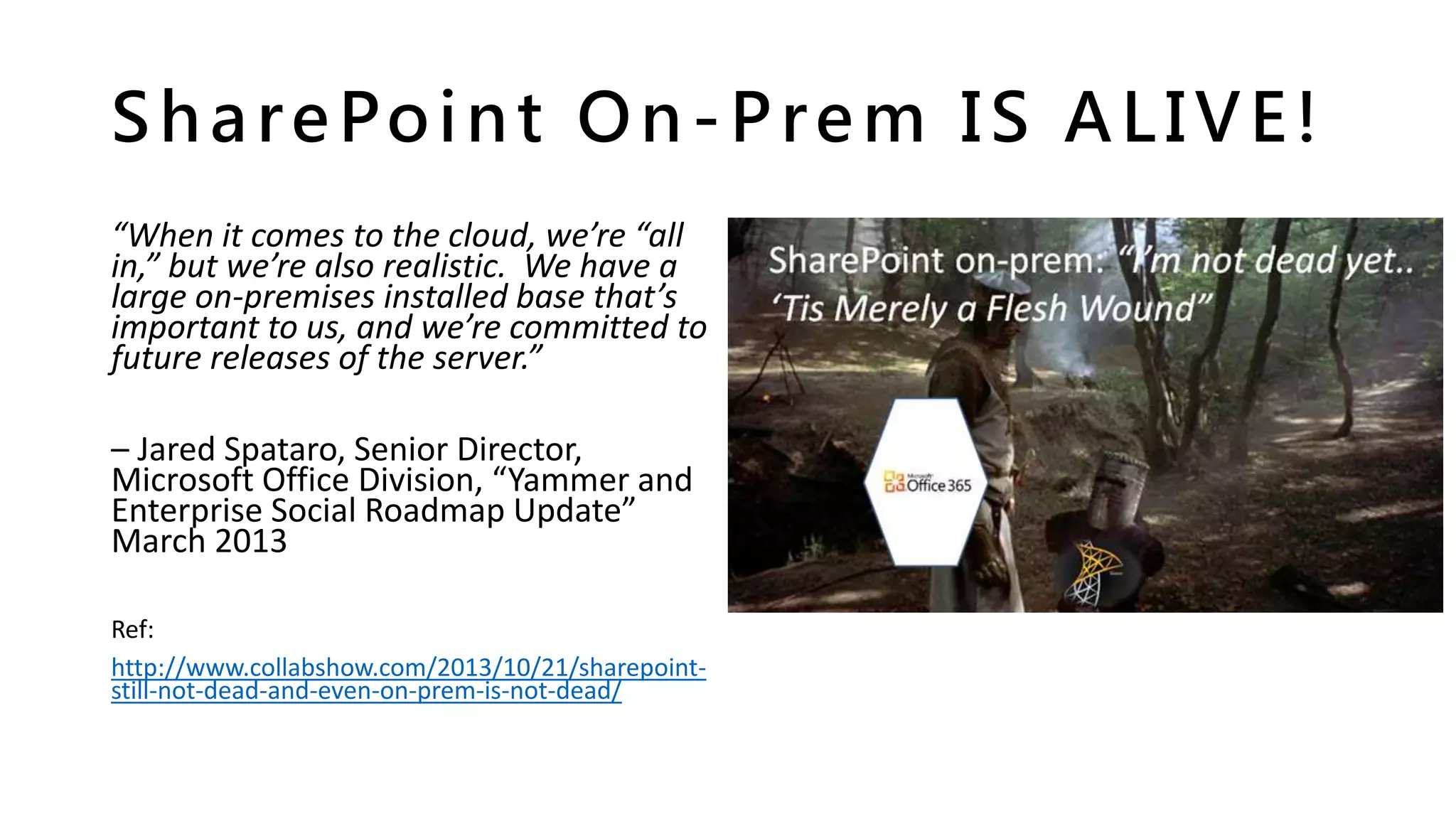
SharePoint On-Prem IS ALIVE!
“When it comes to the cloud, we’re “all
in,” but we’re also realistic. We have a
large on-premises installed base that’s
important to us, and we’re committed to
future releases of the server.”
– Jared Spataro, Senior Director,
Microsoft Office Division, “Yammer and
Enterprise Social Roadmap Update”
March 2013
Ref:
http://www.collabshow.com/2013/10/21/sharepoint-
still-not-dead-and-even-on-prem-is-not-dead/
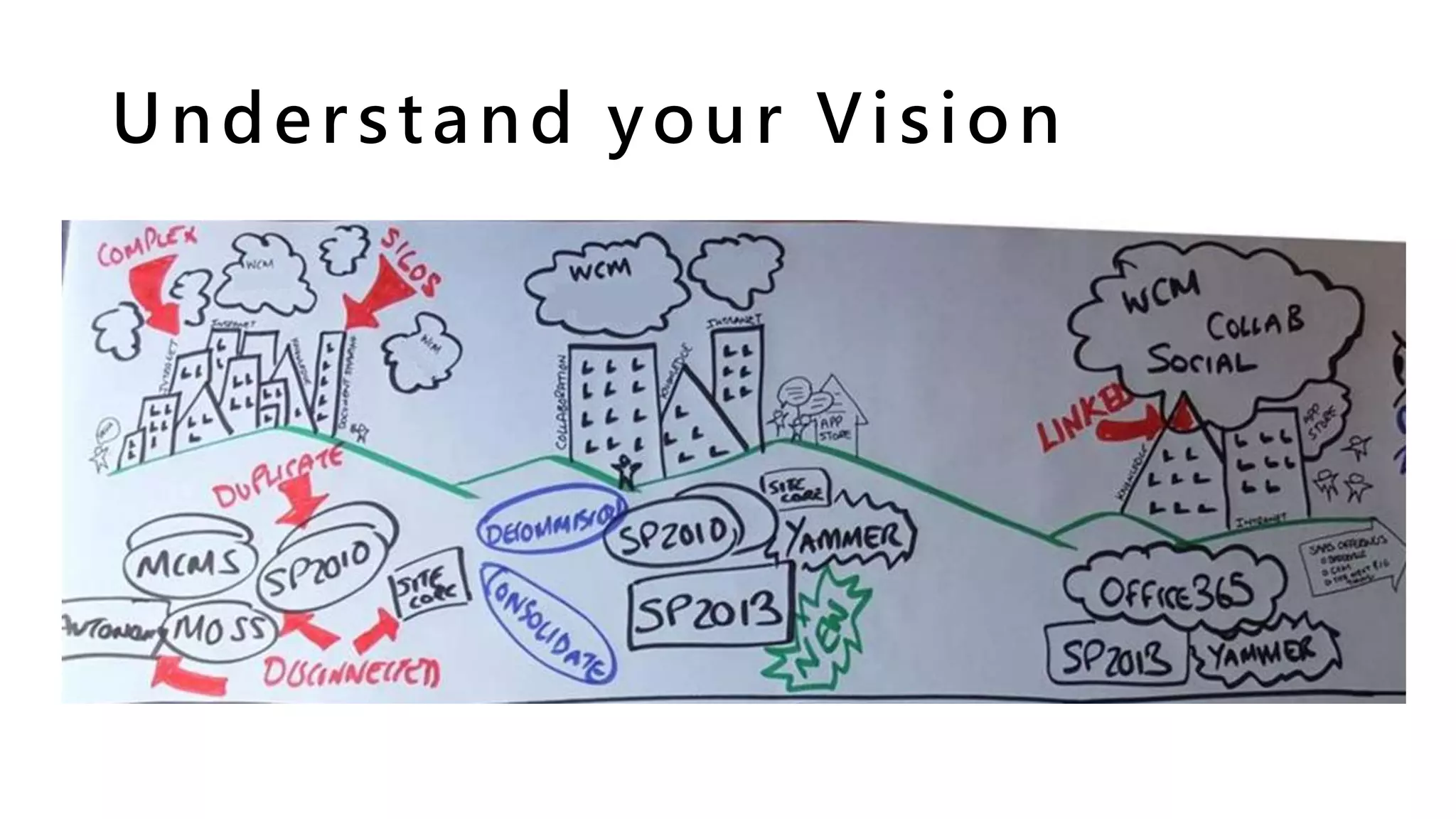
Understand your Vision
The G-Spot – Governance!
Governance is SERIOUS stuff and
you can’t afford to not think about it.
“SharePoint Governance is a
guideline of rules within your
organisation, including what, why,
when, where and how
#SPGovManifesto” – Andy Talbot(!)
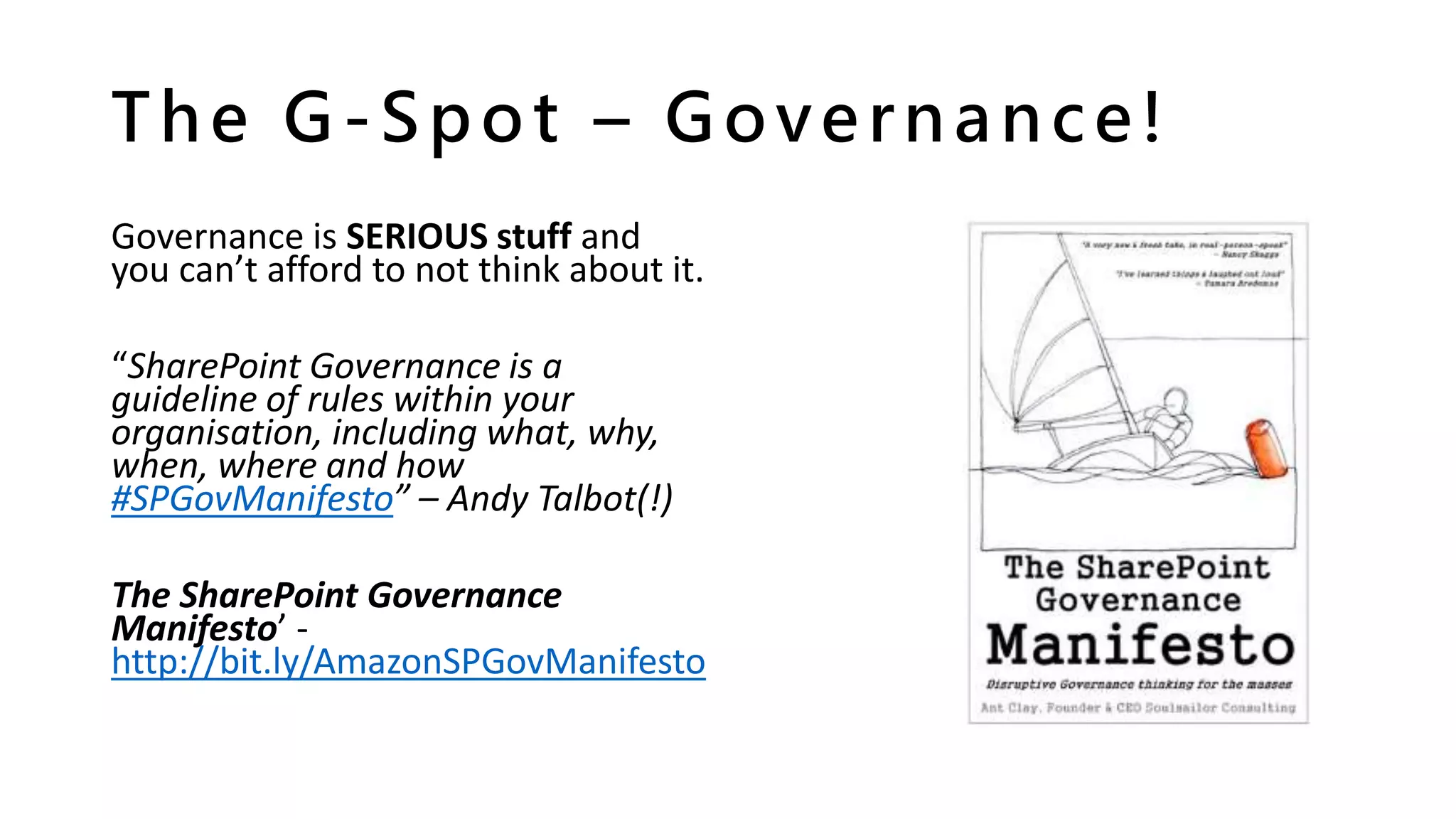
The SharePoint Governance
Manifesto’ -
http://bit.ly/AmazonSPGovManifesto
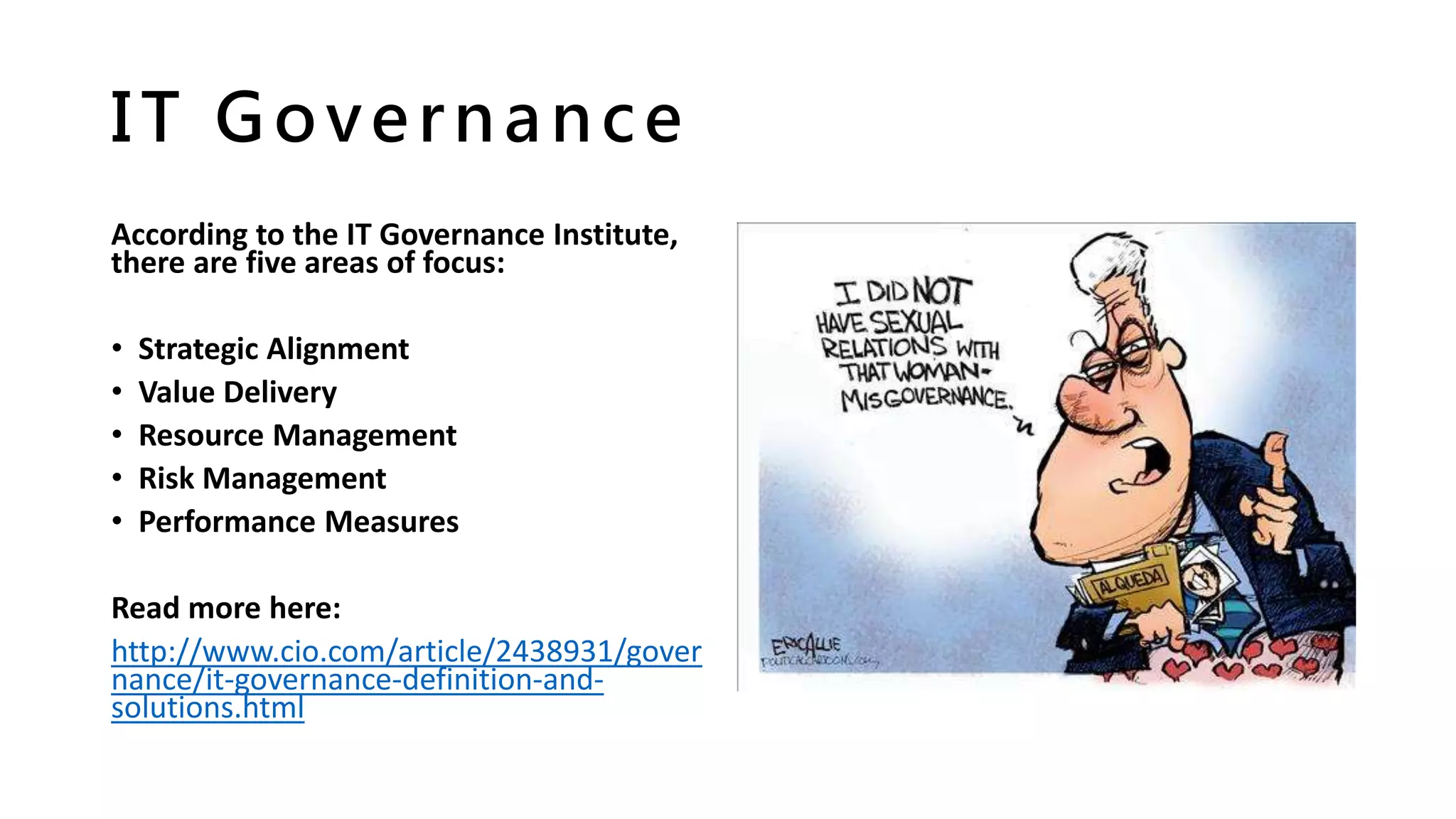
IT Governance
According to the IT Governance Institute,
there are five areas of focus:
• Strategic Alignment
• Value Delivery
• Resource Management
• Risk Management
• Performance Measures
Read more here:
http://www.cio.com/article/2438931/gover
nance/it-governance-definition-and-
solutions.html
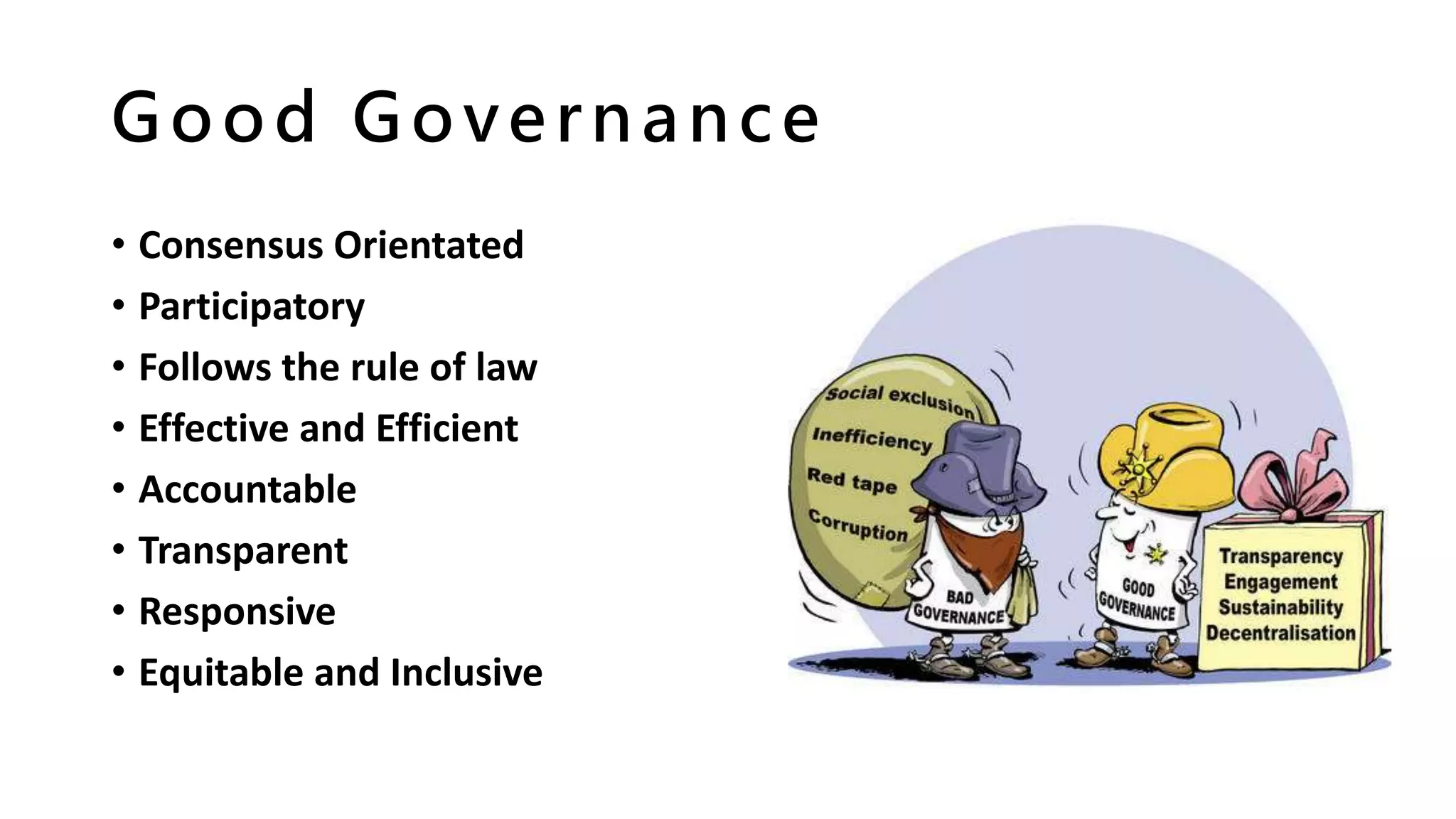
Good Governance
• Consensus Orientated
• Participatory
• Follows the rule of law
• Effective and Efficient
• Accountable
• Transparent
• Responsive
• Equitable and Inclusive
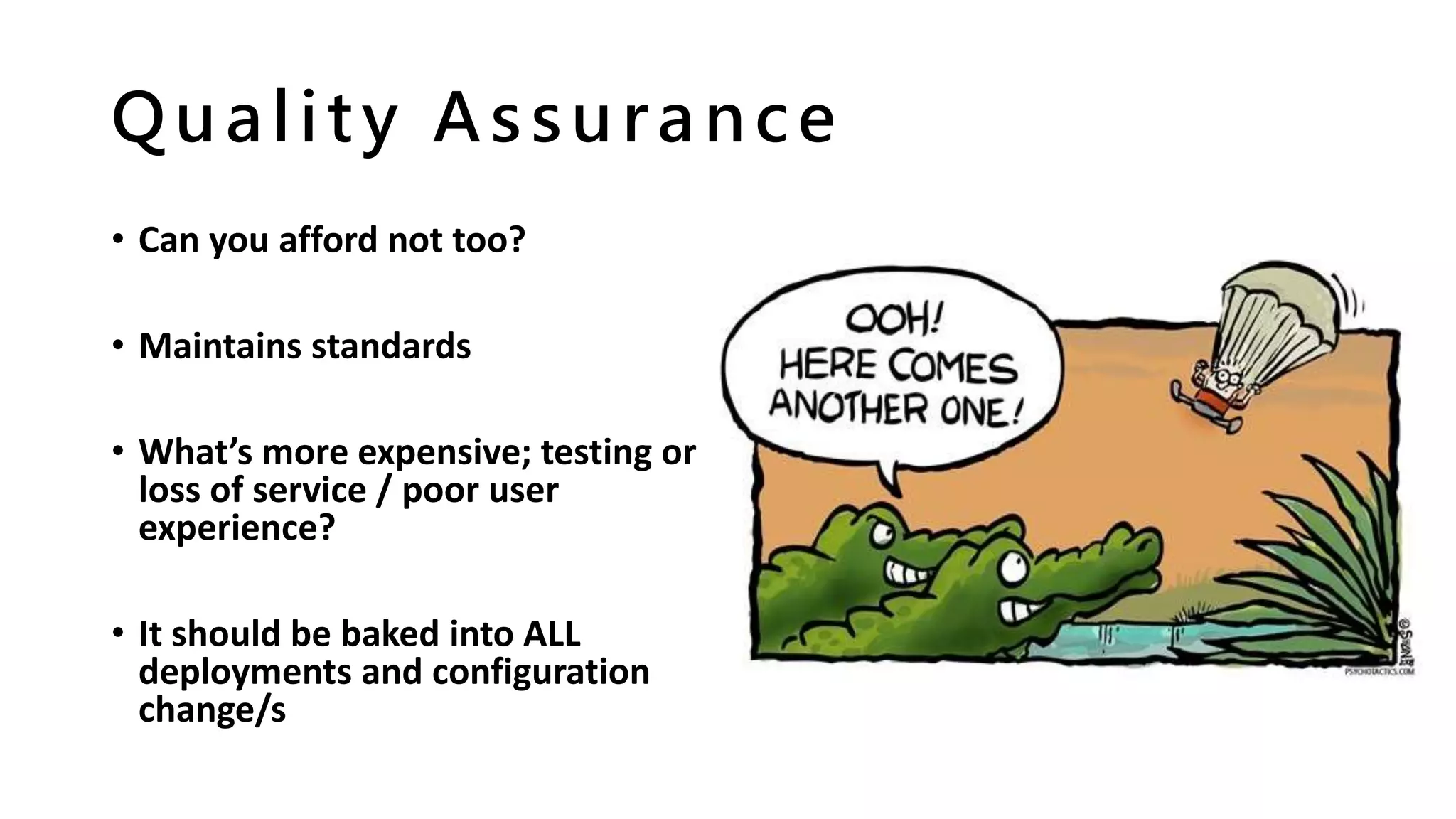
Quality Assurance
• Can you afford not too?
• Maintains standards
• What’s more expensive; testing or
loss of service / poor user
experience?
• It should be baked into ALL
deployments and configuration
change/s
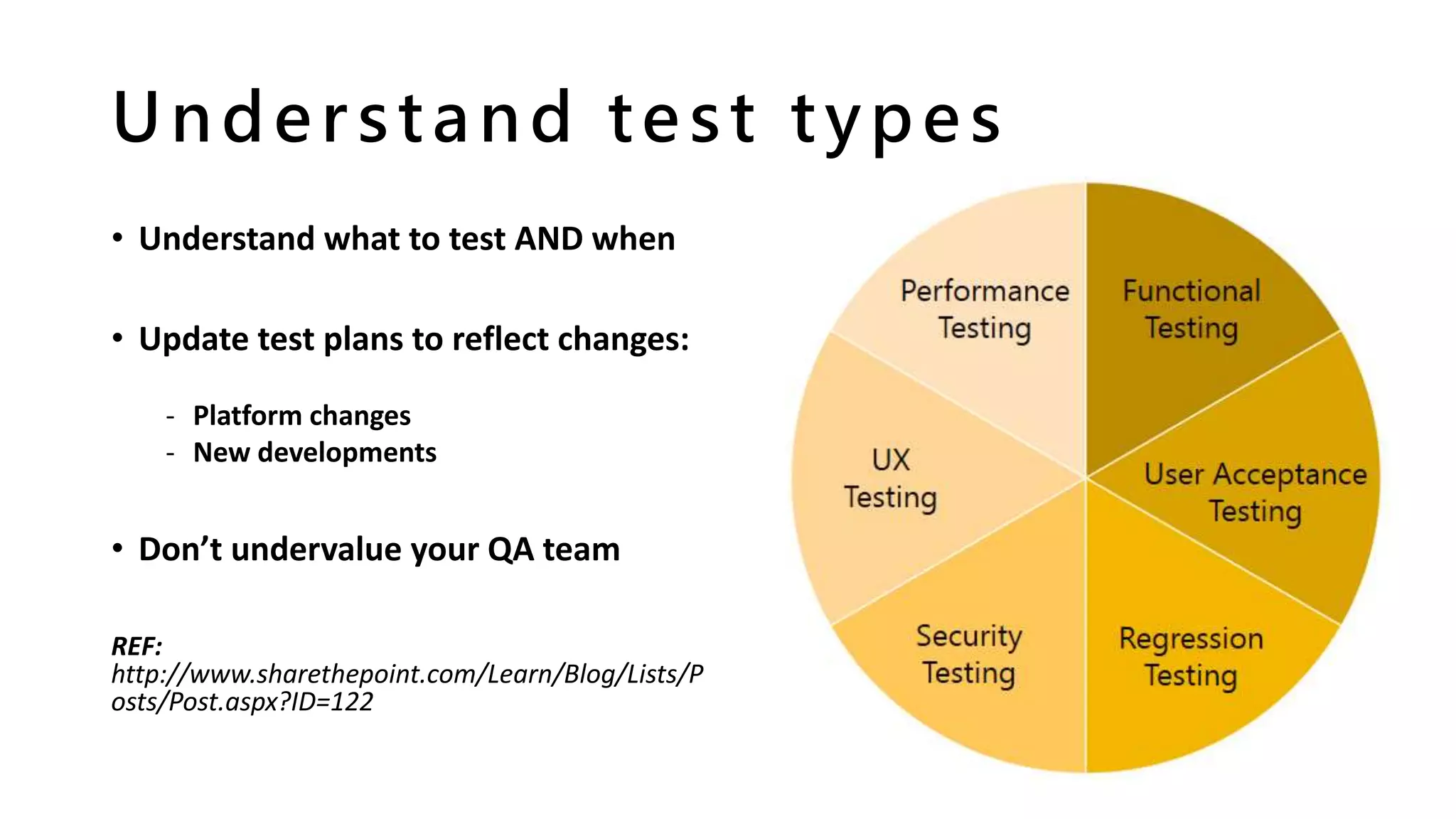
Understand test types
• Understand what to test AND when
• Update test plans to reflect changes:
- Platform changes
- New developments
• Don’t undervalue your QA team
REF:
http://www.sharethepoint.com/Learn/Blog/Lists/P
osts/Post.aspx?ID=122
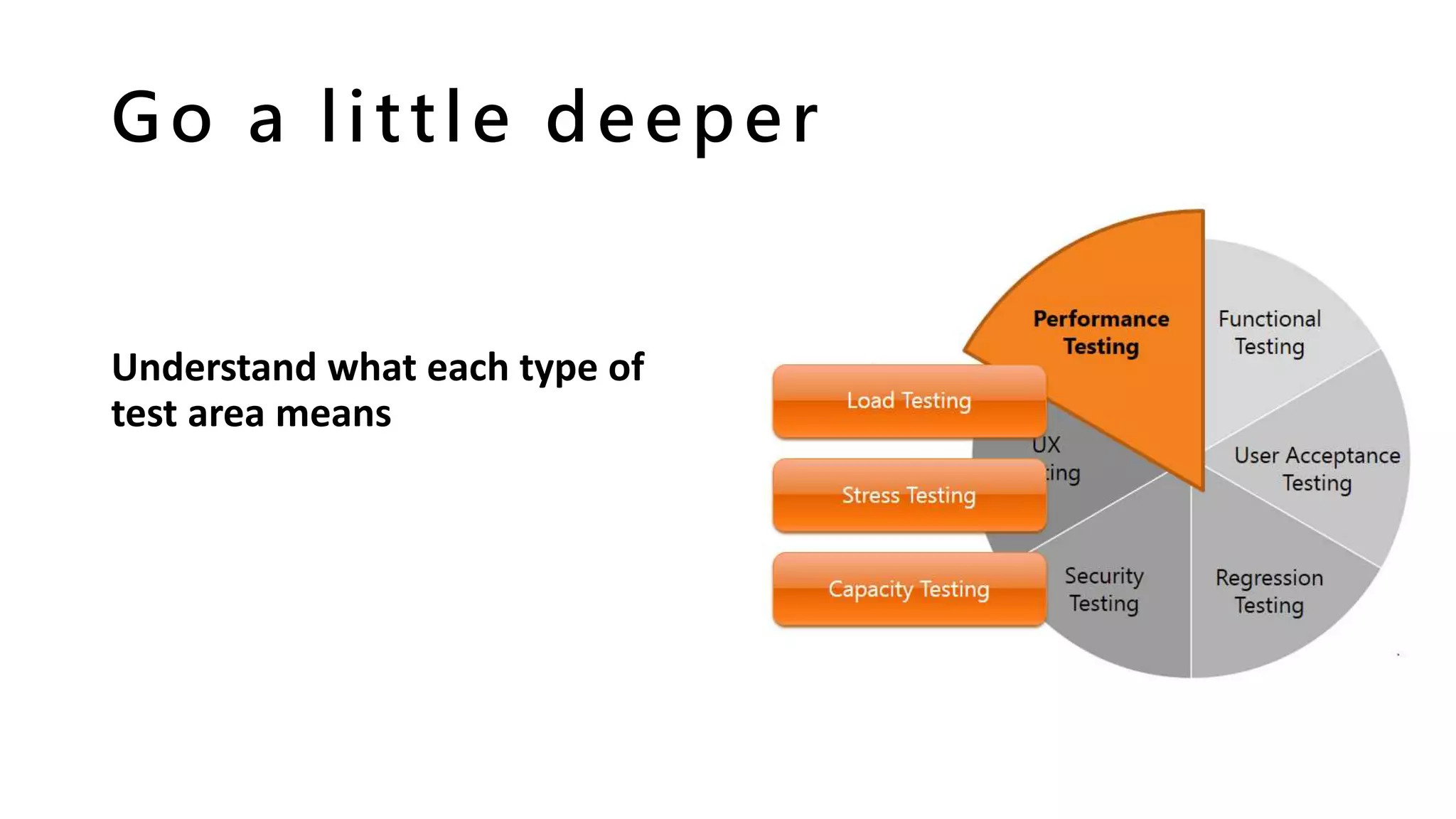
Go a little deeper
Understand what each type of
test area means
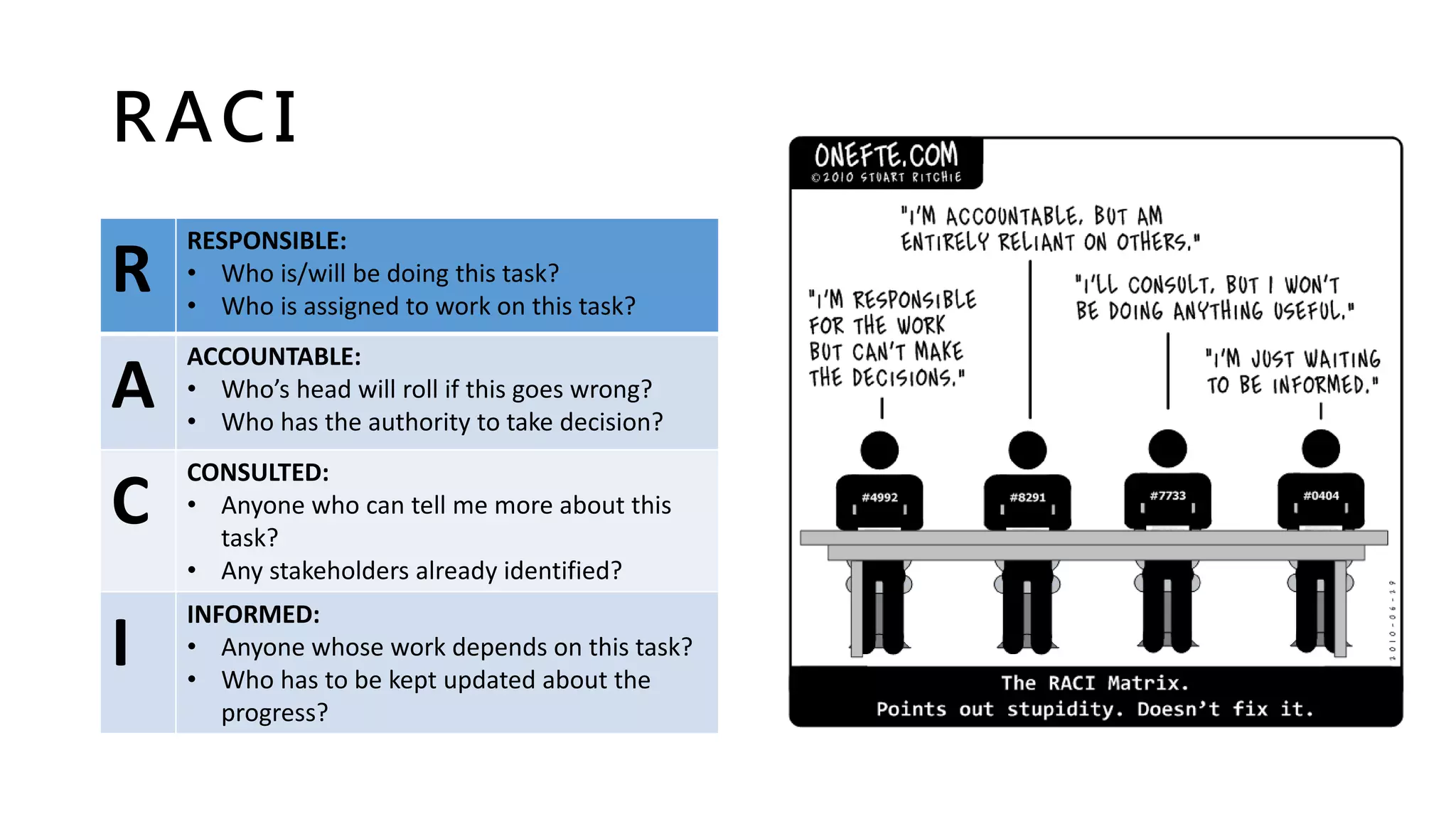
RACI
R
RESPONSIBLE:
• Who is/will be doing this task?
• Who is assigned to work on this task?
A
ACCOUNTABLE:
• Who’s head will roll if this goes wrong?
• Who has the authority to take decision?
C
CONSULTED:
• Anyone who can tell me more about this
task?
• Any stakeholders already identified?
I
INFORMED:
• Anyone whose work depends on this task?
• Who has to be kept updated about the
progress?
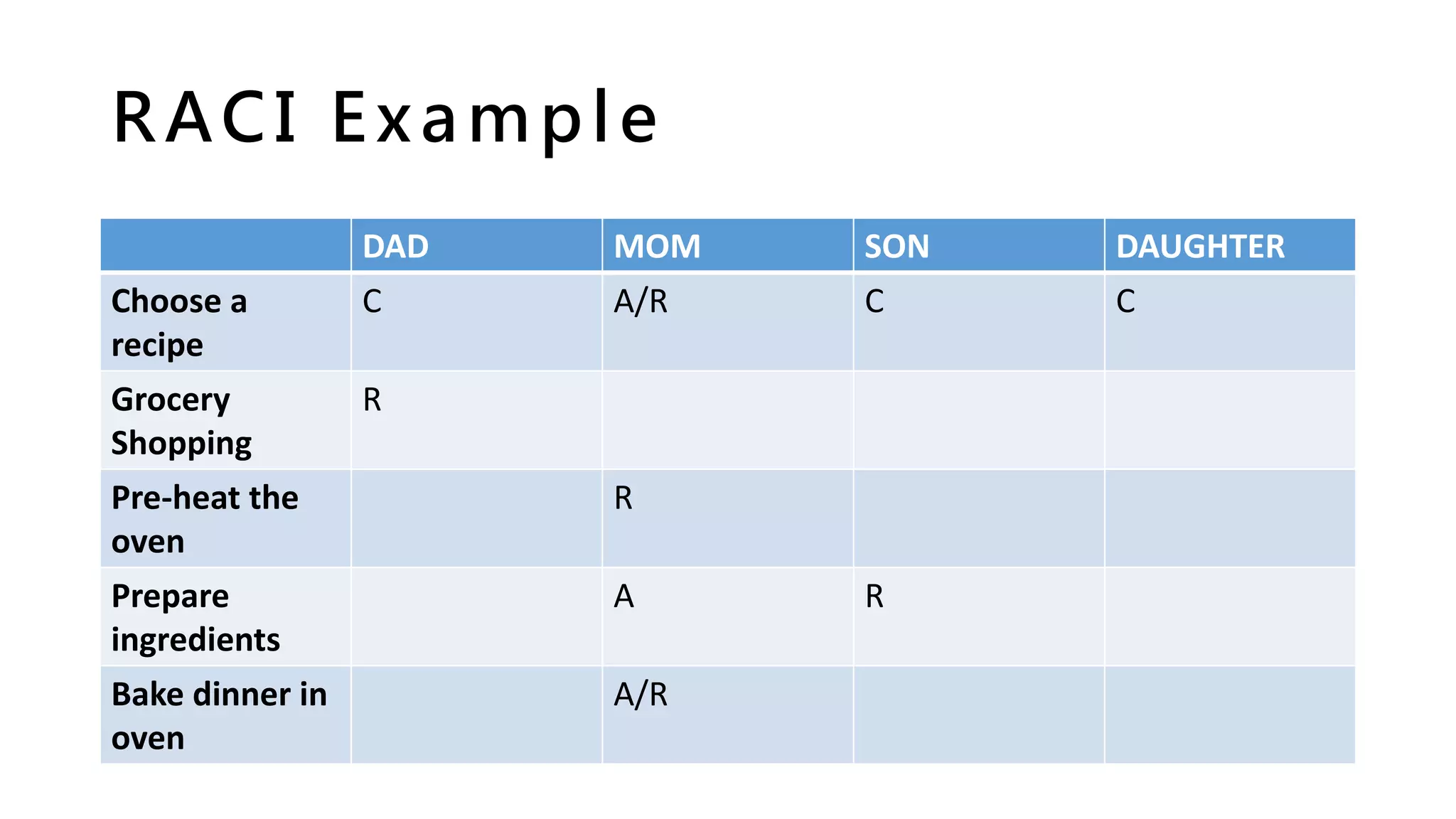
RACI Example
DAD MOM SON DAUGHTER
Choose a
recipe
C A/R C C
Grocery
Shopping
R
Pre-heat the
oven
R
Prepare
ingredients
A R
Bake dinner in
oven
A/R
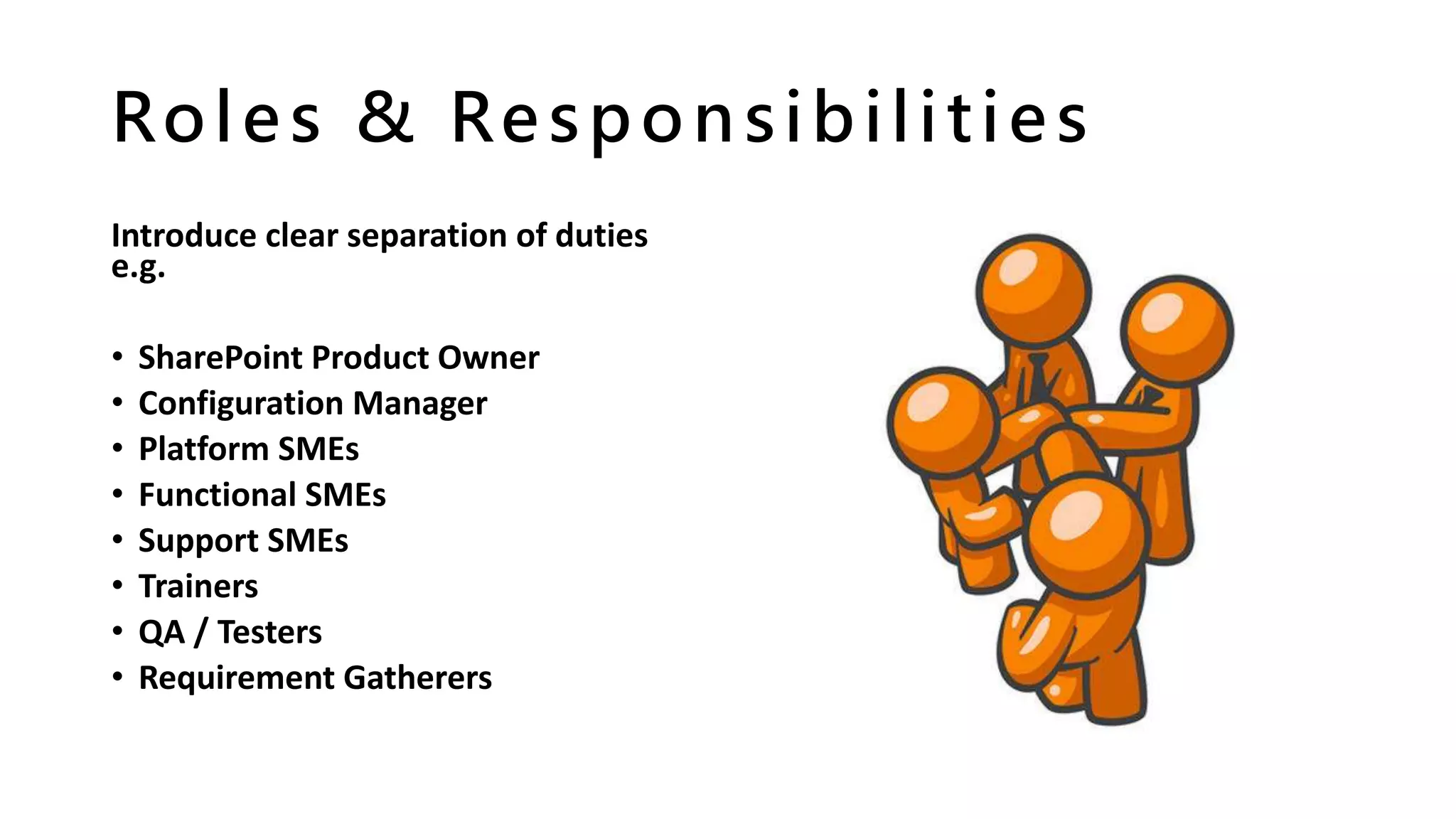
Roles & Responsibilities
Introduce clear separation of duties
e.g.
• SharePoint Product Owner
• Configuration Manager
• Platform SMEs
• Functional SMEs
• Support SMEs
• Trainers
• QA / Testers
• Requirement Gatherers
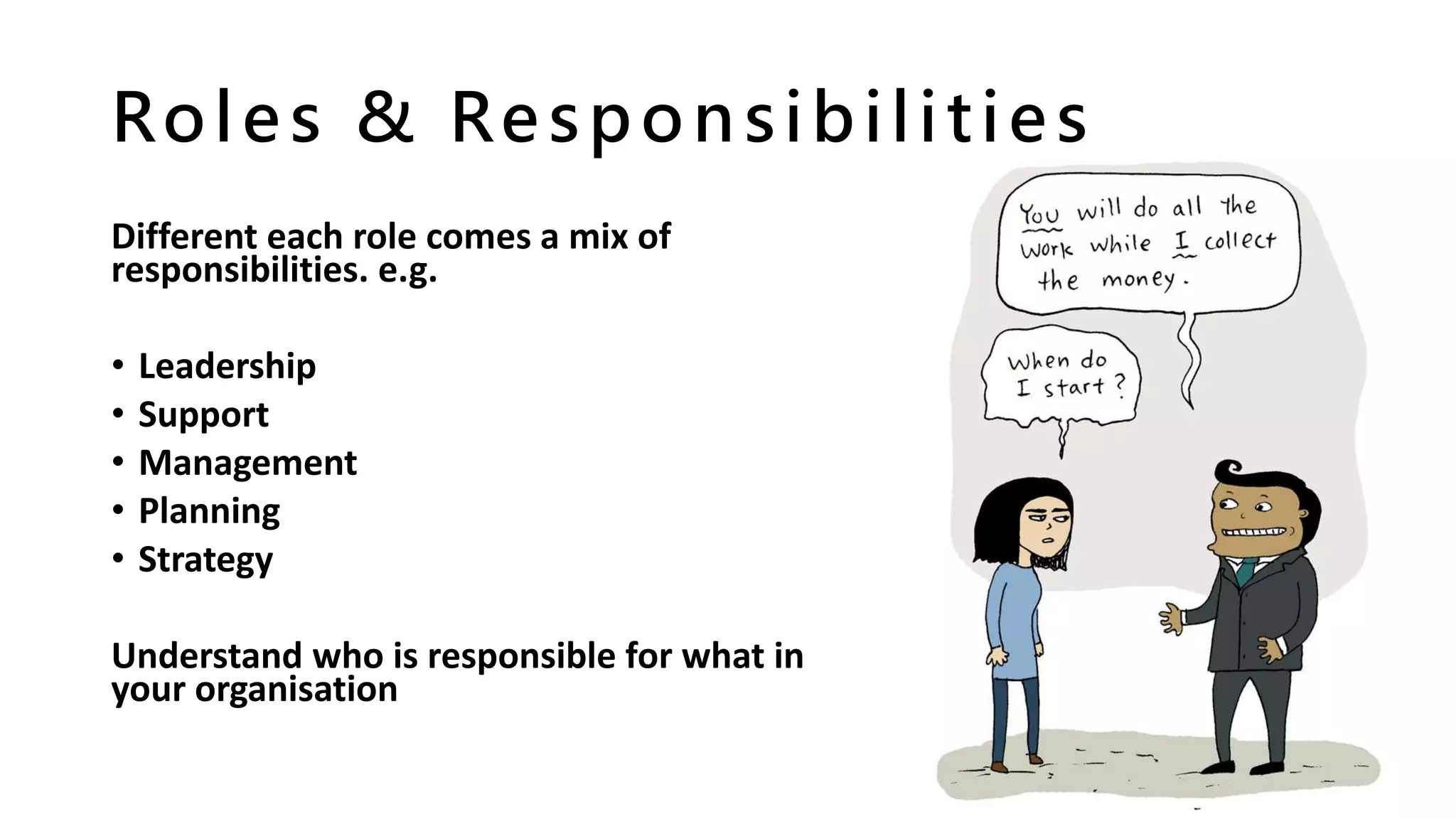
Roles & Responsibilities
Different each role comes a mix of
responsibilities. e.g.
• Leadership
• Support
• Management
• Planning
• Strategy
Understand who is responsible for what in
your organisation
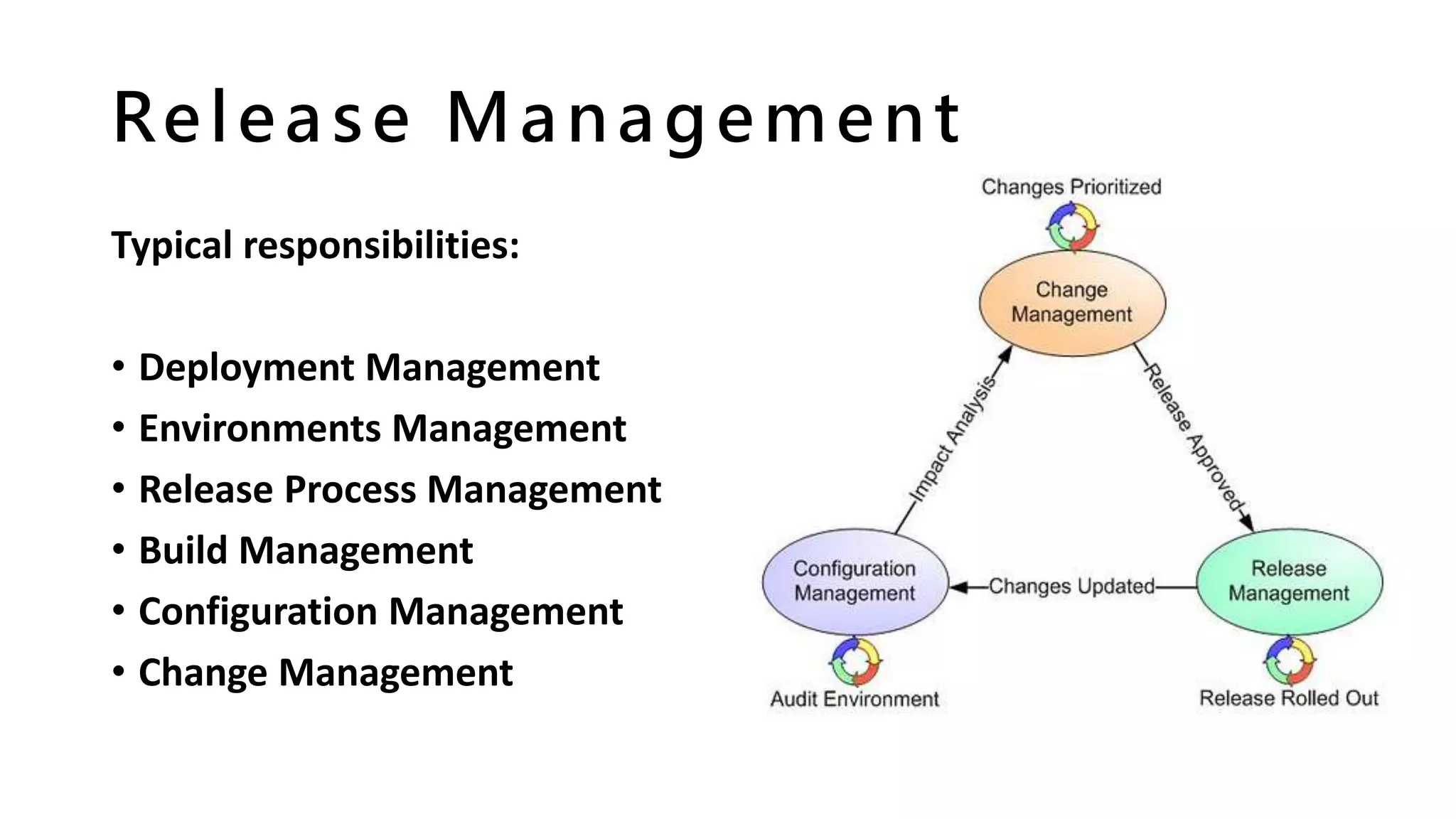
Release Management
Typical responsibilities:
• Deployment Management
• Environments Management
• Release Process Management
• Build Management
• Configuration Management
• Change Management
Be careful....
Sometimes we overlook things
(shocking!). Maybe we didn’t
stop to consider:
• When will product support
stop?
• Base or Project cost?
• How long can I keep my
resources?
Staying Current
It’s important:
• Understand vendor product and
strategy developments
• Helps you to plan ahead for
change
• Underpins personal
development planning (right?)
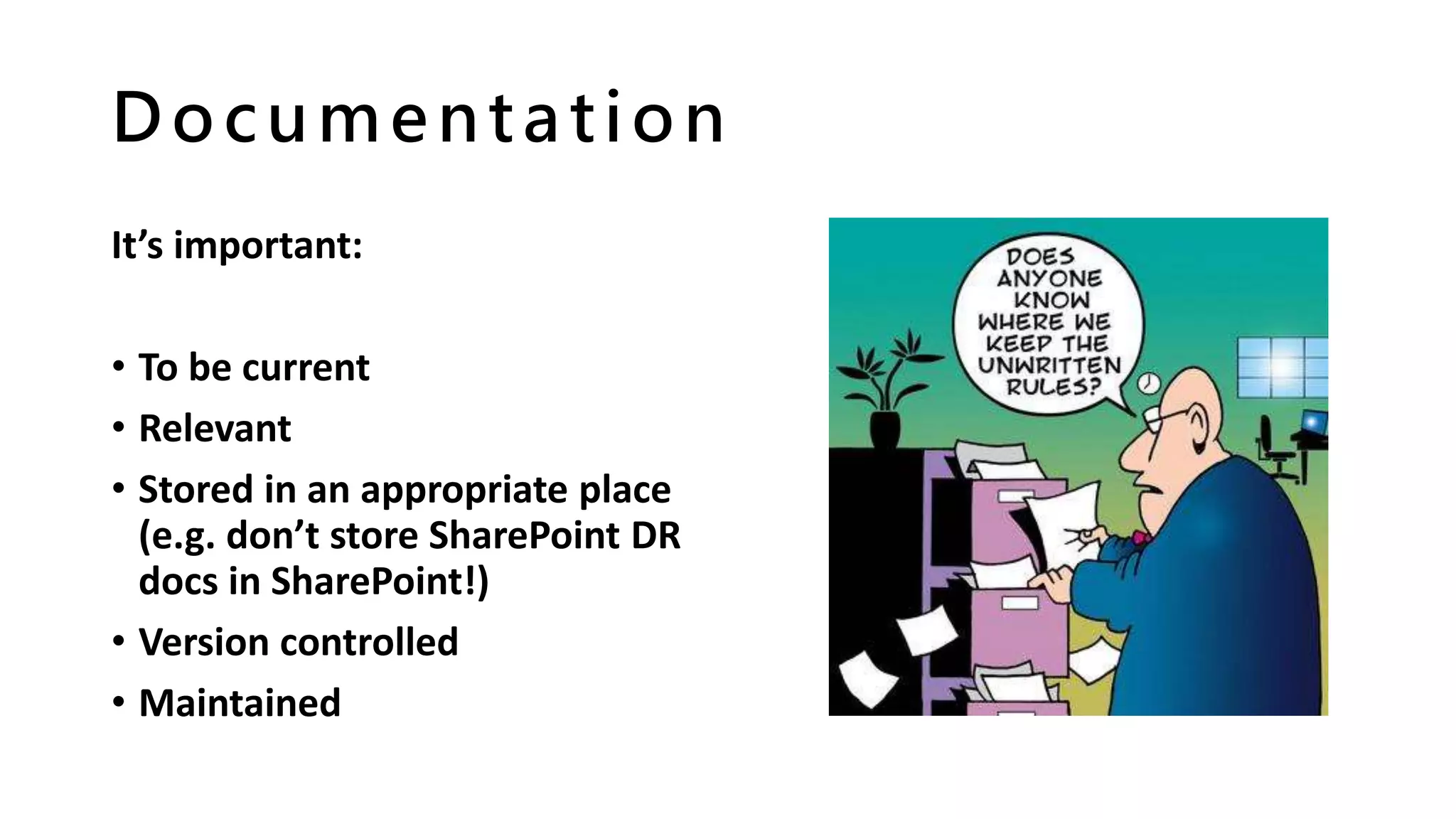
Documentation
It’s important:
• To be current
• Relevant
• Stored in an appropriate place
(e.g. don’t store SharePoint DR
docs in SharePoint!)
• Version controlled
• Maintained
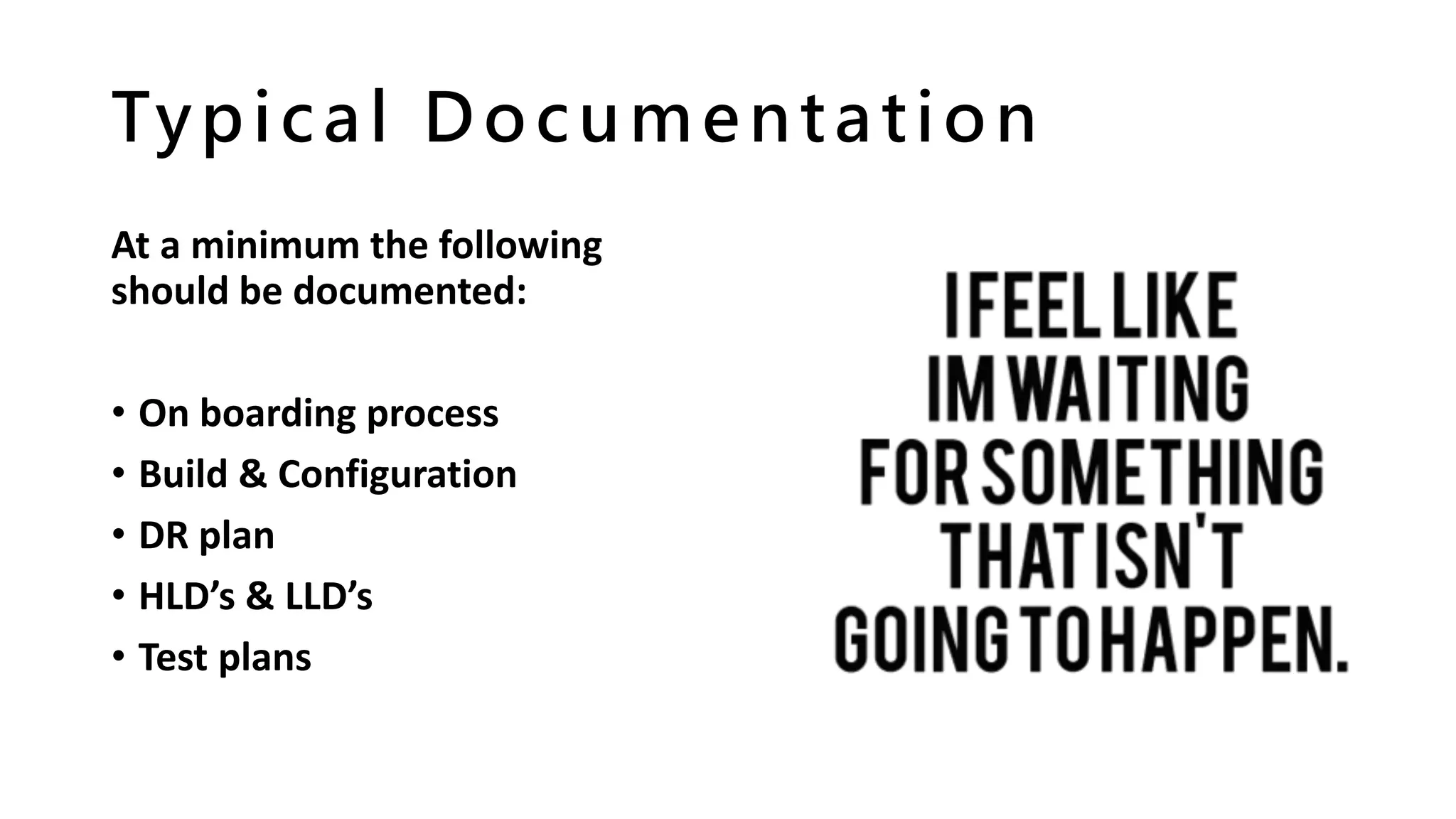
Typical Documentation
At a minimum the following
should be documented:
• On boarding process
• Build & Configuration
• DR plan
• HLD’s & LLD’s
• Test plans
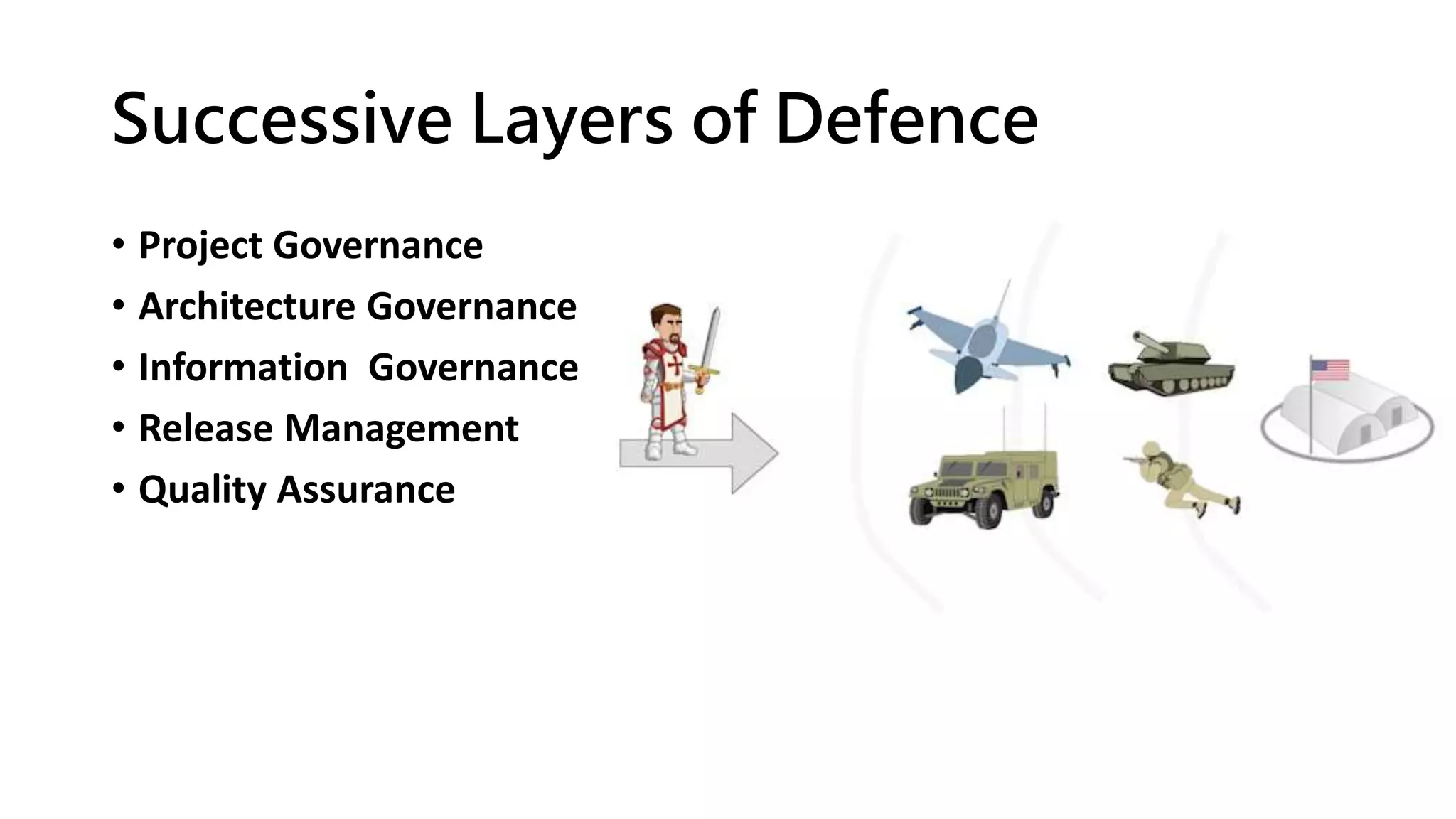
Successive Layers of Defence
• Project Governance
• Architecture Governance
• Information Governance
• Release Management
• Quality Assurance
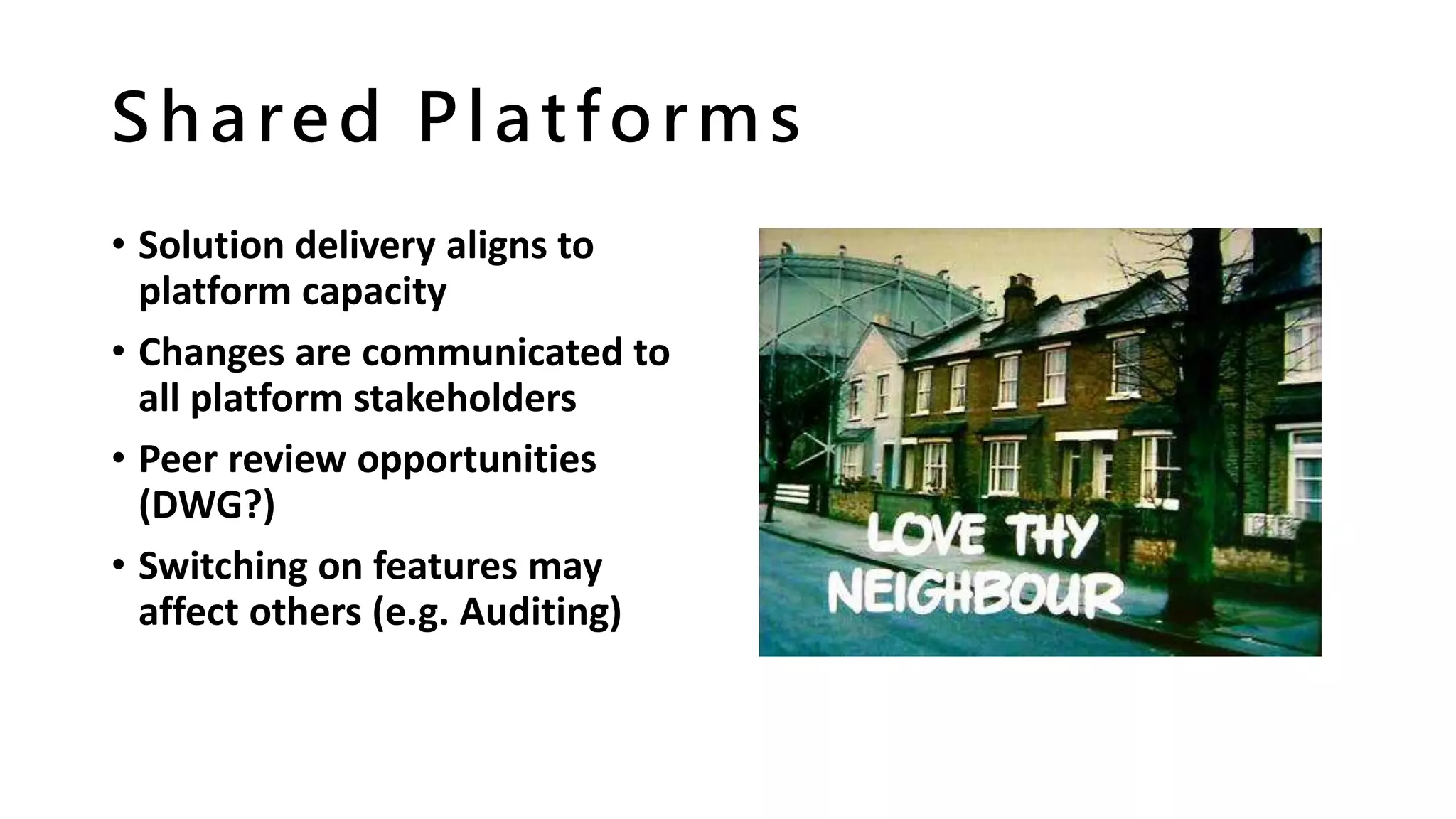
Shared Platforms
• Solution delivery aligns to
platform capacity
• Changes are communicated to
all platform stakeholders
• Peer review opportunities
(DWG?)
• Switching on features may
affect others (e.g. Auditing)
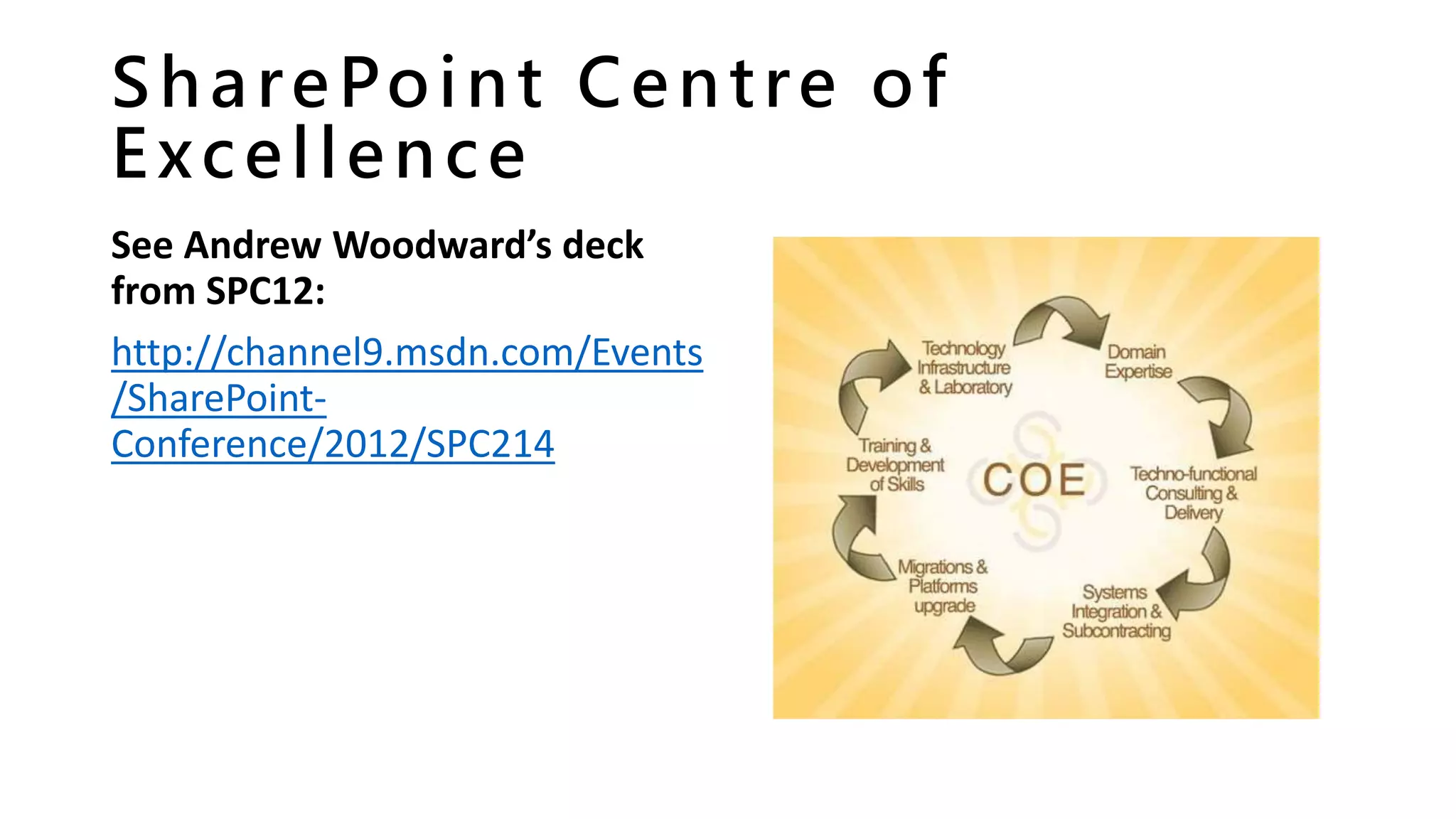
SharePoint Centre of
Excellence
See Andrew Woodward’s deck
from SPC12:
http://channel9.msdn.com/Events
/SharePoint-
Conference/2012/SPC214
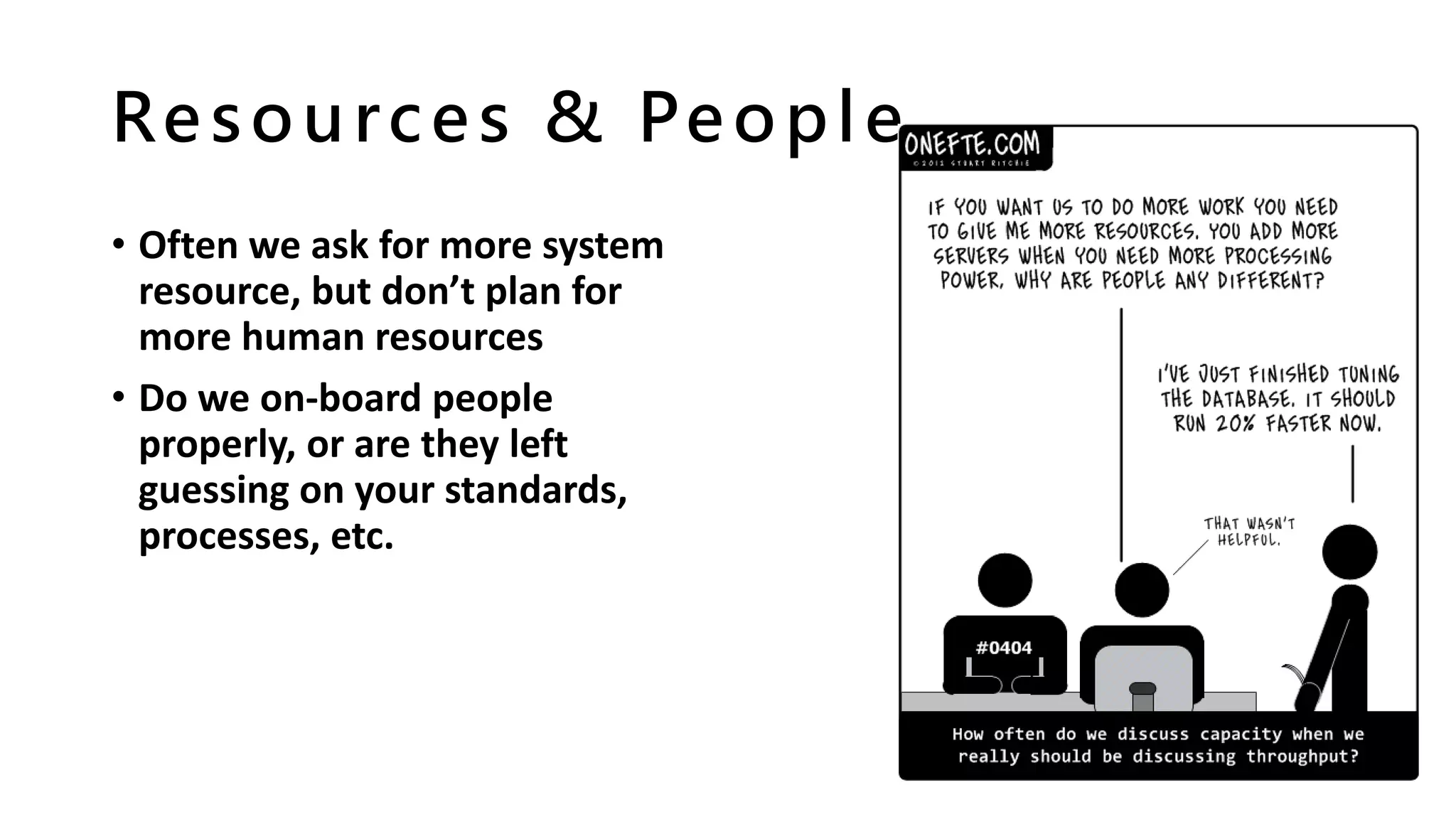
Resources & People
• Often we ask for more system
resource, but don’t plan for
more human resources
• Do we on-board people
properly, or are they left
guessing on your standards,
processes, etc.
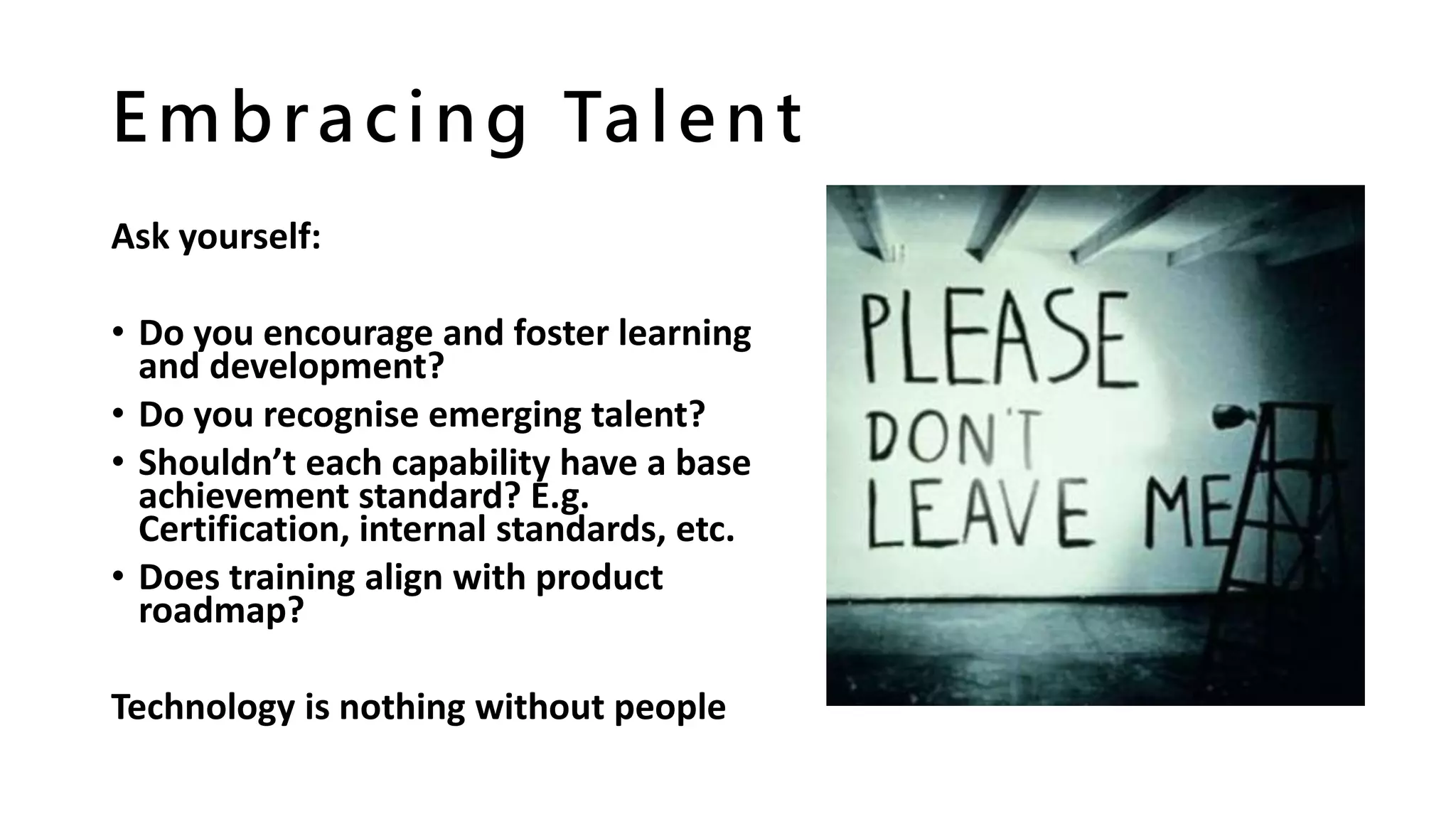
Embracing Talent
Ask yourself:
• Do you encourage and foster learning
and development?
• Do you recognise emerging talent?
• Shouldn’t each capability have a base
achievement standard? E.g.
Certification, internal standards, etc.
• Does training align with product
roadmap?
Technology is nothing without people
Capturing User Feedback
Ask yourself:
• Do we really LISTEN?
• Is it EASY for users to feedback?
• Do we REVIEW feedback?
• Do we MEASURE THE VALUE of
delivery against customer
feedback?
• Do we let GOOD IDEAS DIE?
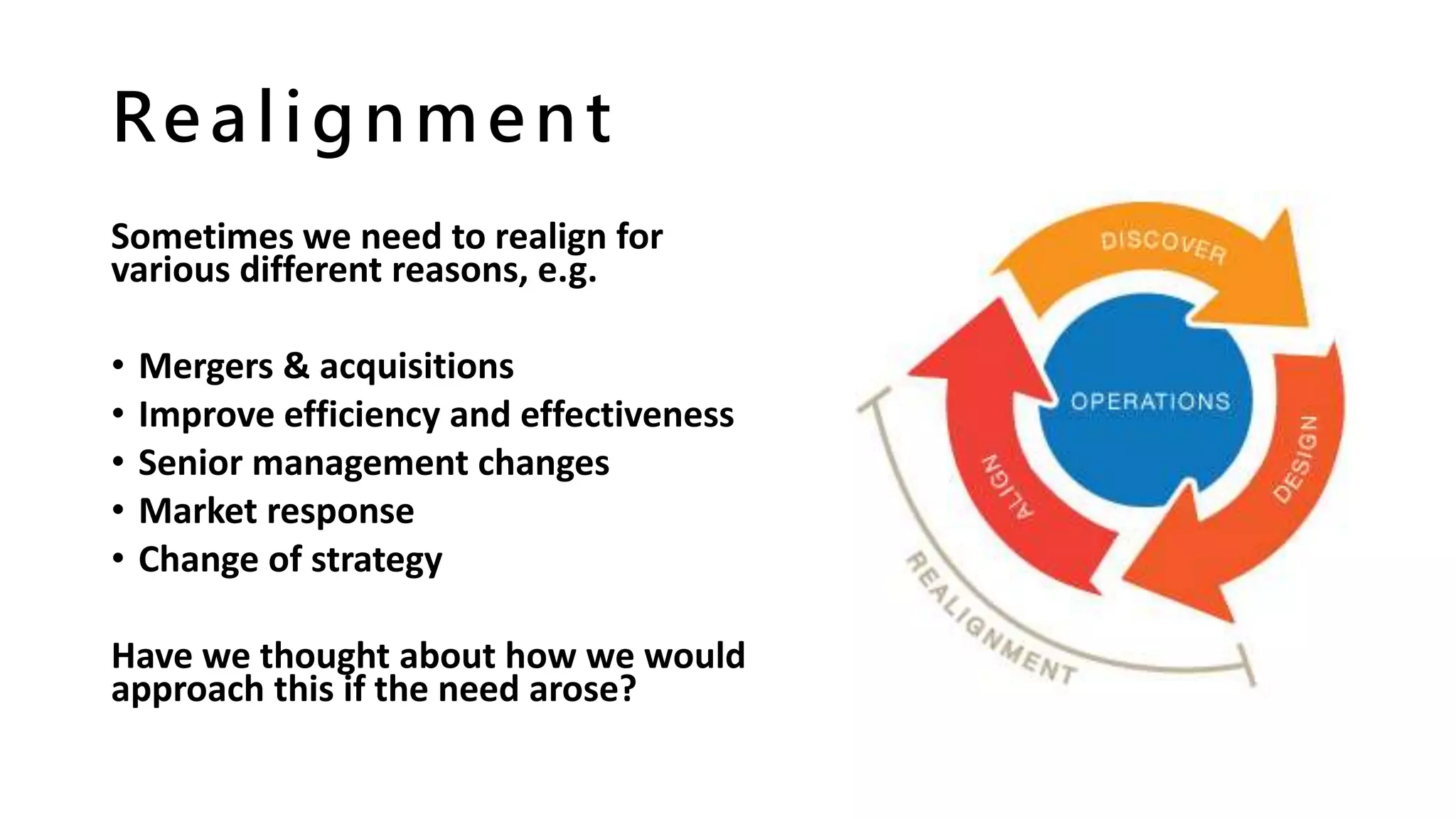
Realignment
Sometimes we need to realign for
various different reasons, e.g.
• Mergers & acquisitions
• Improve efficiency and effectiveness
• Senior management changes
• Market response
• Change of strategy
Have we thought about how we would
approach this if the need arose?
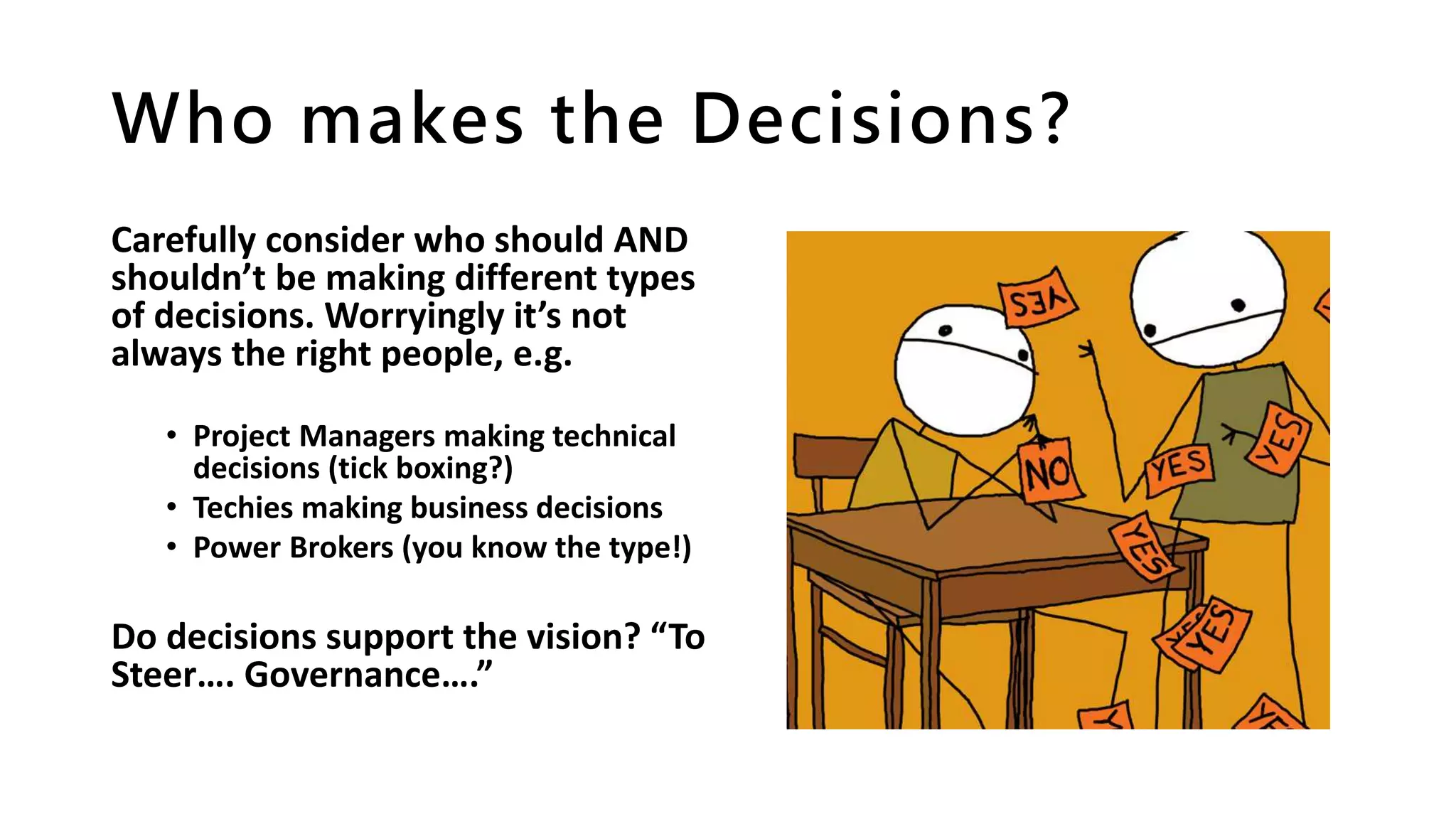
Who makes the Decisions?
Carefully consider who should AND
shouldn’t be making different types
of decisions. Worryingly it’s not
always the right people, e.g.
• Project Managers making technical
decisions (tick boxing?)
• Techies making business decisions
• Power Brokers (you know the type!)
Do decisions support the vision? “To
Steer…. Governance….”
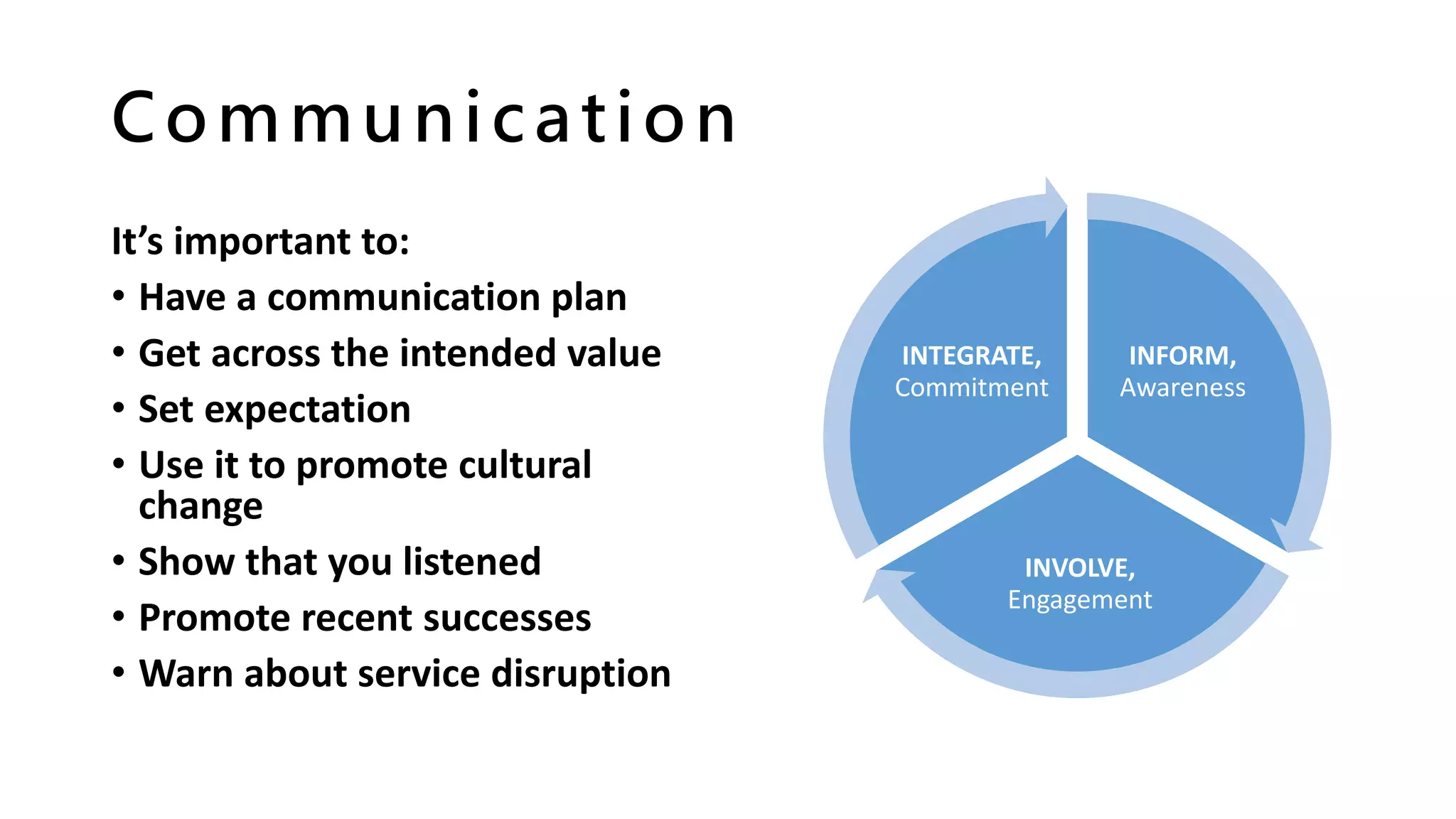
Communication
It’s important to:
• Have a communication plan
• Get across the intended value
• Set expectation
• Use it to promote cultural
change
• Show that you listened
• Promote recent successes
• Warn about service disruption
INFORM,
Awareness
INVOLVE,
Engagement
INTEGRATE,
Commitment
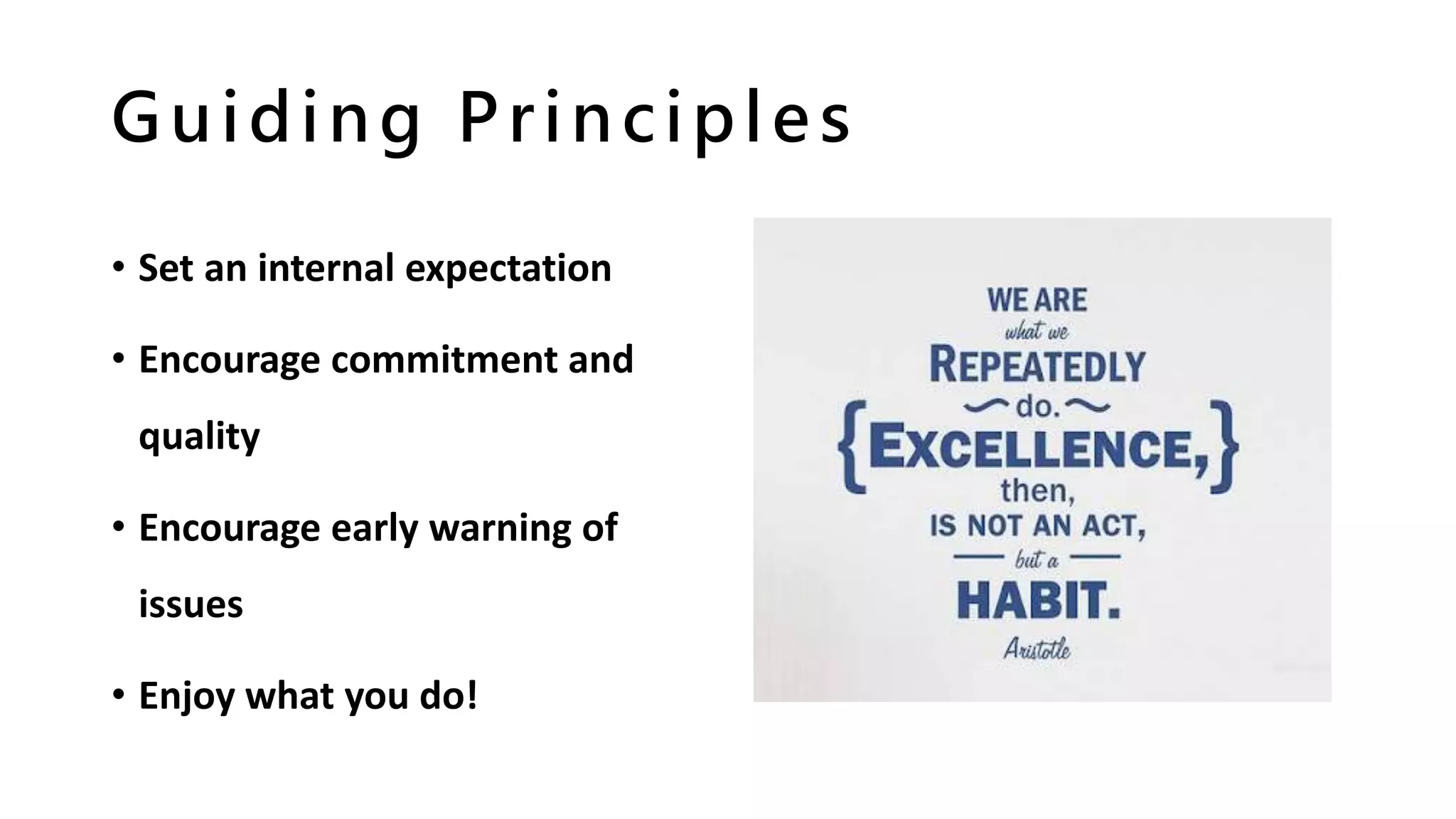
Guiding Principles
• Set an internal expectation
• Encourage commitment and
quality
• Encourage early warning of
issues
• Enjoy what you do!
Support Framework
• Establish triage process
• Understand your estate
• Identify trends, update training and FAQs
• Encourage community feedback, possibly
with Gamification techniques
Capacity Planning
• Recertification process?
• Monitor growth
• Storage reduction opportunities
• Plan for Site Quotas & Content
Databases
• Understand boundaries, limits and
thresholds, and respect them!
• Migrations
• Site creation control
• Auditing
• Service Separation
• Storage Tiers / IOPS
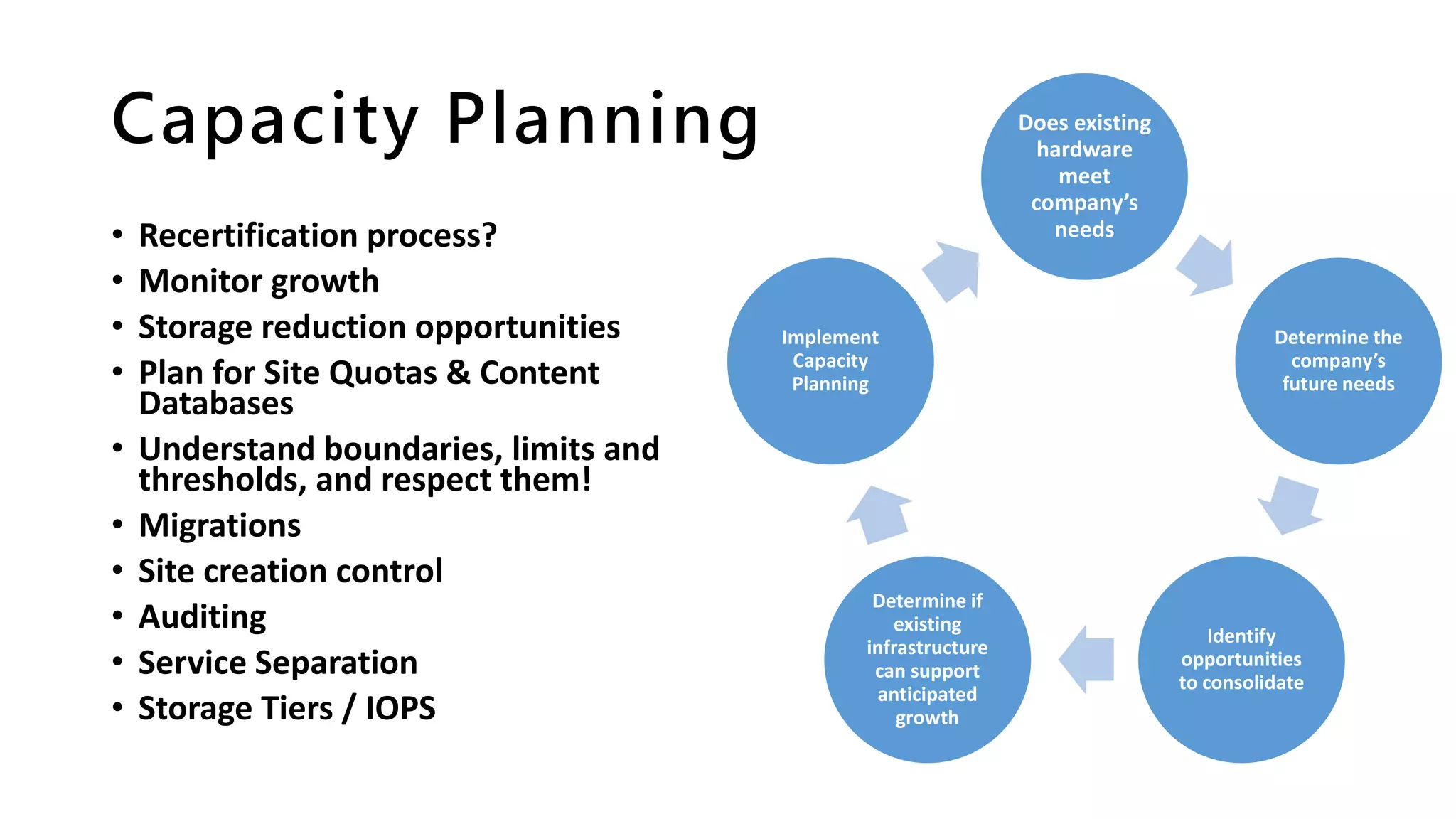
Does existing
hardware
meet
company’s
needs
Determine the
company’s
future needs
Identify
opportunities
to consolidate
Determine if
existing
infrastructure
can support
anticipated
growth
Implement
Capacity
Planning
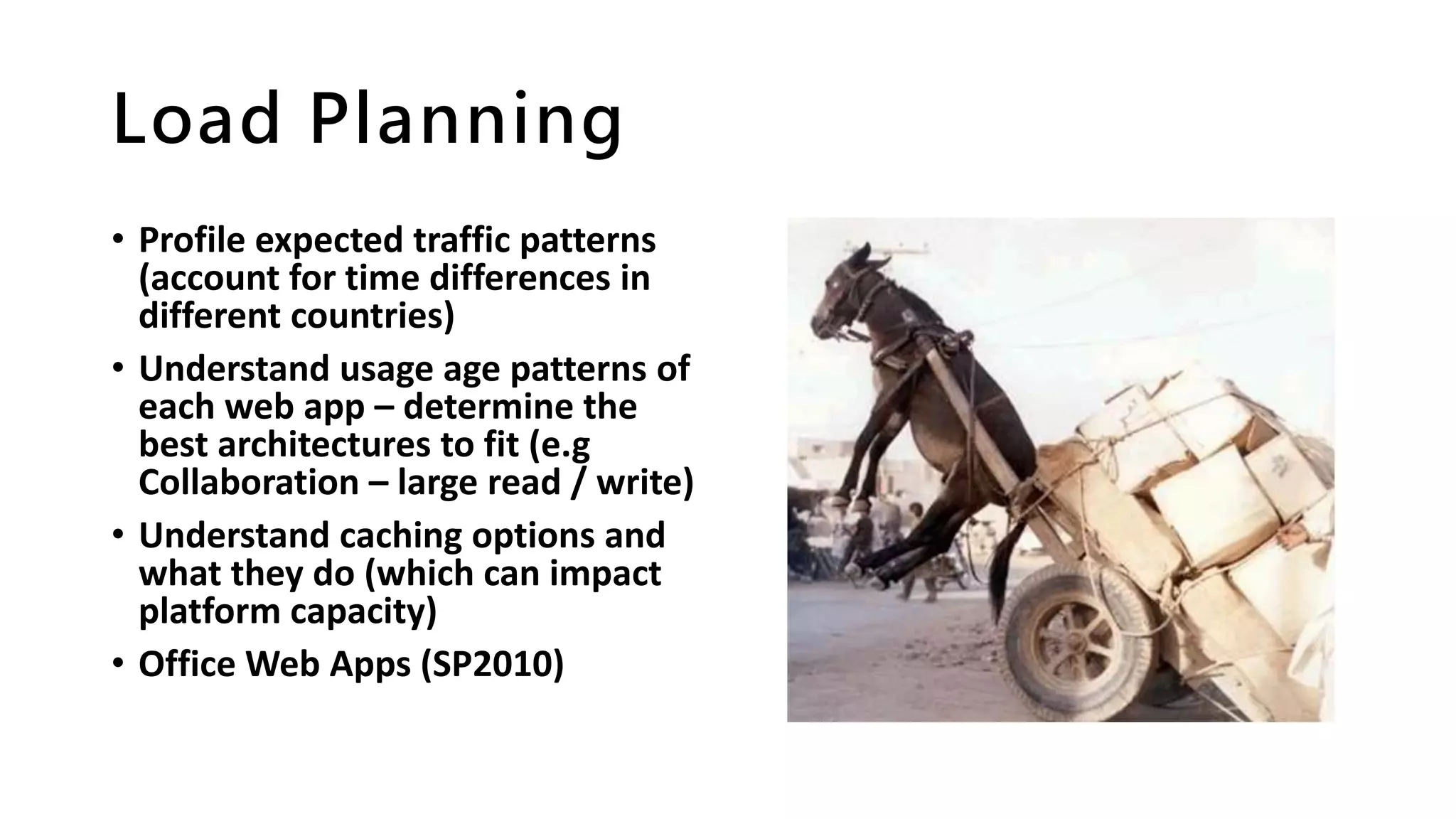
Load Planning
• Profile expected traffic patterns
(account for time differences in
different countries)
• Understand usage age patterns of
each web app – determine the
best architectures to fit (e.g
Collaboration – large read / write)
• Understand caching options and
what they do (which can impact
platform capacity)
• Office Web Apps (SP2010)
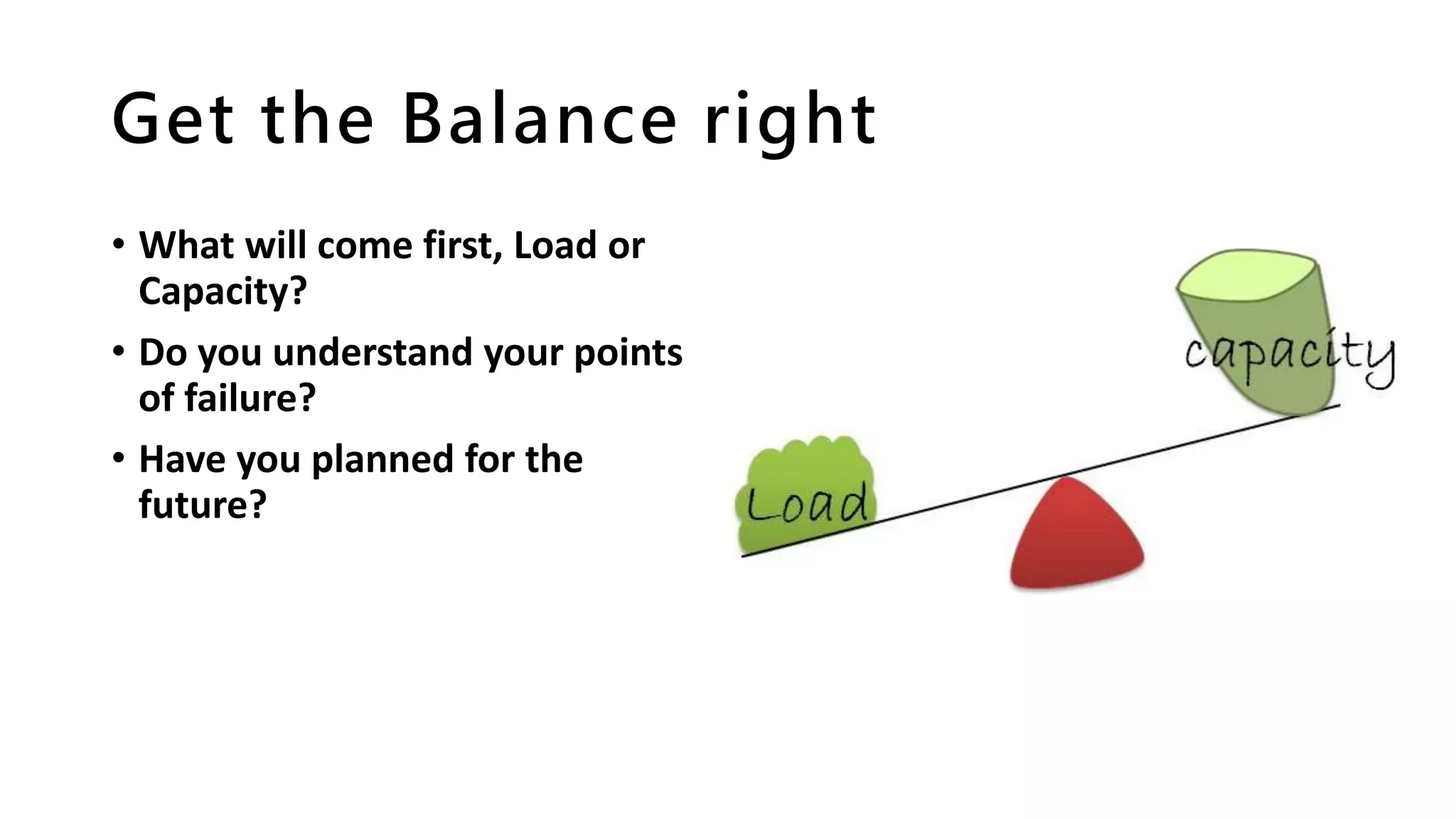
Get the Balance right
• What will come first, Load or
Capacity?
• Do you understand your points
of failure?
• Have you planned for the
future?
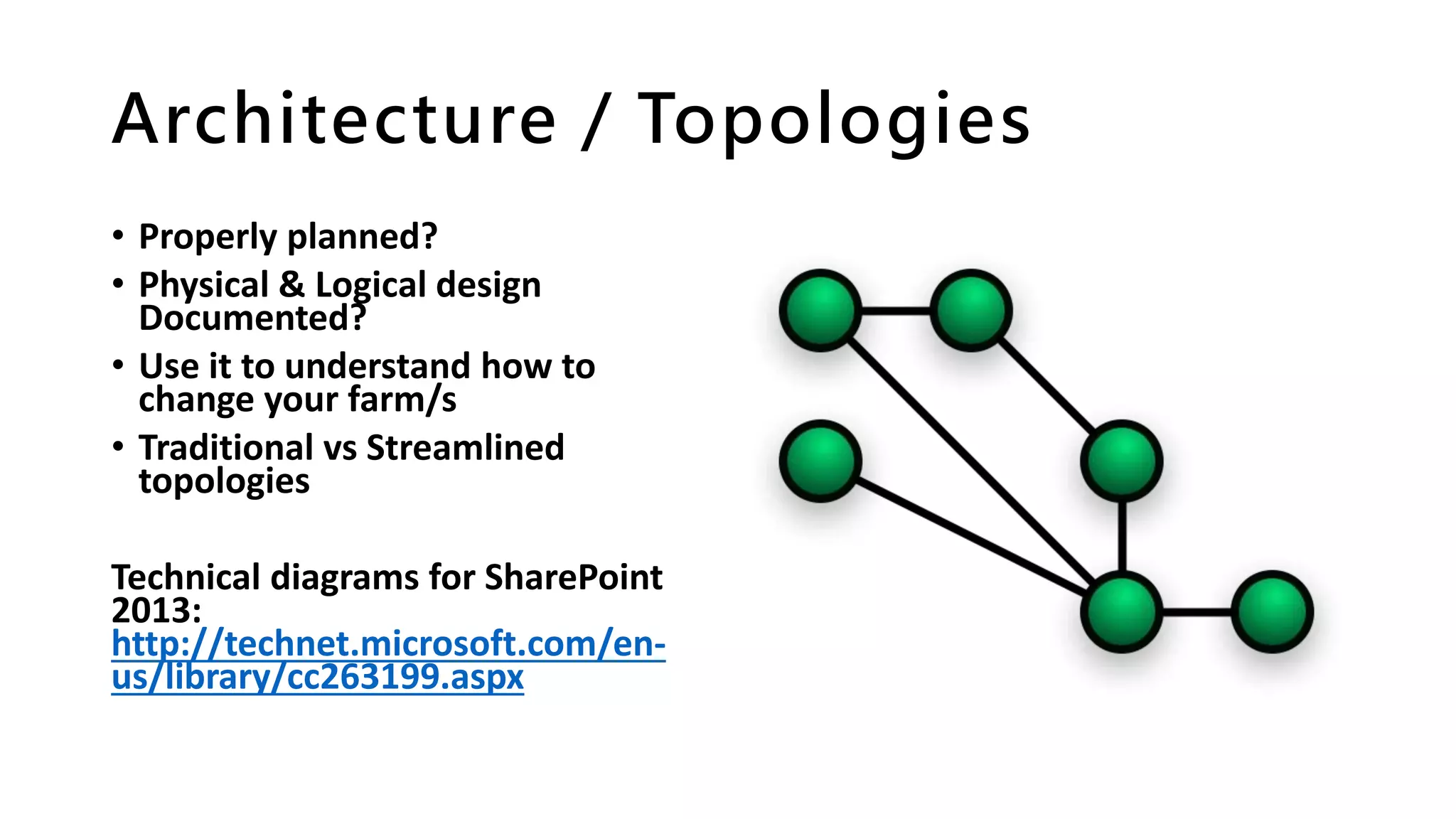
Architecture / Topologies
• Properly planned?
• Physical & Logical design
Documented?
• Use it to understand how to
change your farm/s
• Traditional vs Streamlined
topologies
Technical diagrams for SharePoint
2013:
http://technet.microsoft.com/en-
us/library/cc263199.aspx
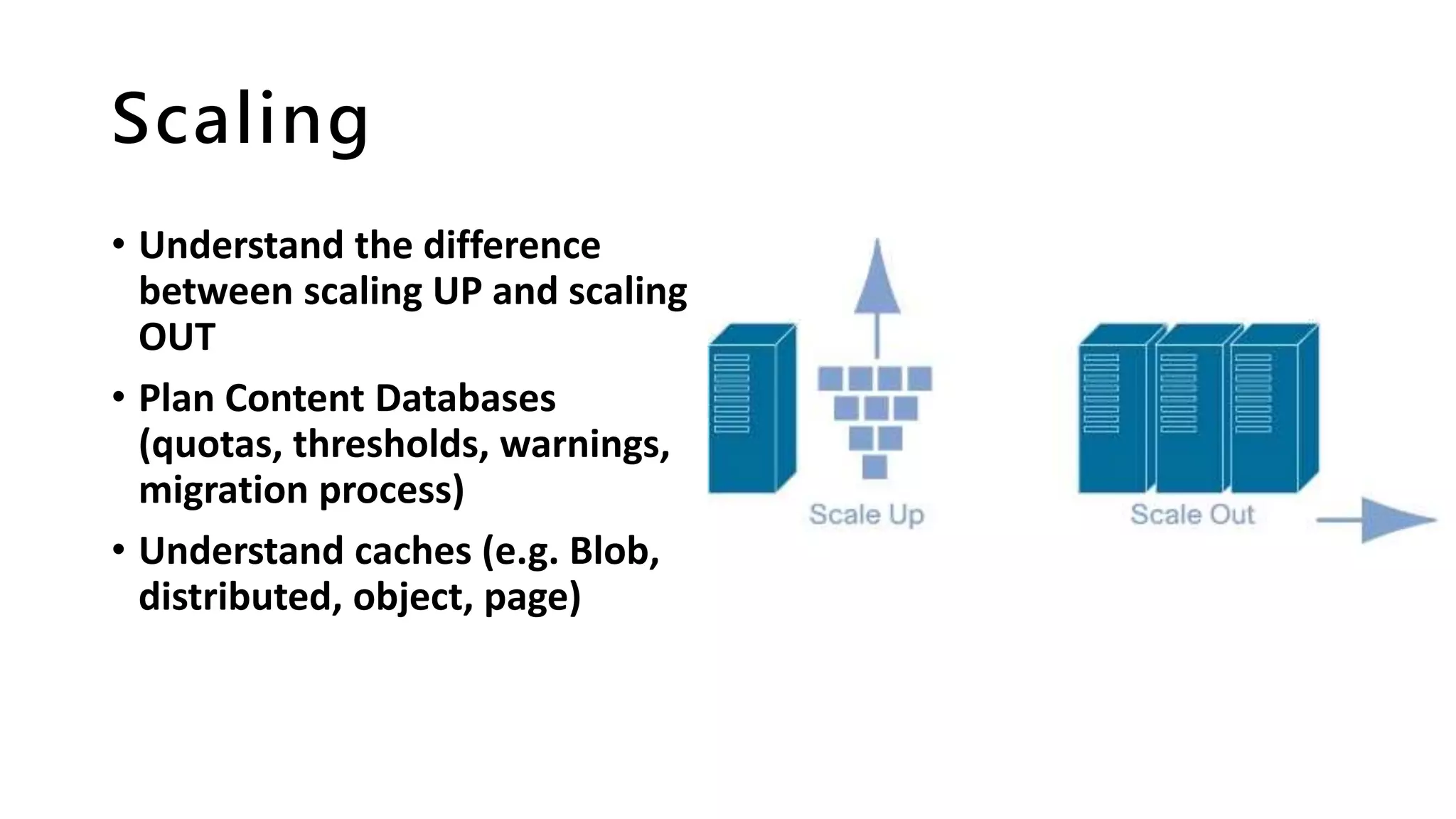
Scaling
• Understand the difference
between scaling UP and scaling
OUT
• Plan Content Databases
(quotas, thresholds, warnings,
migration process)
• Understand caches (e.g. Blob,
distributed, object, page)
Monitoring
• System Logs
• Performance
• Growth
• Usage
• Functional Requests
• Support Issues
….are you being PROACTIVE or REACTIVE?
Hardware Considerations
• Do you understand your hardware
refresh cycle?
• If on a managed platform, do you
understand your suppliers refresh
cycle and limitations? Understand
exit strategies too
• Will purchase restrictions prevent
changes in topology
• Does your company have a cloud
strategy for the future?
• Do you know what to do if you
introduce new hardware (e.g. update
SQL Alias, web.config, etc.)
3rd Party Tools
• Upgrade ready?
• Infrastructure requirements
understood?
• Training
• Support model
• Understand your procurement
framework
• Licencing, perpetual or annual?
Have we planned for growth
e.g. enough seats
vNext Ready?
• Understand your corporate
roadmap
• Be as upgrade ready as possible
• Understand deprecated features
• Learn architectural changes, both
logical and physical
• Microsoft Product Line
Architecture (PLA)
"How would Microsoft deploy this
technology?" or "how would Microsoft
do it?" It was from this simple question
that the PLA was born.
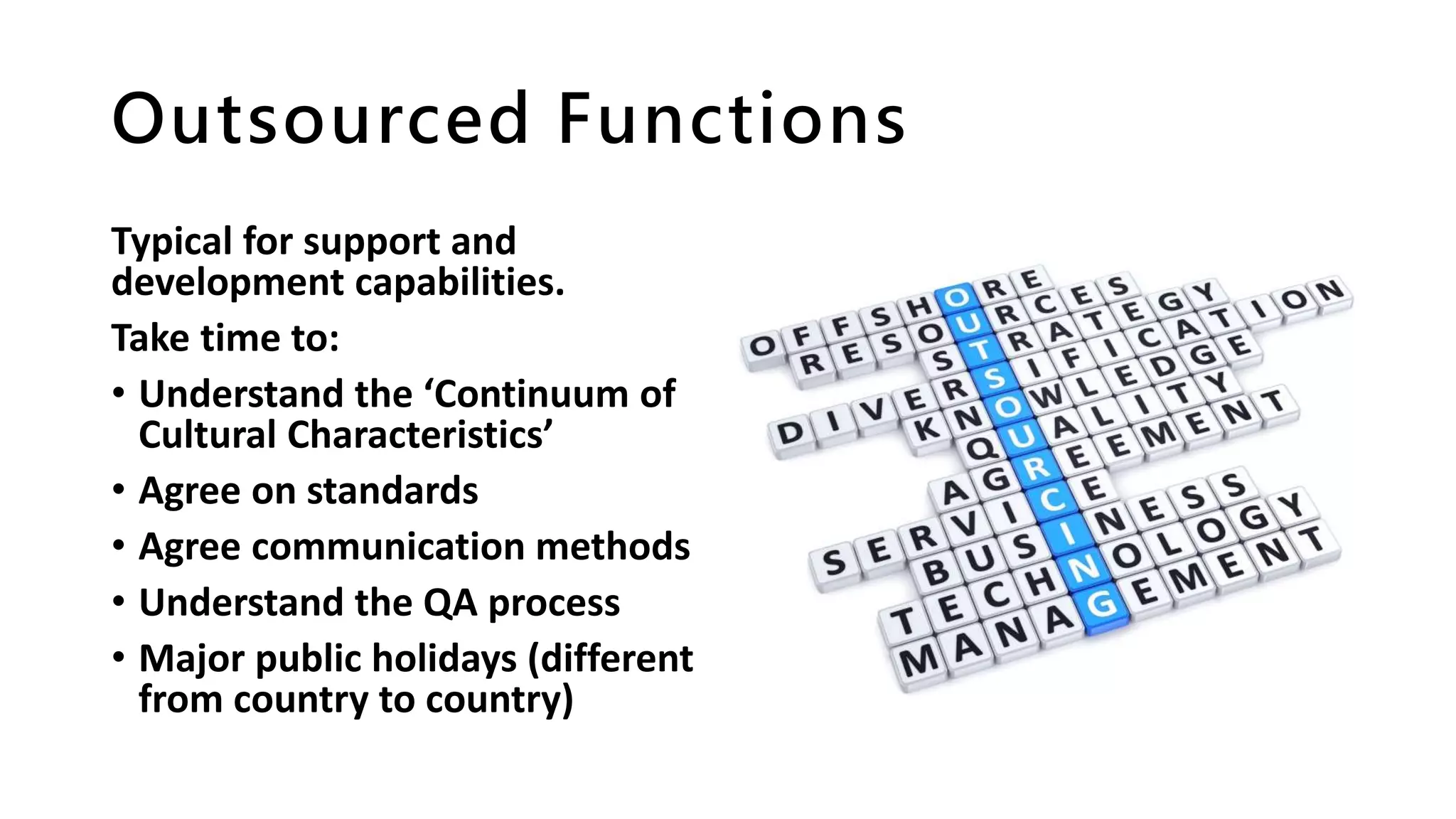
Outsourced Functions
Typical for support and
development capabilities.
Take time to:
• Understand the ‘Continuum of
Cultural Characteristics’
• Agree on standards
• Agree communication methods
• Understand the QA process
• Major public holidays (different
from country to country)
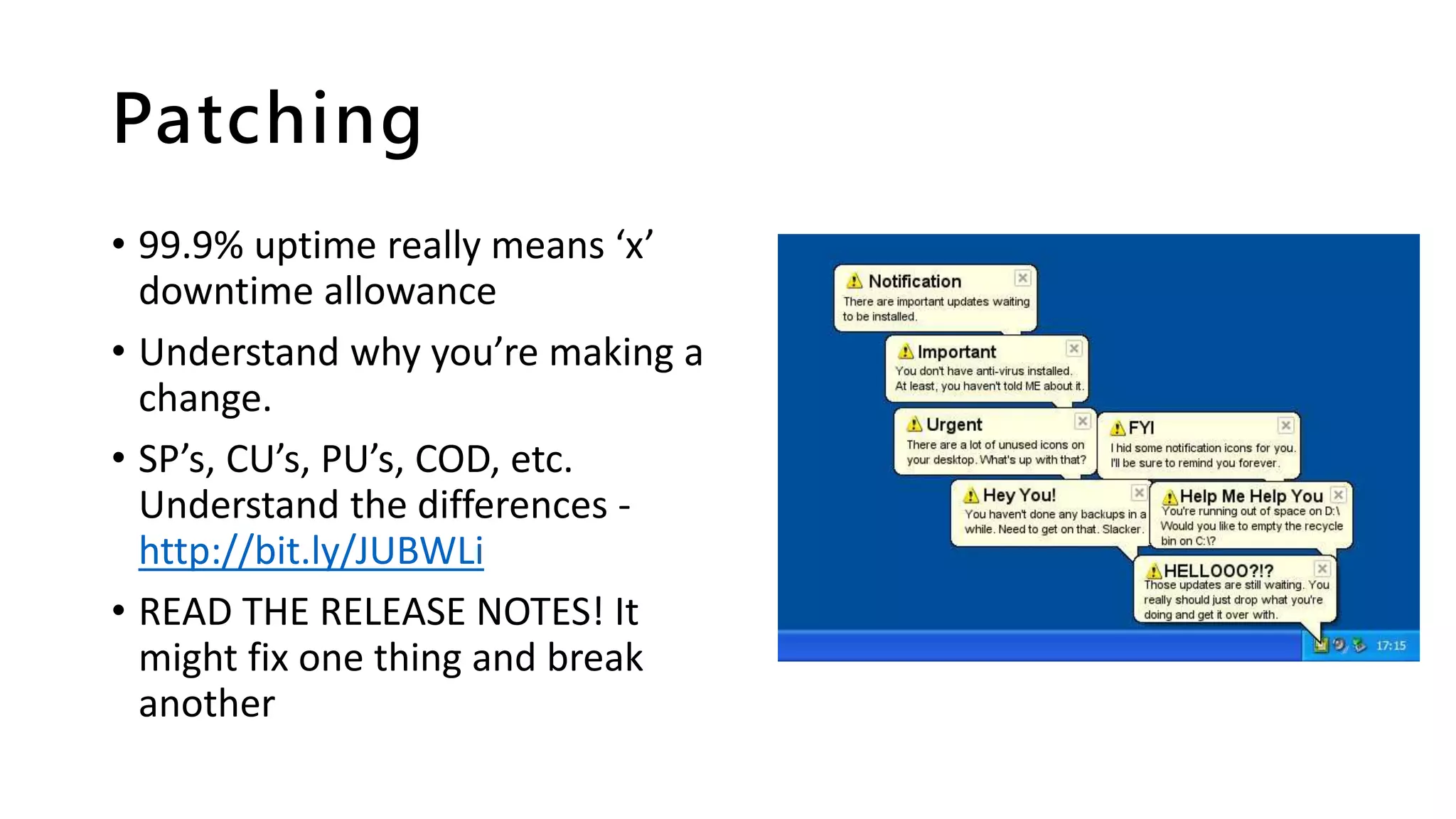
Patching
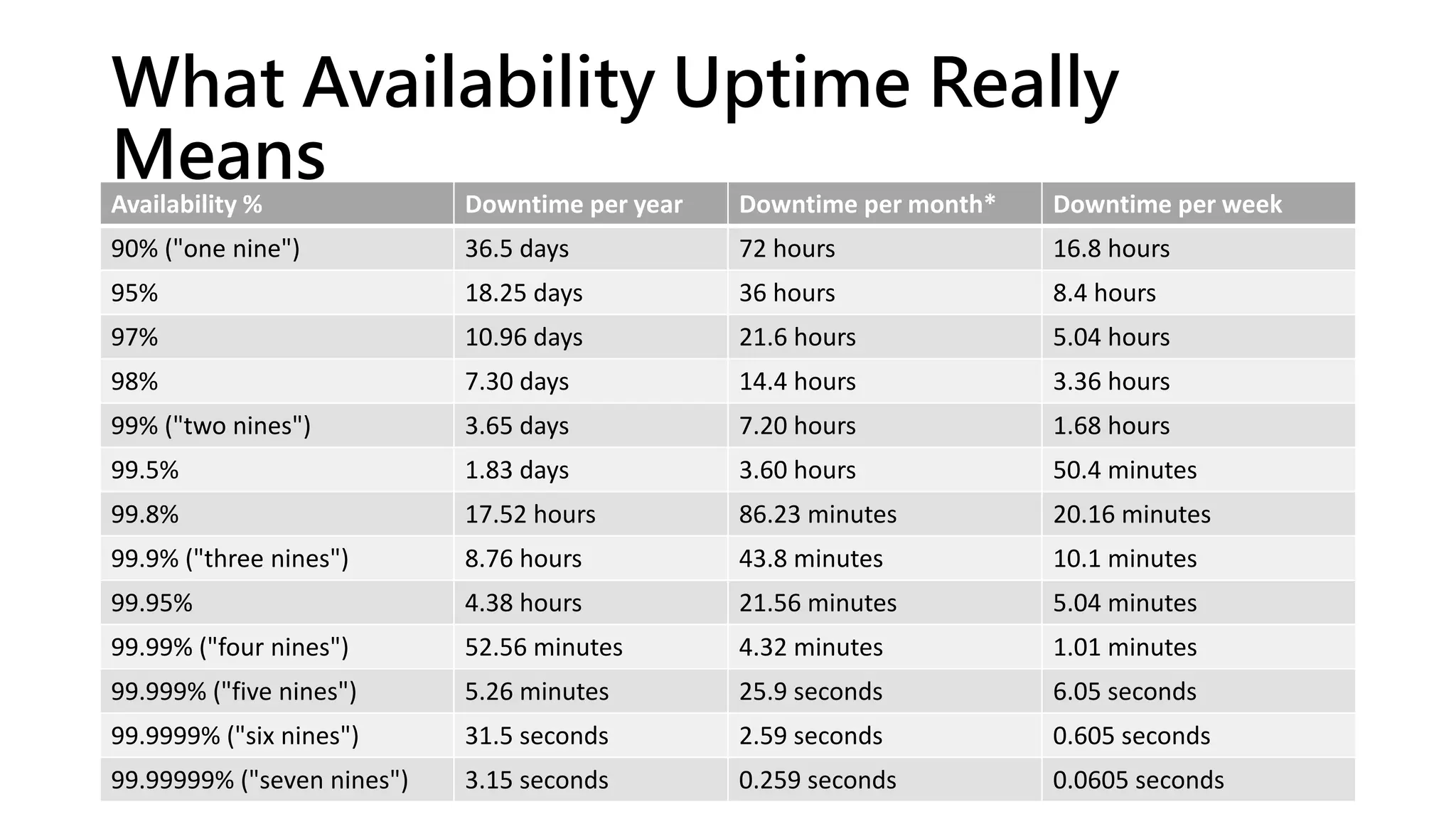
• 99.9% uptime really means ‘x’
downtime allowance
• Understand why you’re making a
change.
• SP’s, CU’s, PU’s, COD, etc.
Understand the differences -
http://bit.ly/JUBWLi
• READ THE RELEASE NOTES! It
might fix one thing and break
another
What Availability Uptime Really
Means
Availability % Downtime per year Downtime per month* Downtime per week
90% ("one nine") 36.5 days 72 hours 16.8 hours
95% 18.25 days 36 hours 8.4 hours
97% 10.96 days 21.6 hours 5.04 hours
98% 7.30 days 14.4 hours 3.36 hours
99% ("two nines") 3.65 days 7.20 hours 1.68 hours
99.5% 1.83 days 3.60 hours 50.4 minutes
99.8% 17.52 hours 86.23 minutes 20.16 minutes
99.9% ("three nines") 8.76 hours 43.8 minutes 10.1 minutes
99.95% 4.38 hours 21.56 minutes 5.04 minutes
99.99% ("four nines") 52.56 minutes 4.32 minutes 1.01 minutes
99.999% ("five nines") 5.26 minutes 25.9 seconds 6.05 seconds
99.9999% ("six nines") 31.5 seconds 2.59 seconds 0.605 seconds
99.99999% ("seven nines") 3.15 seconds 0.259 seconds 0.0605 seconds
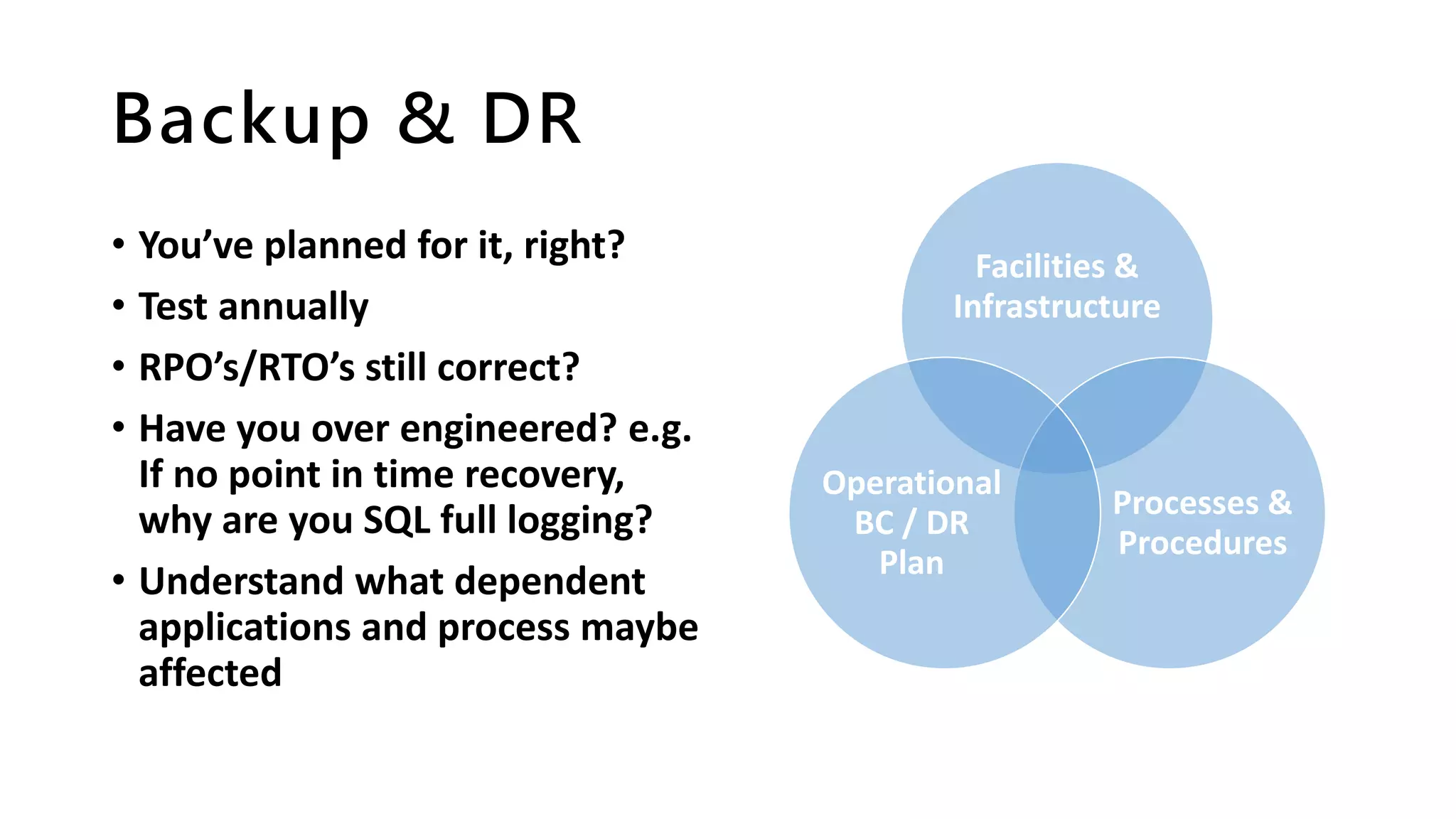
Backup & DR
• You’ve planned for it, right?
• Test annually
• RPO’s/RTO’s still correct?
• Have you over engineered? e.g.
If no point in time recovery,
why are you SQL full logging?
• Understand what dependent
applications and process maybe
affected
Facilities &
Infrastructure
Processes &
Procedures
Operational
BC / DR
Plan
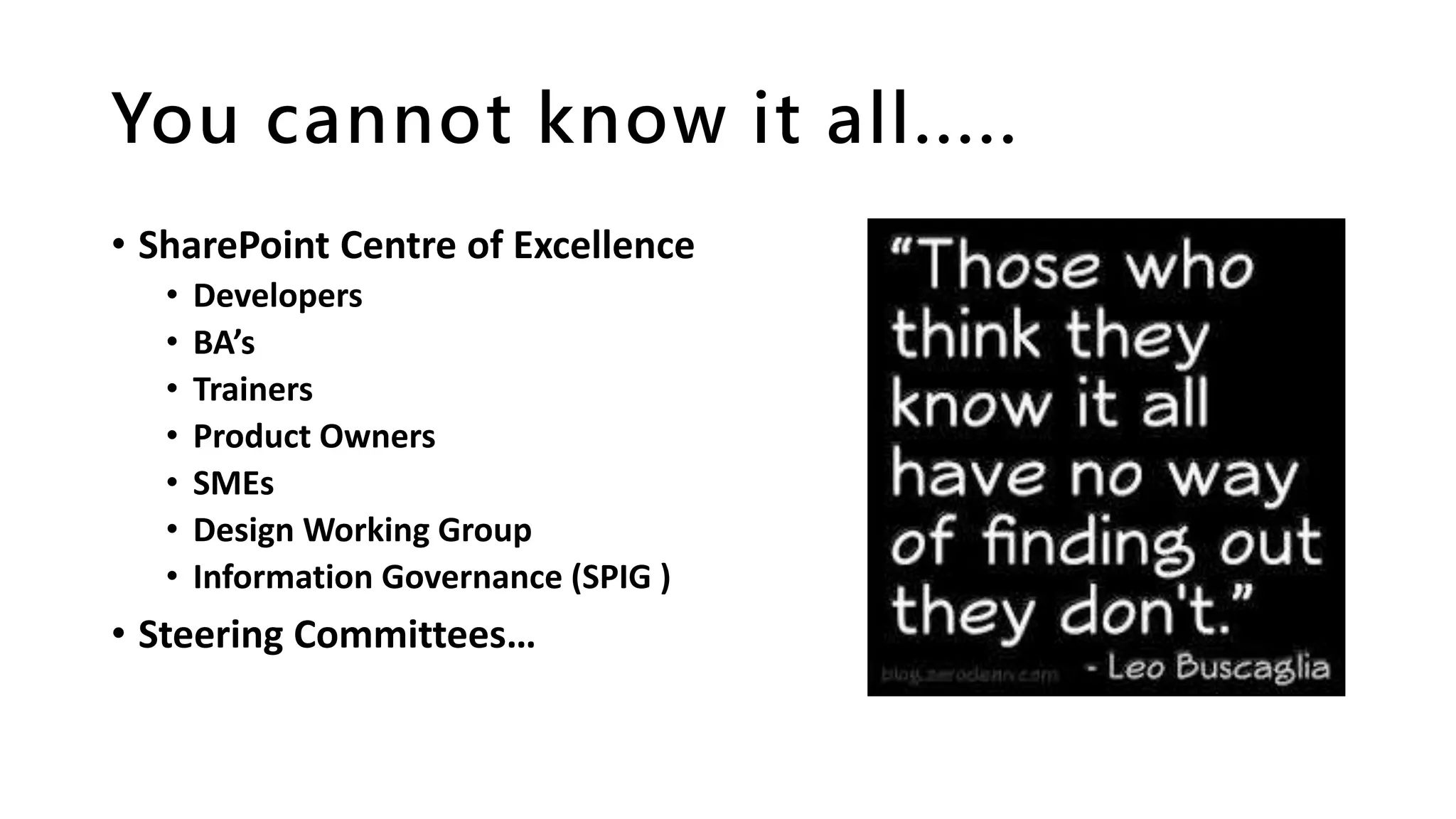
You cannot know it all.....
• SharePoint Centre of Excellence
• Developers
• BA’s
• Trainers
• Product Owners
• SMEs
• Design Working Group
• Information Governance (SPIG )
• Steering Committees…
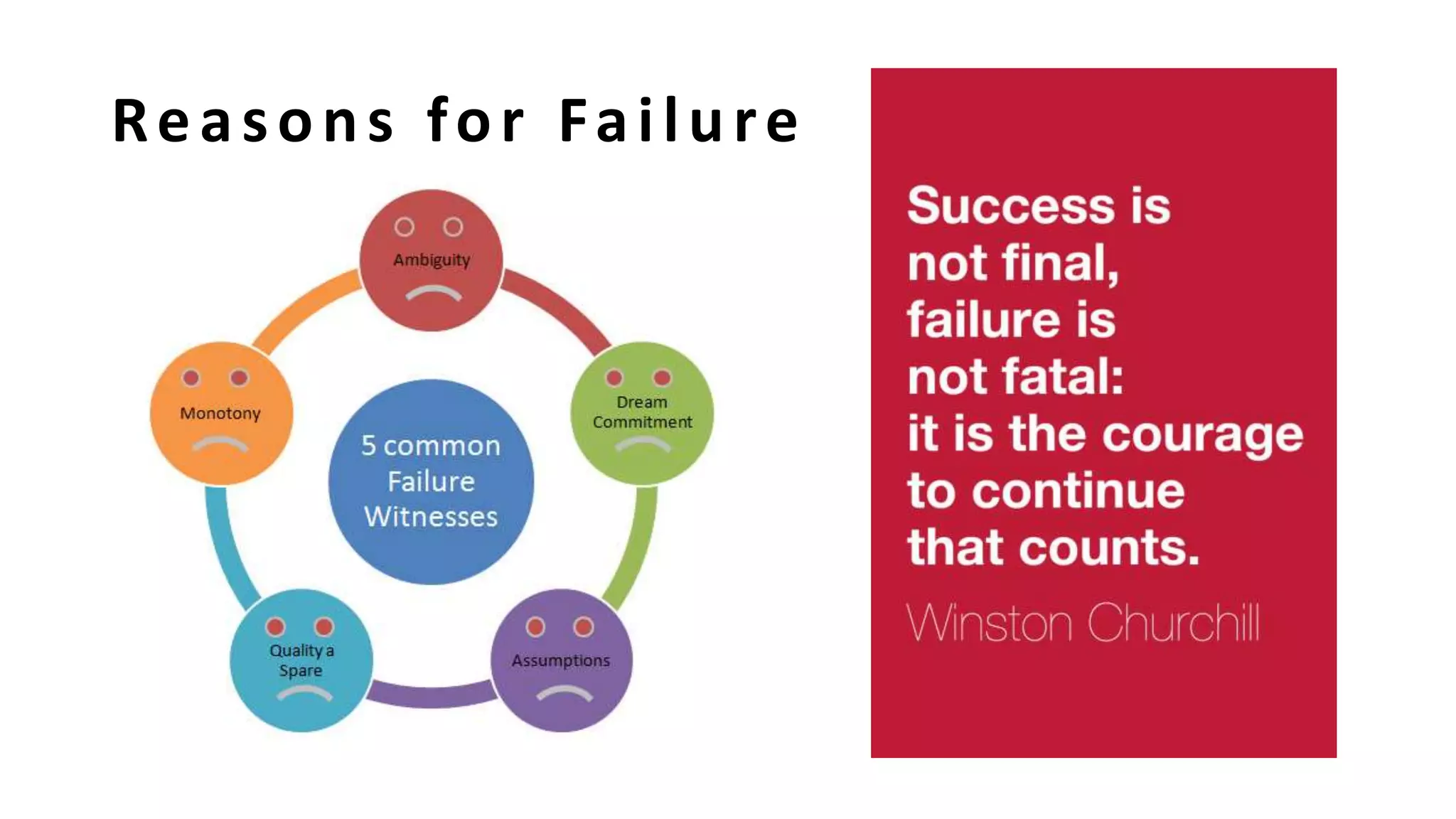
Reasons for Failure
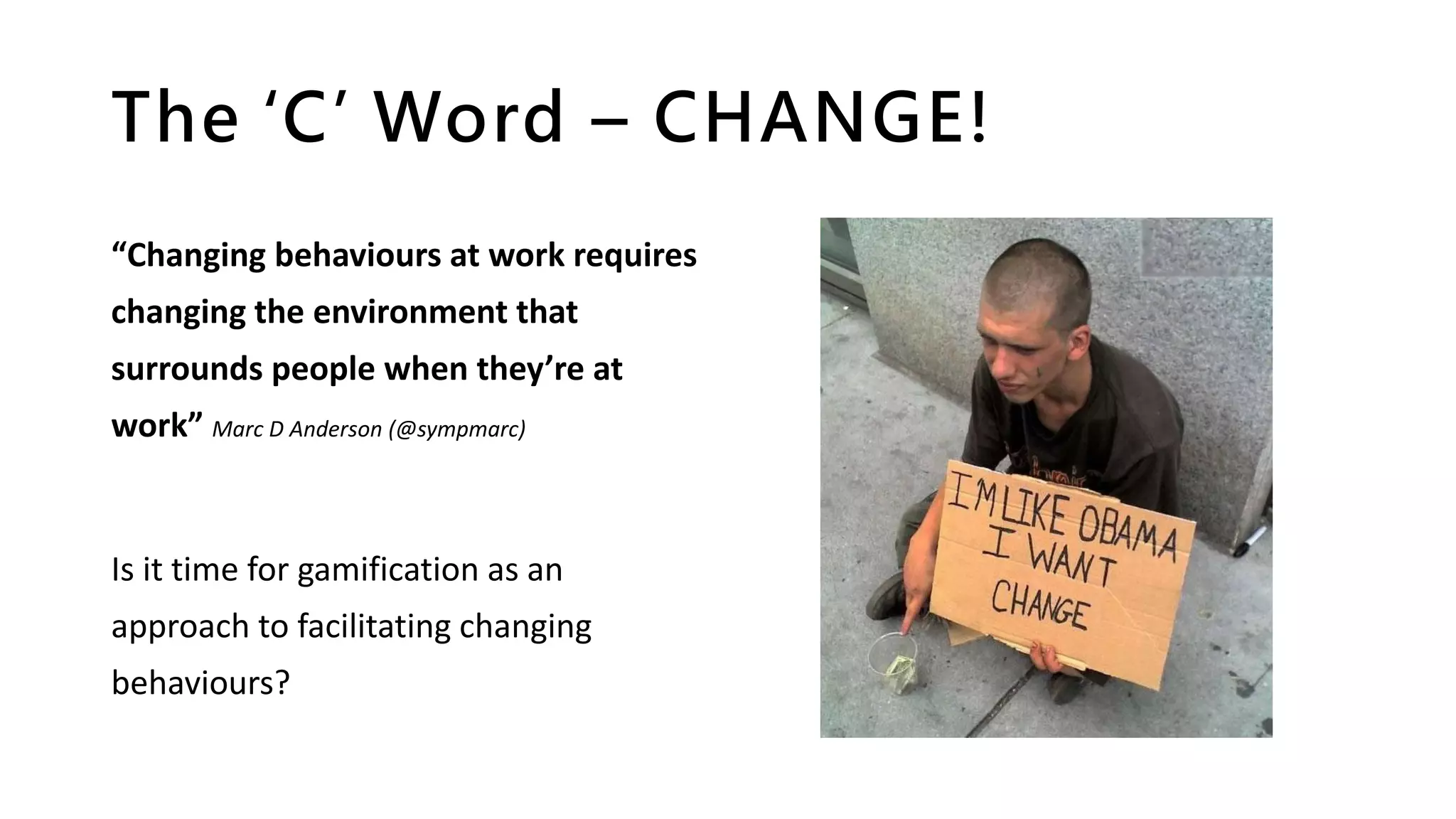
The ‘C’ Word – CHANGE!
“Changing behaviours at work requires
changing the environment that
surrounds people when they’re at
work” Marc D Anderson (@sympmarc)
Is it time for gamification as an
approach to facilitating changing
behaviours?
Questions?
“Questions are guaranteed
in life; answers aren't”
Good Bye for Now!
Andy Talbot
SharePoint&Office365Consultant
SUGUKIOMLeader|Collab365LIVETVHost
/AndyTalbot @SharePointAndy SharePointAndy.com

Building enterprise platforms - off the beaten path - SharePoint User Group UK (North West Region) 2016

  • 1.
    Off the beatenpath……. Building SharePoint Enterprise Platforms #suguk Andy Talbot February 02nd, 2016
  • 4.
  • 5.
    Collab365 Summit 100% FREE…..100%ONLINE…..100% AWESOME! • LIVE TV Channel (from Microsoft Redmond) – 3 days covering IT PRO, DEV & BIZ • Content covering Azure, Office 365 , SharePoint and Microsoft Learning • Multiple Languages SIGN UP NOW! http://bit.ly/collab365summit
  • 6.
    Content Covered This sessionincludes: • Pain points • Lessons learnt • Sensible questions • Common sense thoughts …you decide what applies to you!
  • 7.
    SharePoint On-Prem ISALIVE! “When it comes to the cloud, we’re “all in,” but we’re also realistic. We have a large on-premises installed base that’s important to us, and we’re committed to future releases of the server.” – Jared Spataro, Senior Director, Microsoft Office Division, “Yammer and Enterprise Social Roadmap Update” March 2013 Ref: http://www.collabshow.com/2013/10/21/sharepoint- still-not-dead-and-even-on-prem-is-not-dead/
  • 8.
  • 9.
    The G-Spot –Governance! Governance is SERIOUS stuff and you can’t afford to not think about it. “SharePoint Governance is a guideline of rules within your organisation, including what, why, when, where and how #SPGovManifesto” – Andy Talbot(!) The SharePoint Governance Manifesto’ - http://bit.ly/AmazonSPGovManifesto
  • 10.
    IT Governance According tothe IT Governance Institute, there are five areas of focus: • Strategic Alignment • Value Delivery • Resource Management • Risk Management • Performance Measures Read more here: http://www.cio.com/article/2438931/gover nance/it-governance-definition-and- solutions.html
  • 11.
    Good Governance • ConsensusOrientated • Participatory • Follows the rule of law • Effective and Efficient • Accountable • Transparent • Responsive • Equitable and Inclusive
  • 12.
    Quality Assurance • Canyou afford not too? • Maintains standards • What’s more expensive; testing or loss of service / poor user experience? • It should be baked into ALL deployments and configuration change/s
  • 13.
    Understand test types •Understand what to test AND when • Update test plans to reflect changes: - Platform changes - New developments • Don’t undervalue your QA team REF: http://www.sharethepoint.com/Learn/Blog/Lists/P osts/Post.aspx?ID=122
  • 14.
    Go a littledeeper Understand what each type of test area means
  • 15.
    RACI R RESPONSIBLE: • Who is/willbe doing this task? • Who is assigned to work on this task? A ACCOUNTABLE: • Who’s head will roll if this goes wrong? • Who has the authority to take decision? C CONSULTED: • Anyone who can tell me more about this task? • Any stakeholders already identified? I INFORMED: • Anyone whose work depends on this task? • Who has to be kept updated about the progress?
  • 16.
    RACI Example DAD MOMSON DAUGHTER Choose a recipe C A/R C C Grocery Shopping R Pre-heat the oven R Prepare ingredients A R Bake dinner in oven A/R
  • 17.
    Roles & Responsibilities Introduceclear separation of duties e.g. • SharePoint Product Owner • Configuration Manager • Platform SMEs • Functional SMEs • Support SMEs • Trainers • QA / Testers • Requirement Gatherers
  • 18.
    Roles & Responsibilities Differenteach role comes a mix of responsibilities. e.g. • Leadership • Support • Management • Planning • Strategy Understand who is responsible for what in your organisation
  • 19.
    Release Management Typical responsibilities: •Deployment Management • Environments Management • Release Process Management • Build Management • Configuration Management • Change Management
  • 20.
    Be careful.... Sometimes weoverlook things (shocking!). Maybe we didn’t stop to consider: • When will product support stop? • Base or Project cost? • How long can I keep my resources?
  • 21.
    Staying Current It’s important: •Understand vendor product and strategy developments • Helps you to plan ahead for change • Underpins personal development planning (right?)
  • 22.
    Documentation It’s important: • Tobe current • Relevant • Stored in an appropriate place (e.g. don’t store SharePoint DR docs in SharePoint!) • Version controlled • Maintained
  • 23.
    Typical Documentation At aminimum the following should be documented: • On boarding process • Build & Configuration • DR plan • HLD’s & LLD’s • Test plans
  • 24.
    Successive Layers ofDefence • Project Governance • Architecture Governance • Information Governance • Release Management • Quality Assurance
  • 25.
    Shared Platforms • Solutiondelivery aligns to platform capacity • Changes are communicated to all platform stakeholders • Peer review opportunities (DWG?) • Switching on features may affect others (e.g. Auditing)
  • 26.
    SharePoint Centre of Excellence SeeAndrew Woodward’s deck from SPC12: http://channel9.msdn.com/Events /SharePoint- Conference/2012/SPC214
  • 27.
    Resources & People •Often we ask for more system resource, but don’t plan for more human resources • Do we on-board people properly, or are they left guessing on your standards, processes, etc.
  • 28.
    Embracing Talent Ask yourself: •Do you encourage and foster learning and development? • Do you recognise emerging talent? • Shouldn’t each capability have a base achievement standard? E.g. Certification, internal standards, etc. • Does training align with product roadmap? Technology is nothing without people
  • 29.
    Capturing User Feedback Askyourself: • Do we really LISTEN? • Is it EASY for users to feedback? • Do we REVIEW feedback? • Do we MEASURE THE VALUE of delivery against customer feedback? • Do we let GOOD IDEAS DIE?
  • 30.
    Realignment Sometimes we needto realign for various different reasons, e.g. • Mergers & acquisitions • Improve efficiency and effectiveness • Senior management changes • Market response • Change of strategy Have we thought about how we would approach this if the need arose?
  • 31.
    Who makes theDecisions? Carefully consider who should AND shouldn’t be making different types of decisions. Worryingly it’s not always the right people, e.g. • Project Managers making technical decisions (tick boxing?) • Techies making business decisions • Power Brokers (you know the type!) Do decisions support the vision? “To Steer…. Governance….”
  • 32.
    Communication It’s important to: •Have a communication plan • Get across the intended value • Set expectation • Use it to promote cultural change • Show that you listened • Promote recent successes • Warn about service disruption INFORM, Awareness INVOLVE, Engagement INTEGRATE, Commitment
  • 33.
    Guiding Principles • Setan internal expectation • Encourage commitment and quality • Encourage early warning of issues • Enjoy what you do!
  • 34.
    Support Framework • Establishtriage process • Understand your estate • Identify trends, update training and FAQs • Encourage community feedback, possibly with Gamification techniques
  • 35.
    Capacity Planning • Recertificationprocess? • Monitor growth • Storage reduction opportunities • Plan for Site Quotas & Content Databases • Understand boundaries, limits and thresholds, and respect them! • Migrations • Site creation control • Auditing • Service Separation • Storage Tiers / IOPS Does existing hardware meet company’s needs Determine the company’s future needs Identify opportunities to consolidate Determine if existing infrastructure can support anticipated growth Implement Capacity Planning
  • 36.
    Load Planning • Profileexpected traffic patterns (account for time differences in different countries) • Understand usage age patterns of each web app – determine the best architectures to fit (e.g Collaboration – large read / write) • Understand caching options and what they do (which can impact platform capacity) • Office Web Apps (SP2010)
  • 37.
    Get the Balanceright • What will come first, Load or Capacity? • Do you understand your points of failure? • Have you planned for the future?
  • 38.
    Architecture / Topologies •Properly planned? • Physical & Logical design Documented? • Use it to understand how to change your farm/s • Traditional vs Streamlined topologies Technical diagrams for SharePoint 2013: http://technet.microsoft.com/en- us/library/cc263199.aspx
  • 39.
    Scaling • Understand thedifference between scaling UP and scaling OUT • Plan Content Databases (quotas, thresholds, warnings, migration process) • Understand caches (e.g. Blob, distributed, object, page)
  • 40.
    Monitoring • System Logs •Performance • Growth • Usage • Functional Requests • Support Issues ….are you being PROACTIVE or REACTIVE?
  • 41.
    Hardware Considerations • Doyou understand your hardware refresh cycle? • If on a managed platform, do you understand your suppliers refresh cycle and limitations? Understand exit strategies too • Will purchase restrictions prevent changes in topology • Does your company have a cloud strategy for the future? • Do you know what to do if you introduce new hardware (e.g. update SQL Alias, web.config, etc.)
  • 42.
    3rd Party Tools •Upgrade ready? • Infrastructure requirements understood? • Training • Support model • Understand your procurement framework • Licencing, perpetual or annual? Have we planned for growth e.g. enough seats
  • 43.
    vNext Ready? • Understandyour corporate roadmap • Be as upgrade ready as possible • Understand deprecated features • Learn architectural changes, both logical and physical • Microsoft Product Line Architecture (PLA) "How would Microsoft deploy this technology?" or "how would Microsoft do it?" It was from this simple question that the PLA was born.
  • 44.
    Outsourced Functions Typical forsupport and development capabilities. Take time to: • Understand the ‘Continuum of Cultural Characteristics’ • Agree on standards • Agree communication methods • Understand the QA process • Major public holidays (different from country to country)
  • 45.
    Patching • 99.9% uptimereally means ‘x’ downtime allowance • Understand why you’re making a change. • SP’s, CU’s, PU’s, COD, etc. Understand the differences - http://bit.ly/JUBWLi • READ THE RELEASE NOTES! It might fix one thing and break another
  • 46.
    What Availability UptimeReally Means Availability % Downtime per year Downtime per month* Downtime per week 90% ("one nine") 36.5 days 72 hours 16.8 hours 95% 18.25 days 36 hours 8.4 hours 97% 10.96 days 21.6 hours 5.04 hours 98% 7.30 days 14.4 hours 3.36 hours 99% ("two nines") 3.65 days 7.20 hours 1.68 hours 99.5% 1.83 days 3.60 hours 50.4 minutes 99.8% 17.52 hours 86.23 minutes 20.16 minutes 99.9% ("three nines") 8.76 hours 43.8 minutes 10.1 minutes 99.95% 4.38 hours 21.56 minutes 5.04 minutes 99.99% ("four nines") 52.56 minutes 4.32 minutes 1.01 minutes 99.999% ("five nines") 5.26 minutes 25.9 seconds 6.05 seconds 99.9999% ("six nines") 31.5 seconds 2.59 seconds 0.605 seconds 99.99999% ("seven nines") 3.15 seconds 0.259 seconds 0.0605 seconds
  • 47.
    Backup & DR •You’ve planned for it, right? • Test annually • RPO’s/RTO’s still correct? • Have you over engineered? e.g. If no point in time recovery, why are you SQL full logging? • Understand what dependent applications and process maybe affected Facilities & Infrastructure Processes & Procedures Operational BC / DR Plan
  • 48.
    You cannot knowit all..... • SharePoint Centre of Excellence • Developers • BA’s • Trainers • Product Owners • SMEs • Design Working Group • Information Governance (SPIG ) • Steering Committees…
  • 49.
  • 50.
    The ‘C’ Word– CHANGE! “Changing behaviours at work requires changing the environment that surrounds people when they’re at work” Marc D Anderson (@sympmarc) Is it time for gamification as an approach to facilitating changing behaviours?
  • 51.
  • 52.
    Good Bye forNow! Andy Talbot SharePoint&Office365Consultant SUGUKIOMLeader|Collab365LIVETVHost /AndyTalbot @SharePointAndy SharePointAndy.com