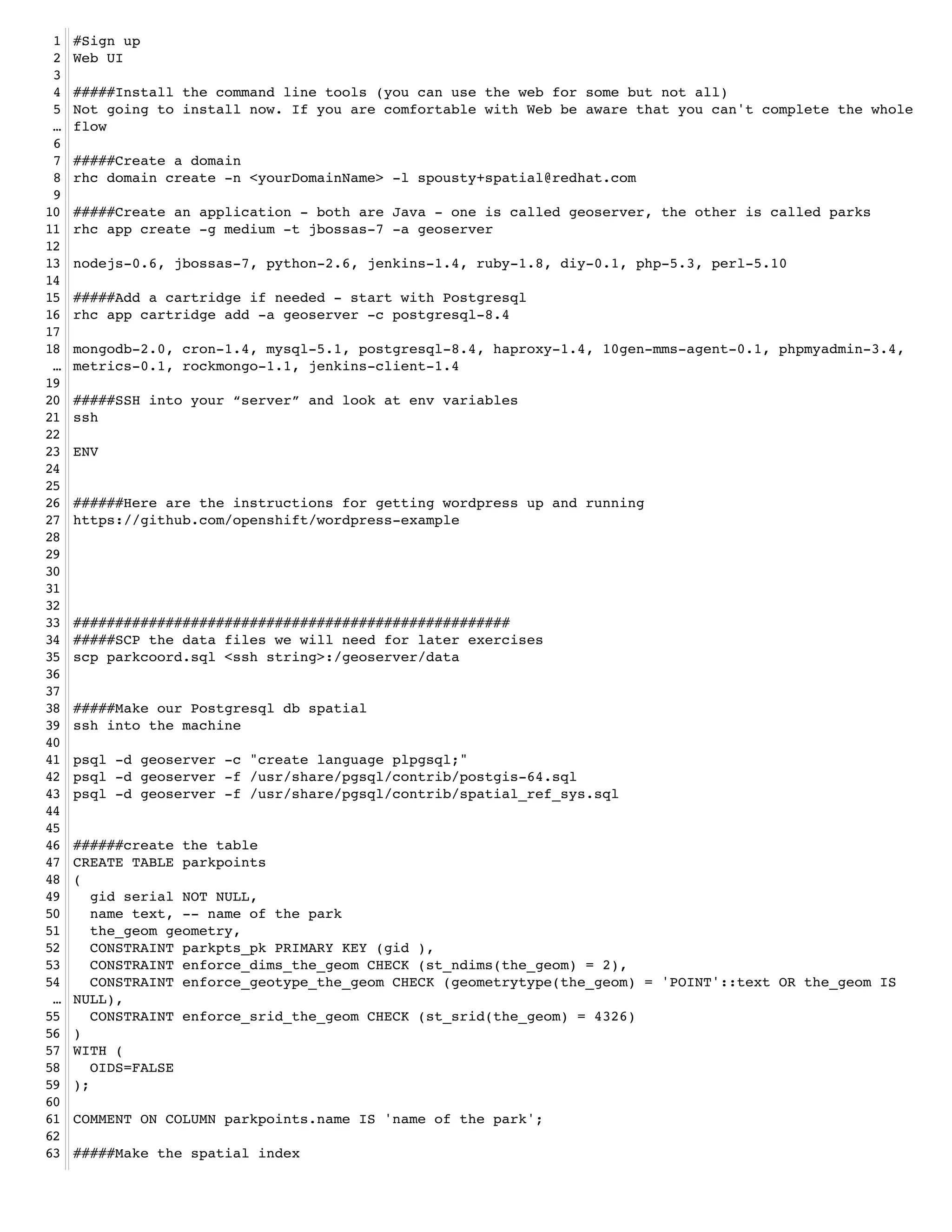
1   #Sign up!
 2   Web UI!
 3   !
 4   #####Install the command line tools (you can use the web for some but not all)!
 5   Not going to install now. If you are comfortable with Web be aware that you can't complete the whole
 …   flow!
 6   !
 7   #####Create a domain !
 8   rhc domain create -n <yourDomainName> -l spousty+spatial@redhat.com !
 9   !
10   #####Create an application - both are Java - one is called geoserver, the other is called parks!
11   rhc app create -g medium -t jbossas-7 -a geoserver!
12   !
13   nodejs-0.6, jbossas-7, python-2.6, jenkins-1.4, ruby-1.8, diy-0.1, php-5.3, perl-5.10!
14   !
15   #####Add a cartridge if needed - start with Postgresql!
16   rhc app cartridge add -a geoserver -c postgresql-8.4 !
17   !
18   mongodb-2.0, cron-1.4, mysql-5.1, postgresql-8.4, haproxy-1.4, 10gen-mms-agent-0.1, phpmyadmin-3.4,
 …   metrics-0.1, rockmongo-1.1, jenkins-client-1.4!
19   !
20   #####SSH into your “server” and look at env variables!
21   ssh!
22   !
23   ENV!
24   !
25   !
26   ######Here are the instructions for getting wordpress up and running!
27   https://github.com/openshift/wordpress-example!
28   !
29   !
30   !
31   !
32   !
33   ####################################################!
34   #####SCP the data files we will need for later exercises!
35   scp parkcoord.sql <ssh string>:/geoserver/data!
36   !
37   !
38   #####Make our Postgresql db spatial!
39   ssh into the machine!
40   !
41   psql -d geoserver -c "create language plpgsql;"!
42   psql -d geoserver -f /usr/share/pgsql/contrib/postgis-64.sql!
43   psql -d geoserver -f /usr/share/pgsql/contrib/spatial_ref_sys.sql!
44   !
45   !
46   ######create the table!
47   CREATE TABLE parkpoints!
48   (!
49      gid serial NOT NULL,!
50      name text, -- name of the park!
51      the_geom geometry,!
52      CONSTRAINT parkpts_pk PRIMARY KEY (gid ),!
53      CONSTRAINT enforce_dims_the_geom CHECK (st_ndims(the_geom) = 2),!
54      CONSTRAINT enforce_geotype_the_geom CHECK (geometrytype(the_geom) = 'POINT'::text OR the_geom IS
 …   NULL),!
55      CONSTRAINT enforce_srid_the_geom CHECK (st_srid(the_geom) = 4326)!
56   )!
57   WITH (!
58      OIDS=FALSE!
59   );!
60   !
61   COMMENT ON COLUMN parkpoints.name IS 'name of the park';!
62   !
63   #####Make the spatial index!
64   CREATE INDEX parkpoints_spatial_idx ON parkpoints USING gist (the_geom );!
 65   !
 66   ######back out to the command line to load the data!
 67   psql -f geoserver/data/parkcoord.sql parkpoints!
 68   !
 69   #####Go in and do a query!
 70   psql geoserver!
 71   SELECT gid, name FROM parkpoints WHERE ST_DWithin('SRID=4326;POINT(-103.8 44.6)',the_geom, 1);!
 72   !
 73   ####################################################!
 74   #####On to MongoDB spatial!
 75   !
 76   #####create another app - called parks!
 77   rhc app create -g medium -t python-2.6 -a parks!
 78   !
 79   nodejs-0.6, jbossas-7, python-2.6, jenkins-1.4, ruby-1.8, diy-0.1, php-5.3, perl-5.10!
 80   !
 81   #####Add a cartridge of mongodb!
 82   rhc app cartridge add -a parks -c mongodb-2.0!
 83   !
 84   #####scp our data up to the server!
 85   scp parkcoord.json <ssh string>:parks/data/!
 86   !
 87   #####ssh into the machine!
 88   ssh <ssh string>!
 89   !
 90   #####import into mongo!
 91   mongoimport -d parks -c parkpoints --type json --file parks/data/parkcoord.json -h
  …   $OPENSHIFT_NOSQL_DB_HOST -u admin -p <your mongo password>!
 92   !
 93   #####open the mongo shell!
 94   mongo -u admin -p <your password> $OPENSHIFT_NOSQL_DB_HOST/parks!
 95   !
 96   #####build the index!
 97   db.parkpoints.ensureIndex({"pos":"2d"});!
 98   !
 99   #####Now some queries!
100   #####simple spatial!
101   db.parkpoints.find({"pos" : { "$near" : [-37, 41]}});!
102   !
103   #####spatial and text query using regex!
104   db.parkpoints.find( { Name : /lincoln/i, pos : { $near : [-37,41] }} );!
105   !
106   #####geonear TODO!
107   db.runCommand({ geoNear : "parkpoints", near : [-37,41], num : 10 });!
108   !
109   !
110   ####################################################!
111   #####Now to load geoserver !
112   #copy the modified war file into the git deployment directory!
113   #need to add the jboss-services.xml into the war file! !
114   #Make changes in your git repo!
115   git add .!
116   git commit -m "adding geoserver"!
117   git push!
118   !
119   #wait for it to deploy!
120   #then hit the url and work away!
121   #let's hook up postgis from before!
122   #preview the layer!
123   !
124   !
125   !
126   !
127   !
128   !
129   !
130   #Make changes in your git repo!
131   git add .!
132   git commit -m "my first commit"!
133   git push!
134   !
135   #SSH into your “server” and look at env variables!
136   ssh!
137   !
138   ENV!
139   !
140   #WIN!!
141   !
142

Script for the geomeetup presentation

  • 1.
    1 #Sign up! 2 Web UI! 3 ! 4 #####Install the command line tools (you can use the web for some but not all)! 5 Not going to install now. If you are comfortable with Web be aware that you can't complete the whole … flow! 6 ! 7 #####Create a domain ! 8 rhc domain create -n <yourDomainName> -l spousty+spatial@redhat.com ! 9 ! 10 #####Create an application - both are Java - one is called geoserver, the other is called parks! 11 rhc app create -g medium -t jbossas-7 -a geoserver! 12 ! 13 nodejs-0.6, jbossas-7, python-2.6, jenkins-1.4, ruby-1.8, diy-0.1, php-5.3, perl-5.10! 14 ! 15 #####Add a cartridge if needed - start with Postgresql! 16 rhc app cartridge add -a geoserver -c postgresql-8.4 ! 17 ! 18 mongodb-2.0, cron-1.4, mysql-5.1, postgresql-8.4, haproxy-1.4, 10gen-mms-agent-0.1, phpmyadmin-3.4, … metrics-0.1, rockmongo-1.1, jenkins-client-1.4! 19 ! 20 #####SSH into your “server” and look at env variables! 21 ssh! 22 ! 23 ENV! 24 ! 25 ! 26 ######Here are the instructions for getting wordpress up and running! 27 https://github.com/openshift/wordpress-example! 28 ! 29 ! 30 ! 31 ! 32 ! 33 ####################################################! 34 #####SCP the data files we will need for later exercises! 35 scp parkcoord.sql <ssh string>:/geoserver/data! 36 ! 37 ! 38 #####Make our Postgresql db spatial! 39 ssh into the machine! 40 ! 41 psql -d geoserver -c "create language plpgsql;"! 42 psql -d geoserver -f /usr/share/pgsql/contrib/postgis-64.sql! 43 psql -d geoserver -f /usr/share/pgsql/contrib/spatial_ref_sys.sql! 44 ! 45 ! 46 ######create the table! 47 CREATE TABLE parkpoints! 48 (! 49 gid serial NOT NULL,! 50 name text, -- name of the park! 51 the_geom geometry,! 52 CONSTRAINT parkpts_pk PRIMARY KEY (gid ),! 53 CONSTRAINT enforce_dims_the_geom CHECK (st_ndims(the_geom) = 2),! 54 CONSTRAINT enforce_geotype_the_geom CHECK (geometrytype(the_geom) = 'POINT'::text OR the_geom IS … NULL),! 55 CONSTRAINT enforce_srid_the_geom CHECK (st_srid(the_geom) = 4326)! 56 )! 57 WITH (! 58 OIDS=FALSE! 59 );! 60 ! 61 COMMENT ON COLUMN parkpoints.name IS 'name of the park';! 62 ! 63 #####Make the spatial index!
  • 2.
    64 CREATE INDEX parkpoints_spatial_idx ON parkpoints USING gist (the_geom );! 65 ! 66 ######back out to the command line to load the data! 67 psql -f geoserver/data/parkcoord.sql parkpoints! 68 ! 69 #####Go in and do a query! 70 psql geoserver! 71 SELECT gid, name FROM parkpoints WHERE ST_DWithin('SRID=4326;POINT(-103.8 44.6)',the_geom, 1);! 72 ! 73 ####################################################! 74 #####On to MongoDB spatial! 75 ! 76 #####create another app - called parks! 77 rhc app create -g medium -t python-2.6 -a parks! 78 ! 79 nodejs-0.6, jbossas-7, python-2.6, jenkins-1.4, ruby-1.8, diy-0.1, php-5.3, perl-5.10! 80 ! 81 #####Add a cartridge of mongodb! 82 rhc app cartridge add -a parks -c mongodb-2.0! 83 ! 84 #####scp our data up to the server! 85 scp parkcoord.json <ssh string>:parks/data/! 86 ! 87 #####ssh into the machine! 88 ssh <ssh string>! 89 ! 90 #####import into mongo! 91 mongoimport -d parks -c parkpoints --type json --file parks/data/parkcoord.json -h … $OPENSHIFT_NOSQL_DB_HOST -u admin -p <your mongo password>! 92 ! 93 #####open the mongo shell! 94 mongo -u admin -p <your password> $OPENSHIFT_NOSQL_DB_HOST/parks! 95 ! 96 #####build the index! 97 db.parkpoints.ensureIndex({"pos":"2d"});! 98 ! 99 #####Now some queries! 100 #####simple spatial! 101 db.parkpoints.find({"pos" : { "$near" : [-37, 41]}});! 102 ! 103 #####spatial and text query using regex! 104 db.parkpoints.find( { Name : /lincoln/i, pos : { $near : [-37,41] }} );! 105 ! 106 #####geonear TODO! 107 db.runCommand({ geoNear : "parkpoints", near : [-37,41], num : 10 });! 108 ! 109 ! 110 ####################################################! 111 #####Now to load geoserver ! 112 #copy the modified war file into the git deployment directory! 113 #need to add the jboss-services.xml into the war file! ! 114 #Make changes in your git repo! 115 git add .! 116 git commit -m "adding geoserver"! 117 git push! 118 ! 119 #wait for it to deploy! 120 #then hit the url and work away! 121 #let's hook up postgis from before! 122 #preview the layer! 123 ! 124 ! 125 ! 126 ! 127 ! 128 !
  • 3.
    129 ! 130 #Make changes in your git repo! 131 git add .! 132 git commit -m "my first commit"! 133 git push! 134 ! 135 #SSH into your “server” and look at env variables! 136 ssh! 137 ! 138 ENV! 139 ! 140 #WIN!! 141 ! 142