Pro IT Consulting 
Scaling apps for the big time
The Challenge? 
• You have an app that works 
• You have users that like it 
Awesome 
• Performance is suffering as you scale. 
• Reliability is getting worse, not better. 
• As your data sets grow, 
the problems are more pronounced. 
• The operations team are talking about problems, not 
solutions 
Not so awesome
So what happens if you win big?
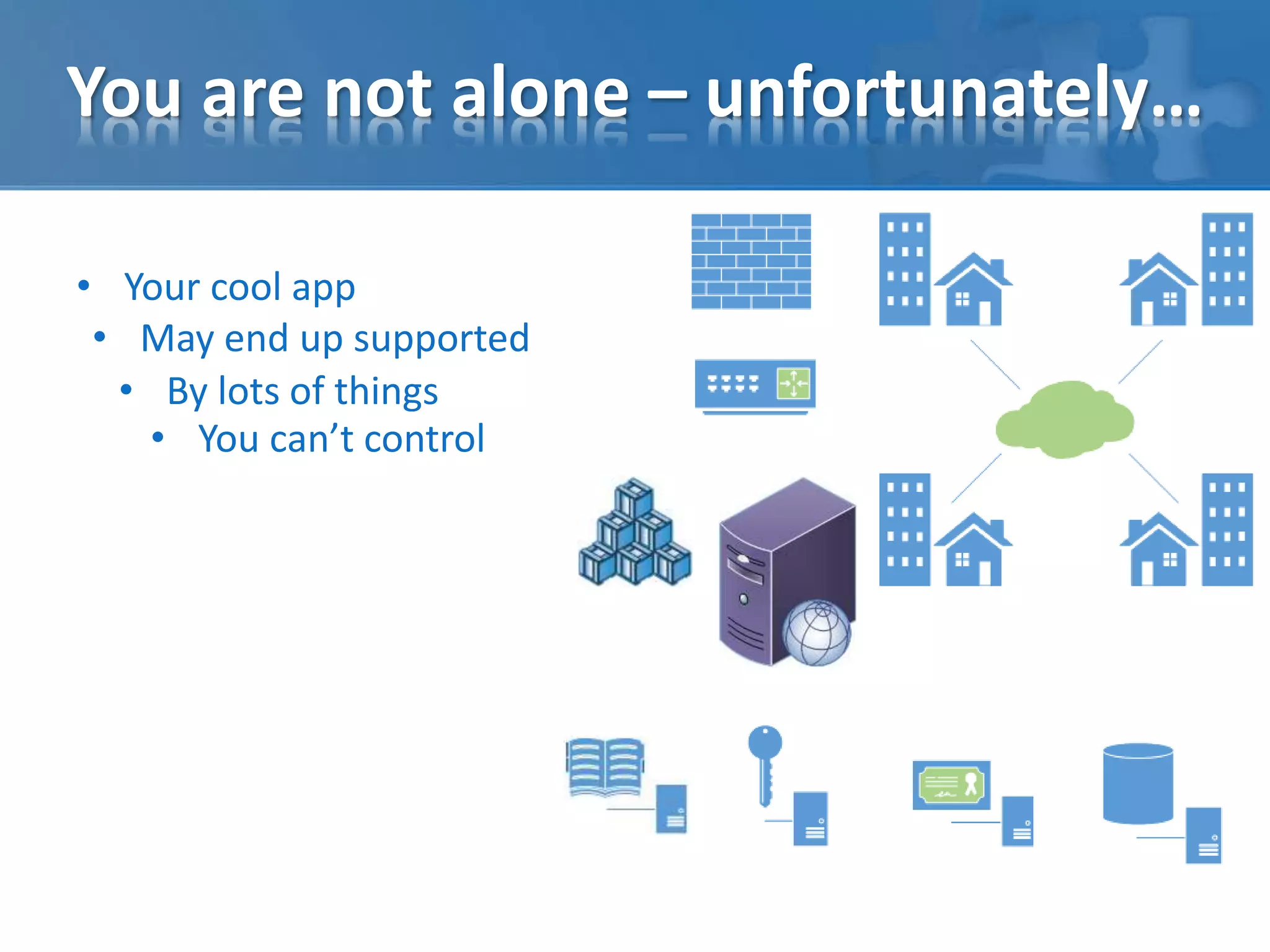
You are not alone – unfortunately… 
• Your cool app 
• May end up supported 
• By lots of things 
• You can’t control
You are not alone – unfortunately…
What is the root cause? 
• Take the time to understand what happens when your code 
asks the server to do some task. 
select * from 
some_production_table_with_100,000,000_records 
Is really not the same workload as 
select * from some_dev_table_with_100_records 
• Look for evidence in logs and tools that provide real insight.
What is the root cause?
Issues of priority… 
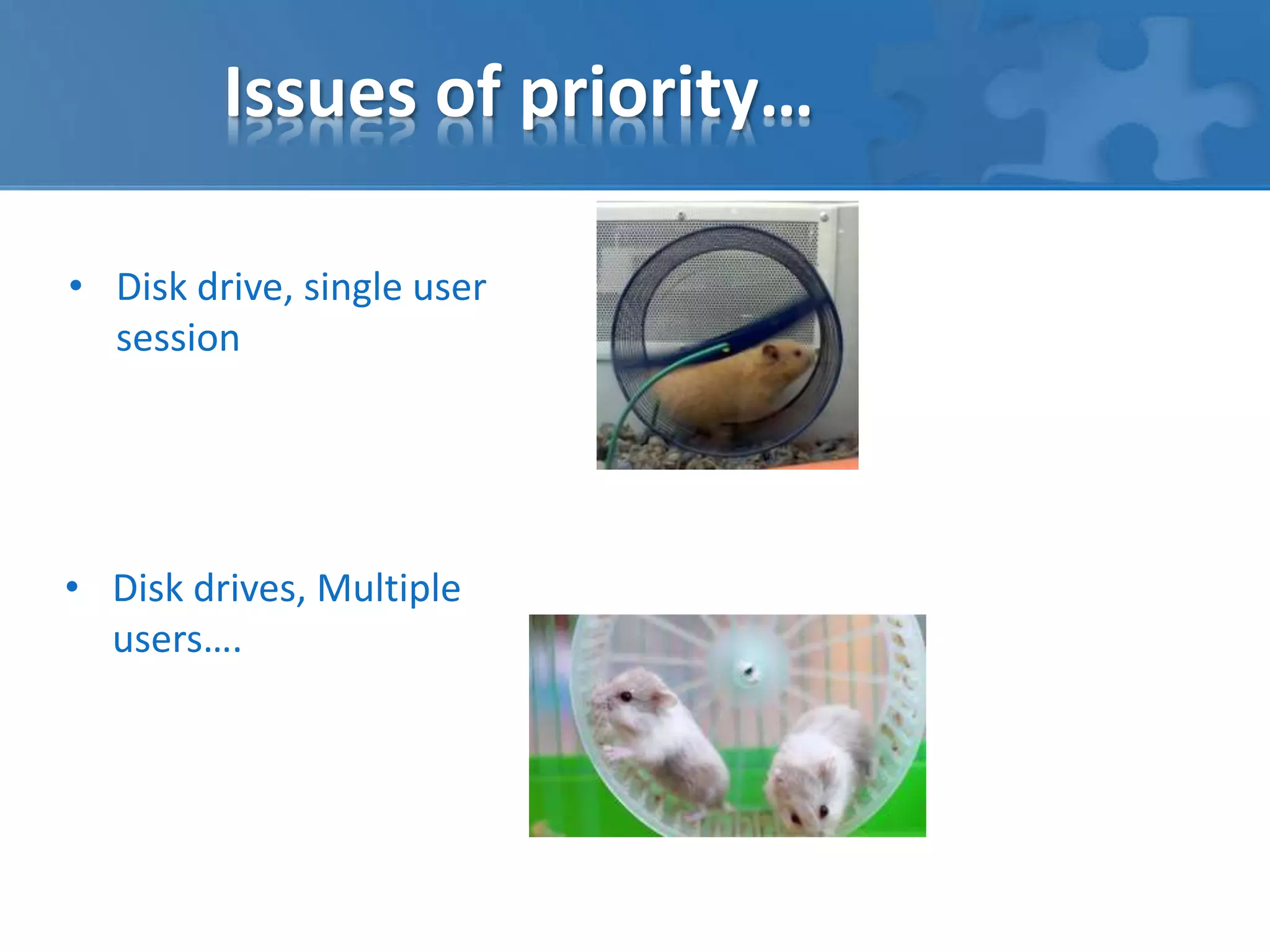
• Disk drive, single user 
session 
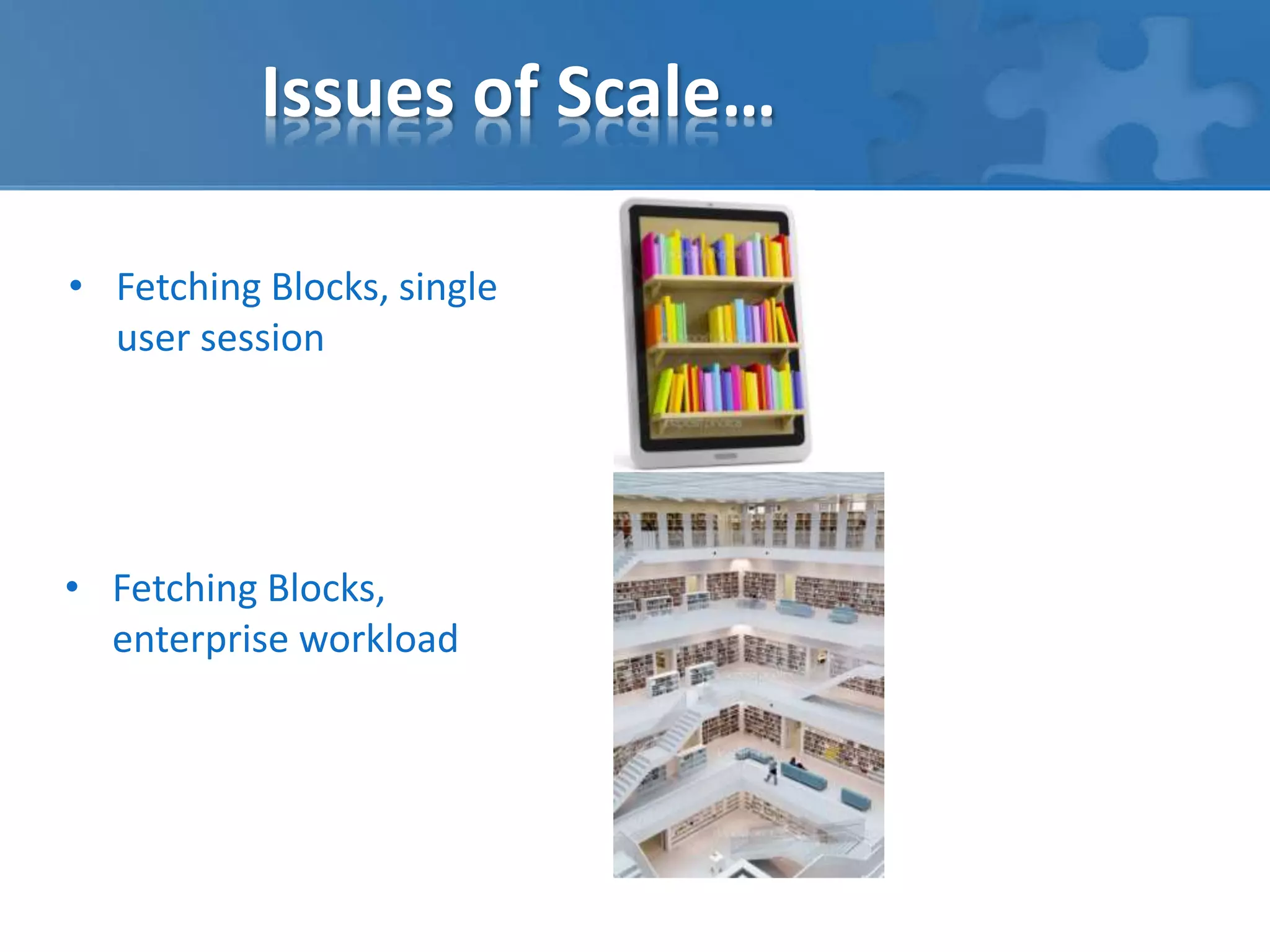
• Disk drives, Multiple 
users….
Issues of Scale… 
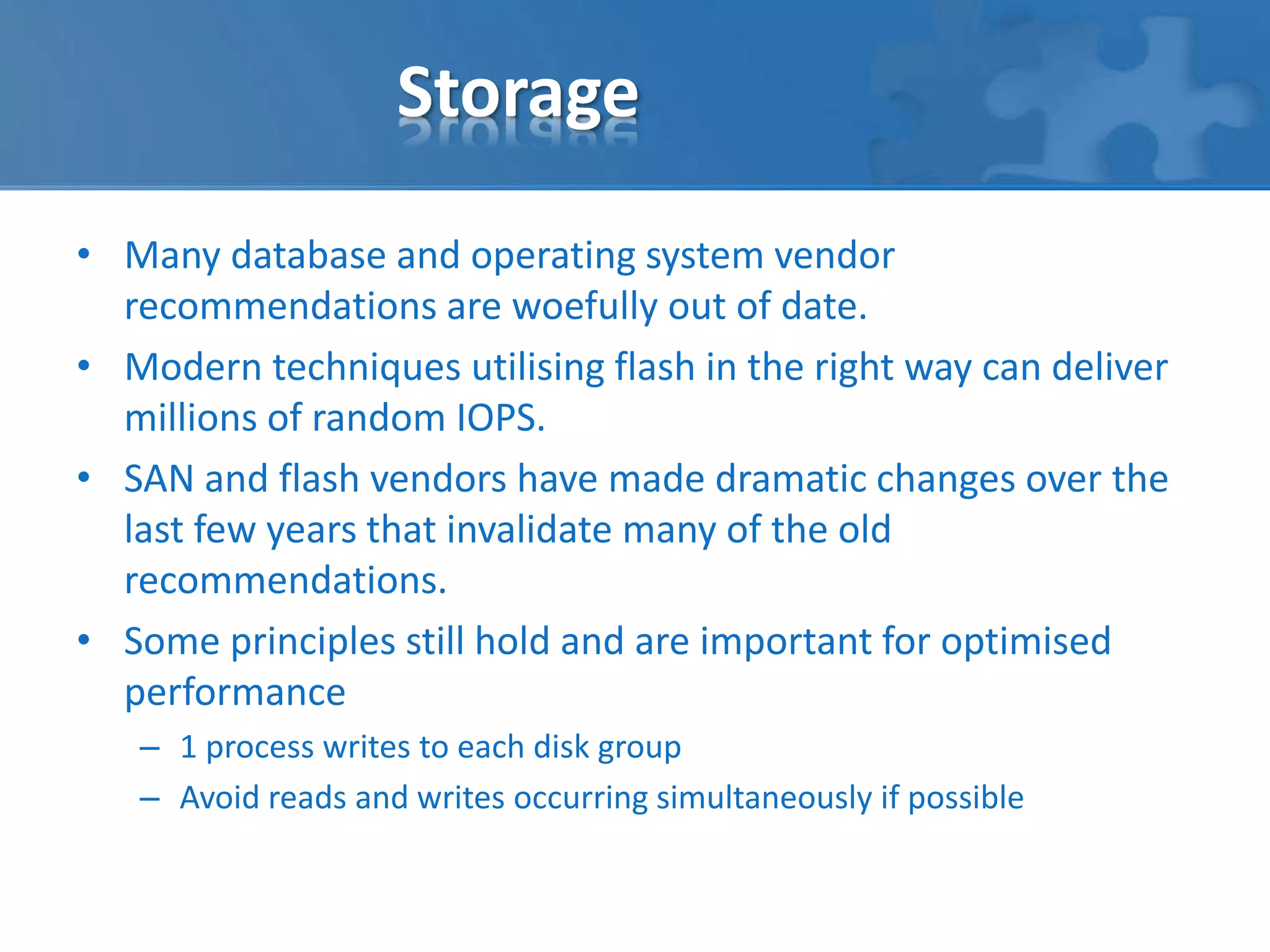
• Fetching Blocks, single 
user session 
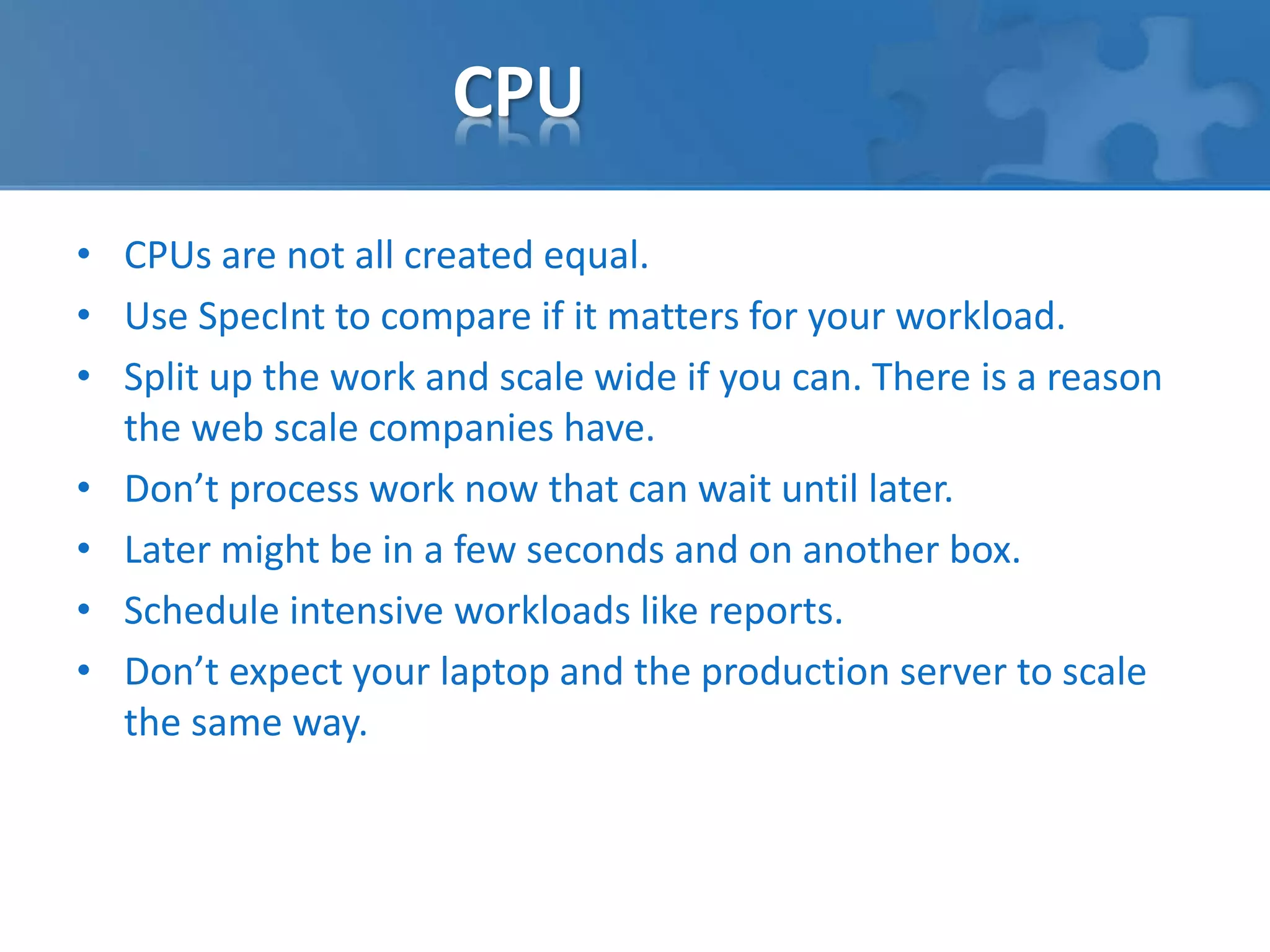
• Fetching Blocks, 
enterprise workload
Storage 
• Many database and operating system vendor 
recommendations are woefully out of date. 
• Modern techniques utilising flash in the right way can deliver 
millions of random IOPS. 
• SAN and flash vendors have made dramatic changes over the 
last few years that invalidate many of the old 
recommendations. 
• Some principles still hold and are important for optimised 
performance 
– 1 process writes to each disk group 
– Avoid reads and writes occurring simultaneously if possible
CPU 
• CPUs are not all created equal. 
• Use SpecInt to compare if it matters for your workload. 
• Split up the work and scale wide if you can. There is a reason 
the web scale companies have. 
• Don’t process work now that can wait until later. 
• Later might be in a few seconds and on another box. 
• Schedule intensive workloads like reports. 
• Don’t expect your laptop and the production server to scale 
the same way.
Memory 
• Memory is addressable in various forms with performance 
tradeoffs for capacity. 
• Use the lowest latency one you can afford. 
Memory Type Typical Capacity Approximate 
Access time 
CPU cache 30MB < 10 ns 
DDR3 64GB <100ns 
SSD ~ 800GB <20,000ns 
FC or SAS ~ 1TB <20,000,000ns 
SATA 4TB + <8,000,000ns
Network 
• Why is it that we conceptualise networks from an individual 
point of view?
Network 
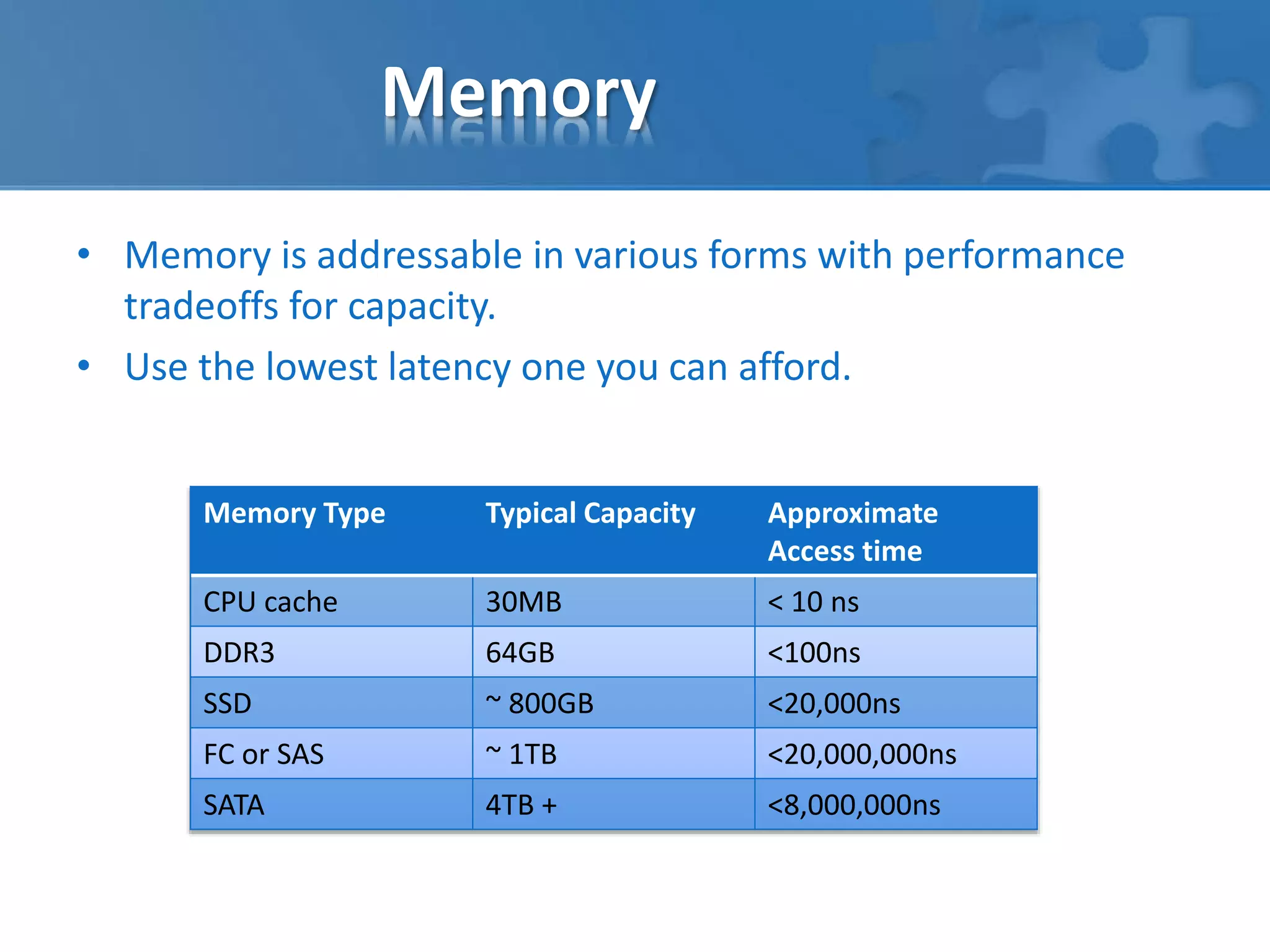
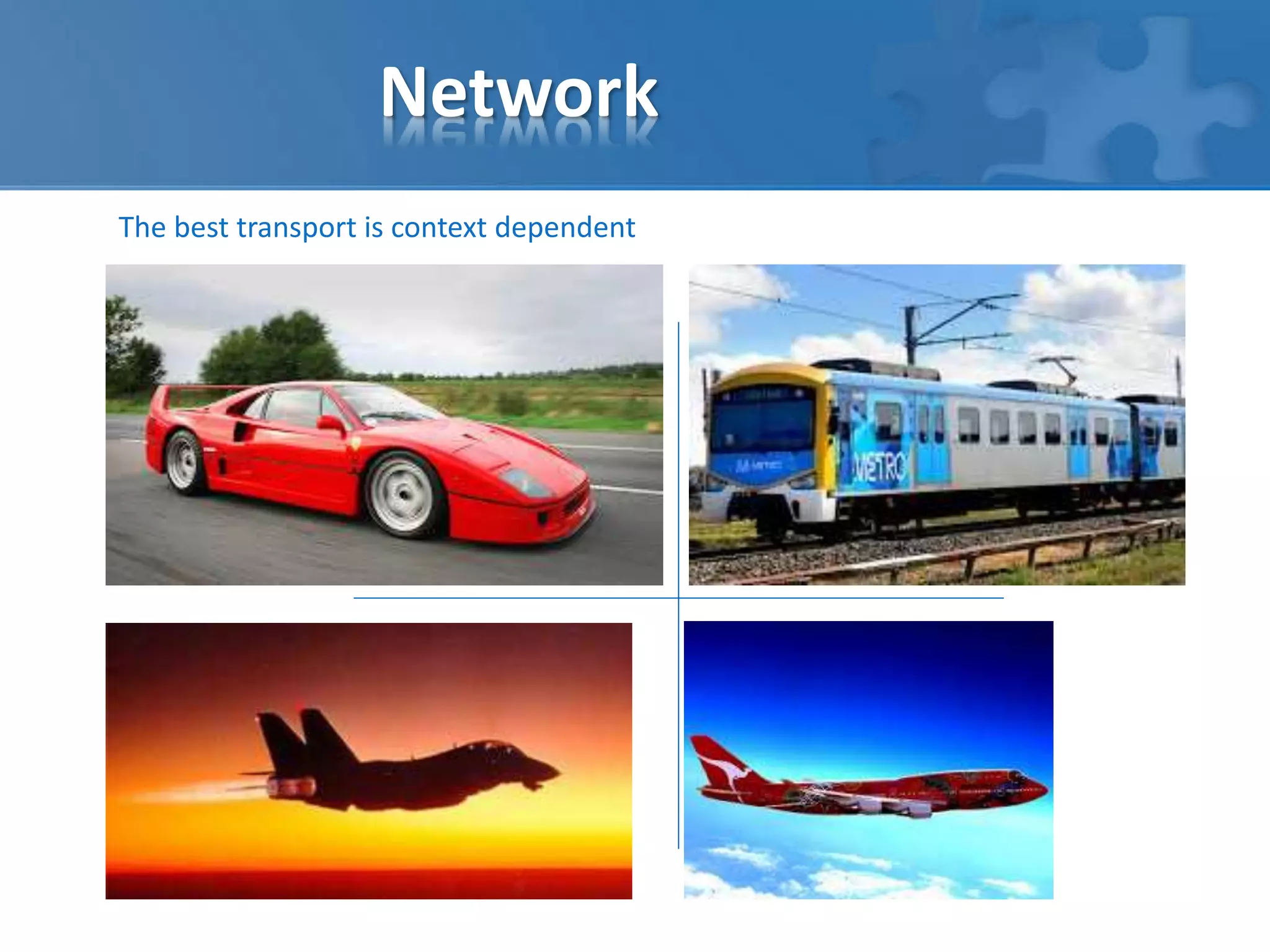
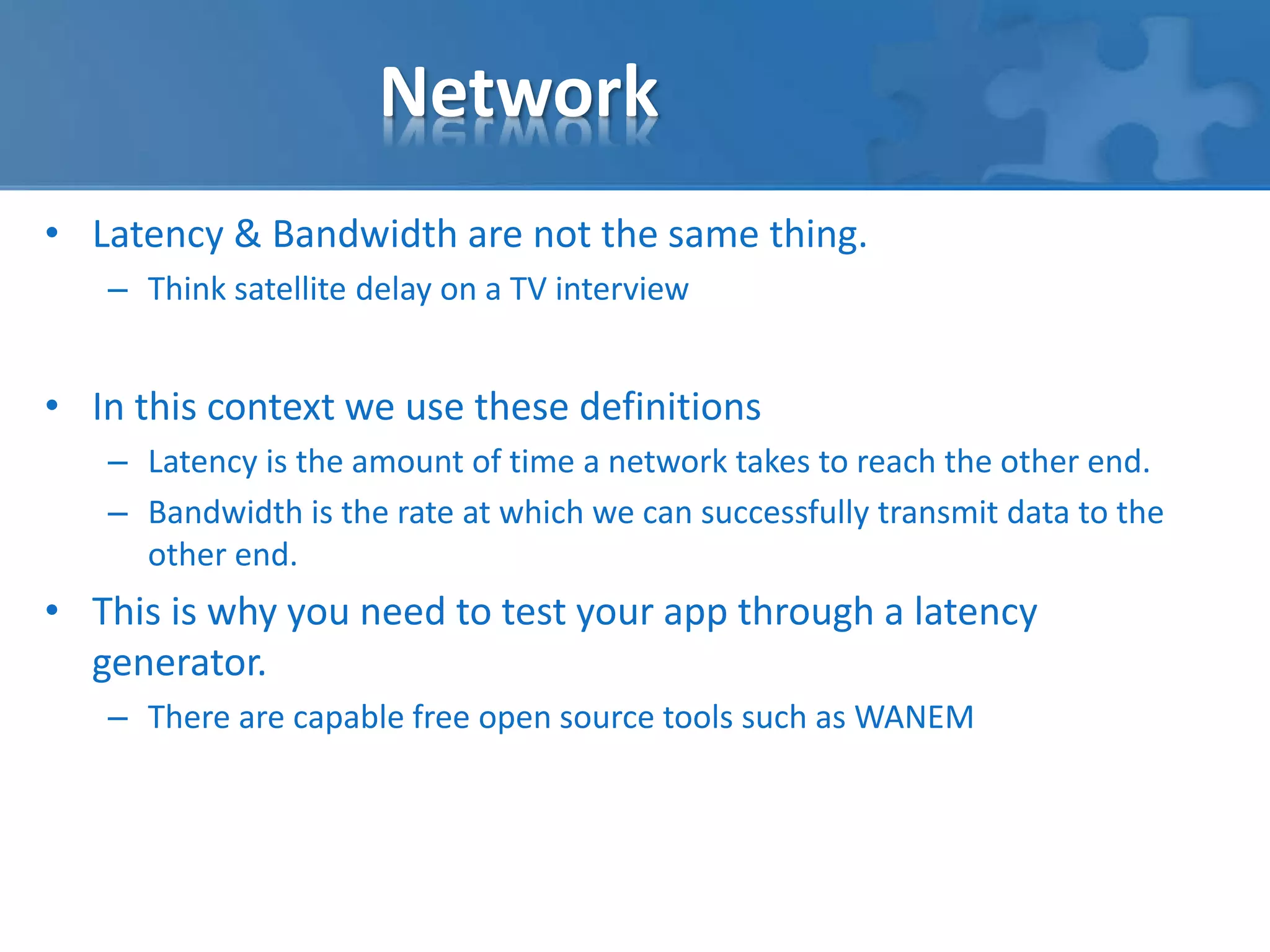
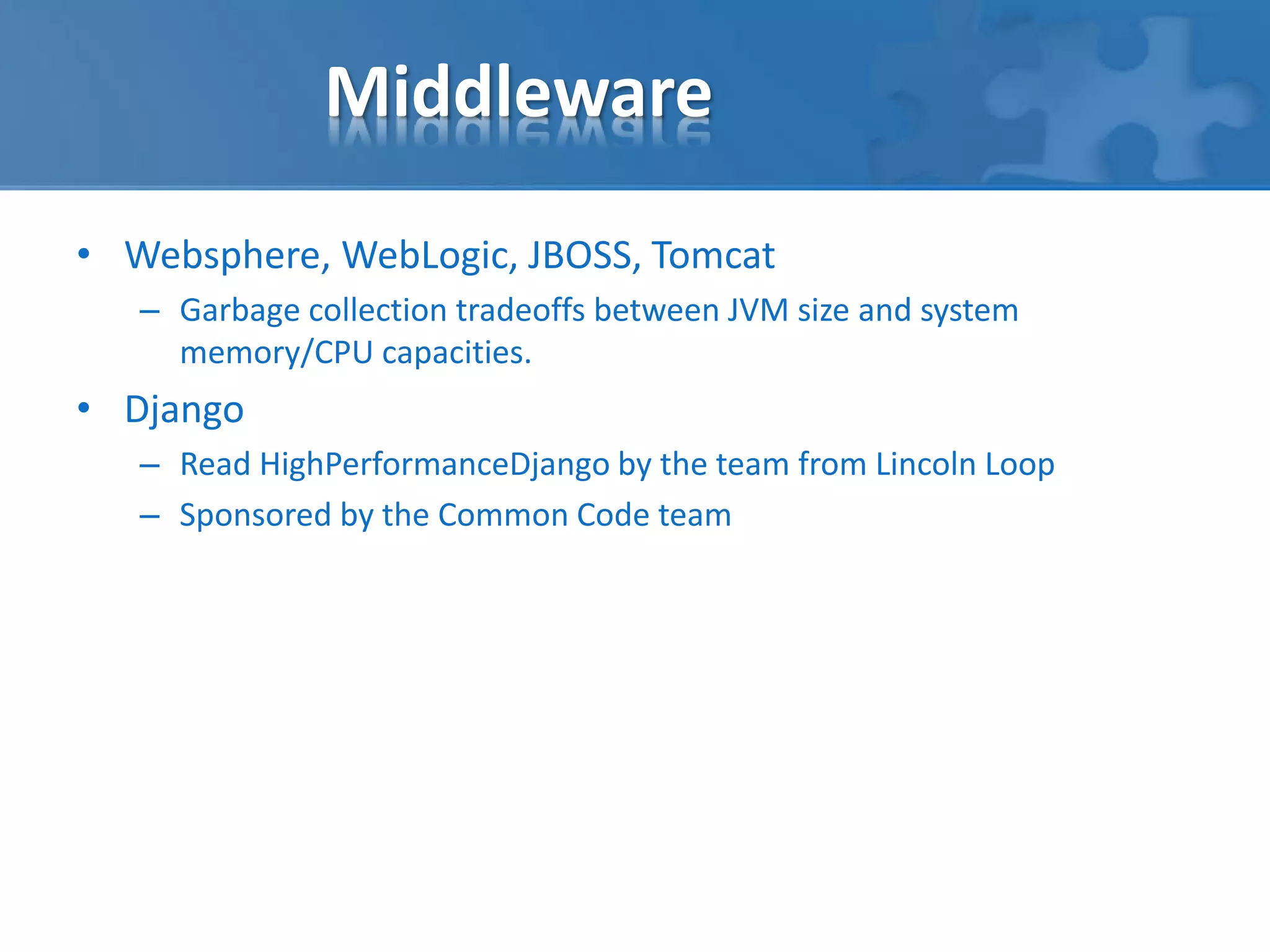
The best transport is context dependent
Network 
• Latency & Bandwidth are not the same thing. 
– Think satellite delay on a TV interview 
• In this context we use these definitions 
– Latency is the amount of time a network takes to reach the other end. 
– Bandwidth is the rate at which we can successfully transmit data to the 
other end. 
• This is why you need to test your app through a latency 
generator. 
– There are capable free open source tools such as WANEM
Middleware 
• Websphere, WebLogic, JBOSS, Tomcat 
– Garbage collection tradeoffs between JVM size and system 
memory/CPU capacities. 
• Django 
– Read HighPerformanceDjango by the team from Lincoln Loop 
– Sponsored by the Common Code team
SQL databases 
• Microsoft SQL, Oracle DB, PostgreSQL & MySQL. 
• Various strengths & weaknesses for each but have some key 
things in common. 
• Offload reporting away from OLTP workloads 
• Indexes are important 
• Transaction Logs are a performance bottleneck 
• Think deeply about scaling out 
• Think about caching queries 
• Backups are critical because you will need to restore one day
Backup is about Restore 
• Enterprise wide backup will find all your infrastructure failings 
by pushing more data for longer while other work continues. 
• Test your restores. Really, test them. 
• Offload large backups away from your production systems.
Questions? 
How to get in touch? 
James Clifford 
Email: james@proitconsulting.com.au 
Phone: 0421 648 034 
Brenton Carbins 
Email: brenton@proitconsulting.com.au 
Phone: 0409 779 230

Scaling apps for the big time

  • 1.
    Pro IT Consulting Scaling apps for the big time
  • 2.
    The Challenge? •You have an app that works • You have users that like it Awesome • Performance is suffering as you scale. • Reliability is getting worse, not better. • As your data sets grow, the problems are more pronounced. • The operations team are talking about problems, not solutions Not so awesome
  • 3.
    So what happensif you win big?
  • 4.
    You are notalone – unfortunately… • Your cool app • May end up supported • By lots of things • You can’t control
  • 5.
    You are notalone – unfortunately…
  • 6.
    What is theroot cause? • Take the time to understand what happens when your code asks the server to do some task. select * from some_production_table_with_100,000,000_records Is really not the same workload as select * from some_dev_table_with_100_records • Look for evidence in logs and tools that provide real insight.
  • 7.
    What is theroot cause?
  • 8.
    Issues of priority… • Disk drive, single user session • Disk drives, Multiple users….
  • 9.
    Issues of Scale… • Fetching Blocks, single user session • Fetching Blocks, enterprise workload
  • 10.
    Storage • Manydatabase and operating system vendor recommendations are woefully out of date. • Modern techniques utilising flash in the right way can deliver millions of random IOPS. • SAN and flash vendors have made dramatic changes over the last few years that invalidate many of the old recommendations. • Some principles still hold and are important for optimised performance – 1 process writes to each disk group – Avoid reads and writes occurring simultaneously if possible
  • 11.
    CPU • CPUsare not all created equal. • Use SpecInt to compare if it matters for your workload. • Split up the work and scale wide if you can. There is a reason the web scale companies have. • Don’t process work now that can wait until later. • Later might be in a few seconds and on another box. • Schedule intensive workloads like reports. • Don’t expect your laptop and the production server to scale the same way.
  • 12.
    Memory • Memoryis addressable in various forms with performance tradeoffs for capacity. • Use the lowest latency one you can afford. Memory Type Typical Capacity Approximate Access time CPU cache 30MB < 10 ns DDR3 64GB <100ns SSD ~ 800GB <20,000ns FC or SAS ~ 1TB <20,000,000ns SATA 4TB + <8,000,000ns
  • 13.
    Network • Whyis it that we conceptualise networks from an individual point of view?
  • 14.
    Network The besttransport is context dependent
  • 15.
    Network • Latency& Bandwidth are not the same thing. – Think satellite delay on a TV interview • In this context we use these definitions – Latency is the amount of time a network takes to reach the other end. – Bandwidth is the rate at which we can successfully transmit data to the other end. • This is why you need to test your app through a latency generator. – There are capable free open source tools such as WANEM
  • 16.
    Middleware • Websphere,WebLogic, JBOSS, Tomcat – Garbage collection tradeoffs between JVM size and system memory/CPU capacities. • Django – Read HighPerformanceDjango by the team from Lincoln Loop – Sponsored by the Common Code team
  • 17.
    SQL databases •Microsoft SQL, Oracle DB, PostgreSQL & MySQL. • Various strengths & weaknesses for each but have some key things in common. • Offload reporting away from OLTP workloads • Indexes are important • Transaction Logs are a performance bottleneck • Think deeply about scaling out • Think about caching queries • Backups are critical because you will need to restore one day
  • 18.
    Backup is aboutRestore • Enterprise wide backup will find all your infrastructure failings by pushing more data for longer while other work continues. • Test your restores. Really, test them. • Offload large backups away from your production systems.
  • 19.
    Questions? How toget in touch? James Clifford Email: james@proitconsulting.com.au Phone: 0421 648 034 Brenton Carbins Email: brenton@proitconsulting.com.au Phone: 0409 779 230

Editor's Notes

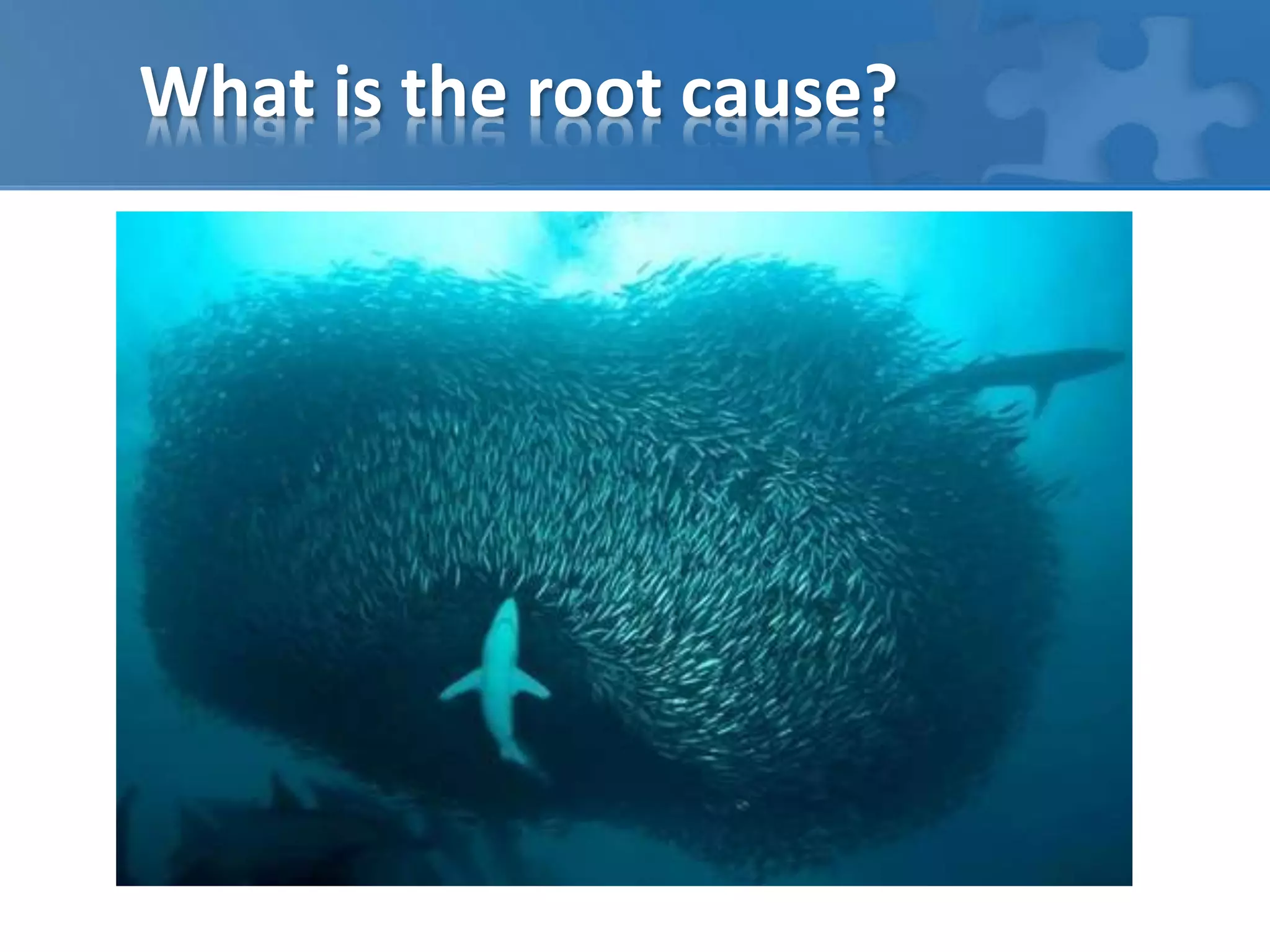
  • #7 You are not the only fish in the sea…
  • #8 You are not the only fish in the sea…