CI/CD Deployment in Salesforce
High-Level Overview with Visuals
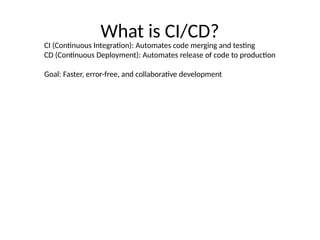
What is CI/CD?
CI (Continuous Integration): Automates code merging and testing
CD (Continuous Deployment): Automates release of code to production
Goal: Faster, error-free, and collaborative development
Why CI/CD for Salesforce?
• • Eliminate manual errors
• • Accelerate release cycles
• • Improve code quality
• • Increase team collaboration
• • Traceable and repeatable deployments
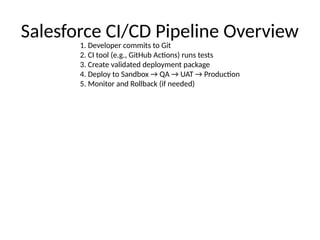
Salesforce CI/CD Pipeline Overview
1. Developer commits to Git
2. CI tool (e.g., GitHub Actions) runs tests
3. Create validated deployment package
4. Deploy to Sandbox → QA → UAT → Production
5. Monitor and Rollback (if needed)
Key Tools and Technologies
• • Source Control: GitHub, GitLab
• • CI Server: GitHub Actions, Jenkins
• • Deployment: SFDX CLI, Copado, Gearset
• • Testing: Apex, Selenium, Provar
Benefits of CI/CD in Salesforce
• • Faster time to market
• • Improved code quality
• • Reduced deployment risks
• • Better compliance and rollback
• • Consistent delivery process
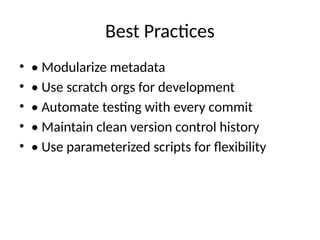
Best Practices
• • Modularize metadata
• • Use scratch orgs for development
• • Automate testing with every commit
• • Maintain clean version control history
• • Use parameterized scripts for flexibility
Questions & Answers
Let's discuss how to streamline your
Salesforce deployments with CI/CD

Salesforce_CICD_Overview_Visual By Tushar.pptx

  • 1.
    CI/CD Deployment inSalesforce High-Level Overview with Visuals
  • 2.
    What is CI/CD? CI(Continuous Integration): Automates code merging and testing CD (Continuous Deployment): Automates release of code to production Goal: Faster, error-free, and collaborative development
  • 3.
    Why CI/CD forSalesforce? • • Eliminate manual errors • • Accelerate release cycles • • Improve code quality • • Increase team collaboration • • Traceable and repeatable deployments
  • 4.
    Salesforce CI/CD PipelineOverview 1. Developer commits to Git 2. CI tool (e.g., GitHub Actions) runs tests 3. Create validated deployment package 4. Deploy to Sandbox → QA → UAT → Production 5. Monitor and Rollback (if needed)
  • 5.
    Key Tools andTechnologies • • Source Control: GitHub, GitLab • • CI Server: GitHub Actions, Jenkins • • Deployment: SFDX CLI, Copado, Gearset • • Testing: Apex, Selenium, Provar
  • 6.
    Benefits of CI/CDin Salesforce • • Faster time to market • • Improved code quality • • Reduced deployment risks • • Better compliance and rollback • • Consistent delivery process
  • 7.
    Best Practices • •Modularize metadata • • Use scratch orgs for development • • Automate testing with every commit • • Maintain clean version control history • • Use parameterized scripts for flexibility
  • 8.
    Questions & Answers Let'sdiscuss how to streamline your Salesforce deployments with CI/CD