RUBY
:

The Wheel Technology
HISTORY
  Ruby was conceived on February 24, 1993
 by Yukihiro Matsumoto (a.k.a “Matz”)who wished to
 create a new language that balanced function
 programming with imperative programming.

 Matsumoto has stated, "I wanted a scripting language
 that was more powerful than Perl, and more object-
 oriented than Python.

 At a Google Tech Talk in 2008 Matsumoto further
 stated, "I hope to see Ruby help every programmer in
 the world to be productive, and to enjoy
 programming, and to be happy. That is the primary
 purpose of Ruby language."
PRINCIPLE
 Ruby is said to follow the principle of least
 astonishment (POLA), meaning that the language
 should behave in such a way as to minimize
 confusion for experienced users.

 Matsumoto has said his primary design goal was to
 make a language which he himself enjoyed
 using, by minimizing programmer work and
 possible confusion.
COMPARISON

Dynamic vs. Static typing


Scripting      vs. Complied Language
-use interpreter   -use compiler

Object oriented vs. Procedure oriented
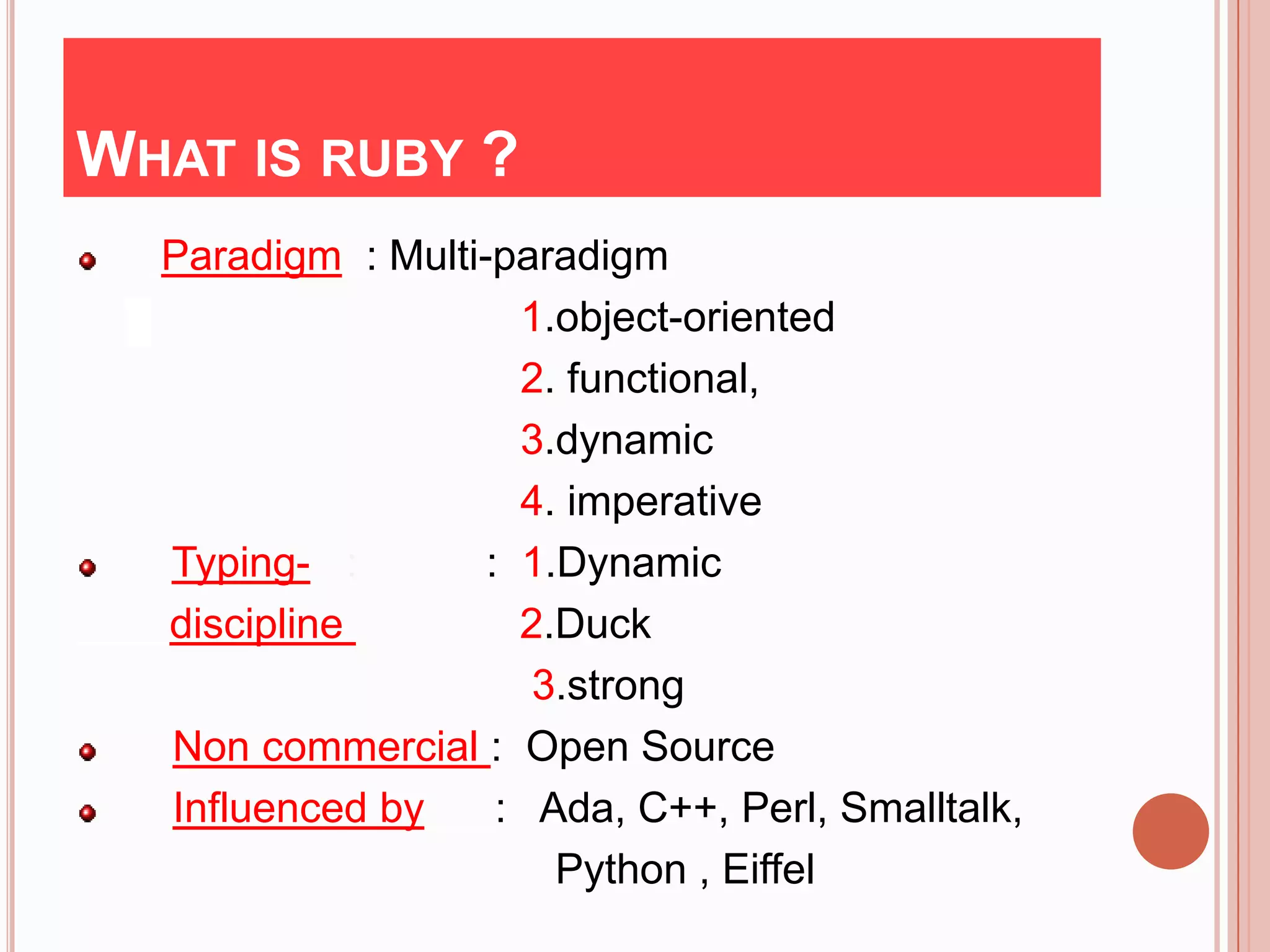
WHAT IS RUBY ?
  Paradigm : Multi-paradigm
                     1.object-oriented
                     2. functional,
                     3.dynamic
                     4. imperative
  Typing- :        : 1.Dynamic
  discipline         2.Duck
                      3.strong
  Non commercial : Open Source
  Influenced by     : Ada, C++, Perl, Smalltalk,
                       Python , Eiffel
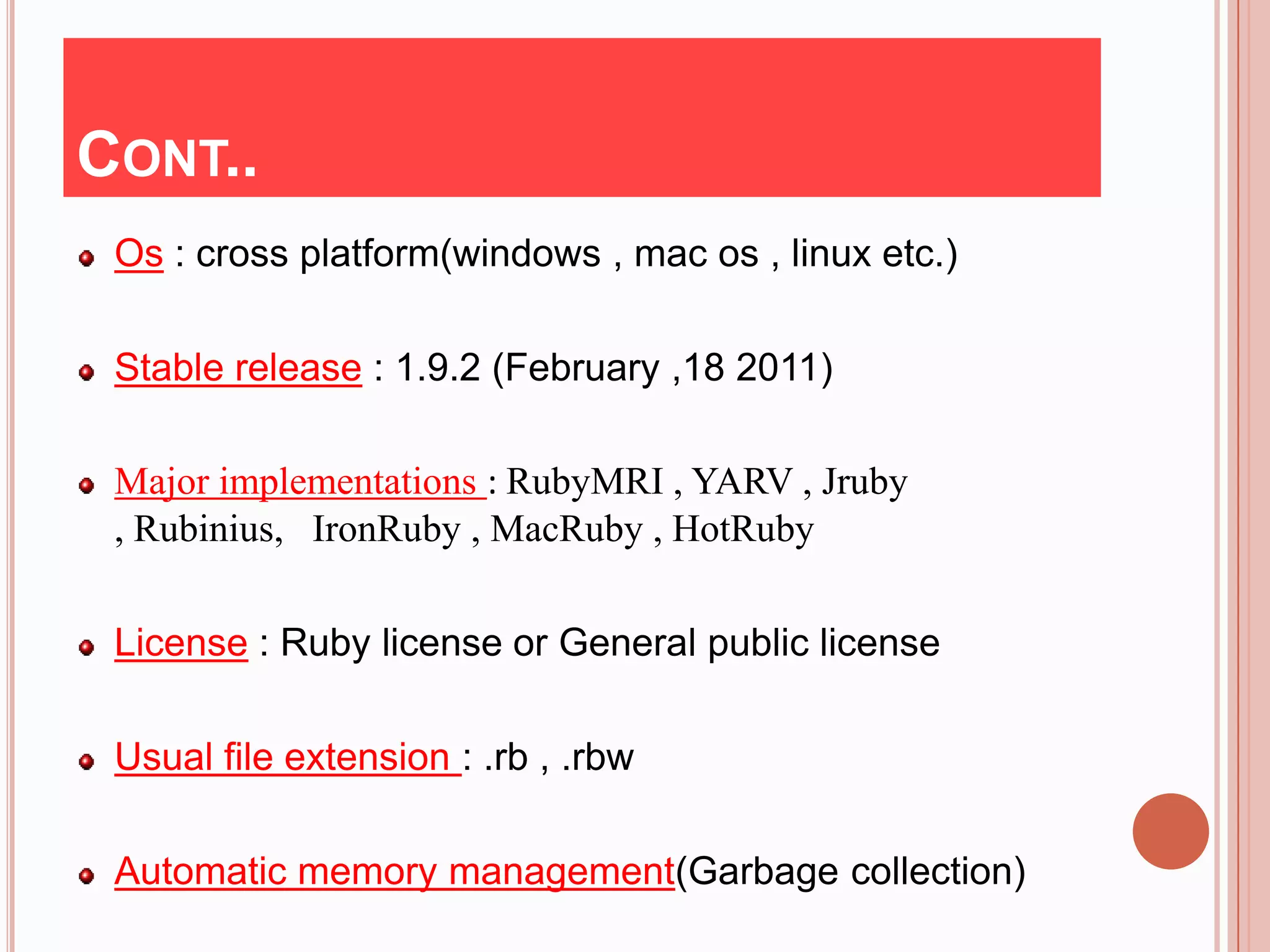
CONT..
 Os : cross platform(windows , mac os , linux etc.)

 Stable release : 1.9.2 (February ,18 2011)

 Major implementations : RubyMRI , YARV , Jruby
 , Rubinius, IronRuby , MacRuby , HotRuby

 License : Ruby license or General public license

 Usual file extension : .rb , .rbw

 Automatic memory management(Garbage collection)
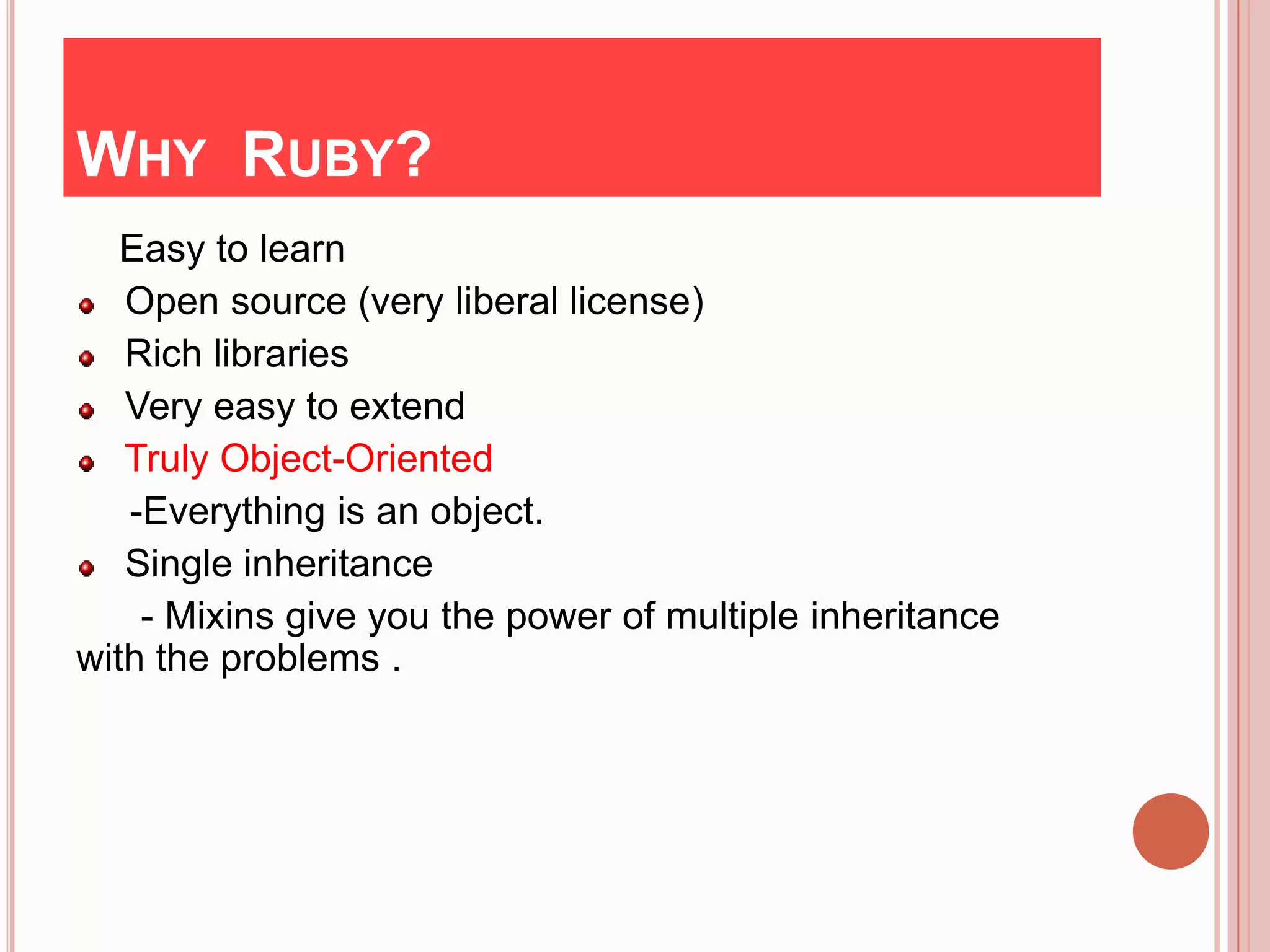
WHY RUBY?
   Easy to learn
   Open source (very liberal license)
   Rich libraries
   Very easy to extend
   Truly Object-Oriented
   -Everything is an object.
   Single inheritance
    - Mixins give you the power of multiple inheritance
with the problems .
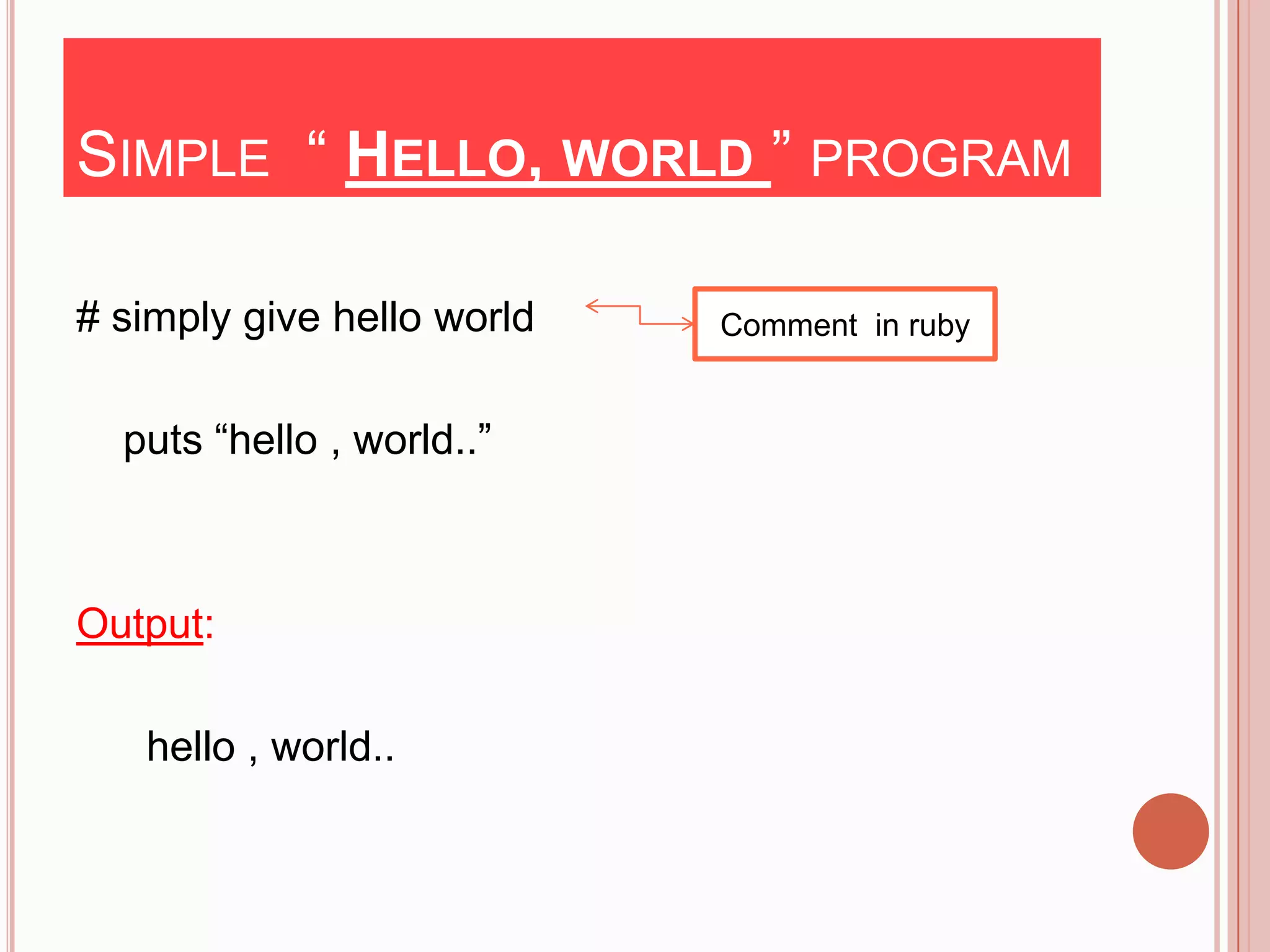
SIMPLE “ HELLO, WORLD ” PROGRAM

# simply give hello world   Comment in ruby


  puts “hello , world..”


Output:

   hello , world..
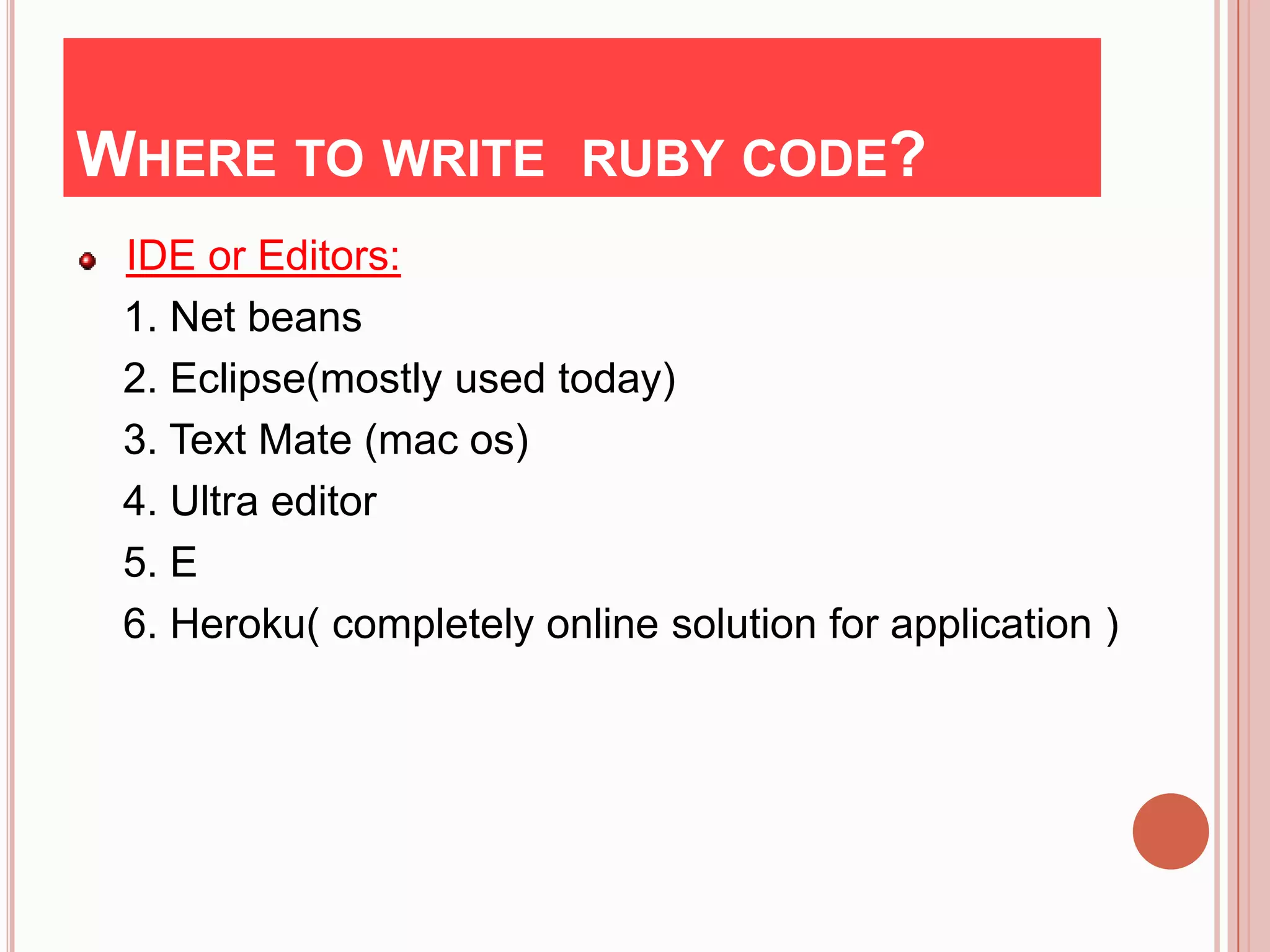
WHERE TO WRITE RUBY CODE?
 IDE or Editors:
 1. Net beans
 2. Eclipse(mostly used today)
 3. Text Mate (mac os)
 4. Ultra editor
 5. E
 6. Heroku( completely online solution for application )
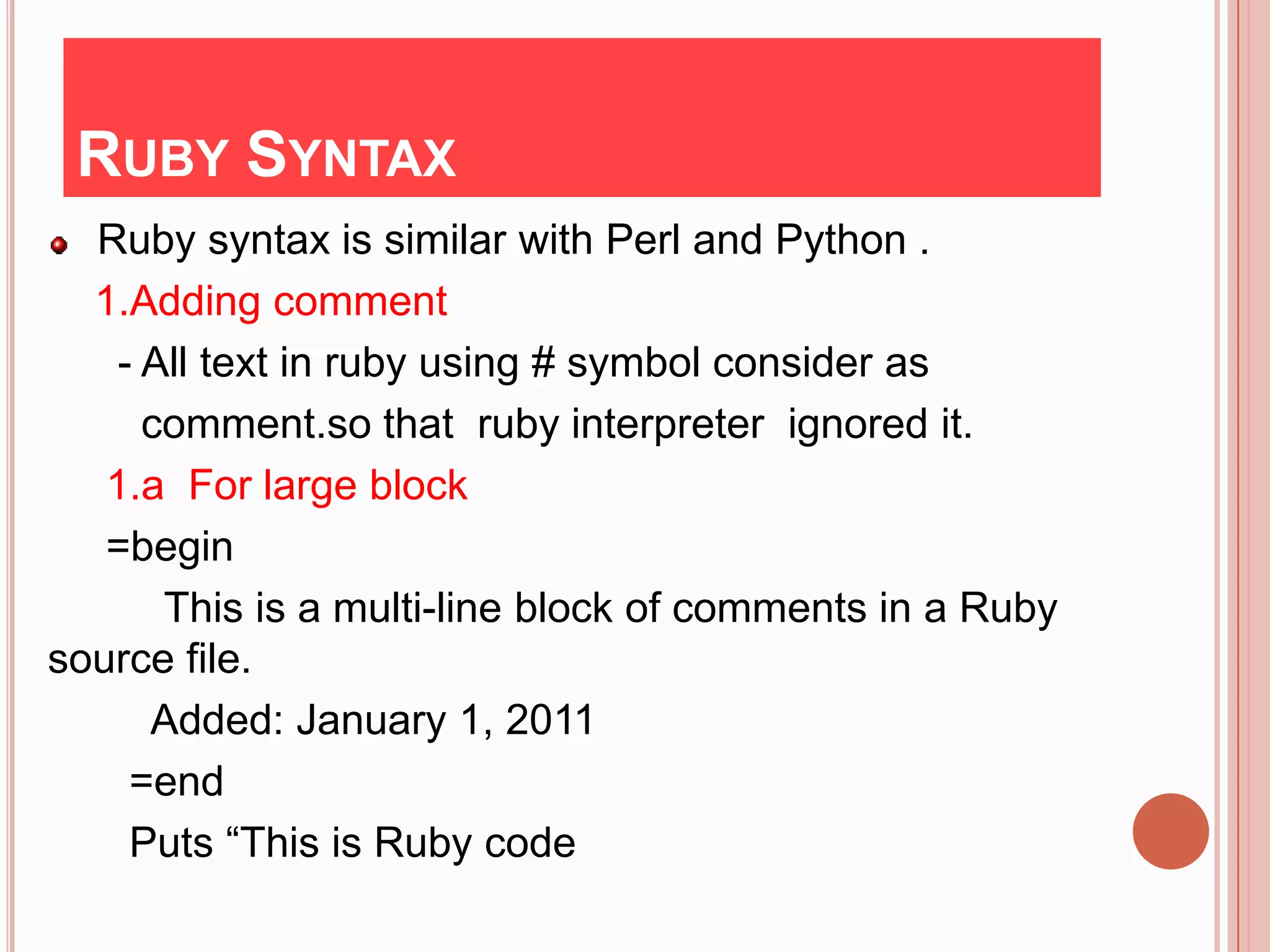
RUBY SYNTAX
  Ruby syntax is similar with Perl and Python .
  1.Adding comment
    - All text in ruby using # symbol consider as
      comment.so that ruby interpreter ignored it.
   1.a For large block
   =begin
       This is a multi-line block of comments in a Ruby
source file.
      Added: January 1, 2011
     =end
     Puts “This is Ruby code
CONT..
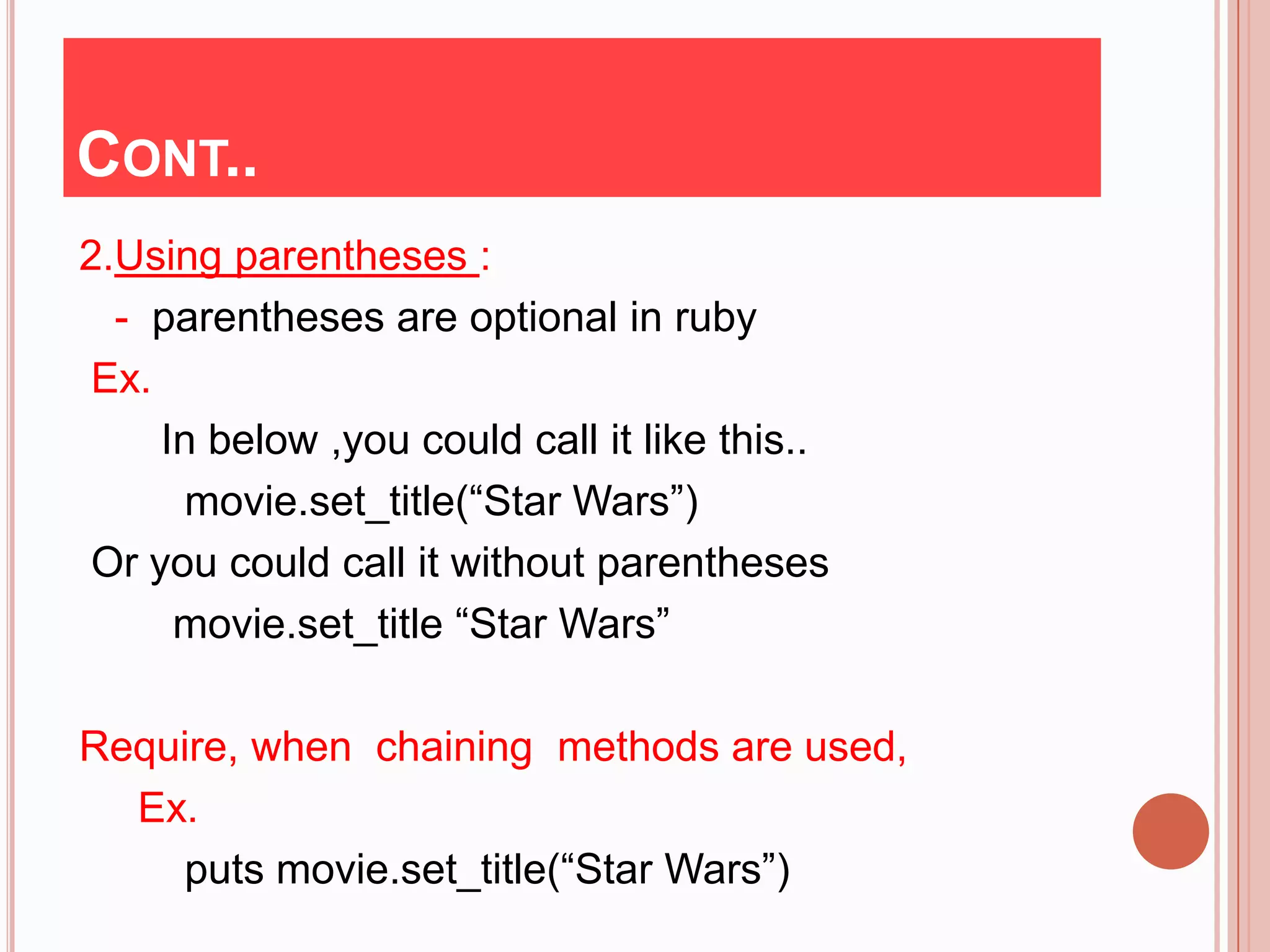
2.Using parentheses :
  - parentheses are optional in ruby
 Ex.
     In below ,you could call it like this..
      movie.set_title(“Star Wars”)
 Or you could call it without parentheses
      movie.set_title “Star Wars”

Require, when chaining methods are used,
  Ex.
    puts movie.set_title(“Star Wars”)
CONT..
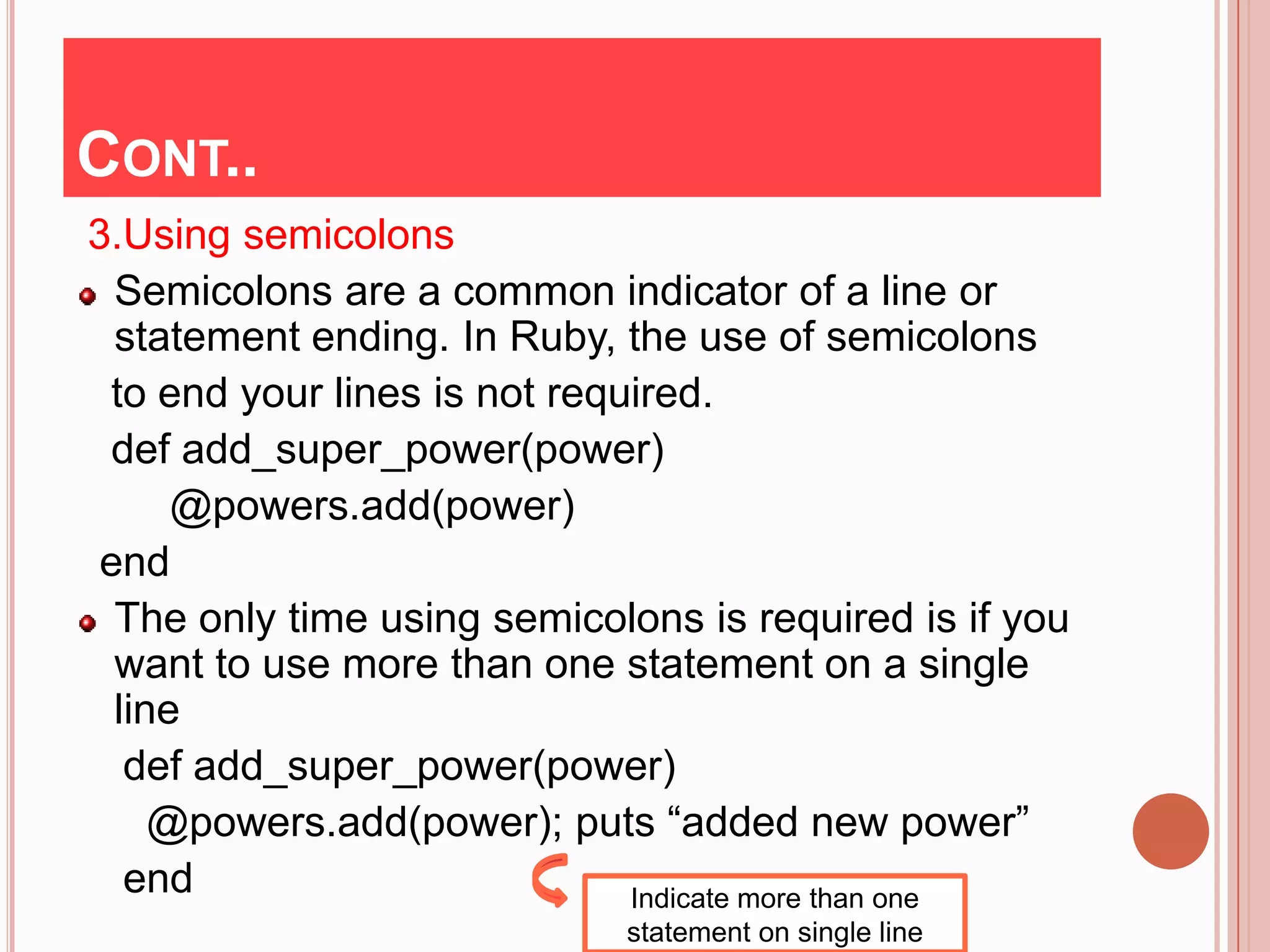
3.Using semicolons
  Semicolons are a common indicator of a line or
  statement ending. In Ruby, the use of semicolons
 to end your lines is not required.
 def add_super_power(power)
      @powers.add(power)
 end
  The only time using semicolons is required is if you
  want to use more than one statement on a single
  line
   def add_super_power(power)
     @powers.add(power); puts “added new power”
   end                        Indicate more than one
                             statement on single line
KEYWORDS & IDENTIFIERS

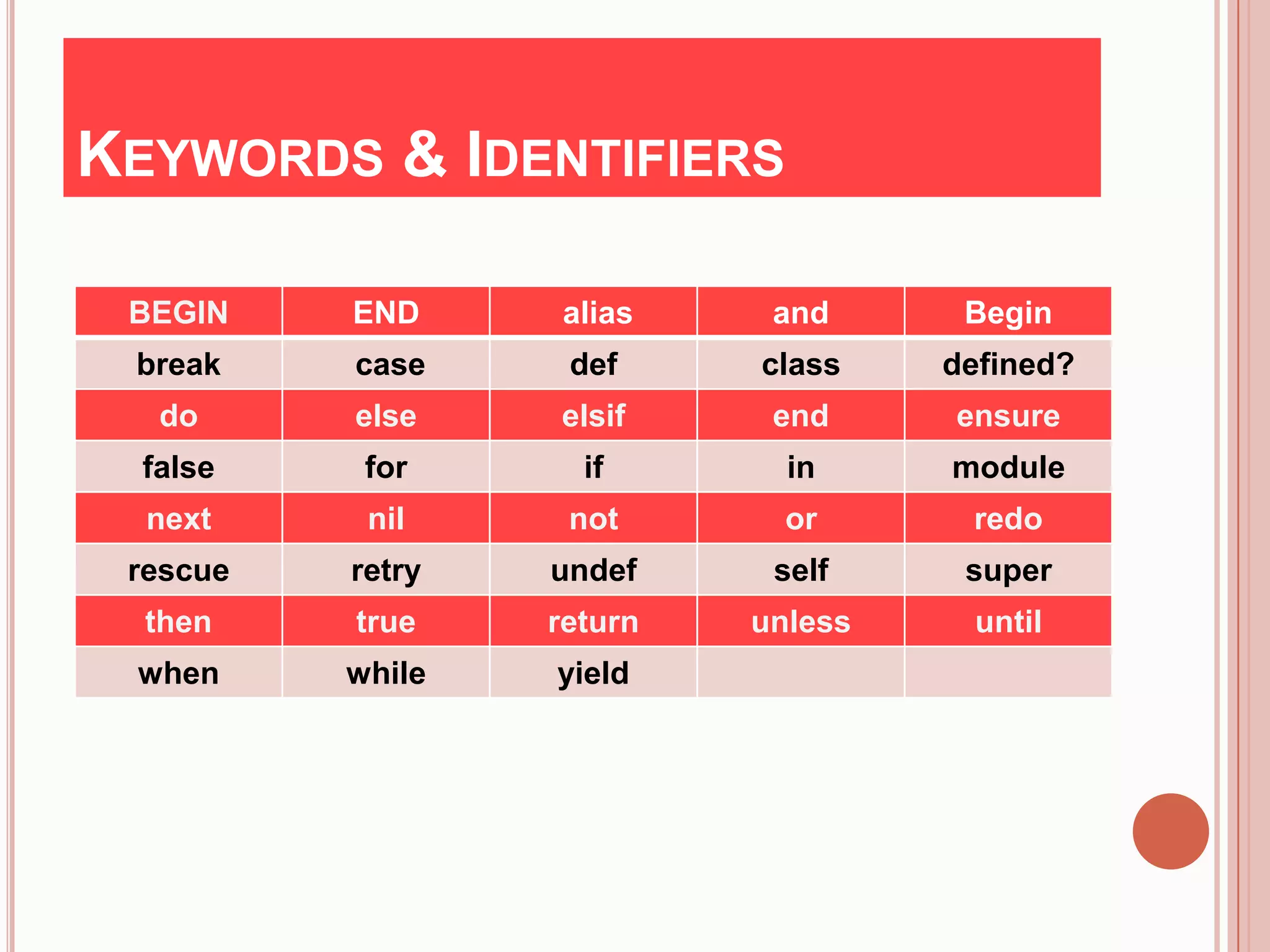
 BEGIN    END     alias     and      Begin
 break    case     def     class    defined?
   do     else    elsif     end     ensure
  false    for      if       in     module
  next     nil     not       or      redo
 rescue   retry   undef     self     super
  then    true    return   unless    until
 when     while   yield
VARIABLES
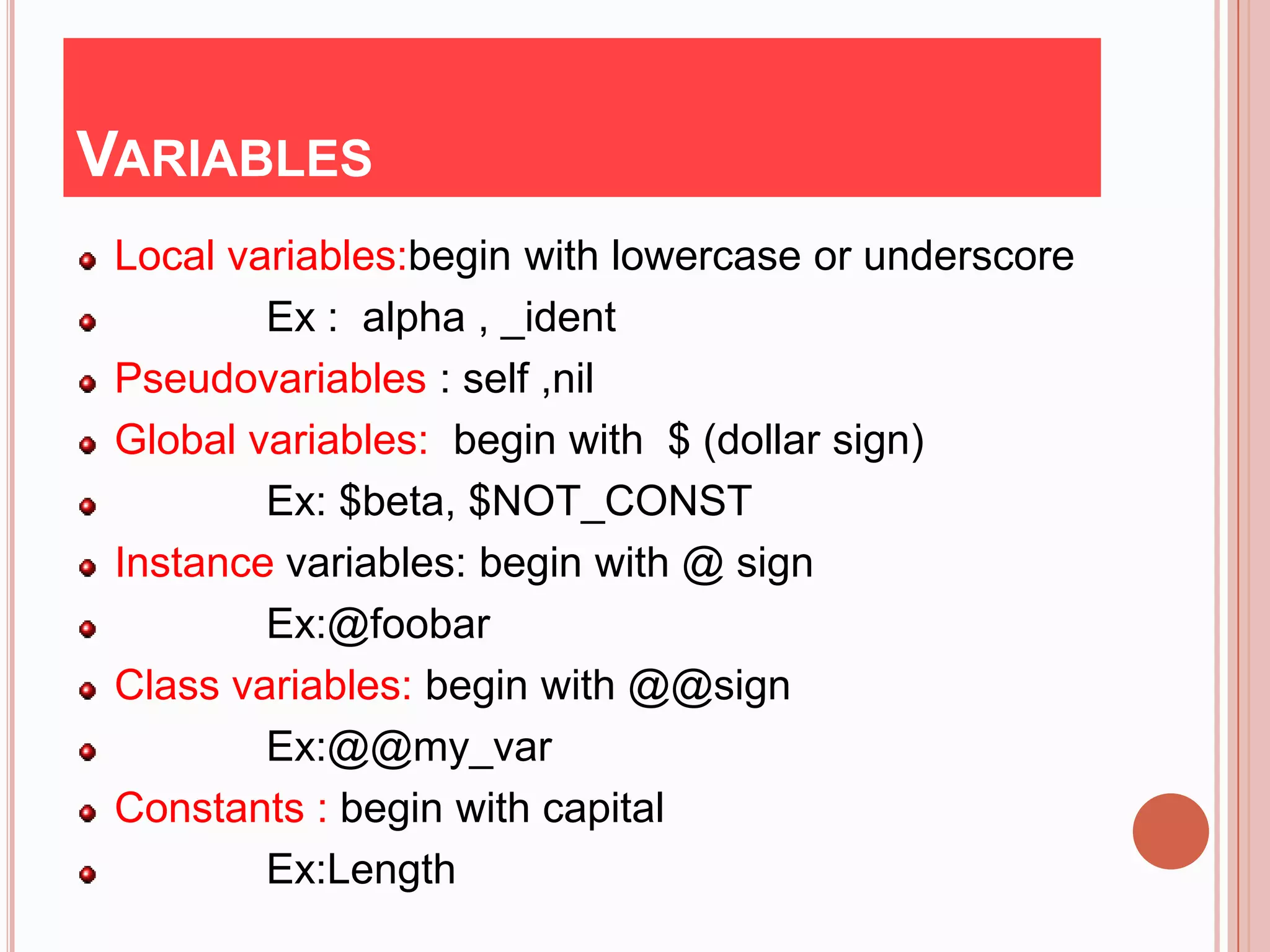
 Local variables:begin with lowercase or underscore
         Ex : alpha , _ident
 Pseudovariables : self ,nil
 Global variables: begin with $ (dollar sign)
         Ex: $beta, $NOT_CONST
 Instance variables: begin with @ sign
         Ex:@foobar
 Class variables: begin with @@sign
         Ex:@@my_var
 Constants : begin with capital
         Ex:Length
OPERATORS
 ::                 Scope
 []                 Indexing
 **                 Exponentiation
 +-!~               Unary
 */ +-%             Binary
 << >>              Logical shifts
 &(and) |(or) ^(xor) Bitwise
 < >= < <=          Comparision
 && ||              Boolean and ,or
 .. …               Range
 ?:                 Ternary decision
LOOPING AND BRANCHING
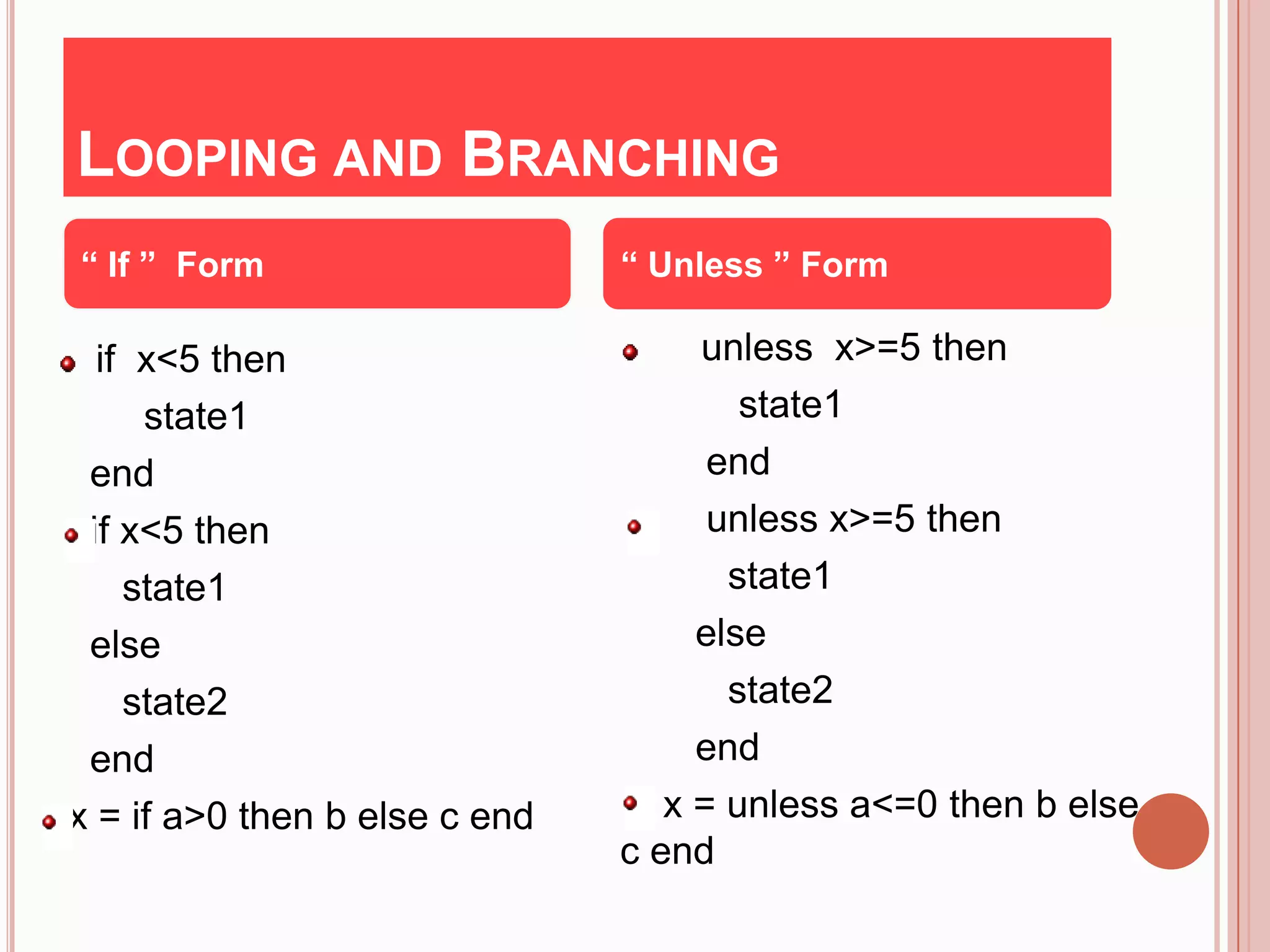
“ If ” Form                    “ Unless ” Form

  if x<5 then                       unless x>=5 then
     state1                            state1
 end                                 end
 if x<5 then                         unless x>=5 then
    state1                            state1
 else                               else
    state2                            state2
 end                                end
x = if a>0 then b else c end      x = unless a<=0 then b else
                               c end
LOOPING (FOR, WHILE, LOOP )
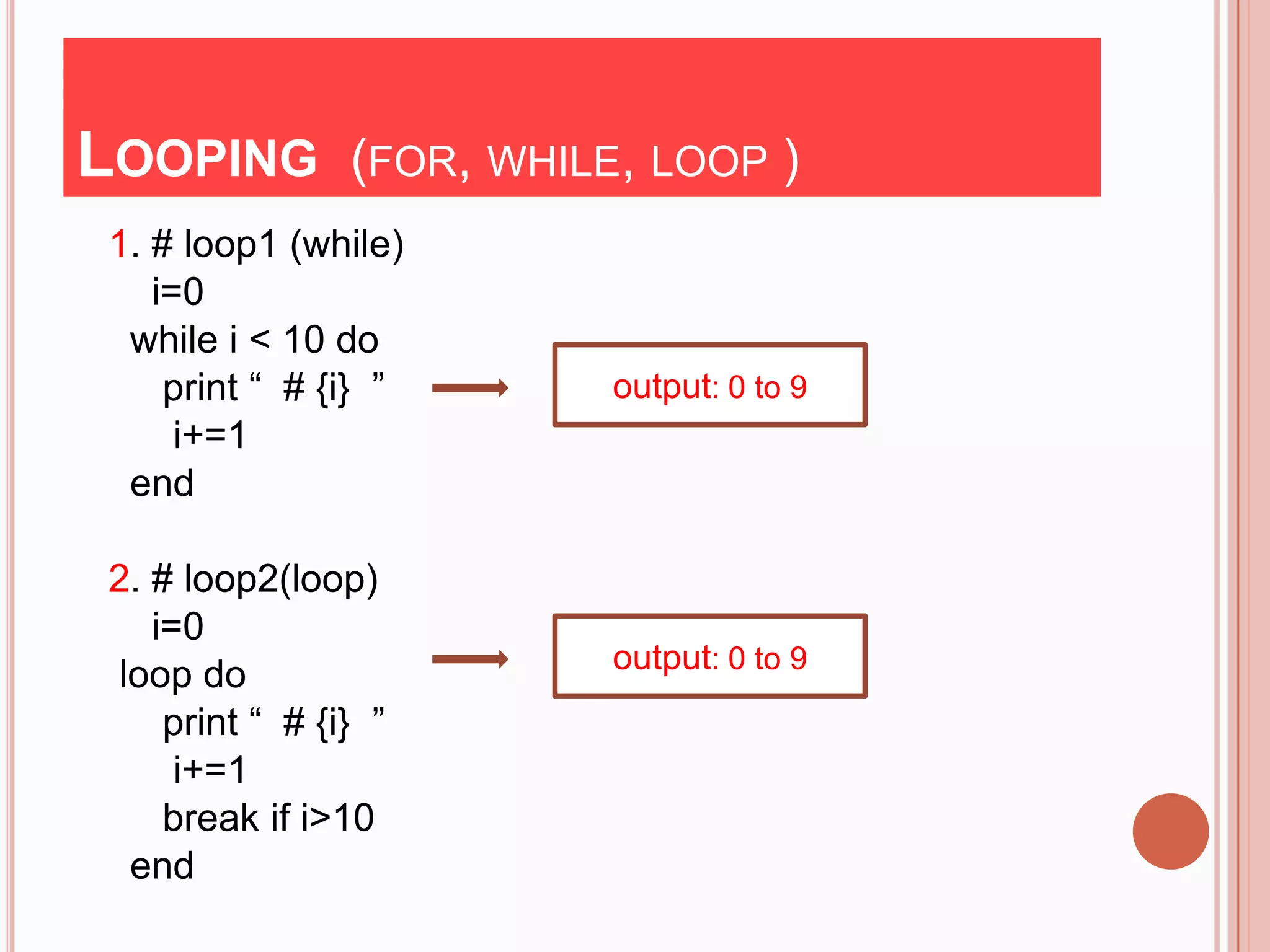
 1. # loop1 (while)
    i=0
  while i < 10 do
     print “ # {i} ”   output: 0 to 9
      i+=1
  end

 2. # loop2(loop)
    i=0
                       output: 0 to 9
  loop do
     print “ # {i} ”
      i+=1
     break if i>10
   end
CONT..
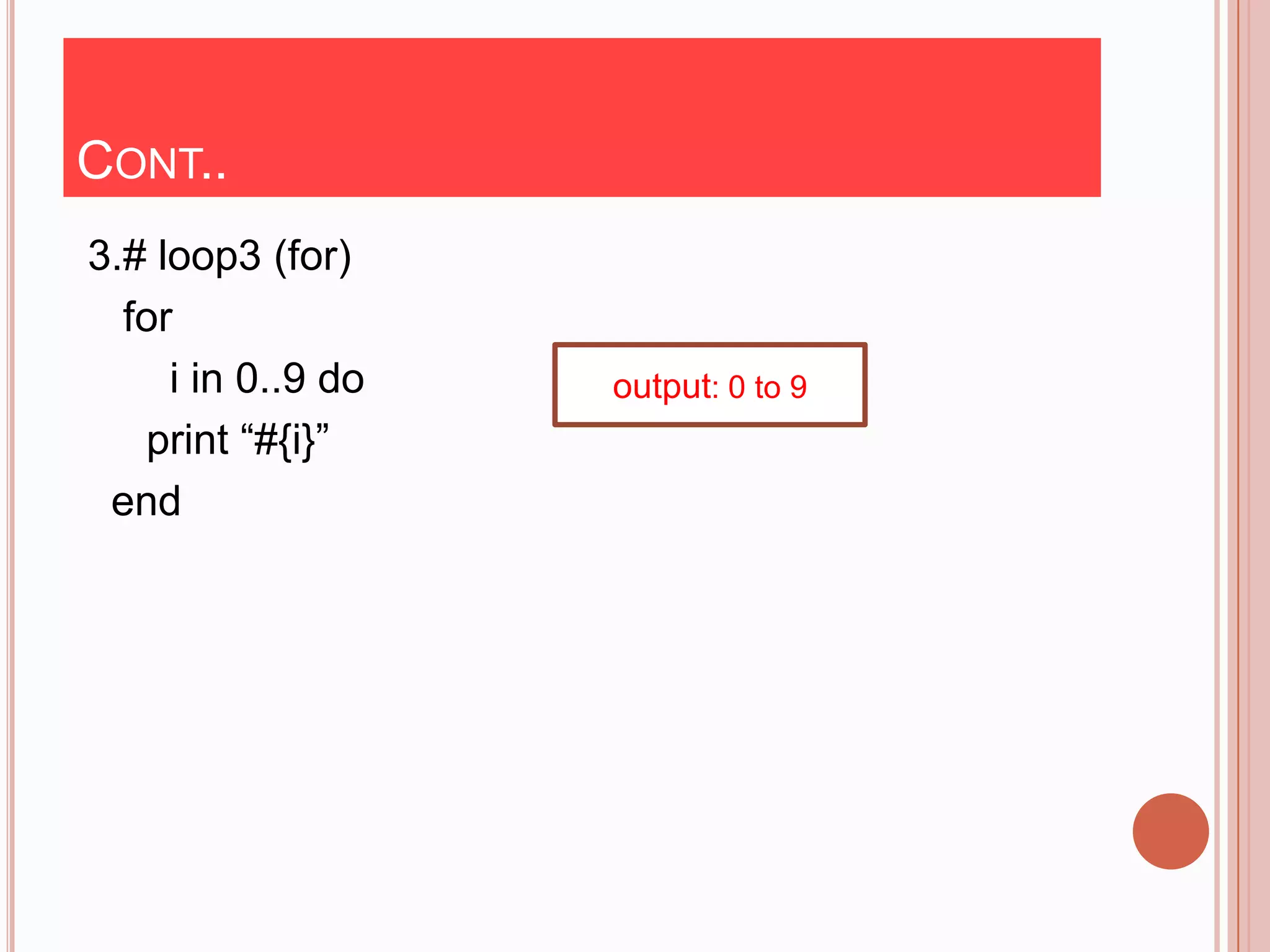
3.# loop3 (for)
  for
     i in 0..9 do   output: 0 to 9
   print “#{i}”
 end
STANDARD TYPE
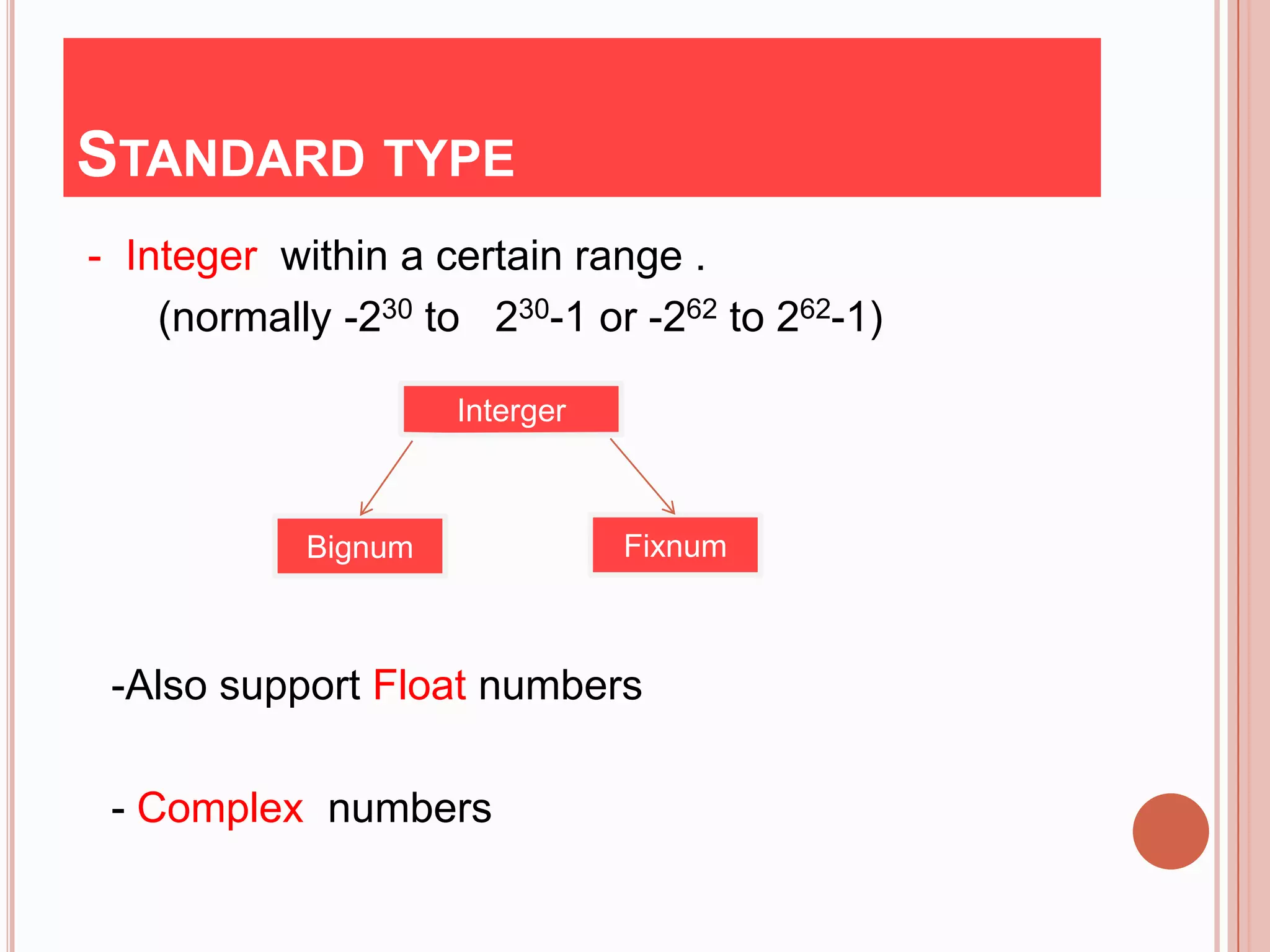
- Integer within a certain range .
    (normally -230 to 230-1 or -262 to 262-1)

                     Interger


            Bignum              Fixnum


 -Also support Float numbers

 - Complex numbers
CONT..
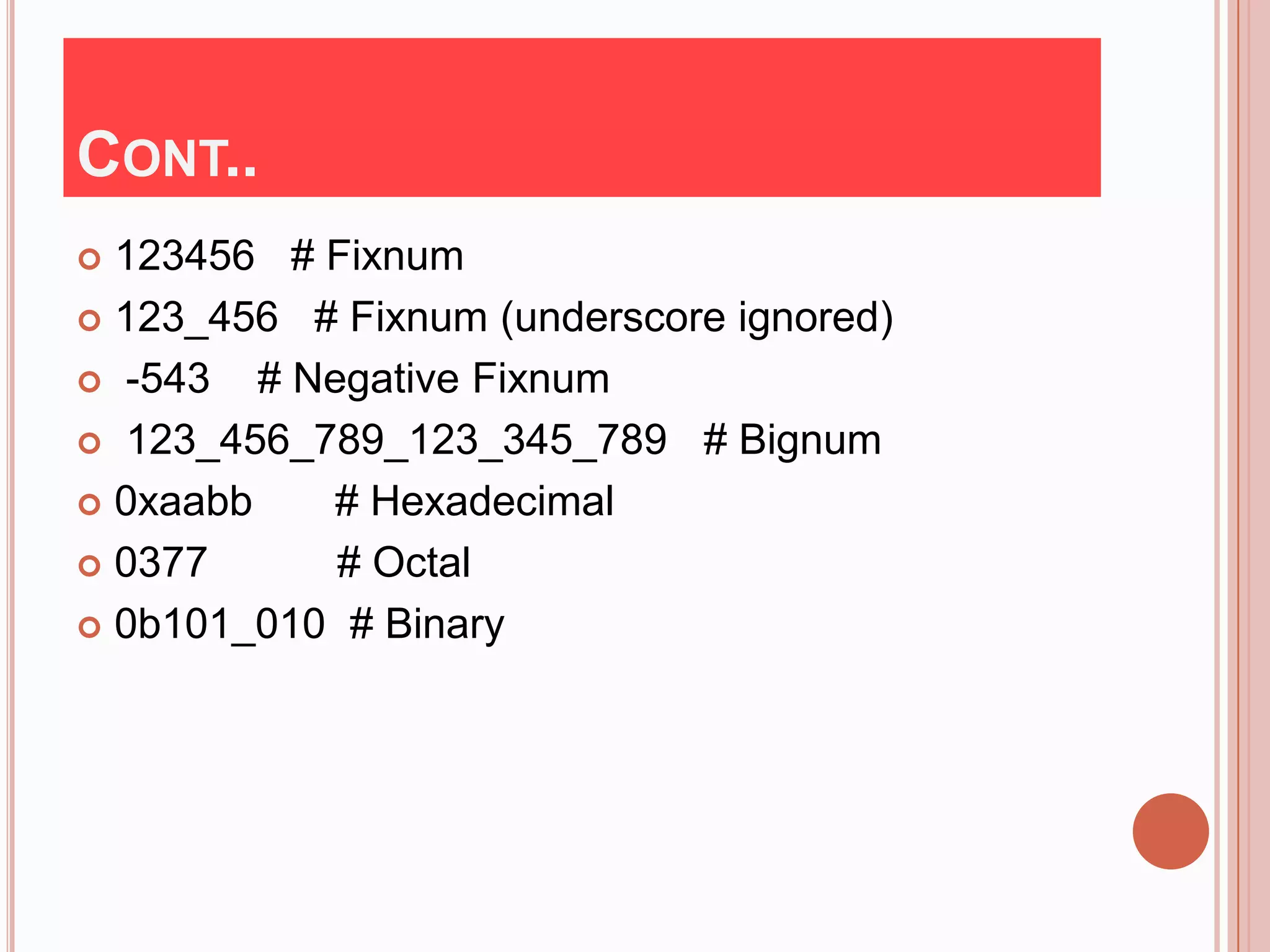
 123456 # Fixnum
 123_456 # Fixnum (underscore ignored)

 -543   # Negative Fixnum
 123_456_789_123_345_789 # Bignum

 0xaabb     # Hexadecimal
 0377       # Octal
 0b101_010 # Binary
CONT..
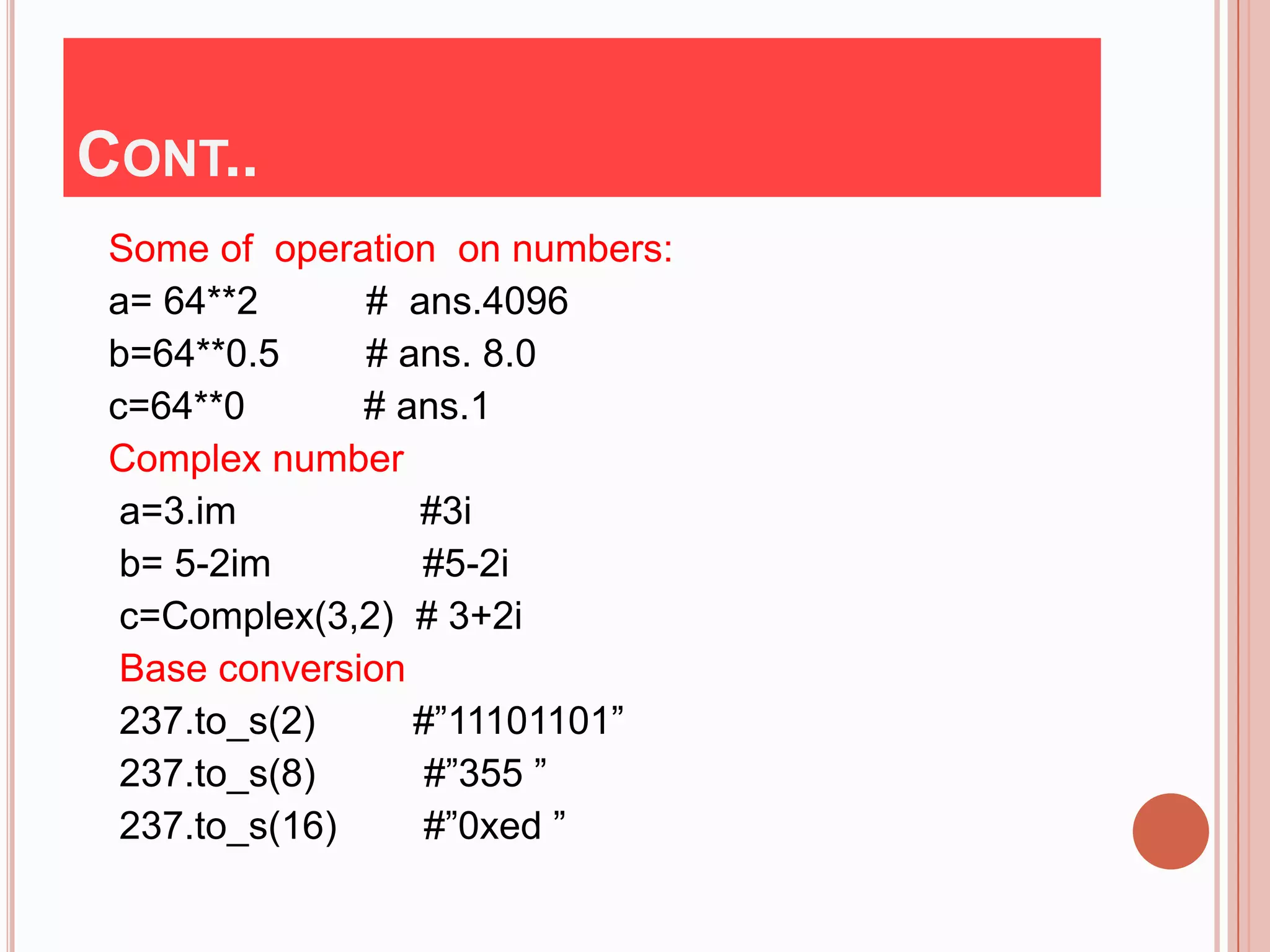
 Some of operation on numbers:
 a= 64**2      # ans.4096
 b=64**0.5     # ans. 8.0
 c=64**0       # ans.1
 Complex number
  a=3.im          #3i
  b= 5-2im        #5-2i
  c=Complex(3,2) # 3+2i
  Base conversion
  237.to_s(2)     #”11101101”
  237.to_s(8)      #”355 ”
  237.to_s(16)    #”0xed ”
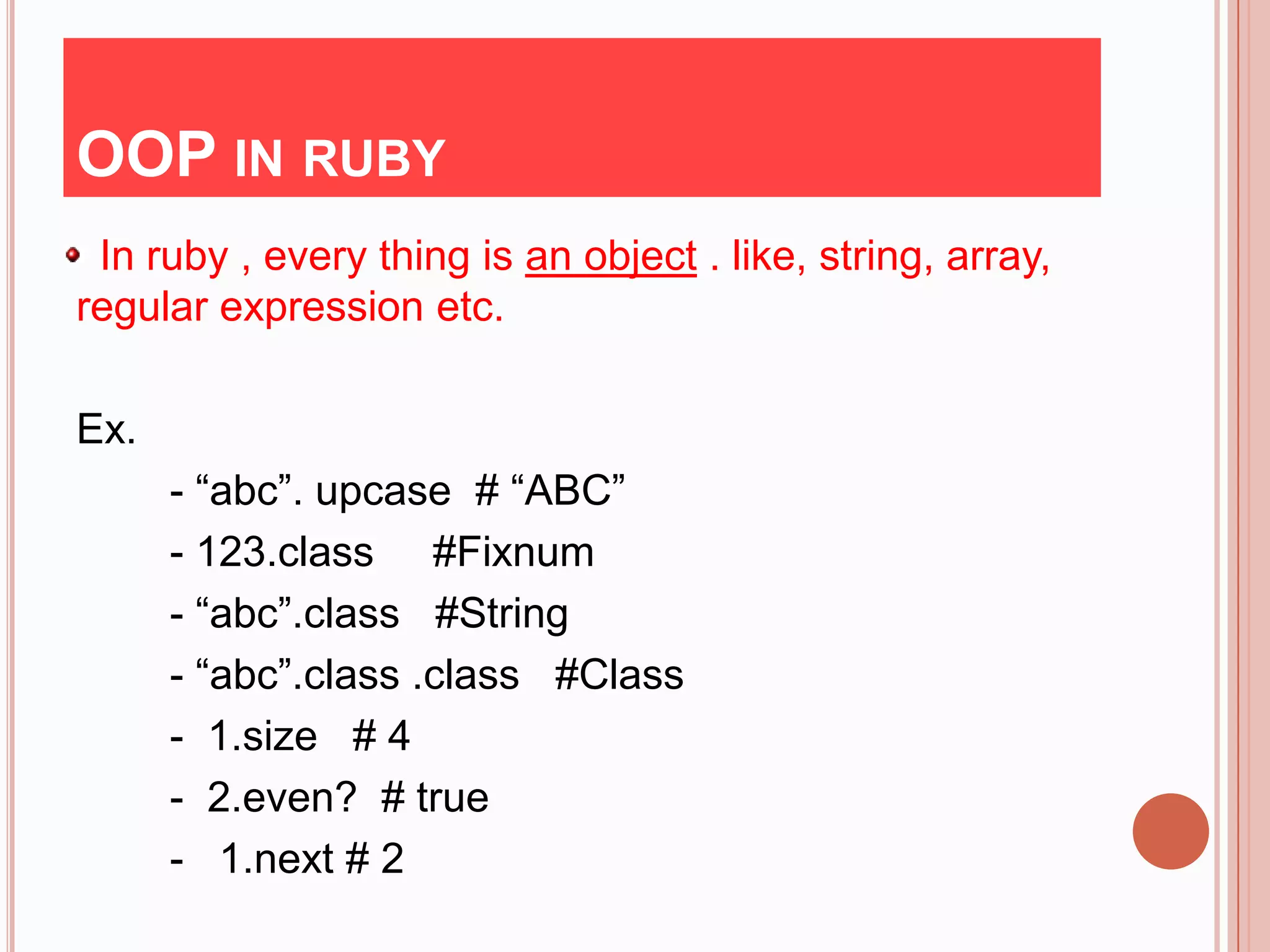
OOP IN RUBY
 In ruby , every thing is an object . like, string, array,
regular expression etc.

Ex.
      - “abc”. upcase # “ABC”
      - 123.class #Fixnum
      - “abc”.class #String
      - “abc”.class .class #Class
      - 1.size # 4
      - 2.even? # true
      - 1.next # 2
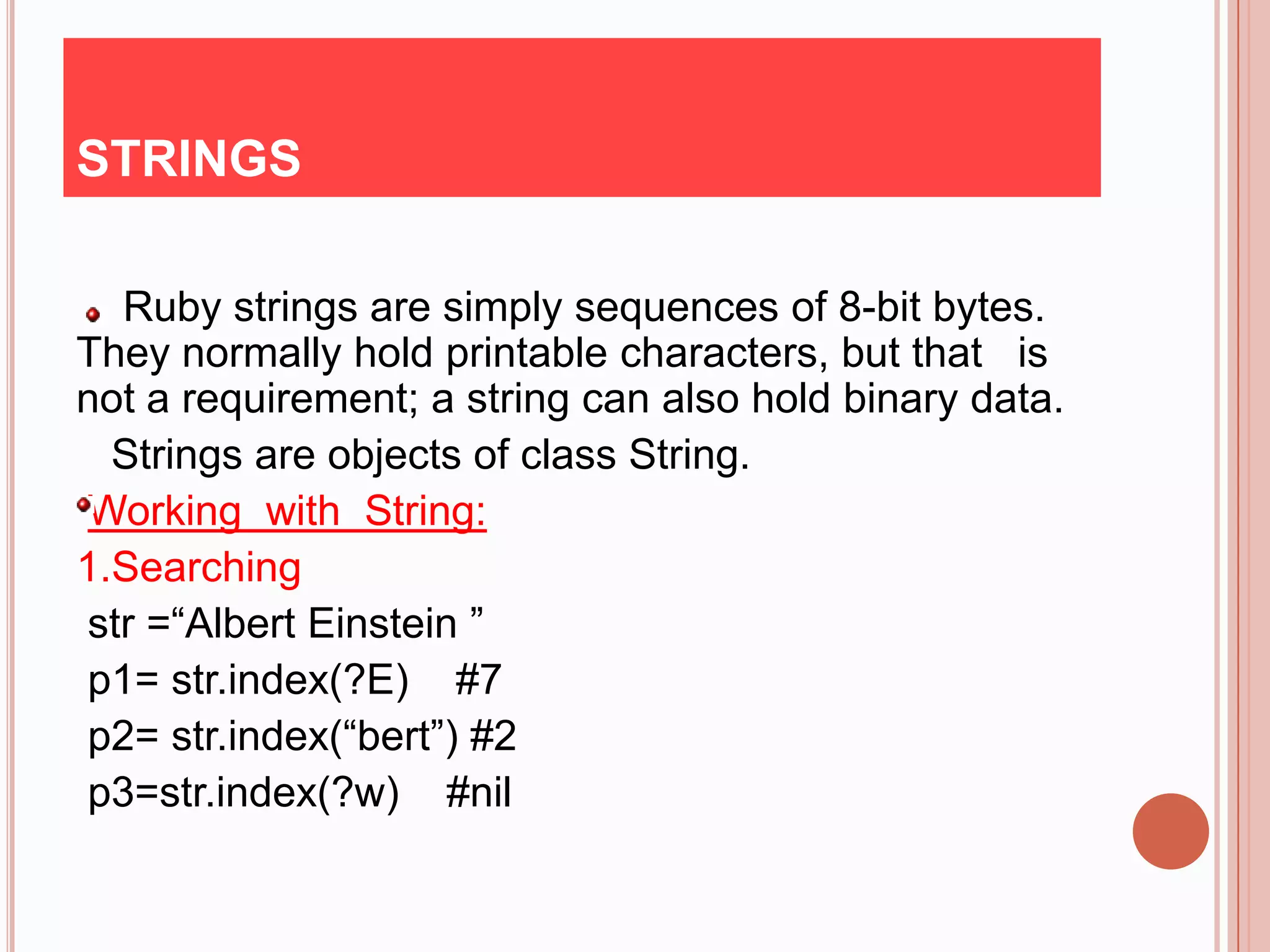
STRINGS

  Ruby strings are simply sequences of 8-bit bytes.
They normally hold printable characters, but that is
not a requirement; a string can also hold binary data.
  Strings are objects of class String.
Working with String:
1.Searching
str =“Albert Einstein ”
p1= str.index(?E) #7
p2= str.index(“bert”) #2
p3=str.index(?w) #nil
CONT..
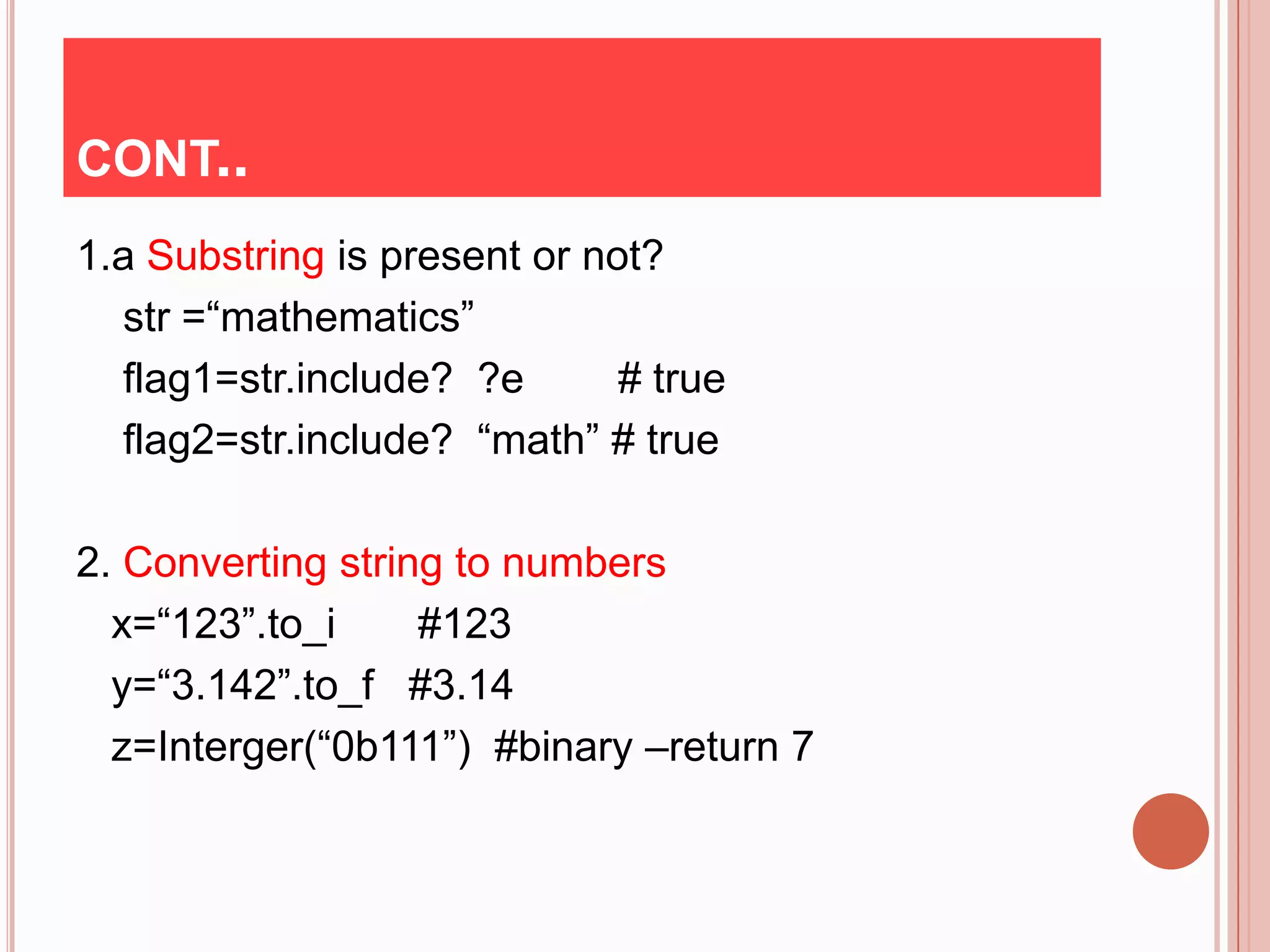
1.a Substring is present or not?
  str =“mathematics”
  flag1=str.include? ?e       # true
  flag2=str.include? “math” # true

2. Converting string to numbers
  x=“123”.to_i     #123
  y=“3.142”.to_f #3.14
  z=Interger(“0b111”) #binary –return 7
CONT..
3. Counting character in string
  s1=“abracadabra”
  a=s1.count(“c”)        #1
  b=s1.count(“ bdr ”)   #5
4. Reversing a String
   s1=“Star World”
   s2=s1.reverse         # “dlroW ratS”
   s3=s1.split(“ ” )    # [“Star” ”World”]
   s4=s3.join(“ ”)      # “Star World ”
CONT..
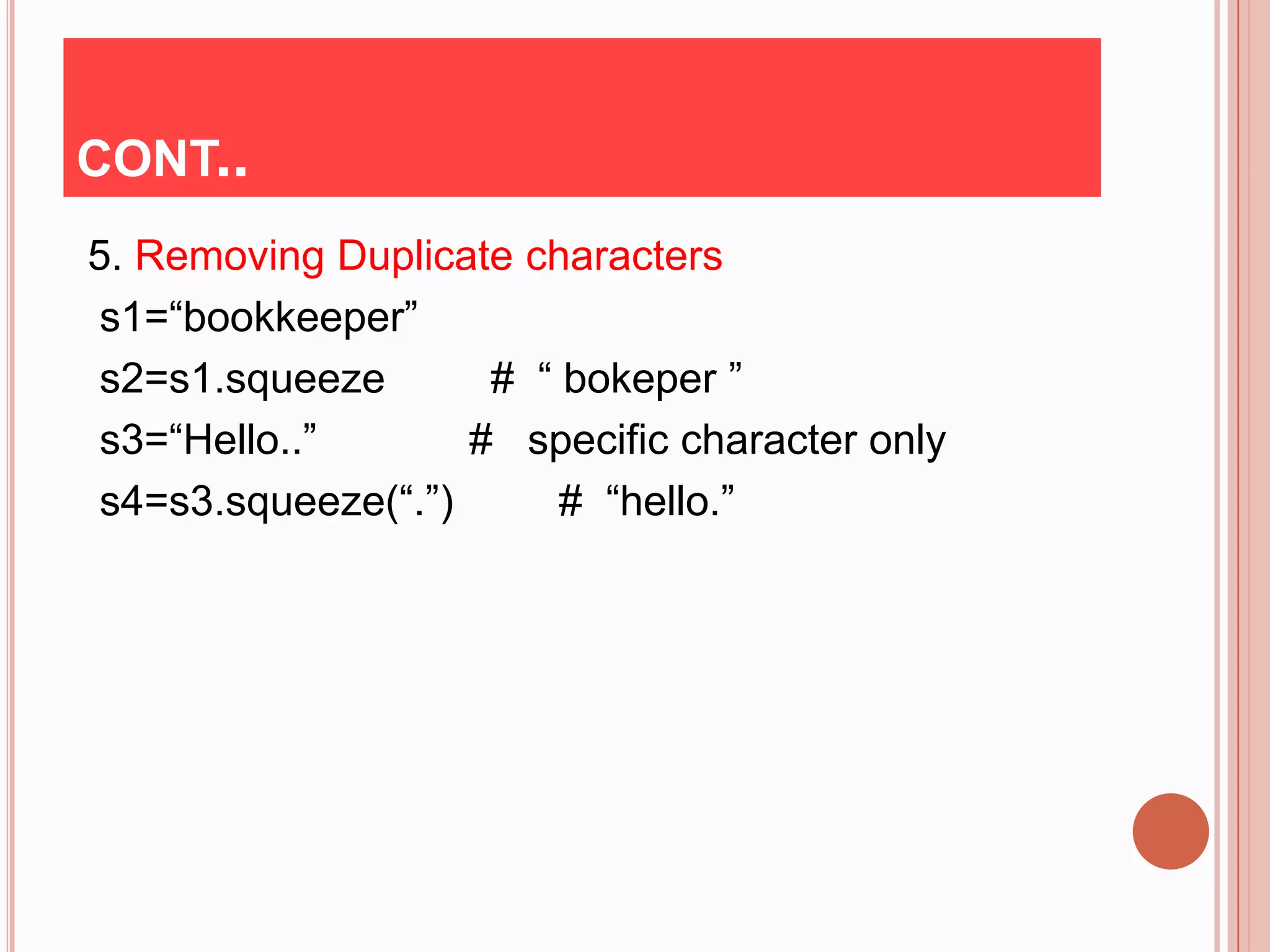
5. Removing Duplicate characters
 s1=“bookkeeper”
 s2=s1.squeeze       # “ bokeper ”
 s3=“Hello..”       # specific character only
 s4=s3.squeeze(“.”)      # “hello.”
ARRAY & HASHES
The array is the most common collection class and
 is also one of the most often used classes in Ruby.
 An array stores an ordered list of indexed values
 with the index starting at 0.
 Ruby implements arrays using the Array class.
 Creating and initializing an array
Ex. a=Array[1,2,3,4] or
     a=[1,2,3,4] or
     a=Array.new(3) #[nil,nil,nil]
CONT..
Finding array size
x=[“a”, “b”, “ c”]
a=x.length         #3
   or
a=x.size           #3
Sorting array
a=[1, 2 , “three ”, “four”,5,6]
b=a.sort {|x,y|x.to_d<=>y.to_s }
# ans. [1,2,5,6, “four”, “three”]
x=[5,6,1,9]
y=x.sort{|a,b| a<=>b}
#ans.[1,5,6,9]
HASHES
   Hashes are known as in some circle as associative
    arrays , dictionaries.

    Major difference between array & hashes

- An Array is an ordered data structure.

- Whereas a Hash is disordered data structure.
CONT..
 Hashes are used as “key->value” pairs
  Both key & value are objects.
 Ex.
  h=Hash{ “dog”=> “animal” , “parrot”=> „”bird” }
  puts h.length #2
   h[„dog‟]       #animal
   h.has_value? “bird” # true
   h.key? “ cat”        #false
   a=h.sort     #[[“dog”, “animal”],[“parrot”, “bird”]]
   # It convet into array
REFERENCE
Books :
      1. programming ruby language
       -Yukihiro Matsumoto
     2.programming ruby language
       -David black
     3.The Pragmatic Programmer's Guide
       - Yukihiro Matsumoto
      4. The Ruby Way
       -Hal Fulton
       5. The ruby -In Nutshell
       - Yukihiro Matsumoto
Sites:
       http://www.ruby-lan.org
THANK YOU
PREVIOUS SESSION
 History
 Principle
 What is Ruby?
 Keyword & Variable
 Standard Type
 Object
 Looping &Branching
 Array
 String
 Hashes
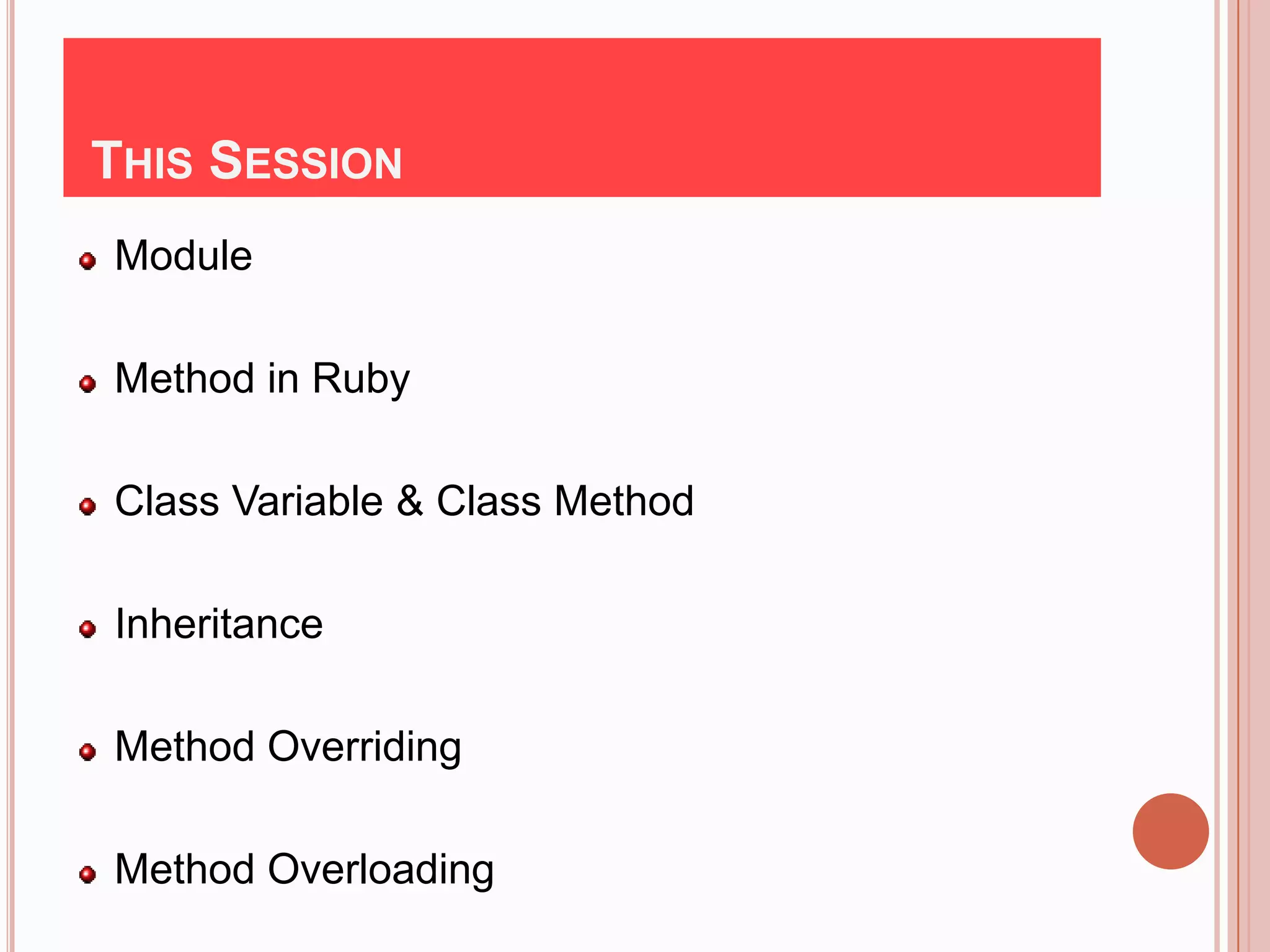
THIS SESSION
Module

Method in Ruby

Class Variable & Class Method

Inheritance

Method Overriding

Method Overloading
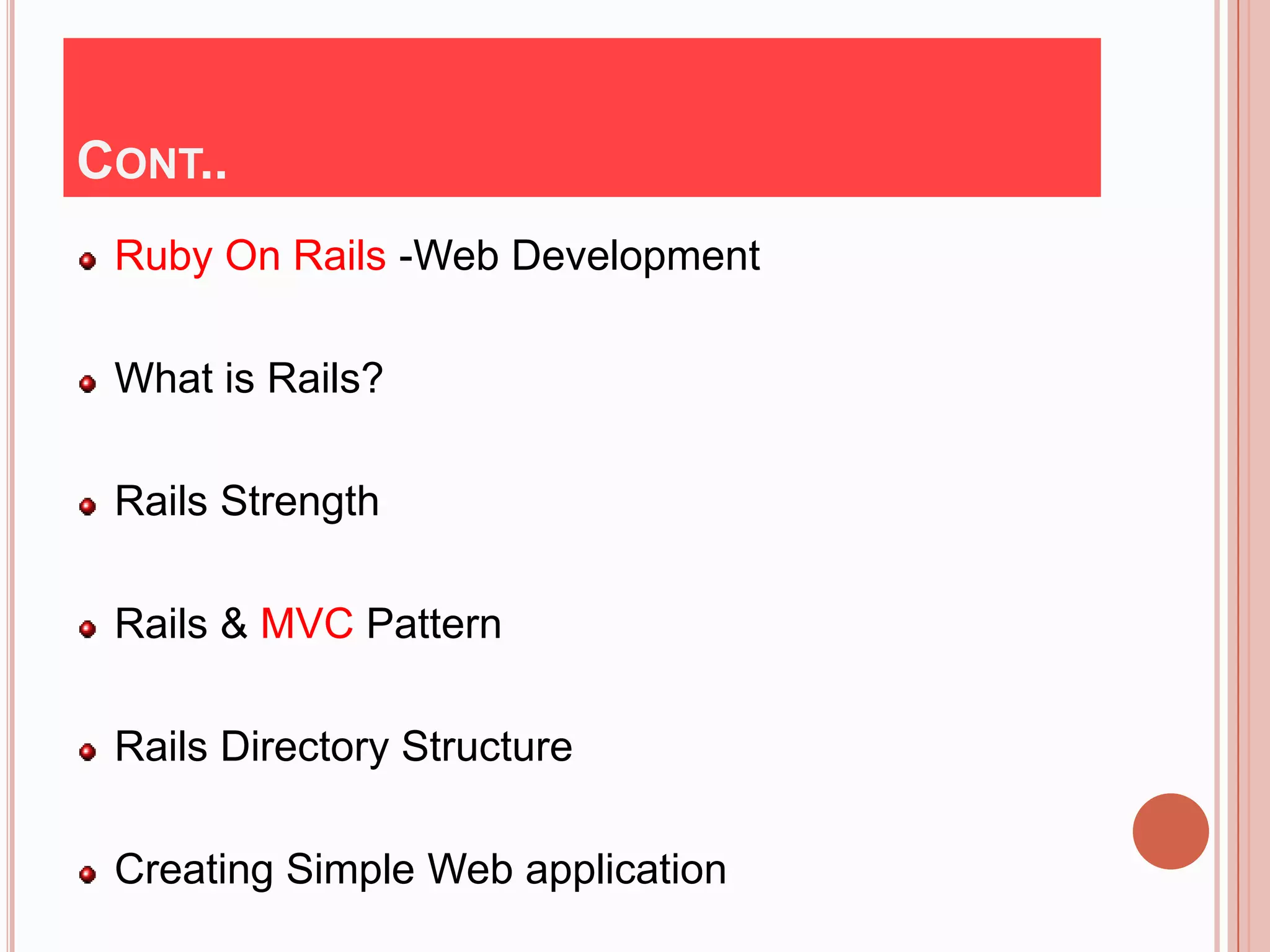
CONT..
 Ruby On Rails -Web Development

 What is Rails?

 Rails Strength

 Rails & MVC Pattern

 Rails Directory Structure

 Creating Simple Web application
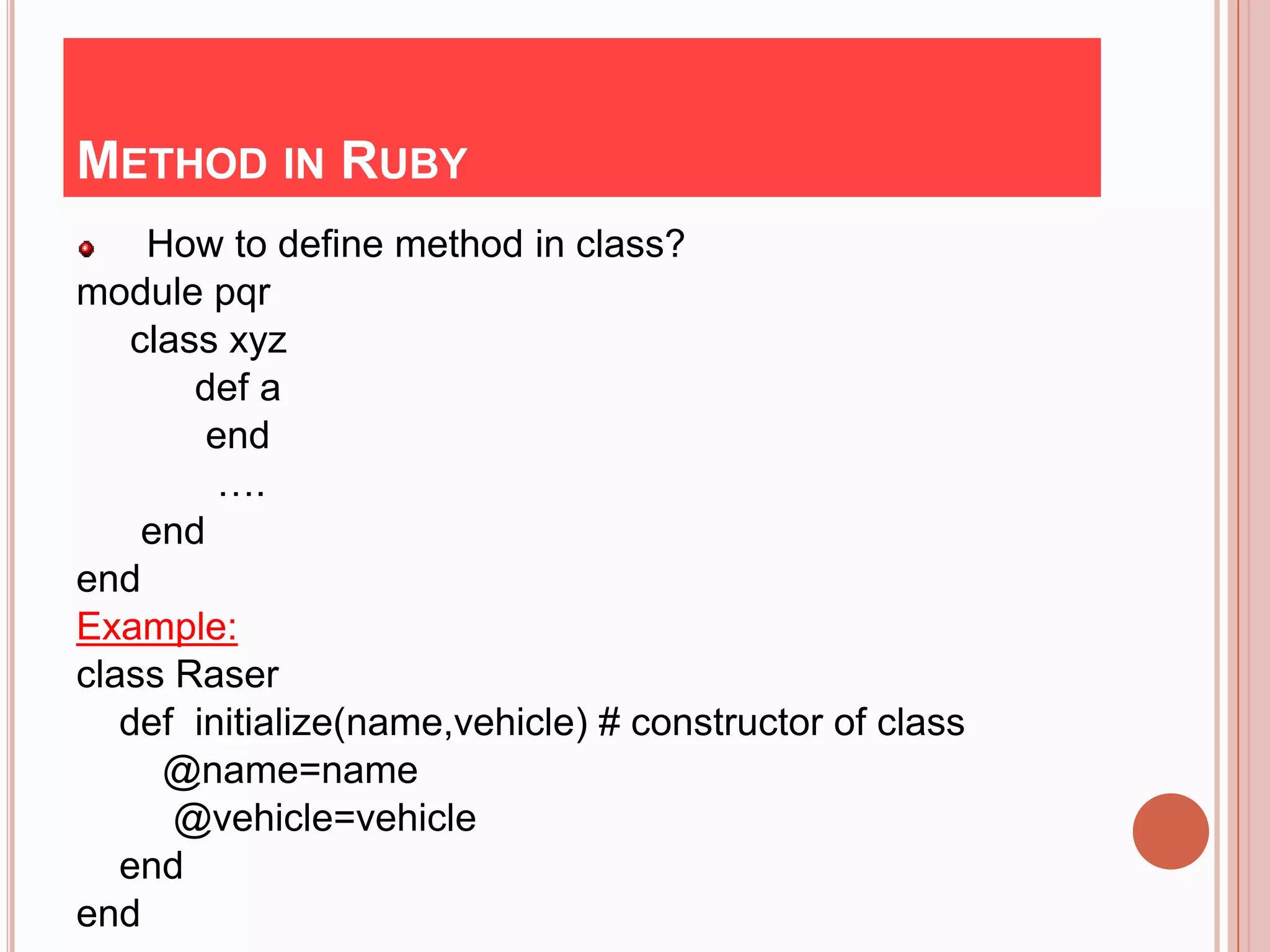
METHOD IN RUBY
     How to define method in class?
module pqr
    class xyz
        def a
         end
          ….
     end
end
Example:
class Raser
   def initialize(name,vehicle) # constructor of class
      @name=name
       @vehicle=vehicle
   end
end
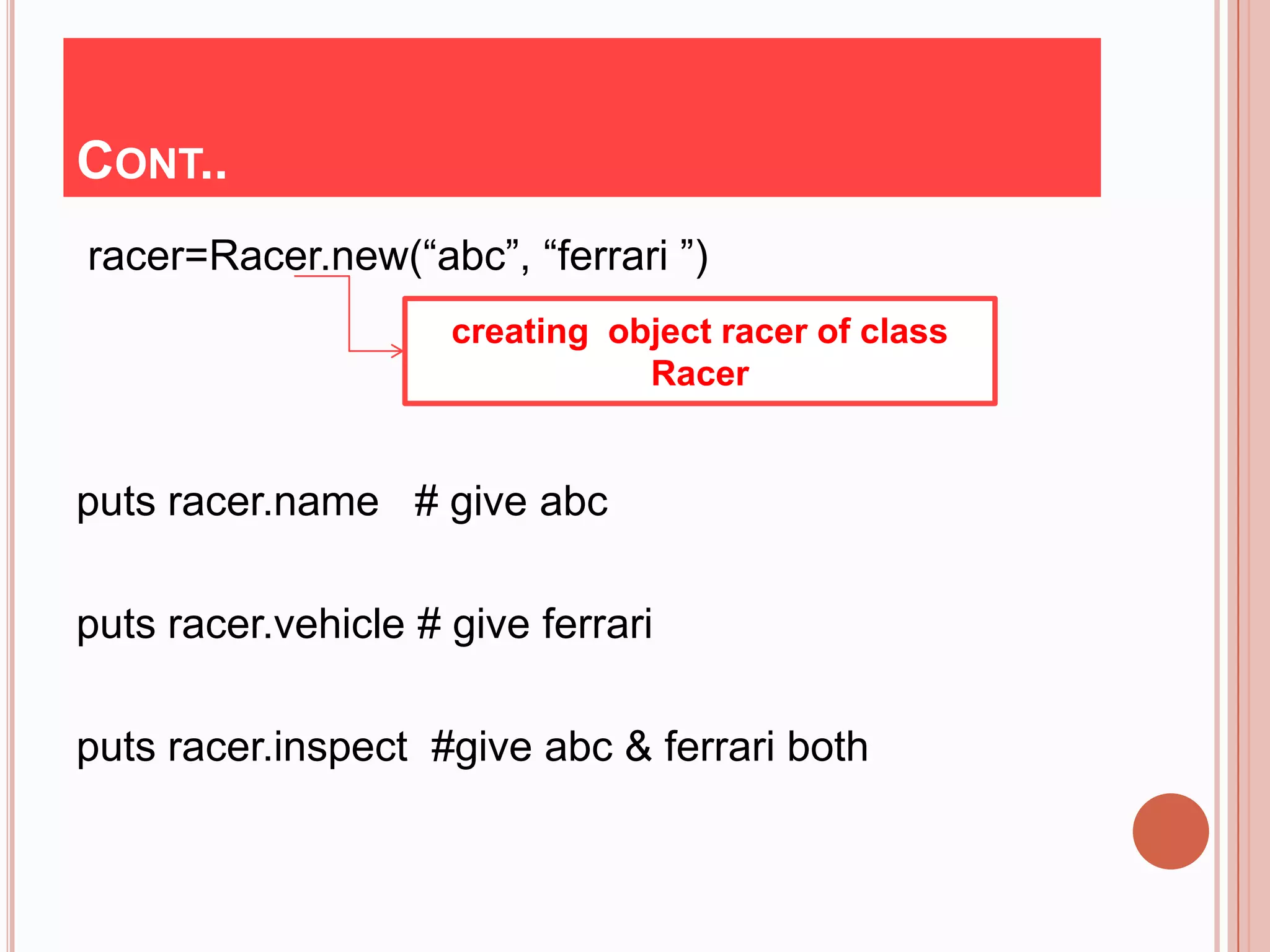
CONT..
racer=Racer.new(“abc”, “ferrari ”)
                     creating object racer of class
                                Racer


puts racer.name # give abc

puts racer.vehicle # give ferrari

puts racer.inspect #give abc & ferrari both
INHERITANCE
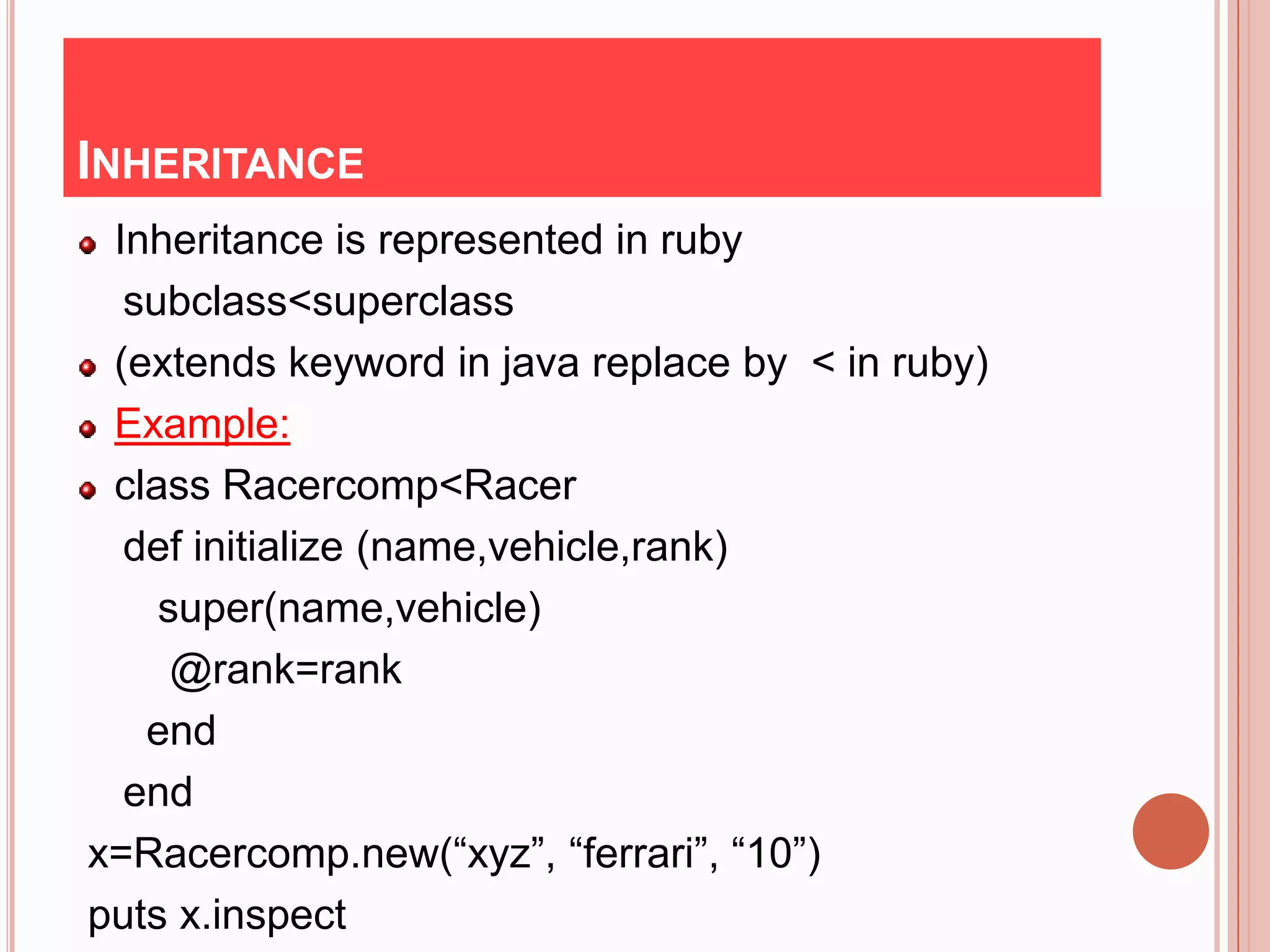
 Inheritance is represented in ruby
  subclass<superclass
 (extends keyword in java replace by < in ruby)
 Example:
 class Racercomp<Racer
  def initialize (name,vehicle,rank)
    super(name,vehicle)
     @rank=rank
   end
  end
x=Racercomp.new(“xyz”, “ferrari”, “10”)
puts x.inspect
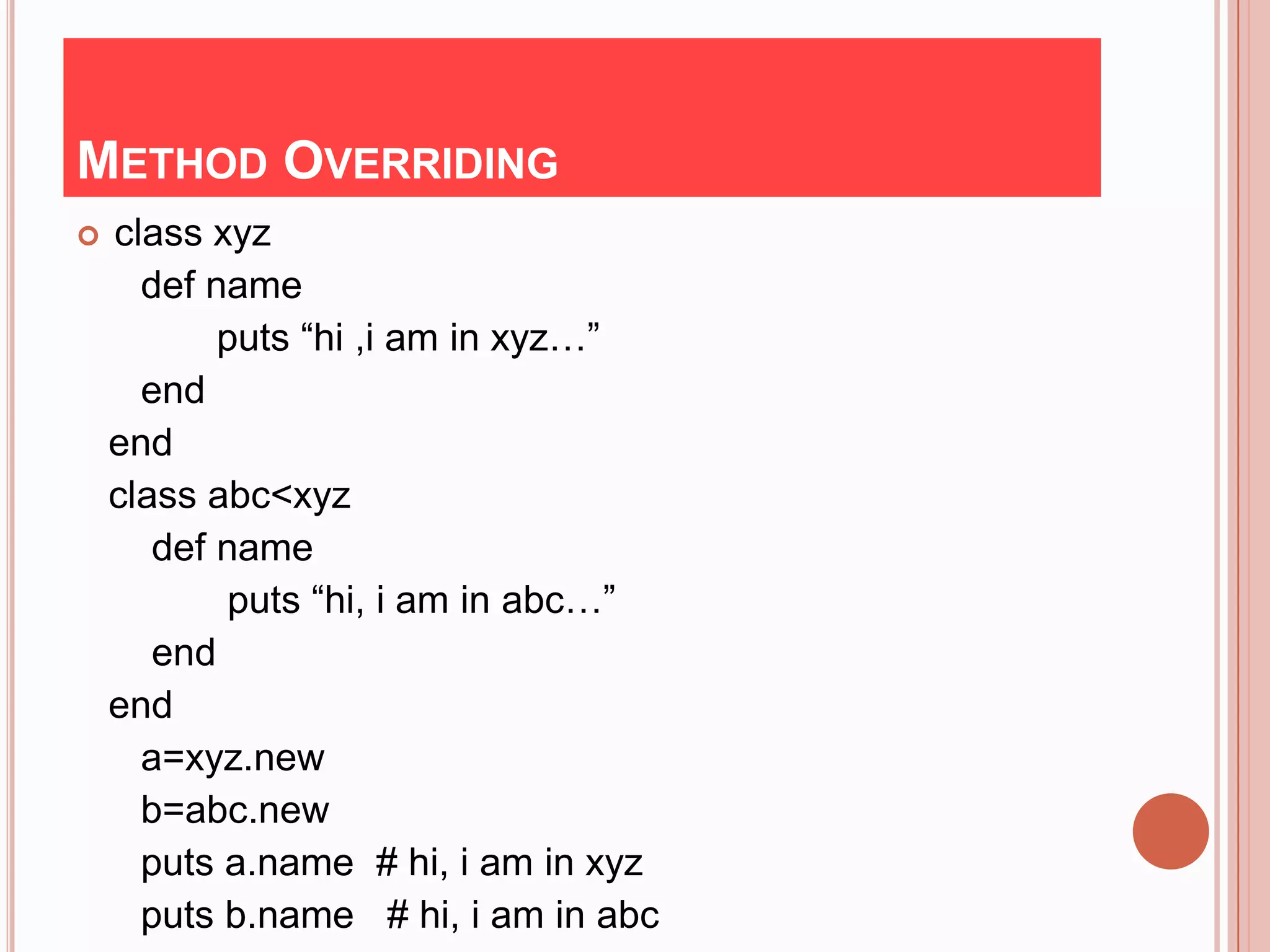
METHOD OVERRIDING
   class xyz
      def name
           puts “hi ,i am in xyz…”
      end
    end
    class abc<xyz
       def name
            puts “hi, i am in abc…”
       end
    end
      a=xyz.new
      b=abc.new
      puts a.name # hi, i am in xyz
      puts b.name # hi, i am in abc
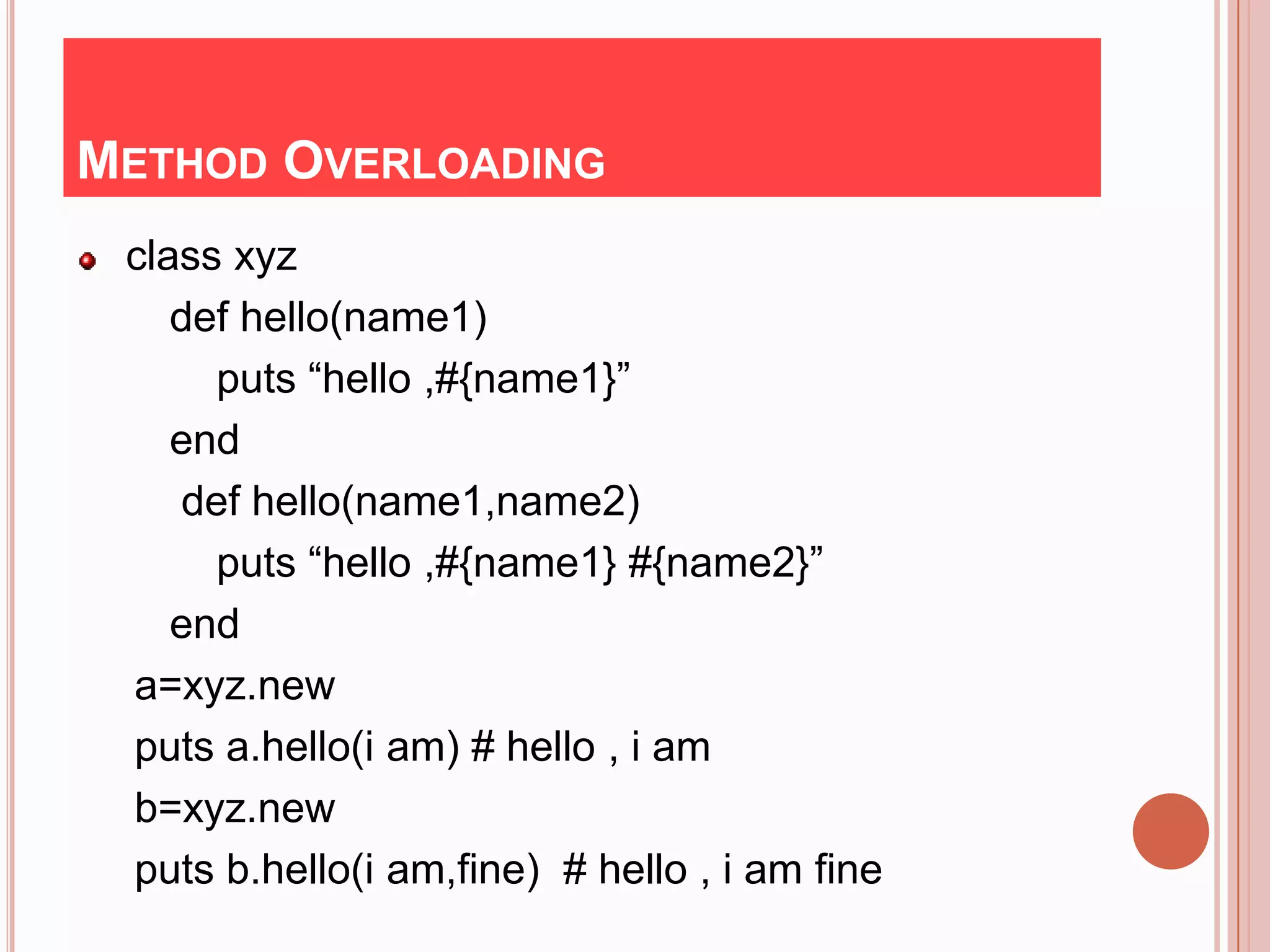
METHOD OVERLOADING
 class xyz
    def hello(name1)
      puts “hello ,#{name1}”
    end
    def hello(name1,name2)
      puts “hello ,#{name1} #{name2}”
    end
 a=xyz.new
 puts a.hello(i am) # hello , i am
 b=xyz.new
 puts b.hello(i am,fine) # hello , i am fine
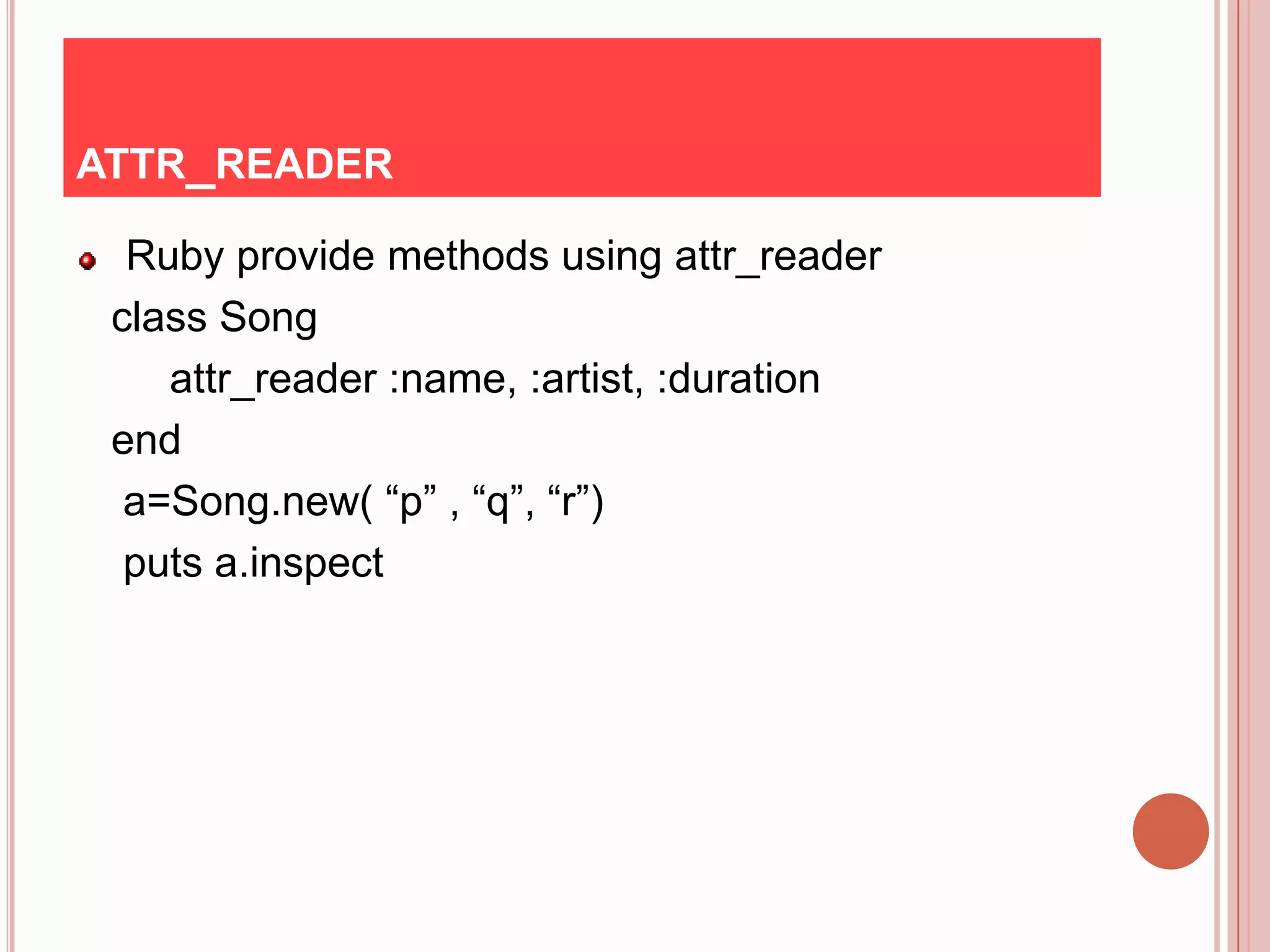
ATTR_READER

  Ruby provide methods using attr_reader
 class Song
    attr_reader :name, :artist, :duration
 end
  a=Song.new( “p” , “q”, “r”)
  puts a.inspect
Ruby on Rails -

     Web Development
WHAT IS RAILS?

   An Extremely Productive web application
 framework that is written in Ruby by David Hansson.

 Fully stack Framework
 - Includes everything needed to create database
  drive Web application using MVC pattern.

 -      Being a full stack Framework means that all
     layer are built to work seamlessly together.
RAILS & MVC PATTERN
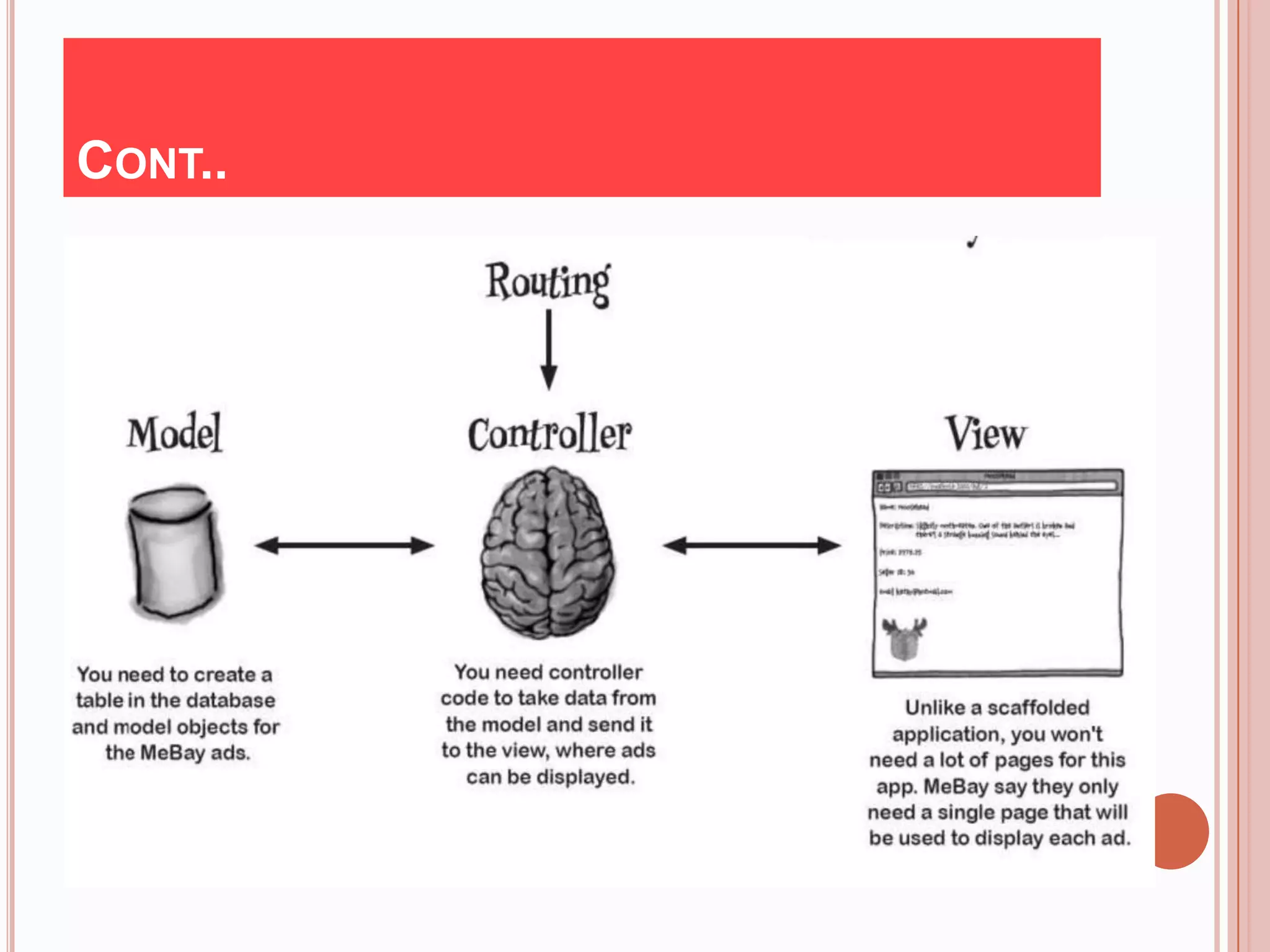
   M - Model(Active Record)

   V – View(Active View)

   C – Controller(Active Controller)
CONT..
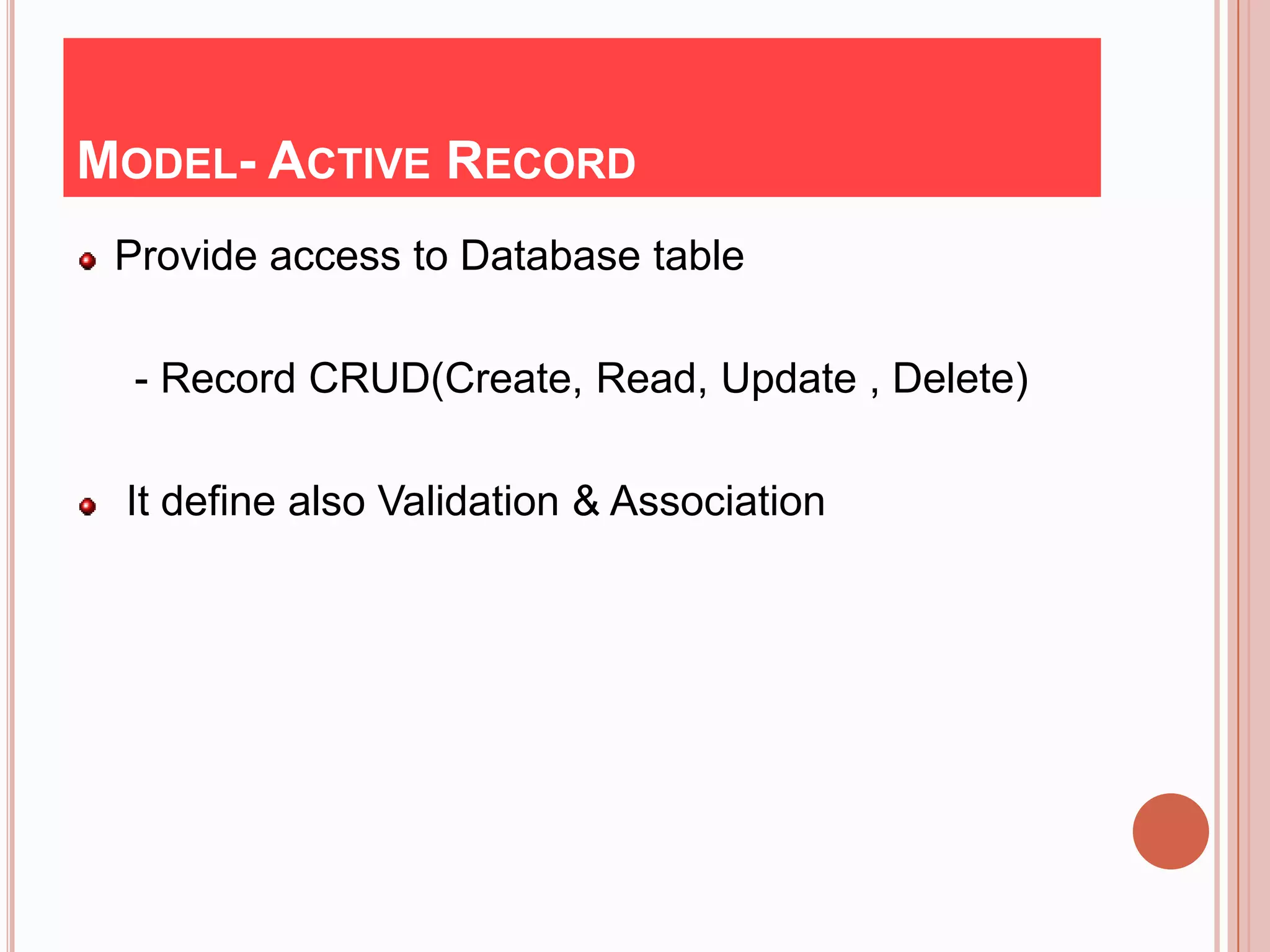
MODEL- ACTIVE RECORD
 Provide access to Database table

  - Record CRUD(Create, Read, Update , Delete)

 It define also Validation & Association
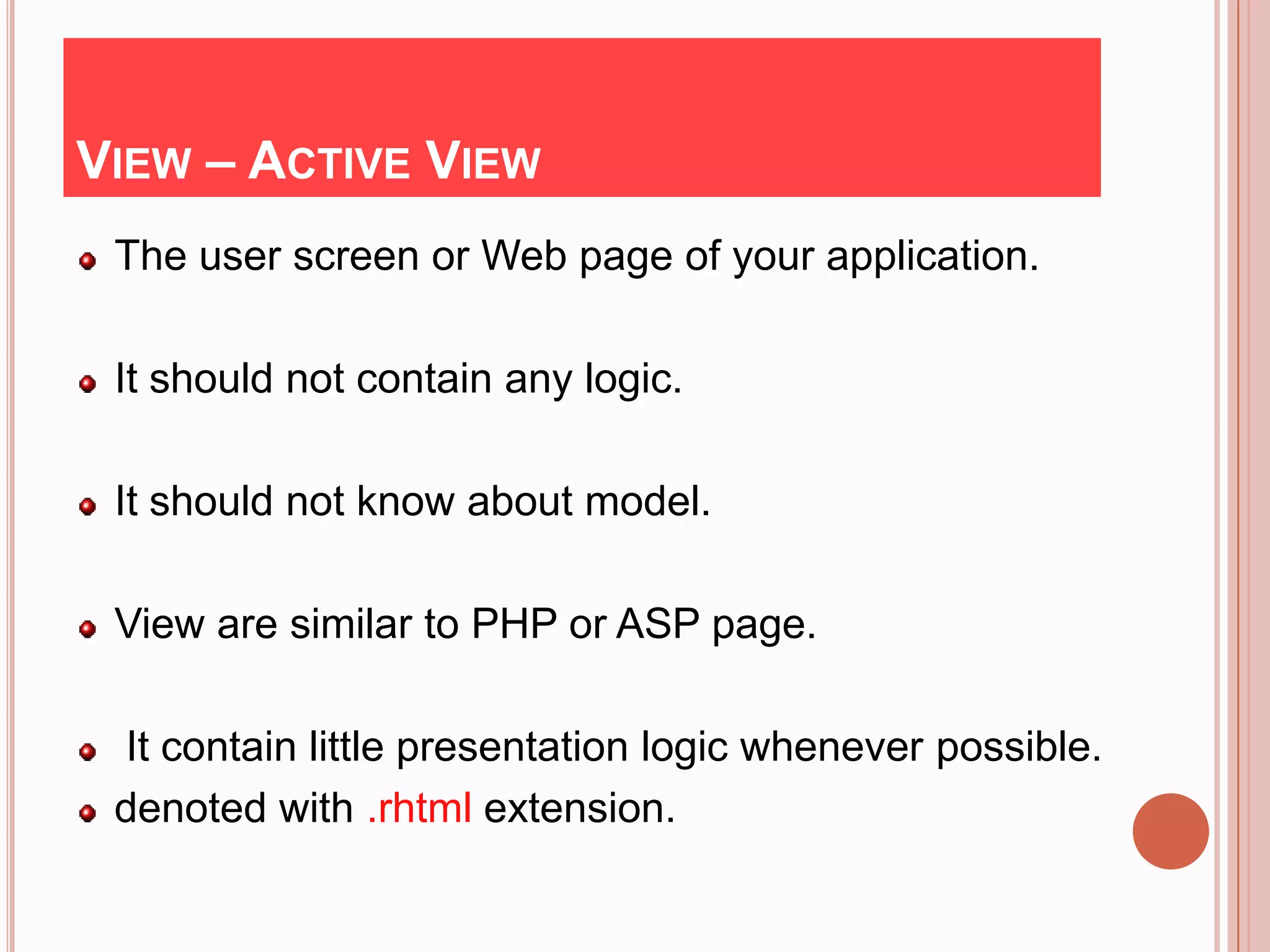
VIEW – ACTIVE VIEW
 The user screen or Web page of your application.

 It should not contain any logic.

 It should not know about model.

 View are similar to PHP or ASP page.

 It contain little presentation logic whenever possible.
 denoted with .rhtml extension.
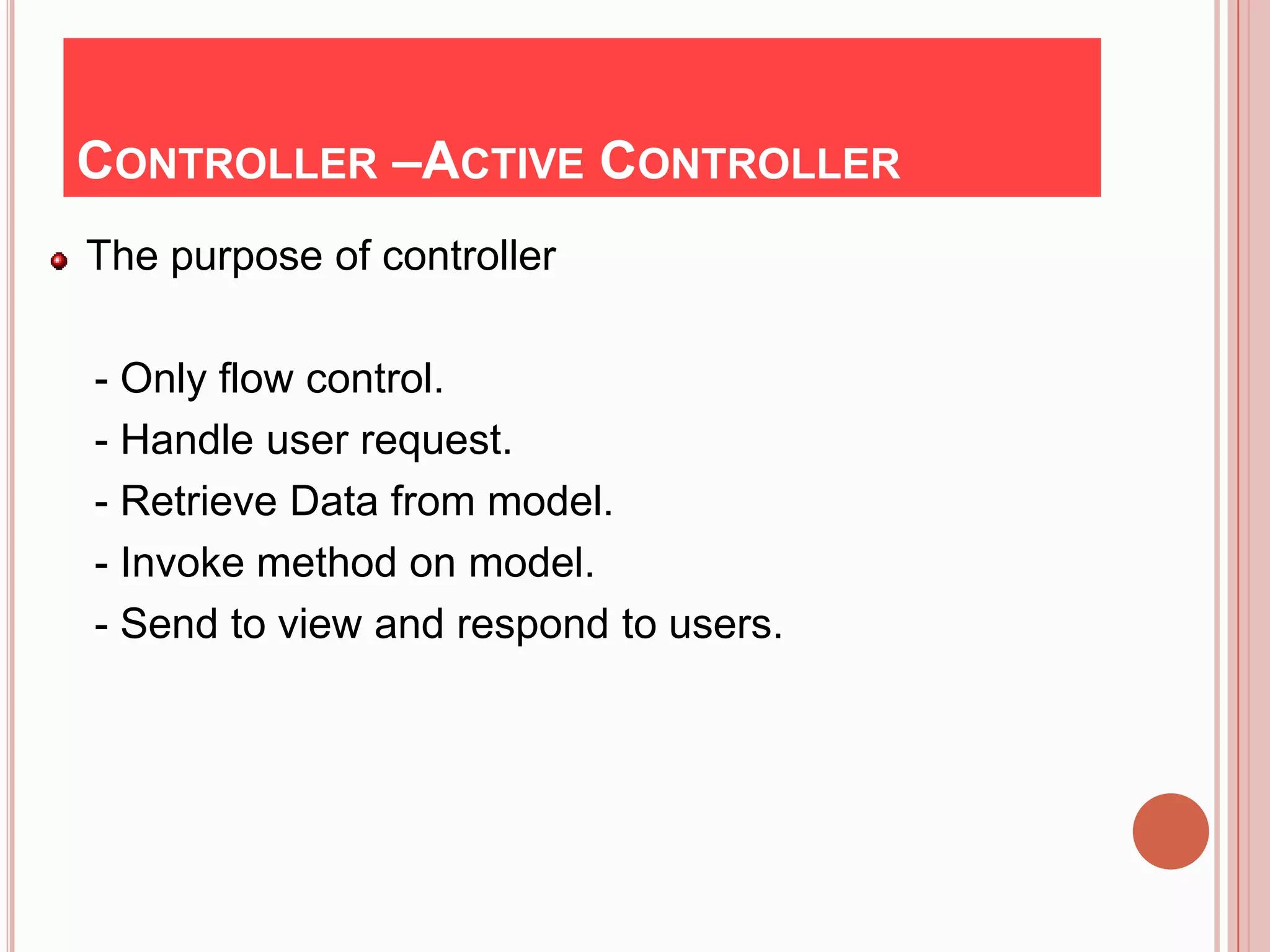
CONTROLLER –ACTIVE CONTROLLER
The purpose of controller

- Only flow control.
- Handle user request.
- Retrieve Data from model.
- Invoke method on model.
- Send to view and respond to users.
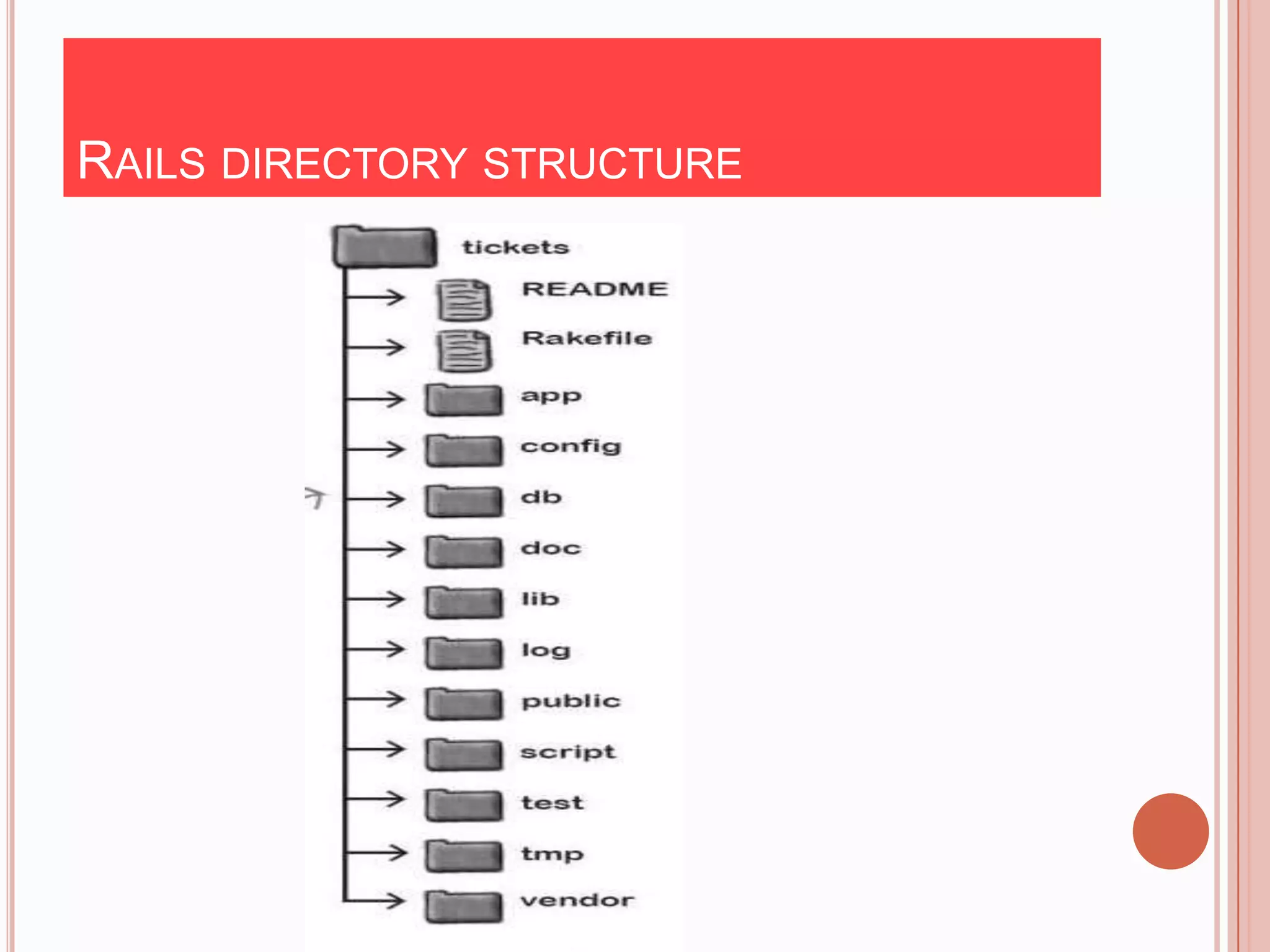
RAILS DIRECTORY STRUCTURE
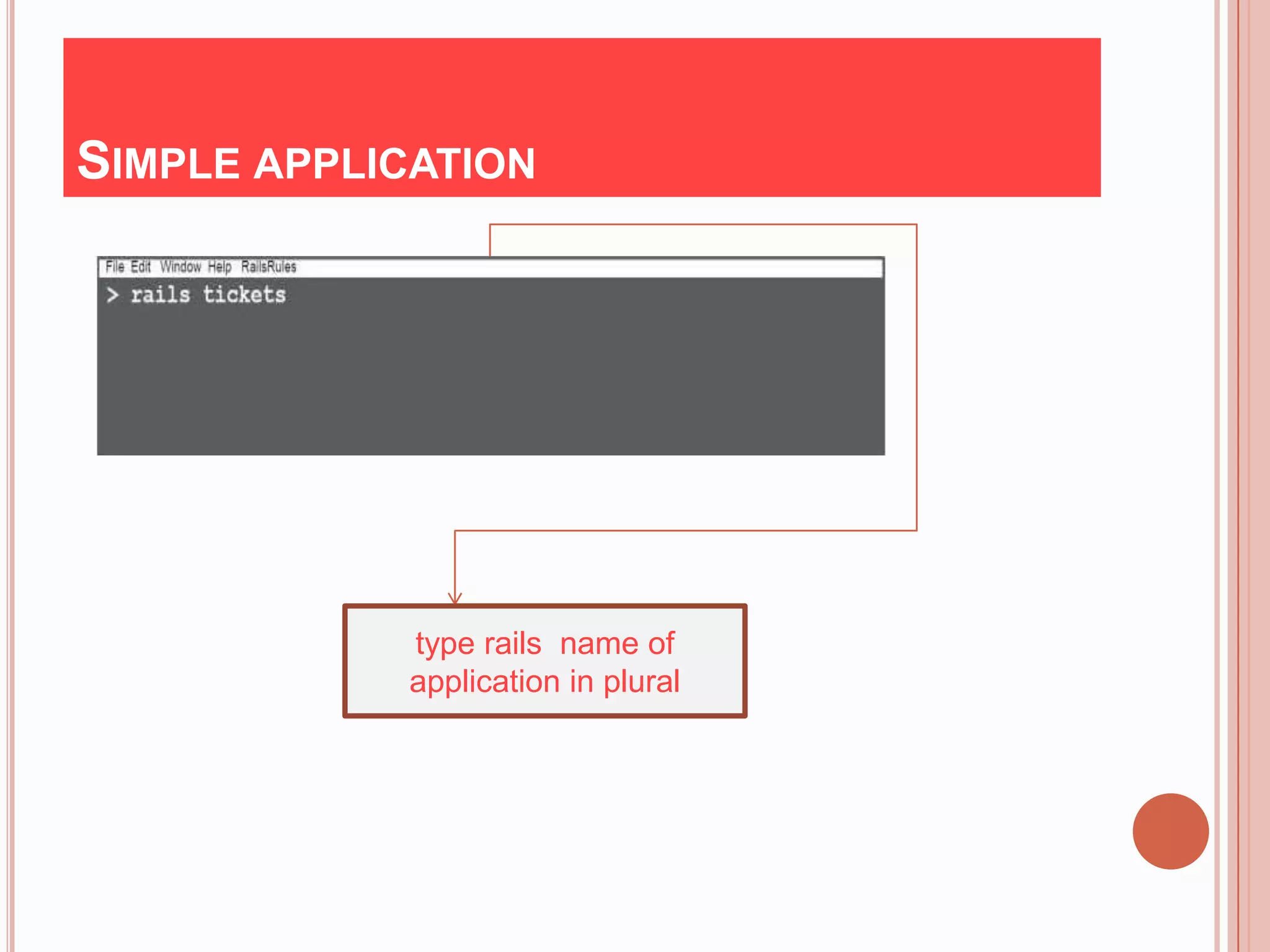
SIMPLE APPLICATION


             type rails name of
             application in plural
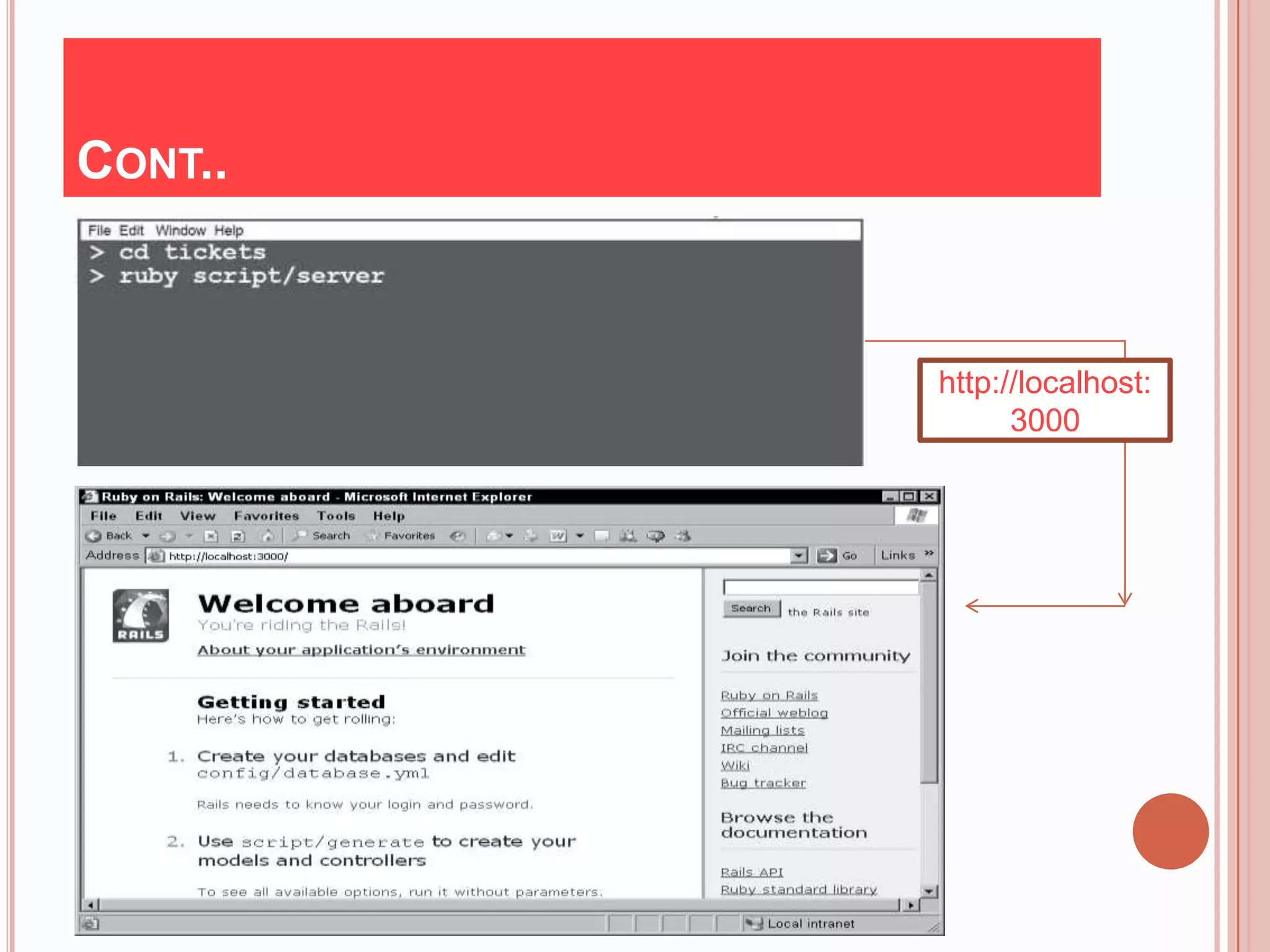
CONT..


         http://localhost:
               3000
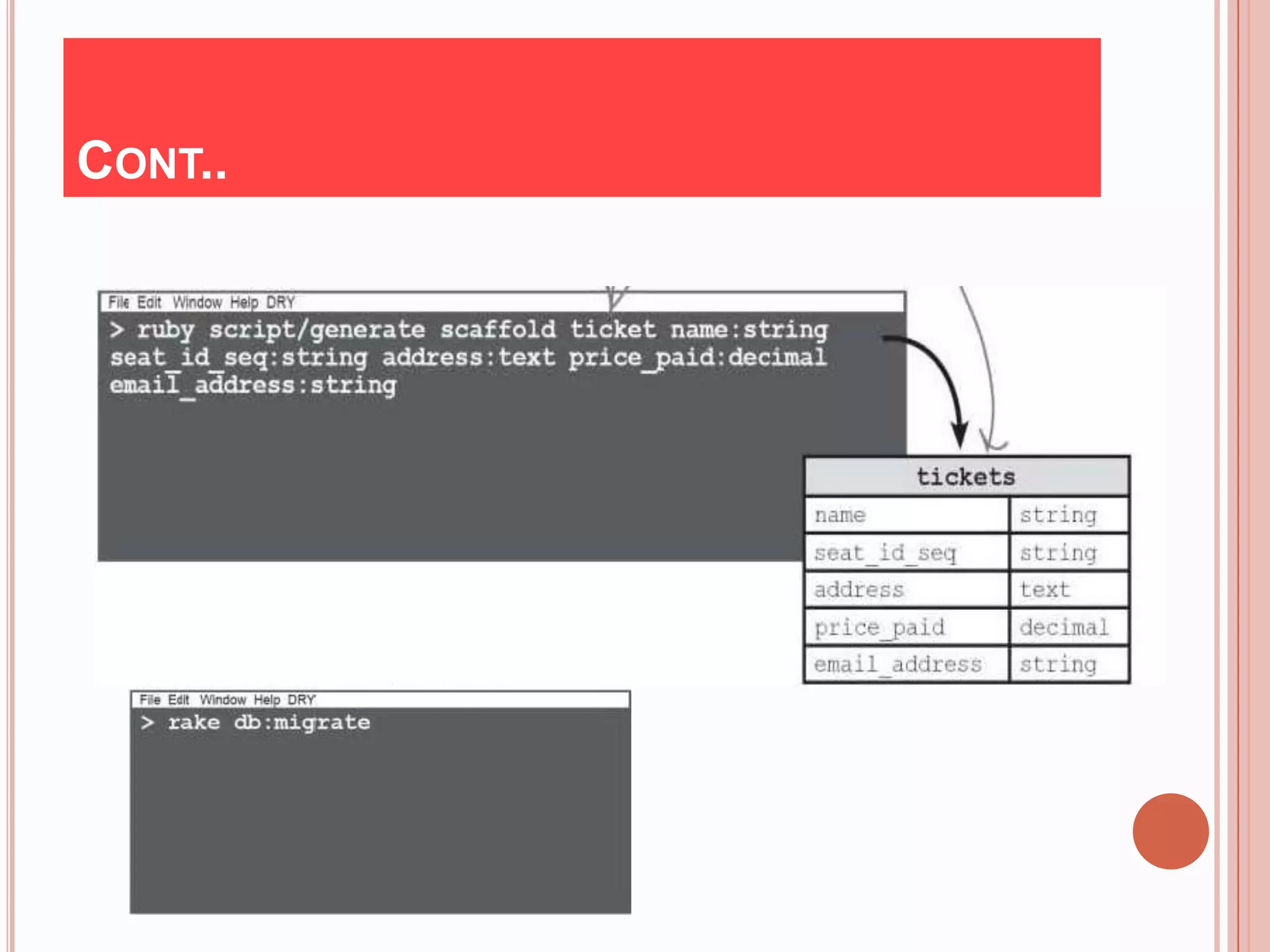
CONT..
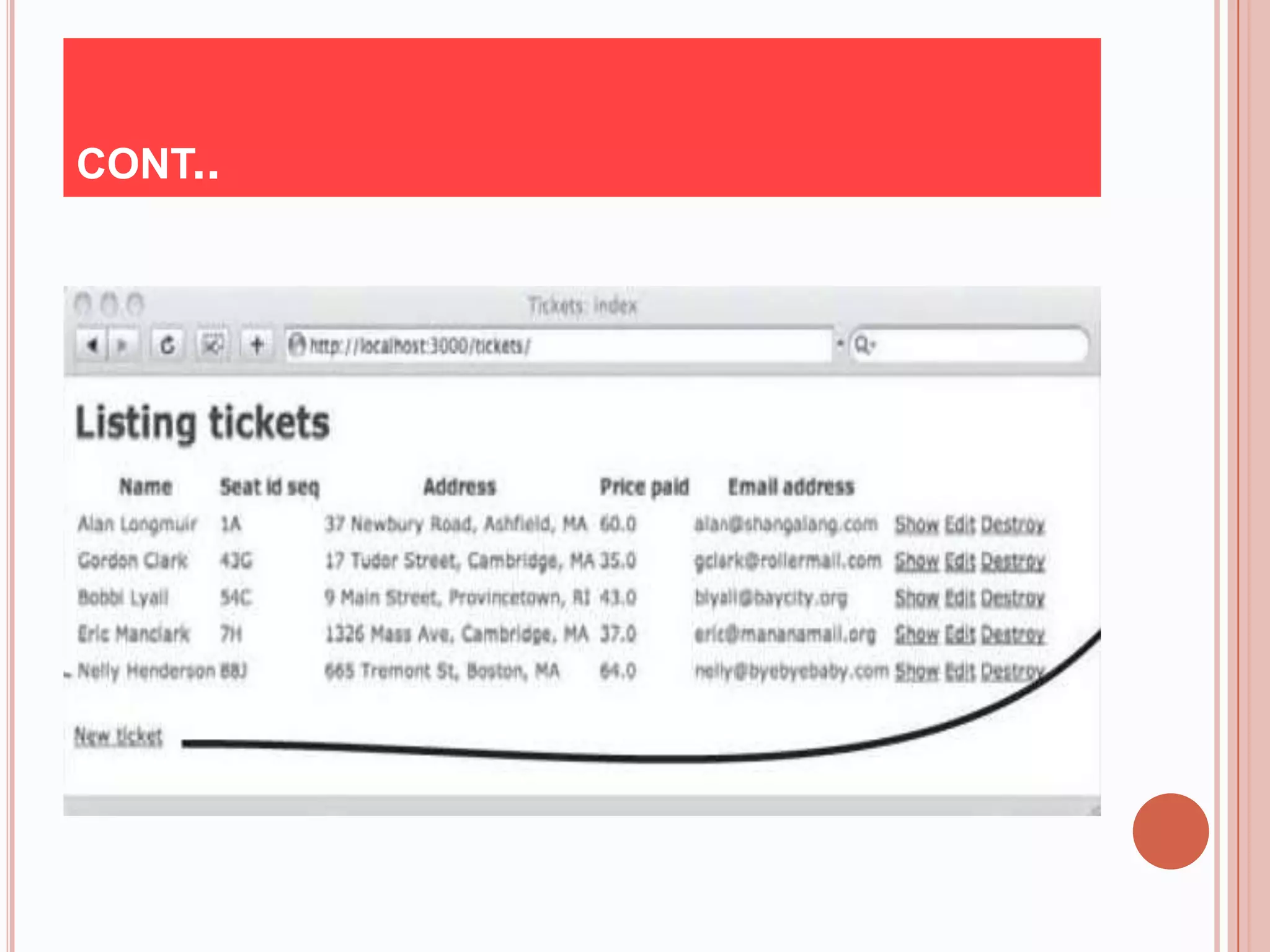
CONT..
REFERENCE
Books :
      1. Head first rails
       - David Griffiths
      2. Begging of rails
       - Steven Holzner
     3.The Pragmatic Programmer's Guide
       - Yukihiro Matsumoto
      4. The Ruby Way
       - Hal Fulton
       5. Agile web development –Ruby on Rails
       - David Heine Meier Hansson
Sites:
       http://www.ruby-lan.org
THANK YOU

Ruby -the wheel Technology

  • 1.
  • 2.
    HISTORY Rubywas conceived on February 24, 1993 by Yukihiro Matsumoto (a.k.a “Matz”)who wished to create a new language that balanced function programming with imperative programming. Matsumoto has stated, "I wanted a scripting language that was more powerful than Perl, and more object- oriented than Python. At a Google Tech Talk in 2008 Matsumoto further stated, "I hope to see Ruby help every programmer in the world to be productive, and to enjoy programming, and to be happy. That is the primary purpose of Ruby language."
  • 3.
    PRINCIPLE Ruby issaid to follow the principle of least astonishment (POLA), meaning that the language should behave in such a way as to minimize confusion for experienced users. Matsumoto has said his primary design goal was to make a language which he himself enjoyed using, by minimizing programmer work and possible confusion.
  • 4.
    COMPARISON Dynamic vs. Statictyping Scripting vs. Complied Language -use interpreter -use compiler Object oriented vs. Procedure oriented
  • 5.
    WHAT IS RUBY? Paradigm : Multi-paradigm 1.object-oriented 2. functional, 3.dynamic 4. imperative Typing- : : 1.Dynamic discipline 2.Duck 3.strong Non commercial : Open Source Influenced by : Ada, C++, Perl, Smalltalk, Python , Eiffel
  • 6.
    CONT.. Os :cross platform(windows , mac os , linux etc.) Stable release : 1.9.2 (February ,18 2011) Major implementations : RubyMRI , YARV , Jruby , Rubinius, IronRuby , MacRuby , HotRuby License : Ruby license or General public license Usual file extension : .rb , .rbw Automatic memory management(Garbage collection)
  • 7.
    WHY RUBY? Easy to learn Open source (very liberal license) Rich libraries Very easy to extend Truly Object-Oriented -Everything is an object. Single inheritance - Mixins give you the power of multiple inheritance with the problems .
  • 8.
    SIMPLE “ HELLO,WORLD ” PROGRAM # simply give hello world Comment in ruby puts “hello , world..” Output: hello , world..
  • 9.
    WHERE TO WRITERUBY CODE? IDE or Editors: 1. Net beans 2. Eclipse(mostly used today) 3. Text Mate (mac os) 4. Ultra editor 5. E 6. Heroku( completely online solution for application )
  • 10.
    RUBY SYNTAX Ruby syntax is similar with Perl and Python . 1.Adding comment - All text in ruby using # symbol consider as comment.so that ruby interpreter ignored it. 1.a For large block =begin This is a multi-line block of comments in a Ruby source file. Added: January 1, 2011 =end Puts “This is Ruby code
  • 11.
    CONT.. 2.Using parentheses : - parentheses are optional in ruby Ex. In below ,you could call it like this.. movie.set_title(“Star Wars”) Or you could call it without parentheses movie.set_title “Star Wars” Require, when chaining methods are used, Ex. puts movie.set_title(“Star Wars”)
  • 12.
    CONT.. 3.Using semicolons Semicolons are a common indicator of a line or statement ending. In Ruby, the use of semicolons to end your lines is not required. def add_super_power(power) @powers.add(power) end The only time using semicolons is required is if you want to use more than one statement on a single line def add_super_power(power) @powers.add(power); puts “added new power” end Indicate more than one statement on single line
  • 13.
    KEYWORDS & IDENTIFIERS BEGIN END alias and Begin break case def class defined? do else elsif end ensure false for if in module next nil not or redo rescue retry undef self super then true return unless until when while yield
  • 14.
    VARIABLES Local variables:beginwith lowercase or underscore Ex : alpha , _ident Pseudovariables : self ,nil Global variables: begin with $ (dollar sign) Ex: $beta, $NOT_CONST Instance variables: begin with @ sign Ex:@foobar Class variables: begin with @@sign Ex:@@my_var Constants : begin with capital Ex:Length
  • 15.
    OPERATORS :: Scope [] Indexing ** Exponentiation +-!~ Unary */ +-% Binary << >> Logical shifts &(and) |(or) ^(xor) Bitwise < >= < <= Comparision && || Boolean and ,or .. … Range ?: Ternary decision
  • 16.
    LOOPING AND BRANCHING “If ” Form “ Unless ” Form if x<5 then unless x>=5 then state1 state1 end end if x<5 then unless x>=5 then state1 state1 else else state2 state2 end end x = if a>0 then b else c end x = unless a<=0 then b else c end
  • 17.
    LOOPING (FOR, WHILE,LOOP ) 1. # loop1 (while) i=0 while i < 10 do print “ # {i} ” output: 0 to 9 i+=1 end 2. # loop2(loop) i=0 output: 0 to 9 loop do print “ # {i} ” i+=1 break if i>10 end
  • 18.
    CONT.. 3.# loop3 (for) for i in 0..9 do output: 0 to 9 print “#{i}” end
  • 19.
    STANDARD TYPE - Integerwithin a certain range . (normally -230 to 230-1 or -262 to 262-1) Interger Bignum Fixnum -Also support Float numbers - Complex numbers
  • 20.
    CONT..  123456 #Fixnum  123_456 # Fixnum (underscore ignored)  -543 # Negative Fixnum  123_456_789_123_345_789 # Bignum  0xaabb # Hexadecimal  0377 # Octal  0b101_010 # Binary
  • 21.
    CONT.. Some ofoperation on numbers: a= 64**2 # ans.4096 b=64**0.5 # ans. 8.0 c=64**0 # ans.1 Complex number a=3.im #3i b= 5-2im #5-2i c=Complex(3,2) # 3+2i Base conversion 237.to_s(2) #”11101101” 237.to_s(8) #”355 ” 237.to_s(16) #”0xed ”
  • 22.
    OOP IN RUBY In ruby , every thing is an object . like, string, array, regular expression etc. Ex. - “abc”. upcase # “ABC” - 123.class #Fixnum - “abc”.class #String - “abc”.class .class #Class - 1.size # 4 - 2.even? # true - 1.next # 2
  • 23.
    STRINGS Rubystrings are simply sequences of 8-bit bytes. They normally hold printable characters, but that is not a requirement; a string can also hold binary data. Strings are objects of class String. Working with String: 1.Searching str =“Albert Einstein ” p1= str.index(?E) #7 p2= str.index(“bert”) #2 p3=str.index(?w) #nil
  • 24.
    CONT.. 1.a Substring ispresent or not? str =“mathematics” flag1=str.include? ?e # true flag2=str.include? “math” # true 2. Converting string to numbers x=“123”.to_i #123 y=“3.142”.to_f #3.14 z=Interger(“0b111”) #binary –return 7
  • 25.
    CONT.. 3. Counting characterin string s1=“abracadabra” a=s1.count(“c”) #1 b=s1.count(“ bdr ”) #5 4. Reversing a String s1=“Star World” s2=s1.reverse # “dlroW ratS” s3=s1.split(“ ” ) # [“Star” ”World”] s4=s3.join(“ ”) # “Star World ”
  • 26.
    CONT.. 5. Removing Duplicatecharacters s1=“bookkeeper” s2=s1.squeeze # “ bokeper ” s3=“Hello..” # specific character only s4=s3.squeeze(“.”) # “hello.”
  • 27.
    ARRAY & HASHES Thearray is the most common collection class and is also one of the most often used classes in Ruby. An array stores an ordered list of indexed values with the index starting at 0. Ruby implements arrays using the Array class. Creating and initializing an array Ex. a=Array[1,2,3,4] or a=[1,2,3,4] or a=Array.new(3) #[nil,nil,nil]
  • 28.
    CONT.. Finding array size x=[“a”,“b”, “ c”] a=x.length #3 or a=x.size #3 Sorting array a=[1, 2 , “three ”, “four”,5,6] b=a.sort {|x,y|x.to_d<=>y.to_s } # ans. [1,2,5,6, “four”, “three”] x=[5,6,1,9] y=x.sort{|a,b| a<=>b} #ans.[1,5,6,9]
  • 29.
    HASHES  Hashes are known as in some circle as associative arrays , dictionaries. Major difference between array & hashes - An Array is an ordered data structure. - Whereas a Hash is disordered data structure.
  • 30.
    CONT.. Hashes areused as “key->value” pairs Both key & value are objects. Ex. h=Hash{ “dog”=> “animal” , “parrot”=> „”bird” } puts h.length #2 h[„dog‟] #animal h.has_value? “bird” # true h.key? “ cat” #false a=h.sort #[[“dog”, “animal”],[“parrot”, “bird”]] # It convet into array
  • 31.
    REFERENCE Books : 1. programming ruby language -Yukihiro Matsumoto 2.programming ruby language -David black 3.The Pragmatic Programmer's Guide - Yukihiro Matsumoto 4. The Ruby Way -Hal Fulton 5. The ruby -In Nutshell - Yukihiro Matsumoto Sites: http://www.ruby-lan.org
  • 32.
  • 33.
    PREVIOUS SESSION History Principle What is Ruby? Keyword & Variable Standard Type Object Looping &Branching Array String Hashes
  • 34.
    THIS SESSION Module Method inRuby Class Variable & Class Method Inheritance Method Overriding Method Overloading
  • 35.
    CONT.. Ruby OnRails -Web Development What is Rails? Rails Strength Rails & MVC Pattern Rails Directory Structure Creating Simple Web application
  • 36.
    METHOD IN RUBY How to define method in class? module pqr class xyz def a end …. end end Example: class Raser def initialize(name,vehicle) # constructor of class @name=name @vehicle=vehicle end end
  • 37.
    CONT.. racer=Racer.new(“abc”, “ferrari ”) creating object racer of class Racer puts racer.name # give abc puts racer.vehicle # give ferrari puts racer.inspect #give abc & ferrari both
  • 38.
    INHERITANCE Inheritance isrepresented in ruby subclass<superclass (extends keyword in java replace by < in ruby) Example: class Racercomp<Racer def initialize (name,vehicle,rank) super(name,vehicle) @rank=rank end end x=Racercomp.new(“xyz”, “ferrari”, “10”) puts x.inspect
  • 39.
    METHOD OVERRIDING  class xyz def name puts “hi ,i am in xyz…” end end class abc<xyz def name puts “hi, i am in abc…” end end a=xyz.new b=abc.new puts a.name # hi, i am in xyz puts b.name # hi, i am in abc
  • 40.
    METHOD OVERLOADING classxyz def hello(name1) puts “hello ,#{name1}” end def hello(name1,name2) puts “hello ,#{name1} #{name2}” end a=xyz.new puts a.hello(i am) # hello , i am b=xyz.new puts b.hello(i am,fine) # hello , i am fine
  • 41.
    ATTR_READER Rubyprovide methods using attr_reader class Song attr_reader :name, :artist, :duration end a=Song.new( “p” , “q”, “r”) puts a.inspect
  • 42.
    Ruby on Rails- Web Development
  • 43.
    WHAT IS RAILS? An Extremely Productive web application framework that is written in Ruby by David Hansson. Fully stack Framework - Includes everything needed to create database drive Web application using MVC pattern. - Being a full stack Framework means that all layer are built to work seamlessly together.
  • 44.
    RAILS & MVCPATTERN  M - Model(Active Record)  V – View(Active View)  C – Controller(Active Controller)
  • 45.
  • 46.
    MODEL- ACTIVE RECORD Provide access to Database table - Record CRUD(Create, Read, Update , Delete) It define also Validation & Association
  • 47.
    VIEW – ACTIVEVIEW The user screen or Web page of your application. It should not contain any logic. It should not know about model. View are similar to PHP or ASP page. It contain little presentation logic whenever possible. denoted with .rhtml extension.
  • 48.
    CONTROLLER –ACTIVE CONTROLLER Thepurpose of controller - Only flow control. - Handle user request. - Retrieve Data from model. - Invoke method on model. - Send to view and respond to users.
  • 49.
  • 50.
    SIMPLE APPLICATION type rails name of application in plural
  • 51.
    CONT.. http://localhost: 3000
  • 52.
  • 53.
  • 54.
    REFERENCE Books : 1. Head first rails - David Griffiths 2. Begging of rails - Steven Holzner 3.The Pragmatic Programmer's Guide - Yukihiro Matsumoto 4. The Ruby Way - Hal Fulton 5. Agile web development –Ruby on Rails - David Heine Meier Hansson Sites: http://www.ruby-lan.org
  • 55.