



RESPONSIVE WEB DESIGN


Tuesday, December 13, 11
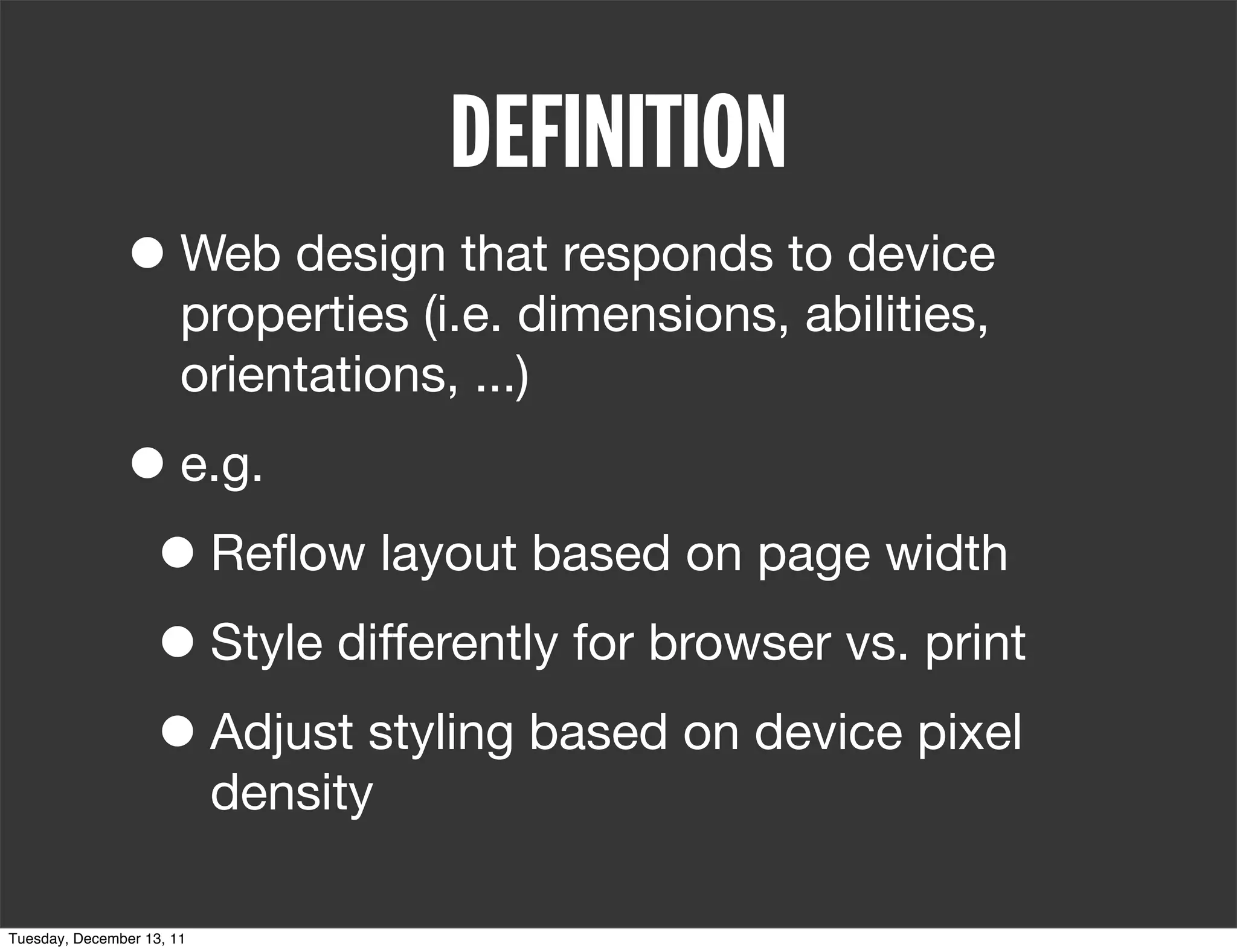
DEFINITION
               • Web design that responds to device
                       properties (i.e. dimensions, abilities,
                       orientations, ...)


Tuesday, December 13, 11
DEFINITION
               • Web design that responds to device
                       properties (i.e. dimensions, abilities,
                       orientations, ...)

               • e.g.
                • Reflow layout based on page width


Tuesday, December 13, 11
DEFINITION
               • Web design that responds to device
                       properties (i.e. dimensions, abilities,
                       orientations, ...)

               • e.g.
                • Reflow layout based on page width
                • Style differently for browser vs. print


Tuesday, December 13, 11
DEFINITION
               • Web design that responds to device
                       properties (i.e. dimensions, abilities,
                       orientations, ...)

               • e.g.
                • Reflow layout based on page width
                • Style differently for browser vs. print
                • Adjust styling based on device pixel
                           density

Tuesday, December 13, 11
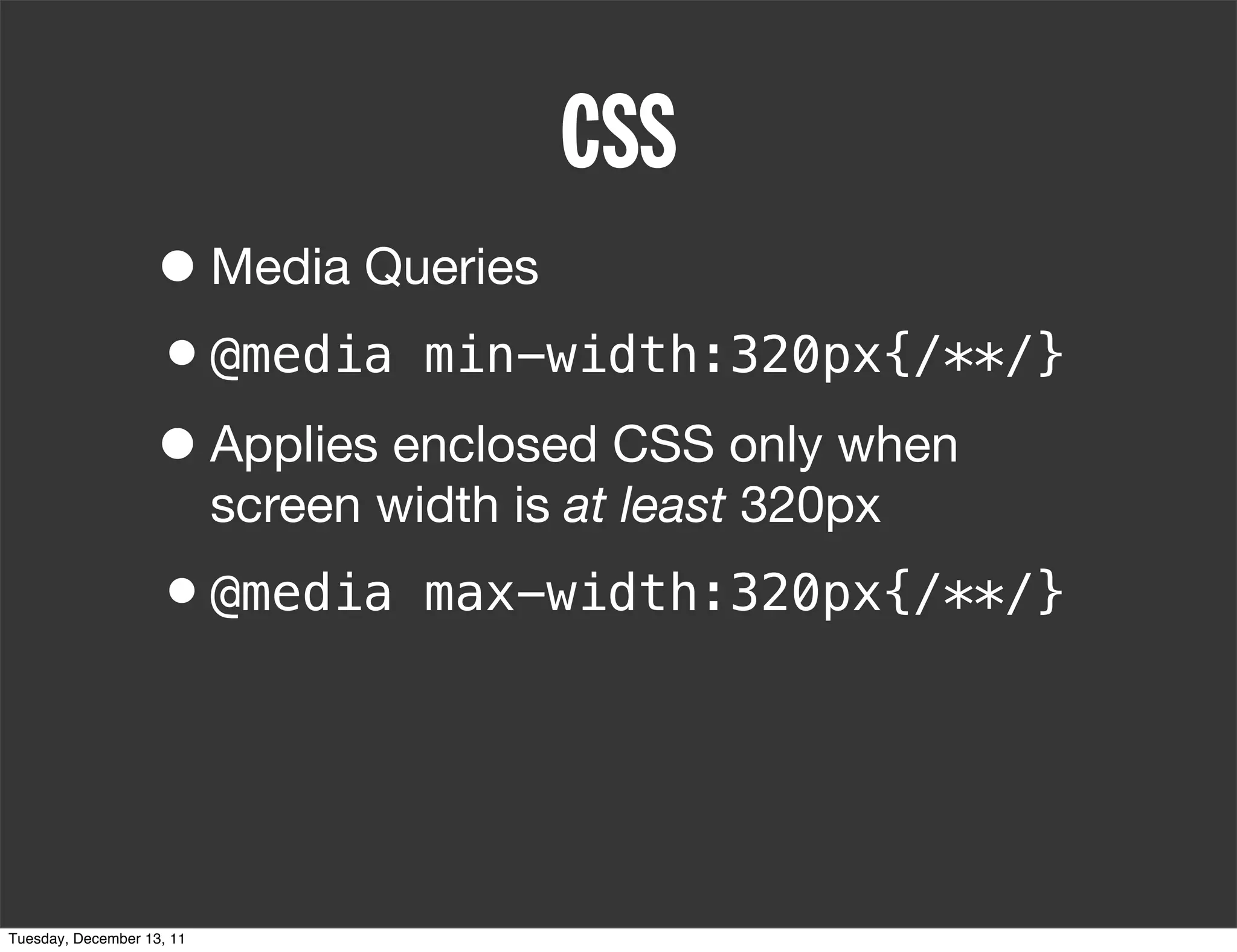
CSS
                   • Media Queries


Tuesday, December 13, 11
CSS
                   • Media Queries
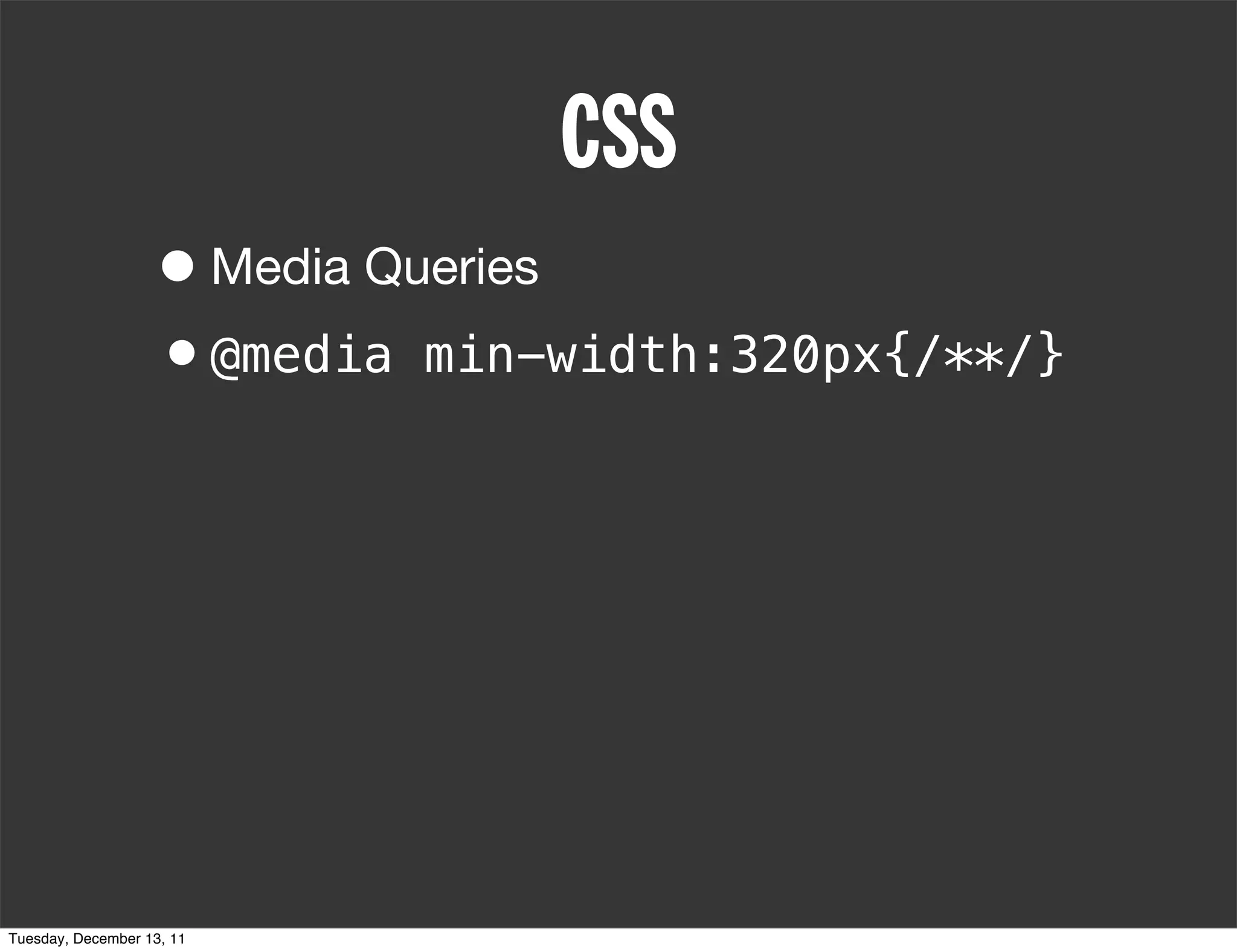
                   •@media min-width:320px{/**/}


Tuesday, December 13, 11
CSS
                   • Media Queries
                   •@media min-width:320px{/**/}
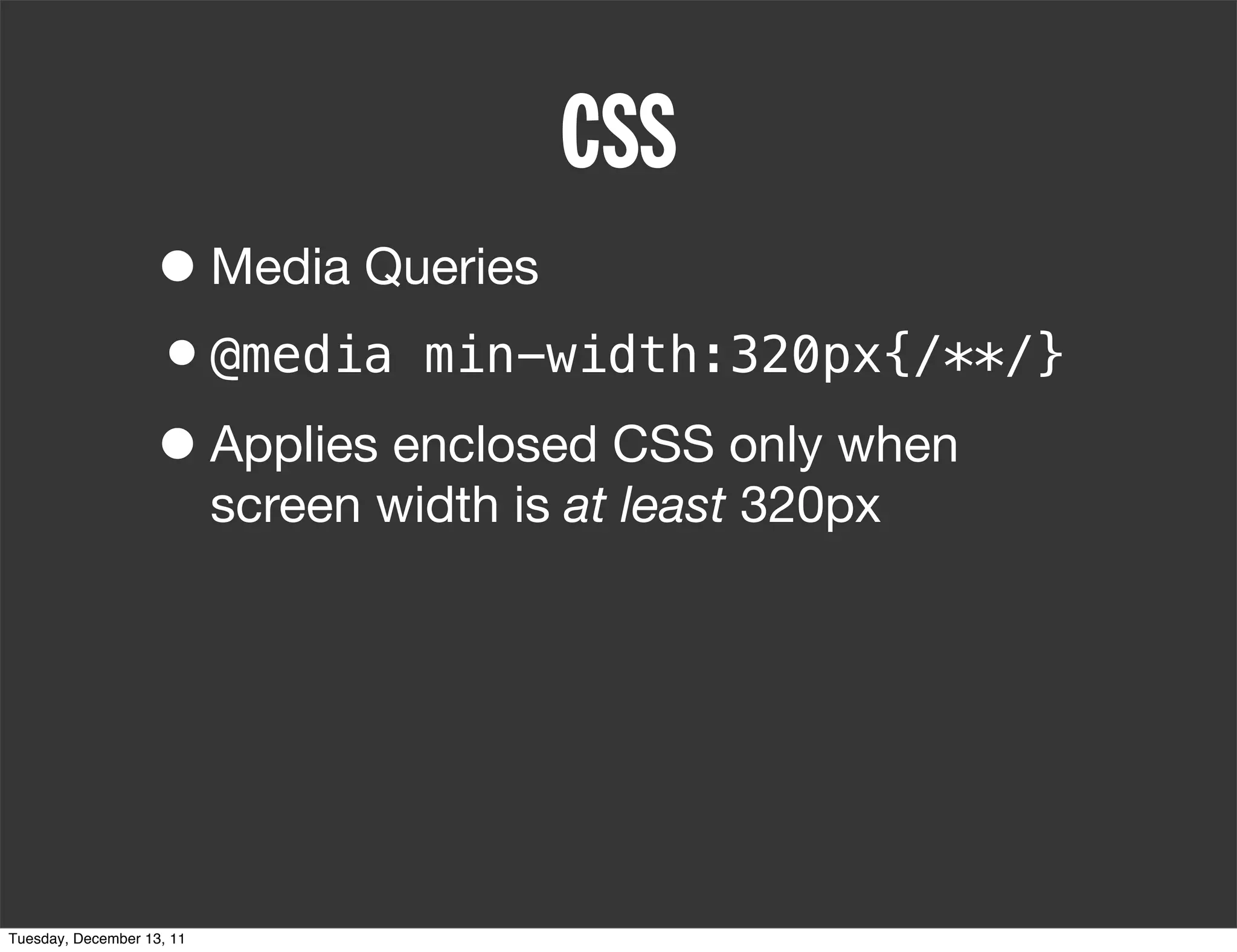
                   • Applies enclosed CSS only when
                           screen width is at least 320px


Tuesday, December 13, 11
CSS
                   • Media Queries
                   •@media min-width:320px{/**/}
                   • Applies enclosed CSS only when
                           screen width is at least 320px
                   •@media          max-width:320px{/**/}


Tuesday, December 13, 11
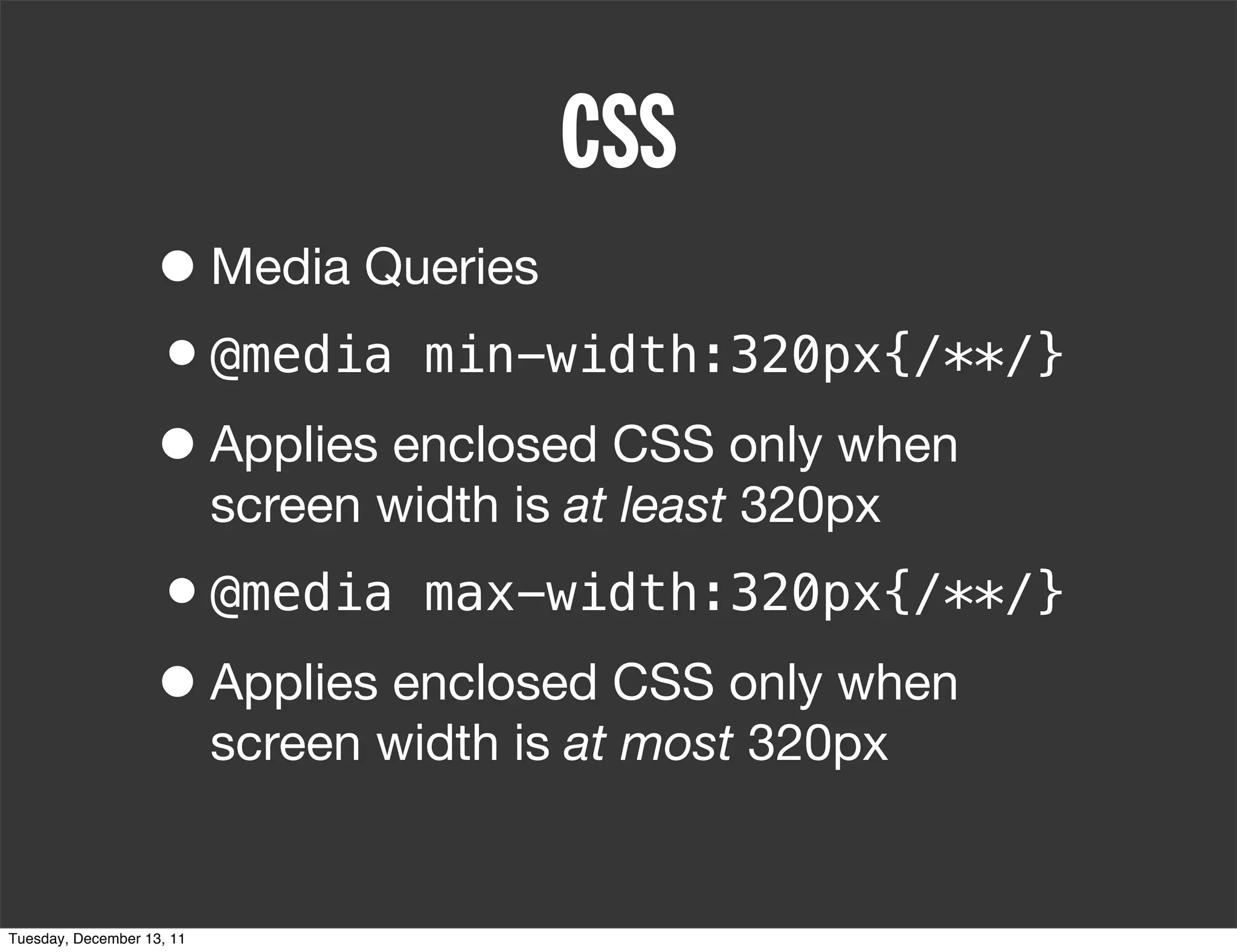
CSS
                   • Media Queries
                   •@media min-width:320px{/**/}
                   • Applies enclosed CSS only when
                           screen width is at least 320px
                   •@media max-width:320px{/**/}
                   • Applies enclosed CSS only when
                           screen width is at most 320px


Tuesday, December 13, 11
PHILOSOPHY
                   • Write semantic HTML


Tuesday, December 13, 11
PHILOSOPHY
                   • Write semantic HTML
                   • Choose your supported sizes: 320,
                           480, 768, 1024


Tuesday, December 13, 11
PHILOSOPHY
                   • Write semantic HTML
                   • Choose your supported sizes: 320,
                           480, 768, 1024

                   • Mobile first, or desktop first?


Tuesday, December 13, 11
PHILOSOPHY
                   • Write semantic HTML
                   • Choose your supported sizes: 320,
                           480, 768, 1024

                   • Mobile first, or desktop first?
                    • Mobile first: min-width
                    • Desktop first: max-width

Tuesday, December 13, 11
DEMO


Tuesday, December 13, 11
PHOTOSHOP VS AGILE   WORK IN PHOTOSHOP TO GET A GENERAL FEELING FOR BOTH
                             1024px & 320px. FILL IN THE GAPS WITH AGILE.


Tuesday, December 13, 11
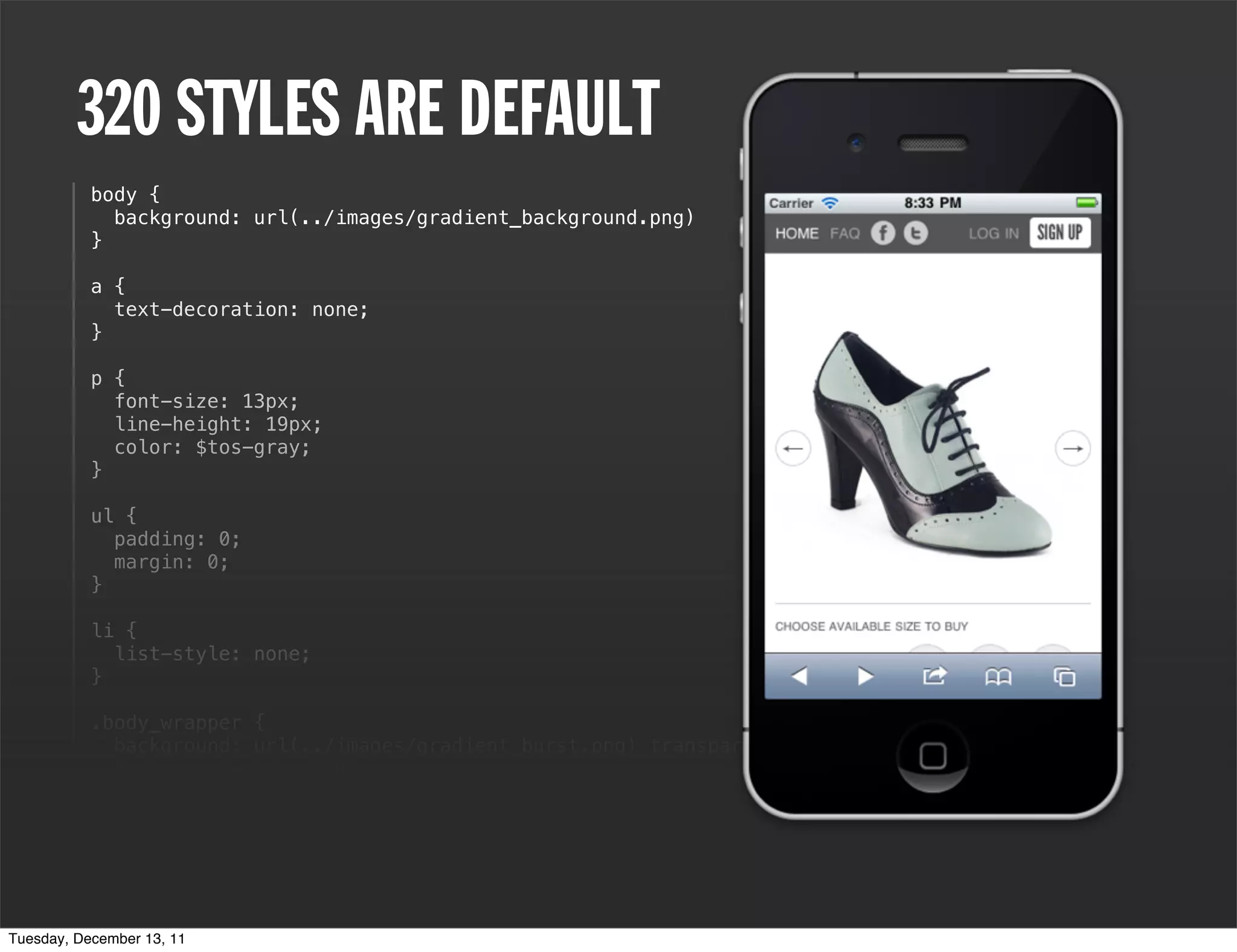
320 STYLES ARE DEFAULT
           body {
             background: url(../images/gradient_background.png)
           }

           a {
             text-decoration: none;
           }

           p {
             font-size: 13px;
             line-height: 19px;
             color: $tos-gray;
           }

           ul {
             padding: 0;
             margin: 0;
           }

           li {
             list-style: none;
           }

           .body_wrapper {
             background: url(../images/gradient_burst.png) transparent top center no-repeat;
             background-size: 100%;
           }

           em {
             font-style: normal;
           }

           h2 {
Tuesday, December 13, 11
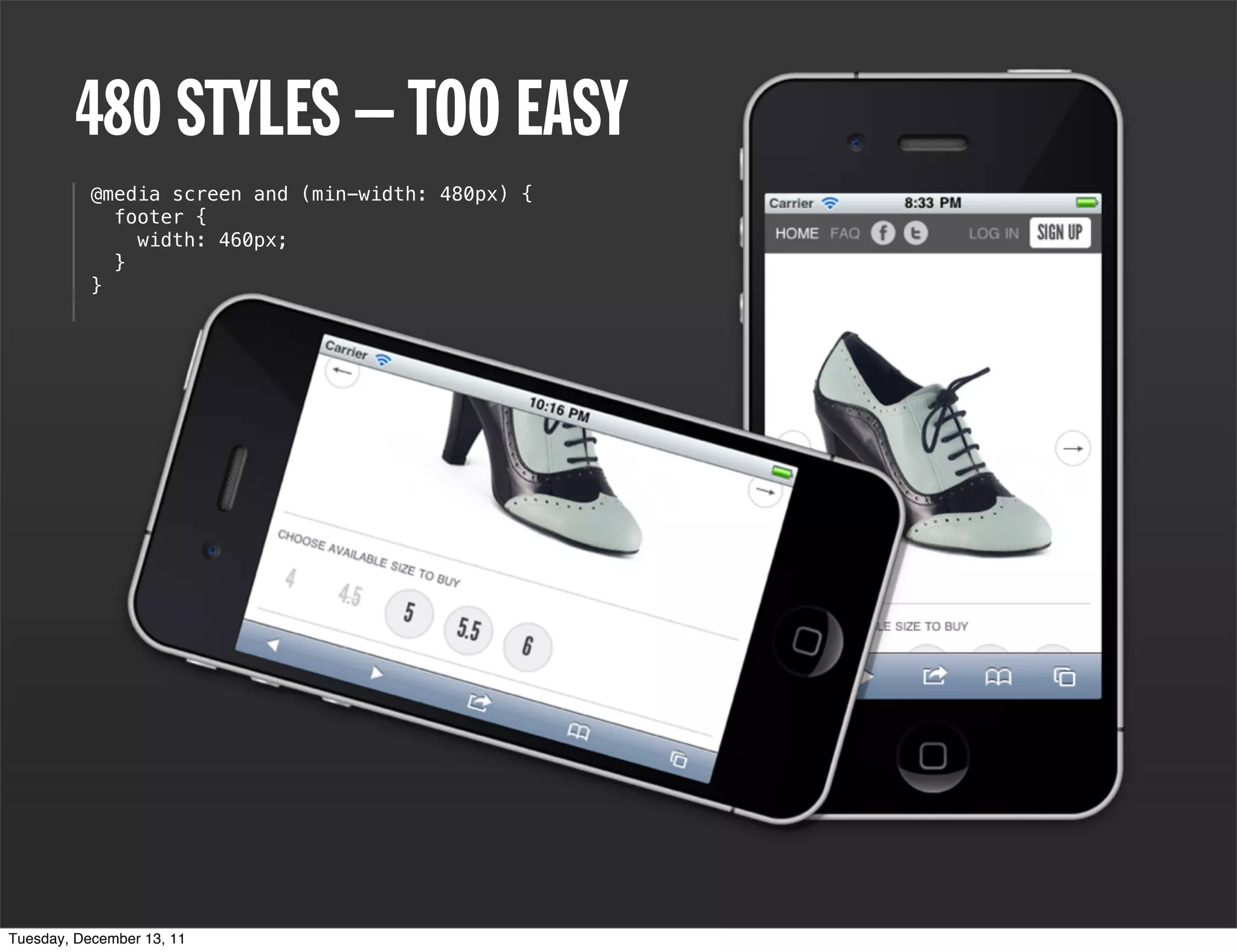
480 STYLES – TOO EASY
           @media screen and (min-width: 480px) {
             footer {
               width: 460px;
             }
           }


Tuesday, December 13, 11
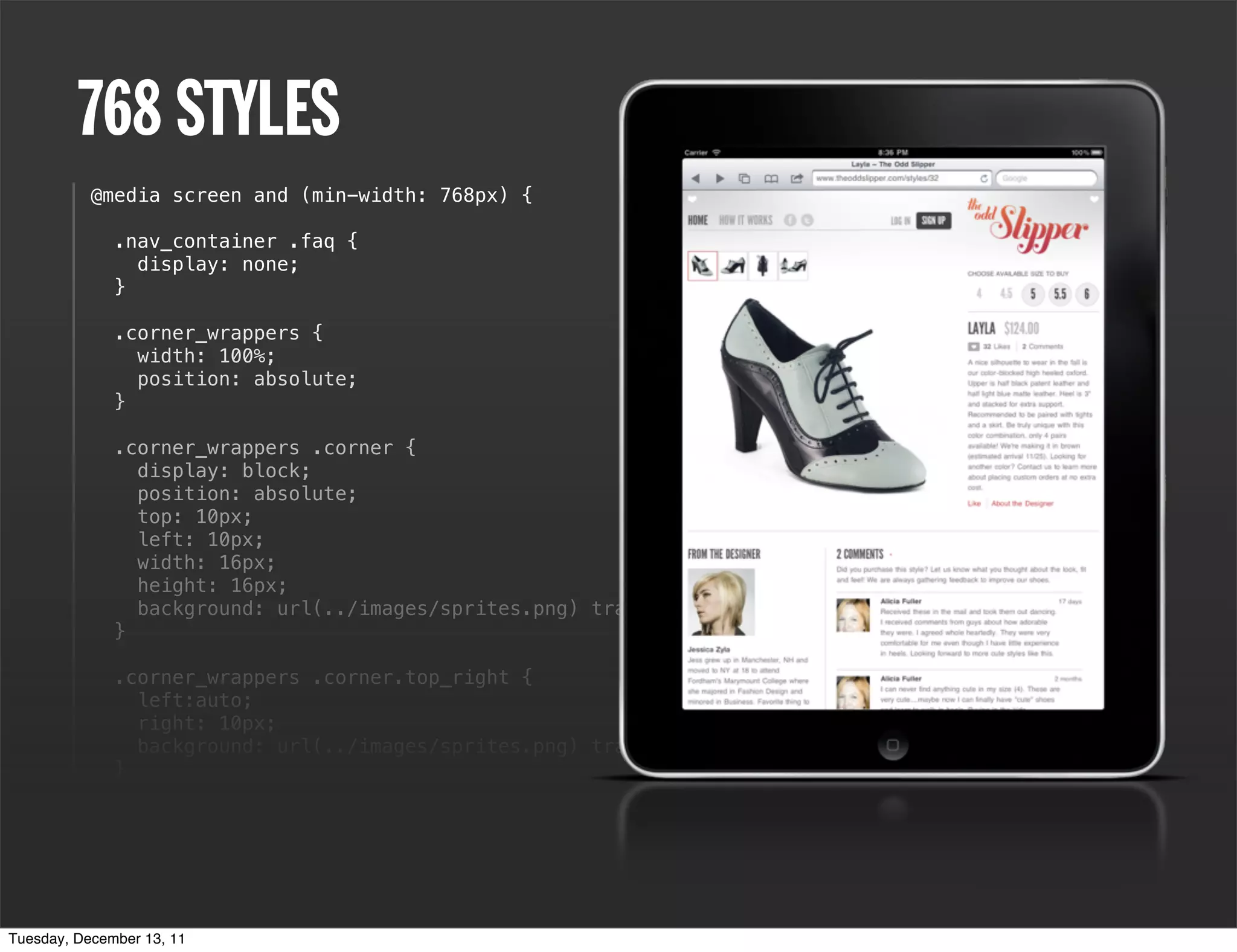
768 STYLES
           @media screen and (min-width: 768px) {

              .nav_container .faq {
                display: none;
              }

              .corner_wrappers {
                width: 100%;
                position: absolute;
              }

              .corner_wrappers .corner {
                display: block;
                position: absolute;
                top: 10px;
                left: 10px;
                width: 16px;
                height: 16px;
                background: url(../images/sprites.png) transparent top left no-repeat;
              }

              .corner_wrappers .corner.top_right {
                left:auto;
                right: 10px;
                background: url(../images/sprites.png) transparent 0 0 no-repeat;
              }

                  h1 a {
                  background: url(../images/logo.png) transparent center top no-repeat;
                  background-size: 80%;
                  height: 105px;
              }
Tuesday, December 13, 11
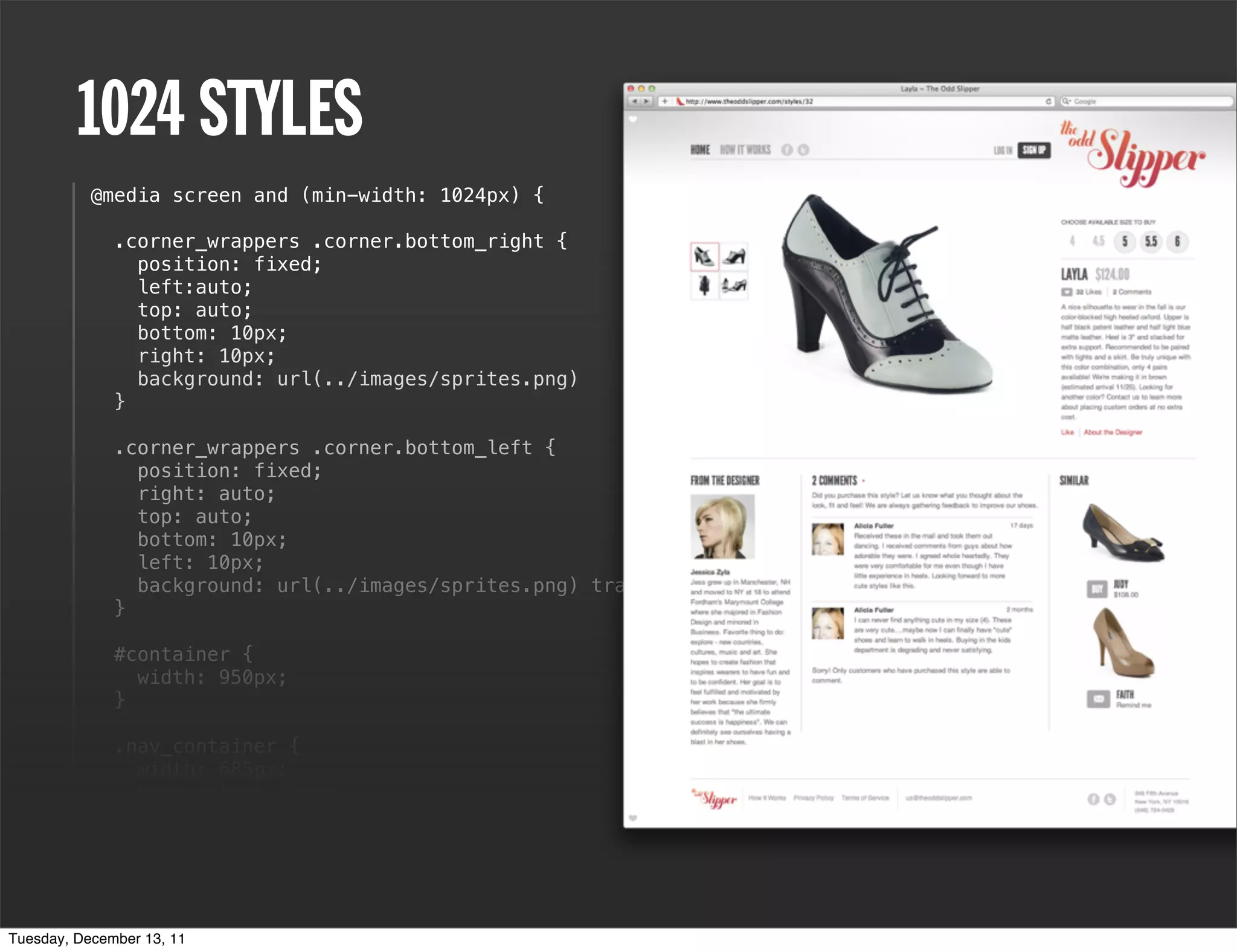
1024 STYLES
           @media screen and (min-width: 1024px) {

              .corner_wrappers .corner.bottom_right {
                position: fixed;
                left:auto;
                top: auto;
                bottom: 10px;
                right: 10px;
                background: url(../images/sprites.png)
              }

              .corner_wrappers .corner.bottom_left {
                position: fixed;
                right: auto;
                top: auto;
                bottom: 10px;
                left: 10px;
                background: url(../images/sprites.png) transparent 0 -15px no-repeat;
              }

              #container {
                width: 950px;
              }

              .nav_container {
                width: 685px;
                margin-top: 20px;
              }

              header {
                height: 73px;
              }
Tuesday, December 13, 11
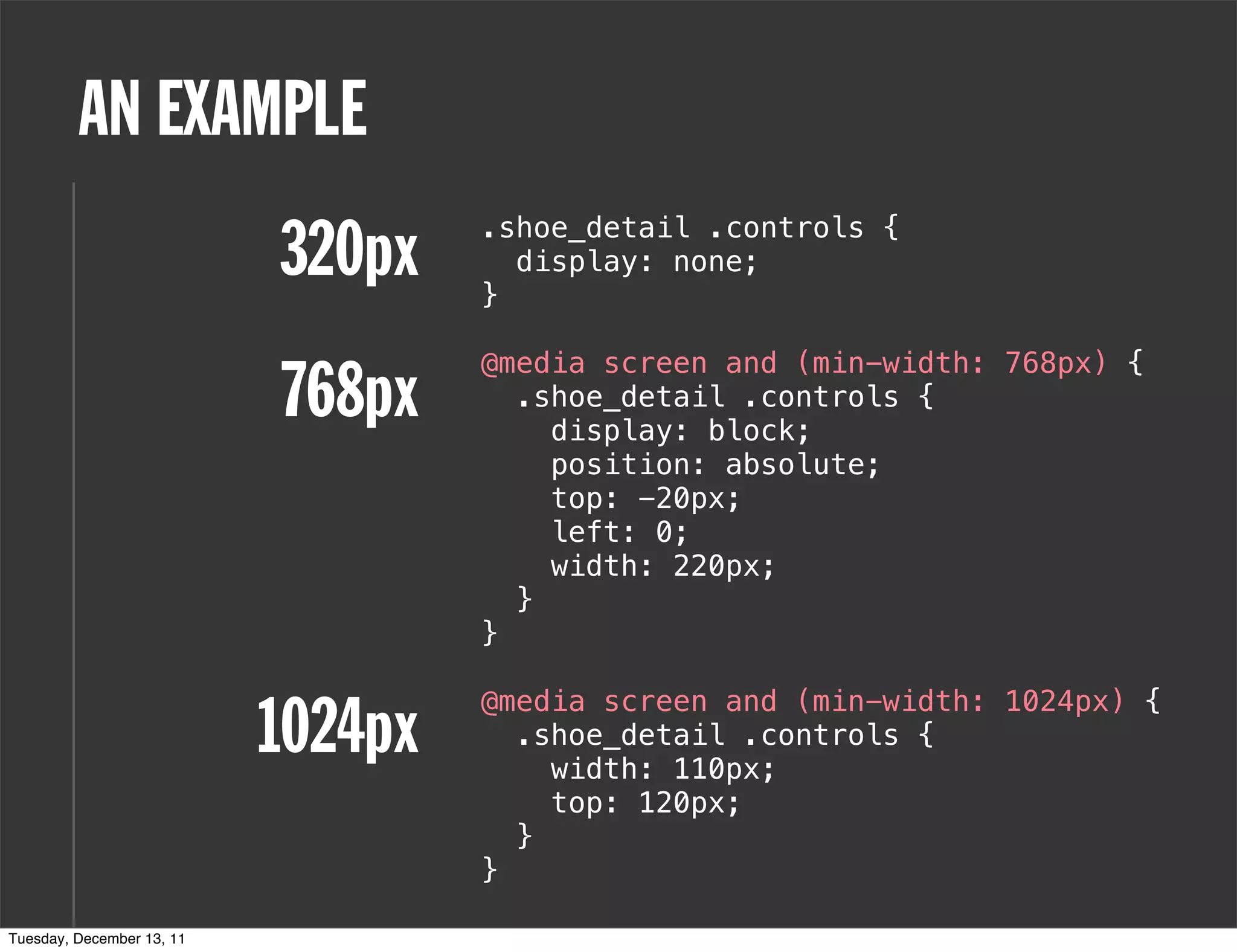
AN EXAMPLE
                           320px    .shoe_detail .controls {

                                    }
                                      display: none;


                                    @media screen and (min-width: 768px) {
                           768px      .shoe_detail .controls {
                                        display: block;
                                        position: absolute;
                                        top: -20px;
                                        left: 0;
                                        width: 220px;
                                      }
                                    }


                           1024px
                                    @media screen and (min-width: 1024px) {
                                      .shoe_detail .controls {
                                        width: 110px;
                                        top: 120px;
                                      }
                                    }

Tuesday, December 13, 11
RE-FLOW EVERYTHING   INCLUDING THE
                             SHOPPING CART


Tuesday, December 13, 11
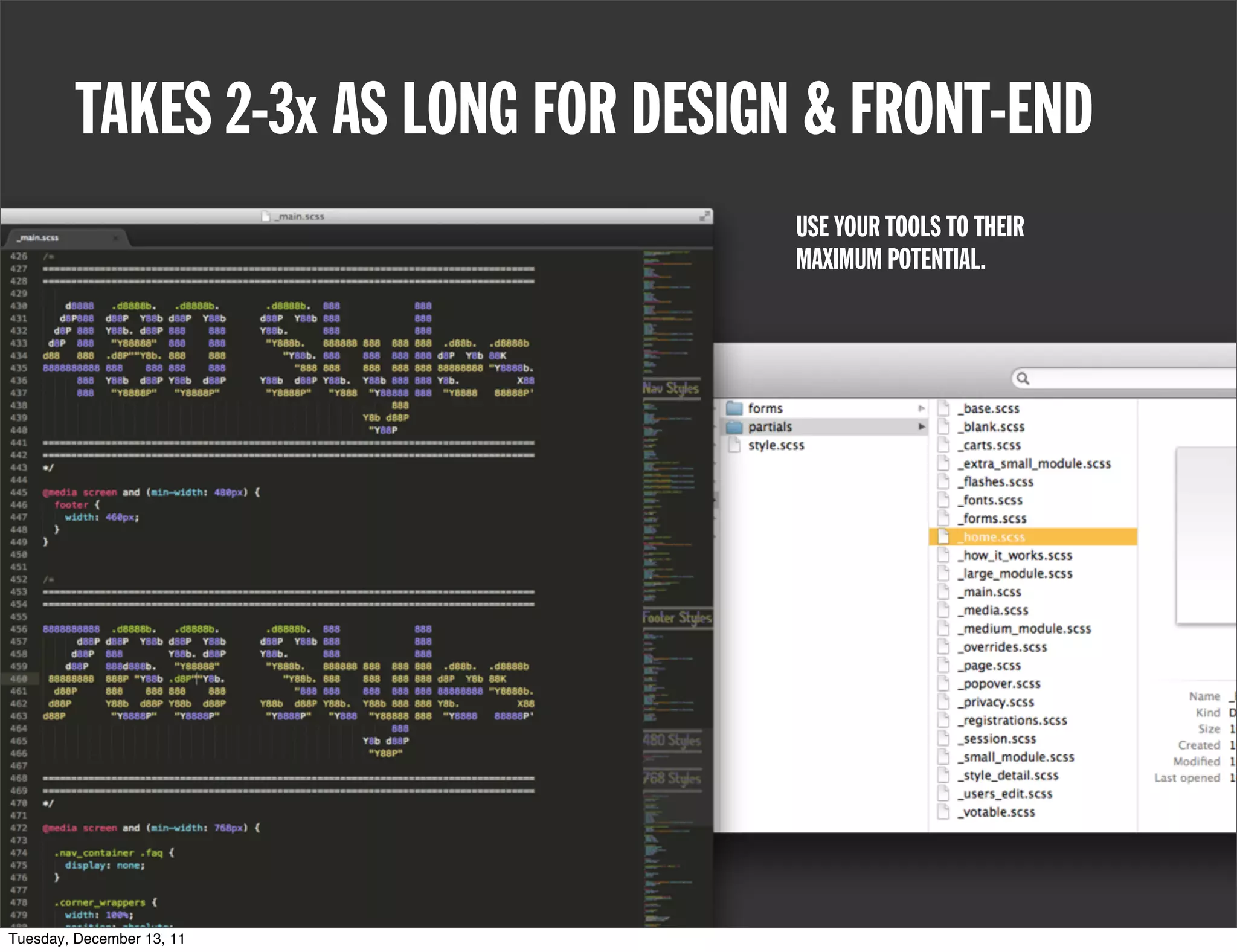
TAKES 2-3x AS LONG FOR DESIGN & FRONT-END
                                      USE YOUR TOOLS TO THEIR
                                      MAXIMUM POTENTIAL.


Tuesday, December 13, 11
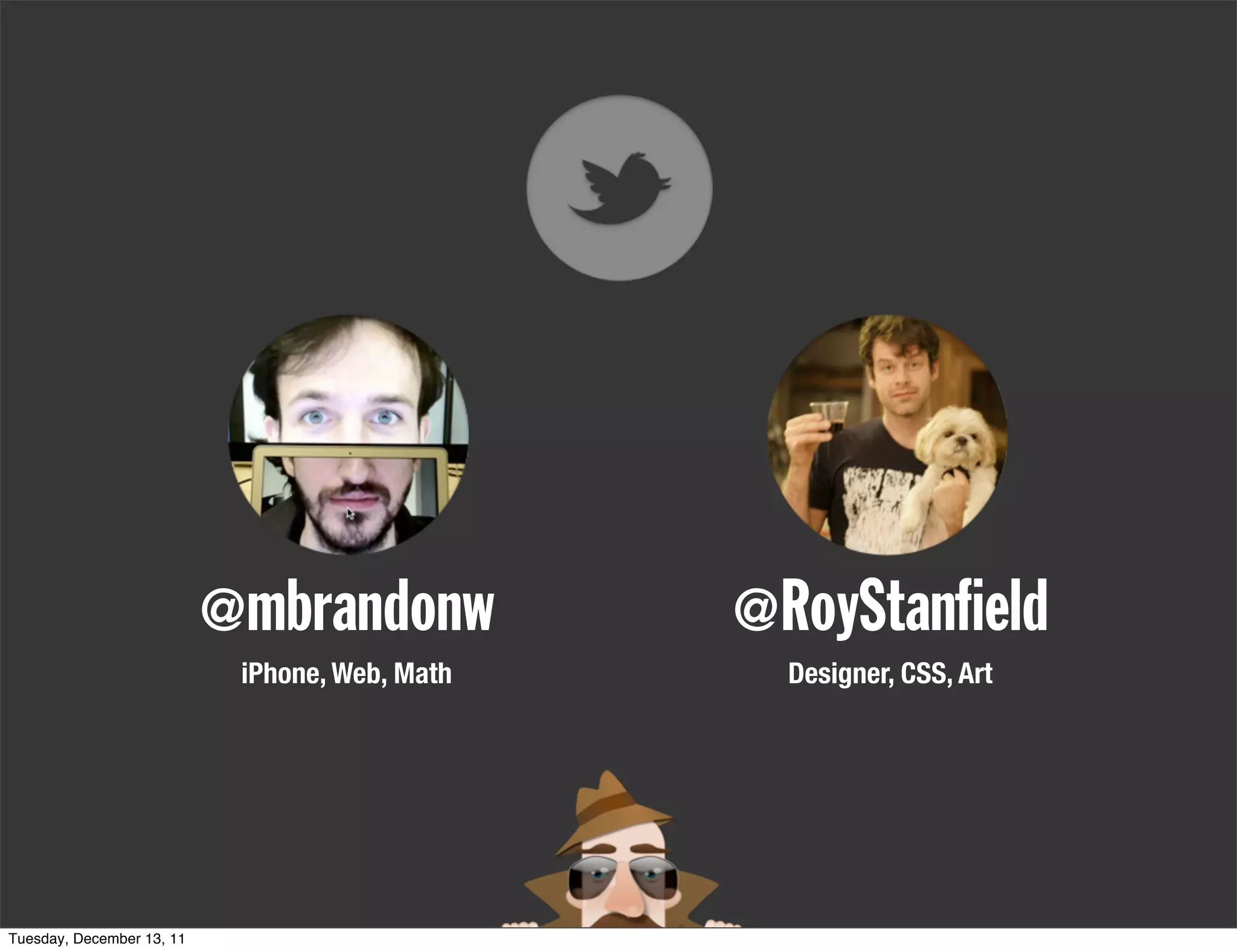
@mbrandonw           @RoyStan eld
                            iPhone, Web, Math     Designer, CSS, Art


Tuesday, December 13, 11
@mbrandonw           @RoyStan eld
                            iPhone, Web, Math     Designer, CSS, Art


Tuesday, December 13, 11

Responsive Web Design

  • 1.
  • 2.
    DEFINITION • Web design that responds to device properties (i.e. dimensions, abilities, orientations, ...) Tuesday, December 13, 11
  • 3.
    DEFINITION • Web design that responds to device properties (i.e. dimensions, abilities, orientations, ...) • e.g. • Reflow layout based on page width Tuesday, December 13, 11
  • 4.
    DEFINITION • Web design that responds to device properties (i.e. dimensions, abilities, orientations, ...) • e.g. • Reflow layout based on page width • Style differently for browser vs. print Tuesday, December 13, 11
  • 5.
    DEFINITION • Web design that responds to device properties (i.e. dimensions, abilities, orientations, ...) • e.g. • Reflow layout based on page width • Style differently for browser vs. print • Adjust styling based on device pixel density Tuesday, December 13, 11
  • 6.
    CSS • Media Queries Tuesday, December 13, 11
  • 7.
    CSS • Media Queries •@media min-width:320px{/**/} Tuesday, December 13, 11
  • 8.
    CSS • Media Queries •@media min-width:320px{/**/} • Applies enclosed CSS only when screen width is at least 320px Tuesday, December 13, 11
  • 9.
    CSS • Media Queries •@media min-width:320px{/**/} • Applies enclosed CSS only when screen width is at least 320px •@media max-width:320px{/**/} Tuesday, December 13, 11
  • 10.
    CSS • Media Queries •@media min-width:320px{/**/} • Applies enclosed CSS only when screen width is at least 320px •@media max-width:320px{/**/} • Applies enclosed CSS only when screen width is at most 320px Tuesday, December 13, 11
  • 11.
    PHILOSOPHY • Write semantic HTML Tuesday, December 13, 11
  • 12.
    PHILOSOPHY • Write semantic HTML • Choose your supported sizes: 320, 480, 768, 1024 Tuesday, December 13, 11
  • 13.
    PHILOSOPHY • Write semantic HTML • Choose your supported sizes: 320, 480, 768, 1024 • Mobile first, or desktop first? Tuesday, December 13, 11
  • 14.
    PHILOSOPHY • Write semantic HTML • Choose your supported sizes: 320, 480, 768, 1024 • Mobile first, or desktop first? • Mobile first: min-width • Desktop first: max-width Tuesday, December 13, 11
  • 15.
  • 16.
    PHOTOSHOP VS AGILE WORK IN PHOTOSHOP TO GET A GENERAL FEELING FOR BOTH 1024px & 320px. FILL IN THE GAPS WITH AGILE. Tuesday, December 13, 11
  • 17.
    320 STYLES AREDEFAULT body { background: url(../images/gradient_background.png) } a { text-decoration: none; } p { font-size: 13px; line-height: 19px; color: $tos-gray; } ul { padding: 0; margin: 0; } li { list-style: none; } .body_wrapper { background: url(../images/gradient_burst.png) transparent top center no-repeat; background-size: 100%; } em { font-style: normal; } h2 { Tuesday, December 13, 11
  • 18.
    480 STYLES –TOO EASY @media screen and (min-width: 480px) { footer { width: 460px; } } Tuesday, December 13, 11
  • 19.
    768 STYLES @media screen and (min-width: 768px) { .nav_container .faq { display: none; } .corner_wrappers { width: 100%; position: absolute; } .corner_wrappers .corner { display: block; position: absolute; top: 10px; left: 10px; width: 16px; height: 16px; background: url(../images/sprites.png) transparent top left no-repeat; } .corner_wrappers .corner.top_right { left:auto; right: 10px; background: url(../images/sprites.png) transparent 0 0 no-repeat; } h1 a { background: url(../images/logo.png) transparent center top no-repeat; background-size: 80%; height: 105px; } Tuesday, December 13, 11
  • 20.
    1024 STYLES @media screen and (min-width: 1024px) { .corner_wrappers .corner.bottom_right { position: fixed; left:auto; top: auto; bottom: 10px; right: 10px; background: url(../images/sprites.png) } .corner_wrappers .corner.bottom_left { position: fixed; right: auto; top: auto; bottom: 10px; left: 10px; background: url(../images/sprites.png) transparent 0 -15px no-repeat; } #container { width: 950px; } .nav_container { width: 685px; margin-top: 20px; } header { height: 73px; } Tuesday, December 13, 11
  • 21.
    AN EXAMPLE 320px .shoe_detail .controls { } display: none; @media screen and (min-width: 768px) { 768px .shoe_detail .controls { display: block; position: absolute; top: -20px; left: 0; width: 220px; } } 1024px @media screen and (min-width: 1024px) { .shoe_detail .controls { width: 110px; top: 120px; } } Tuesday, December 13, 11
  • 22.
    RE-FLOW EVERYTHING INCLUDING THE SHOPPING CART Tuesday, December 13, 11
  • 23.
    TAKES 2-3x ASLONG FOR DESIGN & FRONT-END USE YOUR TOOLS TO THEIR MAXIMUM POTENTIAL. Tuesday, December 13, 11
  • 24.
    @mbrandonw @RoyStan eld iPhone, Web, Math Designer, CSS, Art Tuesday, December 13, 11
  • 25.
    @mbrandonw @RoyStan eld iPhone, Web, Math Designer, CSS, Art Tuesday, December 13, 11