




Responsive Design for Complex Websites
Reality check – How does it really change
the design process?

IXDA Munich Meeting
08 April 2013

Sabine Berghaus	
  
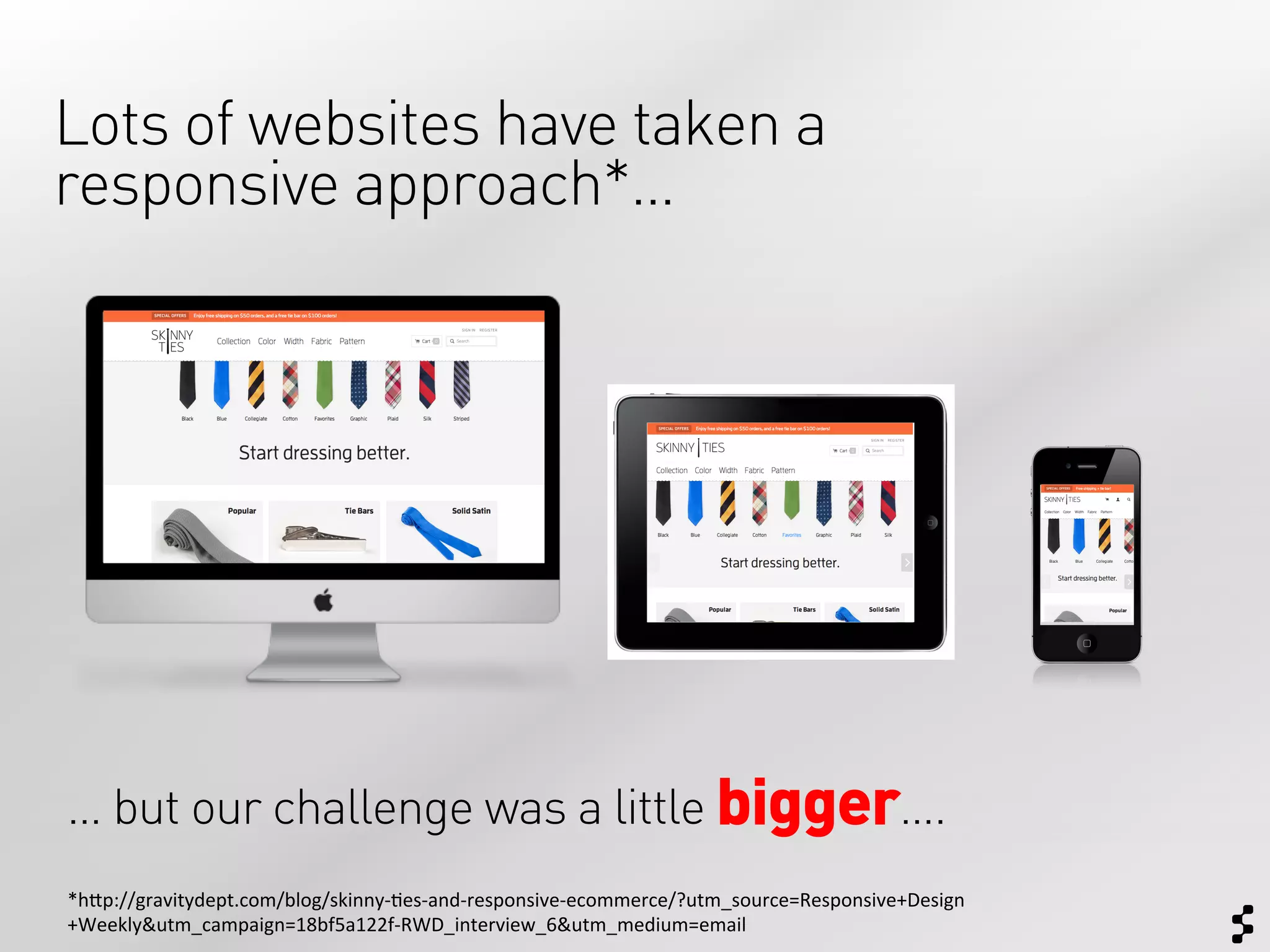
Lots of websites have taken a
responsive approach*…


… but our challenge was a little bigger….
*h$p://gravitydept.com/blog/skinny-­‐;es-­‐and-­‐responsive-­‐ecommerce/?utm_source=Responsive+Design
+Weekly&utm_campaign=18bf5a122f-­‐RWD_interview_6&utm_medium=email	
  
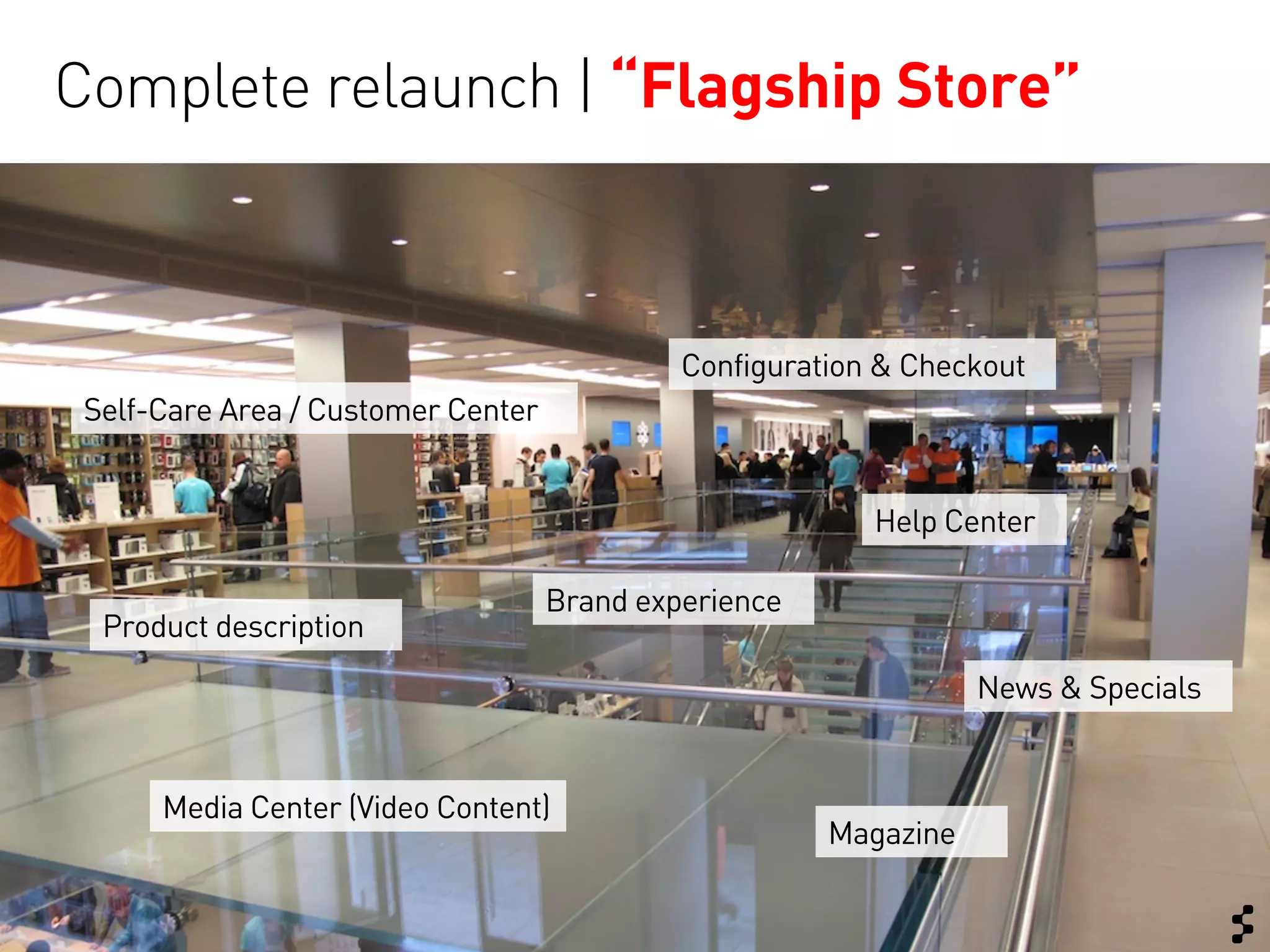
Complete relaunch | “Flagship Store”


                                             Configuration & Checkout
 Self-Care Area / Customer Center


                                                          Help Center

                                    Brand experience
  Product description
                                                                  News & Specials


      Media Center (Video Content)
                                                       Magazine
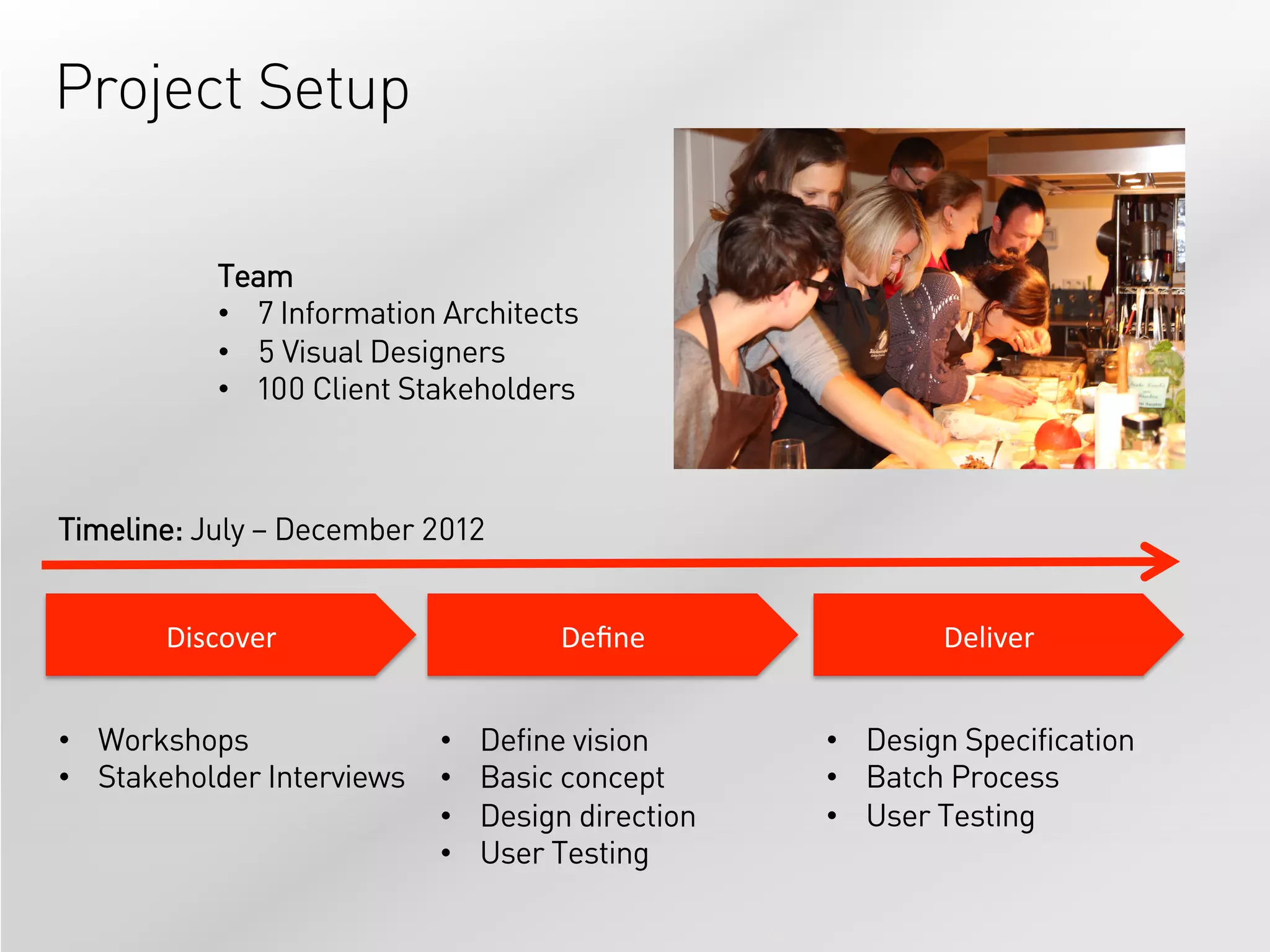
Project Setup

            Team
            •  7 Information Architects
            •  5 Visual Designers
            •  100 Client Stakeholders


Timeline: July – December 2012


       Discover	
                     Define	
               Deliver	


•  Workshops                •    Define vision      •  Design Specification
•  Stakeholder Interviews   •    Basic concept      •  Batch Process
                            •    Design direction   •  User Testing
                            •    User Testing
Reality   Common “Rules”
    Check     and our approach

Limitations
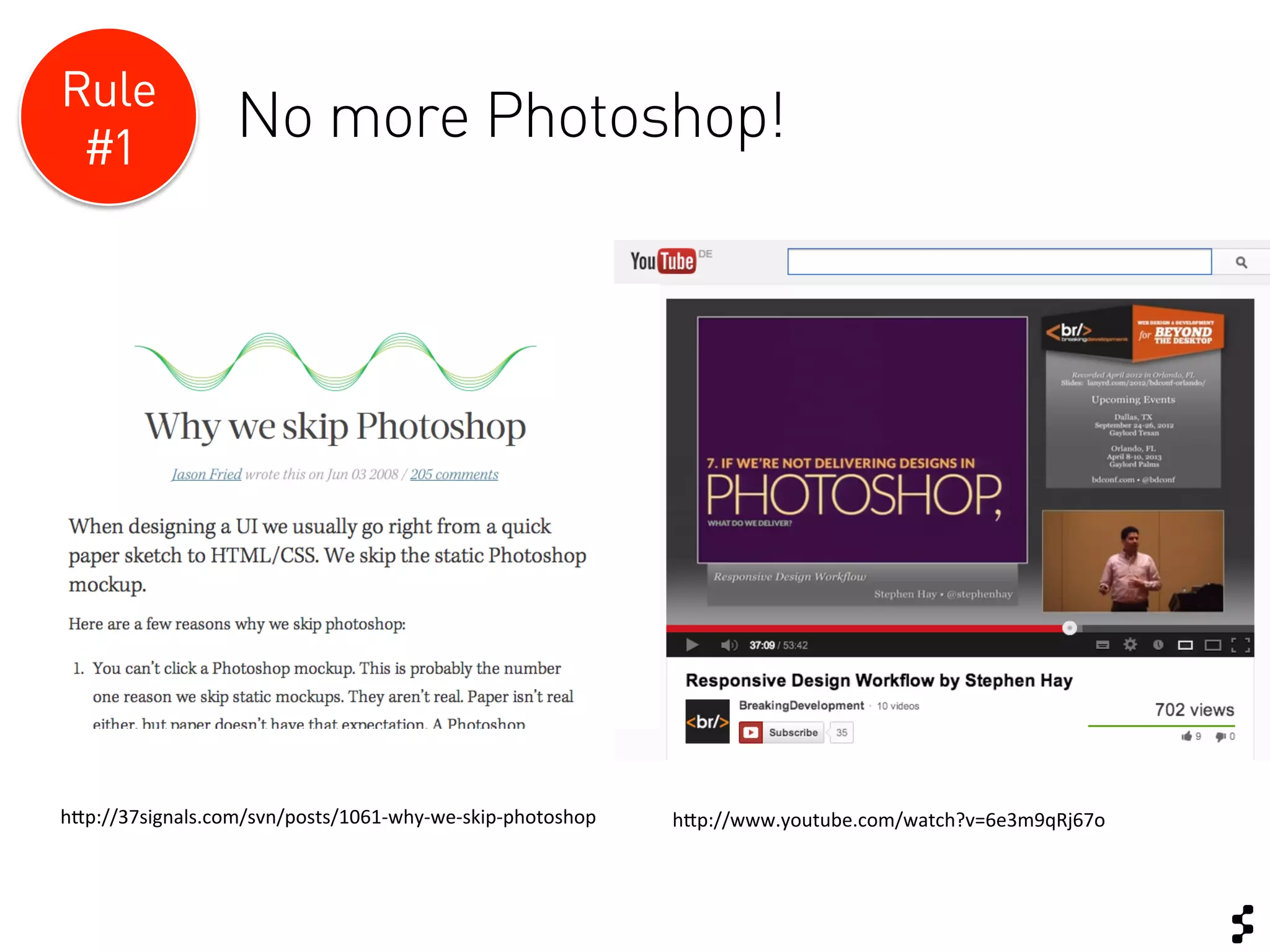
Rule
 #1
                      No more Photoshop!


h$p://37signals.com/svn/posts/1061-­‐why-­‐we-­‐skip-­‐photoshop	
     h$p://www.youtube.com/watch?v=6e3m9qRj67o	
  
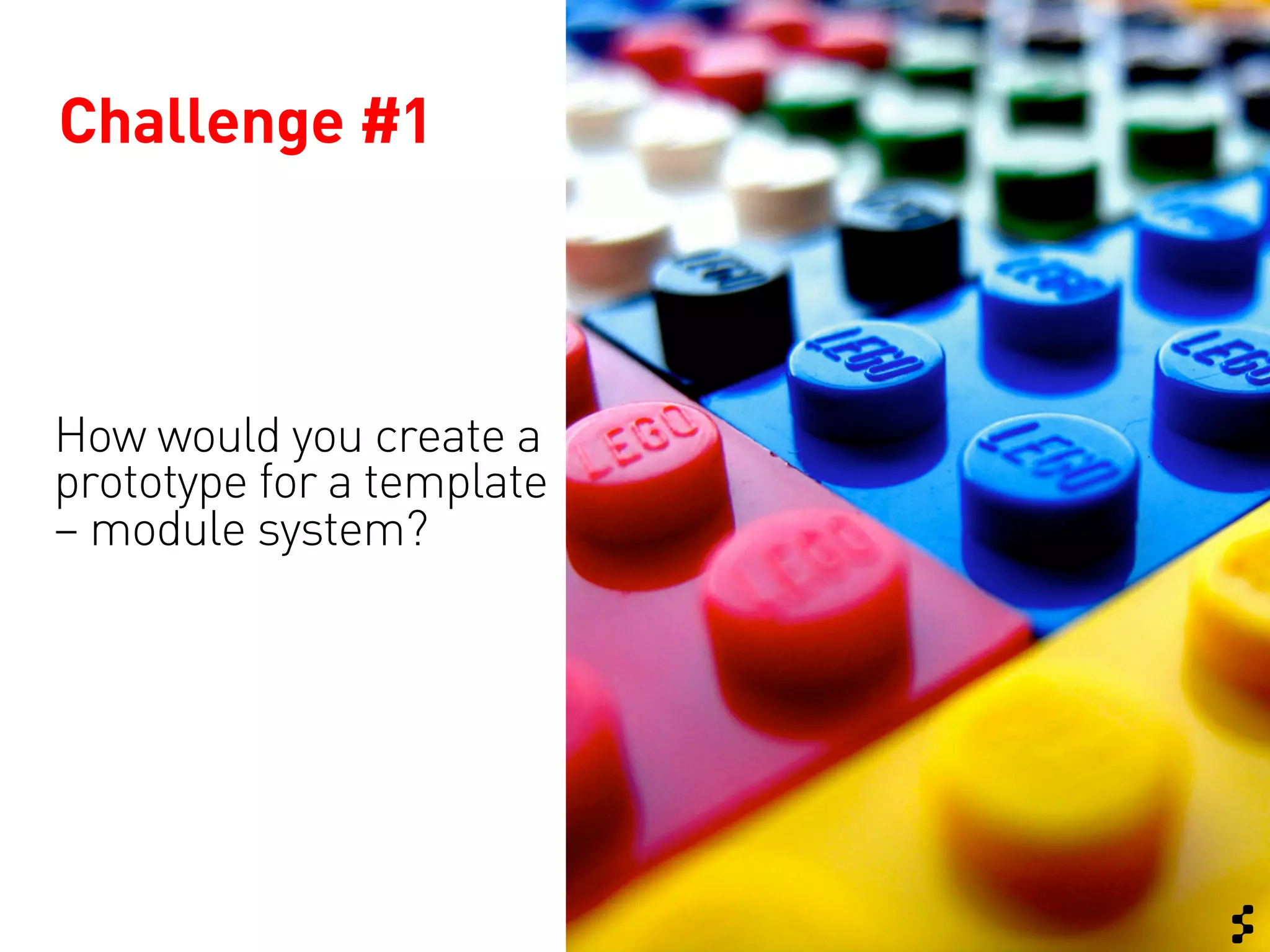
Challenge #1


How would you create a
prototype for a template
– module system?
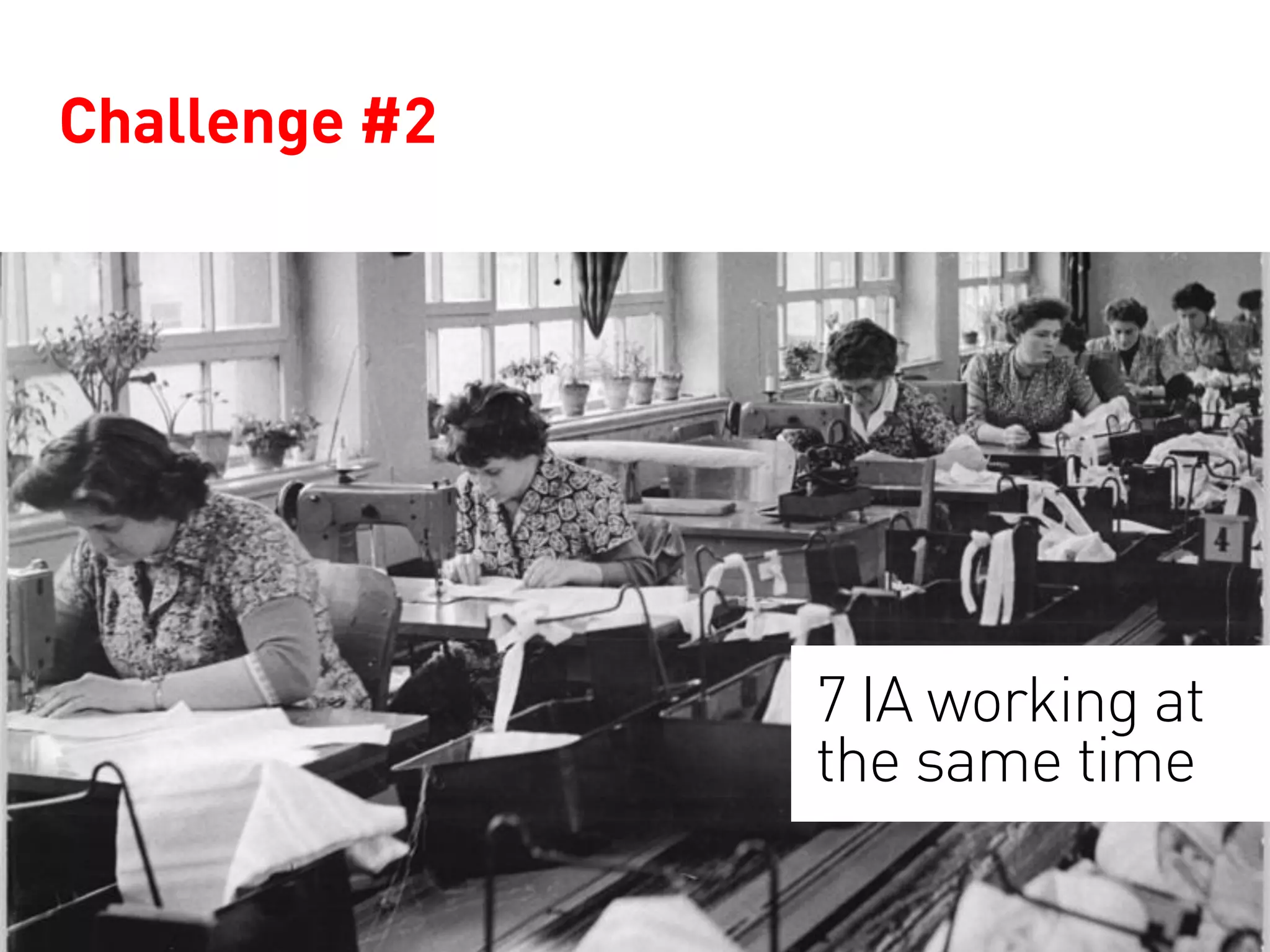
Challenge #2


               7 IA working at
               the same time
Create a standard specification for all
viewports?
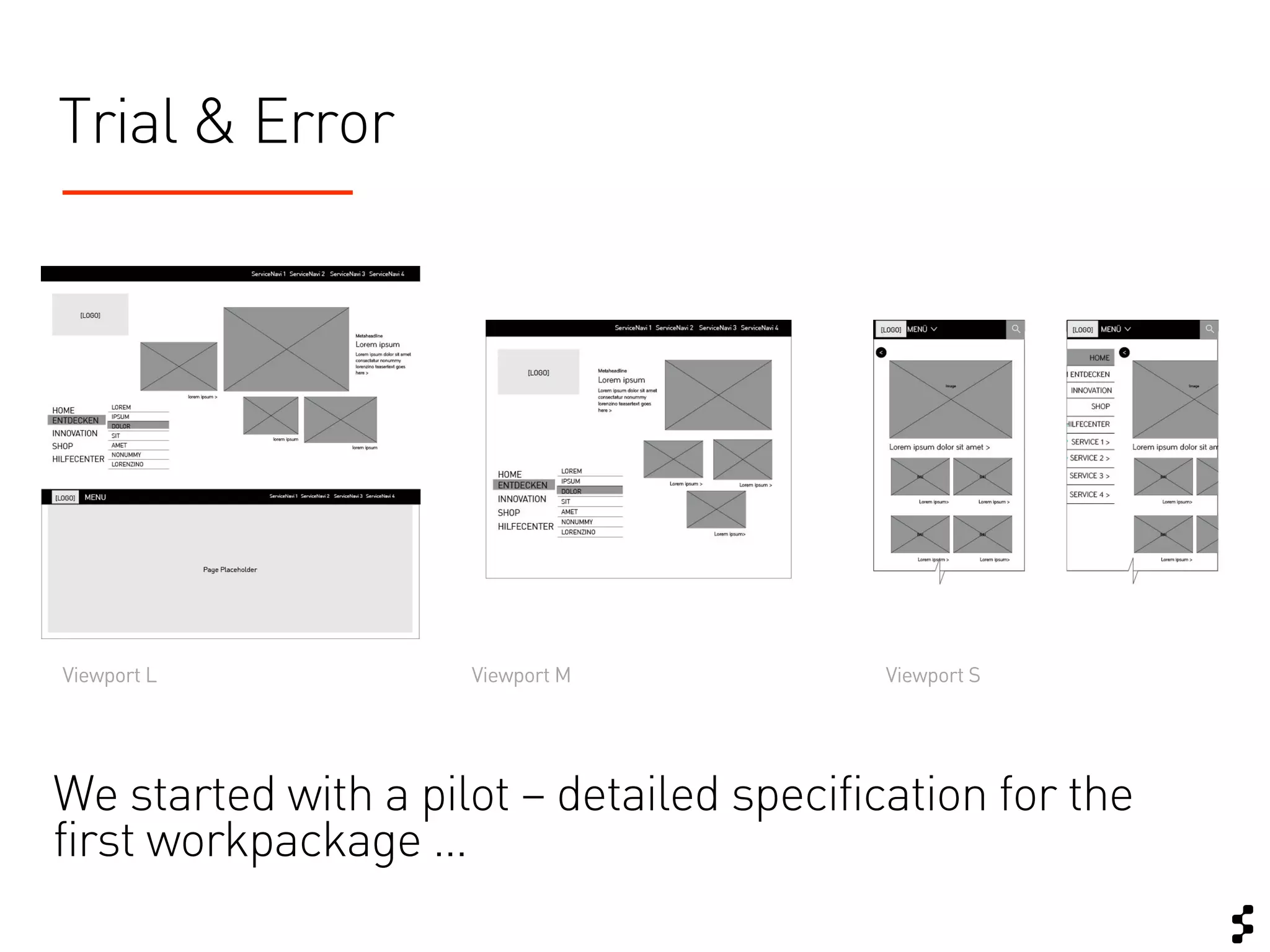
Trial & Error


Viewport L           Viewport M            Viewport S


We started with a pilot – detailed specification for the
first workpackage …
Still you might want to keep the
specification as small as possible
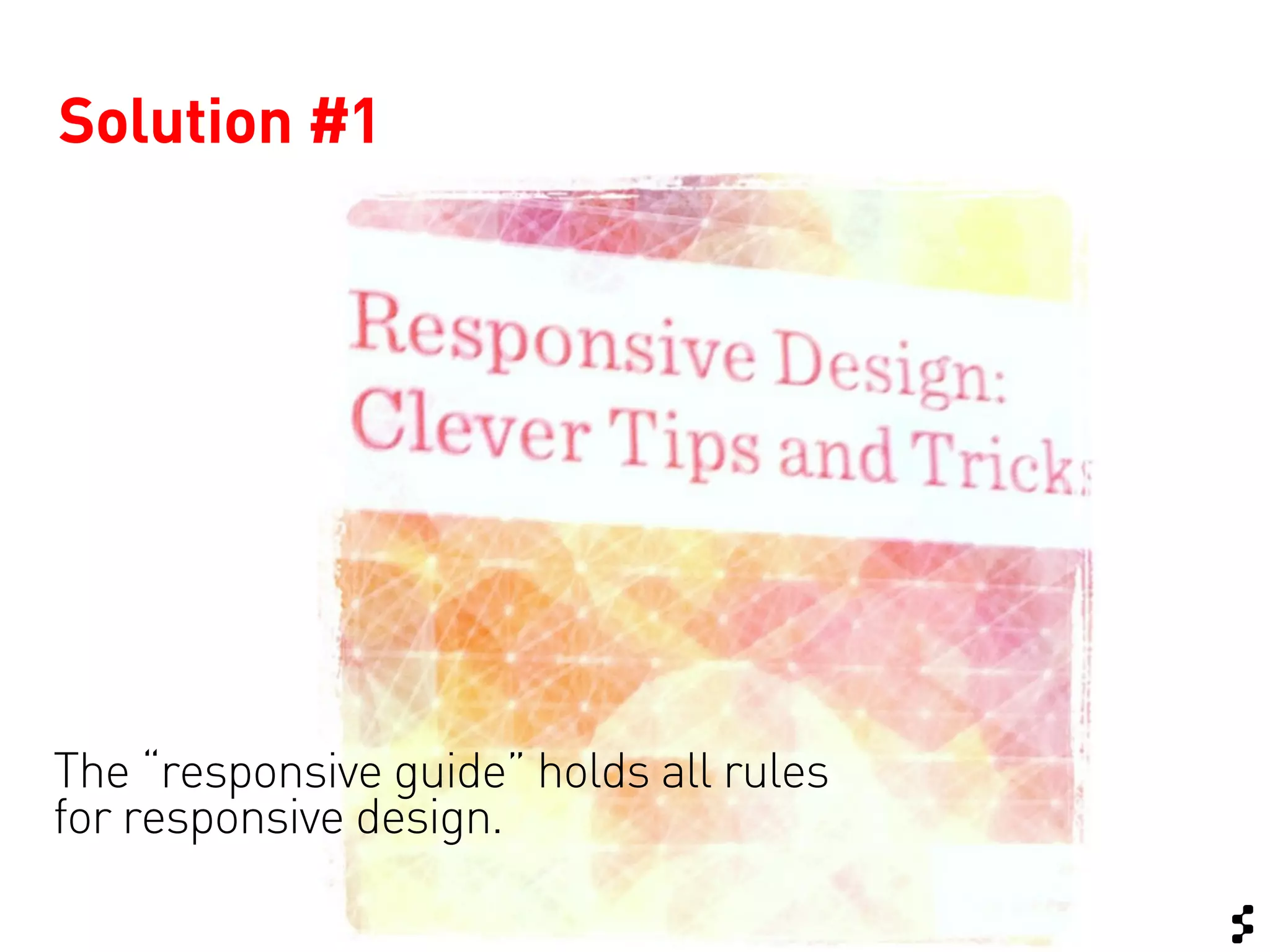
Solution #1


The “responsive guide” holds all rules
for responsive design.
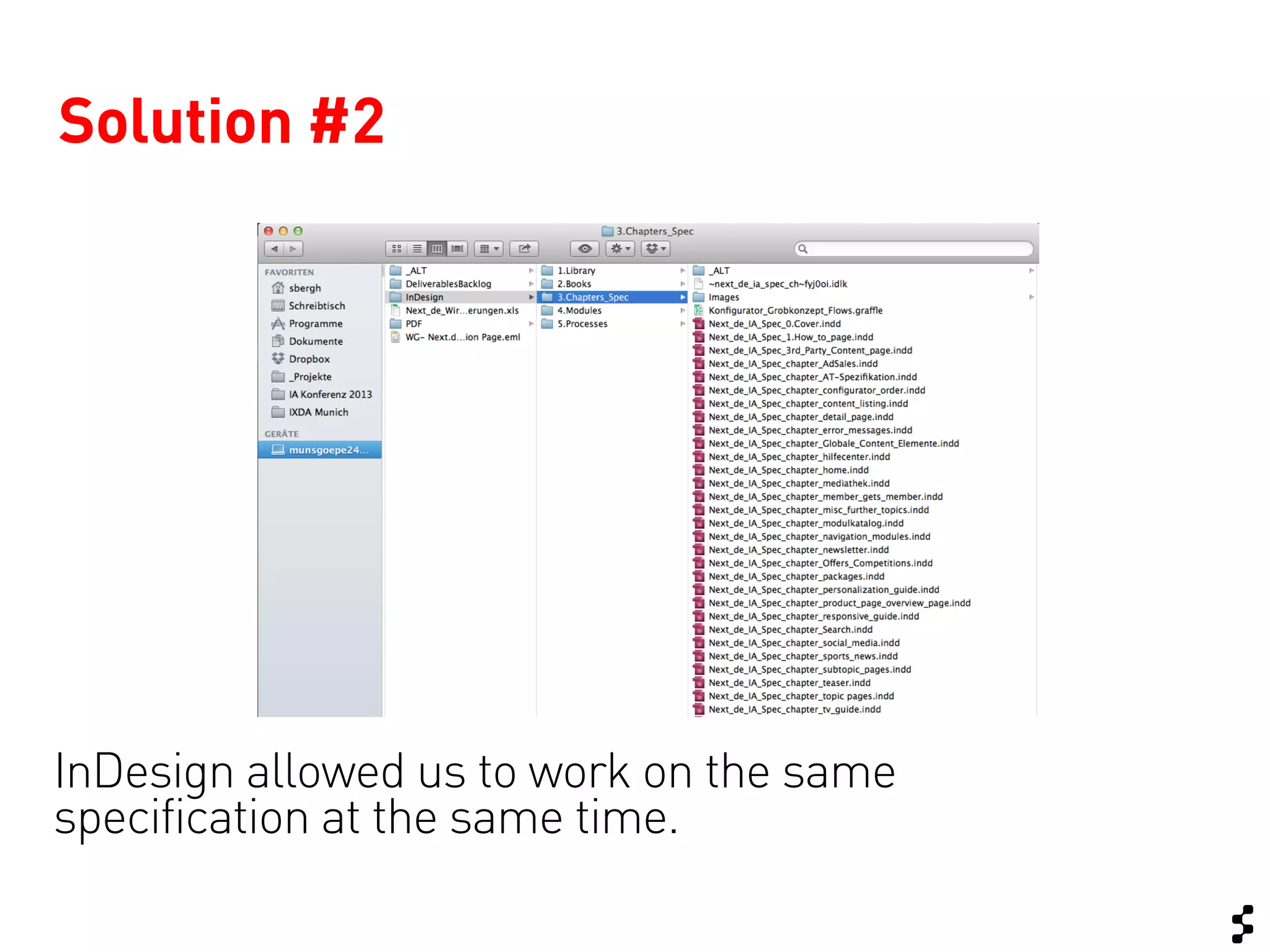
Solution #2


InDesign allowed us to work on the same
specification at the same time.
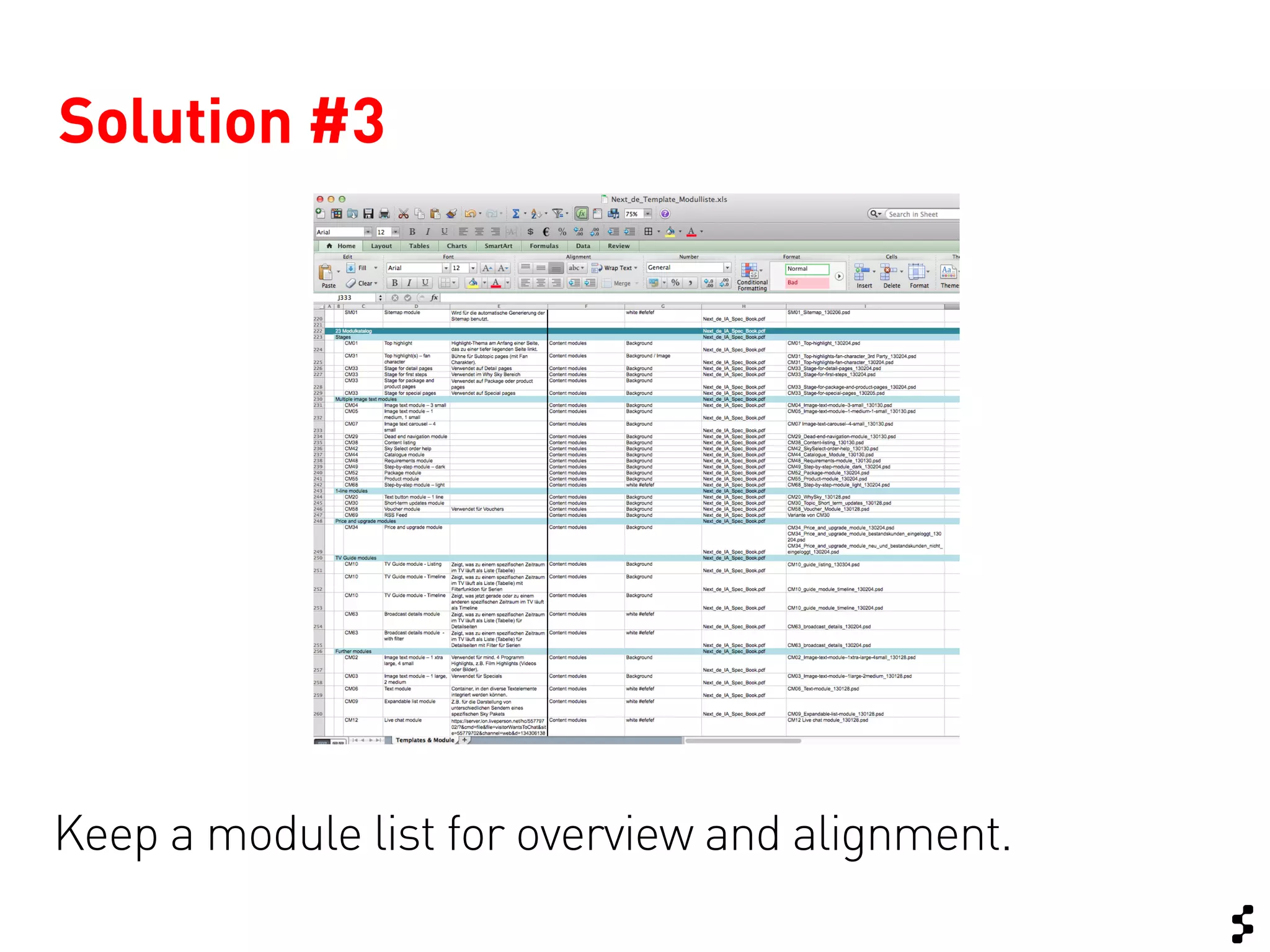
Solution #3


Keep a module list for overview and alignment.
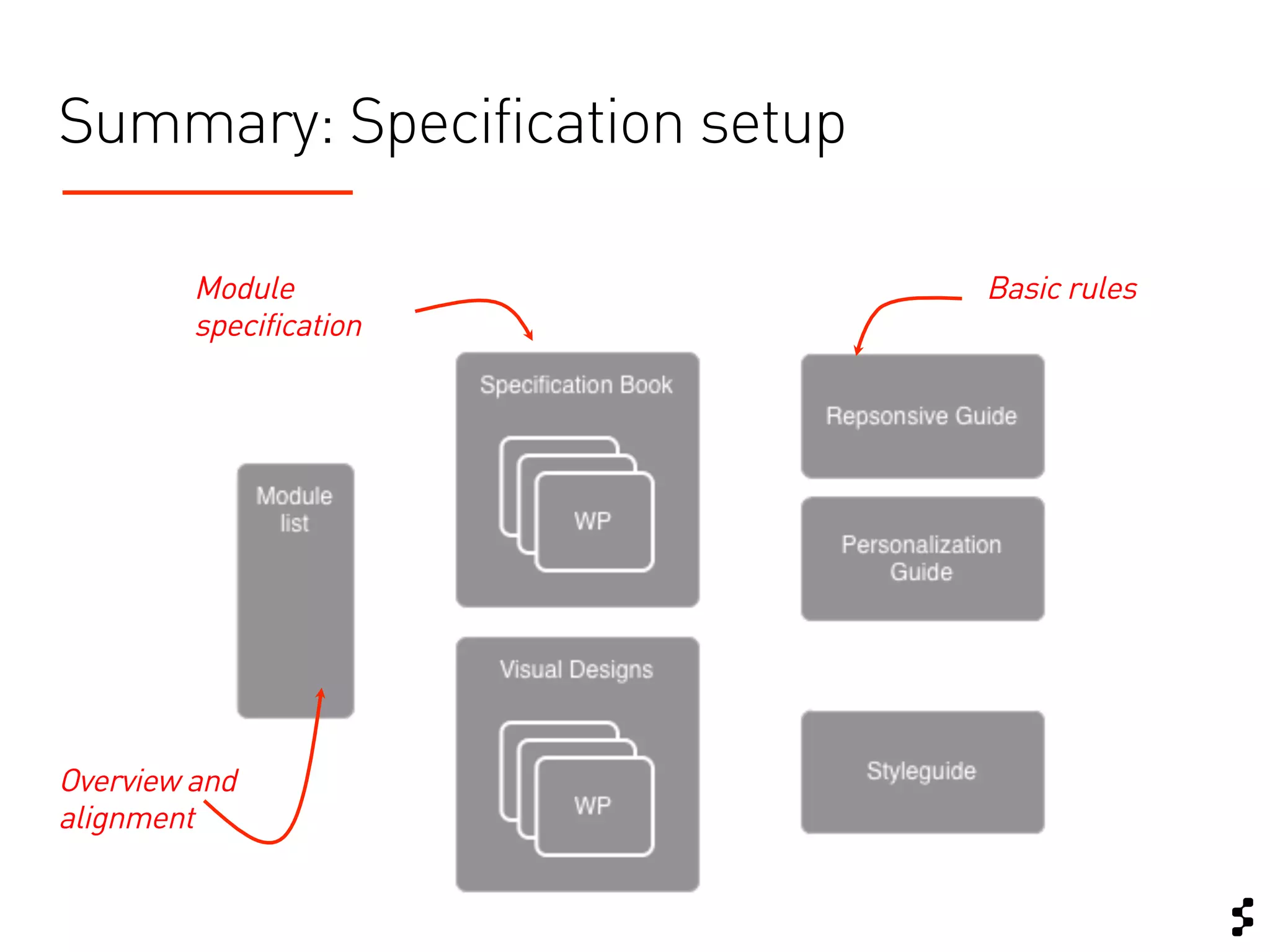
Summary: Specification setup

         Module                Basic rules
         specification


Overview and
alignment
Rule
 #2
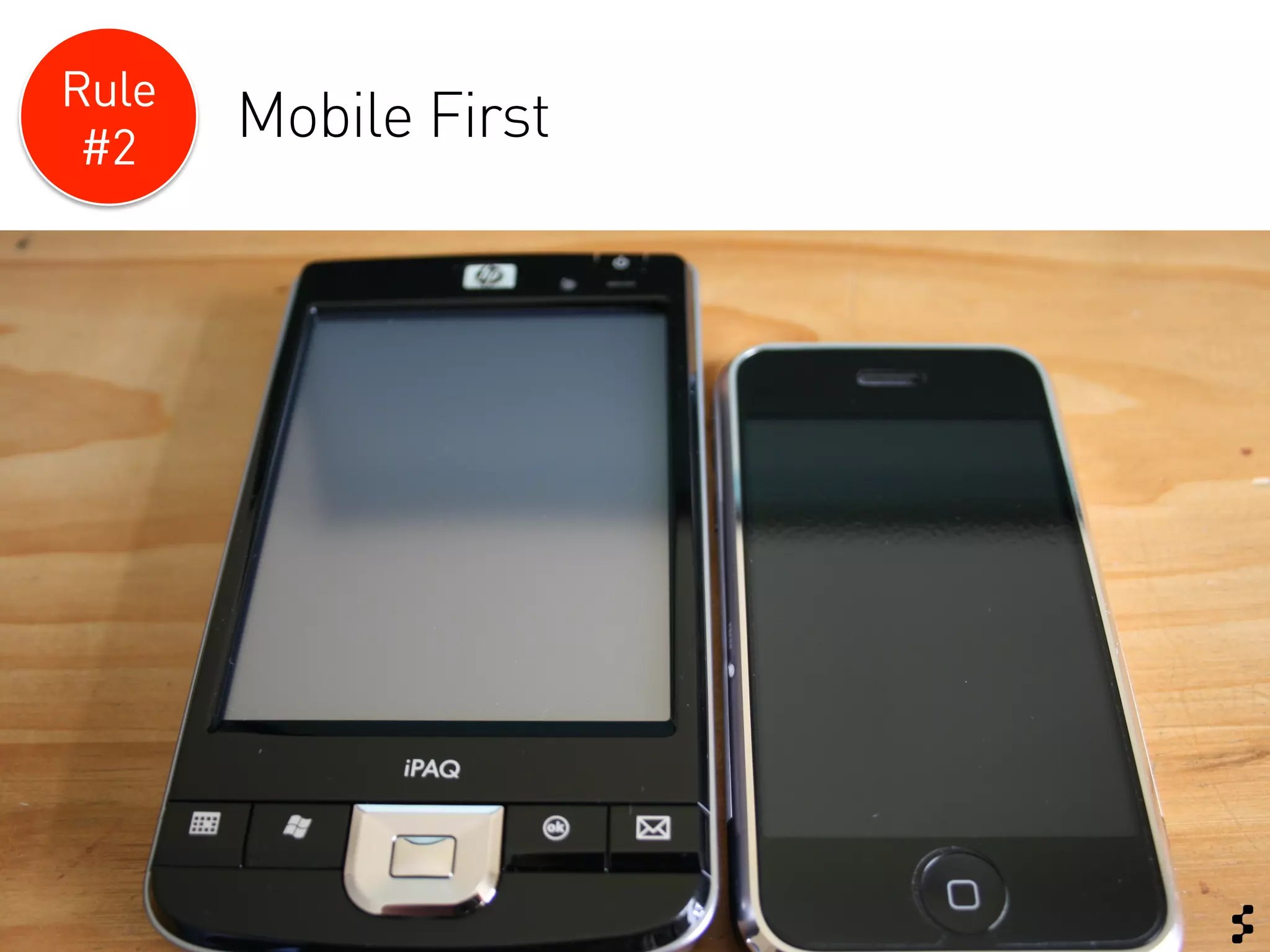
       Mobile First
Challenge #3:
What if your client “thinks desktop”?
How do you create responsive design
when you work “mobile second”?
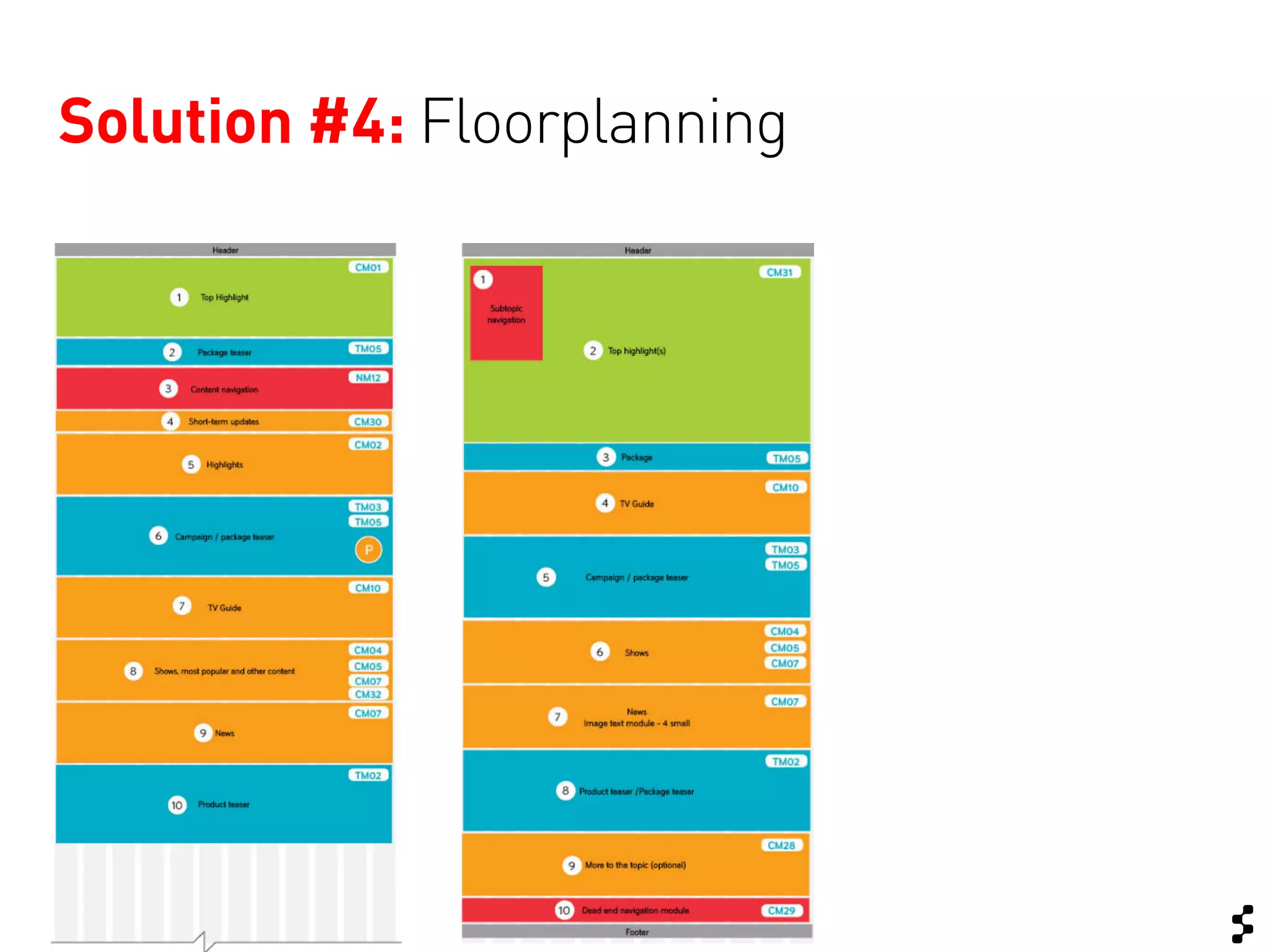
Solution #4: Floorplanning
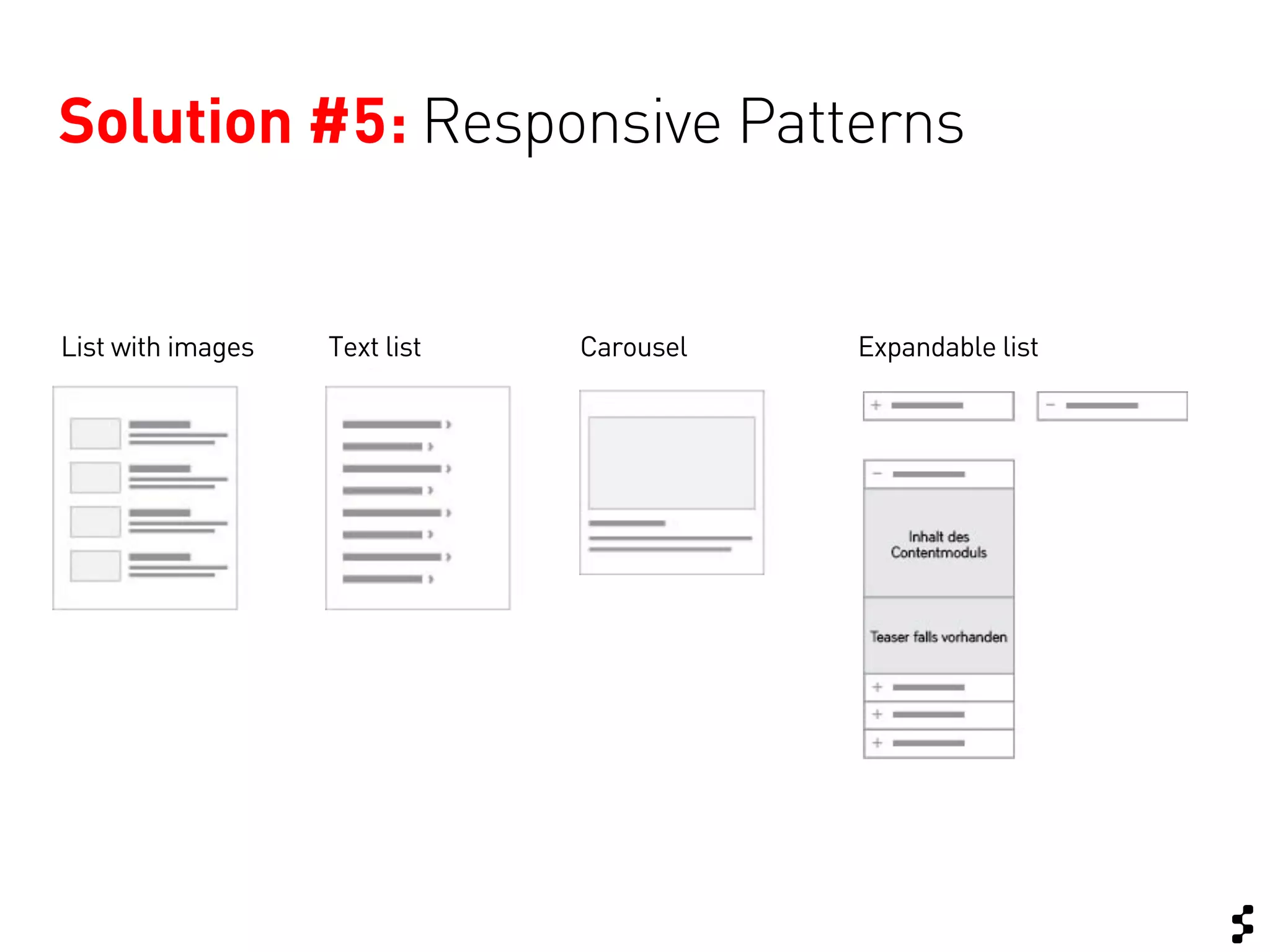
Solution #5: Responsive Patterns


List with images   Text list   Carousel   Expandable list
Summary:
You can design mobile second, if…


… you keep your
content structured –
Content First!
                       … your define your
                       layout with basic
                       responsive patterns
                       in mind.
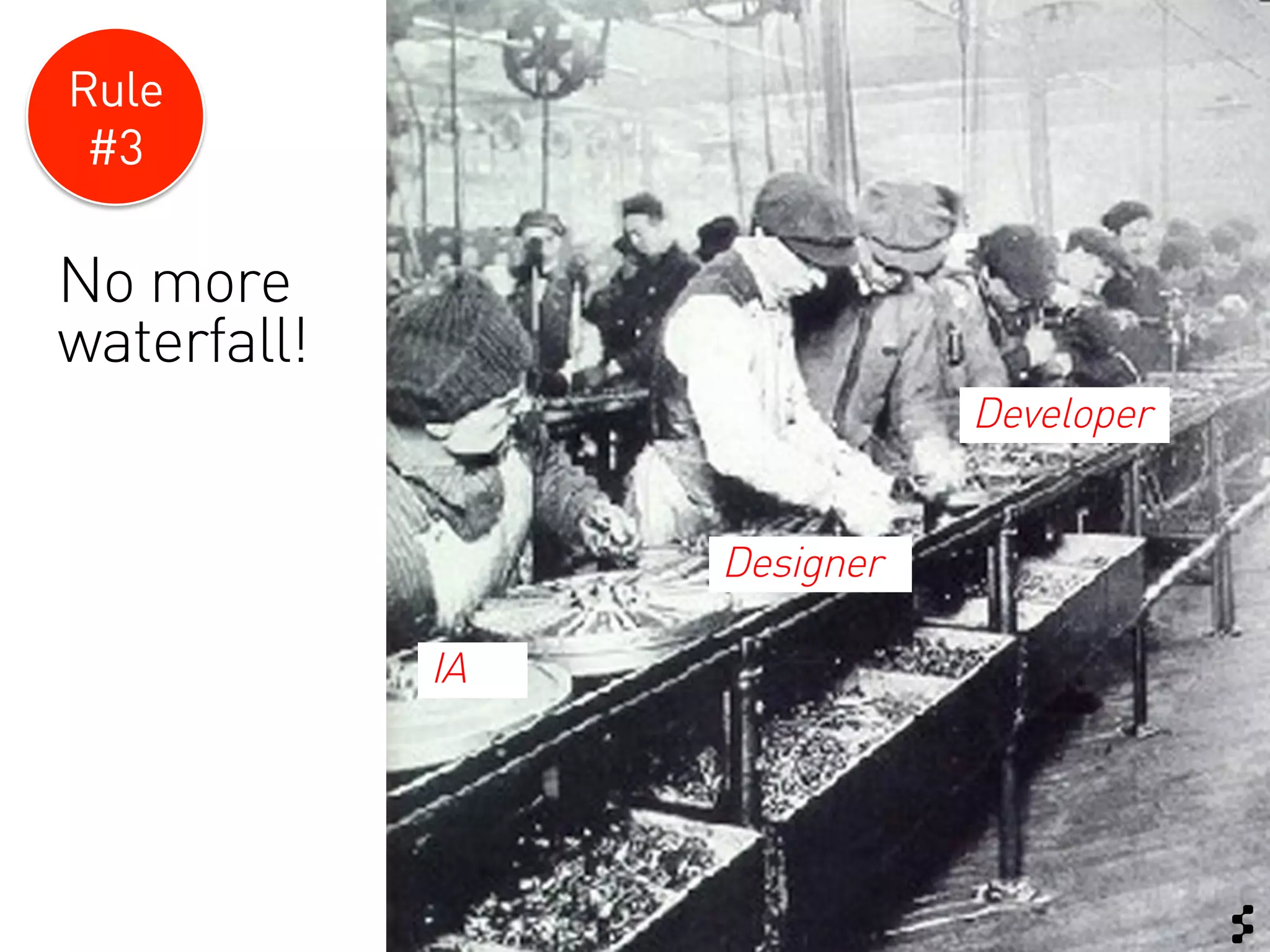
Rule
 #3

No more
waterfall!
                             Developer


                  Designer

             IA
Challenge #4


Separate budgets
for concept and
development!
Also in a waterfall process you can make
use of “connected thinking”
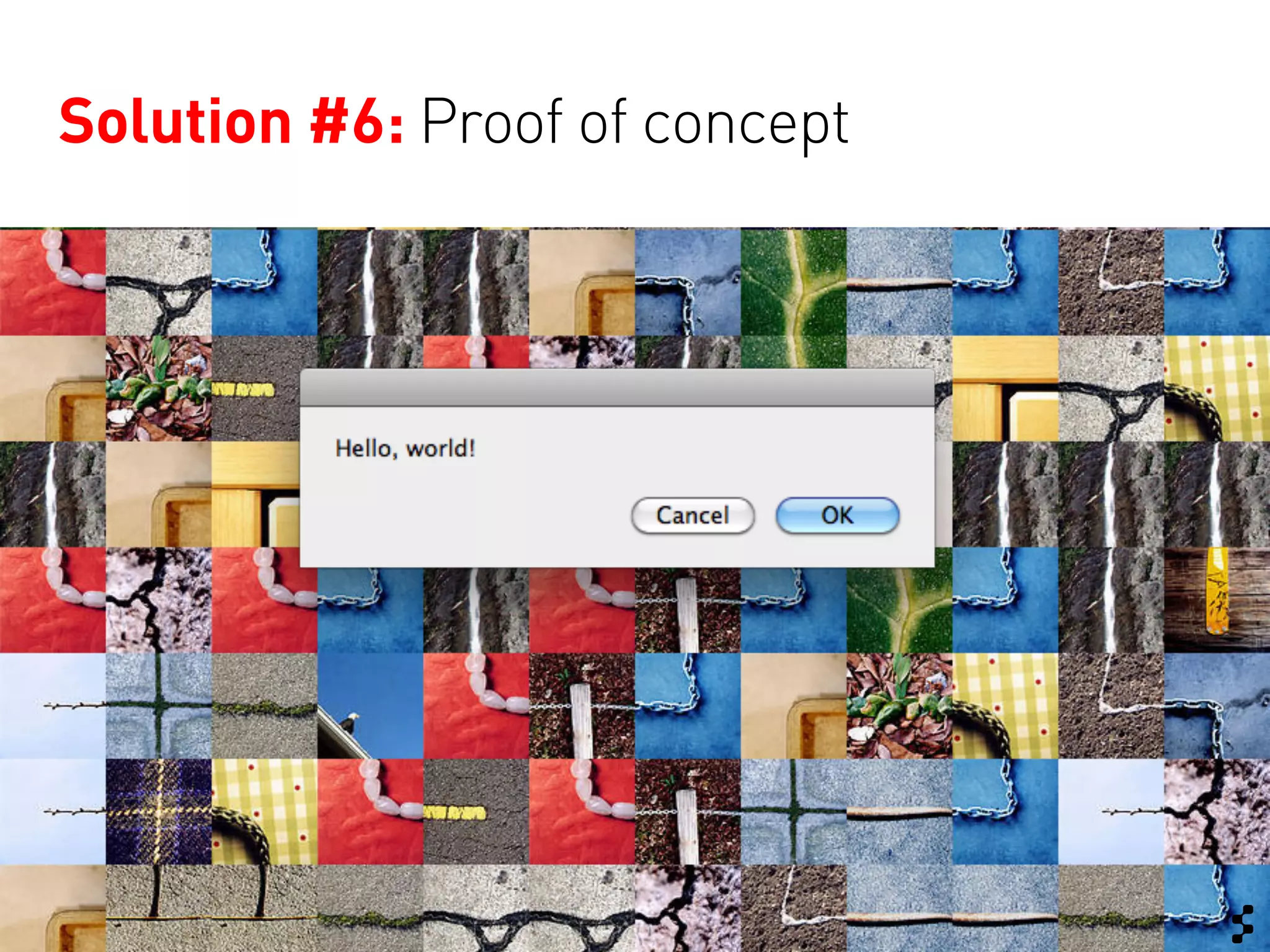
Solution #6: Proof of concept
Summary:


Get tech and creative connected as soon
as possible – even if the track has not
officially started.
Challenge and review creative
concepts.
Rule
 #4
       F!?% the pagefold!
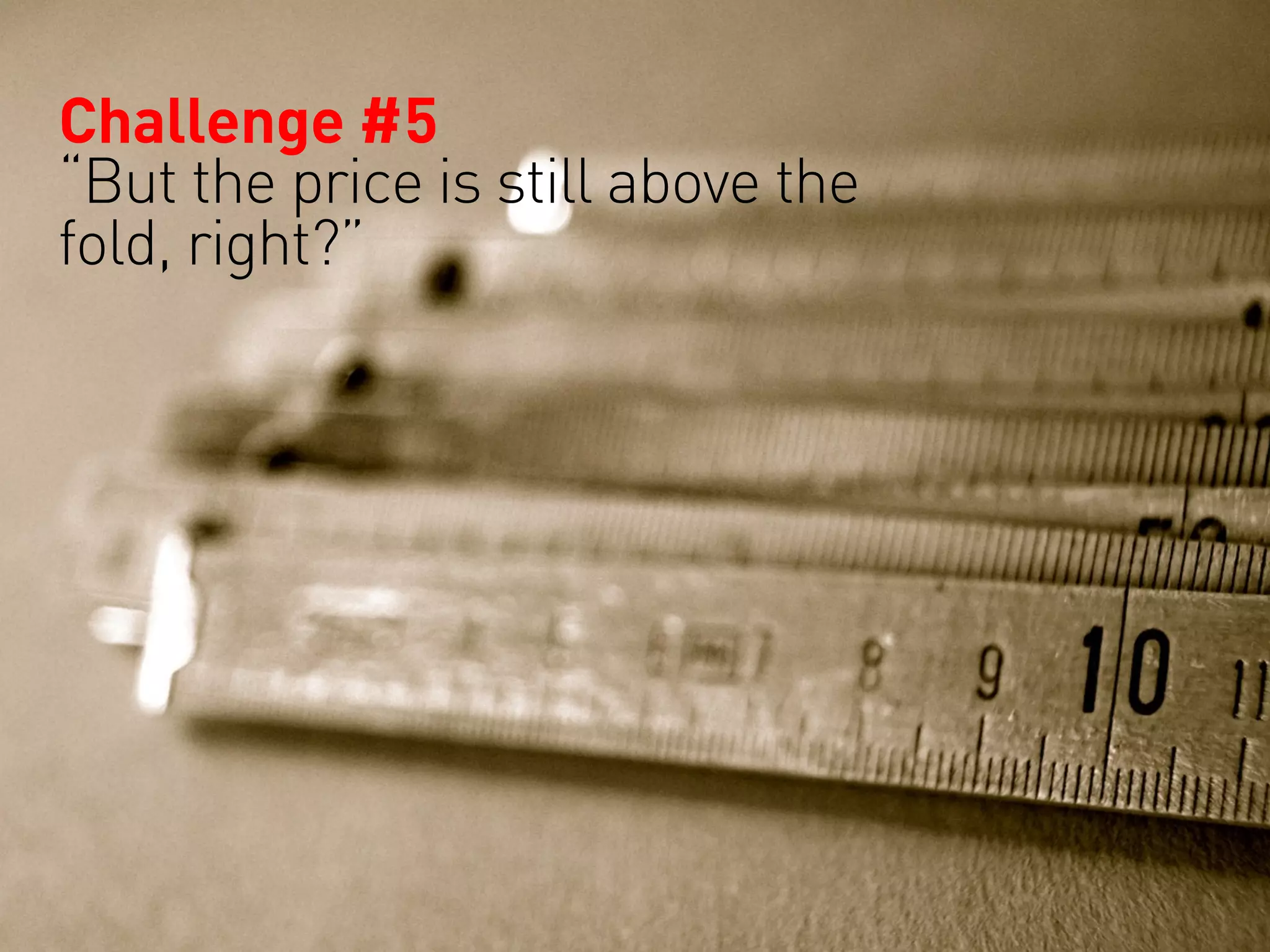
Challenge #5
“But the price is still above the
fold, right?”
Communicate. Explain.
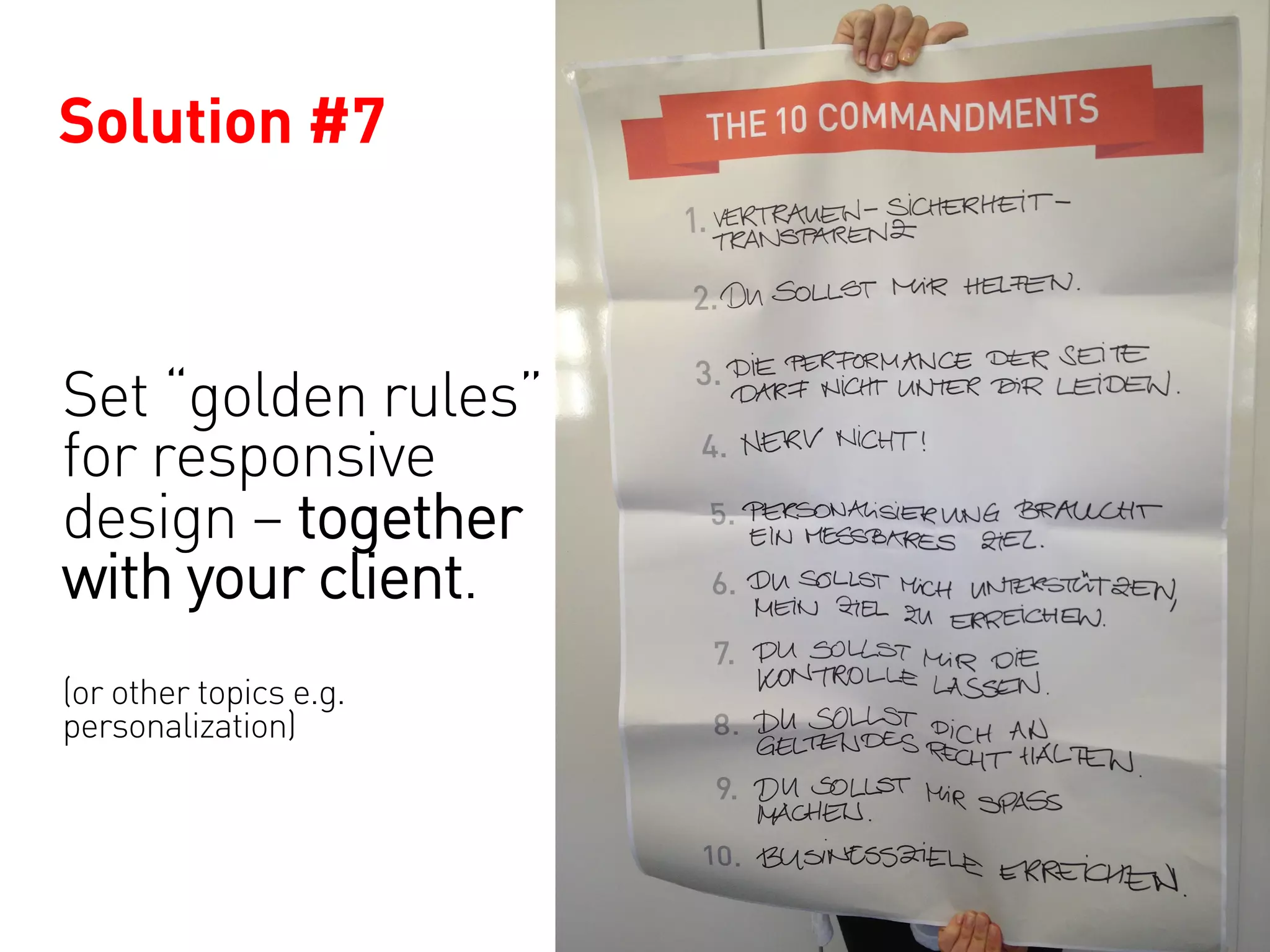
Solution #7


Set “golden rules”
for responsive
design – together
with your client.
(or other topics e.g.
personalization)
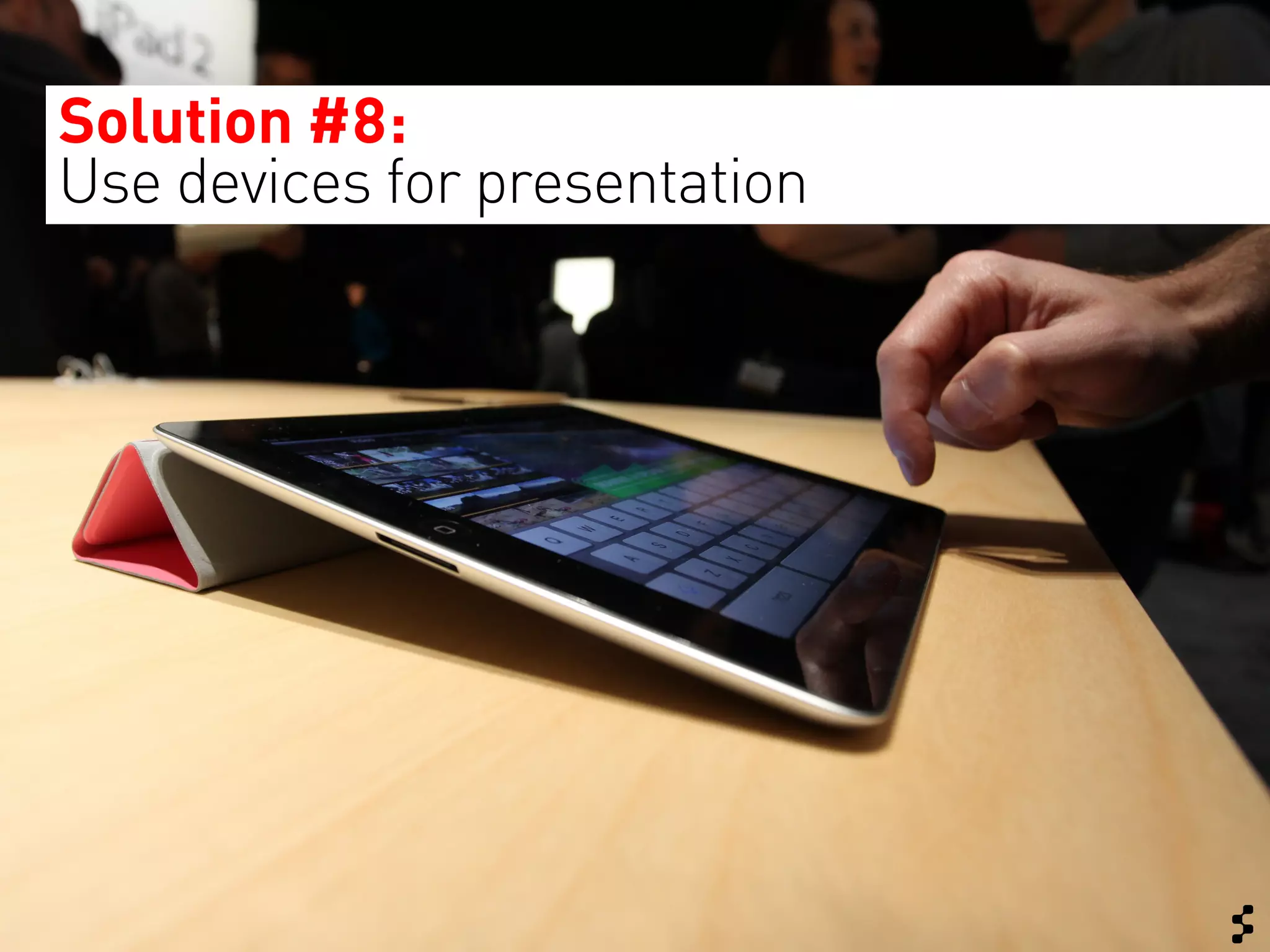
Solution #8:
Use devices for presentation
Summary:


Get hands-on with your client.
Team work!
Limitations   What did not
               work so well?

Limitations
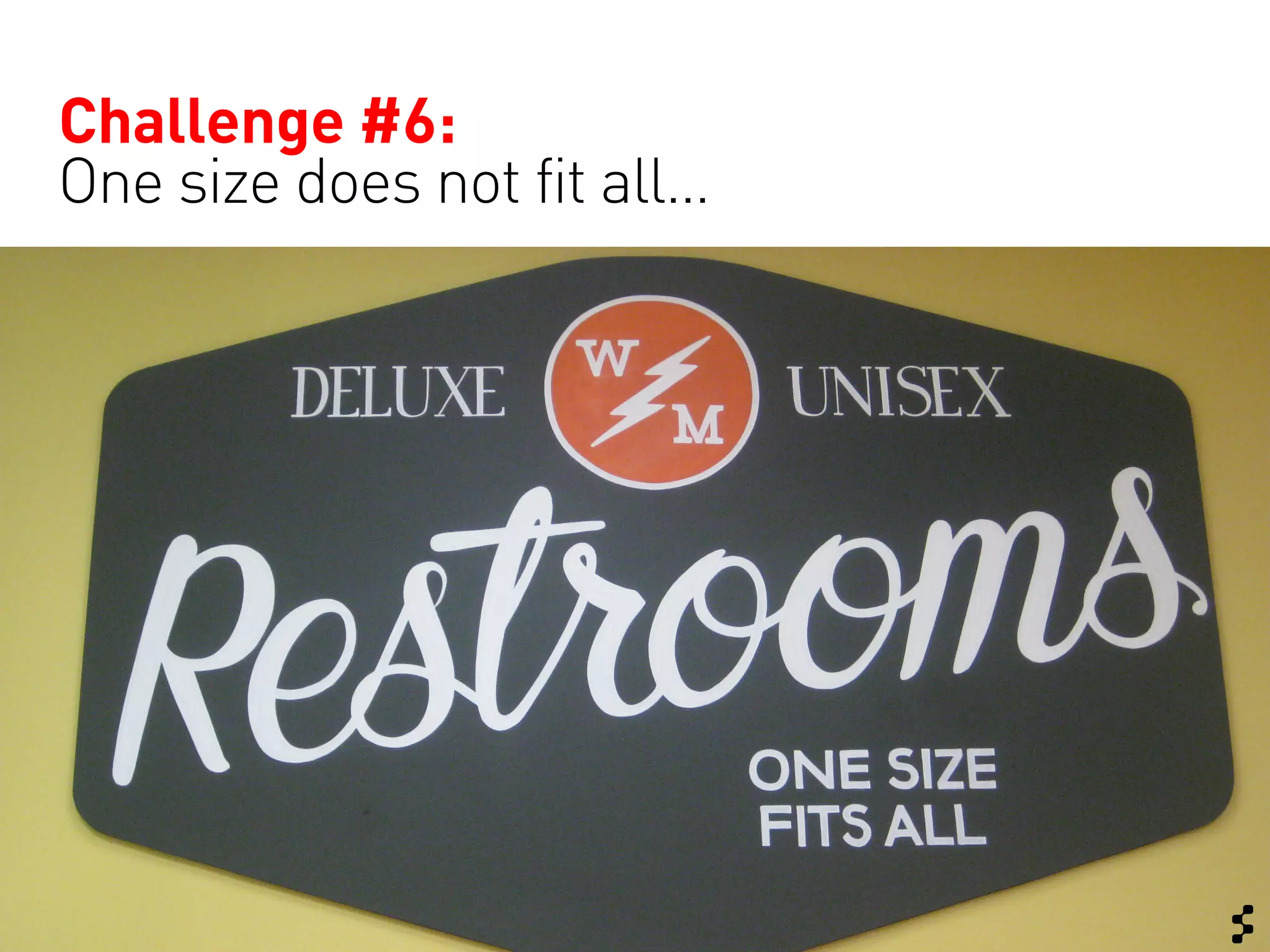
Challenge #6:
One size does not fit all…
Open issue:
Responsive layout does not mean
“optimized for all use cases”.
Some aspects require separate solutions
or progressive enhancement.
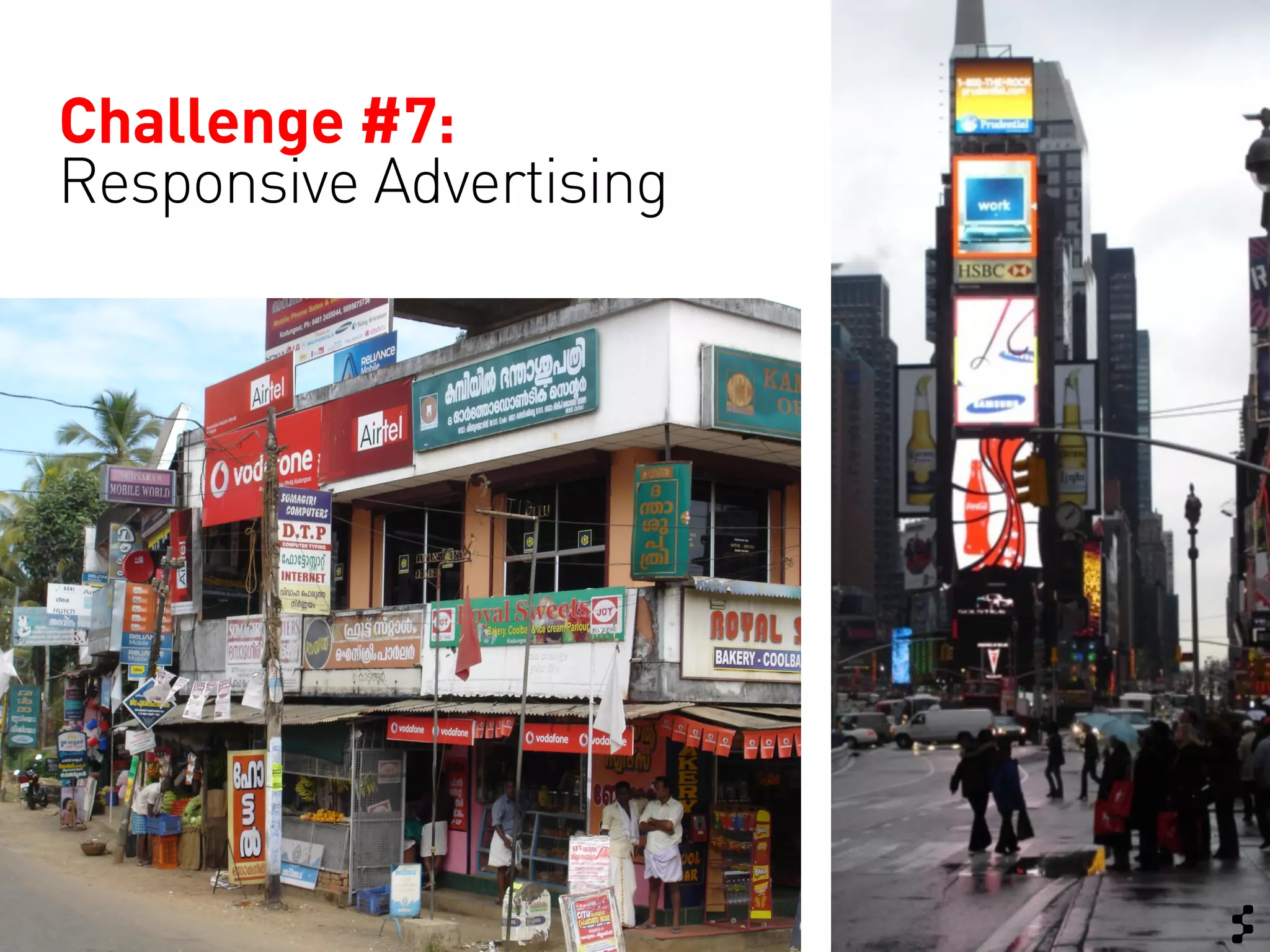
Challenge #7:
Responsive Advertising
Open issue:
Good solutions for responsive advertising
are still missing.
Learnings   In a nutshell


Limitations
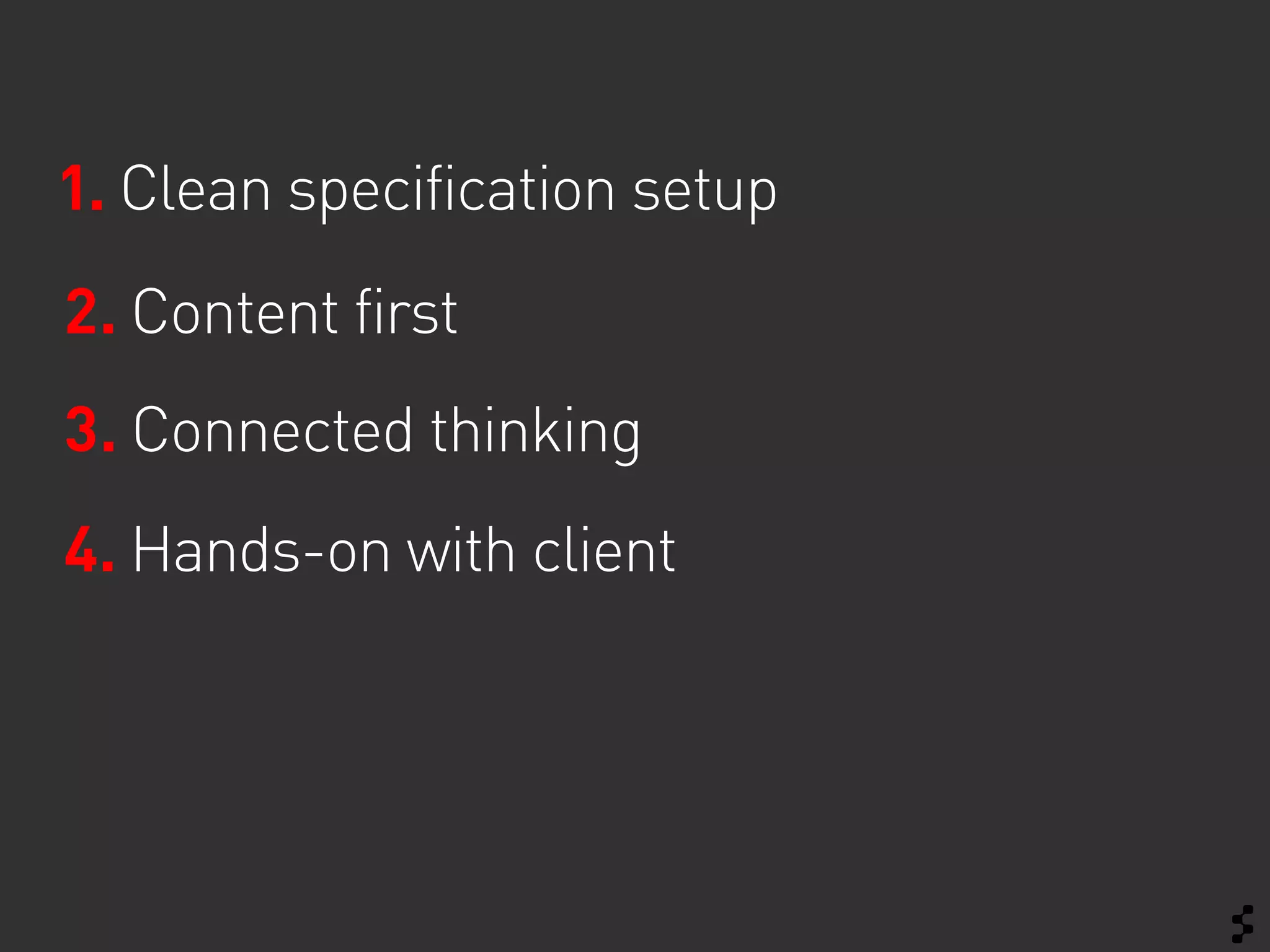
1. Clean specification setup
2. Content first
3. Connected thinking
4. Hands-on with client
Thank you!


Get in touch
Sabine Berghaus
E-Mail: sberghaus@sapient.com
Twitter: @stadtnomadin
Website: about.me/sabineberghaus
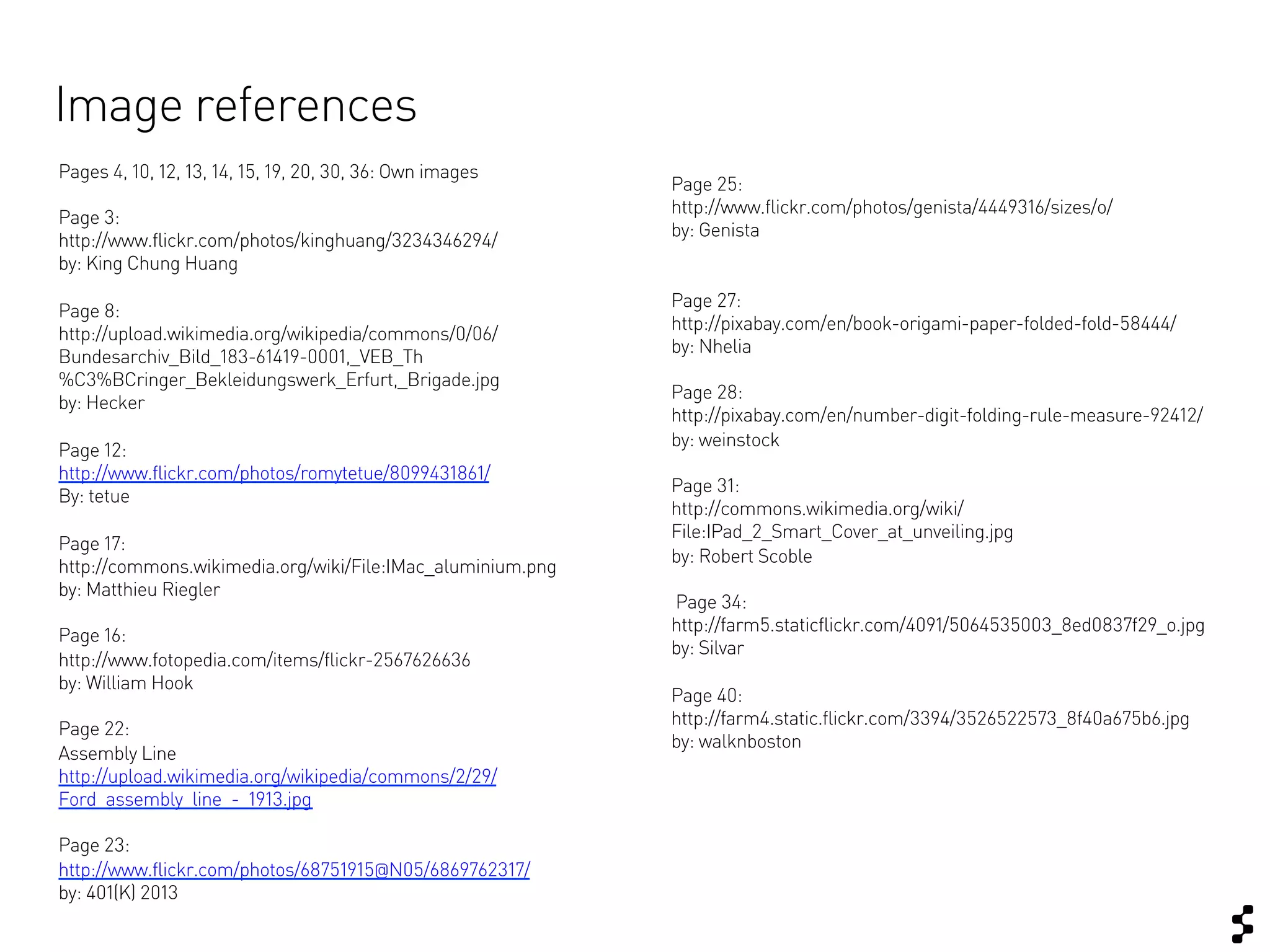
Image references
Pages 4, 10, 12, 13, 14, 15, 19, 20, 30, 36: Own images
                                                            Page 25:
                                                            http://www.flickr.com/photos/genista/4449316/sizes/o/
Page 3:
                                                            by: Genista
http://www.flickr.com/photos/kinghuang/3234346294/
by: King Chung Huang
                                                            Page 27:
Page 8:
                                                            http://pixabay.com/en/book-origami-paper-folded-fold-58444/
http://upload.wikimedia.org/wikipedia/commons/0/06/
                                                            by: Nhelia
Bundesarchiv_Bild_183-61419-0001,_VEB_Th
%C3%BCringer_Bekleidungswerk_Erfurt,_Brigade.jpg
                                                            Page 28:
by: Hecker
                                                            http://pixabay.com/en/number-digit-folding-rule-measure-92412/
                                                            by: weinstock
Page 12:
http://www.flickr.com/photos/romytetue/8099431861/
                                                            Page 31:
By: tetue
                                                            http://commons.wikimedia.org/wiki/
                                                            File:IPad_2_Smart_Cover_at_unveiling.jpg
Page 17:
                                                            by: Robert Scoble
http://commons.wikimedia.org/wiki/File:IMac_aluminium.png
by: Matthieu Riegler
                                                            Page 34:
                                                            http://farm5.staticflickr.com/4091/5064535003_8ed0837f29_o.jpg
Page 16:
                                                            by: Silvar
http://www.fotopedia.com/items/flickr-2567626636
by: William Hook
                                                            Page 40:
                                                            http://farm4.static.flickr.com/3394/3526522573_8f40a675b6.jpg
Page 22:
                                                            by: walknboston
Assembly Line
http://upload.wikimedia.org/wikipedia/commons/2/29/
Ford_assembly_line_-_1913.jpg

Page 23:
http://www.flickr.com/photos/68751915@N05/6869762317/
by: 401(K) 2013

Responsive Design for Complex Websites (IXDA Munich)

  • 1.
    Responsive Design forComplex Websites Reality check – How does it really change the design process? IXDA Munich Meeting 08 April 2013 Sabine Berghaus  
  • 2.
    Lots of websiteshave taken a responsive approach*… … but our challenge was a little bigger…. *h$p://gravitydept.com/blog/skinny-­‐;es-­‐and-­‐responsive-­‐ecommerce/?utm_source=Responsive+Design +Weekly&utm_campaign=18bf5a122f-­‐RWD_interview_6&utm_medium=email  
  • 3.
    Complete relaunch |“Flagship Store” Configuration & Checkout Self-Care Area / Customer Center Help Center Brand experience Product description News & Specials Media Center (Video Content) Magazine
  • 4.
    Project Setup Team •  7 Information Architects •  5 Visual Designers •  100 Client Stakeholders Timeline: July – December 2012 Discover   Define   Deliver   •  Workshops •  Define vision •  Design Specification •  Stakeholder Interviews •  Basic concept •  Batch Process •  Design direction •  User Testing •  User Testing
  • 5.
    Reality Common “Rules” Check and our approach Limitations
  • 6.
    Rule #1 No more Photoshop! h$p://37signals.com/svn/posts/1061-­‐why-­‐we-­‐skip-­‐photoshop   h$p://www.youtube.com/watch?v=6e3m9qRj67o  
  • 7.
    Challenge #1 How wouldyou create a prototype for a template – module system?
  • 8.
    Challenge #2 7 IA working at the same time
  • 9.
    Create a standardspecification for all viewports?
  • 10.
    Trial & Error ViewportL Viewport M Viewport S We started with a pilot – detailed specification for the first workpackage …
  • 11.
    Still you mightwant to keep the specification as small as possible
  • 12.
    Solution #1 The “responsiveguide” holds all rules for responsive design.
  • 13.
    Solution #2 InDesign allowedus to work on the same specification at the same time.
  • 14.
    Solution #3 Keep amodule list for overview and alignment.
  • 15.
    Summary: Specification setup Module Basic rules specification Overview and alignment
  • 16.
    Rule #2 Mobile First
  • 17.
    Challenge #3: What ifyour client “thinks desktop”?
  • 18.
    How do youcreate responsive design when you work “mobile second”?
  • 19.
  • 20.
    Solution #5: ResponsivePatterns List with images Text list Carousel Expandable list
  • 21.
    Summary: You can designmobile second, if… … you keep your content structured – Content First! … your define your layout with basic responsive patterns in mind.
  • 22.
    Rule #3 No more waterfall! Developer Designer IA
  • 23.
    Challenge #4 Separate budgets forconcept and development!
  • 24.
    Also in awaterfall process you can make use of “connected thinking”
  • 25.
  • 26.
    Summary: Get tech andcreative connected as soon as possible – even if the track has not officially started. Challenge and review creative concepts.
  • 27.
    Rule #4 F!?% the pagefold!
  • 28.
    Challenge #5 “But theprice is still above the fold, right?”
  • 29.
  • 30.
    Solution #7 Set “goldenrules” for responsive design – together with your client. (or other topics e.g. personalization)
  • 31.
    Solution #8: Use devicesfor presentation
  • 32.
    Summary: Get hands-on withyour client. Team work!
  • 33.
    Limitations What did not work so well? Limitations
  • 34.
    Challenge #6: One sizedoes not fit all…
  • 35.
    Open issue: Responsive layoutdoes not mean “optimized for all use cases”. Some aspects require separate solutions or progressive enhancement.
  • 36.
  • 37.
    Open issue: Good solutionsfor responsive advertising are still missing.
  • 38.
    Learnings In a nutshell Limitations
  • 39.
    1. Clean specificationsetup 2. Content first 3. Connected thinking 4. Hands-on with client
  • 41.
    Thank you! Get intouch Sabine Berghaus E-Mail: sberghaus@sapient.com Twitter: @stadtnomadin Website: about.me/sabineberghaus
  • 42.
    Image references Pages 4,10, 12, 13, 14, 15, 19, 20, 30, 36: Own images Page 25: http://www.flickr.com/photos/genista/4449316/sizes/o/ Page 3: by: Genista http://www.flickr.com/photos/kinghuang/3234346294/ by: King Chung Huang Page 27: Page 8: http://pixabay.com/en/book-origami-paper-folded-fold-58444/ http://upload.wikimedia.org/wikipedia/commons/0/06/ by: Nhelia Bundesarchiv_Bild_183-61419-0001,_VEB_Th %C3%BCringer_Bekleidungswerk_Erfurt,_Brigade.jpg Page 28: by: Hecker http://pixabay.com/en/number-digit-folding-rule-measure-92412/ by: weinstock Page 12: http://www.flickr.com/photos/romytetue/8099431861/ Page 31: By: tetue http://commons.wikimedia.org/wiki/ File:IPad_2_Smart_Cover_at_unveiling.jpg Page 17: by: Robert Scoble http://commons.wikimedia.org/wiki/File:IMac_aluminium.png by: Matthieu Riegler Page 34: http://farm5.staticflickr.com/4091/5064535003_8ed0837f29_o.jpg Page 16: by: Silvar http://www.fotopedia.com/items/flickr-2567626636 by: William Hook Page 40: http://farm4.static.flickr.com/3394/3526522573_8f40a675b6.jpg Page 22: by: walknboston Assembly Line http://upload.wikimedia.org/wikipedia/commons/2/29/ Ford_assembly_line_-_1913.jpg Page 23: http://www.flickr.com/photos/68751915@N05/6869762317/ by: 401(K) 2013