Requirements Are Optional,
         Right?

    A DISCUSSION ON THE
      SCIENTIFIC ART OF
  REQUIREMENTS ANALYSIS

        THOM STRATTON
   SR. BUSINESS SYSTEMS ANALYST

          SUPERVALU, INC.
Summary

 The Most Important Question
 Types of Requirements
 Requirements: From Strategic to Tactical
 Documentation: Finding the Balance
 Documentation Approaches
 Methodology Approaches
Mental Warm-up

Situation:
 You are a professional car-buyer for
  busy executives.
 I am a Hollywood producer

Assignment: Get me the car I want
The Most Important Question

“Why?”
 Context is everything
 Motivate your teams
 Measure your success
 Support your business objectives
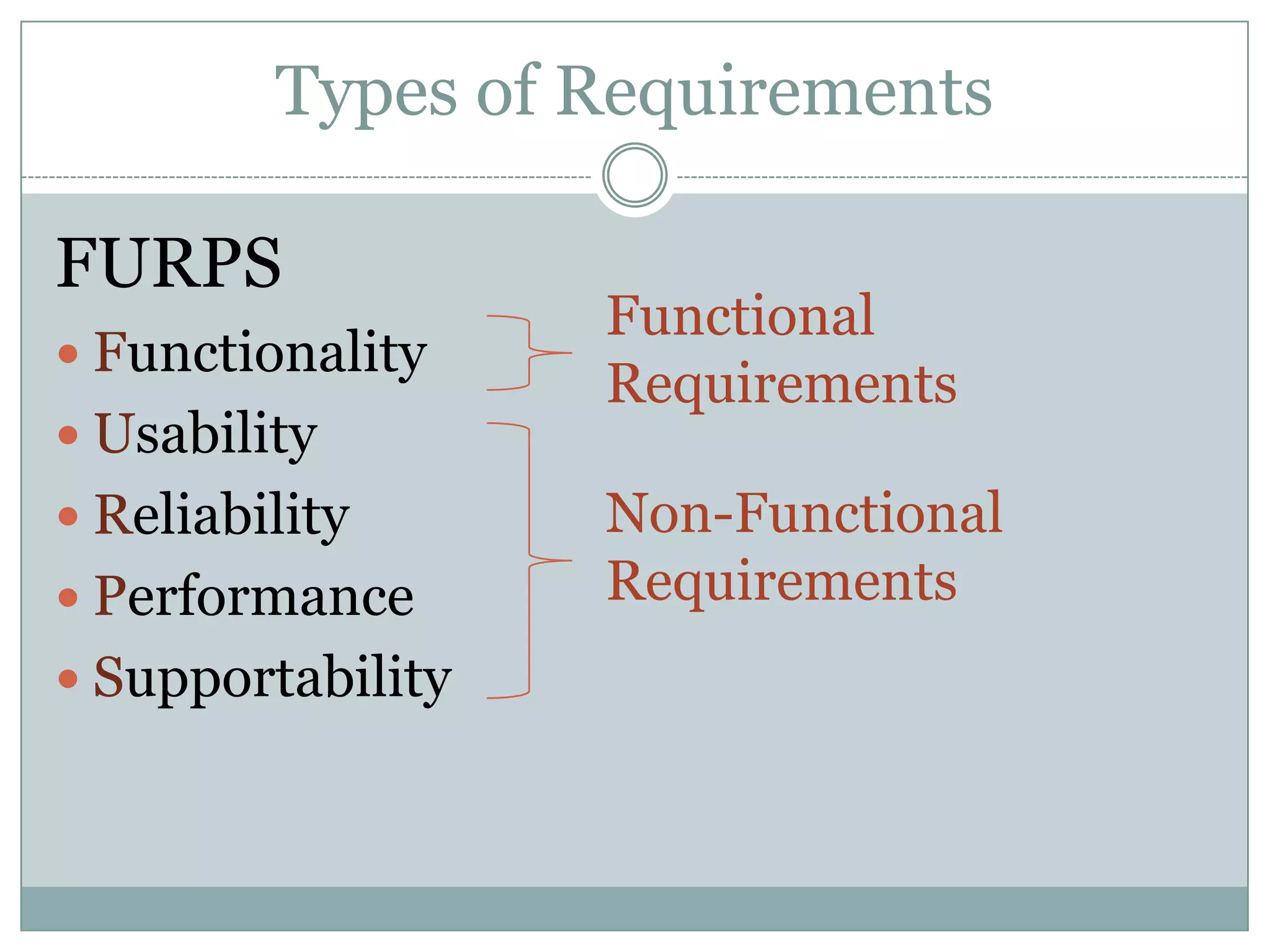
Types of Requirements

FURPS
                   Functional
 Functionality
                   Requirements
 Usability
 Reliability      Non-Functional
 Performance      Requirements
 Supportability
Types of Requirements

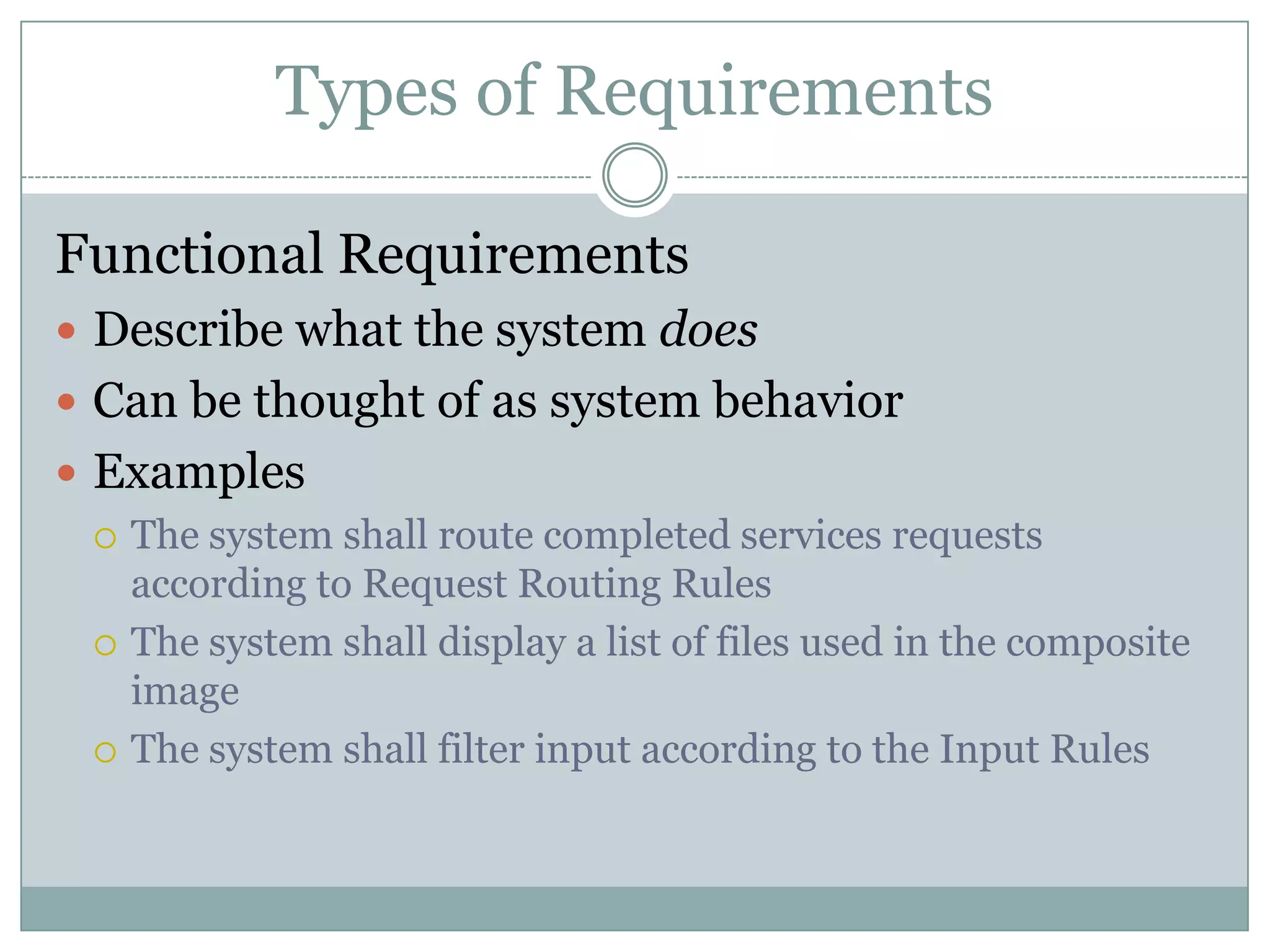
Functional Requirements
 Describe what the system does
 Can be thought of as system behavior
 Examples
   The system shall route completed services requests
    according to Request Routing Rules
   The system shall display a list of files used in the composite
    image
   The system shall filter input according to the Input Rules
Types of Requirements

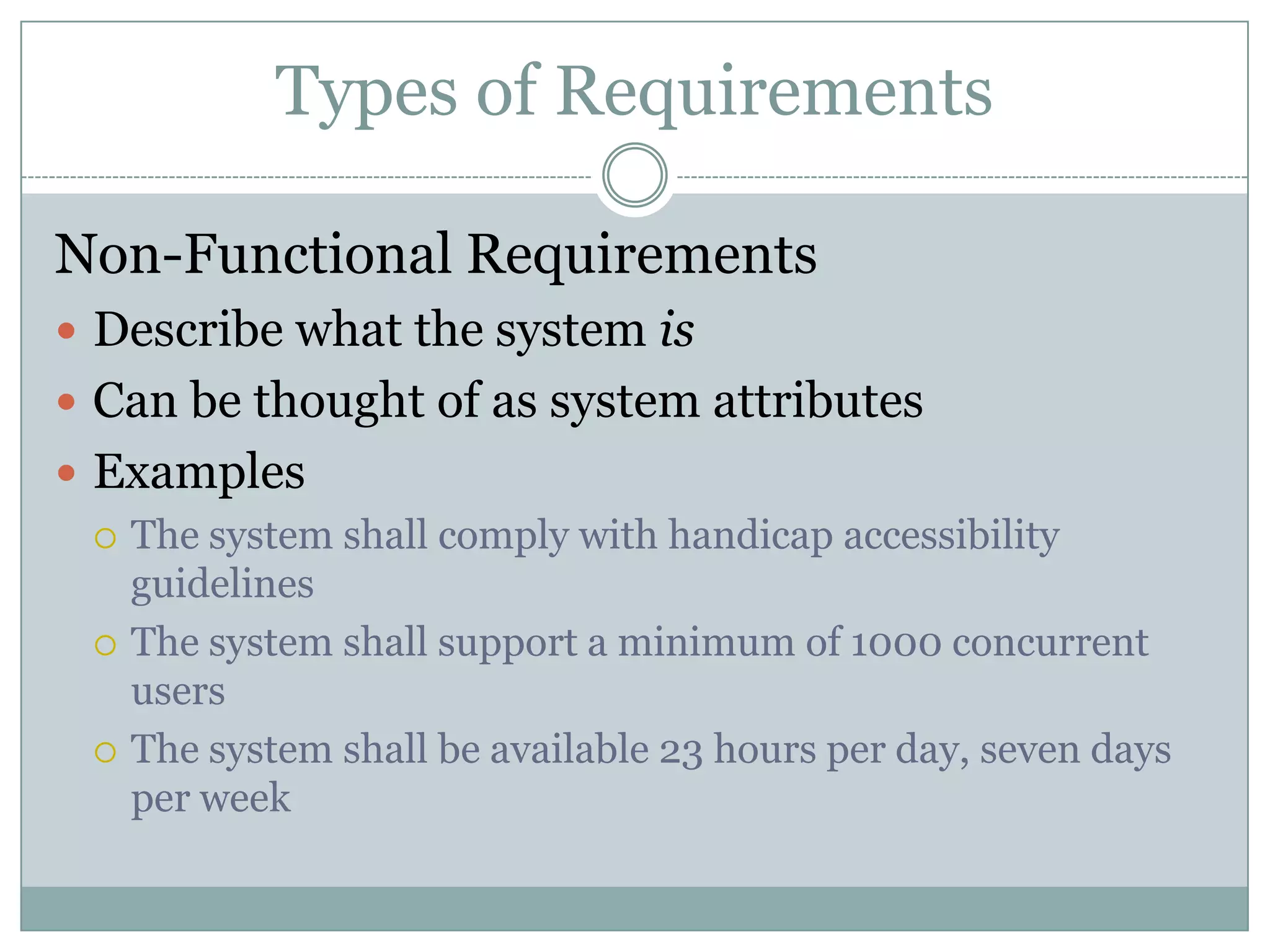
Non-Functional Requirements
 Describe what the system is
 Can be thought of as system attributes
 Examples
   The system shall comply with handicap accessibility
    guidelines
   The system shall support a minimum of 1000 concurrent
    users
   The system shall be available 23 hours per day, seven days
    per week
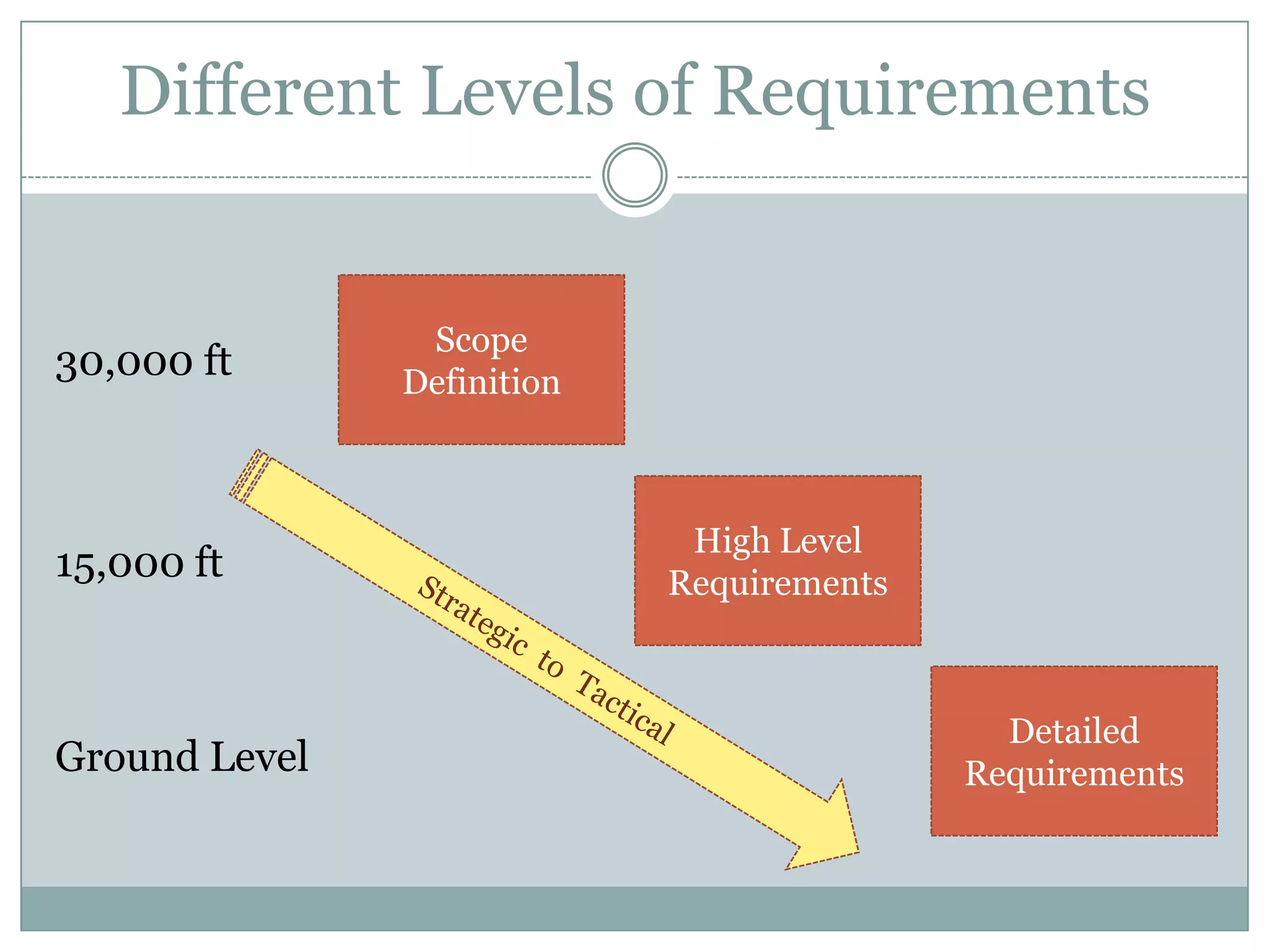
Different Levels of Requirements


                Scope
30,000 ft      Definition


                             High Level
15,000 ft                   Requirements


                                             Detailed
Ground Level                               Requirements
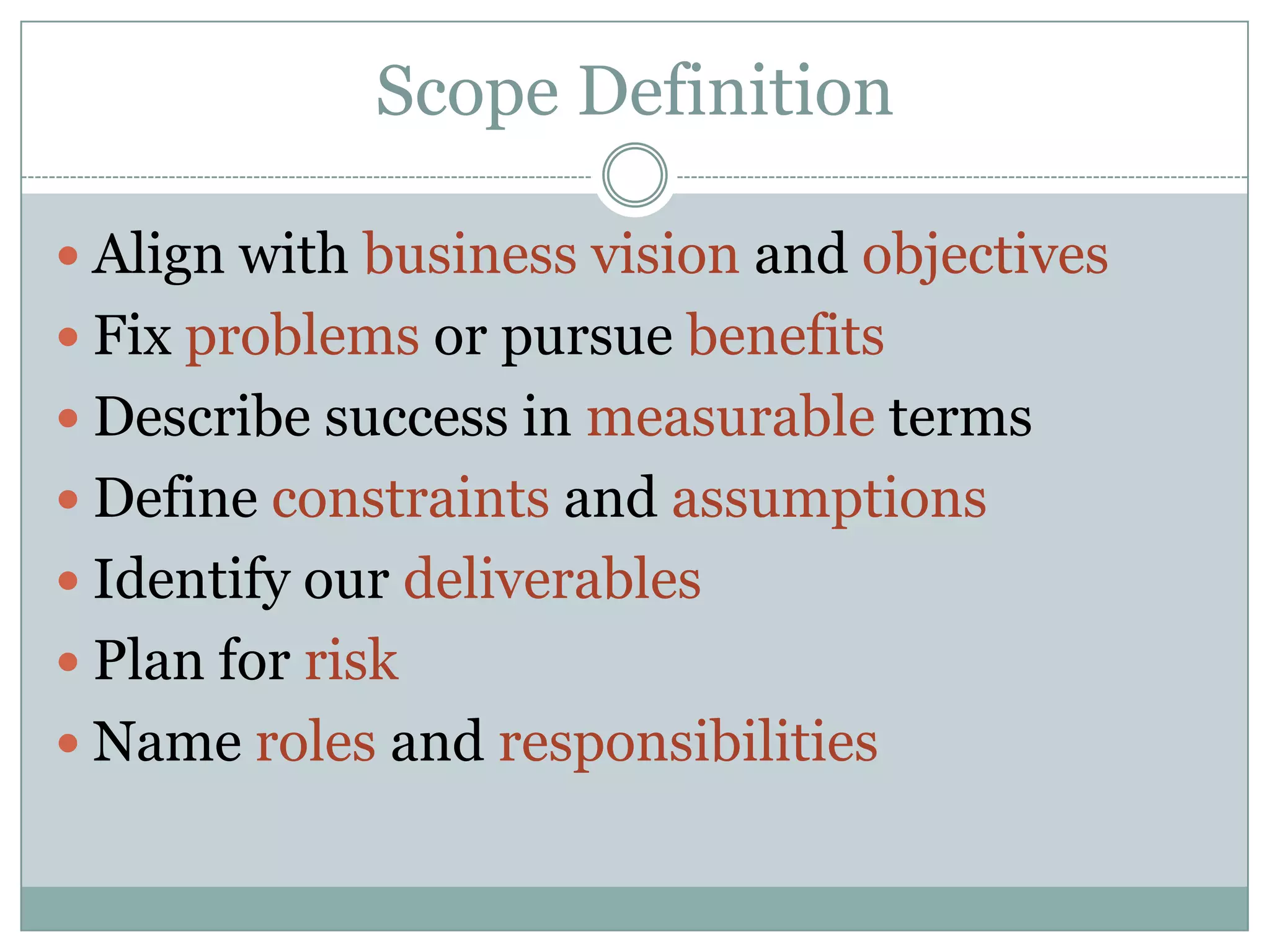
Scope Definition

 Align with business vision and objectives
 Fix problems or pursue benefits
 Describe success in measurable terms
 Define constraints and assumptions
 Identify our deliverables
 Plan for risk
 Name roles and responsibilities
Scope Definition

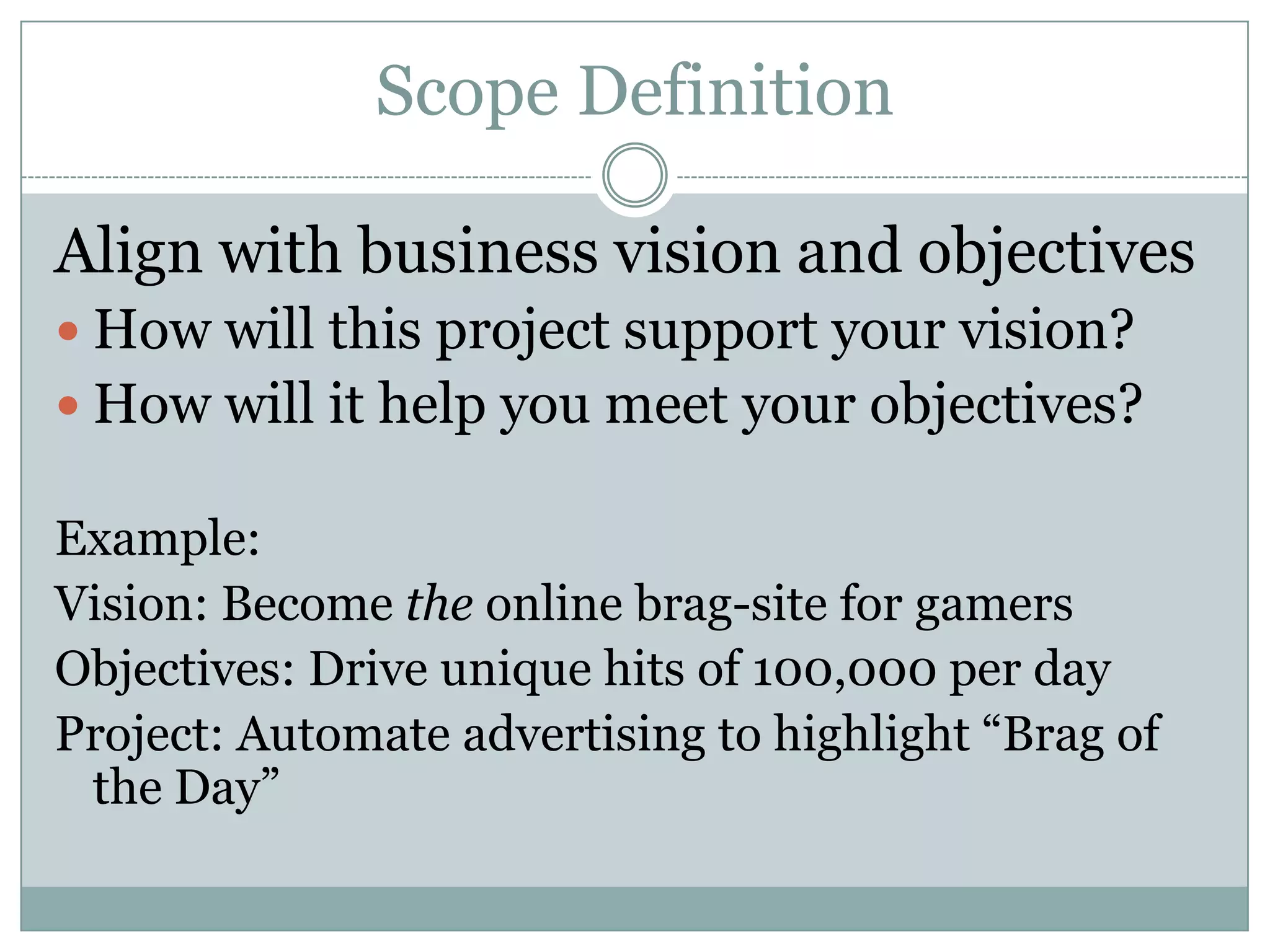
Align with business vision and objectives
 How will this project support your vision?
 How will it help you meet your objectives?

Example:
Vision: Become the online brag-site for gamers
Objectives: Drive unique hits of 100,000 per day
Project: Automate advertising to highlight “Brag of
 the Day”
Scope Definition

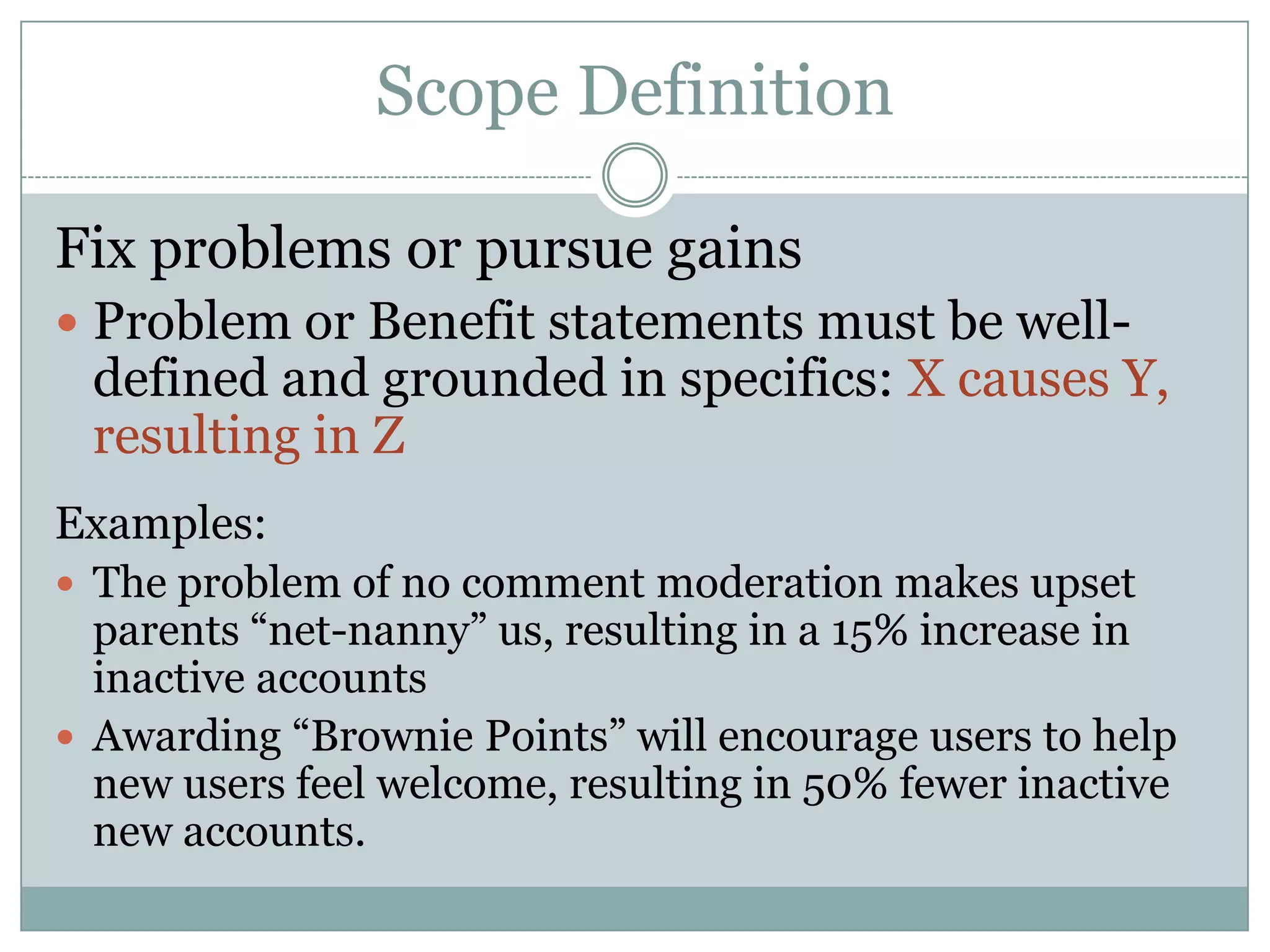
Fix problems or pursue gains
 Problem or Benefit statements must be well-
 defined and grounded in specifics: X causes Y,
 resulting in Z
Examples:
 The problem of no comment moderation makes upset
  parents “net-nanny” us, resulting in a 15% increase in
  inactive accounts
 Awarding “Brownie Points” will encourage users to help
  new users feel welcome, resulting in 50% fewer inactive
  new accounts.
Scope Definition

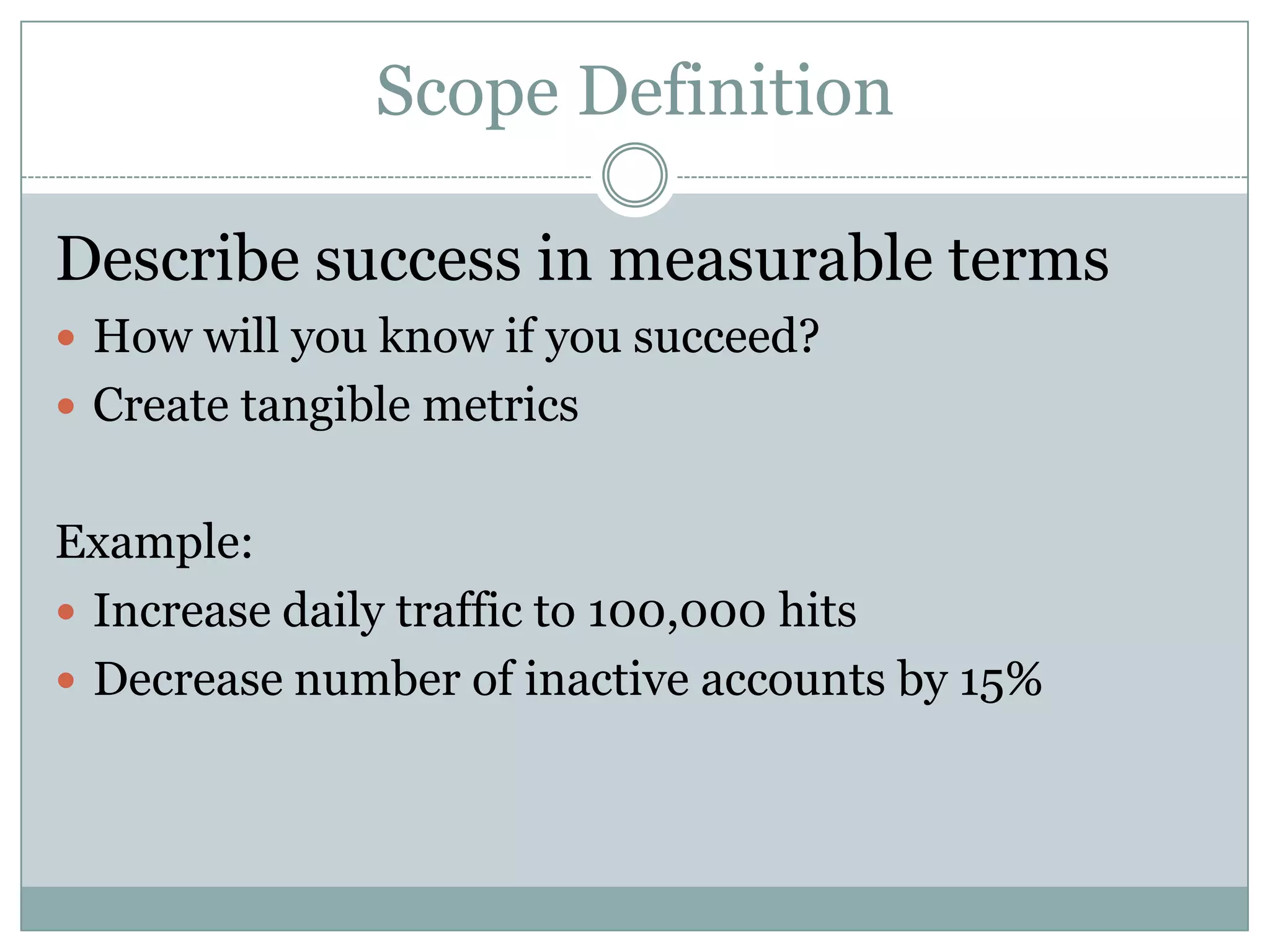
Describe success in measurable terms
 How will you know if you succeed?
 Create tangible metrics


Example:
 Increase daily traffic to 100,000 hits
 Decrease number of inactive accounts by 15%
Scope Definition

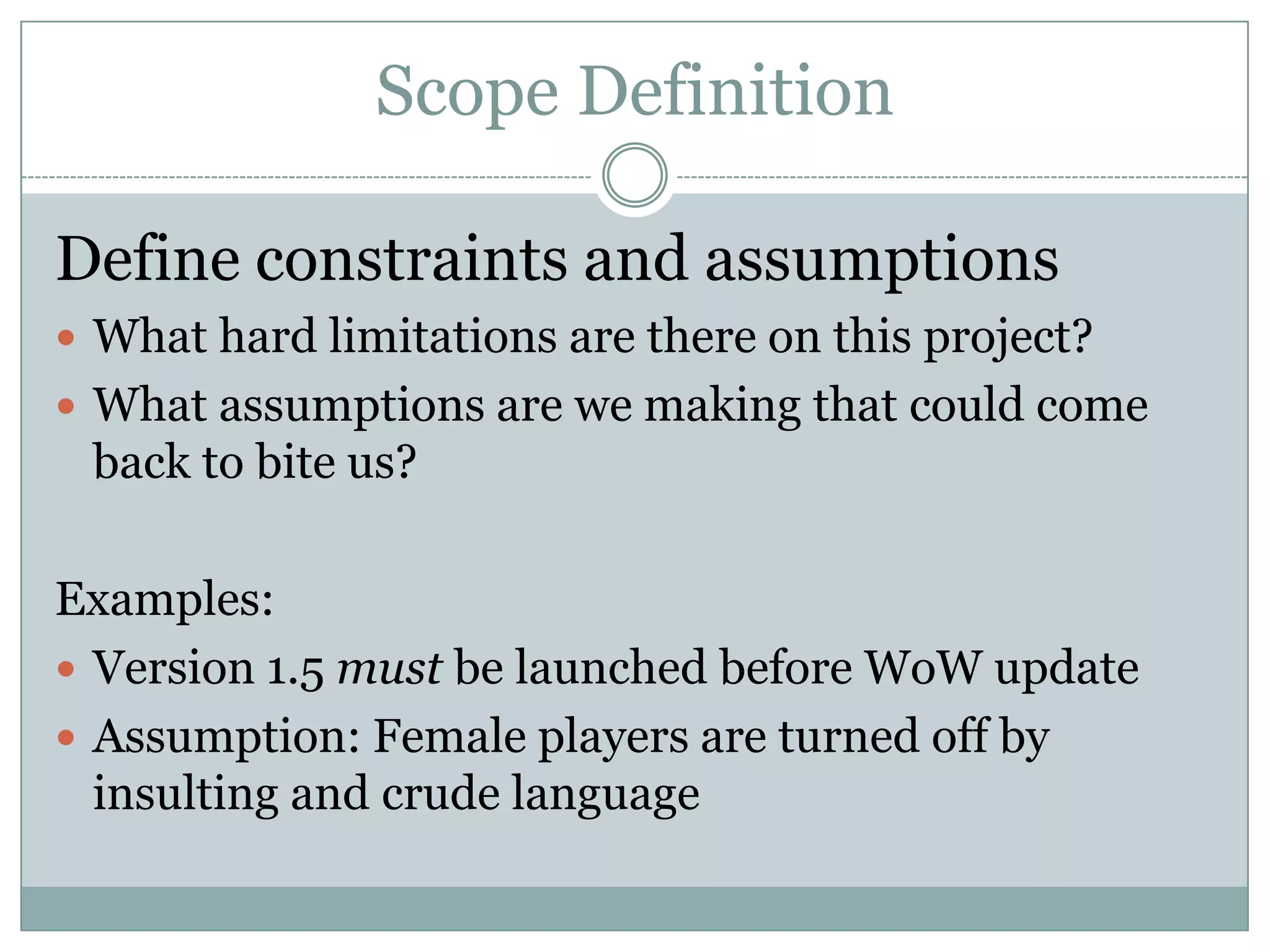
Define constraints and assumptions
 What hard limitations are there on this project?
 What assumptions are we making that could come
 back to bite us?

Examples:
 Version 1.5 must be launched before WoW update
 Assumption: Female players are turned off by
  insulting and crude language
Scope Definition

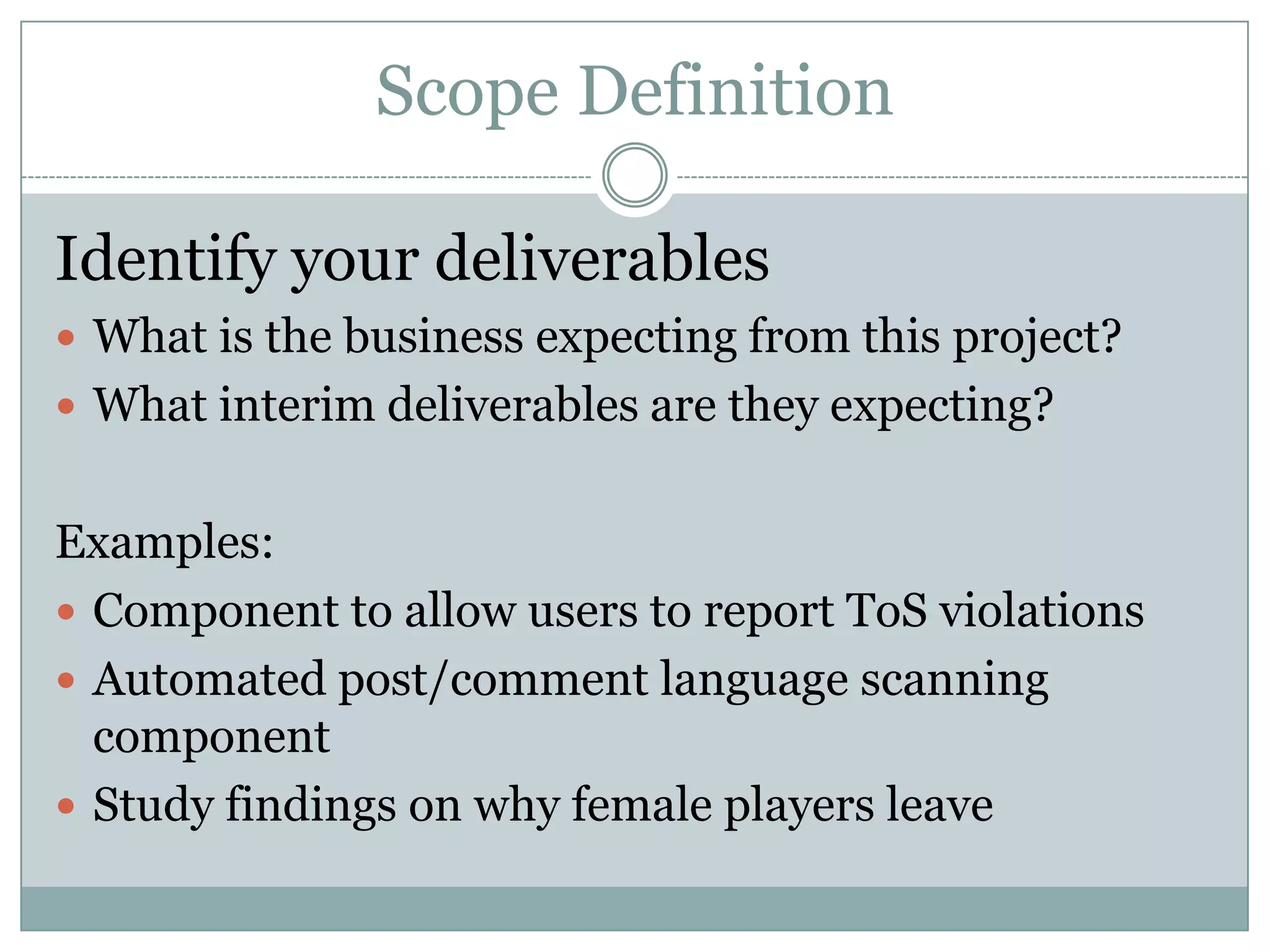
Identify your deliverables
 What is the business expecting from this project?
 What interim deliverables are they expecting?


Examples:
 Component to allow users to report ToS violations
 Automated post/comment language scanning
  component
 Study findings on why female players leave
Scope Definition

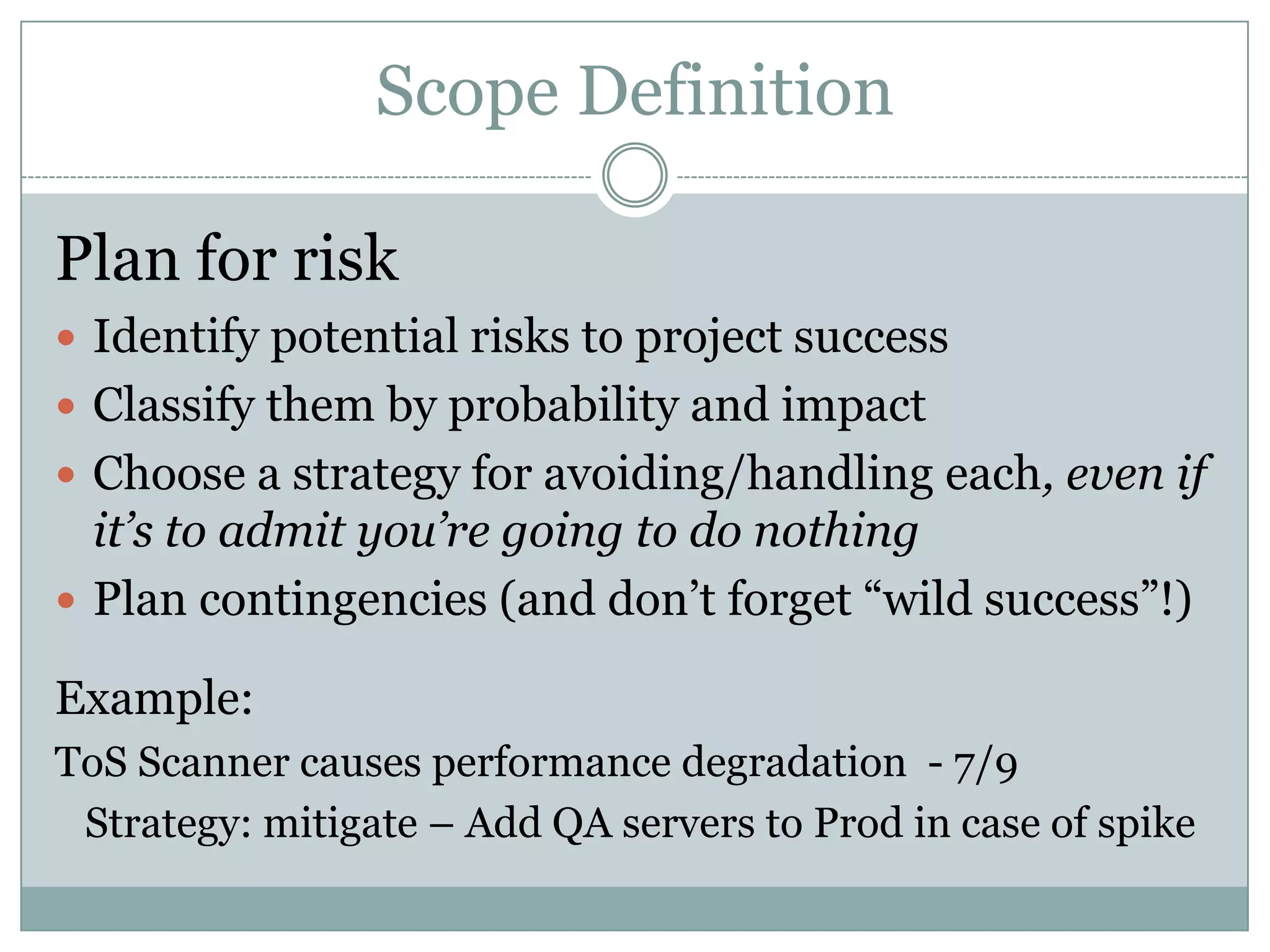
Plan for risk
 Identify potential risks to project success
 Classify them by probability and impact
 Choose a strategy for avoiding/handling each, even if
  it’s to admit you’re going to do nothing
 Plan contingencies (and don’t forget “wild success”!)

Example:
ToS Scanner causes performance degradation - 7/9
 Strategy: mitigate – Add QA servers to Prod in case of spike
Scope Definition

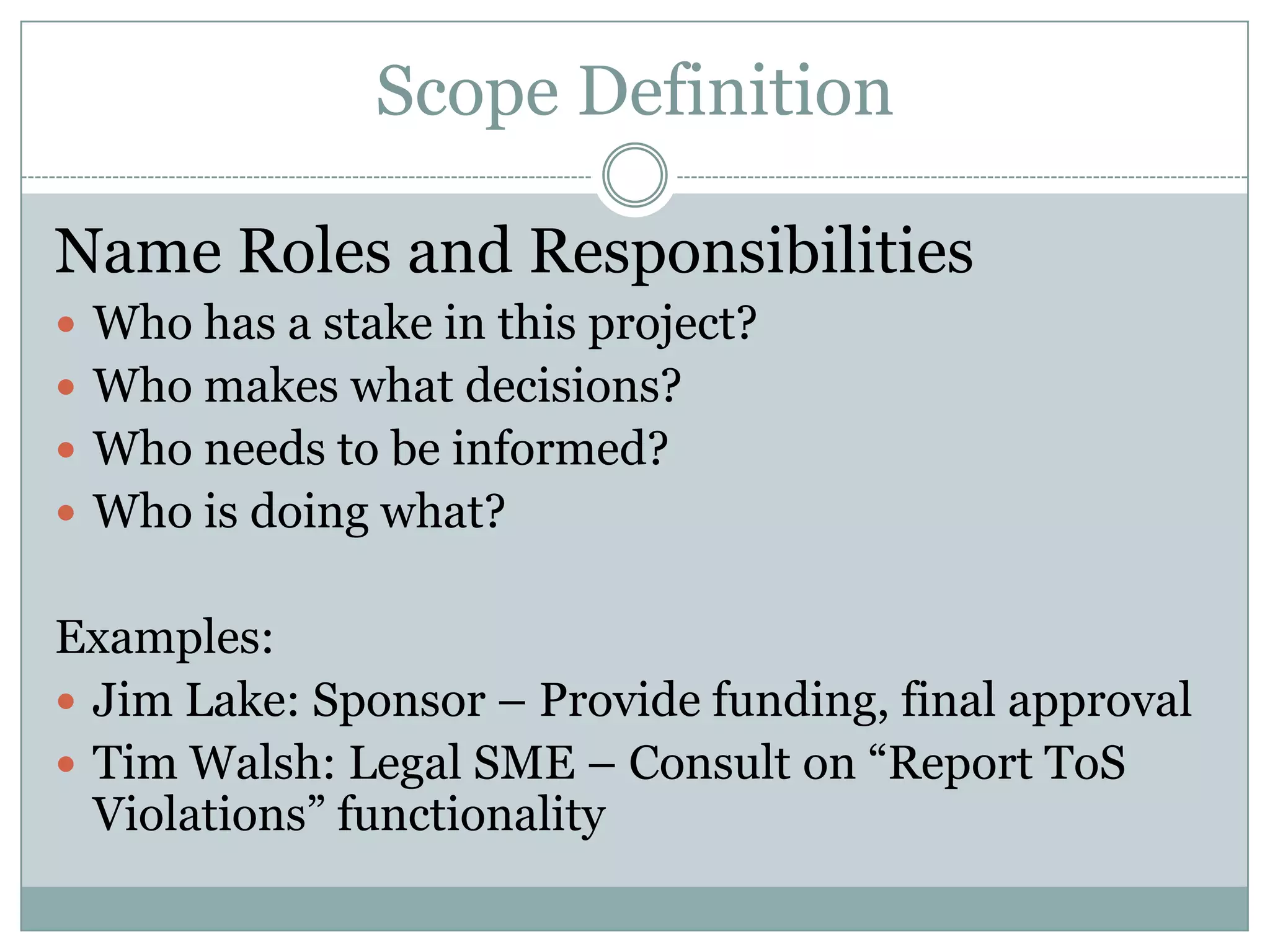
Name Roles and Responsibilities
 Who has a stake in this project?
 Who makes what decisions?
 Who needs to be informed?
 Who is doing what?


Examples:
 Jim Lake: Sponsor – Provide funding, final approval
 Tim Walsh: Legal SME – Consult on “Report ToS
  Violations” functionality
Scope Definition

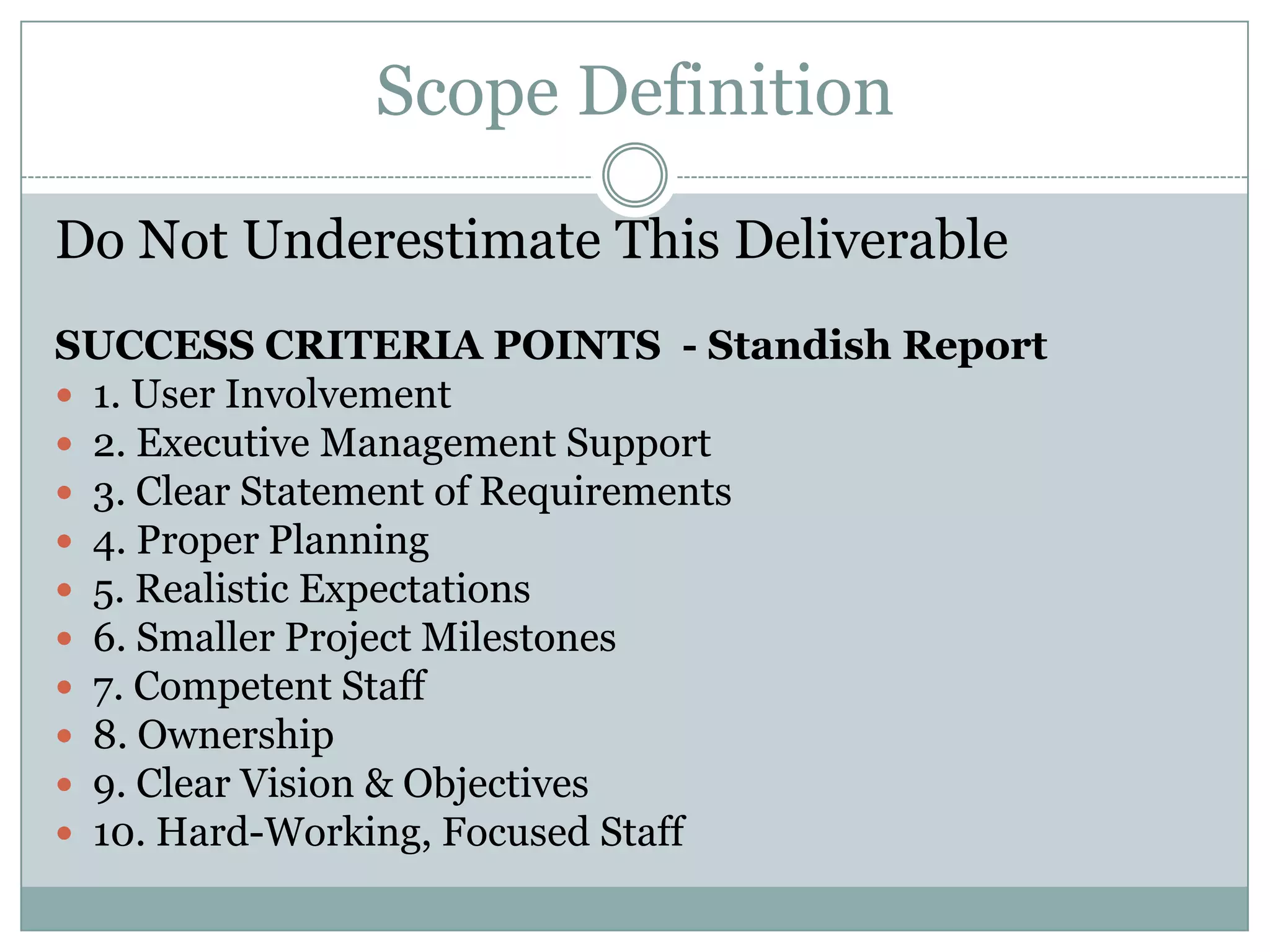
Do Not Underestimate This Deliverable
SUCCESS CRITERIA POINTS - Standish Report
 1. User Involvement
 2. Executive Management Support
 3. Clear Statement of Requirements
 4. Proper Planning
 5. Realistic Expectations
 6. Smaller Project Milestones
 7. Competent Staff
 8. Ownership
 9. Clear Vision & Objectives
 10. Hard-Working, Focused Staff
Scope Definition

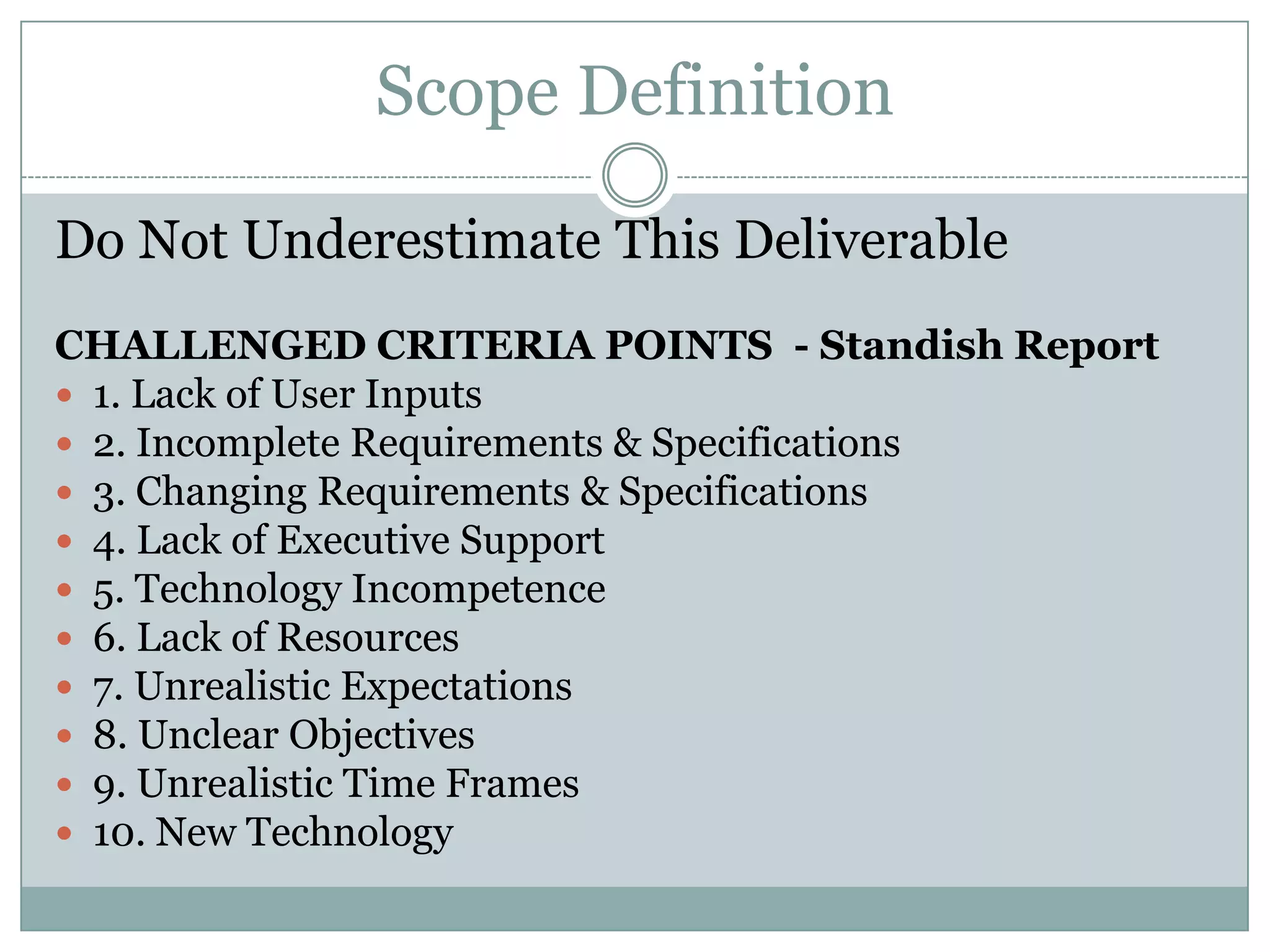
Do Not Underestimate This Deliverable
CHALLENGED CRITERIA POINTS - Standish Report
 1. Lack of User Inputs
 2. Incomplete Requirements & Specifications
 3. Changing Requirements & Specifications
 4. Lack of Executive Support
 5. Technology Incompetence
 6. Lack of Resources
 7. Unrealistic Expectations
 8. Unclear Objectives
 9. Unrealistic Time Frames
 10. New Technology
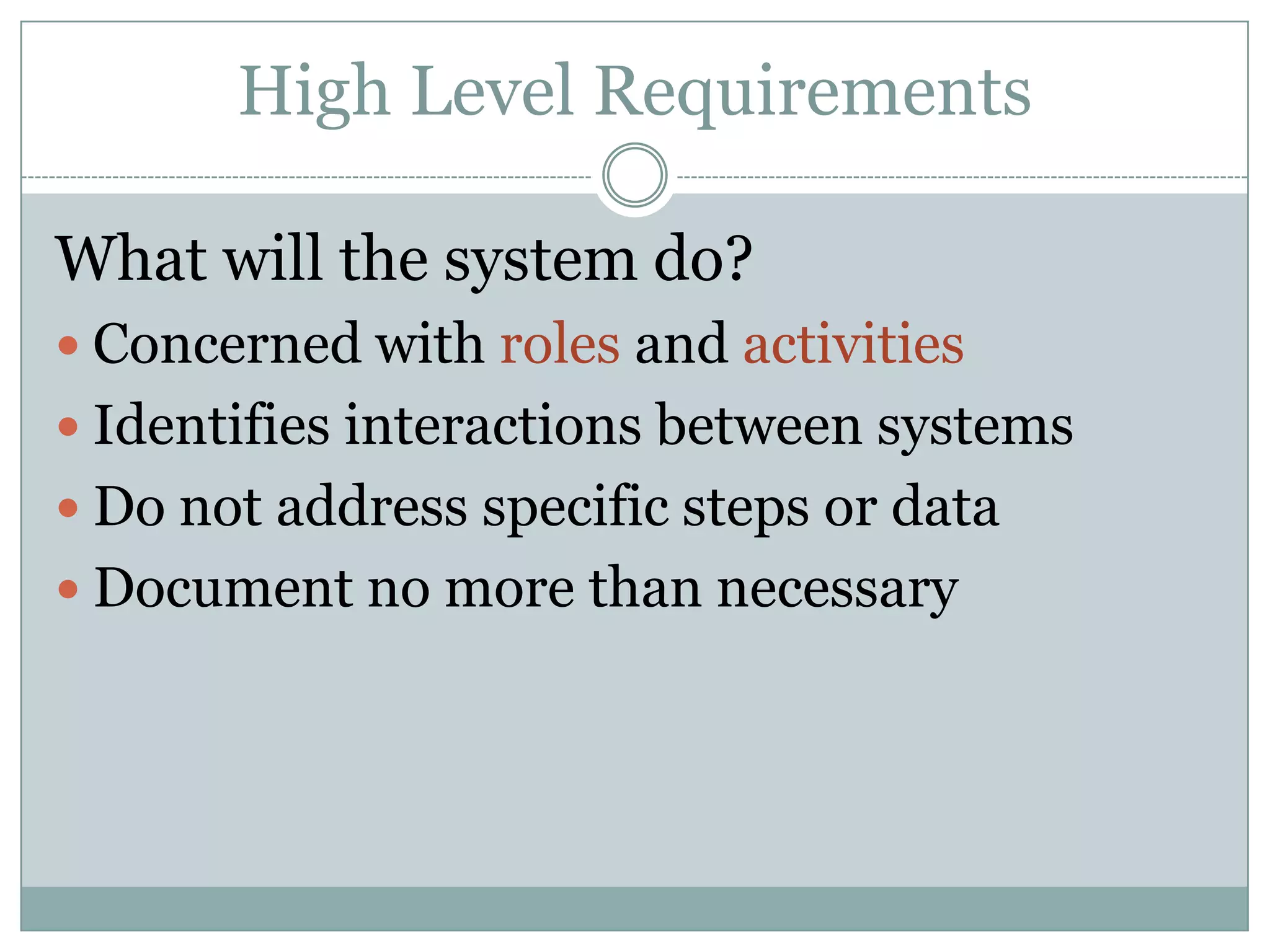
High Level Requirements

What will the system do?
 Concerned with roles and activities
 Identifies interactions between systems
 Do not address specific steps or data
 Document no more than necessary
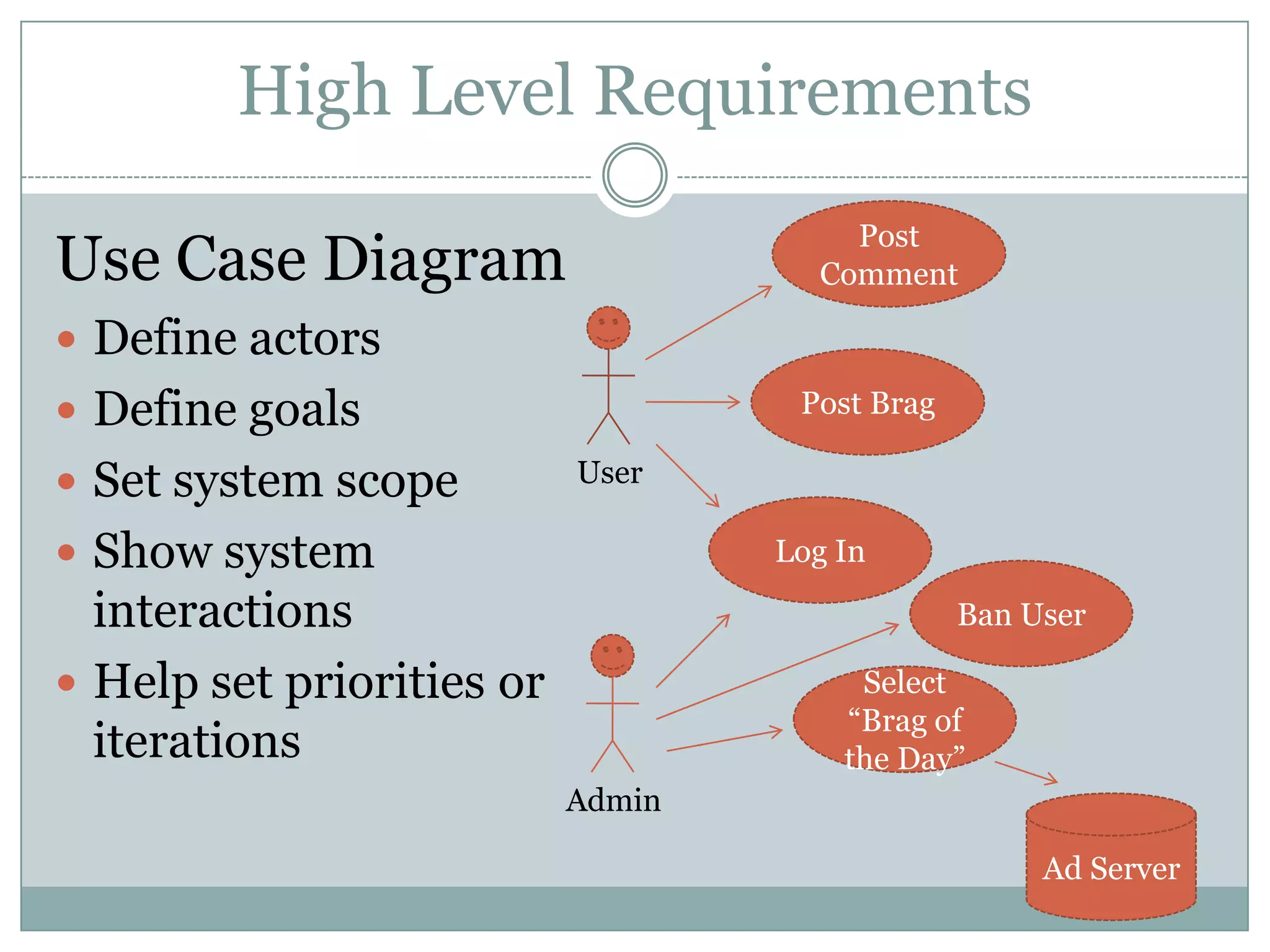
High Level Requirements
                                       Post
Use Case Diagram                     Comment

 Define actors
 Define goals                      Post Brag

 Set system scope         User

 Show system                      Log In

  interactions                                  Ban User

 Help set priorities or                Select
                                       “Brag of
  iterations                           the Day”
                           Admin

                                                     Ad Server
High Level Requirements

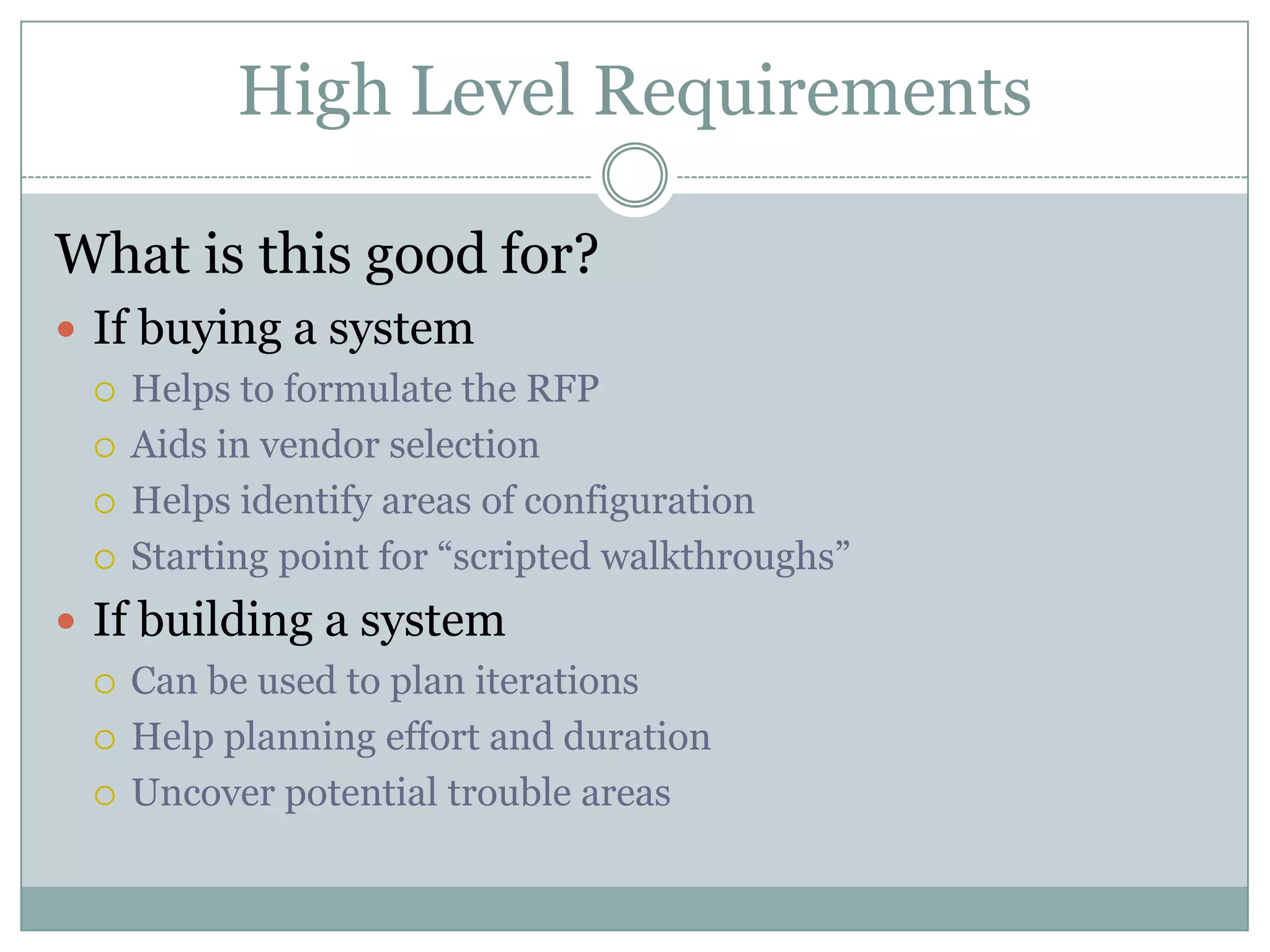
What is this good for?
 If buying a system
   Helps to formulate the RFP

   Aids in vendor selection

   Helps identify areas of configuration

   Starting point for “scripted walkthroughs”

 If building a system
   Can be used to plan iterations

   Help planning effort and duration

   Uncover potential trouble areas
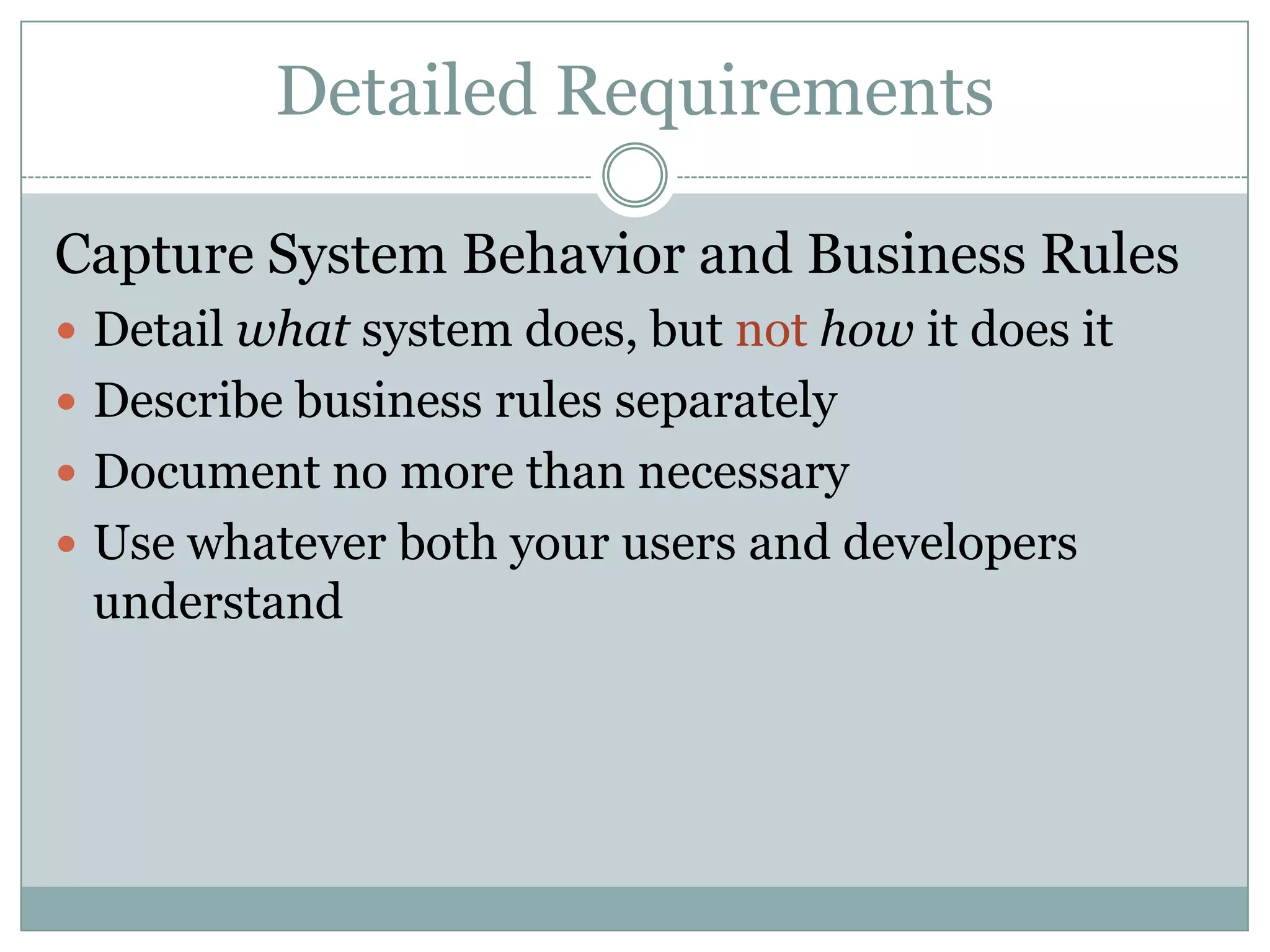
Detailed Requirements

Capture System Behavior and Business Rules
 Detail what system does, but not how it does it
 Describe business rules separately
 Document no more than necessary
 Use whatever both your users and developers
 understand
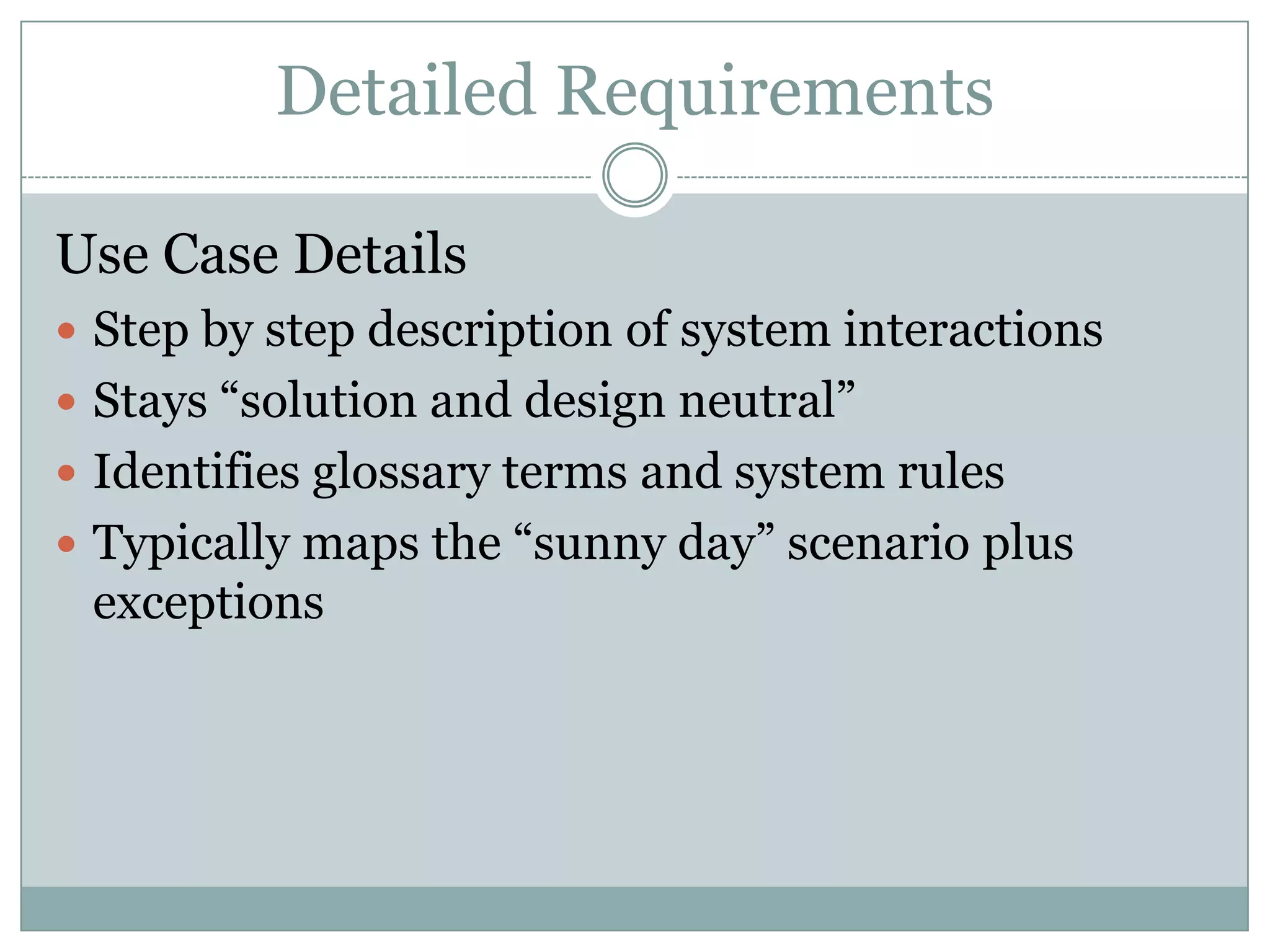
Detailed Requirements

Use Case Details
 Step by step description of system interactions
 Stays “solution and design neutral”
 Identifies glossary terms and system rules
 Typically maps the “sunny day” scenario plus
 exceptions
Detailed Requirements

Example Use Case: Post Brag
1.   User selects option to post a brag
2.   System prompts the user to select a forum
3.   User selects a forum
4.   System displays brag entry form
5.   User enters Brag Text according to Text Entry Rules and
     selects option to submit
6.   System checks text according to ToS Filter Rules and
     posts brag to selected forum, then prompts user to post
     another or exit
7.   User selects option to exit
8.   System returns user to main page
Detailed Requirements

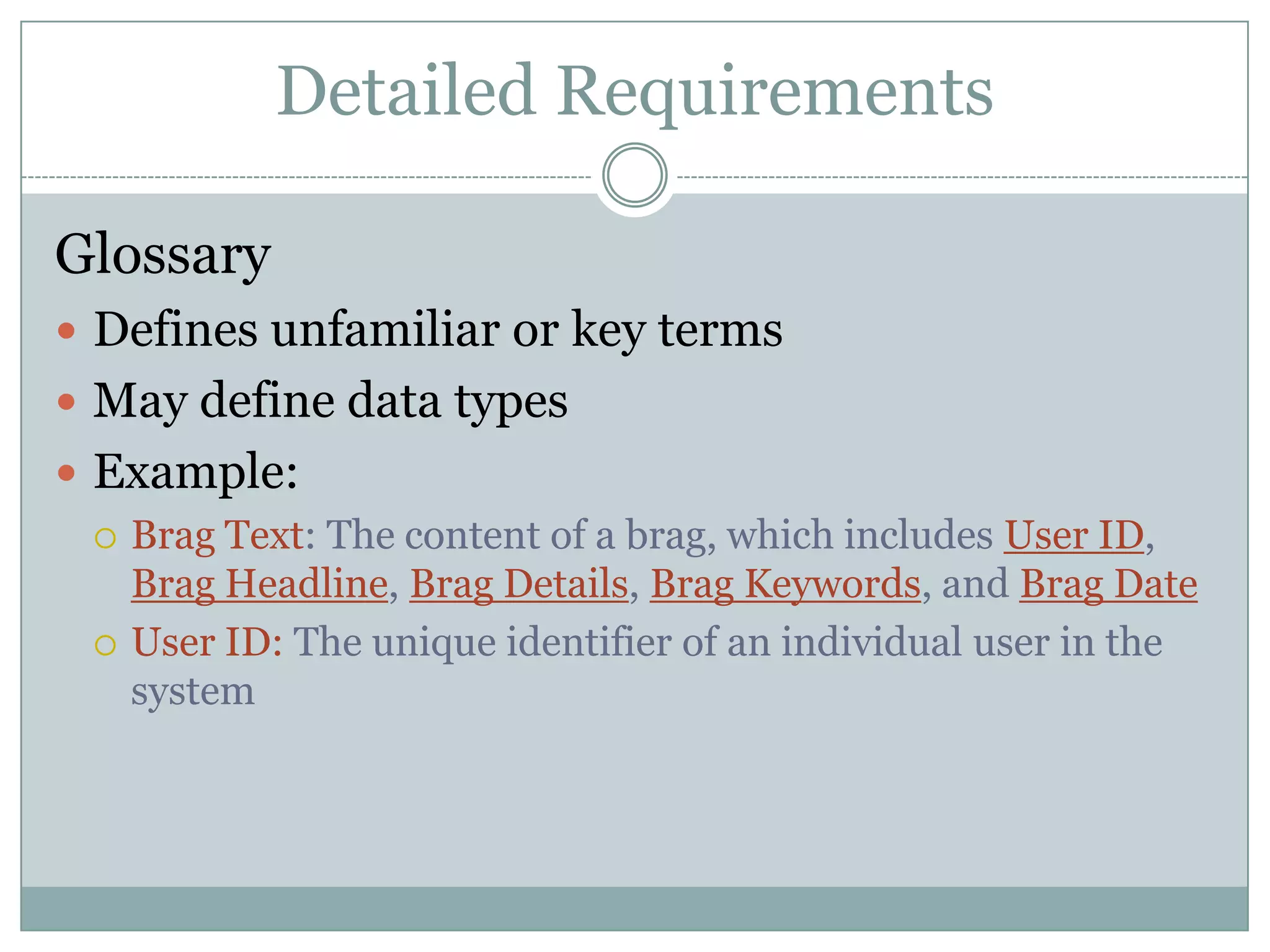
Glossary
 Defines unfamiliar or key terms
 May define data types
 Example:
   Brag Text: The content of a brag, which includes User ID,
    Brag Headline, Brag Details, Brag Keywords, and Brag Date
   User ID: The unique identifier of an individual user in the
    system
Detailed Requirements

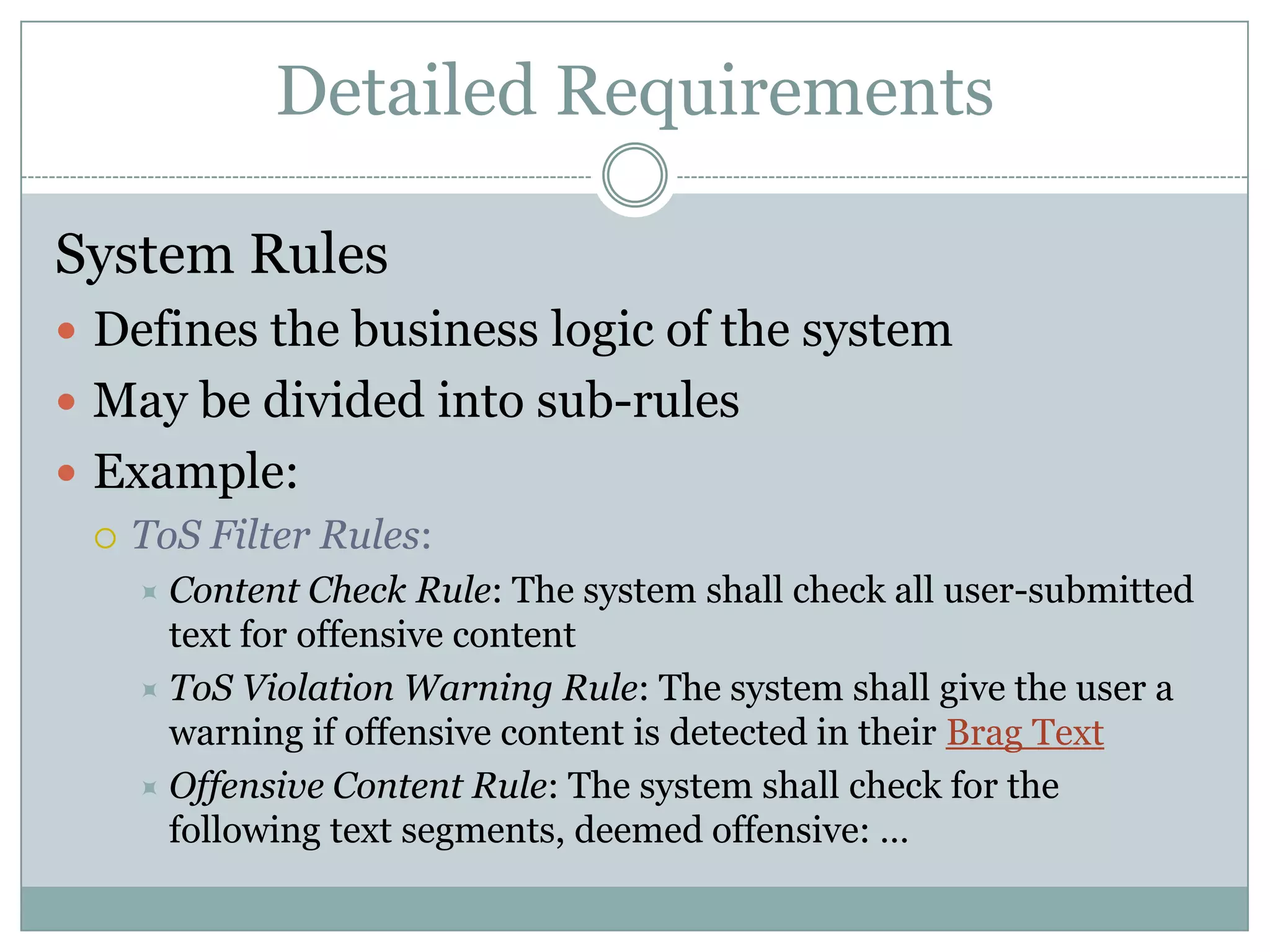
System Rules
 Defines the business logic of the system
 May be divided into sub-rules
 Example:
   ToS Filter Rules:
     Content   Check Rule: The system shall check all user-submitted
      text for offensive content
     ToS Violation Warning Rule: The system shall give the user a
      warning if offensive content is detected in their Brag Text
     Offensive Content Rule: The system shall check for the
      following text segments, deemed offensive: …
Detailed Requirements

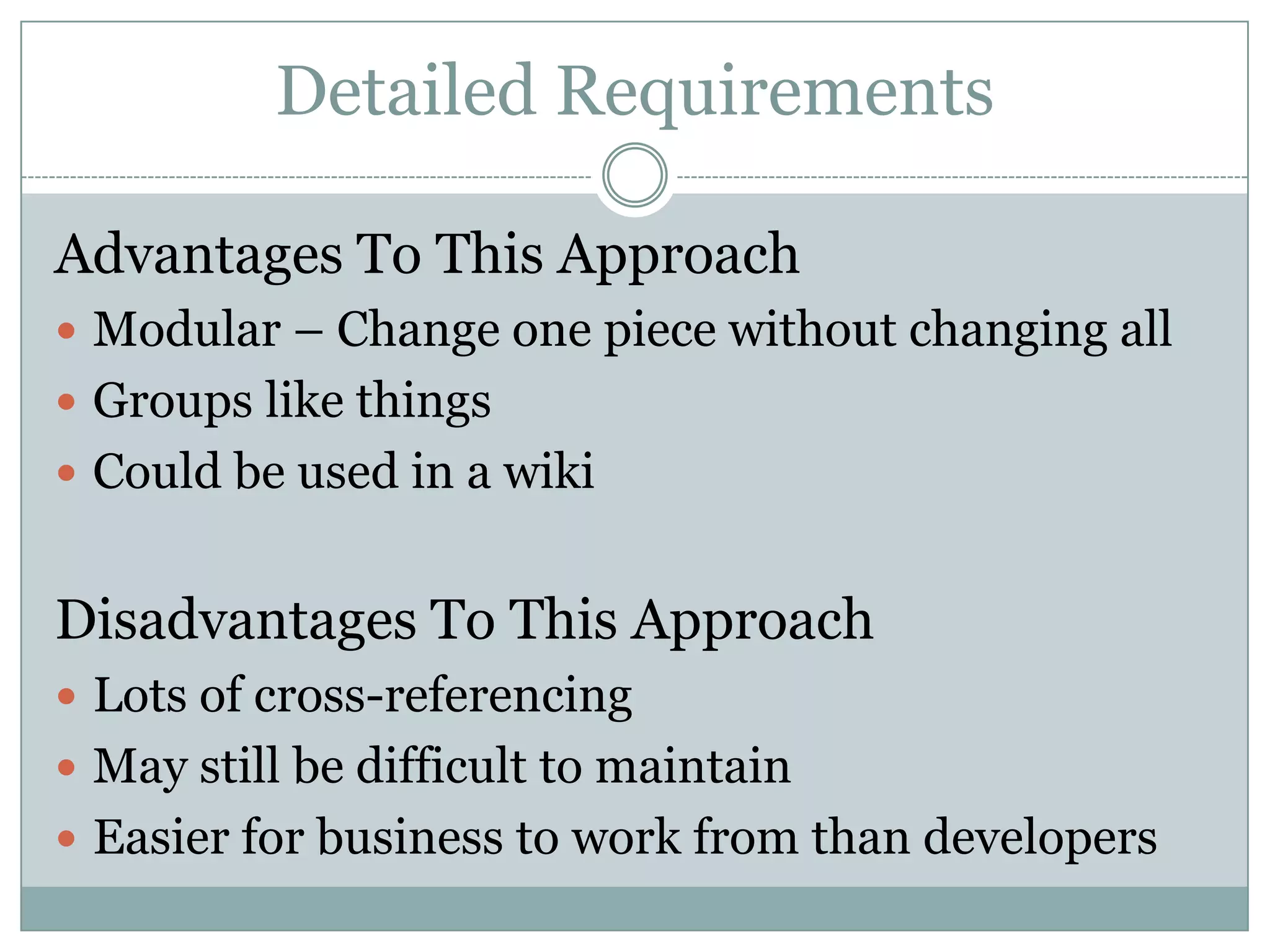
Advantages To This Approach
 Modular – Change one piece without changing all
 Groups like things
 Could be used in a wiki


Disadvantages To This Approach
 Lots of cross-referencing
 May still be difficult to maintain
 Easier for business to work from than developers
Detailed Requirements

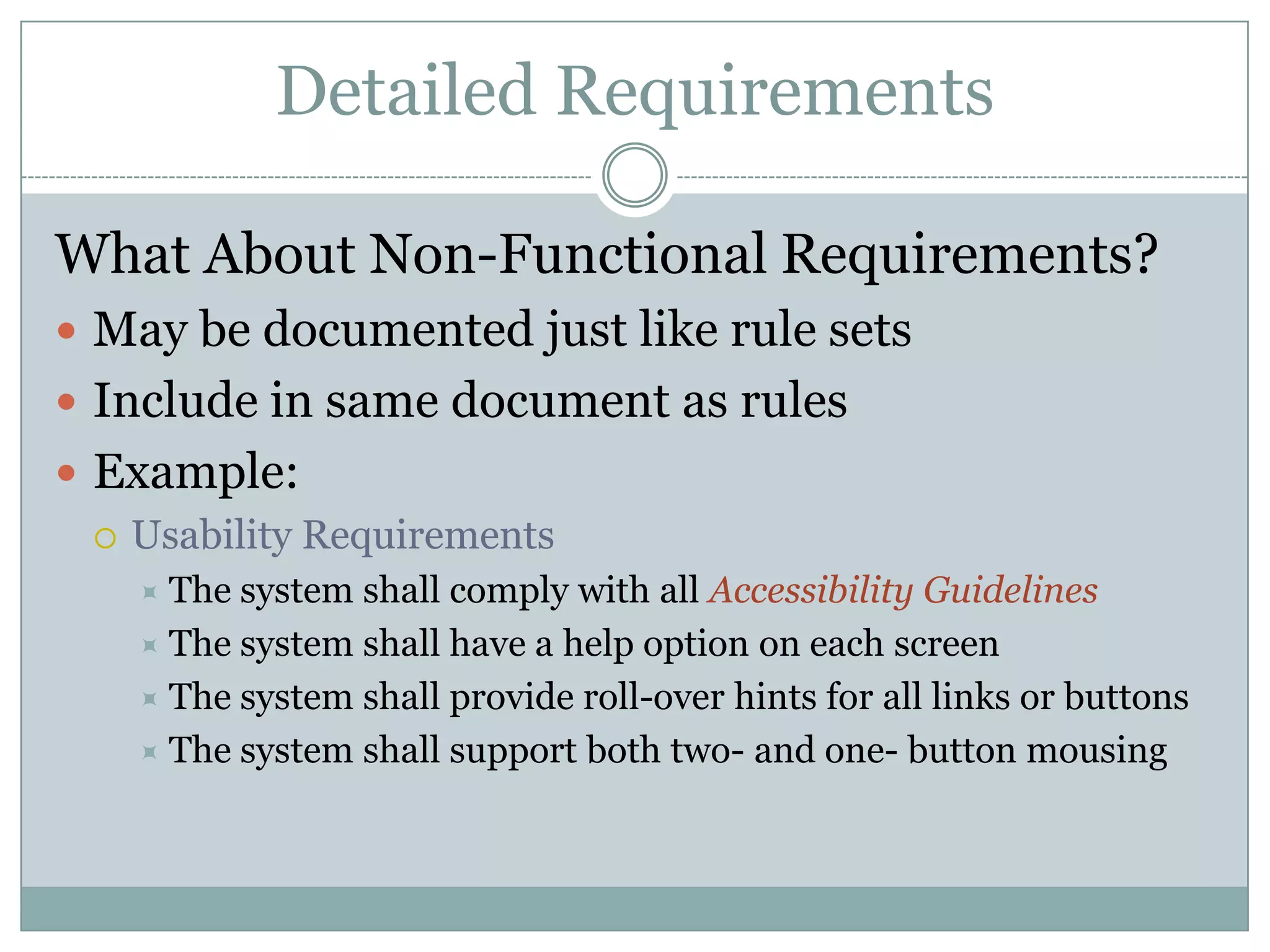
What About Non-Functional Requirements?
 May be documented just like rule sets
 Include in same document as rules
 Example:
   Usability Requirements
     The system shall comply with all Accessibility Guidelines
     The system shall have a help option on each screen
     The system shall provide roll-over hints for all links or buttons
     The system shall support both two- and one- button mousing
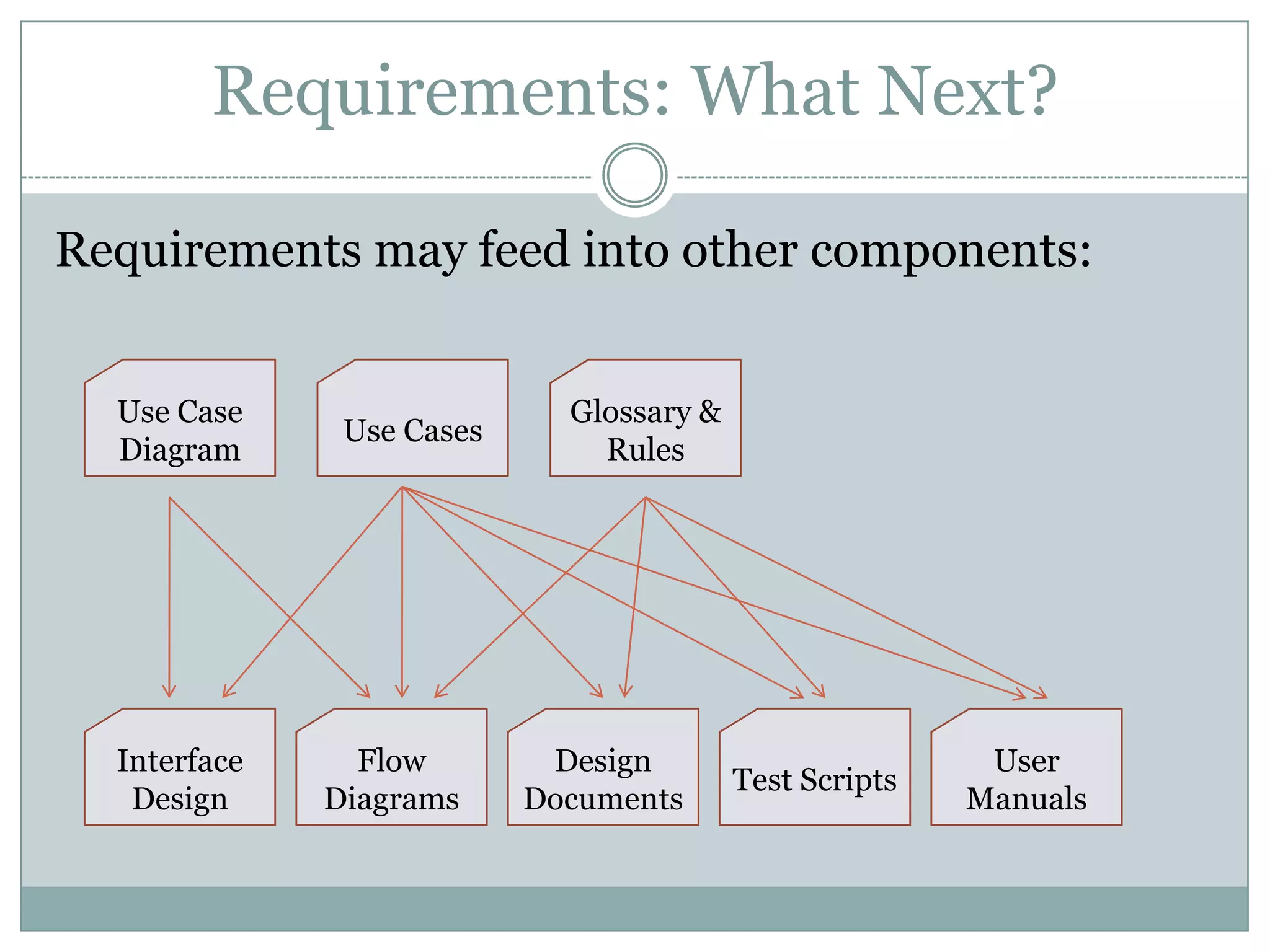
Requirements: What Next?

Requirements may feed into other components:


  Use Case                   Glossary &
               Use Cases
  Diagram                      Rules


  Interface     Flow        Design                        User
                                          Test Scripts
   Design     Diagrams     Documents                     Manuals
Requirements Analysts

Who are requirements analysts?
 Project Managers
 Account Managers
 Subject Matter Experts
 Development Leads
 Systems Analysts
 Business Systems Analysts
 Requirements Analysts
A Few Thoughts About Documentation

 Users want it
 Businesses thrive on it
 Governments require it
 Developers hate it
Documentation: The Great Balancing Act

When is documentation required?
 When the business wants it
 When the government demands it
 When the developers are not the supporters
 When institutional knowledge loss is a risk


Make documentation part of your project plan
How Much Documentation Is Enough?

 When the business feels they know what
  they are paying for
 When both the business and developers
  agree the requirements are clear
 When Sarbanes-Oxley controls say so
 When the support team accepts it
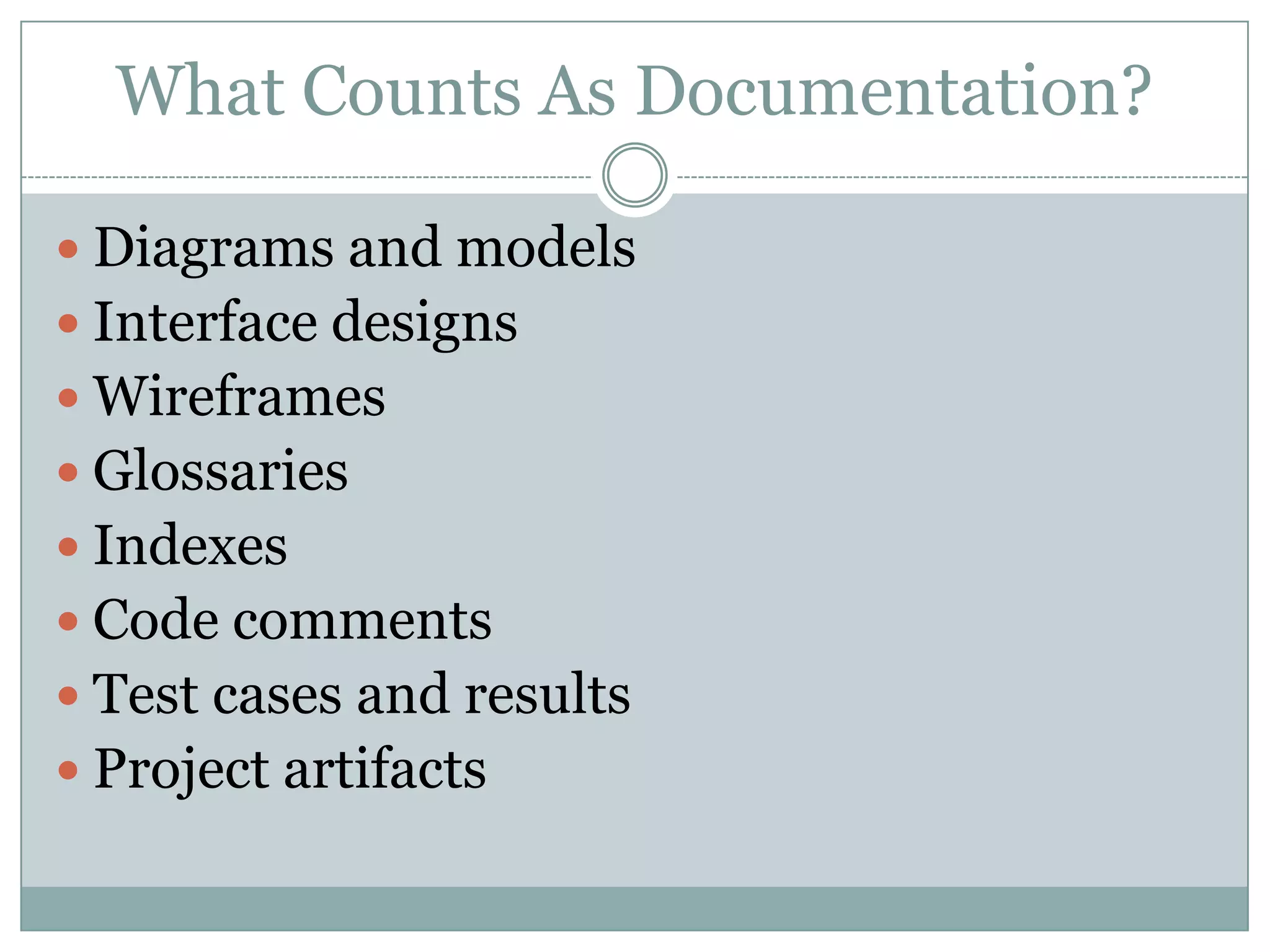
What Counts As Documentation?

 Diagrams and models
 Interface designs
 Wireframes
 Glossaries
 Indexes
 Code comments
 Test cases and results
 Project artifacts
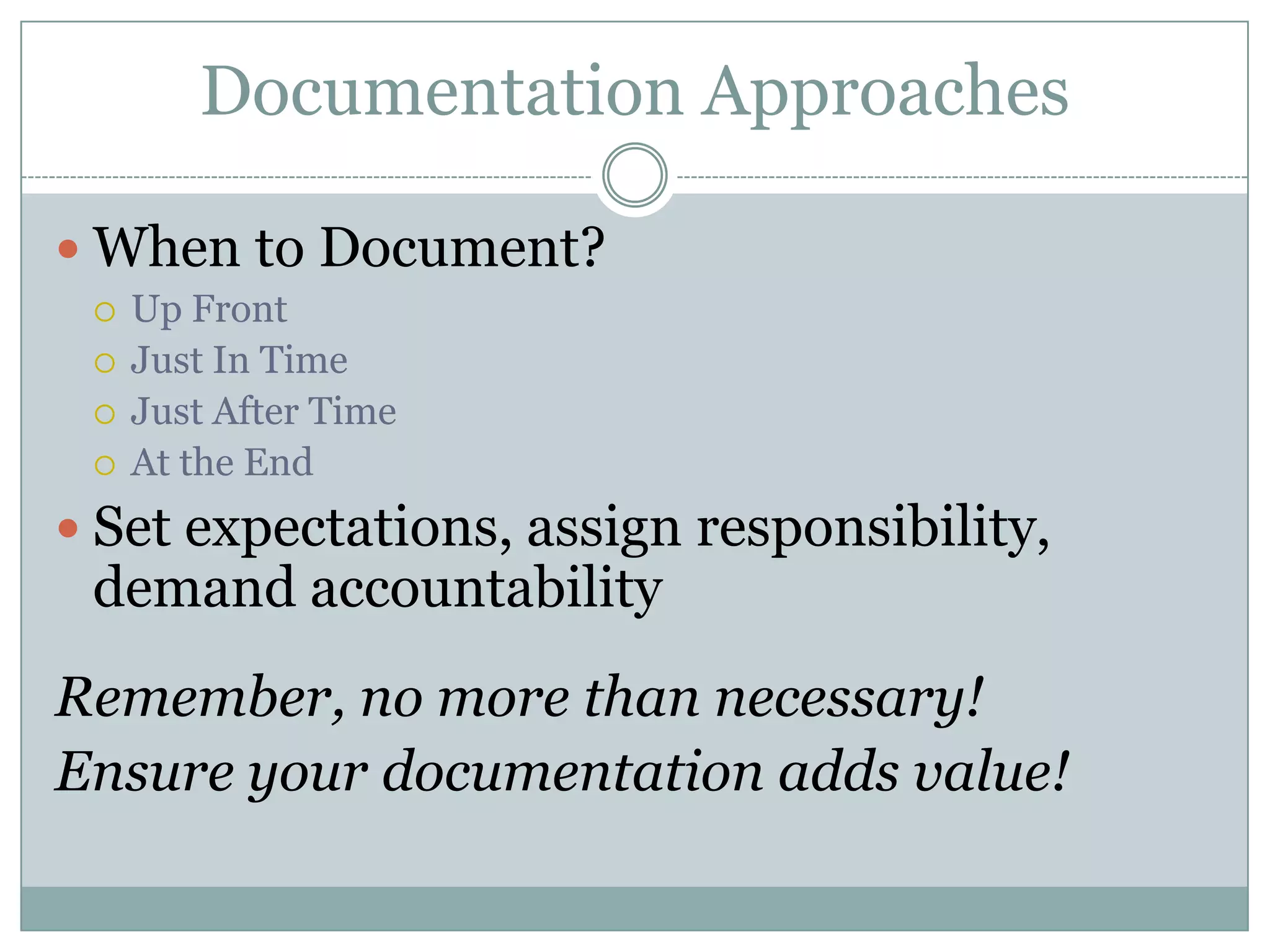
Documentation Approaches

 When to Document?
    Up Front
    Just In Time
    Just After Time
    At the End
 Set expectations, assign responsibility,
 demand accountability
Remember, no more than necessary!
Ensure your documentation adds value!
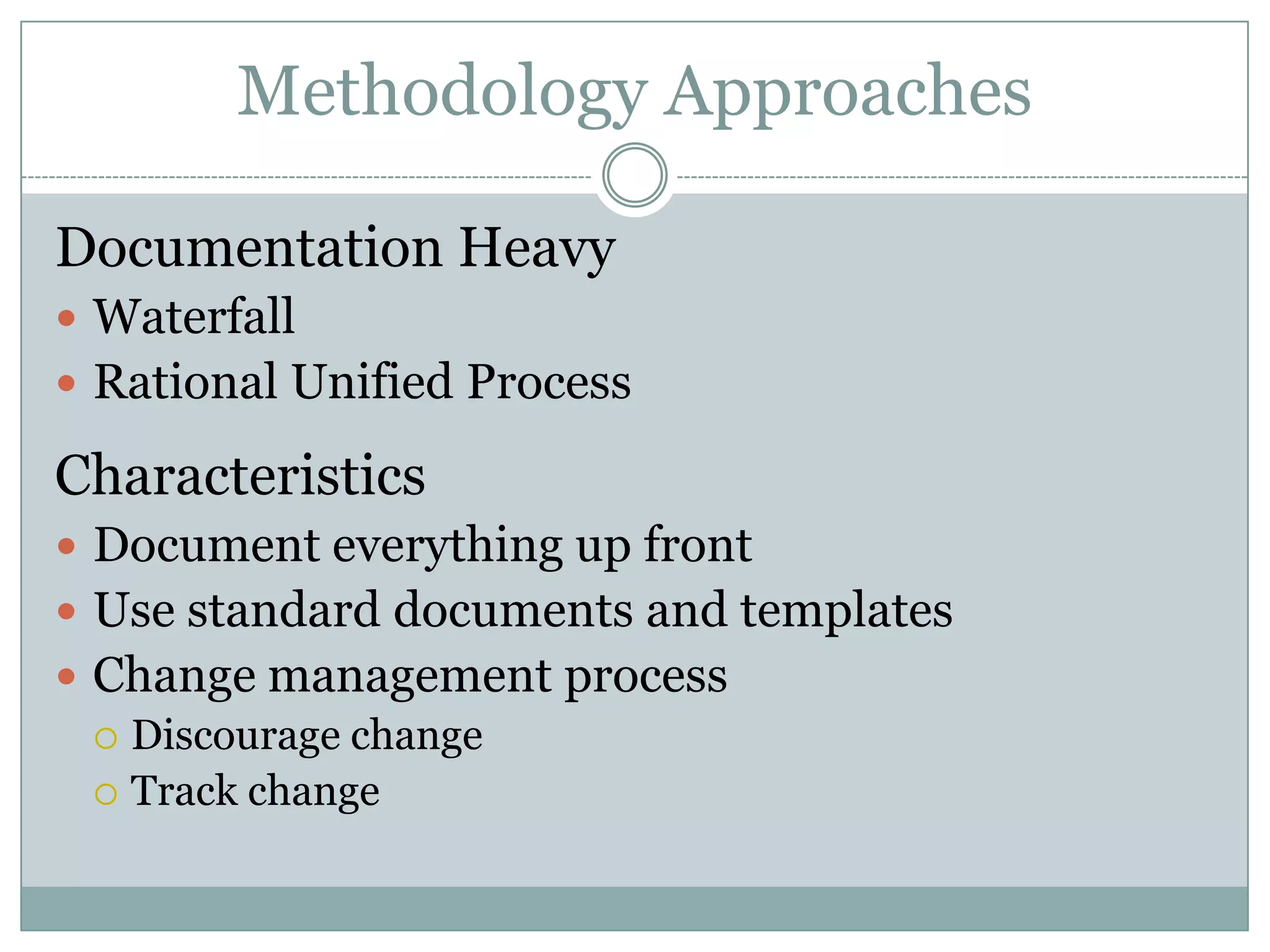
Methodology Approaches

Documentation Heavy
 Waterfall
 Rational Unified Process

Characteristics
 Document everything up front
 Use standard documents and templates
 Change management process
   Discourage change
   Track change
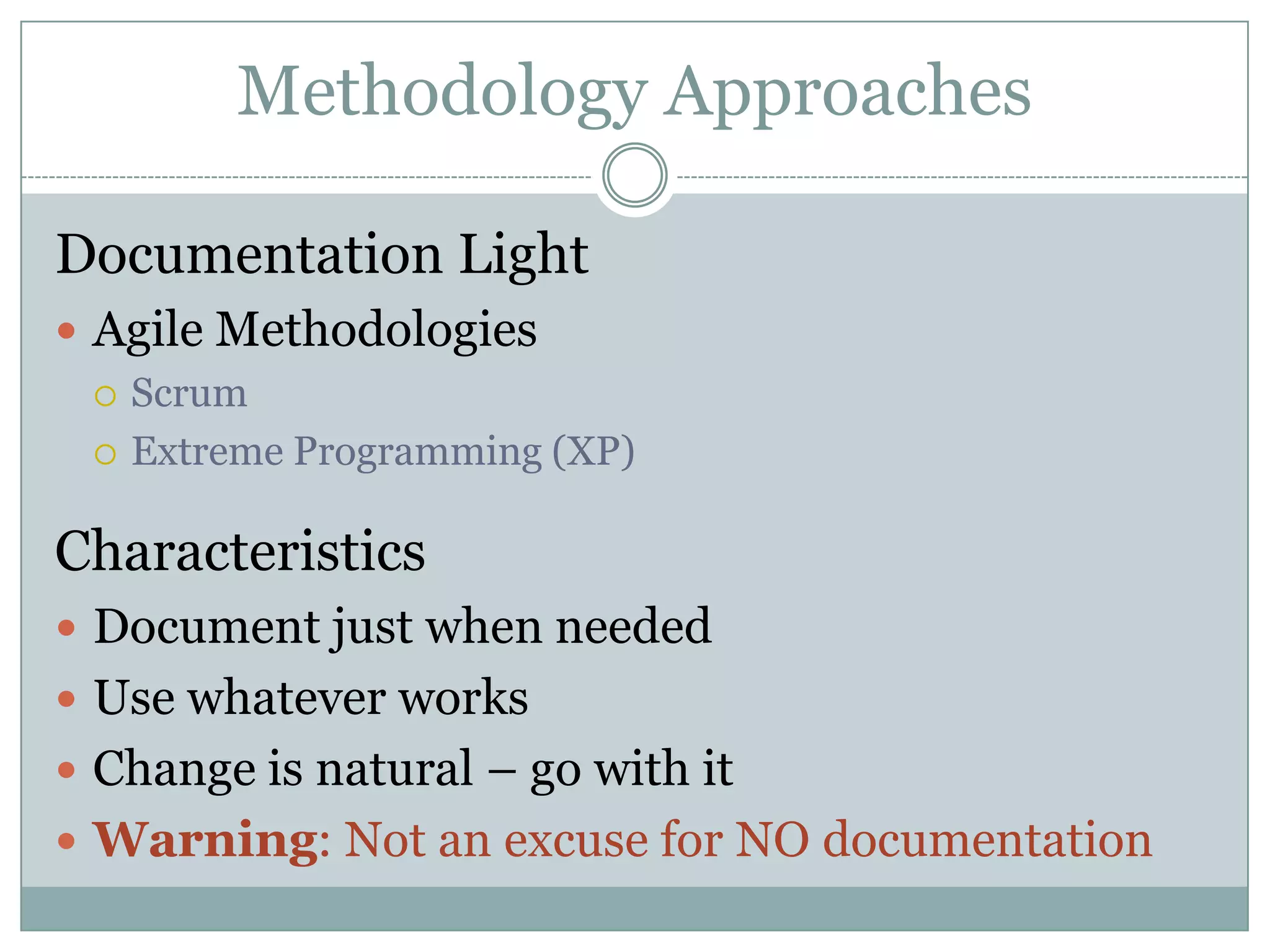
Methodology Approaches

Documentation Light
 Agile Methodologies
   Scrum

   Extreme Programming (XP)


Characteristics
 Document just when needed
 Use whatever works
 Change is natural – go with it
 Warning: Not an excuse for NO documentation
Summary
 Know why before you start
 Move from high level to detail level
 Do no more than makes sense
 Do it when it makes the most sense
 Plan for documentation
 Let methodology guide, not dictate
Questions


For more info: thom@thomstratton.com
   Copy of this presentation available at:
        www.thomstratton.com

Requirements Are Optional, Right?

  • 1.
    Requirements Are Optional, Right? A DISCUSSION ON THE SCIENTIFIC ART OF REQUIREMENTS ANALYSIS THOM STRATTON SR. BUSINESS SYSTEMS ANALYST SUPERVALU, INC.
  • 2.
    Summary  The MostImportant Question  Types of Requirements  Requirements: From Strategic to Tactical  Documentation: Finding the Balance  Documentation Approaches  Methodology Approaches
  • 3.
    Mental Warm-up Situation:  Youare a professional car-buyer for busy executives.  I am a Hollywood producer Assignment: Get me the car I want
  • 4.
    The Most ImportantQuestion “Why?”  Context is everything  Motivate your teams  Measure your success  Support your business objectives
  • 5.
    Types of Requirements FURPS Functional  Functionality Requirements  Usability  Reliability Non-Functional  Performance Requirements  Supportability
  • 6.
    Types of Requirements FunctionalRequirements  Describe what the system does  Can be thought of as system behavior  Examples  The system shall route completed services requests according to Request Routing Rules  The system shall display a list of files used in the composite image  The system shall filter input according to the Input Rules
  • 7.
    Types of Requirements Non-FunctionalRequirements  Describe what the system is  Can be thought of as system attributes  Examples  The system shall comply with handicap accessibility guidelines  The system shall support a minimum of 1000 concurrent users  The system shall be available 23 hours per day, seven days per week
  • 8.
    Different Levels ofRequirements Scope 30,000 ft Definition High Level 15,000 ft Requirements Detailed Ground Level Requirements
  • 9.
    Scope Definition  Alignwith business vision and objectives  Fix problems or pursue benefits  Describe success in measurable terms  Define constraints and assumptions  Identify our deliverables  Plan for risk  Name roles and responsibilities
  • 10.
    Scope Definition Align withbusiness vision and objectives  How will this project support your vision?  How will it help you meet your objectives? Example: Vision: Become the online brag-site for gamers Objectives: Drive unique hits of 100,000 per day Project: Automate advertising to highlight “Brag of the Day”
  • 11.
    Scope Definition Fix problemsor pursue gains  Problem or Benefit statements must be well- defined and grounded in specifics: X causes Y, resulting in Z Examples:  The problem of no comment moderation makes upset parents “net-nanny” us, resulting in a 15% increase in inactive accounts  Awarding “Brownie Points” will encourage users to help new users feel welcome, resulting in 50% fewer inactive new accounts.
  • 12.
    Scope Definition Describe successin measurable terms  How will you know if you succeed?  Create tangible metrics Example:  Increase daily traffic to 100,000 hits  Decrease number of inactive accounts by 15%
  • 13.
    Scope Definition Define constraintsand assumptions  What hard limitations are there on this project?  What assumptions are we making that could come back to bite us? Examples:  Version 1.5 must be launched before WoW update  Assumption: Female players are turned off by insulting and crude language
  • 14.
    Scope Definition Identify yourdeliverables  What is the business expecting from this project?  What interim deliverables are they expecting? Examples:  Component to allow users to report ToS violations  Automated post/comment language scanning component  Study findings on why female players leave
  • 15.
    Scope Definition Plan forrisk  Identify potential risks to project success  Classify them by probability and impact  Choose a strategy for avoiding/handling each, even if it’s to admit you’re going to do nothing  Plan contingencies (and don’t forget “wild success”!) Example: ToS Scanner causes performance degradation - 7/9 Strategy: mitigate – Add QA servers to Prod in case of spike
  • 16.
    Scope Definition Name Rolesand Responsibilities  Who has a stake in this project?  Who makes what decisions?  Who needs to be informed?  Who is doing what? Examples:  Jim Lake: Sponsor – Provide funding, final approval  Tim Walsh: Legal SME – Consult on “Report ToS Violations” functionality
  • 17.
    Scope Definition Do NotUnderestimate This Deliverable SUCCESS CRITERIA POINTS - Standish Report  1. User Involvement  2. Executive Management Support  3. Clear Statement of Requirements  4. Proper Planning  5. Realistic Expectations  6. Smaller Project Milestones  7. Competent Staff  8. Ownership  9. Clear Vision & Objectives  10. Hard-Working, Focused Staff
  • 18.
    Scope Definition Do NotUnderestimate This Deliverable CHALLENGED CRITERIA POINTS - Standish Report  1. Lack of User Inputs  2. Incomplete Requirements & Specifications  3. Changing Requirements & Specifications  4. Lack of Executive Support  5. Technology Incompetence  6. Lack of Resources  7. Unrealistic Expectations  8. Unclear Objectives  9. Unrealistic Time Frames  10. New Technology
  • 19.
    High Level Requirements Whatwill the system do?  Concerned with roles and activities  Identifies interactions between systems  Do not address specific steps or data  Document no more than necessary
  • 20.
    High Level Requirements Post Use Case Diagram Comment  Define actors  Define goals Post Brag  Set system scope User  Show system Log In interactions Ban User  Help set priorities or Select “Brag of iterations the Day” Admin Ad Server
  • 21.
    High Level Requirements Whatis this good for?  If buying a system  Helps to formulate the RFP  Aids in vendor selection  Helps identify areas of configuration  Starting point for “scripted walkthroughs”  If building a system  Can be used to plan iterations  Help planning effort and duration  Uncover potential trouble areas
  • 22.
    Detailed Requirements Capture SystemBehavior and Business Rules  Detail what system does, but not how it does it  Describe business rules separately  Document no more than necessary  Use whatever both your users and developers understand
  • 23.
    Detailed Requirements Use CaseDetails  Step by step description of system interactions  Stays “solution and design neutral”  Identifies glossary terms and system rules  Typically maps the “sunny day” scenario plus exceptions
  • 24.
    Detailed Requirements Example UseCase: Post Brag 1. User selects option to post a brag 2. System prompts the user to select a forum 3. User selects a forum 4. System displays brag entry form 5. User enters Brag Text according to Text Entry Rules and selects option to submit 6. System checks text according to ToS Filter Rules and posts brag to selected forum, then prompts user to post another or exit 7. User selects option to exit 8. System returns user to main page
  • 25.
    Detailed Requirements Glossary  Definesunfamiliar or key terms  May define data types  Example:  Brag Text: The content of a brag, which includes User ID, Brag Headline, Brag Details, Brag Keywords, and Brag Date  User ID: The unique identifier of an individual user in the system
  • 26.
    Detailed Requirements System Rules Defines the business logic of the system  May be divided into sub-rules  Example:  ToS Filter Rules:  Content Check Rule: The system shall check all user-submitted text for offensive content  ToS Violation Warning Rule: The system shall give the user a warning if offensive content is detected in their Brag Text  Offensive Content Rule: The system shall check for the following text segments, deemed offensive: …
  • 27.
    Detailed Requirements Advantages ToThis Approach  Modular – Change one piece without changing all  Groups like things  Could be used in a wiki Disadvantages To This Approach  Lots of cross-referencing  May still be difficult to maintain  Easier for business to work from than developers
  • 28.
    Detailed Requirements What AboutNon-Functional Requirements?  May be documented just like rule sets  Include in same document as rules  Example:  Usability Requirements  The system shall comply with all Accessibility Guidelines  The system shall have a help option on each screen  The system shall provide roll-over hints for all links or buttons  The system shall support both two- and one- button mousing
  • 29.
    Requirements: What Next? Requirementsmay feed into other components: Use Case Glossary & Use Cases Diagram Rules Interface Flow Design User Test Scripts Design Diagrams Documents Manuals
  • 30.
    Requirements Analysts Who arerequirements analysts?  Project Managers  Account Managers  Subject Matter Experts  Development Leads  Systems Analysts  Business Systems Analysts  Requirements Analysts
  • 31.
    A Few ThoughtsAbout Documentation  Users want it  Businesses thrive on it  Governments require it  Developers hate it
  • 32.
    Documentation: The GreatBalancing Act When is documentation required?  When the business wants it  When the government demands it  When the developers are not the supporters  When institutional knowledge loss is a risk Make documentation part of your project plan
  • 33.
    How Much DocumentationIs Enough?  When the business feels they know what they are paying for  When both the business and developers agree the requirements are clear  When Sarbanes-Oxley controls say so  When the support team accepts it
  • 34.
    What Counts AsDocumentation?  Diagrams and models  Interface designs  Wireframes  Glossaries  Indexes  Code comments  Test cases and results  Project artifacts
  • 35.
    Documentation Approaches  Whento Document?  Up Front  Just In Time  Just After Time  At the End  Set expectations, assign responsibility, demand accountability Remember, no more than necessary! Ensure your documentation adds value!
  • 36.
    Methodology Approaches Documentation Heavy Waterfall  Rational Unified Process Characteristics  Document everything up front  Use standard documents and templates  Change management process  Discourage change  Track change
  • 37.
    Methodology Approaches Documentation Light Agile Methodologies  Scrum  Extreme Programming (XP) Characteristics  Document just when needed  Use whatever works  Change is natural – go with it  Warning: Not an excuse for NO documentation
  • 38.
    Summary  Know whybefore you start  Move from high level to detail level  Do no more than makes sense  Do it when it makes the most sense  Plan for documentation  Let methodology guide, not dictate
  • 39.
    Questions For more info:thom@thomstratton.com Copy of this presentation available at: www.thomstratton.com