Requirements Engineering
Topics covered
® Functional and non-functional requirements
® The software requirements document
® Requirements specification
® Requirements engineering processes
® Requirements elicitation and analysis
® Requirements validation
® Requirements management
1
Requirements engineering
® The process of establishing the services that the
customer requires from a system and the constraints
under which it operates and is developed.
® The requirements themselves are the descriptions of
the system services and constraints that are generated
during the requirements engineering process.
2
What is a requirement?
® It may range from a high-level abstract statement of a
service or of a system constraint to a detailed
mathematical functional specification.
® This is inevitable as requirements may serve a dual
function
⮚May be the basis for a bid for a contract - therefore
must be open to interpretation;
⮚May be the basis for the contract itself - therefore
must be defined in detail;
⮚Both these statements may be called requirements.
3
Types of requirement
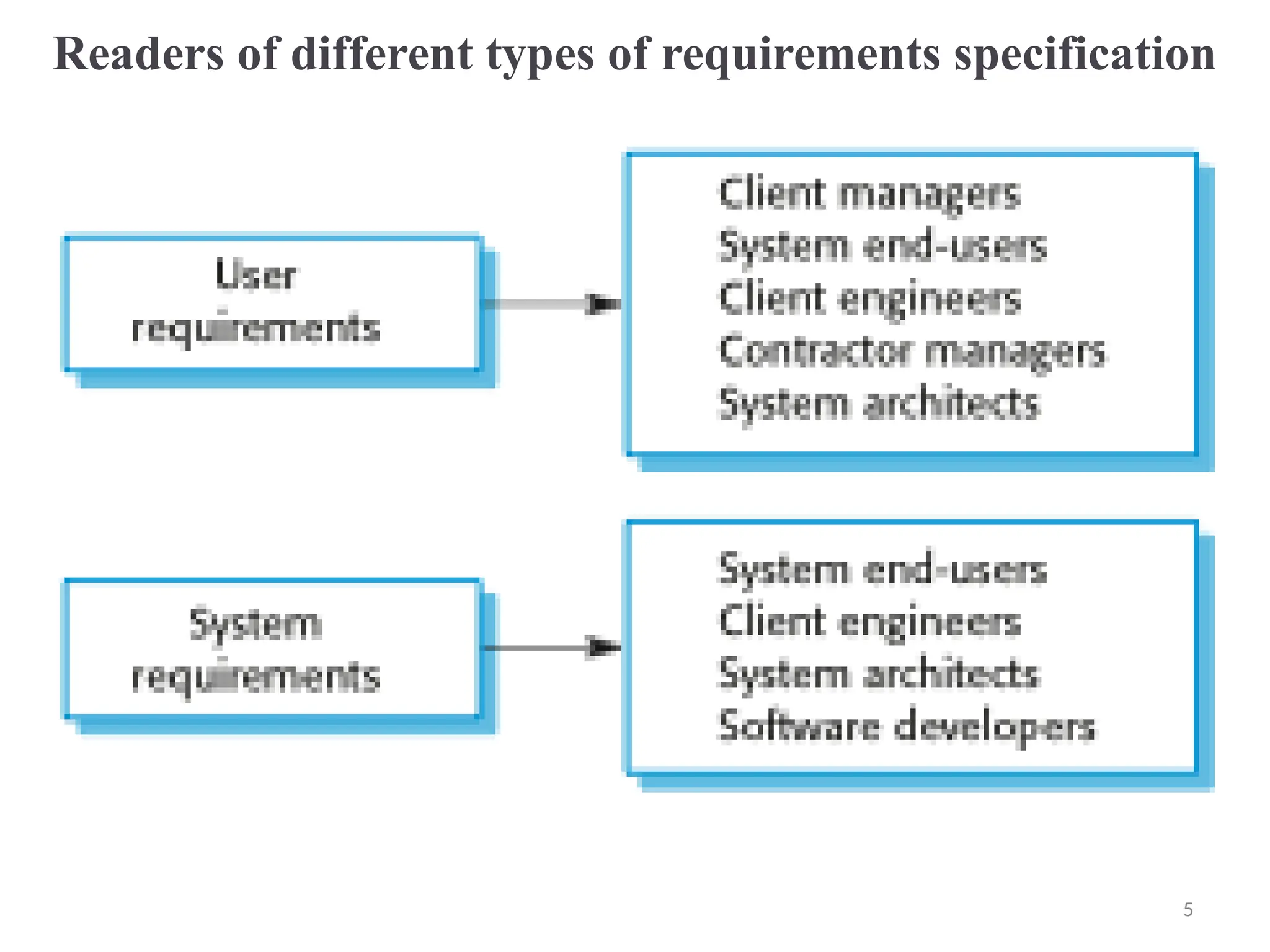
® User requirements
⮚Statements in natural language plus diagrams of
the services the system provides and its operational
constraints. Written for customers.
® System requirements
⮚A structured document setting out detailed
descriptions of the system’s functions, services and
operational constraints. Defines what should be
implemented so may be part of a contract between
client and contractor.
4
Readers of different types of requirements specification
5
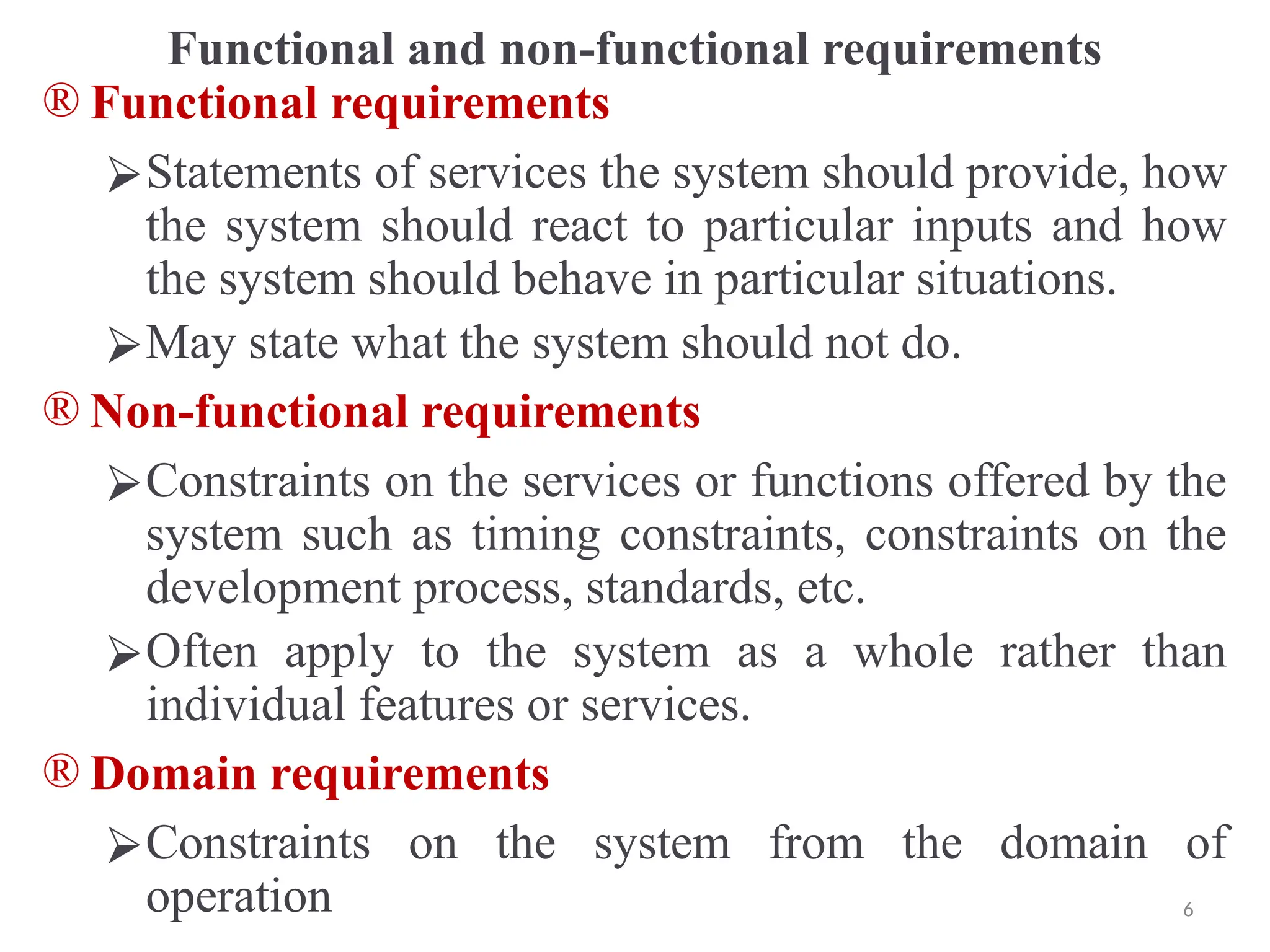
Functional and non-functional requirements
® Functional requirements
⮚Statements of services the system should provide, how
the system should react to particular inputs and how
the system should behave in particular situations.
⮚May state what the system should not do.
® Non-functional requirements
⮚Constraints on the services or functions offered by the
system such as timing constraints, constraints on the
development process, standards, etc.
⮚Often apply to the system as a whole rather than
individual features or services.
® Domain requirements
⮚Constraints on the system from the domain of
operation 6
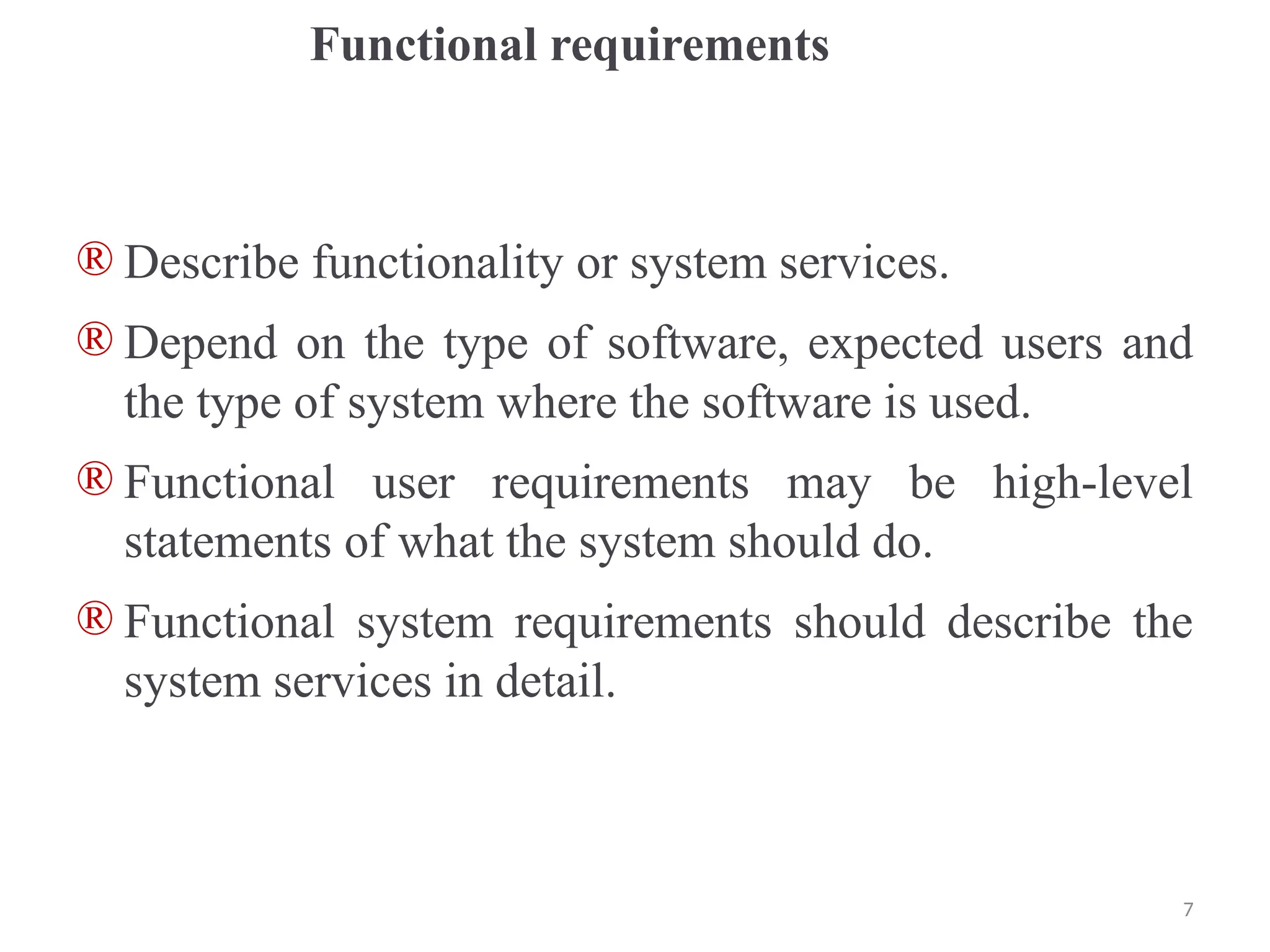
Functional requirements
® Describe functionality or system services.
® Depend on the type of software, expected users and
the type of system where the software is used.
® Functional user requirements may be high-level
statements of what the system should do.
® Functional system requirements should describe the
system services in detail.
7
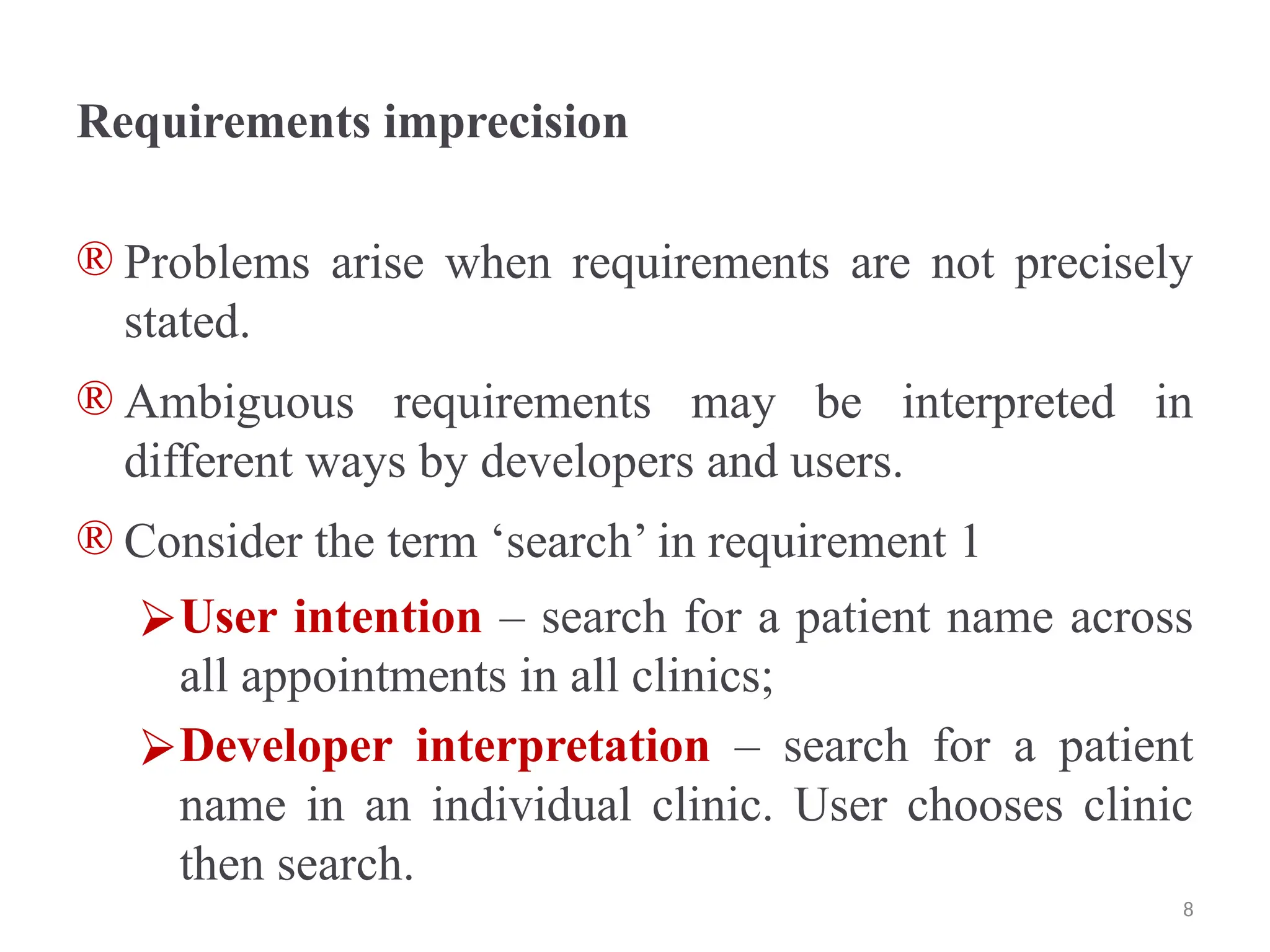
Requirements imprecision
® Problems arise when requirements are not precisely
stated.
® Ambiguous requirements may be interpreted in
different ways by developers and users.
® Consider the term ‘search’ in requirement 1
⮚User intention – search for a patient name across
all appointments in all clinics;
⮚Developer interpretation – search for a patient
name in an individual clinic. User chooses clinic
then search.
8
Requirements completeness and consistency
® In principle, requirements should be both complete
and consistent.
® Complete
⮚They should include descriptions of all facilities
required.
® Consistent
⮚There should be no conflicts or contradictions in
the descriptions of the system facilities.
® In practice, it is impossible to produce a complete and
consistent requirements document.
9
Non-functional requirements
® These define system properties and constraints e.g.
reliability, response time and storage requirements.
Constraints are I/O device capability, system
representations, etc.
® Process requirements may also be specified
mandating a particular IDE, programming language
or development method.
® Non-functional requirements may be more critical
than functional requirements. If these are not met, the
system may be useless.
10
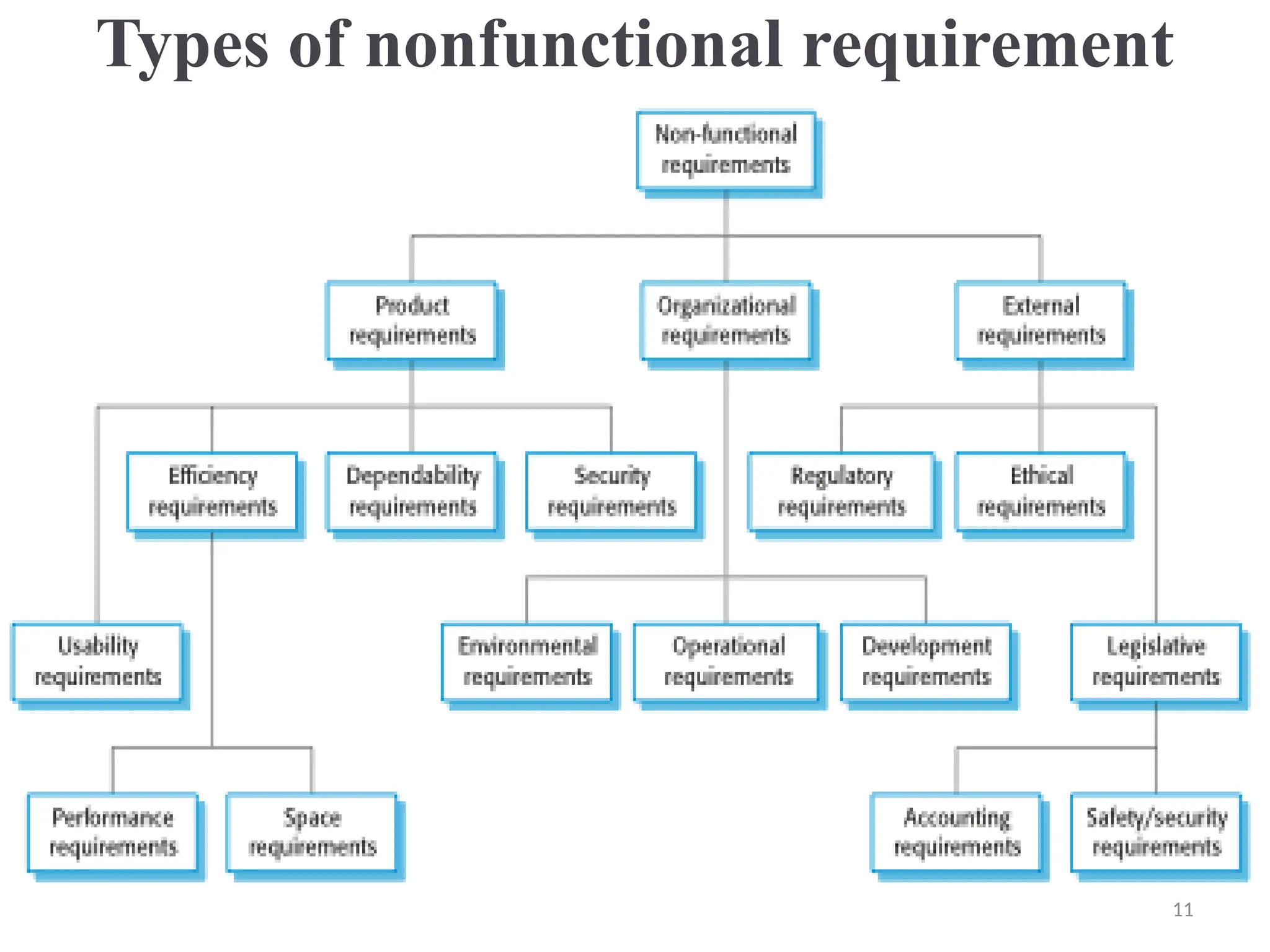
Types of nonfunctional requirement
11
Non-functional requirements implementation
® Non-functional requirements may affect the overall
architecture of a system rather than the individual
components.
⮚For example, to ensure that performance
requirements are met, you may have to organize the
system to minimize communications between
components.
® A single non-functional requirement, such as a security
requirement, may generate a number of related
functional requirements that define system services
that are required.
⮚It may also generate requirements that restrict
existing requirements. 12
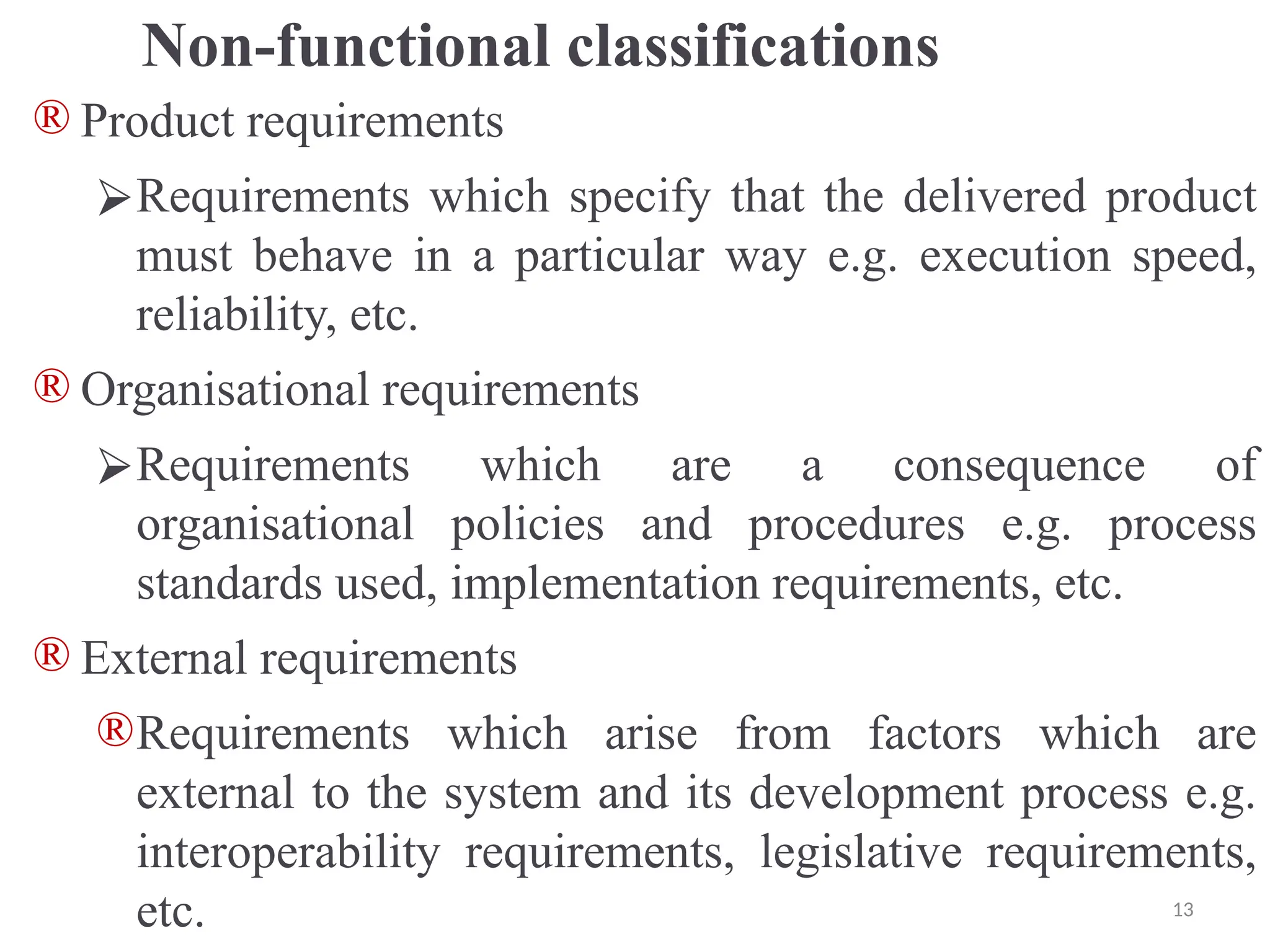
Non-functional classifications
® Product requirements
⮚Requirements which specify that the delivered product
must behave in a particular way e.g. execution speed,
reliability, etc.
® Organisational requirements
⮚Requirements which are a consequence of
organisational policies and procedures e.g. process
standards used, implementation requirements, etc.
® External requirements
®Requirements which arise from factors which are
external to the system and its development process e.g.
interoperability requirements, legislative requirements,
etc. 13
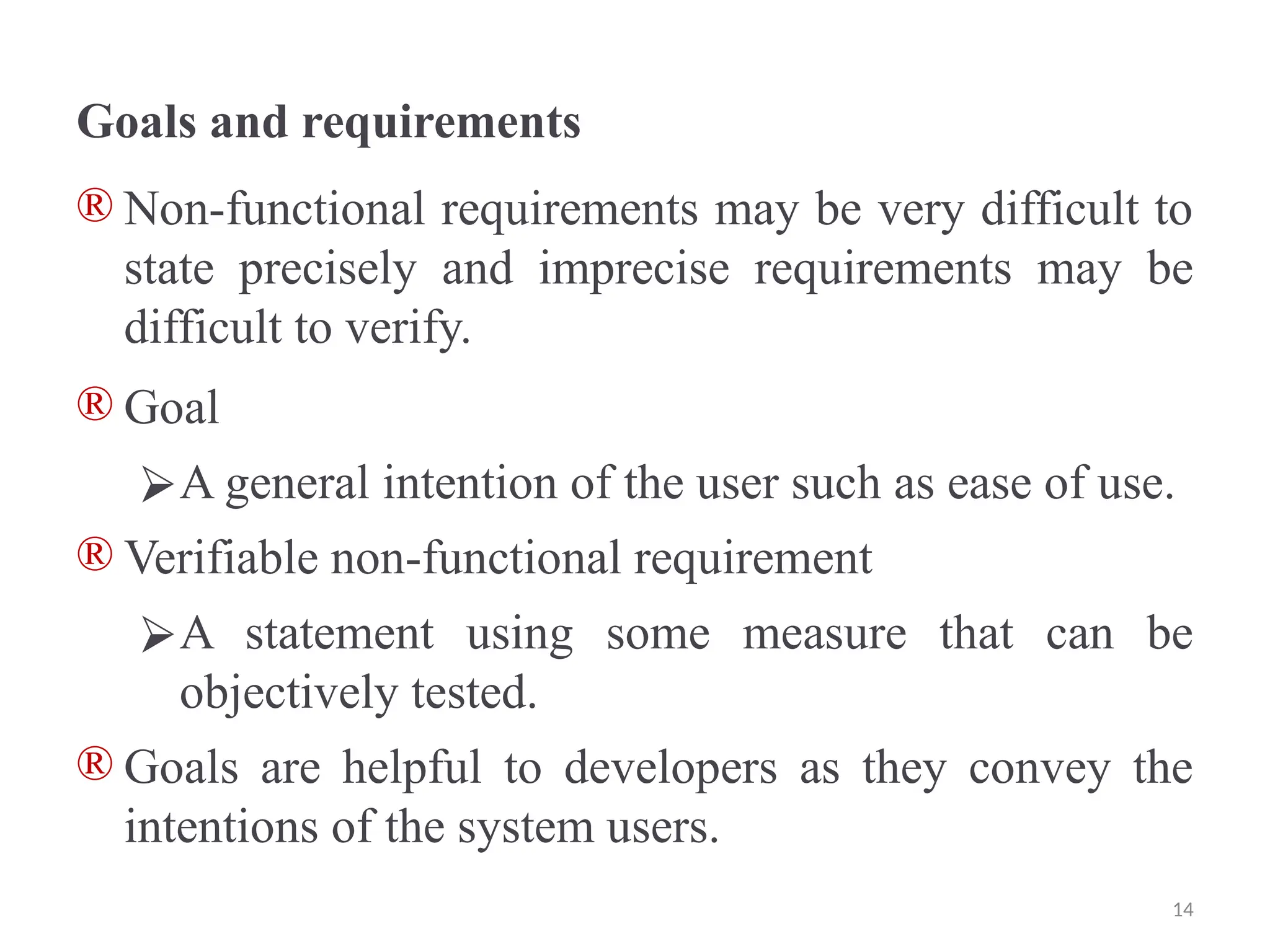
Goals and requirements
® Non-functional requirements may be very difficult to
state precisely and imprecise requirements may be
difficult to verify.
® Goal
⮚A general intention of the user such as ease of use.
® Verifiable non-functional requirement
⮚A statement using some measure that can be
objectively tested.
® Goals are helpful to developers as they convey the
intentions of the system users.
14
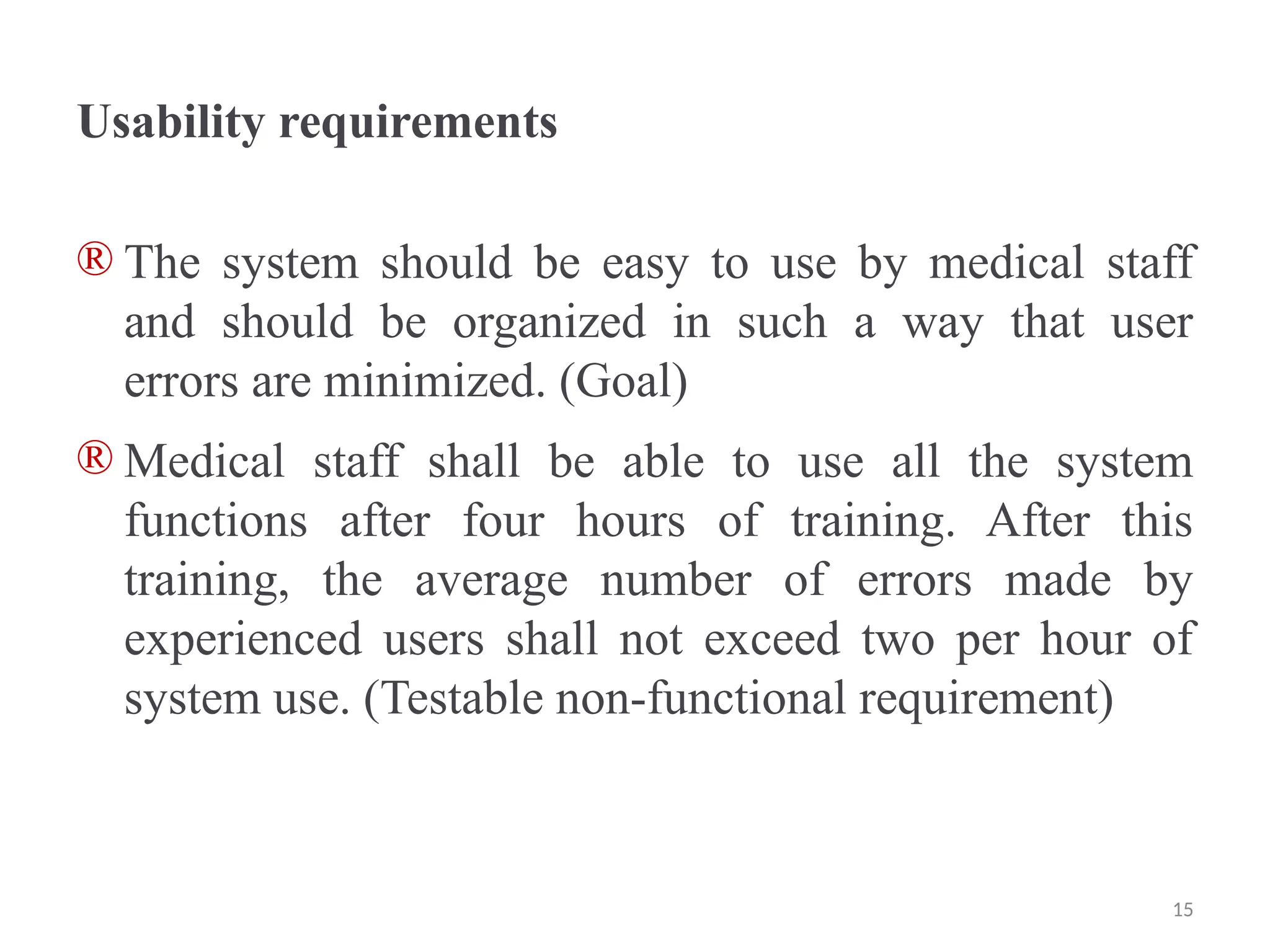
Usability requirements
® The system should be easy to use by medical staff
and should be organized in such a way that user
errors are minimized. (Goal)
® Medical staff shall be able to use all the system
functions after four hours of training. After this
training, the average number of errors made by
experienced users shall not exceed two per hour of
system use. (Testable non-functional requirement)
15
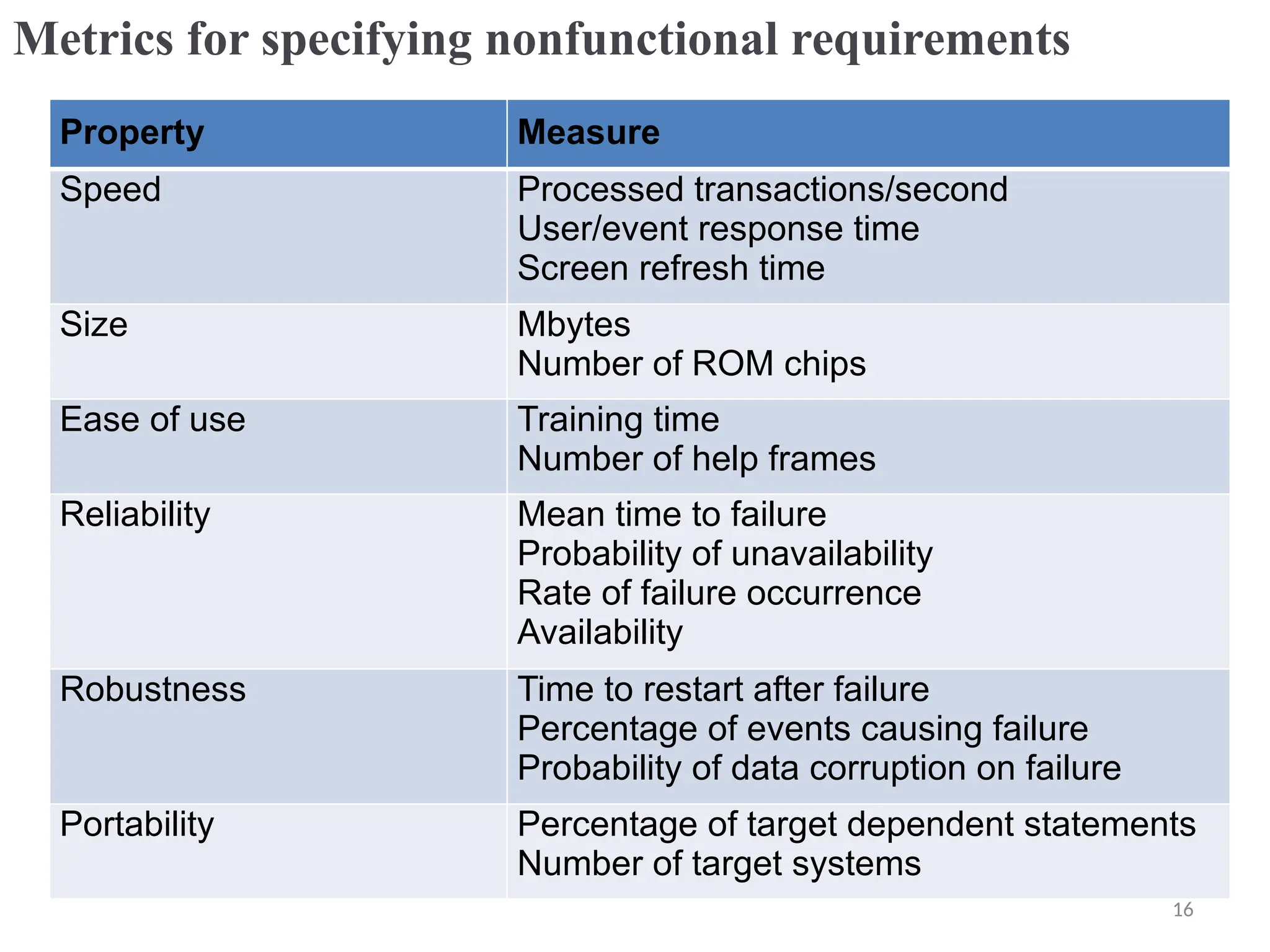
Metrics for specifying nonfunctional requirements
Property Measure
Speed Processed transactions/second
User/event response time
Screen refresh time
Size Mbytes
Number of ROM chips
Ease of use Training time
Number of help frames
Reliability Mean time to failure
Probability of unavailability
Rate of failure occurrence
Availability
Robustness Time to restart after failure
Percentage of events causing failure
Probability of data corruption on failure
Portability Percentage of target dependent statements
Number of target systems
16
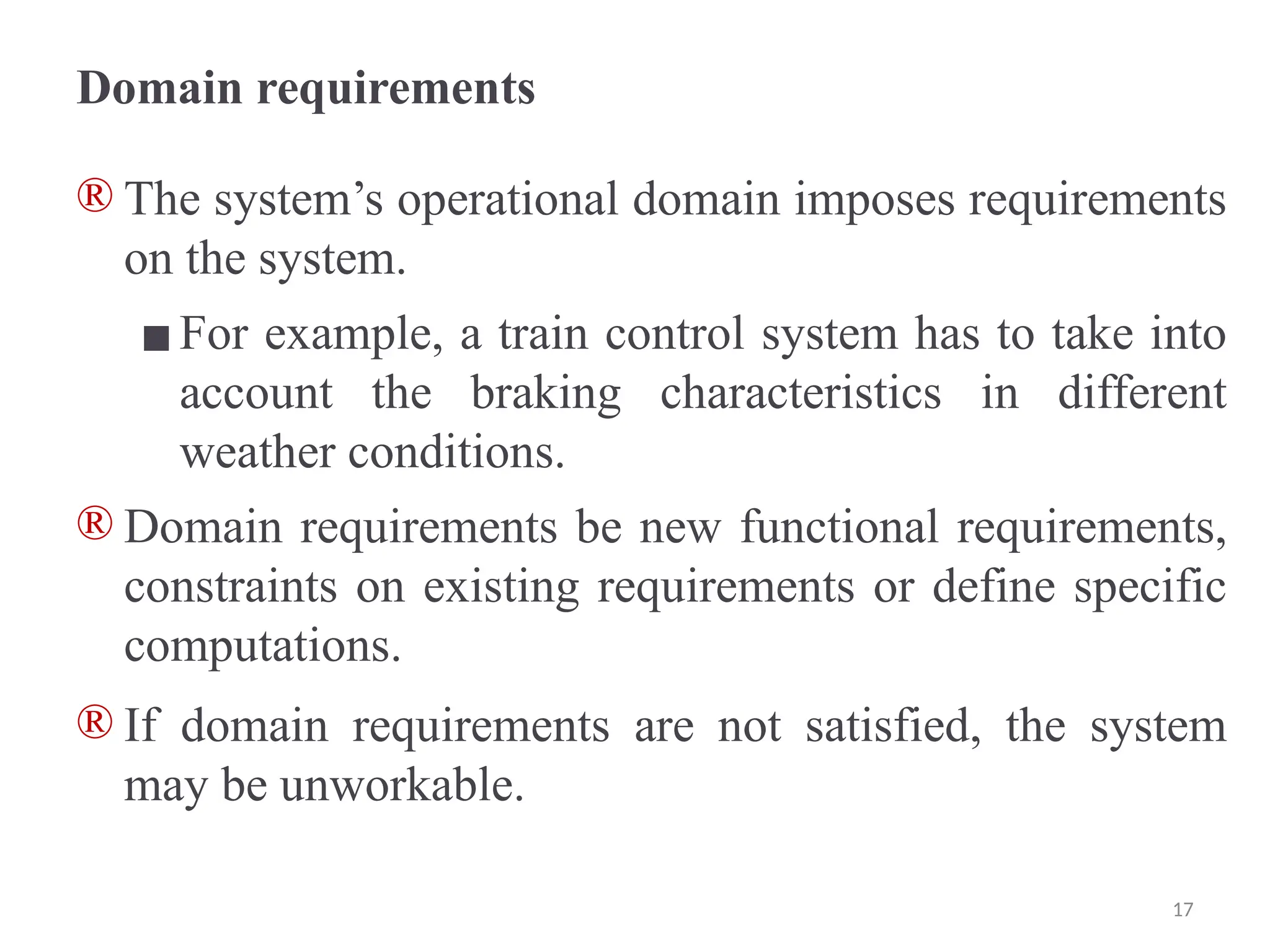
Domain requirements
® The system’s operational domain imposes requirements
on the system.
▪For example, a train control system has to take into
account the braking characteristics in different
weather conditions.
® Domain requirements be new functional requirements,
constraints on existing requirements or define specific
computations.
® If domain requirements are not satisfied, the system
may be unworkable.
17
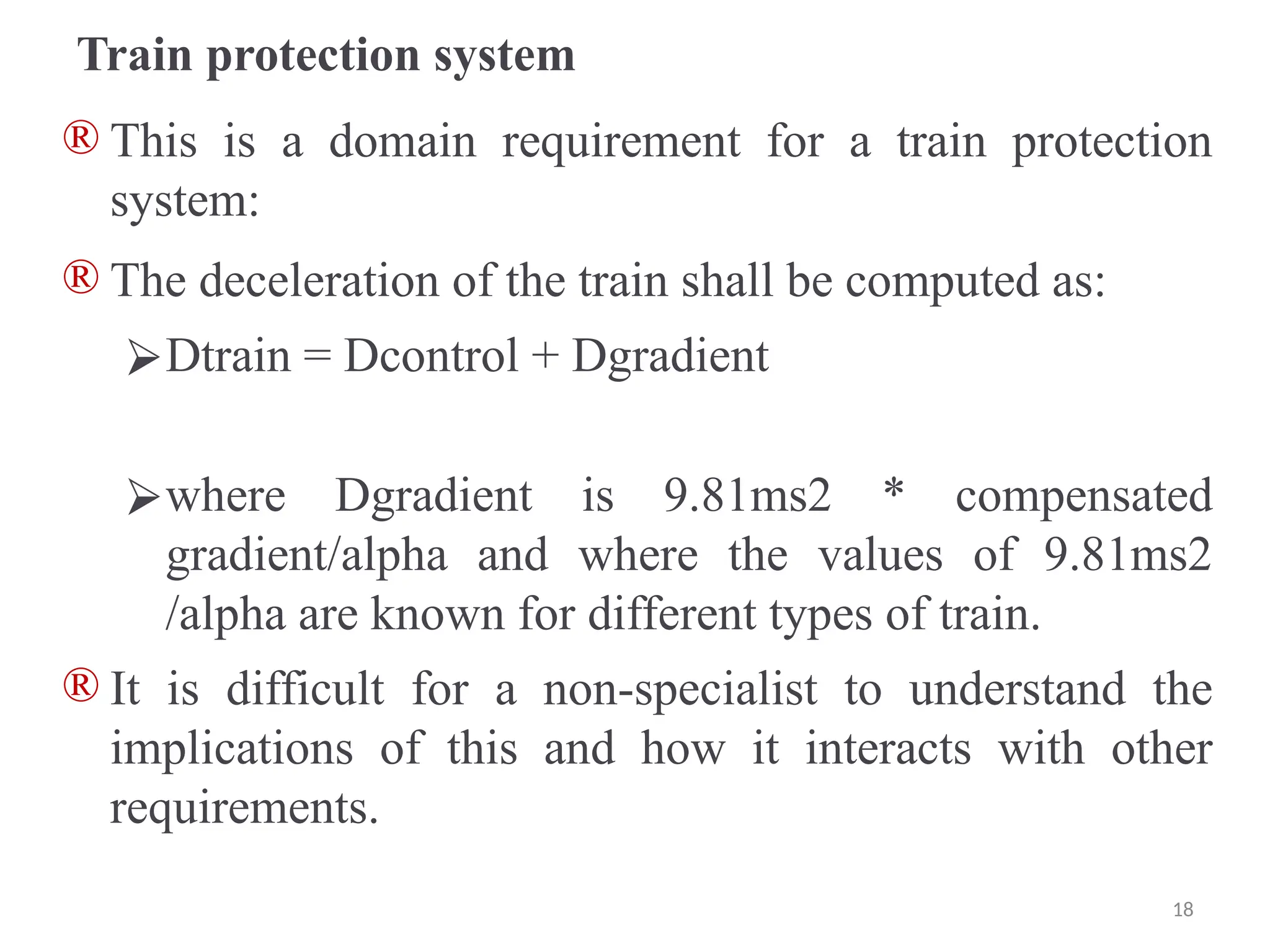
Train protection system
® This is a domain requirement for a train protection
system:
® The deceleration of the train shall be computed as:
⮚Dtrain = Dcontrol + Dgradient
⮚where Dgradient is 9.81ms2 * compensated
gradient/alpha and where the values of 9.81ms2
/alpha are known for different types of train.
® It is difficult for a non-specialist to understand the
implications of this and how it interacts with other
requirements.
18
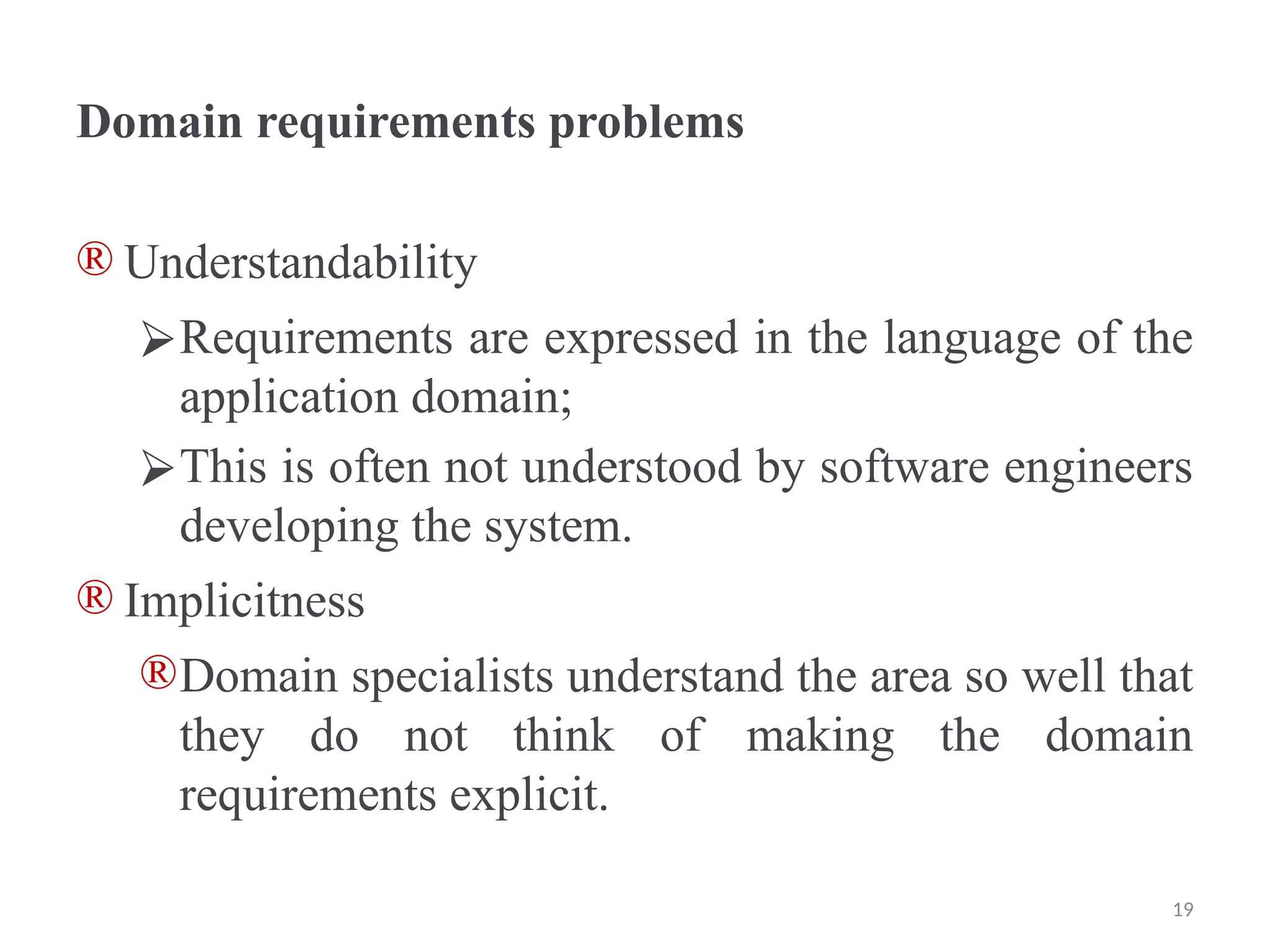
Domain requirements problems
® Understandability
⮚Requirements are expressed in the language of the
application domain;
⮚This is often not understood by software engineers
developing the system.
® Implicitness
®Domain specialists understand the area so well that
they do not think of making the domain
requirements explicit.
19
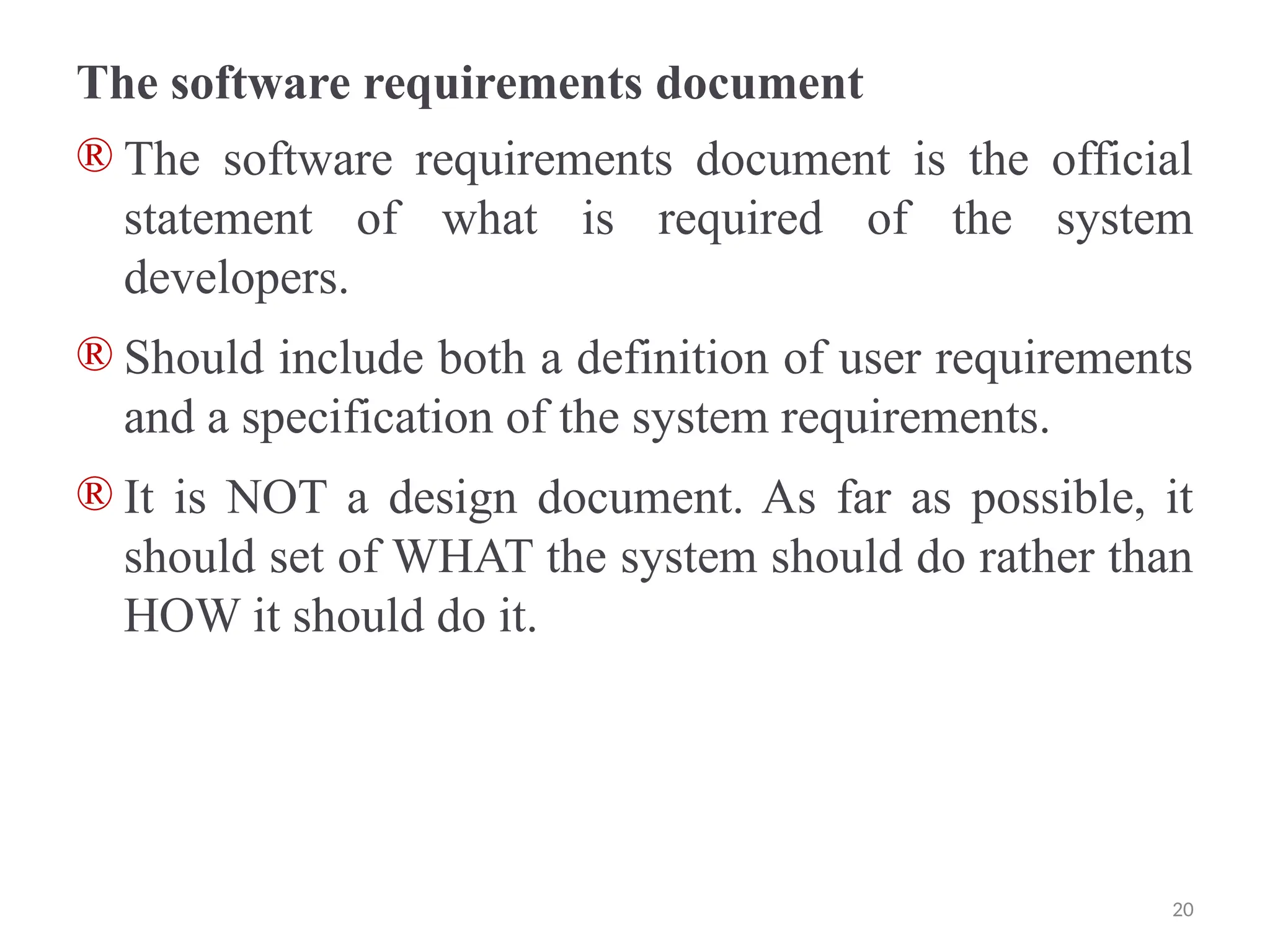
The software requirements document
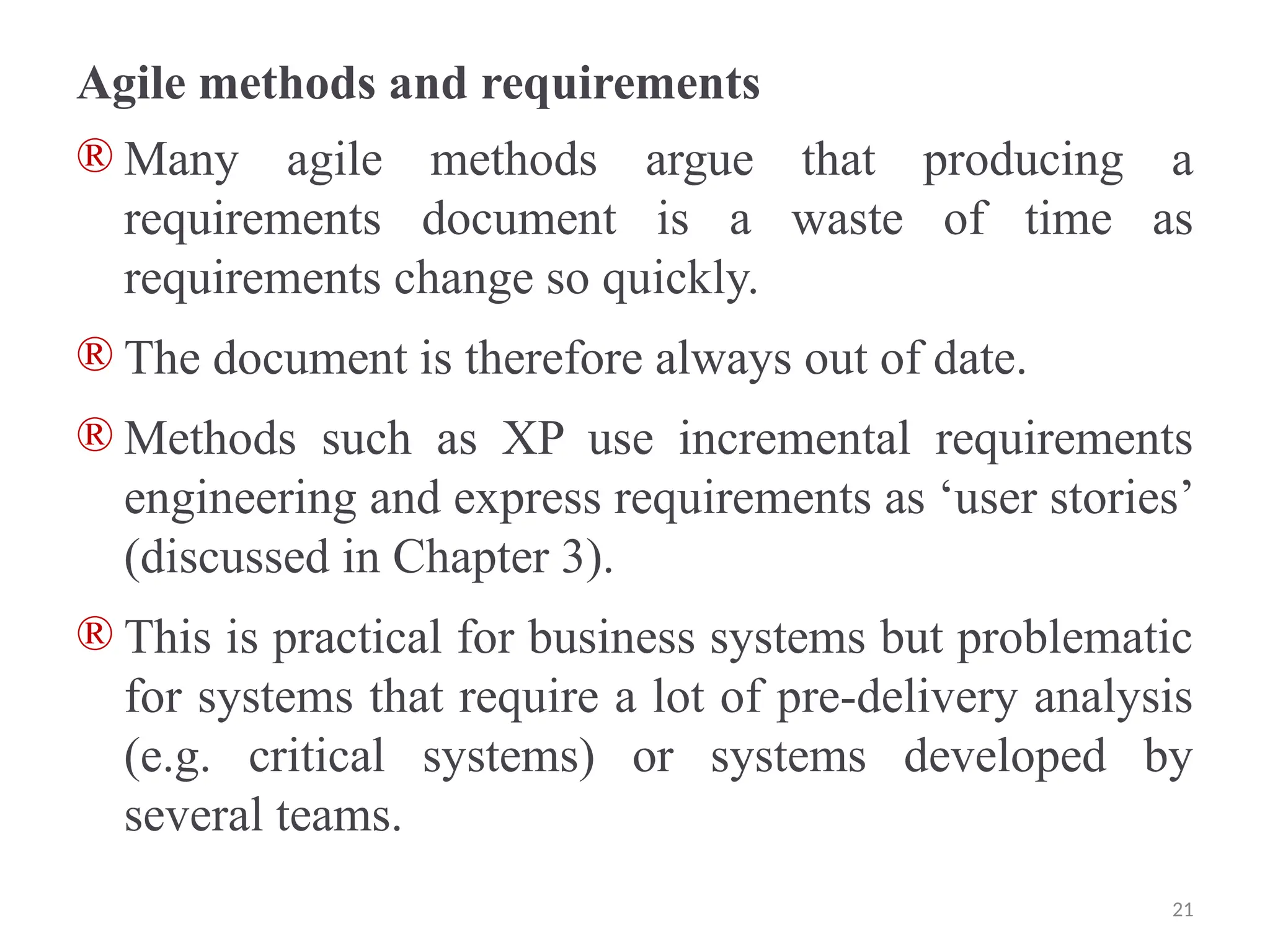
® The software requirements document is the official
statement of what is required of the system
developers.
® Should include both a definition of user requirements
and a specification of the system requirements.
® It is NOT a design document. As far as possible, it
should set of WHAT the system should do rather than
HOW it should do it.
20
Agile methods and requirements
® Many agile methods argue that producing a
requirements document is a waste of time as
requirements change so quickly.
® The document is therefore always out of date.
® Methods such as XP use incremental requirements
engineering and express requirements as ‘user stories’
(discussed in Chapter 3).
® This is practical for business systems but problematic
for systems that require a lot of pre-delivery analysis
(e.g. critical systems) or systems developed by
several teams.
21
Users of a requirements document
22
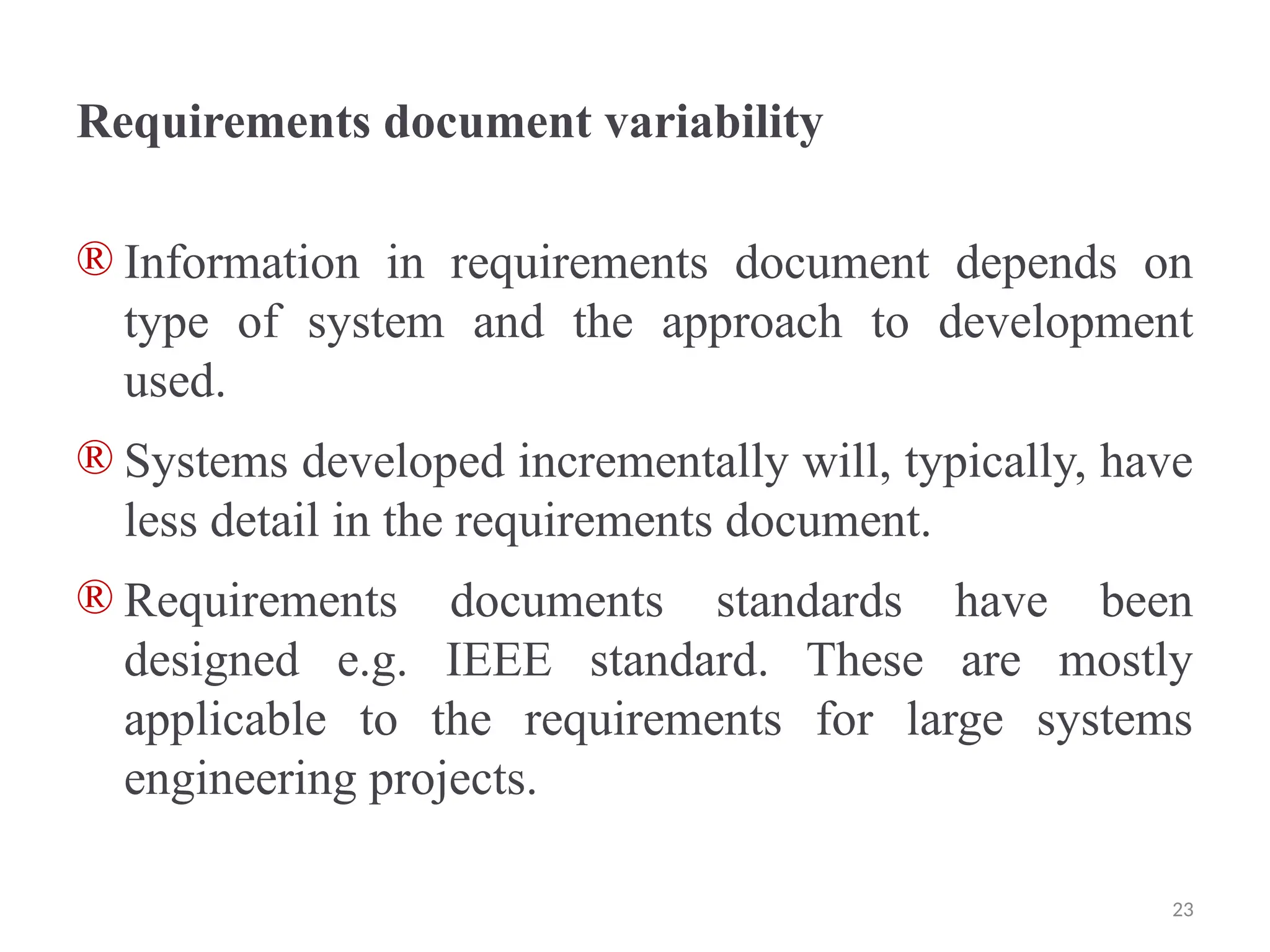
Requirements document variability
® Information in requirements document depends on
type of system and the approach to development
used.
® Systems developed incrementally will, typically, have
less detail in the requirements document.
® Requirements documents standards have been
designed e.g. IEEE standard. These are mostly
applicable to the requirements for large systems
engineering projects.
23
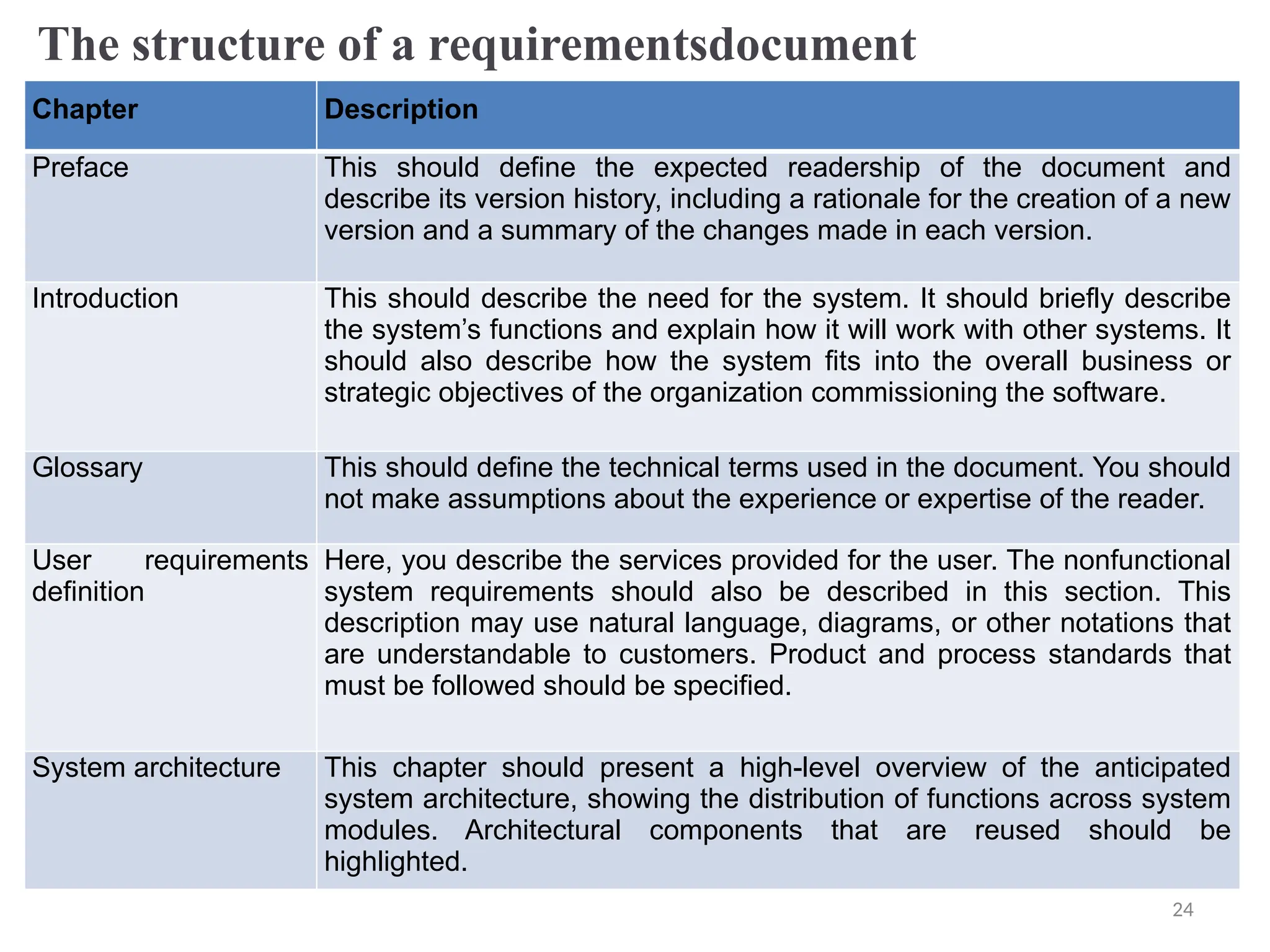
The structure of a requirementsdocument
Chapter Description
Preface This should define the expected readership of the document and
describe its version history, including a rationale for the creation of a new
version and a summary of the changes made in each version.
Introduction This should describe the need for the system. It should briefly describe
the system’s functions and explain how it will work with other systems. It
should also describe how the system fits into the overall business or
strategic objectives of the organization commissioning the software.
Glossary This should define the technical terms used in the document. You should
not make assumptions about the experience or expertise of the reader.
User requirements
definition
Here, you describe the services provided for the user. The nonfunctional
system requirements should also be described in this section. This
description may use natural language, diagrams, or other notations that
are understandable to customers. Product and process standards that
must be followed should be specified.
System architecture This chapter should present a high-level overview of the anticipated
system architecture, showing the distribution of functions across system
modules. Architectural components that are reused should be
highlighted.
24
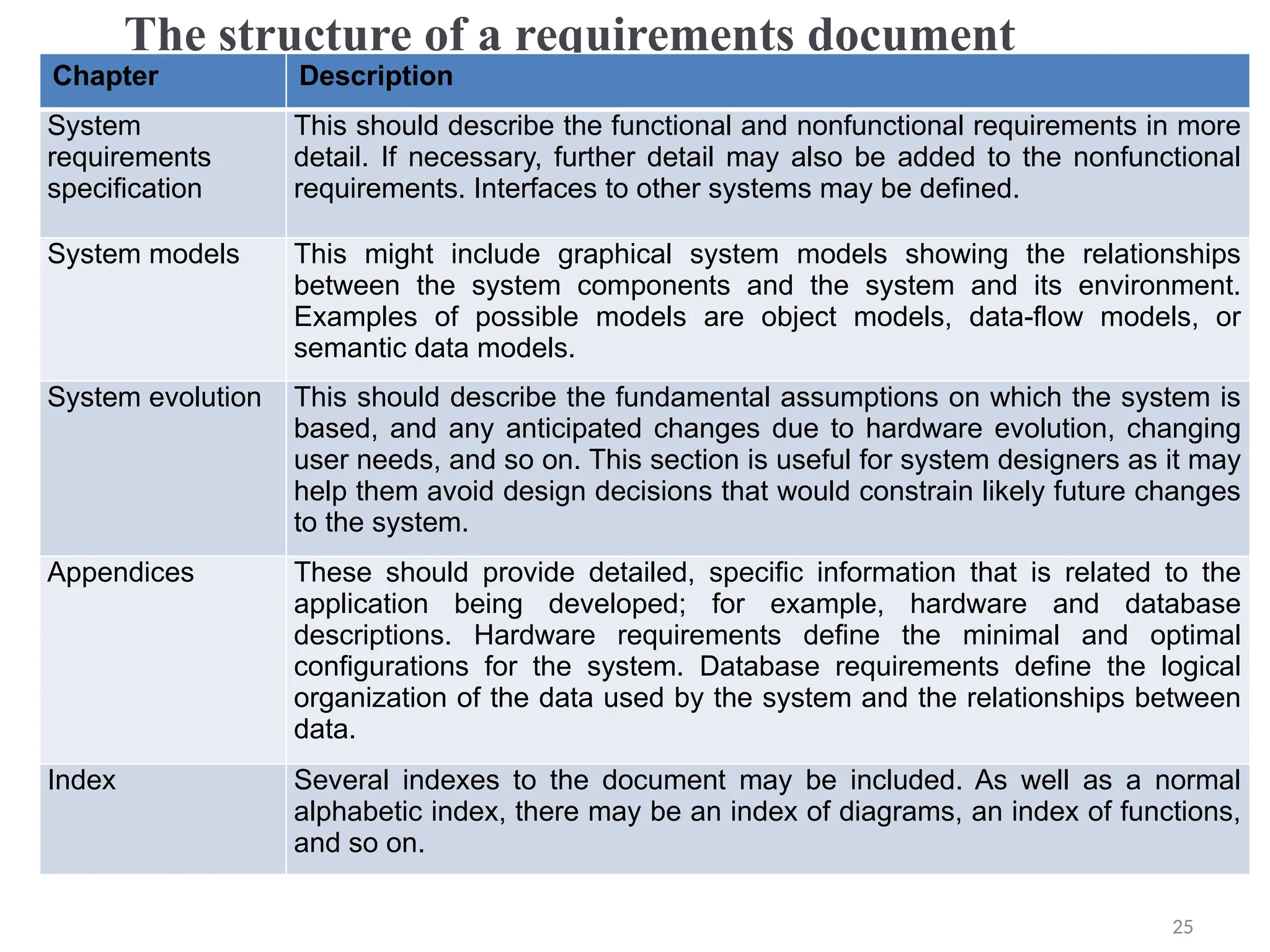
The structure of a requirements document
Chapter Description
System
requirements
specification
This should describe the functional and nonfunctional requirements in more
detail. If necessary, further detail may also be added to the nonfunctional
requirements. Interfaces to other systems may be defined.
System models This might include graphical system models showing the relationships
between the system components and the system and its environment.
Examples of possible models are object models, data-flow models, or
semantic data models.
System evolution This should describe the fundamental assumptions on which the system is
based, and any anticipated changes due to hardware evolution, changing
user needs, and so on. This section is useful for system designers as it may
help them avoid design decisions that would constrain likely future changes
to the system.
Appendices These should provide detailed, specific information that is related to the
application being developed; for example, hardware and database
descriptions. Hardware requirements define the minimal and optimal
configurations for the system. Database requirements define the logical
organization of the data used by the system and the relationships between
data.
Index Several indexes to the document may be included. As well as a normal
alphabetic index, there may be an index of diagrams, an index of functions,
and so on.
25
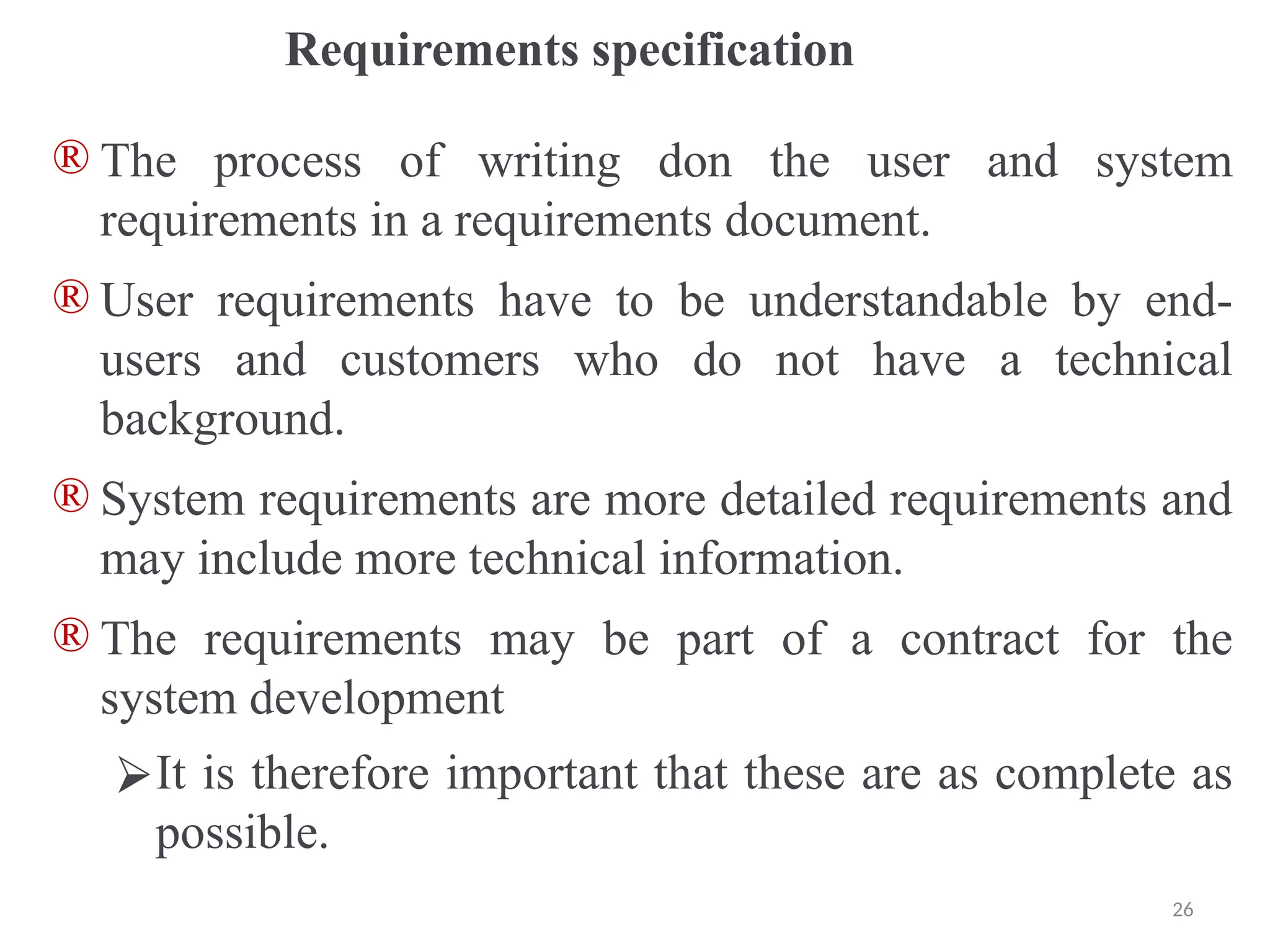
Requirements specification
® The process of writing don the user and system
requirements in a requirements document.
® User requirements have to be understandable by end-
users and customers who do not have a technical
background.
® System requirements are more detailed requirements and
may include more technical information.
® The requirements may be part of a contract for the
system development
⮚It is therefore important that these are as complete as
possible.
26
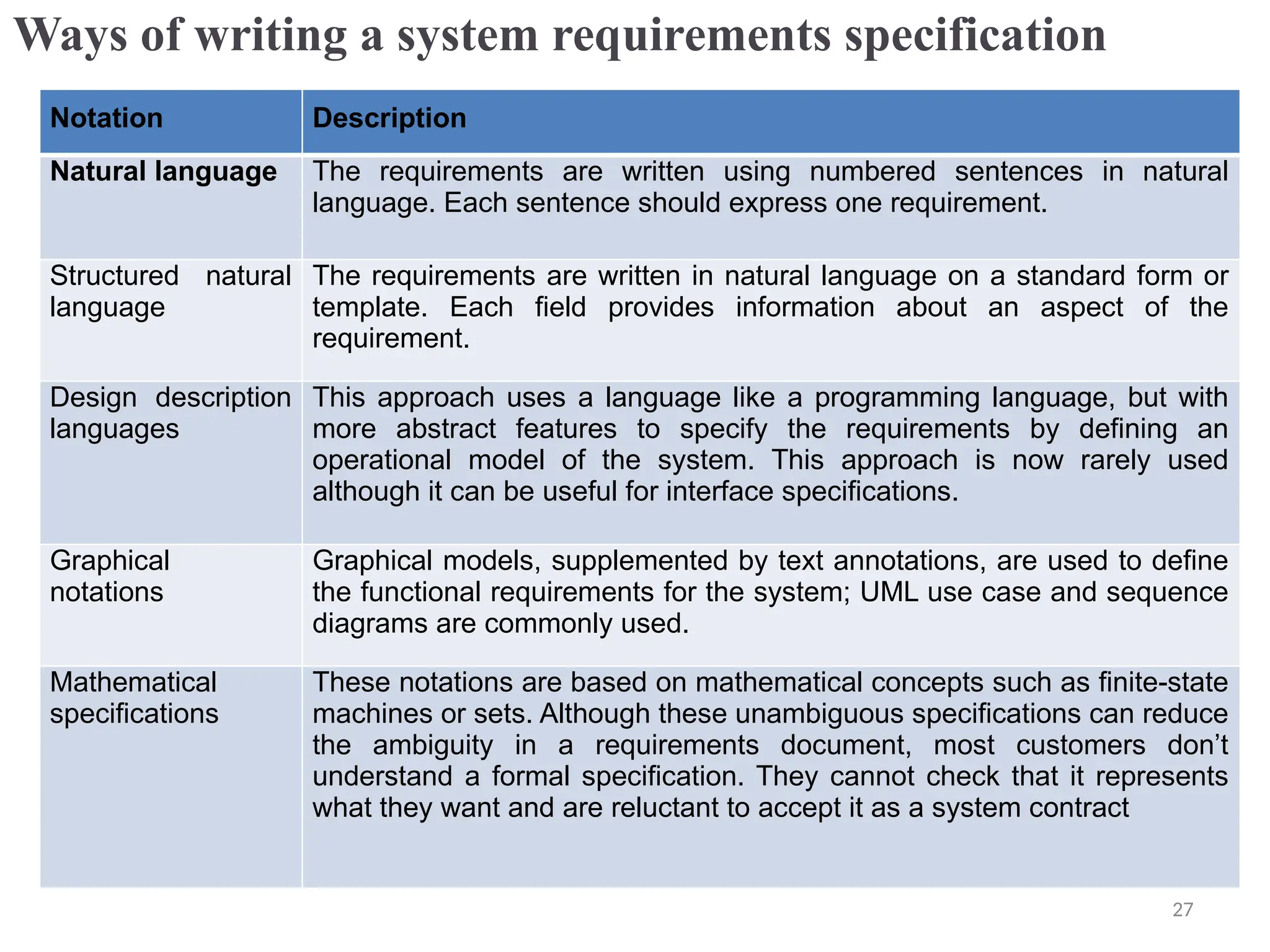
Ways of writing a system requirements specification
Notation Description
Natural language The requirements are written using numbered sentences in natural
language. Each sentence should express one requirement.
Structured natural
language
The requirements are written in natural language on a standard form or
template. Each field provides information about an aspect of the
requirement.
Design description
languages
This approach uses a language like a programming language, but with
more abstract features to specify the requirements by defining an
operational model of the system. This approach is now rarely used
although it can be useful for interface specifications.
Graphical
notations
Graphical models, supplemented by text annotations, are used to define
the functional requirements for the system; UML use case and sequence
diagrams are commonly used.
Mathematical
specifications
These notations are based on mathematical concepts such as finite-state
machines or sets. Although these unambiguous specifications can reduce
the ambiguity in a requirements document, most customers don’t
understand a formal specification. They cannot check that it represents
what they want and are reluctant to accept it as a system contract
27
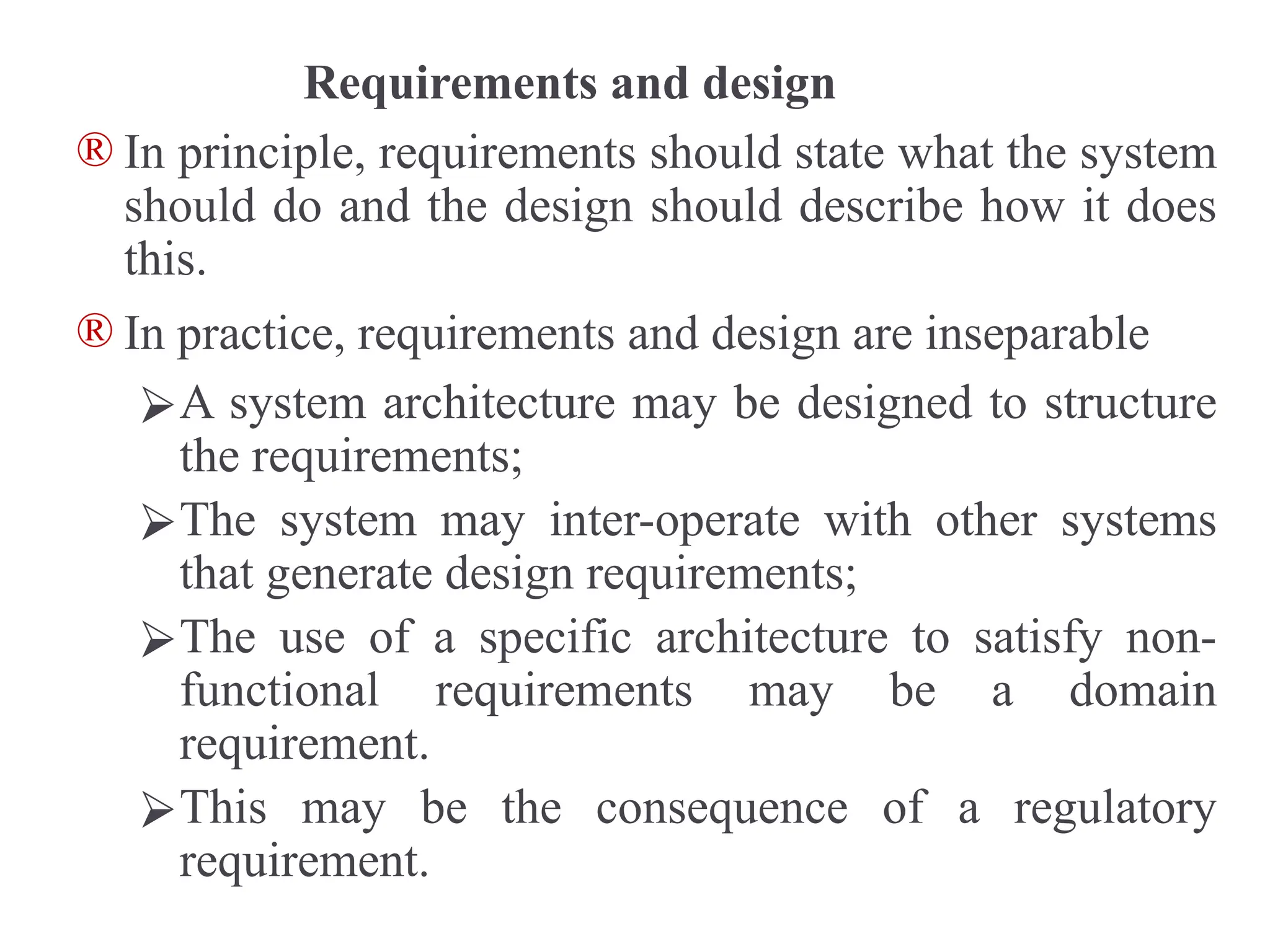
Requirements and design
® In principle, requirements should state what the system
should do and the design should describe how it does
this.
® In practice, requirements and design are inseparable
⮚A system architecture may be designed to structure
the requirements;
⮚The system may inter-operate with other systems
that generate design requirements;
⮚The use of a specific architecture to satisfy non-
functional requirements may be a domain
requirement.
⮚This may be the consequence of a regulatory
requirement.
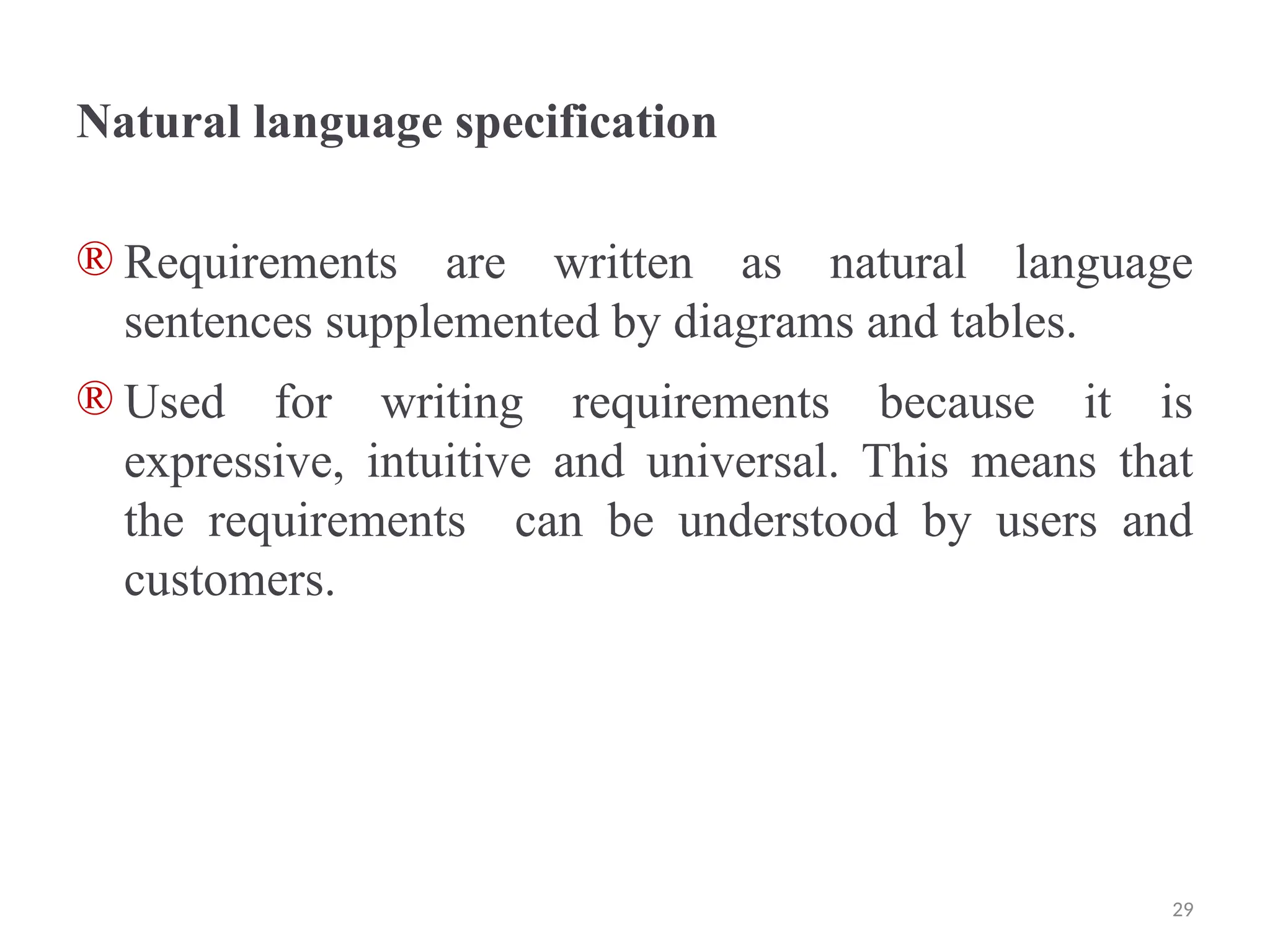
Natural language specification
® Requirements are written as natural language
sentences supplemented by diagrams and tables.
® Used for writing requirements because it is
expressive, intuitive and universal. This means that
the requirements can be understood by users and
customers.
29
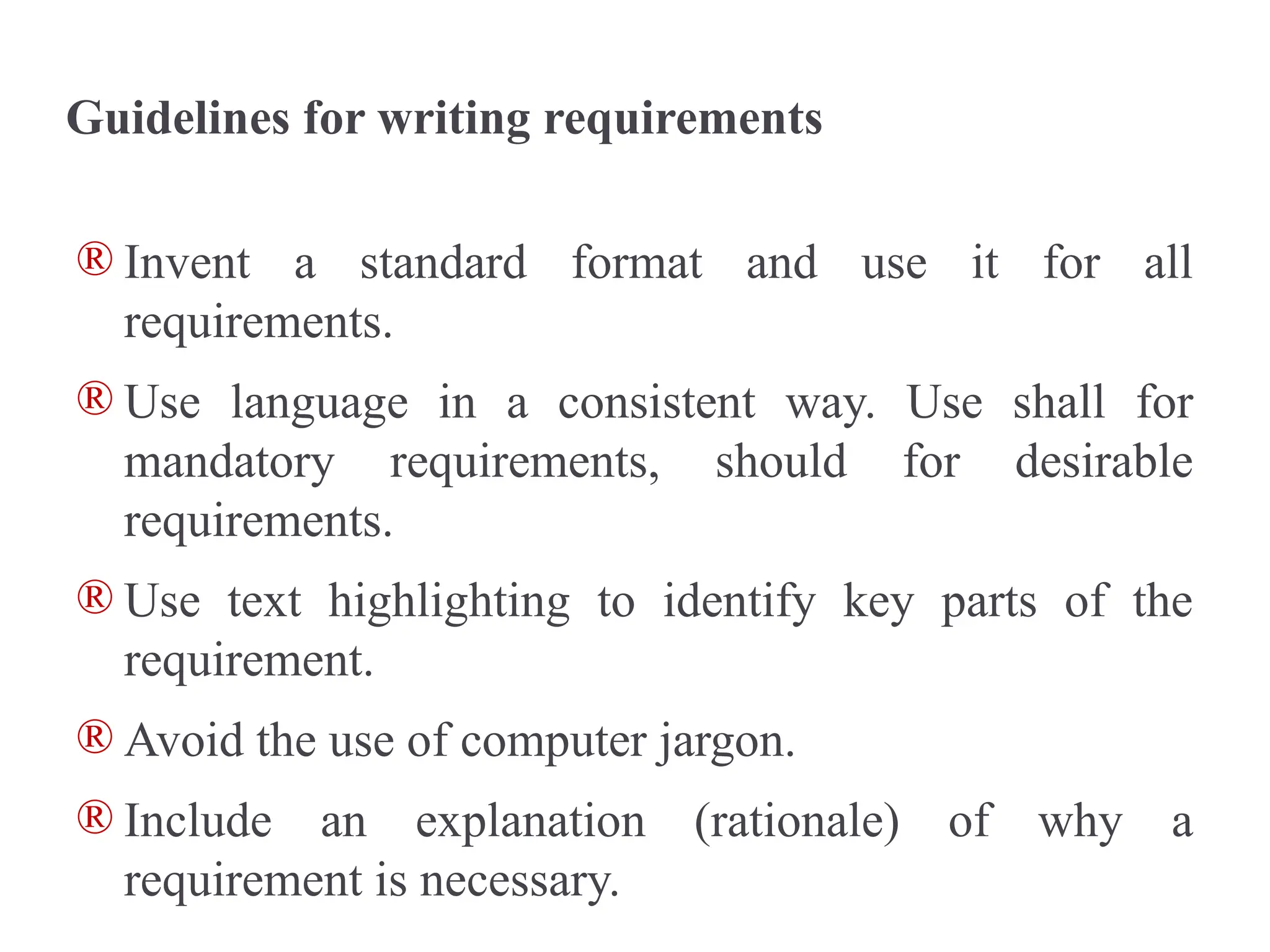
Guidelines for writing requirements
® Invent a standard format and use it for all
requirements.
® Use language in a consistent way. Use shall for
mandatory requirements, should for desirable
requirements.
® Use text highlighting to identify key parts of the
requirement.
® Avoid the use of computer jargon.
® Include an explanation (rationale) of why a
requirement is necessary.
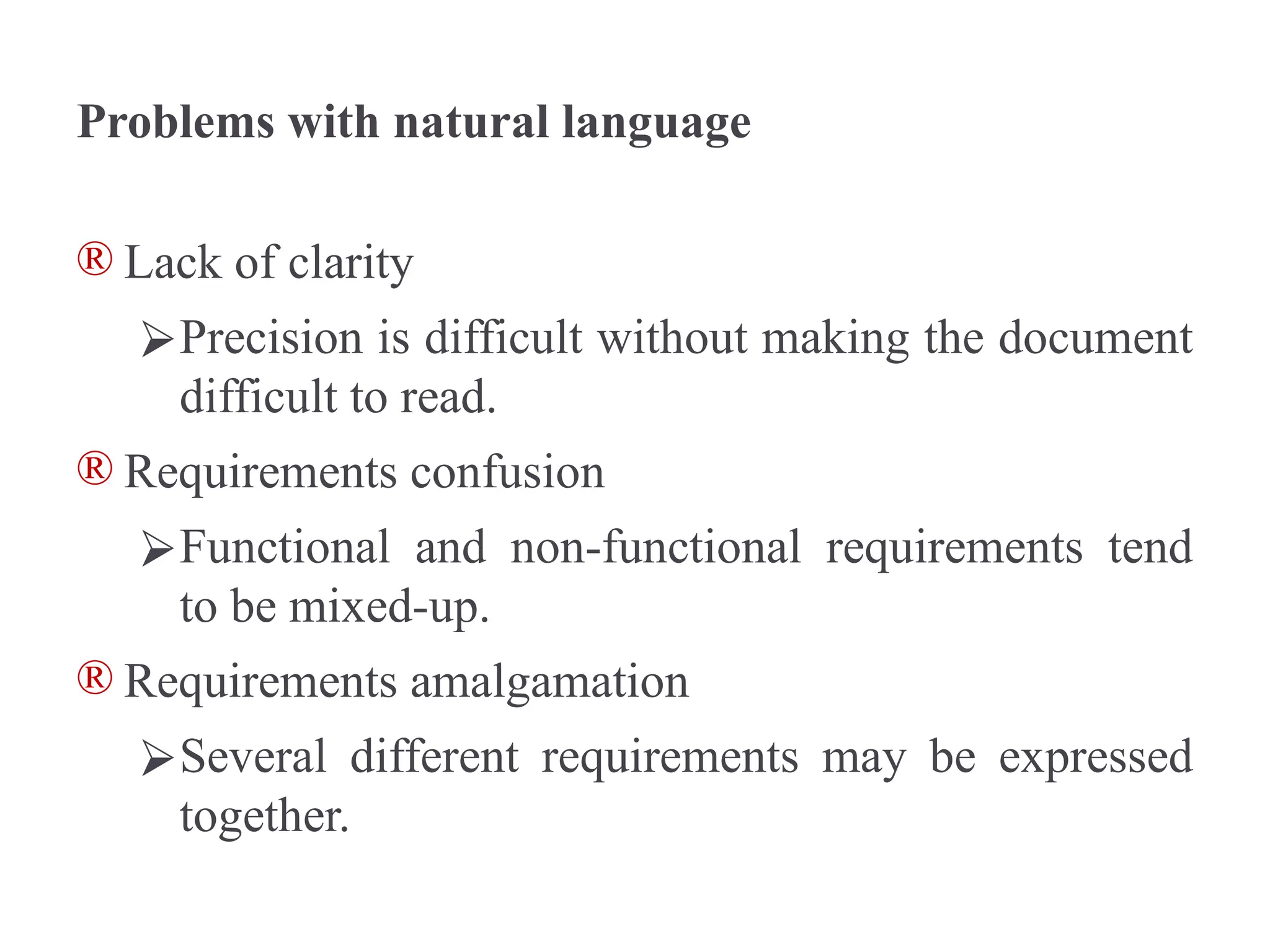
Problems with natural language
® Lack of clarity
⮚Precision is difficult without making the document
difficult to read.
® Requirements confusion
⮚Functional and non-functional requirements tend
to be mixed-up.
® Requirements amalgamation
⮚Several different requirements may be expressed
together.
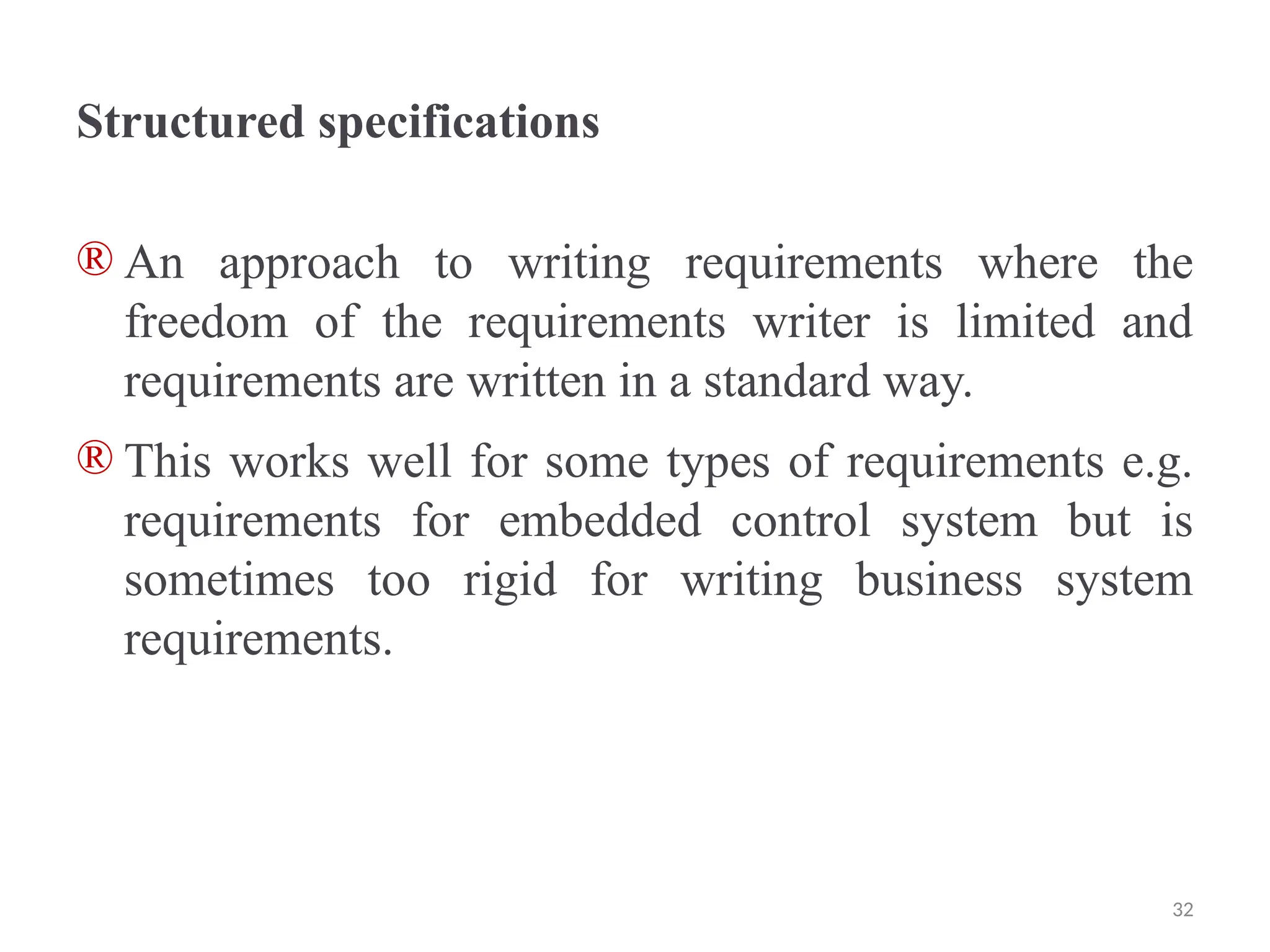
Structured specifications
® An approach to writing requirements where the
freedom of the requirements writer is limited and
requirements are written in a standard way.
® This works well for some types of requirements e.g.
requirements for embedded control system but is
sometimes too rigid for writing business system
requirements.
32
Form-based specifications
® Definition of the function or entity.
® Description of inputs and where they come from.
® Description of outputs and where they go to.
® Information about the information needed for the
computation and other entities used.
® Description of the action to be taken.
® Pre and post conditions (if appropriate).
® The side effects (if any) of the function.
Tabular specification
® Used to supplement natural language.
® Particularly useful when you have to define a number
of possible alternative courses of action.
® For example, the insulin pump systems bases its
computations on the rate of change of blood sugar
level and the tabular specification explains how to
calculate the insulin requirement for different
scenarios.
Requirements engineering processes
® The processes used for RE vary widely depending on
the application domain, the people involved and the
organisation developing the requirements.
® However, there are a number of generic activities
common to all processes
⮚Requirements elicitation;
⮚Requirements analysis;
⮚Requirements validation;
⮚Requirements management.
® In practice, RE is an iterative activity in which these
processes are interleaved.
35
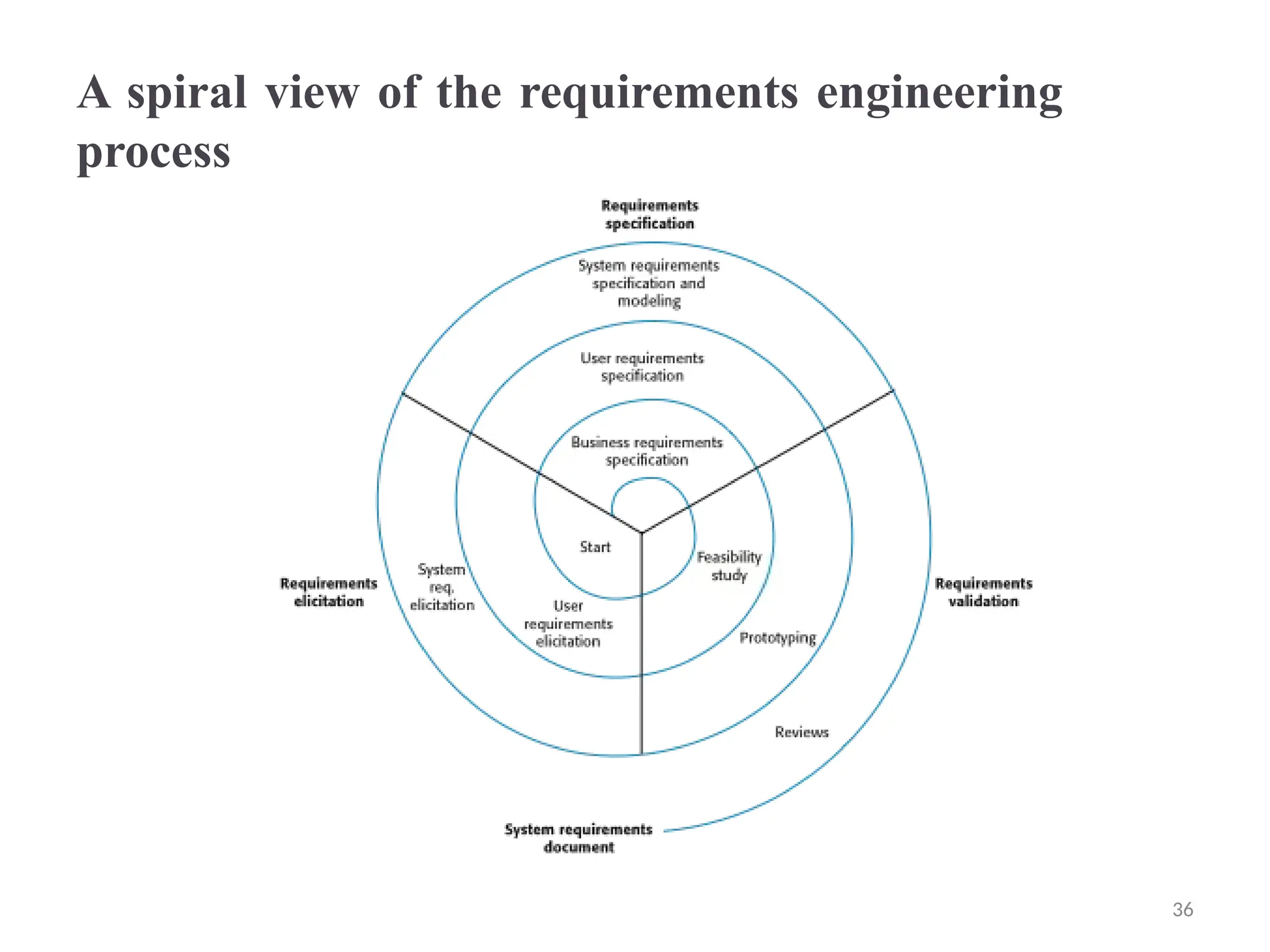
A spiral view of the requirements engineering
process
36
Requirements elicitation and analysis
® Sometimes called requirements elicitation or
requirements discovery.
® Involves technical staff working with customers to
find out about the application domain, the services
that the system should provide and the system’s
operational constraints.
® May involve end-users, managers, engineers involved
in maintenance, domain experts, trade unions, etc.
These are called stakeholders.
37
Problems of requirements analysis
® Stakeholders don’t know what they really want.
® Stakeholders express requirements in their own
terms.
® Different stakeholders may have conflicting
requirements.
® Organisational and political factors may influence the
system requirements.
® The requirements change during the analysis process.
New stakeholders may emerge and the business
environment may change. 38
Requirements elicitation and analysis
® Software engineers work with a range of system
stakeholders to find out about the application domain,
the services that the system should provide, the
required system performance, hardware constraints,
other systems, etc.
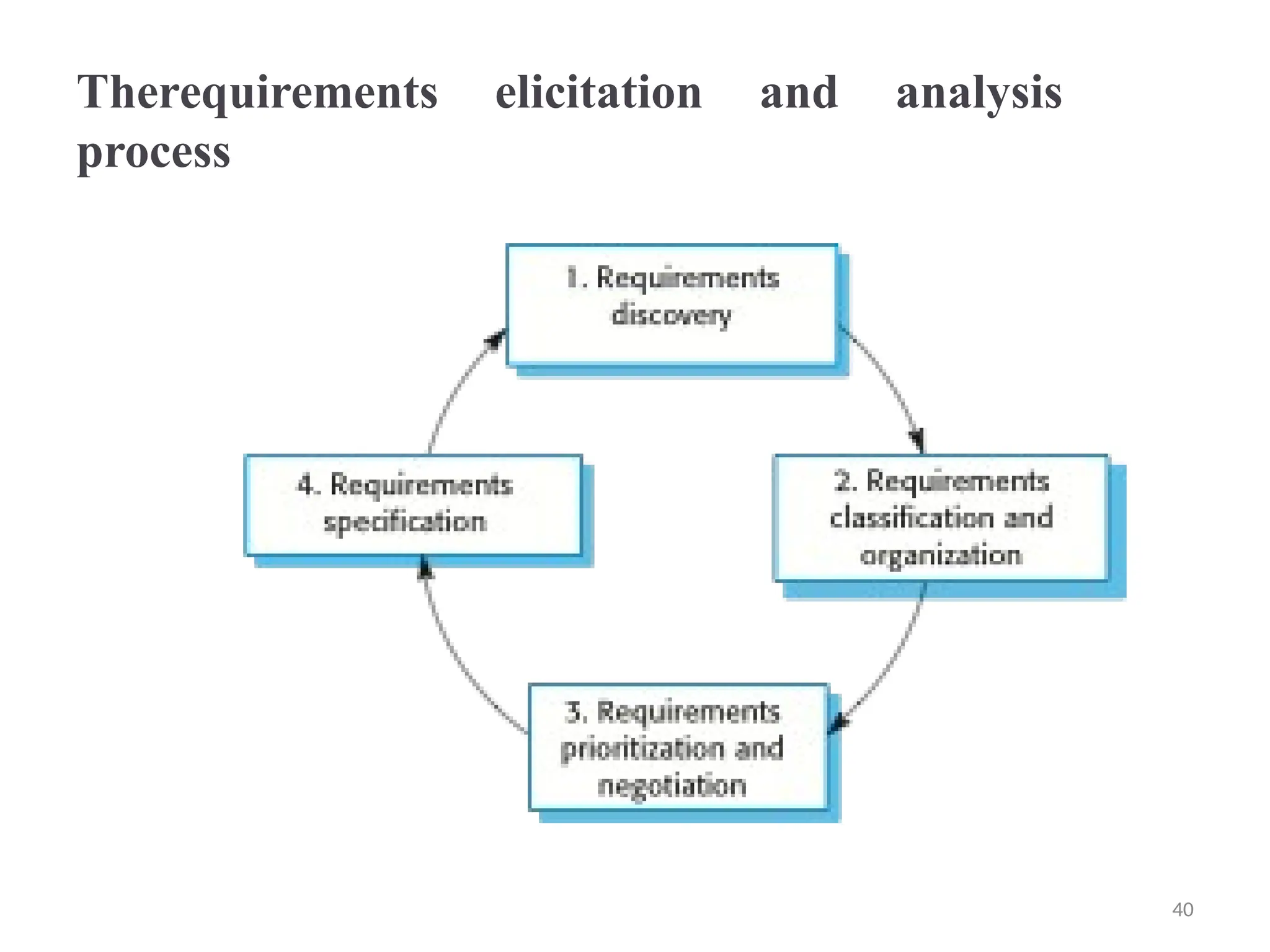
® Stages include:
⮚Requirements discovery,
⮚Requirements classification and organization,
⮚Requirements prioritization and negotiation,
⮚Requirements specification.
39
Therequirements elicitation and analysis
process
40
Process activities
® Requirements discovery
⮚Interacting with stakeholders to discover their
requirements. Domain requirements are also discovered
at this stage.
® Requirements classification and organisation
⮚Groups related requirements and organises them into
coherent clusters.
® Prioritisation and negotiation
⮚Prioritising requirements and resolving requirements
conflicts.
® Requirements specification
⮚Requirements are documented and input into the next
round of the spiral.
Problems of requirements elicitation
® Stakeholders don’t know what they really want.
® Stakeholders express requirements in their own
terms.
® Different stakeholders may have conflicting
requirements.
® Organisational and political factors may influence the
system requirements.
® The requirements change during the analysis process.
New stakeholders may emerge and the business
environment change.
Requirements discovery
® The process of gathering information about the
required and existing systems and distilling the user
and system requirements from this information.
® Interaction is with system stakeholders from
managers to external regulators.
✧Systems normally have a range of stakeholders.
43
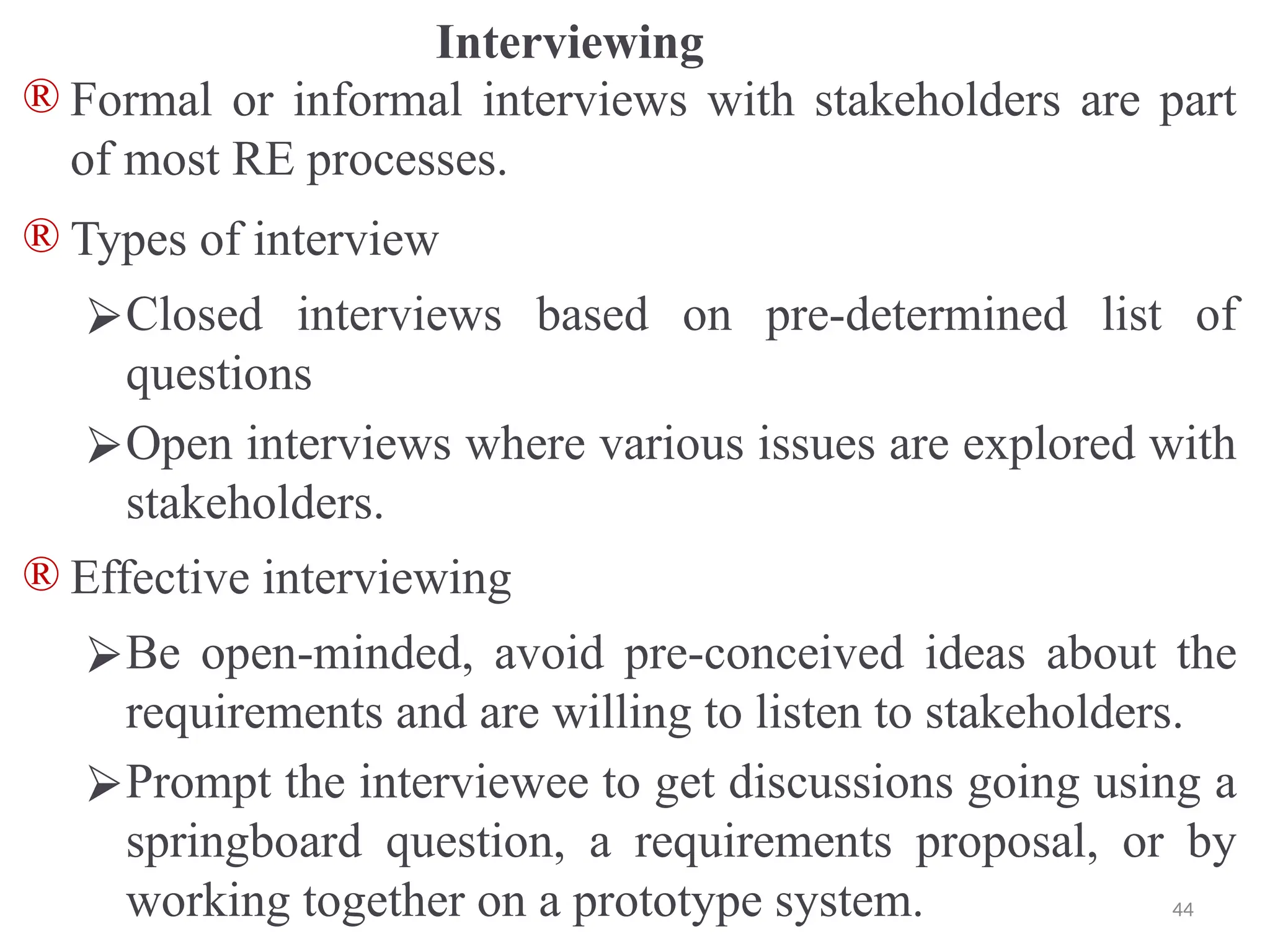
Interviewing
® Formal or informal interviews with stakeholders are part
of most RE processes.
® Types of interview
⮚Closed interviews based on pre-determined list of
questions
⮚Open interviews where various issues are explored with
stakeholders.
® Effective interviewing
⮚Be open-minded, avoid pre-conceived ideas about the
requirements and are willing to listen to stakeholders.
⮚Prompt the interviewee to get discussions going using a
springboard question, a requirements proposal, or by
working together on a prototype system. 44
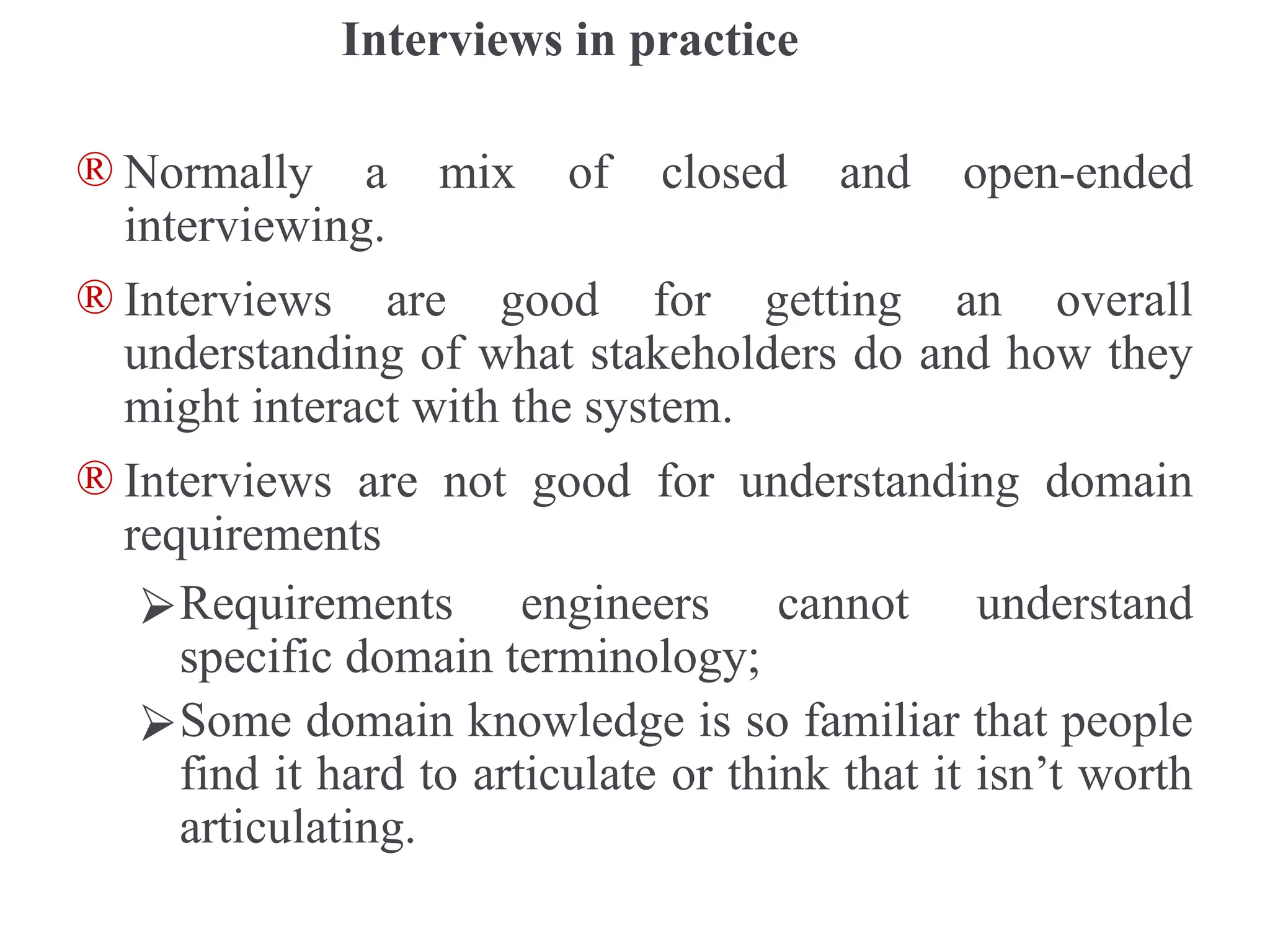
Interviews in practice
® Normally a mix of closed and open-ended
interviewing.
® Interviews are good for getting an overall
understanding of what stakeholders do and how they
might interact with the system.
® Interviews are not good for understanding domain
requirements
⮚Requirements engineers cannot understand
specific domain terminology;
⮚Some domain knowledge is so familiar that people
find it hard to articulate or think that it isn’t worth
articulating.
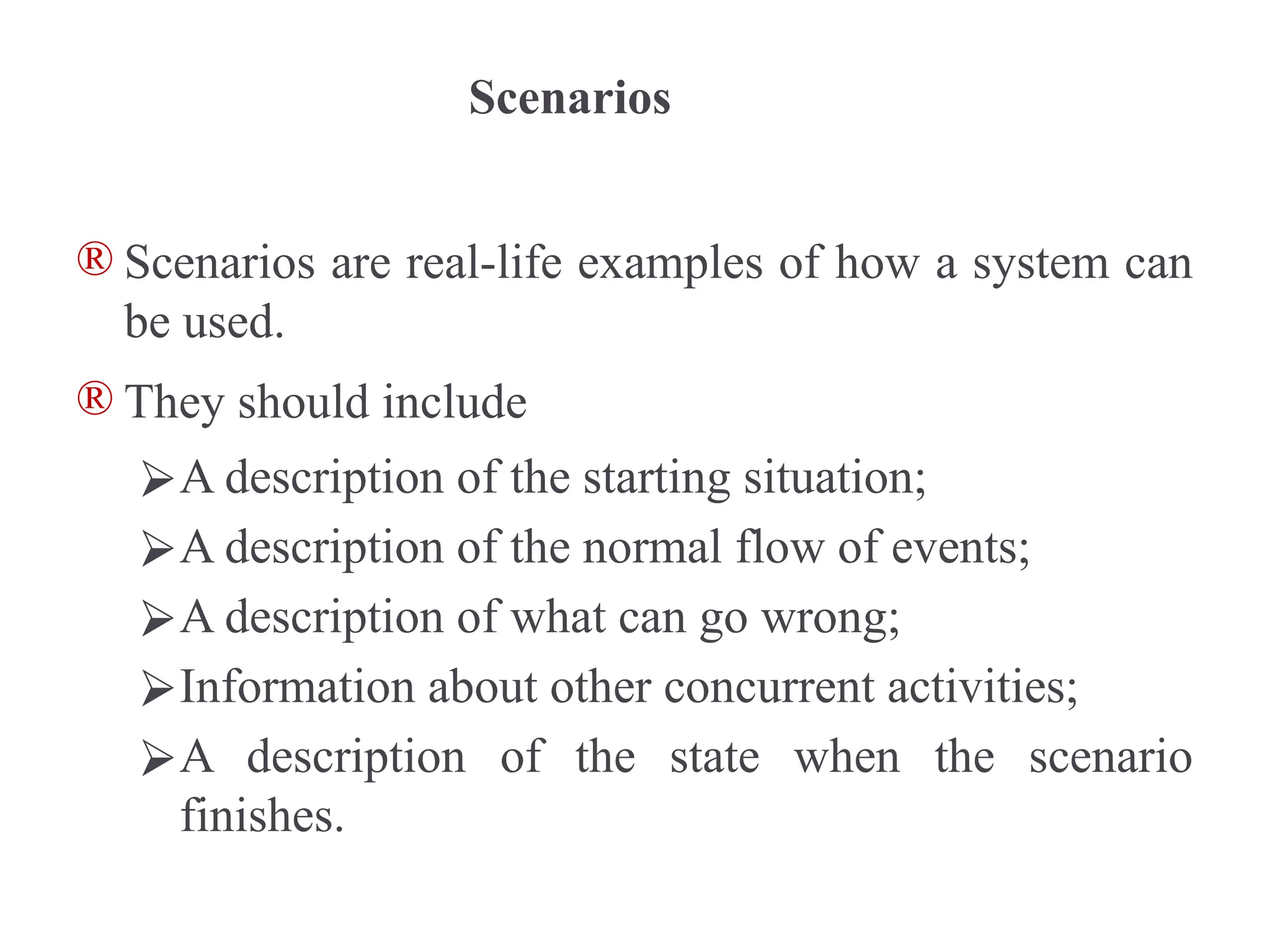
Scenarios
® Scenarios are real-life examples of how a system can
be used.
® They should include
⮚A description of the starting situation;
⮚A description of the normal flow of events;
⮚A description of what can go wrong;
⮚Information about other concurrent activities;
⮚A description of the state when the scenario
finishes.
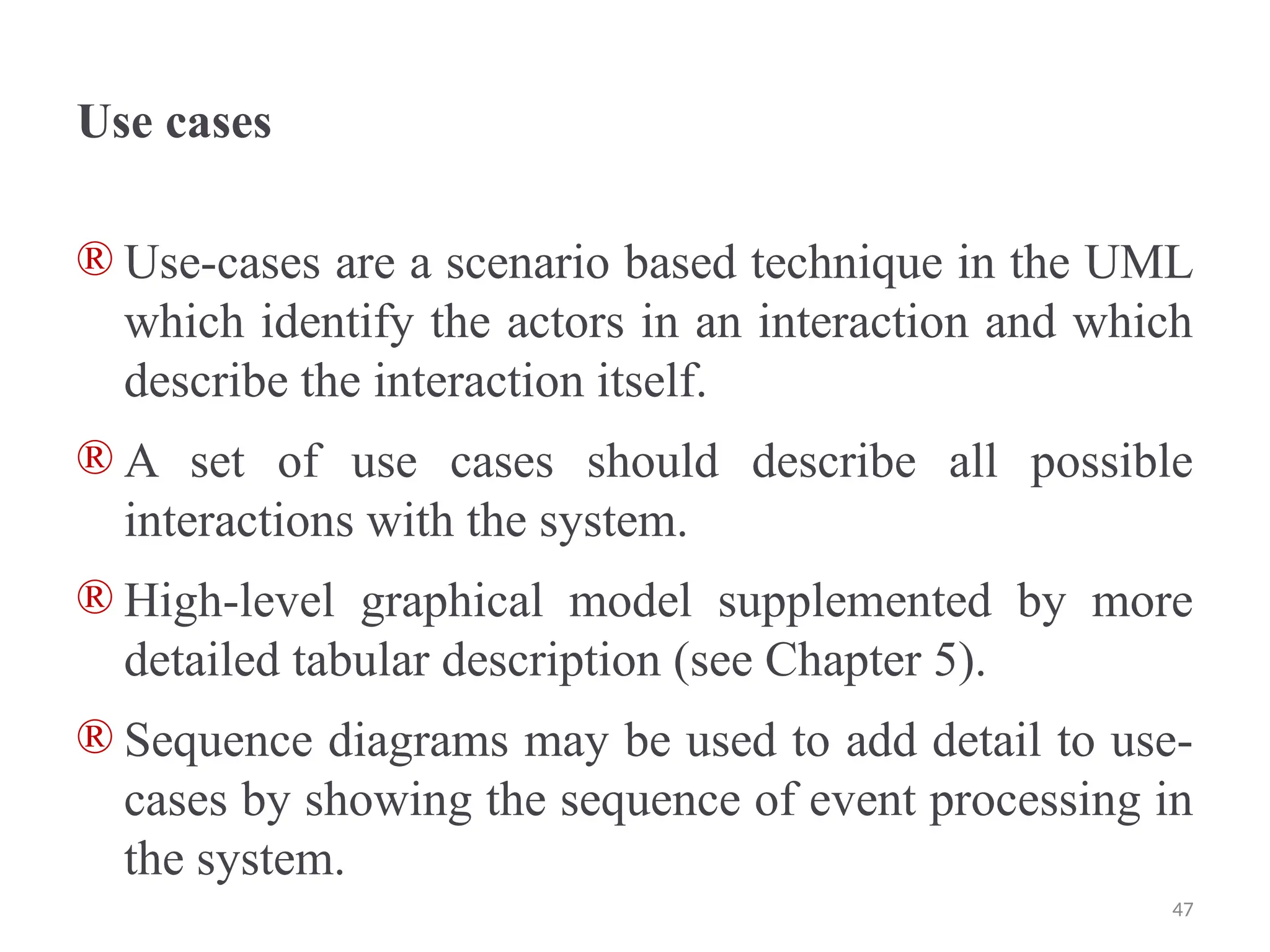
Use cases
® Use-cases are a scenario based technique in the UML
which identify the actors in an interaction and which
describe the interaction itself.
® A set of use cases should describe all possible
interactions with the system.
® High-level graphical model supplemented by more
detailed tabular description (see Chapter 5).
® Sequence diagrams may be used to add detail to use-
cases by showing the sequence of event processing in
the system.
47
Ethnography
® A social scientist spends a considerable time
observing and analysing how people actually work.
® People do not have to explain or articulate their work.
® Social and organisational factors of importance may
be observed.
® Ethnographic studies have shown that work is usually
richer and more complex than suggested by simple
system models.
48
Scope of ethnography
® Requirements that are derived from the way that
people actually work rather than the way I which
process definitions suggest that they ought to work.
® Requirements that are derived from cooperation and
awareness of other people’s activities.
⮚Awareness of what other people are doing leads to
changes in the ways in which we do things.
® Ethnography is effective for understanding existing
processes but cannot identify new features that should
be added to a system.
49
Focused ethnography
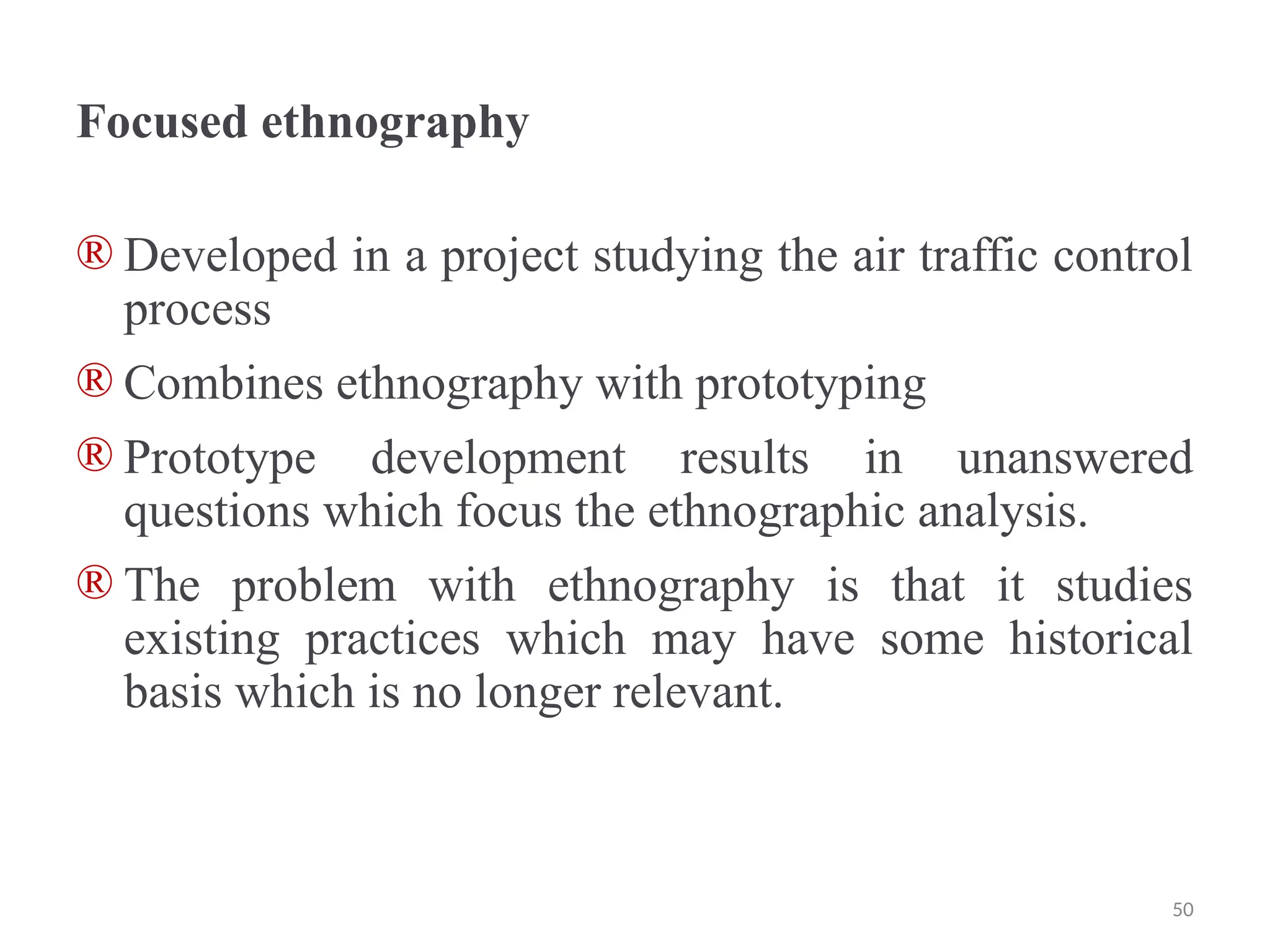
® Developed in a project studying the air traffic control
process
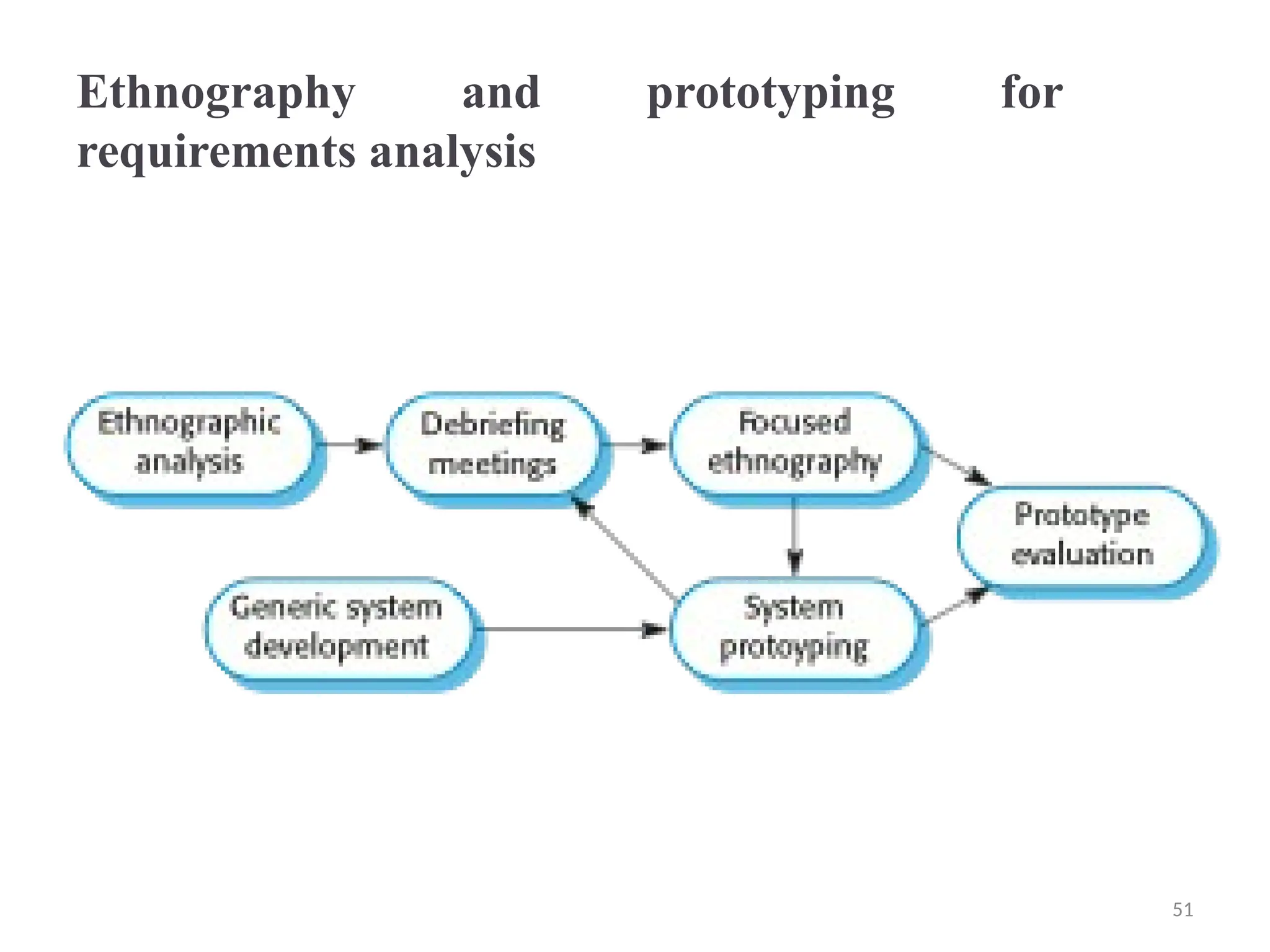
® Combines ethnography with prototyping
® Prototype development results in unanswered
questions which focus the ethnographic analysis.
® The problem with ethnography is that it studies
existing practices which may have some historical
basis which is no longer relevant.
50
Ethnography and prototyping for
requirements analysis
51
Requirements validation
® Concerned with demonstrating that the requirements
define the system that the customer really wants.
® Requirements error costs are high so validation is
very important
⮚Fixing a requirements error after delivery may cost
up to 100 times the cost of fixing an
implementation error.
52
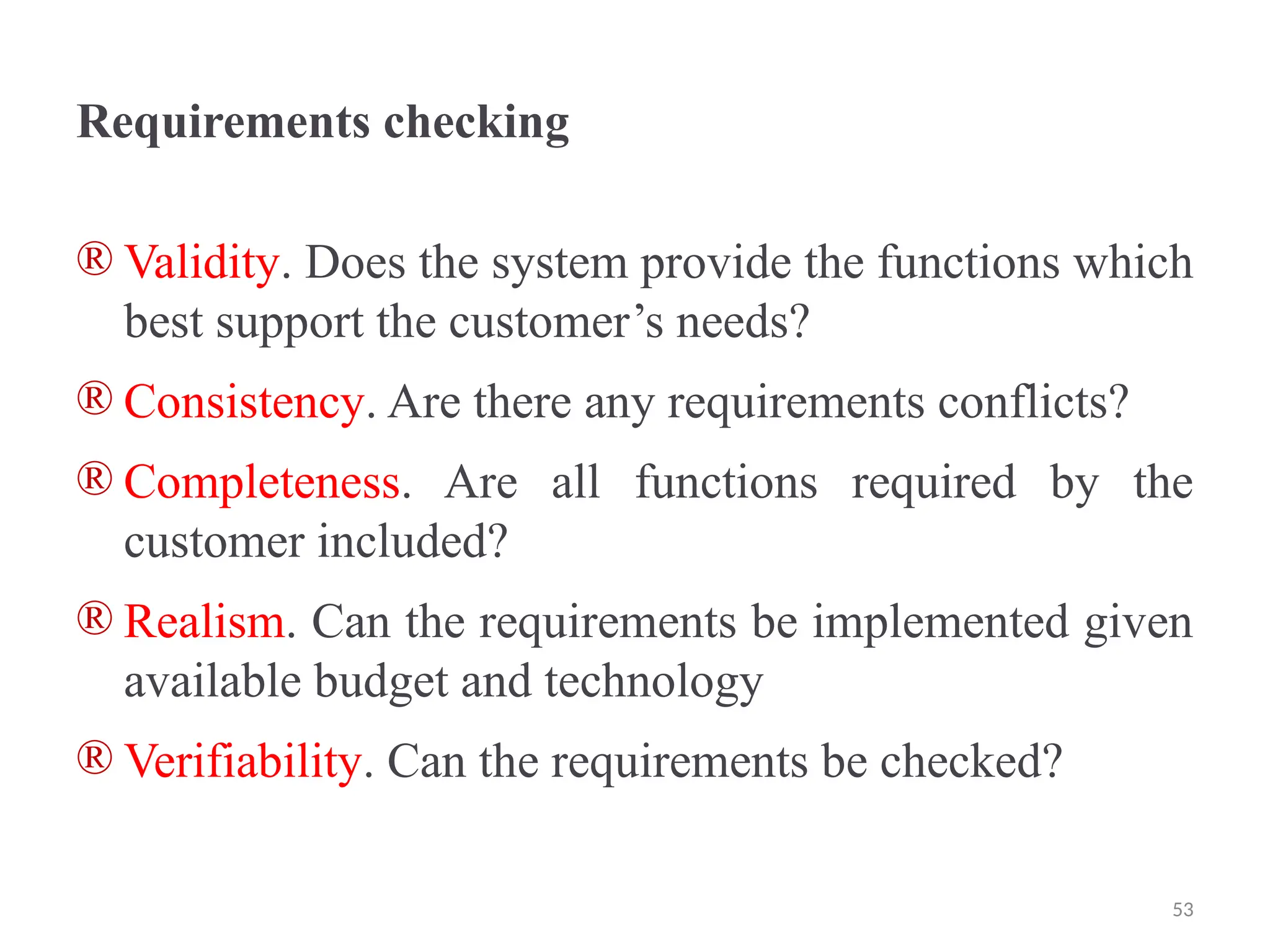
Requirements checking
® Validity. Does the system provide the functions which
best support the customer’s needs?
® Consistency. Are there any requirements conflicts?
® Completeness. Are all functions required by the
customer included?
® Realism. Can the requirements be implemented given
available budget and technology
® Verifiability. Can the requirements be checked?
53
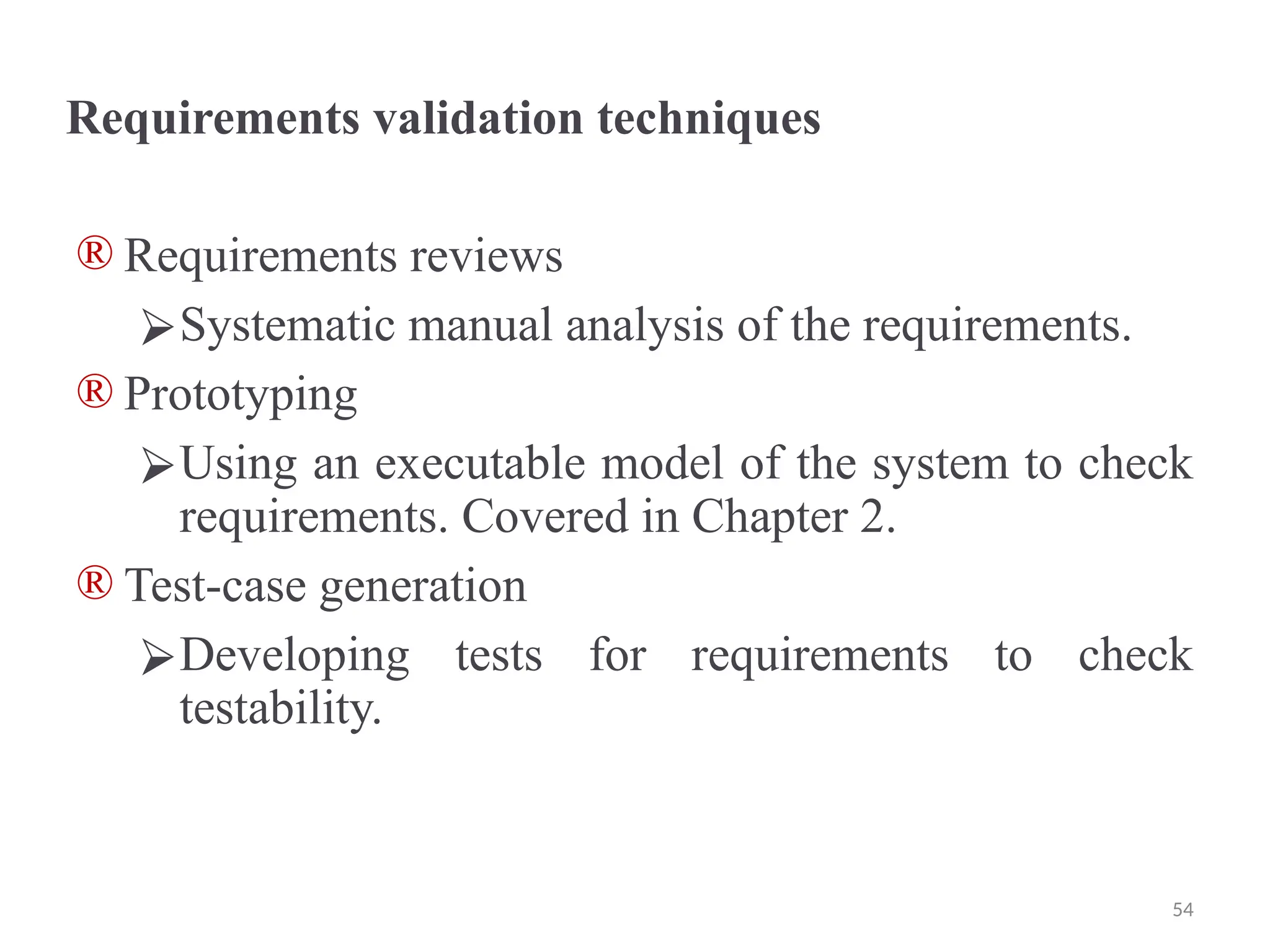
Requirements validation techniques
® Requirements reviews
⮚Systematic manual analysis of the requirements.
® Prototyping
⮚Using an executable model of the system to check
requirements. Covered in Chapter 2.
® Test-case generation
⮚Developing tests for requirements to check
testability.
54
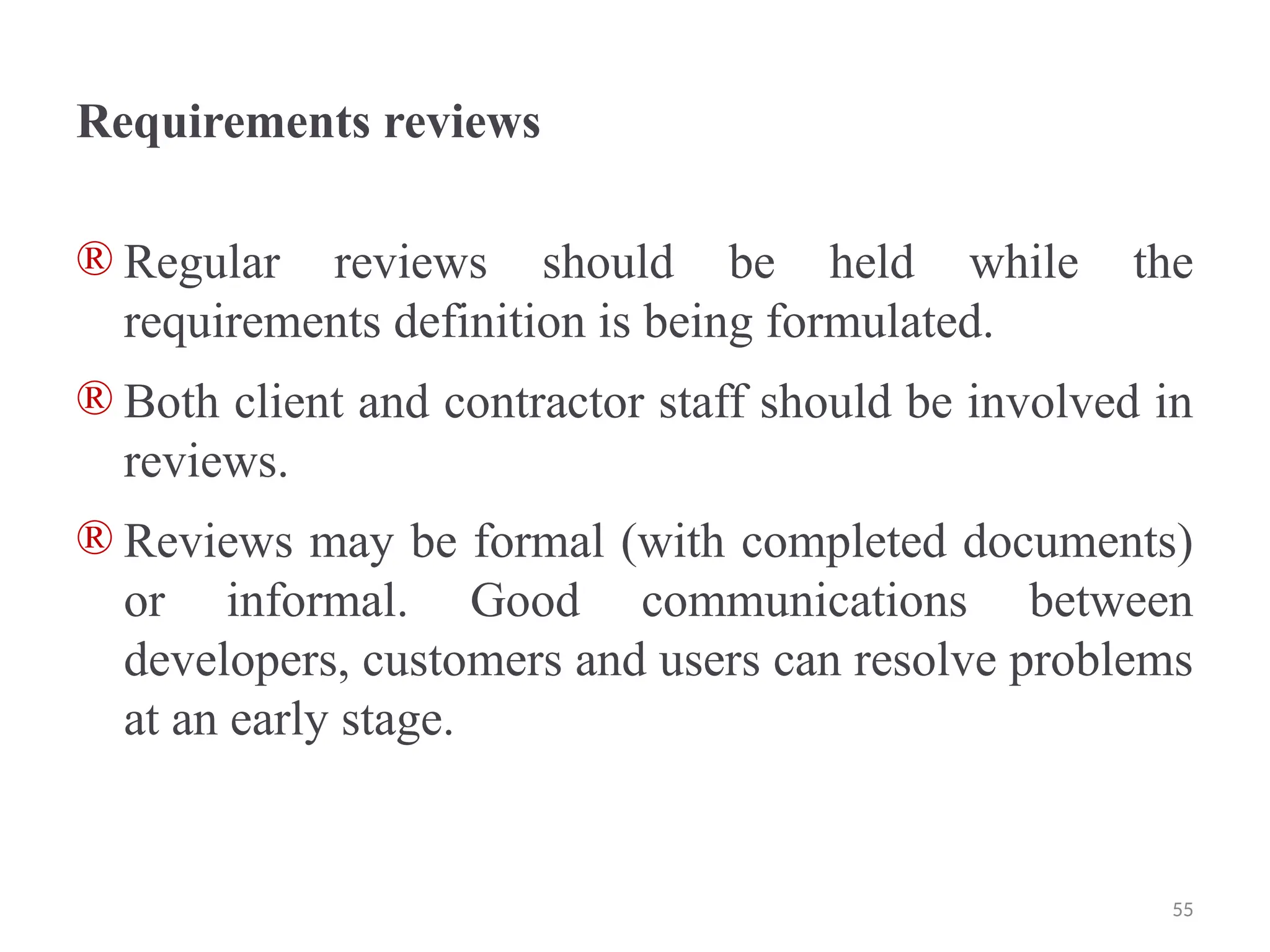
Requirements reviews
® Regular reviews should be held while the
requirements definition is being formulated.
® Both client and contractor staff should be involved in
reviews.
® Reviews may be formal (with completed documents)
or informal. Good communications between
developers, customers and users can resolve problems
at an early stage.
55
Review checks
® Verifiability
⮚Is the requirement realistically testable?
® Comprehensibility
⮚Is the requirement properly understood?
® Traceability
⮚Is the origin of the requirement clearly stated?
® Adaptability
⮚Can the requirement be changed without a large
impact on other requirements?
56
Requirements management
® Requirements management is the process of
managing changing requirements during the
requirements engineering process and system
development.
® New requirements emerge as a system is being
developed and after it has gone into use.
® You need to keep track of individual requirements
and maintain links between dependent requirements
so that you can assess the impact of requirements
changes. You need to establish a formal process for
making change proposals and linking these to system
requirements.
57
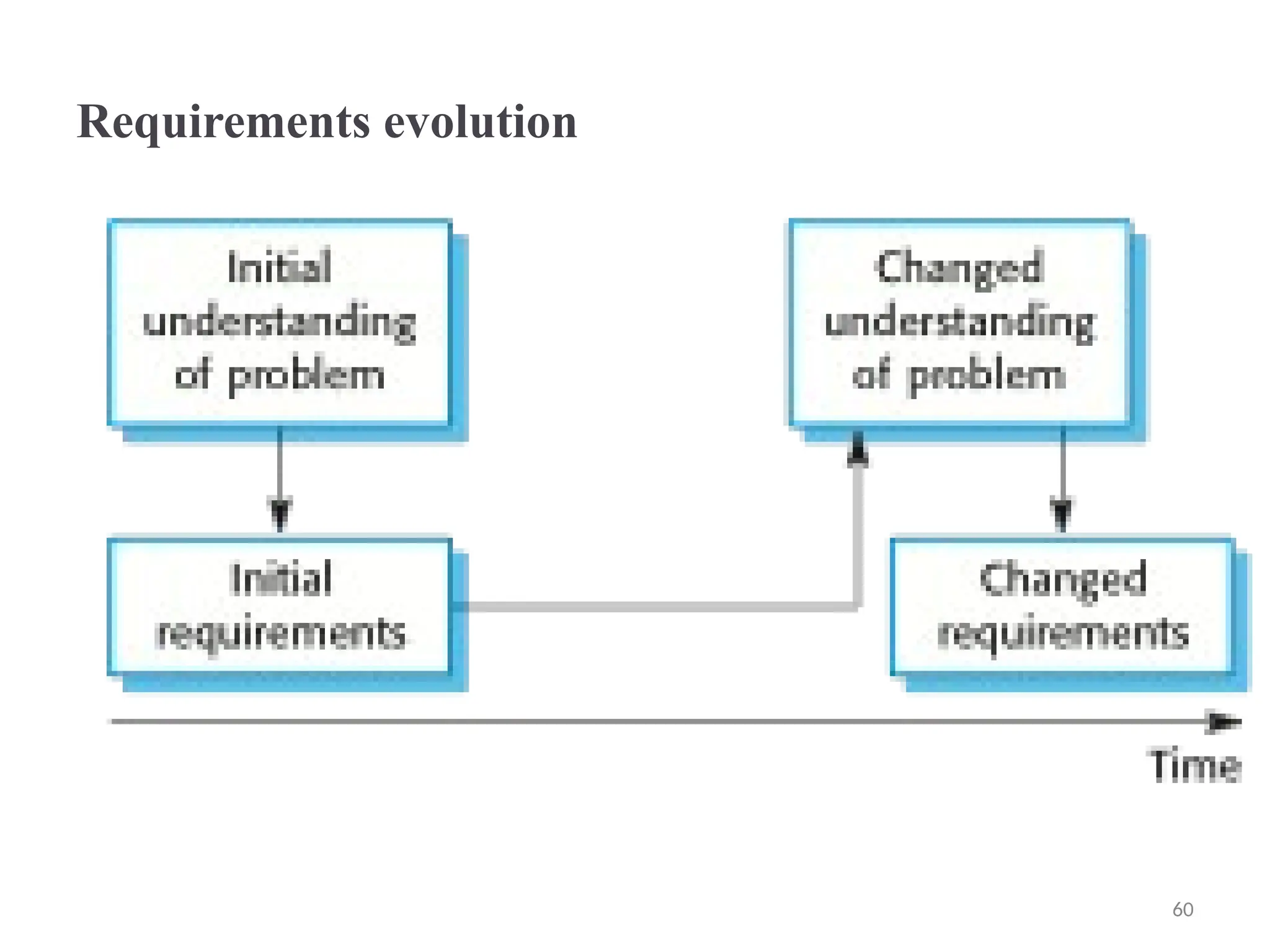
Changing requirements
® The business and technical environment of the system always
changes after installation.
⮚New hardware may be introduced, it may be necessary to
interface the system with other systems, business priorities
may change (with consequent changes in the system
support required), and new legislation and regulations may
be introduced that the system must necessarily abide by.
® The people who pay for a system and the users of that system
are rarely the same people.
⮚System customers impose requirements because of
organizational and budgetary constraints. These may
conflict with end-user requirements and, after delivery,
new features may have to be added for user support if the
system is to meet its goals.
58
Changing requirements
® Large systems usually have a diverse user
community, with many users having different
requirements and priorities that may be conflicting or
contradictory.
⮚The final system requirements are inevitably a
compromise between them and, with experience, it
is often discovered that the balance of support
given to different users has to be changed.
59
Requirements evolution
60
Requirements management planning
® Establishes the level of requirements management detail that is
required.
® Requirements management decisions:
⮚ Requirements identificationEach requirement must be uniquely
identified so that it can be cross-referenced with other
requirements.
⮚ A change management processThis is the set of activities that
assess the impact and cost of changes. I discuss this process in
more detail in the following section.
⮚ Traceability policiesThese policies define the relationships
between each requirement and between the requirements and the
system design that should be recorded.
⮚ Tool supportTools that may be used range from specialist
requirements management systems to spreadsheets and simple
database systems.
61
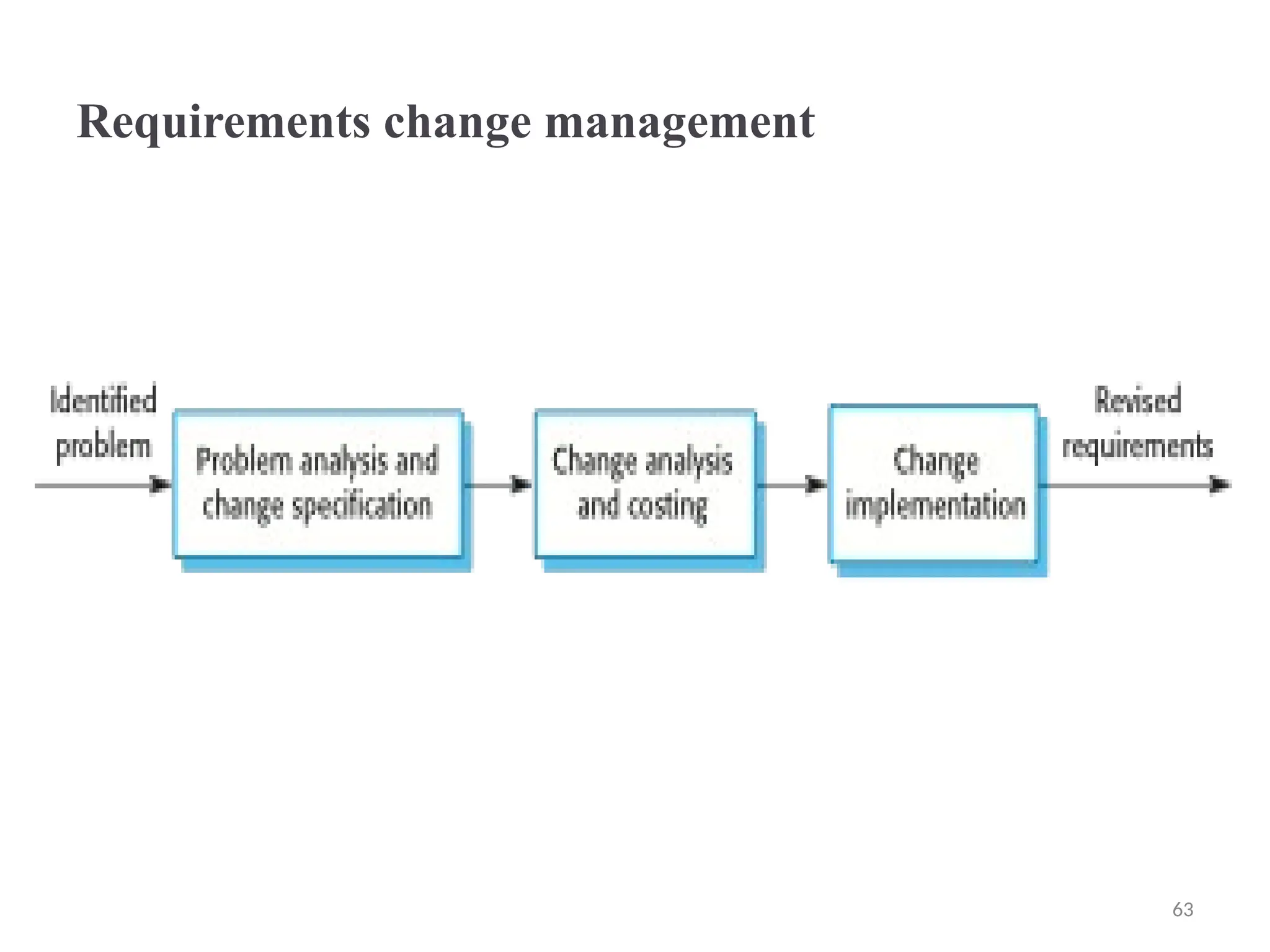
Requirements change management
® Deciding if a requirements change should be accepted
⮚ Problem analysis and change specification
• During this stage, the problem or the change proposal is analyzed
to check that it is valid. This analysis is fed back to the change
requestor who may respond with a more specific requirements
change proposal, or decide to withdraw the request.
⮚ Change analysis and costing
• The effect of the proposed change is assessed using traceability
information and general knowledge of the system requirements.
Once this analysis is completed, a decision is made whether or not
to proceed with the requirements change.
⮚ Change implementation
• The requirements document and, where necessary, the system
design and implementation, are modified. Ideally, the document
should be organized so that changes can be easily implemented.
62
Requirements change management
63

Software engineering is a branch of engineering focused on designing, developing, testing, and maintaining software systems that meet specified requirements and user needs. .pptx

  • 1.
    Requirements Engineering Topics covered ®Functional and non-functional requirements ® The software requirements document ® Requirements specification ® Requirements engineering processes ® Requirements elicitation and analysis ® Requirements validation ® Requirements management 1
  • 2.
    Requirements engineering ® Theprocess of establishing the services that the customer requires from a system and the constraints under which it operates and is developed. ® The requirements themselves are the descriptions of the system services and constraints that are generated during the requirements engineering process. 2
  • 3.
    What is arequirement? ® It may range from a high-level abstract statement of a service or of a system constraint to a detailed mathematical functional specification. ® This is inevitable as requirements may serve a dual function ⮚May be the basis for a bid for a contract - therefore must be open to interpretation; ⮚May be the basis for the contract itself - therefore must be defined in detail; ⮚Both these statements may be called requirements. 3
  • 4.
    Types of requirement ®User requirements ⮚Statements in natural language plus diagrams of the services the system provides and its operational constraints. Written for customers. ® System requirements ⮚A structured document setting out detailed descriptions of the system’s functions, services and operational constraints. Defines what should be implemented so may be part of a contract between client and contractor. 4
  • 5.
    Readers of differenttypes of requirements specification 5
  • 6.
    Functional and non-functionalrequirements ® Functional requirements ⮚Statements of services the system should provide, how the system should react to particular inputs and how the system should behave in particular situations. ⮚May state what the system should not do. ® Non-functional requirements ⮚Constraints on the services or functions offered by the system such as timing constraints, constraints on the development process, standards, etc. ⮚Often apply to the system as a whole rather than individual features or services. ® Domain requirements ⮚Constraints on the system from the domain of operation 6
  • 7.
    Functional requirements ® Describefunctionality or system services. ® Depend on the type of software, expected users and the type of system where the software is used. ® Functional user requirements may be high-level statements of what the system should do. ® Functional system requirements should describe the system services in detail. 7
  • 8.
    Requirements imprecision ® Problemsarise when requirements are not precisely stated. ® Ambiguous requirements may be interpreted in different ways by developers and users. ® Consider the term ‘search’ in requirement 1 ⮚User intention – search for a patient name across all appointments in all clinics; ⮚Developer interpretation – search for a patient name in an individual clinic. User chooses clinic then search. 8
  • 9.
    Requirements completeness andconsistency ® In principle, requirements should be both complete and consistent. ® Complete ⮚They should include descriptions of all facilities required. ® Consistent ⮚There should be no conflicts or contradictions in the descriptions of the system facilities. ® In practice, it is impossible to produce a complete and consistent requirements document. 9
  • 10.
    Non-functional requirements ® Thesedefine system properties and constraints e.g. reliability, response time and storage requirements. Constraints are I/O device capability, system representations, etc. ® Process requirements may also be specified mandating a particular IDE, programming language or development method. ® Non-functional requirements may be more critical than functional requirements. If these are not met, the system may be useless. 10
  • 11.
    Types of nonfunctionalrequirement 11
  • 12.
    Non-functional requirements implementation ®Non-functional requirements may affect the overall architecture of a system rather than the individual components. ⮚For example, to ensure that performance requirements are met, you may have to organize the system to minimize communications between components. ® A single non-functional requirement, such as a security requirement, may generate a number of related functional requirements that define system services that are required. ⮚It may also generate requirements that restrict existing requirements. 12
  • 13.
    Non-functional classifications ® Productrequirements ⮚Requirements which specify that the delivered product must behave in a particular way e.g. execution speed, reliability, etc. ® Organisational requirements ⮚Requirements which are a consequence of organisational policies and procedures e.g. process standards used, implementation requirements, etc. ® External requirements ®Requirements which arise from factors which are external to the system and its development process e.g. interoperability requirements, legislative requirements, etc. 13
  • 14.
    Goals and requirements ®Non-functional requirements may be very difficult to state precisely and imprecise requirements may be difficult to verify. ® Goal ⮚A general intention of the user such as ease of use. ® Verifiable non-functional requirement ⮚A statement using some measure that can be objectively tested. ® Goals are helpful to developers as they convey the intentions of the system users. 14
  • 15.
    Usability requirements ® Thesystem should be easy to use by medical staff and should be organized in such a way that user errors are minimized. (Goal) ® Medical staff shall be able to use all the system functions after four hours of training. After this training, the average number of errors made by experienced users shall not exceed two per hour of system use. (Testable non-functional requirement) 15
  • 16.
    Metrics for specifyingnonfunctional requirements Property Measure Speed Processed transactions/second User/event response time Screen refresh time Size Mbytes Number of ROM chips Ease of use Training time Number of help frames Reliability Mean time to failure Probability of unavailability Rate of failure occurrence Availability Robustness Time to restart after failure Percentage of events causing failure Probability of data corruption on failure Portability Percentage of target dependent statements Number of target systems 16
  • 17.
    Domain requirements ® Thesystem’s operational domain imposes requirements on the system. ▪For example, a train control system has to take into account the braking characteristics in different weather conditions. ® Domain requirements be new functional requirements, constraints on existing requirements or define specific computations. ® If domain requirements are not satisfied, the system may be unworkable. 17
  • 18.
    Train protection system ®This is a domain requirement for a train protection system: ® The deceleration of the train shall be computed as: ⮚Dtrain = Dcontrol + Dgradient ⮚where Dgradient is 9.81ms2 * compensated gradient/alpha and where the values of 9.81ms2 /alpha are known for different types of train. ® It is difficult for a non-specialist to understand the implications of this and how it interacts with other requirements. 18
  • 19.
    Domain requirements problems ®Understandability ⮚Requirements are expressed in the language of the application domain; ⮚This is often not understood by software engineers developing the system. ® Implicitness ®Domain specialists understand the area so well that they do not think of making the domain requirements explicit. 19
  • 20.
    The software requirementsdocument ® The software requirements document is the official statement of what is required of the system developers. ® Should include both a definition of user requirements and a specification of the system requirements. ® It is NOT a design document. As far as possible, it should set of WHAT the system should do rather than HOW it should do it. 20
  • 21.
    Agile methods andrequirements ® Many agile methods argue that producing a requirements document is a waste of time as requirements change so quickly. ® The document is therefore always out of date. ® Methods such as XP use incremental requirements engineering and express requirements as ‘user stories’ (discussed in Chapter 3). ® This is practical for business systems but problematic for systems that require a lot of pre-delivery analysis (e.g. critical systems) or systems developed by several teams. 21
  • 22.
    Users of arequirements document 22
  • 23.
    Requirements document variability ®Information in requirements document depends on type of system and the approach to development used. ® Systems developed incrementally will, typically, have less detail in the requirements document. ® Requirements documents standards have been designed e.g. IEEE standard. These are mostly applicable to the requirements for large systems engineering projects. 23
  • 24.
    The structure ofa requirementsdocument Chapter Description Preface This should define the expected readership of the document and describe its version history, including a rationale for the creation of a new version and a summary of the changes made in each version. Introduction This should describe the need for the system. It should briefly describe the system’s functions and explain how it will work with other systems. It should also describe how the system fits into the overall business or strategic objectives of the organization commissioning the software. Glossary This should define the technical terms used in the document. You should not make assumptions about the experience or expertise of the reader. User requirements definition Here, you describe the services provided for the user. The nonfunctional system requirements should also be described in this section. This description may use natural language, diagrams, or other notations that are understandable to customers. Product and process standards that must be followed should be specified. System architecture This chapter should present a high-level overview of the anticipated system architecture, showing the distribution of functions across system modules. Architectural components that are reused should be highlighted. 24
  • 25.
    The structure ofa requirements document Chapter Description System requirements specification This should describe the functional and nonfunctional requirements in more detail. If necessary, further detail may also be added to the nonfunctional requirements. Interfaces to other systems may be defined. System models This might include graphical system models showing the relationships between the system components and the system and its environment. Examples of possible models are object models, data-flow models, or semantic data models. System evolution This should describe the fundamental assumptions on which the system is based, and any anticipated changes due to hardware evolution, changing user needs, and so on. This section is useful for system designers as it may help them avoid design decisions that would constrain likely future changes to the system. Appendices These should provide detailed, specific information that is related to the application being developed; for example, hardware and database descriptions. Hardware requirements define the minimal and optimal configurations for the system. Database requirements define the logical organization of the data used by the system and the relationships between data. Index Several indexes to the document may be included. As well as a normal alphabetic index, there may be an index of diagrams, an index of functions, and so on. 25
  • 26.
    Requirements specification ® Theprocess of writing don the user and system requirements in a requirements document. ® User requirements have to be understandable by end- users and customers who do not have a technical background. ® System requirements are more detailed requirements and may include more technical information. ® The requirements may be part of a contract for the system development ⮚It is therefore important that these are as complete as possible. 26
  • 27.
    Ways of writinga system requirements specification Notation Description Natural language The requirements are written using numbered sentences in natural language. Each sentence should express one requirement. Structured natural language The requirements are written in natural language on a standard form or template. Each field provides information about an aspect of the requirement. Design description languages This approach uses a language like a programming language, but with more abstract features to specify the requirements by defining an operational model of the system. This approach is now rarely used although it can be useful for interface specifications. Graphical notations Graphical models, supplemented by text annotations, are used to define the functional requirements for the system; UML use case and sequence diagrams are commonly used. Mathematical specifications These notations are based on mathematical concepts such as finite-state machines or sets. Although these unambiguous specifications can reduce the ambiguity in a requirements document, most customers don’t understand a formal specification. They cannot check that it represents what they want and are reluctant to accept it as a system contract 27
  • 28.
    Requirements and design ®In principle, requirements should state what the system should do and the design should describe how it does this. ® In practice, requirements and design are inseparable ⮚A system architecture may be designed to structure the requirements; ⮚The system may inter-operate with other systems that generate design requirements; ⮚The use of a specific architecture to satisfy non- functional requirements may be a domain requirement. ⮚This may be the consequence of a regulatory requirement.
  • 29.
    Natural language specification ®Requirements are written as natural language sentences supplemented by diagrams and tables. ® Used for writing requirements because it is expressive, intuitive and universal. This means that the requirements can be understood by users and customers. 29
  • 30.
    Guidelines for writingrequirements ® Invent a standard format and use it for all requirements. ® Use language in a consistent way. Use shall for mandatory requirements, should for desirable requirements. ® Use text highlighting to identify key parts of the requirement. ® Avoid the use of computer jargon. ® Include an explanation (rationale) of why a requirement is necessary.
  • 31.
    Problems with naturallanguage ® Lack of clarity ⮚Precision is difficult without making the document difficult to read. ® Requirements confusion ⮚Functional and non-functional requirements tend to be mixed-up. ® Requirements amalgamation ⮚Several different requirements may be expressed together.
  • 32.
    Structured specifications ® Anapproach to writing requirements where the freedom of the requirements writer is limited and requirements are written in a standard way. ® This works well for some types of requirements e.g. requirements for embedded control system but is sometimes too rigid for writing business system requirements. 32
  • 33.
    Form-based specifications ® Definitionof the function or entity. ® Description of inputs and where they come from. ® Description of outputs and where they go to. ® Information about the information needed for the computation and other entities used. ® Description of the action to be taken. ® Pre and post conditions (if appropriate). ® The side effects (if any) of the function.
  • 34.
    Tabular specification ® Usedto supplement natural language. ® Particularly useful when you have to define a number of possible alternative courses of action. ® For example, the insulin pump systems bases its computations on the rate of change of blood sugar level and the tabular specification explains how to calculate the insulin requirement for different scenarios.
  • 35.
    Requirements engineering processes ®The processes used for RE vary widely depending on the application domain, the people involved and the organisation developing the requirements. ® However, there are a number of generic activities common to all processes ⮚Requirements elicitation; ⮚Requirements analysis; ⮚Requirements validation; ⮚Requirements management. ® In practice, RE is an iterative activity in which these processes are interleaved. 35
  • 36.
    A spiral viewof the requirements engineering process 36
  • 37.
    Requirements elicitation andanalysis ® Sometimes called requirements elicitation or requirements discovery. ® Involves technical staff working with customers to find out about the application domain, the services that the system should provide and the system’s operational constraints. ® May involve end-users, managers, engineers involved in maintenance, domain experts, trade unions, etc. These are called stakeholders. 37
  • 38.
    Problems of requirementsanalysis ® Stakeholders don’t know what they really want. ® Stakeholders express requirements in their own terms. ® Different stakeholders may have conflicting requirements. ® Organisational and political factors may influence the system requirements. ® The requirements change during the analysis process. New stakeholders may emerge and the business environment may change. 38
  • 39.
    Requirements elicitation andanalysis ® Software engineers work with a range of system stakeholders to find out about the application domain, the services that the system should provide, the required system performance, hardware constraints, other systems, etc. ® Stages include: ⮚Requirements discovery, ⮚Requirements classification and organization, ⮚Requirements prioritization and negotiation, ⮚Requirements specification. 39
  • 40.
  • 41.
    Process activities ® Requirementsdiscovery ⮚Interacting with stakeholders to discover their requirements. Domain requirements are also discovered at this stage. ® Requirements classification and organisation ⮚Groups related requirements and organises them into coherent clusters. ® Prioritisation and negotiation ⮚Prioritising requirements and resolving requirements conflicts. ® Requirements specification ⮚Requirements are documented and input into the next round of the spiral.
  • 42.
    Problems of requirementselicitation ® Stakeholders don’t know what they really want. ® Stakeholders express requirements in their own terms. ® Different stakeholders may have conflicting requirements. ® Organisational and political factors may influence the system requirements. ® The requirements change during the analysis process. New stakeholders may emerge and the business environment change.
  • 43.
    Requirements discovery ® Theprocess of gathering information about the required and existing systems and distilling the user and system requirements from this information. ® Interaction is with system stakeholders from managers to external regulators. ✧Systems normally have a range of stakeholders. 43
  • 44.
    Interviewing ® Formal orinformal interviews with stakeholders are part of most RE processes. ® Types of interview ⮚Closed interviews based on pre-determined list of questions ⮚Open interviews where various issues are explored with stakeholders. ® Effective interviewing ⮚Be open-minded, avoid pre-conceived ideas about the requirements and are willing to listen to stakeholders. ⮚Prompt the interviewee to get discussions going using a springboard question, a requirements proposal, or by working together on a prototype system. 44
  • 45.
    Interviews in practice ®Normally a mix of closed and open-ended interviewing. ® Interviews are good for getting an overall understanding of what stakeholders do and how they might interact with the system. ® Interviews are not good for understanding domain requirements ⮚Requirements engineers cannot understand specific domain terminology; ⮚Some domain knowledge is so familiar that people find it hard to articulate or think that it isn’t worth articulating.
  • 46.
    Scenarios ® Scenarios arereal-life examples of how a system can be used. ® They should include ⮚A description of the starting situation; ⮚A description of the normal flow of events; ⮚A description of what can go wrong; ⮚Information about other concurrent activities; ⮚A description of the state when the scenario finishes.
  • 47.
    Use cases ® Use-casesare a scenario based technique in the UML which identify the actors in an interaction and which describe the interaction itself. ® A set of use cases should describe all possible interactions with the system. ® High-level graphical model supplemented by more detailed tabular description (see Chapter 5). ® Sequence diagrams may be used to add detail to use- cases by showing the sequence of event processing in the system. 47
  • 48.
    Ethnography ® A socialscientist spends a considerable time observing and analysing how people actually work. ® People do not have to explain or articulate their work. ® Social and organisational factors of importance may be observed. ® Ethnographic studies have shown that work is usually richer and more complex than suggested by simple system models. 48
  • 49.
    Scope of ethnography ®Requirements that are derived from the way that people actually work rather than the way I which process definitions suggest that they ought to work. ® Requirements that are derived from cooperation and awareness of other people’s activities. ⮚Awareness of what other people are doing leads to changes in the ways in which we do things. ® Ethnography is effective for understanding existing processes but cannot identify new features that should be added to a system. 49
  • 50.
    Focused ethnography ® Developedin a project studying the air traffic control process ® Combines ethnography with prototyping ® Prototype development results in unanswered questions which focus the ethnographic analysis. ® The problem with ethnography is that it studies existing practices which may have some historical basis which is no longer relevant. 50
  • 51.
    Ethnography and prototypingfor requirements analysis 51
  • 52.
    Requirements validation ® Concernedwith demonstrating that the requirements define the system that the customer really wants. ® Requirements error costs are high so validation is very important ⮚Fixing a requirements error after delivery may cost up to 100 times the cost of fixing an implementation error. 52
  • 53.
    Requirements checking ® Validity.Does the system provide the functions which best support the customer’s needs? ® Consistency. Are there any requirements conflicts? ® Completeness. Are all functions required by the customer included? ® Realism. Can the requirements be implemented given available budget and technology ® Verifiability. Can the requirements be checked? 53
  • 54.
    Requirements validation techniques ®Requirements reviews ⮚Systematic manual analysis of the requirements. ® Prototyping ⮚Using an executable model of the system to check requirements. Covered in Chapter 2. ® Test-case generation ⮚Developing tests for requirements to check testability. 54
  • 55.
    Requirements reviews ® Regularreviews should be held while the requirements definition is being formulated. ® Both client and contractor staff should be involved in reviews. ® Reviews may be formal (with completed documents) or informal. Good communications between developers, customers and users can resolve problems at an early stage. 55
  • 56.
    Review checks ® Verifiability ⮚Isthe requirement realistically testable? ® Comprehensibility ⮚Is the requirement properly understood? ® Traceability ⮚Is the origin of the requirement clearly stated? ® Adaptability ⮚Can the requirement be changed without a large impact on other requirements? 56
  • 57.
    Requirements management ® Requirementsmanagement is the process of managing changing requirements during the requirements engineering process and system development. ® New requirements emerge as a system is being developed and after it has gone into use. ® You need to keep track of individual requirements and maintain links between dependent requirements so that you can assess the impact of requirements changes. You need to establish a formal process for making change proposals and linking these to system requirements. 57
  • 58.
    Changing requirements ® Thebusiness and technical environment of the system always changes after installation. ⮚New hardware may be introduced, it may be necessary to interface the system with other systems, business priorities may change (with consequent changes in the system support required), and new legislation and regulations may be introduced that the system must necessarily abide by. ® The people who pay for a system and the users of that system are rarely the same people. ⮚System customers impose requirements because of organizational and budgetary constraints. These may conflict with end-user requirements and, after delivery, new features may have to be added for user support if the system is to meet its goals. 58
  • 59.
    Changing requirements ® Largesystems usually have a diverse user community, with many users having different requirements and priorities that may be conflicting or contradictory. ⮚The final system requirements are inevitably a compromise between them and, with experience, it is often discovered that the balance of support given to different users has to be changed. 59
  • 60.
  • 61.
    Requirements management planning ®Establishes the level of requirements management detail that is required. ® Requirements management decisions: ⮚ Requirements identificationEach requirement must be uniquely identified so that it can be cross-referenced with other requirements. ⮚ A change management processThis is the set of activities that assess the impact and cost of changes. I discuss this process in more detail in the following section. ⮚ Traceability policiesThese policies define the relationships between each requirement and between the requirements and the system design that should be recorded. ⮚ Tool supportTools that may be used range from specialist requirements management systems to spreadsheets and simple database systems. 61
  • 62.
    Requirements change management ®Deciding if a requirements change should be accepted ⮚ Problem analysis and change specification • During this stage, the problem or the change proposal is analyzed to check that it is valid. This analysis is fed back to the change requestor who may respond with a more specific requirements change proposal, or decide to withdraw the request. ⮚ Change analysis and costing • The effect of the proposed change is assessed using traceability information and general knowledge of the system requirements. Once this analysis is completed, a decision is made whether or not to proceed with the requirements change. ⮚ Change implementation • The requirements document and, where necessary, the system design and implementation, are modified. Ideally, the document should be organized so that changes can be easily implemented. 62
  • 63.