
Paolo Carrasco

The Nearshore Advantage!
•
•
•

Definition
How a regex engine works
Applications
– Matching
•
•

Regex Pattern
Characters
–
–
–

•
•

Literal Characters
Special characters
Character classes/sets

Anchors
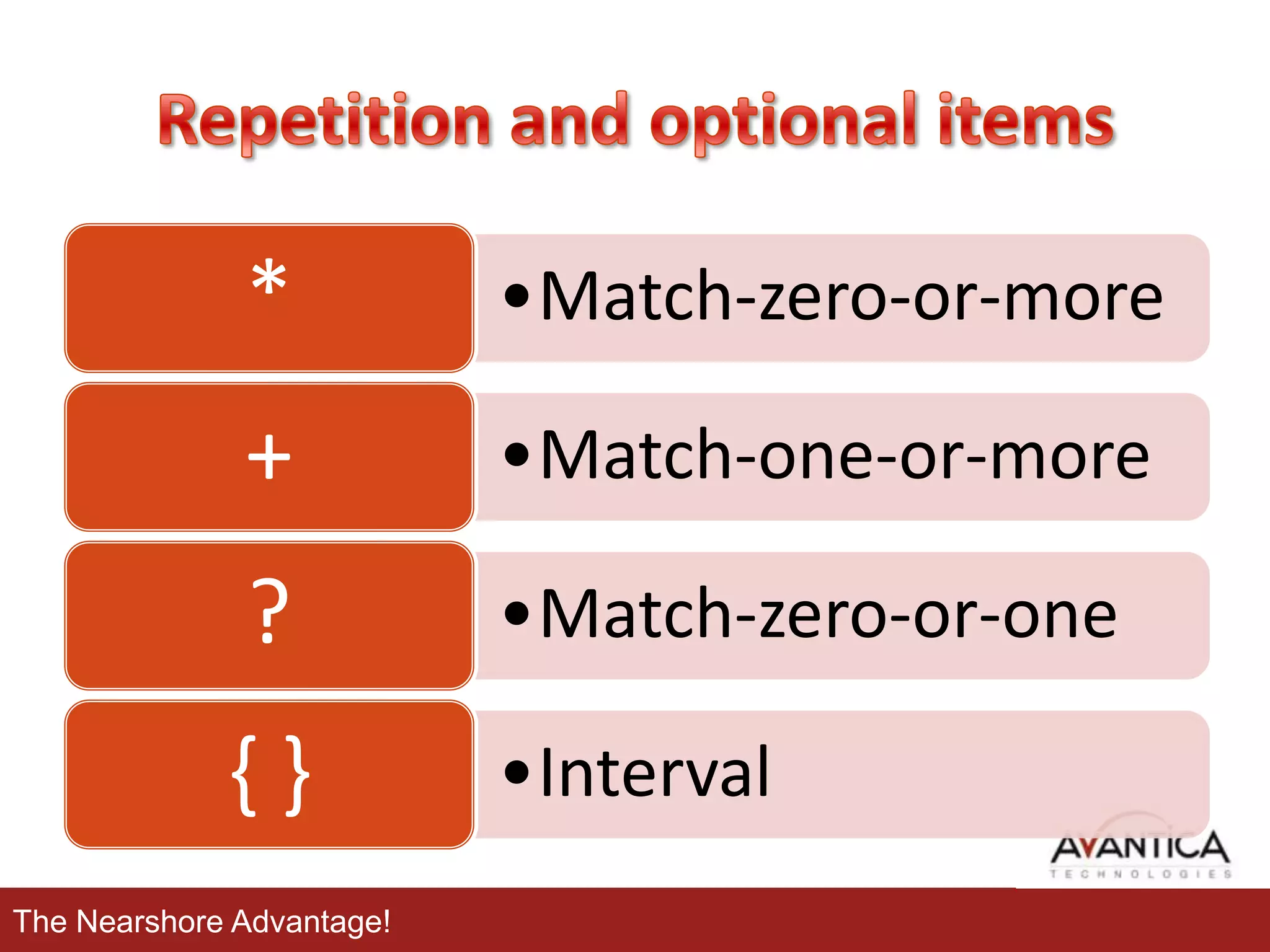
Repetition and optional items

– Extracting
•
•
•

Grouping
Alternation
Groups

– Replacing

•

Advanced topics
– Greediness
– Lookahead and lookbehind

•

Techniques for Faster Expressions

The Nearshore Advantage!
• Basically, a regular expression is a pattern
describing a certain amount of text.
• Their name comes from the mathematical
theory on which they are based.
• Regular expressions provide a
powerful, flexible, and efficient method for
processing text.
• Sometimes it is also named regex or regexp.
The Nearshore Advantage!
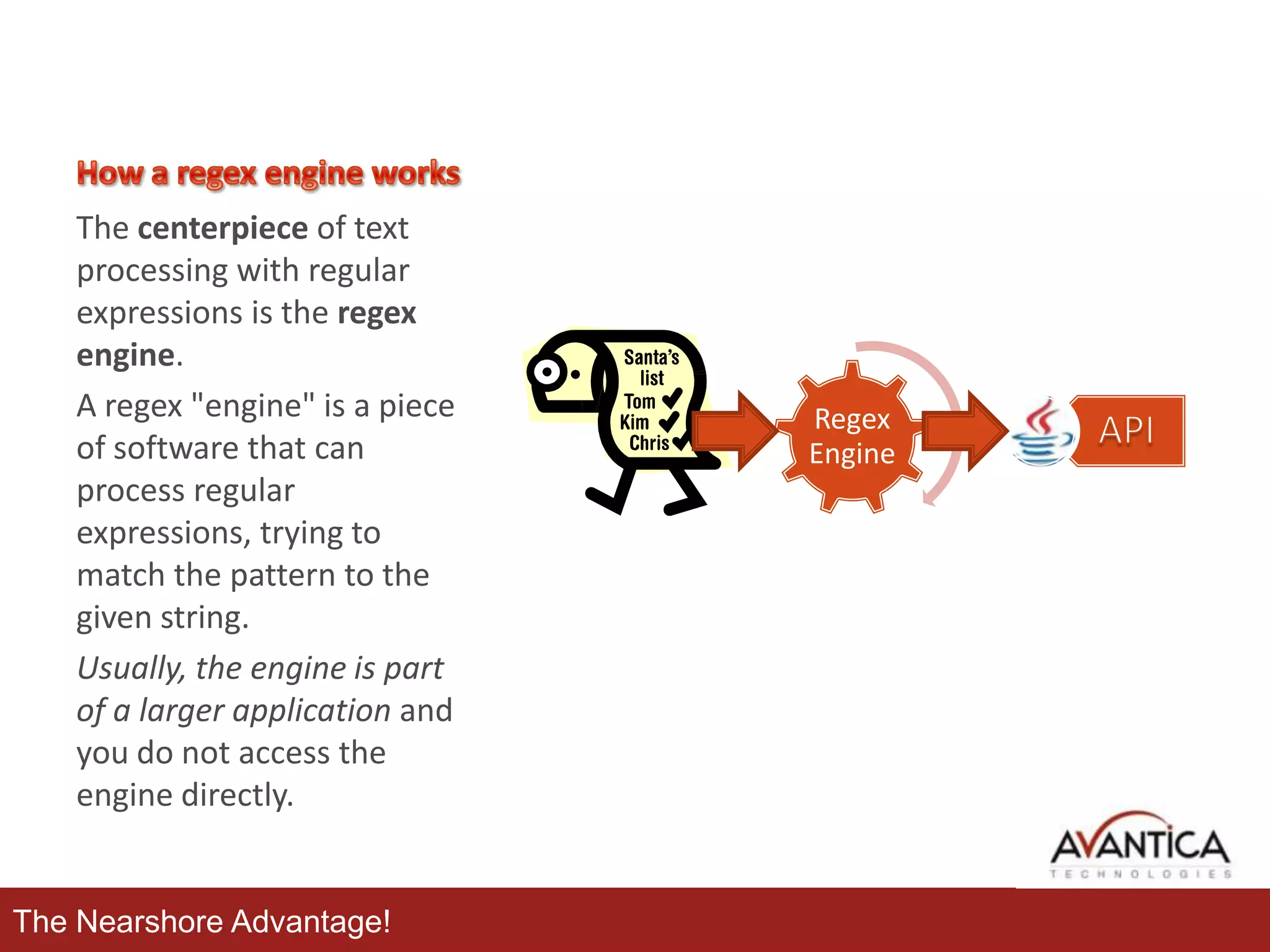
The centerpiece of text
processing with regular
expressions is the regex
engine.
A regex "engine" is a piece
of software that can
process regular
expressions, trying to
match the pattern to the
given string.
Usually, the engine is part
of a larger application and
you do not access the
engine directly.

The Nearshore Advantage!

Regex
Engine
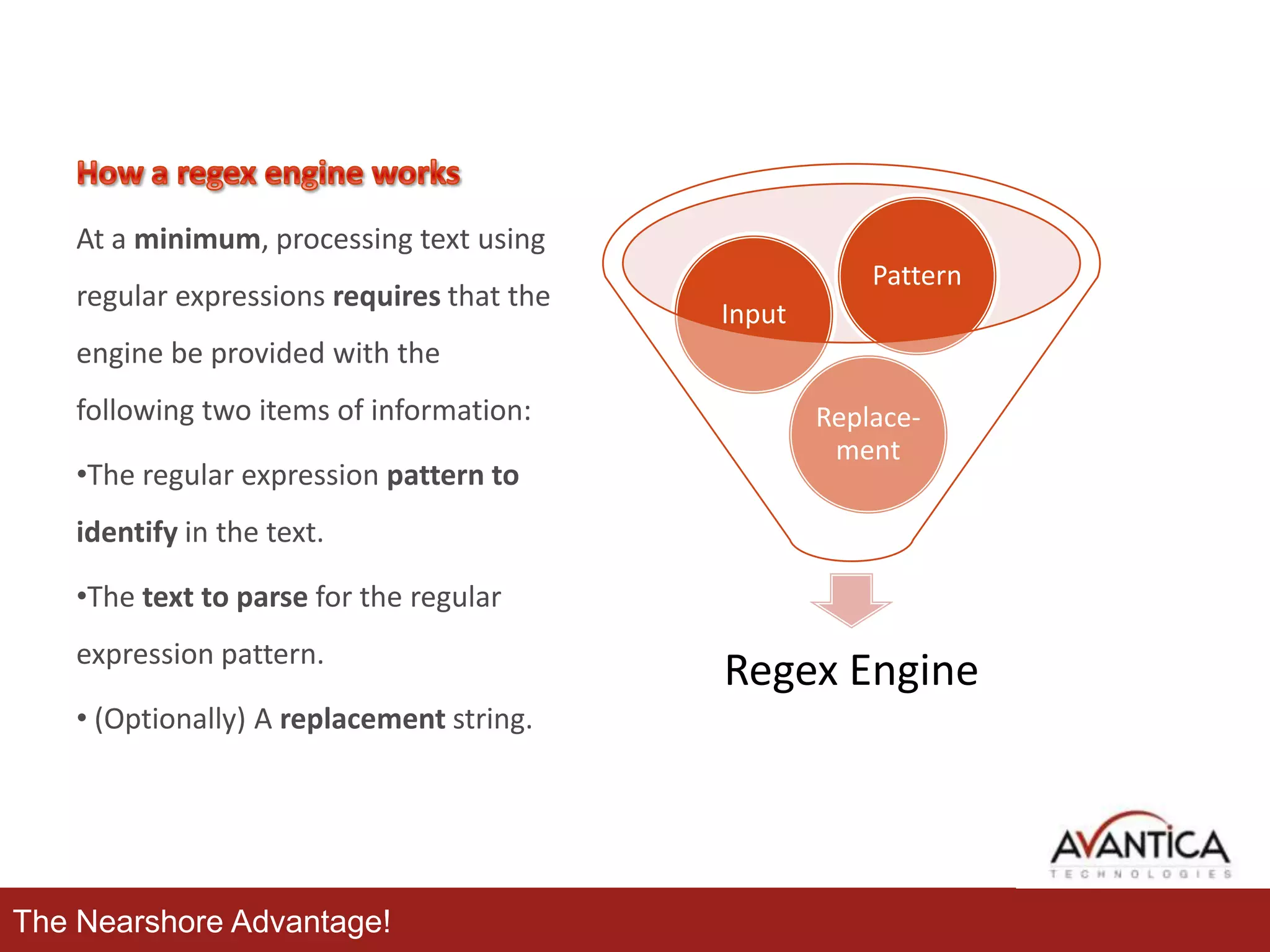
At a minimum, processing text using
regular expressions requires that the

Pattern
Input

engine be provided with the
following two items of information:

•The regular expression pattern to

Replacement

identify in the text.
•The text to parse for the regular
expression pattern.
• (Optionally) A replacement string.

The Nearshore Advantage!

Regex Engine
•

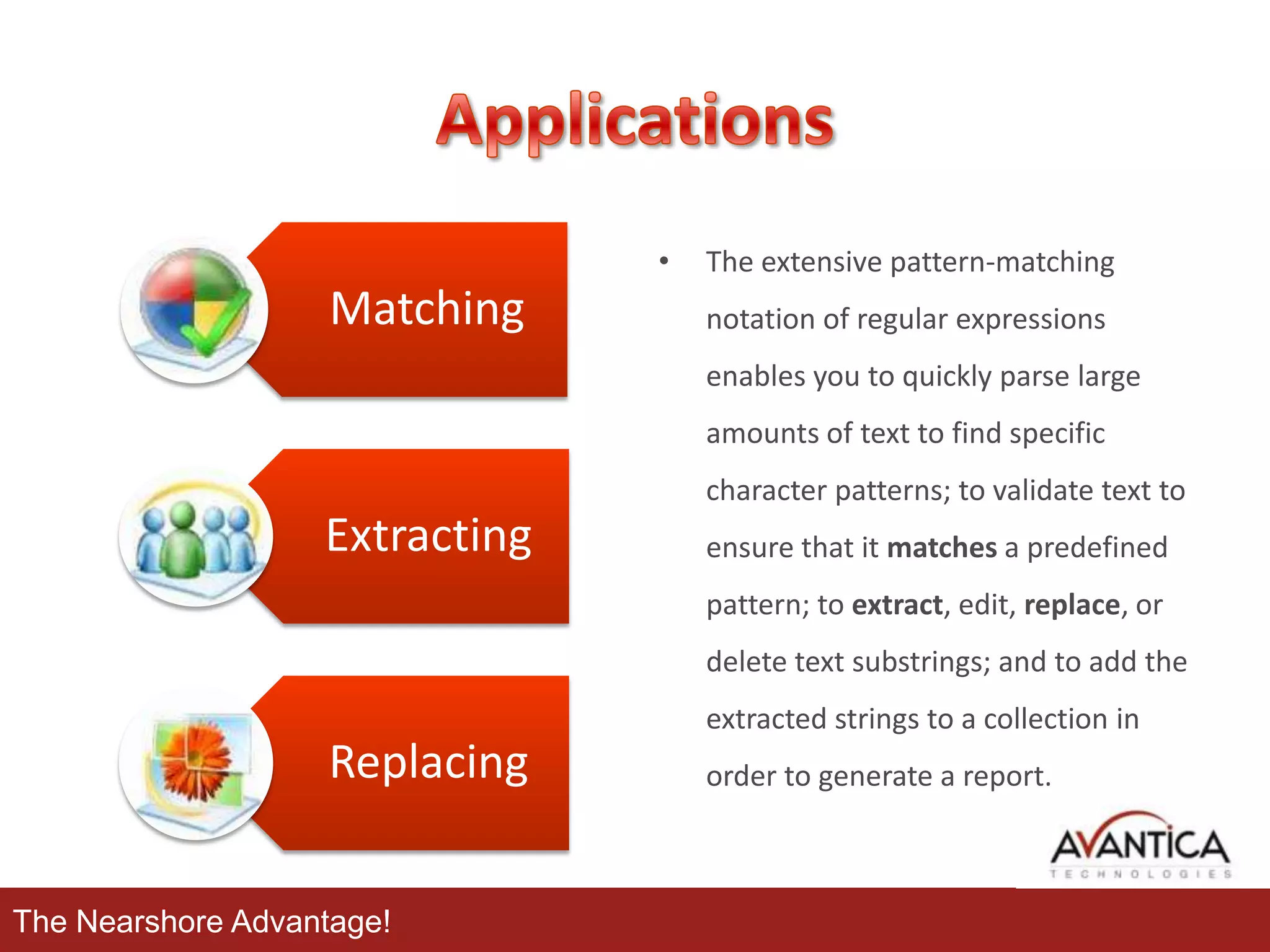
Matching

The extensive pattern-matching
notation of regular expressions
enables you to quickly parse large
amounts of text to find specific
character patterns; to validate text to

Extracting

ensure that it matches a predefined
pattern; to extract, edit, replace, or
delete text substrings; and to add the
extracted strings to a collection in

Replacing
The Nearshore Advantage!

order to generate a report.
Applications:

The Nearshore Advantage!
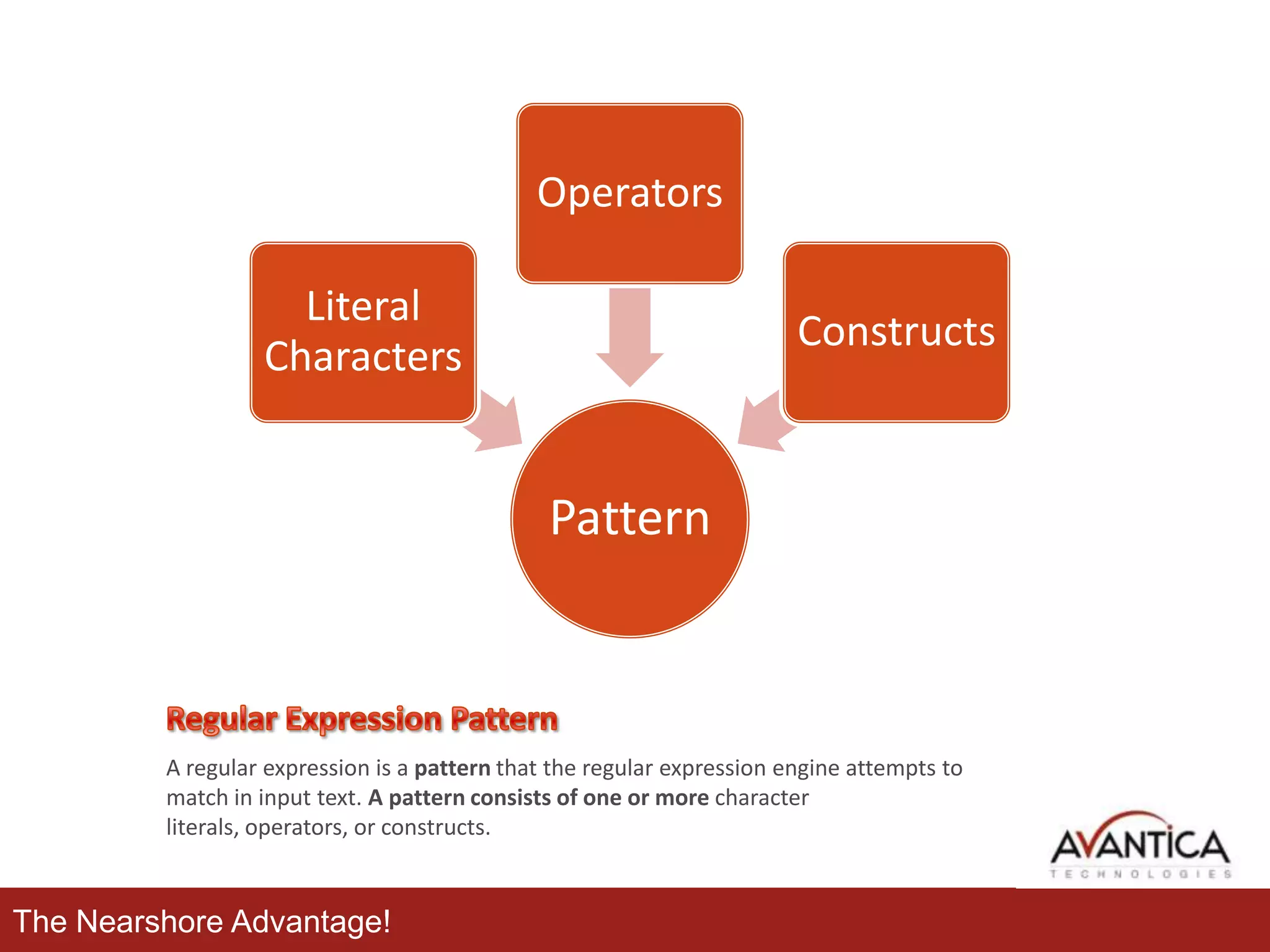
Operators
Literal
Characters

Constructs

Pattern

A regular expression is a pattern that the regular expression engine attempts to
match in input text. A pattern consists of one or more character
literals, operators, or constructs.

The Nearshore Advantage!
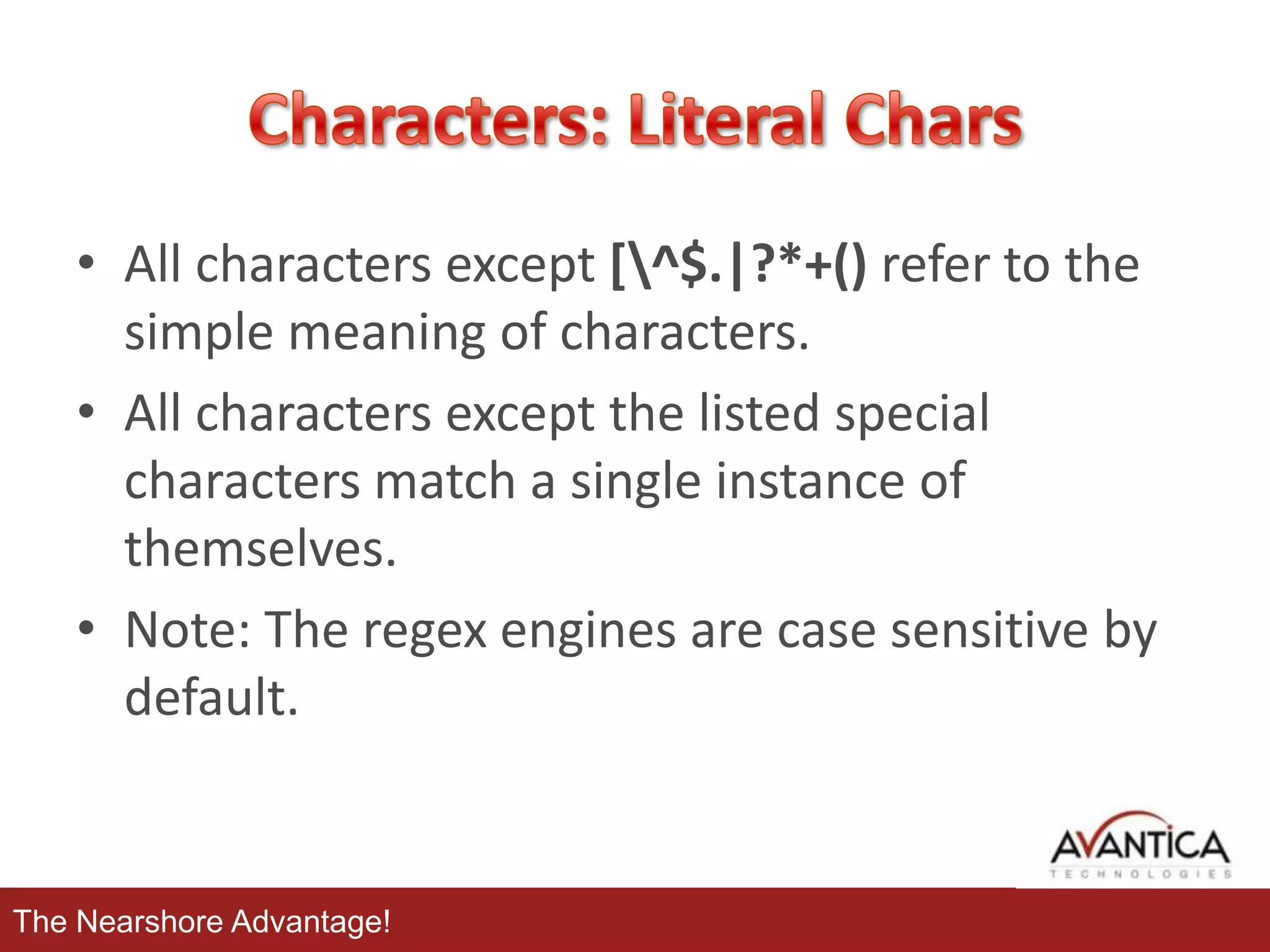
• All characters except [^$.|?*+() refer to the
simple meaning of characters.
• All characters except the listed special
characters match a single instance of
themselves.
• Note: The regex engines are case sensitive by
default.

The Nearshore Advantage!
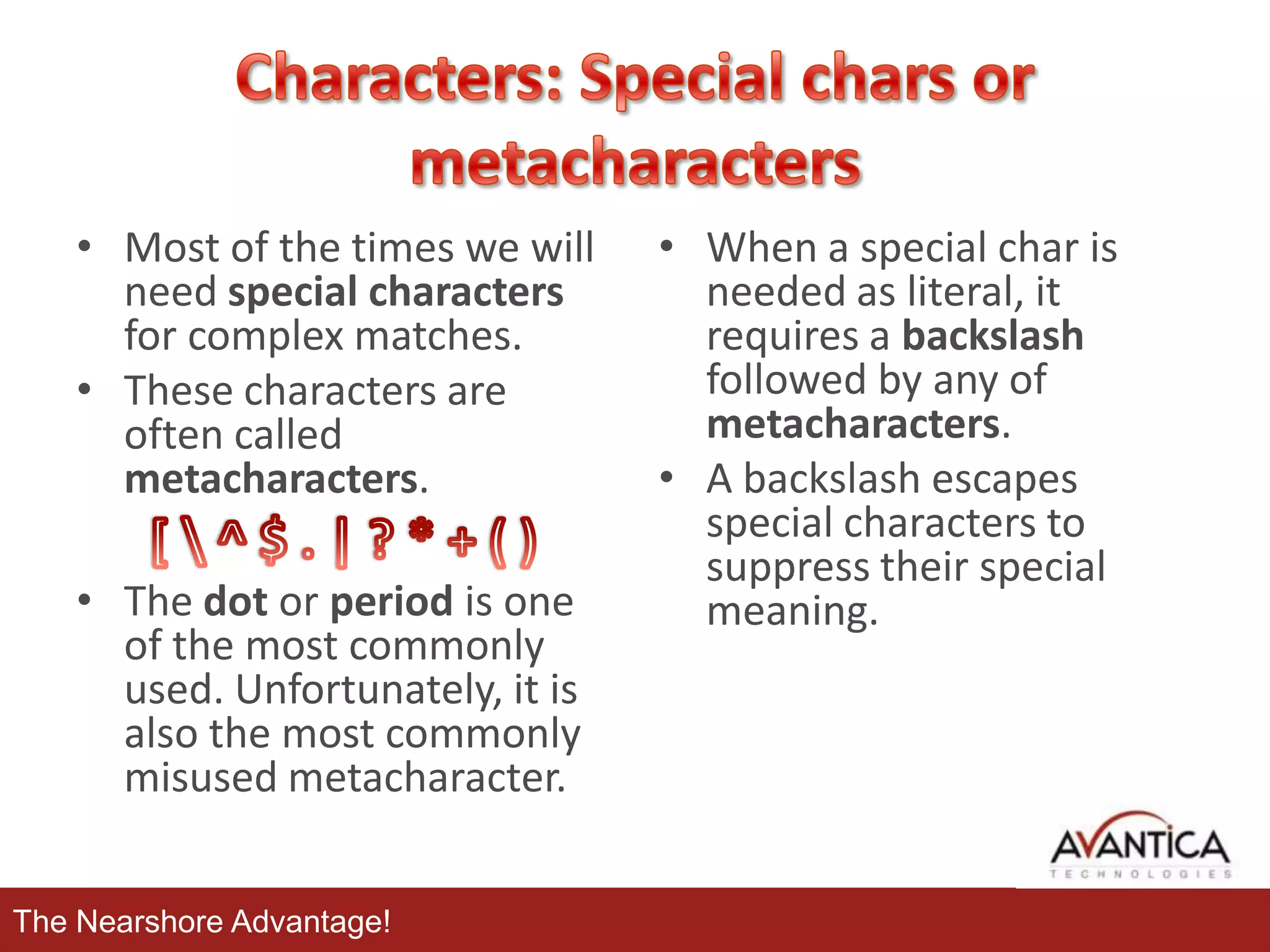
• Most of the times we will
need special characters
for complex matches.
• These characters are
often called
metacharacters.
• The dot or period is one
of the most commonly
used. Unfortunately, it is
also the most commonly
misused metacharacter.
The Nearshore Advantage!

• When a special char is
needed as literal, it
requires a backslash
followed by any of
metacharacters.
• A backslash escapes
special characters to
suppress their special
meaning.
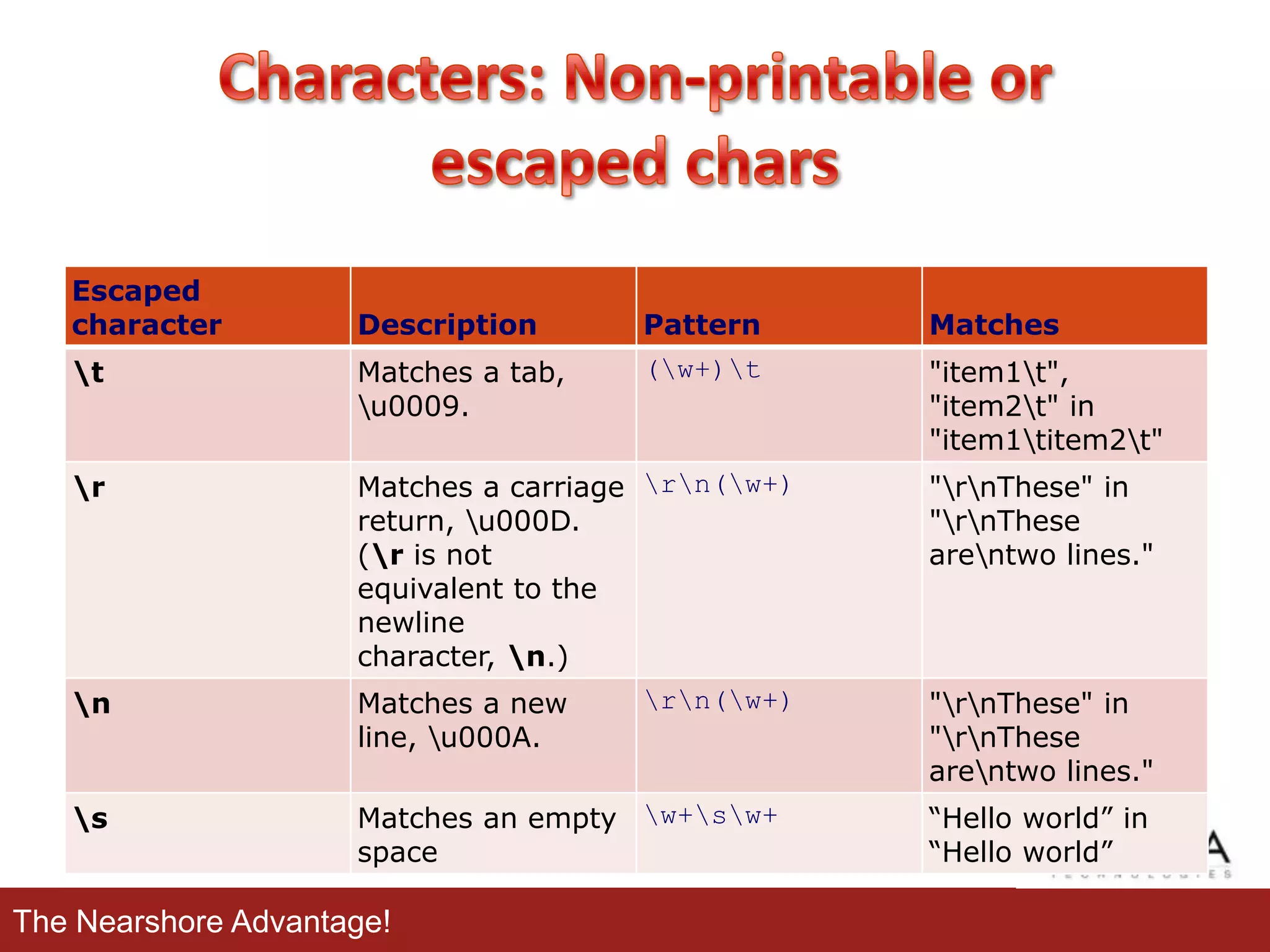
Escaped
character

Description

Pattern

Matches

t

Matches a tab,
u0009.

(w+)t

"item1t",
"item2t" in
"item1titem2t"

r

Matches a carriage rn(w+)
return, u000D.
(r is not
equivalent to the
newline
character, n.)

"rnThese" in
"rnThese
arentwo lines."

n

Matches a new
line, u000A.

rn(w+)

"rnThese" in
"rnThese
arentwo lines."

s

Matches an empty w+sw+
space

The Nearshore Advantage!

“Hello world” in
“Hello world”
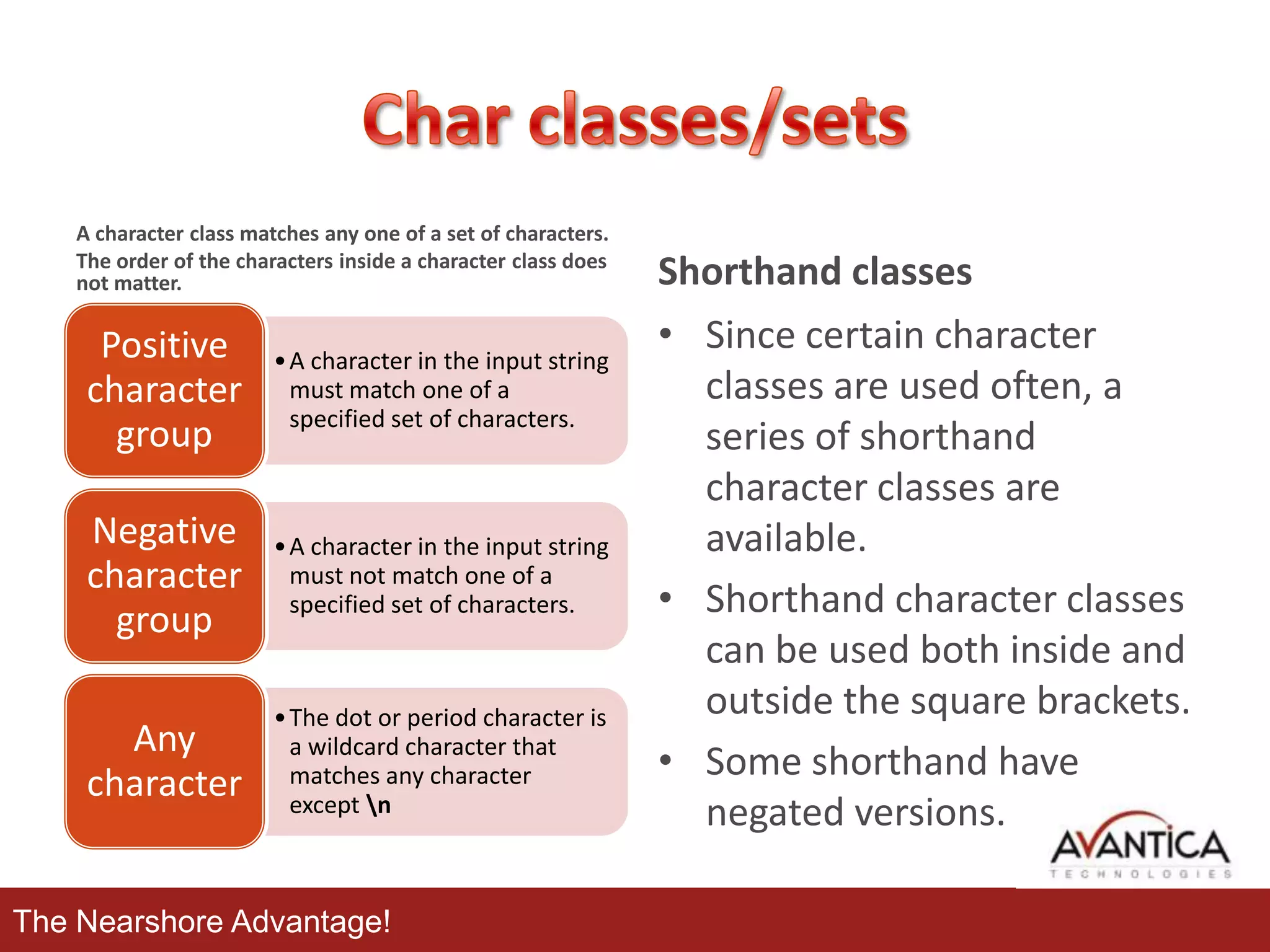
A character class matches any one of a set of characters.
The order of the characters inside a character class does
not matter.

Positive
character
group

• A character in the input string
must match one of a
specified set of characters.

Negative
character
group

• A character in the input string
must not match one of a
specified set of characters.

Any
character

• The dot or period character is
a wildcard character that
matches any character
except n

The Nearshore Advantage!

Shorthand classes
• Since certain character
classes are used often, a
series of shorthand
character classes are
available.
• Shorthand character classes
can be used both inside and
outside the square brackets.
• Some shorthand have
negated versions.
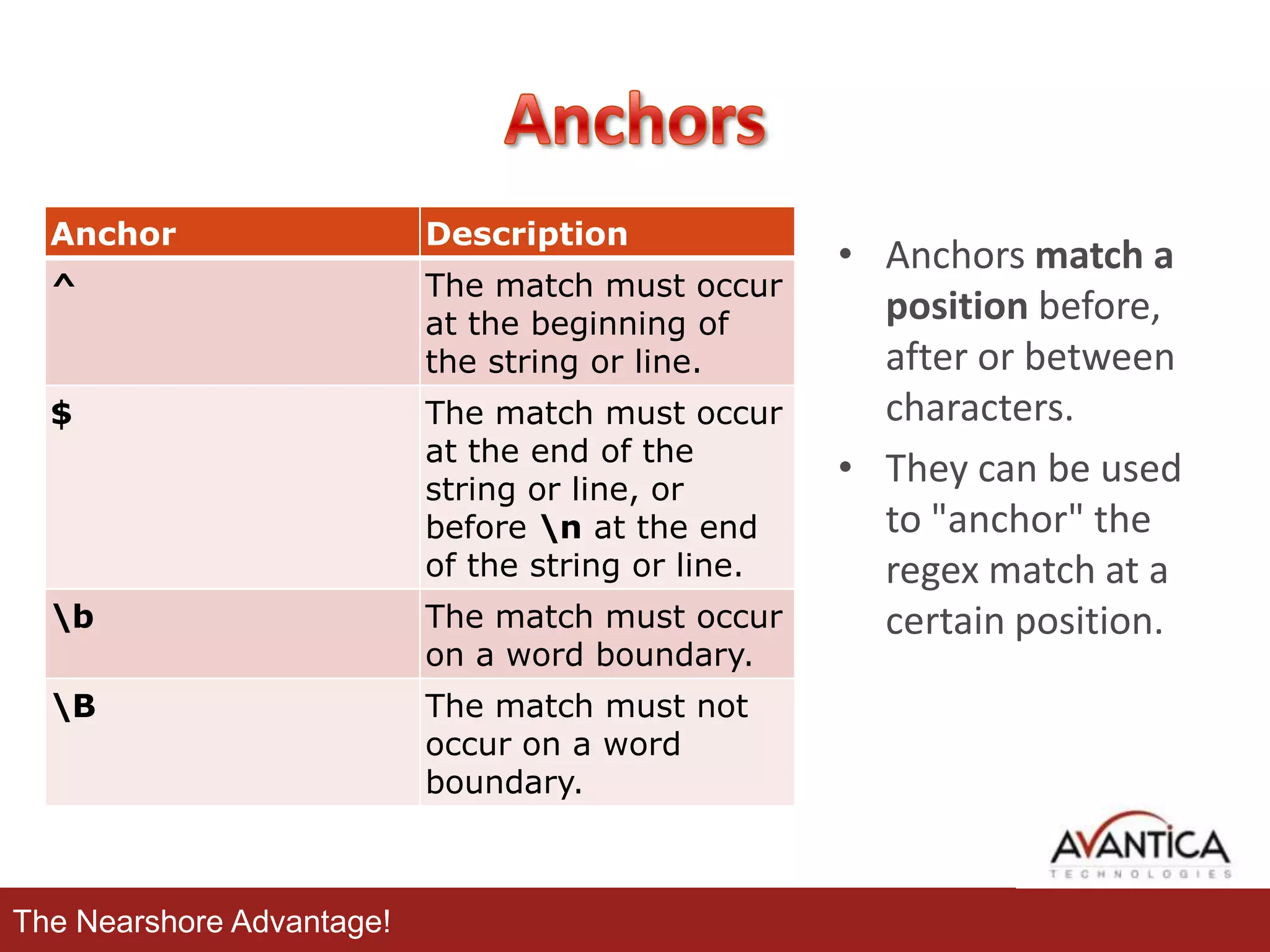
Anchor

Description

^

The match must occur
at the beginning of
the string or line.

$

The match must occur
at the end of the
string or line, or
before n at the end
of the string or line.

b

The match must occur
on a word boundary.

B

The match must not
occur on a word
boundary.

The Nearshore Advantage!

• Anchors match a
position before,
after or between
characters.
• They can be used
to "anchor" the
regex match at a
certain position.
*

•Match-zero-or-more

+

•Match-one-or-more

?

•Match-zero-or-one

{}

•Interval

The Nearshore Advantage!
Applications:

The Nearshore Advantage!
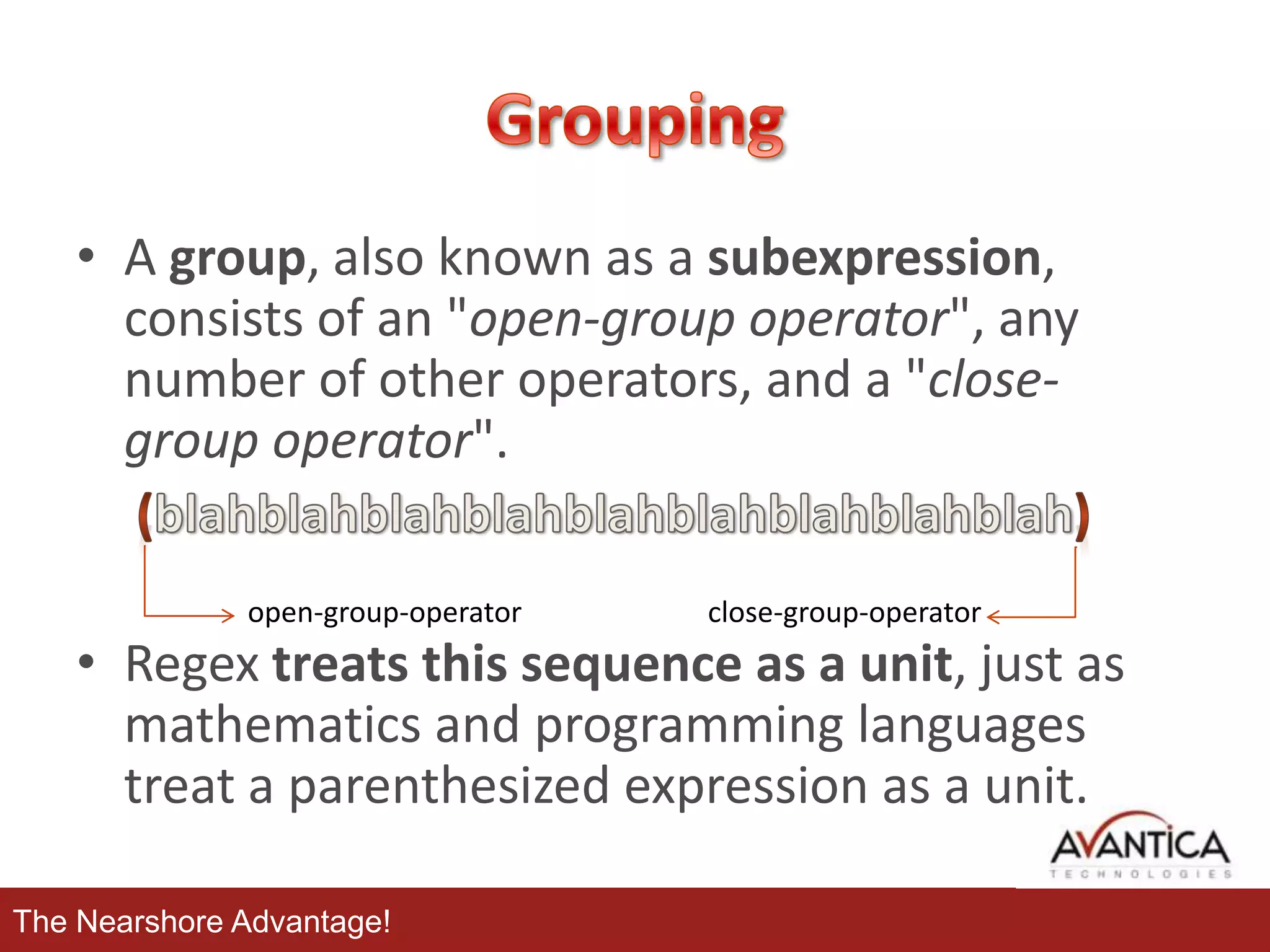
• A group, also known as a subexpression,
consists of an "open-group operator", any
number of other operators, and a "closegroup operator".
open-group-operator

close-group-operator

• Regex treats this sequence as a unit, just as
mathematics and programming languages
treat a parenthesized expression as a unit.
The Nearshore Advantage!
• Alternation match one of a choice of regular
expressions:
– If you put the character(s) representing the
alternation operator between any two regular
expressions A and B, the result matches the
union of the strings that A and B match.

• It operates on the largest possible surrounding
regular expressions. Thus, the only way you
can delimit its arguments is to use grouping.
The Nearshore Advantage!
• By placing part of a regular expression inside
round brackets or parentheses, you can group
that part of the regular expression together.

The Nearshore Advantage!
Applications:

The Nearshore Advantage!
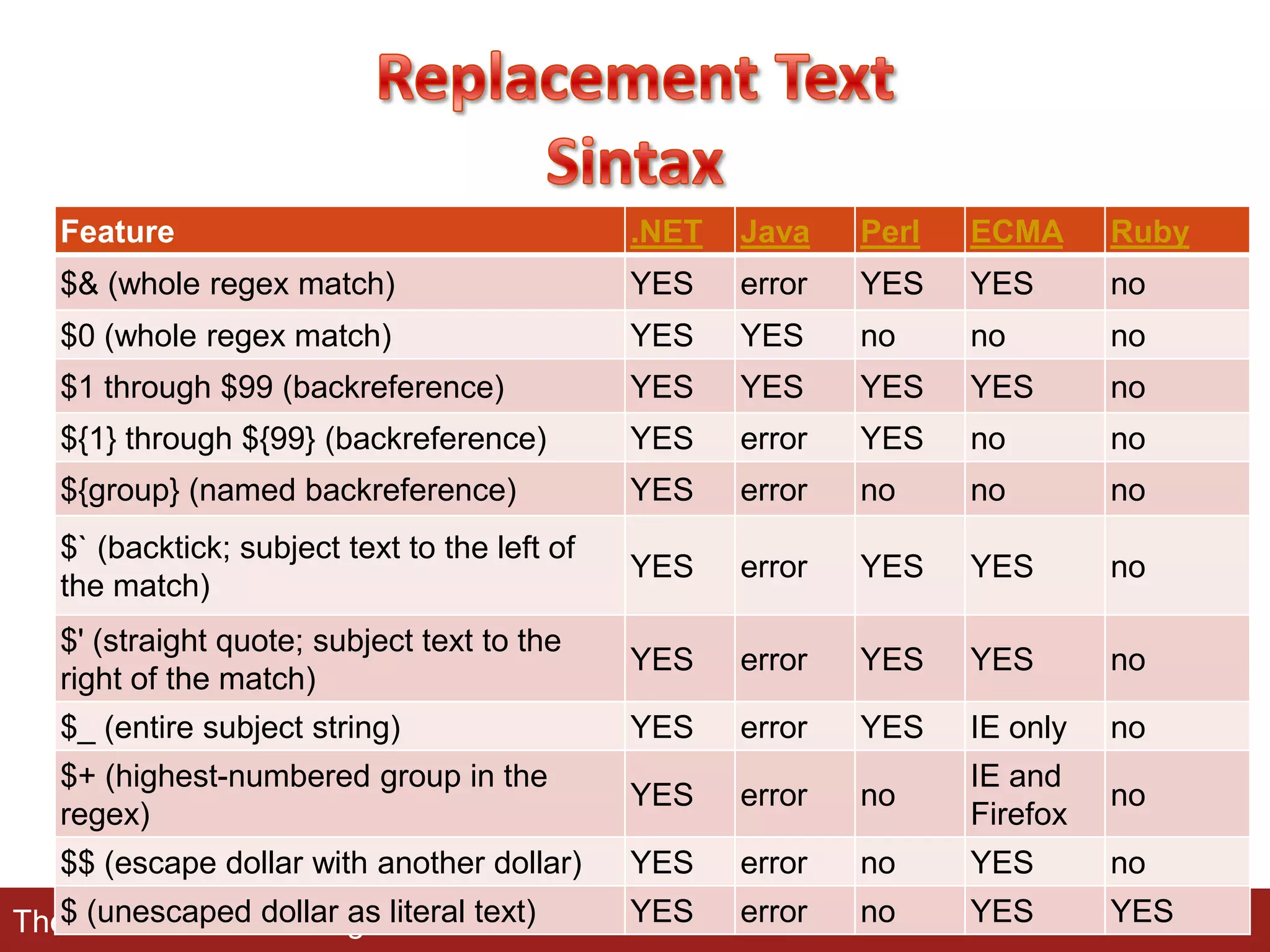
Feature

.NET

Java

Perl

ECMA

Ruby

$& (whole regex match)

YES

error

YES

YES

no

$0 (whole regex match)

YES

YES

no

no

no

$1 through $99 (backreference)

YES

YES

YES

YES

no

${1} through ${99} (backreference)

YES

error

YES

no

no

${group} (named backreference)

YES

error

no

no

no

$` (backtick; subject text to the left of
the match)

YES

error

YES

YES

no

$' (straight quote; subject text to the
right of the match)

YES

error

YES

YES

no

$_ (entire subject string)

YES

error

YES

IE only

no

$+ (highest-numbered group in the
regex)

YES

error

no

IE and
Firefox

no

$$ (escape dollar with another dollar)

YES

error

no

YES

no

YES

error

no

YES

YES

$ (unescaped dollar as
The Nearshore Advantage!literal text)
The Nearshore Advantage!
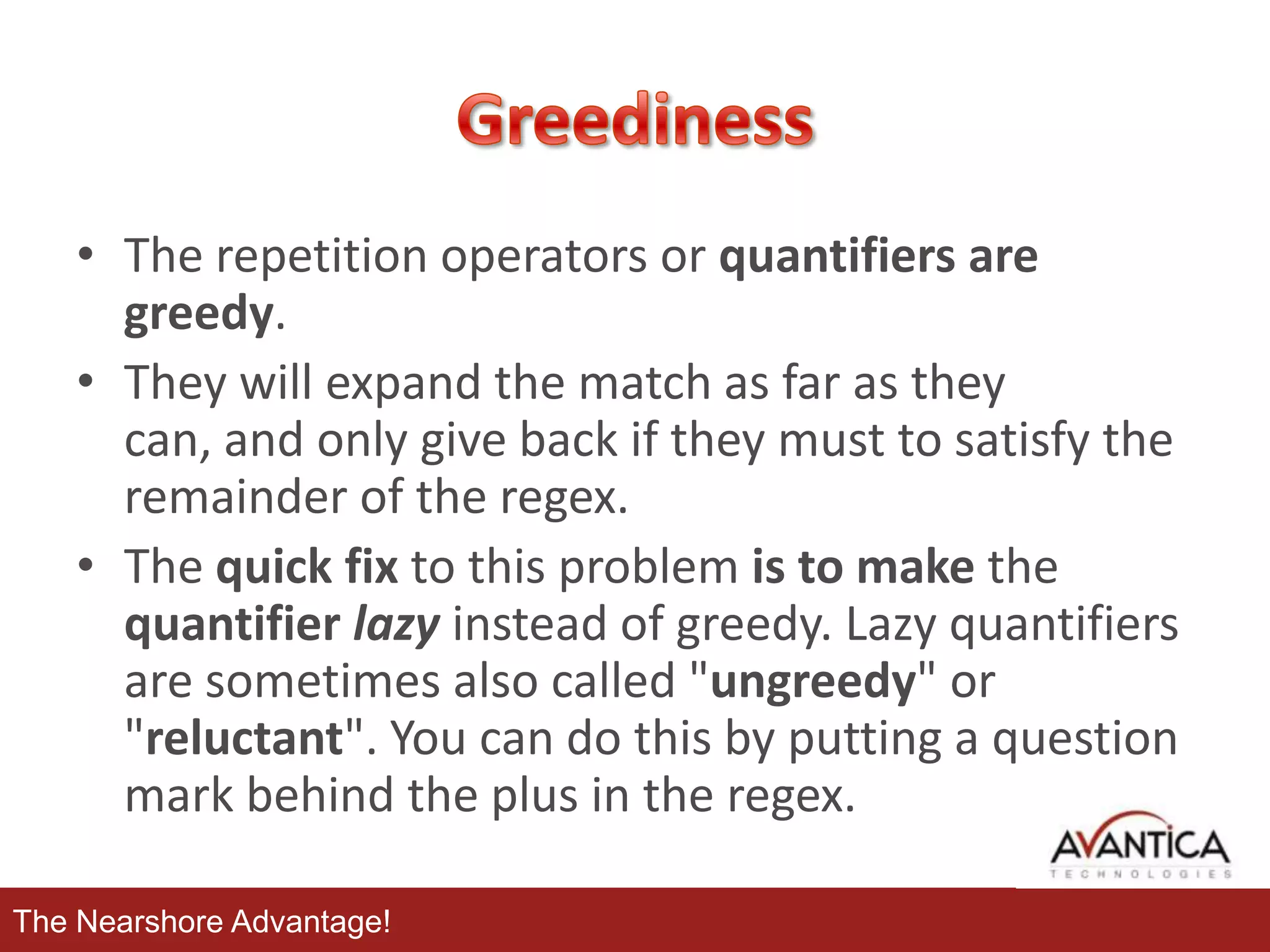
• The repetition operators or quantifiers are
greedy.
• They will expand the match as far as they
can, and only give back if they must to satisfy the
remainder of the regex.
• The quick fix to this problem is to make the
quantifier lazy instead of greedy. Lazy quantifiers
are sometimes also called "ungreedy" or
"reluctant". You can do this by putting a question
mark behind the plus in the regex.
The Nearshore Advantage!
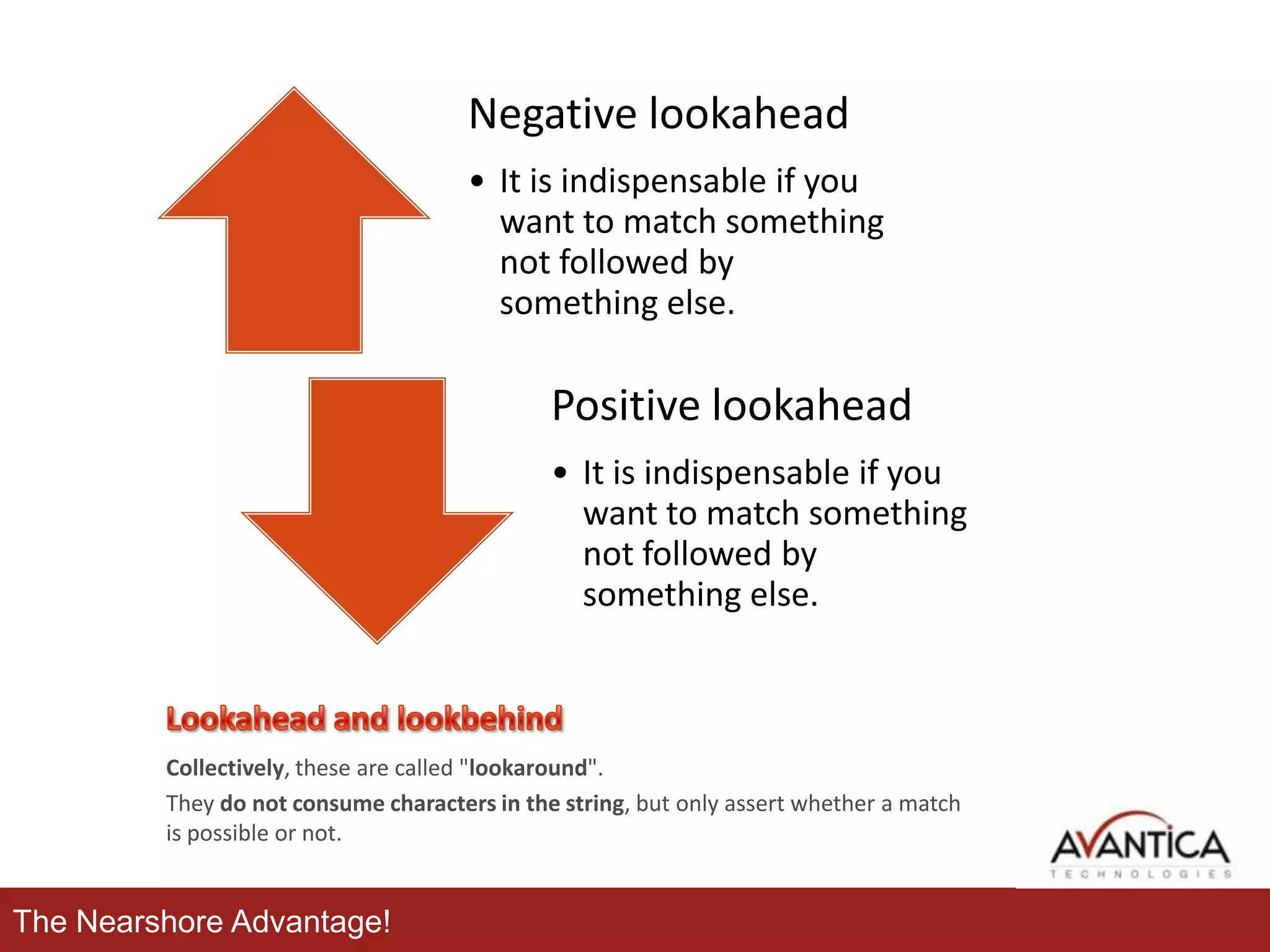
Negative lookahead
• It is indispensable if you
want to match something
not followed by
something else.

Positive lookahead
• It is indispensable if you
want to match something
not followed by
something else.

Collectively, these are called "lookaround".
They do not consume characters in the string, but only assert whether a match
is possible or not.

The Nearshore Advantage!
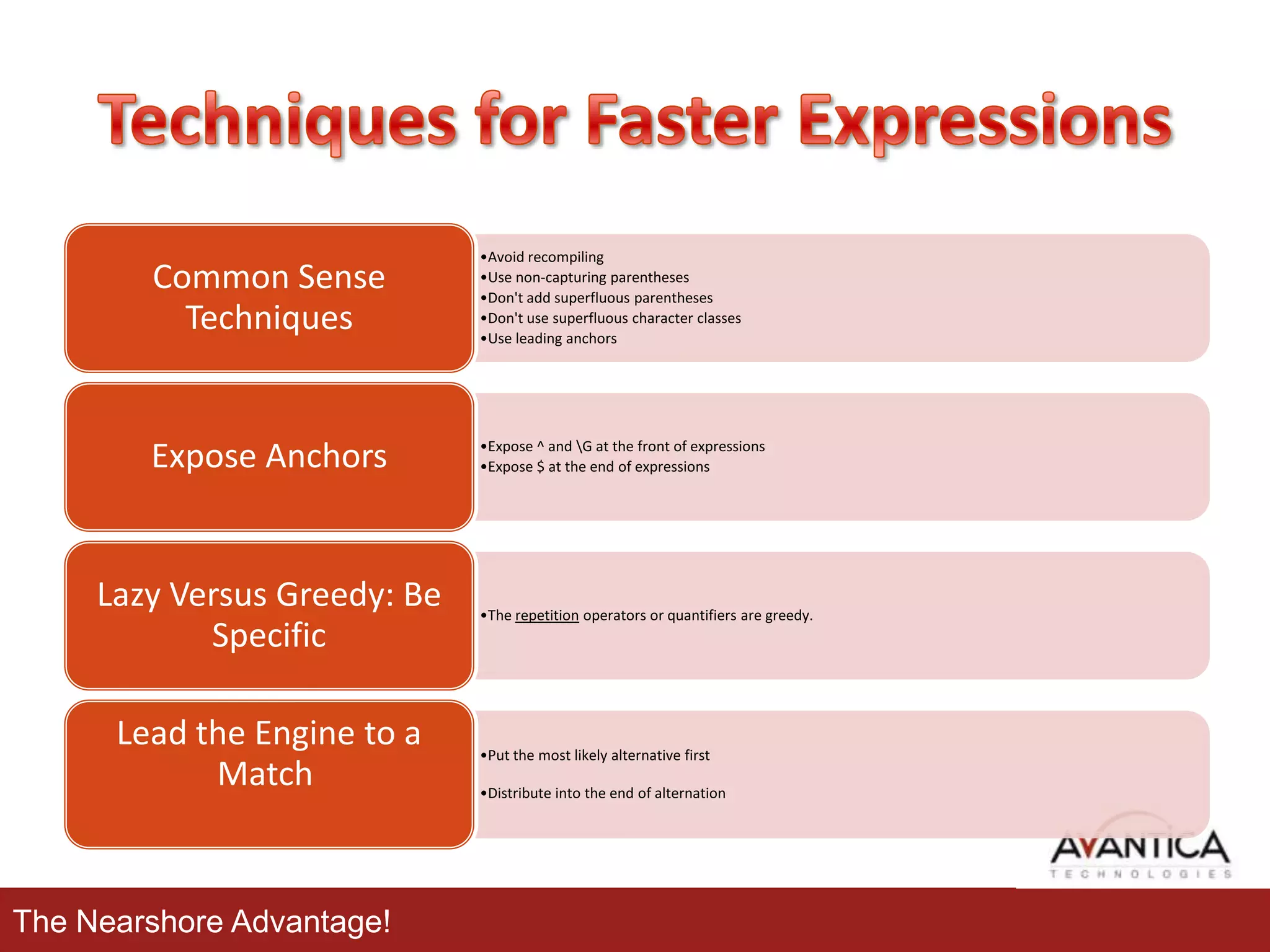
Common Sense
Techniques

•Avoid recompiling
•Use non-capturing parentheses
•Don't add superfluous parentheses
•Don't use superfluous character classes
•Use leading anchors

Expose Anchors

•Expose ^ and G at the front of expressions
•Expose $ at the end of expressions

Lazy Versus Greedy: Be
Specific
Lead the Engine to a
Match

The Nearshore Advantage!

•The repetition operators or quantifiers are greedy.

•Put the most likely alternative first
•Distribute into the end of alternation
The Nearshore Advantage!
• Regex Testers
– http://www.gskinner.com/RegExr/
– http://osteele.com/tools/rework/

• Regex Patterns Library
– http://regexlib.com

• Complete Tutorials
– http://www.regular-expressions.info/
– Javascript:
• http://www.w3schools.com/jsref/jsref_obj_regexp.asp

– .NET:
• http://msdn.microsoft.com/en-us/library/hs600312.aspx

– Java:
• http://java.sun.com/docs/books/tutorial/essential/regex/index.html

The Nearshore Advantage!

Regular expressions

  • 1.
  • 2.
    • • • Definition How a regexengine works Applications – Matching • • Regex Pattern Characters – – – • • Literal Characters Special characters Character classes/sets Anchors Repetition and optional items – Extracting • • • Grouping Alternation Groups – Replacing • Advanced topics – Greediness – Lookahead and lookbehind • Techniques for Faster Expressions The Nearshore Advantage!
  • 3.
    • Basically, aregular expression is a pattern describing a certain amount of text. • Their name comes from the mathematical theory on which they are based. • Regular expressions provide a powerful, flexible, and efficient method for processing text. • Sometimes it is also named regex or regexp. The Nearshore Advantage!
  • 4.
    The centerpiece oftext processing with regular expressions is the regex engine. A regex "engine" is a piece of software that can process regular expressions, trying to match the pattern to the given string. Usually, the engine is part of a larger application and you do not access the engine directly. The Nearshore Advantage! Regex Engine
  • 5.
    At a minimum,processing text using regular expressions requires that the Pattern Input engine be provided with the following two items of information: •The regular expression pattern to Replacement identify in the text. •The text to parse for the regular expression pattern. • (Optionally) A replacement string. The Nearshore Advantage! Regex Engine
  • 6.
    • Matching The extensive pattern-matching notationof regular expressions enables you to quickly parse large amounts of text to find specific character patterns; to validate text to Extracting ensure that it matches a predefined pattern; to extract, edit, replace, or delete text substrings; and to add the extracted strings to a collection in Replacing The Nearshore Advantage! order to generate a report.
  • 7.
  • 8.
    Operators Literal Characters Constructs Pattern A regular expressionis a pattern that the regular expression engine attempts to match in input text. A pattern consists of one or more character literals, operators, or constructs. The Nearshore Advantage!
  • 9.
    • All charactersexcept [^$.|?*+() refer to the simple meaning of characters. • All characters except the listed special characters match a single instance of themselves. • Note: The regex engines are case sensitive by default. The Nearshore Advantage!
  • 10.
    • Most ofthe times we will need special characters for complex matches. • These characters are often called metacharacters. • The dot or period is one of the most commonly used. Unfortunately, it is also the most commonly misused metacharacter. The Nearshore Advantage! • When a special char is needed as literal, it requires a backslash followed by any of metacharacters. • A backslash escapes special characters to suppress their special meaning.
  • 11.
    Escaped character Description Pattern Matches t Matches a tab, u0009. (w+)t "item1t", "item2t"in "item1titem2t" r Matches a carriage rn(w+) return, u000D. (r is not equivalent to the newline character, n.) "rnThese" in "rnThese arentwo lines." n Matches a new line, u000A. rn(w+) "rnThese" in "rnThese arentwo lines." s Matches an empty w+sw+ space The Nearshore Advantage! “Hello world” in “Hello world”
  • 12.
    A character classmatches any one of a set of characters. The order of the characters inside a character class does not matter. Positive character group • A character in the input string must match one of a specified set of characters. Negative character group • A character in the input string must not match one of a specified set of characters. Any character • The dot or period character is a wildcard character that matches any character except n The Nearshore Advantage! Shorthand classes • Since certain character classes are used often, a series of shorthand character classes are available. • Shorthand character classes can be used both inside and outside the square brackets. • Some shorthand have negated versions.
  • 13.
    Anchor Description ^ The match mustoccur at the beginning of the string or line. $ The match must occur at the end of the string or line, or before n at the end of the string or line. b The match must occur on a word boundary. B The match must not occur on a word boundary. The Nearshore Advantage! • Anchors match a position before, after or between characters. • They can be used to "anchor" the regex match at a certain position.
  • 14.
  • 15.
  • 16.
  • 17.
    • A group,also known as a subexpression, consists of an "open-group operator", any number of other operators, and a "closegroup operator". open-group-operator close-group-operator • Regex treats this sequence as a unit, just as mathematics and programming languages treat a parenthesized expression as a unit. The Nearshore Advantage!
  • 18.
    • Alternation matchone of a choice of regular expressions: – If you put the character(s) representing the alternation operator between any two regular expressions A and B, the result matches the union of the strings that A and B match. • It operates on the largest possible surrounding regular expressions. Thus, the only way you can delimit its arguments is to use grouping. The Nearshore Advantage!
  • 19.
    • By placingpart of a regular expression inside round brackets or parentheses, you can group that part of the regular expression together. The Nearshore Advantage!
  • 20.
  • 21.
    Feature .NET Java Perl ECMA Ruby $& (whole regexmatch) YES error YES YES no $0 (whole regex match) YES YES no no no $1 through $99 (backreference) YES YES YES YES no ${1} through ${99} (backreference) YES error YES no no ${group} (named backreference) YES error no no no $` (backtick; subject text to the left of the match) YES error YES YES no $' (straight quote; subject text to the right of the match) YES error YES YES no $_ (entire subject string) YES error YES IE only no $+ (highest-numbered group in the regex) YES error no IE and Firefox no $$ (escape dollar with another dollar) YES error no YES no YES error no YES YES $ (unescaped dollar as The Nearshore Advantage!literal text)
  • 22.
  • 23.
    • The repetitionoperators or quantifiers are greedy. • They will expand the match as far as they can, and only give back if they must to satisfy the remainder of the regex. • The quick fix to this problem is to make the quantifier lazy instead of greedy. Lazy quantifiers are sometimes also called "ungreedy" or "reluctant". You can do this by putting a question mark behind the plus in the regex. The Nearshore Advantage!
  • 24.
    Negative lookahead • Itis indispensable if you want to match something not followed by something else. Positive lookahead • It is indispensable if you want to match something not followed by something else. Collectively, these are called "lookaround". They do not consume characters in the string, but only assert whether a match is possible or not. The Nearshore Advantage!
  • 25.
    Common Sense Techniques •Avoid recompiling •Usenon-capturing parentheses •Don't add superfluous parentheses •Don't use superfluous character classes •Use leading anchors Expose Anchors •Expose ^ and G at the front of expressions •Expose $ at the end of expressions Lazy Versus Greedy: Be Specific Lead the Engine to a Match The Nearshore Advantage! •The repetition operators or quantifiers are greedy. •Put the most likely alternative first •Distribute into the end of alternation
  • 26.
  • 27.
    • Regex Testers –http://www.gskinner.com/RegExr/ – http://osteele.com/tools/rework/ • Regex Patterns Library – http://regexlib.com • Complete Tutorials – http://www.regular-expressions.info/ – Javascript: • http://www.w3schools.com/jsref/jsref_obj_regexp.asp – .NET: • http://msdn.microsoft.com/en-us/library/hs600312.aspx – Java: • http://java.sun.com/docs/books/tutorial/essential/regex/index.html The Nearshore Advantage!

Editor's Notes

  • #14 Anchors do not match any character at all. Instead, they match a position before, after or between characters. They can be used to "anchor" the regex match at a certain position. The caret ^ matches the position before the first character in the string. Applying ^a to abc matches a. ^b will not match abc at all, because the b cannot be matched right after the start of the string, matched by ^. See below for the inside view of the regex engine.Similarly, $ matches right after the last character in the string. c$ matches c in abc, while a$ does not match at all.There are three different positions that qualify as wordboundaries:Before the first character in the string, if the first character is a word character.After the last character in the string, if the last character is a word character.Between two characters in the string, where one is a word character and the other is not a word character.
  • #15 Limiting Repetition { }Modern regex flavors (regex engines), like those discussed in this tutorial, have an additional repetition operator that allows you to specify how many times a token can be repeated. The syntax is {min,max}, where min is a positive integer number indicating the minimum number of matches, and max is an integer equal to or greater than min indicating the maximum number of matches. If the comma is present but max is omitted, the maximum number of matches is infinite. So {0,} is the same as*, and {1,} is the same as +. Omitting both the comma and max tells the engine to repeat the token exactly min times.
  • #19 If you want to search for the literal text cat or dog, separate both options with a vertical bar or pipe symbol: cat|dog. If you want more options, simply expand the list: cat|dog|mouse|fish .The alternation operator has the lowest precedence of all regex operators. That is, it tells the regex engine to match either everything to the left of the vertical bar, or everything to the right of the vertical bar. If you want to limit the reach of the alternation, you will need to use round brackets for grouping. If we want to improve the first example to match whole words only, we would need to use \b(cat|dog)\b. This tells the regex engine to find a word boundary, then either "cat" or "dog", and then another word boundary.