R 50 M
Maarten Mulders (@mthmulders)#reactin50mins
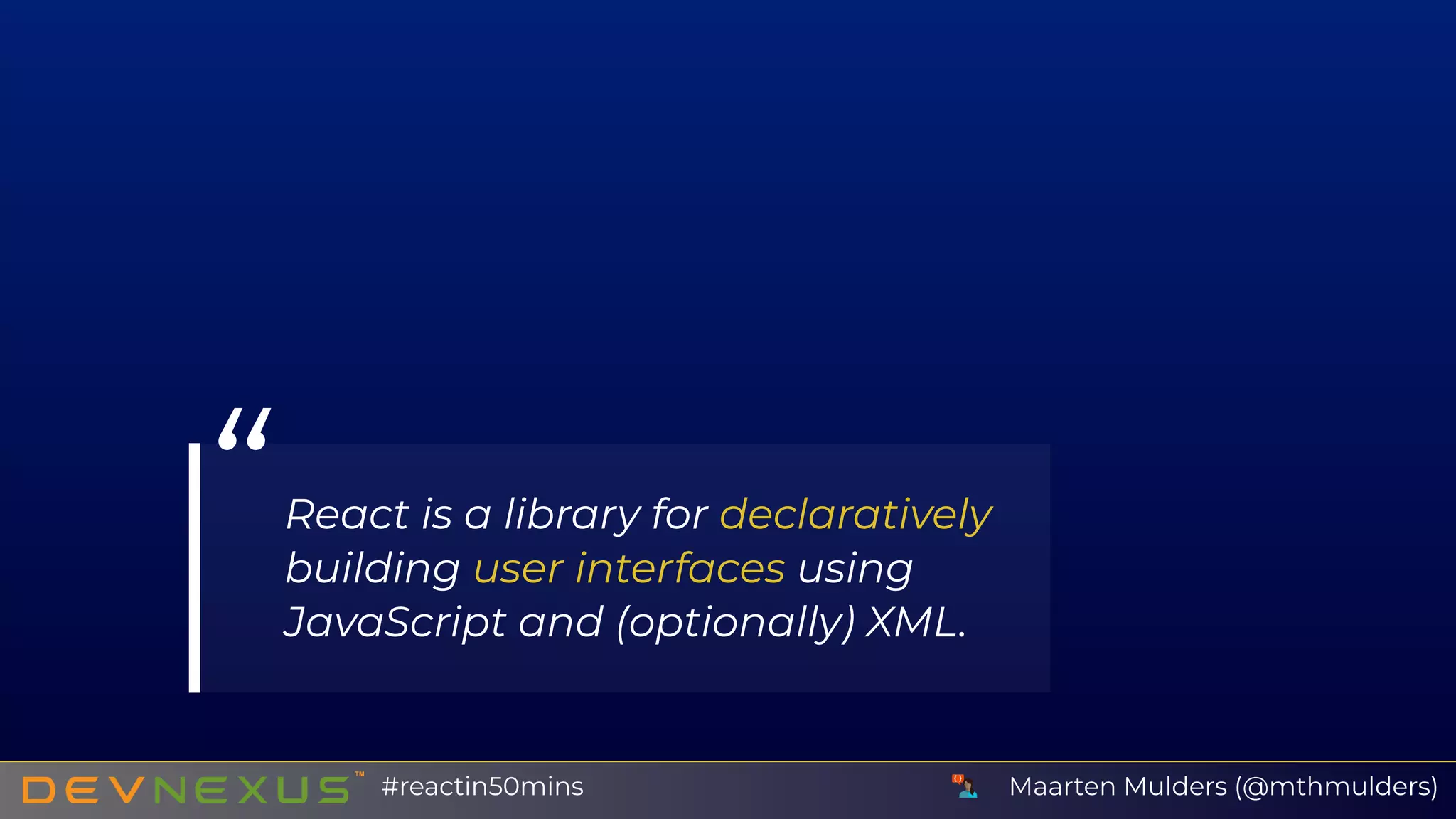
“React is a library for declaratively
building user interfaces using
JavaScript and (optionally) XML.
Maarten Mulders (@mthmulders)#reactin50mins
R
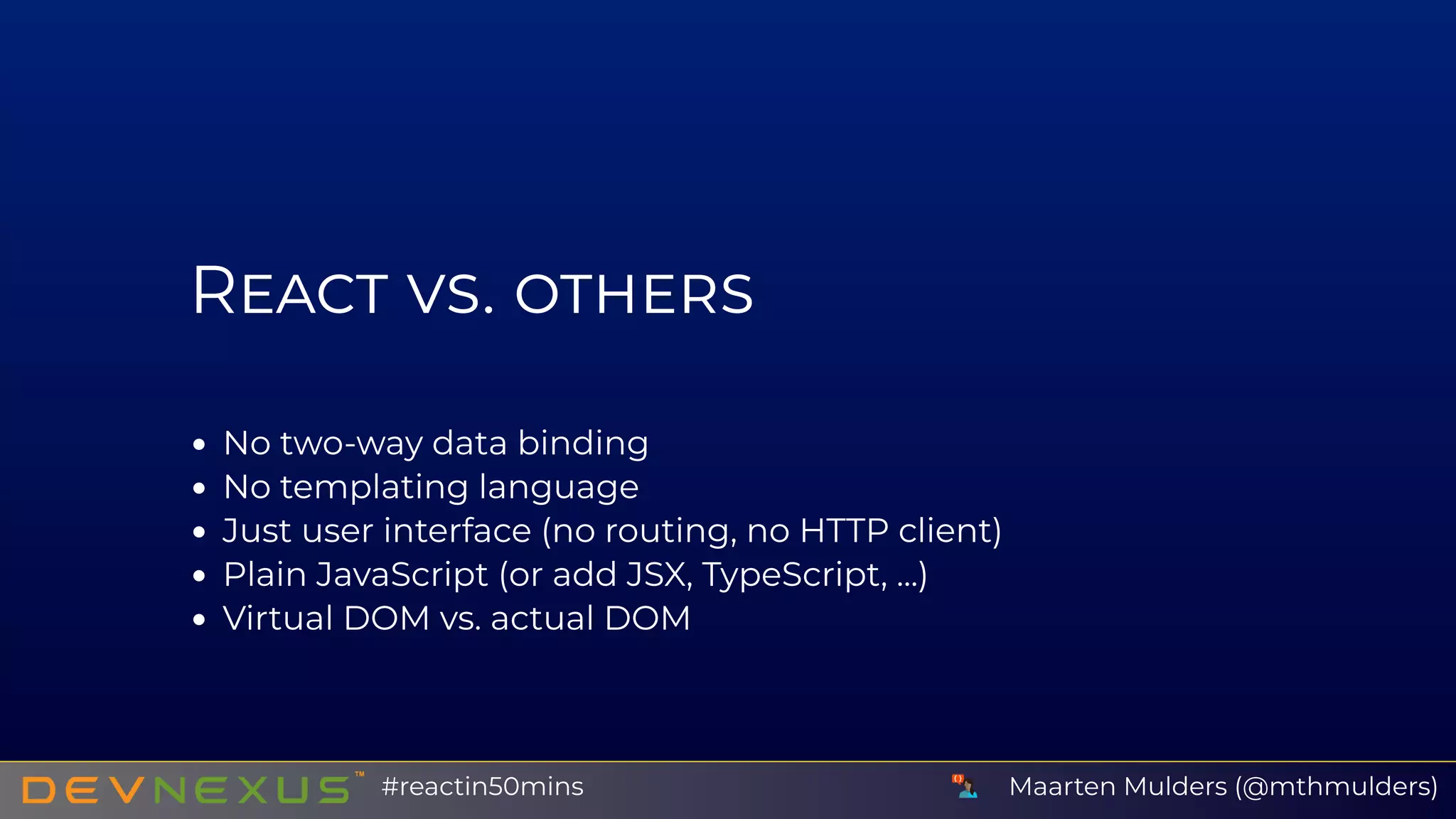
No two-way data binding
No templating language
Just user interface (no routing, no HTTP client)
Plain JavaScript (or add JSX, TypeScript, ...)
Virtual DOM vs. actual DOM
Maarten Mulders (@mthmulders)#reactin50mins
M J S
Maarten Mulders (@mthmulders)#reactin50mins
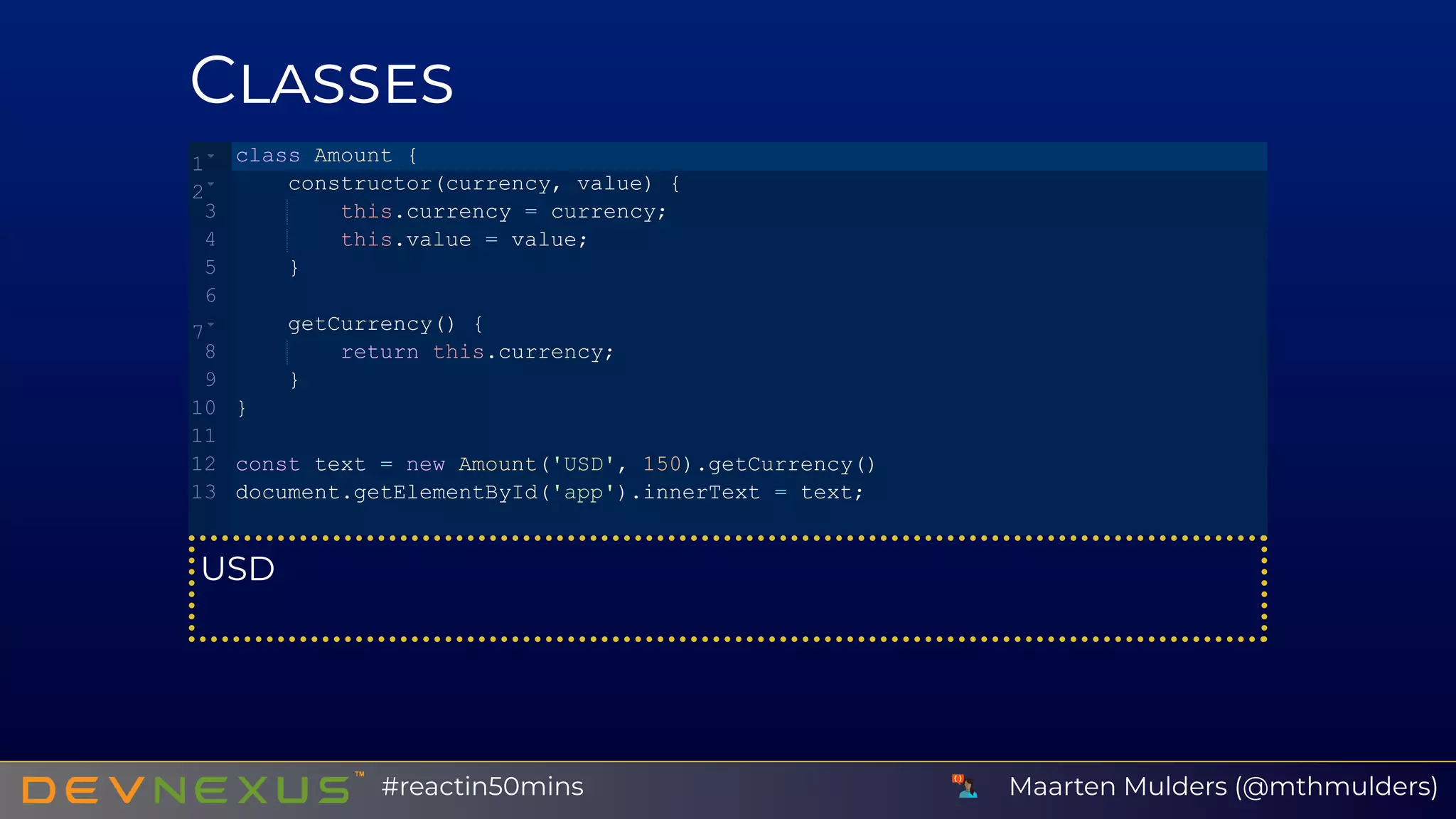
C
USD
class Amount {
    constructor(currency, value) {
        this.currency = currency;
        this.value = value;
    }
    getCurrency() {
        return this.currency;
    }
}
const text = new Amount('USD', 150).getCurrency()
document.getElementById('app').innerText = text;
1
2
3
4
5
6
7
8
9
10
11
12
13
Maarten Mulders (@mthmulders)#reactin50mins
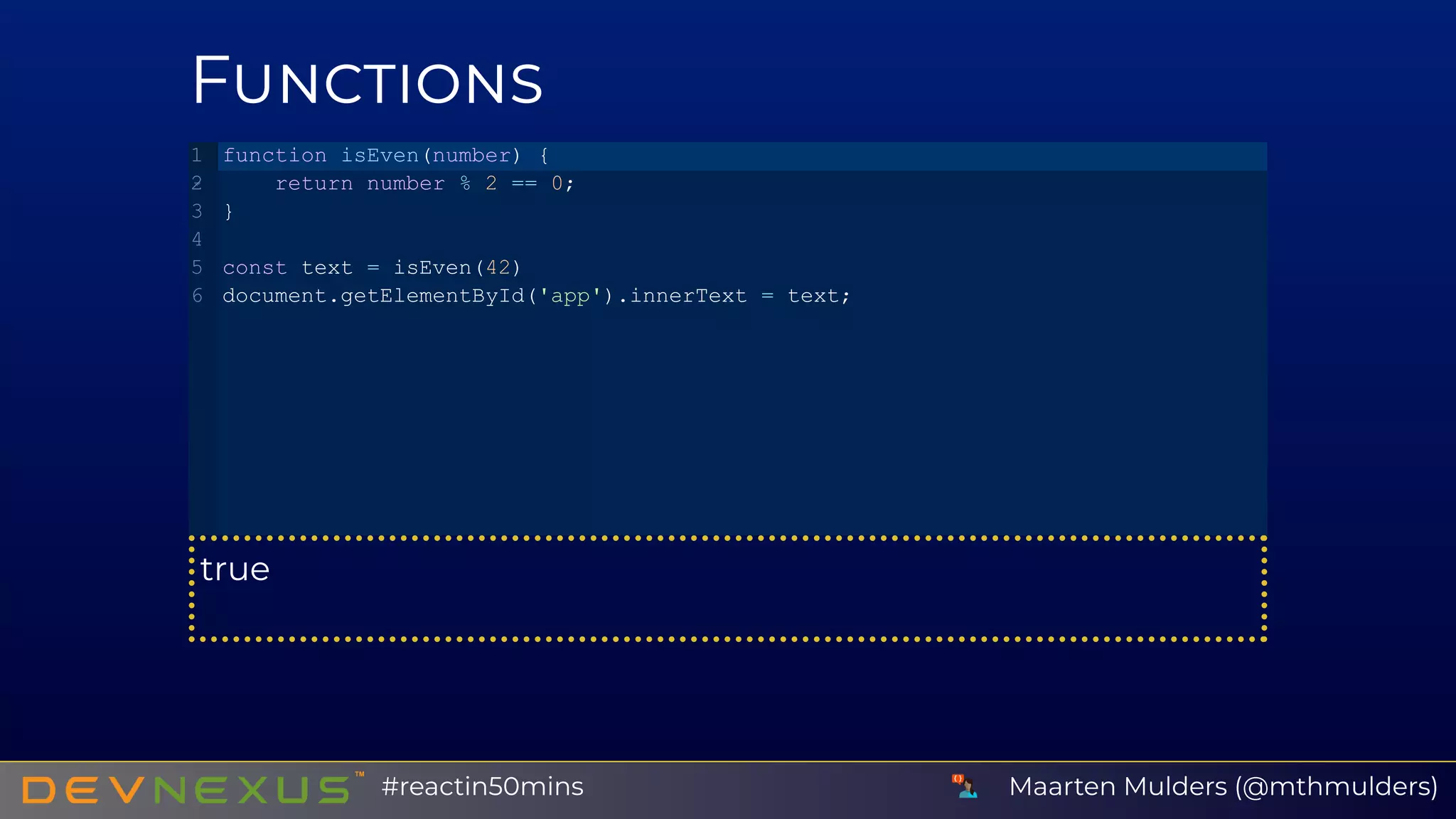
F
true
function isEven(number) {
   return number % 2 == 0;
}
const text = isEven(42)
document.getElementById('app').innerText = text;
1
2
3
4
5
6
Maarten Mulders (@mthmulders)#reactin50mins
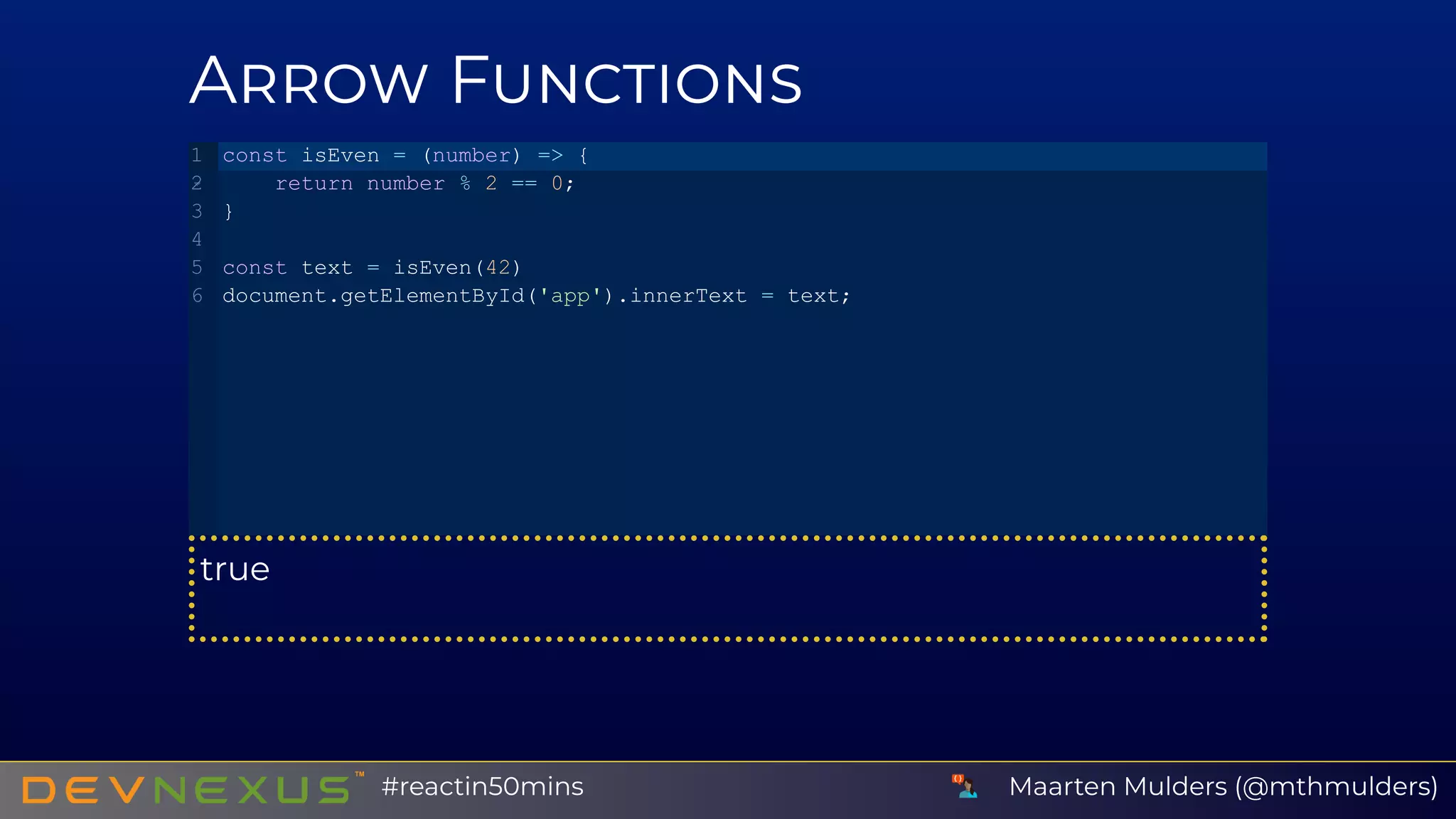
A F
true
const isEven = (number) => {
   return number % 2 == 0;
}
const text = isEven(42)
document.getElementById('app').innerText = text;
1
2
3
4
5
6
Maarten Mulders (@mthmulders)#reactin50mins
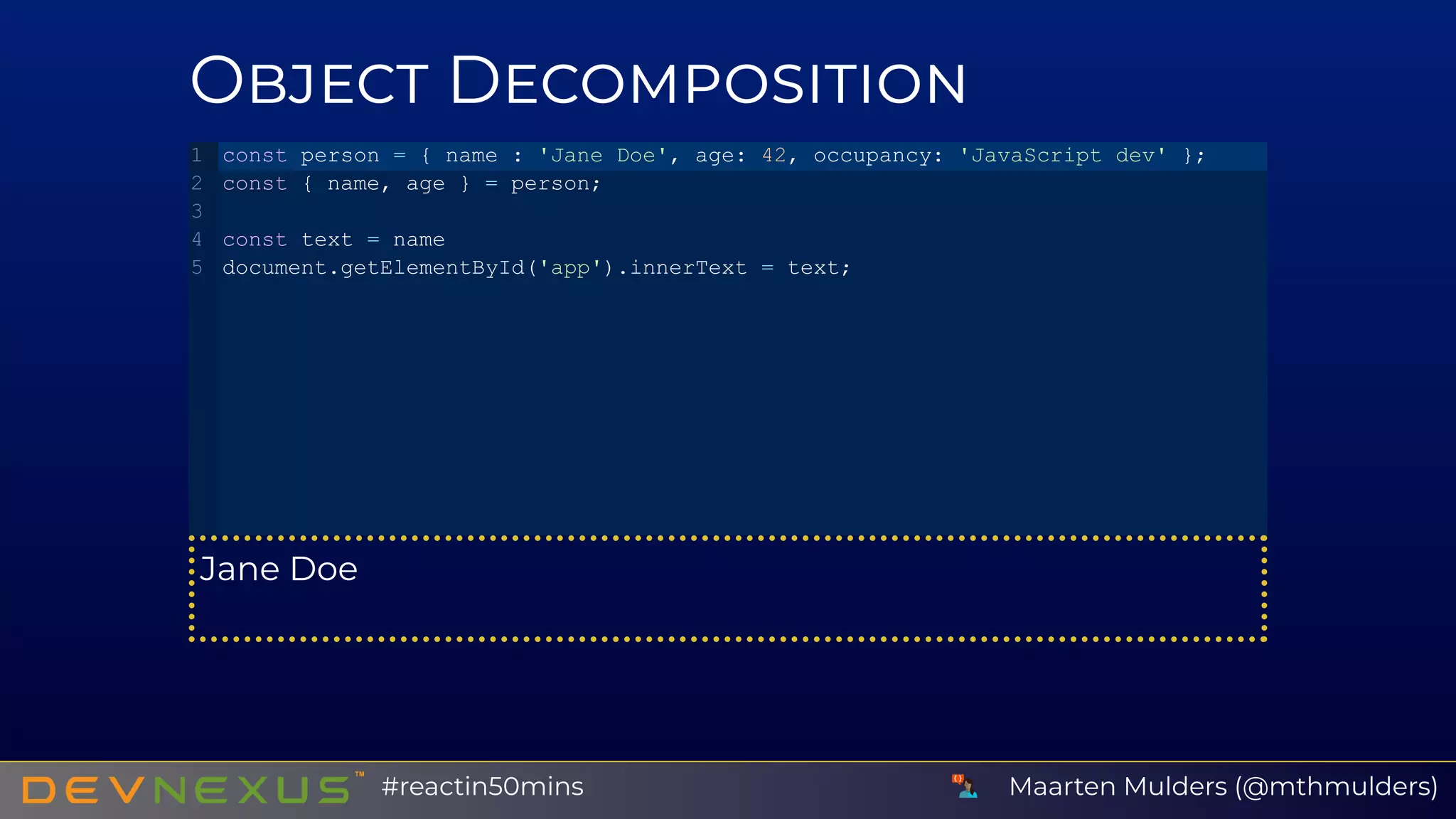
O D
Jane Doe
const person = { name : 'Jane Doe', age: 42, occupancy: 'JavaScript dev' };
const { name, age } = person;
const text = name
document.getElementById('app').innerText = text;
1
2
3
4
5
Maarten Mulders (@mthmulders)#reactin50mins
A D
one
const numbers = [ 'one', 'two', 'three' ];
const [ first, second ] = numbers;
const text = first
document.getElementById('app').innerText = text;
1
2
3
4
5
Maarten Mulders (@mthmulders)#reactin50mins
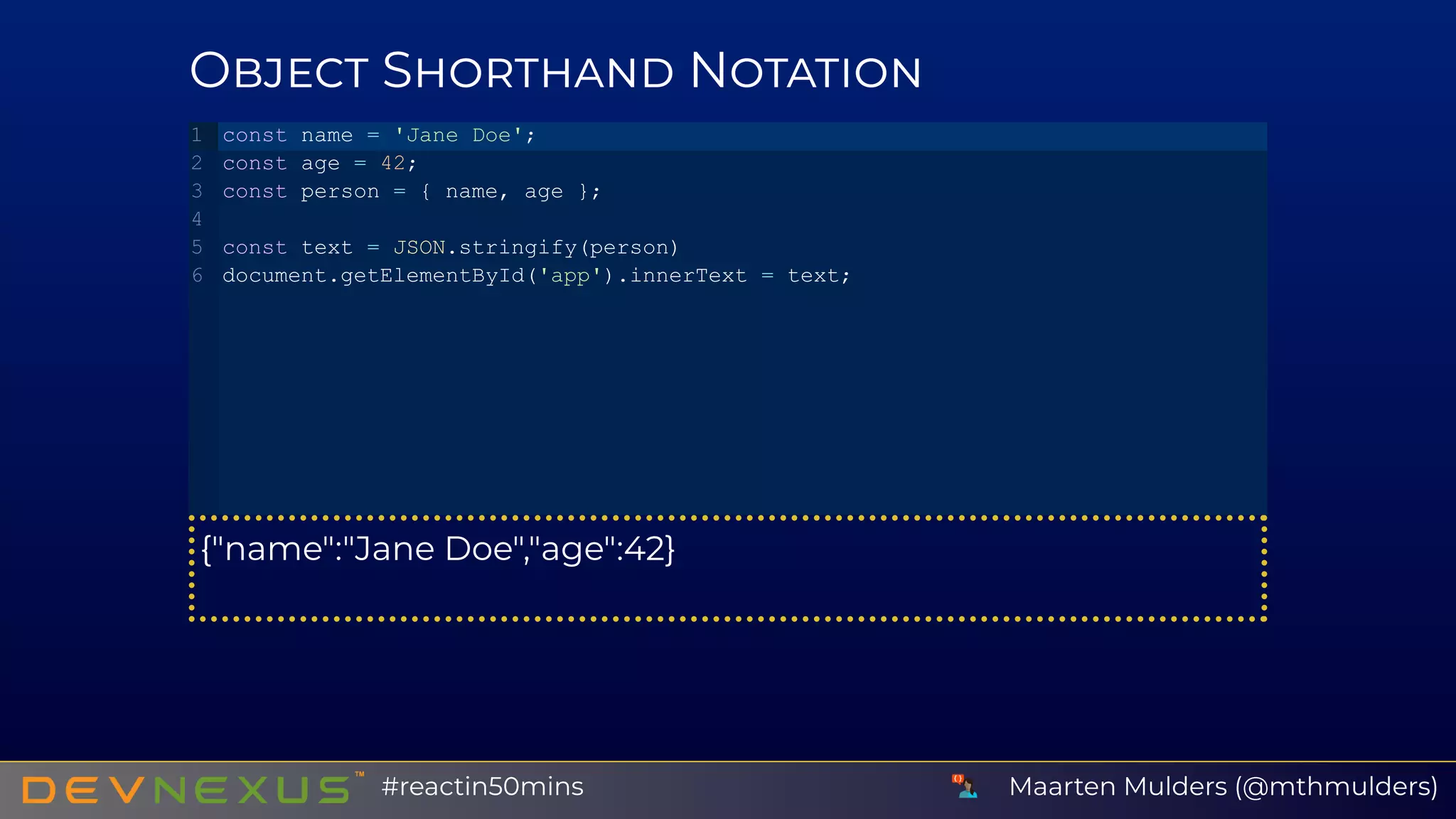
O S N
{"name":"Jane Doe","age":42}
const name = 'Jane Doe';
const age = 42;
const person = { name, age };
const text = JSON.stringify(person)
document.getElementById('app').innerText = text;
1
2
3
4
5
6
Maarten Mulders (@mthmulders)#reactin50mins
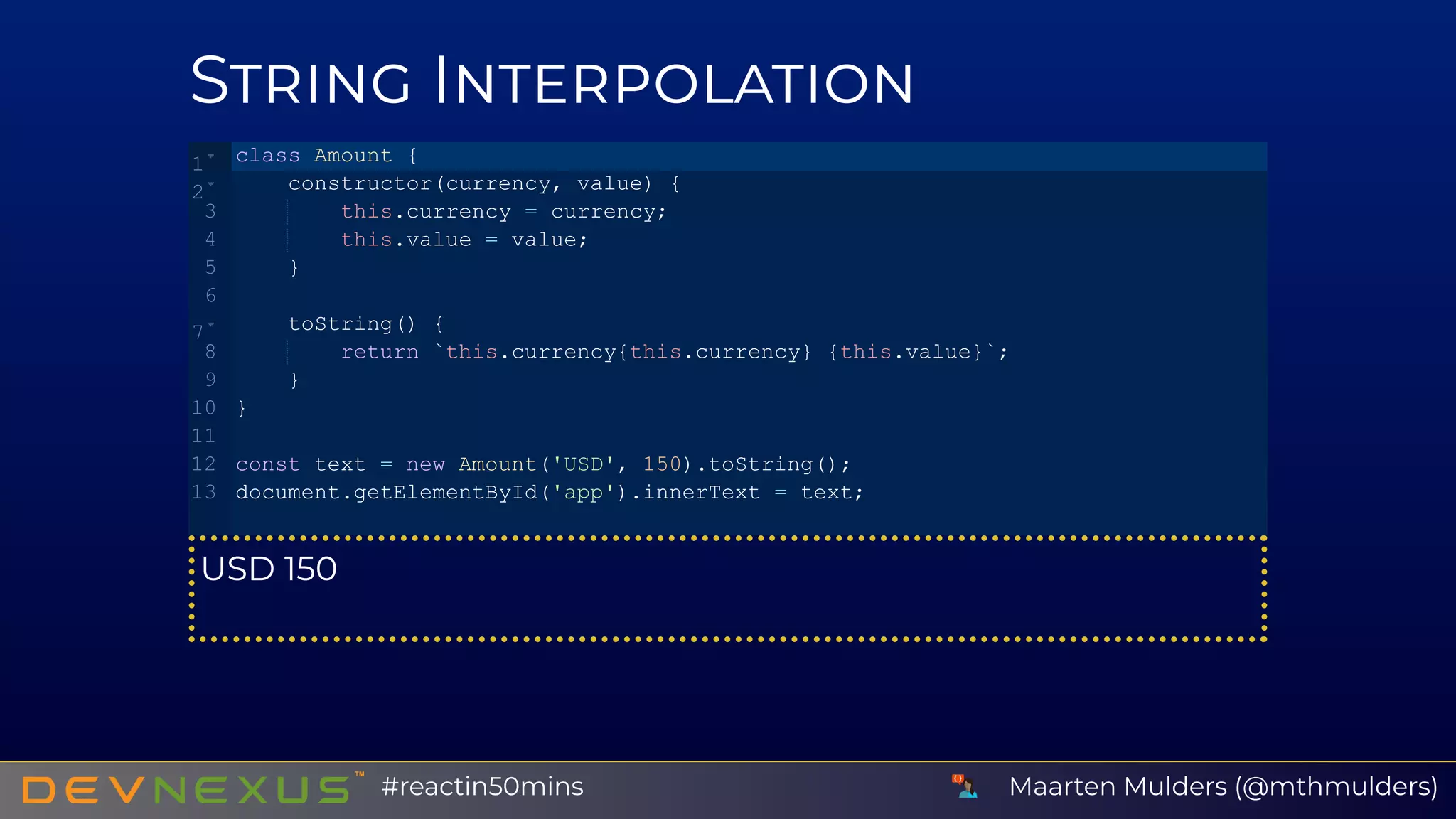
S I
USD 150
class Amount {
    constructor(currency, value) {
        this.currency = currency;
        this.value = value;
    }
    toString() {
        return `this.currency{this.currency} {this.value}`;
    }
}
const text = new Amount('USD', 150).toString();
document.getElementById('app').innerText = text;
1
2
3
4
5
6
7
8
9
10
11
12
13
Maarten Mulders (@mthmulders)#reactin50mins
B JSX
Maarten Mulders (@mthmulders)#reactin50mins
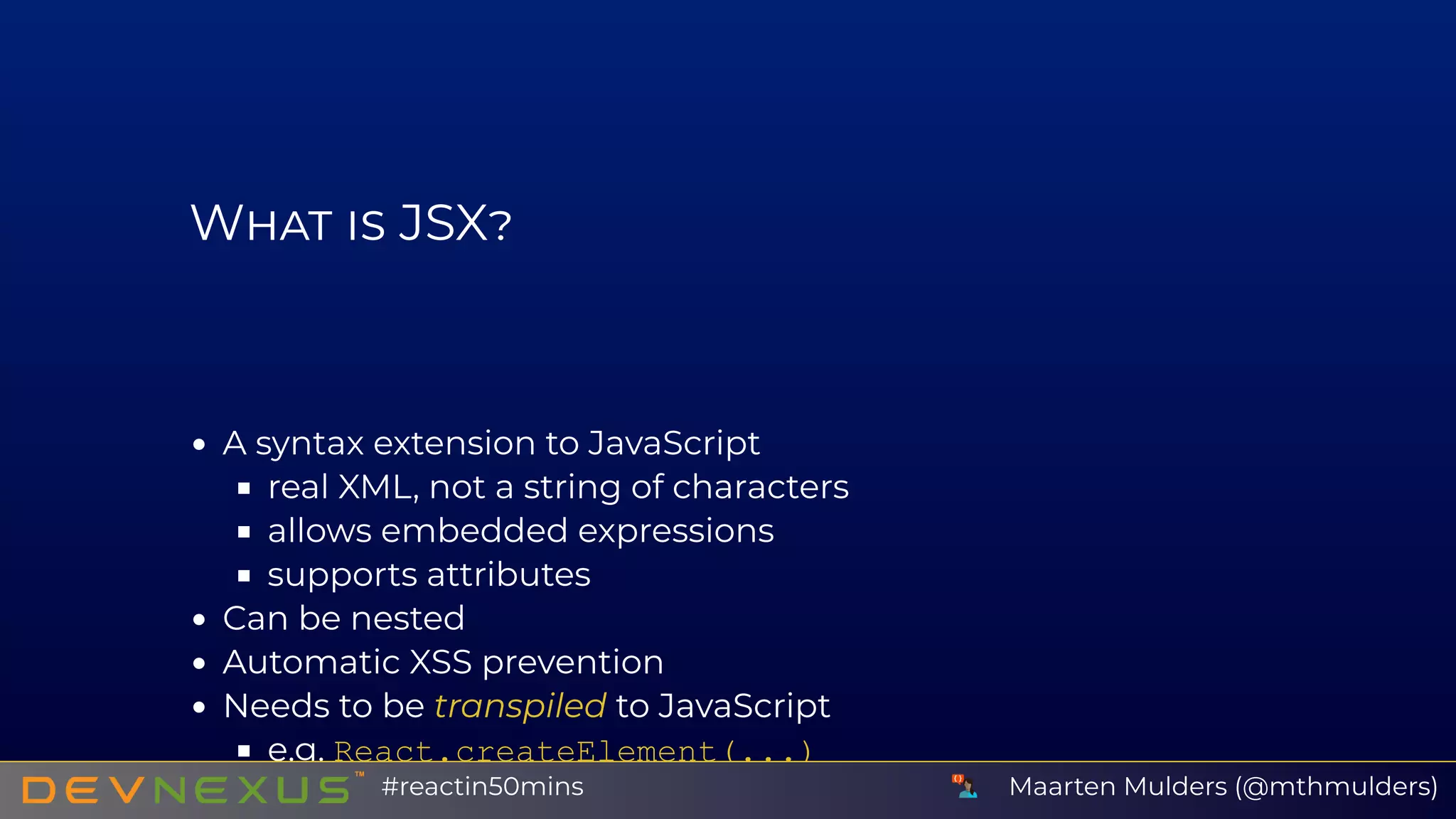
W JSX
A syntax extension to JavaScript
real XML, not a string of characters
allows embedded expressions
supports attributes
Can be nested
Automatic XSS prevention
Needs to be transpiled to JavaScript
e.g. React.createElement(...)
Maarten Mulders (@mthmulders)#reactin50mins
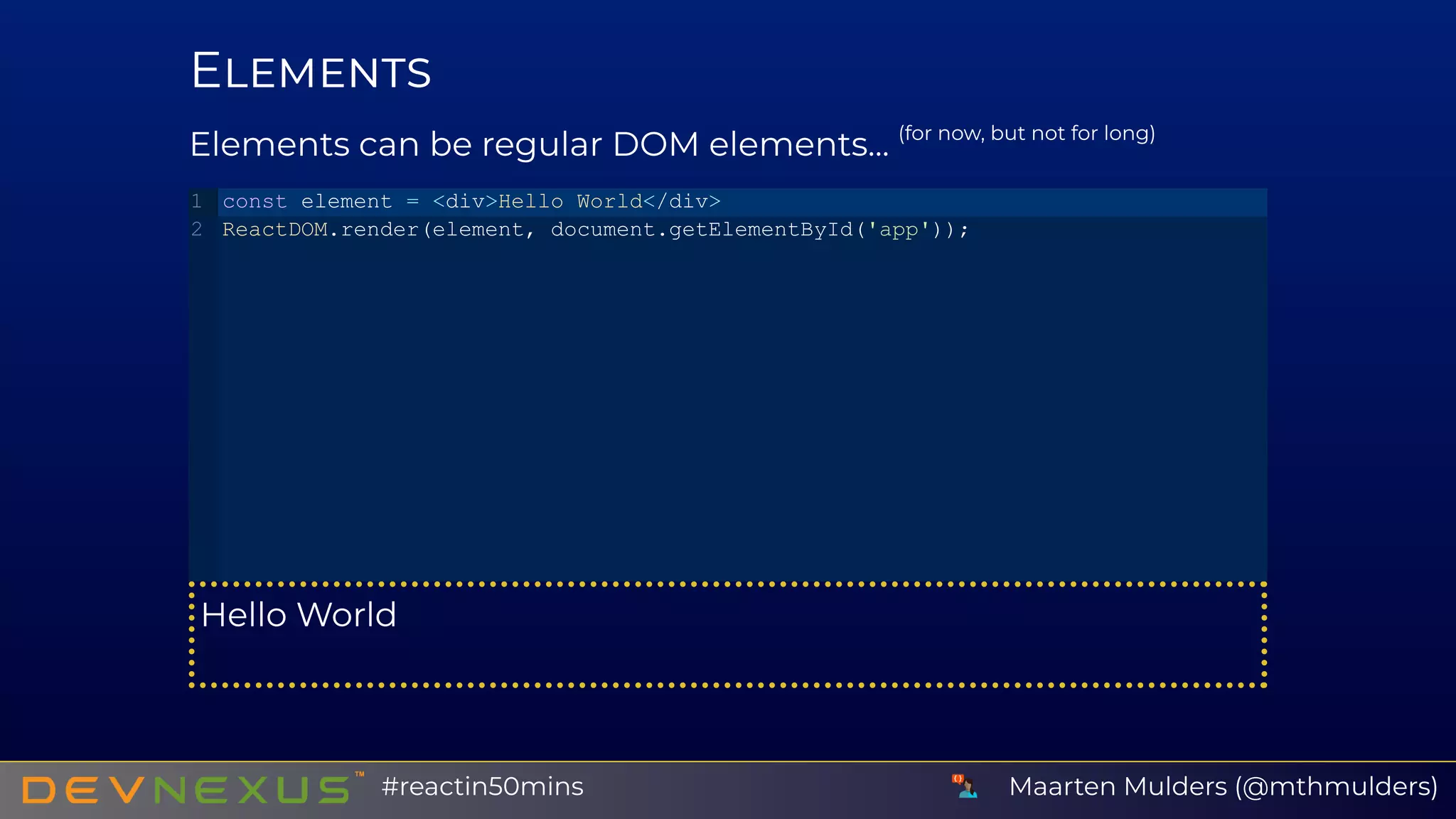
E
Elements can be regular DOM elements... (for now, but not for long)
Hello World
const element = <div>Hello World</div>
ReactDOM.render(element, document.getElementById('app'));
1
2
Maarten Mulders (@mthmulders)#reactin50mins
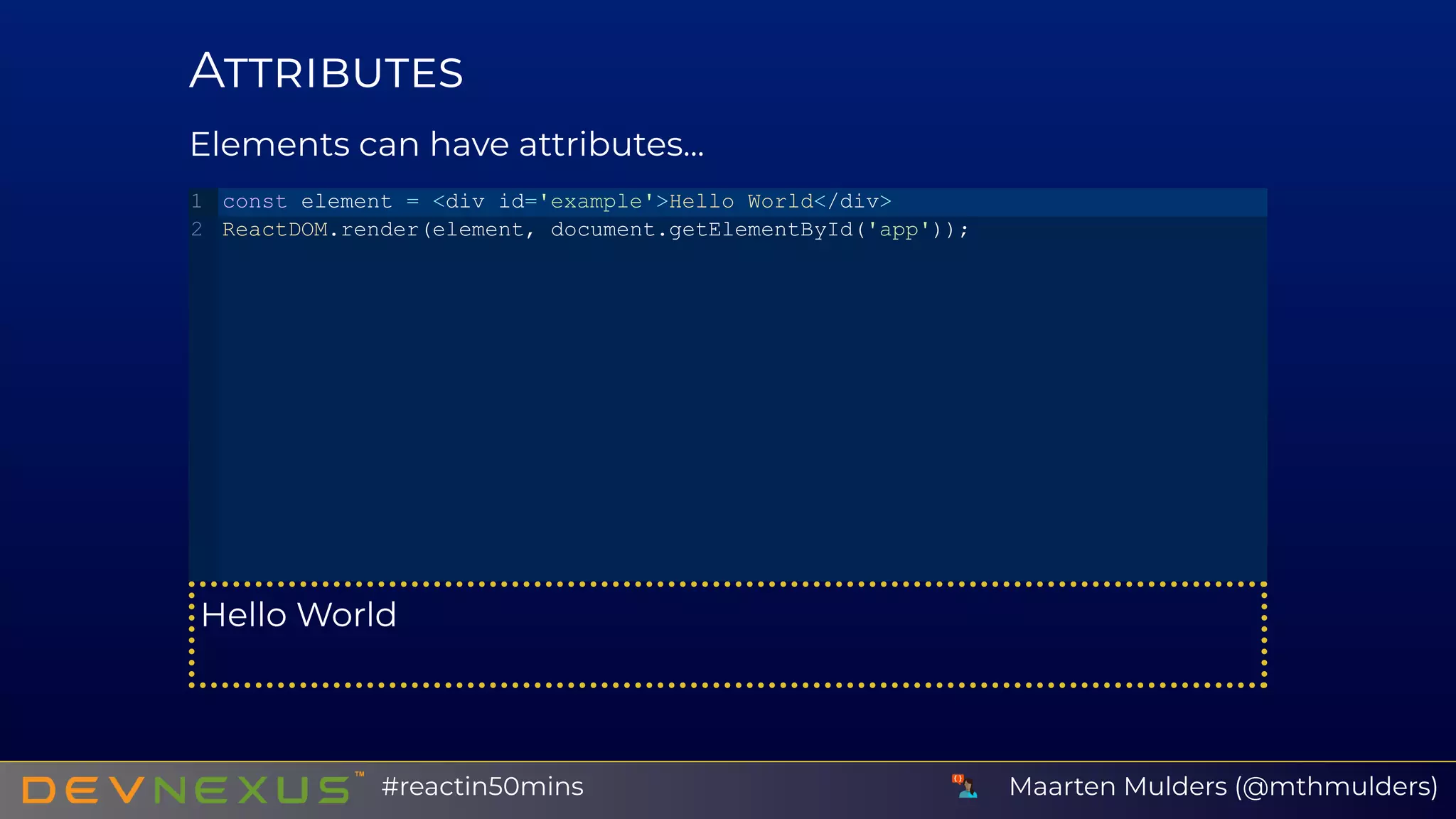
A
Elements can have attributes...
Hello World
const element = <div id='example'>Hello World</div>
ReactDOM.render(element, document.getElementById('app'));
1
2
Maarten Mulders (@mthmulders)#reactin50mins
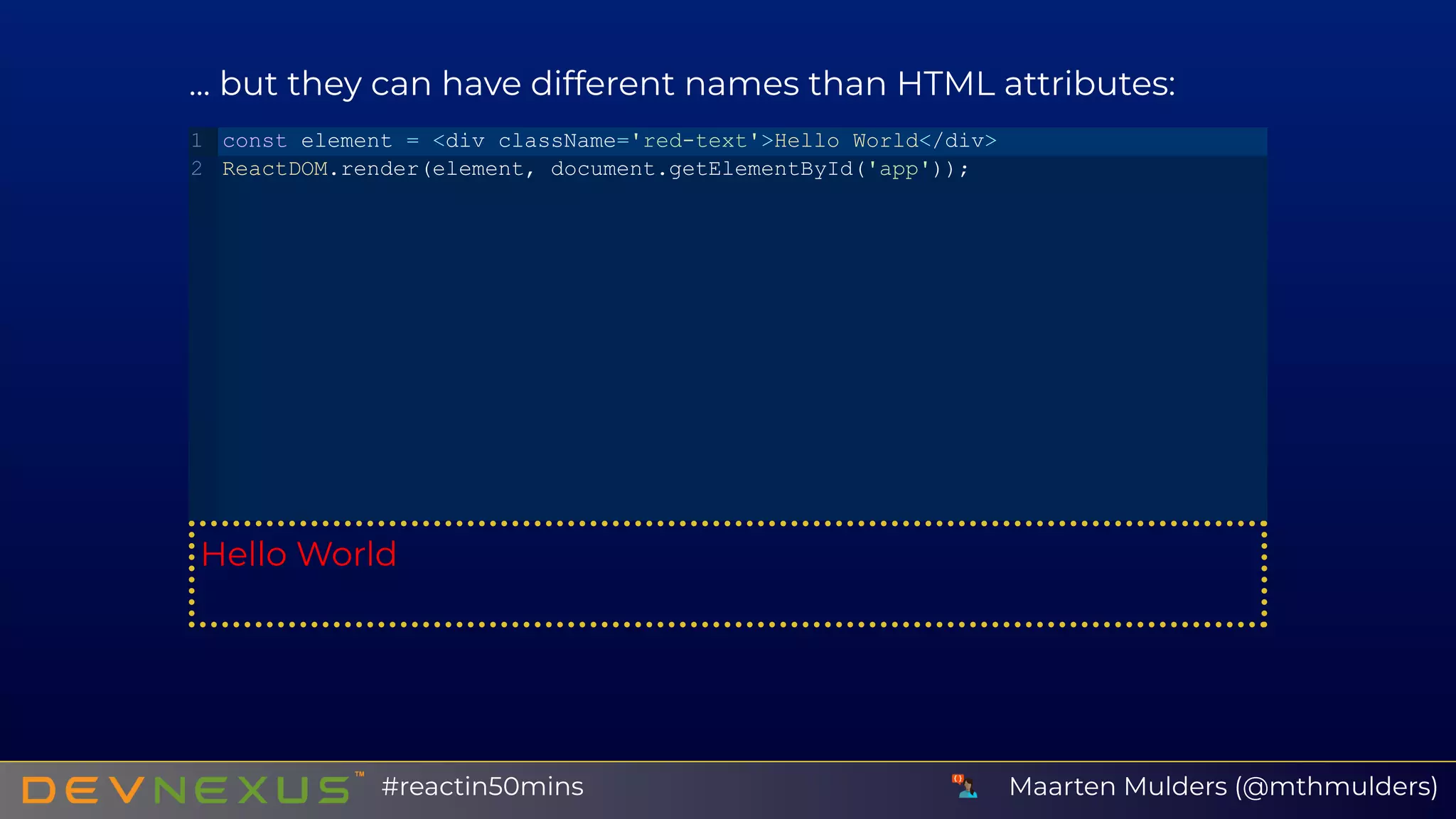
... but they can have different names than HTML attributes:
Hello World
const element = <div className='red­text'>Hello World</div>
ReactDOM.render(element, document.getElementById('app'));
1
2
Maarten Mulders (@mthmulders)#reactin50mins
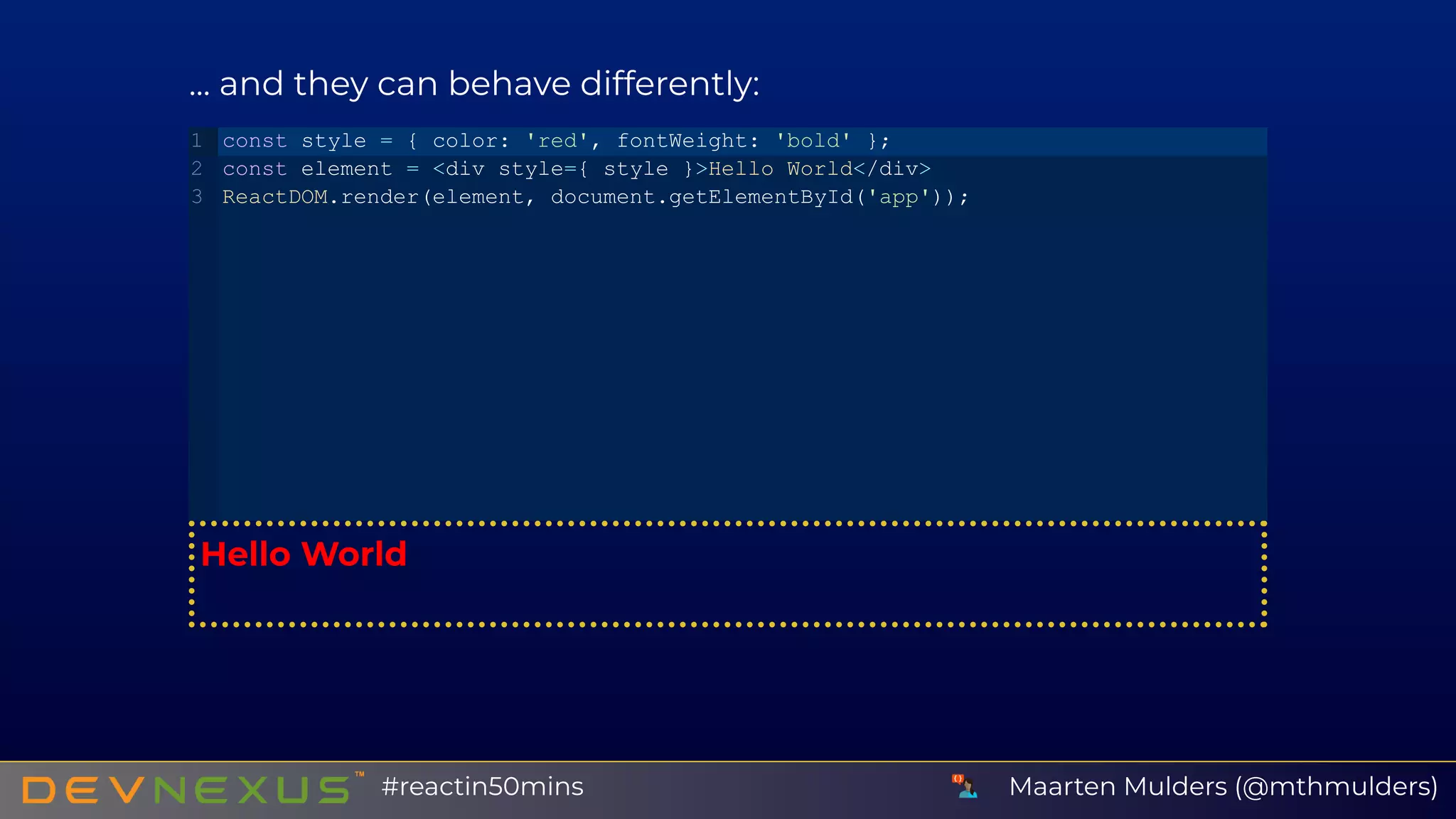
... and they can behave differently:
Hello World
const style = { color: 'red', fontWeight: 'bold' };
const element = <div style={ style }>Hello World</div>
ReactDOM.render(element, document.getElementById('app'));
1
2
3
Maarten Mulders (@mthmulders)#reactin50mins
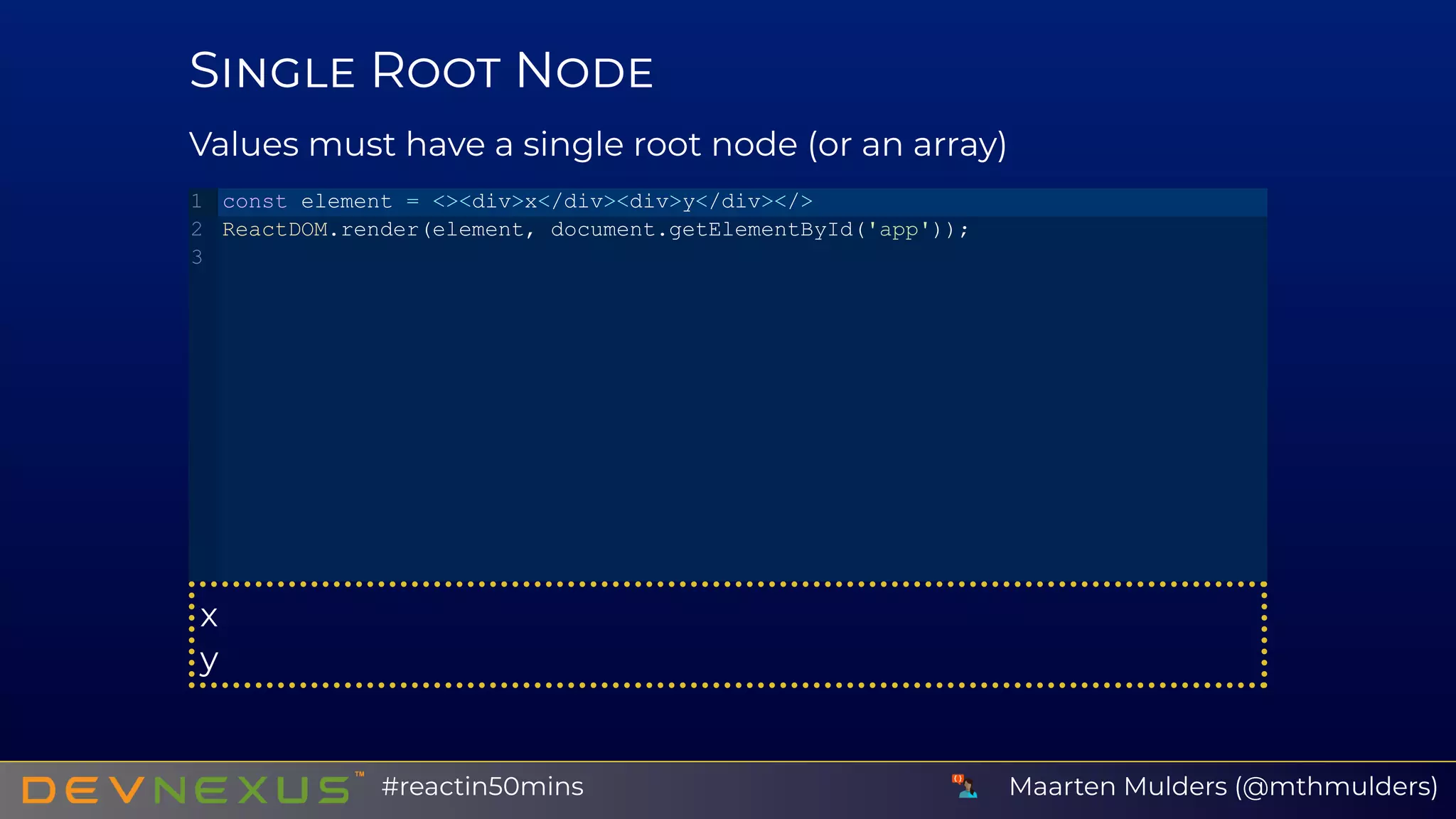
S R N
Values must have a single root node (or an array)
x
y
const element = <><div>x</div><div>y</div></>
ReactDOM.render(element, document.getElementById('app'));
1
2
3
Maarten Mulders (@mthmulders)#reactin50mins
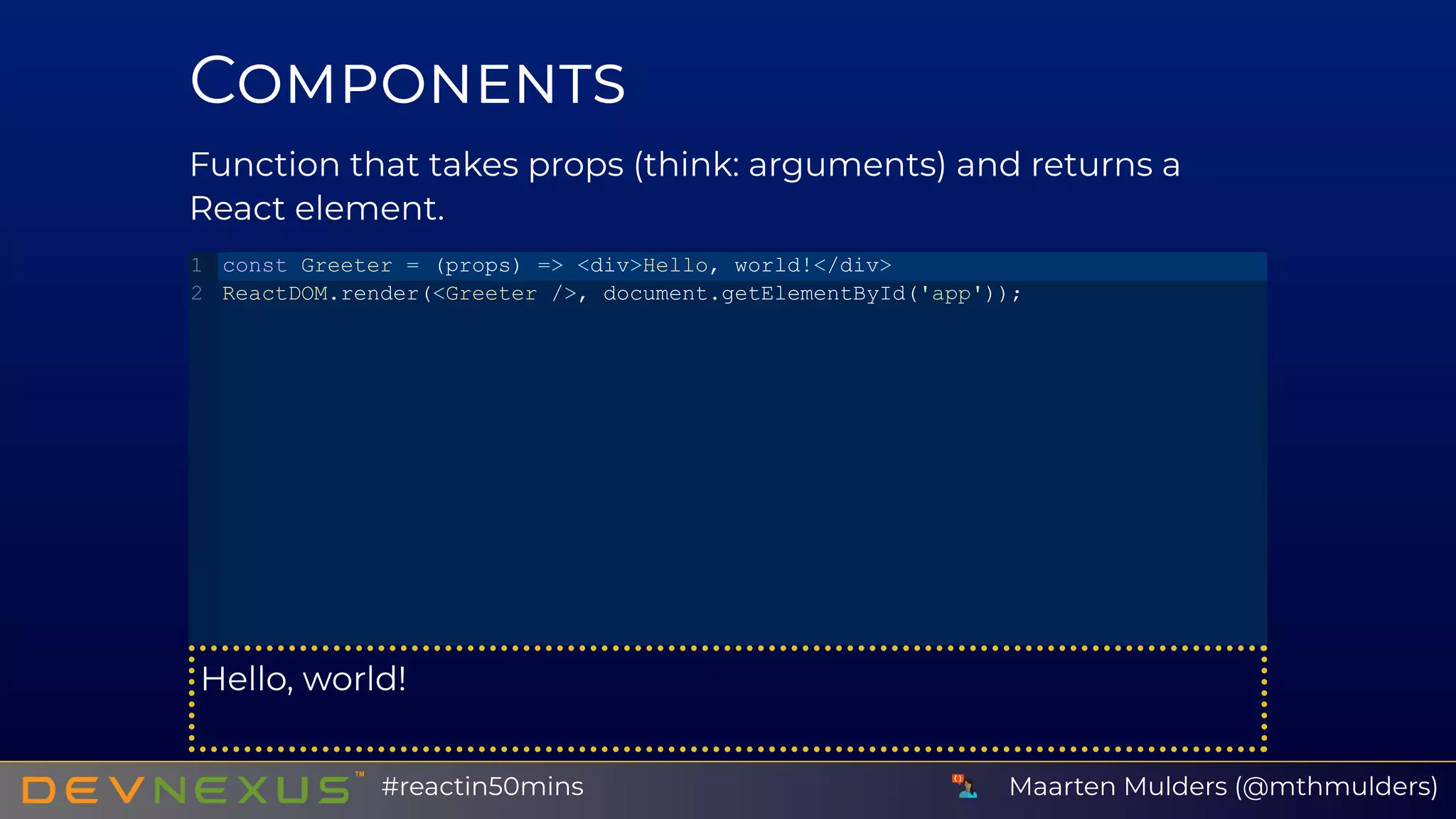
C
Function that takes props (think: arguments) and returns a
React element.
Hello, world!
const Greeter = (props) => <div>Hello, world!</div>
ReactDOM.render(<Greeter />, document.getElementById('app'));
1
2
Maarten Mulders (@mthmulders)#reactin50mins
A JSX
Maarten Mulders (@mthmulders)#reactin50mins
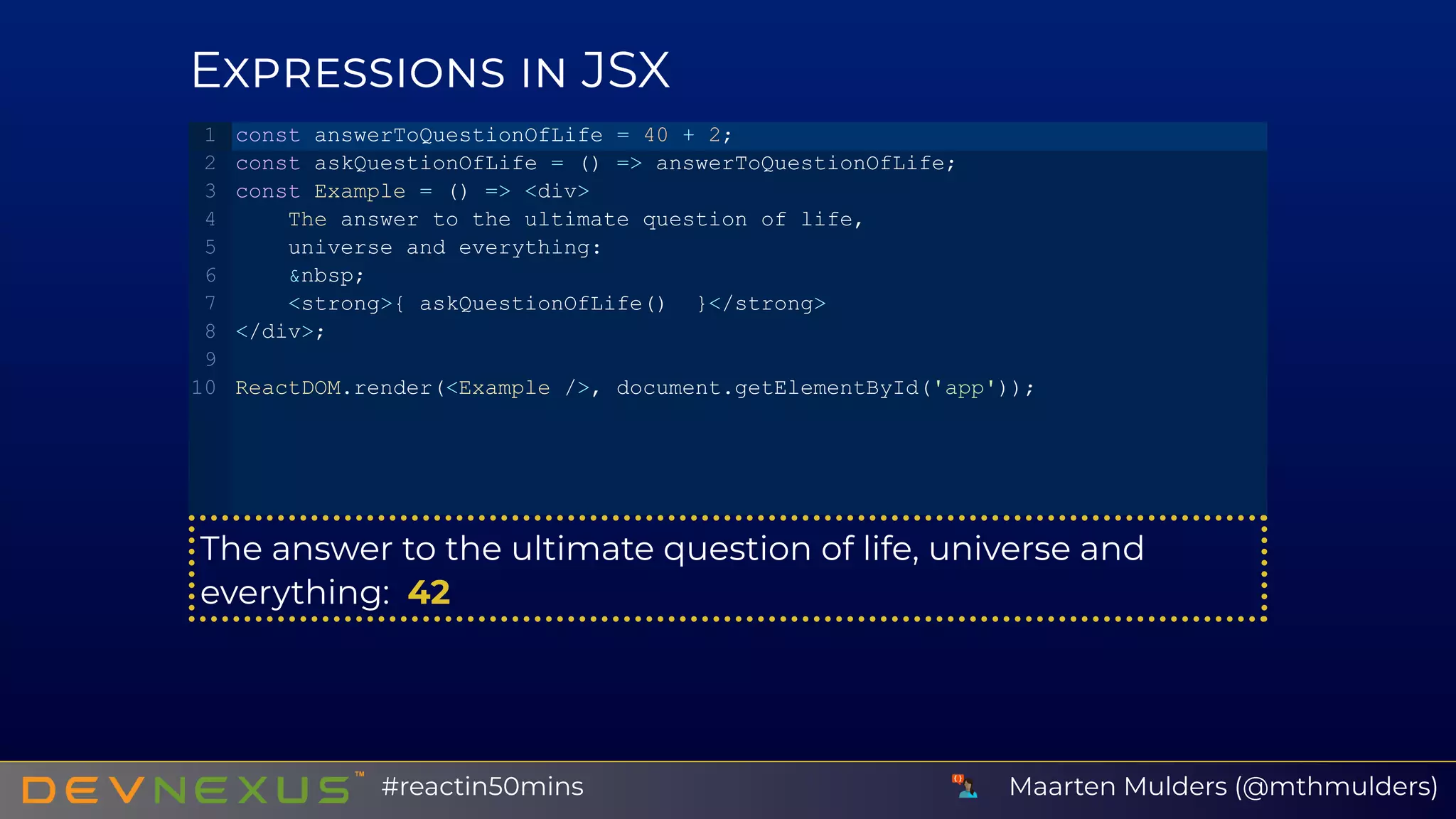
E JSX
The answer to the ultimate question of life, universe and
everything:  42
const answerToQuestionOfLife = 40 + 2;
const askQuestionOfLife = () => answerToQuestionOfLife;
const Example = () => <div>
    The answer to the ultimate question of life,
    universe and everything:
    &nbsp;
    <strong>{ askQuestionOfLife()  }</strong>
</div>;
ReactDOM.render(<Example />, document.getElementById('app'));
1
2
3
4
5
6
7
8
9
10
Maarten Mulders (@mthmulders)#reactin50mins
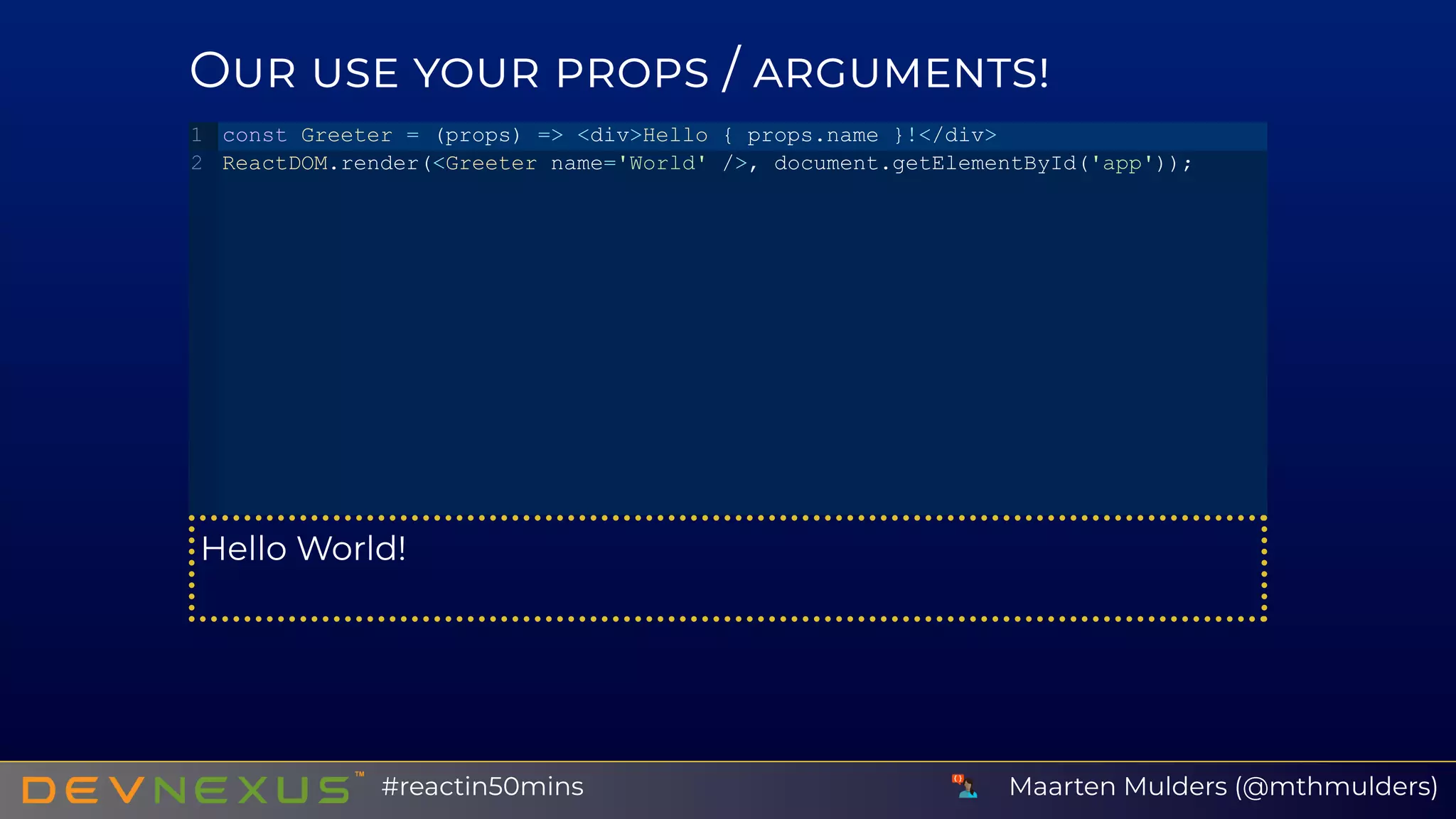
O /
Hello World!
const Greeter = (props) => <div>Hello { props.name }!</div>
ReactDOM.render(<Greeter name='World' />, document.getElementById('app'));
1
2
Maarten Mulders (@mthmulders)#reactin50mins
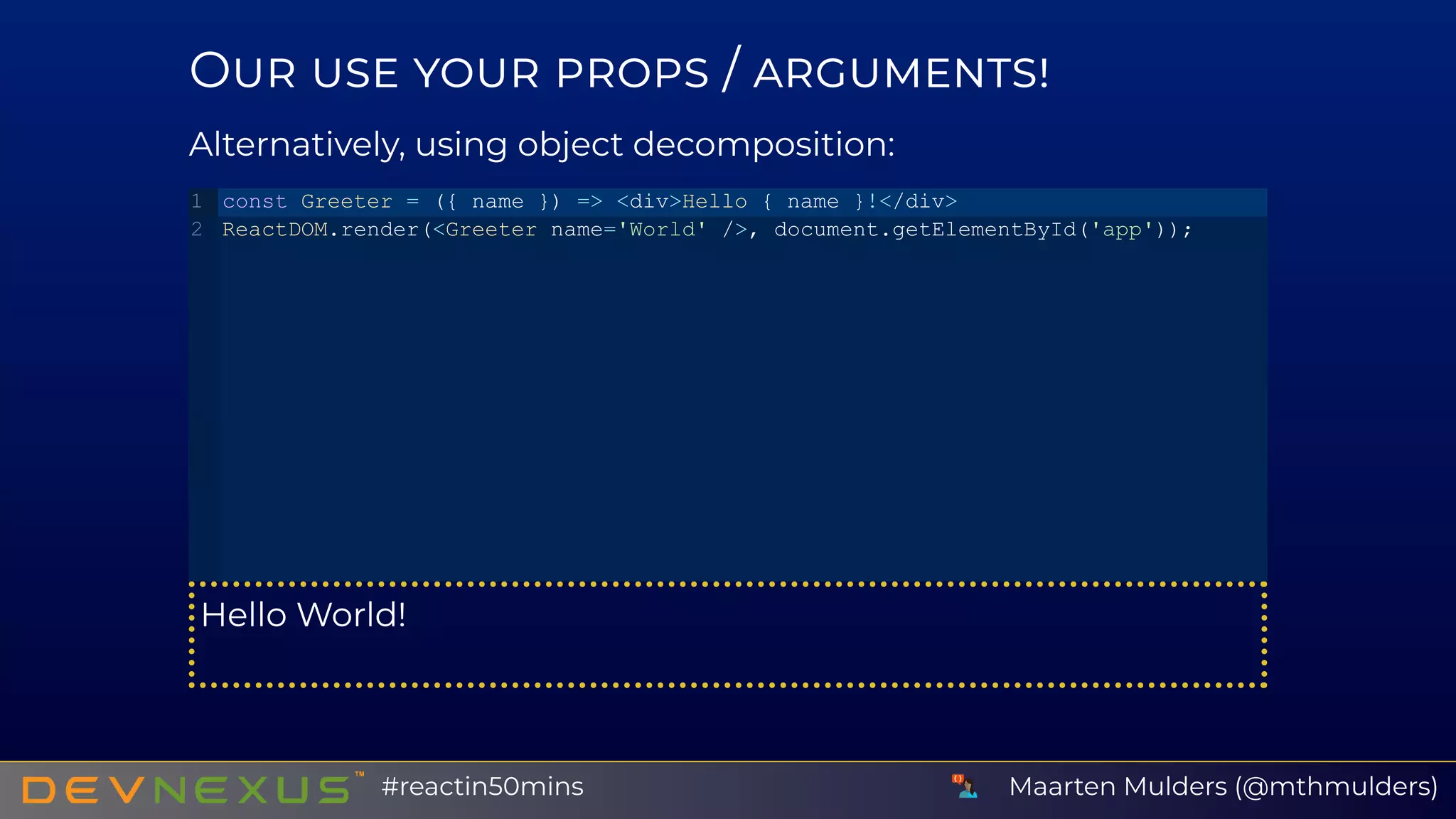
O /
Alternatively, using object decomposition:
Hello World!
const Greeter = ({ name }) => <div>Hello { name }!</div>
ReactDOM.render(<Greeter name='World' />, document.getElementById('app'));
1
2
Maarten Mulders (@mthmulders)#reactin50mins
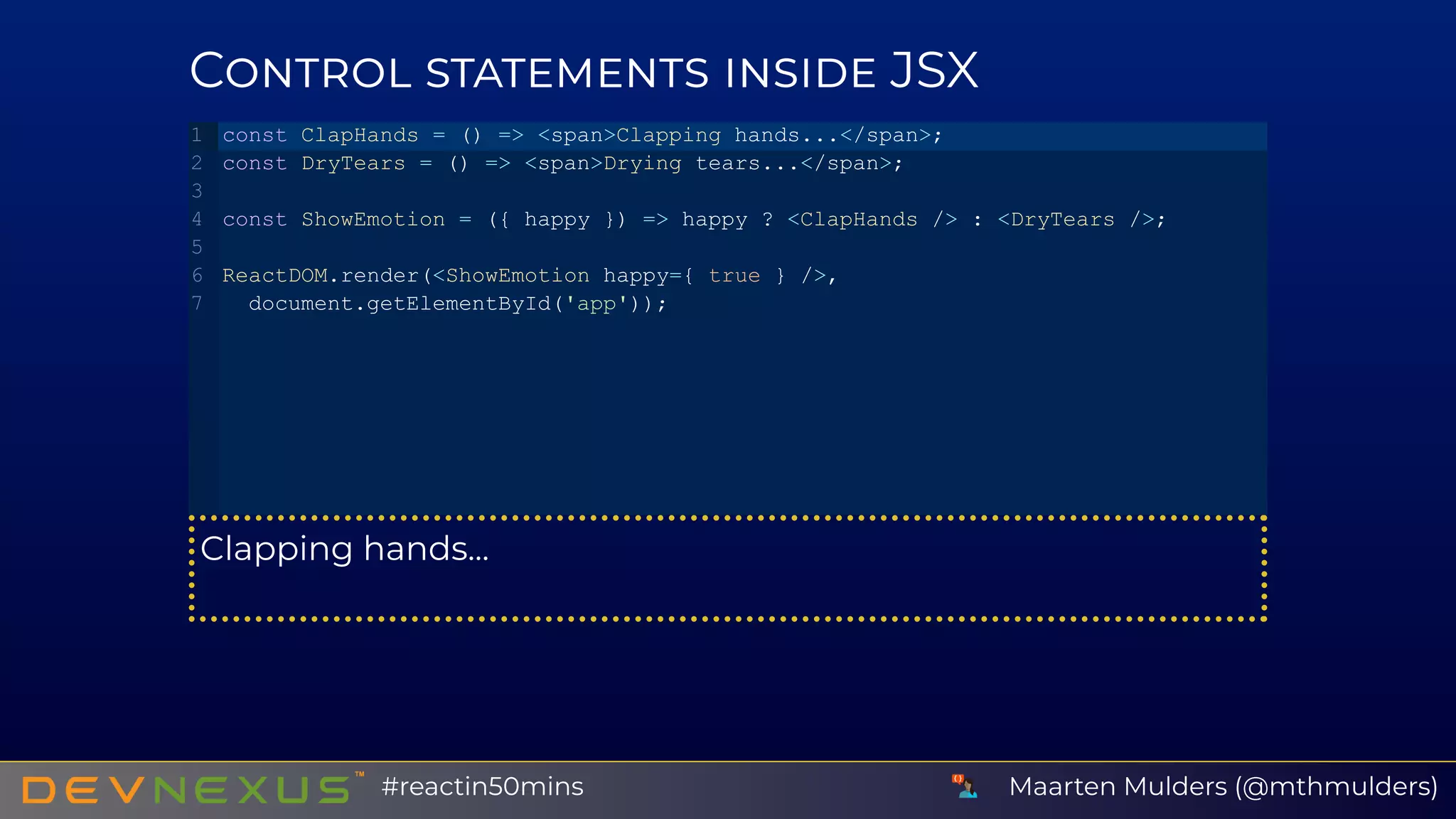
C JSX
Clapping hands...
const ClapHands = () => <span>Clapping hands...</span>;
const DryTears = () => <span>Drying tears...</span>;
const ShowEmotion = ({ happy }) => happy ? <ClapHands /> : <DryTears />;
ReactDOM.render(<ShowEmotion happy={ true } />,
 document.getElementById('app'));
1
2
3
4
5
6
7
Maarten Mulders (@mthmulders)#reactin50mins
C JSX (2)
HEIA
PHIA
const Ticker = ({ symbol }) => <div>{ symbol }</div>;
const TickerList = ({ symbols }) => symbols.map(
 (symbol) => <Ticker symbol={ symbol } />
);
const symbols = ['HEIA', 'PHIA'];
ReactDOM.render(<TickerList symbols={ symbols } />,
 document.getElementById('app'));
1
2
3
4
5
6
7
8
9
Maarten Mulders (@mthmulders)#reactin50mins
R M
Maarten Mulders (@mthmulders)#reactin50mins
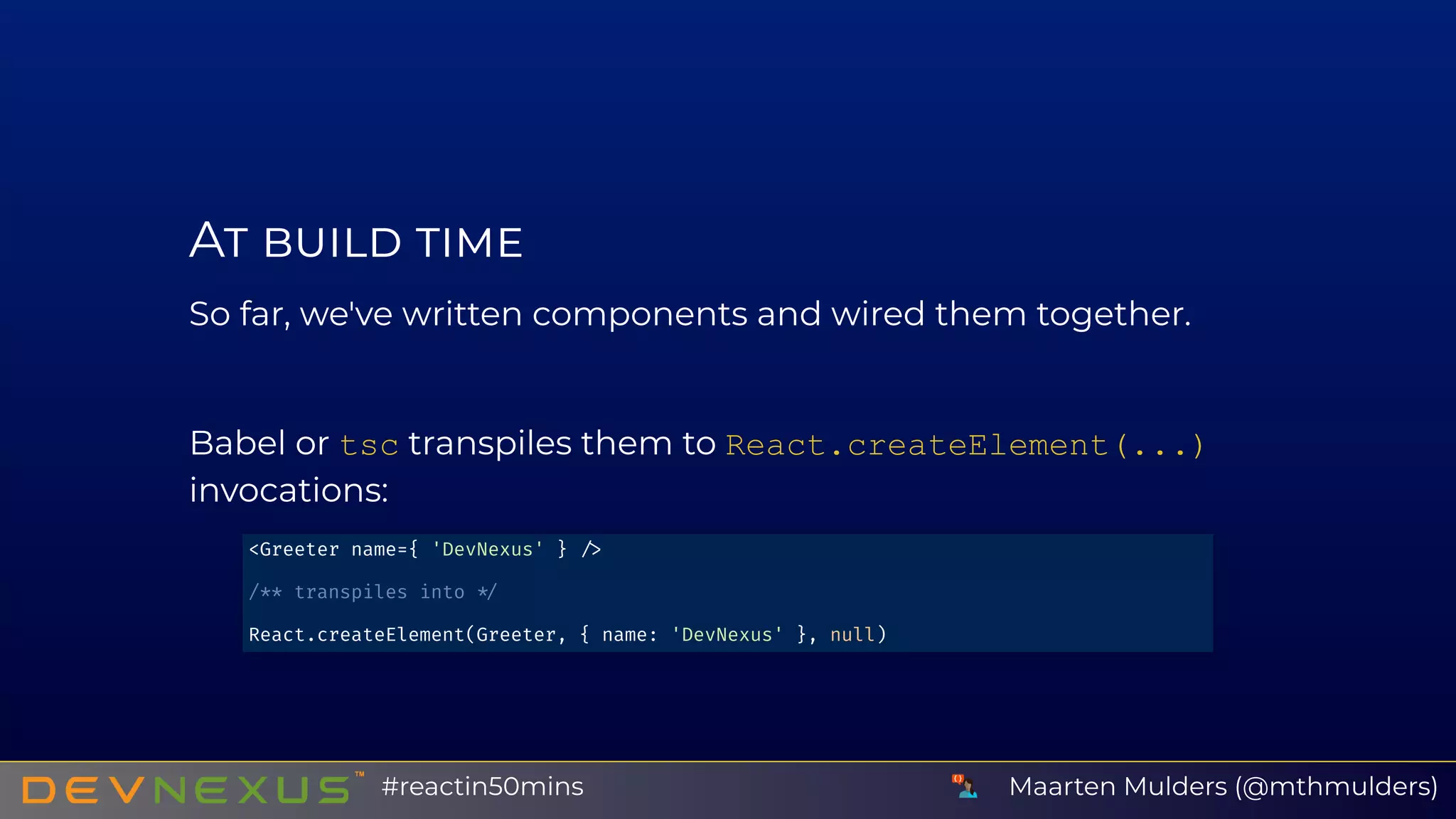
A
So far, we've written components and wired them together.
Babel or tsc transpiles them to React.createElement(...)
invocations:
<Greeter name={ 'DevNexus' }
/** transpiles into
React.createElement(Greeter, { name: 'DevNexus' }, null)
Maarten Mulders (@mthmulders)#reactin50mins
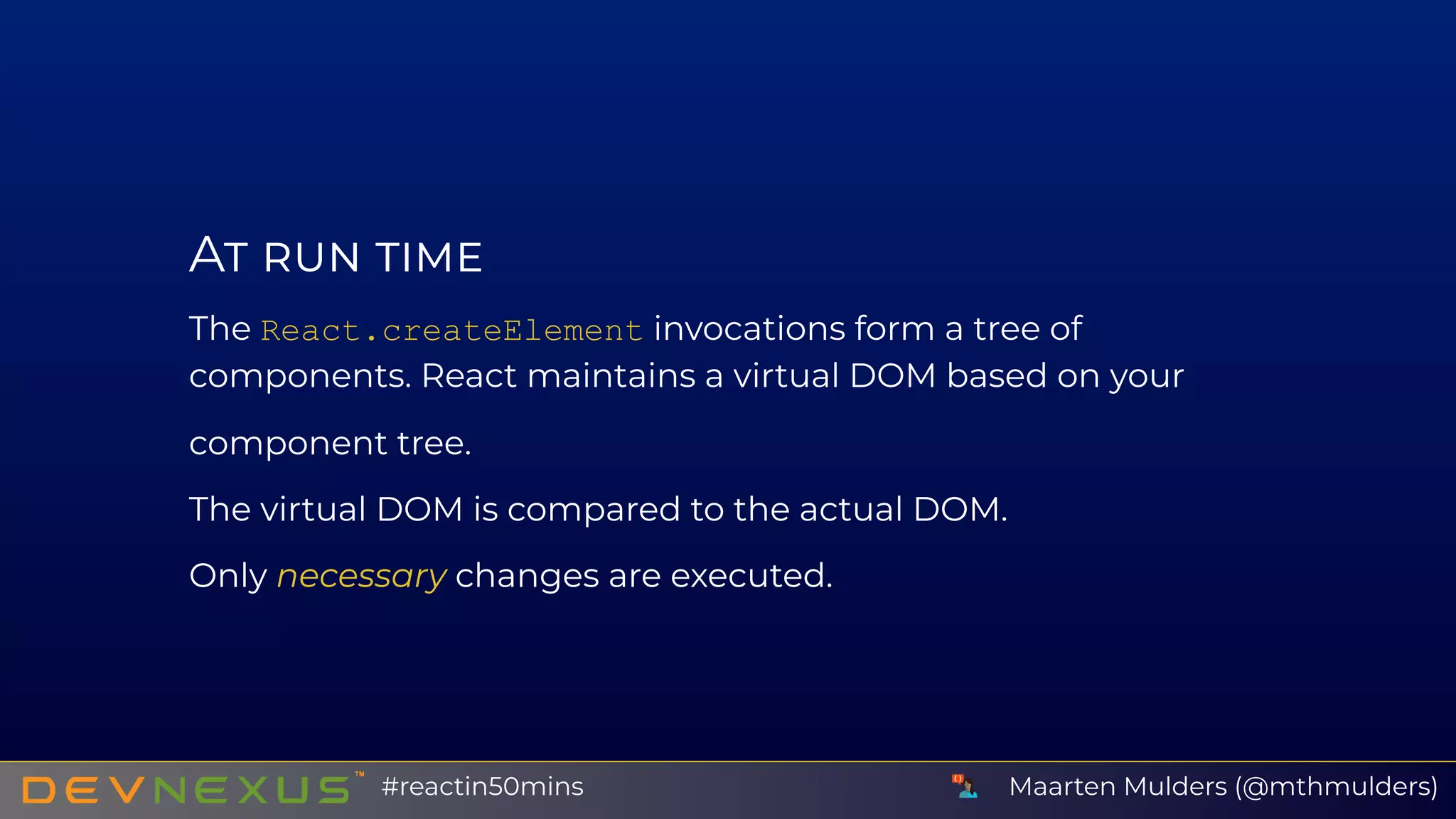
A
The React.createElement invocations form a tree of
components. React maintains a virtual DOM based on your
component tree.
The virtual DOM is compared to the actual DOM.
Only necessary changes are executed.
Maarten Mulders (@mthmulders)#reactin50mins
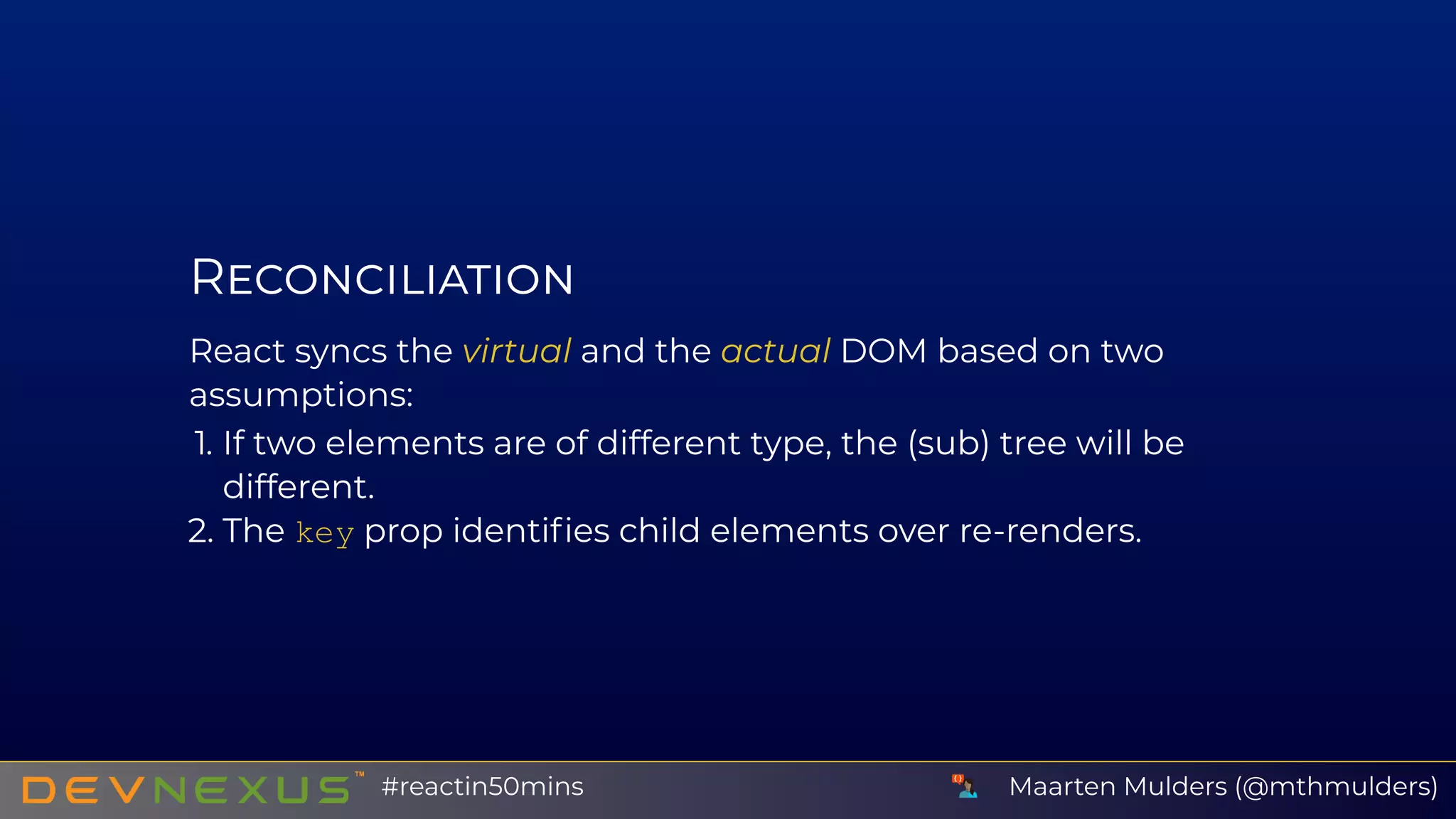
R
React syncs the virtual and the actual DOM based on two
assumptions:
1. If two elements are of different type, the (sub) tree will be
different.
2. The key prop identifies child elements over re-renders.
Maarten Mulders (@mthmulders)#reactin50mins
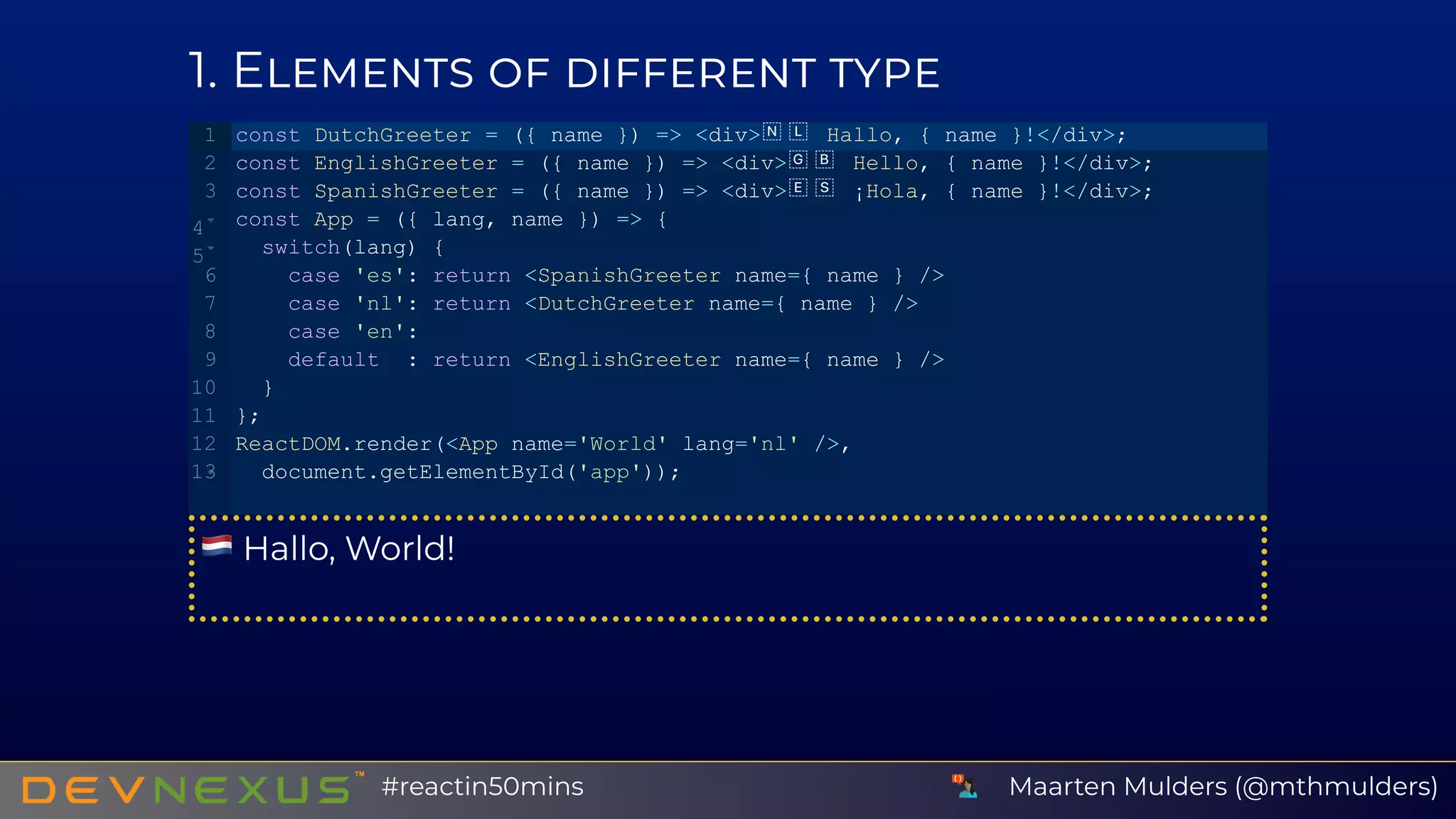
1 E
Hallo, World!
const DutchGreeter = ({ name }) => <div>  Hallo, { name }!</div>;
const EnglishGreeter = ({ name }) => <div>  Hello, { name }!</div>;
const SpanishGreeter = ({ name }) => <div>  ¡Hola, { name }!</div>;
const App = ({ lang, name }) => {
  switch(lang) {
    case 'es': return <SpanishGreeter name={ name } />
    case 'nl': return <DutchGreeter name={ name } />
    case 'en':
    default  : return <EnglishGreeter name={ name } />
  }
};
ReactDOM.render(<App name='World' lang='nl' />,
  document.getElementById('app'));
1
2
3
4
5
6
7
8
9
10
11
12
13
Maarten Mulders (@mthmulders)#reactin50mins
2 T KEY
HEIA
PHIA
const Ticker = ({ symbol }) => <div>{ symbol }</div>;
const TickerList = ({ symbols }) => symbols.map(
 (symbol) => <Ticker key={ symbol } symbol={ symbol } />
);
const symbols = ['HEIA', 'PHIA'];
ReactDOM.render(<TickerList symbols={ symbols } />,
document.getElementById('app'));
1
2
3
4
5
6
7
8
9
Maarten Mulders (@mthmulders)#reactin50mins
Y E
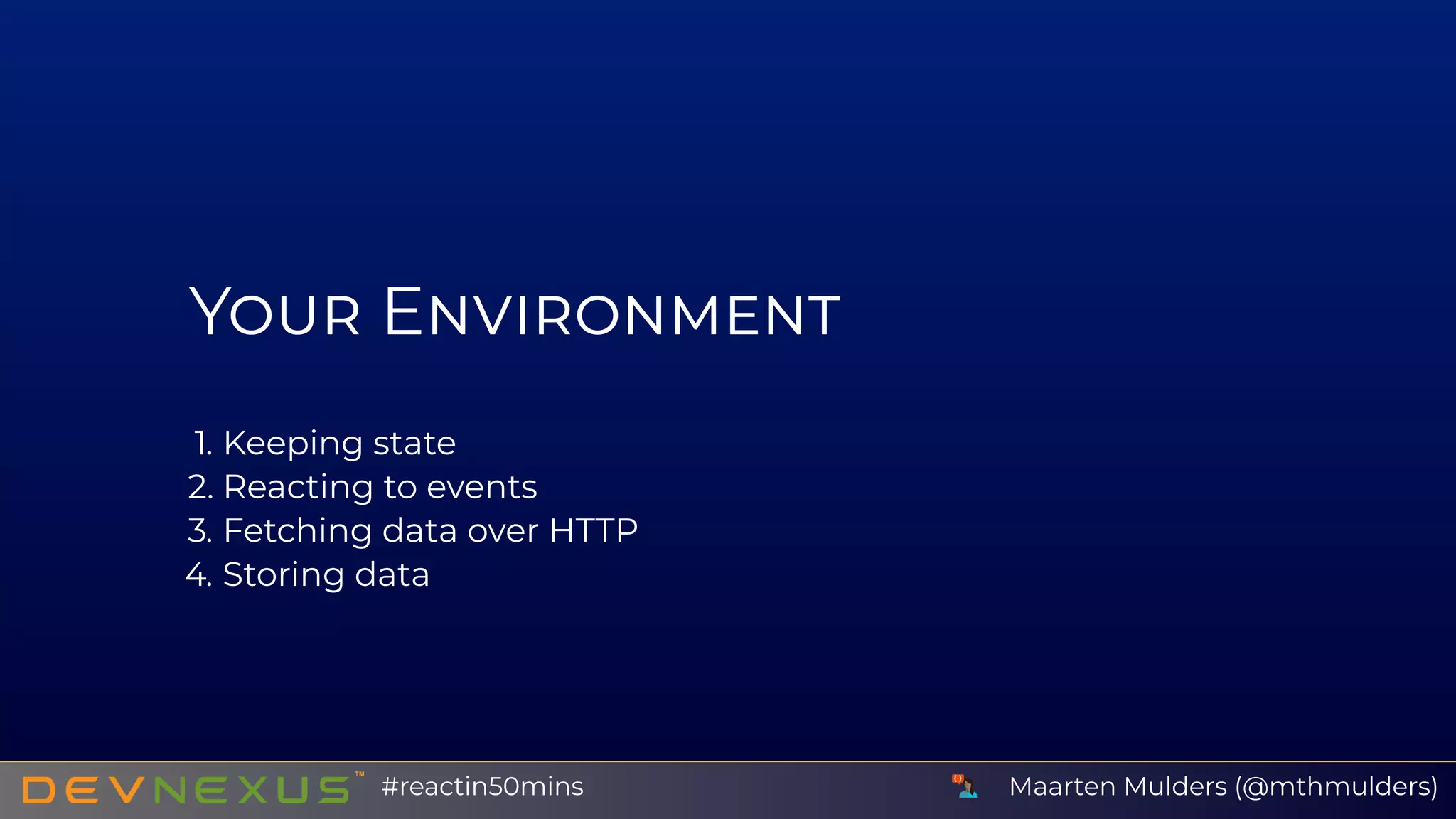
1. Keeping state
2. Reacting to events
3. Fetching data over HTTP
4. Storing data
Maarten Mulders (@mthmulders)#reactin50mins
L S C
Counter: 0
const Counter = () => {
   const [ counter, setCounter ] = React.useState(0);
   return <div>Counter: { counter }</div>
}
ReactDOM.render(<Counter />, document.getElementById('app'));
1
2
3
4
5
6
7
Maarten Mulders (@mthmulders)#reactin50mins
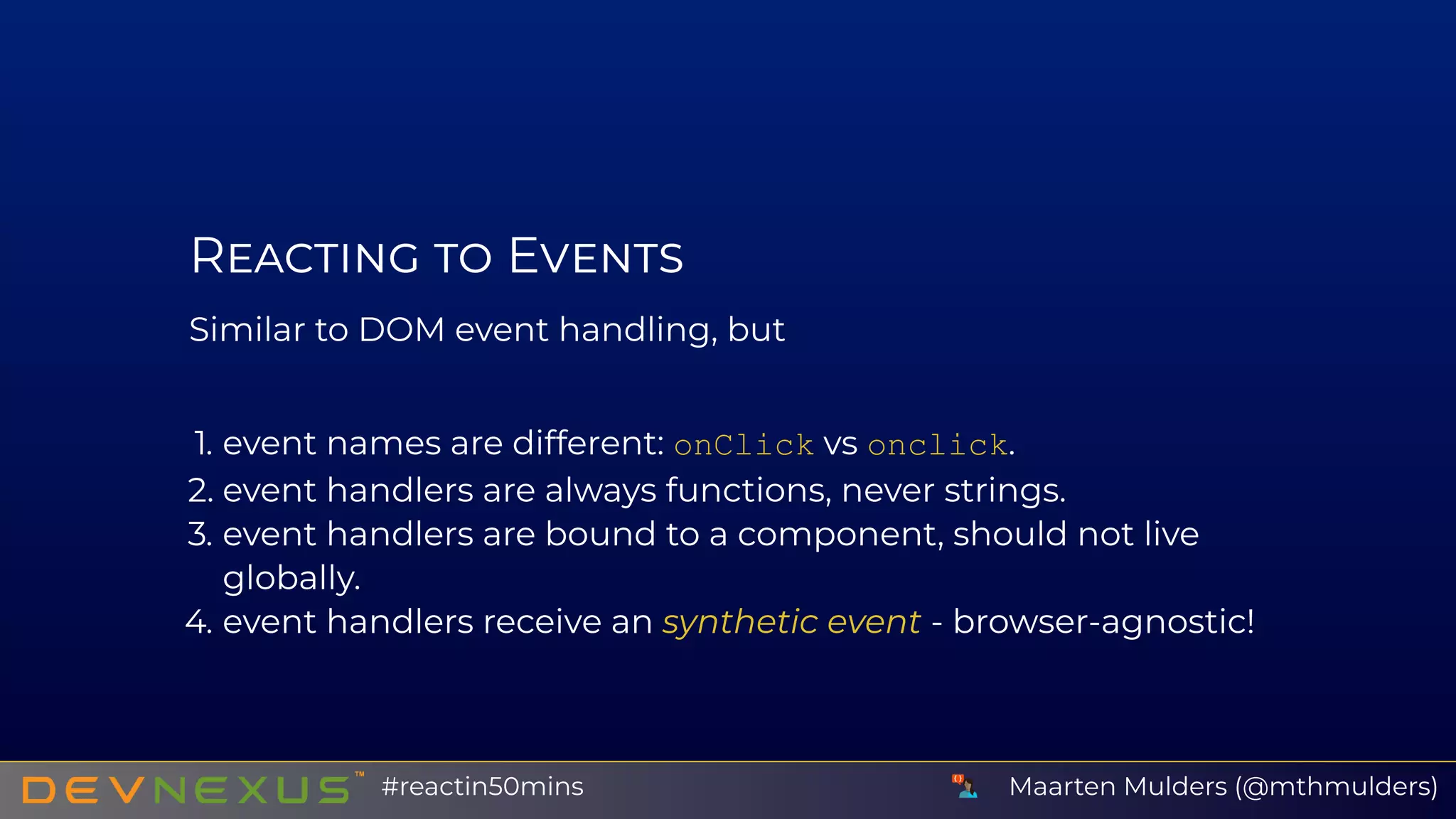
R E
Similar to DOM event handling, but
1. event names are different: onClick vs onclick.
2. event handlers are always functions, never strings.
3. event handlers are bound to a component, should not live
globally.
4. event handlers receive an synthetic event - browser-agnostic!
Maarten Mulders (@mthmulders)#reactin50mins
C C
Counter: 0
+   ‑
const Counter = () => {
    const [ counter, setCounter ] = React.useState(0);
    const increate = () => setCounter(counter + 1);
    const decreate = () => setCounter(counter ­ 1);
    return <div>Counter: { counter }<br />
                <button onClick={ increate }>   +   </button> &nbsp;
                <button onClick={ decreate }>   ­   </button>
           </div>
}
ReactDOM.render(<Counter />, document.getElementById('app'));
1
2
3
4
5
6
7
8
9
10
11
12
Maarten Mulders (@mthmulders)#reactin50mins
C C
Greet!
const Greeter = () => {
    const [ name, setName ] = React.useState('');
    const updateName = (e) => setName(e.target.value);
    const callback = () => alert(`Hello ${name}`);
    return <div><input type='text' onChange={ updateName } ></input><br />
                <button onClick={ callback }>Greet { name }!</button></div>
}
ReactDOM.render(<Greeter />, document.getElementById('app'));
1
2
3
4
5
6
7
8
9
10
Maarten Mulders (@mthmulders)#reactin50mins
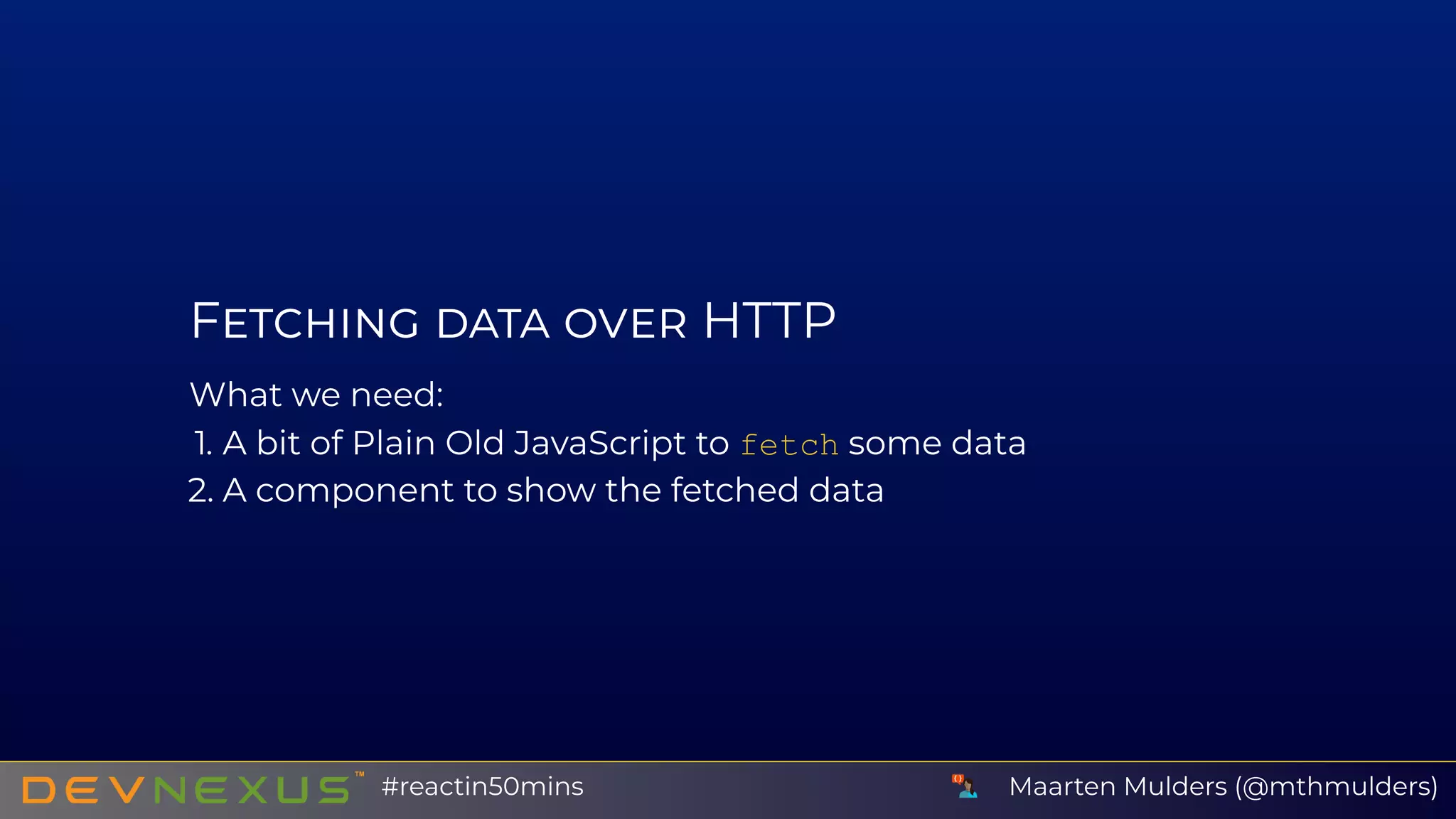
F HTTP
What we need:
1. A bit of Plain Old JavaScript to fetch some data
2. A component to show the fetched data
Maarten Mulders (@mthmulders)#reactin50mins
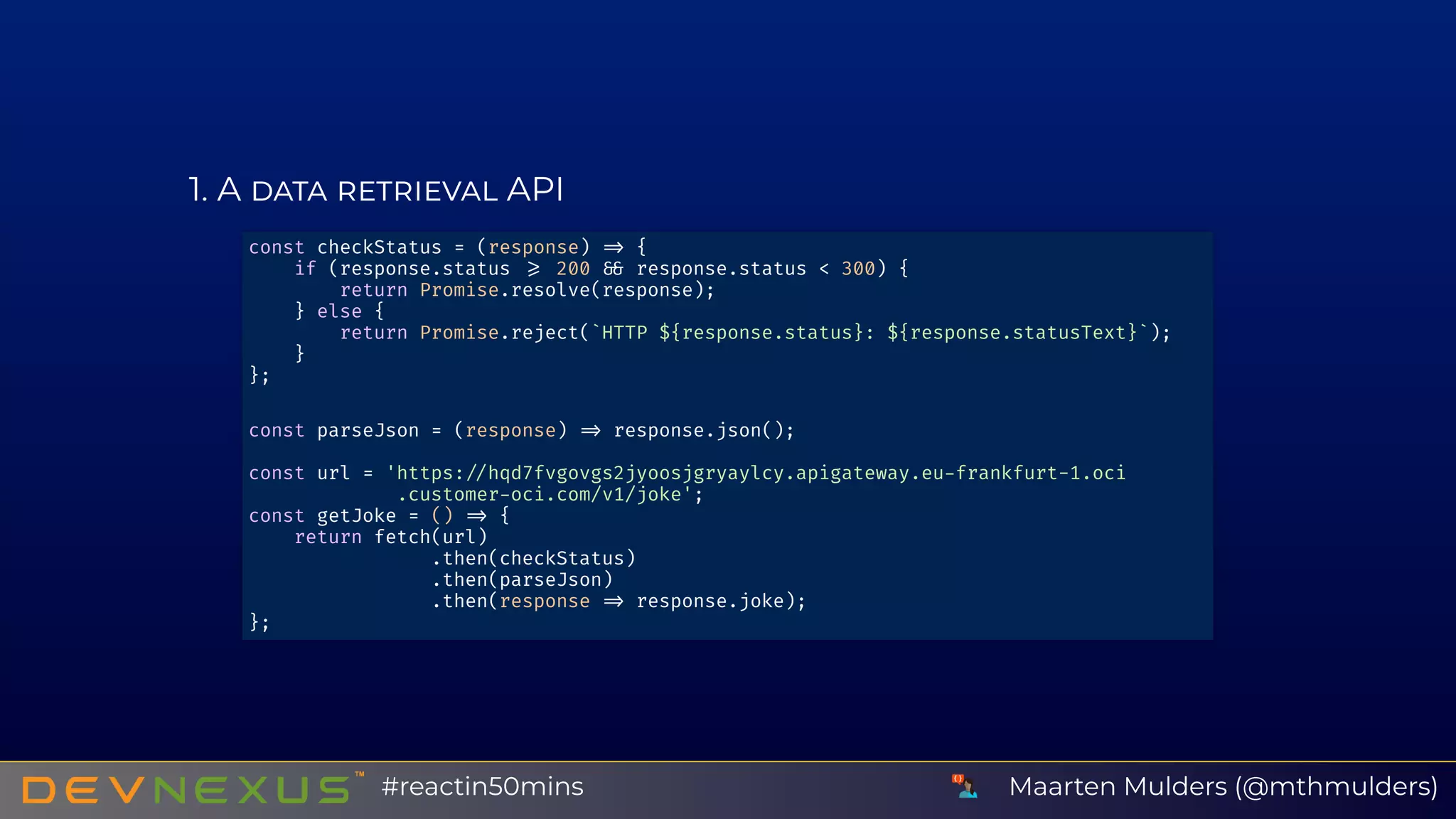
1 A API
const checkStatus = (response) {
if (response.status 200 response.status < 300) {
return Promise.resolve(response);
} else {
return Promise.reject(`HTTP ${response.status}: ${response.statusText}`);
}
};
const parseJson = (response) response.json();
const url = 'https: hqd7fvgovgs2jyoosjgryaylcy.apigateway.eu frankfurt-1.oci
.customer oci.com/v1/joke';
const getJoke = () {
return fetch(url)
.then(checkStatus)
.then(parseJson)
.then(response response.joke);
};
Maarten Mulders (@mthmulders)#reactin50mins
2 A
Why did the hipster burn his mouth? He drank the coffee
before it was cool.
const RandomJoke = () => {
    const [ { joke, loading }, setState ] = React.useState({ loading: true });
    const fetchRandomJoke = async () => {
        // Does the actual API call to Oracle Cloud function, see before.
        const joke = await getJoke();
        setState({ loading: false, joke })
    }
    React.useEffect(() => {
        fetchRandomJoke()
    }, [ ]);
    if (loading) return <div>Loading...</div>
    return <div>{ joke }</div>;
};
ReactDOM.render(<RandomJoke />, document.getElementById('app'));
1
2
3
4
5
6
7
8
9
10
11
12
13
14
Maarten Mulders (@mthmulders)#reactin50mins
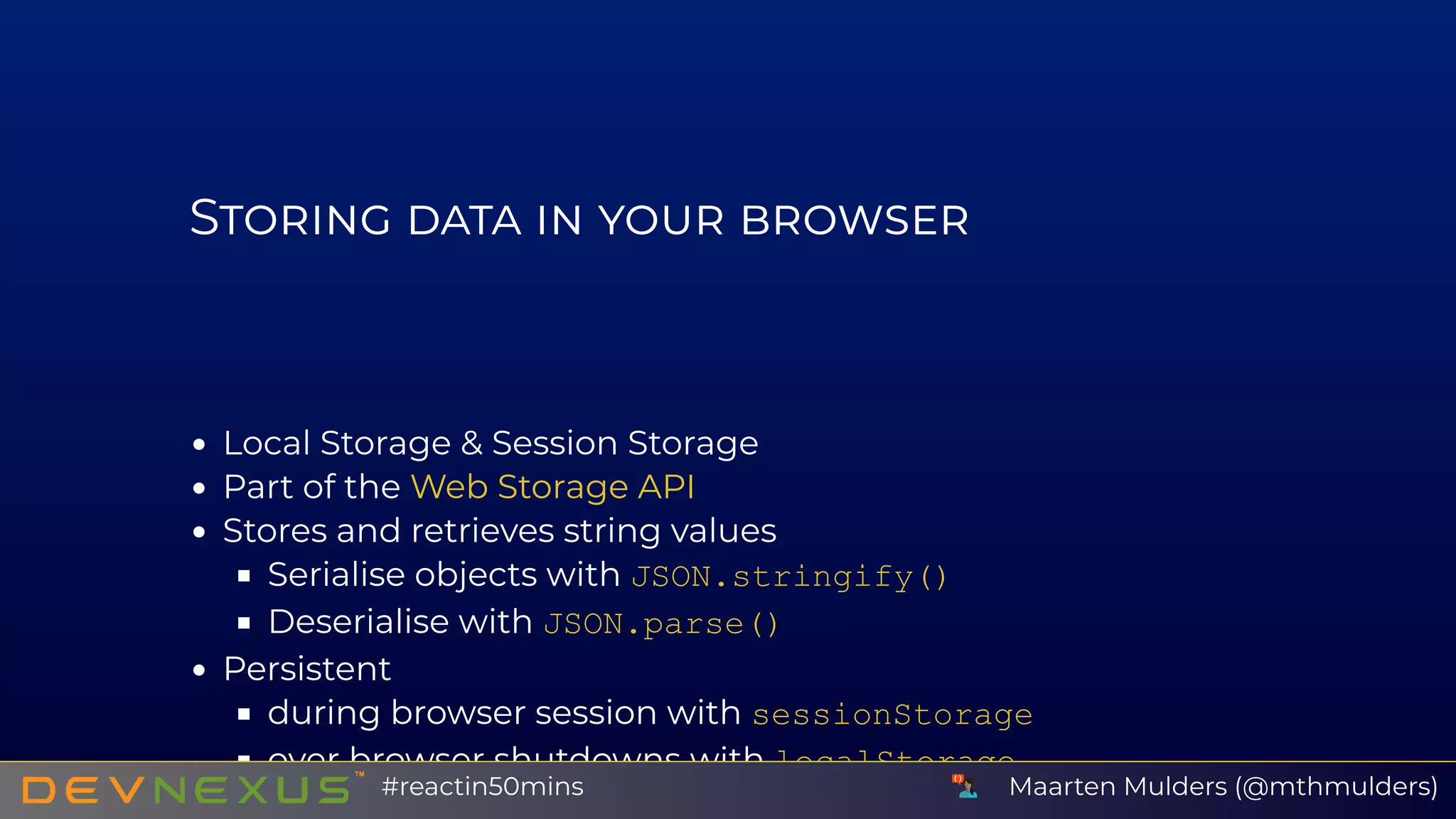
S
Local Storage & Session Storage
Part of the
Stores and retrieves string values
Serialise objects with JSON.stringify()
Deserialise with JSON.parse()
Persistent
during browser session with sessionStorage
over browser shutdowns with localStorage
Web Storage API
Maarten Mulders (@mthmulders)#reactin50mins
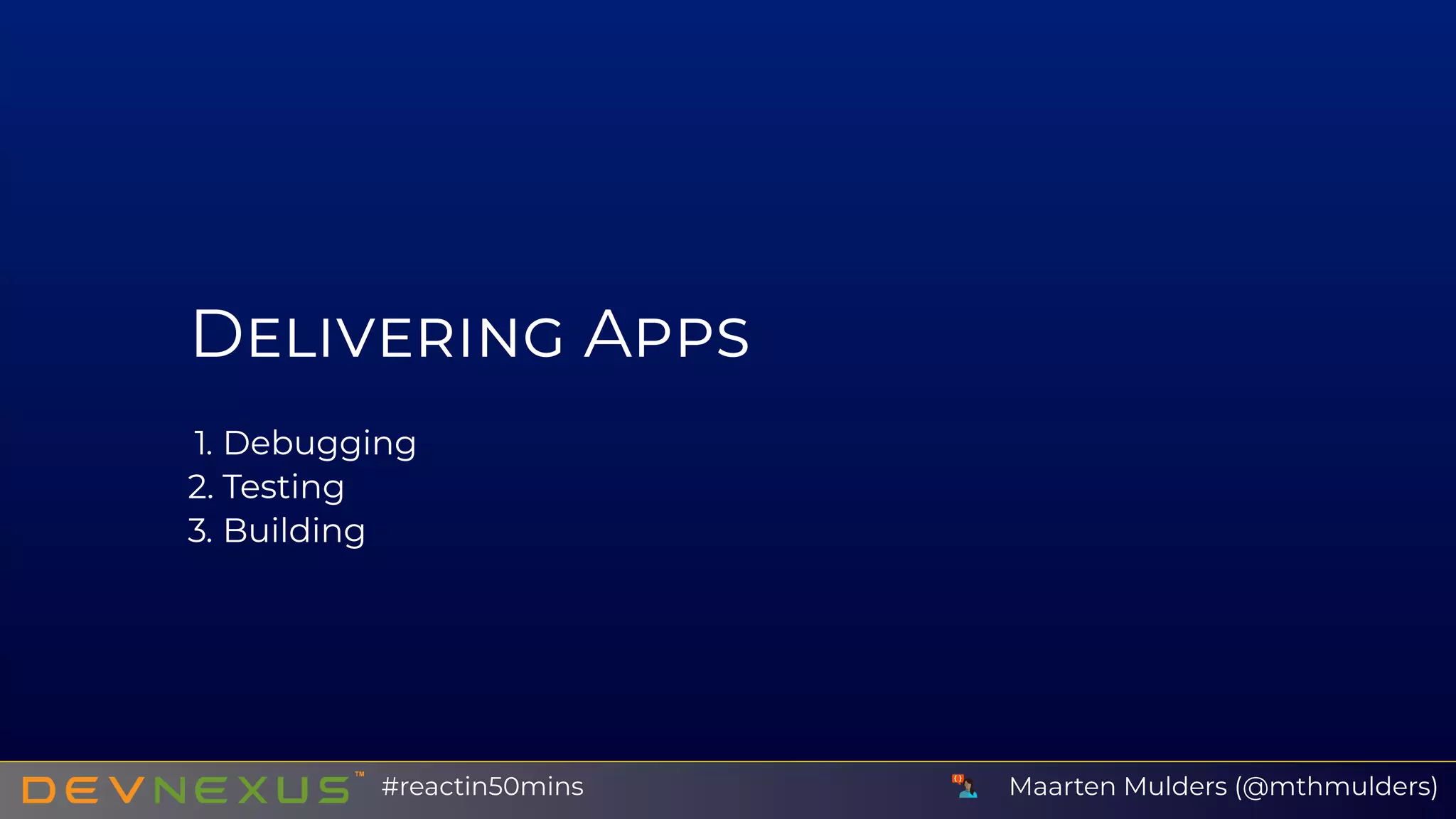
D A
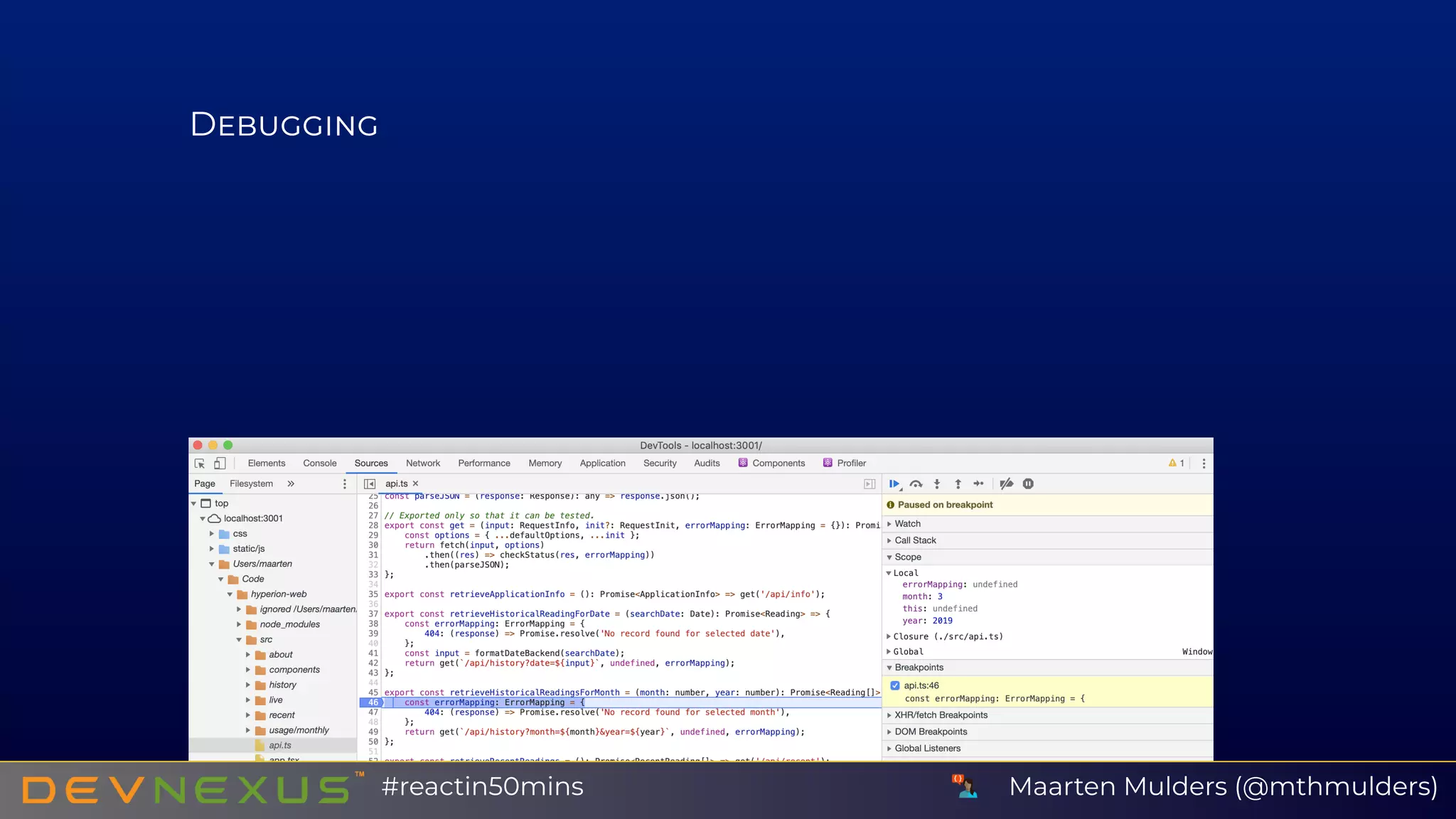
1. Debugging
2. Testing
3. Building
Maarten Mulders (@mthmulders)#reactin50mins
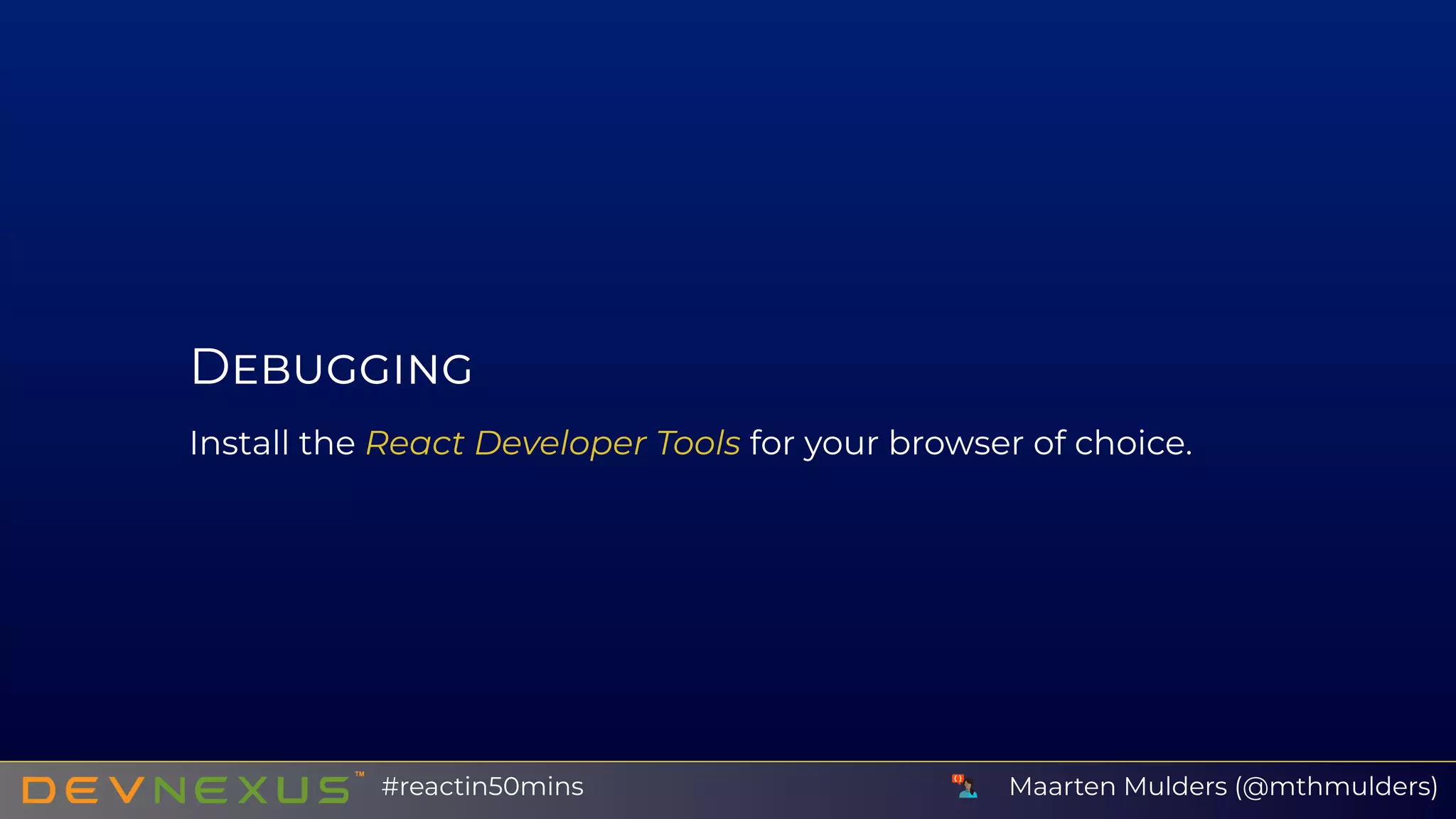
D
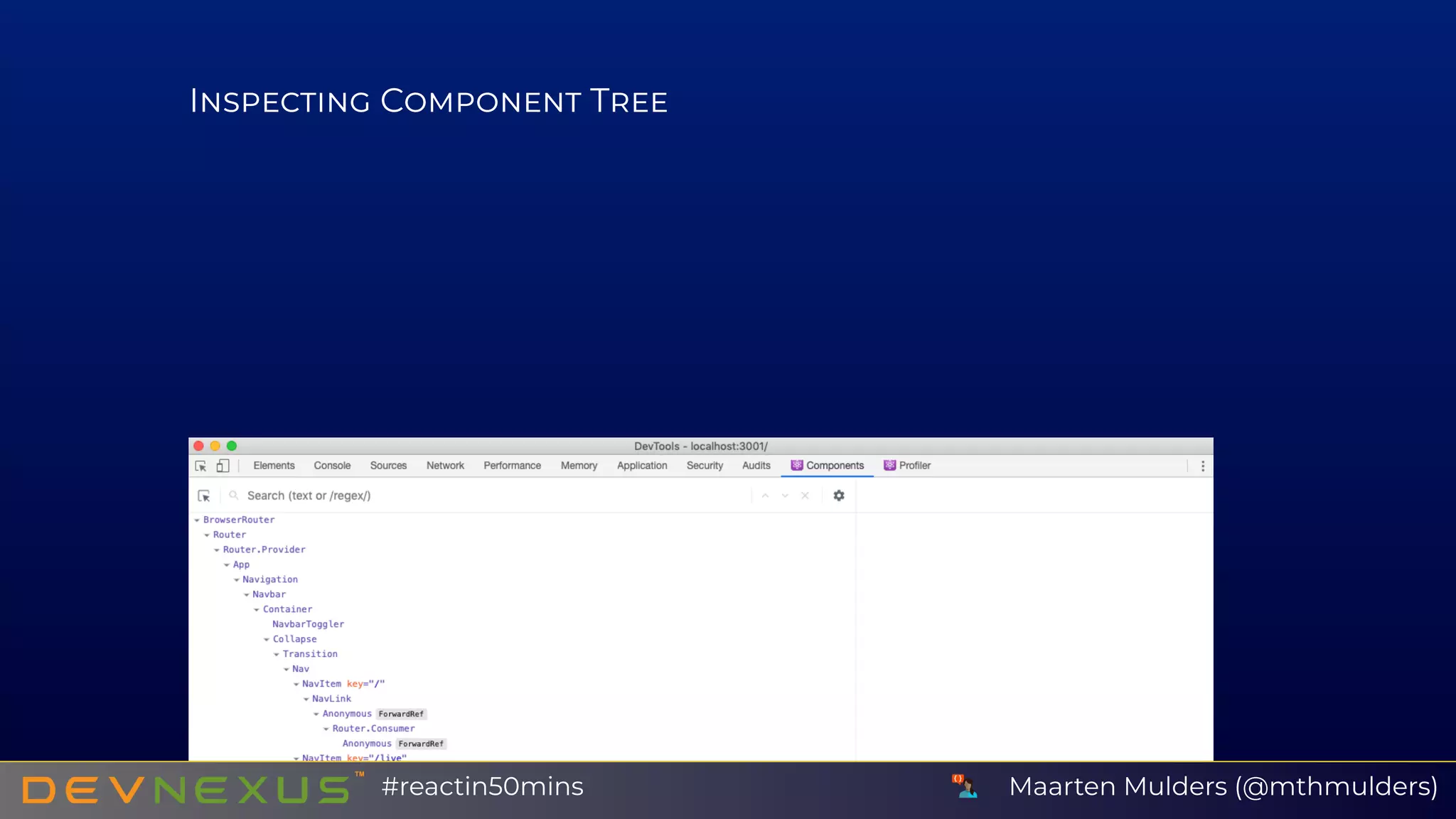
Install the React Developer Tools for your browser of choice.
Maarten Mulders (@mthmulders)#reactin50mins
I C T
Maarten Mulders (@mthmulders)#reactin50mins
D
Maarten Mulders (@mthmulders)#reactin50mins
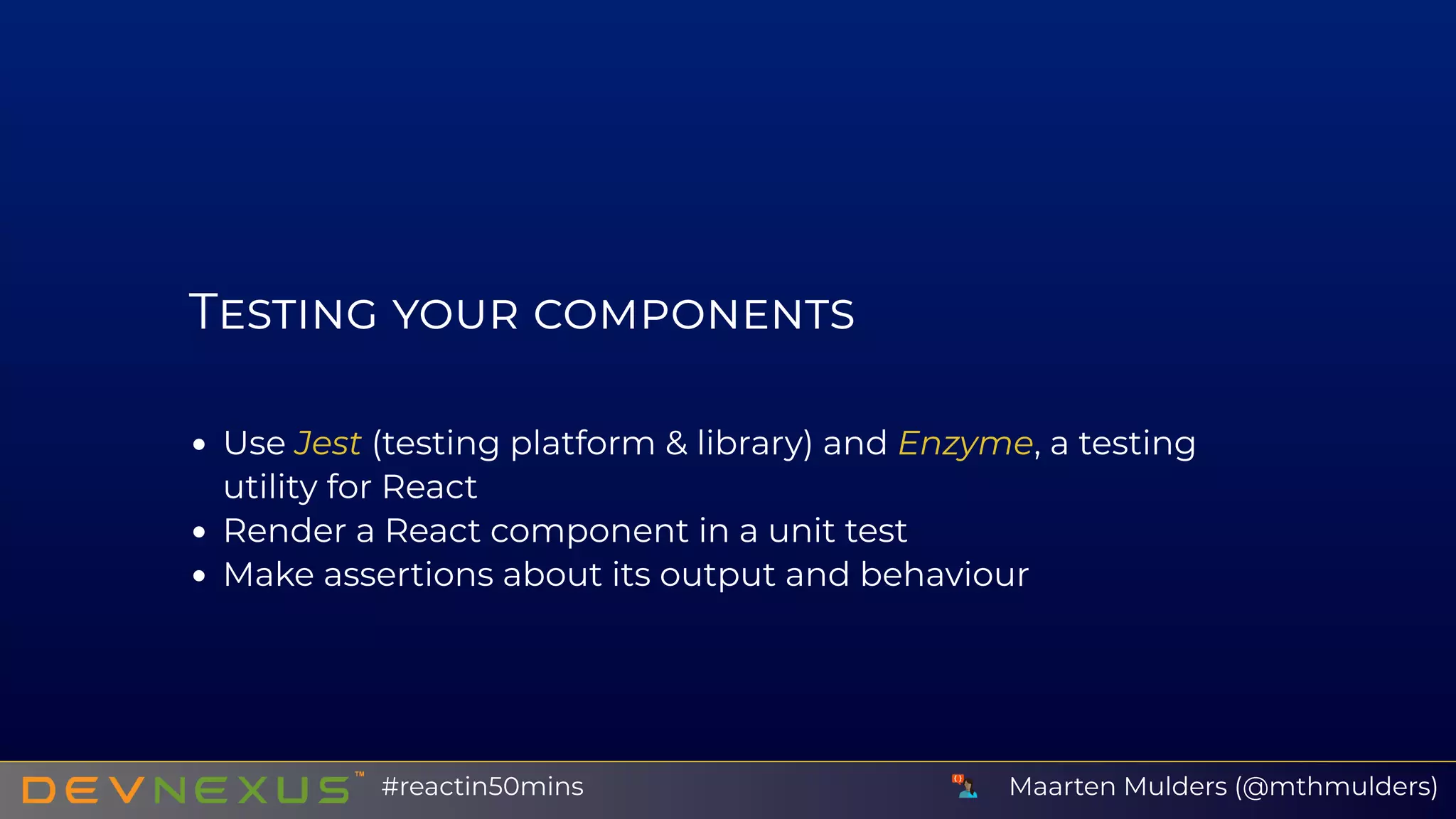
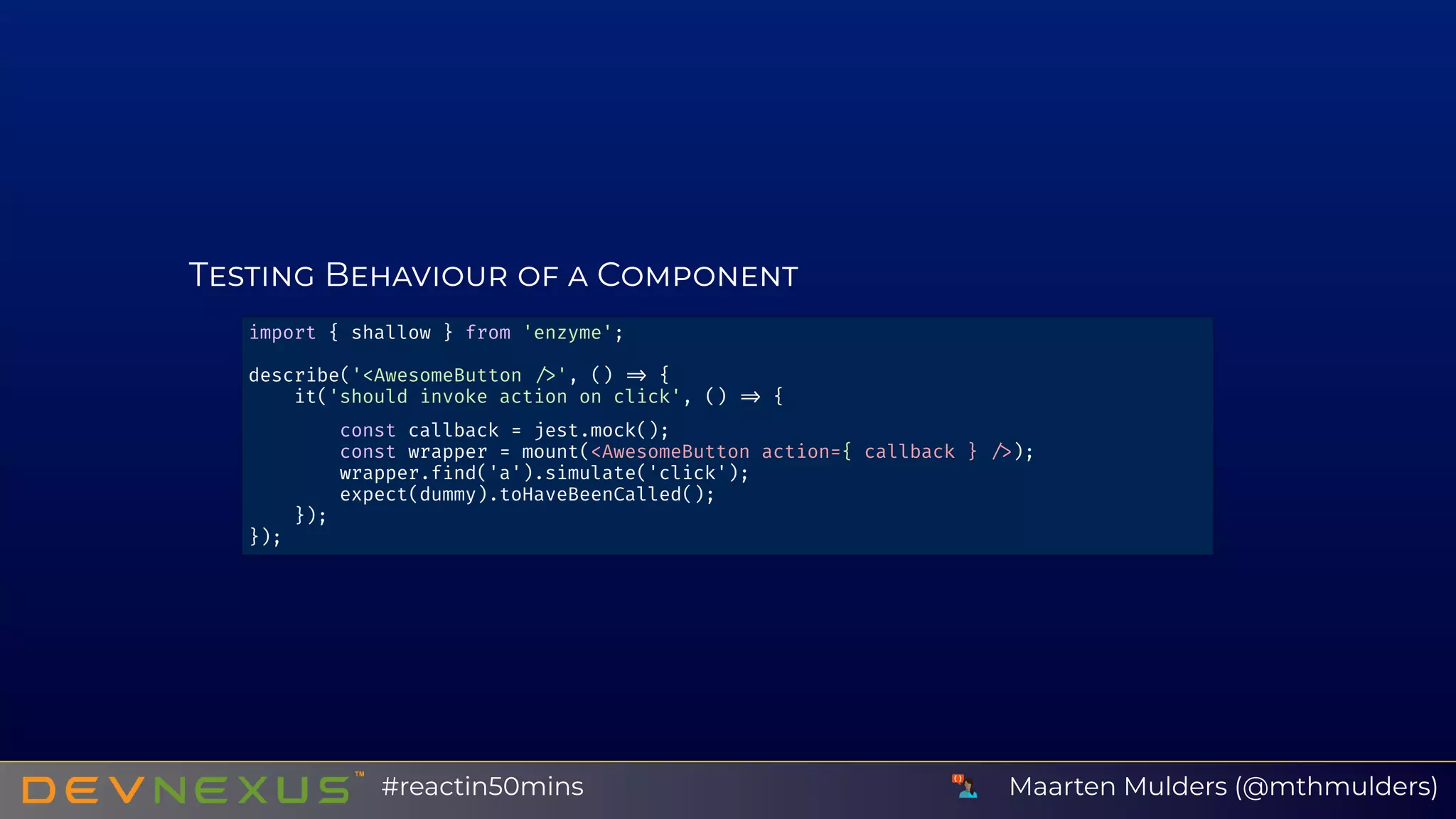
T
Use Jest (testing platform & library) and Enzyme, a testing
utility for React
Render a React component in a unit test
Make assertions about its output and behaviour
Maarten Mulders (@mthmulders)#reactin50mins
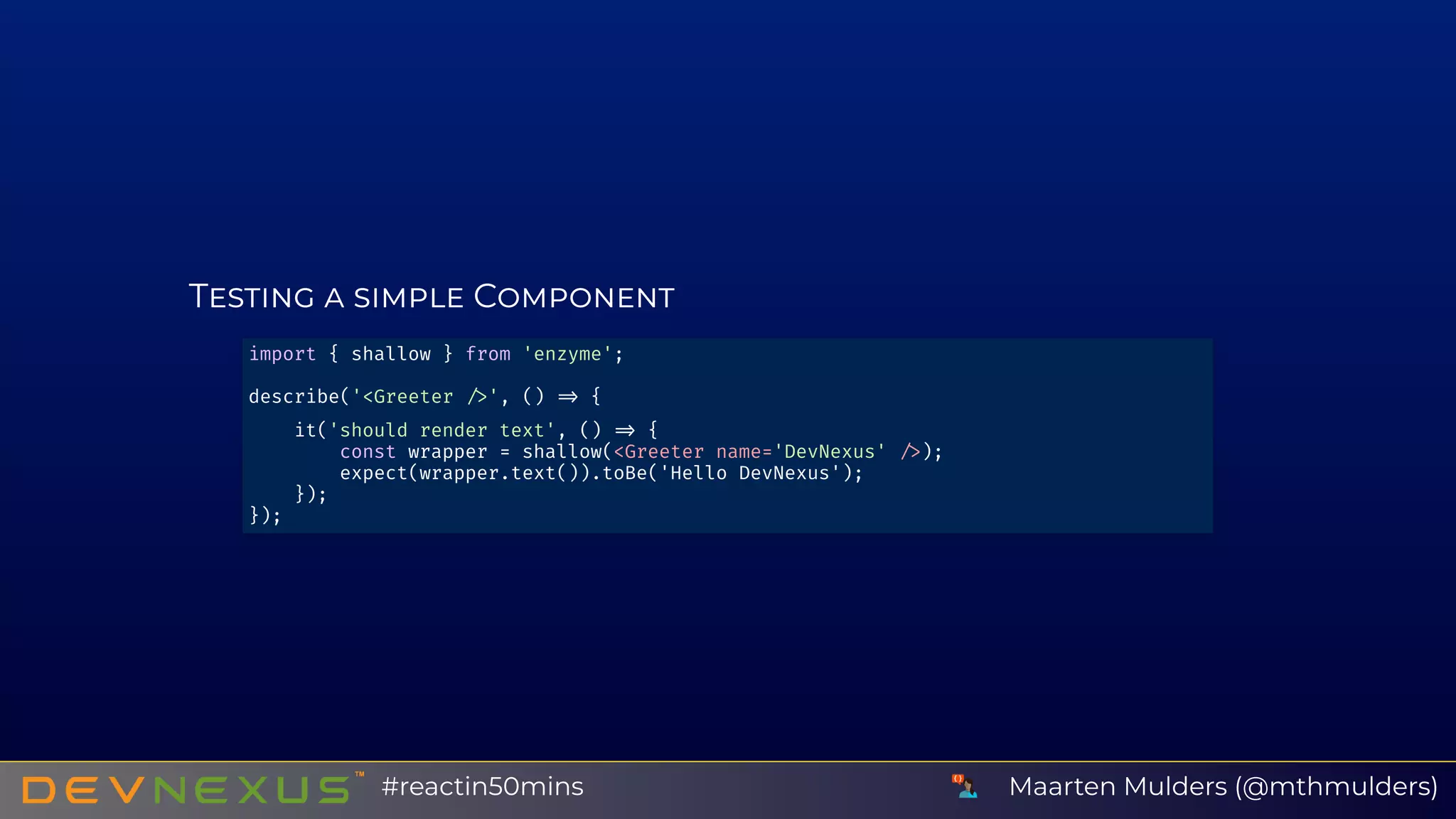
T C
import { shallow } from 'enzyme';
describe('<Greeter ', () {
it('should render text', () {
const wrapper = shallow(<Greeter name='DevNexus' );
expect(wrapper.text()).toBe('Hello DevNexus');
});
});
Maarten Mulders (@mthmulders)#reactin50mins
T B C
import { shallow } from 'enzyme';
describe('<AwesomeButton ', () {
it('should invoke action on click', () {
const callback = jest.mock();
const wrapper = mount(<AwesomeButton action={ callback } );
wrapper.f nd('a').simulate('click');
expect(dummy).toHaveBeenCalled();
});
});
Maarten Mulders (@mthmulders)#reactin50mins
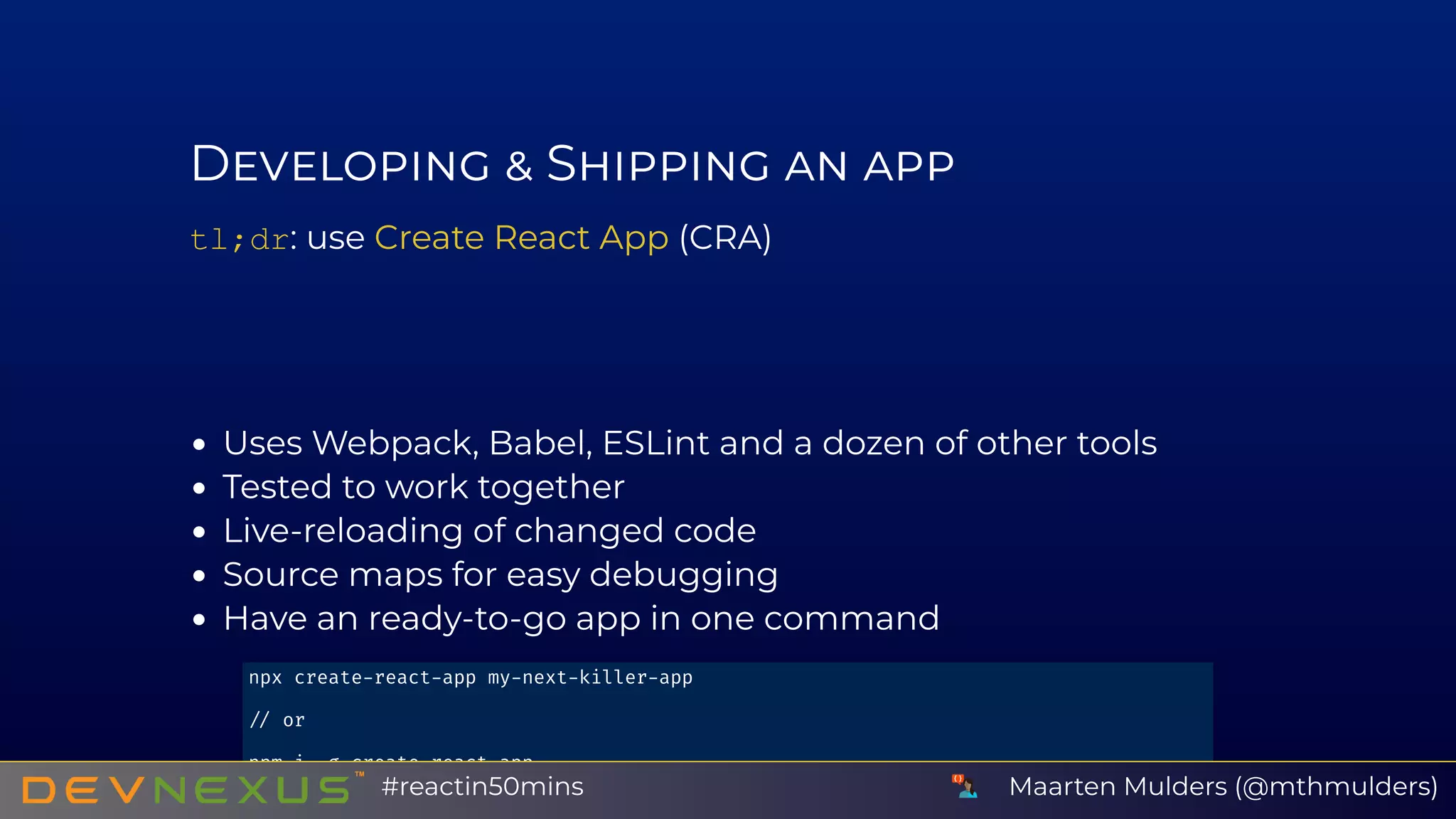
D S
tl;dr: use (CRA)
Uses Webpack, Babel, ESLint and a dozen of other tools
Tested to work together
Live-reloading of changed code
Source maps for easy debugging
Have an ready-to-go app in one command
Create React App
npx create react app my next killer app
or
npm i g create react app
create react app my next killer app Maarten Mulders (@mthmulders)#reactin50mins
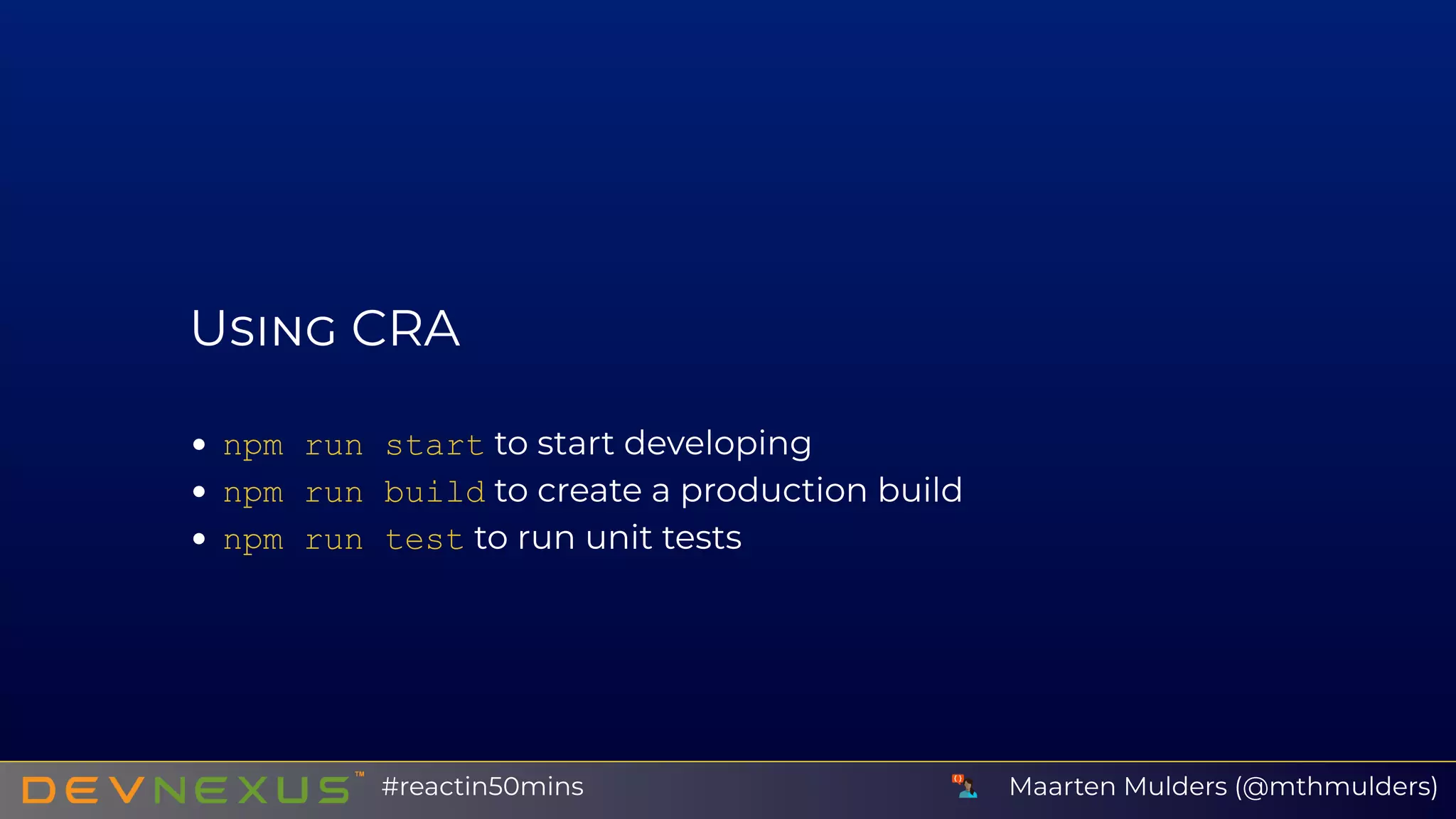
U CRA
npm run start to start developing
npm run build to create a production build
npm run test to run unit tests
Maarten Mulders (@mthmulders)#reactin50mins
G B
Maarten Mulders (@mthmulders)#reactin50mins
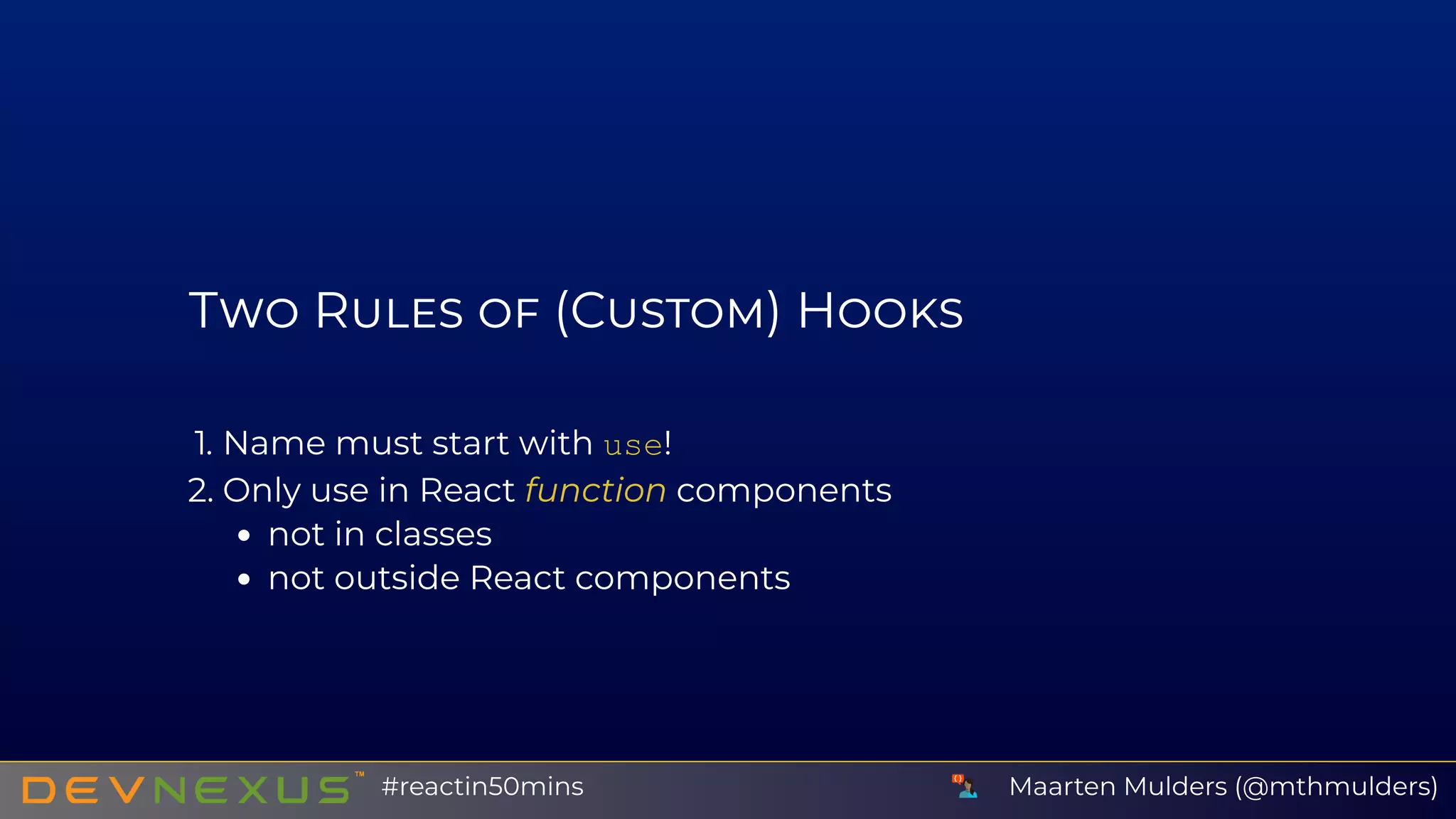
T R (C ) H
1. Name must start with use!
2. Only use in React function components
not in classes
not outside React components
Maarten Mulders (@mthmulders)#reactin50mins
C H
My sweater had a lot of static electricity. The store gave me a
new one, free of charge.
const useRandomJoke = () => {
    const [ { joke, loading }, setState ] = React.useState({ loading: true });
    const fetchRandomJoke = async () => {
        const joke = await getJoke();
        setState({ loading: false, joke });
    }
    React.useEffect(() => { fetchRandomJoke() }, [ ]);
    return { loading, joke };
};
const RandomJoke = ({  }) => {
    const { joke, loading } = useRandomJoke()
    if (loading) return <div>Loading...</div>;
1
2
3
4
5
6
7
8
9
10
11
12
13
14
 
Maarten Mulders (@mthmulders)#reactin50mins
T
Use Create React App
Think in (small) components
Think declaratively
I ❤ your feedback @
U
Create React App:
Dad Jokes API:
schedule.devnexus.com
https://bit.ly/c-r-a
https://bit.ly/dad-joke-api
Maarten Mulders (@mthmulders)#reactin50mins

React in 50 Minutes (DevNexus)