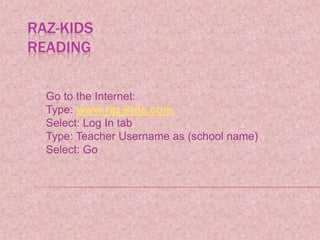
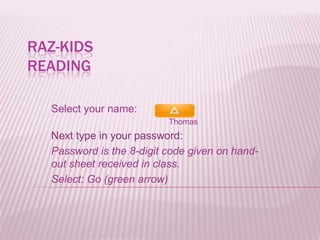
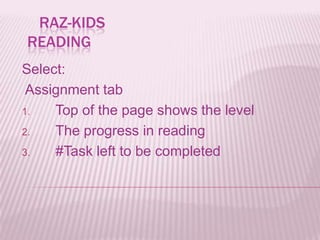
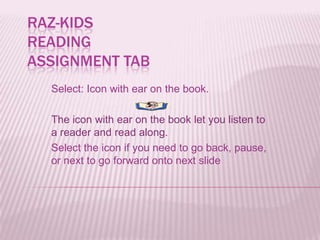
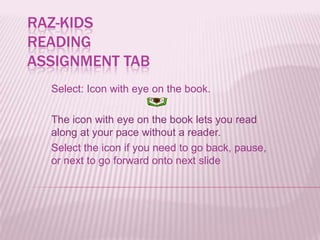
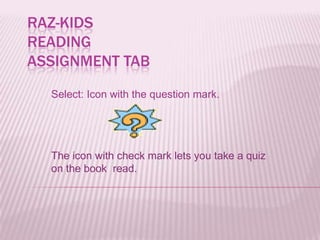
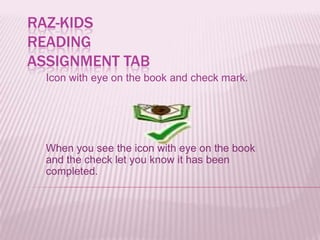
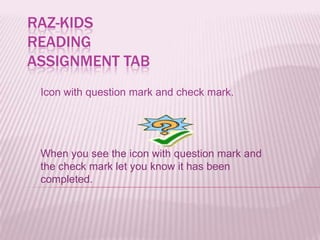
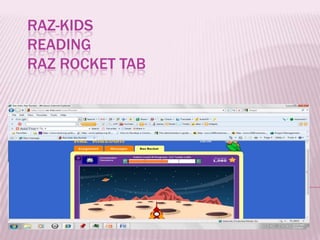
This document provides instructions for students on how to log into and navigate the Raz-Kids reading program website. It explains how to log in with a username and password, access assignments by book level and progress, read ebooks with audio or self-paced options, take quizzes, view teacher messages, play games, and check their reading level correlation. The goal is to help students complete assignments and reading tasks on the Raz-Kids website.