Contact:+91 7680813158.
http://www.a1trainings.com/onliner
analytictraining.php
COURSE CONTENT
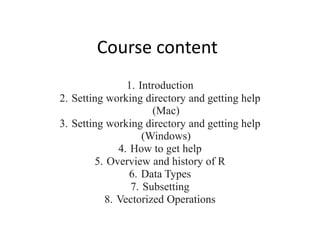
Course content
1. Introduction
2. Setting working directory and getting help
(Mac)
3. Setting working directory and getting help
(Windows)
4. How to get help
5. Overview and history of R
6. Data Types
7. Subsetting
8. Vectorized Operations
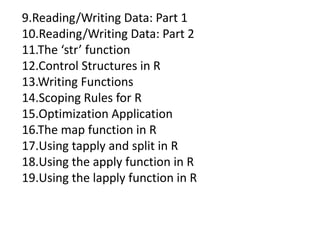
9.Reading/Writing Data: Part 1
10.Reading/Writing Data: Part 2
11.The ‘str’ function
12.Control Structures in R
13.Writing Functions
14.Scoping Rules for R
15.Optimization Application
16.The map function in R
17.Using tapply and split in R
18.Using the apply function in R
19.Using the lapply function in R
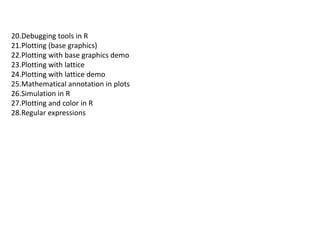
20.Debugging tools in R
21.Plotting (base graphics)
22.Plotting with base graphics demo
23.Plotting with lattice
24.Plotting with lattice demo
25.Mathematical annotation in plots
26.Simulation in R
27.Plotting and color in R
28.Regular expressions

R analytics onl

  • 1.
  • 2.
  • 3.
    Course content 1. Introduction 2.Setting working directory and getting help (Mac) 3. Setting working directory and getting help (Windows) 4. How to get help 5. Overview and history of R 6. Data Types 7. Subsetting 8. Vectorized Operations
  • 4.
    9.Reading/Writing Data: Part1 10.Reading/Writing Data: Part 2 11.The ‘str’ function 12.Control Structures in R 13.Writing Functions 14.Scoping Rules for R 15.Optimization Application 16.The map function in R 17.Using tapply and split in R 18.Using the apply function in R 19.Using the lapply function in R
  • 5.
    20.Debugging tools inR 21.Plotting (base graphics) 22.Plotting with base graphics demo 23.Plotting with lattice 24.Plotting with lattice demo 25.Mathematical annotation in plots 26.Simulation in R 27.Plotting and color in R 28.Regular expressions