QTP SCRIPTS
http://www.funandknowledge.blogspot.com/
QTP Script for connecting to database(MS Access)
                     Option Explicit
                       Dim con,rs
        Set con=createobject("adodb.connection")
         Set rs=createobject("adodb.recordset")

        con.provider="microsoft.jet.oledb.4.0"
              con.open"d:testdata.mdb"
            rs.open"select*from emp",con
                  Do while not rs.eof
  VbWindow("Form1").VbEdit("val1").Set rs.fields("v1")
  VbWindow("Form1").VbEdit("val2").Set rs.fields("v2")
     VbWindow("Form1").VbButton("ADD").Click
                     rs.movenext
                         Loop
Database we are using here is MS Access.before running this
             script create a table in MS Acess.

  In the above script i used table called "emp" and column
                  names as "v1" and "v2".

  "d:testdata.mdb" is path of the table which we created.

Main use of this application is to use testdata of table(which
             is in database) in the application.

    http://www.funandknowledge.blogspot.com/
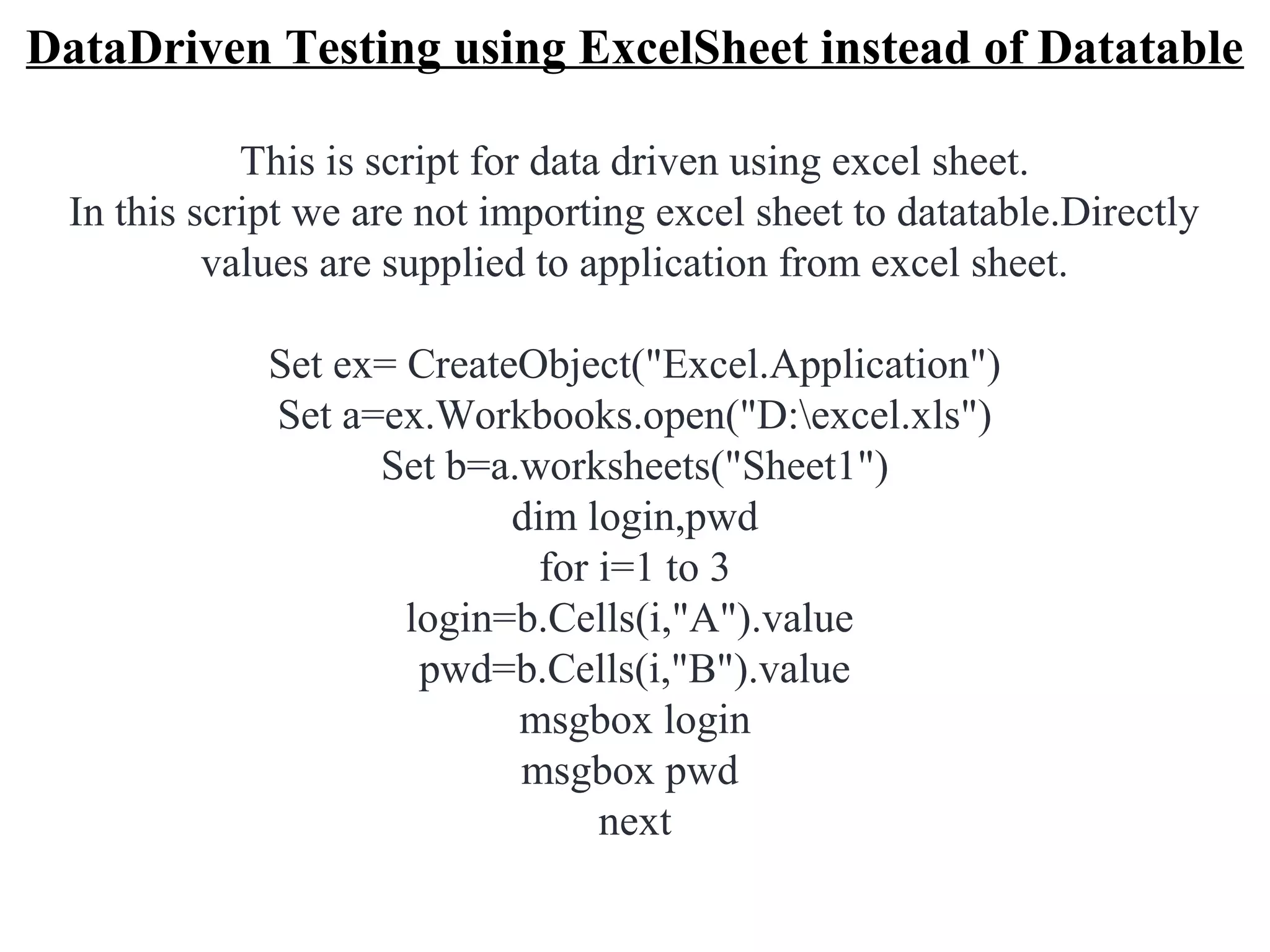
DataDriven Testing using ExcelSheet instead of Datatable

            This is script for data driven using excel sheet.
 In this script we are not importing excel sheet to datatable.Directly
          values are supplied to application from excel sheet.

             Set ex= CreateObject("Excel.Application")
             Set a=ex.Workbooks.open("D:excel.xls")
                   Set b=a.worksheets("Sheet1")
                           dim login,pwd
                             for i=1 to 3
                     login=b.Cells(i,"A").value
                      pwd=b.Cells(i,"B").value
                           msgbox login
                           msgbox pwd
                                 next
"D:excel.xls" is path of excel sheet.

"sheet1"indicates sheet name in which values are present.
          A,B are column names in excel sheet.

we have excel sheet with values as shown below in d drive.

                           AB
                           12
                           34
                           56

   http://www.funandknowledge.blogspot.com/
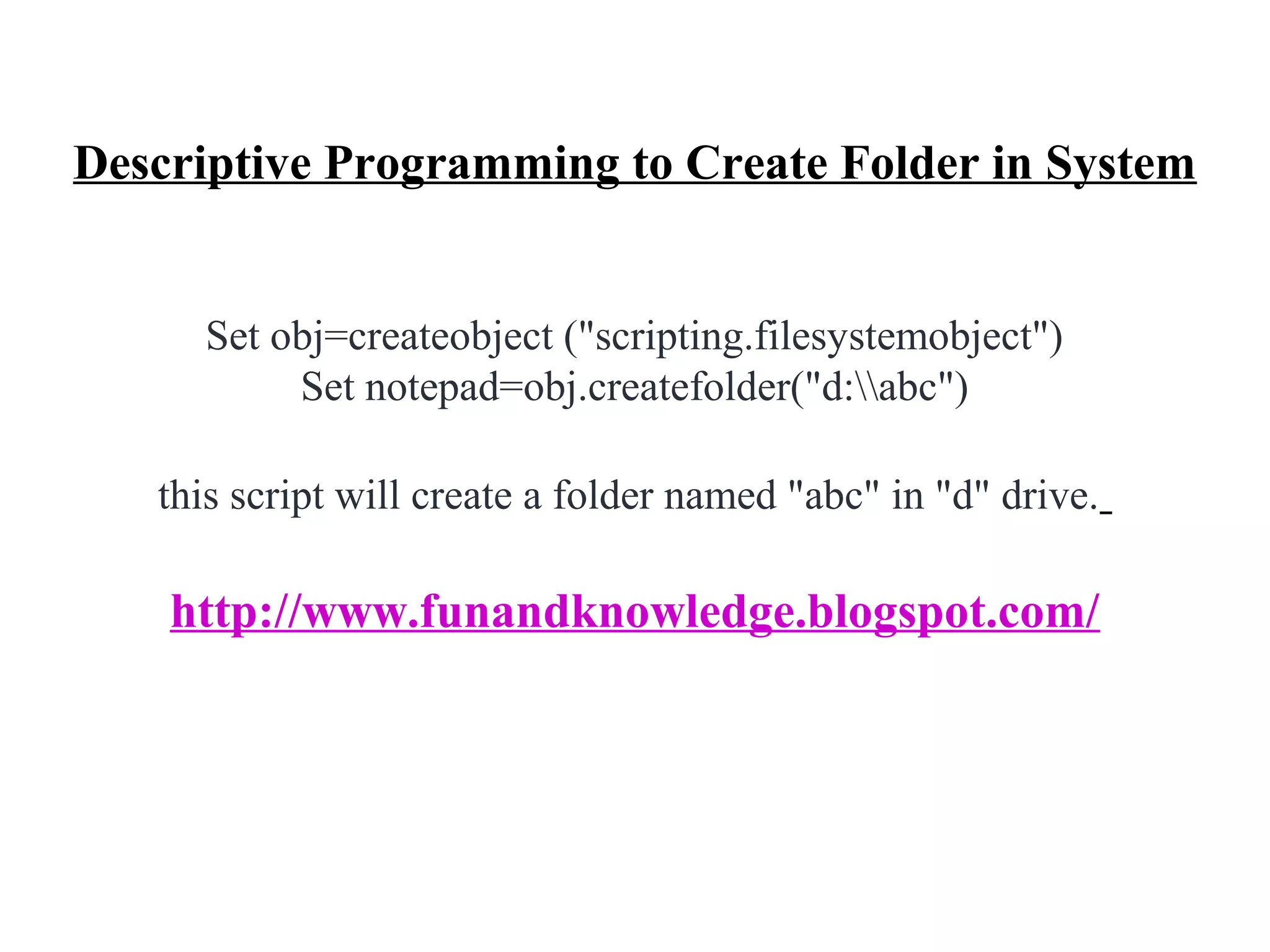
Descriptive Programming to Create Folder in System


     Set obj=createobject ("scripting.filesystemobject")
          Set notepad=obj.createfolder("d:abc")

   this script will create a folder named "abc" in "d" drive.

    http://www.funandknowledge.blogspot.com/
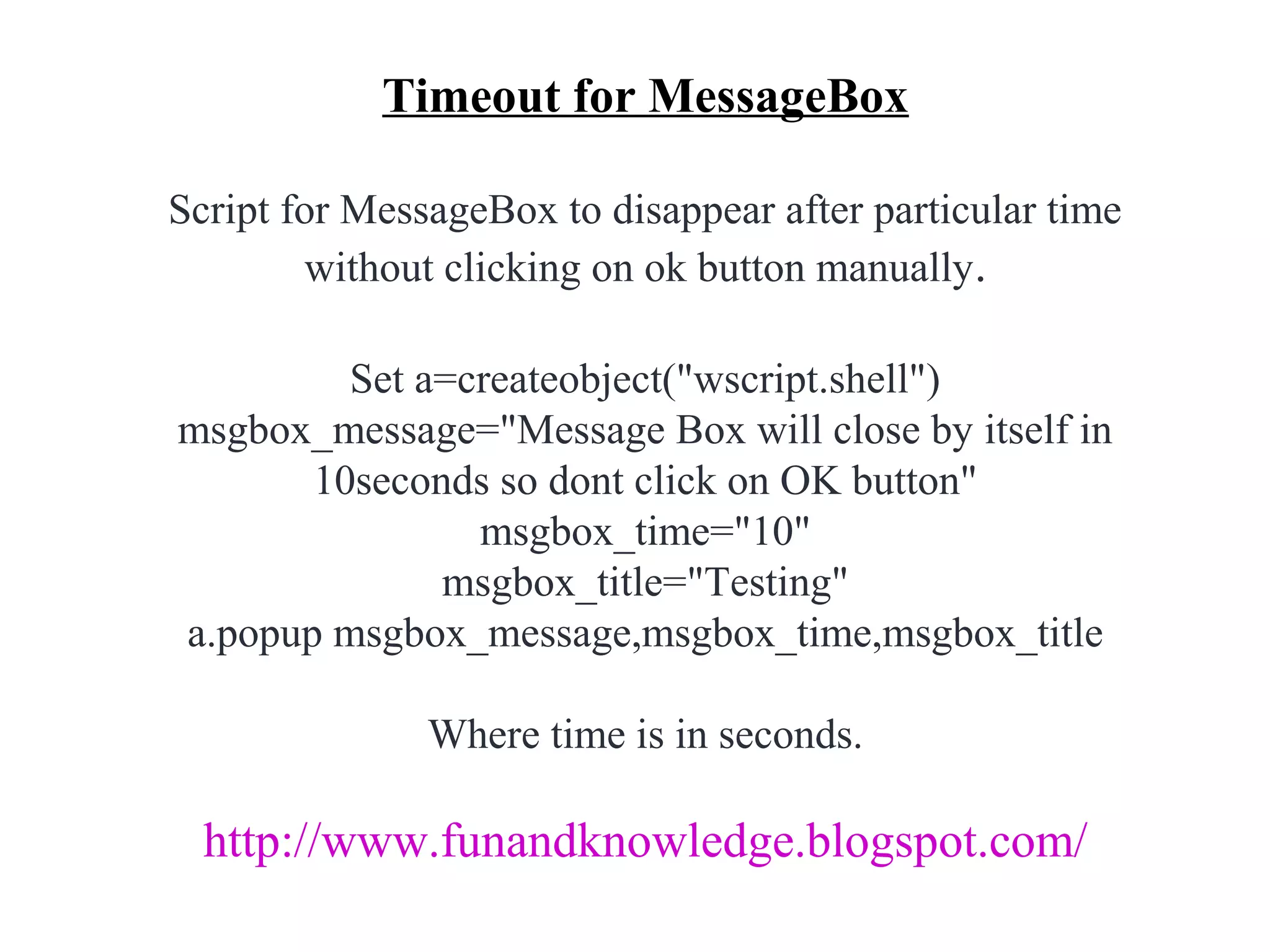
Timeout for MessageBox

Script for MessageBox to disappear after particular time
        without clicking on ok button manually.

         Set a=createobject("wscript.shell")
msgbox_message="Message Box will close by itself in
       10seconds so dont click on OK button"
                msgbox_time="10"
              msgbox_title="Testing"
a.popup msgbox_message,msgbox_time,msgbox_title

               Where time is in seconds.

  http://www.funandknowledge.blogspot.com/
Descriptive Programming for Yahoo Login Page

 SystemUtil.Run"iexplore","http://www.yahoomail.com"
Set g=Browser("name:=Yahoo.*").Page("title:=Yahoo.*")
          g.WebEdit("name:=login").Set "aaa"
      g.WebEdit("name:=passwd").SetSecure "bbb"
          g.WebButton("name:=Sign In").Click
                 g.Link("name:=Inbox.*",
       "html id:=WelcomeInboxFolderLink").Click
             g.Link("name:=Sign Out").Click


  http://www.funandknowledge.blogspot.com/
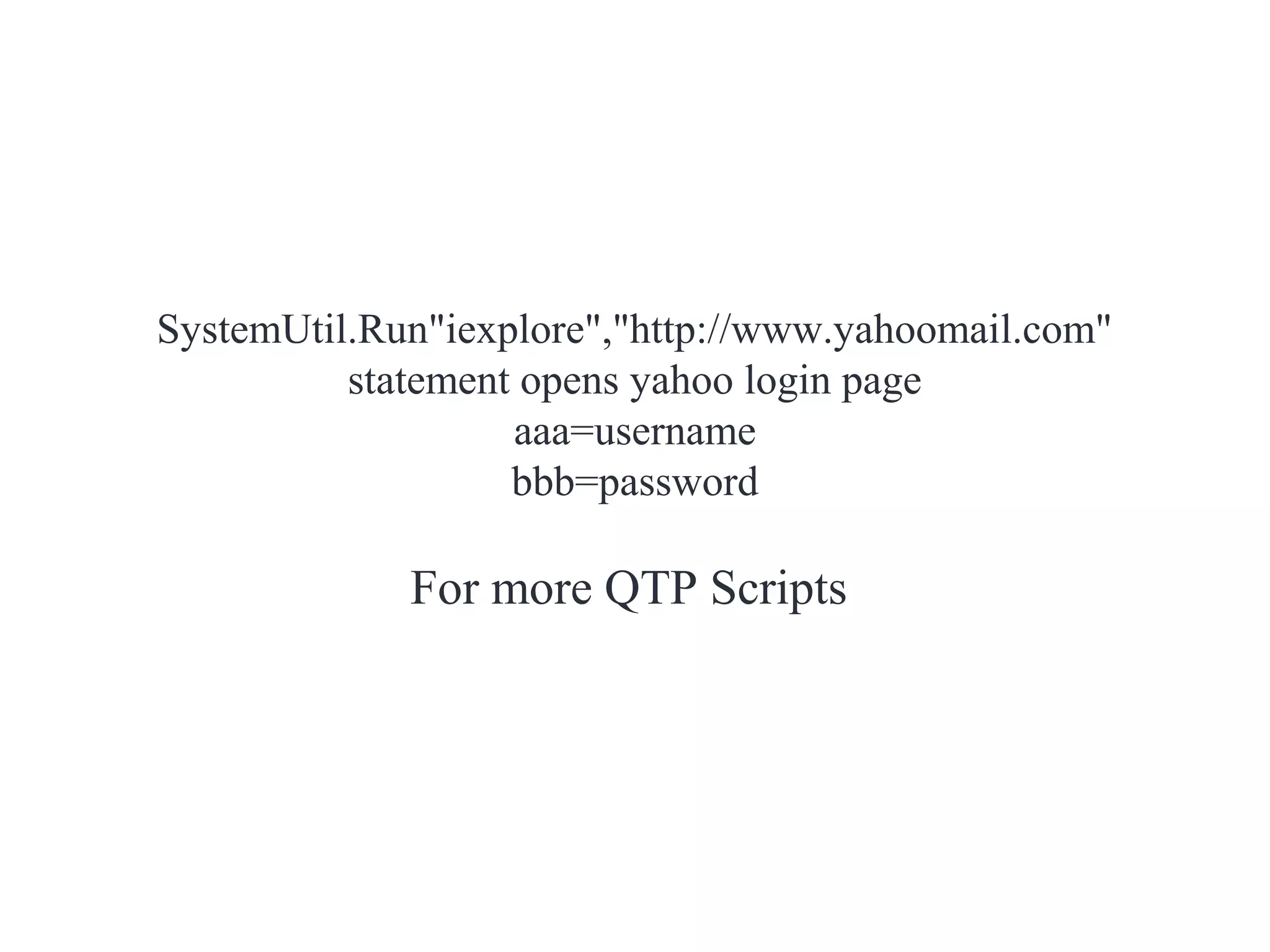
SystemUtil.Run"iexplore","http://www.yahoomail.com"
          statement opens yahoo login page
                   aaa=username
                   bbb=password

             For more QTP Scripts

QTP

  • 1.
  • 2.
    QTP Script forconnecting to database(MS Access) Option Explicit Dim con,rs Set con=createobject("adodb.connection") Set rs=createobject("adodb.recordset") con.provider="microsoft.jet.oledb.4.0" con.open"d:testdata.mdb" rs.open"select*from emp",con Do while not rs.eof VbWindow("Form1").VbEdit("val1").Set rs.fields("v1") VbWindow("Form1").VbEdit("val2").Set rs.fields("v2") VbWindow("Form1").VbButton("ADD").Click rs.movenext Loop
  • 3.
    Database we areusing here is MS Access.before running this script create a table in MS Acess. In the above script i used table called "emp" and column names as "v1" and "v2". "d:testdata.mdb" is path of the table which we created. Main use of this application is to use testdata of table(which is in database) in the application. http://www.funandknowledge.blogspot.com/
  • 4.
    DataDriven Testing usingExcelSheet instead of Datatable This is script for data driven using excel sheet. In this script we are not importing excel sheet to datatable.Directly values are supplied to application from excel sheet. Set ex= CreateObject("Excel.Application") Set a=ex.Workbooks.open("D:excel.xls") Set b=a.worksheets("Sheet1") dim login,pwd for i=1 to 3 login=b.Cells(i,"A").value pwd=b.Cells(i,"B").value msgbox login msgbox pwd next
  • 5.
    "D:excel.xls" is pathof excel sheet. "sheet1"indicates sheet name in which values are present. A,B are column names in excel sheet. we have excel sheet with values as shown below in d drive. AB 12 34 56 http://www.funandknowledge.blogspot.com/
  • 6.
    Descriptive Programming toCreate Folder in System Set obj=createobject ("scripting.filesystemobject") Set notepad=obj.createfolder("d:abc") this script will create a folder named "abc" in "d" drive. http://www.funandknowledge.blogspot.com/
  • 7.
    Timeout for MessageBox Scriptfor MessageBox to disappear after particular time without clicking on ok button manually. Set a=createobject("wscript.shell") msgbox_message="Message Box will close by itself in 10seconds so dont click on OK button" msgbox_time="10" msgbox_title="Testing" a.popup msgbox_message,msgbox_time,msgbox_title Where time is in seconds. http://www.funandknowledge.blogspot.com/
  • 8.
    Descriptive Programming forYahoo Login Page SystemUtil.Run"iexplore","http://www.yahoomail.com" Set g=Browser("name:=Yahoo.*").Page("title:=Yahoo.*") g.WebEdit("name:=login").Set "aaa" g.WebEdit("name:=passwd").SetSecure "bbb" g.WebButton("name:=Sign In").Click g.Link("name:=Inbox.*", "html id:=WelcomeInboxFolderLink").Click g.Link("name:=Sign Out").Click http://www.funandknowledge.blogspot.com/
  • 9.
    SystemUtil.Run"iexplore","http://www.yahoomail.com" statement opens yahoo login page aaa=username bbb=password For more QTP Scripts