Python Sets vs Tuple - Understand the Key difference
1.
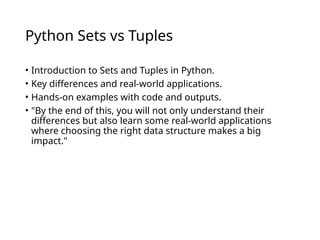
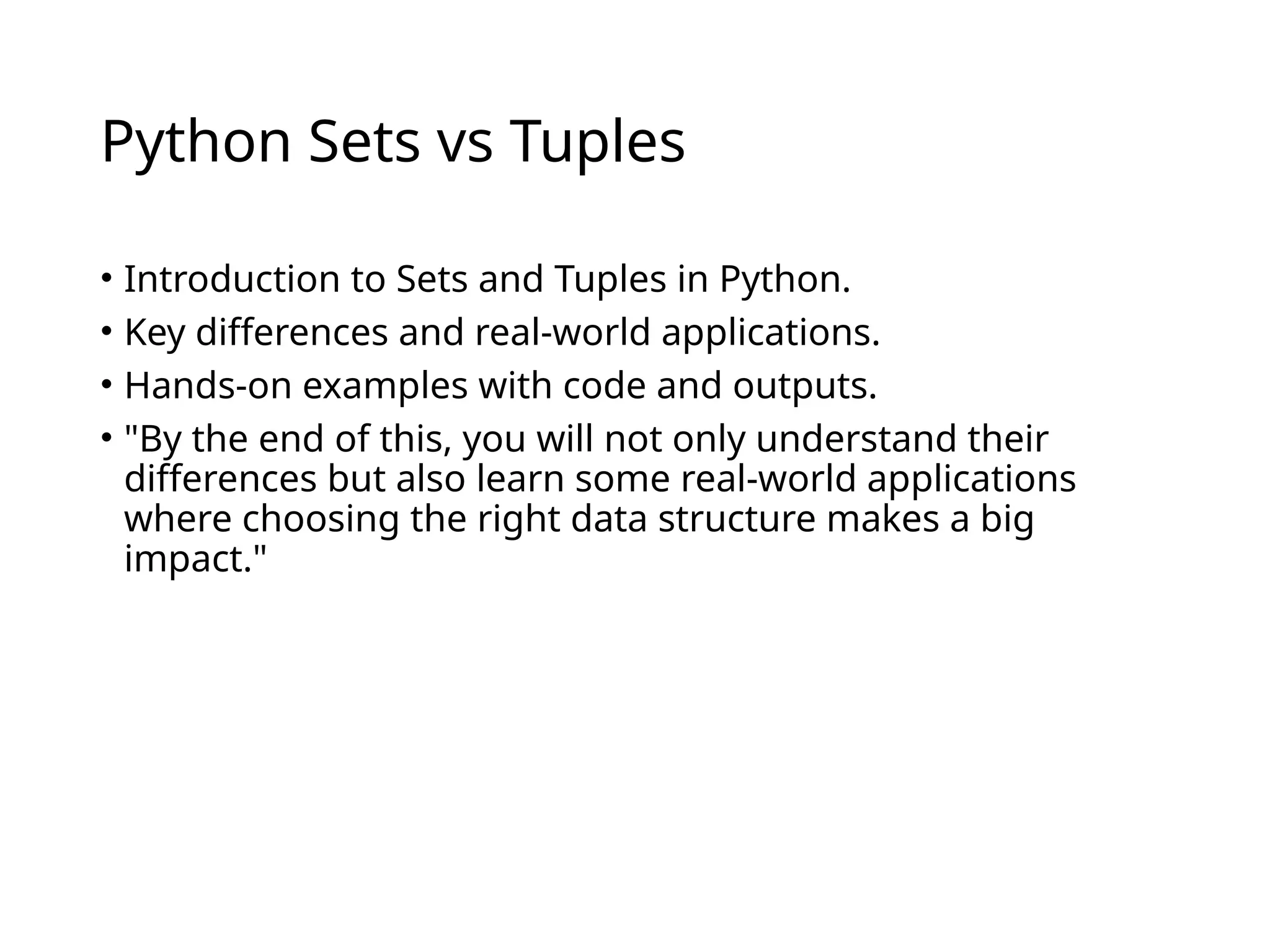
Python Sets vsTuples
• Introduction to Sets and Tuples in Python.
• Key differences and real-world applications.
• Hands-on examples with code and outputs.
• "By the end of this, you will not only understand their
differences but also learn some real-world applications
where choosing the right data structure makes a big
impact."
2.
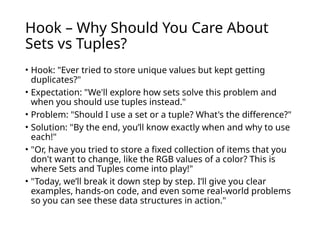
Hook – WhyShould You Care About
Sets vs Tuples?
• Hook: "Ever tried to store unique values but kept getting
duplicates?"
• Expectation: "We'll explore how sets solve this problem and
when you should use tuples instead."
• Problem: "Should I use a set or a tuple? What's the difference?"
• Solution: "By the end, you’ll know exactly when and why to use
each!"
• "Or, have you tried to store a fixed collection of items that you
don't want to change, like the RGB values of a color? This is
where Sets and Tuples come into play!"
• "Today, we’ll break it down step by step. I’ll give you clear
examples, hands-on code, and even some real-world problems
so you can see these data structures in action."
3.
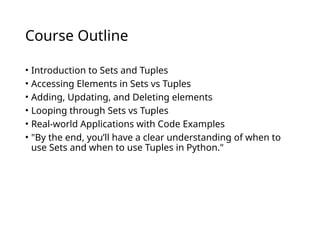
Course Outline
• Introductionto Sets and Tuples
• Accessing Elements in Sets vs Tuples
• Adding, Updating, and Deleting elements
• Looping through Sets vs Tuples
• Real-world Applications with Code Examples
• "By the end, you’ll have a clear understanding of when to
use Sets and when to use Tuples in Python."
4.
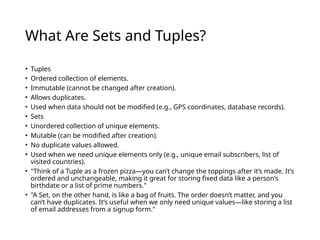
What Are Setsand Tuples?
• Tuples
• Ordered collection of elements.
• Immutable (cannot be changed after creation).
• Allows duplicates.
• Used when data should not be modified (e.g., GPS coordinates, database records).
• Sets
• Unordered collection of unique elements.
• Mutable (can be modified after creation).
• No duplicate values allowed.
• Used when we need unique elements only (e.g., unique email subscribers, list of
visited countries).
• "Think of a Tuple as a frozen pizza—you can’t change the toppings after it’s made. It’s
ordered and unchangeable, making it great for storing fixed data like a person’s
birthdate or a list of prime numbers."
• "A Set, on the other hand, is like a bag of fruits. The order doesn’t matter, and you
can’t have duplicates. It’s useful when we only need unique values—like storing a list
of email addresses from a signup form."
5.
Accessing Elements inSets vs Tuples
• Tuples: Access elements using indexing (tuple[index]).
• Sets: Cannot use indexing; access using loops.
• "That’s because sets don’t guarantee order. If you need to
go through a set, you must use a loop."
• "For example, imagine storing GPS coordinates for cities—
these don’t change, so a Tuple is perfect. On the other
hand, if you need to track unique website visitors, a Set is
your best choice!"
• Code Example:
#(Tuple Access Example)
fruits = ("apple", "banana", "cherry")
print(fruits[1]) # Output: banana
#(Set Access Example - Looping)
unique_numbers = {10, 20, 30, 40}
for num in unique_numbers:
print(num) # Order is not guaranteed
Real-World Problems
GPS Coordinates for Cities (Tuple)
Store fixed coordinates that should not change.
Unique Visitors on a Website (Set)
Keep track of unique user IDs to avoid duplicates.
6.
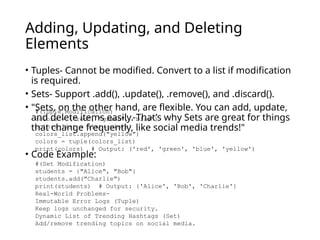
Adding, Updating, andDeleting
Elements
• Tuples- Cannot be modified. Convert to a list if modification
is required.
• Sets- Support .add(), .update(), .remove(), and .discard().
• "Sets, on the other hand, are flexible. You can add, update,
and delete items easily. That’s why Sets are great for things
that change frequently, like social media trends!"
• Code Example:
#(Tuple Modification)
colors = ("red", "green", "blue")
colors_list = list(colors)
colors_list.append("yellow")
colors = tuple(colors_list)
print(colors) # Output: ('red', 'green', 'blue', 'yellow')
#(Set Modification)
students = {"Alice", "Bob"}
students.add("Charlie")
print(students) # Output: {'Alice', 'Bob', 'Charlie'}
Real-World Problems-
Immutable Error Logs (Tuple)
Keep logs unchanged for security.
Dynamic List of Trending Hashtags (Set)
Add/remove trending topics on social media.
7.
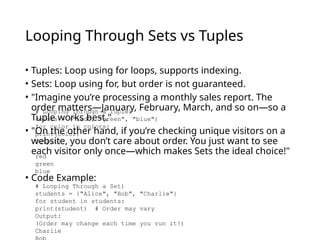
Looping Through Setsvs Tuples
• Tuples: Loop using for loops, supports indexing.
• Sets: Loop using for, but order is not guaranteed.
• "Imagine you’re processing a monthly sales report. The
order matters—January, February, March, and so on—so a
Tuple works best."
• "On the other hand, if you’re checking unique visitors on a
website, you don’t care about order. You just want to see
each visitor only once—which makes Sets the ideal choice!"
• Code Example:
# Looping Through a Tuple)
colors = ("red", "green", "blue")
for color in colors:
print(color)
Output:
red
green
blue
# Looping Through a Set)
students = {"Alice", "Bob", "Charlie"}
for student in students:
print(student) # Order may vary
Output:
(Order may change each time you run it!)
Charlie
8.
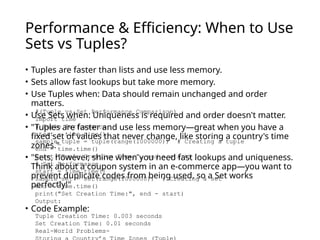
Performance & Efficiency:When to Use
Sets vs Tuples?
• Tuples are faster than lists and use less memory.
• Sets allow fast lookups but take more memory.
• Use Tuples when: Data should remain unchanged and order
matters.
• Use Sets when: Uniqueness is required and order doesn't matter.
• "Tuples are faster and use less memory—great when you have a
fixed set of values that never change, like storing a country's time
zones."
• "Sets, however, shine when you need fast lookups and uniqueness.
Think about a coupon system in an e-commerce app—you want to
prevent duplicate codes from being used, so a Set works
perfectly!"
• Code Example:
#(Tuple vs Set Performance Comparison)
import time
# Tuple Performance
start = time.time()
sample_tuple = tuple(range(1000000)) # Creating a tuple
end = time.time()
print("Tuple Creation Time:", end - start)
# Set Performance
start = time.time()
sample_set = set(range(1000000)) # Creating a set
end = time.time()
print("Set Creation Time:", end - start)
Output:
Tuple Creation Time: 0.003 seconds
Set Creation Time: 0.01 seconds
Real-World Problems-
9.
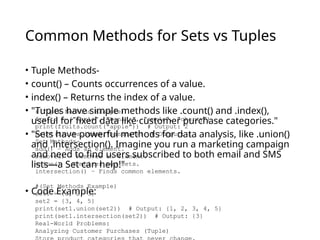
Common Methods forSets vs Tuples
• Tuple Methods-
• count() – Counts occurrences of a value.
• index() – Returns the index of a value.
• "Tuples have simple methods like .count() and .index(),
useful for fixed data like customer purchase categories."
• "Sets have powerful methods for data analysis, like .union()
and .intersection(). Imagine you run a marketing campaign
and need to find users subscribed to both email and SMS
lists—a Set can help!"
• Code Example:
#(Tuple Methods Example)
fruits = ("apple", "banana", "apple", "cherry")
print(fruits.count("apple")) # Output: 2
print(fruits.index("banana")) # Output: 1
Set Methods-
add() – Adds an element.
remove() – Removes an element.
union() – Combines two sets.
intersection() – Finds common elements.
#(Set Methods Example)
set1 = {1, 2, 3}
set2 = {3, 4, 5}
print(set1.union(set2)) # Output: {1, 2, 3, 4, 5}
print(set1.intersection(set2)) # Output: {3}
Real-World Problems:
Analyzing Customer Purchases (Tuple)
10.
Real-World Application -Social Media
Hashtag Trends
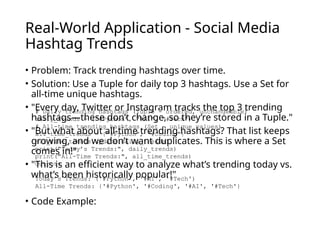
• Problem: Track trending hashtags over time.
• Solution: Use a Tuple for daily top 3 hashtags. Use a Set for
all-time unique hashtags.
• "Every day, Twitter or Instagram tracks the top 3 trending
hashtags—these don’t change, so they’re stored in a Tuple."
• "But what about all-time trending hashtags? That list keeps
growing, and we don’t want duplicates. This is where a Set
comes in!"
• "This is an efficient way to analyze what’s trending today vs.
what’s been historically popular!"
• Code Example:
# Daily trending hashtags (Tuple - ordered, unchangeable)
daily_trends = ("#Python", "#AI", "#Tech")
# All-time trending hashtags (Set - unique values)
all_time_trends = {"#Python", "#Coding"}
all_time_trends.update(daily_trends)
print("Today’s Trends:", daily_trends)
print("All-Time Trends:", all_time_trends)
Output:
Today’s Trends: ('#Python', '#AI', '#Tech')
All-Time Trends: {'#Python', '#Coding', '#AI', '#Tech'}
11.
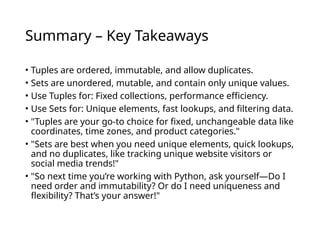
Summary – KeyTakeaways
• Tuples are ordered, immutable, and allow duplicates.
• Sets are unordered, mutable, and contain only unique values.
• Use Tuples for: Fixed collections, performance efficiency.
• Use Sets for: Unique elements, fast lookups, and filtering data.
• "Tuples are your go-to choice for fixed, unchangeable data like
coordinates, time zones, and product categories."
• "Sets are best when you need unique elements, quick lookups,
and no duplicates, like tracking unique website visitors or
social media trends!"
• "So next time you’re working with Python, ask yourself—Do I
need order and immutability? Or do I need uniqueness and
flexibility? That’s your answer!"
12.
Thank You &Questions!
• "Thanks for learning with us! Any questions?"
Editor's Notes
#1 "Hey everyone! Welcome to this session on Python Sets vs Tuples. Today, we are going to dive deep into two essential data structures in Python that often confuse beginners—Sets and Tuples. If you’ve ever wondered when to use a Set instead of a Tuple, or vice versa, this session will clear it all up for you!"
#2 "Okay, let’s start with a simple question—Have you ever needed to store a list of unique items but accidentally added duplicates? Imagine building a contact list and realizing that 'John' appears three times!"
#3 "Here’s what we’re going to cover today! We’ll start with the basics—What are Sets and Tuples? Then, we’ll move on to how to access elements, modify data, and loop through them. Finally, we’ll see how these concepts apply in real-world scenarios with hands-on coding!"
#4 "Alright, so what exactly are Sets and Tuples?"
#5 "Here’s where the big difference shows up. In a Tuple, you can use indexing to access items, just like a list. But Sets don’t allow indexing!"
#6 "One of the biggest differences between Sets and Tuples is modification. Tuples are frozen—you can’t change them once they’re created. But there’s a trick: You can convert a Tuple into a list, modify it, and turn it back into a Tuple!"
#7 "Now, let's talk about looping! Both Tuples and Sets support loops, but there’s a key difference: Tuples maintain order, while Sets do not!"
#8 "Performance is super important when choosing between Sets and Tuples!"
#9 "Each data structure comes with its own special powers!"
#10 "Alright, let’s take a real-world example: social media trends!"
#12 "That’s a wrap! I hope you now feel confident about when to use Sets vs Tuples in Python. If you have any questions, drop them in the chat or ask away!"
![Accessing Elements in Sets vs Tuples
• Tuples: Access elements using indexing (tuple[index]).
• Sets: Cannot use indexing; access using loops.
• "That’s because sets don’t guarantee order. If you need to
go through a set, you must use a loop."
• "For example, imagine storing GPS coordinates for cities—
these don’t change, so a Tuple is perfect. On the other
hand, if you need to track unique website visitors, a Set is
your best choice!"
• Code Example:
#(Tuple Access Example)
fruits = ("apple", "banana", "cherry")
print(fruits[1]) # Output: banana
#(Set Access Example - Looping)
unique_numbers = {10, 20, 30, 40}
for num in unique_numbers:
print(num) # Order is not guaranteed
Real-World Problems
GPS Coordinates for Cities (Tuple)
Store fixed coordinates that should not change.
Unique Visitors on a Website (Set)
Keep track of unique user IDs to avoid duplicates.](https://image.slidesharecdn.com/generatedpresentation6-250608063312-00a43b2e/85/Python-Sets-vs-Tuple-Understand-the-Key-difference-5-320.jpg)