Python: Environment Setup and Essentials
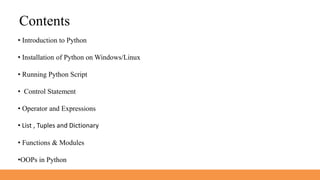
Contents
• Introduction to Python
• Installation of Python on Windows/Linux
• Running Python Script
• Control Statement
• Operator and Expressions
• List , Tuples and Dictionary
• Functions & Modules
•OOPs in Python
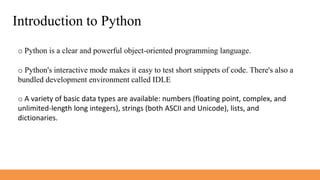
Introduction to Python
o Python is a clear and powerful object-oriented programming language.
o Python's interactive mode makes it easy to test short snippets of code. There's also a
bundled development environment called IDLE
o A variety of basic data types are available: numbers (floating point, complex, and
unlimited-length long integers), strings (both ASCII and Unicode), lists, and
dictionaries.
Installation of Python on Windows / Linux
1. For Windows
• Download Python from www.python.org
2. For Linux
• Python is already install on Linux when
Operating System is getting installed
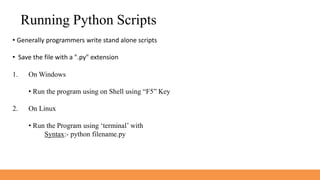
Running Python Scripts
• Generally programmers write stand alone scripts
• Save the file with a ".py" extension
1. On Windows
• Run the program using on Shell using “F5” Key
2. On Linux
• Run the Program using ‘terminal’ with
Syntax:- python filename.py
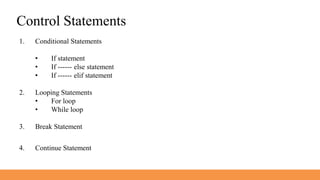
Control Statements
1. Conditional Statements
• If statement
• If ------ else statement
• If ------ elif statement
2. Looping Statements
• For loop
• While loop
3. Break Statement
4. Continue Statement

Python Environment Setup and Essentials modified.pptx

  • 1.
  • 2.
    Contents • Introduction toPython • Installation of Python on Windows/Linux • Running Python Script • Control Statement • Operator and Expressions • List , Tuples and Dictionary • Functions & Modules •OOPs in Python
  • 3.
    Introduction to Python oPython is a clear and powerful object-oriented programming language. o Python's interactive mode makes it easy to test short snippets of code. There's also a bundled development environment called IDLE o A variety of basic data types are available: numbers (floating point, complex, and unlimited-length long integers), strings (both ASCII and Unicode), lists, and dictionaries.
  • 4.
    Installation of Pythonon Windows / Linux 1. For Windows • Download Python from www.python.org 2. For Linux • Python is already install on Linux when Operating System is getting installed
  • 5.
    Running Python Scripts •Generally programmers write stand alone scripts • Save the file with a ".py" extension 1. On Windows • Run the program using on Shell using “F5” Key 2. On Linux • Run the Program using ‘terminal’ with Syntax:- python filename.py
  • 6.
    Control Statements 1. ConditionalStatements • If statement • If ------ else statement • If ------ elif statement 2. Looping Statements • For loop • While loop 3. Break Statement 4. Continue Statement