@simona_cotin
@simona_cotin
@simona_cotin
@simona_cotin
@simona_cotin
Intro to PWA
Dive into main concepts
Angular <3 Pwa
PWA vs Native
Tools
@simona_cotin
What?
@simona_cotin
–Wikipedia
“Progressive web apps
(PWAs) are web
applications that are
regular web pages or
websites, but can appear
to the user like traditional
applications or native
mobile applications.”
@simona_cotin
–Alex Russell
“..they’re just websites
that took all the right
vitamins”
@simona_cotin
@simona_cotin
How?
@simona_cotin
Baseline “Appyness”
@simona_cotin
Baseline “Appyness”
•Service workers
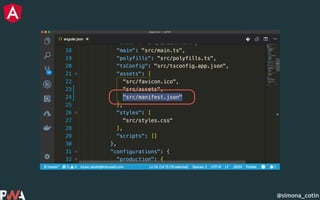
•Web manifest
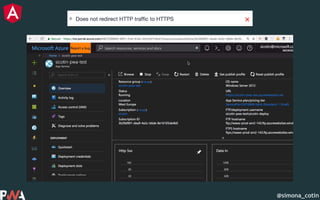
•Delivered over HTTPS
@simona_cotin
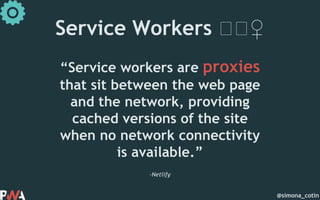
–Netlify
“Service workers are proxies
that sit between the web page
and the network, providing
cached versions of the site
when no network connectivity
is available.”
Service Workers 🏋🏋♀️
@simona_cotin
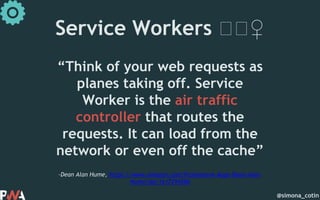
–Dean Alan Hume, https://www.amazon.com/Progressive-Apps-Dean-Alan-
Hume/dp/1617294586
“Think of your web requests as
planes taking off. Service
Worker is the air traffic
controller that routes the
requests. It can load from the
network or even off the cache”
Service Workers 🏋🏋♀️
@simona_cotin
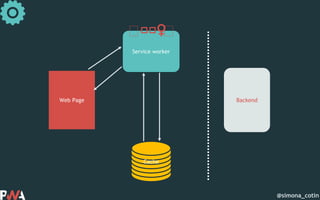
Web Page
Service worker
Cache
Backend
@simona_cotin
Web Page
Service worker
Cache
Backend
🏋🏋🏋♀️ 🏋
@simona_cotin
Web Page
Service worker
Cache
Backend
🏋🏋🏋♀️ 🏋
@simona_cotin
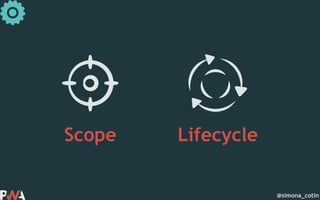
Scope Lifecycle
@simona_cotin
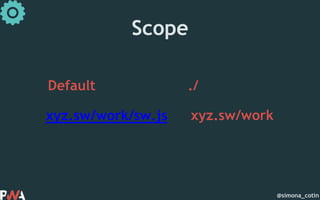
Scope
Default ./
xyz.sw/work/sw.js xyz.sw/work
@simona_cotin
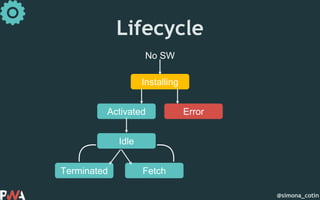
Lifecycle
No SW
Installing
Activated Error
Idle
Terminated Fetch
@simona_cotin
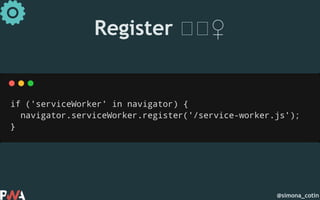
Register 🏋🏋♀️
@simona_cotin
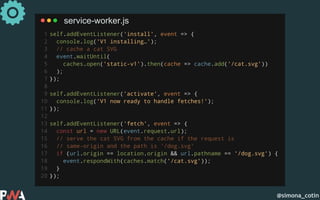
service-worker.js
@simona_cotin
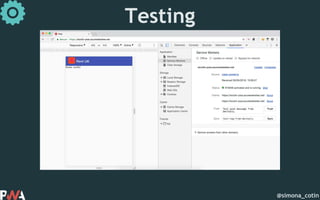
Testing
@simona_cotin
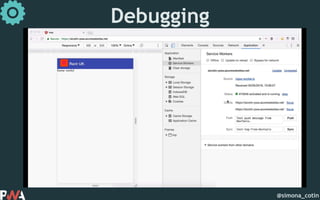
Debugging
@simona_cotin
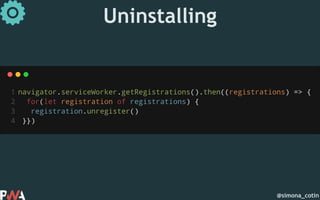
Uninstalling
@simona_cotin
✓Connectivity independent
✓Fresh
✓Discoverable
@simona_cotin
@simona_cotin
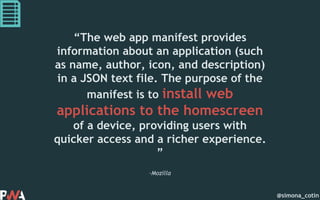
–Mozilla
“The web app manifest provides
information about an application (such
as name, author, icon, and description)
in a JSON text file. The purpose of the
manifest is to install web
applications to the homescreen
of a device, providing users with
quicker access and a richer experience.
”
@simona_cotin
@simona_cotin
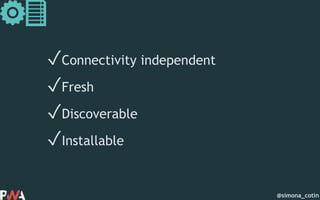
✓Connectivity independent
✓Fresh
✓Discoverable
✓Installable
@simona_cotin
@simona_cotin
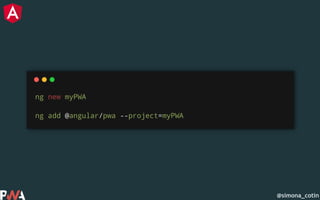
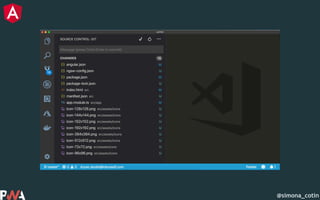
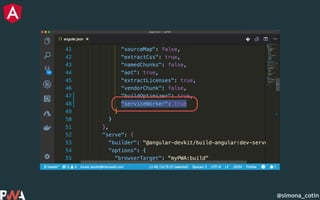
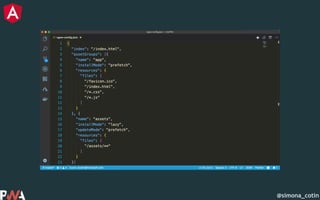
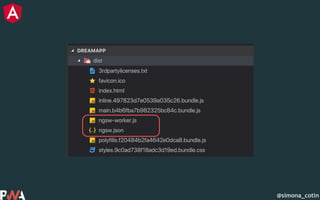
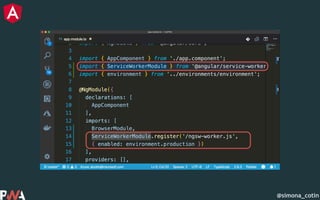
Create service workers
using the angular cli
@simona_cotin
@simona_cotin
@simona_cotin
@simona_cotin
@simona_cotin
@simona_cotin
@simona_cotin
@simona_cotin
@simona_cotin
@simona_cotin
@simona_cotin
@simona_cotin
🏋
@simona_cotin
@simona_cotin
PWA vs Native
@simona_cotin
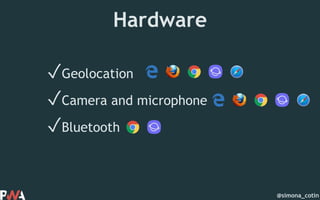
Hardware
✓Geolocation
✓Camera and microphone
✓Bluetooth
@simona_cotin
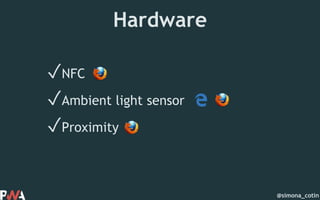
Hardware
✓NFC
✓Ambient light sensor
✓Proximity
@simona_cotin
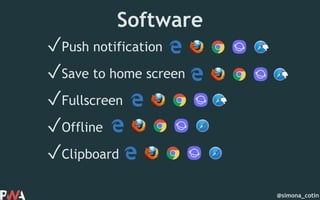
Software
✓Push notification
✓Save to home screen
✓Fullscreen
✓Offline
✓Clipboard
👎
👎
👎
@simona_cotin
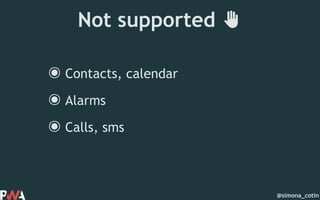
Not supported ✋
๏Contacts, calendar
๏Alarms
๏Calls, sms
@simona_cotin
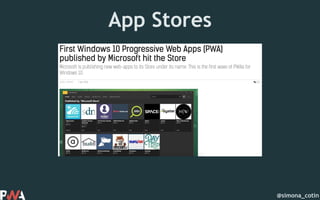
App Stores
@simona_cotin
App Stores
@simona_cotin
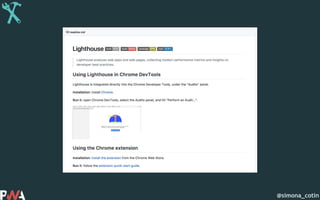
Tools
@simona_cotin
@simona_cotin
@simona_cotin
@simona_cotin
@simona_cotin
@simona_cotin
@simona_cotin
–https://developers.google.com/web/progressive-web-apps/
“A new way to deliver amazing
user experiences on the web”
@simona_cotin
Thank you
@simona_cotin
Github
Azure
App
Service
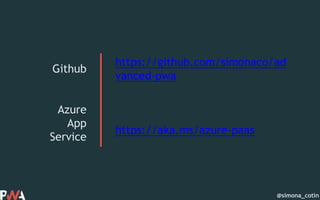
https://github.com/simonaco/ad
vanced-pwa
https://aka.ms/azure-paas

Pwa, are we there yet?!

Editor's Notes

  • #10 https://infrequently.org/2015/06/progressive-apps-escaping-tabs-without-losing-our-soul/
  • #12 So how do make this happen, in code?
  • #15 So let’s dive into each of these and understand what they are. https://www.netlify.com/blog/2017/10/31/service-workers-explained/
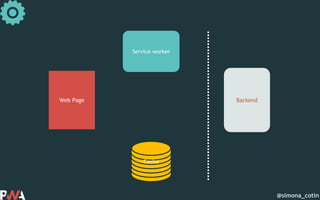
  • #17 And if we were to look at a diagram of how this works, we have the web page and the service worker on the same side of the wire, and then over the network we can go retrieve data from the server or we can get that from a cache that sits on the same side as service workers
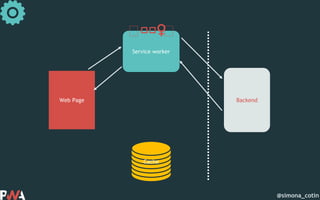
  • #18 So in a request-response model, we first make a request from the web page, the request is intercepted by the service worker, which then inspects it, works hard to understand where is should go, and decided to retrieve data from the network
  • #19 Or it can decide to first retrieve the data from the cache and return that to the user and only after that go over the network and update if necessary.
  • #20 And a service worker has a scope and a lifecycle that we can tap into
  • #22 A service worker has a lifecycle that is completely separate from your web page. A service workers life starts after it registers, it gets into the installing stage and from there it can either error or get activated. And then it can move into idle if nothing happens and either terminated of fetch.
  • #23 For a service worker to exist we need to first register it. And we do that by calling the register method on the service worker object available in the browser. But before that we need to check if we have support for service workers.
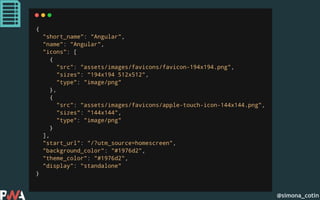
  • #30 https://developer.mozilla.org/en-US/docs/Web/Manifest https://developers.google.com/web/fundamentals/web-app-manifest/
  • #32  • Connectivity independent - Service workers allow work offline, or on low quality networks. • Fresh - Always up-to-date thanks to the service worker update process. • Discoverable - Are identifiable as “applications” thanks to W3C manifests[6] and service worker registration scope allowing search engines to find them. • Safe - Served via HTTPS to prevent snooping and ensure content hasn’t been tampered with. • Installable - Allow users to “keep” apps they find most useful on their home screen without the hassle of an app store.
  • #33 So let’s see what happens when we take that to Angular
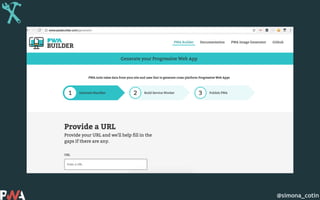
  • #57 http://www.pwabuilder.com/
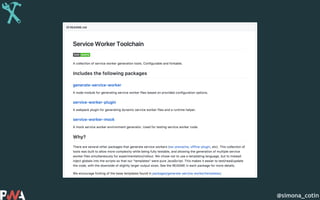
  • #59 https://github.com/pinterest/service-workers A mock service worker environment generator.
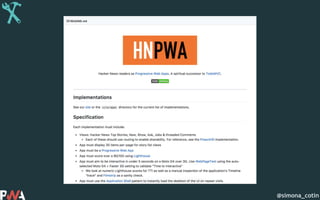
  • #60 https://github.com/tastejs/hacker-news-pwas
  • #61 https://github.com/angular/angular-cli