
PROGRAMMING
BASICS
TOPICS
 computer program
 programming
 programming language
 introduction to vb.net
Computer Program
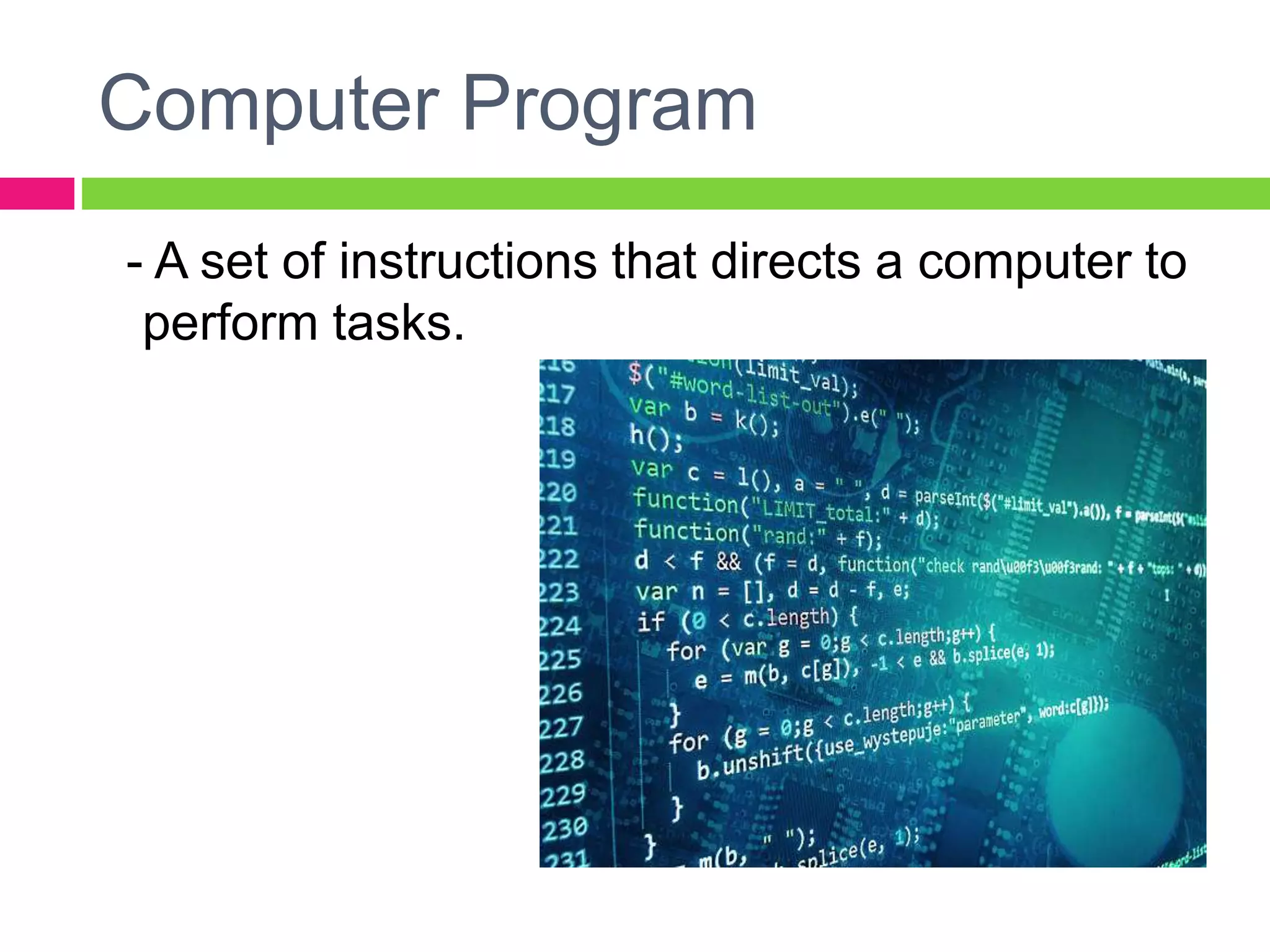
- A set of instructions that directs a computer to
perform tasks.
Programming
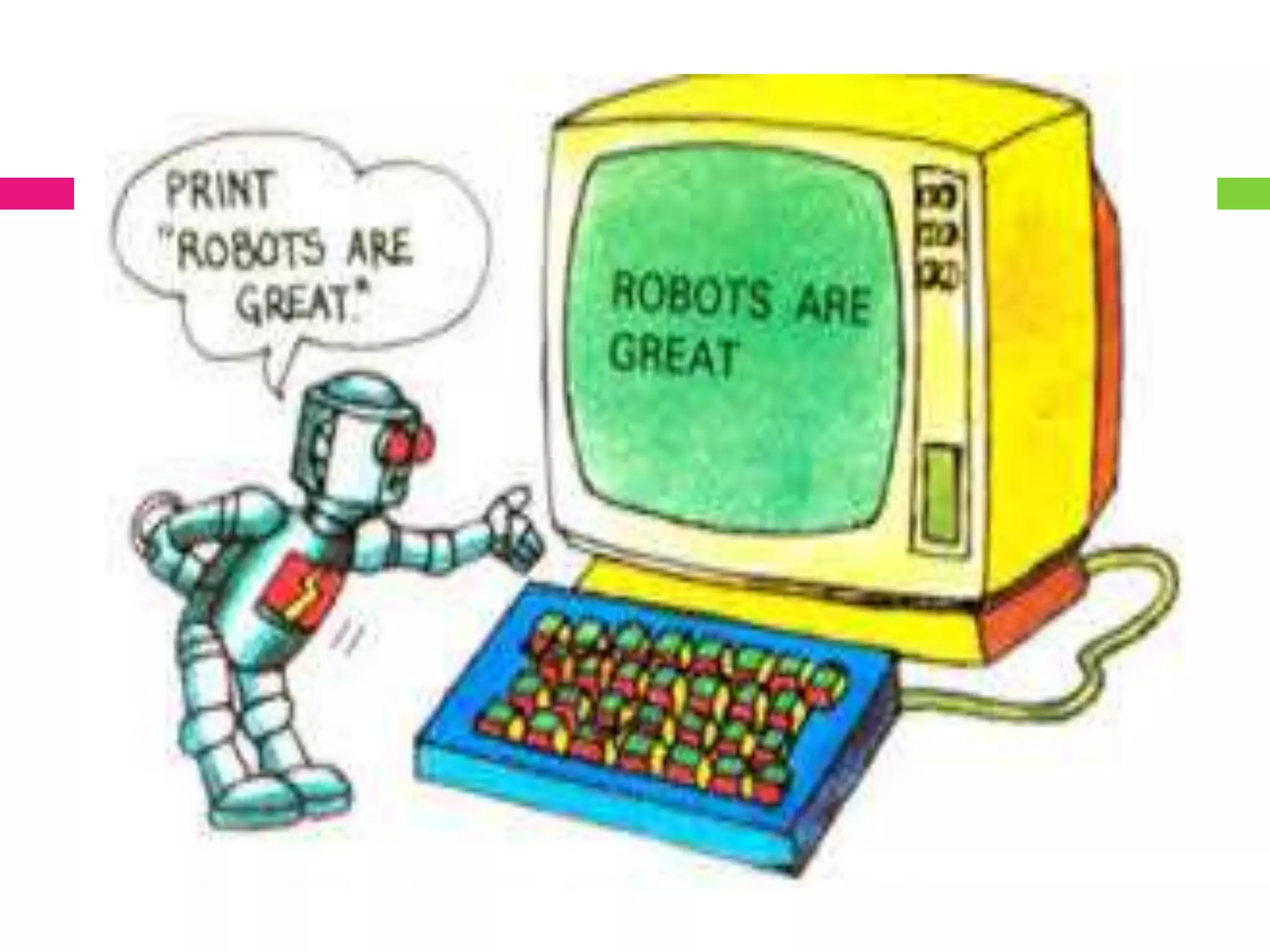
 A process of coming up with instructions that
a computer can follow to do something.
Or simply
 Process of coming up with computer
programs.
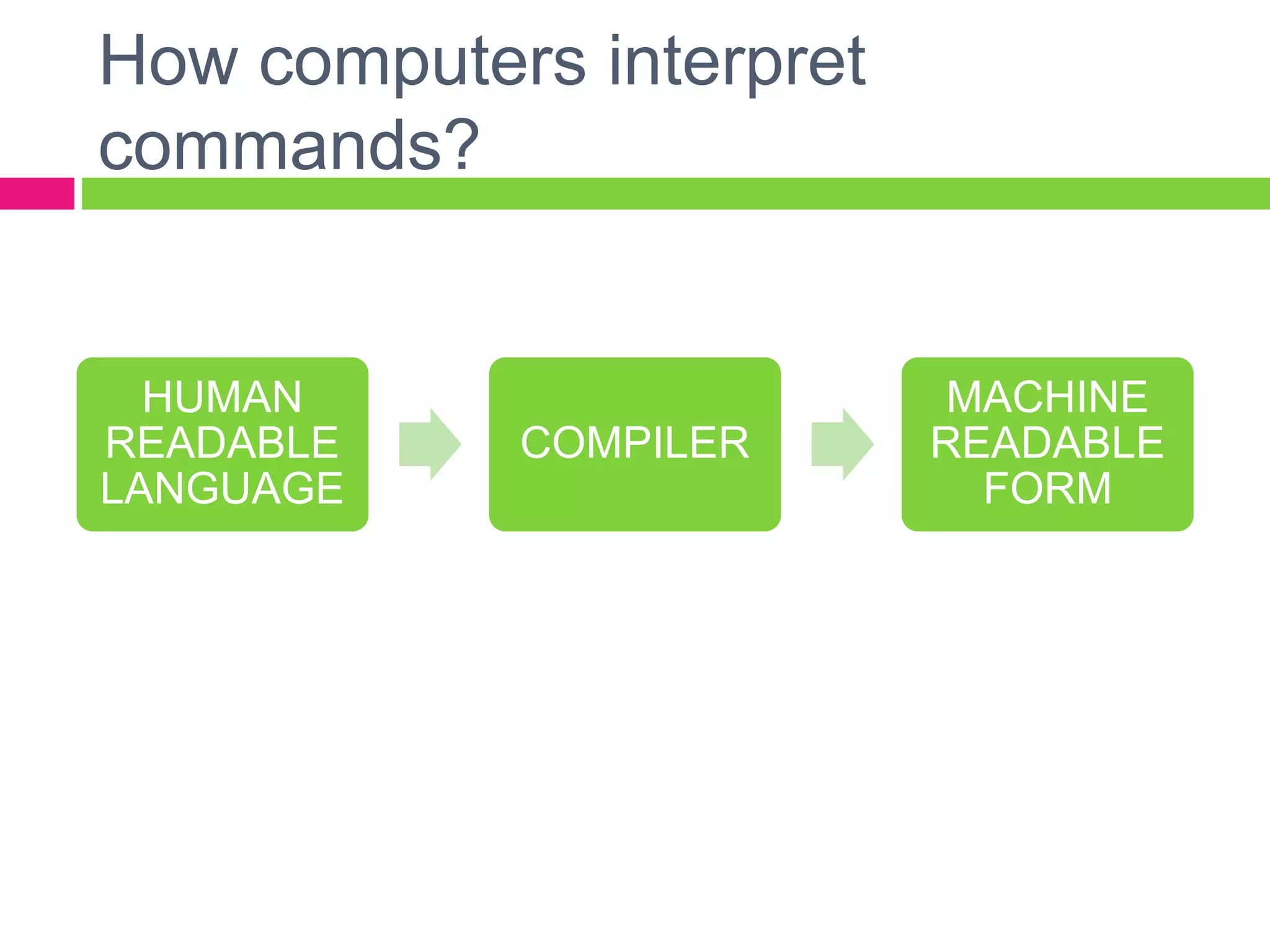
How computers interpret
commands?
HUMAN
READABLE
LANGUAGE
COMPILER
MACHINE
READABLE
FORM
</WHY?>
programming. is (“Cool”)
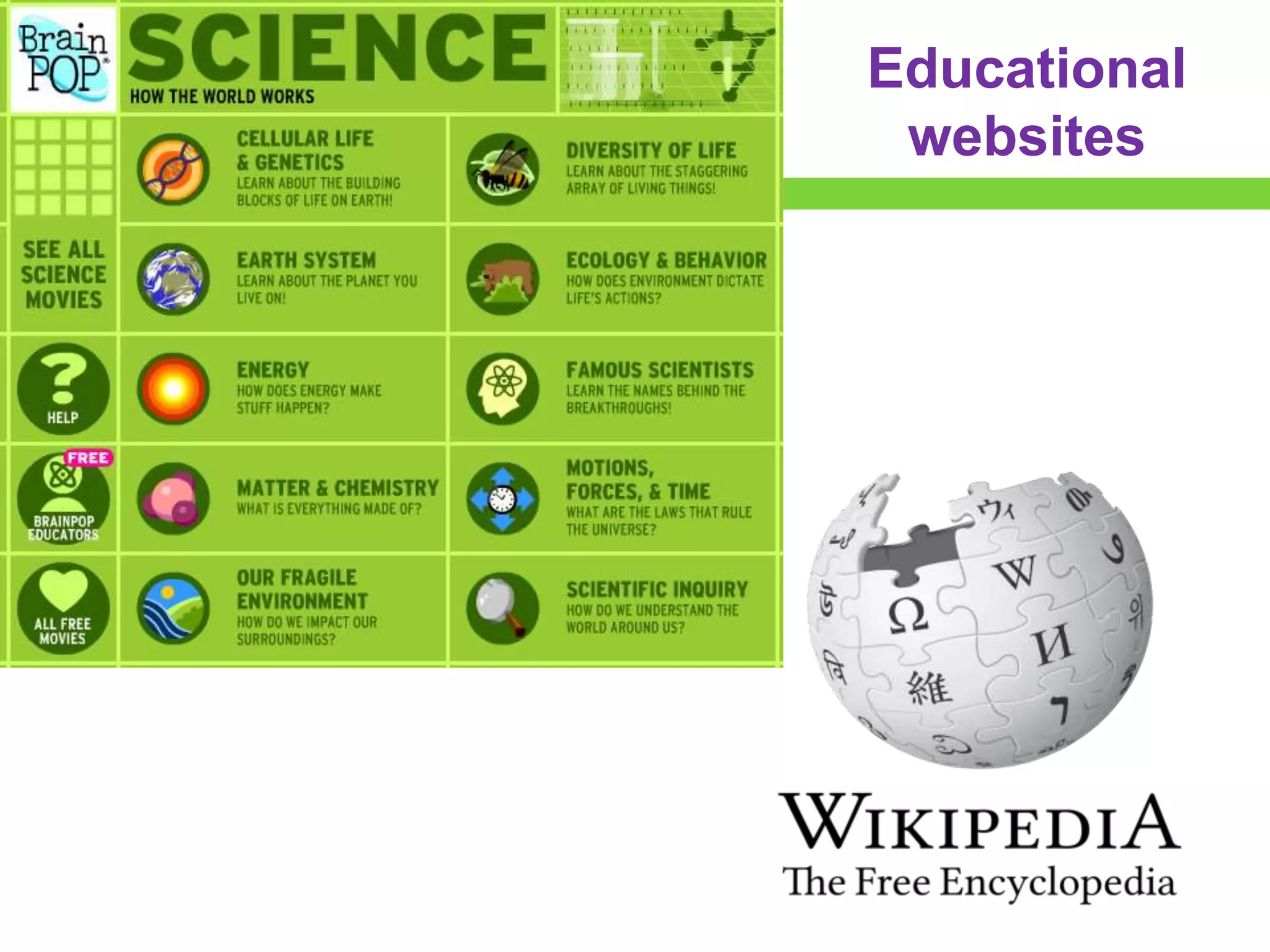
Educational
websites
Self-driving cars
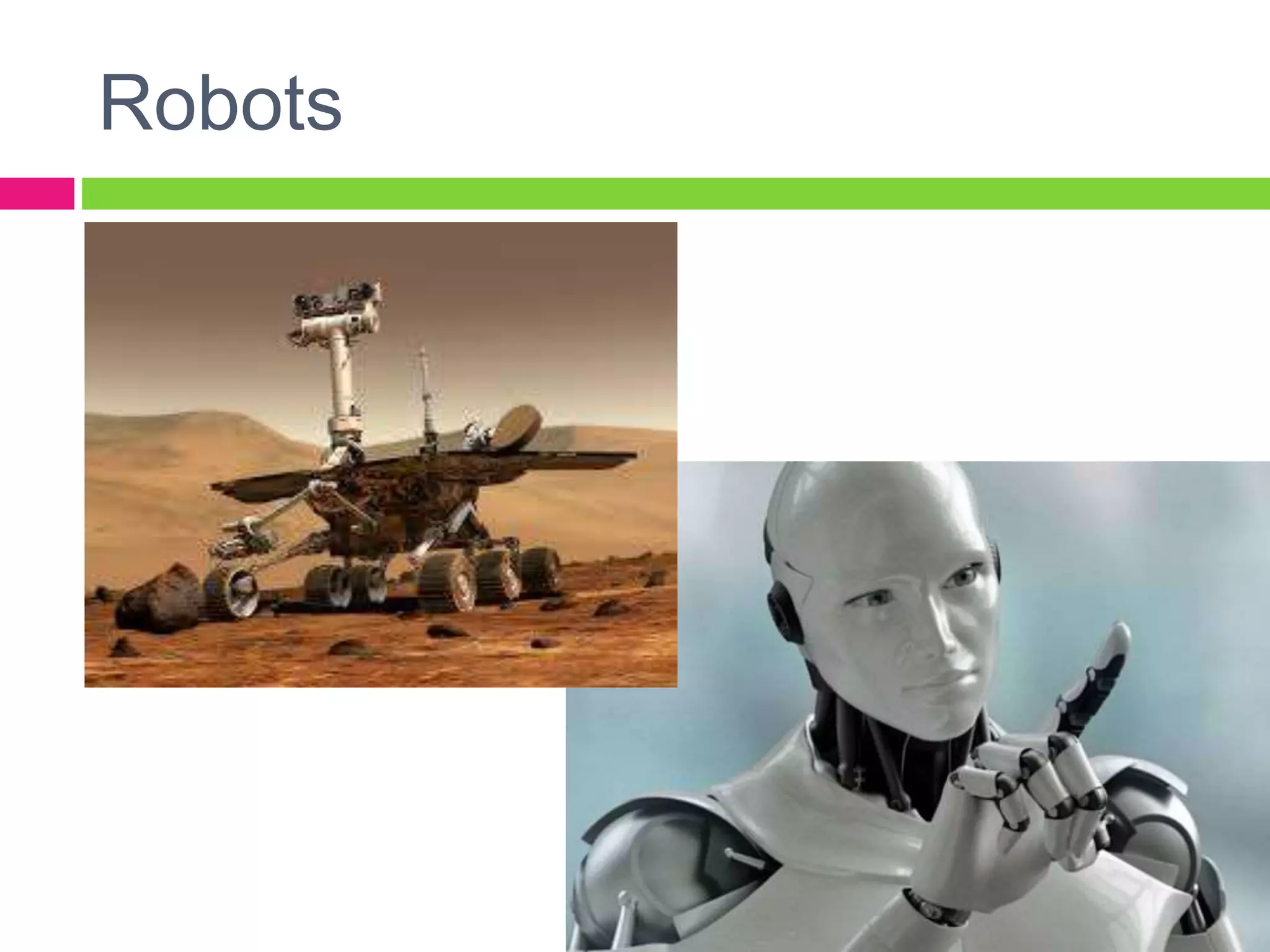
Robots
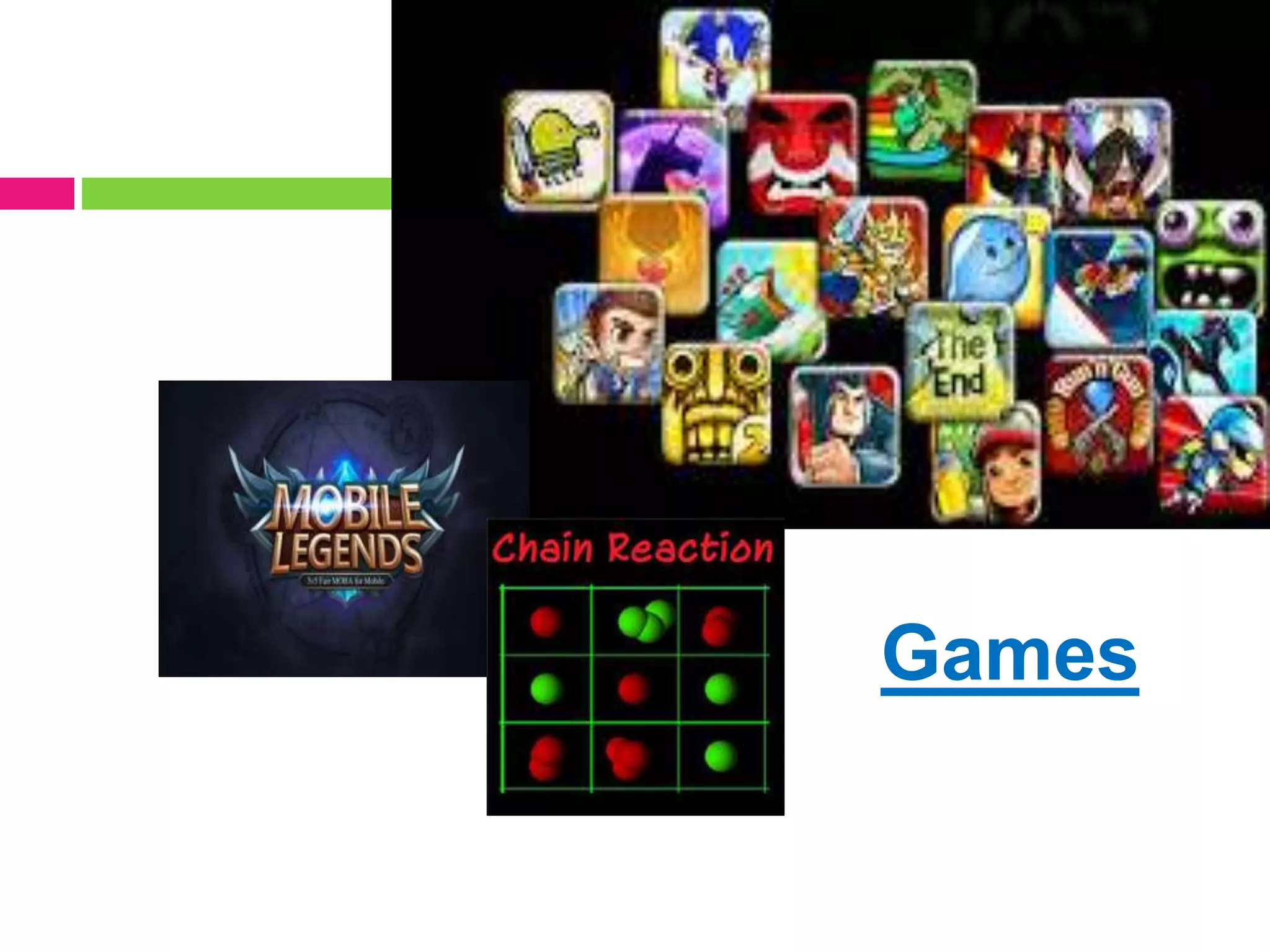
Games
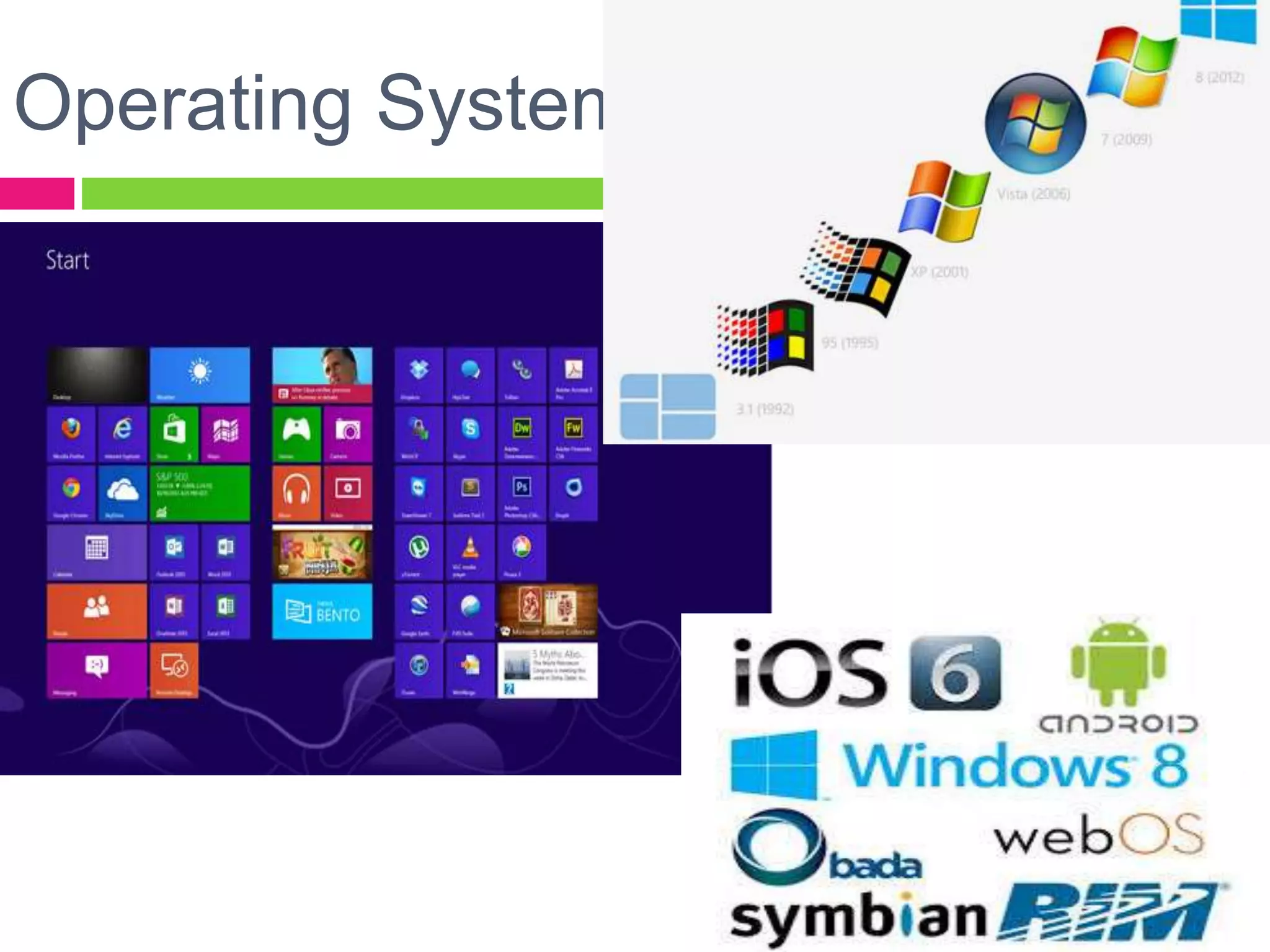
Operating Systems
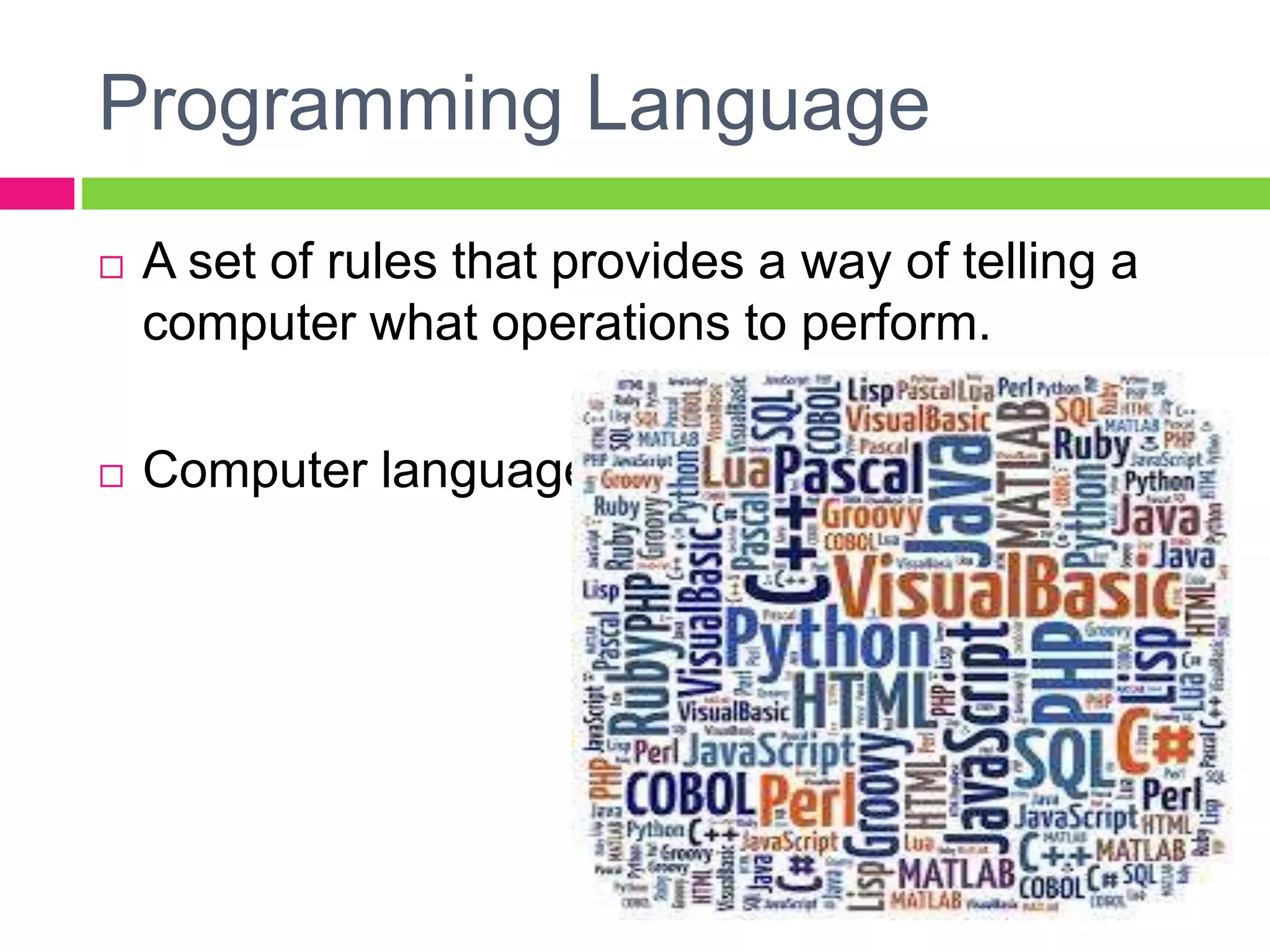
Programming Language
 A set of rules that provides a way of telling a
computer what operations to perform.
 Computer language
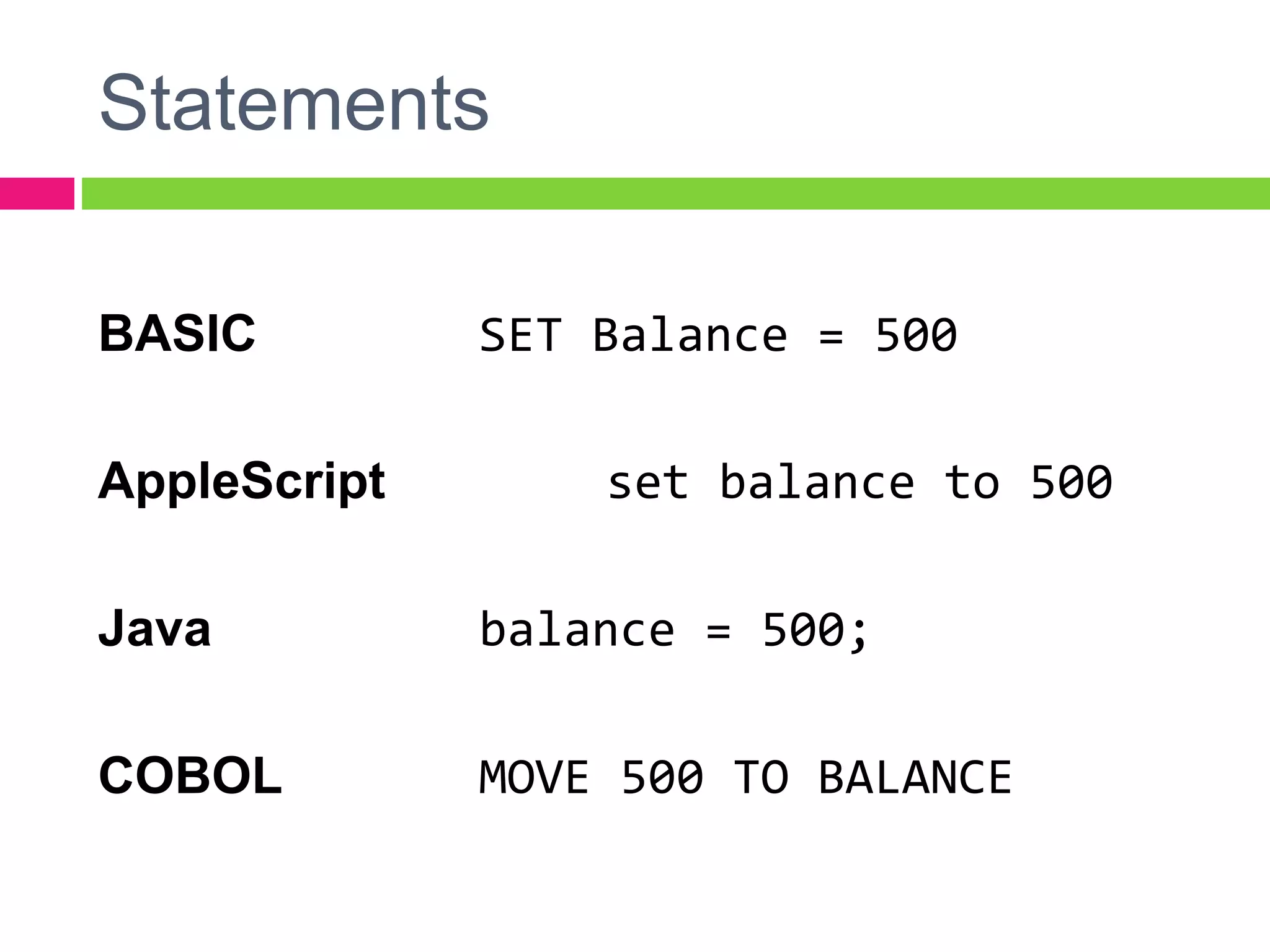
Statements
BASIC SET Balance = 500
AppleScript set balance to 500
Java balance = 500;
COBOL MOVE 500 TO BALANCE
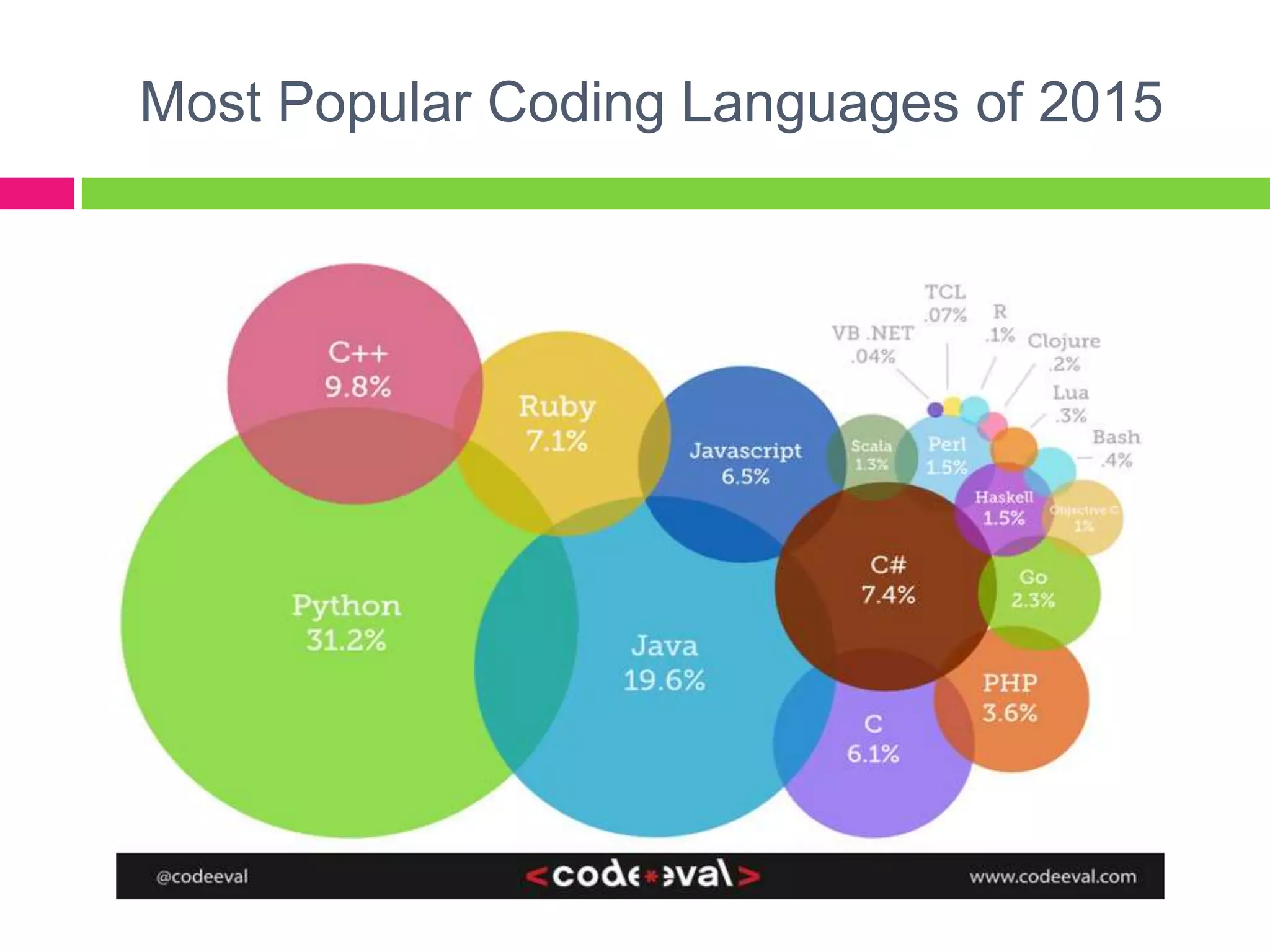
Most Popular Coding Languages of 2015
Why are there so many
programming language?
 Programming languages have evolved
overtime.
 Different programming languages are
designed for different types of programs.
Ex.
Java – mobile-based applications
PHP – data base applications
C+ - device drivers
Visual Basic/Visual Studio – quick book,
word, calculator applications
¼ sheet of paper
Quiz
1. A process of coming up with instructions that a
computer can follow to do something.
2. A set of rules that provides a way of telling a
computer what operations to perform.
3. A set of instructions that directs a computer to
perform tasks.
4. Programming Language is also known as
__________
5. A programming language used for data base
applications.
6. Other term for a compiler.
7. Give for application/uses of programming. (7-10)
Advance assignment: short bond
paper
1. What is IDE?
2. How to create a new project in vb.net 2010?
3. What are the different types of projects in
vb.net 2010? (Compare)
4. Parts of VB 2010 Express Edition IDE
INTRODUCTION TO
Visual Basic.NET
with
Microsoft Visual Studio 2010/2013
1. Define Visual Basic.NET and understand the
benefits of using VB.NET;
2. Familiarize VB.Net Integrated Development
Environment (IDE);
3. Create New Project and first program in
VB2010 Express Edition;
4. Manifest patience in developing simple
program.
Objectives:
 Is an Object-Oriented programming language
designed by Microsoft. The word “Basic” is
true in its meaning; VB.NET is a programming
language for beginners.
 OOP is a form of computer programming
based on objects arranged in a branching
hierarchy Microsoft® Encarta® 2009. ©
1993-2008 Microsoft Corporation. All rights
reserved.
What is Visual Basic.NET?
 You can create powerful Windows-based
applications;
 Build web-based applications;
 Deployment is simplified;
 Powerful, flexible, simplified data access ;
 Full Object-Oriented constructs;
 Mobile application.
What are the benefits of Visual Basic.NET?
Integrated Development
Environment
[IDE]
VB.Net
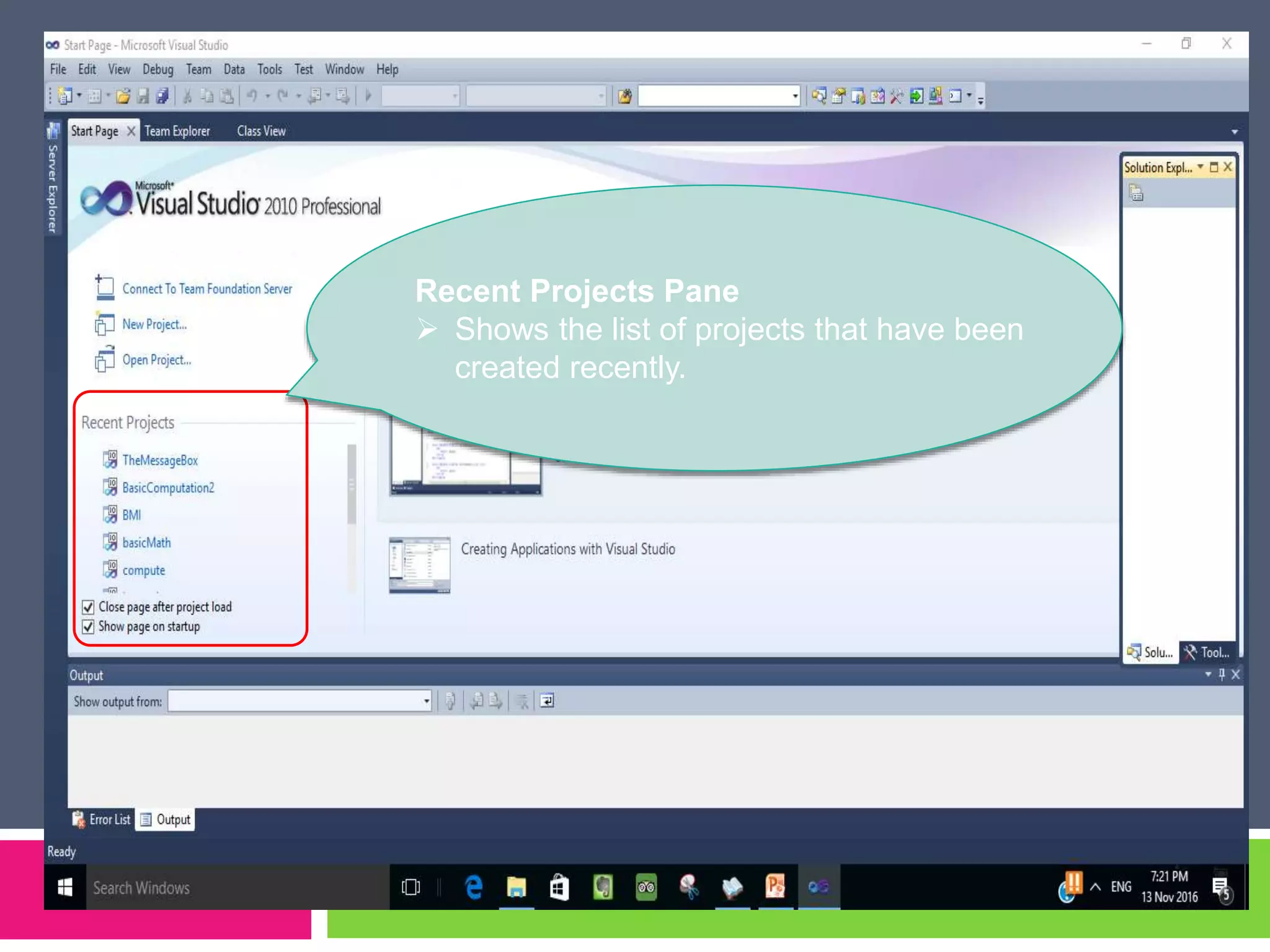
Recent Projects Pane
 Shows the list of projects that have been
created recently.
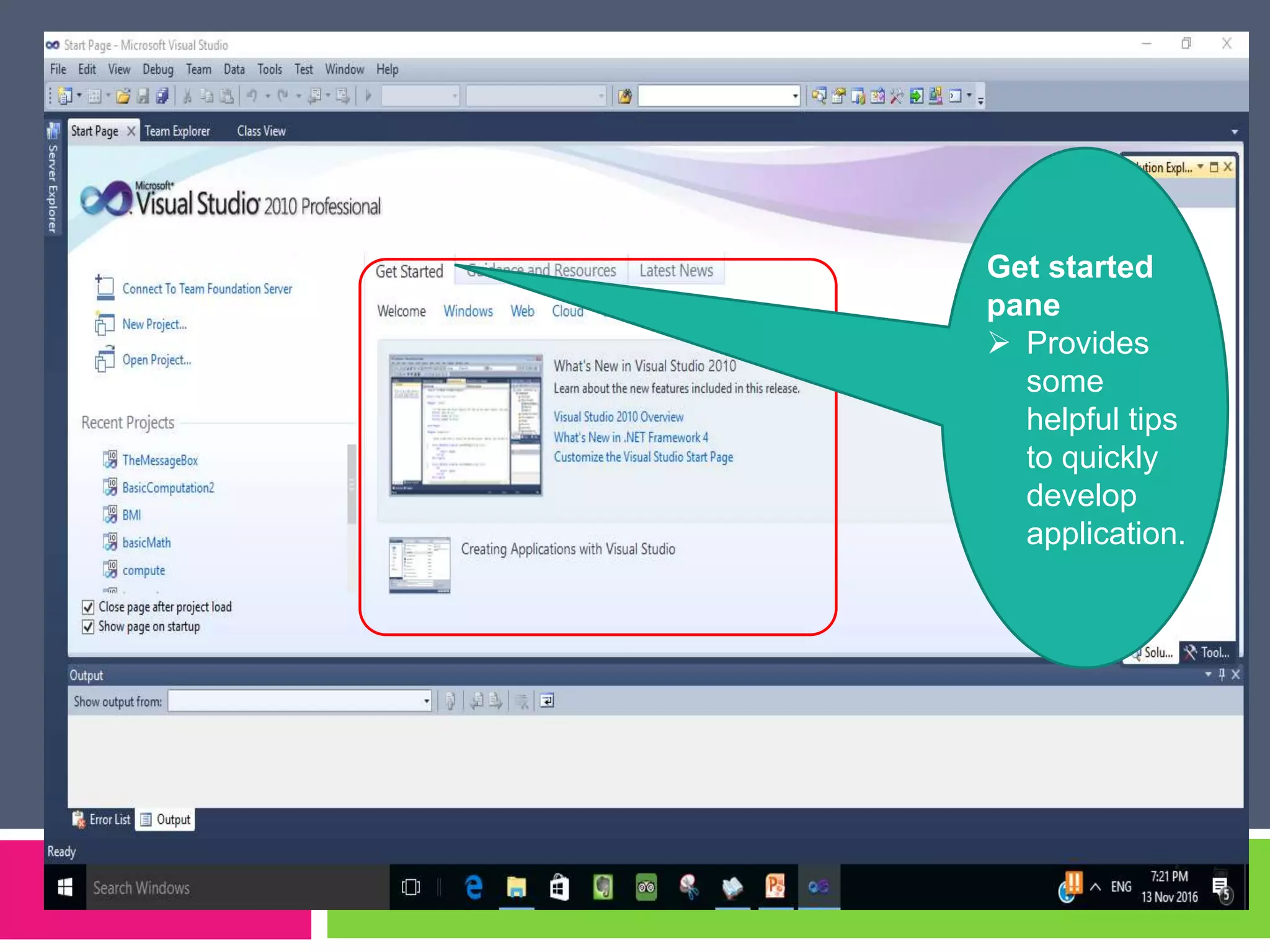
Get started
pane
 Provides
some
helpful tips
to quickly
develop
application.
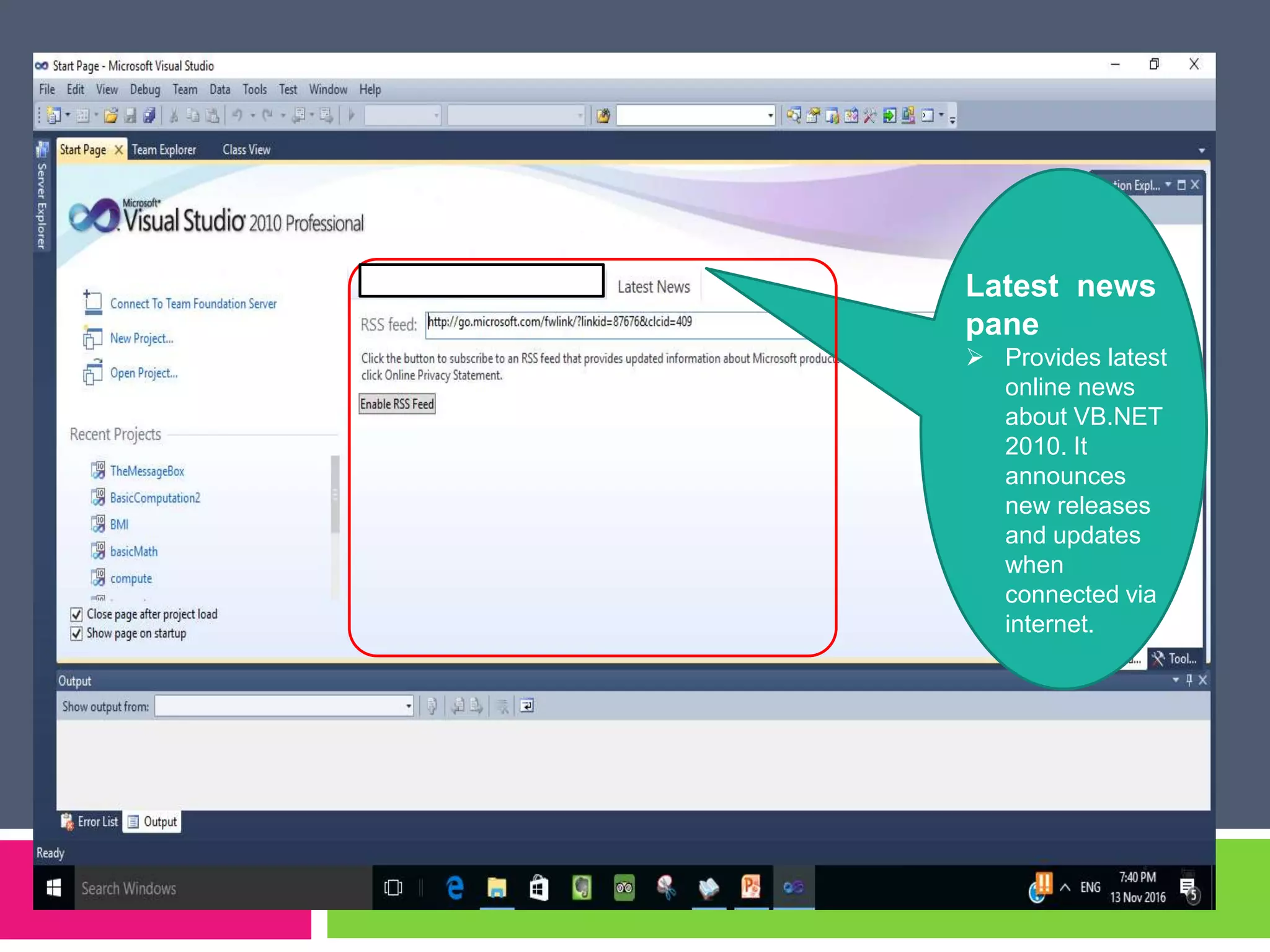
Latest news
pane
 Provides latest
online news
about VB.NET
2010. It
announces
new releases
and updates
when
connected via
internet.
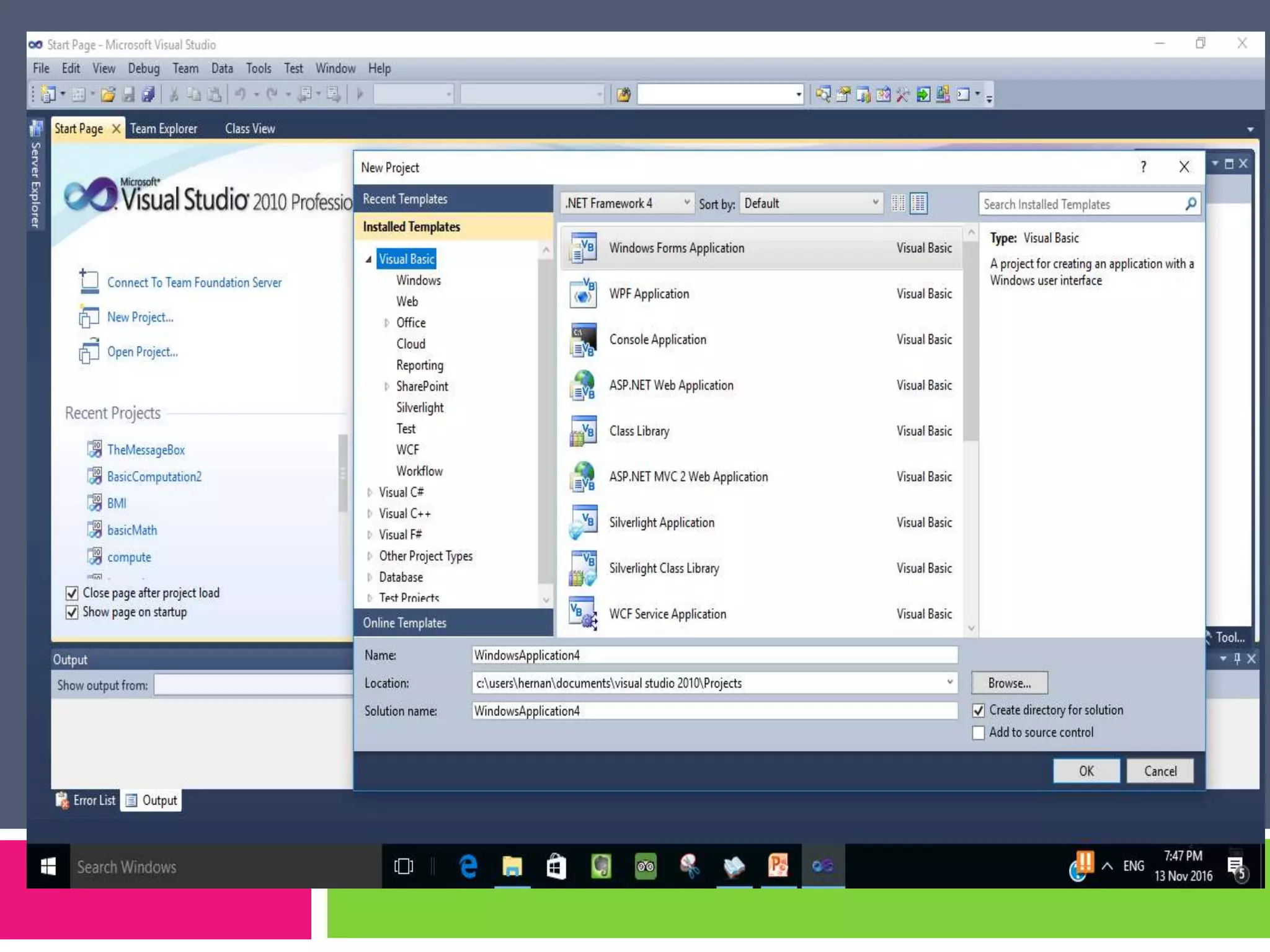
Creating New projects in
VB2010 Express Edition
Types of Project in VB.NET
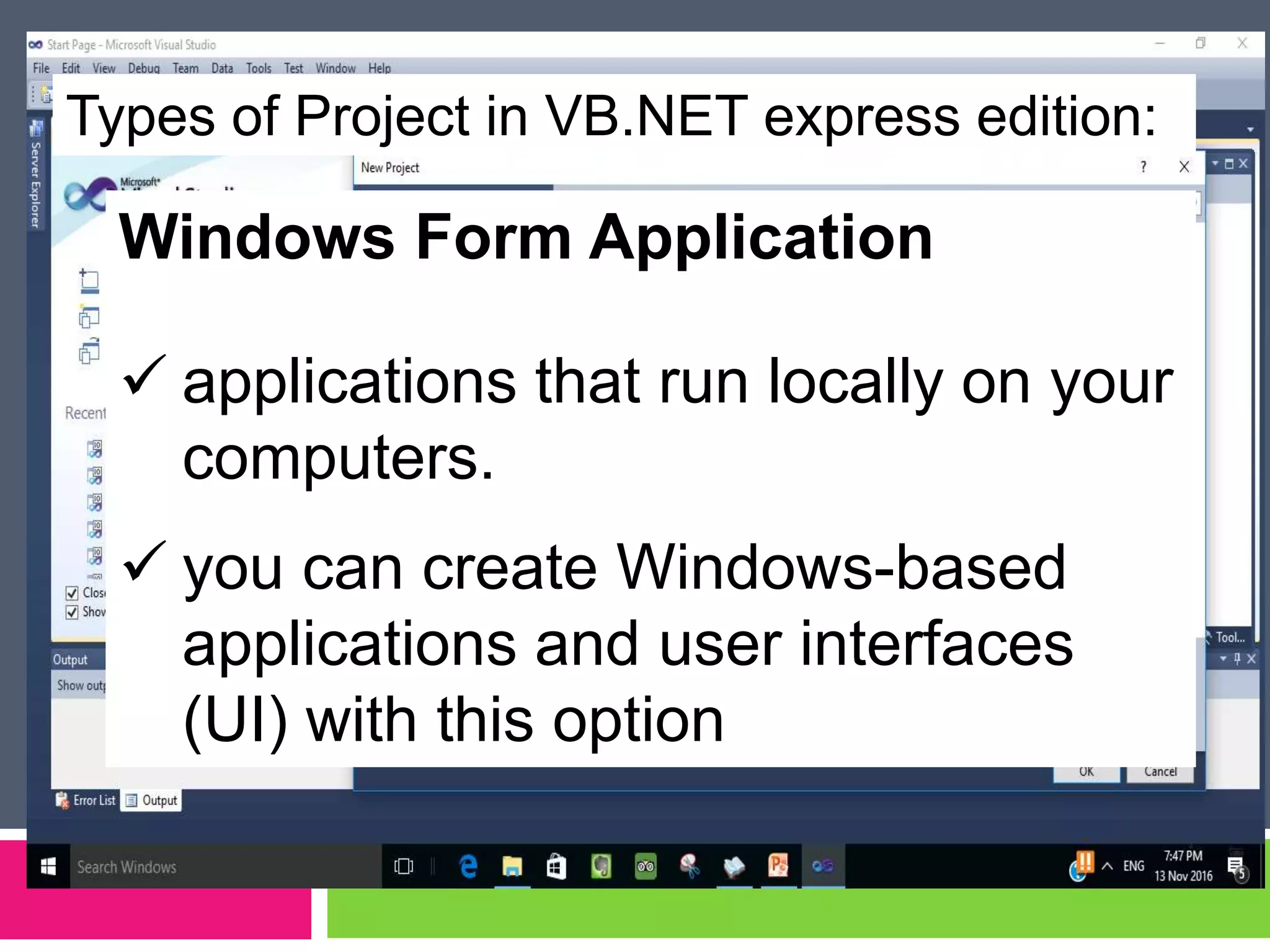
Types of Project in VB.NET express edition:
Windows Form Application
 applications that run locally on your
computers.
 you can create Windows-based
applications and user interfaces
(UI) with this option
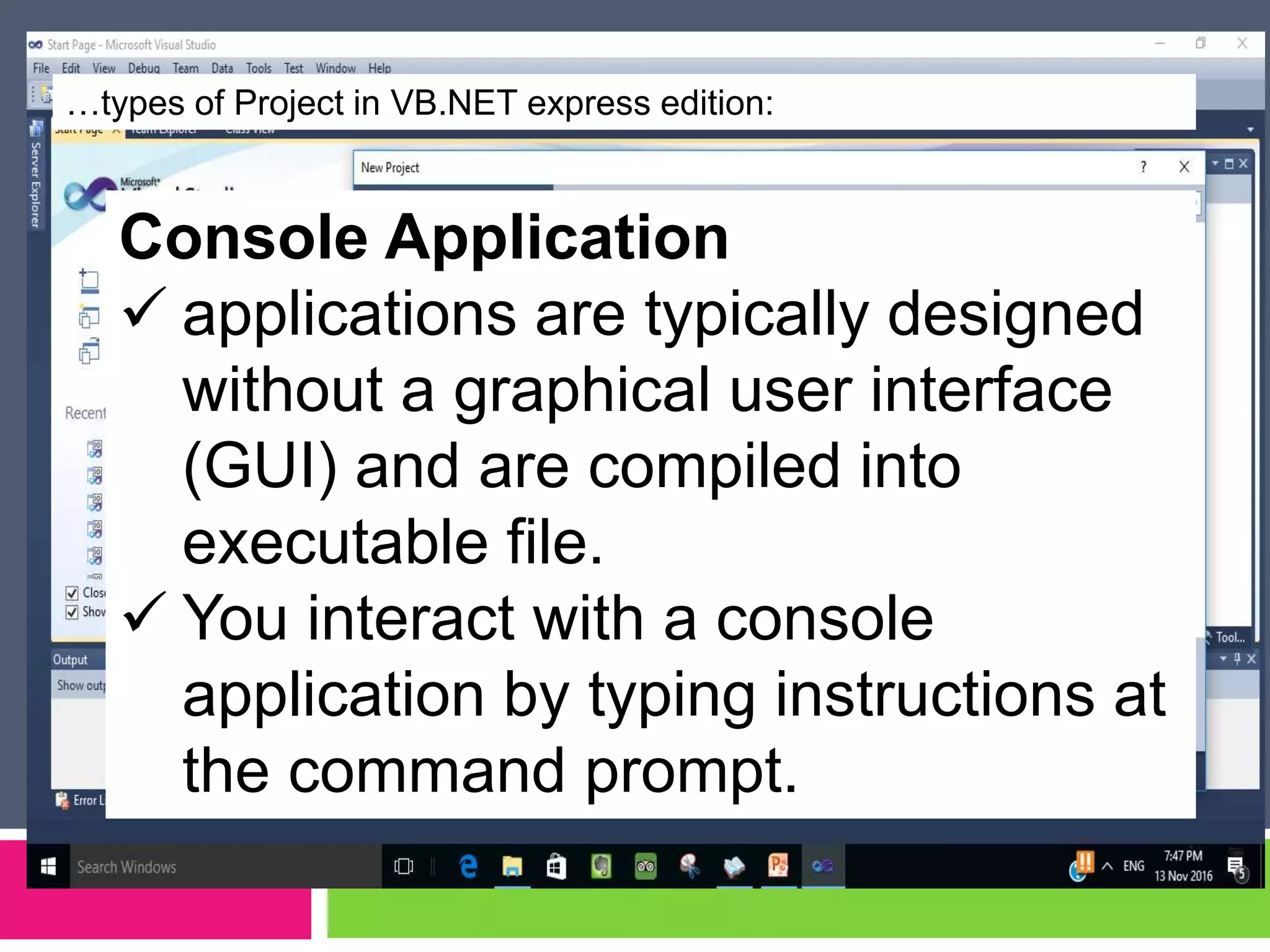
…types of Project in VB.NET express edition:
Console Application
 applications are typically designed
without a graphical user interface
(GUI) and are compiled into
executable file.
 You interact with a console
application by typing instructions at
the command prompt.
…types of Project in VB.NET express edition:
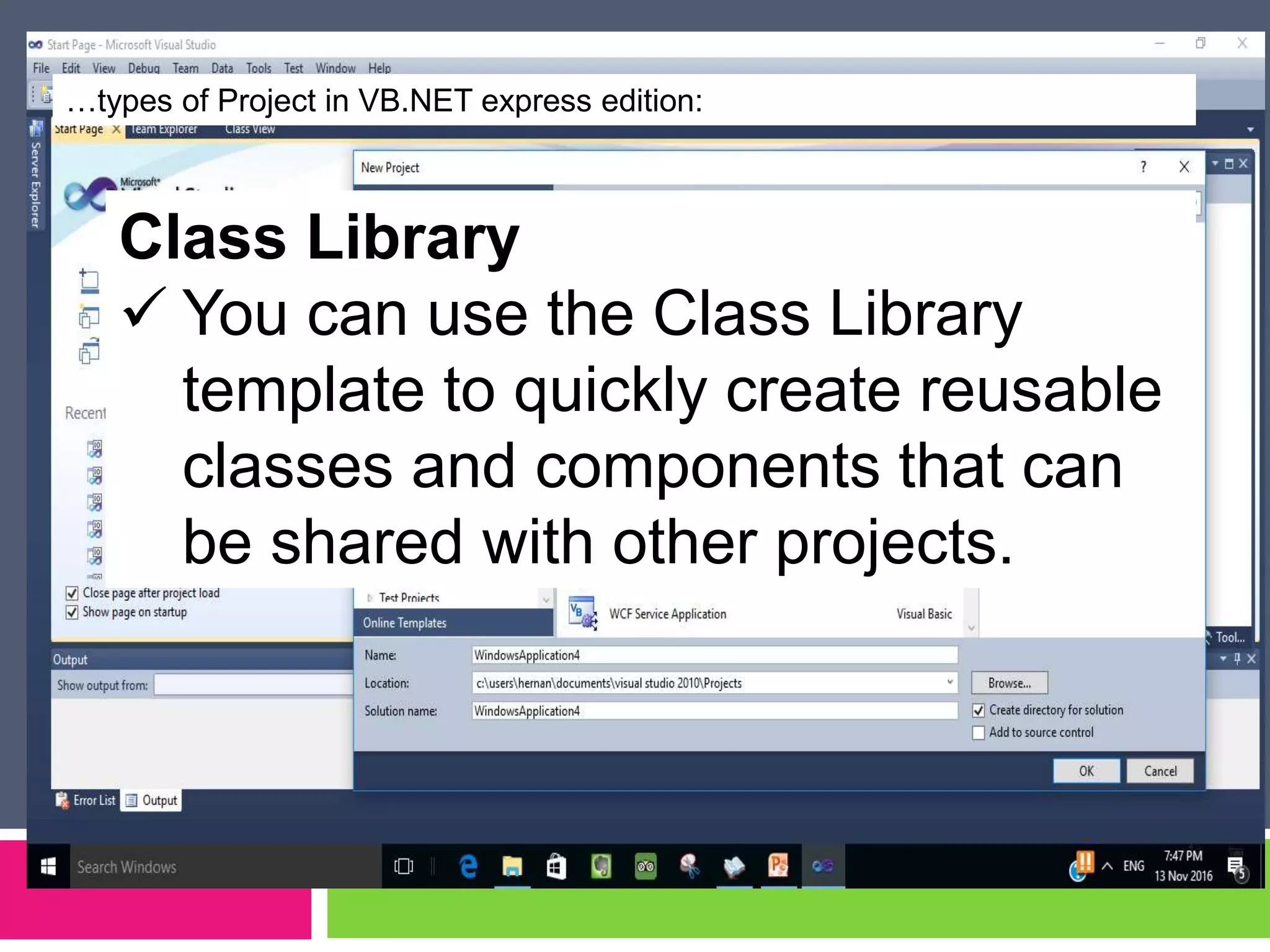
Class Library
 You can use the Class Library
template to quickly create reusable
classes and components that can
be shared with other projects.
…types of Project in VB.NET express edition:
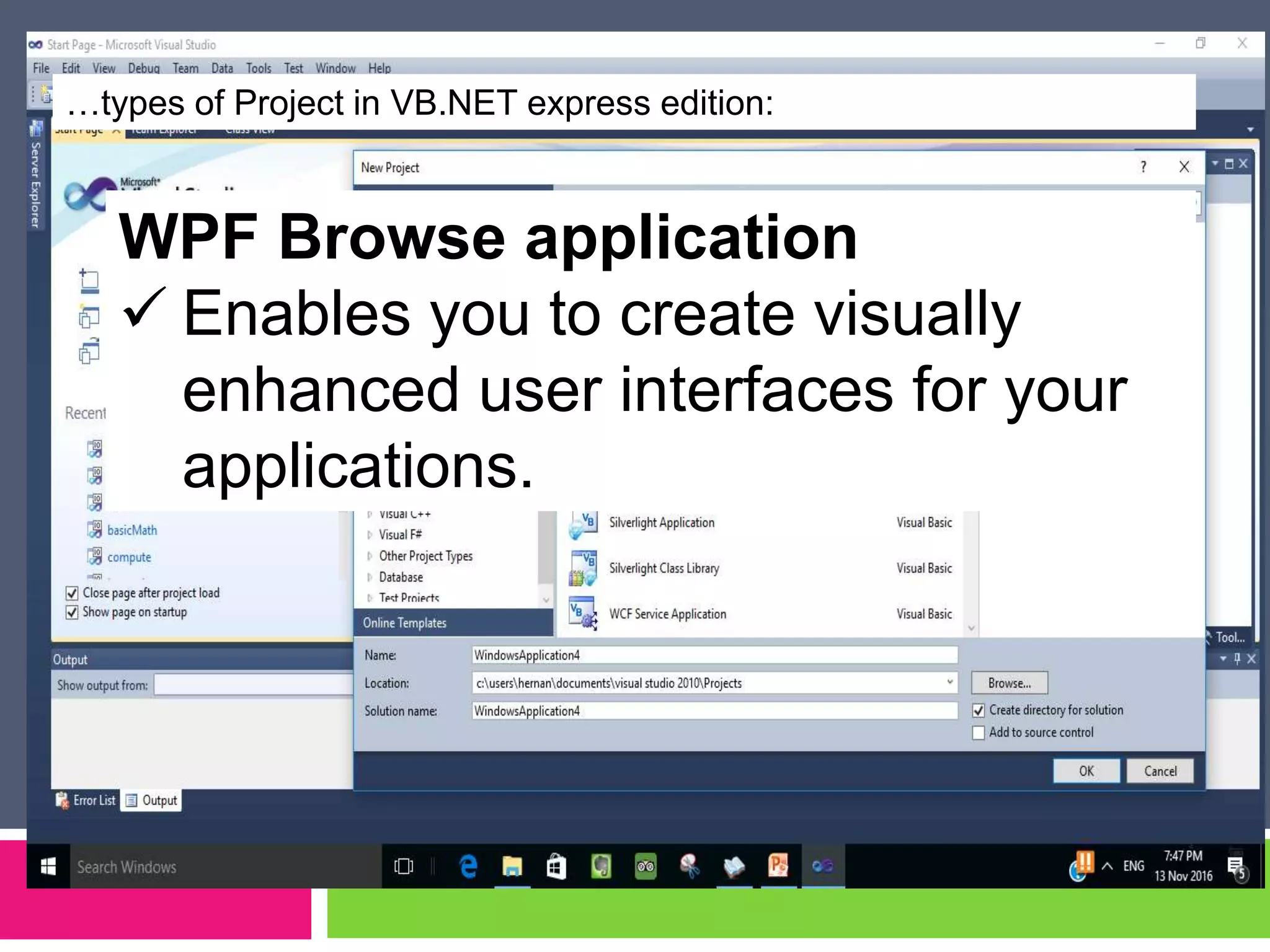
WPF Browse application
 Enables you to create visually
enhanced user interfaces for your
applications.
Parts of VB 2010 Express
Edition IDE
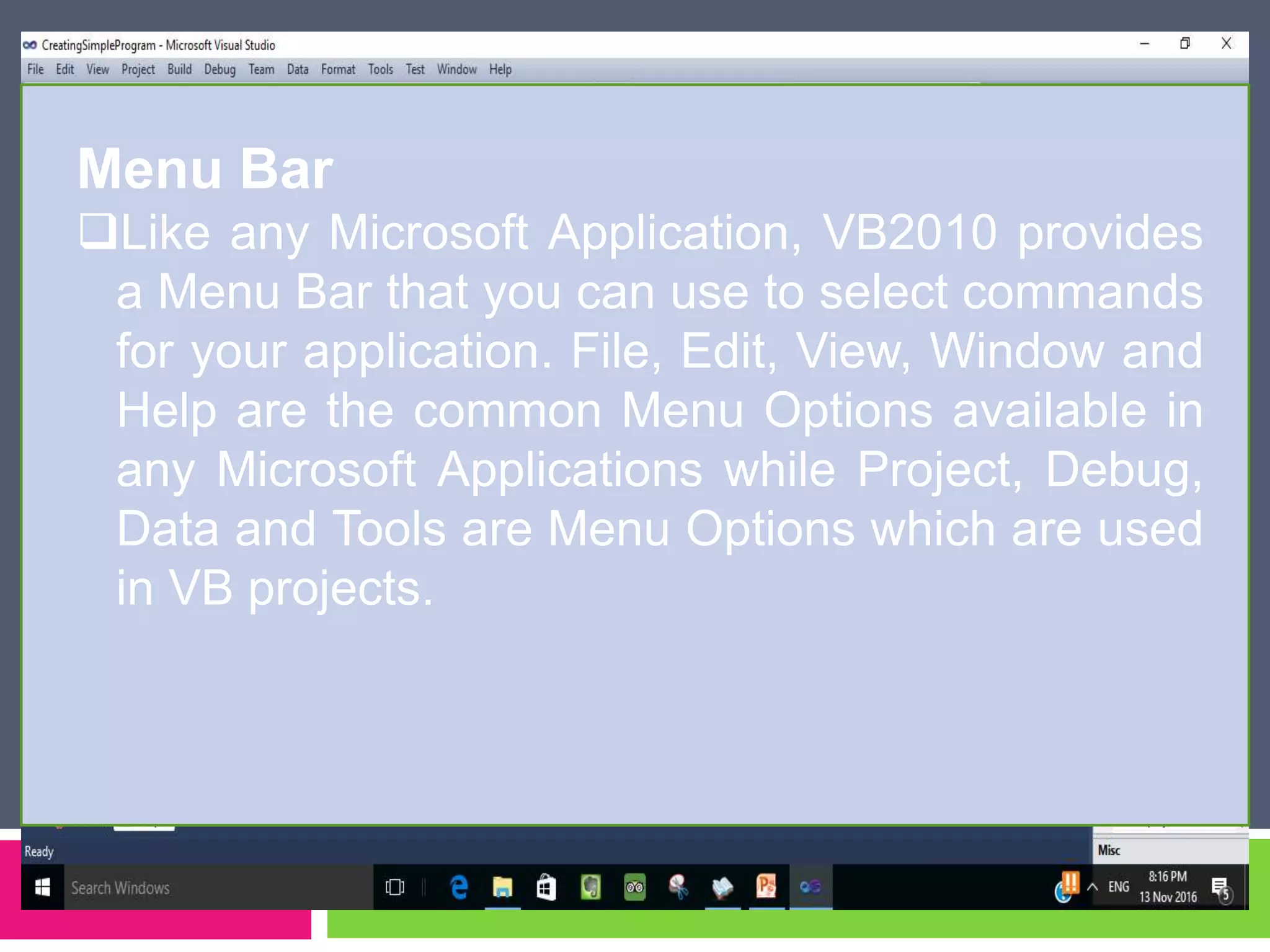
Menu Bar
Like any Microsoft Application, VB2010 provides
a Menu Bar that you can use to select commands
for your application. File, Edit, View, Window and
Help are the common Menu Options available in
any Microsoft Applications while Project, Debug,
Data and Tools are Menu Options which are used
in VB projects.
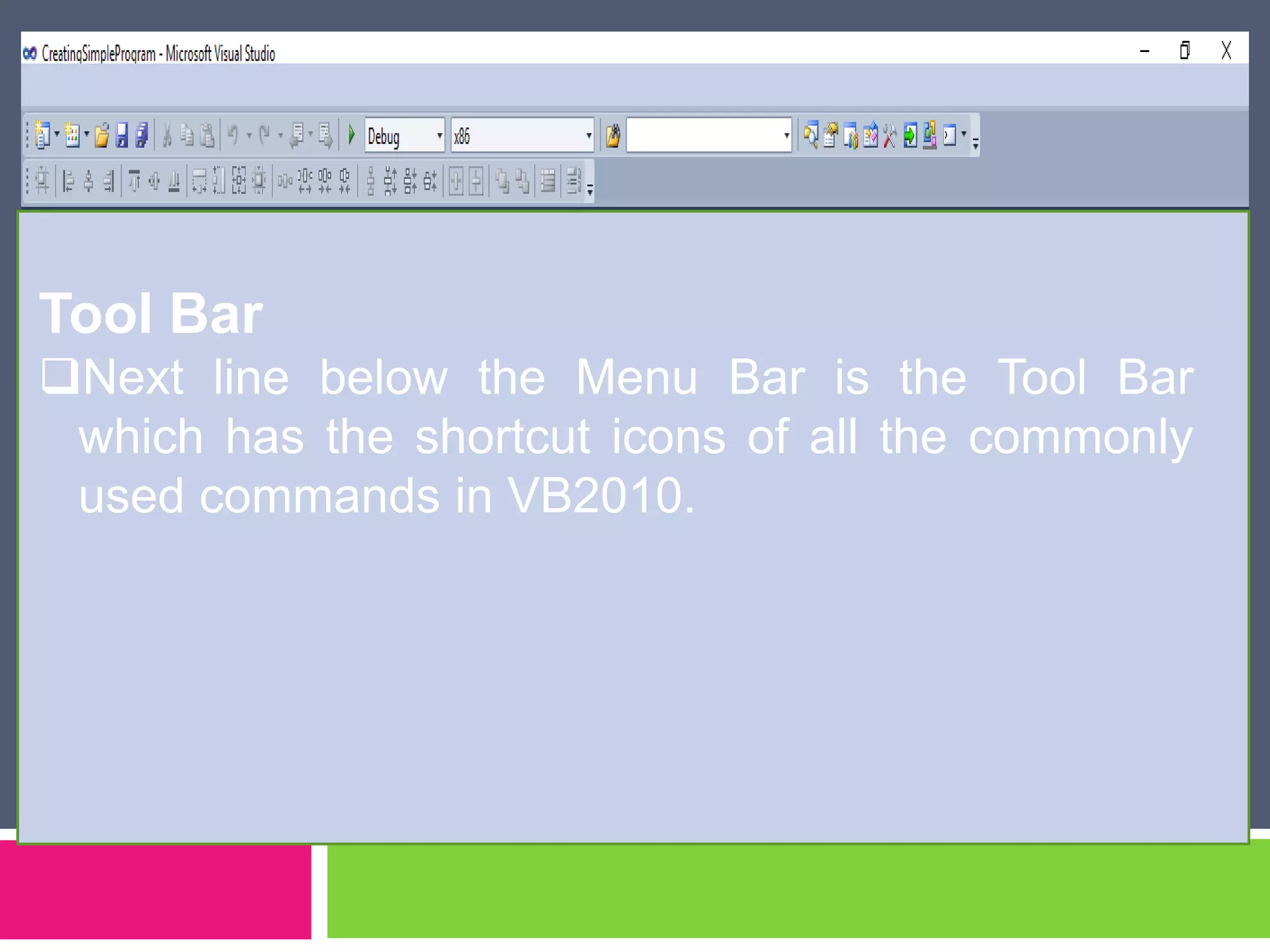
Tool Bar
Next line below the Menu Bar is the Tool Bar
which has the shortcut icons of all the commonly
used commands in VB2010.
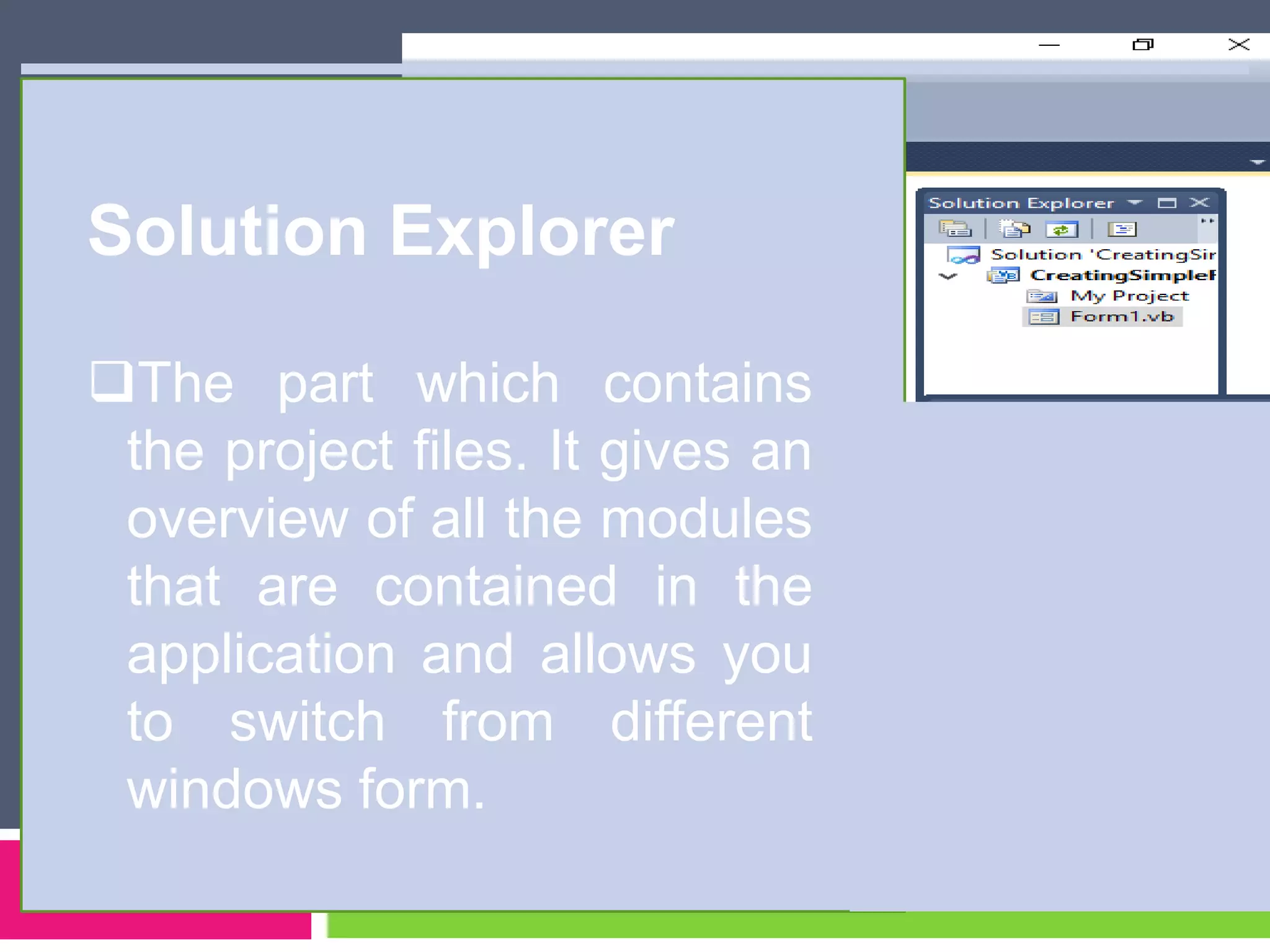
Solution Explorer
The part which contains
the project files. It gives an
overview of all the modules
that are contained in the
application and allows you
to switch from different
windows form.
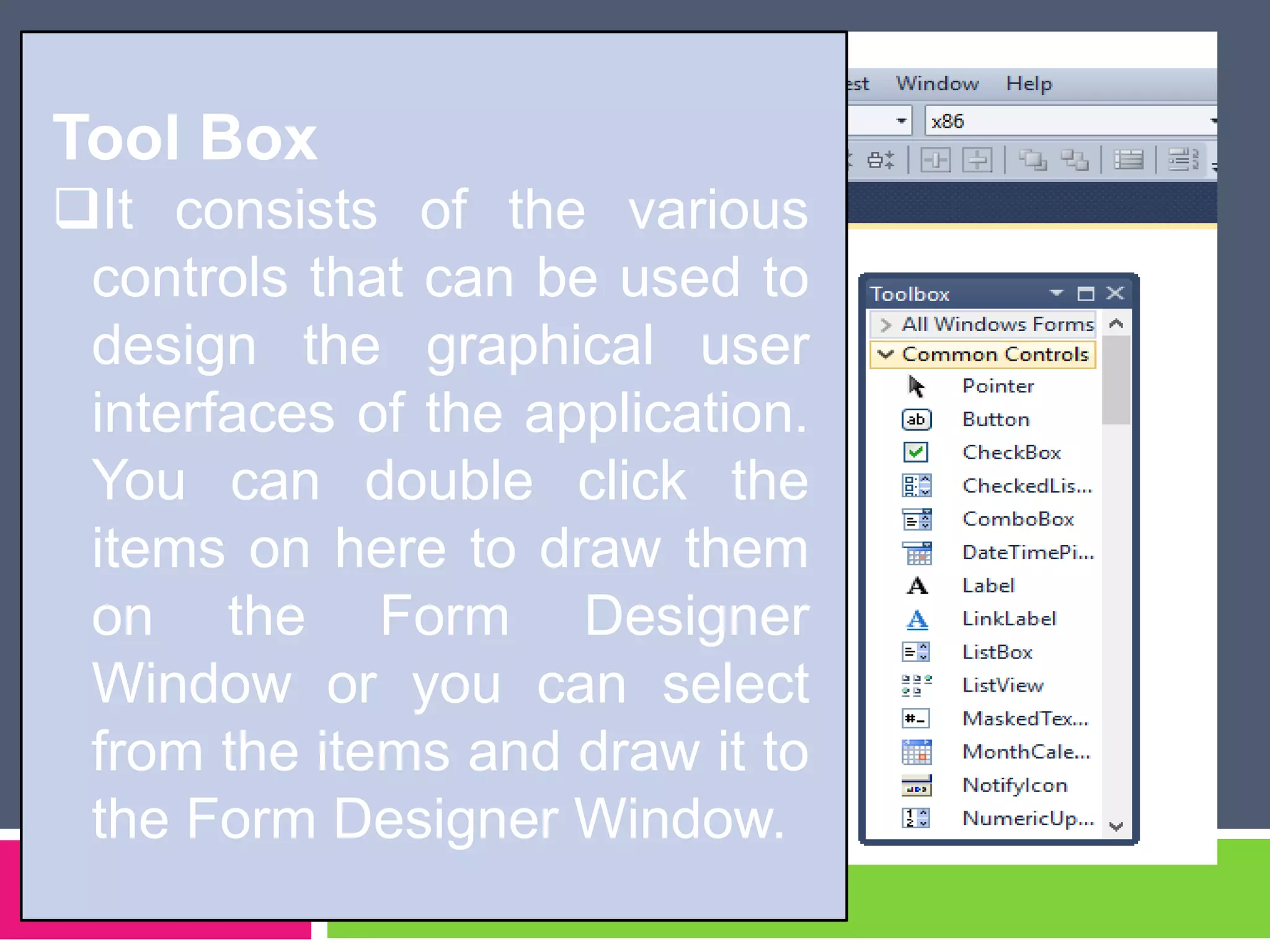
Tool Box
It consists of the various
controls that can be used to
design the graphical user
interfaces of the application.
You can double click the
items on here to draw them
on the Form Designer
Window or you can select
from the items and draw it to
the Form Designer Window.
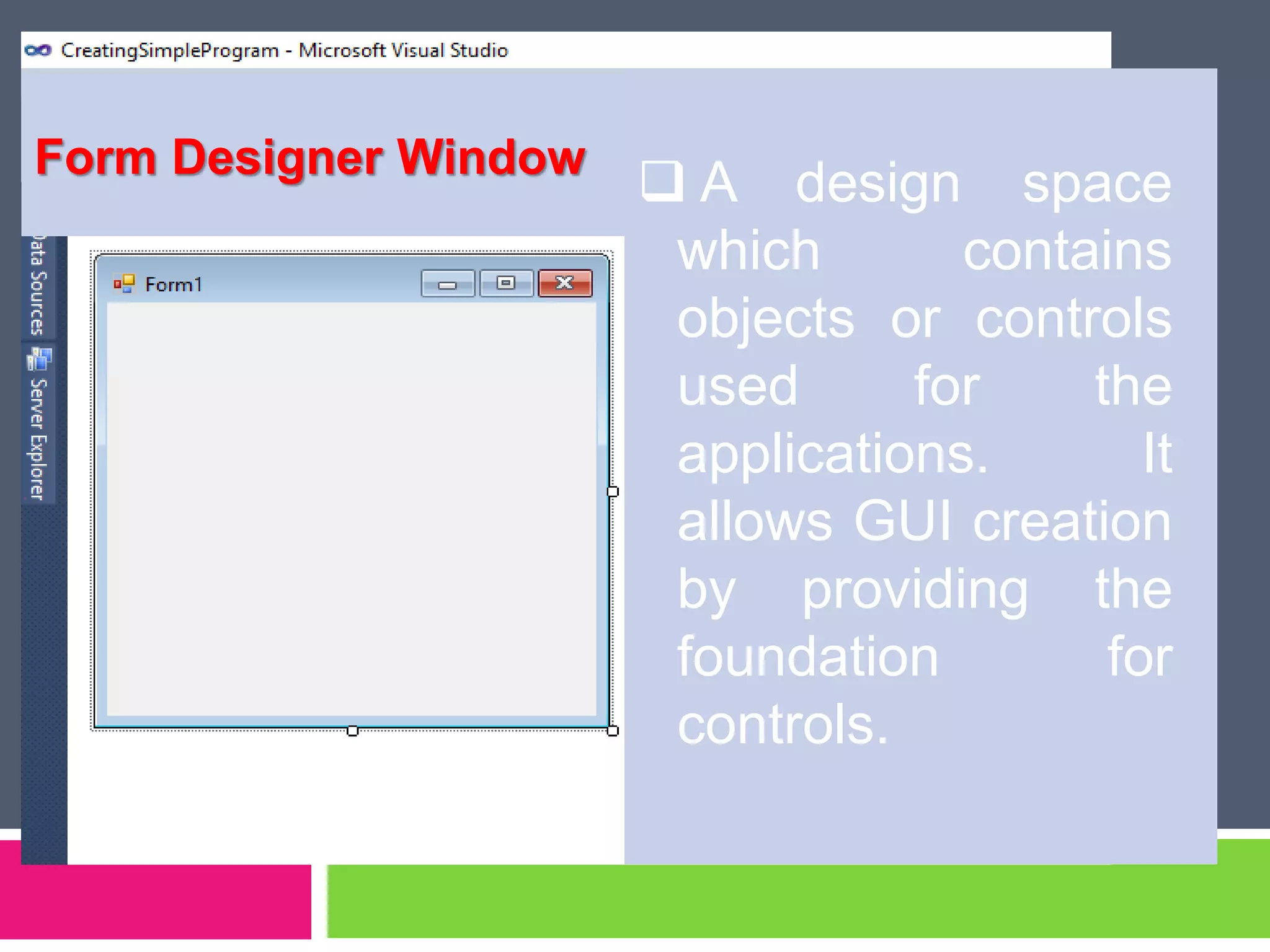
 A design space
which contains
objects or controls
used for the
applications. It
allows GUI creation
by providing the
foundation for
controls.
Form Designer Window
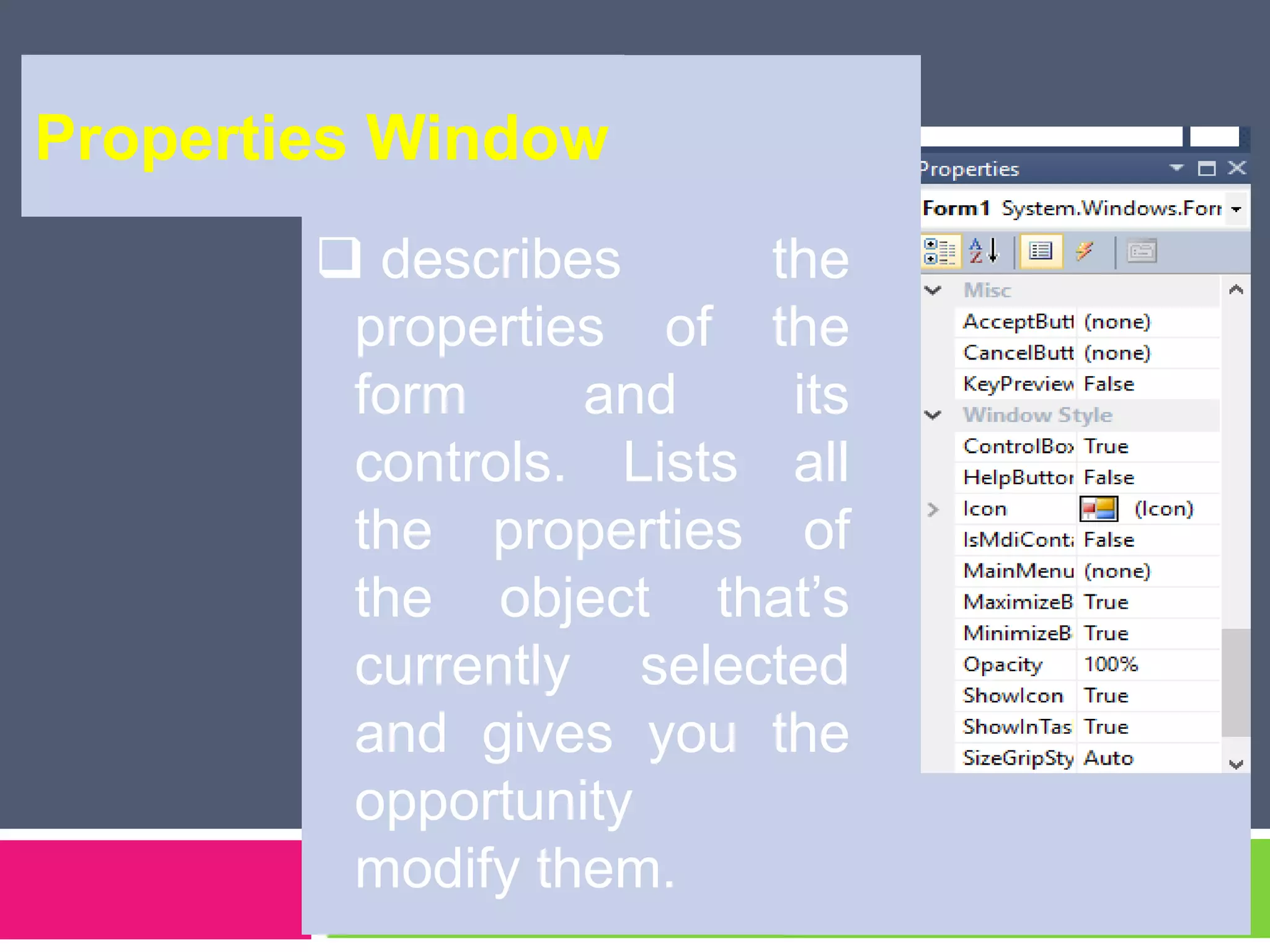
 describes the
properties of the
form and its
controls. Lists all
the properties of
the object that’s
currently selected
and gives you the
opportunity to
modify them.
Properties Window
 Object Box – drop down box which displays
the name of each object in the application as
well as its type.
Properties List – this is a listing of properties
for the selected object.
Properties Values – this can be changed by
typing a new value or choosing from a list of
predefined settings.
Parts of Properties Window
 Forms – windows that you create for
user interface
Controls – graphical features drawn on
forms to allow user interaction (text
boxes, labels, scroll bars, command
buttons, etc.) forms and controls are
objects.
… windows application is made up of:
Properties – Every characteristics of a
form or control is specified by a property.
Example properties include names,
captions, size, color, position, and
contents.
Methods – built-in procedure that can be
invoked to impart some action to a
particular object.
… windows application is made up of:
Event Procedures – code related to
some object. This is the code that is
executed when a certain event occurs.
General Procedures – Code not related
to objects. This code must be invoked by
the application.
Modules – collections of general
procedures, variable declarations, and
constant definitions used by application.
… windows application is made up of:
Creating Your First VB.NET
program
Create your VB.Net program
that would display on the
screen ‘I miss you VB.Net’.
1. From the Tool Box double click the Label Control.
2. Drag the Label Control in the center of the Form
Designer Window.
3. Change the property of the Label1 from the
Properties Window. Select Text from the list and
type Merry Christmas!.
4. Now, your application is ready to run. From the
Tool Bar, select the Start Debugging Button or
Press F5.
Steps:
5. You can return from the design mode by
pressing Stop Debugging Button or
Ctrl + Alt + Break.
6. If you are done save your project by choosing
SAVE ALL from the FILE MENU. Select the
location of the file and supply the project name
with RememberingVB.
Read and study the following:
1. What are identifiers, data types, variables and
operators?
Assignment:
Size: 8.5x11 or short bond paper
No. of pages: minimum of 4 pages

Programming basics

  • 1.
  • 2.
    TOPICS  computer program programming  programming language  introduction to vb.net
  • 3.
    Computer Program - Aset of instructions that directs a computer to perform tasks.
  • 4.
    Programming  A processof coming up with instructions that a computer can follow to do something. Or simply  Process of coming up with computer programs.
  • 7.
  • 8.
  • 9.
  • 10.
  • 11.
  • 12.
  • 13.
  • 14.
    Programming Language  Aset of rules that provides a way of telling a computer what operations to perform.  Computer language
  • 15.
    Statements BASIC SET Balance= 500 AppleScript set balance to 500 Java balance = 500; COBOL MOVE 500 TO BALANCE
  • 16.
    Most Popular CodingLanguages of 2015
  • 21.
    Why are thereso many programming language?  Programming languages have evolved overtime.  Different programming languages are designed for different types of programs. Ex. Java – mobile-based applications PHP – data base applications C+ - device drivers Visual Basic/Visual Studio – quick book, word, calculator applications
  • 22.
    ¼ sheet ofpaper Quiz
  • 23.
    1. A processof coming up with instructions that a computer can follow to do something. 2. A set of rules that provides a way of telling a computer what operations to perform. 3. A set of instructions that directs a computer to perform tasks. 4. Programming Language is also known as __________ 5. A programming language used for data base applications. 6. Other term for a compiler. 7. Give for application/uses of programming. (7-10)
  • 24.
    Advance assignment: shortbond paper 1. What is IDE? 2. How to create a new project in vb.net 2010? 3. What are the different types of projects in vb.net 2010? (Compare) 4. Parts of VB 2010 Express Edition IDE
  • 26.
  • 27.
    1. Define VisualBasic.NET and understand the benefits of using VB.NET; 2. Familiarize VB.Net Integrated Development Environment (IDE); 3. Create New Project and first program in VB2010 Express Edition; 4. Manifest patience in developing simple program. Objectives:
  • 28.
     Is anObject-Oriented programming language designed by Microsoft. The word “Basic” is true in its meaning; VB.NET is a programming language for beginners.  OOP is a form of computer programming based on objects arranged in a branching hierarchy Microsoft® Encarta® 2009. © 1993-2008 Microsoft Corporation. All rights reserved. What is Visual Basic.NET?
  • 29.
     You cancreate powerful Windows-based applications;  Build web-based applications;  Deployment is simplified;  Powerful, flexible, simplified data access ;  Full Object-Oriented constructs;  Mobile application. What are the benefits of Visual Basic.NET?
  • 30.
  • 31.
    Recent Projects Pane Shows the list of projects that have been created recently.
  • 32.
    Get started pane  Provides some helpfultips to quickly develop application.
  • 33.
    Latest news pane  Provideslatest online news about VB.NET 2010. It announces new releases and updates when connected via internet.
  • 34.
    Creating New projectsin VB2010 Express Edition
  • 36.
  • 37.
    Types of Projectin VB.NET express edition: Windows Form Application  applications that run locally on your computers.  you can create Windows-based applications and user interfaces (UI) with this option
  • 38.
    …types of Projectin VB.NET express edition: Console Application  applications are typically designed without a graphical user interface (GUI) and are compiled into executable file.  You interact with a console application by typing instructions at the command prompt.
  • 39.
    …types of Projectin VB.NET express edition: Class Library  You can use the Class Library template to quickly create reusable classes and components that can be shared with other projects.
  • 40.
    …types of Projectin VB.NET express edition: WPF Browse application  Enables you to create visually enhanced user interfaces for your applications.
  • 41.
    Parts of VB2010 Express Edition IDE
  • 42.
    Menu Bar Like anyMicrosoft Application, VB2010 provides a Menu Bar that you can use to select commands for your application. File, Edit, View, Window and Help are the common Menu Options available in any Microsoft Applications while Project, Debug, Data and Tools are Menu Options which are used in VB projects.
  • 43.
    Tool Bar Next linebelow the Menu Bar is the Tool Bar which has the shortcut icons of all the commonly used commands in VB2010.
  • 44.
    Solution Explorer The partwhich contains the project files. It gives an overview of all the modules that are contained in the application and allows you to switch from different windows form.
  • 45.
    Tool Box It consistsof the various controls that can be used to design the graphical user interfaces of the application. You can double click the items on here to draw them on the Form Designer Window or you can select from the items and draw it to the Form Designer Window.
  • 46.
     A designspace which contains objects or controls used for the applications. It allows GUI creation by providing the foundation for controls. Form Designer Window
  • 47.
     describes the propertiesof the form and its controls. Lists all the properties of the object that’s currently selected and gives you the opportunity to modify them. Properties Window
  • 48.
     Object Box– drop down box which displays the name of each object in the application as well as its type. Properties List – this is a listing of properties for the selected object. Properties Values – this can be changed by typing a new value or choosing from a list of predefined settings. Parts of Properties Window
  • 49.
     Forms –windows that you create for user interface Controls – graphical features drawn on forms to allow user interaction (text boxes, labels, scroll bars, command buttons, etc.) forms and controls are objects. … windows application is made up of:
  • 50.
    Properties – Everycharacteristics of a form or control is specified by a property. Example properties include names, captions, size, color, position, and contents. Methods – built-in procedure that can be invoked to impart some action to a particular object. … windows application is made up of:
  • 51.
    Event Procedures –code related to some object. This is the code that is executed when a certain event occurs. General Procedures – Code not related to objects. This code must be invoked by the application. Modules – collections of general procedures, variable declarations, and constant definitions used by application. … windows application is made up of:
  • 52.
    Creating Your FirstVB.NET program
  • 53.
    Create your VB.Netprogram that would display on the screen ‘I miss you VB.Net’.
  • 54.
    1. From theTool Box double click the Label Control. 2. Drag the Label Control in the center of the Form Designer Window. 3. Change the property of the Label1 from the Properties Window. Select Text from the list and type Merry Christmas!. 4. Now, your application is ready to run. From the Tool Bar, select the Start Debugging Button or Press F5. Steps:
  • 55.
    5. You canreturn from the design mode by pressing Stop Debugging Button or Ctrl + Alt + Break. 6. If you are done save your project by choosing SAVE ALL from the FILE MENU. Select the location of the file and supply the project name with RememberingVB.
  • 56.
    Read and studythe following: 1. What are identifiers, data types, variables and operators? Assignment: Size: 8.5x11 or short bond paper No. of pages: minimum of 4 pages