Download to read offline

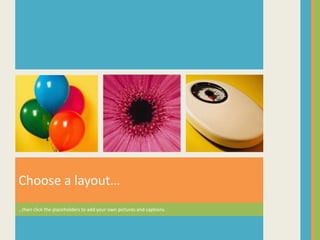
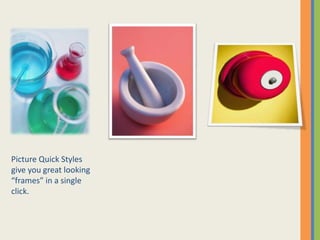

This document provides instructions for creating a photo album using a template that contains sample pages. It explains how to add your own pages by choosing a layout from the Home tab and clicking placeholders to insert pictures and captions. It also describes how to use tools on the Picture Tools | Format tab to adjust pictures, create frames, and apply quick styles for a polished look.


