Video-conferencingVideo-conferencing
BasicsBasics
Learn More About Video-Conferencing at PSJA ISDLearn More About Video-Conferencing at PSJA ISD
INSTRUCTIONAL TECHNOLOGY CETNERINSTRUCTIONAL TECHNOLOGY CETNER
What is video-conferencing?What is video-conferencing?
Transmission of image and speech backTransmission of image and speech back
and forth between two or more separateand forth between two or more separate
locations.locations.
Similar to making a phone callSimilar to making a phone call
An opportunity to talk to and see others inAn opportunity to talk to and see others in
real timereal time
What are the benefits of video-What are the benefits of video-
conferencing?conferencing?
The visual interaction can enhanceThe visual interaction can enhance
communicationcommunication
Increases connections with the worldIncreases connections with the world
It can save time and other valuableIt can save time and other valuable
resourcesresources
It can heighten motivationIt can heighten motivation
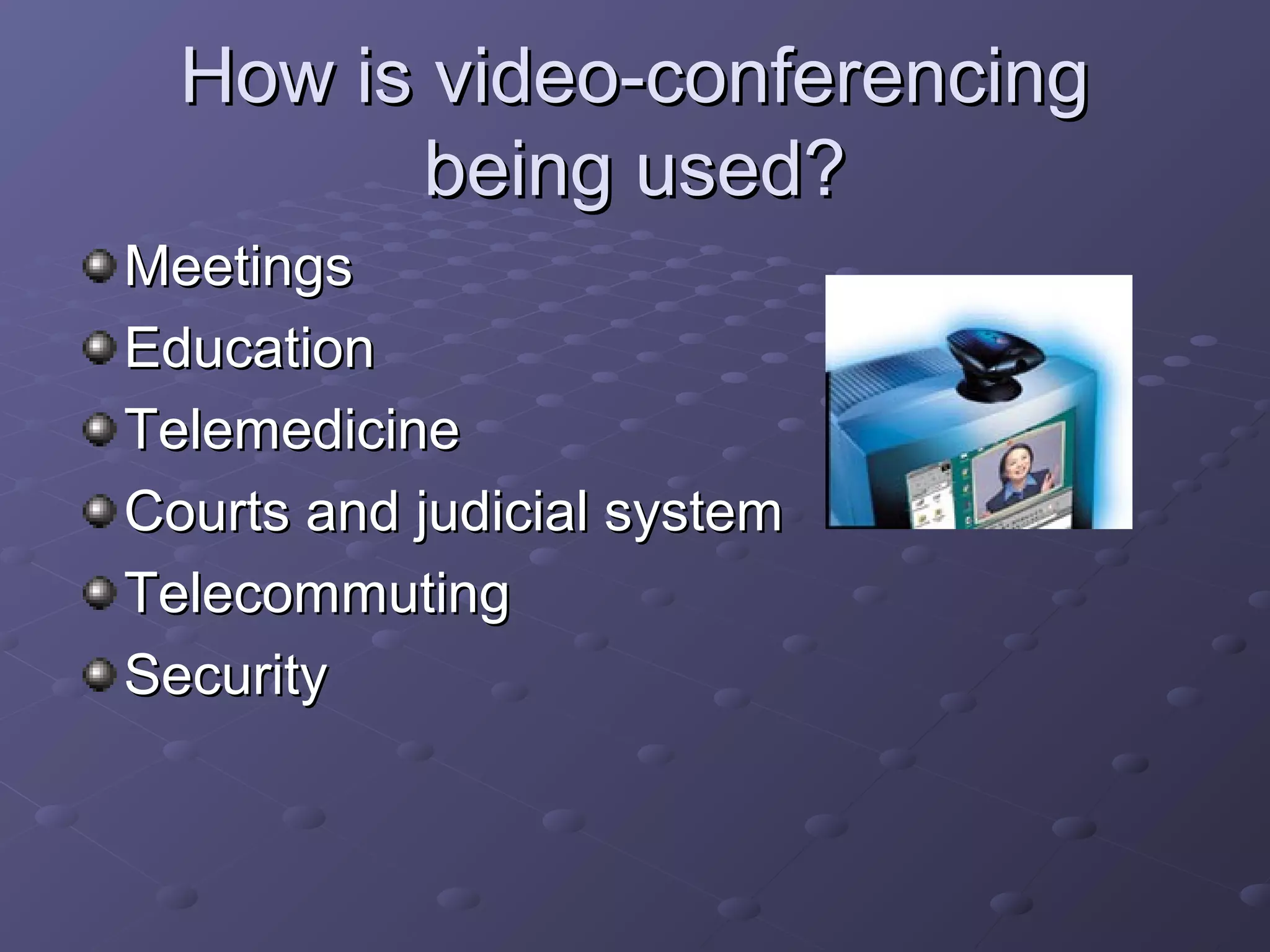
How is video-conferencingHow is video-conferencing
being used?being used?
MeetingsMeetings
EducationEducation
TelemedicineTelemedicine
Courts and judicial systemCourts and judicial system
TelecommutingTelecommuting
SecuritySecurity
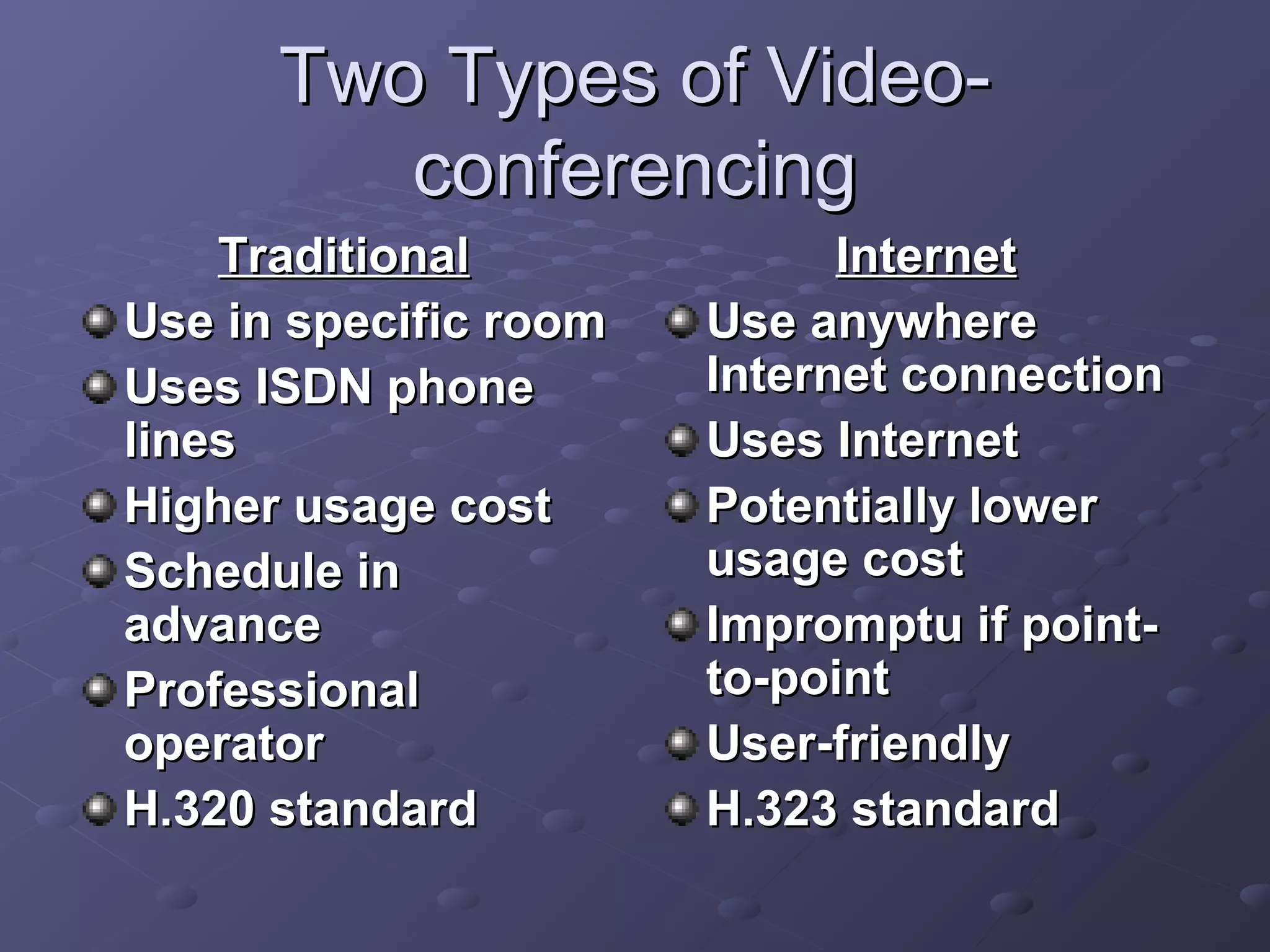
Two Types of Video-Two Types of Video-
conferencingconferencing
TraditionalTraditional
Use in specific roomUse in specific room
Uses ISDN phoneUses ISDN phone
lineslines
Higher usage costHigher usage cost
Schedule inSchedule in
advanceadvance
ProfessionalProfessional
operatoroperator
H.320 standardH.320 standard
InternetInternet
Use anywhereUse anywhere
Internet connectionInternet connection
Uses InternetUses Internet
Potentially lowerPotentially lower
usage costusage cost
Impromptu if point-Impromptu if point-
to-pointto-point
User-friendlyUser-friendly
H.323 standardH.323 standard
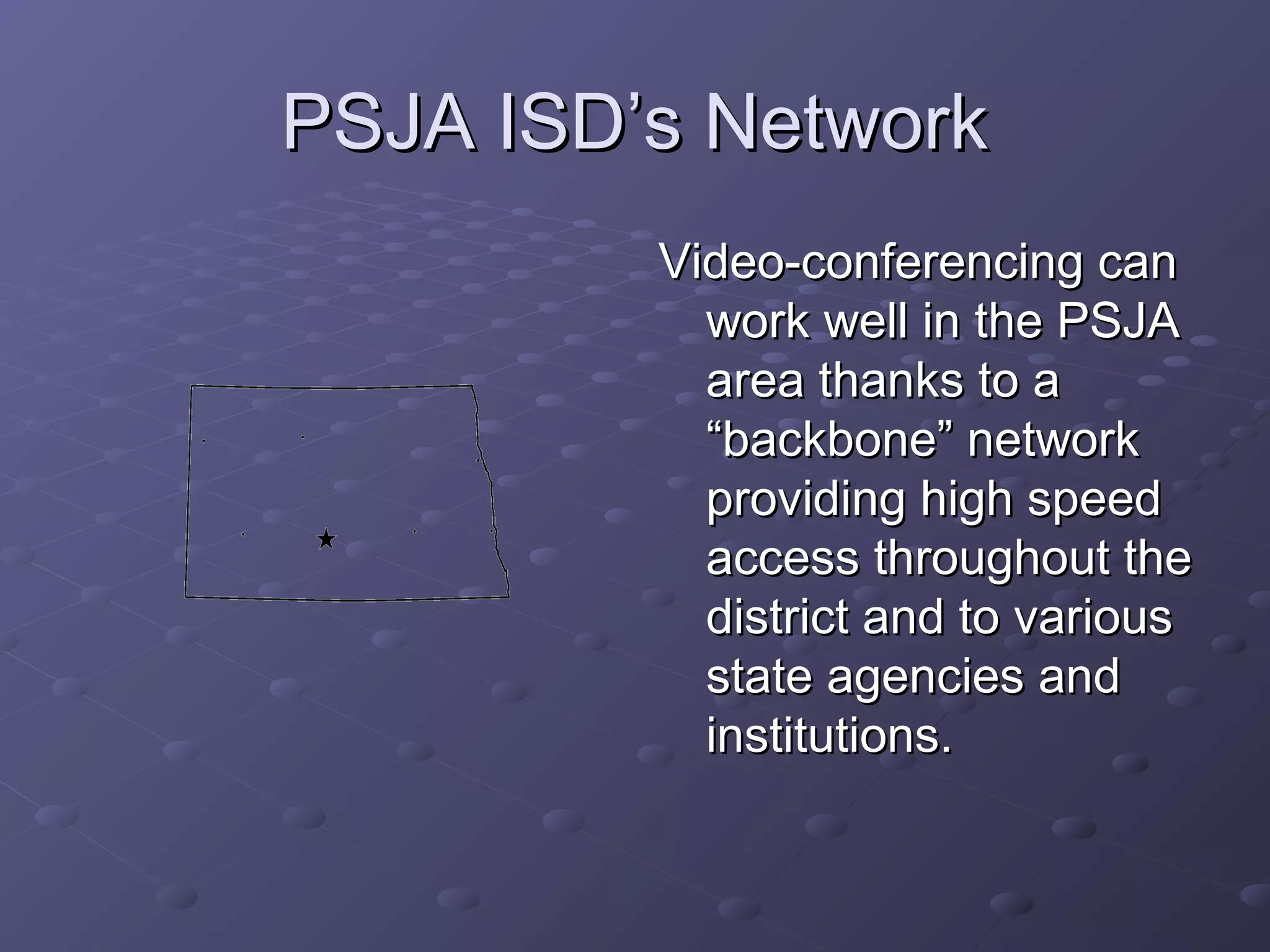
PSJA ISD’s NetworkPSJA ISD’s Network
Video-conferencing canVideo-conferencing can
work well in the PSJAwork well in the PSJA
area thanks to aarea thanks to a
“backbone” network“backbone” network
providing high speedproviding high speed
access throughout theaccess throughout the
district and to variousdistrict and to various
state agencies andstate agencies and
institutions.institutions.
PartnersPartners
MIS Department and the InstructionalMIS Department and the Instructional
Technology Department with funding fromTechnology Department with funding from
E-Rate – laid the PSJA “backbone”E-Rate – laid the PSJA “backbone”
networknetwork
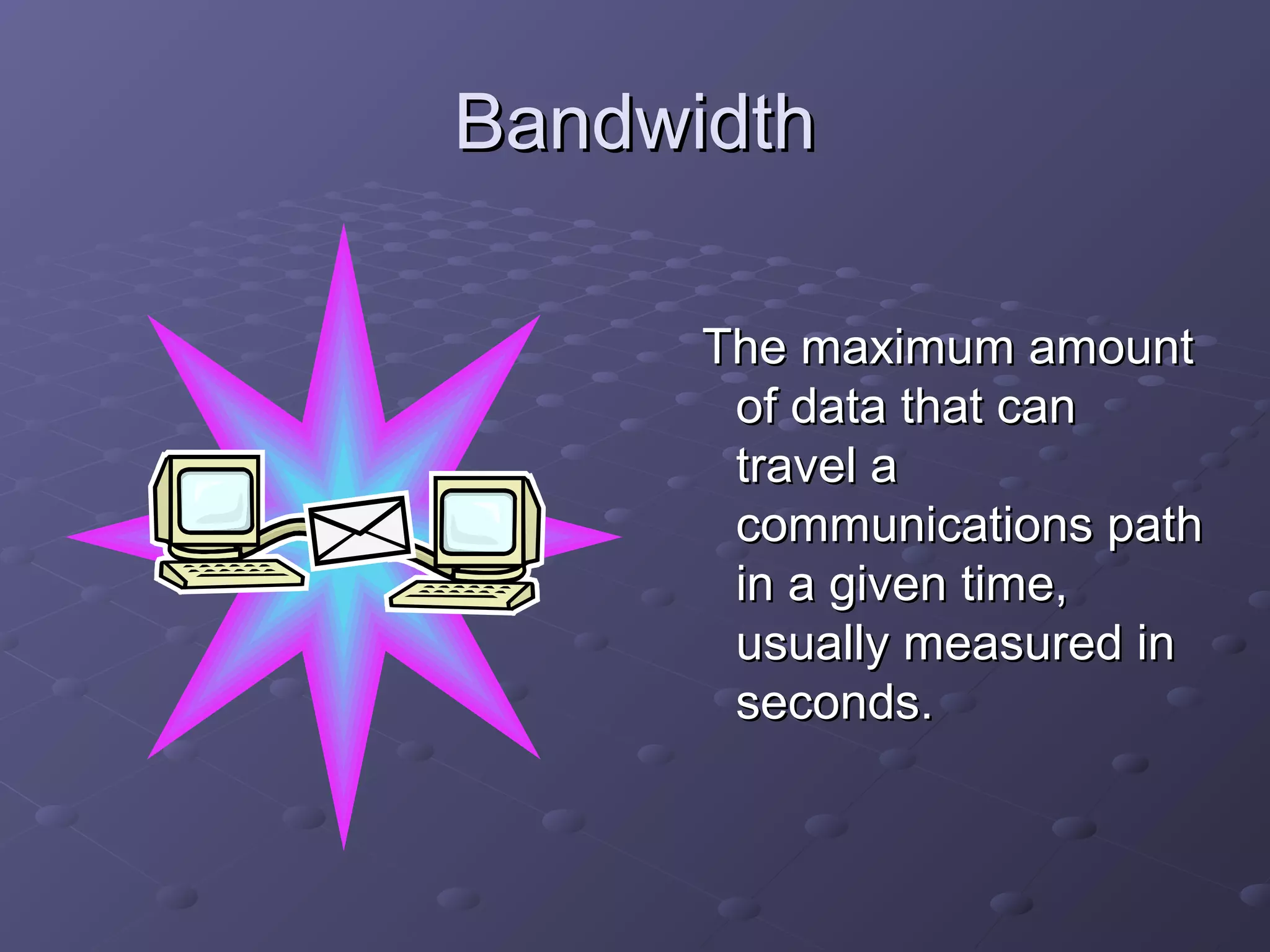
BandwidthBandwidth
The maximum amountThe maximum amount
of data that canof data that can
travel atravel a
communications pathcommunications path
in a given time,in a given time,
usually measured inusually measured in
seconds.seconds.
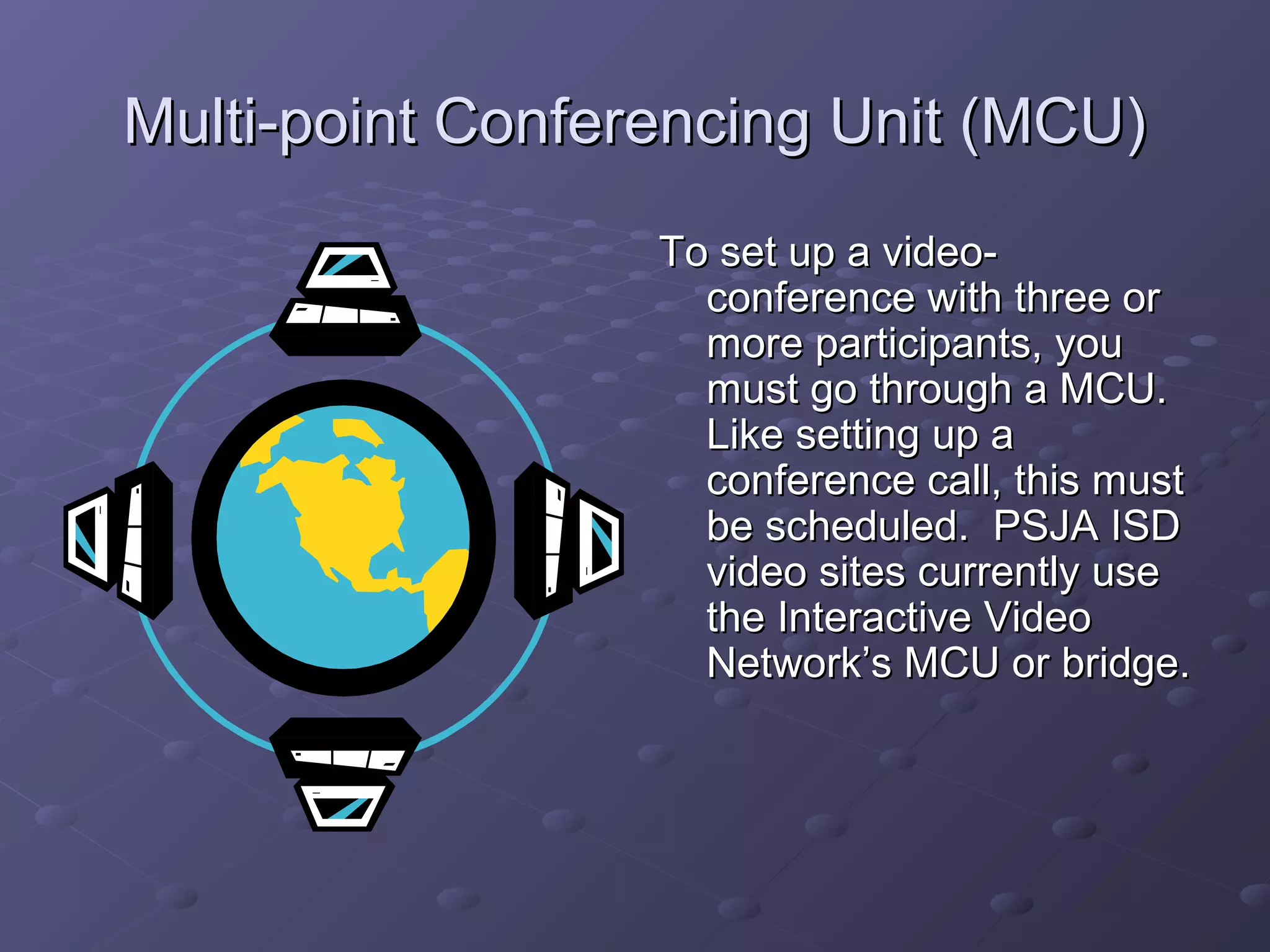
Multi-point Conferencing Unit (MCU)Multi-point Conferencing Unit (MCU)
To set up a video-To set up a video-
conference with three orconference with three or
more participants, youmore participants, you
must go through a MCU.must go through a MCU.
Like setting up aLike setting up a
conference call, this mustconference call, this must
be scheduled. PSJA ISDbe scheduled. PSJA ISD
video sites currently usevideo sites currently use
the Interactive Videothe Interactive Video
Network’s MCU or bridge.Network’s MCU or bridge.
What kinds of equipment doWhat kinds of equipment do
you need toyou need to
videoconference?videoconference?
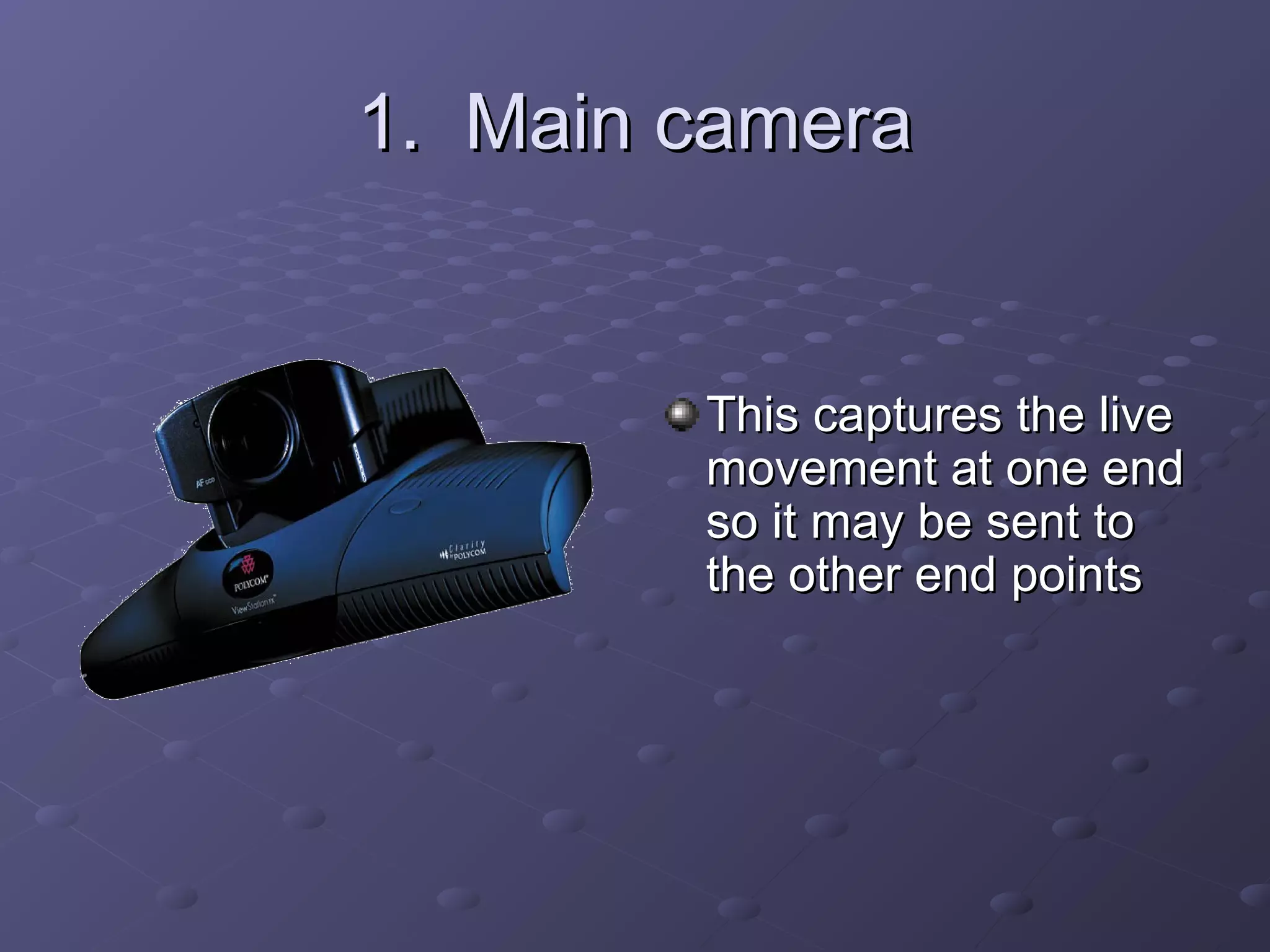
1. Main camera1. Main camera
This captures the liveThis captures the live
movement at one endmovement at one end
so it may be sent toso it may be sent to
the other end pointsthe other end points
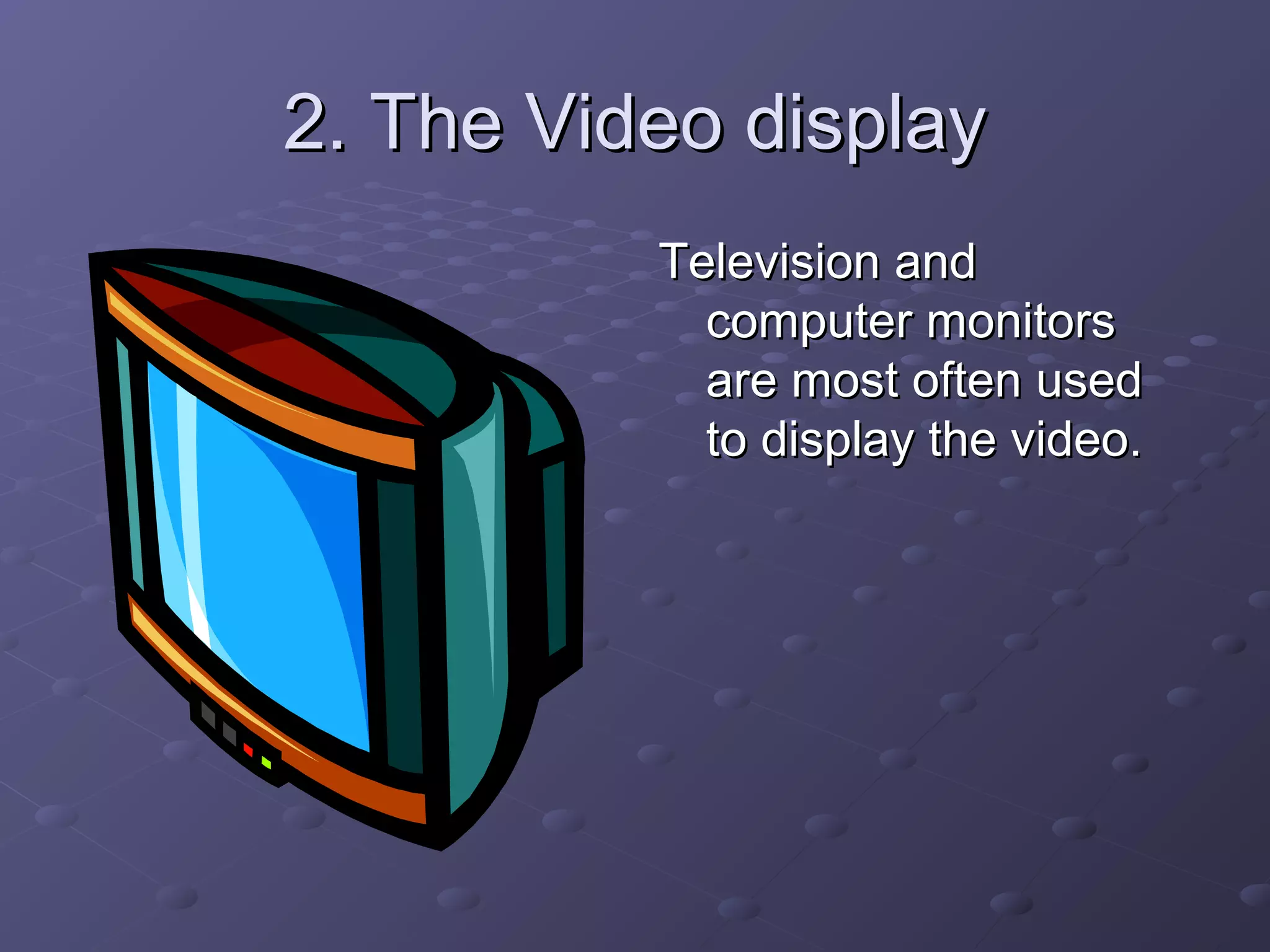
2. The Video display2. The Video display
Television andTelevision and
computer monitorscomputer monitors
are most often usedare most often used
to display the video.to display the video.
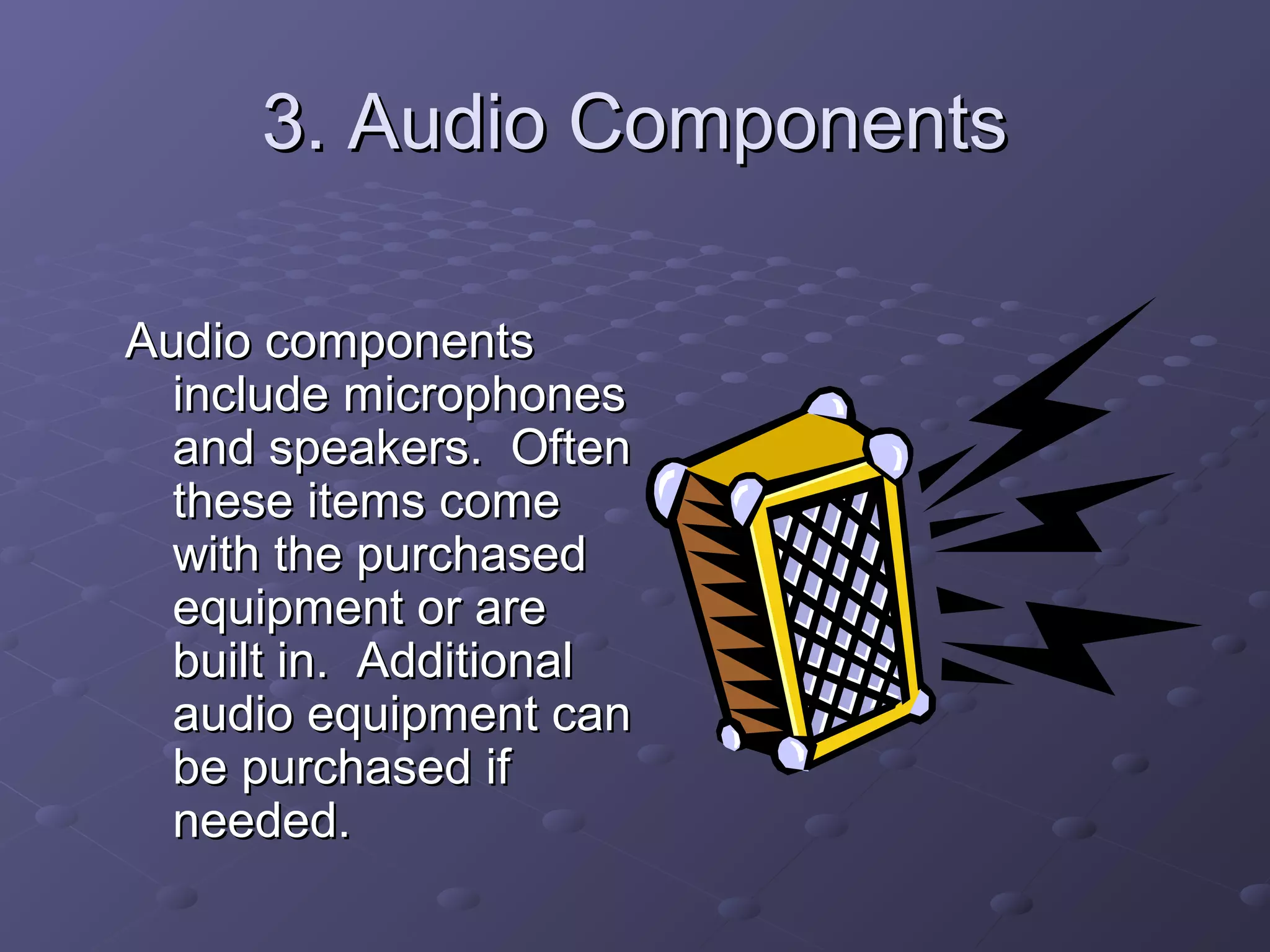
3. Audio Components3. Audio Components
Audio componentsAudio components
include microphonesinclude microphones
and speakers. Oftenand speakers. Often
these items comethese items come
with the purchasedwith the purchased
equipment or areequipment or are
built in. Additionalbuilt in. Additional
audio equipment canaudio equipment can
be purchased ifbe purchased if
needed.needed.
4. Add-on components4. Add-on components
Document cameraDocument camera
VCRVCR
Specialty camerasSpecialty cameras
DVD playersDVD players
Electronic whiteboardsElectronic whiteboards
Best Practices in Video-Best Practices in Video-
conferencingconferencing
Learn the system – feel comfortableLearn the system – feel comfortable
Maintain eye contactMaintain eye contact
Maintain appropriate on-camera positionMaintain appropriate on-camera position
Move and gesture slowlyMove and gesture slowly
Speak in a strong, clear voiceSpeak in a strong, clear voice
Keep noises to a minimumKeep noises to a minimum
Select clothing appropriatelySelect clothing appropriately
Prepare!Prepare!
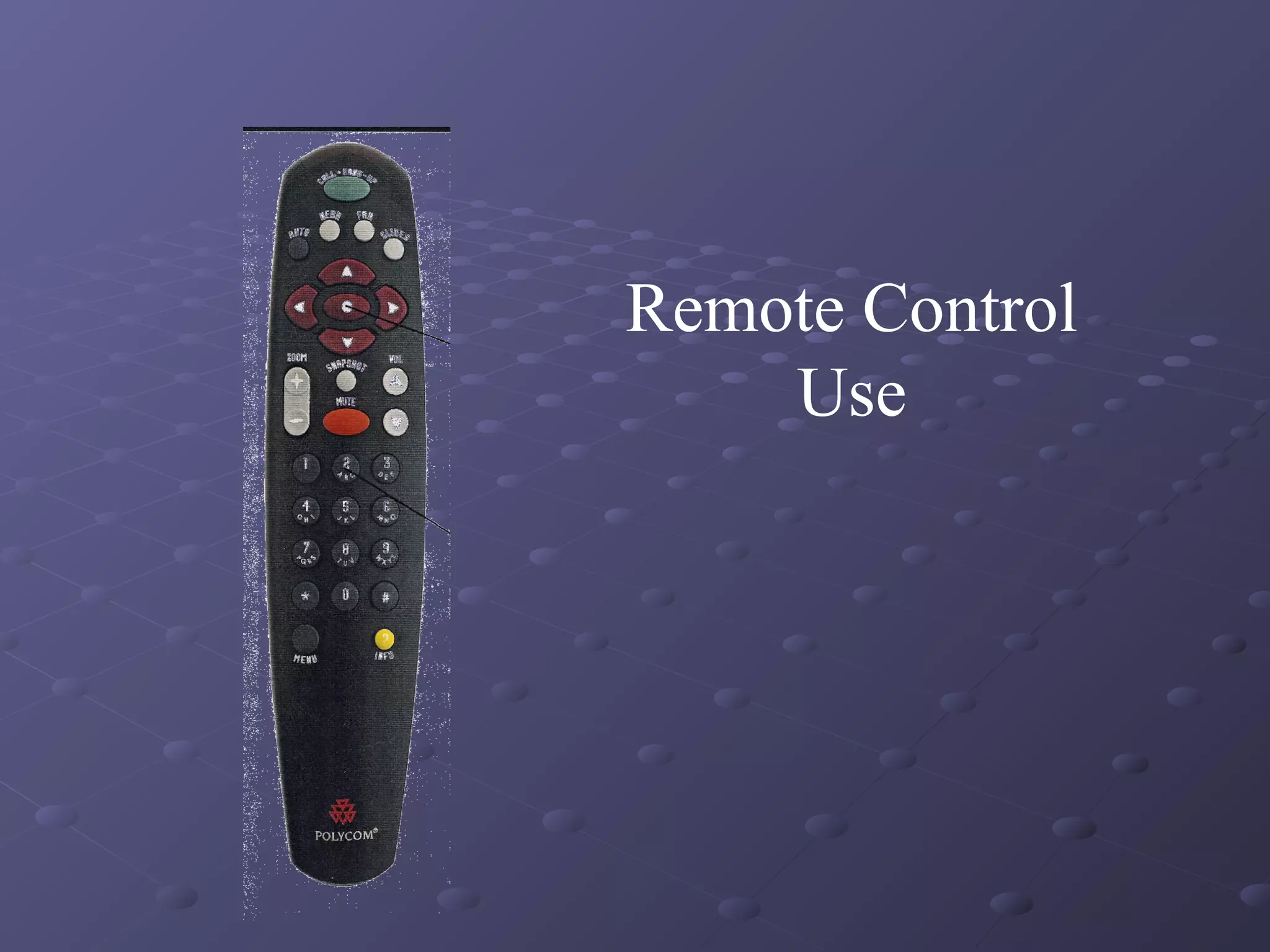
Remote Control
Use

Presentation on-video-conferencing-basics4468-ravi shankar-pc

  • 1.
    Video-conferencingVideo-conferencing BasicsBasics Learn More AboutVideo-Conferencing at PSJA ISDLearn More About Video-Conferencing at PSJA ISD INSTRUCTIONAL TECHNOLOGY CETNERINSTRUCTIONAL TECHNOLOGY CETNER
  • 2.
    What is video-conferencing?Whatis video-conferencing? Transmission of image and speech backTransmission of image and speech back and forth between two or more separateand forth between two or more separate locations.locations. Similar to making a phone callSimilar to making a phone call An opportunity to talk to and see others inAn opportunity to talk to and see others in real timereal time
  • 3.
    What are thebenefits of video-What are the benefits of video- conferencing?conferencing? The visual interaction can enhanceThe visual interaction can enhance communicationcommunication Increases connections with the worldIncreases connections with the world It can save time and other valuableIt can save time and other valuable resourcesresources It can heighten motivationIt can heighten motivation
  • 4.
    How is video-conferencingHowis video-conferencing being used?being used? MeetingsMeetings EducationEducation TelemedicineTelemedicine Courts and judicial systemCourts and judicial system TelecommutingTelecommuting SecuritySecurity
  • 5.
    Two Types ofVideo-Two Types of Video- conferencingconferencing TraditionalTraditional Use in specific roomUse in specific room Uses ISDN phoneUses ISDN phone lineslines Higher usage costHigher usage cost Schedule inSchedule in advanceadvance ProfessionalProfessional operatoroperator H.320 standardH.320 standard InternetInternet Use anywhereUse anywhere Internet connectionInternet connection Uses InternetUses Internet Potentially lowerPotentially lower usage costusage cost Impromptu if point-Impromptu if point- to-pointto-point User-friendlyUser-friendly H.323 standardH.323 standard
  • 6.
    PSJA ISD’s NetworkPSJAISD’s Network Video-conferencing canVideo-conferencing can work well in the PSJAwork well in the PSJA area thanks to aarea thanks to a “backbone” network“backbone” network providing high speedproviding high speed access throughout theaccess throughout the district and to variousdistrict and to various state agencies andstate agencies and institutions.institutions.
  • 7.
    PartnersPartners MIS Department andthe InstructionalMIS Department and the Instructional Technology Department with funding fromTechnology Department with funding from E-Rate – laid the PSJA “backbone”E-Rate – laid the PSJA “backbone” networknetwork
  • 8.
    BandwidthBandwidth The maximum amountThemaximum amount of data that canof data that can travel atravel a communications pathcommunications path in a given time,in a given time, usually measured inusually measured in seconds.seconds.
  • 9.
    Multi-point Conferencing Unit(MCU)Multi-point Conferencing Unit (MCU) To set up a video-To set up a video- conference with three orconference with three or more participants, youmore participants, you must go through a MCU.must go through a MCU. Like setting up aLike setting up a conference call, this mustconference call, this must be scheduled. PSJA ISDbe scheduled. PSJA ISD video sites currently usevideo sites currently use the Interactive Videothe Interactive Video Network’s MCU or bridge.Network’s MCU or bridge.
  • 10.
    What kinds ofequipment doWhat kinds of equipment do you need toyou need to videoconference?videoconference?
  • 11.
    1. Main camera1.Main camera This captures the liveThis captures the live movement at one endmovement at one end so it may be sent toso it may be sent to the other end pointsthe other end points
  • 12.
    2. The Videodisplay2. The Video display Television andTelevision and computer monitorscomputer monitors are most often usedare most often used to display the video.to display the video.
  • 13.
    3. Audio Components3.Audio Components Audio componentsAudio components include microphonesinclude microphones and speakers. Oftenand speakers. Often these items comethese items come with the purchasedwith the purchased equipment or areequipment or are built in. Additionalbuilt in. Additional audio equipment canaudio equipment can be purchased ifbe purchased if needed.needed.
  • 14.
    4. Add-on components4.Add-on components Document cameraDocument camera VCRVCR Specialty camerasSpecialty cameras DVD playersDVD players Electronic whiteboardsElectronic whiteboards
  • 15.
    Best Practices inVideo-Best Practices in Video- conferencingconferencing Learn the system – feel comfortableLearn the system – feel comfortable Maintain eye contactMaintain eye contact Maintain appropriate on-camera positionMaintain appropriate on-camera position Move and gesture slowlyMove and gesture slowly Speak in a strong, clear voiceSpeak in a strong, clear voice Keep noises to a minimumKeep noises to a minimum Select clothing appropriatelySelect clothing appropriately Prepare!Prepare!
  • 16.