PRESENTATION ON
COMPUTER HANDLING
SKILLS
GROUP 2 – SOFTWARE ENGINEERING
 BigChange Murimba
 Dave Chovani
 Delroy Gatsi
 Grace Shoniwa
 Nokutenda Ruzave
 Panashe Nosenga
 Roderick Ngavi
 Rumbidzai Mapondo
 Rutendo Mapondo
 Tinotenda Chikwangwani
 Manlisher Chekerai
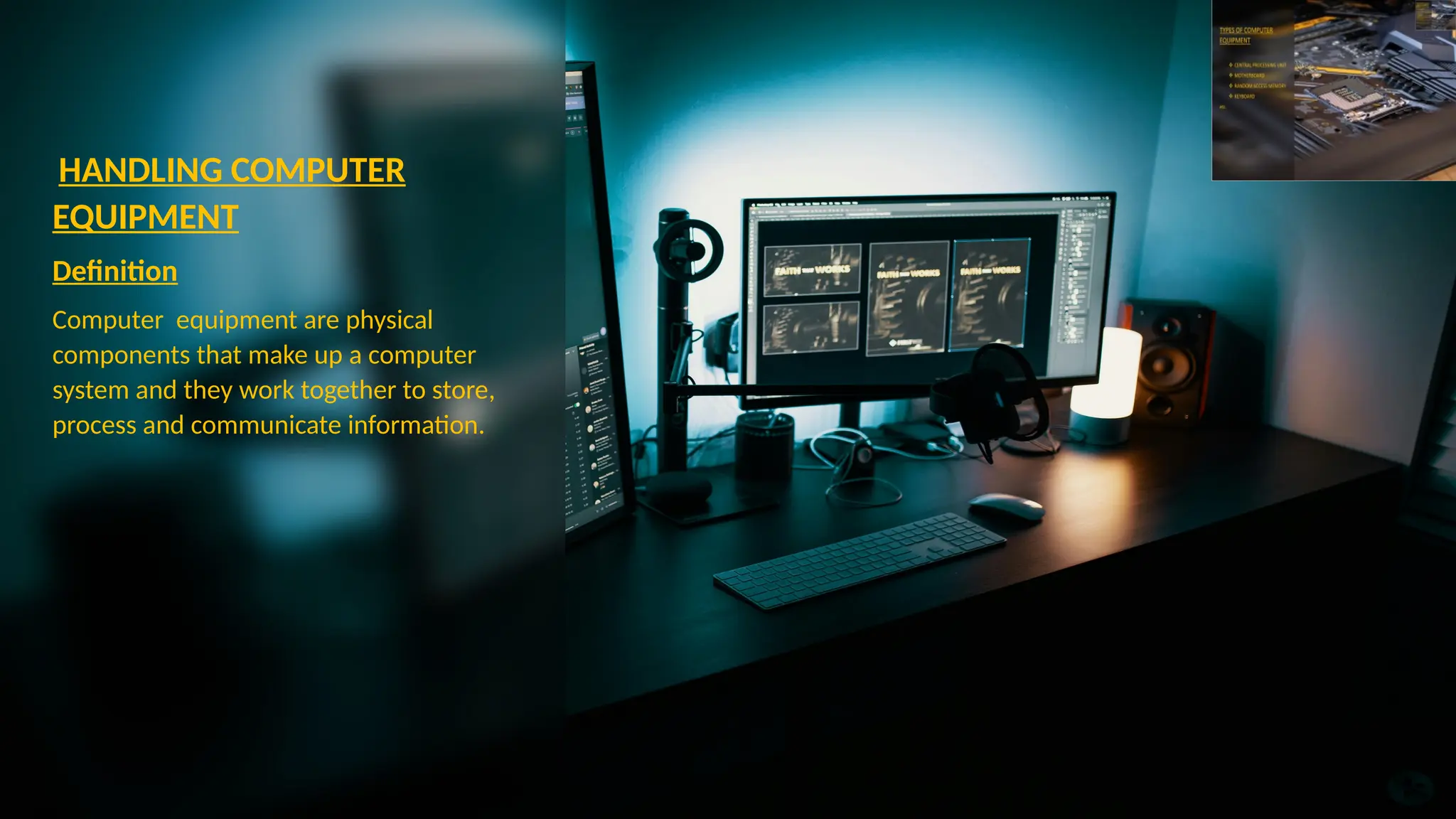
HANDLING COMPUTER
EQUIPMENT
Definition
Computer equipment are physical
components that make up a computer
system and they work together to store,
process and communicate information.
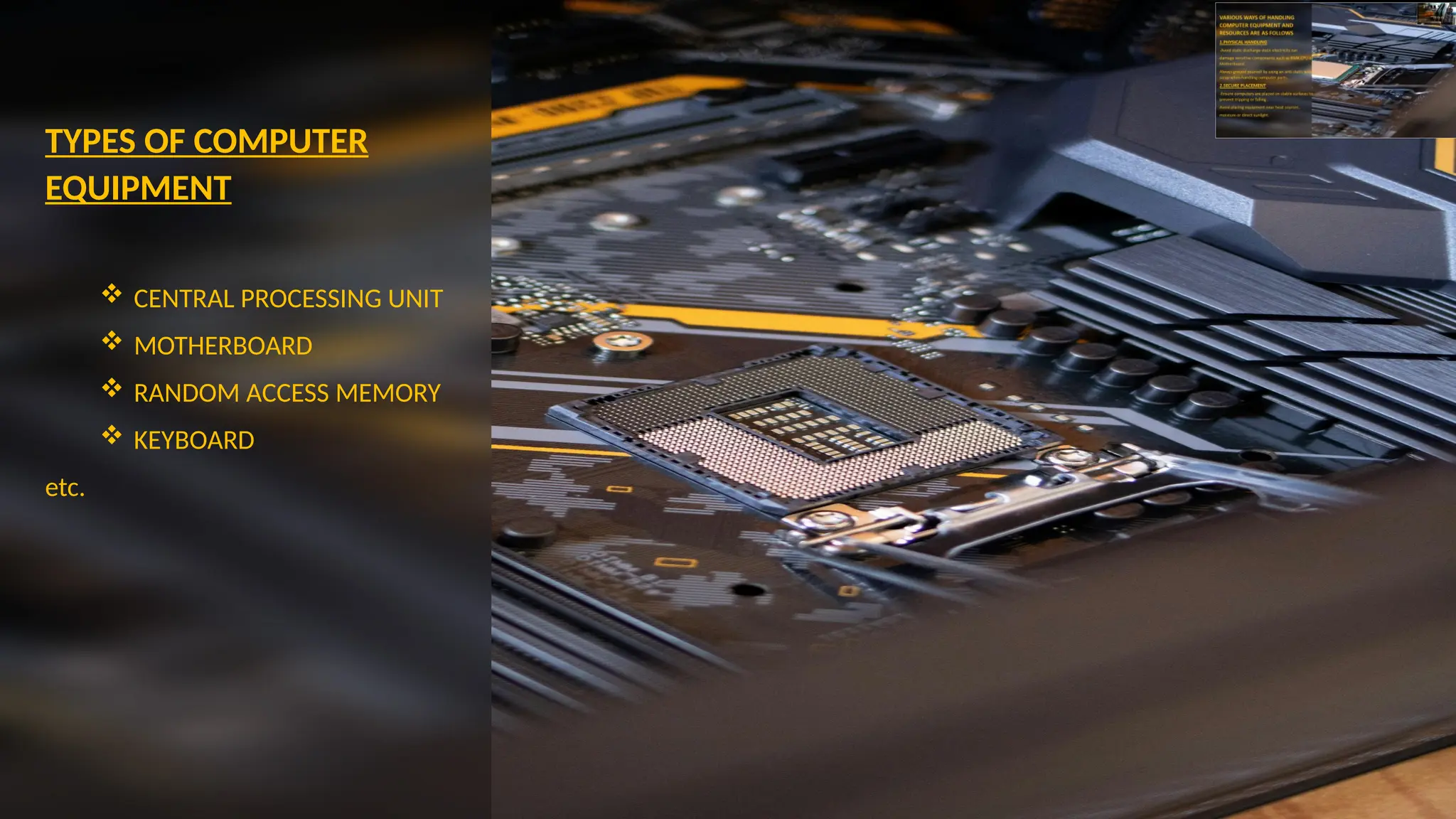
TYPES OF COMPUTER
EQUIPMENT
 CENTRAL PROCESSING UNIT
 MOTHERBOARD
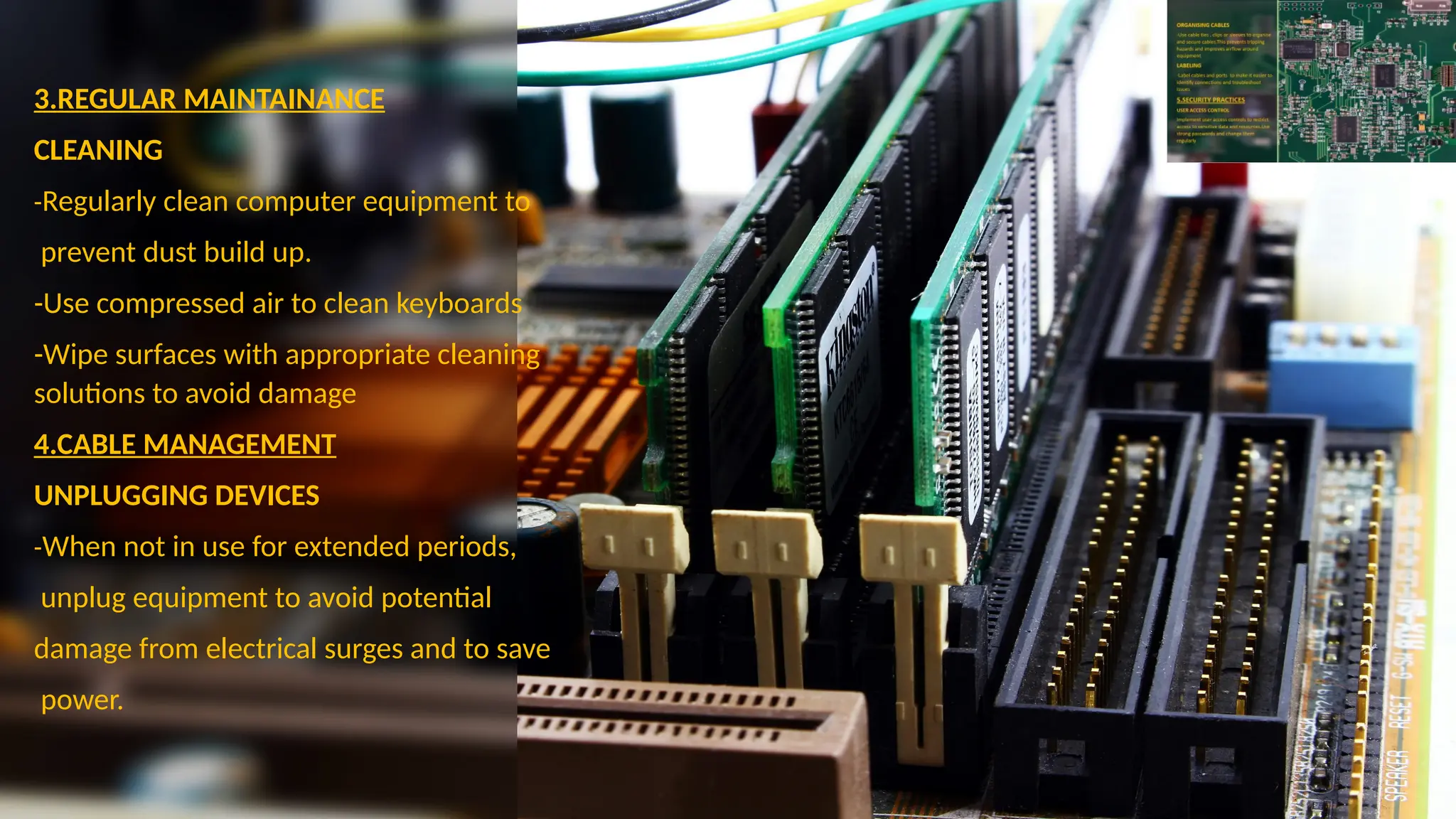
 RANDOM ACCESS MEMORY
 KEYBOARD
etc.
VARIOUS WAYS OF HANDLING
COMPUTER EQUIPMENT AND
RESOURCES ARE AS FOLLOWS
1.PHYSICAL HANDLING
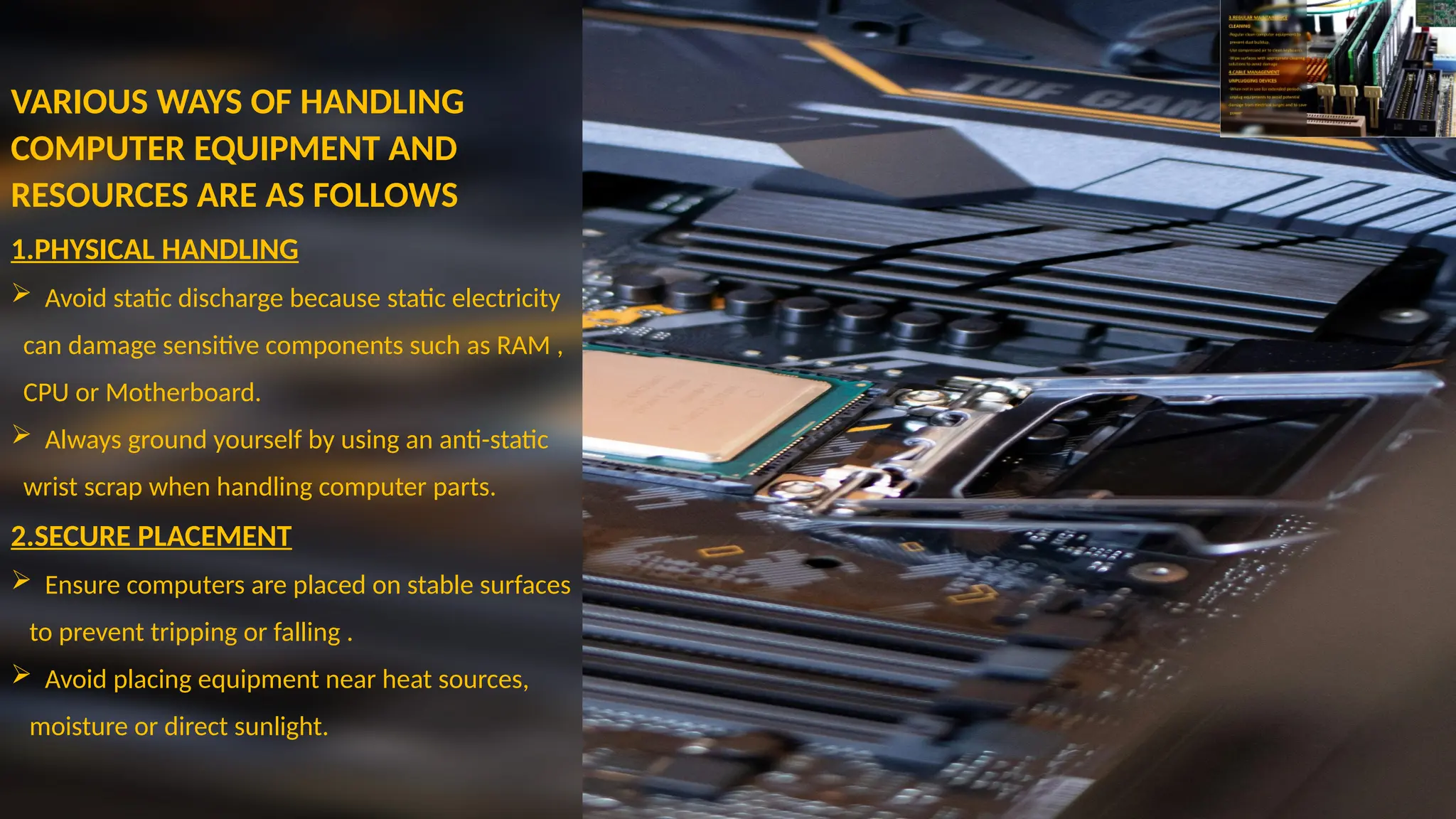
 Avoid static discharge because static electricity
can damage sensitive components such as RAM ,
CPU or Motherboard.
 Always ground yourself by using an anti-static
wrist scrap when handling computer parts.
2.SECURE PLACEMENT
 Ensure computers are placed on stable surfaces
to prevent tripping or falling .
 Avoid placing equipment near heat sources,
moisture or direct sunlight.
3.REGULAR MAINTAINANCE
CLEANING
-Regularly clean computer equipment to
prevent dust build up.
-Use compressed air to clean keyboards
-Wipe surfaces with appropriate cleaning
solutions to avoid damage
4.CABLE MANAGEMENT
UNPLUGGING DEVICES
-When not in use for extended periods,
unplug equipment to avoid potential
damage from electrical surges and to save
power.
ORGANISING CABLES
-Use cable ties , clips or sleeves to organise
and secure cables . This prevents tripping
hazards and improves airflow around
equipment
LABELING
-Label cables and ports to make it easier to
identify connections and troubleshoot
issues
5.SECURITY PRACTICES
USER ACCESS CONTROL
Implement user access controls to restrict
access to sensitive data and resources . Use
strong passwords and change them
regularly
THE END

Presentation on computer handling .pptx

  • 1.
    PRESENTATION ON COMPUTER HANDLING SKILLS GROUP2 – SOFTWARE ENGINEERING  BigChange Murimba  Dave Chovani  Delroy Gatsi  Grace Shoniwa  Nokutenda Ruzave  Panashe Nosenga  Roderick Ngavi  Rumbidzai Mapondo  Rutendo Mapondo  Tinotenda Chikwangwani  Manlisher Chekerai
  • 2.
    HANDLING COMPUTER EQUIPMENT Definition Computer equipmentare physical components that make up a computer system and they work together to store, process and communicate information.
  • 3.
    TYPES OF COMPUTER EQUIPMENT CENTRAL PROCESSING UNIT  MOTHERBOARD  RANDOM ACCESS MEMORY  KEYBOARD etc.
  • 4.
    VARIOUS WAYS OFHANDLING COMPUTER EQUIPMENT AND RESOURCES ARE AS FOLLOWS 1.PHYSICAL HANDLING  Avoid static discharge because static electricity can damage sensitive components such as RAM , CPU or Motherboard.  Always ground yourself by using an anti-static wrist scrap when handling computer parts. 2.SECURE PLACEMENT  Ensure computers are placed on stable surfaces to prevent tripping or falling .  Avoid placing equipment near heat sources, moisture or direct sunlight.
  • 5.
    3.REGULAR MAINTAINANCE CLEANING -Regularly cleancomputer equipment to prevent dust build up. -Use compressed air to clean keyboards -Wipe surfaces with appropriate cleaning solutions to avoid damage 4.CABLE MANAGEMENT UNPLUGGING DEVICES -When not in use for extended periods, unplug equipment to avoid potential damage from electrical surges and to save power.
  • 6.
    ORGANISING CABLES -Use cableties , clips or sleeves to organise and secure cables . This prevents tripping hazards and improves airflow around equipment LABELING -Label cables and ports to make it easier to identify connections and troubleshoot issues 5.SECURITY PRACTICES USER ACCESS CONTROL Implement user access controls to restrict access to sensitive data and resources . Use strong passwords and change them regularly
  • 7.