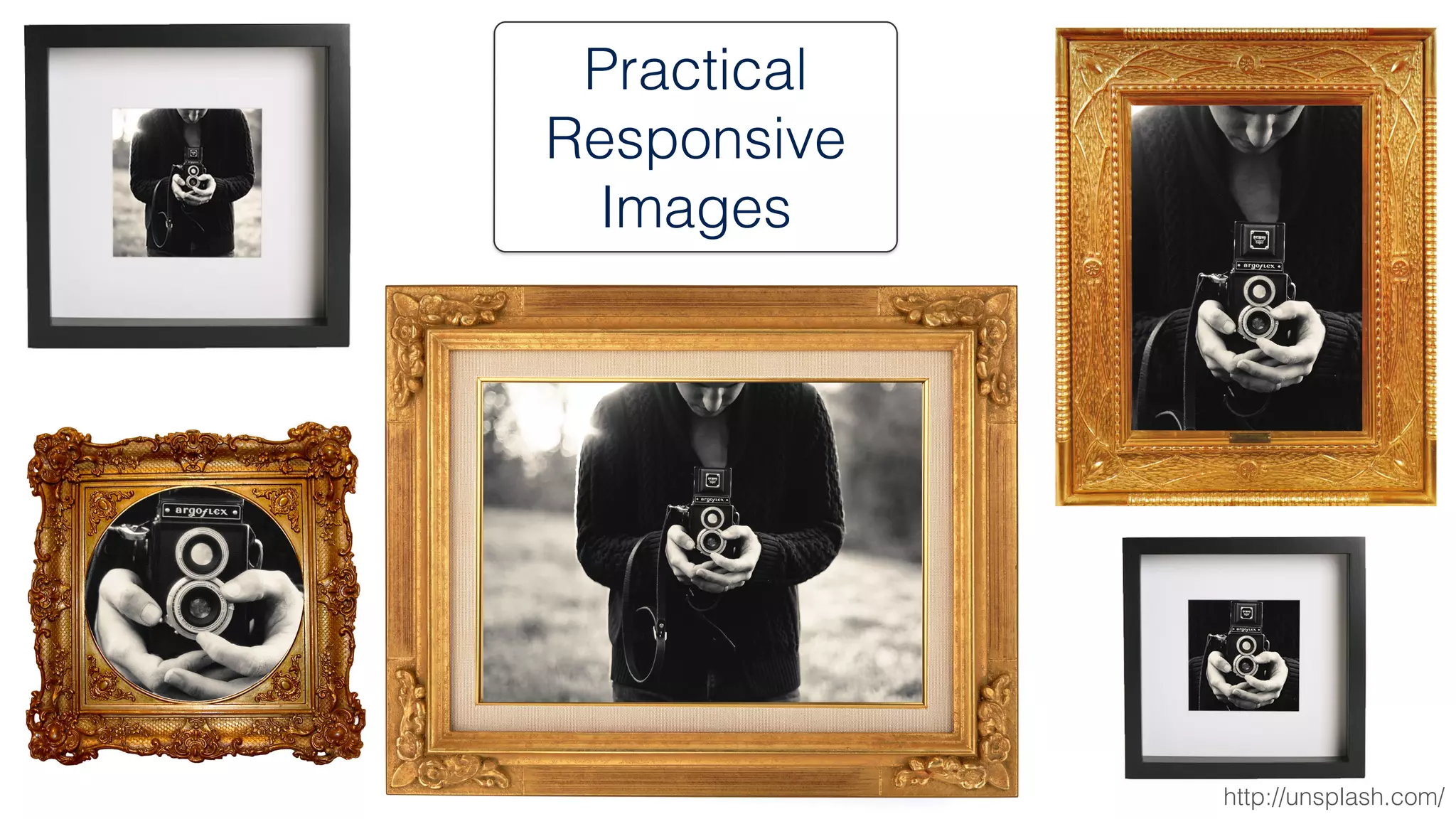

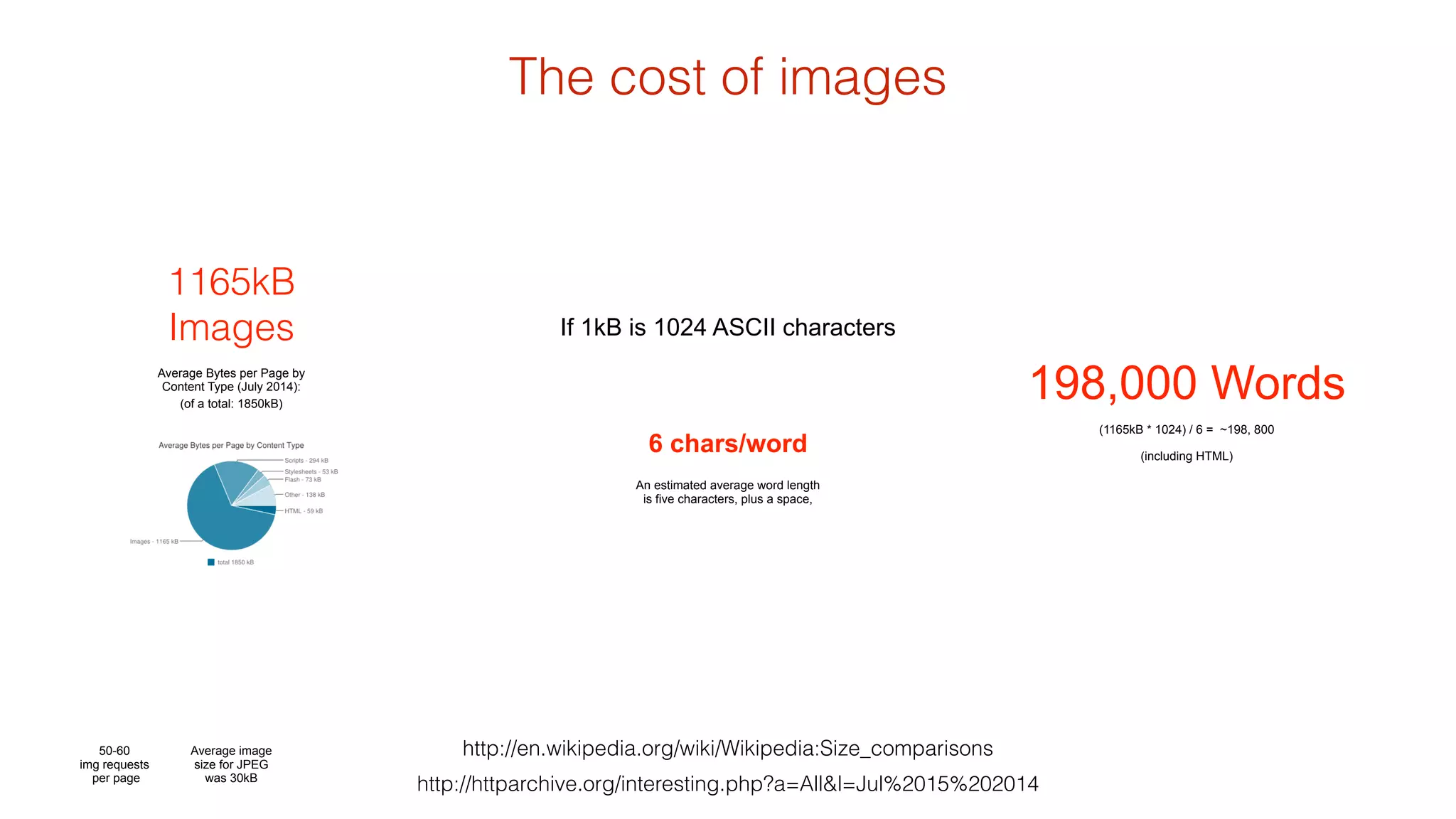
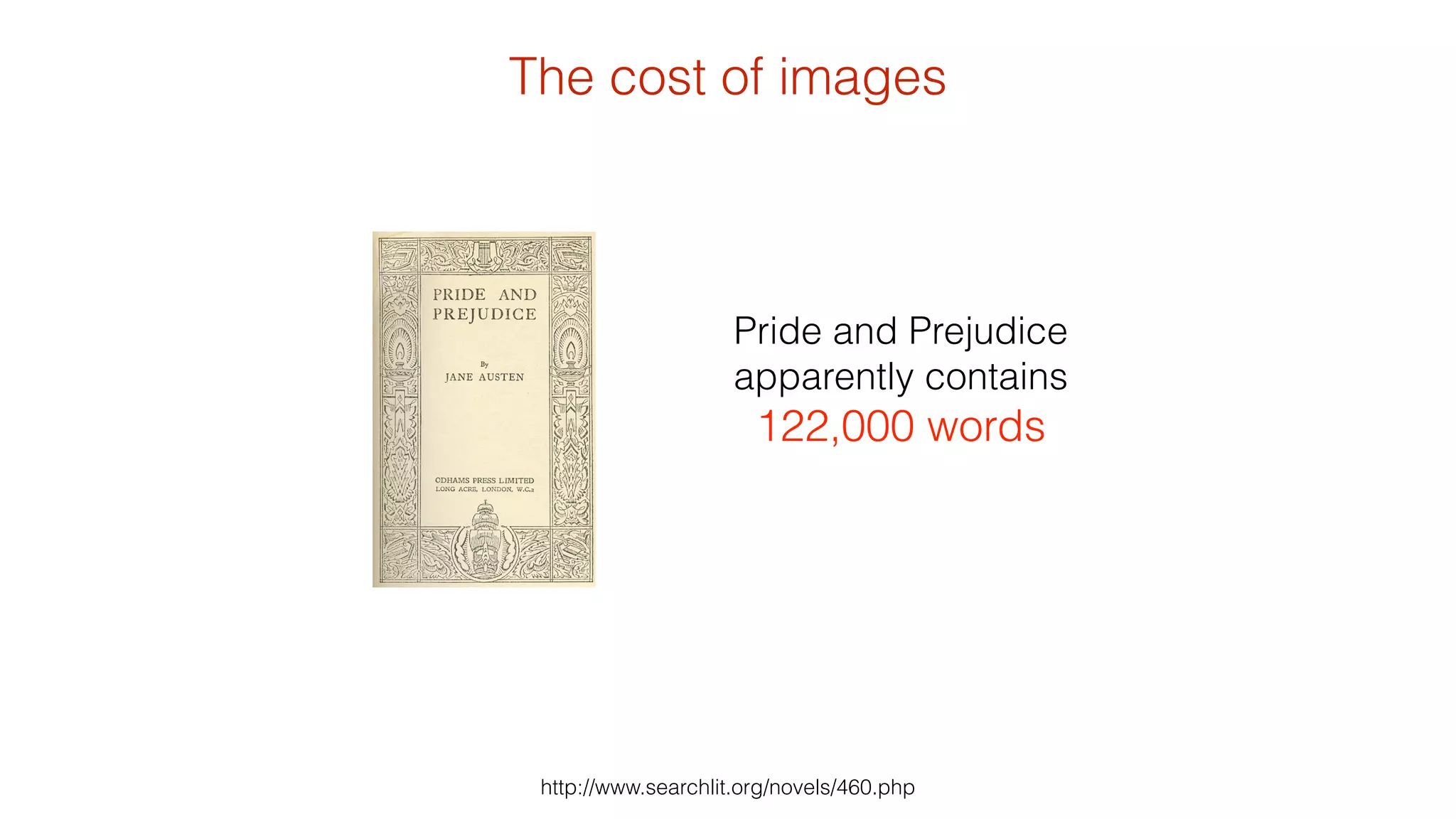
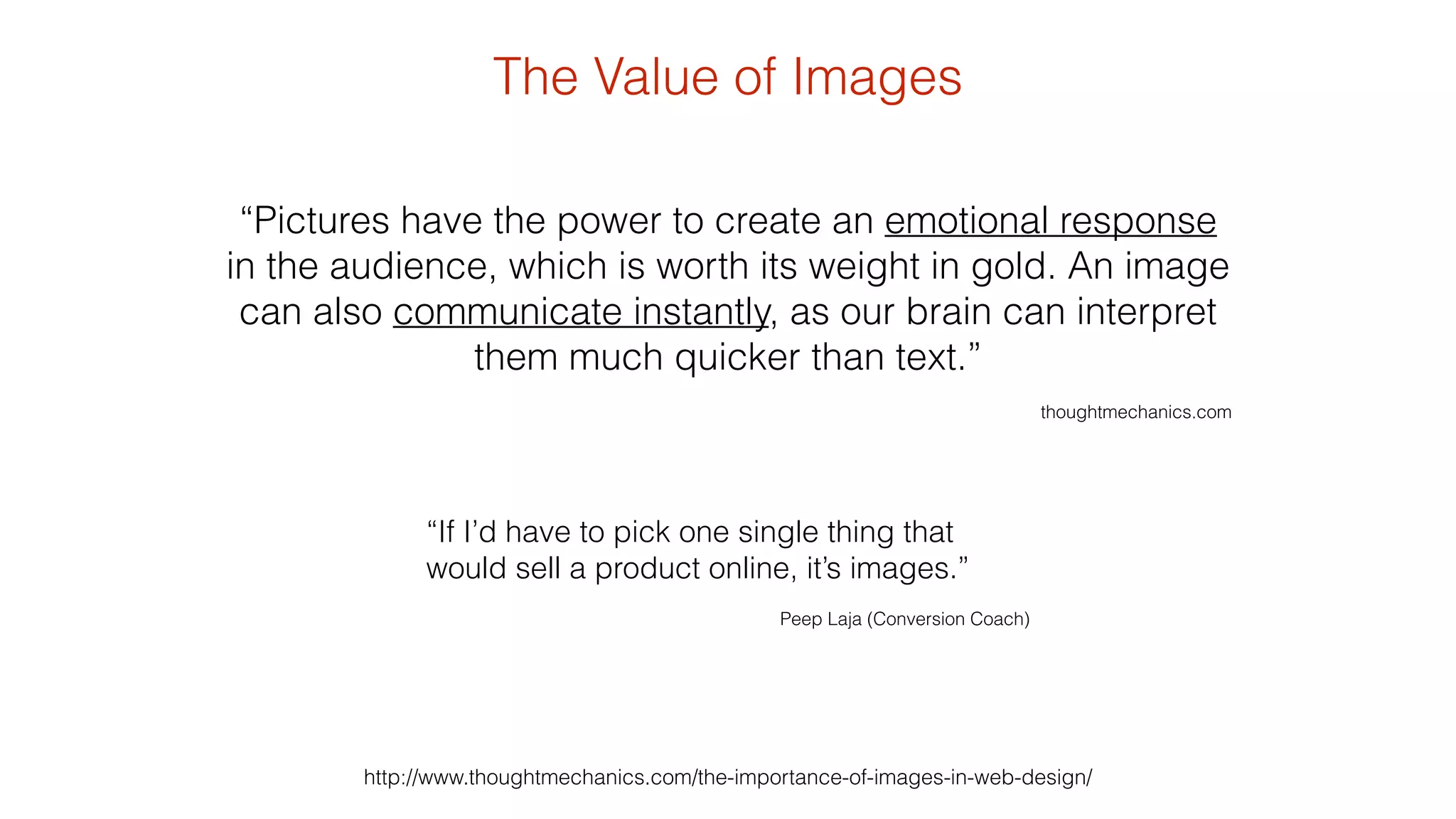
Practical 
Responsive 
Images 
http://unsplash.com/
A picture is worth a thousand words… 
http://unsplash.com/ 
…but the cost is much greater
The cost of images 
http://en.wikipedia.org/wiki/Wikipedia:Size_comparisons 
198,000 Words 
http://httparchive.org/interesting.php?a=All&l=Jul%2015%202014 
1165kB 
Images 
Average Bytes per Page by 
Content Type (July 2014): 
If 1kB is 1024 ASCII characters 
6 chars/word 
An estimated average word length 
is five characters, plus a space, 
(1165kB * 1024) / 6 = ~198, 800 
(including HTML) 
(of a total: 1850kB) 
50-60 
img requests 
per page 
Average image 
size for JPEG 
was 30kB
The cost of images 
Pride and Prejudice 
apparently contains 
122,000 words 
http://www.searchlit.org/novels/460.php
The Value of Images 
“Pictures have the power to create an emotional response 
in the audience, which is worth its weight in gold. An image 
can also communicate instantly, as our brain can interpret 
them much quicker than text.” 
http://www.thoughtmechanics.com/the-importance-of-images-in-web-design/ 
! 
thoughtmechanics.com 
“If I’d have to pick one single thing that 
would sell a product online, it’s images.” 
! 
Peep Laja (Conversion Coach)
The Value of Images 
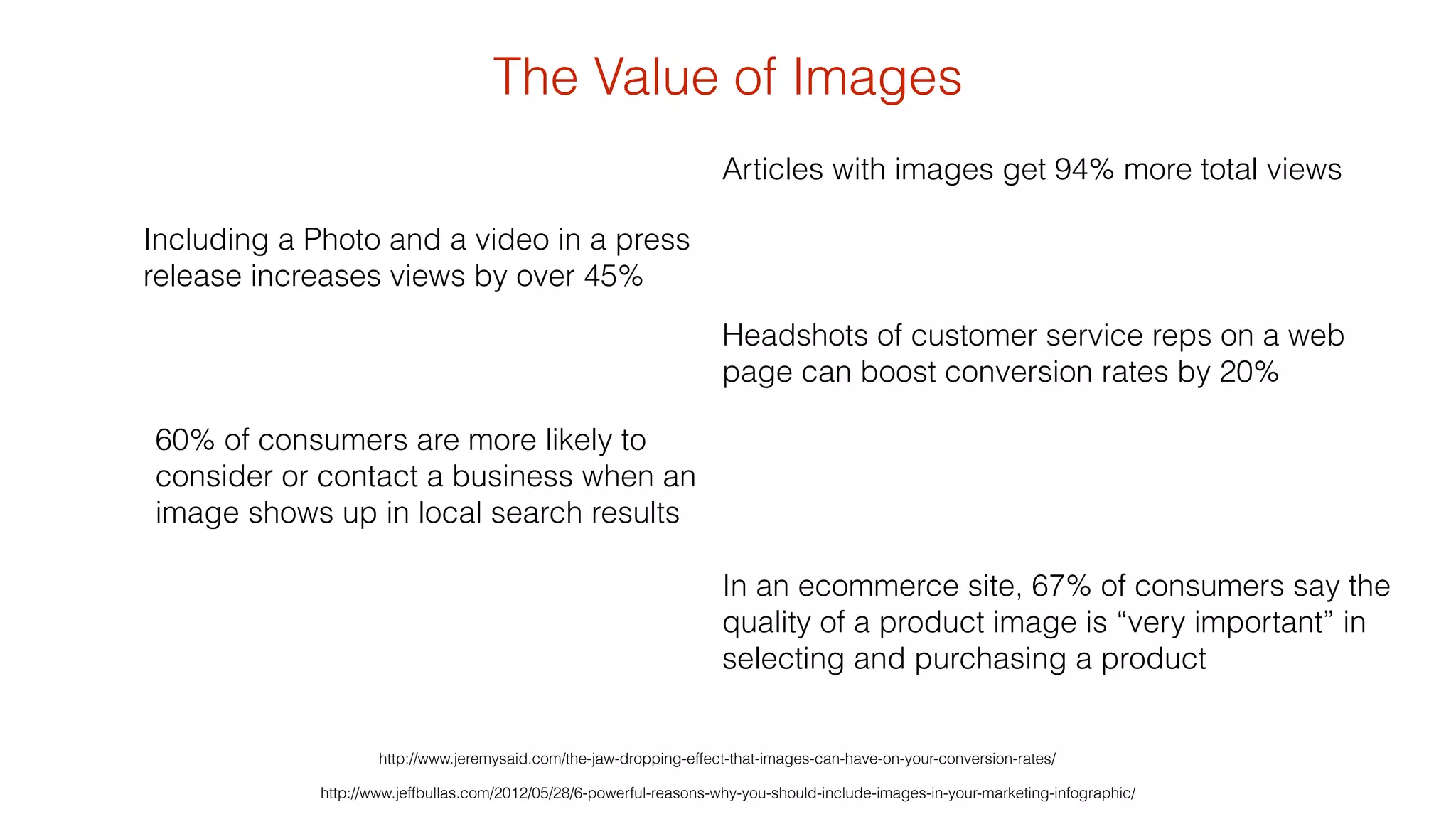
Articles with images get 94% more total views 
Headshots of customer service reps on a web 
page can boost conversion rates by 20% 
In an ecommerce site, 67% of consumers say the 
quality of a product image is “very important” in 
selecting and purchasing a product 
Including a Photo and a video in a press 
release increases views by over 45% 
60% of consumers are more likely to 
consider or contact a business when an 
image shows up in local search results 
http://www.jeremysaid.com/the-jaw-dropping-effect-that-images-can-have-on-your-conversion-rates/ 
http://www.jeffbullas.com/2012/05/28/6-powerful-reasons-why-you-should-include-images-in-your-marketing-infographic/
Images are powerful 
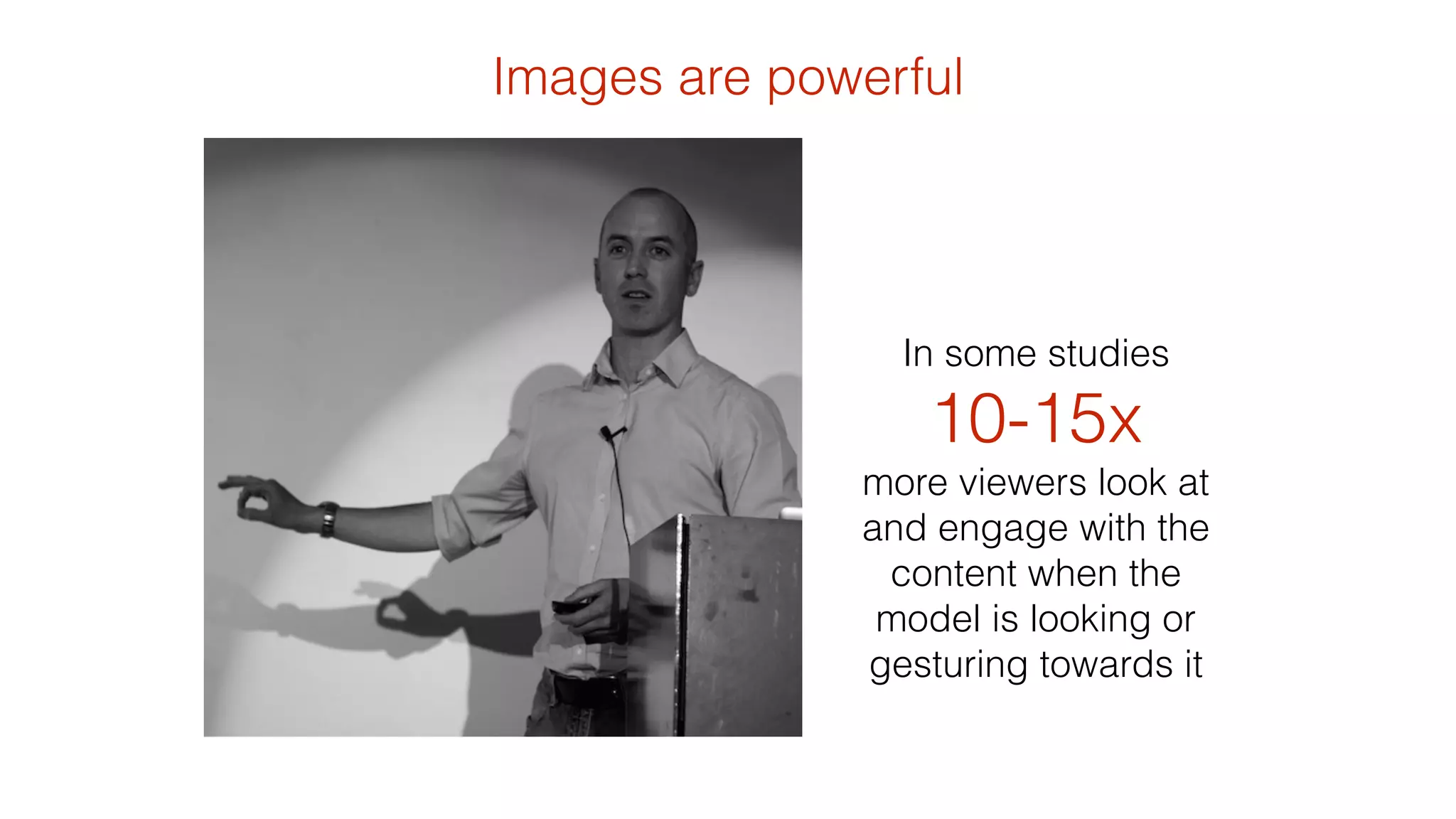
In some studies 
10-15x 
more viewers look at 
and engage with the 
content when the 
model is looking or 
gesturing towards it
Images are powerful 
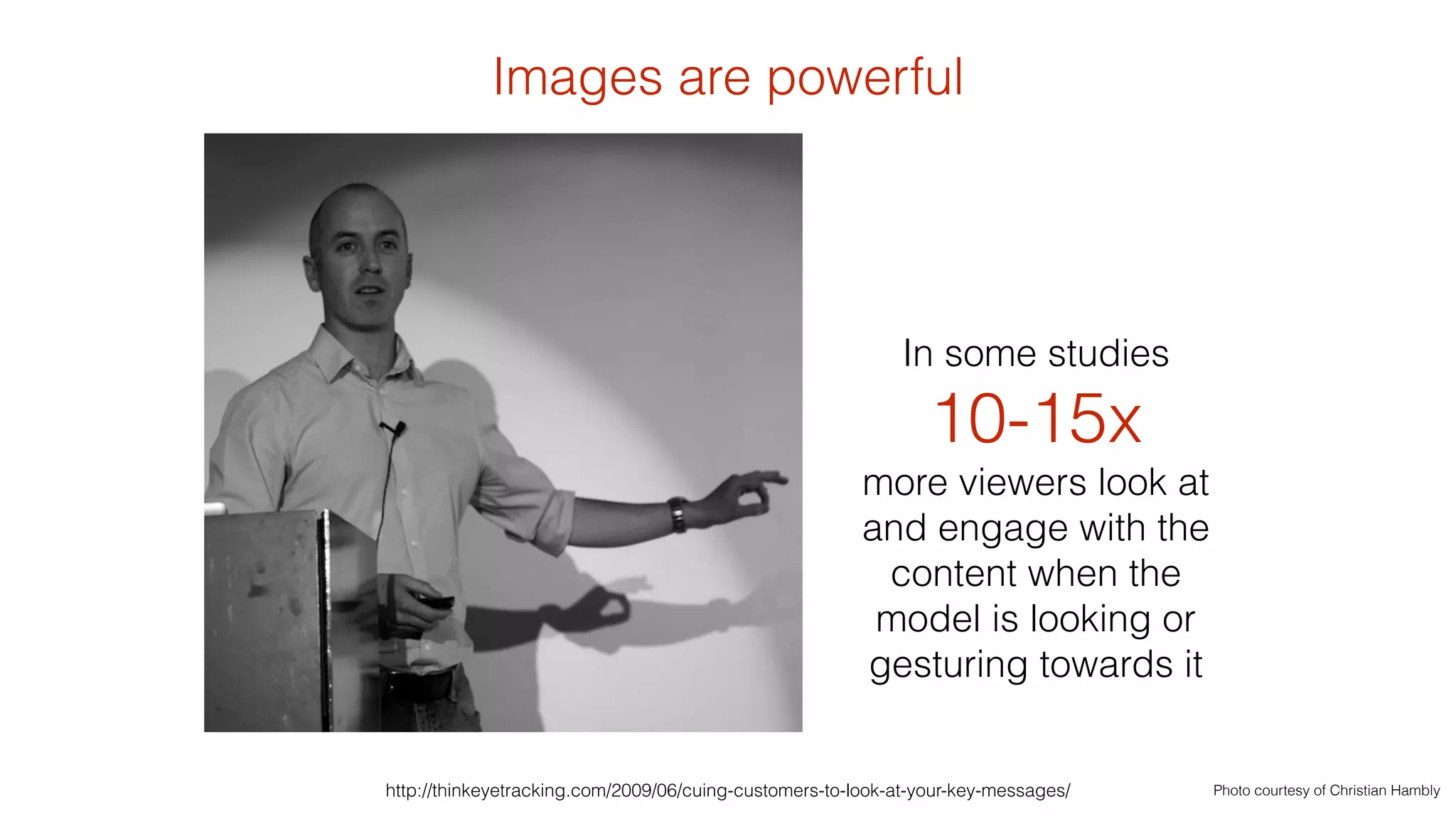
In some studies 
10-15x 
more viewers look at 
and engage with the 
content when the 
model is looking or 
gesturing towards it 
http://thinkeyetracking.com/2009/06/cuing-customers-to-look-at-your-key-messages/ Photo courtesy of Christian Hambly
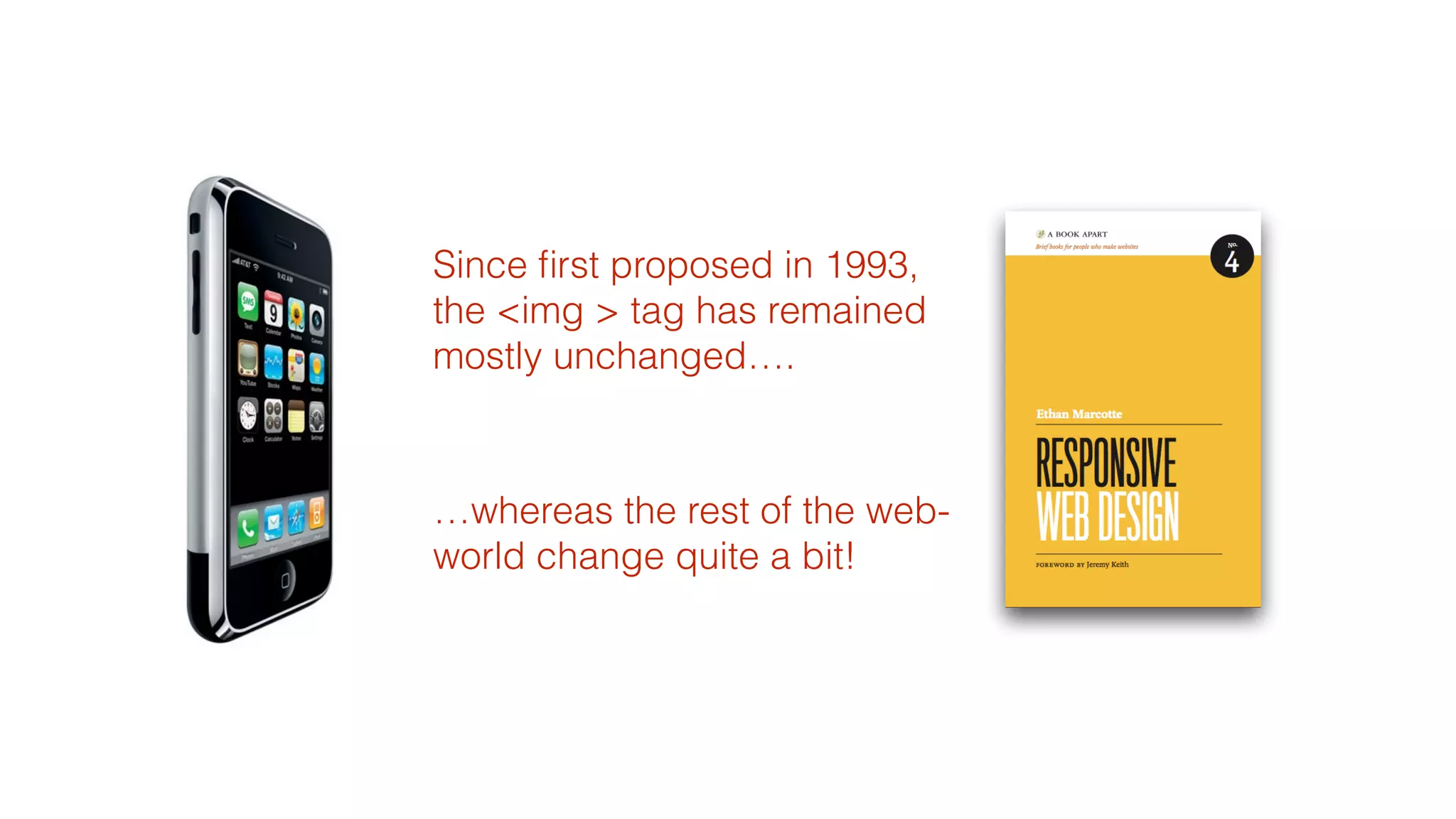
Since first proposed in 1993, 
the <img > tag has remained 
mostly unchanged…. 
! 
…whereas the rest of the web-world 
change quite a bit!
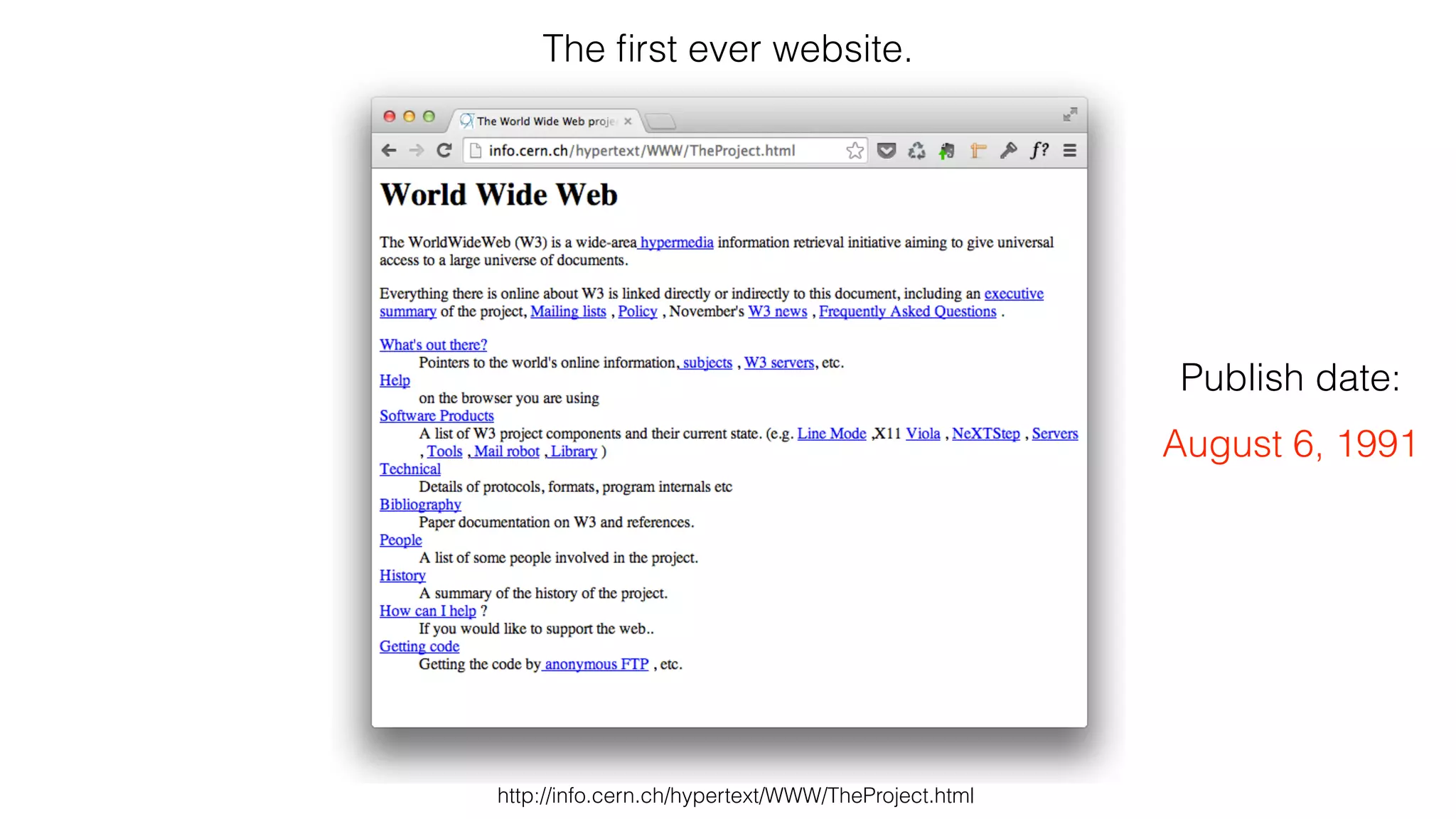
The first ever website. 
http://info.cern.ch/hypertext/WWW/TheProject.html 
Publish date: 
August 6, 1991
In 1996 
The closest you can 
experience this 
today is probably 
! 
Hotel WiFi 
Text was pretty popular… 
56kbps = 7kBps 1850kB would take 265 second = 4.5 minutes
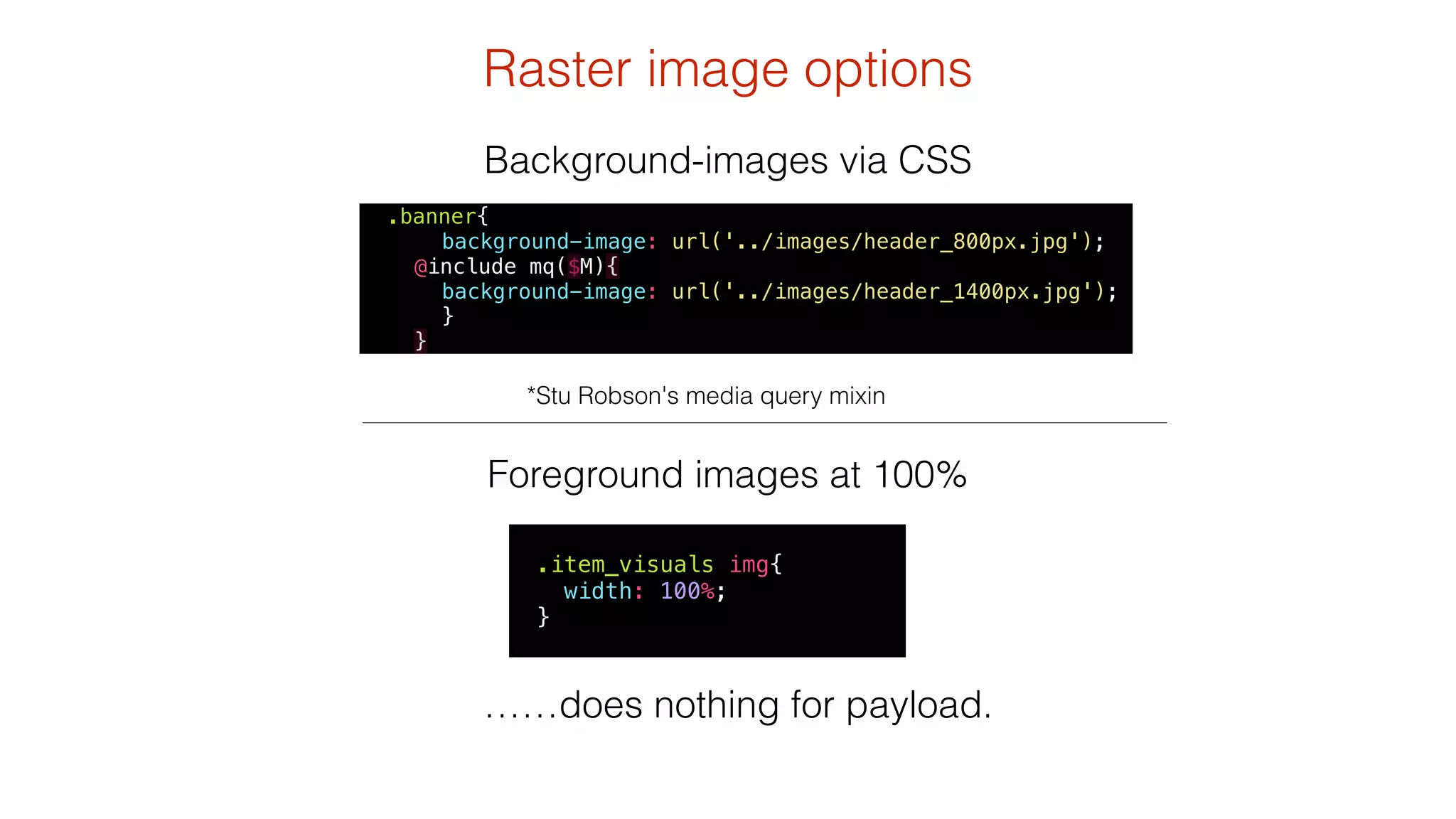
Raster image options 
Background-images via CSS 
background-image: url('../images/header_800px.jpg'); 
@include mq($M){ 
background-image: url('../images/header_1400px.jpg'); 
} 
} 
*Stu Robson's media query mixin 
.banner{ 
Foreground images at 100% 
! 
.item_visuals img{ 
width: 100%; 
} 
……does nothing for payload.
…use alternatives 
to raster images 
if you can……. 
! 
SVG! 
! 
icon fonts 
http://icomoon.io/
Javascript Image Replacement 
using <noscript>, custom data- attributes and .insertAfter($(this)) 
<noscript data-imageid=‘bag.jpg’ data-small-imageid=‘bag_small.jpg’ data-large-imageid=‘bag_large.jpg’> 
<img src=‘bag_small.jpg’ alt='Bag' /> 
http://allbs.co.uk/2012/05/11/responsive-images-intro/ 
! 
</noscript> 
<script> 
! 
var areawidth = $(window).width(); 
var widthDownTosmall = 600; 
var widthUpToLarge = 1100; 
! 
$('noscript[data-imageid]').each(function(){ 
var imageBase=“image/path"; 
var imageid = $(this).attr("data-imageid"); 
var imageSmall = $(this).attr("data-small-imageid"); 
var imageLarge = $(this).attr("data-large-imageid"); 
if (areawidth <= widthDownTosmall) {imageid = imageSmall; } 
if (areawidth >= widthUpToLarge) {imageid = imageLarge; } 
$('<img src="' + imageBase + imageid + '"/>').insertAfter($(this)); 
}); 
</script>
Enter our heroes: 
<picture> 
srcset attribute
Responsive Images Community Group 
http://responsiveimages.org/
Nitty gritty 
! 
<picture> 
<source media="(min-width: 40em)" srcset="apple-big.jpg 1x, apple-big-hd.jpg 2x"> 
<source srcset="apple-small.jpg 1x, apple-small-hd.jpg 2x"> 
<img src="apple-fallback.jpg" alt="How do you like them apples?"> 
</picture> 
<img src="apple-fallback.jpg" 
srcset="apple-big.jpg 1000w, apple-med.jpg 640w, apple-small.jpg 320w" 
sizes="(min-width: 40em) 50vw, 100vw" 
alt="How do you like them apples?" />
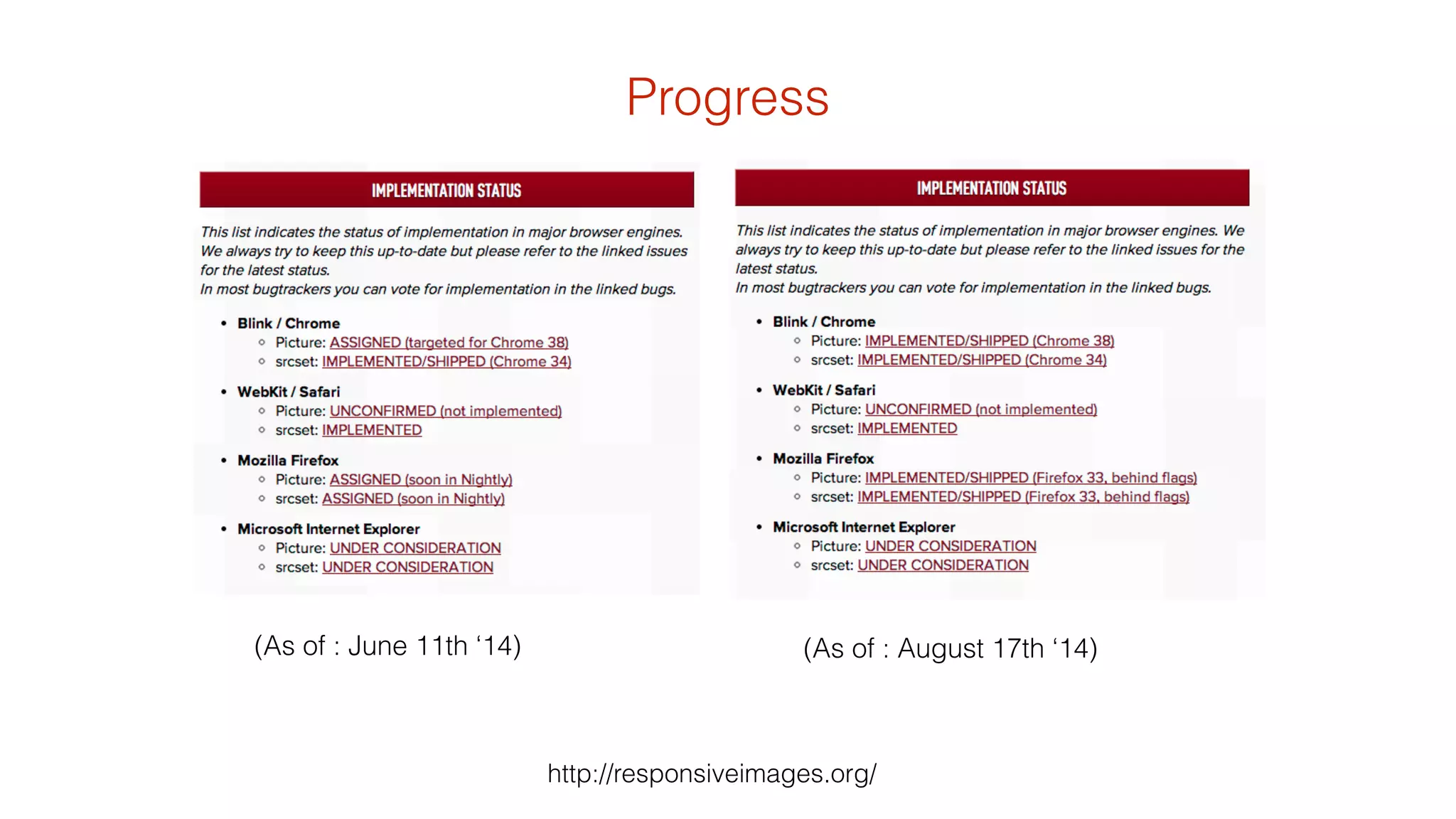
(As of : June 11th ‘14) 
Progress 
(As of : August 17th ‘14) 
http://responsiveimages.org/
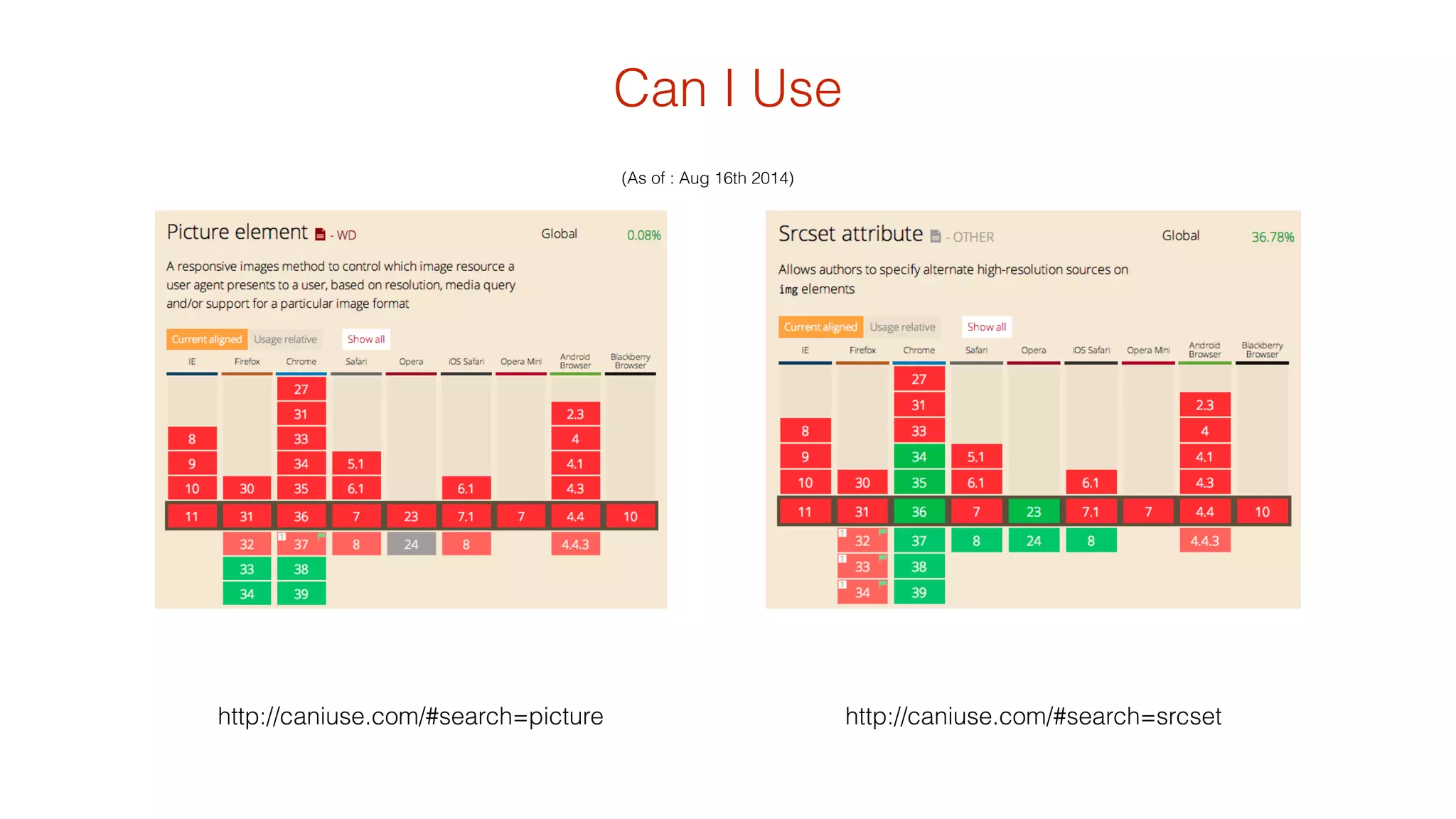
Can I Use 
(As of : Aug 16th 2014) 
http://caniuse.com/#search=picture http://caniuse.com/#search=srcset
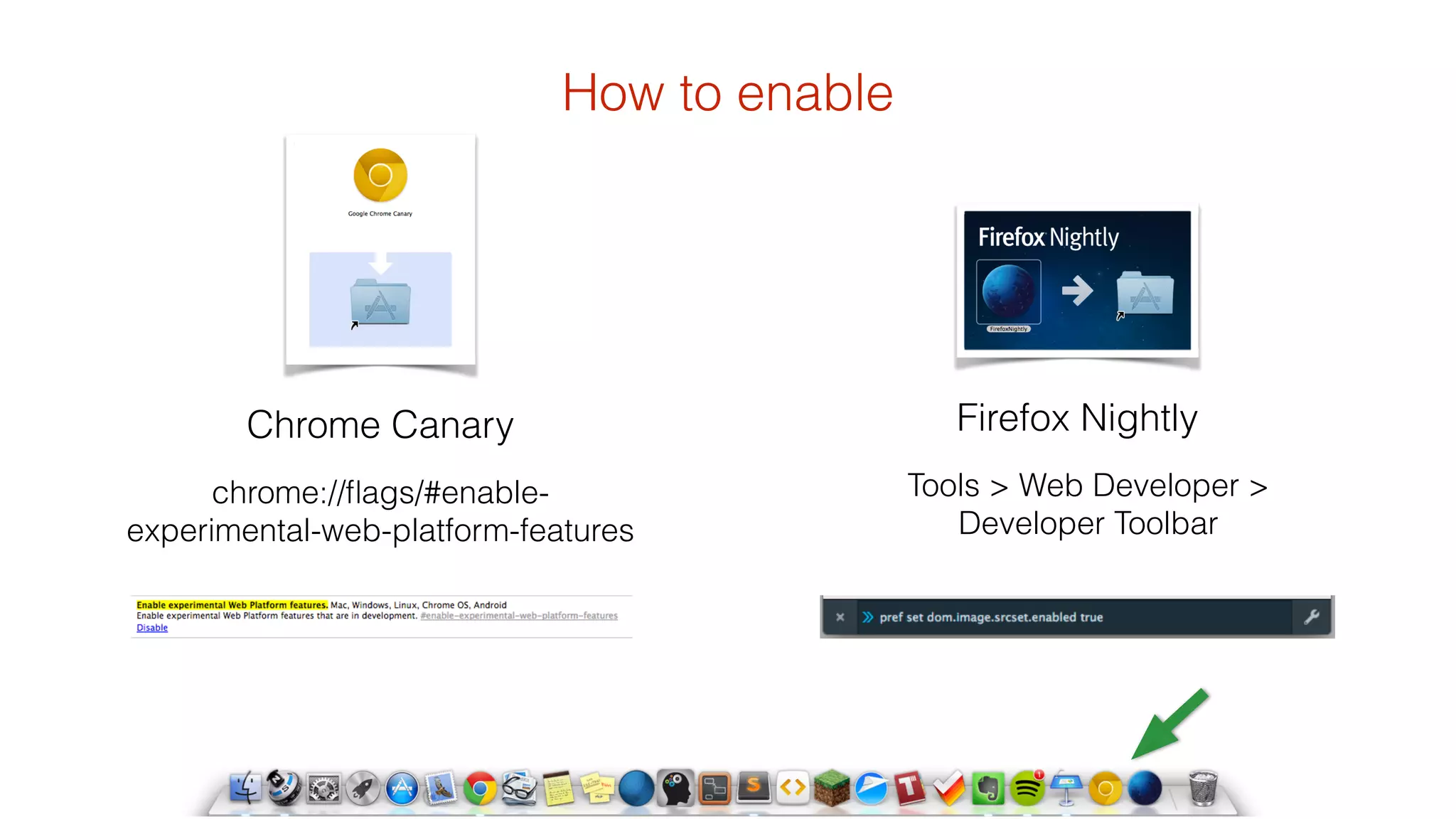
How to enable 
chrome://flags/#enable-experimental- 
web-platform-features 
Firefox Nightly 
Tools > Web Developer > 
Developer Toolbar 
Chrome Canary
picturefill 
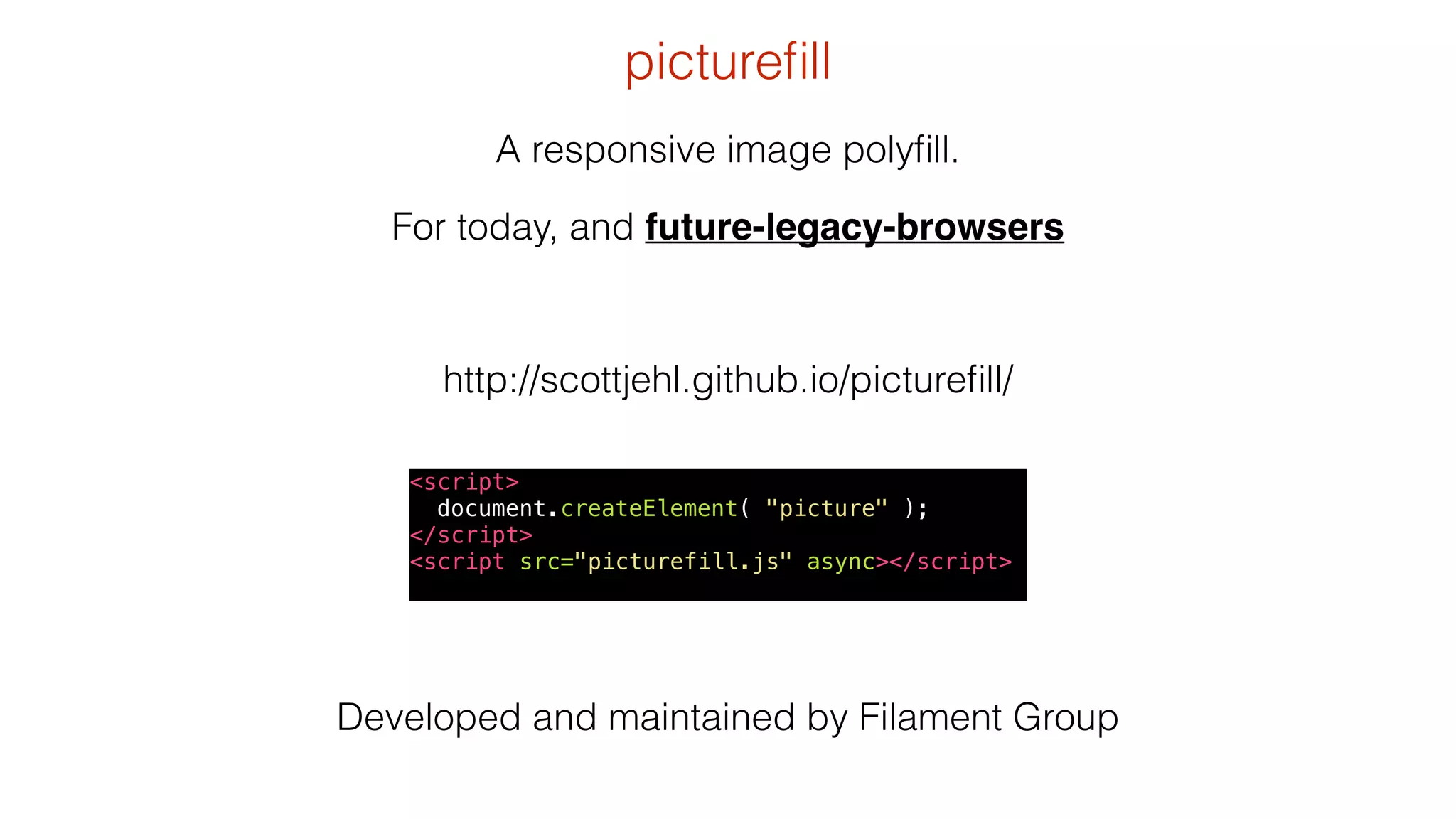
A responsive image polyfill. 
For today, and future-legacy-browsers 
http://scottjehl.github.io/picturefill/ 
<script> 
document.createElement( "picture" ); 
</script> 
<script src="picturefill.js" async></script> 
Developed and maintained by Filament Group
• grab a copy of picturefill.js 
• Use the <picture> element 
(never go back) 
<picture> 
<!--[if IE 9]><video style="display: none;”><![endif]--> 
<source srcset="/image1_big.jpg" media="(min-width: 1000px)"> 
<source srcset="/image1_medium.jpg" media="(min-width: 800px)"> 
<source srcset="/image_small.jpg"> 
<!--[if IE 9]></video><![endif]--> 
<img srcset="/image_fallback.jpg alt="context"> 
</picture> 
Try it today
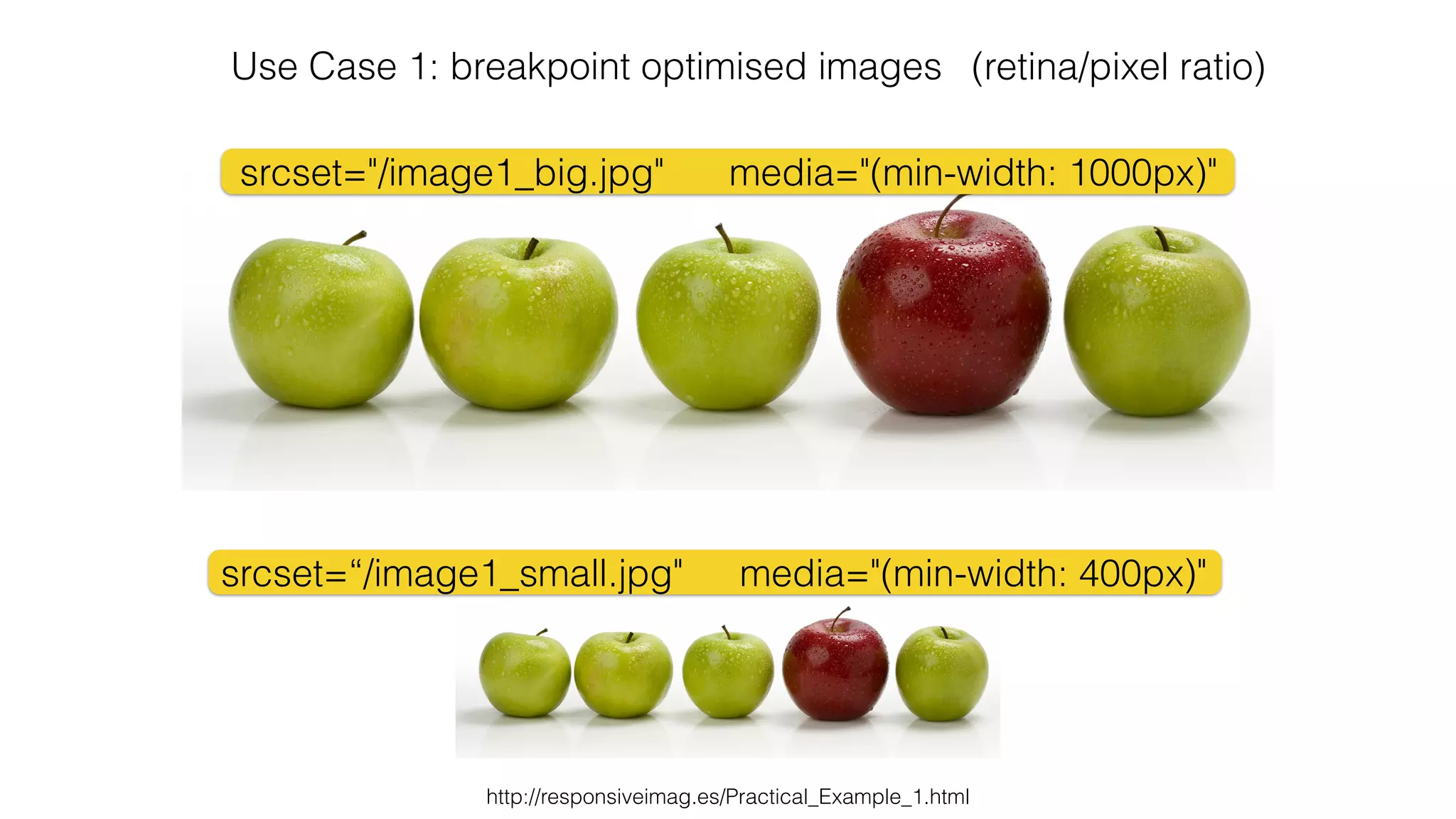
Use Case 1: breakpoint optimised images (retina/pixel ratio) 
media="(min-width: 1000px)" 
media="(min-width: 400px)" 
srcset="/image1_big.jpg" 
srcset=“/image1_small.jpg" 
http://responsiveimag.es/Practical_Example_1.html
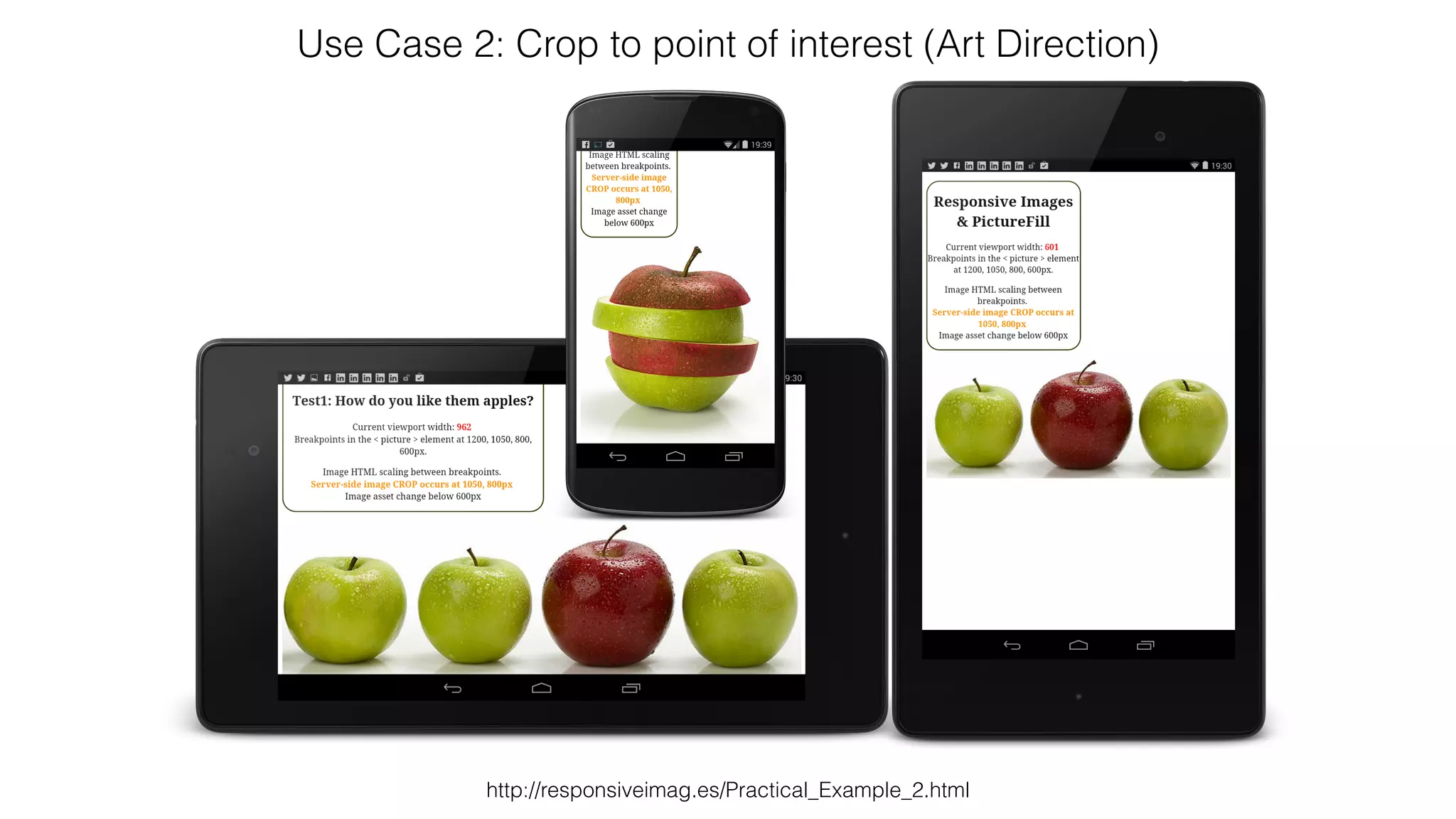
Use Case 2: Crop to point of interest (Art Direction) 
http://responsiveimag.es/Practical_Example_2.html
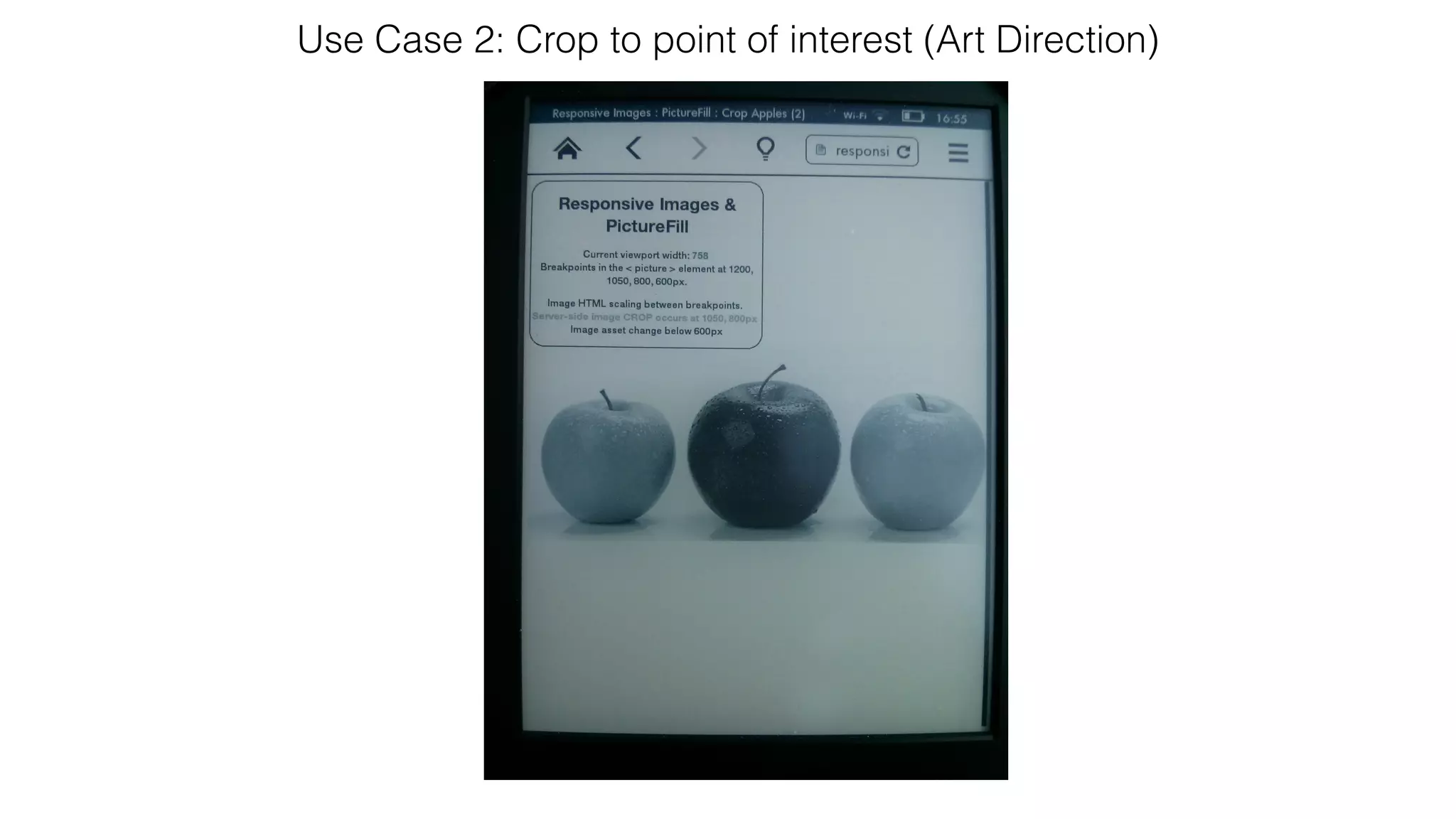
Use Case 2: Crop to point of interest (Art Direction)
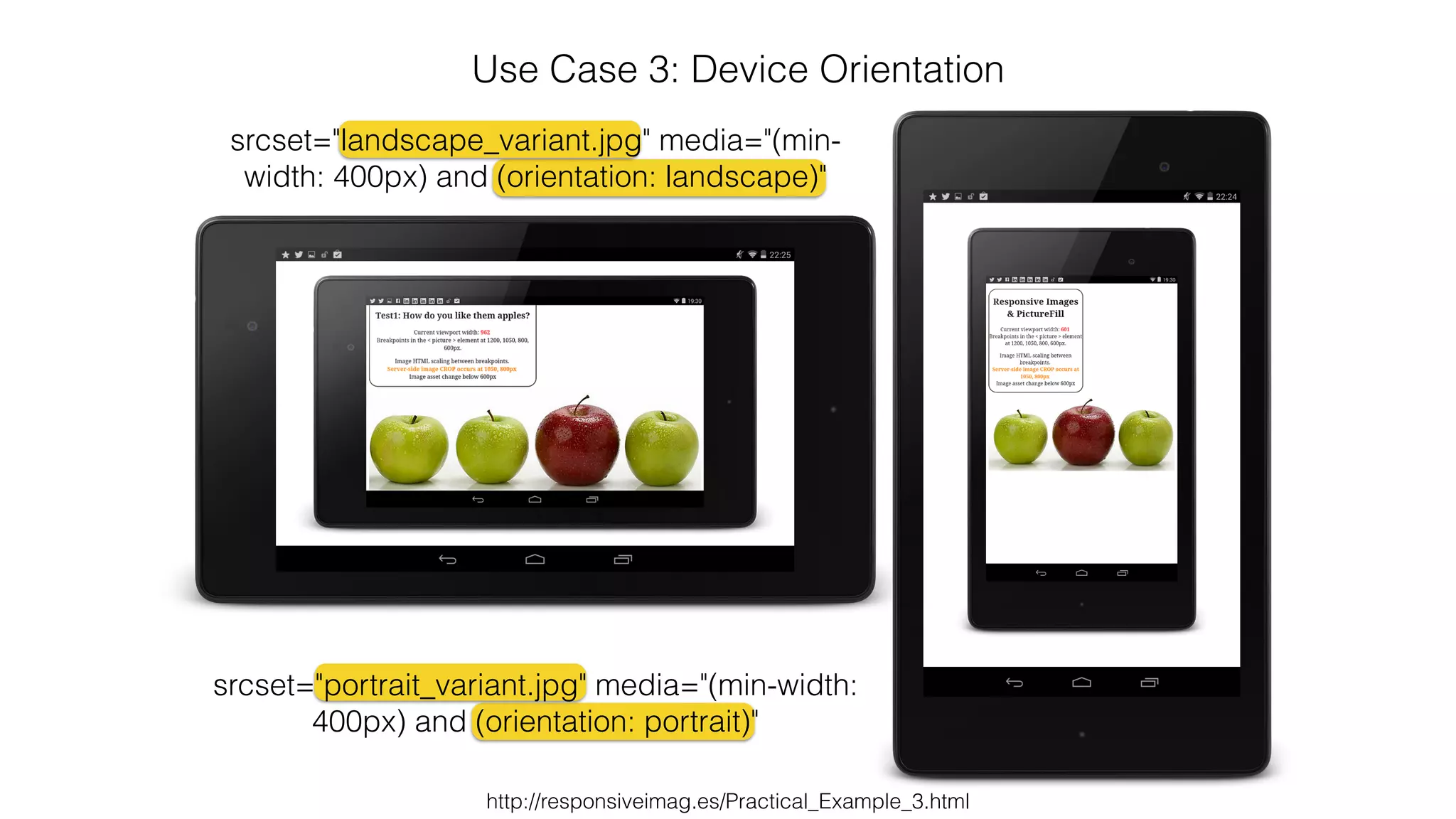
Use Case 3: Device Orientation 
srcset="landscape_variant.jpg" media="(min-width: 
400px) and (orientation: landscape)" 
srcset="portrait_variant.jpg" media="(min-width: 
400px) and (orientation: portrait)" 
http://responsiveimag.es/Practical_Example_3.html
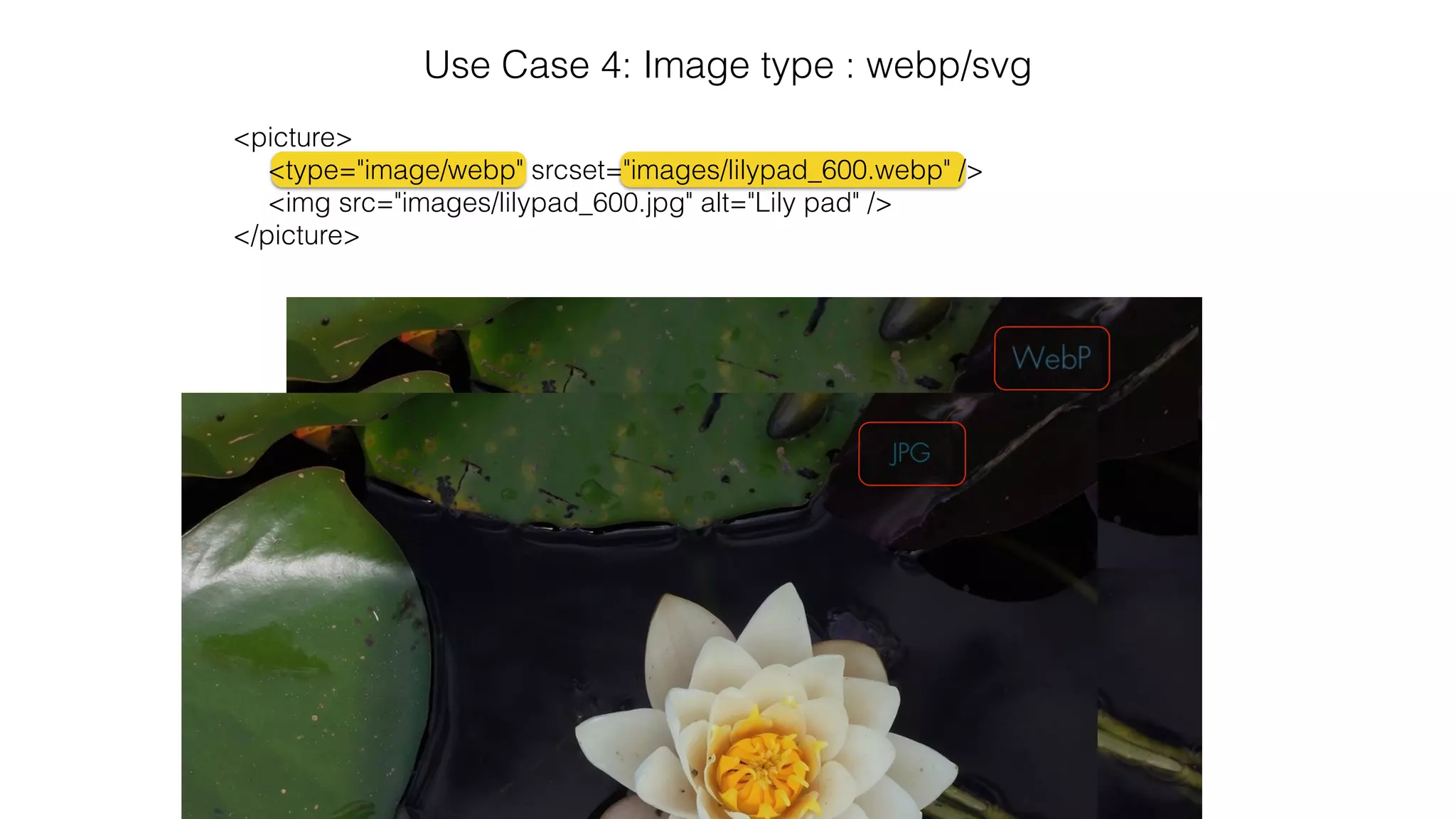
Use Case 4: Image type : webp/svg 
<picture> 
<type="image/webp" srcset="images/lilypad_600.webp" /> 
<img src="images/lilypad_600.jpg" alt="Lily pad" /> 
</picture>
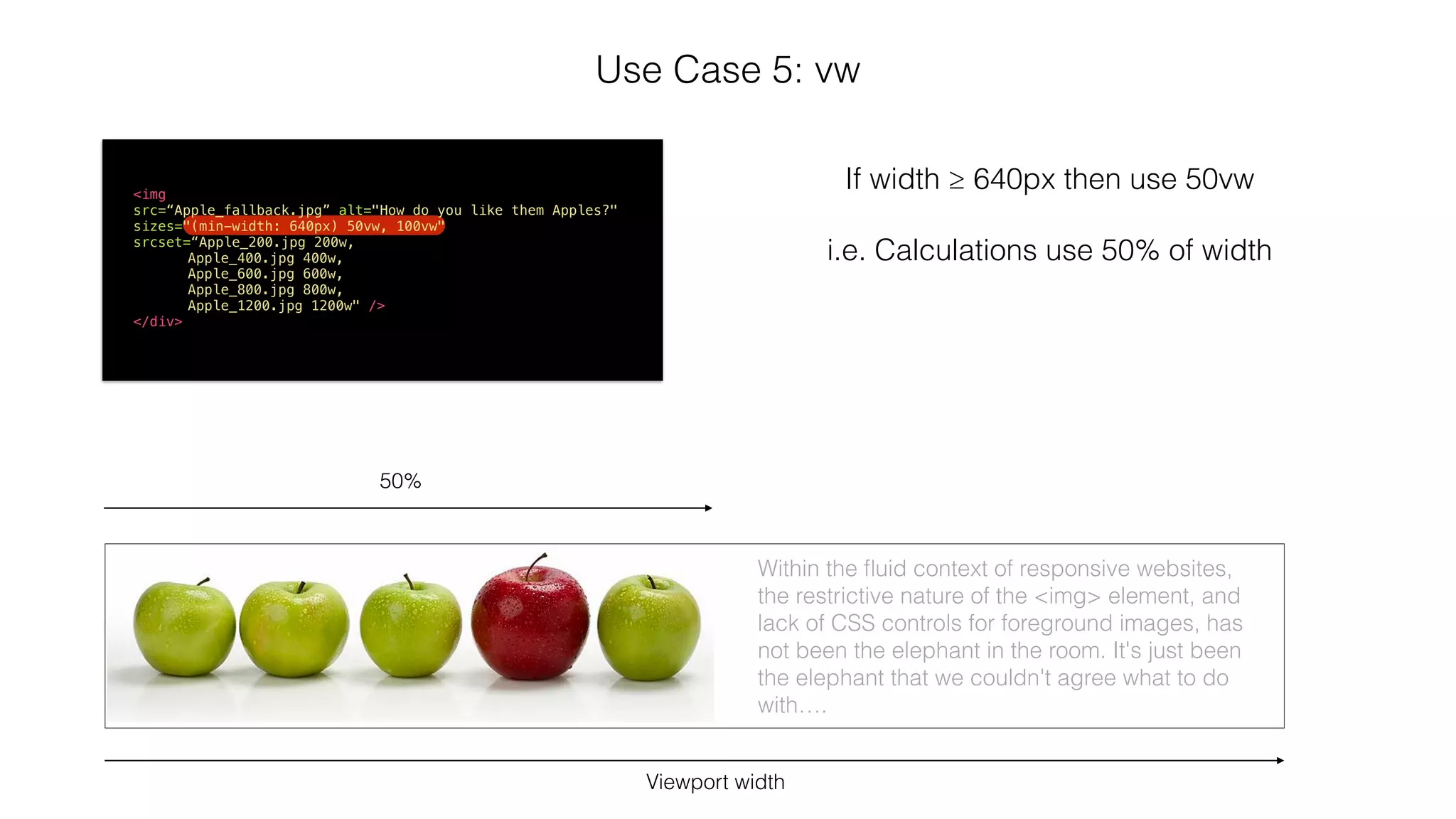
Use Case 5: vw 
<img 
src=“Apple_fallback.jpg” alt="How do you like them Apples?" 
sizes="(min-width: 640px) 50vw, 100vw" 
srcset=“Apple_200.jpg 200w, 
Apple_400.jpg 400w, 
Apple_600.jpg 600w, 
Apple_800.jpg 800w, 
Apple_1200.jpg 1200w" /> 
</div> 
Viewport width 
If width ≥ 640px then use 50vw 
! 
i.e. Calculations use 50% of width 
50% 
Within the fluid context of responsive websites, 
the restrictive nature of the <img> element, and 
lack of CSS controls for foreground images, has 
not been the elephant in the room. It's just been 
the elephant that we couldn't agree what to do 
with….
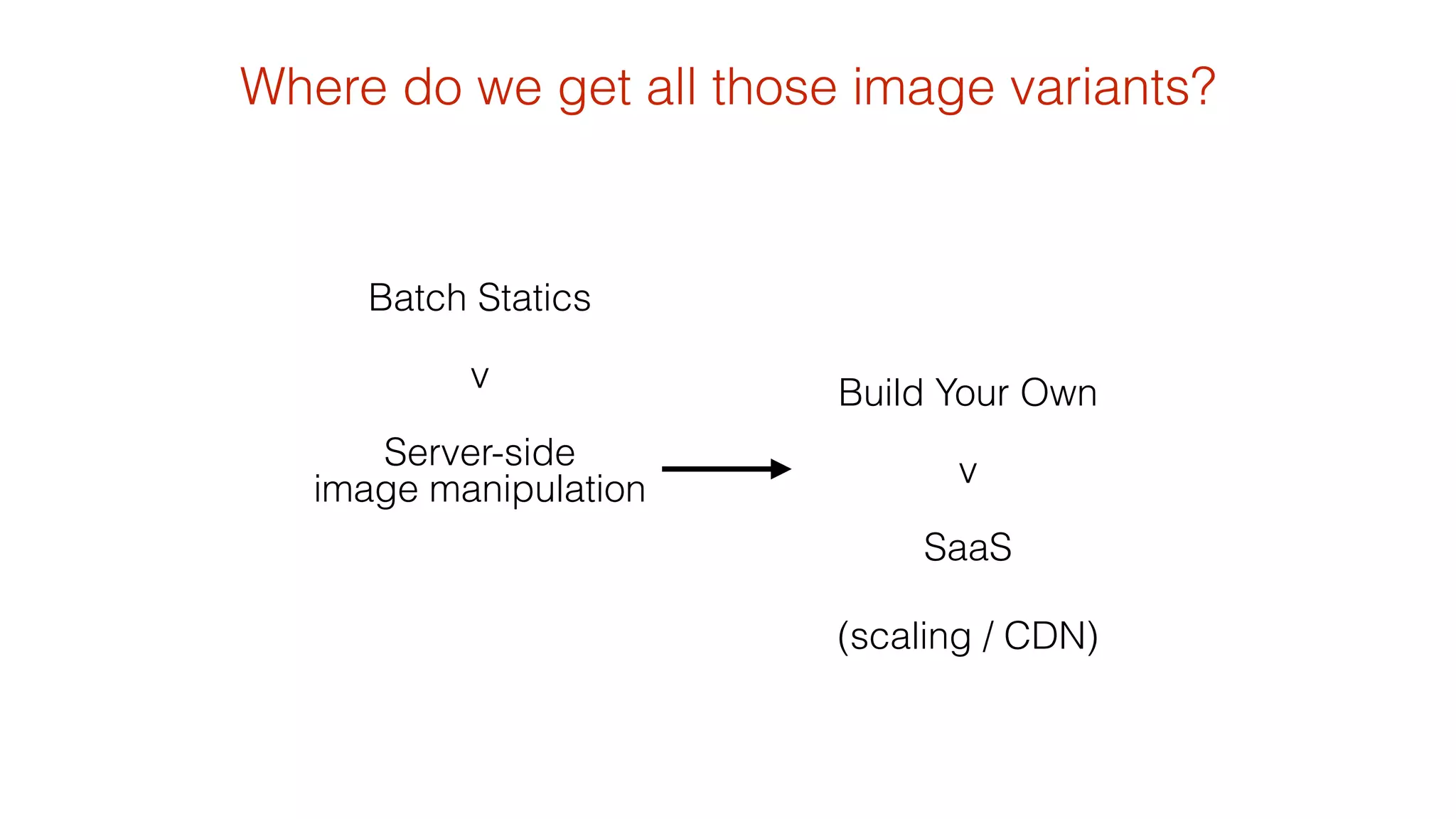
Where do we get all those image variants? 
(scaling / CDN) 
Batch Statics 
v 
Server-side 
image manipulation 
Build Your Own 
v 
SaaS
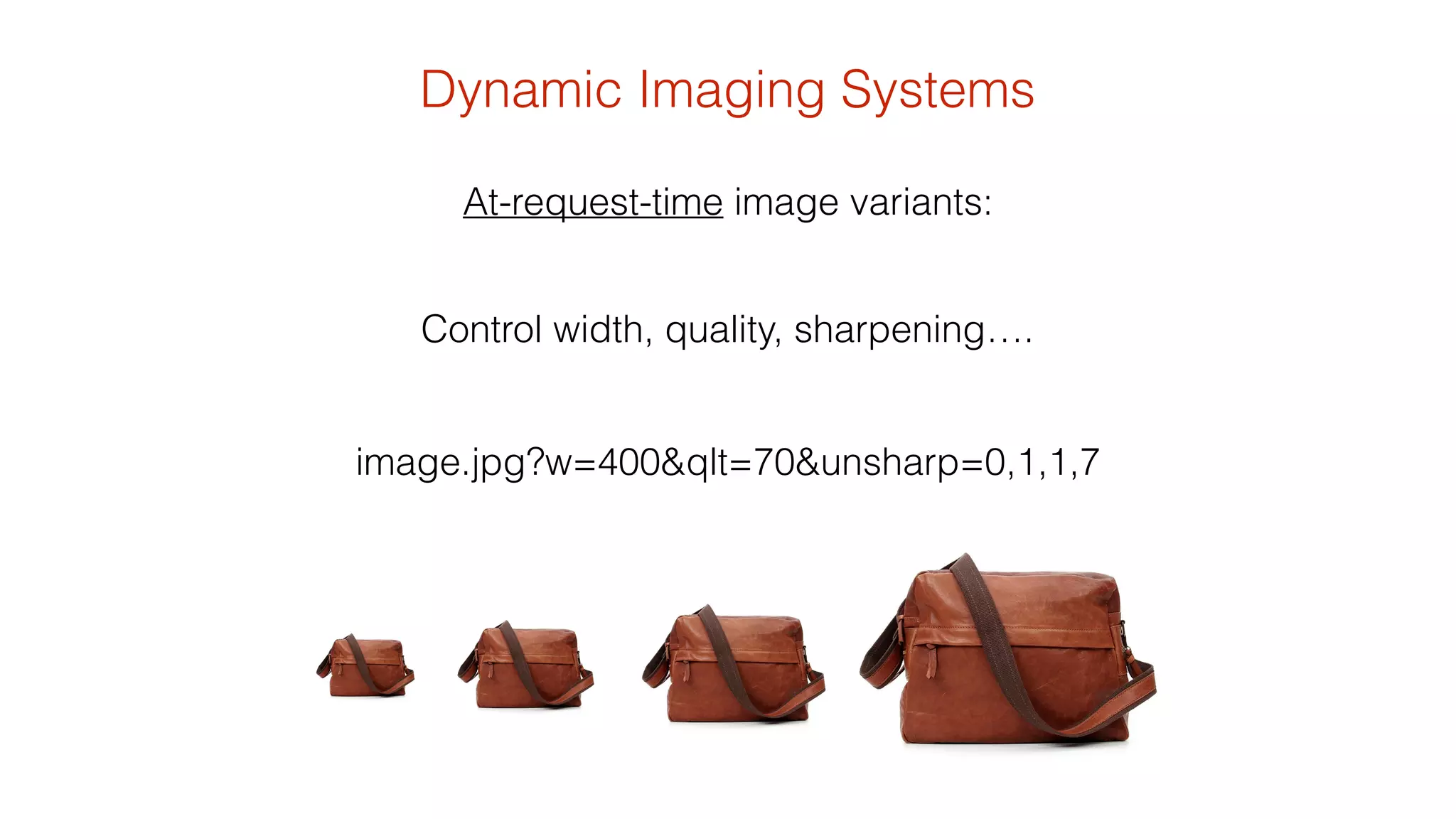
Dynamic Imaging Systems 
At-request-time image variants: 
Control width, quality, sharpening…. 
! 
image.jpg?w=400&qlt=70&unsharp=0,1,1,7
Combining the two 
<picture> 
<!--[if IE 9]><video style="display: none;"><![endif]--> 
<source srcset="http://images.amplience.com/i/benco/Apple_Row2.jpg? 
w=1400&qlt=80&unsharp=0,1,1,7" media="(min-width: 1200px)"> 
<source srcset=“http://images.amplience.com/i/benco/Apple_Row2.jpg? 
w=1200&qlt=80&unsharp=0,1,1,7" media="(min-width: 1050px)"> 
<source srcset=“http://images.amplience.com/i/benco/Apple_Row2.jpg? 
pcrop=700,0,2500,800&w=950&qlt=80&unsharp=0,1,1,7" media="(min-width: 850px)"> 
<source srcset=“http://images.amplience.com/i/benco/Apple_Row2.jpg? 
pcrop=1300,0,1900,800&w=850&qlt=80&unsharp=0,1,1,7" media="(min-width: 600px)"> 
<source srcset=“http://images.amplience.com/i/benco/Red_And_Green_Apples2.jpg? 
w=600&qlt=80&unsharp=0,1,1,7"> 
<!--[if IE 9]></video><![endif]--> 
<img srcset="http://images.amplience.com/i/benco/Apple2.jpg?w=600&qlt=80" 
alt="How do you like them Apples?"> 
</picture>
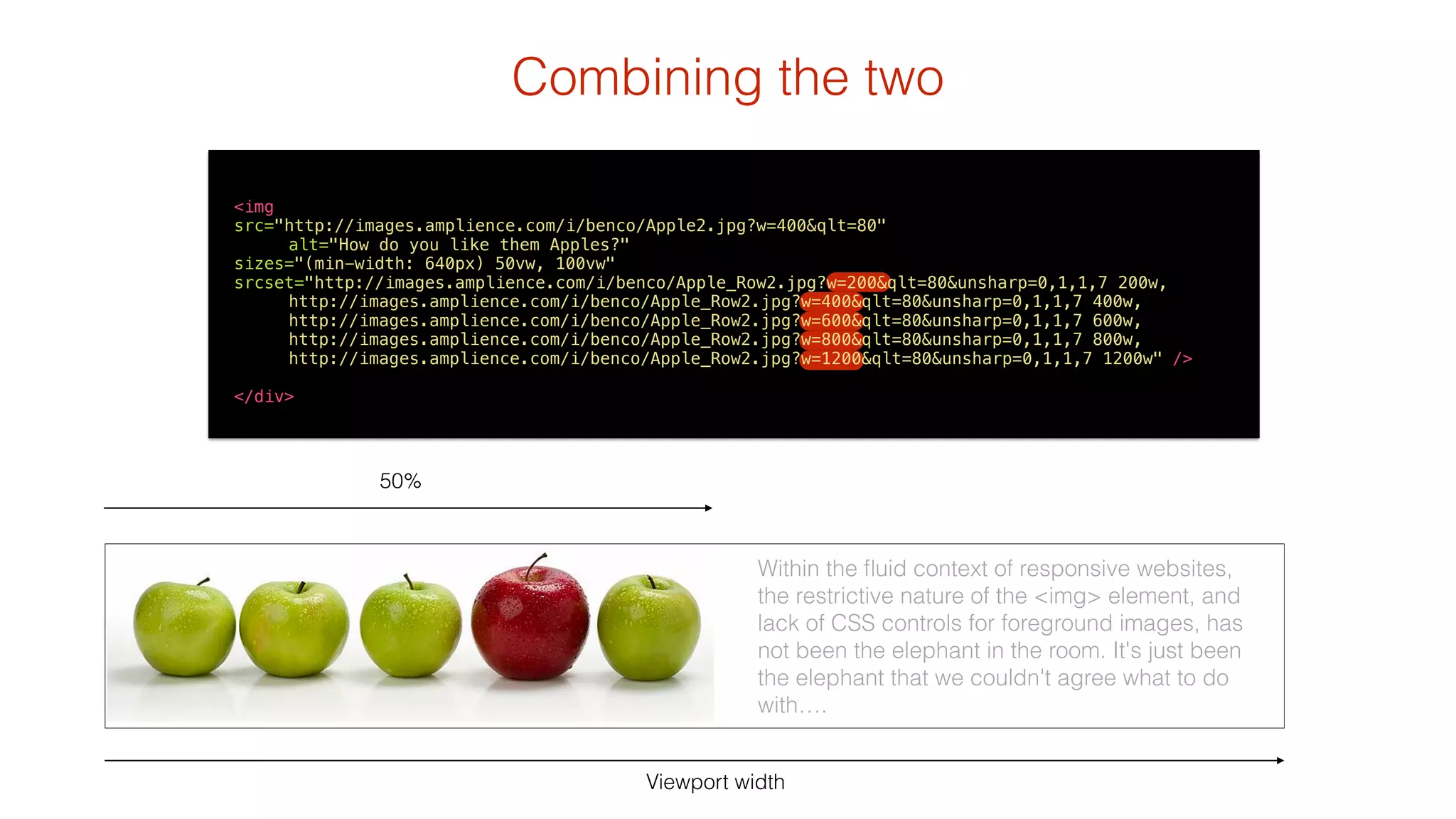
Combining the two 
<img 
src="http://images.amplience.com/i/benco/Apple2.jpg?w=400&qlt=80" 
Viewport width 
50% 
Within the fluid context of responsive websites, 
the restrictive nature of the <img> element, and 
lack of CSS controls for foreground images, has 
not been the elephant in the room. It's just been 
the elephant that we couldn't agree what to do 
with…. 
alt="How do you like them Apples?" 
sizes="(min-width: 640px) 50vw, 100vw" 
srcset="http://images.amplience.com/i/benco/Apple_Row2.jpg?w=200&qlt=80&unsharp=0,1,1,7 200w, 
http://images.amplience.com/i/benco/Apple_Row2.jpg?w=400&qlt=80&unsharp=0,1,1,7 400w, 
http://images.amplience.com/i/benco/Apple_Row2.jpg?w=600&qlt=80&unsharp=0,1,1,7 600w, 
http://images.amplience.com/i/benco/Apple_Row2.jpg?w=800&qlt=80&unsharp=0,1,1,7 800w, 
http://images.amplience.com/i/benco/Apple_Row2.jpg?w=1200&qlt=80&unsharp=0,1,1,7 1200w" /> 
! 
</div>
One last thing….
AngularJS 
<body> 
<img src=“Apple.jpg" picture-assetid="Apple_Row2" 
alt="How do you like them apples?"/> 
</body> 
angular.module('components', []) 
.directive('pictureAssetid', function(){ 
return { 
restrict: 'A', 
replace:true, 
transclude: true, 
scope : { 
caption: '@', 
pictureAssetid: '@' 
}, 
templateUrl: 'partials/image-picture.html' 
} 
}) 
! 
angular.module('HelloApp', ['components']) 
<picture> 
<!--[if IE 9]><video style="display: none;"><![endif]--> 
<source srcset="http://images.amplience.com/i/benco/{{pictureAssetid}}.jpg?w=1400&qlt=80&unsharp=0,1,1,7" media="(min-width: 1000px)"> 
<source srcset="http://images.amplience.com/i/benco/{{pictureAssetid}}.jpg?w=800&qlt=80&unsharp=0,1,1,7" media="(min-width: 800px)"> 
<source srcset="http://images.amplience.com/i/benco/{{pictureAssetid}}.jpg?w=600&qlt=80&unsharp=0,1,1,7"> 
<!--[if IE 9]></video><![endif]--> 
<img srcset="http://images.amplience.com/i/benco/{{pictureAssetid}}.jpg?w=400&qlt=80" > 
</picture>
<picture> 
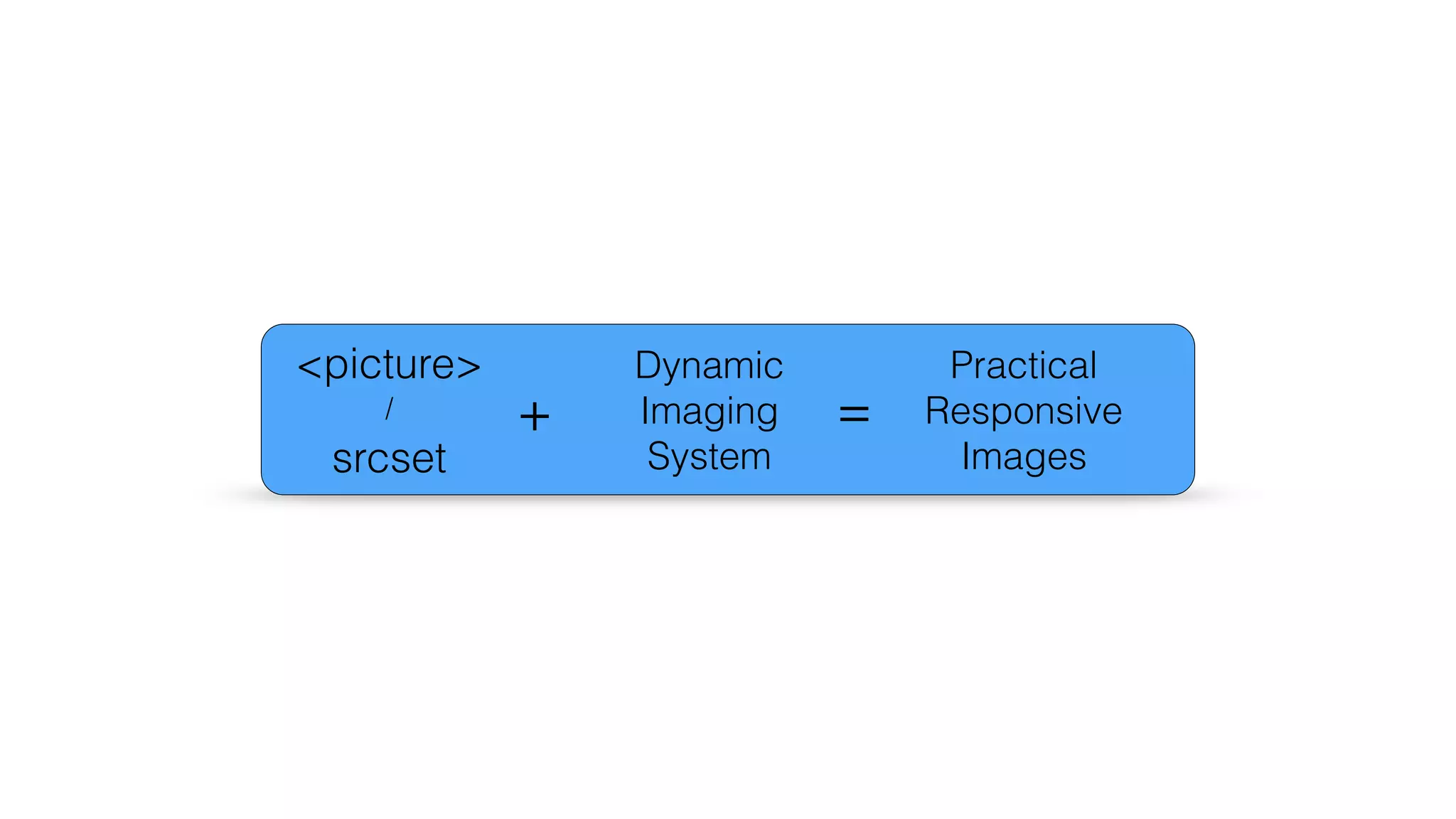
/ 
srcset 
Dynamic 
Imaging 
System 
Practical 
Responsive 
Images 
+ =
http://responsiveimag.es 
@bseymour 
Thank you

Practical Responsive Images : from Breaking Borders

  • 1.
    Practical Responsive Images http://unsplash.com/
  • 2.
    A picture isworth a thousand words… http://unsplash.com/ …but the cost is much greater
  • 3.
    The cost ofimages http://en.wikipedia.org/wiki/Wikipedia:Size_comparisons 198,000 Words http://httparchive.org/interesting.php?a=All&l=Jul%2015%202014 1165kB Images Average Bytes per Page by Content Type (July 2014): If 1kB is 1024 ASCII characters 6 chars/word An estimated average word length is five characters, plus a space, (1165kB * 1024) / 6 = ~198, 800 (including HTML) (of a total: 1850kB) 50-60 img requests per page Average image size for JPEG was 30kB
  • 4.
    The cost ofimages Pride and Prejudice apparently contains 122,000 words http://www.searchlit.org/novels/460.php
  • 5.
    The Value ofImages “Pictures have the power to create an emotional response in the audience, which is worth its weight in gold. An image can also communicate instantly, as our brain can interpret them much quicker than text.” http://www.thoughtmechanics.com/the-importance-of-images-in-web-design/ ! thoughtmechanics.com “If I’d have to pick one single thing that would sell a product online, it’s images.” ! Peep Laja (Conversion Coach)
  • 6.
    The Value ofImages Articles with images get 94% more total views Headshots of customer service reps on a web page can boost conversion rates by 20% In an ecommerce site, 67% of consumers say the quality of a product image is “very important” in selecting and purchasing a product Including a Photo and a video in a press release increases views by over 45% 60% of consumers are more likely to consider or contact a business when an image shows up in local search results http://www.jeremysaid.com/the-jaw-dropping-effect-that-images-can-have-on-your-conversion-rates/ http://www.jeffbullas.com/2012/05/28/6-powerful-reasons-why-you-should-include-images-in-your-marketing-infographic/
  • 7.
    Images are powerful In some studies 10-15x more viewers look at and engage with the content when the model is looking or gesturing towards it
  • 8.
    Images are powerful In some studies 10-15x more viewers look at and engage with the content when the model is looking or gesturing towards it http://thinkeyetracking.com/2009/06/cuing-customers-to-look-at-your-key-messages/ Photo courtesy of Christian Hambly
  • 9.
    Since first proposedin 1993, the <img > tag has remained mostly unchanged…. ! …whereas the rest of the web-world change quite a bit!
  • 10.
    The first everwebsite. http://info.cern.ch/hypertext/WWW/TheProject.html Publish date: August 6, 1991
  • 11.
    In 1996 Theclosest you can experience this today is probably ! Hotel WiFi Text was pretty popular… 56kbps = 7kBps 1850kB would take 265 second = 4.5 minutes
  • 12.
    Raster image options Background-images via CSS background-image: url('../images/header_800px.jpg'); @include mq($M){ background-image: url('../images/header_1400px.jpg'); } } *Stu Robson's media query mixin .banner{ Foreground images at 100% ! .item_visuals img{ width: 100%; } ……does nothing for payload.
  • 13.
    …use alternatives toraster images if you can……. ! SVG! ! icon fonts http://icomoon.io/
  • 14.
    Javascript Image Replacement using <noscript>, custom data- attributes and .insertAfter($(this)) <noscript data-imageid=‘bag.jpg’ data-small-imageid=‘bag_small.jpg’ data-large-imageid=‘bag_large.jpg’> <img src=‘bag_small.jpg’ alt='Bag' /> http://allbs.co.uk/2012/05/11/responsive-images-intro/ ! </noscript> <script> ! var areawidth = $(window).width(); var widthDownTosmall = 600; var widthUpToLarge = 1100; ! $('noscript[data-imageid]').each(function(){ var imageBase=“image/path"; var imageid = $(this).attr("data-imageid"); var imageSmall = $(this).attr("data-small-imageid"); var imageLarge = $(this).attr("data-large-imageid"); if (areawidth <= widthDownTosmall) {imageid = imageSmall; } if (areawidth >= widthUpToLarge) {imageid = imageLarge; } $('<img src="' + imageBase + imageid + '"/>').insertAfter($(this)); }); </script>
  • 15.
    Enter our heroes: <picture> srcset attribute
  • 16.
    Responsive Images CommunityGroup http://responsiveimages.org/
  • 17.
    Nitty gritty ! <picture> <source media="(min-width: 40em)" srcset="apple-big.jpg 1x, apple-big-hd.jpg 2x"> <source srcset="apple-small.jpg 1x, apple-small-hd.jpg 2x"> <img src="apple-fallback.jpg" alt="How do you like them apples?"> </picture> <img src="apple-fallback.jpg" srcset="apple-big.jpg 1000w, apple-med.jpg 640w, apple-small.jpg 320w" sizes="(min-width: 40em) 50vw, 100vw" alt="How do you like them apples?" />
  • 18.
    (As of :June 11th ‘14) Progress (As of : August 17th ‘14) http://responsiveimages.org/
  • 19.
    Can I Use (As of : Aug 16th 2014) http://caniuse.com/#search=picture http://caniuse.com/#search=srcset
  • 20.
    How to enable chrome://flags/#enable-experimental- web-platform-features Firefox Nightly Tools > Web Developer > Developer Toolbar Chrome Canary
  • 21.
    picturefill A responsiveimage polyfill. For today, and future-legacy-browsers http://scottjehl.github.io/picturefill/ <script> document.createElement( "picture" ); </script> <script src="picturefill.js" async></script> Developed and maintained by Filament Group
  • 22.
    • grab acopy of picturefill.js • Use the <picture> element (never go back) <picture> <!--[if IE 9]><video style="display: none;”><![endif]--> <source srcset="/image1_big.jpg" media="(min-width: 1000px)"> <source srcset="/image1_medium.jpg" media="(min-width: 800px)"> <source srcset="/image_small.jpg"> <!--[if IE 9]></video><![endif]--> <img srcset="/image_fallback.jpg alt="context"> </picture> Try it today
  • 23.
    Use Case 1:breakpoint optimised images (retina/pixel ratio) media="(min-width: 1000px)" media="(min-width: 400px)" srcset="/image1_big.jpg" srcset=“/image1_small.jpg" http://responsiveimag.es/Practical_Example_1.html
  • 24.
    Use Case 2:Crop to point of interest (Art Direction) http://responsiveimag.es/Practical_Example_2.html
  • 25.
    Use Case 2:Crop to point of interest (Art Direction)
  • 26.
    Use Case 3:Device Orientation srcset="landscape_variant.jpg" media="(min-width: 400px) and (orientation: landscape)" srcset="portrait_variant.jpg" media="(min-width: 400px) and (orientation: portrait)" http://responsiveimag.es/Practical_Example_3.html
  • 27.
    Use Case 4:Image type : webp/svg <picture> <type="image/webp" srcset="images/lilypad_600.webp" /> <img src="images/lilypad_600.jpg" alt="Lily pad" /> </picture>
  • 28.
    Use Case 5:vw <img src=“Apple_fallback.jpg” alt="How do you like them Apples?" sizes="(min-width: 640px) 50vw, 100vw" srcset=“Apple_200.jpg 200w, Apple_400.jpg 400w, Apple_600.jpg 600w, Apple_800.jpg 800w, Apple_1200.jpg 1200w" /> </div> Viewport width If width ≥ 640px then use 50vw ! i.e. Calculations use 50% of width 50% Within the fluid context of responsive websites, the restrictive nature of the <img> element, and lack of CSS controls for foreground images, has not been the elephant in the room. It's just been the elephant that we couldn't agree what to do with….
  • 29.
    Where do weget all those image variants? (scaling / CDN) Batch Statics v Server-side image manipulation Build Your Own v SaaS
  • 30.
    Dynamic Imaging Systems At-request-time image variants: Control width, quality, sharpening…. ! image.jpg?w=400&qlt=70&unsharp=0,1,1,7
  • 31.
    Combining the two <picture> <!--[if IE 9]><video style="display: none;"><![endif]--> <source srcset="http://images.amplience.com/i/benco/Apple_Row2.jpg? w=1400&qlt=80&unsharp=0,1,1,7" media="(min-width: 1200px)"> <source srcset=“http://images.amplience.com/i/benco/Apple_Row2.jpg? w=1200&qlt=80&unsharp=0,1,1,7" media="(min-width: 1050px)"> <source srcset=“http://images.amplience.com/i/benco/Apple_Row2.jpg? pcrop=700,0,2500,800&w=950&qlt=80&unsharp=0,1,1,7" media="(min-width: 850px)"> <source srcset=“http://images.amplience.com/i/benco/Apple_Row2.jpg? pcrop=1300,0,1900,800&w=850&qlt=80&unsharp=0,1,1,7" media="(min-width: 600px)"> <source srcset=“http://images.amplience.com/i/benco/Red_And_Green_Apples2.jpg? w=600&qlt=80&unsharp=0,1,1,7"> <!--[if IE 9]></video><![endif]--> <img srcset="http://images.amplience.com/i/benco/Apple2.jpg?w=600&qlt=80" alt="How do you like them Apples?"> </picture>
  • 32.
    Combining the two <img src="http://images.amplience.com/i/benco/Apple2.jpg?w=400&qlt=80" Viewport width 50% Within the fluid context of responsive websites, the restrictive nature of the <img> element, and lack of CSS controls for foreground images, has not been the elephant in the room. It's just been the elephant that we couldn't agree what to do with…. alt="How do you like them Apples?" sizes="(min-width: 640px) 50vw, 100vw" srcset="http://images.amplience.com/i/benco/Apple_Row2.jpg?w=200&qlt=80&unsharp=0,1,1,7 200w, http://images.amplience.com/i/benco/Apple_Row2.jpg?w=400&qlt=80&unsharp=0,1,1,7 400w, http://images.amplience.com/i/benco/Apple_Row2.jpg?w=600&qlt=80&unsharp=0,1,1,7 600w, http://images.amplience.com/i/benco/Apple_Row2.jpg?w=800&qlt=80&unsharp=0,1,1,7 800w, http://images.amplience.com/i/benco/Apple_Row2.jpg?w=1200&qlt=80&unsharp=0,1,1,7 1200w" /> ! </div>
  • 33.
  • 34.
    AngularJS <body> <imgsrc=“Apple.jpg" picture-assetid="Apple_Row2" alt="How do you like them apples?"/> </body> angular.module('components', []) .directive('pictureAssetid', function(){ return { restrict: 'A', replace:true, transclude: true, scope : { caption: '@', pictureAssetid: '@' }, templateUrl: 'partials/image-picture.html' } }) ! angular.module('HelloApp', ['components']) <picture> <!--[if IE 9]><video style="display: none;"><![endif]--> <source srcset="http://images.amplience.com/i/benco/{{pictureAssetid}}.jpg?w=1400&qlt=80&unsharp=0,1,1,7" media="(min-width: 1000px)"> <source srcset="http://images.amplience.com/i/benco/{{pictureAssetid}}.jpg?w=800&qlt=80&unsharp=0,1,1,7" media="(min-width: 800px)"> <source srcset="http://images.amplience.com/i/benco/{{pictureAssetid}}.jpg?w=600&qlt=80&unsharp=0,1,1,7"> <!--[if IE 9]></video><![endif]--> <img srcset="http://images.amplience.com/i/benco/{{pictureAssetid}}.jpg?w=400&qlt=80" > </picture>
  • 35.
    <picture> / srcset Dynamic Imaging System Practical Responsive Images + =
  • 36.