Power-Up Your
Test Suite With
OLE Automation
Joshua Russell
• Application Architect
• Huntington Bank
About Me
2
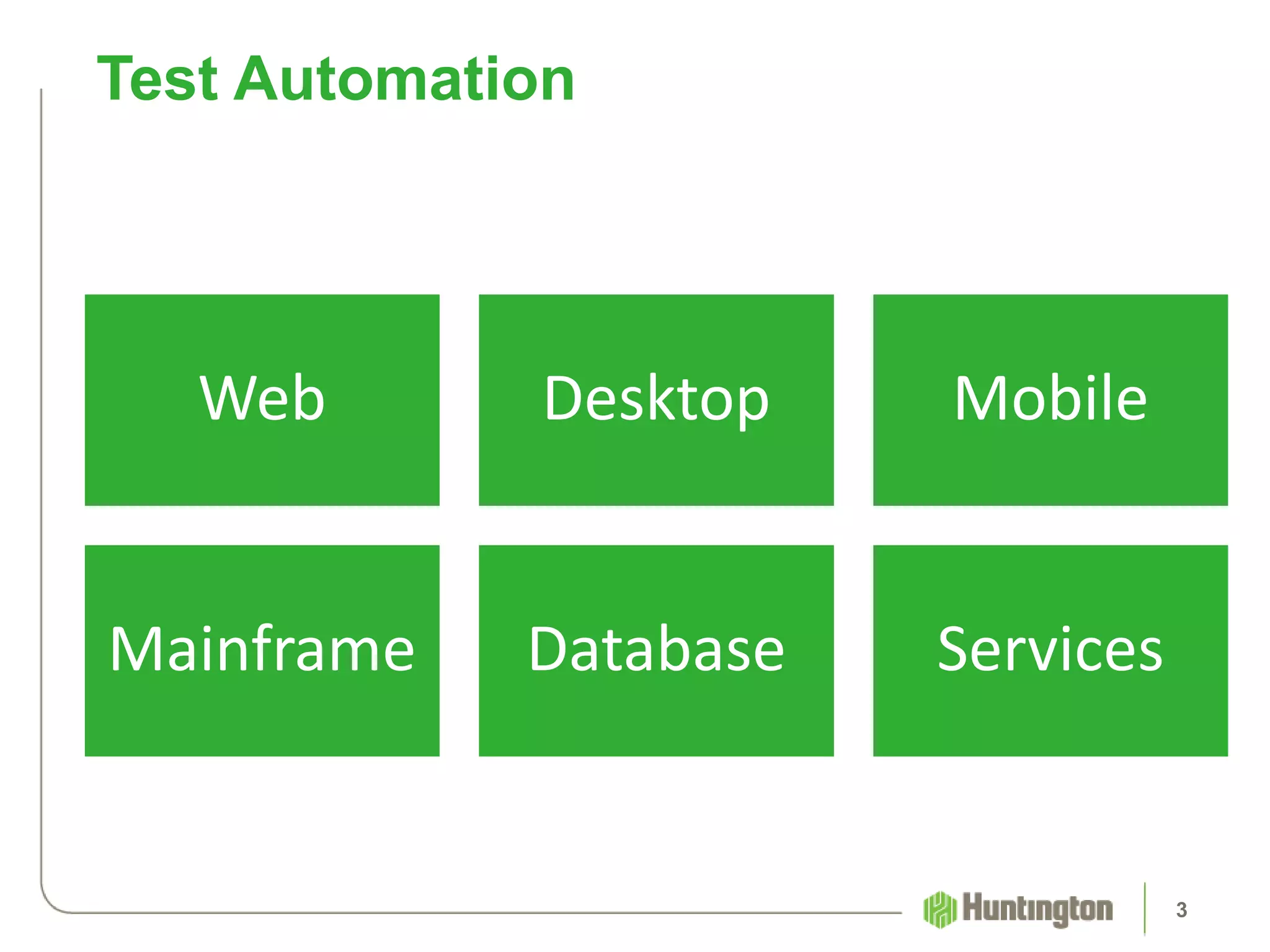
Web Desktop Mobile
Mainframe Database Services
Test Automation
3
How Do You “Power-Up” A Test Suite?
4
5
6
Test Suite Toolbox
7
Useful Tool: OLE Automation
8
Desktop
Mainframe
Desktop Applications
9
10
Mainframe Applications
11
Task
Automation
Test
Automation
12
Automate Windows applications
Possible solution when popular options are
unavailable
Several names
OLE Automation
13
• Created by Microsoft
• Based on a subset of COM
• Still included in “OLE”
• Intended for use by scripting languages
What is OLE Automation?
14
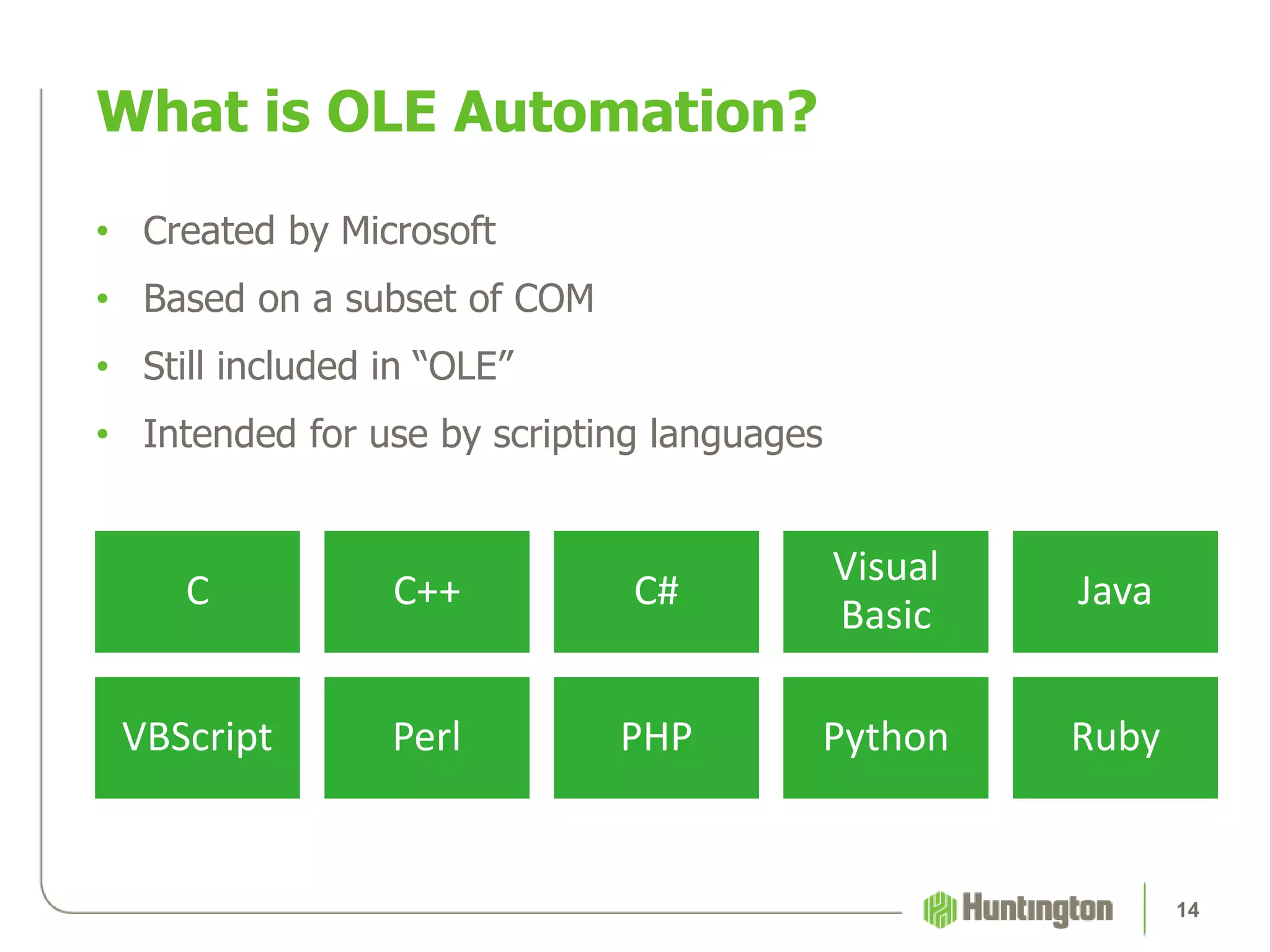
C C++ C#
Visual
Basic
Java
VBScript Perl PHP Python Ruby
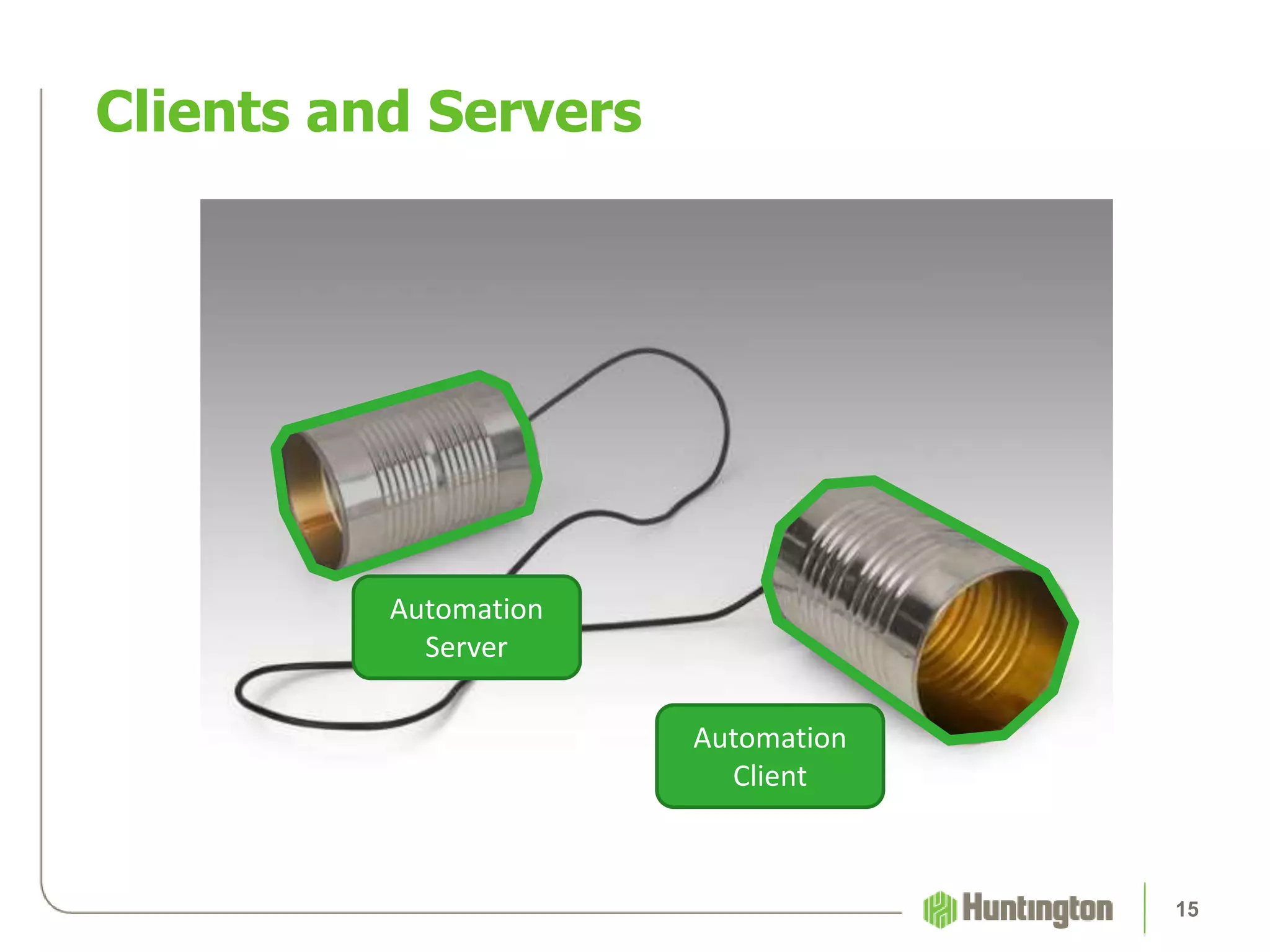
Clients and Servers
15
Automation
Server
Automation
Client
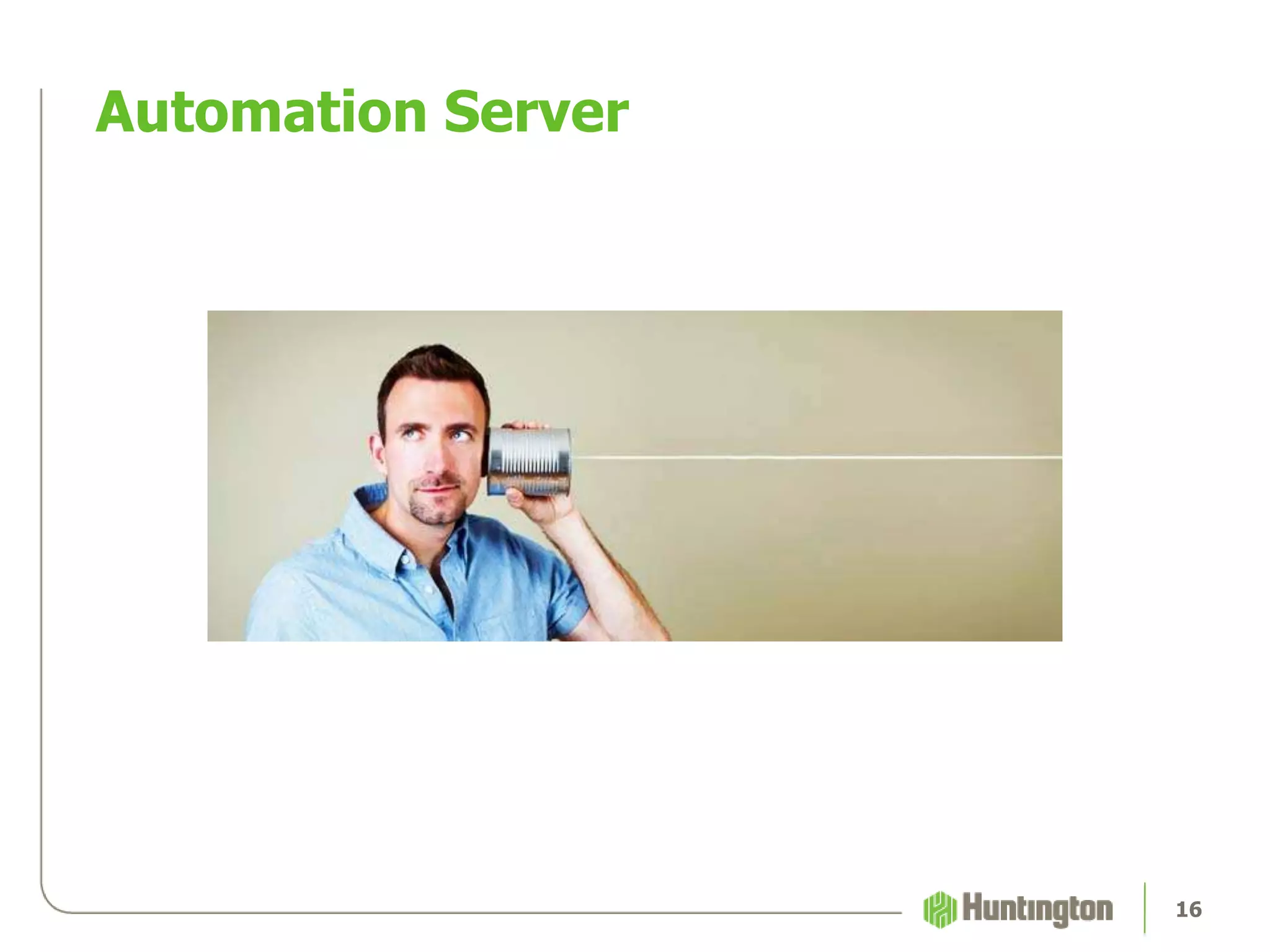
Automation Server
16
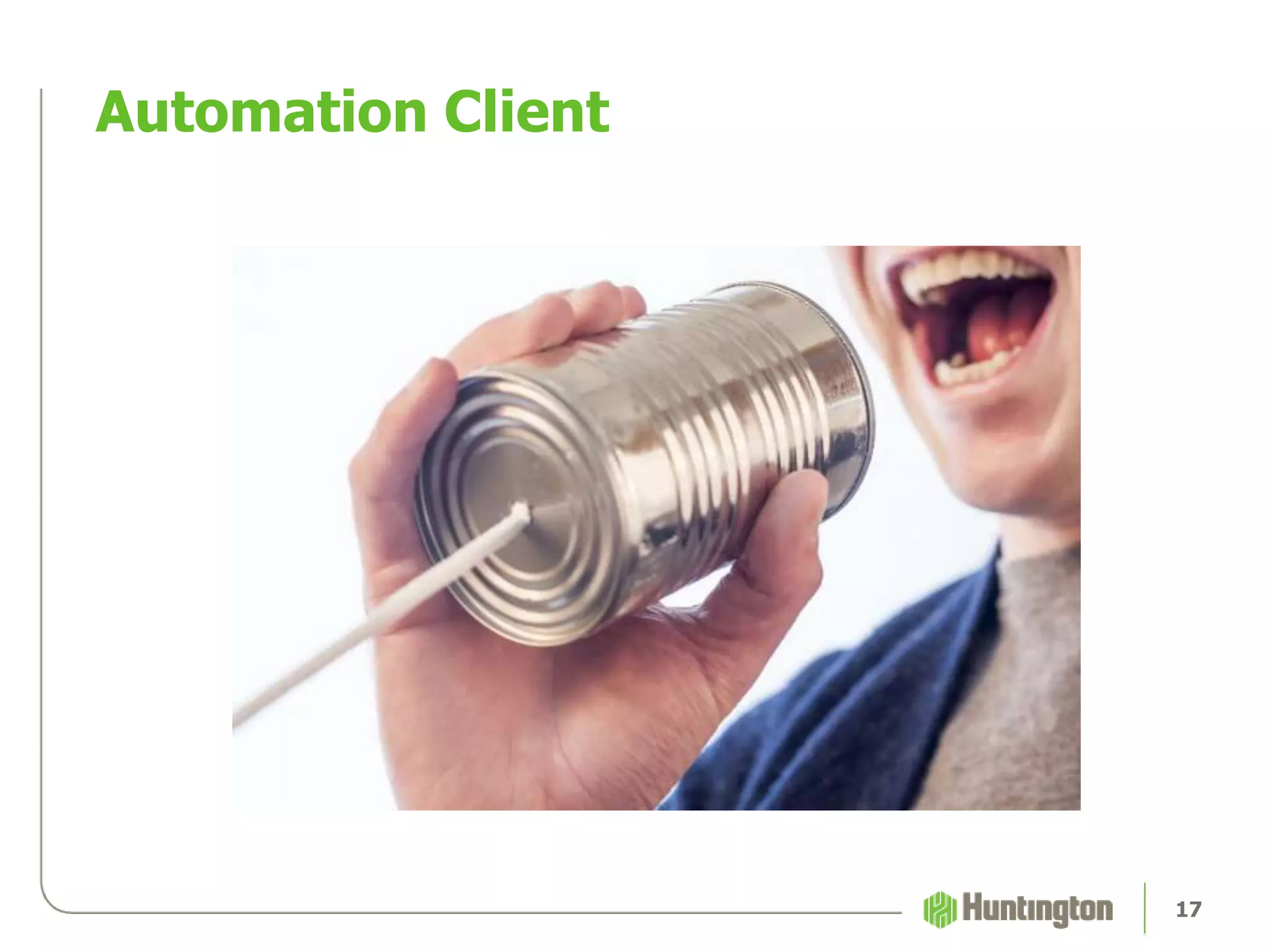
Automation Client
17
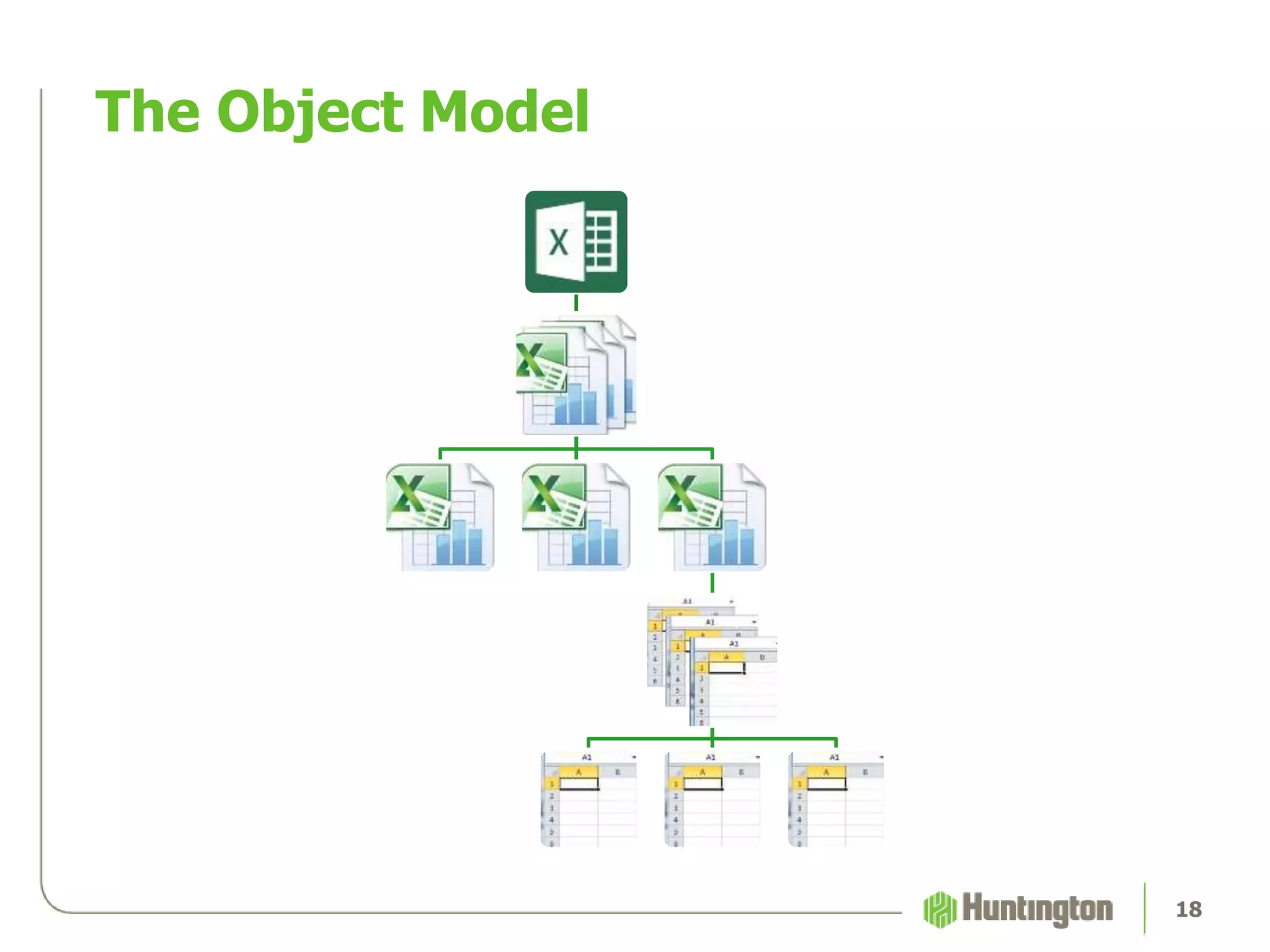
The Object Model
18
Ruby Stuff
19
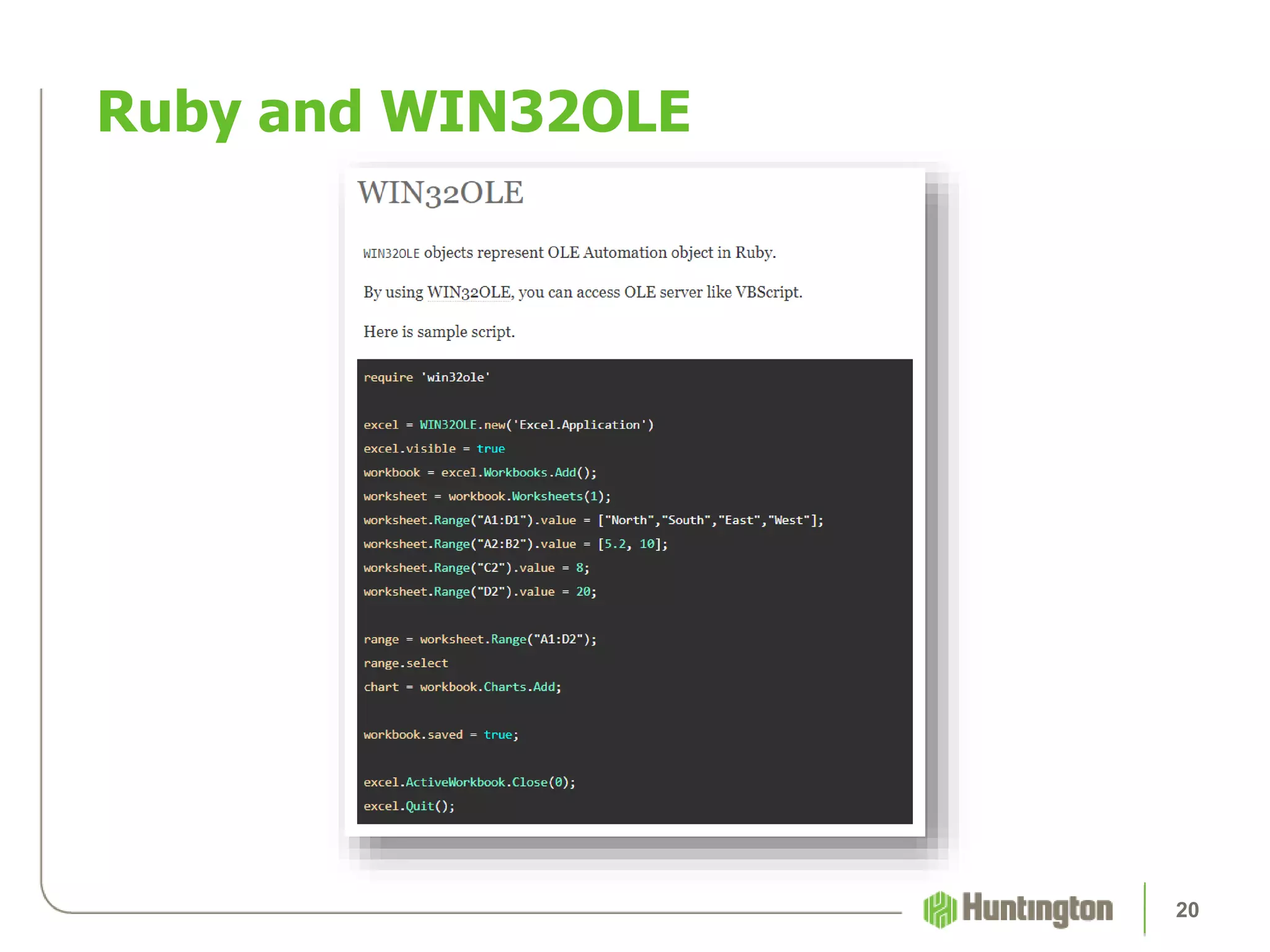
Ruby and WIN32OLE
20
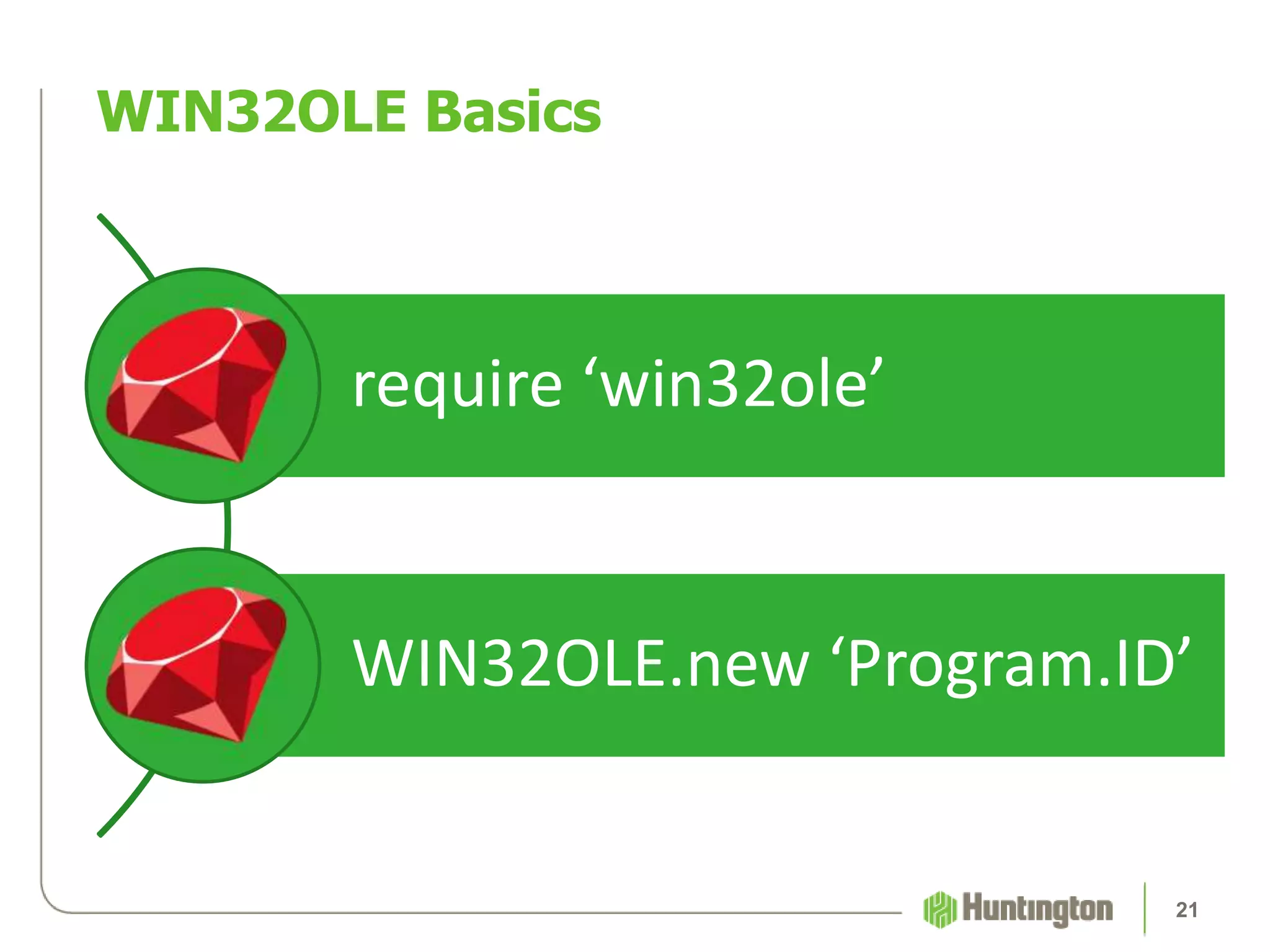
require ‘win32ole’
WIN32OLE.new ‘Program.ID’
WIN32OLE Basics
21
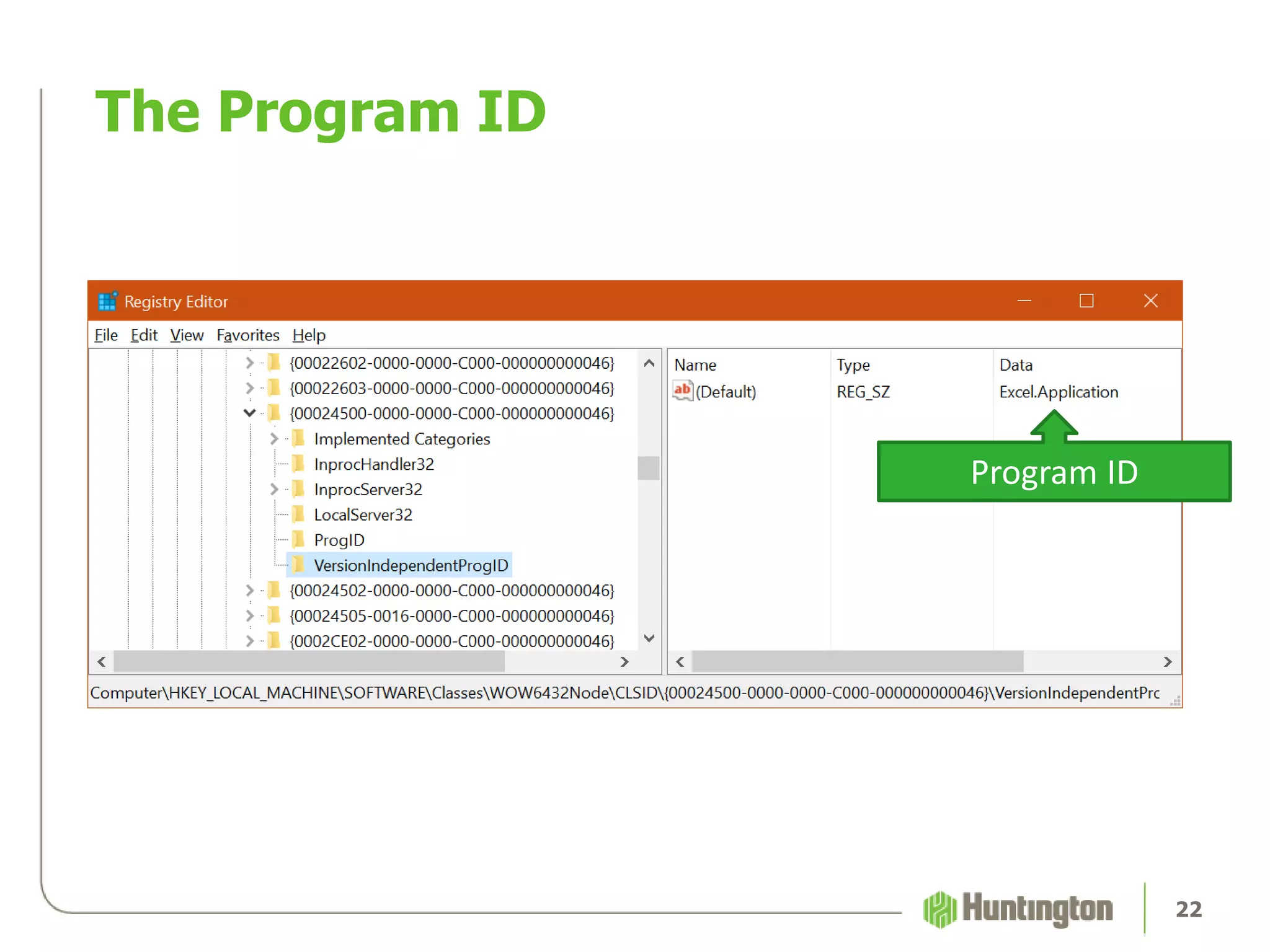
The Program ID
22
Program ID
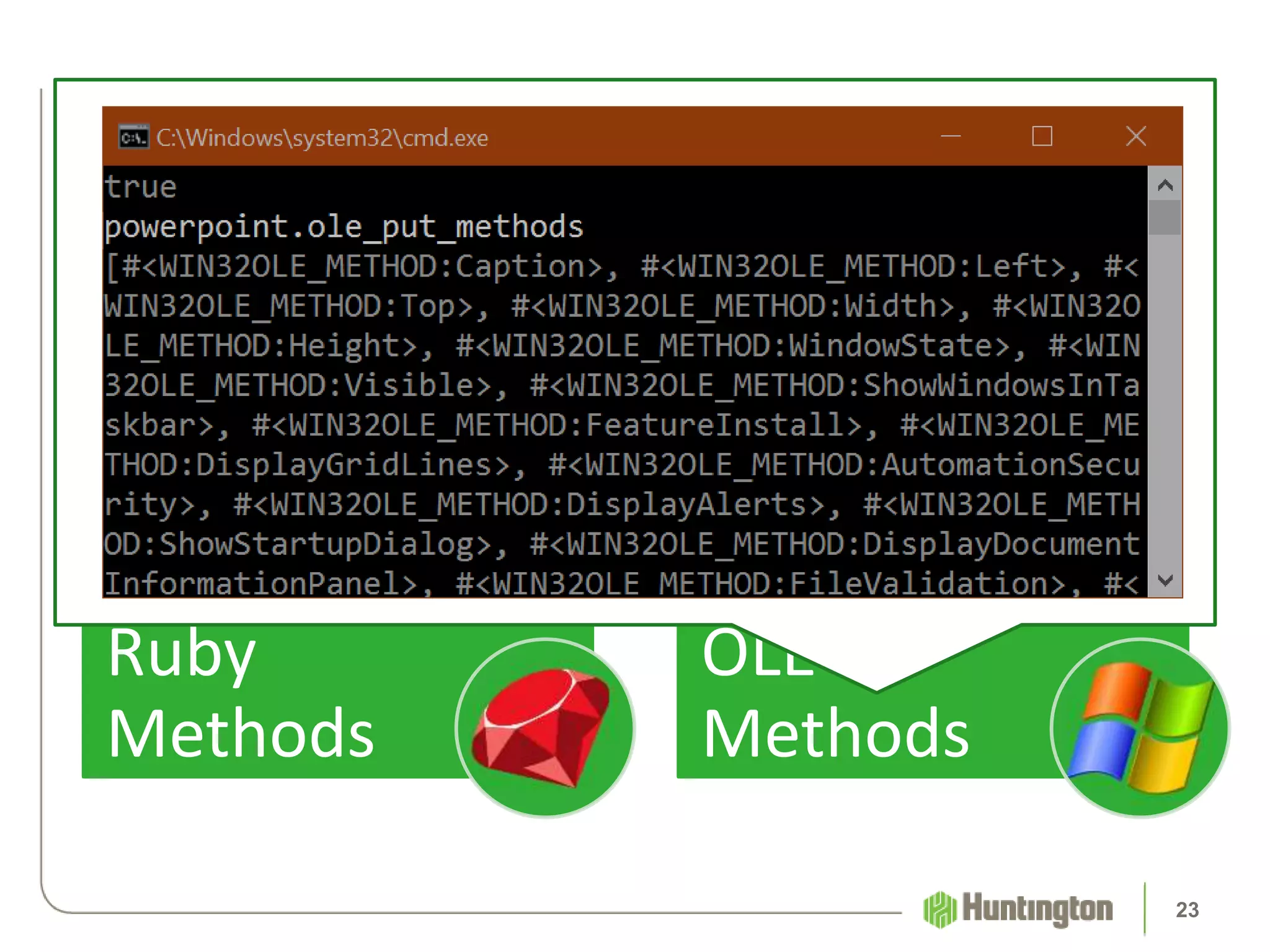
• Object::methods
• Not helpful
Ruby
Methods
• WIN32OLE::ole_methods
• WIN32OLE::ole_put_methods
• Very informative
OLE
Methods
Ruby Methods vs OLE Methods
23
Mainframe Automation
24
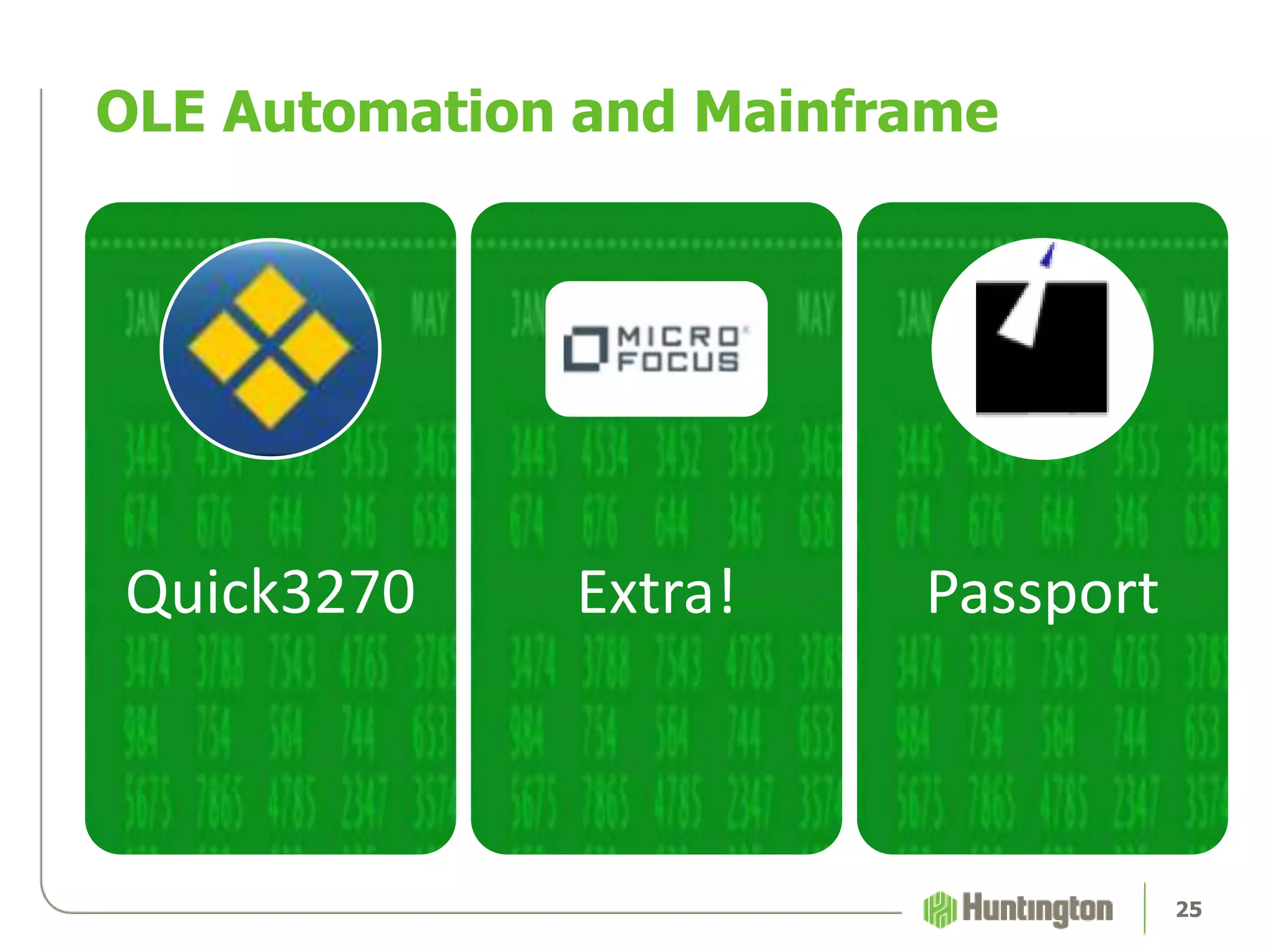
OLE Automation and Mainframe
Quick3270 Extra! Passport
25
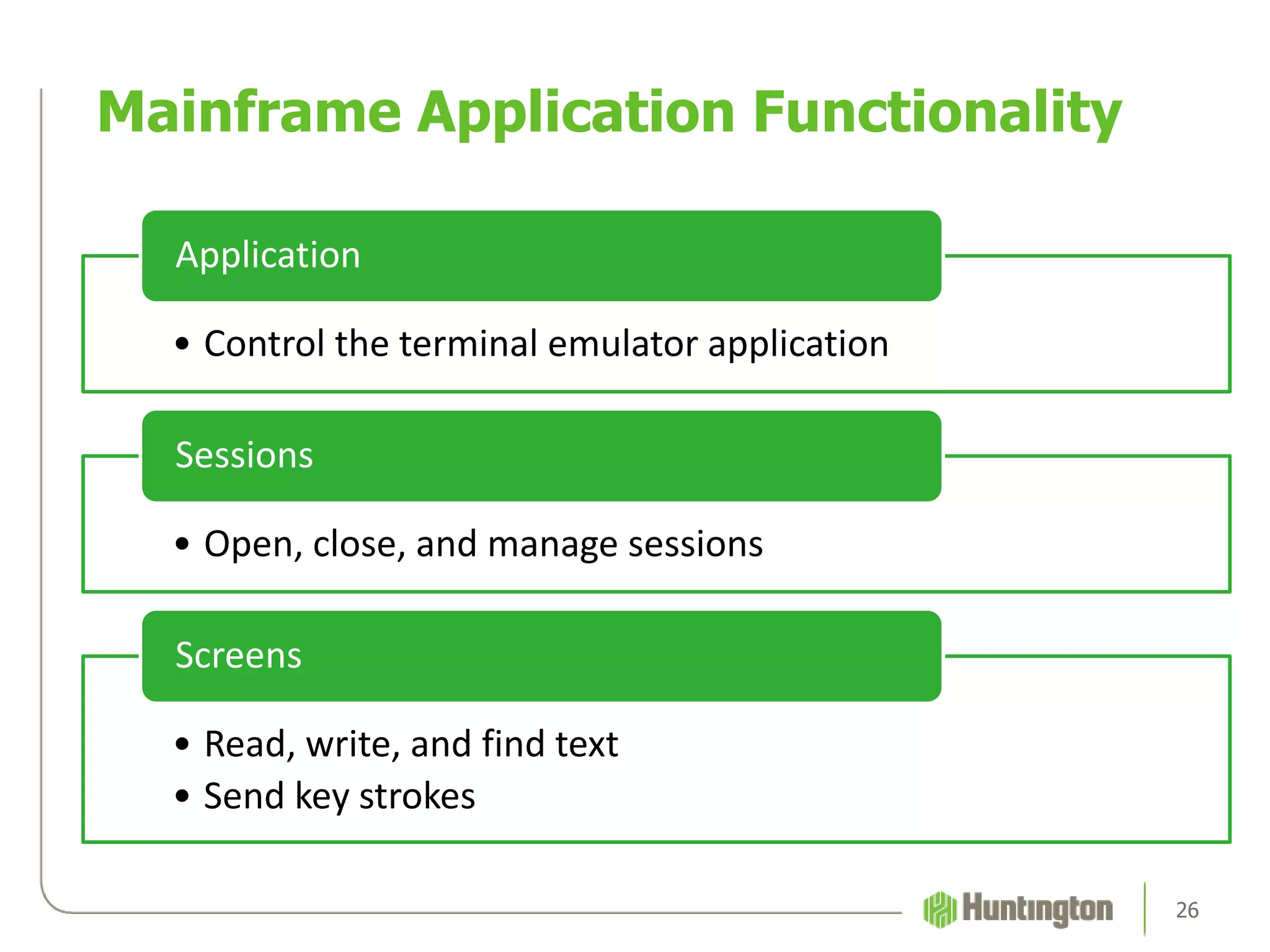
• Control the terminal emulator application
Application
• Open, close, and manage sessions
Sessions
• Read, write, and find text
• Send key strokes
Screens
Mainframe Application Functionality
26
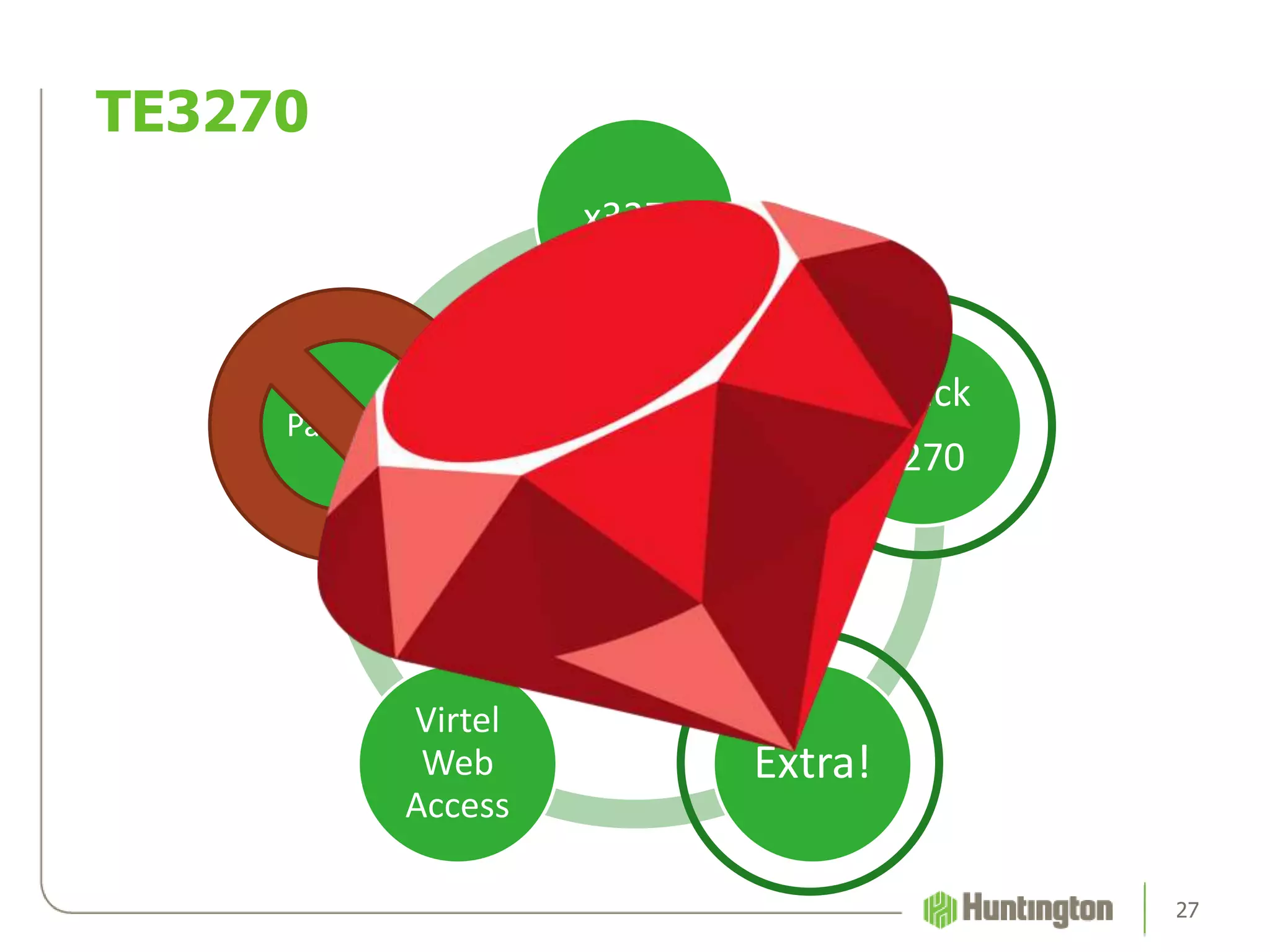
TE3270
x3270
Quick
3270
Extra!
Virtel
Web
Access
Passport
TE3270
27
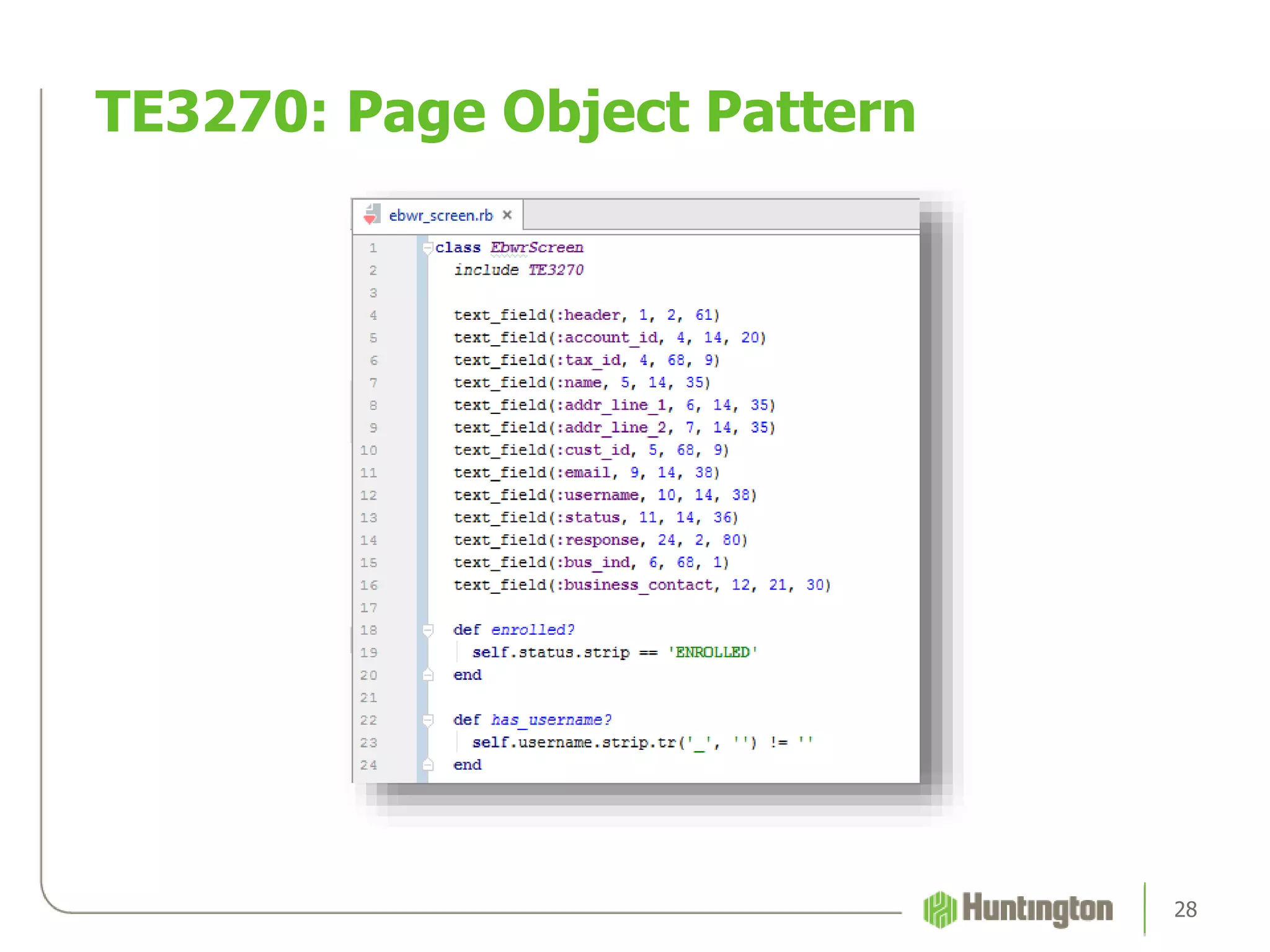
TE3270: Page Object Pattern
28
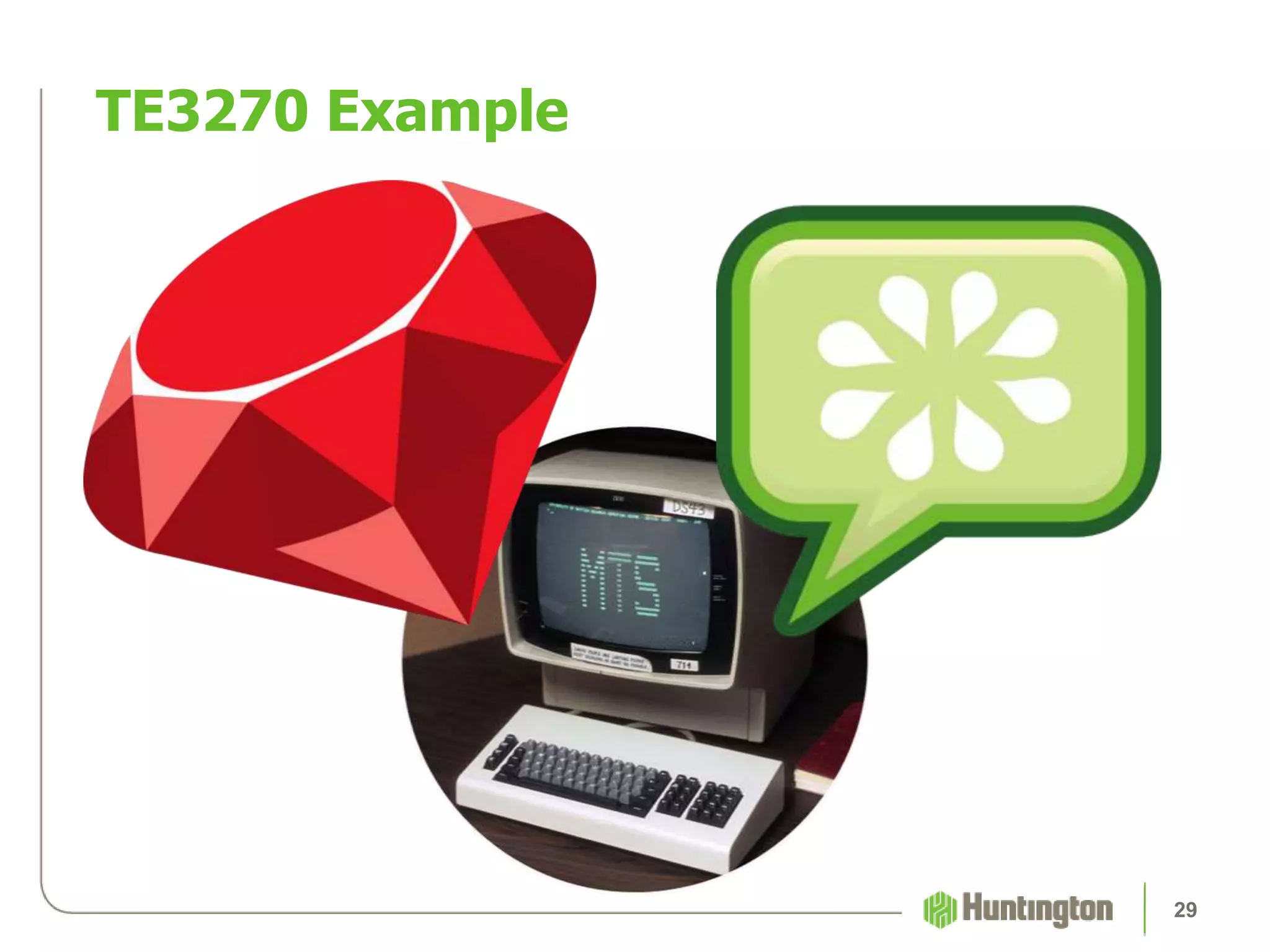
TE3270 Example
29
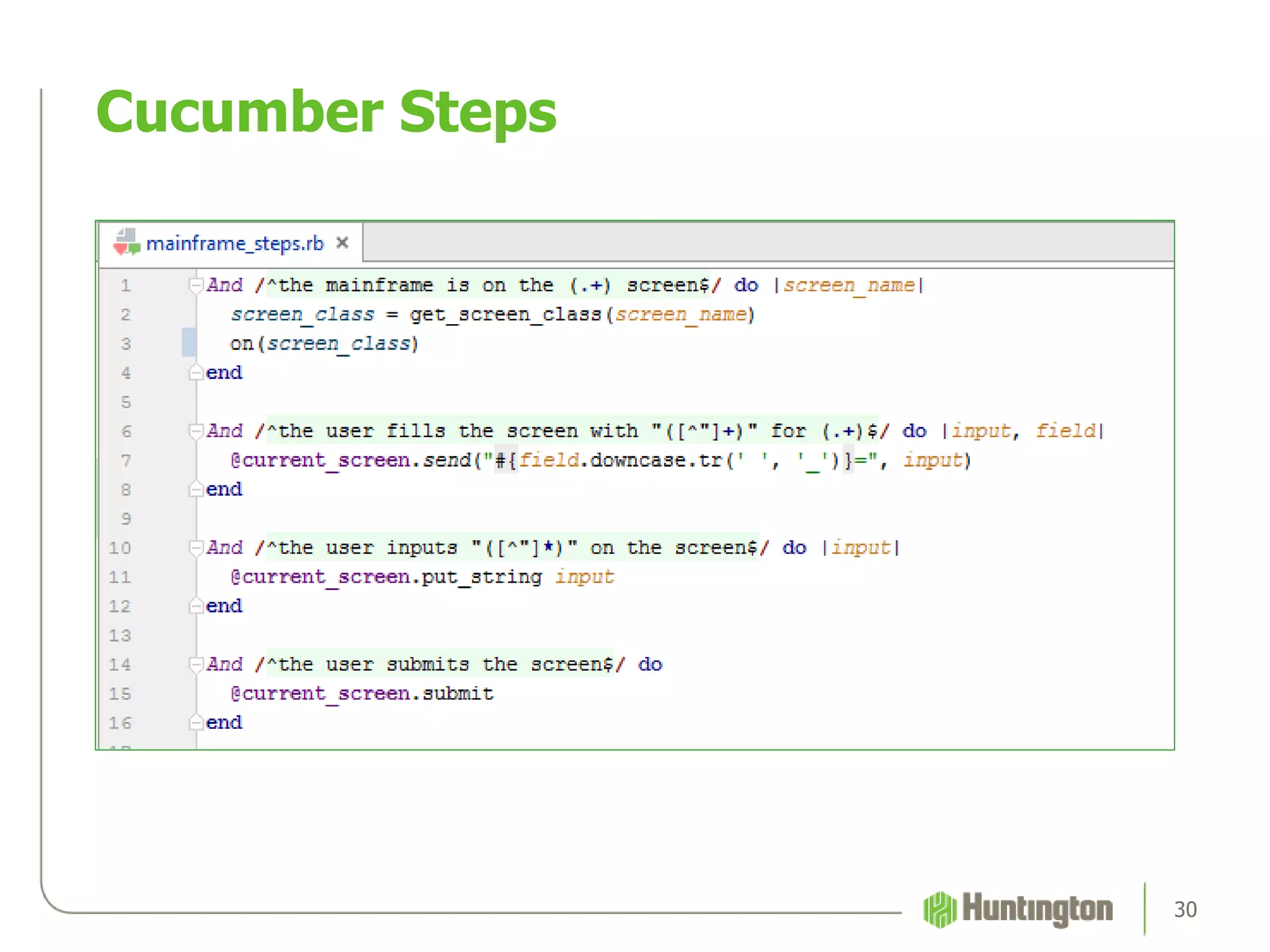
Cucumber Steps
30
TE3270 and Cucumber Scenarios
31
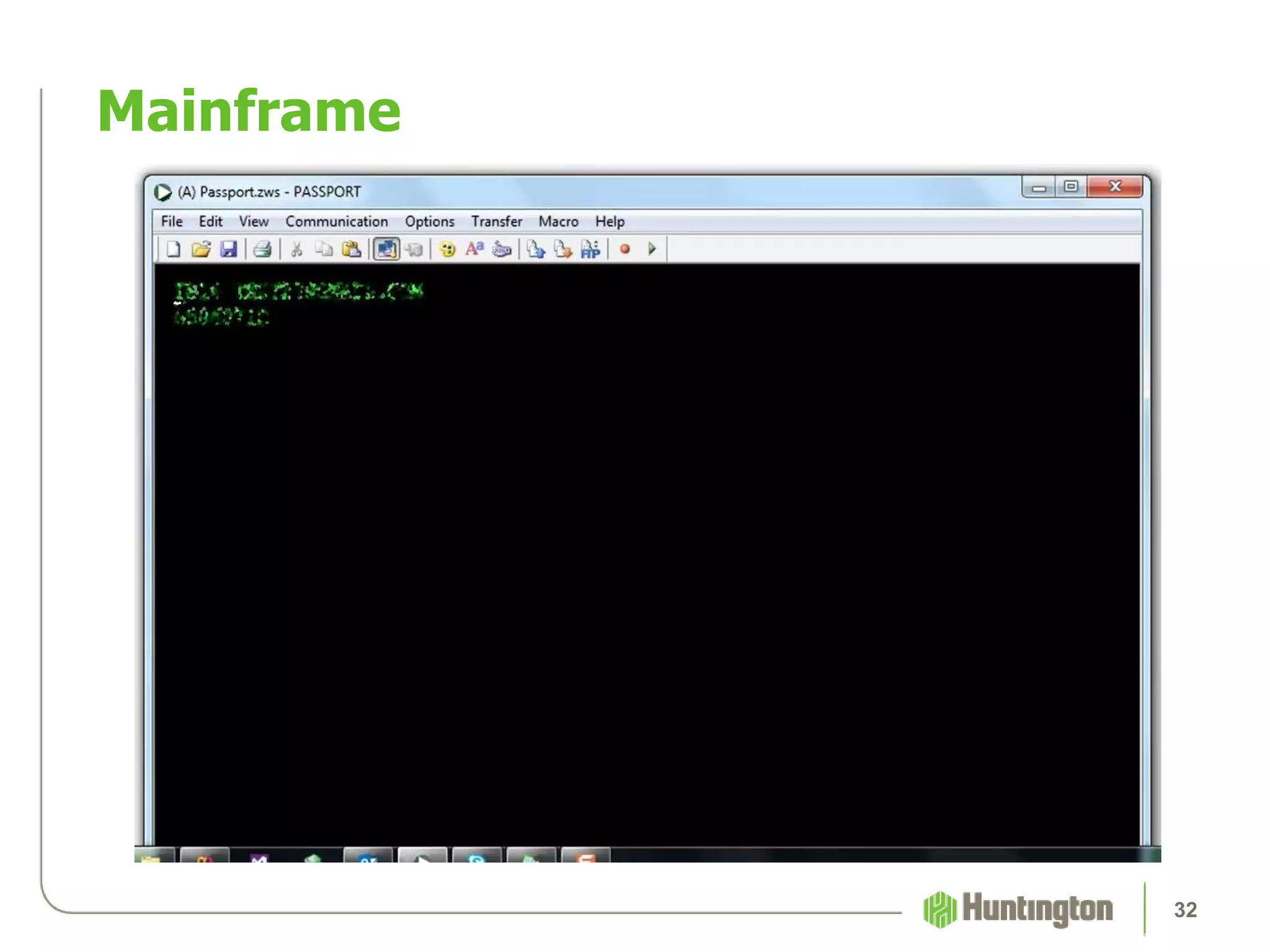
Mainframe
32
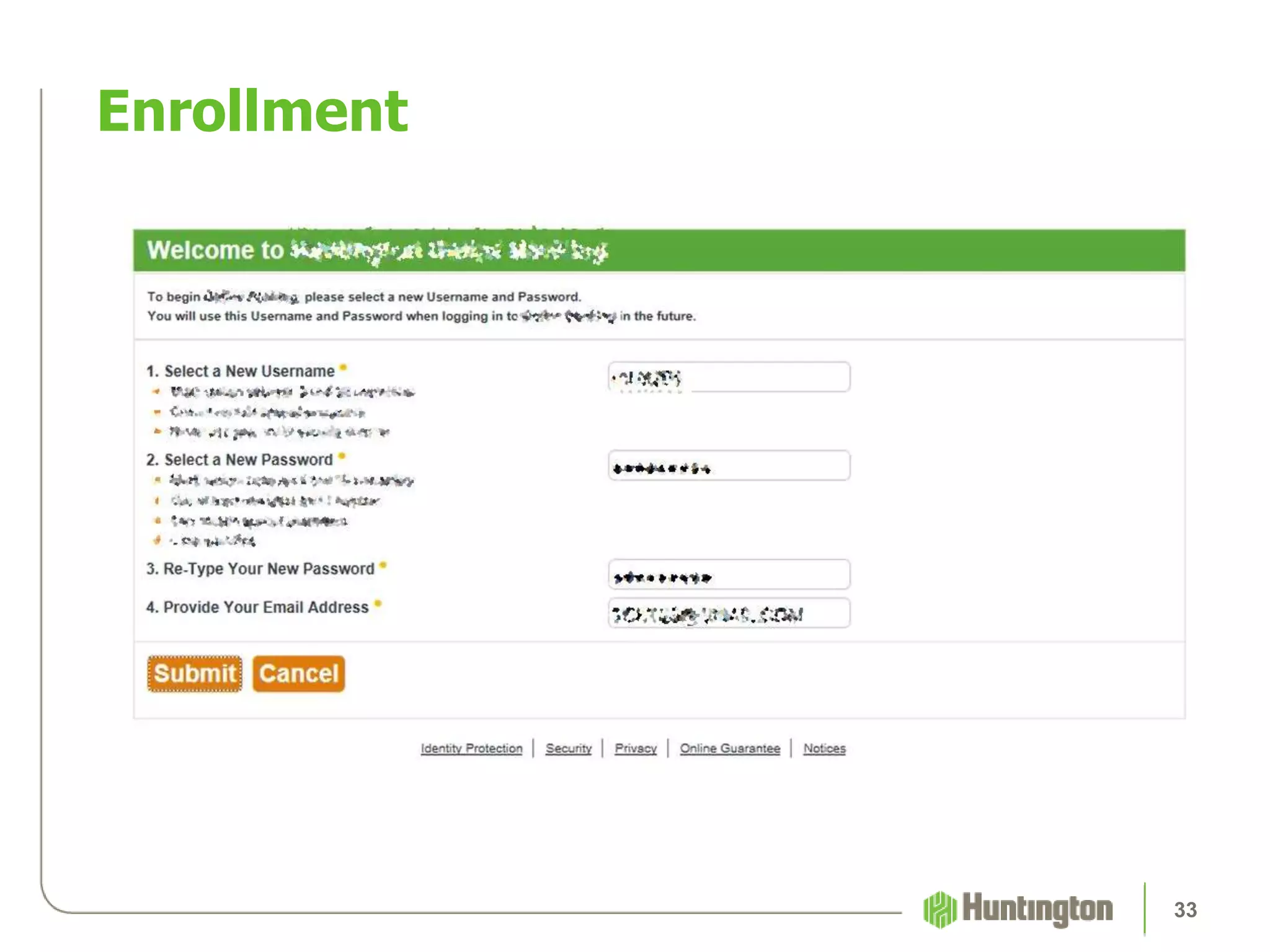
Enrollment
33
Excel Automation
34
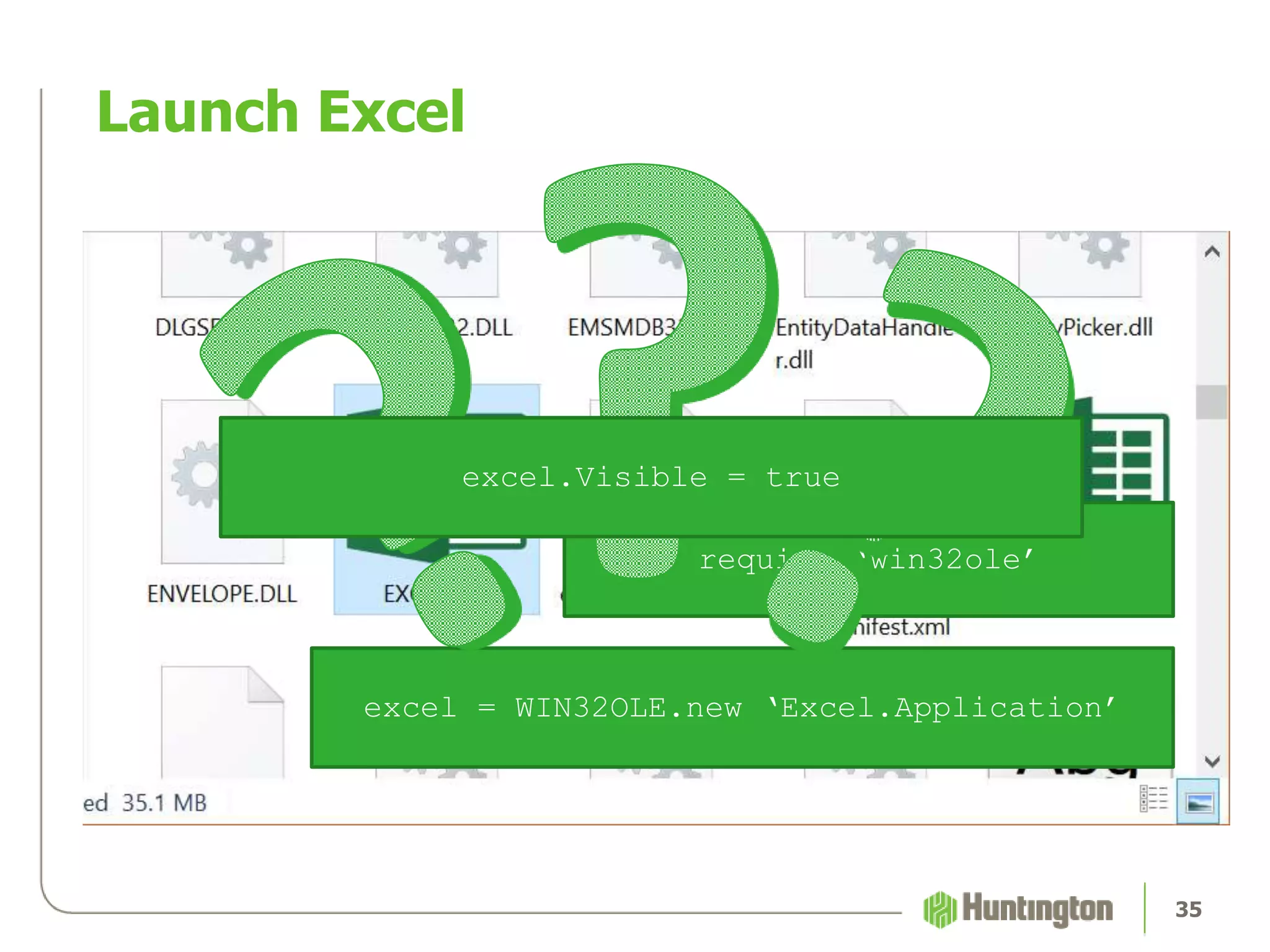
Launch Excel
35
require ‘win32ole’
excel = WIN32OLE.new ‘Excel.Application’
excel.Visible = true
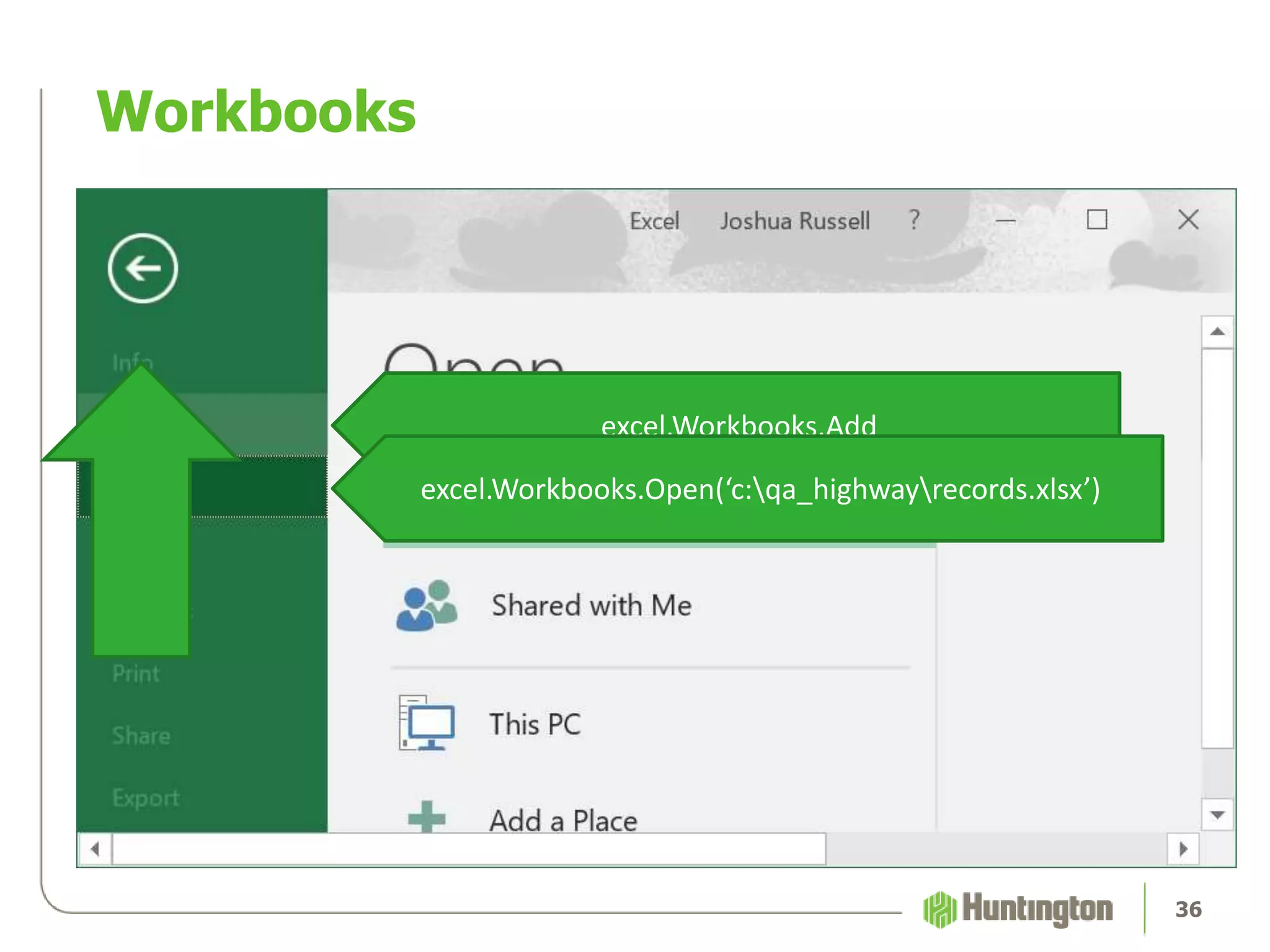
Workbooks
36
excel.Workbooks.Add
excel.Workbooks.Open(‘c:qa_highwayrecords.xlsx’)
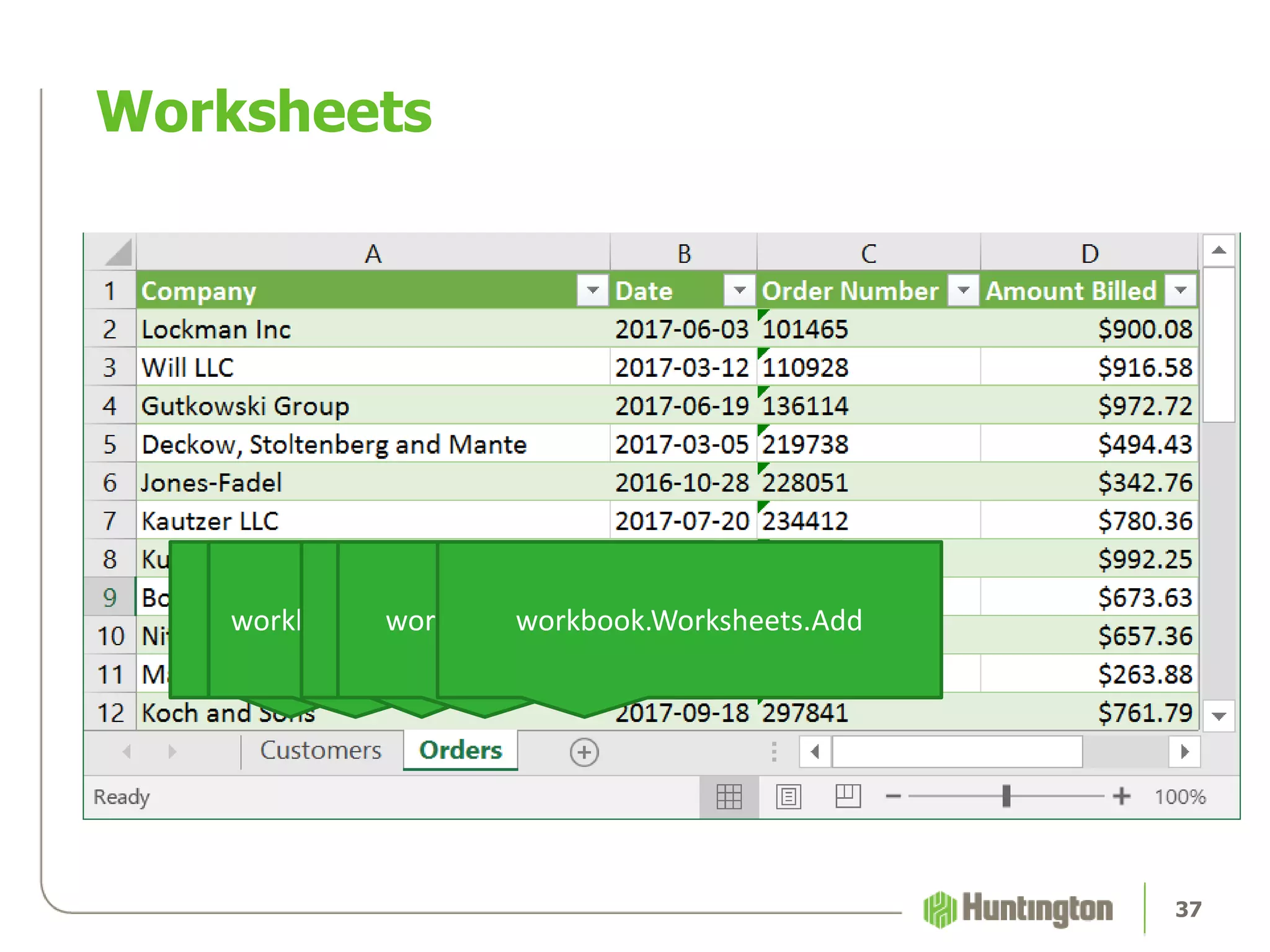
Worksheets
37
workbook.Worksheets(1)workbook.Worksheets(‘Customers’)workbook.Worksheets(2)workbook.Worksheets(‘Orders’)workbook.Worksheets.Add
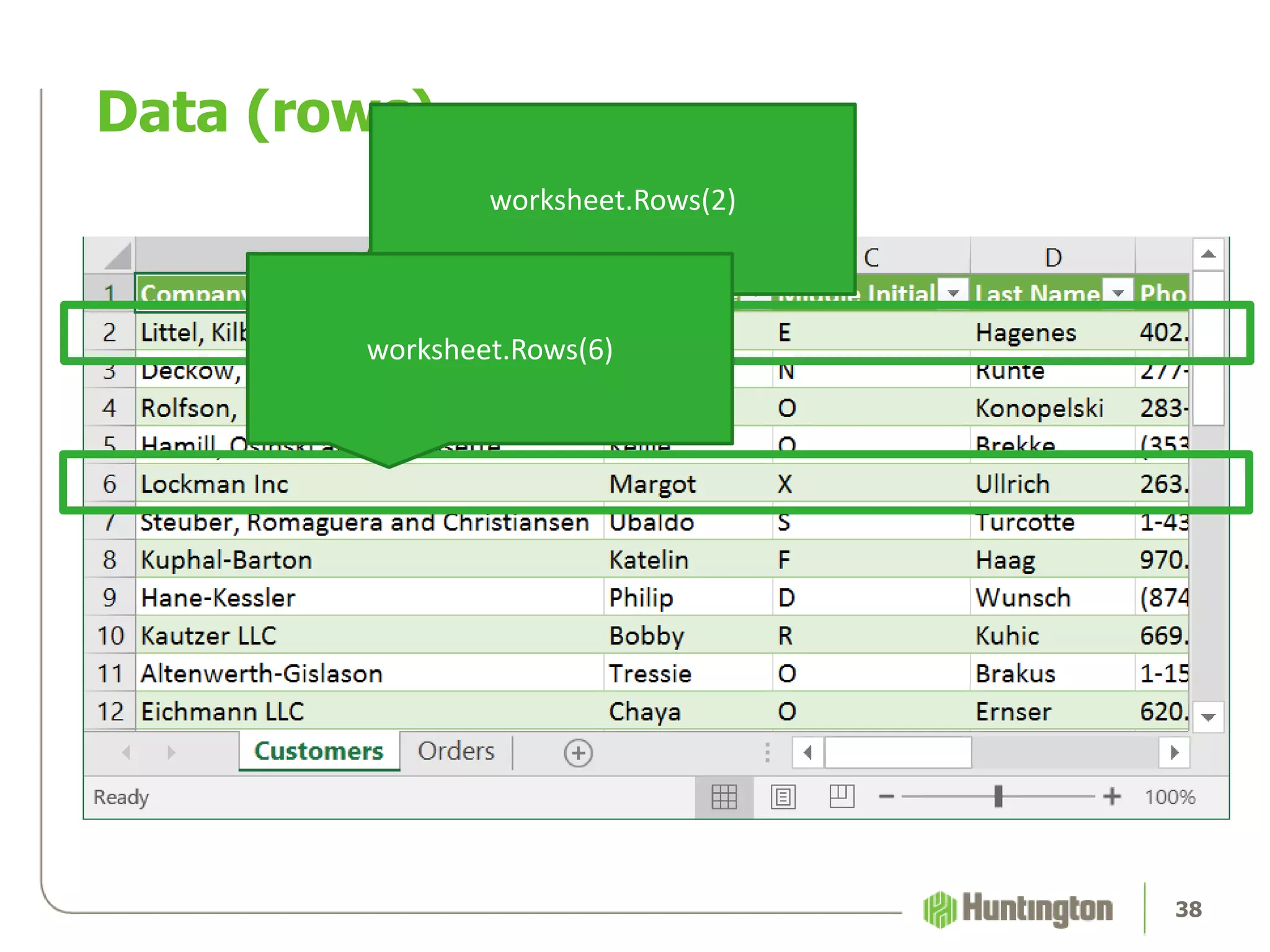
Data (rows)
38
worksheet.Rows(2)
worksheet.Rows(6)
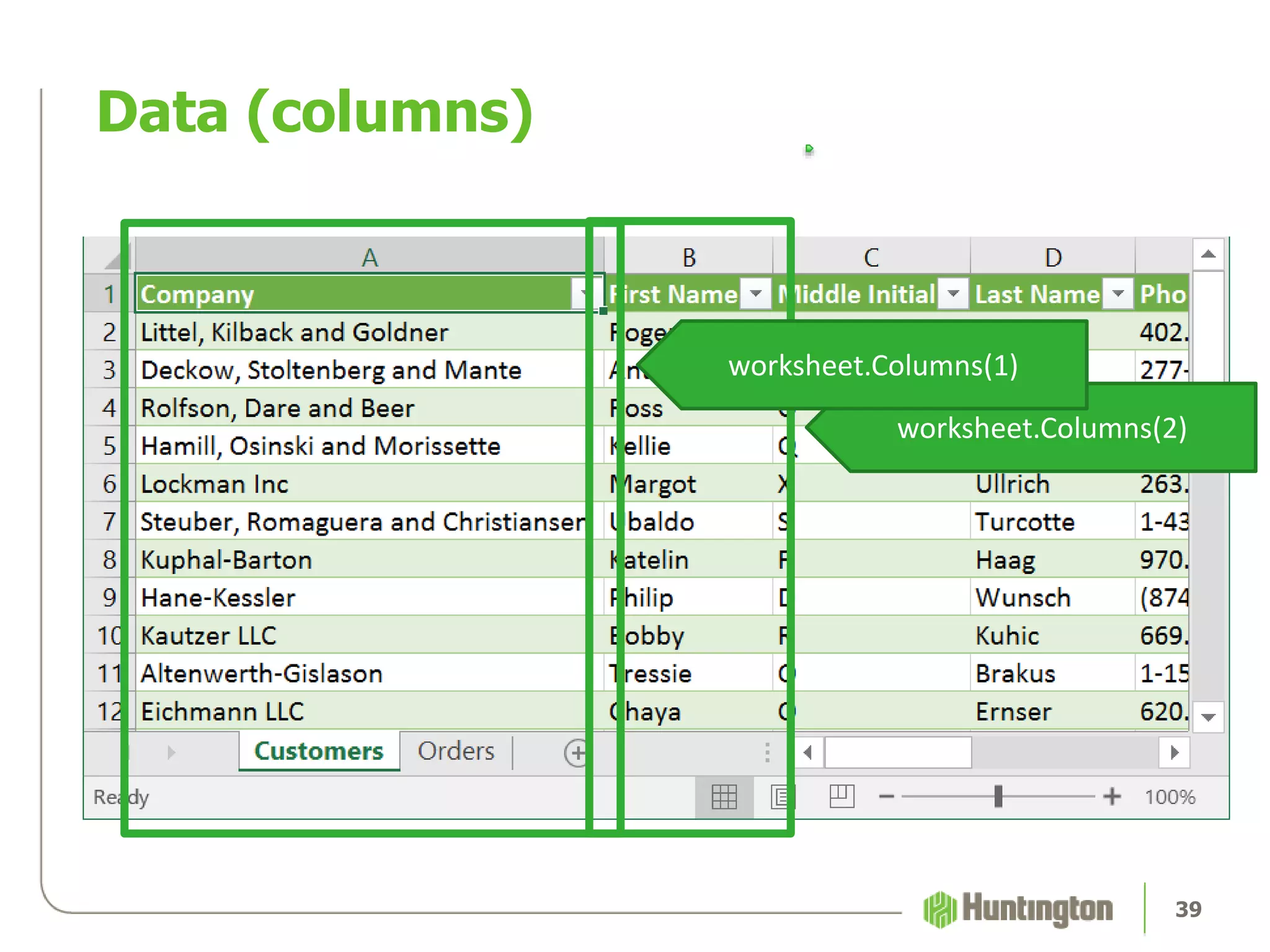
Data (columns)
39
worksheet.Columns(2)
worksheet.Columns(1)
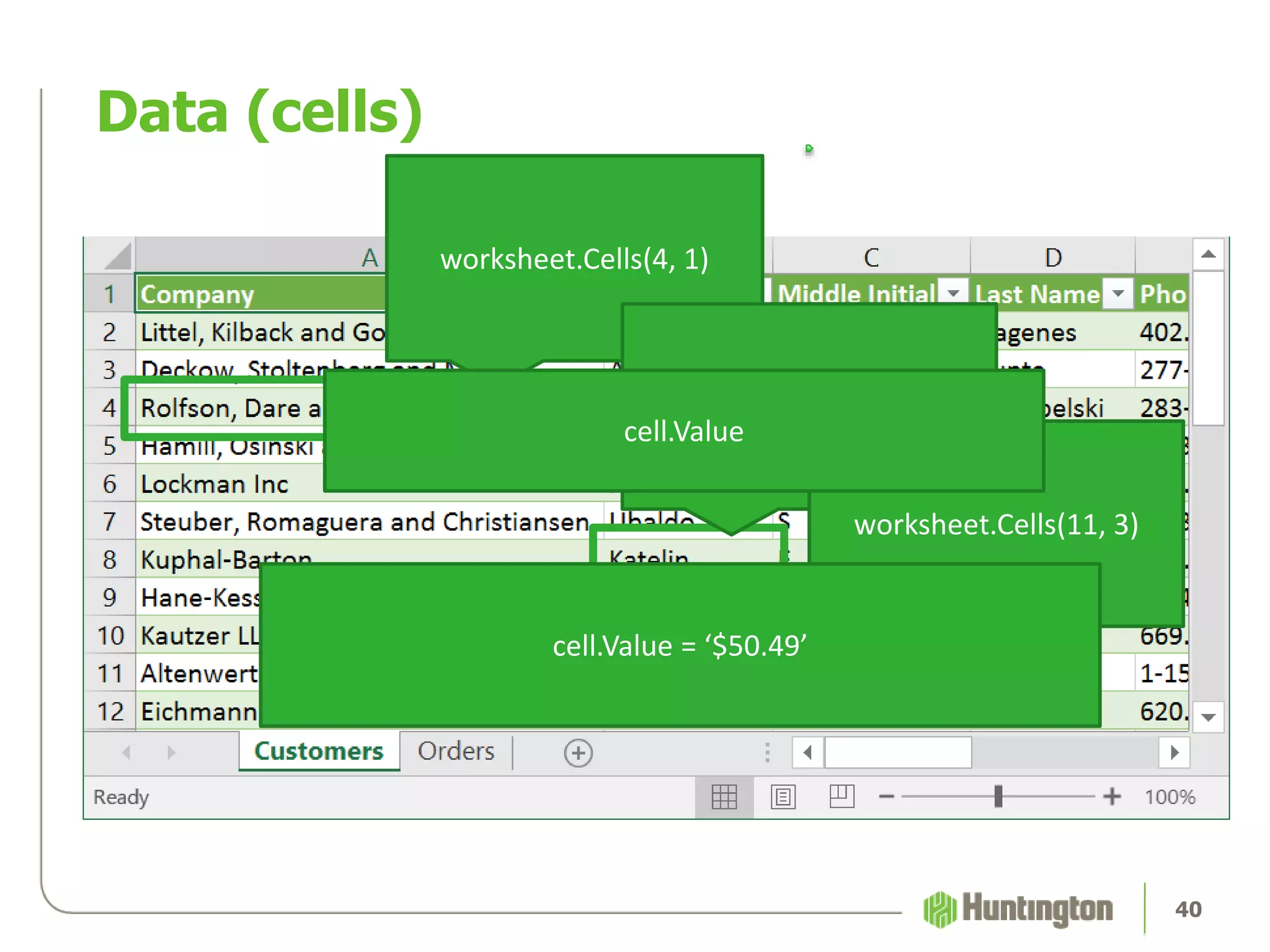
Data (cells)
40
worksheet.Cells(4, 1)
worksheet.Cells(8, 2)
worksheet.Cells(11, 3)
cell.Value
cell.Value = ‘$50.49’
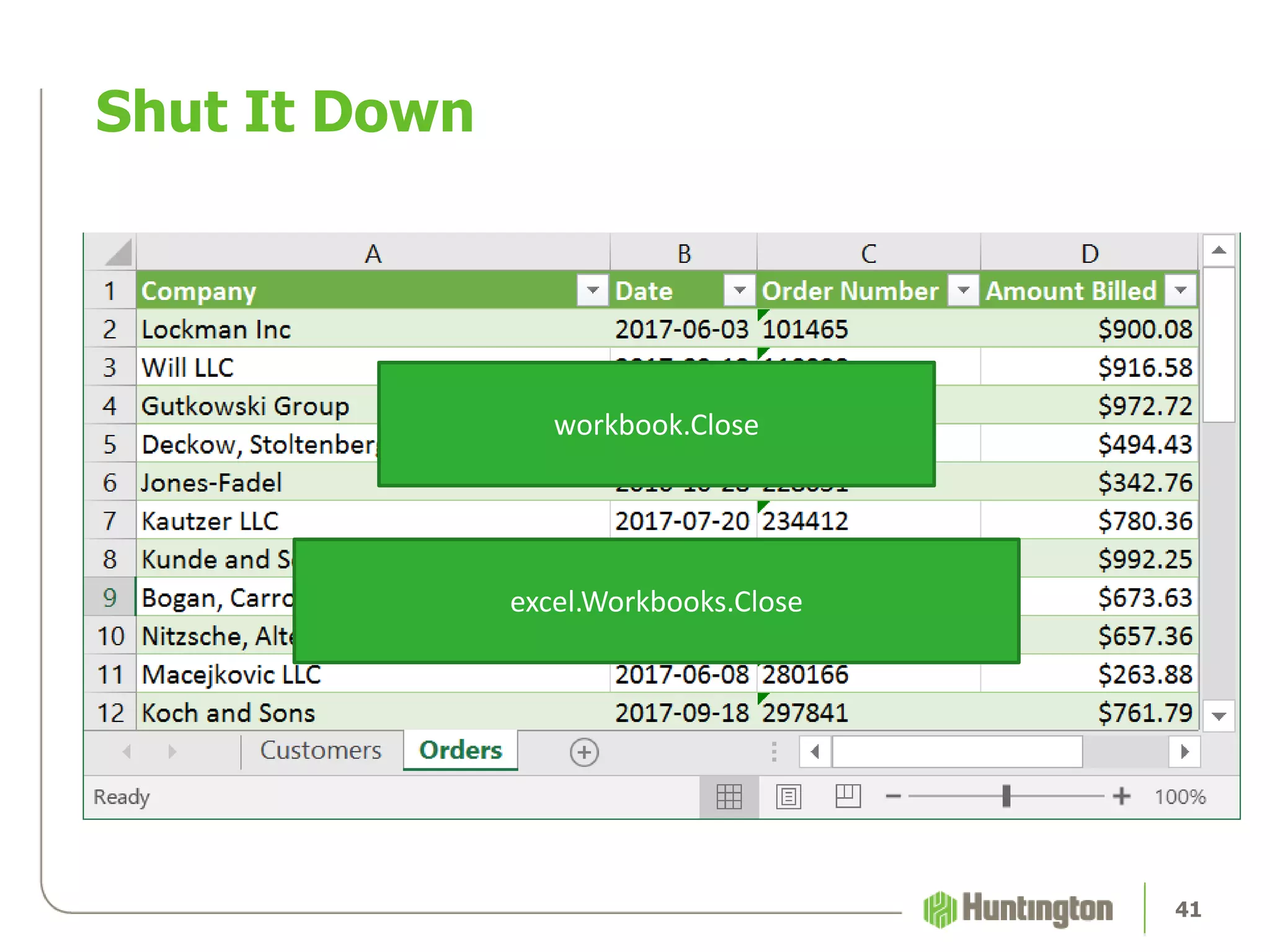
Shut It Down
41
workbook.Close
excel.Workbooks.Close
Shut It Down
42
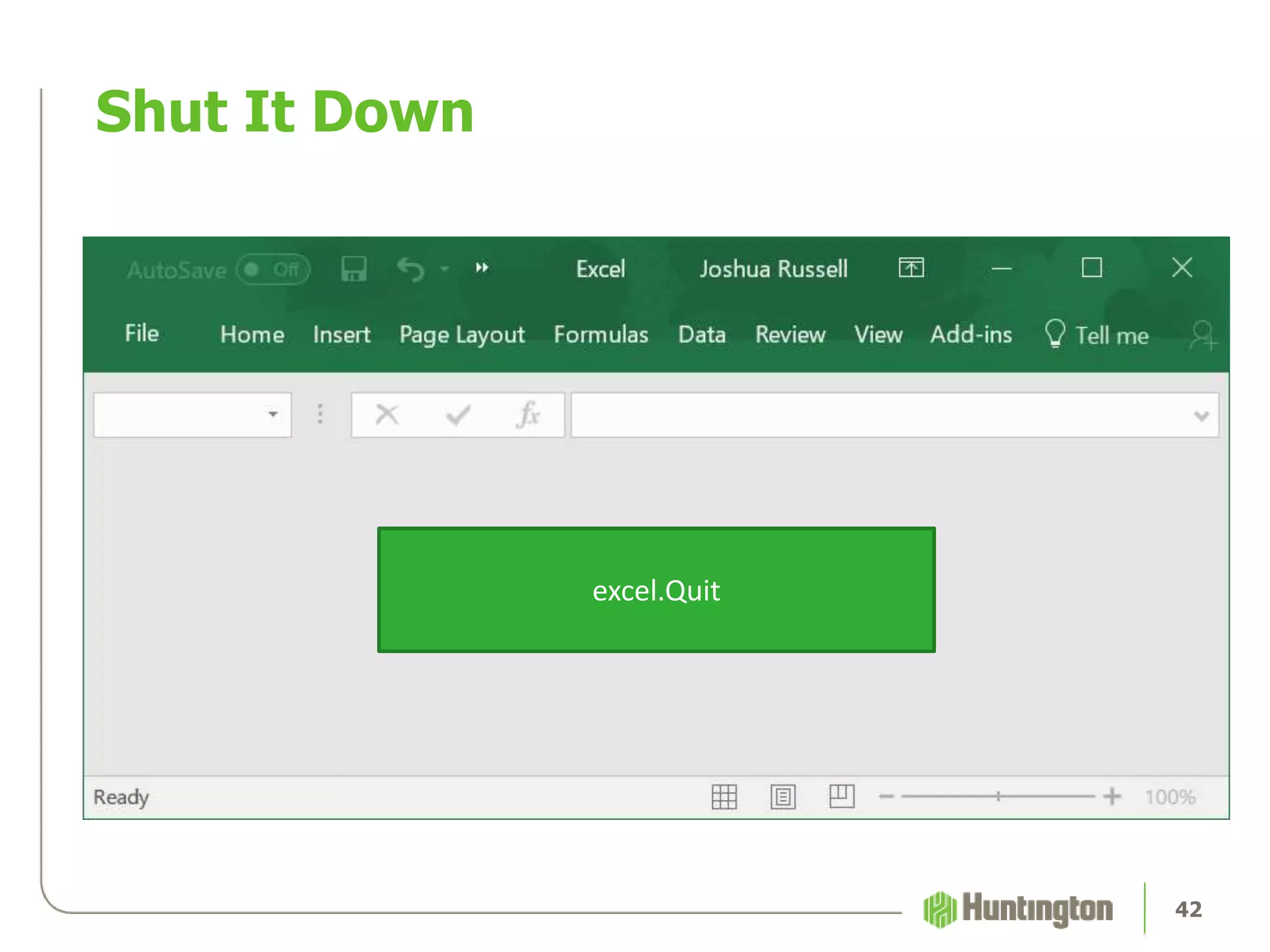
excel.Quit
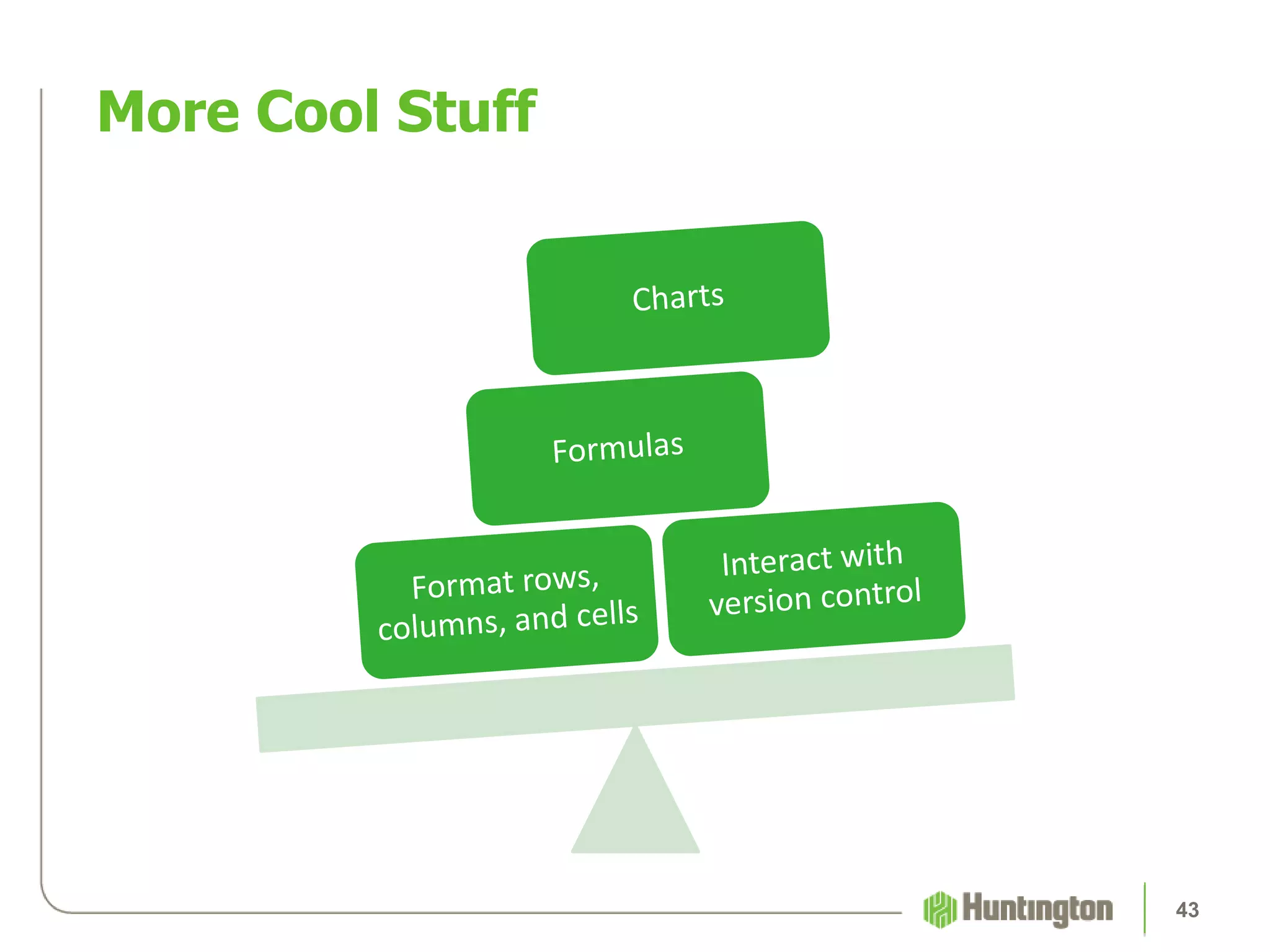
More Cool Stuff
43
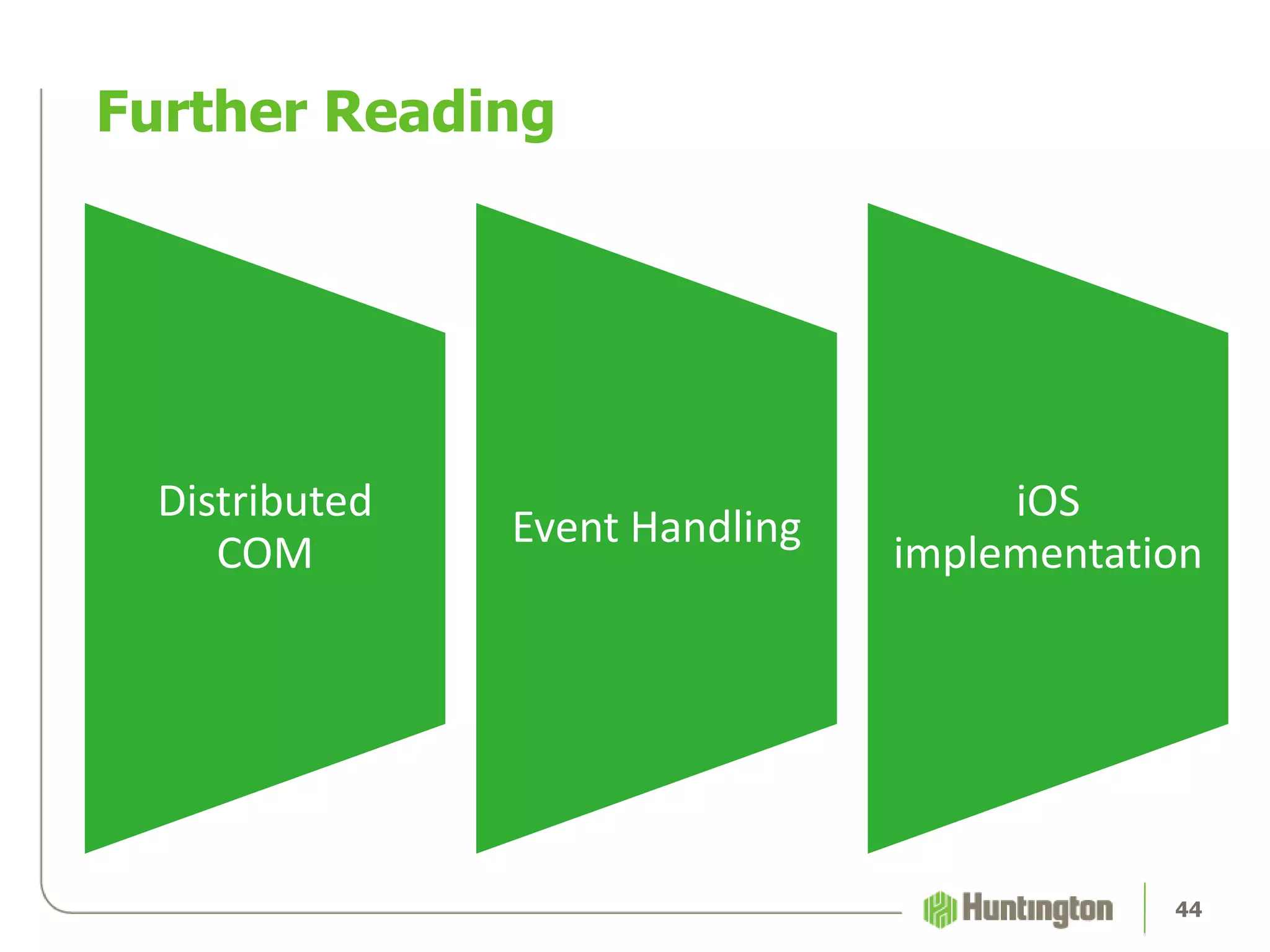
Further Reading
Distributed
COM
Event Handling
iOS
implementation
44
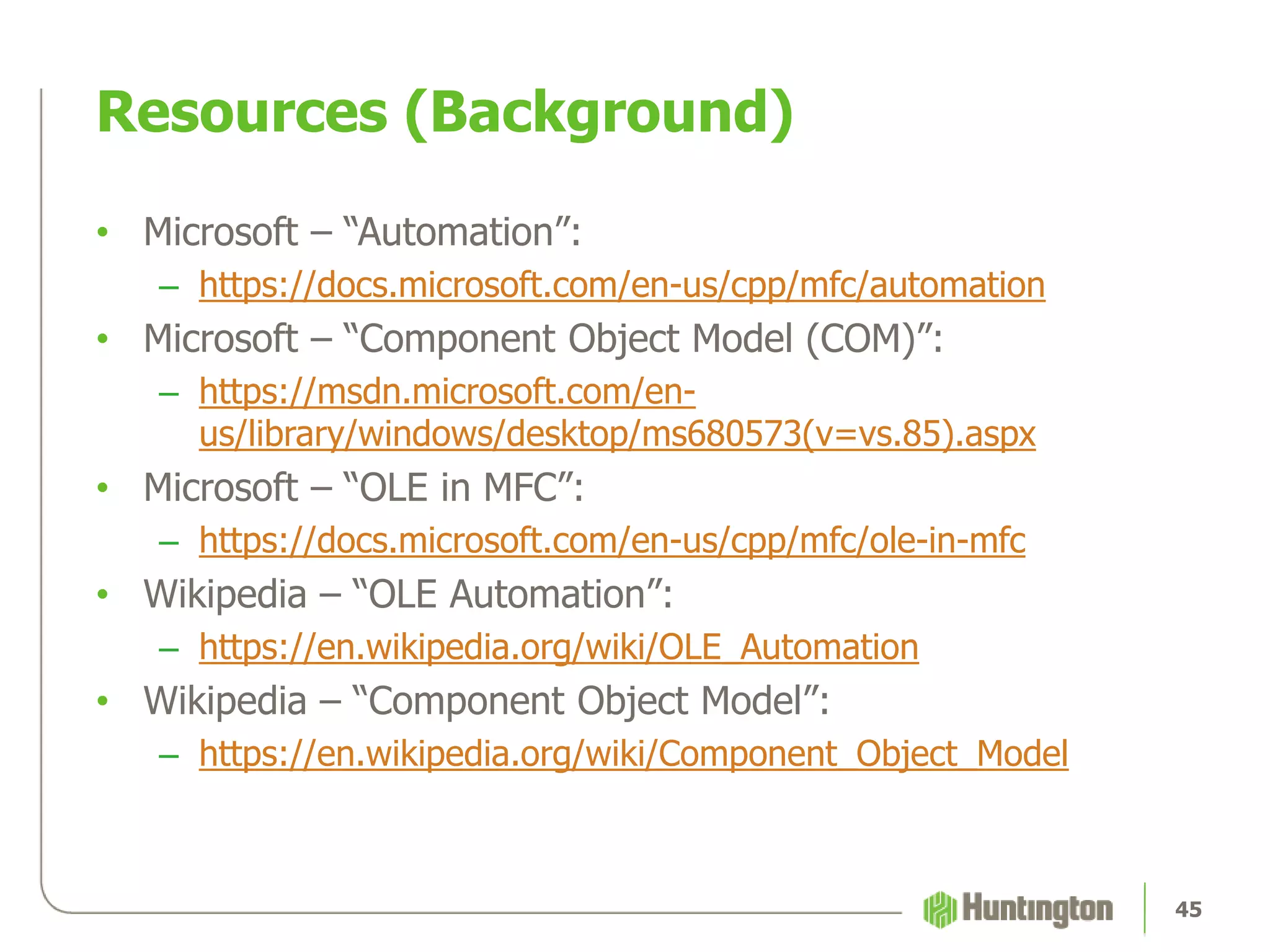
Resources (Background)
• Microsoft – “Automation”:
– https://docs.microsoft.com/en-us/cpp/mfc/automation
• Microsoft – “Component Object Model (COM)”:
– https://msdn.microsoft.com/en-
us/library/windows/desktop/ms680573(v=vs.85).aspx
• Microsoft – “OLE in MFC”:
– https://docs.microsoft.com/en-us/cpp/mfc/ole-in-mfc
• Wikipedia – “OLE Automation”:
– https://en.wikipedia.org/wiki/OLE_Automation
• Wikipedia – “Component Object Model”:
– https://en.wikipedia.org/wiki/Component_Object_Model
45
Resources (Microsoft)
• Excel Object Model:
– https://msdn.microsoft.com/en-us/library/wss56bz7.aspx
• PowerPoint Object Model:
– https://msdn.microsoft.com/en-us/vba/powerpoint-
vba/articles/object-model-powerpoint-vba-reference
• Internet Explorer Object Model:
– https://msdn.microsoft.com/en-us/library/ms970456.aspx
46
Resources (Mainframe)
• Mainframe OLE Automation (EXTRA!/PASSPORT):
– http://docs.attachmate.com/extra/x-treme/apis/com/
• TE3270 gem:
– https://github.com/cheezy/te3270
• TE3270 gem (modified for PASSPORT):
– https://github.com/RussellJoshuaA/te3270
47
Resources
• Joshua Russell on GitHub:
– https://github.com/RussellJoshuaA
• This presentation on GitHub:
– https://github.com/RussellJoshuaA/ruby_win32ole_presentation/
48
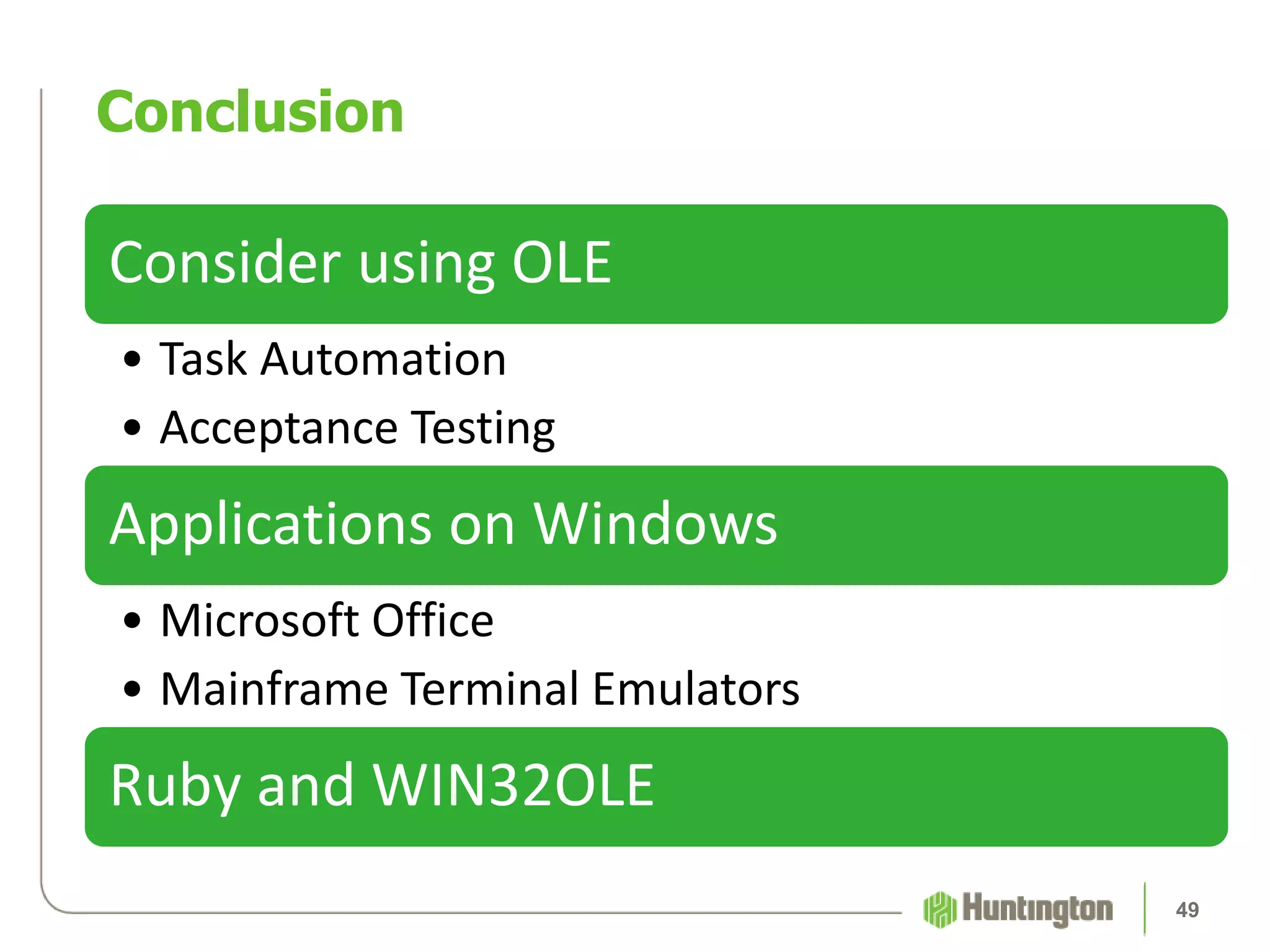
Consider using OLE
• Task Automation
• Acceptance Testing
Applications on Windows
• Microsoft Office
• Mainframe Terminal Emulators
Ruby and WIN32OLE
Conclusion
49
Appendix
• COM is used to create software components that can interact
• COM is a standard which specifies an object model and
programming requirements that enable COM objects to
interact with other objects
• COM is the foundation for OLE, ActiveX, and other
technologies
Component Object Model
52
• A COM object is one which provides access to its data
exclusively through one or more sets of interfaces
• COM objects can be created with a variety of programming
languages
COM Object
53
• COM makes a fundamental distinction between interface
definitions and their implementations
• An interface is a group of related function prototypes whose
usage is defined but whose implementation is not
• An interface implementation is the code that carries out the
actions specified in an interface definition
COM Interfaces
54
• “OLE” was originally an acronym for Object Linking and
Embedding. Now it’s just “OLE”.
• OLE is a mechanism for manipulating documents created by
multiple applications
What is OLE?
55
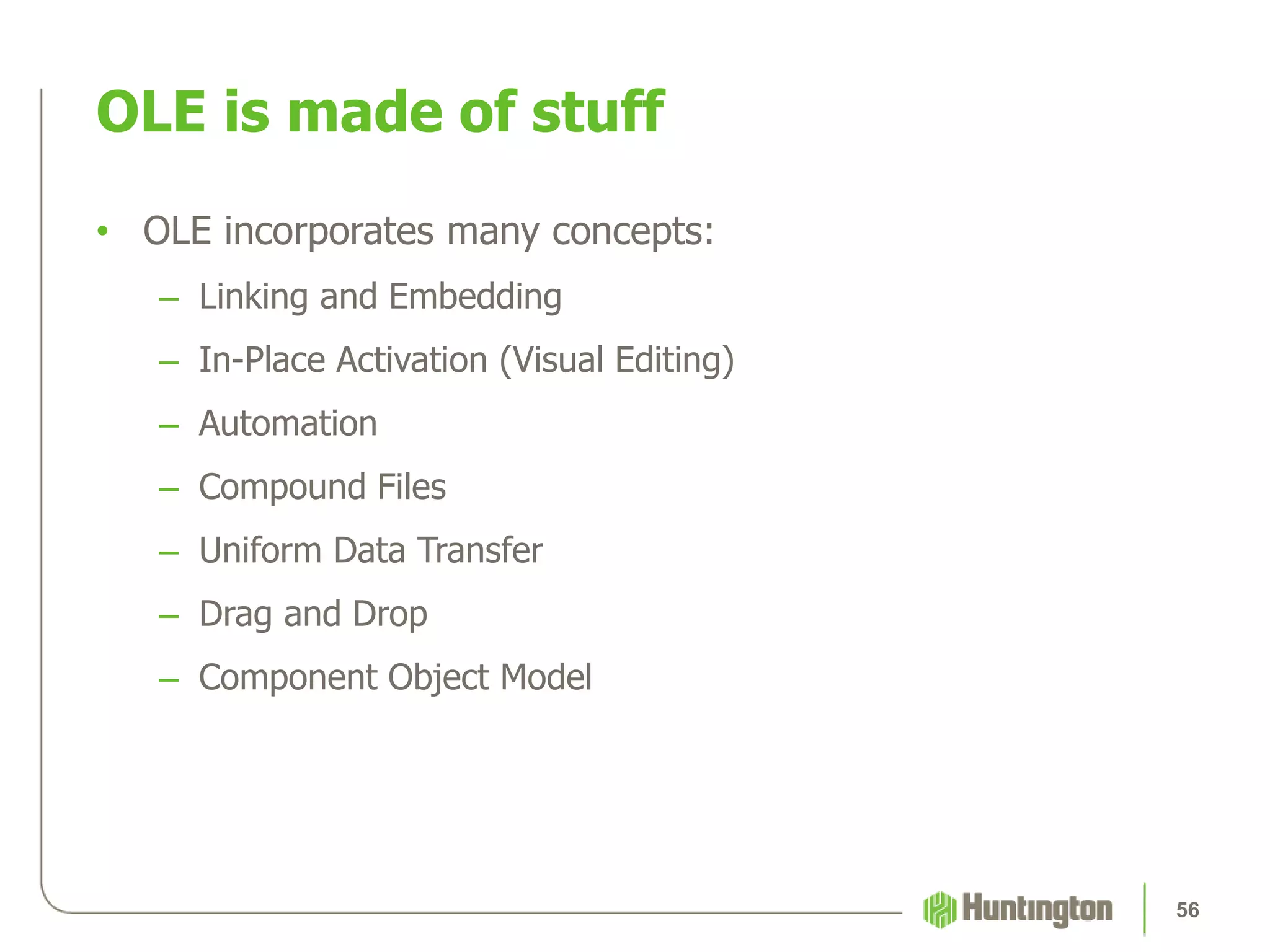
• OLE incorporates many concepts:
– Linking and Embedding
– In-Place Activation (Visual Editing)
– Automation
– Compound Files
– Uniform Data Transfer
– Drag and Drop
– Component Object Model
OLE is made of stuff
56
• Power-Up Your Test Suite with OLE Automation
– For test automation, every platform is a challenge that requires a
unique solution. For many native applications in a Windows
environment, the appropriate automation solution is OLE
Automation. From testing desktop applications & stored
procedures to data management & metrics, the combination of
Ruby and WIN32OLE can automate tests on native Windows
apps. The audience will learn the capabilities and limitations of
automation using Microsoft’s Automation interface, with
examples in Excel, Internet Explorer, and PASSPORT terminal
emulator. For those staying through the End Credits, we’ll have a
special bonus scene!
Abstract
57
Change History
Author Date Comment
Joshua Russell 2018-02-26 Updated for QA or the Highway
58

Power-Up Your Test Suite with OLE Automation by Joshua Russell

Editor's Notes

  • #10 Microsoft applications, implementation robust. Internet Explorer, IBM Notes, HP ALM/QC
  • #11 Excel is an especially good target for OLE Automation. Ruby gems that manipulate Excel file formats have limitations
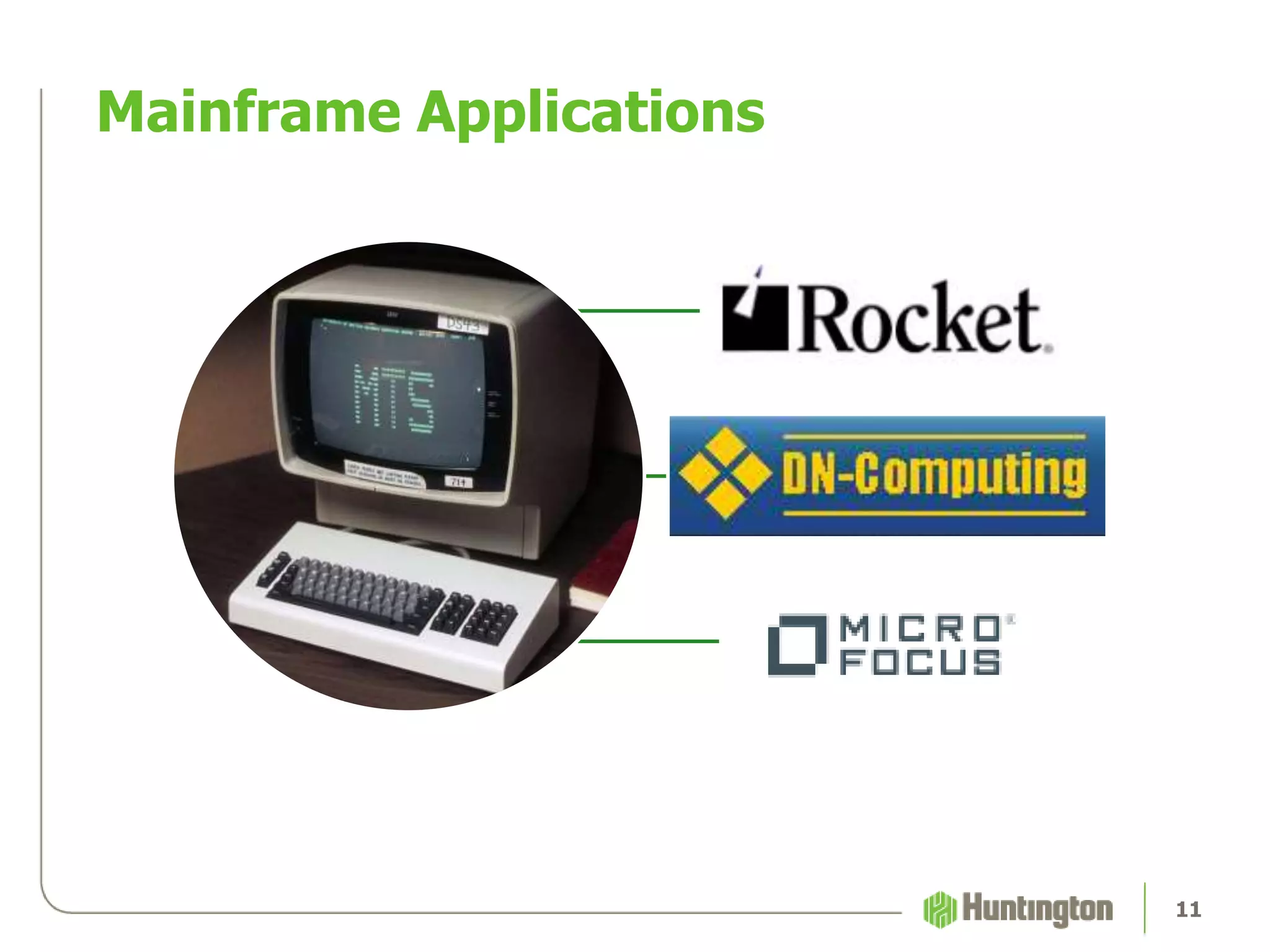
  • #12 Mainframe applications for both task automation (test data) and acceptance testing. Rocket Passport, DN-Computing Quick3270, Micro Focus Attachmate Extra! X-treme
  • #13 Automate repetitive tasks and test setup. OLE Automation does not exercise the user interface.
  • #14 OLE Automation = means of manipulating applications directly by accessing objects that they expose || Popular options >> Selenium-webdriver, RAutomation || Several names: COM automation, subset of COM; Previously “OLE Automation”, now “Automation” …Too vague to be helpful. “The Application Interface Formerly Known As OLE Automation”.
  • #15 Created by Microsoft >> Based on a subset of COM, standard for creating software which can communicate >> OLE, grab bag of semi-related functionalities, scripting languages, bunch of languages >> list (Java 3rd party)
  • #16 Client and server model: Automation clients, automation servers
  • #17 An application (a type of COM server) which exposes its functionality through COM interfaces to other applications is an automation server
  • #18 An application which accesses the objects exposed by an automation server is called an automation client
  • #19 Application implements object model. Objects exposed have properties and methods that can be accessed and manipulated. Dictates how automation can interact.
  • #21 ATA!!! How many Ruby devs? The Ruby implementation of OLE Automation is called WIN32OLE. WIN32OLE is not a Ruby gem, it is a part of the Ruby standard library since 1.8
  • #22 WIN32OLE does not need to be installed, just required. Access an OLE object by creating an instance of the WIN32OLE class and providing the program ID of the automation server
  • #23 The program ID is located in the Windows registry
  • #24 Ruby Object methods. Not helpful. OLE methods. Everything you need to know. Use OLE methods to get access to other OLE objects
  • #25 Mainframe automation for data concerns. Cattle, not pets. Selfish data. Repeatable scenarios.
  • #26 As mentioned before, several mainframe terminal emulators support OLE Automation. Quick3270 from DN-Computing, Extra! From Micro Focus, and Passport from Rocket all have published interfaces.
  • #28 TE3270 is a Ruby gem for mainframe automation. Supports a handful of terminal emulators, some using OLE Automation. Except Passport. It doesn’t support Passport, unless you make some creative changes. I’ll link it.
  • #29 TE3270Create classes to represent mainframe screens. Identify fields by row, column, and length. Define custom methods for screen classes
  • #30 Example using Ruby, Cucumber, and the TE3270 gem for data management
  • #31 TE3270 factory methods and simple interactions with screen classes make clean, readable step definitions for Cucumber scenarios that interact with mainframe screens.
  • #32 First scenario wrapper for Ruby code, ease-of-use, second scenario more readable, actual example
  • #33 Launch mainframe, log in, find user, unenroll, reenroll with temp credentials
  • #35 ATA!!! Who manages daily/weekly/monthly reports with Excel? Collections of data? How much time?
  • #36 Follow Ruby basics. What happened? One more step… manipulate the application object
  • #37 There we go! Application -> Workbooks. Methods are like the File menu. Add new, open existing. In this case, open.
  • #38 Workbook immediately visible. Workbooks collection. Access Customers worksheet by index, name. Same for Orders. Add new worksheet.
  • #39 Rows collection, access rows by index.
  • #40 Columns collection, just like Rows. Access by index.
  • #41 Cells collection, again… the same. Access by row, column or by single index
  • #42 Close one workbook or close them all.
  • #43 Quit the application.
  • #44 Charts. Formulas. Formatting. Version control. You can find more information about the capabilities of Excel OLE Automation by referencing the Microsoft documentation of the Excel Object Model…
  • #45 DCOM: OLE Automation over network, Event handling with “sink interfaces”, A subset of the COM interface is implemented on Apple’s Core Foundation