Brush PRESENTER NAME
Agenda
With PowerPoint, you can create
presentations and share your work with
others, wherever they are. Type the text
you want here to get started. You can
also add images, art, and videos on this
template. Save to OneDrive and
access your presentations from your
computer, tablet, or phone.
9/3/20XX Presentation Title 3
Planning.
Planning involves the following tasks (but not limited to:
- Conceptualization of the idea,
- Research on accessible data on your subject,
- Setting deadlines and meetings,
- Assigning people to different roles,
- Finding a web site or blog host,
- Creating a site map for a tour site,
- List of all applications that you need like web apps,
- Funding (if applicable) and
- Creating a Concept Paper
Topic one
SUBTITLE
Chart
0
1
2
3
4
5
6
Category 1 Category 2 Category 3 Category 4
Series 1 Series 2 Series 3
9/3/20XX Presentation Title 6
Table
Category 1 Category 2 Category 3 Category 4
Item 1 4.5 2.3 1.7 5
Item 2 3.2 5.1 4.4 3
Item 3 2.1 1.7 2.5 2.8
Item 4 4.5 2.2 1.7 7
9/3/20XX Presentation Title 7
Table
Category 1 Category 2 Category 3 Category 4
Item 1 4.5 2.3 1.7 5
Item 2 3.2 5.1 4.4 3
Item 3 2.1 1.7 2.5 2.8
Item 4 4.5 2.2 1.7 7
9/3/20XX Presentation Title 8
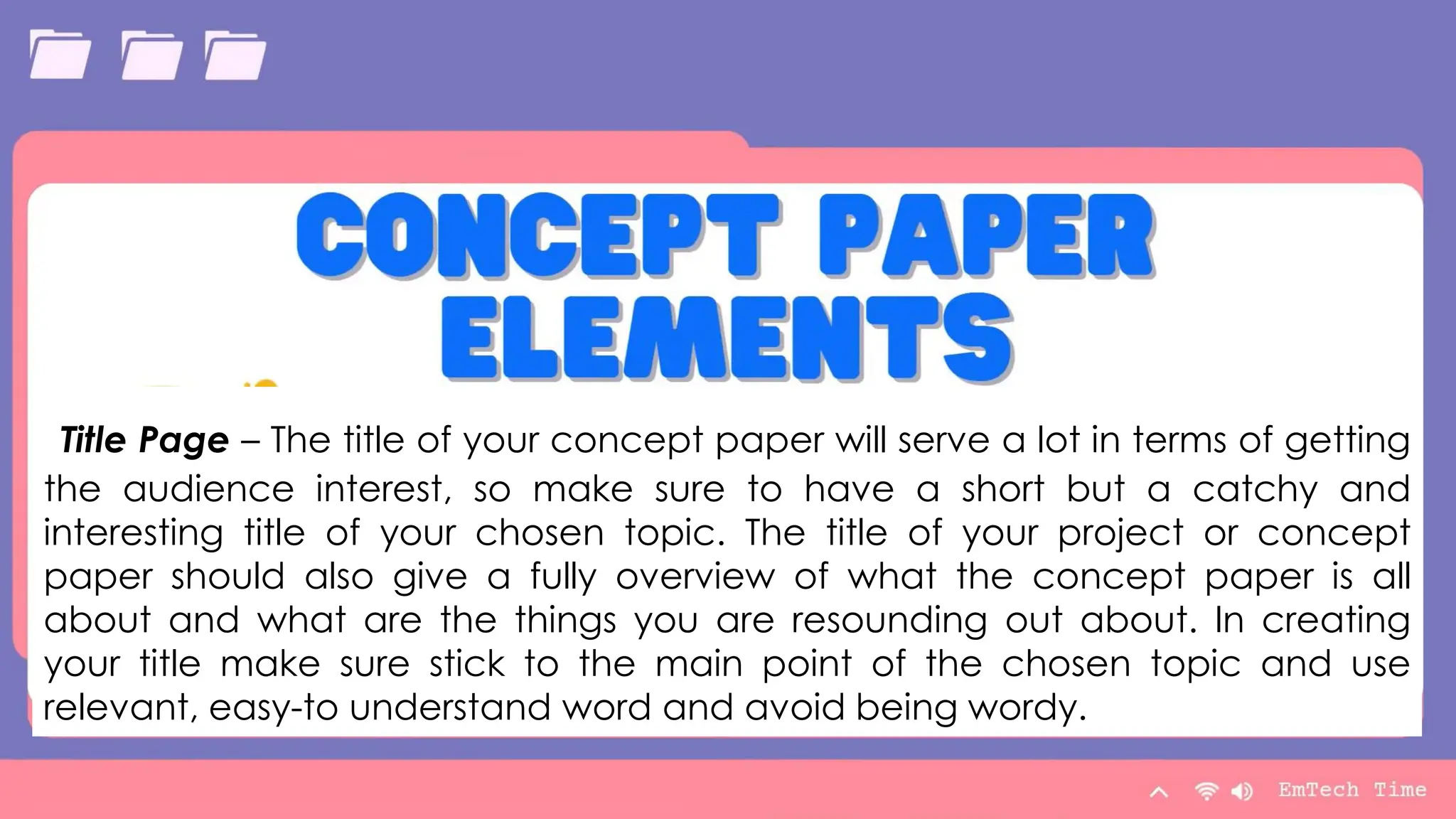
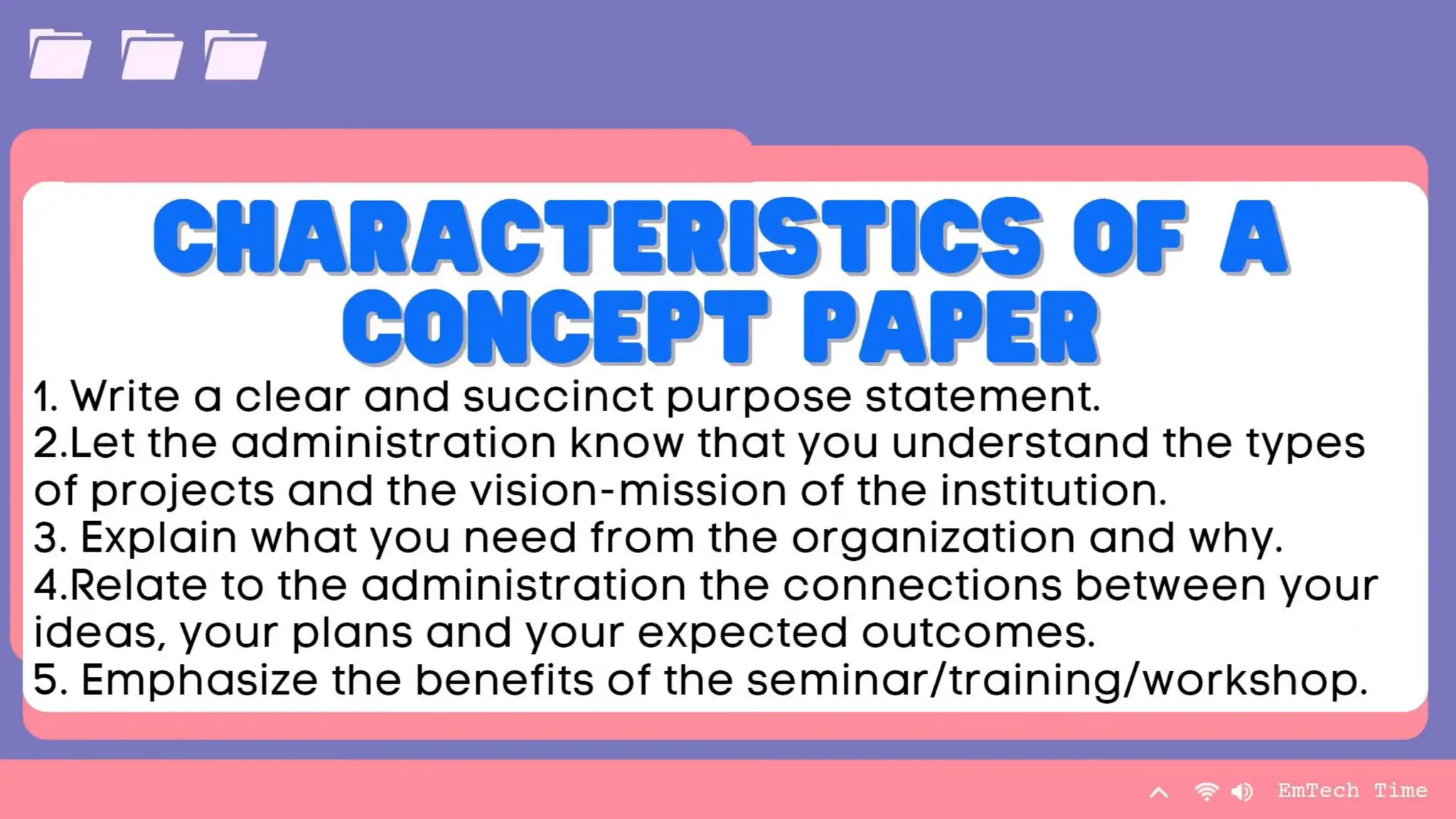
Title Page – The title of your concept paper will serve a lot in terms of getting
the audience interest, so make sure to have a short but a catchy and
interesting title of your chosen topic. The title of your project or concept
paper should also give a fully overview of what the concept paper is all
about and what are the things you are resounding out about. In creating
your title make sure stick to the main point of the chosen topic and use
relevant, easy-to understand word and avoid being wordy.
Table
Category 1 Category 2 Category 3 Category 4
Item 1 4.5 2.3 1.7 5
Item 2 3.2 5.1 4.4 3
Item 3 2.1 1.7 2.5 2.8
Item 4 4.5 2.2 1.7 7
9/3/20XX Presentation Title 9
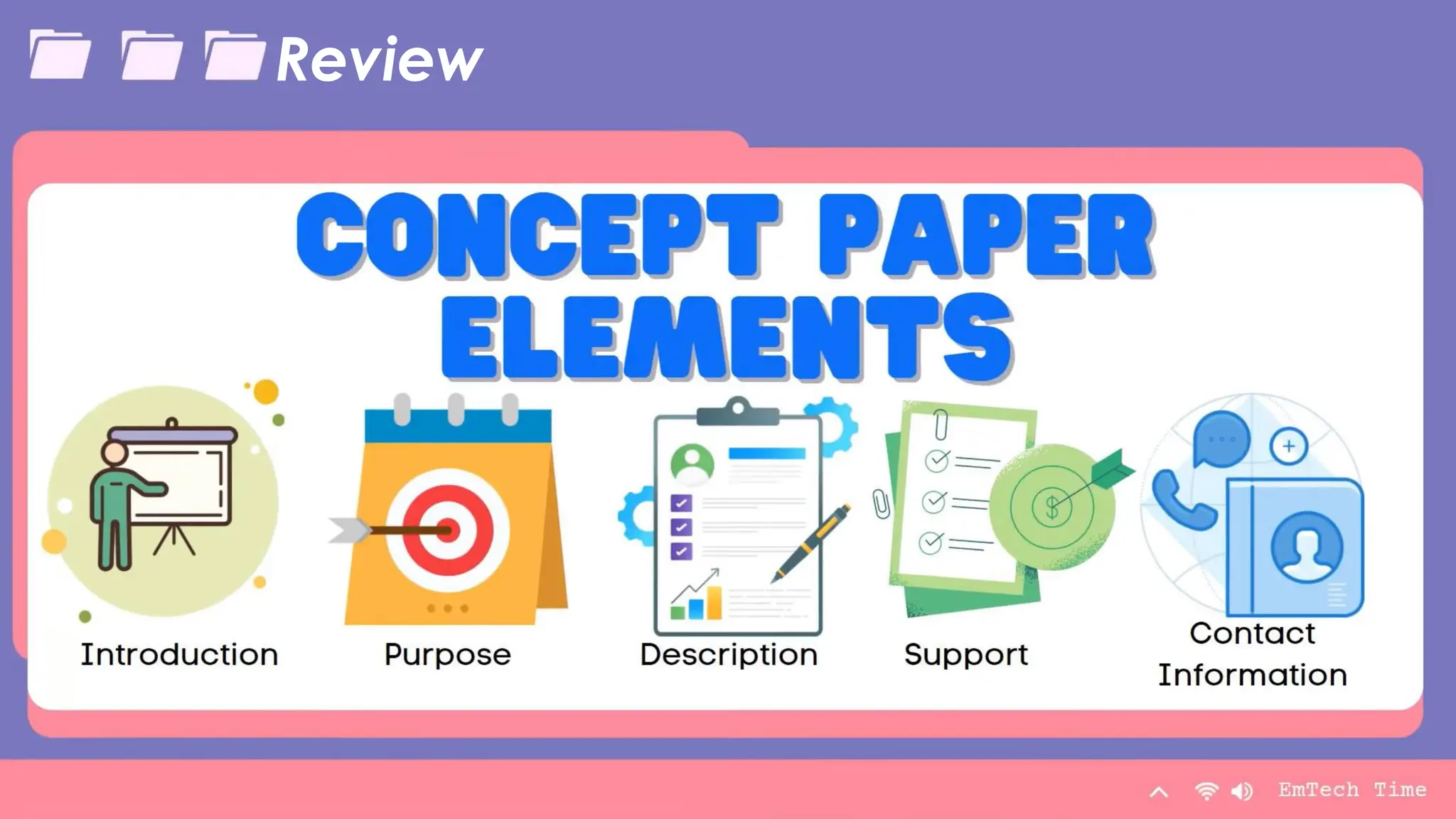
INTRODUCTION
• serves as the most important part of your concept paper.
• should detail your mission or goal and the vision or dream you have in taking
up this concept paper.
• You need to elaborate and identify it by providing them the urge of solving
an existing problem and to provide meaningful insights of your project.
• Your introduction should also contain the following:
a)the clear problem you wanted to solve;
b)why did you like to investigate under this study.
c)how your research or concept paper would be helpful for others; and
d)what are the clear evidence that your study is beneficial and necessary
to be discussed. Lastly, what making your introduction critical is that
making it you need to make a clear and good impression to the possible
readers.
Table
Category 1 Category 2 Category 3 Category 4
Item 1 4.5 2.3 1.7 5
Item 2 3.2 5.1 4.4 3
Item 3 2.1 1.7 2.5 2.8
Item 4 4.5 2.2 1.7 7
9/3/20XX Presentation Title 10
Purpose
• includes the reasons why your chosen project or
advocacy campaign is worth all the time effort and
money.
• You need to make a strong atmosphere of
purpose.
• Your purpose should not only be to prove your
right, but it is more about on how you can help
other people in the purpose of your chosen
concept paper. Remember your main purpose
here is to bring something good and create an
impact for a change.
Table
Category 1 Category 2 Category 3 Category 4
Item 1 4.5 2.3 1.7 5
Item 2 3.2 5.1 4.4 3
Item 3 2.1 1.7 2.5 2.8
Item 4 4.5 2.2 1.7 7
9/3/20XX Presentation Title 11
Description
• includes all the necessary information, data and
details about your project. This element talks
about the steps and procedure on how you will do
things properly.
• expounds the methods and plans on how you will
answer the problems of the concept and in
revealing the efficacy of your solution to the
problems.
• Also involves ways on how you will process your
concept into a clear technique of the production
of concrete solution in harmonious purpose that
will lead to the creation of a successful project or
advocacy.
Table
Category 1 Category 2 Category 3 Category 4
Item 1 4.5 2.3 1.7 5
Item 2 3.2 5.1 4.4 3
Item 3 2.1 1.7 2.5 2.8
Item 4 4.5 2.2 1.7 7
9/3/20XX Presentation Title 12
Support
• contains your budget needed for the project.
• Every project needed funds to be published and
materialized their certain cause, thus support from a
sponsor/s necessary to be consider.
• Remember that support does not only means
monetary things, but it can also be as moral support
from your friends, relative and among others,
depending on the topic or cause who have
chosen.
Table
Category 1 Category 2 Category 3 Category 4
Item 1 4.5 2.3 1.7 5
Item 2 3.2 5.1 4.4 3
Item 3 2.1 1.7 2.5 2.8
Item 4 4.5 2.2 1.7 7
9/3/20XX Presentation Title 13
Contact information
• includesinformation on how the you can be
contacted.
• These includes the following (but not limited to):
a)name/s of the creator/s,
b)address,
c)phone or telephone number, d) email address,
and e) website.
The way to get started
is to quit talking and
begin doing.
Walt Disney
9/3/20XX Presentation Title 14
How to craft a concept paper?
Team
Name Name Name Name Name
Title Title Title Title Title
9/3/20XX Presentation Title 15
Team
Name Name Name Name Name
Title Title Title Title Title
9/3/20XX Presentation Title 16
Team
Name Name Name Name Name
Title Title Title Title Title
9/3/20XX Presentation Title 17
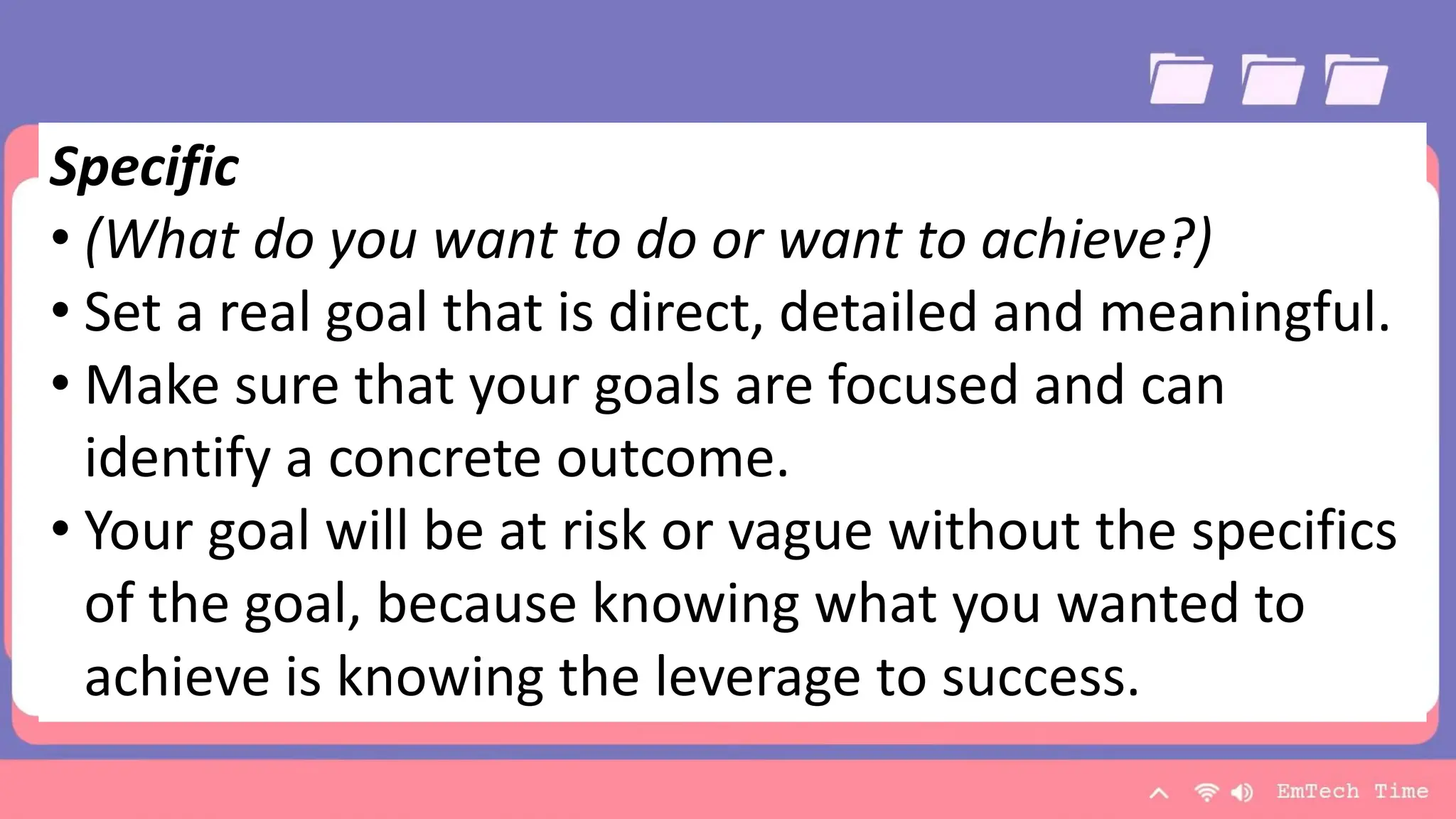
Specific
• (What do you want to do or want to achieve?)
• Set a real goal that is direct, detailed and meaningful.
• Make sure that your goals are focused and can
identify a concrete outcome.
• Your goal will be at risk or vague without the specifics
of the goal, because knowing what you wanted to
achieve is knowing the leverage to success.
Team
Name Name Name Name Name
Title Title Title Title Title
9/3/20XX Presentation Title 18
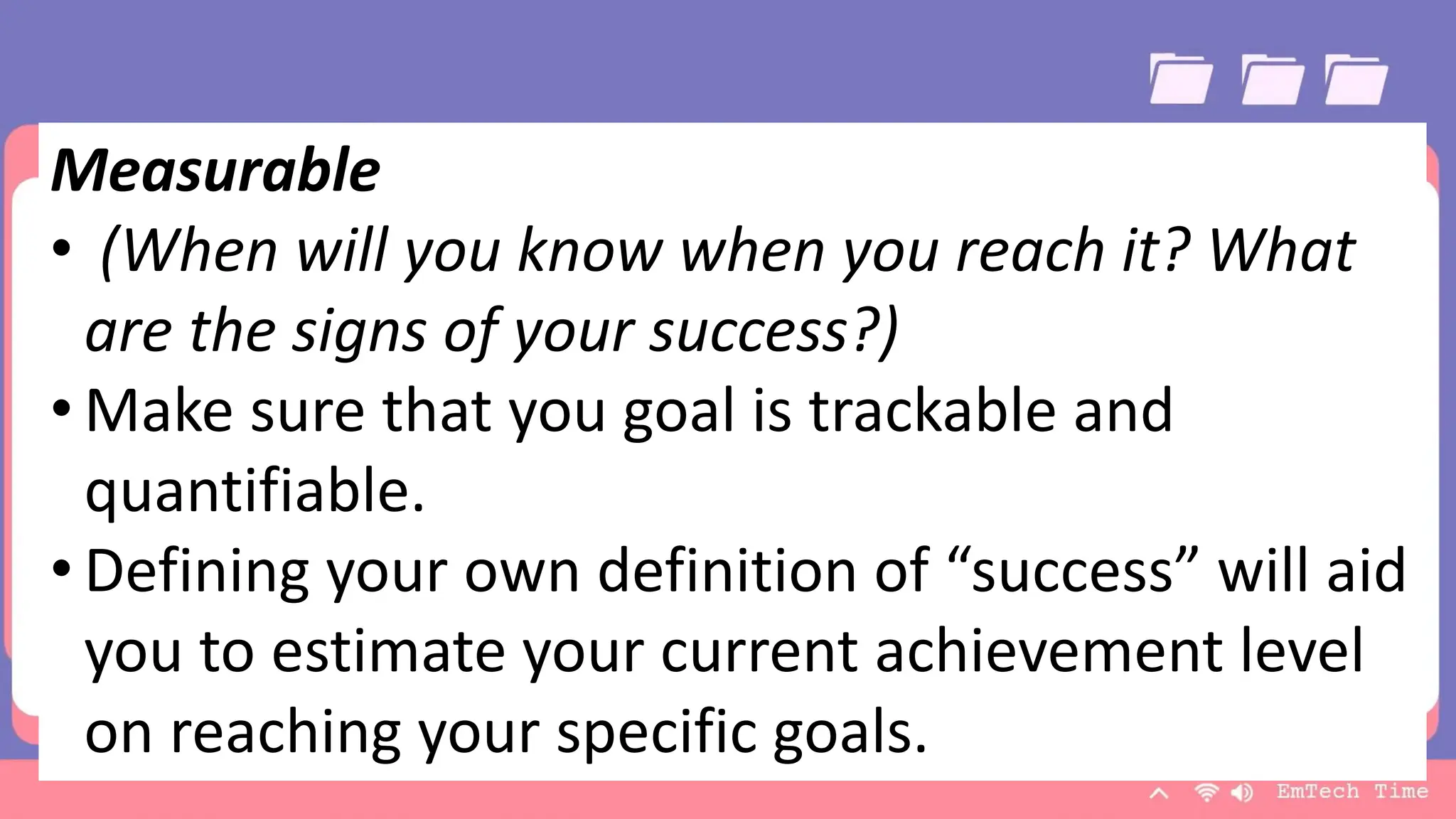
Measurable
• (When will you know when you reach it? What
are the signs of your success?)
• Make sure that you goal is trackable and
quantifiable.
• Defining your own definition of “success” will aid
you to estimate your current achievement level
on reaching your specific goals.
Team
Name Name Name Name Name
Title Title Title Title Title
9/3/20XX Presentation Title 19
Attainable
•(Is it possible for you to reach your goal?)
•Work towards a goal that is challenging but
possible and doable.
• Check if you have the tools or resources that
will help you to achieve and attain your
goals.
Team
Name Name Name Name Name
Title Title Title Title Title
9/3/20XX Presentation Title 20
Realistic
• (Are your current skills enough to reach your
goal?)
• Knowing yourself is the key to your success. Be
honest with yourself and know your capabilities
and the things that you cannot do. Be realistic
toward your goals as well as on your capacity to
do.
Team
Name Name Name Name Name
Title Title Title Title Title
9/3/20XX Presentation Title 21
Time-Bound
• (When exactly do you plan to accomplish it?)
• Give yourself a deadline.
• Every goal should have a target date to finish.
Having deadlines motivates oneself to do more
efficiently and helps you to be focused in
reaching your goals.
Timeline
To start a presentation, go to the Slide
Show tab, and select From Beginning.
Title
To display Presenter view, in Slide Show
view, on the control bar at the bottom
left select the three dots, and then
Show Presenter View.
Title
During your presentation, the speaker
notes are visible on your monitor, but
aren't visible to the audience.
Title
The Notes pane is a box that appears
below each slide. Tap it to add notes.
Title
If you don’t see the Notes pane or it
is completely minimized, click Notes
on the task bar across the bottom
of the PowerPoint window.
Title
9/3/20XX Presentation Title 22
Content
Subtitle
• Add text, images, art, and videos.
• Add transitions, animations, and motion.
• Save to OneDrive, to get to your
presentations from your computer,
tablet, or phone.
Subtitle
• Open the Design Ideas pane for instant
slide makeovers.
• When we have design ideas, we’ll show
them to you right there.
9/3/20XX Presentation Title 23
Brush PRESENTER NAME
Table
Category 1 Category 2 Category 3 Category 4
Item 1 4.5 2.3 1.7 5
Item 2 3.2 5.1 4.4 3
Item 3 2.1 1.7 2.5 2.8
Item 4 4.5 2.2 1.7 7
9/3/20XX Presentation Title 25
Review
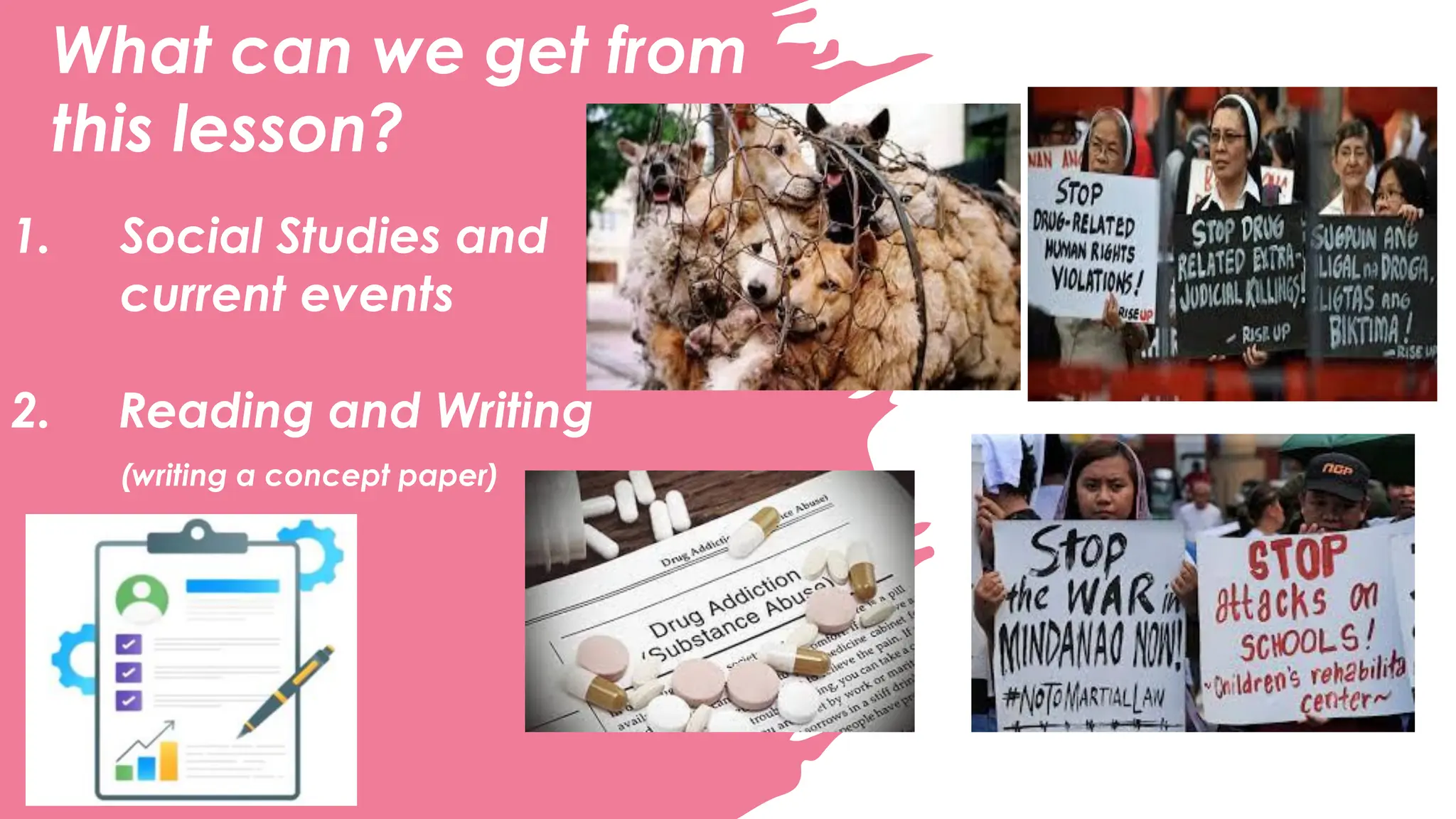
What can we get from
this lesson?
1. Social Studies and
current events
2. Reading and Writing
(writing a concept paper)
What can we get from
this lesson?
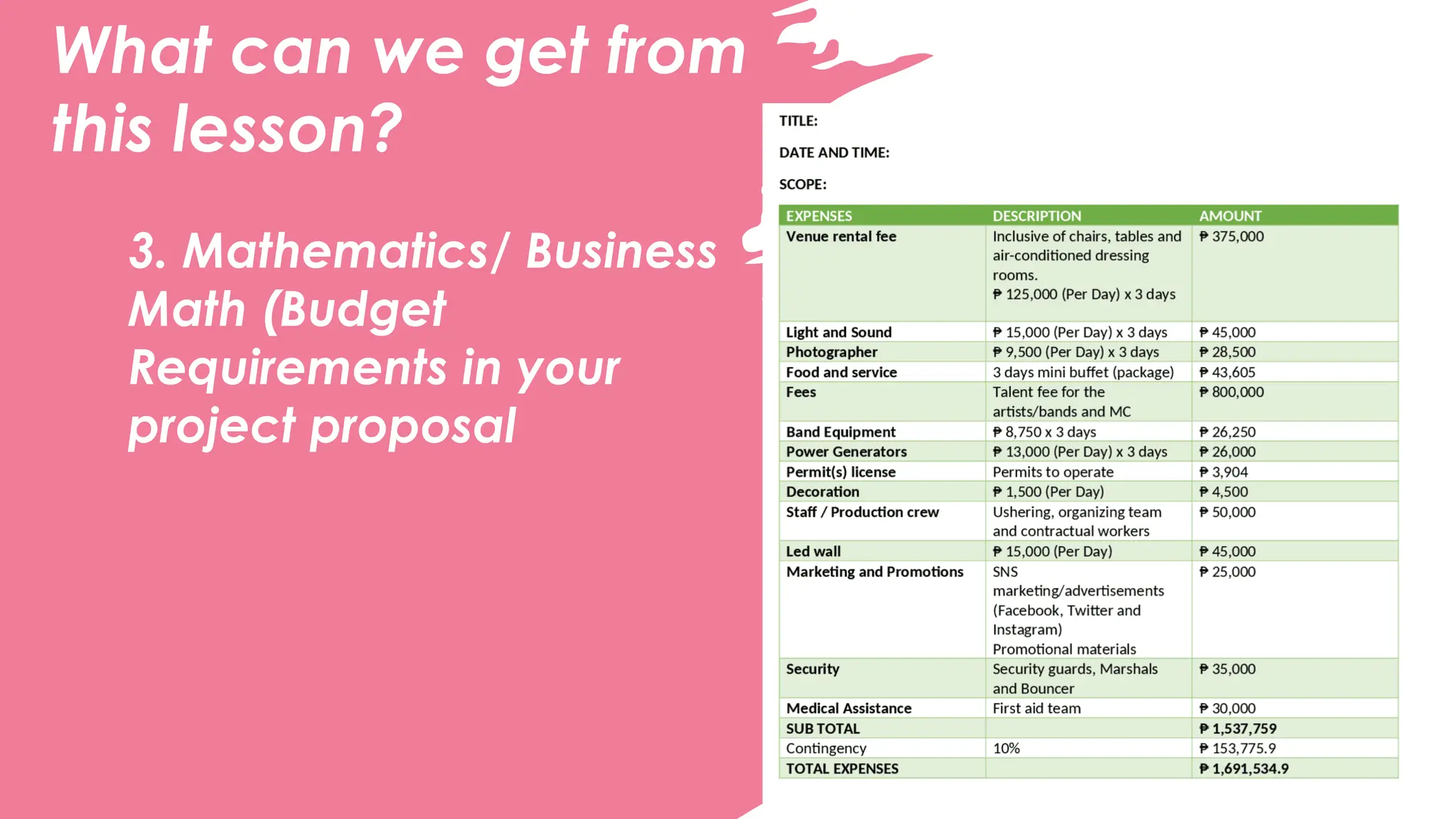
3. Mathematics/ Business
Math (Budget
Requirements in your
project proposal
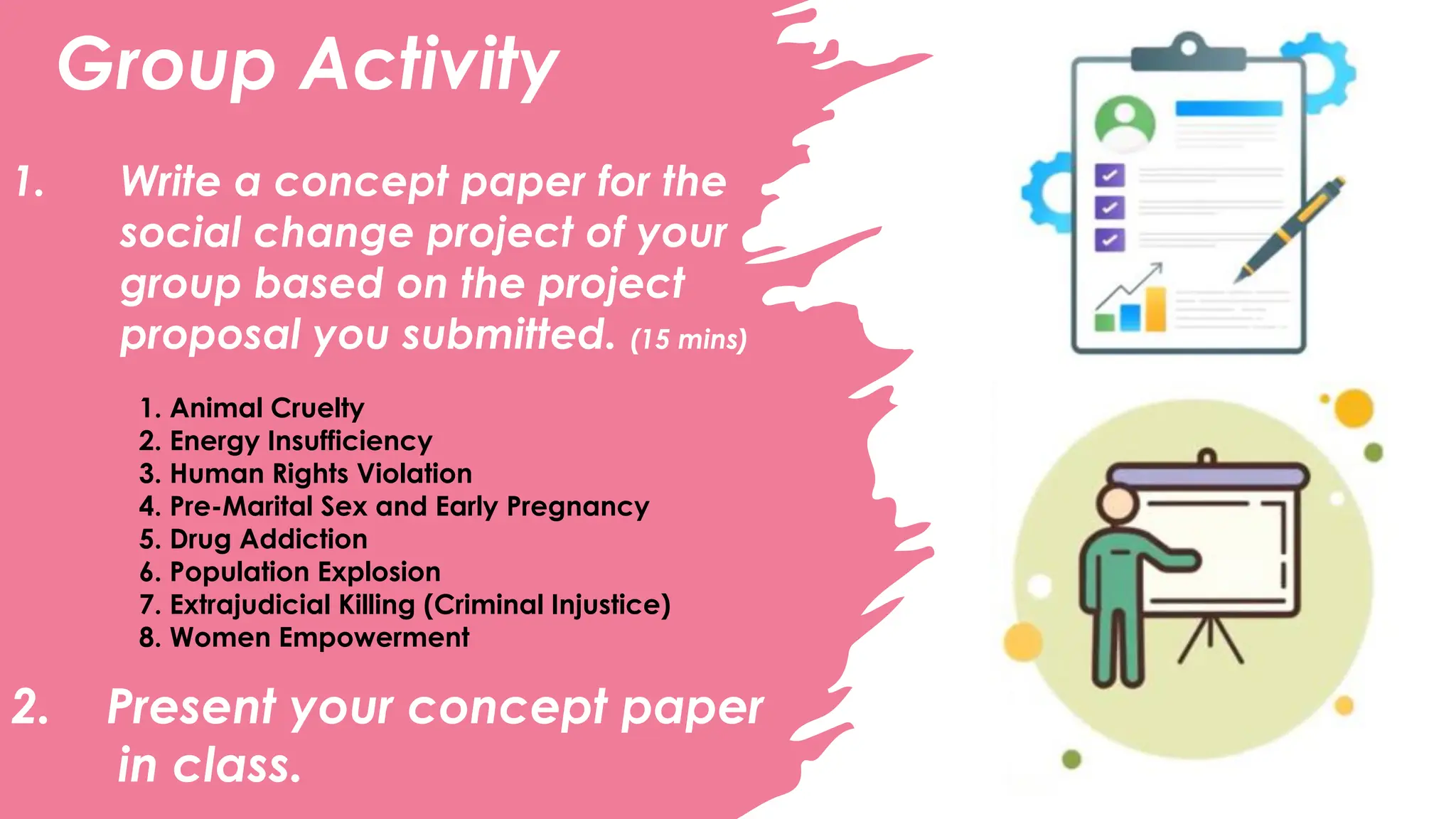
Group Activity
1. Write a concept paper for the
social change project of your
group based on the project
proposal you submitted. (15 mins)
1. Animal Cruelty
2. Energy Insufficiency
3. Human Rights Violation
4. Pre-Marital Sex and Early Pregnancy
5. Drug Addiction
6. Population Explosion
7. Extrajudicial Killing (Criminal Injustice)
8. Women Empowerment
2. Present your concept paper
in class.
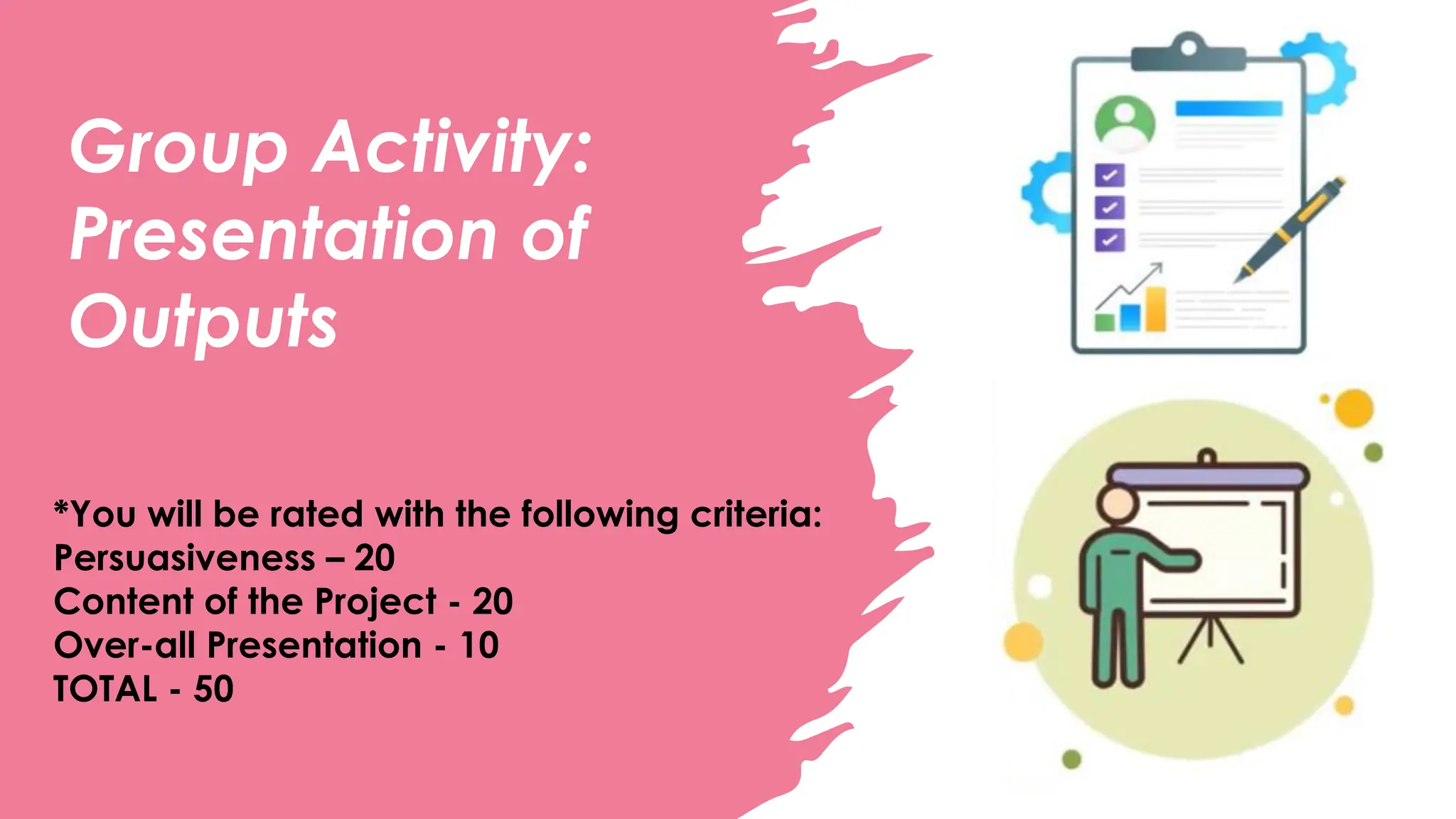
Group Activity:
Presentation of
Outputs
*You will be rated with the following criteria:
Persuasiveness – 20
Content of the Project - 20
Over-all Presentation - 10
TOTAL - 50
Content
Subtitle
• Add text, images, art,
and videos.
• Add transitions,
animations, and motion.
• Save to OneDrive, to
get to your
presentations from your
computer, tablet, or
phone.
Subtitle
• Open the Design Ideas
pane for instant slide
makeovers.
• When we have design
ideas, we’ll show them
to you right there.
Subtitle
• This PowerPoint theme
uses its own unique set
of colors, fonts, and
effects to create the
overall look and feel of
these slides.
• PowerPoint has tons of
themes to give your
presentation just the
right personality.
9/3/20XX Presentation Title 30
Summary
With PowerPoint, you can create
presentations and share your work with
others, wherever they are. Type the text
you want here to get started. You can
also add images, art, and videos on this
template. Save to OneDrive and
access your presentations from your
computer, tablet, or phone.
Presentation Title 31
Summary
With PowerPoint, you can create
presentations and share your work with
others, wherever they are. Type the text
you want here to get started. You can
also add images, art, and videos on this
template. Save to OneDrive and
access your presentations from your
computer, tablet, or phone.
Presentation Title 32
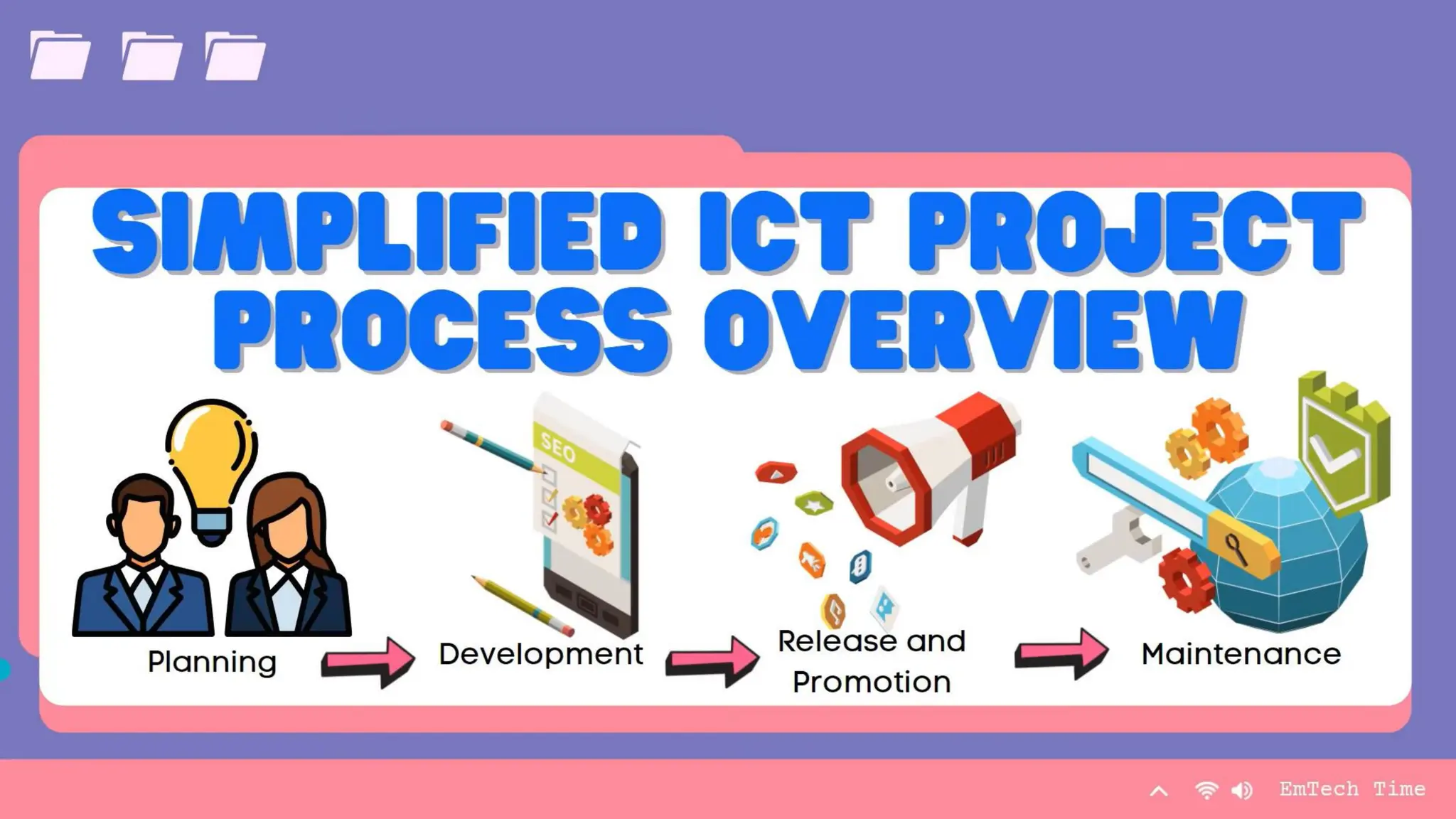
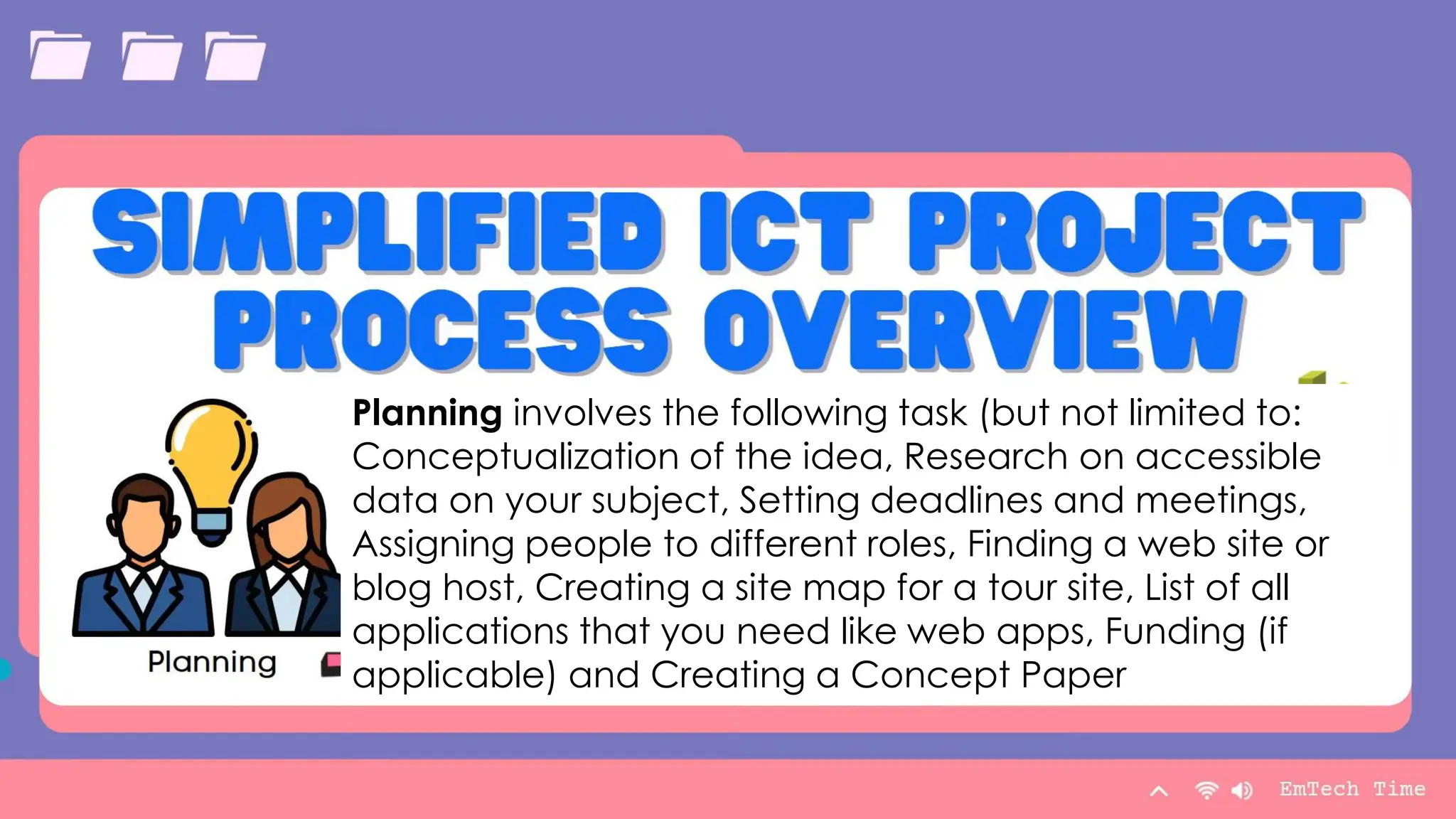
Planning involves the following task (but not limited to:
Conceptualization of the idea, Research on accessible
data on your subject, Setting deadlines and meetings,
Assigning people to different roles, Finding a web site or
blog host, Creating a site map for a tour site, List of all
applications that you need like web apps, Funding (if
applicable) and Creating a Concept Paper
Summary
With PowerPoint, you can create
presentations and share your work with
others, wherever they are. Type the text
you want here to get started. You can
also add images, art, and videos on this
template. Save to OneDrive and
access your presentations from your
computer, tablet, or phone.
Presentation Title 33
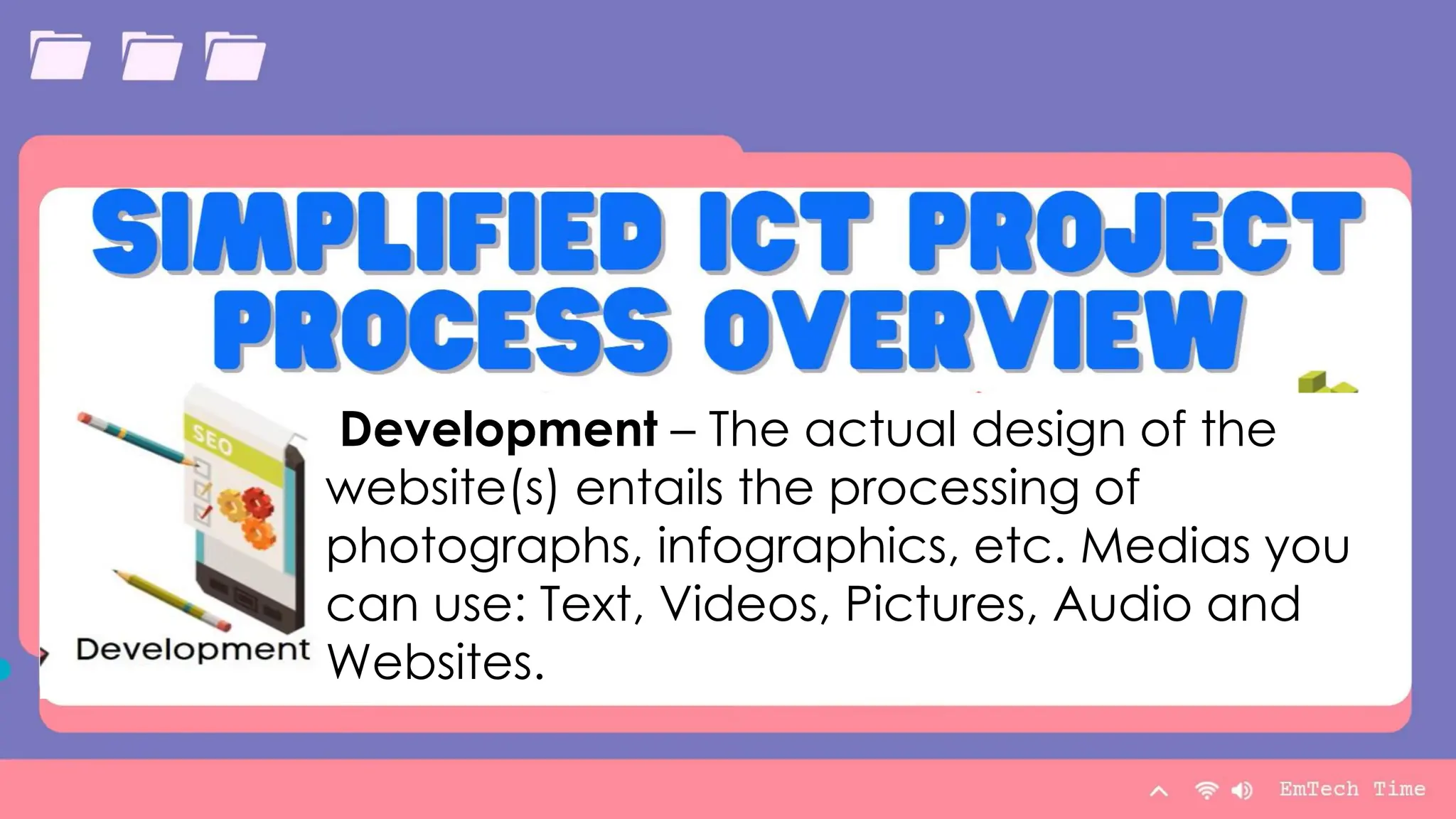
Development – The actual design of the
website(s) entails the processing of
photographs, infographics, etc. Medias you
can use: Text, Videos, Pictures, Audio and
Websites.
Summary
With PowerPoint, you can create
presentations and share your work with
others, wherever they are. Type the text
you want here to get started. You can
also add images, art, and videos on this
template. Save to OneDrive and
access your presentations from your
computer, tablet, or phone.
Presentation Title 34
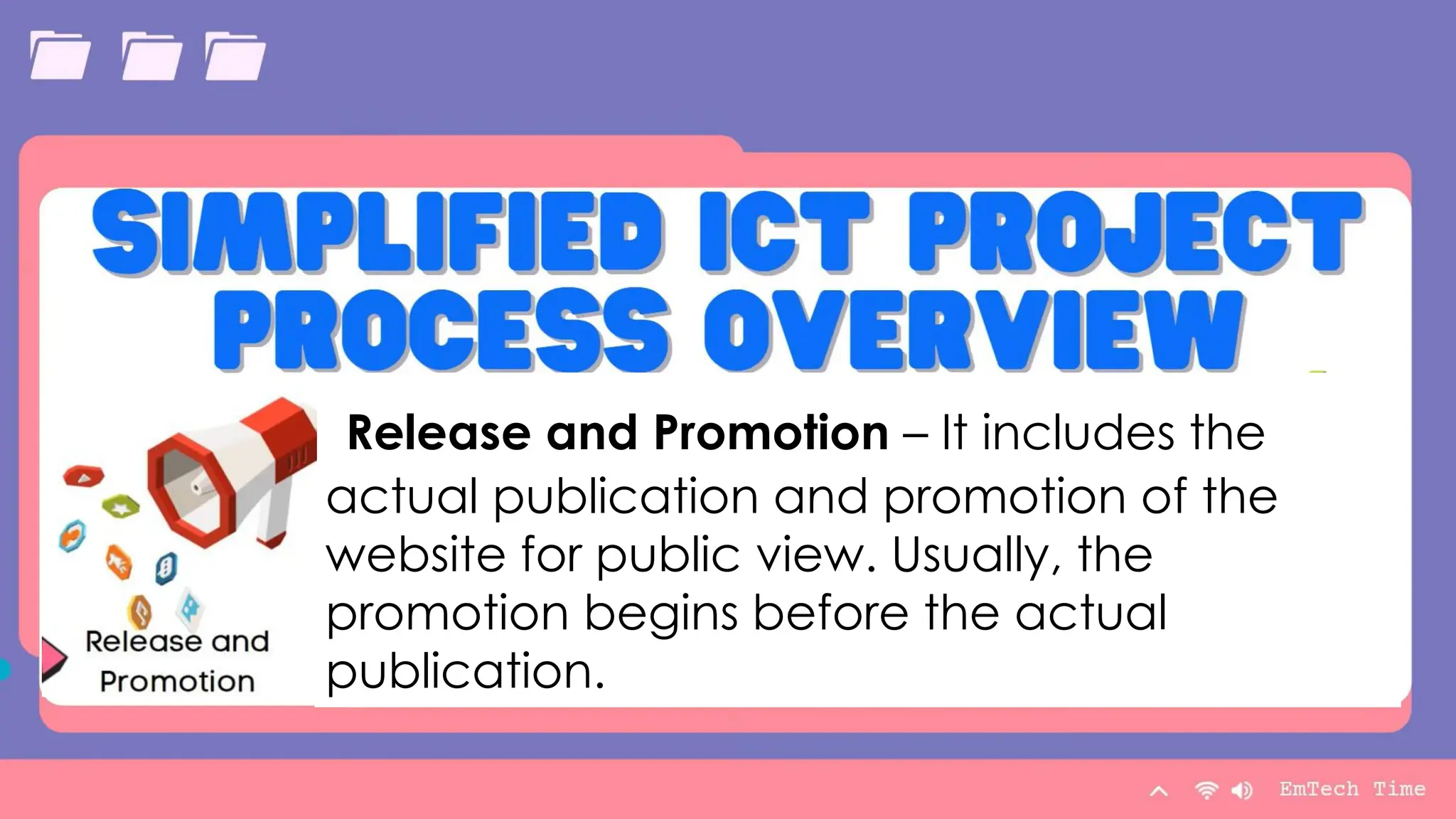
Release and Promotion – It includes the
actual publication and promotion of the
website for public view. Usually, the
promotion begins before the actual
publication.
Summary
With PowerPoint, you can create
presentations and share your work with
others, wherever they are. Type the text
you want here to get started. You can
also add images, art, and videos on this
template. Save to OneDrive and
access your presentations from your
computer, tablet, or phone.
Presentation Title 35
Maintenance – It includes listening
to reviews from your site users and
helping to develop your website.
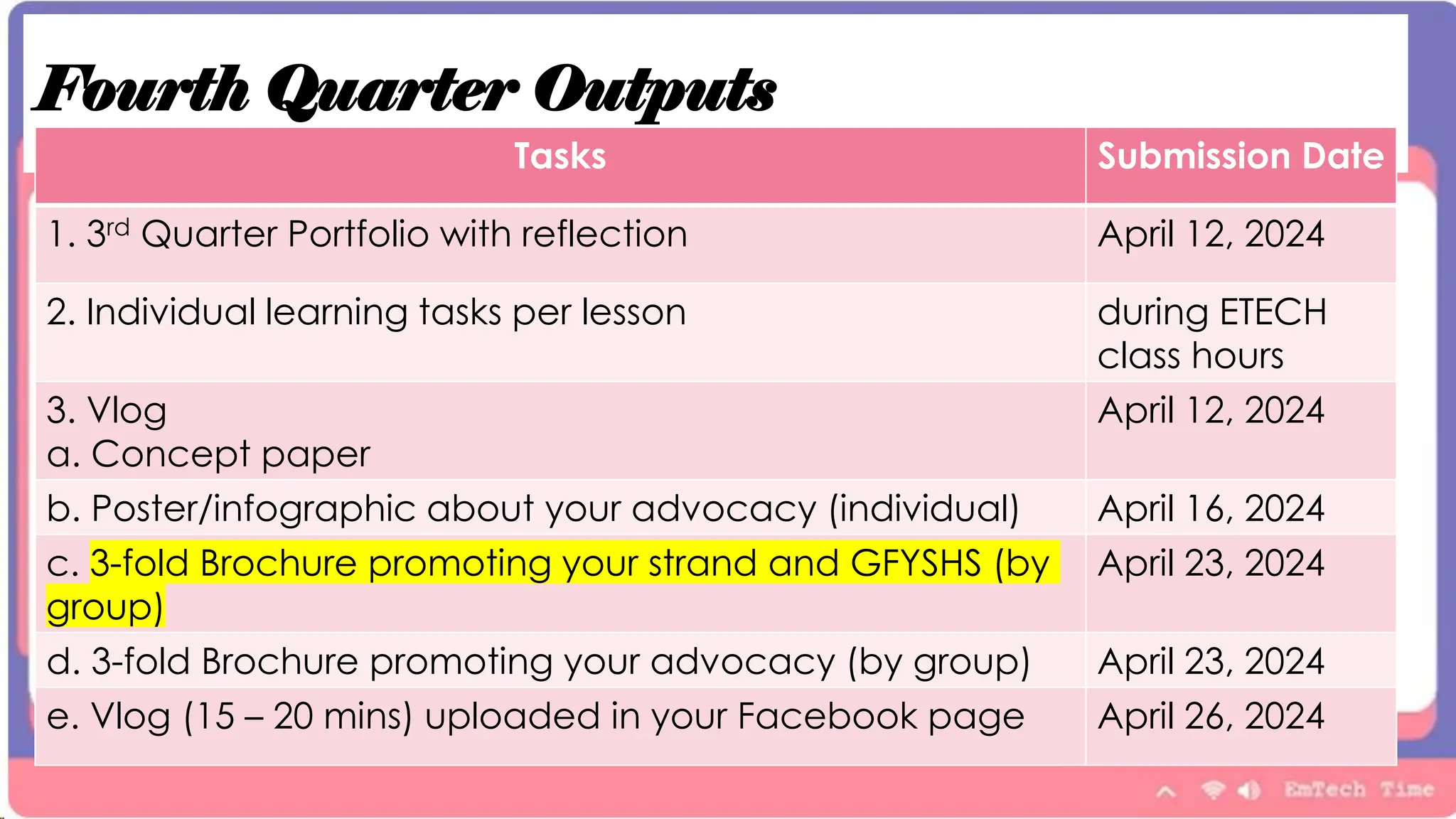
Fourth Quarter Outputs
Tasks Submission Date
1. 3rd Quarter Portfolio with reflection April 12, 2024
2. Individual learning tasks per lesson during ETECH
class hours
3. Vlog
a. Concept paper
April 12, 2024
b. Poster/infographic about your advocacy (individual) April 16, 2024
c. 3-fold Brochure promoting your strand and GFYSHS (by
group)
April 23, 2024
d. 3-fold Brochure promoting your advocacy (by group) April 23, 2024
e. Vlog (15 – 20 mins) uploaded in your Facebook page April 26, 2024
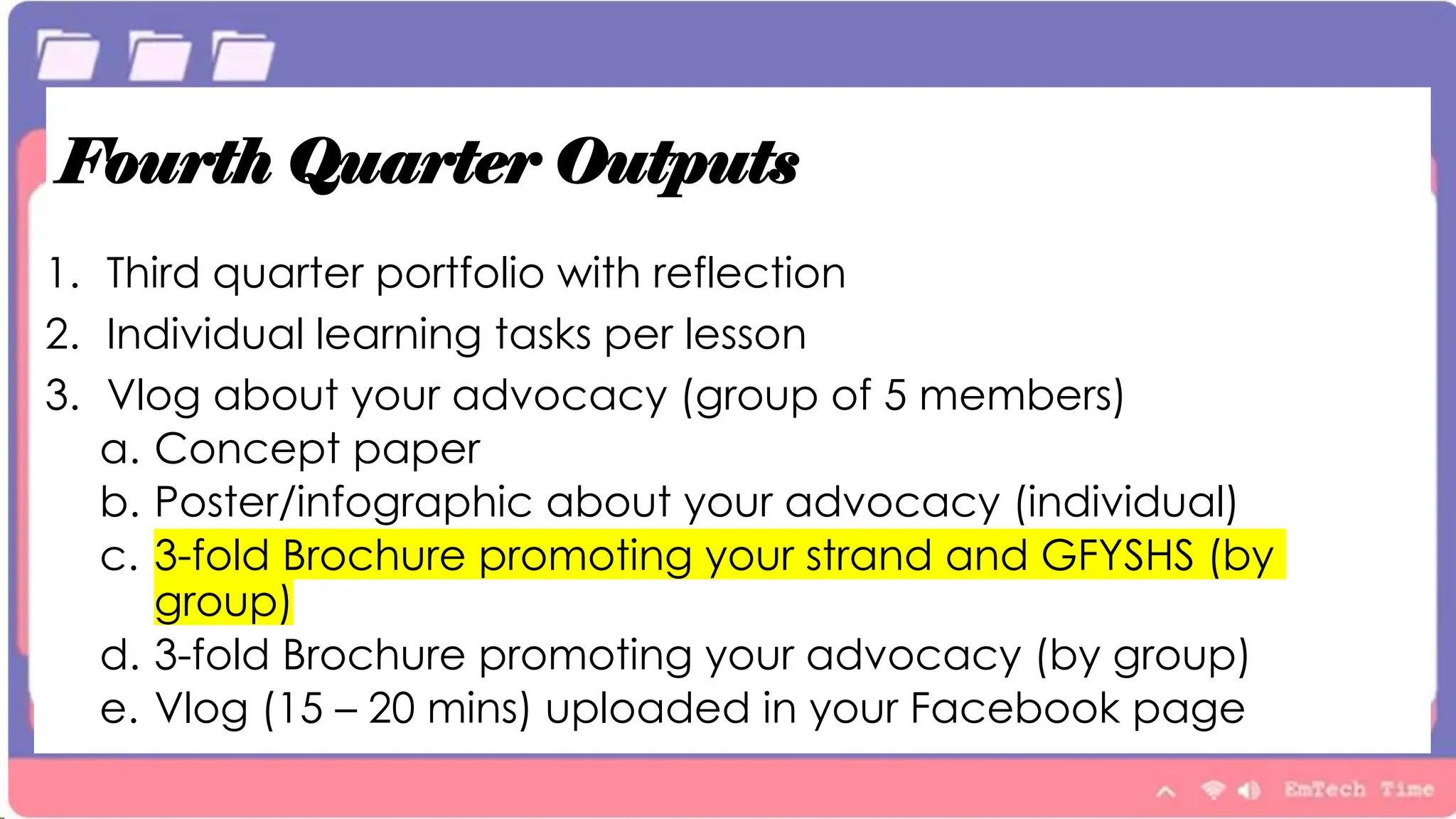
Fourth Quarter Outputs
1. Third quarter portfolio with reflection
2. Individual learning tasks per lesson
3. Vlog about your advocacy (group of 5 members)
a. Concept paper
b. Poster/infographic about your advocacy (individual)
c. 3-fold Brochure promoting your strand and GFYSHS (by
group)
d. 3-fold Brochure promoting your advocacy (by group)
e. Vlog (15 – 20 mins) uploaded in your Facebook page
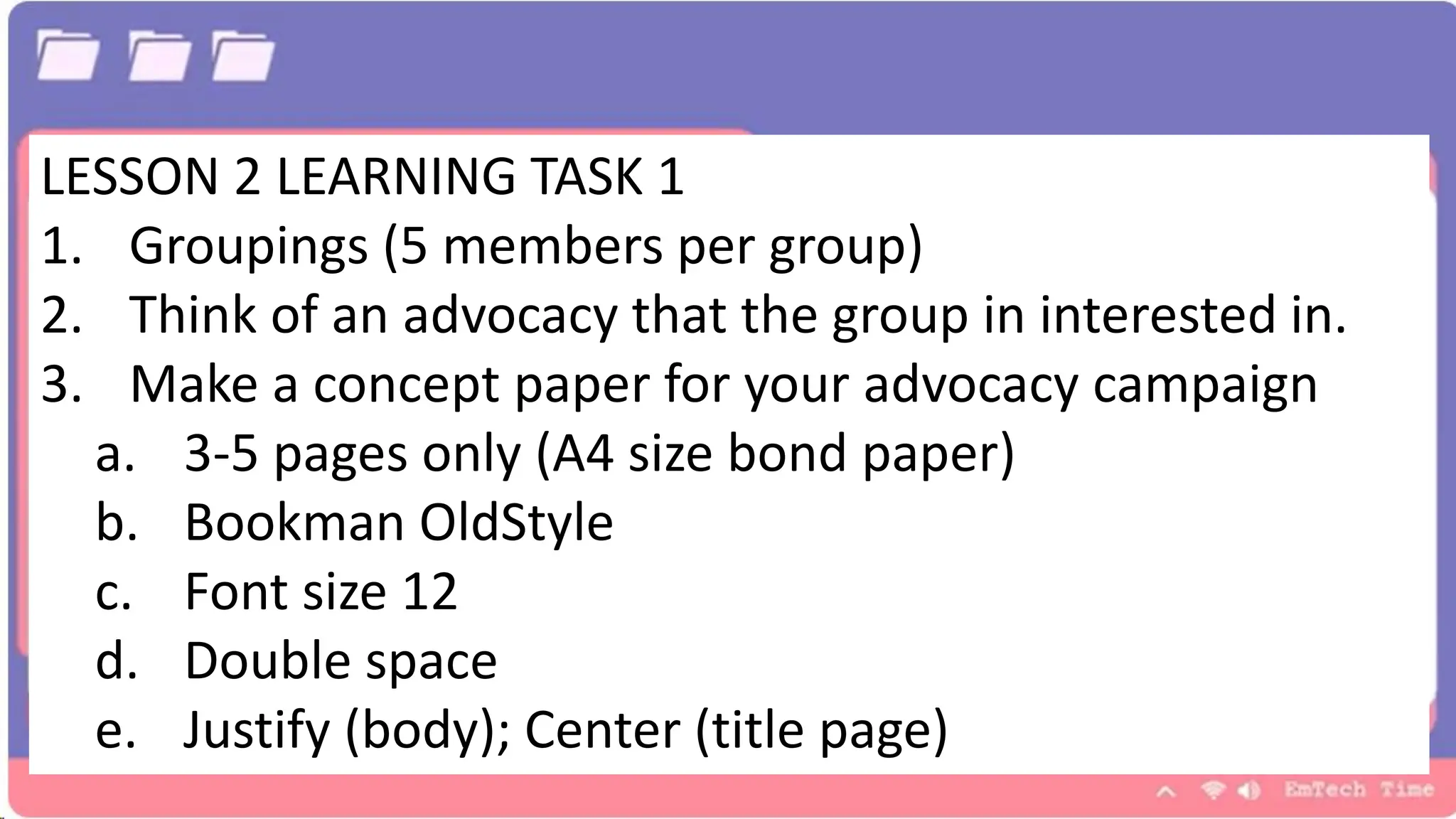
LESSON 2 LEARNING TASK 1
1. Groupings (5 members per group)
2. Think of an advocacy that the group in interested in.
3. Make a concept paper for your advocacy campaign
a. 3-5 pages only (A4 size bond paper)
b. Bookman OldStyle
c. Font size 12
d. Double space
e. Justify (body); Center (title page)

planning sooooooooooooooooocial campaign

  • 1.
  • 3.
    Agenda With PowerPoint, youcan create presentations and share your work with others, wherever they are. Type the text you want here to get started. You can also add images, art, and videos on this template. Save to OneDrive and access your presentations from your computer, tablet, or phone. 9/3/20XX Presentation Title 3
  • 4.
    Planning. Planning involves thefollowing tasks (but not limited to: - Conceptualization of the idea, - Research on accessible data on your subject, - Setting deadlines and meetings, - Assigning people to different roles, - Finding a web site or blog host, - Creating a site map for a tour site, - List of all applications that you need like web apps, - Funding (if applicable) and - Creating a Concept Paper
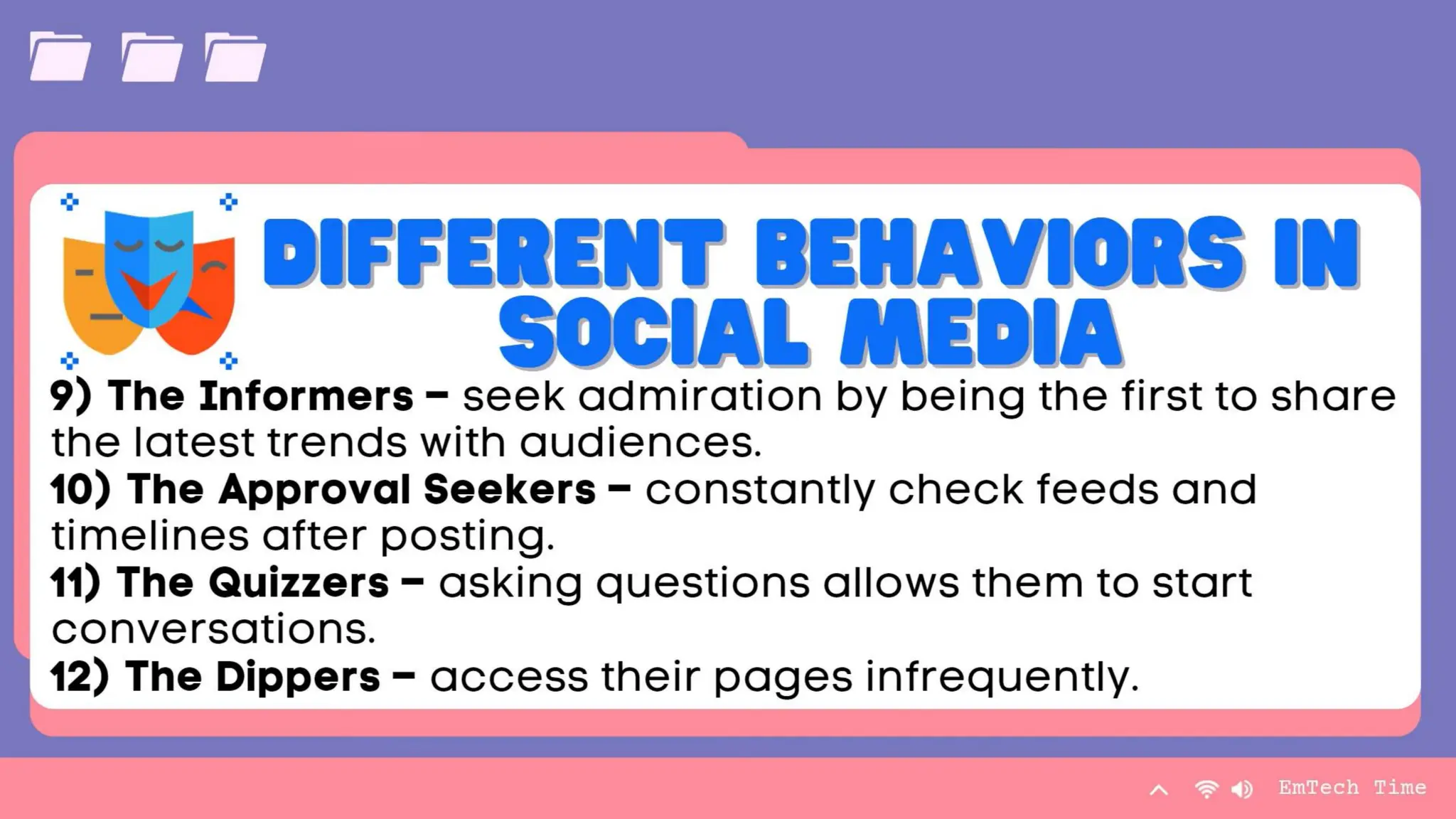
  • 5.
  • 6.
    Chart 0 1 2 3 4 5 6 Category 1 Category2 Category 3 Category 4 Series 1 Series 2 Series 3 9/3/20XX Presentation Title 6
  • 7.
    Table Category 1 Category2 Category 3 Category 4 Item 1 4.5 2.3 1.7 5 Item 2 3.2 5.1 4.4 3 Item 3 2.1 1.7 2.5 2.8 Item 4 4.5 2.2 1.7 7 9/3/20XX Presentation Title 7
  • 8.
    Table Category 1 Category2 Category 3 Category 4 Item 1 4.5 2.3 1.7 5 Item 2 3.2 5.1 4.4 3 Item 3 2.1 1.7 2.5 2.8 Item 4 4.5 2.2 1.7 7 9/3/20XX Presentation Title 8 Title Page – The title of your concept paper will serve a lot in terms of getting the audience interest, so make sure to have a short but a catchy and interesting title of your chosen topic. The title of your project or concept paper should also give a fully overview of what the concept paper is all about and what are the things you are resounding out about. In creating your title make sure stick to the main point of the chosen topic and use relevant, easy-to understand word and avoid being wordy.
  • 9.
    Table Category 1 Category2 Category 3 Category 4 Item 1 4.5 2.3 1.7 5 Item 2 3.2 5.1 4.4 3 Item 3 2.1 1.7 2.5 2.8 Item 4 4.5 2.2 1.7 7 9/3/20XX Presentation Title 9 INTRODUCTION • serves as the most important part of your concept paper. • should detail your mission or goal and the vision or dream you have in taking up this concept paper. • You need to elaborate and identify it by providing them the urge of solving an existing problem and to provide meaningful insights of your project. • Your introduction should also contain the following: a)the clear problem you wanted to solve; b)why did you like to investigate under this study. c)how your research or concept paper would be helpful for others; and d)what are the clear evidence that your study is beneficial and necessary to be discussed. Lastly, what making your introduction critical is that making it you need to make a clear and good impression to the possible readers.
  • 10.
    Table Category 1 Category2 Category 3 Category 4 Item 1 4.5 2.3 1.7 5 Item 2 3.2 5.1 4.4 3 Item 3 2.1 1.7 2.5 2.8 Item 4 4.5 2.2 1.7 7 9/3/20XX Presentation Title 10 Purpose • includes the reasons why your chosen project or advocacy campaign is worth all the time effort and money. • You need to make a strong atmosphere of purpose. • Your purpose should not only be to prove your right, but it is more about on how you can help other people in the purpose of your chosen concept paper. Remember your main purpose here is to bring something good and create an impact for a change.
  • 11.
    Table Category 1 Category2 Category 3 Category 4 Item 1 4.5 2.3 1.7 5 Item 2 3.2 5.1 4.4 3 Item 3 2.1 1.7 2.5 2.8 Item 4 4.5 2.2 1.7 7 9/3/20XX Presentation Title 11 Description • includes all the necessary information, data and details about your project. This element talks about the steps and procedure on how you will do things properly. • expounds the methods and plans on how you will answer the problems of the concept and in revealing the efficacy of your solution to the problems. • Also involves ways on how you will process your concept into a clear technique of the production of concrete solution in harmonious purpose that will lead to the creation of a successful project or advocacy.
  • 12.
    Table Category 1 Category2 Category 3 Category 4 Item 1 4.5 2.3 1.7 5 Item 2 3.2 5.1 4.4 3 Item 3 2.1 1.7 2.5 2.8 Item 4 4.5 2.2 1.7 7 9/3/20XX Presentation Title 12 Support • contains your budget needed for the project. • Every project needed funds to be published and materialized their certain cause, thus support from a sponsor/s necessary to be consider. • Remember that support does not only means monetary things, but it can also be as moral support from your friends, relative and among others, depending on the topic or cause who have chosen.
  • 13.
    Table Category 1 Category2 Category 3 Category 4 Item 1 4.5 2.3 1.7 5 Item 2 3.2 5.1 4.4 3 Item 3 2.1 1.7 2.5 2.8 Item 4 4.5 2.2 1.7 7 9/3/20XX Presentation Title 13 Contact information • includesinformation on how the you can be contacted. • These includes the following (but not limited to): a)name/s of the creator/s, b)address, c)phone or telephone number, d) email address, and e) website.
  • 14.
    The way toget started is to quit talking and begin doing. Walt Disney 9/3/20XX Presentation Title 14 How to craft a concept paper?
  • 15.
    Team Name Name NameName Name Title Title Title Title Title 9/3/20XX Presentation Title 15
  • 16.
    Team Name Name NameName Name Title Title Title Title Title 9/3/20XX Presentation Title 16
  • 17.
    Team Name Name NameName Name Title Title Title Title Title 9/3/20XX Presentation Title 17 Specific • (What do you want to do or want to achieve?) • Set a real goal that is direct, detailed and meaningful. • Make sure that your goals are focused and can identify a concrete outcome. • Your goal will be at risk or vague without the specifics of the goal, because knowing what you wanted to achieve is knowing the leverage to success.
  • 18.
    Team Name Name NameName Name Title Title Title Title Title 9/3/20XX Presentation Title 18 Measurable • (When will you know when you reach it? What are the signs of your success?) • Make sure that you goal is trackable and quantifiable. • Defining your own definition of “success” will aid you to estimate your current achievement level on reaching your specific goals.
  • 19.
    Team Name Name NameName Name Title Title Title Title Title 9/3/20XX Presentation Title 19 Attainable •(Is it possible for you to reach your goal?) •Work towards a goal that is challenging but possible and doable. • Check if you have the tools or resources that will help you to achieve and attain your goals.
  • 20.
    Team Name Name NameName Name Title Title Title Title Title 9/3/20XX Presentation Title 20 Realistic • (Are your current skills enough to reach your goal?) • Knowing yourself is the key to your success. Be honest with yourself and know your capabilities and the things that you cannot do. Be realistic toward your goals as well as on your capacity to do.
  • 21.
    Team Name Name NameName Name Title Title Title Title Title 9/3/20XX Presentation Title 21 Time-Bound • (When exactly do you plan to accomplish it?) • Give yourself a deadline. • Every goal should have a target date to finish. Having deadlines motivates oneself to do more efficiently and helps you to be focused in reaching your goals.
  • 22.
    Timeline To start apresentation, go to the Slide Show tab, and select From Beginning. Title To display Presenter view, in Slide Show view, on the control bar at the bottom left select the three dots, and then Show Presenter View. Title During your presentation, the speaker notes are visible on your monitor, but aren't visible to the audience. Title The Notes pane is a box that appears below each slide. Tap it to add notes. Title If you don’t see the Notes pane or it is completely minimized, click Notes on the task bar across the bottom of the PowerPoint window. Title 9/3/20XX Presentation Title 22
  • 23.
    Content Subtitle • Add text,images, art, and videos. • Add transitions, animations, and motion. • Save to OneDrive, to get to your presentations from your computer, tablet, or phone. Subtitle • Open the Design Ideas pane for instant slide makeovers. • When we have design ideas, we’ll show them to you right there. 9/3/20XX Presentation Title 23
  • 24.
  • 25.
    Table Category 1 Category2 Category 3 Category 4 Item 1 4.5 2.3 1.7 5 Item 2 3.2 5.1 4.4 3 Item 3 2.1 1.7 2.5 2.8 Item 4 4.5 2.2 1.7 7 9/3/20XX Presentation Title 25 Review
  • 26.
    What can weget from this lesson? 1. Social Studies and current events 2. Reading and Writing (writing a concept paper)
  • 27.
    What can weget from this lesson? 3. Mathematics/ Business Math (Budget Requirements in your project proposal
  • 28.
    Group Activity 1. Writea concept paper for the social change project of your group based on the project proposal you submitted. (15 mins) 1. Animal Cruelty 2. Energy Insufficiency 3. Human Rights Violation 4. Pre-Marital Sex and Early Pregnancy 5. Drug Addiction 6. Population Explosion 7. Extrajudicial Killing (Criminal Injustice) 8. Women Empowerment 2. Present your concept paper in class.
  • 29.
    Group Activity: Presentation of Outputs *Youwill be rated with the following criteria: Persuasiveness – 20 Content of the Project - 20 Over-all Presentation - 10 TOTAL - 50
  • 30.
    Content Subtitle • Add text,images, art, and videos. • Add transitions, animations, and motion. • Save to OneDrive, to get to your presentations from your computer, tablet, or phone. Subtitle • Open the Design Ideas pane for instant slide makeovers. • When we have design ideas, we’ll show them to you right there. Subtitle • This PowerPoint theme uses its own unique set of colors, fonts, and effects to create the overall look and feel of these slides. • PowerPoint has tons of themes to give your presentation just the right personality. 9/3/20XX Presentation Title 30
  • 31.
    Summary With PowerPoint, youcan create presentations and share your work with others, wherever they are. Type the text you want here to get started. You can also add images, art, and videos on this template. Save to OneDrive and access your presentations from your computer, tablet, or phone. Presentation Title 31
  • 32.
    Summary With PowerPoint, youcan create presentations and share your work with others, wherever they are. Type the text you want here to get started. You can also add images, art, and videos on this template. Save to OneDrive and access your presentations from your computer, tablet, or phone. Presentation Title 32 Planning involves the following task (but not limited to: Conceptualization of the idea, Research on accessible data on your subject, Setting deadlines and meetings, Assigning people to different roles, Finding a web site or blog host, Creating a site map for a tour site, List of all applications that you need like web apps, Funding (if applicable) and Creating a Concept Paper
  • 33.
    Summary With PowerPoint, youcan create presentations and share your work with others, wherever they are. Type the text you want here to get started. You can also add images, art, and videos on this template. Save to OneDrive and access your presentations from your computer, tablet, or phone. Presentation Title 33 Development – The actual design of the website(s) entails the processing of photographs, infographics, etc. Medias you can use: Text, Videos, Pictures, Audio and Websites.
  • 34.
    Summary With PowerPoint, youcan create presentations and share your work with others, wherever they are. Type the text you want here to get started. You can also add images, art, and videos on this template. Save to OneDrive and access your presentations from your computer, tablet, or phone. Presentation Title 34 Release and Promotion – It includes the actual publication and promotion of the website for public view. Usually, the promotion begins before the actual publication.
  • 35.
    Summary With PowerPoint, youcan create presentations and share your work with others, wherever they are. Type the text you want here to get started. You can also add images, art, and videos on this template. Save to OneDrive and access your presentations from your computer, tablet, or phone. Presentation Title 35 Maintenance – It includes listening to reviews from your site users and helping to develop your website.
  • 39.
    Fourth Quarter Outputs TasksSubmission Date 1. 3rd Quarter Portfolio with reflection April 12, 2024 2. Individual learning tasks per lesson during ETECH class hours 3. Vlog a. Concept paper April 12, 2024 b. Poster/infographic about your advocacy (individual) April 16, 2024 c. 3-fold Brochure promoting your strand and GFYSHS (by group) April 23, 2024 d. 3-fold Brochure promoting your advocacy (by group) April 23, 2024 e. Vlog (15 – 20 mins) uploaded in your Facebook page April 26, 2024
  • 40.
    Fourth Quarter Outputs 1.Third quarter portfolio with reflection 2. Individual learning tasks per lesson 3. Vlog about your advocacy (group of 5 members) a. Concept paper b. Poster/infographic about your advocacy (individual) c. 3-fold Brochure promoting your strand and GFYSHS (by group) d. 3-fold Brochure promoting your advocacy (by group) e. Vlog (15 – 20 mins) uploaded in your Facebook page
  • 41.
    LESSON 2 LEARNINGTASK 1 1. Groupings (5 members per group) 2. Think of an advocacy that the group in interested in. 3. Make a concept paper for your advocacy campaign a. 3-5 pages only (A4 size bond paper) b. Bookman OldStyle c. Font size 12 d. Double space e. Justify (body); Center (title page)