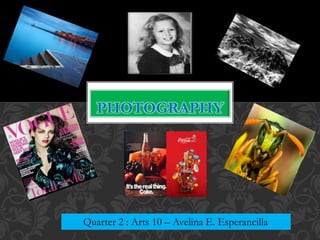
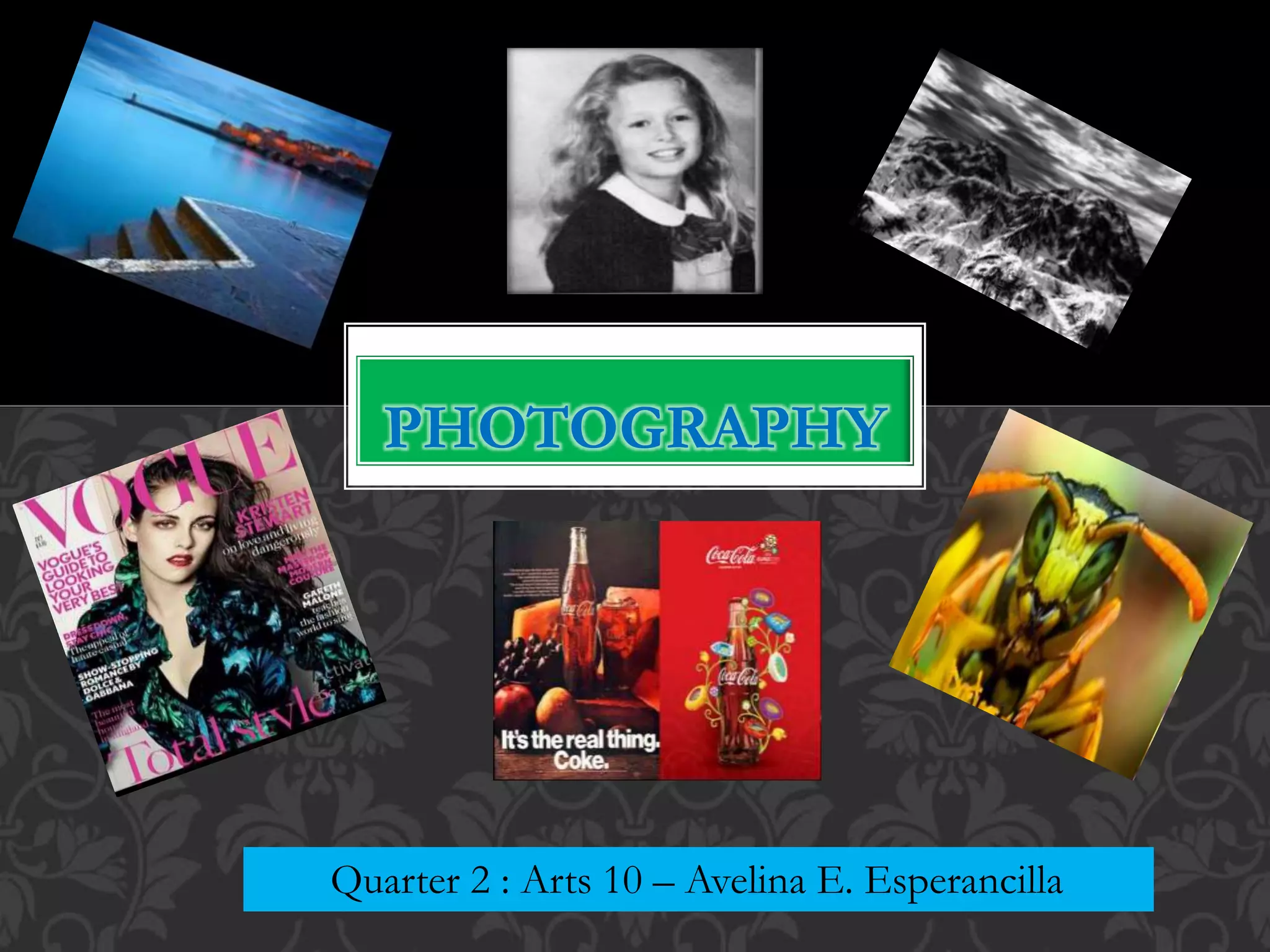
PHOTOGRAPHY
Quarter 2 : Arts 10 – Avelina E. Esperancilla
PHOTOGRAPHY
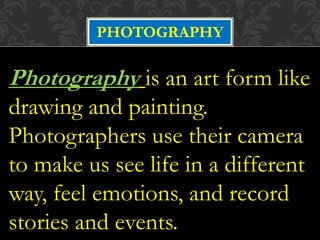
Photography is an art form like
drawing and painting.
Photographers use their camera
to make us see life in a different
way, feel emotions, and record
stories and events.
PHOTOGRAPHY
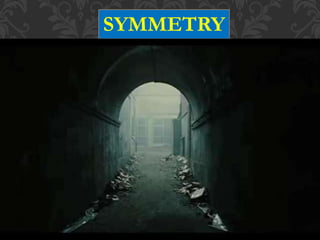
SYMMETRY
Basic Tips for Taking Good Photography
Whether you are using a point – and – shoot camera or a DSLR , there are
basic guidelines for capturing a good quality photographic image :
1. Choose a good location. An interesting location can sometimes make
the difference between a good and great photo.
2. Check that the available background is relatively simple and not too
cluttered , so that the focus will be on your chosen subject.
3. Natural lights in the outdoors or near a window is usually the most
flattering or effective for any kind of subject. Ideally , the best light for
photos is within the first hour after sunrise and the last hour before
sunset.
4. Avoid taking shots facing the light, as this would make your subject back
- lit and most of the details would be lost in shadow.
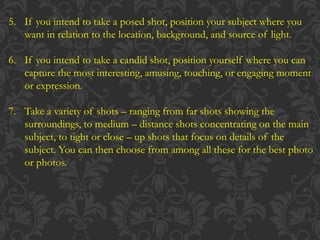
5. If you intend to take a posed shot, position your subject where you
want in relation to the location, background, and source of light.
6. If you intend to take a candid shot, position yourself where you can
capture the most interesting, amusing, touching, or engaging moment
or expression.
7. Take a variety of shots – ranging from far shots showing the
surroundings, to medium – distance shots concentrating on the main
subject, to tight or close – up shots that focus on details of the
subject. You can then choose from among all these for the best photo
or photos.
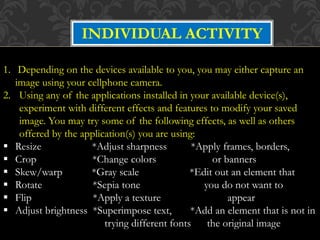
INDIVIDUAL ACTIVITY
1. Depending on the devices available to you, you may either capture an
image using your cellphone camera.
2. Using any of the applications installed in your available device(s),
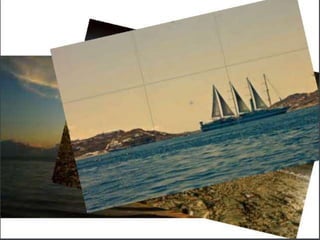
experiment with different effects and features to modify your saved
image. You may try some of the following effects, as well as others
offered by the application(s) you are using:
 Resize *Adjust sharpness *Apply frames, borders,
 Crop *Change colors or banners
 Skew/warp *Gray scale *Edit out an element that
 Rotate *Sepia tone you do not want to
 Flip *Apply a texture appear
 Adjust brightness *Superimpose text, *Add an element that is not in
trying different fonts the original image

Photography

  • 1.
    PHOTOGRAPHY Quarter 2 :Arts 10 – Avelina E. Esperancilla
  • 2.
    PHOTOGRAPHY Photography is anart form like drawing and painting. Photographers use their camera to make us see life in a different way, feel emotions, and record stories and events.
  • 3.
  • 31.
  • 34.
    Basic Tips forTaking Good Photography Whether you are using a point – and – shoot camera or a DSLR , there are basic guidelines for capturing a good quality photographic image : 1. Choose a good location. An interesting location can sometimes make the difference between a good and great photo. 2. Check that the available background is relatively simple and not too cluttered , so that the focus will be on your chosen subject. 3. Natural lights in the outdoors or near a window is usually the most flattering or effective for any kind of subject. Ideally , the best light for photos is within the first hour after sunrise and the last hour before sunset. 4. Avoid taking shots facing the light, as this would make your subject back - lit and most of the details would be lost in shadow.
  • 35.
    5. If youintend to take a posed shot, position your subject where you want in relation to the location, background, and source of light. 6. If you intend to take a candid shot, position yourself where you can capture the most interesting, amusing, touching, or engaging moment or expression. 7. Take a variety of shots – ranging from far shots showing the surroundings, to medium – distance shots concentrating on the main subject, to tight or close – up shots that focus on details of the subject. You can then choose from among all these for the best photo or photos.
  • 36.
    INDIVIDUAL ACTIVITY 1. Dependingon the devices available to you, you may either capture an image using your cellphone camera. 2. Using any of the applications installed in your available device(s), experiment with different effects and features to modify your saved image. You may try some of the following effects, as well as others offered by the application(s) you are using:  Resize *Adjust sharpness *Apply frames, borders,  Crop *Change colors or banners  Skew/warp *Gray scale *Edit out an element that  Rotate *Sepia tone you do not want to  Flip *Apply a texture appear  Adjust brightness *Superimpose text, *Add an element that is not in trying different fonts the original image