XPres Presentation Tool
Combating Sexual Violence through
Education
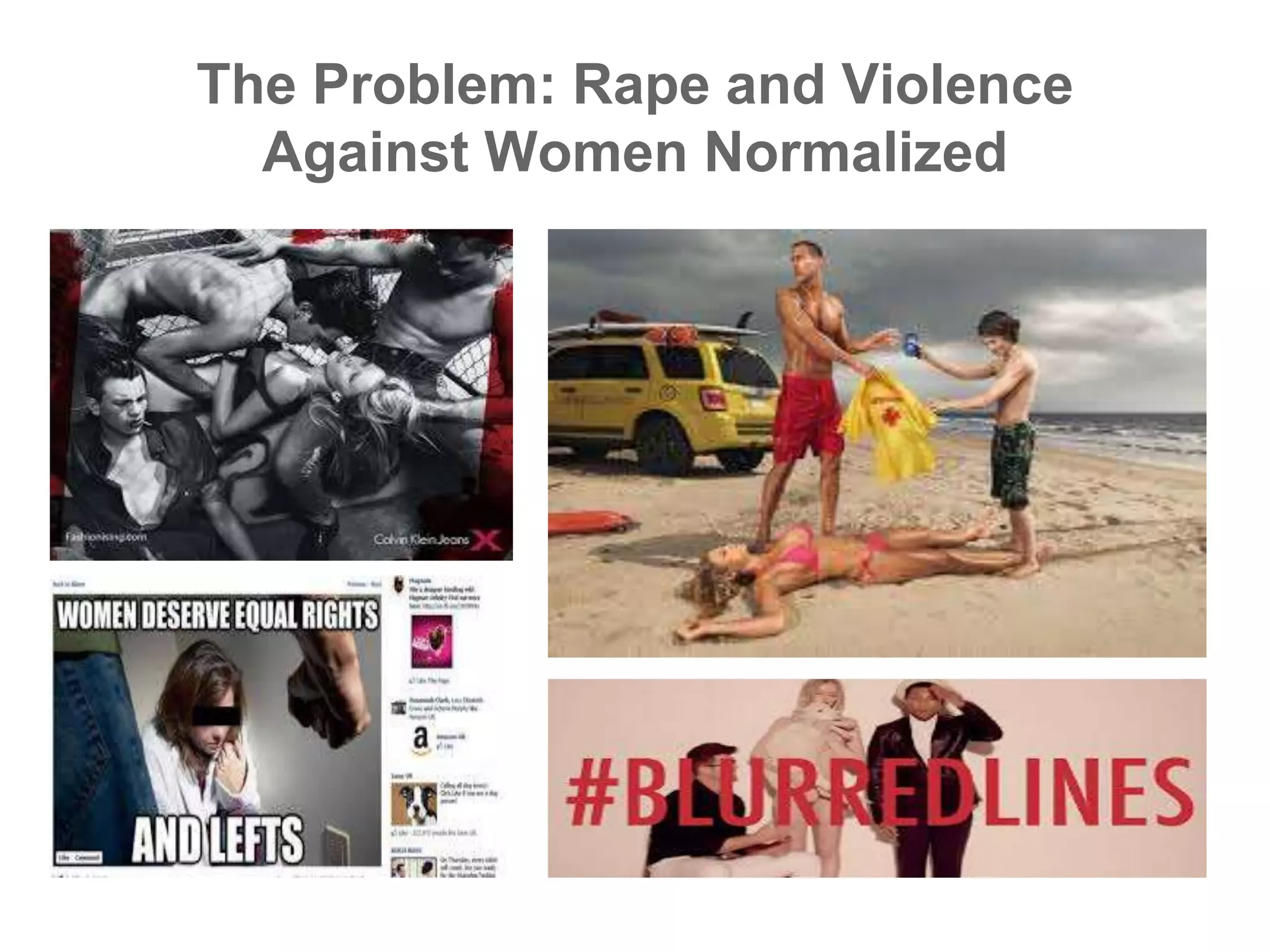
The Problem: Rape and Violence
Against Women Normalized
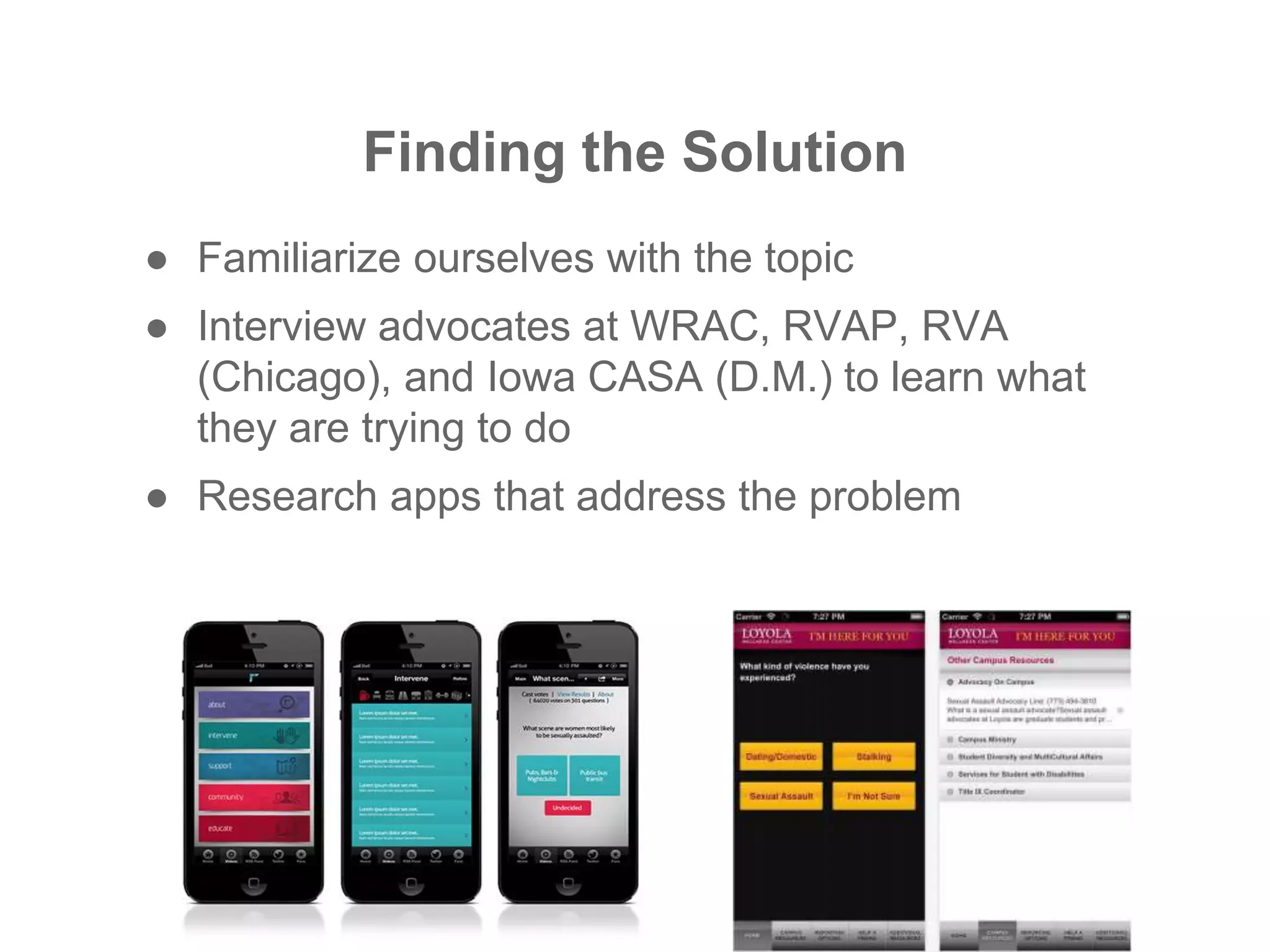
Finding the Solution
● Familiarize ourselves with the topic
● Interview advocates at WRAC, RVAP, RVA
(Chicago), and Iowa CASA (D.M.) to learn what
they are trying to do
● Research apps that address the problem
● Advocates struggling to reach teen and college-aged
audiences
● Agencies fighting to collect relevant data to help secure
needed funding
● Static apps that did not support interaction with
knowledgeable support personnel
● SOLUTION: Support advocates and agencies in
their quest to provide effective preventative
education
What Did We Find?
THE IDEA:
● Create an interactive presentation tool that not only
allowed presenters to create adaptive presentations, but
also gave digital access to content for the audience
● Such a tool would also provide presenter the power to
wirelessly collect demographic and effective data
automatically stored in a database system
● WE CALLED IT . . .
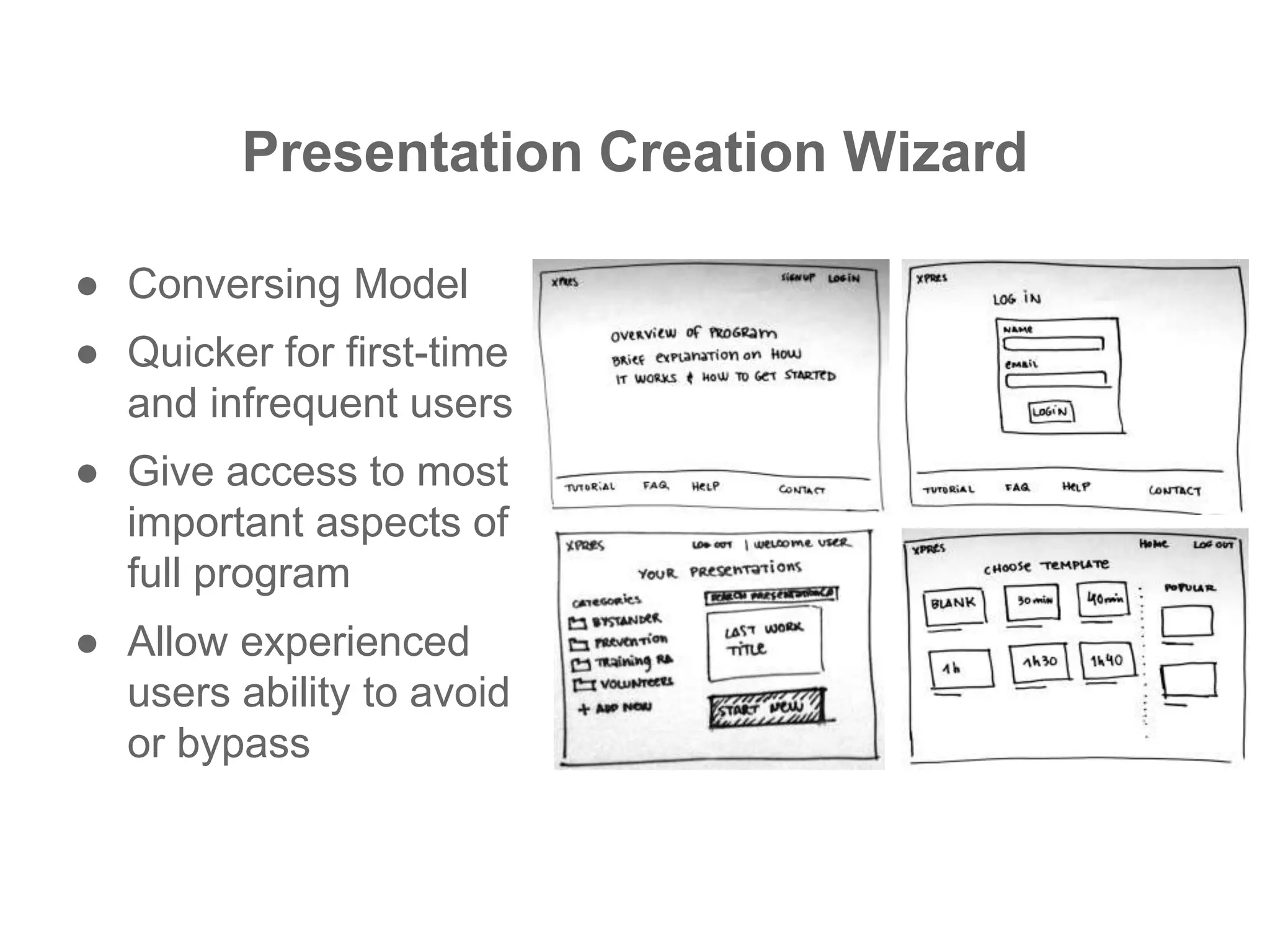
Presentation Creation Wizard
● Conversing Model
● Quicker for first-time
and infrequent users
● Give access to most
important aspects of
full program
● Allow experienced
users ability to avoid
or bypass
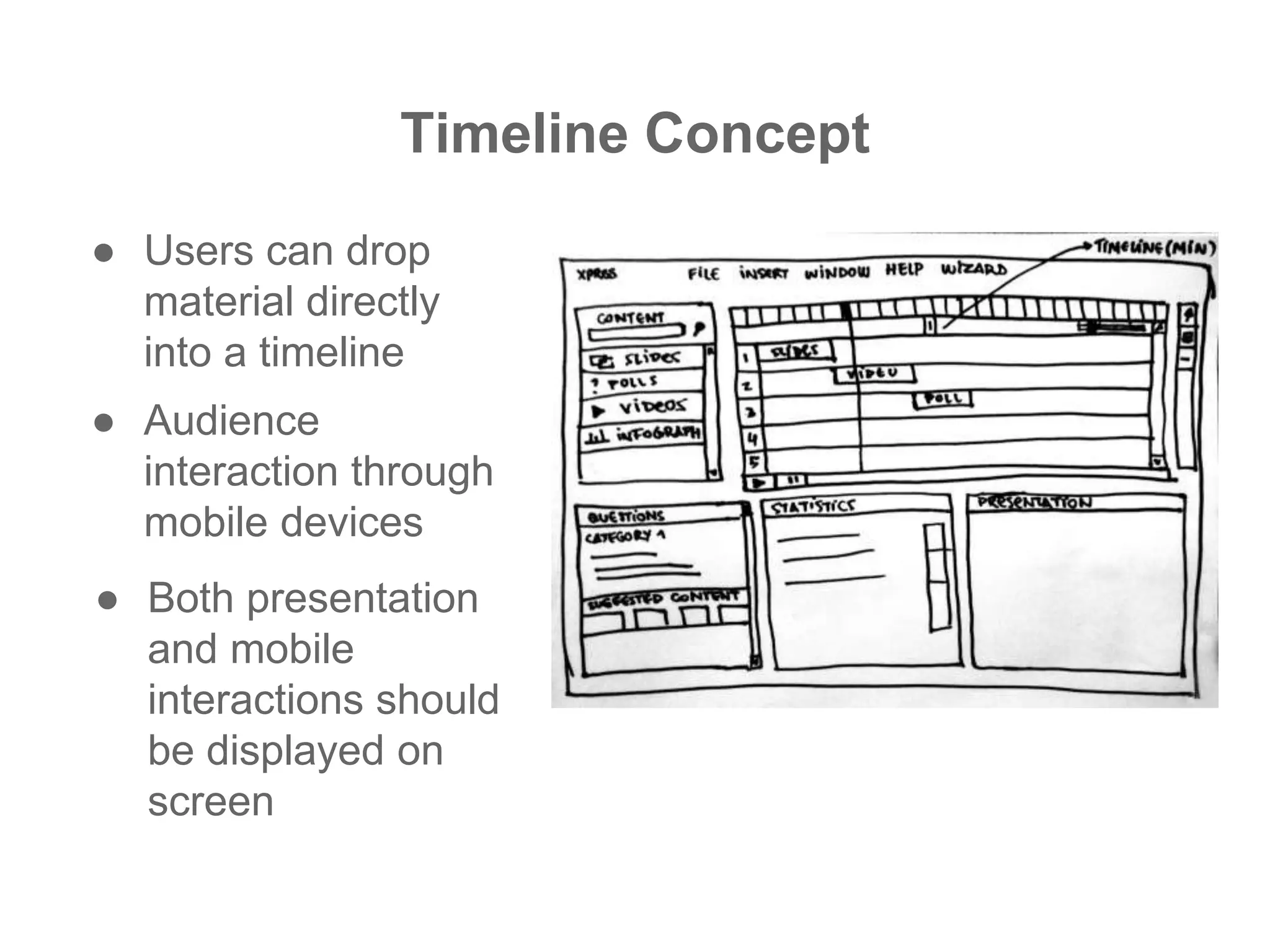
Timeline Concept
● Both presentation
and mobile
interactions should
be displayed on
screen
● Users can drop
material directly
into a timeline
● Audience
interaction through
mobile devices
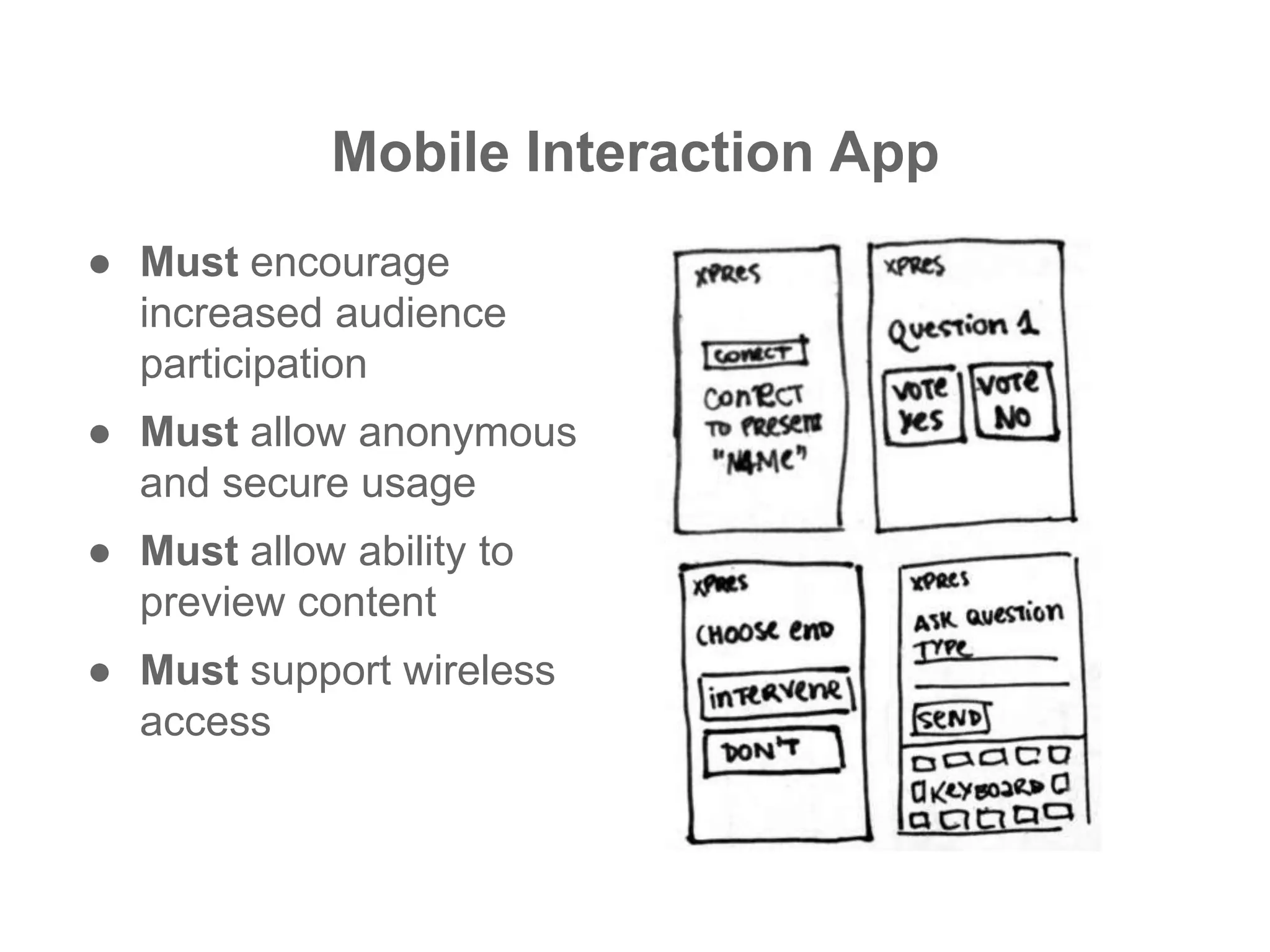
Mobile Interaction App
● Must encourage
increased audience
participation
● Must allow anonymous
and secure usage
● Must allow ability to
preview content
● Must support wireless
access
DEMONSTRATION
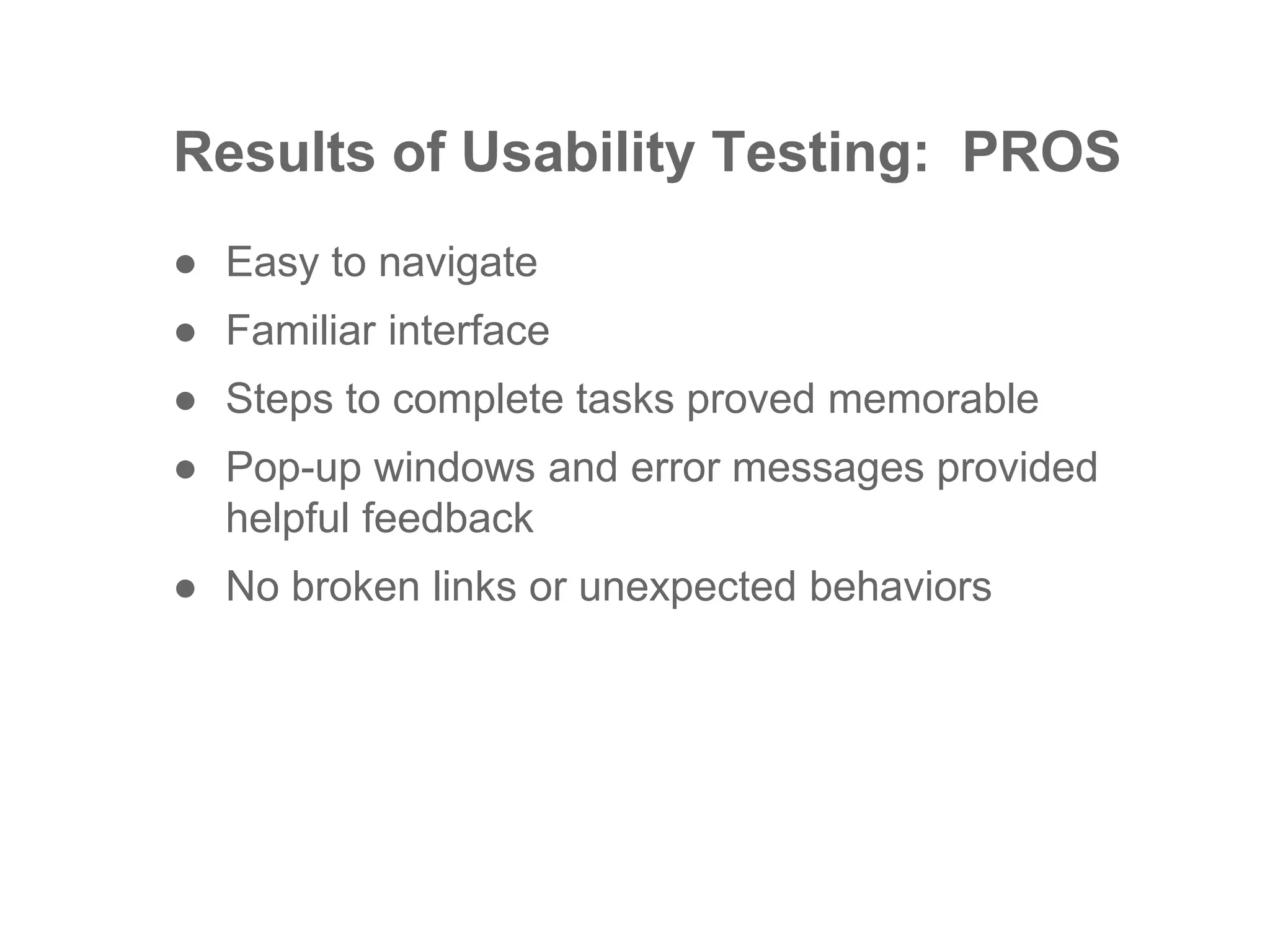
Results of Usability Testing: PROS
● Easy to navigate
● Familiar interface
● Steps to complete tasks proved memorable
● Pop-up windows and error messages provided
helpful feedback
● No broken links or unexpected behaviors
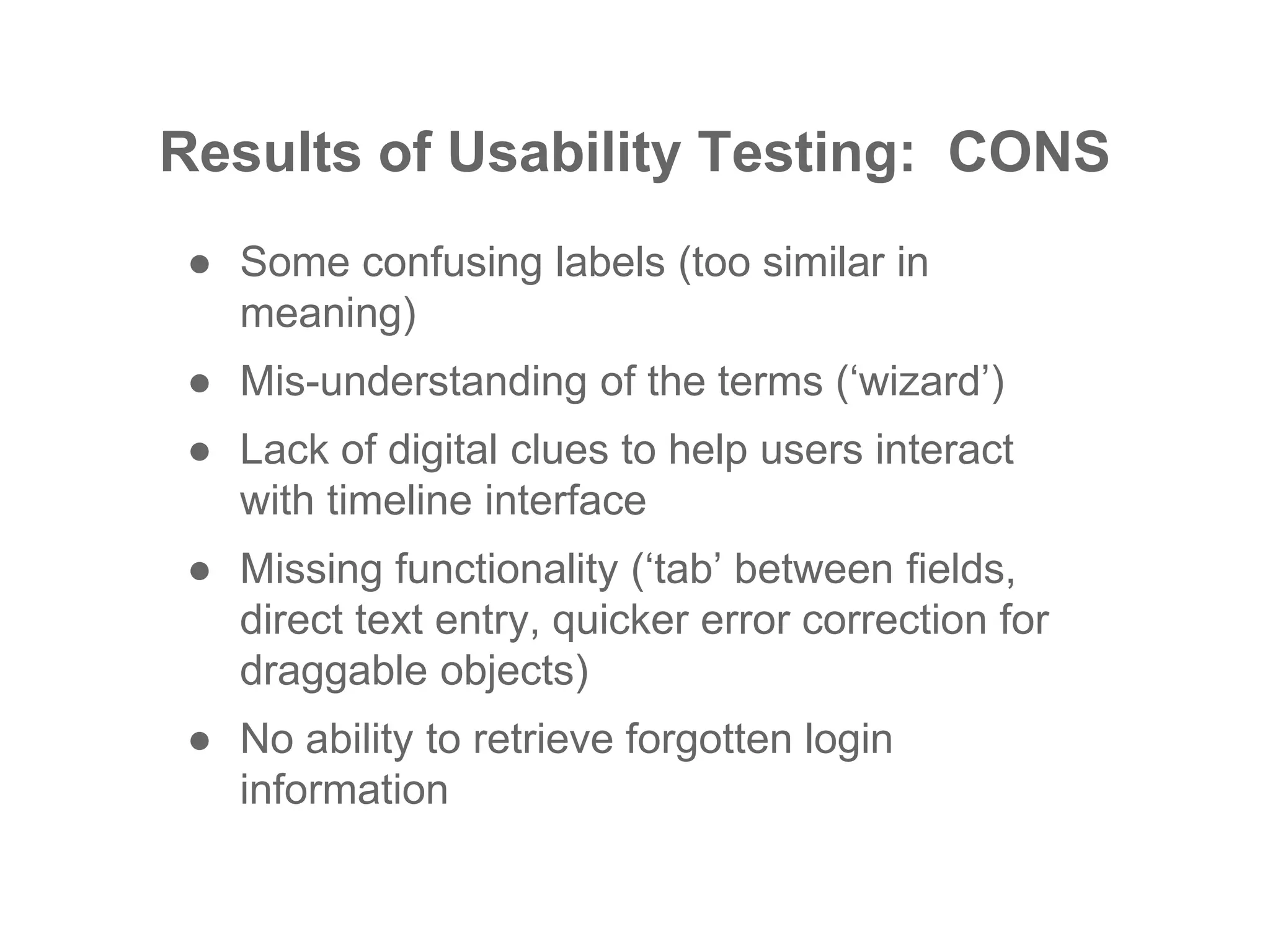
Results of Usability Testing: CONS
● Some confusing labels (too similar in
meaning)
● Mis-understanding of the terms (‘wizard’)
● Lack of digital clues to help users interact
with timeline interface
● Missing functionality (‘tab’ between fields,
direct text entry, quicker error correction for
draggable objects)
● No ability to retrieve forgotten login
information
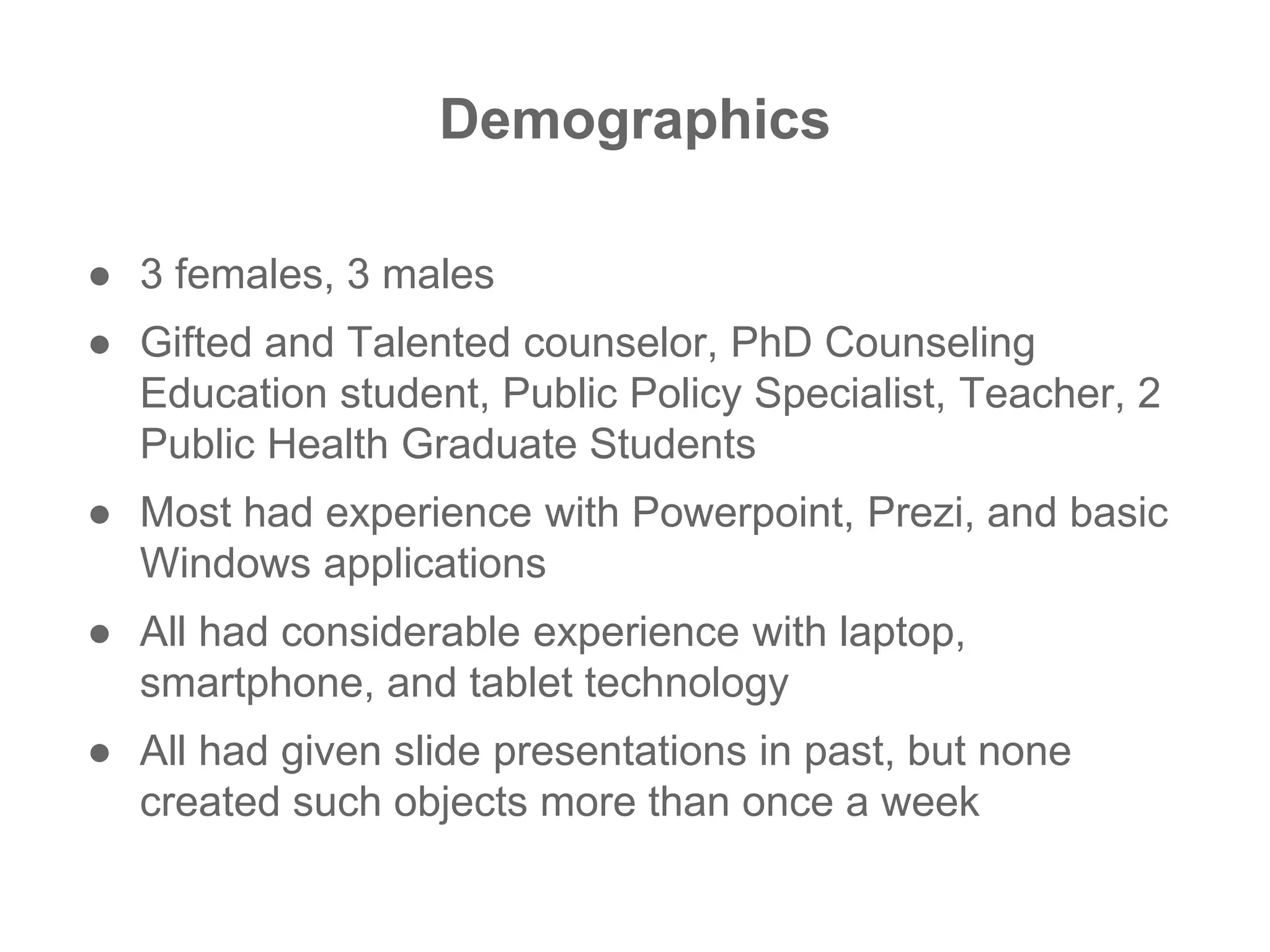
Demographics
● 3 females, 3 males
● Gifted and Talented counselor, PhD Counseling
Education student, Public Policy Specialist, Teacher, 2
Public Health Graduate Students
● Most had experience with Powerpoint, Prezi, and basic
Windows applications
● All had considerable experience with laptop,
smartphone, and tablet technology
● All had given slide presentations in past, but none
created such objects more than once a week
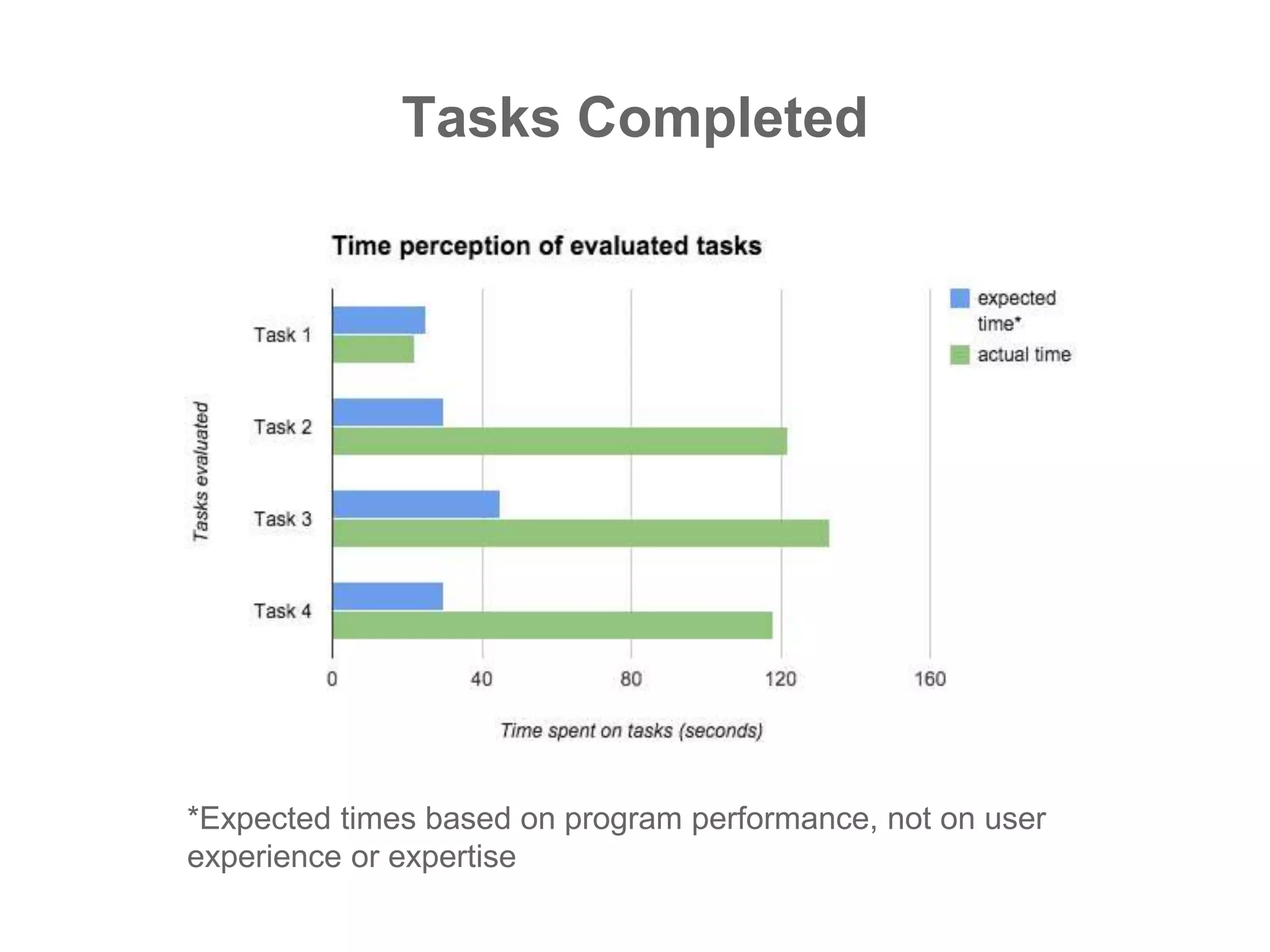
Tasks Completed
*Expected times based on program performance, not on user
experience or expertise
Brief discussion of results
● Large discrepancy in expected and observed times
suggest obstacles exist for users to complete desired
tasks
● Most likely reasons for discrepancy: Interactive items
on page not recognizable with mouse over, lack of
contextual changes in interface to indicate system
progress, limited keyboard shortcuts
The future . . .
● Use Java as the programing language
● Maintain basic look and feel already established in hi-fi
prototype, improving interactive elements
● Address issues raised in usability study
● Develop and design additional functionality not included
in prototype
● Re-test completed program with new study, including
original target demographic, but also branching out to
other educational areas
Image Sources:
● http://www.brandchannel.com/home/?tag=/Action+%26+The+Media
● bigdubfap.wordpress.com500 × 326Search by image Rape Culture,
Protest Art, and Racism
● http://www.thewire.com/politics/2014/04/unc-student-gets-dj-fired-for-
playing-blurred-lines-because-rape-culture/360528/
● http://skydancingblog.com/2012/03/31/open-thread-rape-culture-usa/

Phase 4 Presentation

  • 1.
    XPres Presentation Tool CombatingSexual Violence through Education
  • 2.
    The Problem: Rapeand Violence Against Women Normalized
  • 3.
    Finding the Solution ●Familiarize ourselves with the topic ● Interview advocates at WRAC, RVAP, RVA (Chicago), and Iowa CASA (D.M.) to learn what they are trying to do ● Research apps that address the problem
  • 4.
    ● Advocates strugglingto reach teen and college-aged audiences ● Agencies fighting to collect relevant data to help secure needed funding ● Static apps that did not support interaction with knowledgeable support personnel ● SOLUTION: Support advocates and agencies in their quest to provide effective preventative education What Did We Find?
  • 5.
    THE IDEA: ● Createan interactive presentation tool that not only allowed presenters to create adaptive presentations, but also gave digital access to content for the audience ● Such a tool would also provide presenter the power to wirelessly collect demographic and effective data automatically stored in a database system ● WE CALLED IT . . .
  • 6.
    Presentation Creation Wizard ●Conversing Model ● Quicker for first-time and infrequent users ● Give access to most important aspects of full program ● Allow experienced users ability to avoid or bypass
  • 7.
    Timeline Concept ● Bothpresentation and mobile interactions should be displayed on screen ● Users can drop material directly into a timeline ● Audience interaction through mobile devices
  • 8.
    Mobile Interaction App ●Must encourage increased audience participation ● Must allow anonymous and secure usage ● Must allow ability to preview content ● Must support wireless access
  • 9.
  • 10.
    Results of UsabilityTesting: PROS ● Easy to navigate ● Familiar interface ● Steps to complete tasks proved memorable ● Pop-up windows and error messages provided helpful feedback ● No broken links or unexpected behaviors
  • 11.
    Results of UsabilityTesting: CONS ● Some confusing labels (too similar in meaning) ● Mis-understanding of the terms (‘wizard’) ● Lack of digital clues to help users interact with timeline interface ● Missing functionality (‘tab’ between fields, direct text entry, quicker error correction for draggable objects) ● No ability to retrieve forgotten login information
  • 12.
    Demographics ● 3 females,3 males ● Gifted and Talented counselor, PhD Counseling Education student, Public Policy Specialist, Teacher, 2 Public Health Graduate Students ● Most had experience with Powerpoint, Prezi, and basic Windows applications ● All had considerable experience with laptop, smartphone, and tablet technology ● All had given slide presentations in past, but none created such objects more than once a week
  • 13.
    Tasks Completed *Expected timesbased on program performance, not on user experience or expertise
  • 14.
    Brief discussion ofresults ● Large discrepancy in expected and observed times suggest obstacles exist for users to complete desired tasks ● Most likely reasons for discrepancy: Interactive items on page not recognizable with mouse over, lack of contextual changes in interface to indicate system progress, limited keyboard shortcuts
  • 15.
    The future .. . ● Use Java as the programing language ● Maintain basic look and feel already established in hi-fi prototype, improving interactive elements ● Address issues raised in usability study ● Develop and design additional functionality not included in prototype ● Re-test completed program with new study, including original target demographic, but also branching out to other educational areas
  • 16.
    Image Sources: ● http://www.brandchannel.com/home/?tag=/Action+%26+The+Media ●bigdubfap.wordpress.com500 × 326Search by image Rape Culture, Protest Art, and Racism ● http://www.thewire.com/politics/2014/04/unc-student-gets-dj-fired-for- playing-blurred-lines-because-rape-culture/360528/ ● http://skydancingblog.com/2012/03/31/open-thread-rape-culture-usa/