This work is licensed under a Creative Commons Attribution-NonCommercial 3.0 Unported License.
End-to-end digital preservation
for diverse collections
Personal Digital Archiving – 04-26-2015
Courtney C. Mumma, MAS/MLIS, US and International Community Development
+
lead developers of Archivematica,
Access to Memory (AtoM) and Binder
archivists, librarians, technologists
core values
innovation and smart automation
leverage existing technology
transparency
interoperability and collaboration
grounded in archival practice
open source, including other projects
handshakes / integration
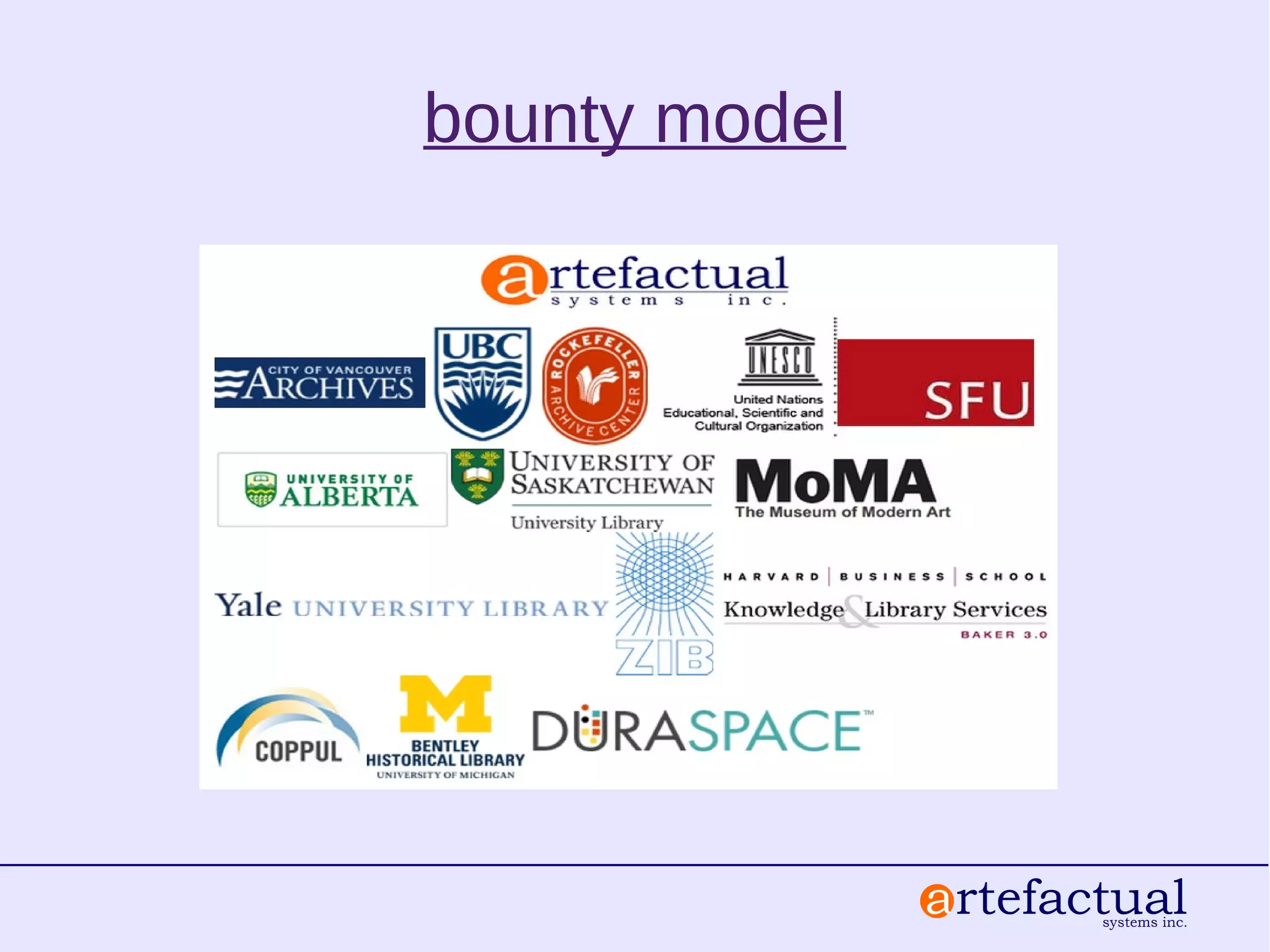
bounty model
hybrid public access and content management
manage accessions, taxonomies, multiple
repositories, restrictions and rights, authority records
(ISAAR)
access derivatives including streaming video
multi-lingual description & ISAD(G), RAD, DACS,
EAD export, MODS
link to preserved archival packages, sync
metadata and PREMIS rights
FOSS digital preservation (AGPLv3)
good practices and standards
no barrier to user groups, community or
documentation
consistent, system independent Archival
Information Packages (AIPs)
Bagit, Dublin Core, METS, PREMIS
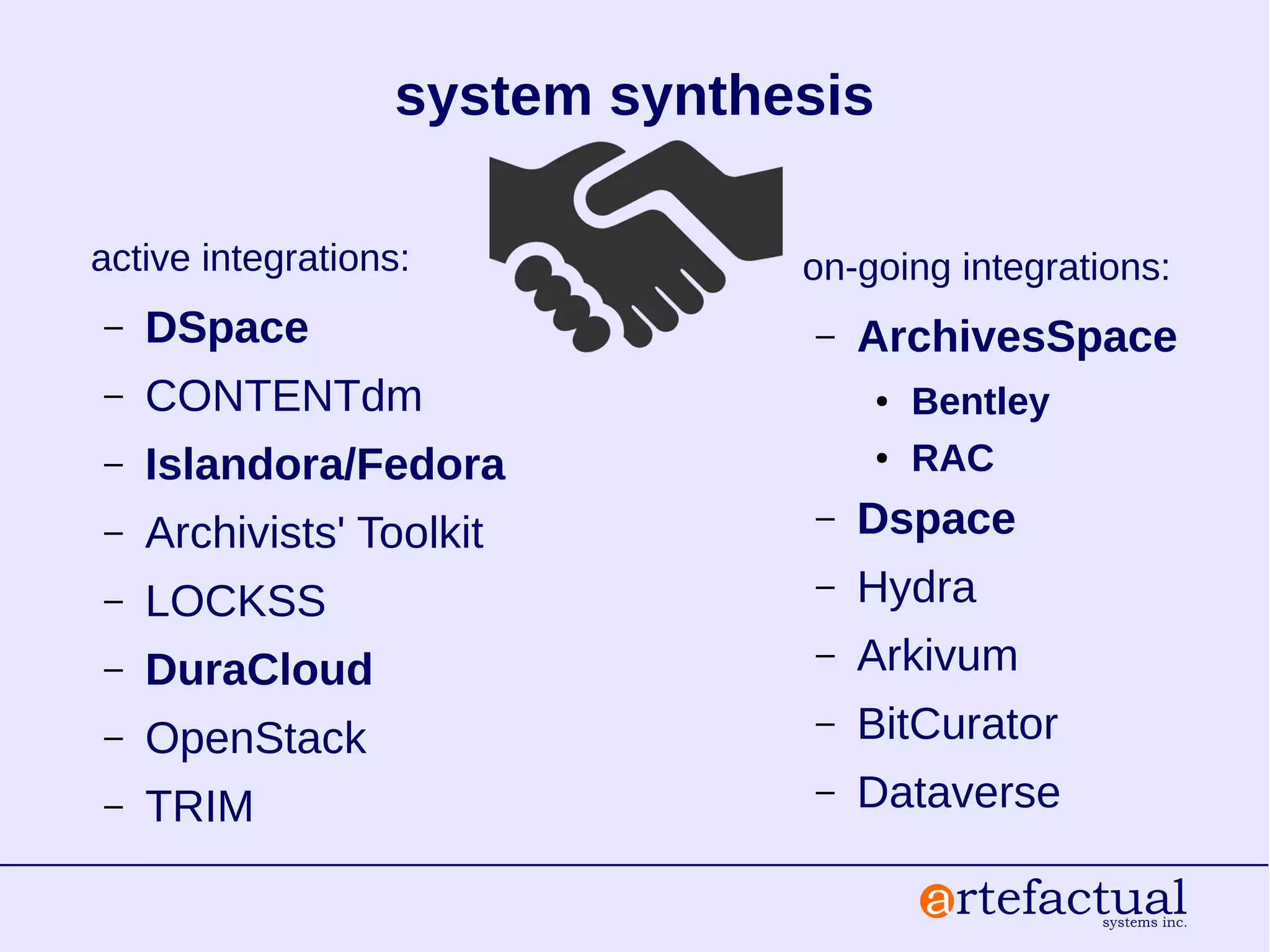
system synthesis
active integrations:
– DSpace
– CONTENTdm
– Islandora/Fedora
– Archivists' Toolkit
– LOCKSS
– DuraCloud
– OpenStack
– TRIM
on-going integrations:
– ArchivesSpace
● Bentley
● RAC
– Dspace
– Hydra
– Arkivum
– BitCurator
– Dataverse
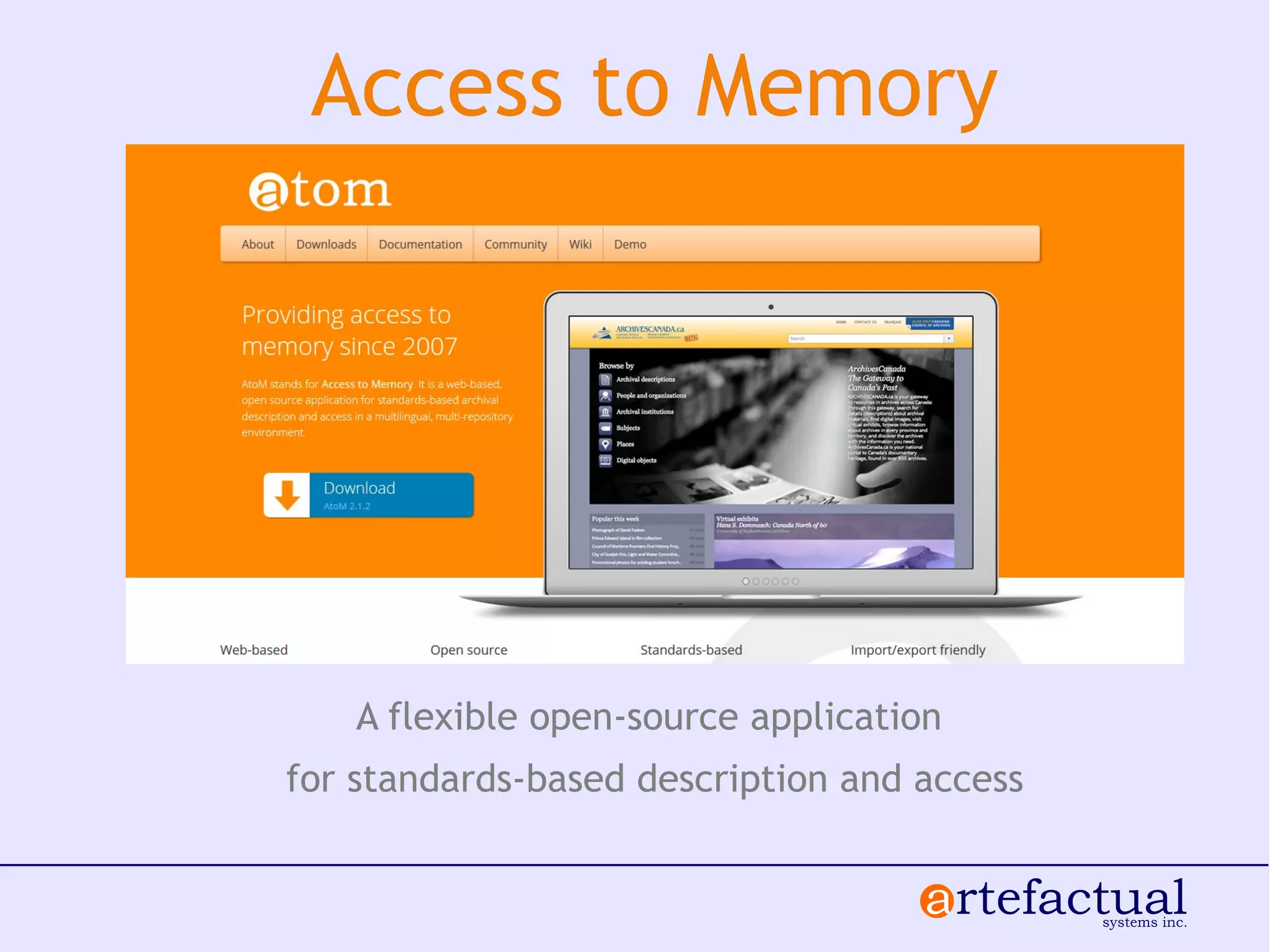
A flexible open-source application
for standards-based description and access
Access to Memory
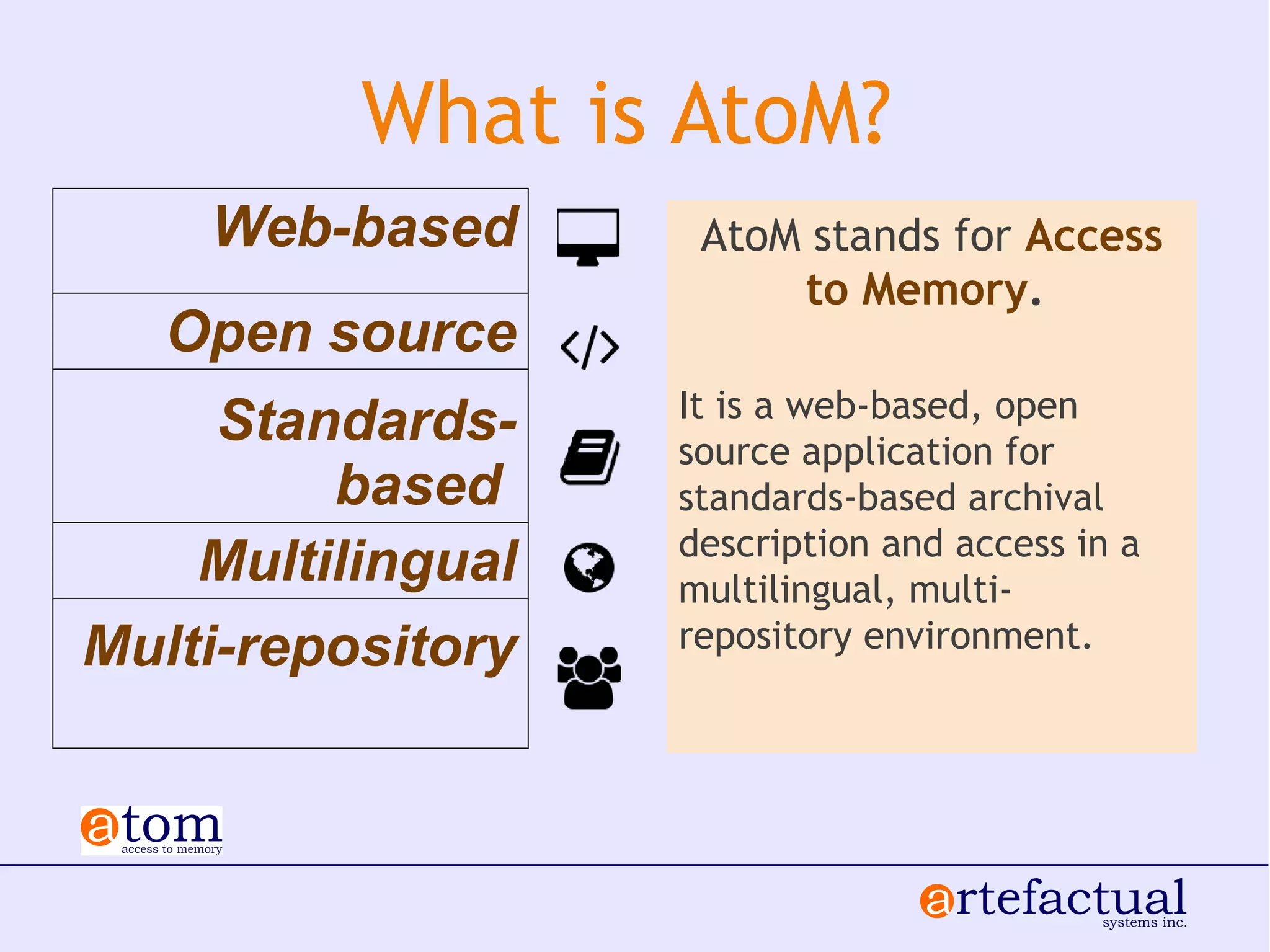
What is AtoM?
AtoM stands for Access
to Memory.
It is a web-based, open
source application for
standards-based archival
description and access in a
multilingual, multi-
repository environment.
Web-based
Open source
Standards-
based
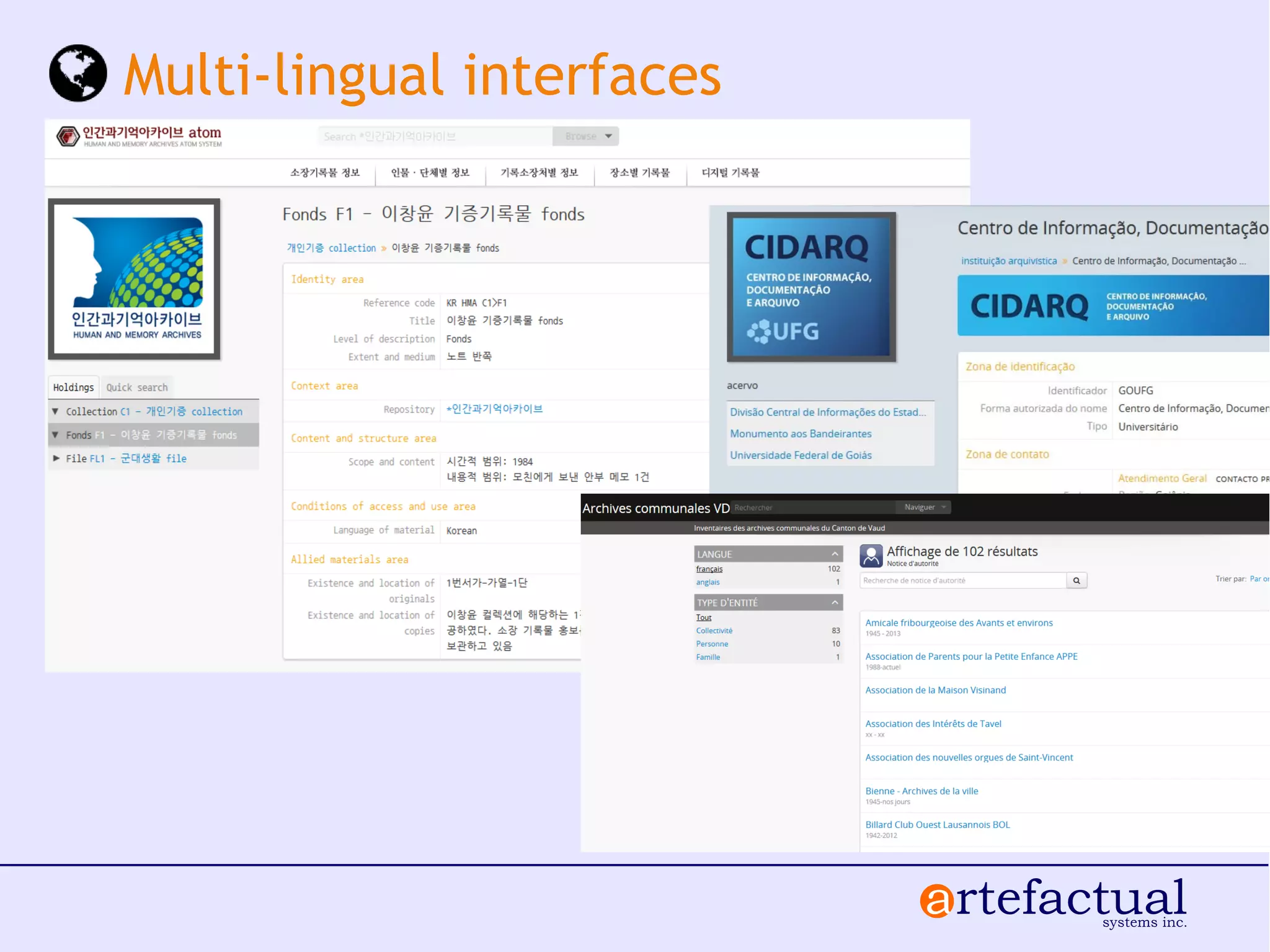
Multilingual
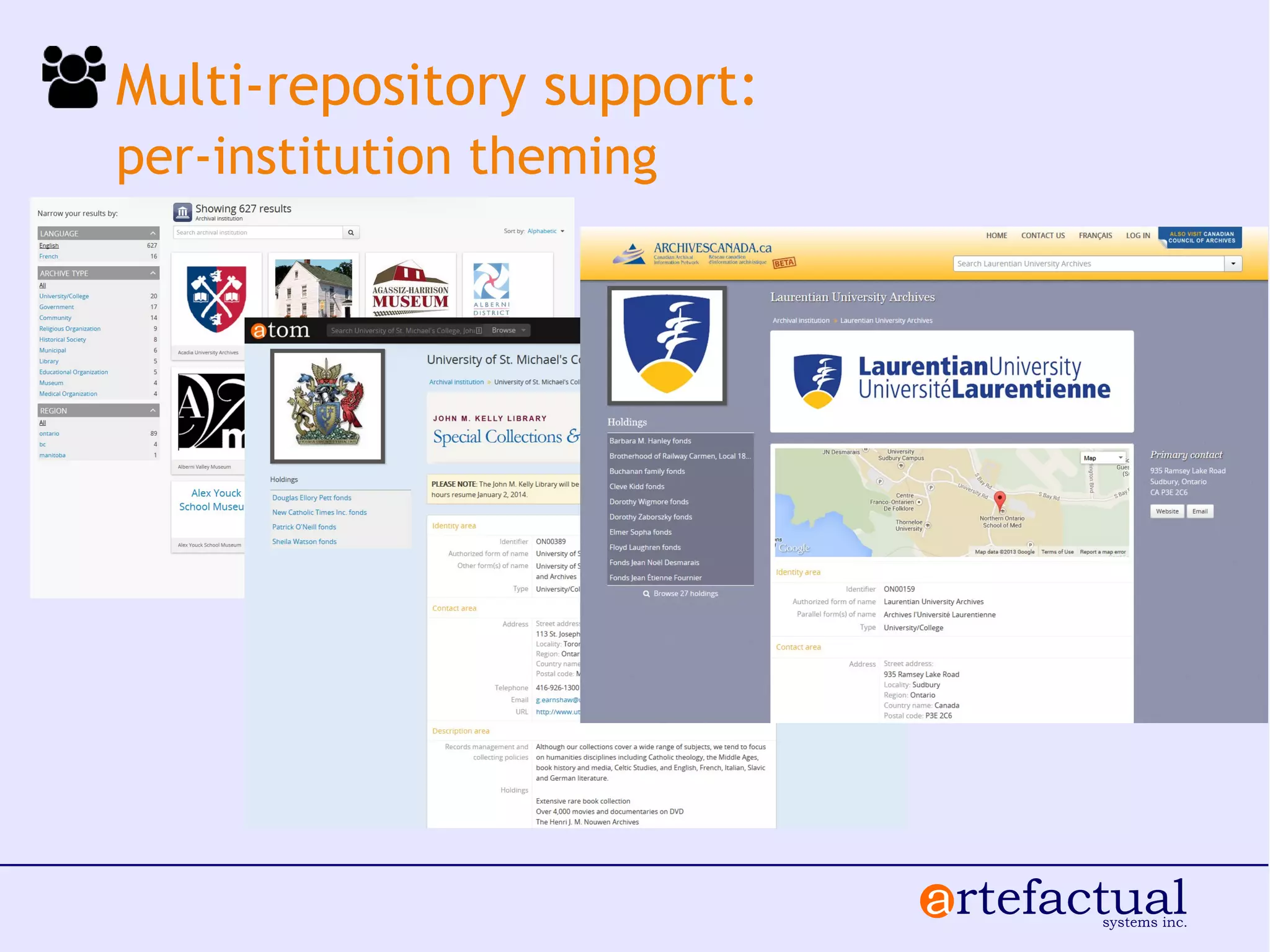
Multi-repository
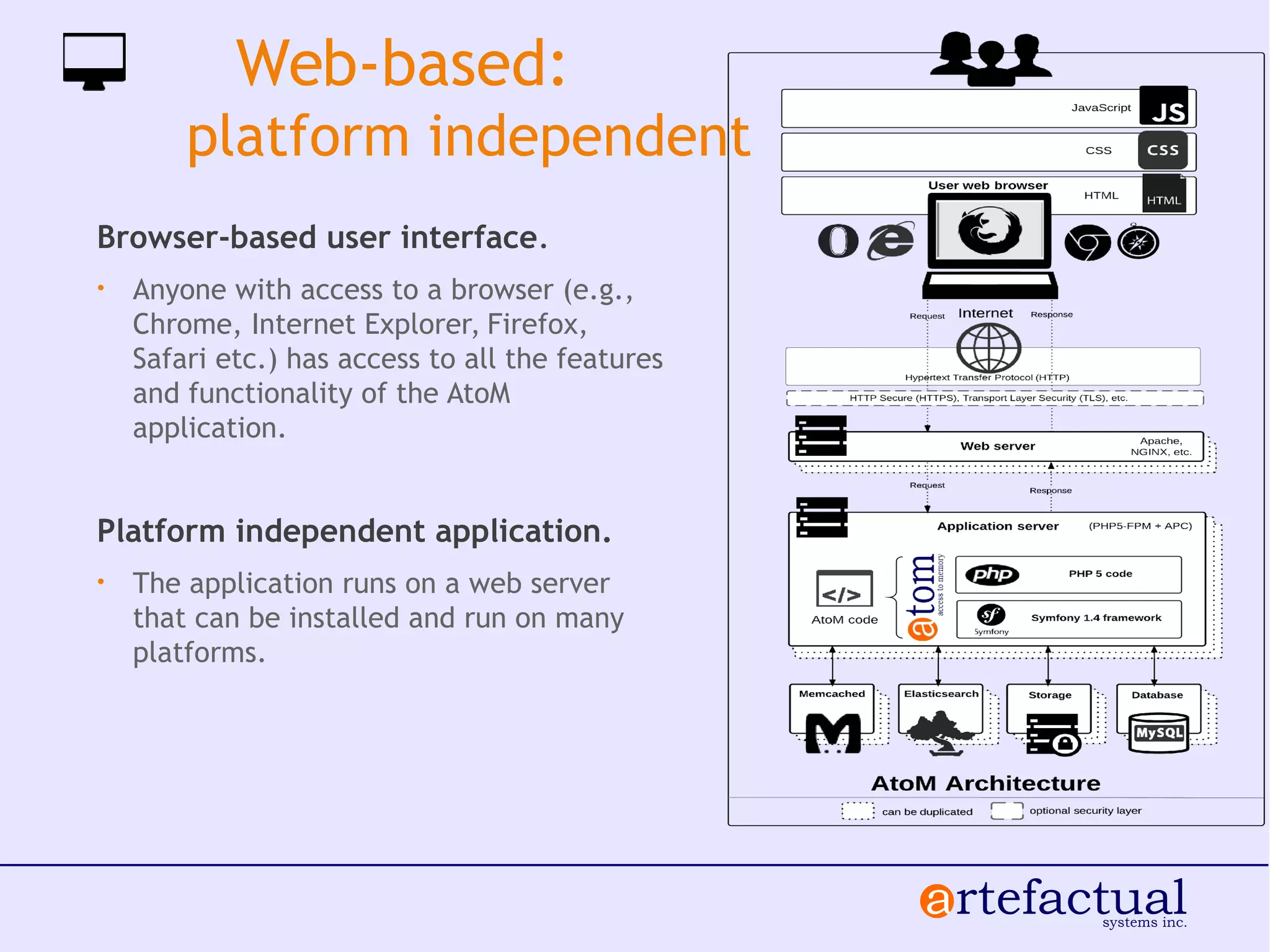
Web-based:
platform independent
Browser-based user interface.
• Anyone with access to a browser (e.g.,
Chrome, Internet Explorer, Firefox,
Safari etc.) has access to all the features
and functionality of the AtoM
application.
Platform independent application.
• The application runs on a web server
that can be installed and run on many
platforms.
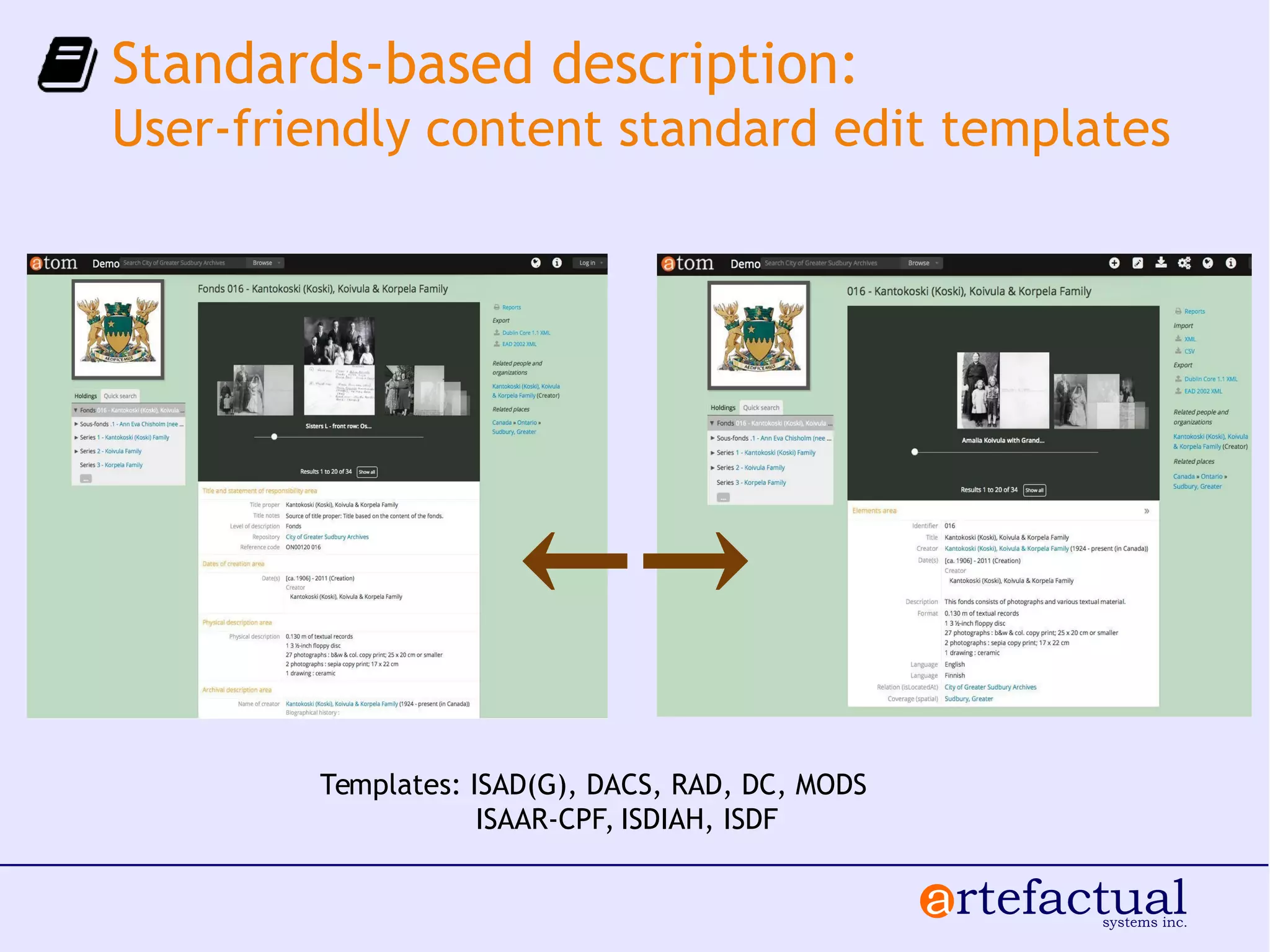
Standards-based description:
User-friendly content standard edit templates
Templates: ISAD(G), DACS, RAD, DC, MODS
ISAAR-CPF, ISDIAH, ISDF
←→
Multi-lingual interfaces
Multi-repository support:
per-institution theming
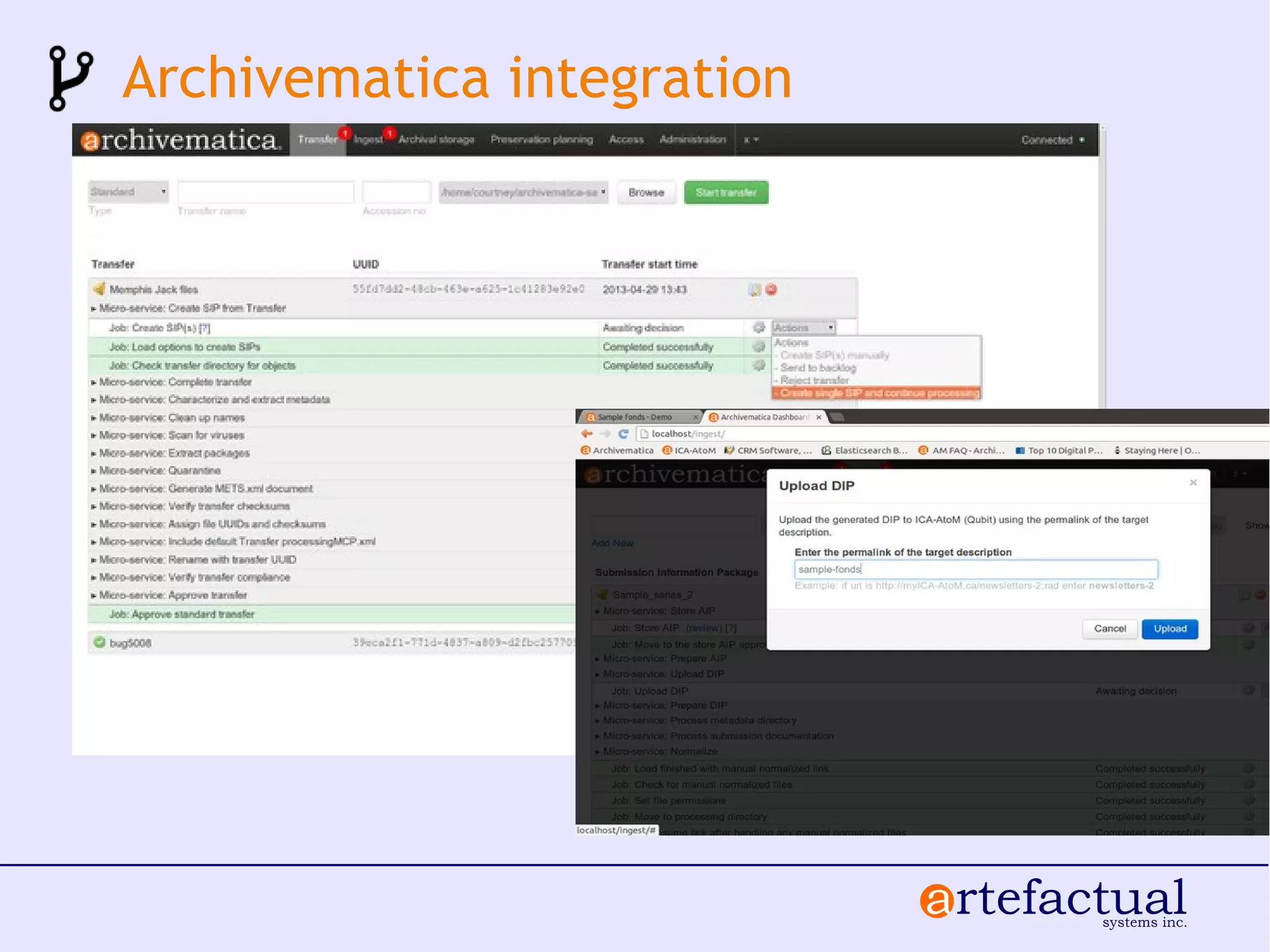
Archivematica integration
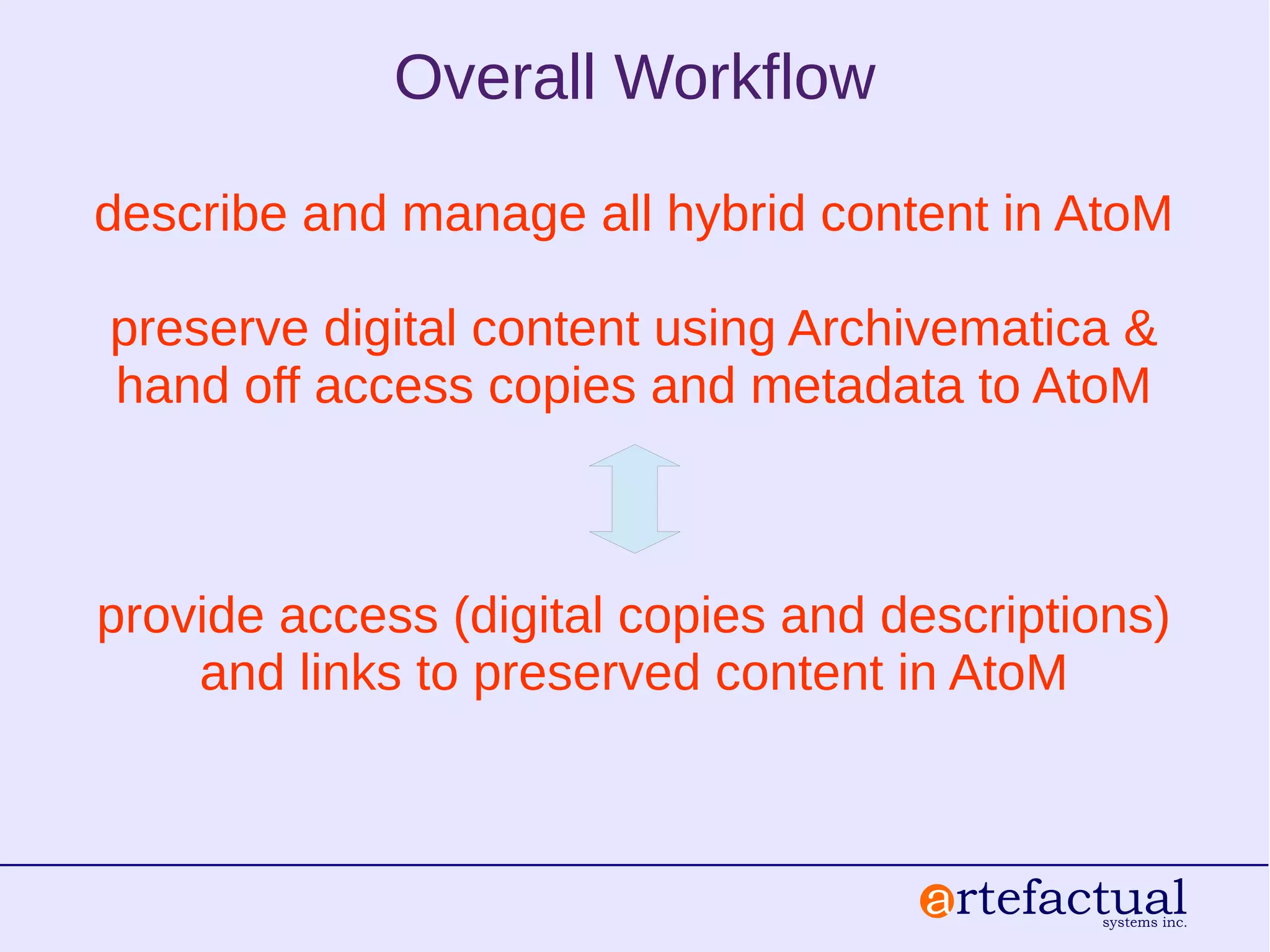
Overall Workflow
describe and manage all hybrid content in AtoM
preserve digital content using Archivematica &
hand off access copies and metadata to AtoM
provide access (digital copies and descriptions)
and links to preserved content in AtoM
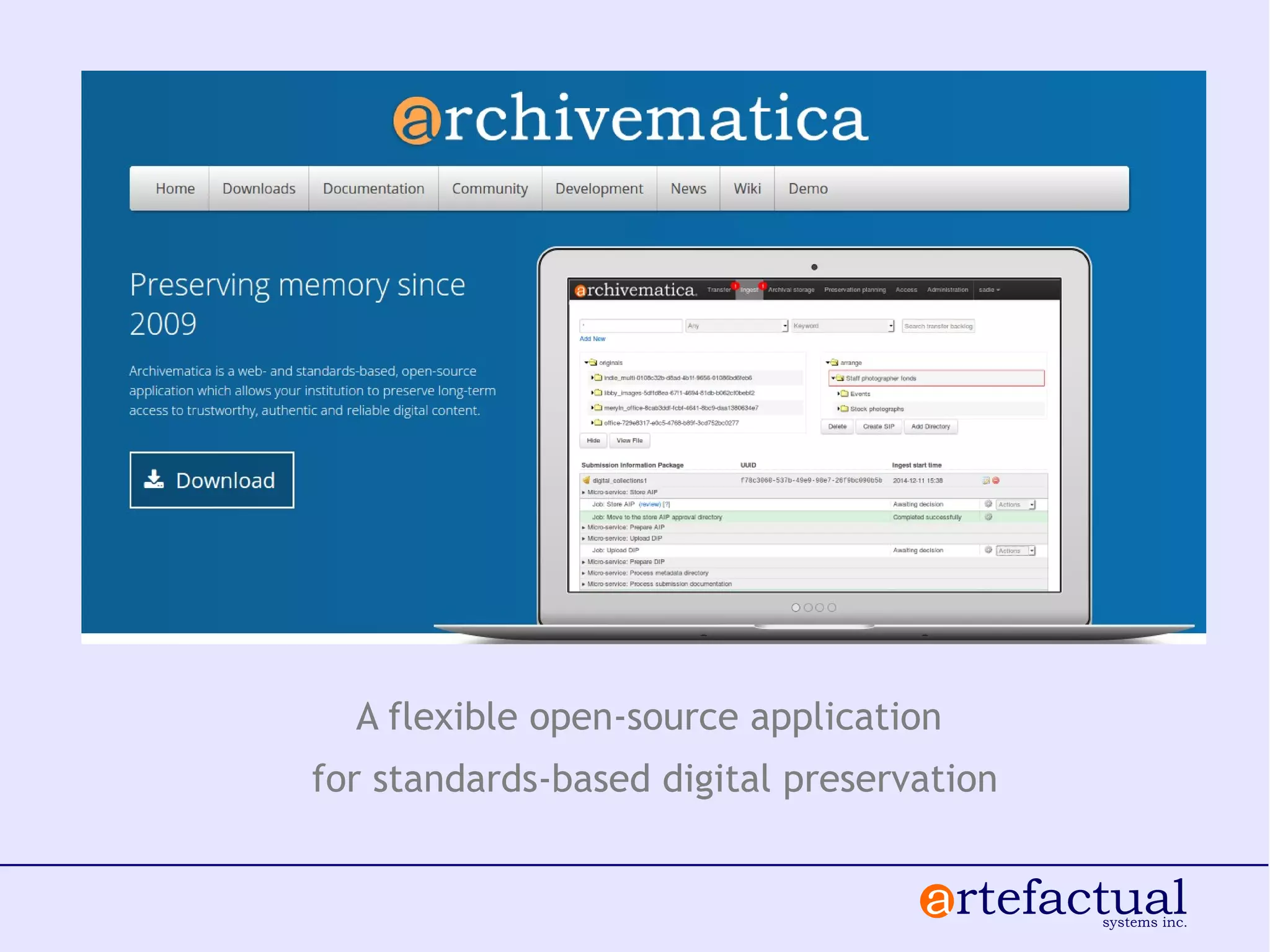
A flexible open-source application
for standards-based digital preservation
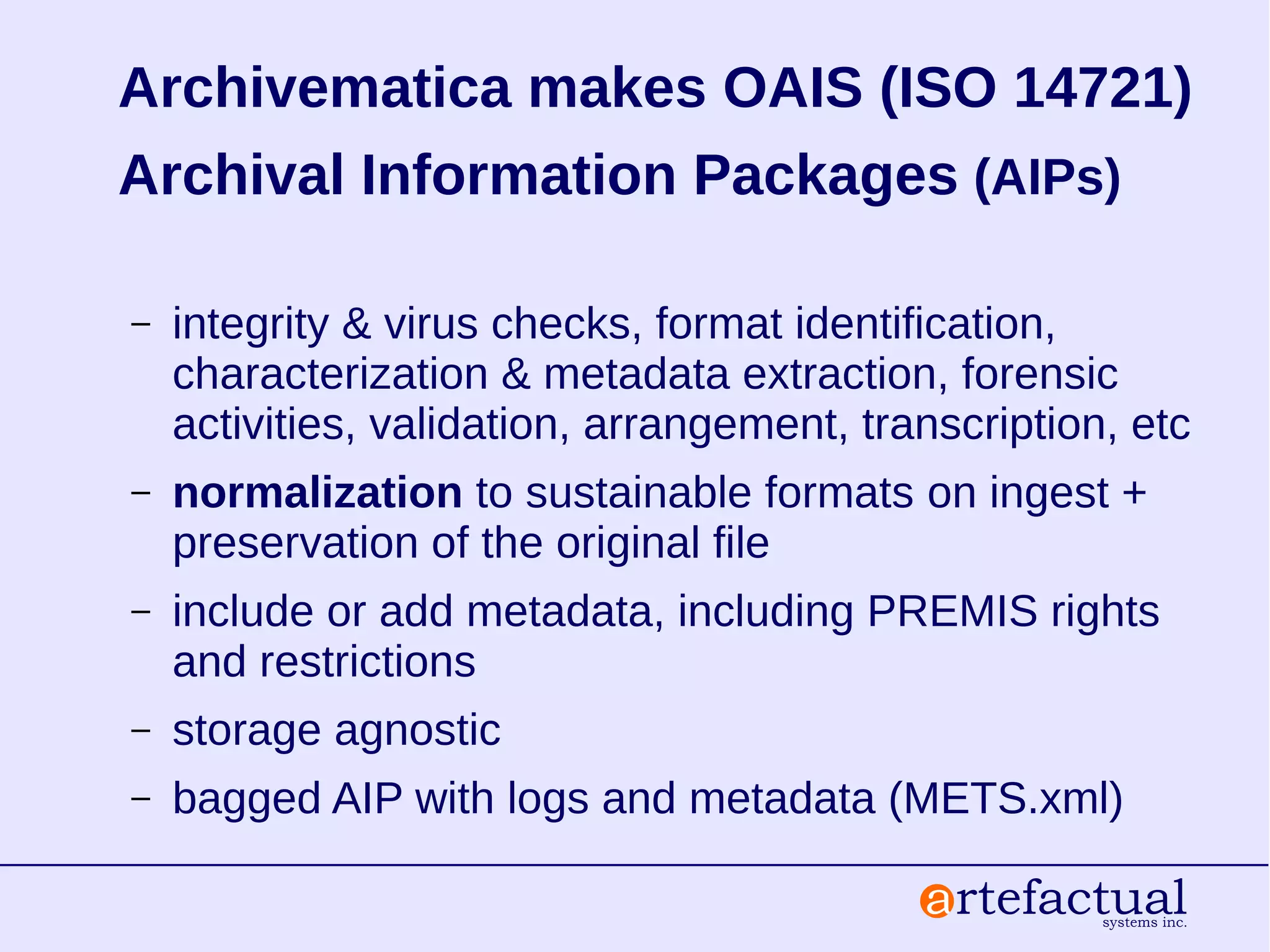
Archivematica makes OAIS (ISO 14721)
Archival Information Packages (AIPs)
– integrity & virus checks, format identification,
characterization & metadata extraction, forensic
activities, validation, arrangement, transcription, etc
– normalization to sustainable formats on ingest +
preservation of the original file
– include or add metadata, including PREMIS rights
and restrictions
– storage agnostic
– bagged AIP with logs and metadata (METS.xml)
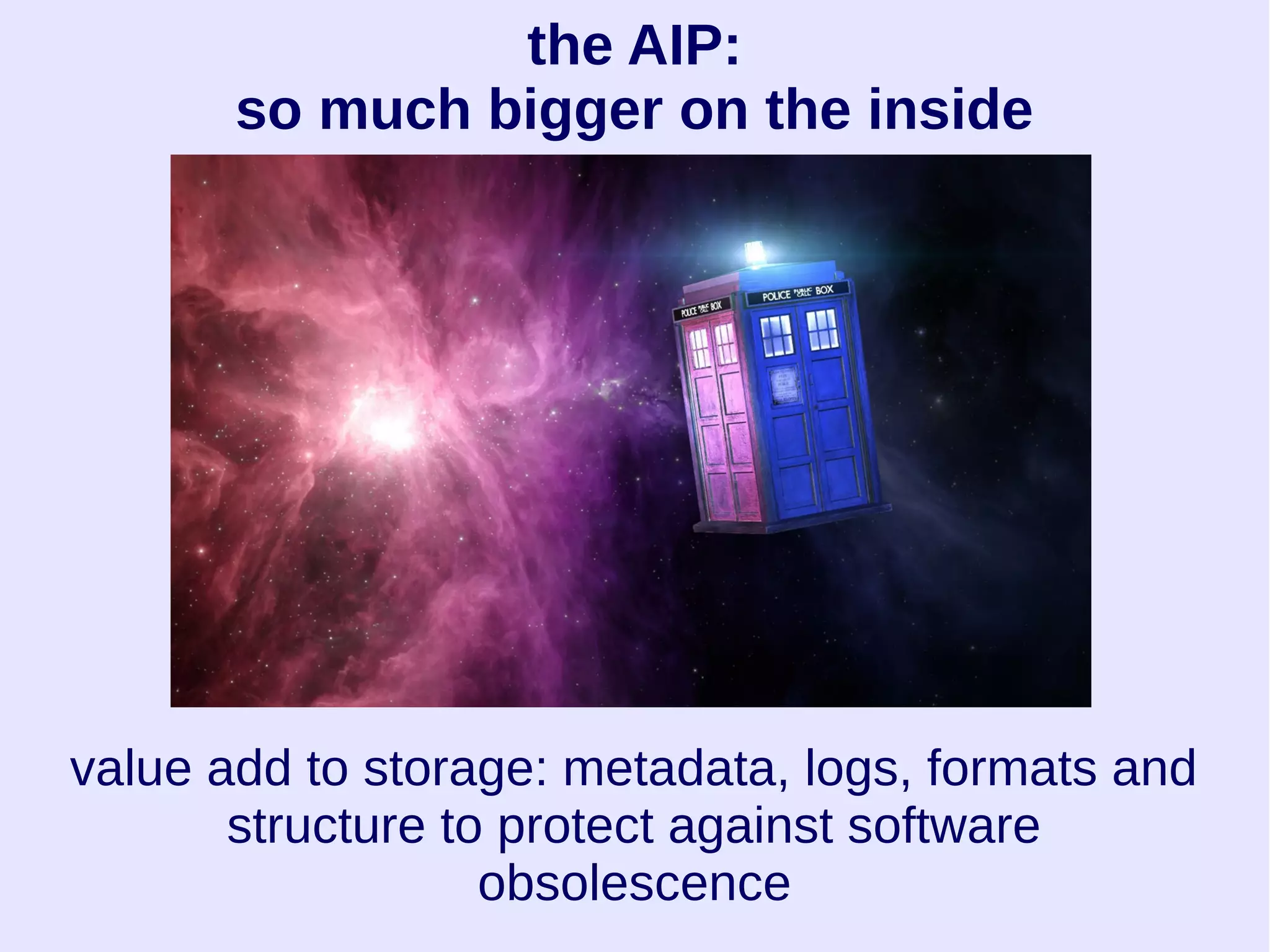
the AIP:
so much bigger on the inside
value add to storage: metadata, logs, formats and
structure to protect against software
obsolescence
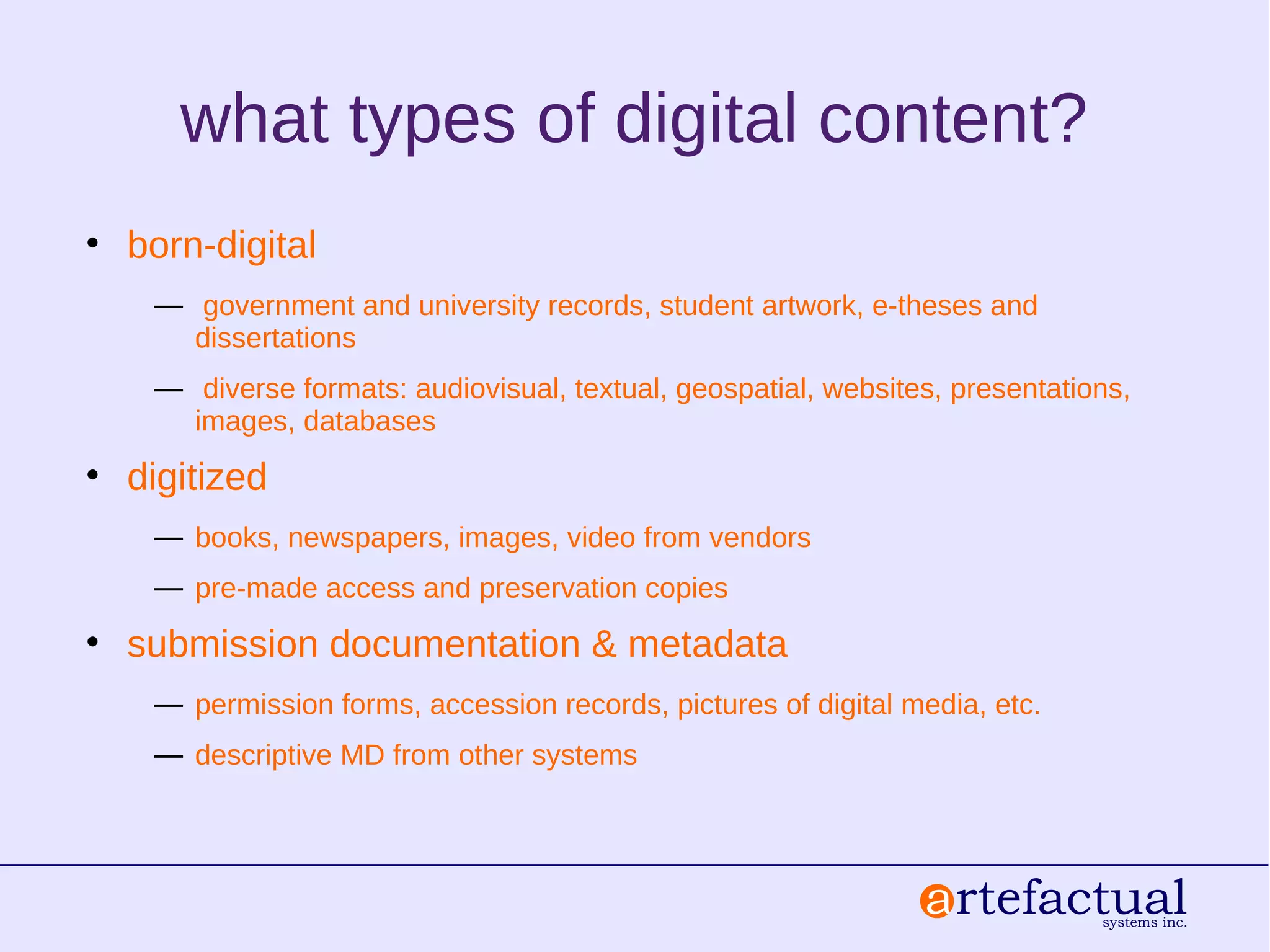
the METS.xml file
<dmdSec> (descriptive metadata)
Dublin Core XML
<amdSec> (administrative metadata)
<techMD>
PREMIS: object
<digiProvMD>
PREMIS: events
PREMIS: agents
<rightsMD>
PREMIS: rights
<fileSec> (a list of the files and their roles and relationships)
<structMap> (a representation of the physical structure of the AIP)
question break
.......
then we get knee deep in computers
identify your test content
✔ What
✔ Where
✔ How much
what types of digital content?
• born-digital
― government and university records, student artwork, e-theses and
dissertations
― diverse formats: audiovisual, textual, geospatial, websites, presentations,
images, databases
• digitized
― books, newspapers, images, video from vendors
― pre-made access and preservation copies
• submission documentation & metadata
― permission forms, accession records, pictures of digital media, etc.
― descriptive MD from other systems
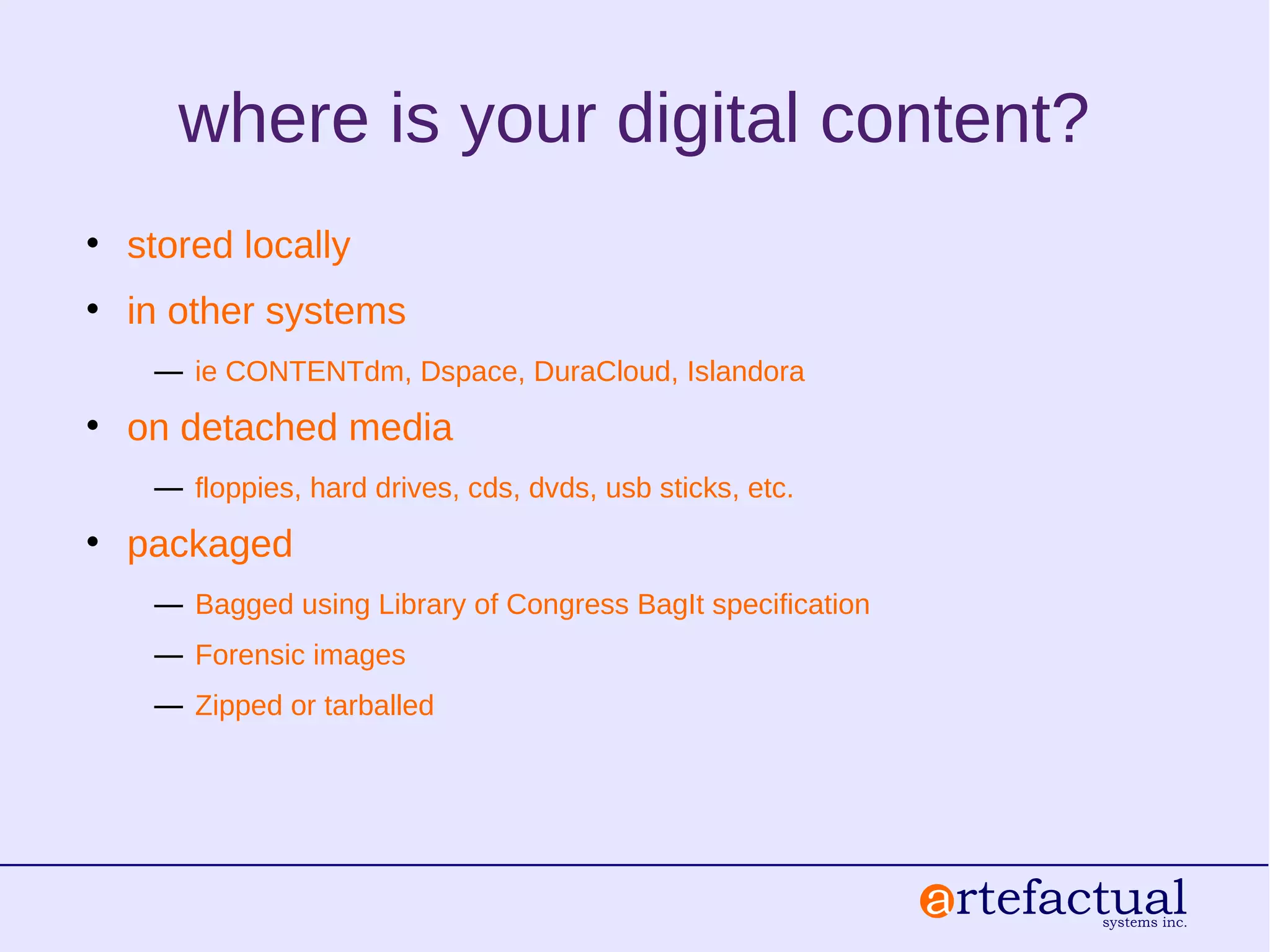
where is your digital content?
• stored locally
• in other systems
― ie CONTENTdm, Dspace, DuraCloud, Islandora
• on detached media
― floppies, hard drives, cds, dvds, usb sticks, etc.
• packaged
― Bagged using Library of Congress BagIt specification
― Forensic images
― Zipped or tarballed
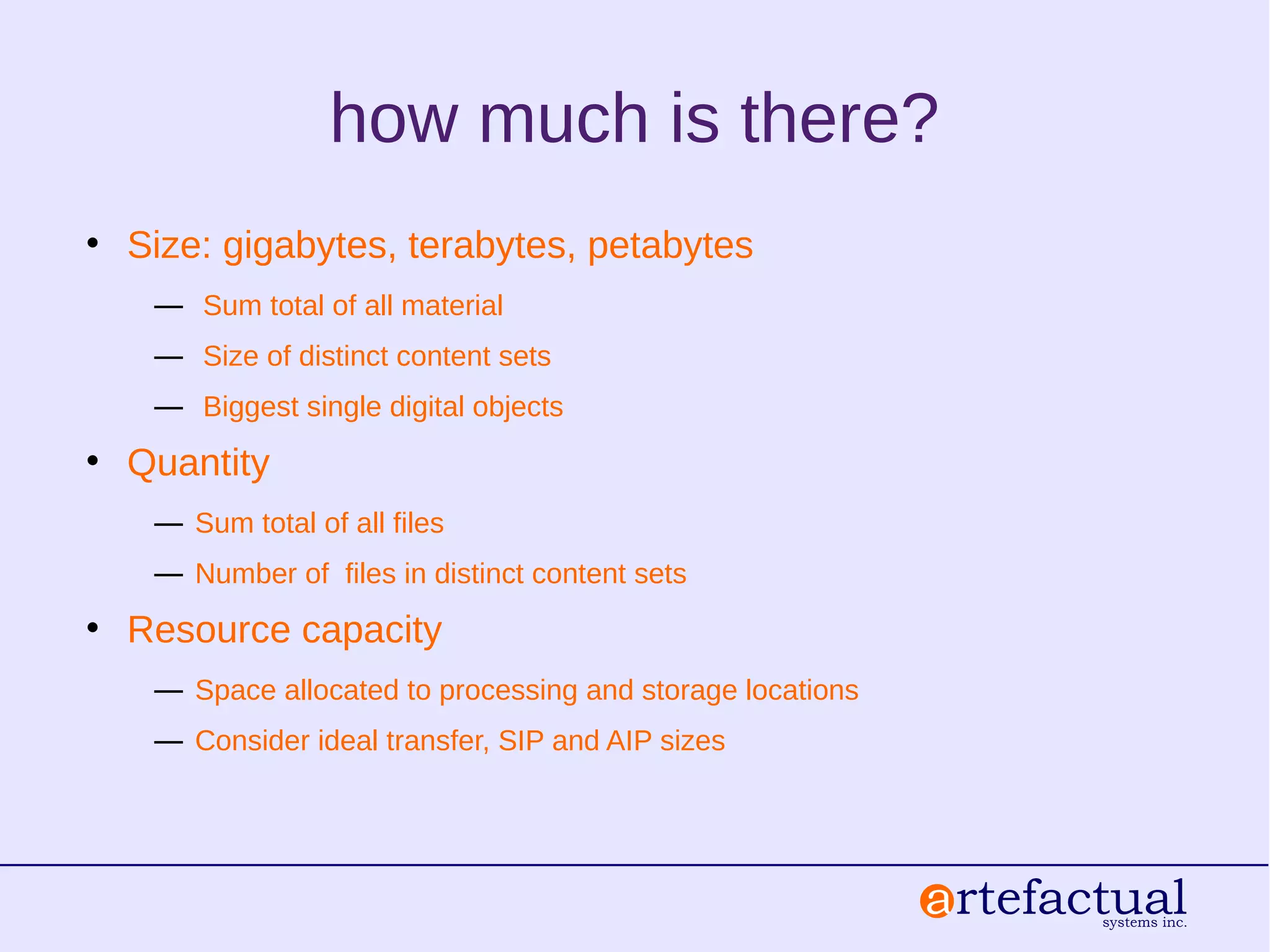
how much is there?
• Size: gigabytes, terabytes, petabytes
― Sum total of all material
― Size of distinct content sets
― Biggest single digital objects
• Quantity
― Sum total of all files
― Number of files in distinct content sets
• Resource capacity
― Space allocated to processing and storage locations
― Consider ideal transfer, SIP and AIP sizes
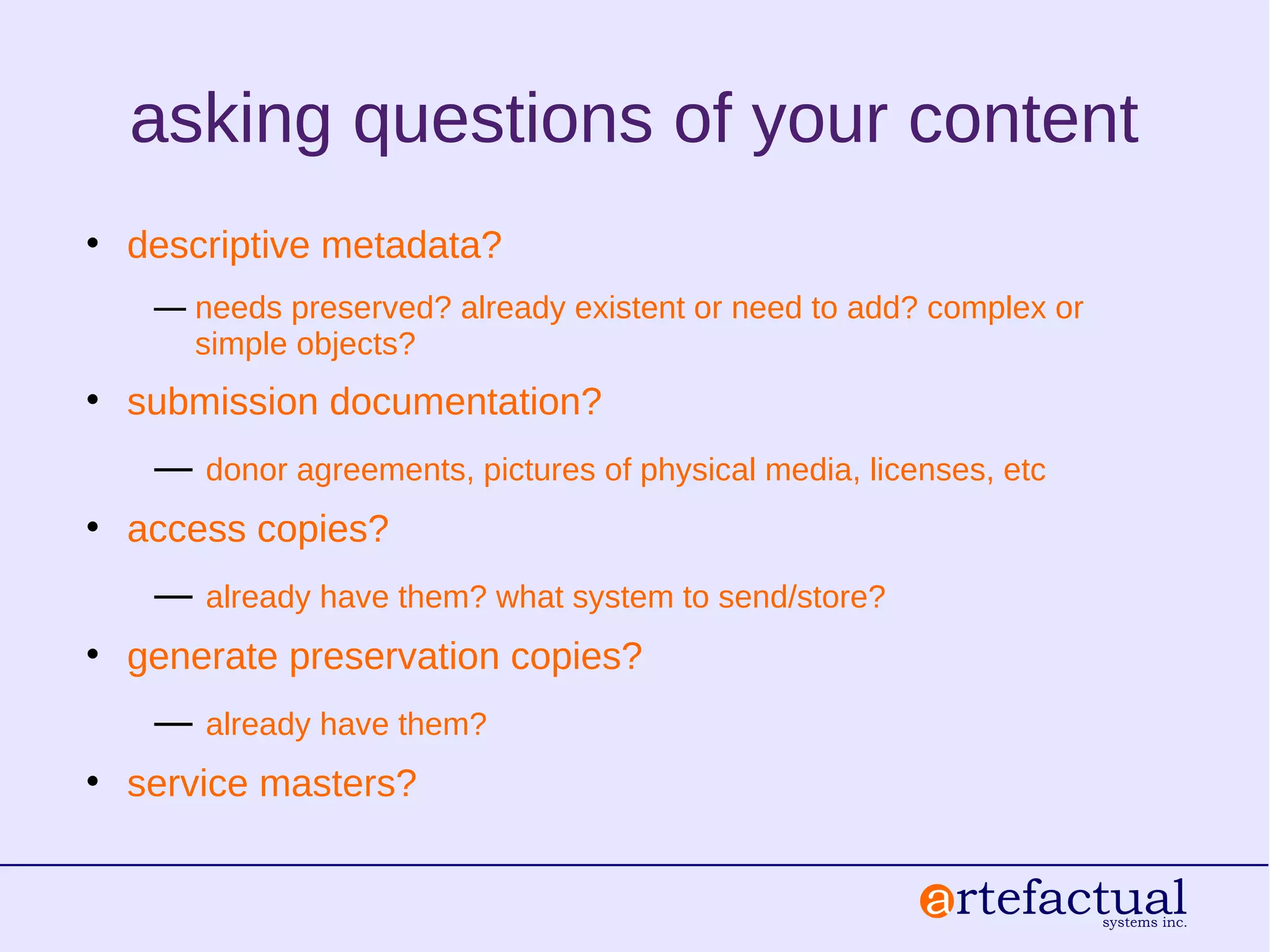
asking questions of your content
• descriptive metadata?
― needs preserved? already existent or need to add? complex or
simple objects?
• submission documentation?
― donor agreements, pictures of physical media, licenses, etc
• access copies?
― already have them? what system to send/store?
• generate preservation copies?
― already have them?
• service masters?
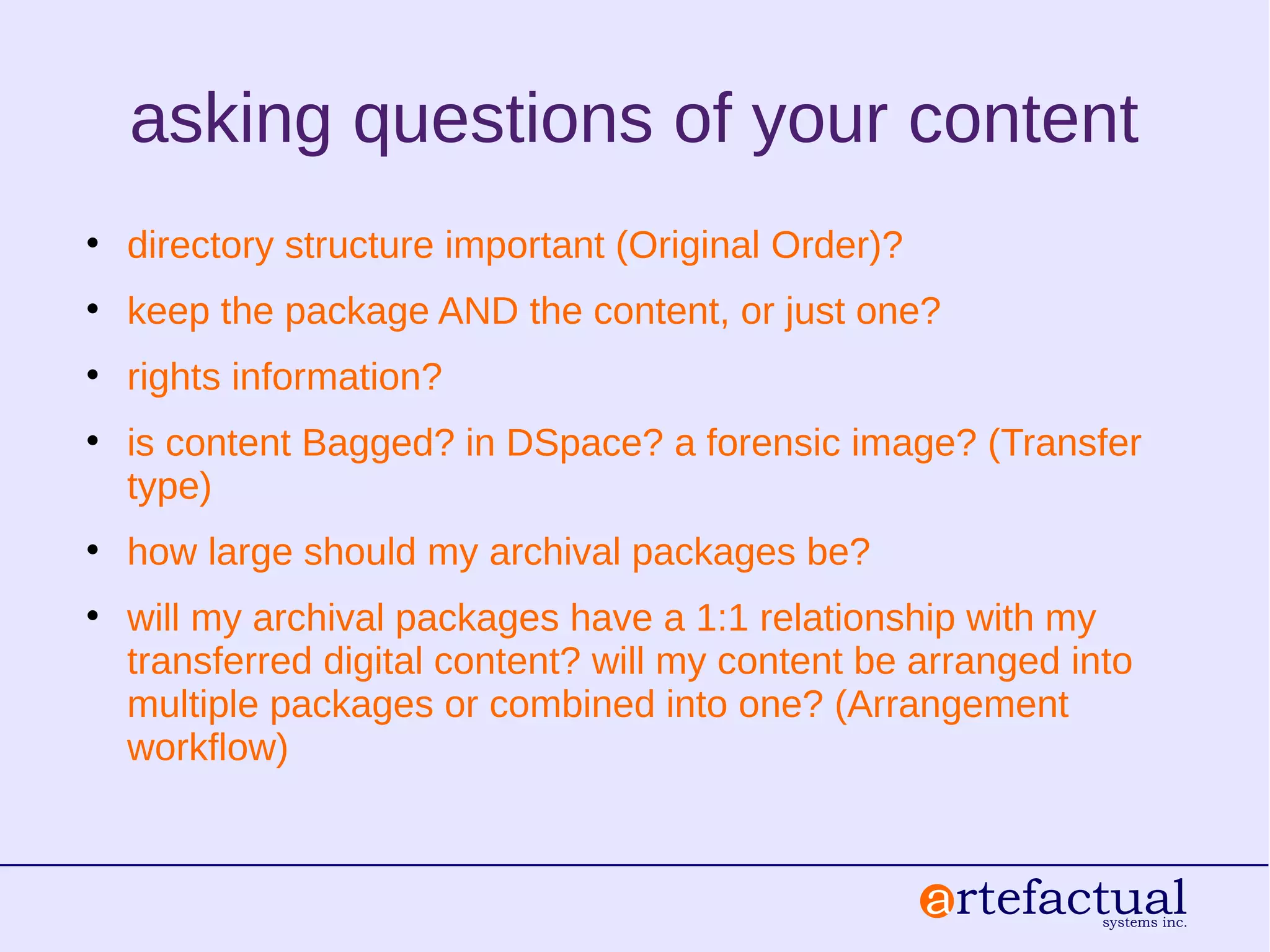
asking questions of your content
• directory structure important (Original Order)?
• keep the package AND the content, or just one?
• rights information?
• is content Bagged? in DSpace? a forensic image? (Transfer
type)
• how large should my archival packages be?
• will my archival packages have a 1:1 relationship with my
transferred digital content? will my content be arranged into
multiple packages or combined into one? (Arrangement
workflow)
processing in Archivematica
• determine readiness by pilot testing content streams using
the methods just described
• prepare content for transfer:
– put it in a folder in a transfer source directory
– prepare a metadata CSV for simple or complex objects
– prepare submission documentation
– identify pre-made access, preservation and/or service
copies
– select the right workflow: standard, DSpace, forensic
image and pre-configured settings (more on this soon)
now let's see it!
archivematica.org &
accesstomemory.org
Questions??
Thank you!

Personal Digital Archiving 2015 - NYU - Workshop

  • 1.
    This work islicensed under a Creative Commons Attribution-NonCommercial 3.0 Unported License. End-to-end digital preservation for diverse collections Personal Digital Archiving – 04-26-2015 Courtney C. Mumma, MAS/MLIS, US and International Community Development +
  • 2.
    lead developers ofArchivematica, Access to Memory (AtoM) and Binder archivists, librarians, technologists
  • 3.
    core values innovation andsmart automation leverage existing technology transparency interoperability and collaboration grounded in archival practice open source, including other projects handshakes / integration
  • 4.
  • 5.
    hybrid public accessand content management manage accessions, taxonomies, multiple repositories, restrictions and rights, authority records (ISAAR) access derivatives including streaming video multi-lingual description & ISAD(G), RAD, DACS, EAD export, MODS link to preserved archival packages, sync metadata and PREMIS rights
  • 7.
    FOSS digital preservation(AGPLv3) good practices and standards no barrier to user groups, community or documentation consistent, system independent Archival Information Packages (AIPs) Bagit, Dublin Core, METS, PREMIS
  • 9.
    system synthesis active integrations: –DSpace – CONTENTdm – Islandora/Fedora – Archivists' Toolkit – LOCKSS – DuraCloud – OpenStack – TRIM on-going integrations: – ArchivesSpace ● Bentley ● RAC – Dspace – Hydra – Arkivum – BitCurator – Dataverse
  • 10.
    A flexible open-sourceapplication for standards-based description and access Access to Memory
  • 11.
    What is AtoM? AtoMstands for Access to Memory. It is a web-based, open source application for standards-based archival description and access in a multilingual, multi- repository environment. Web-based Open source Standards- based Multilingual Multi-repository
  • 12.
    Web-based: platform independent Browser-based userinterface. • Anyone with access to a browser (e.g., Chrome, Internet Explorer, Firefox, Safari etc.) has access to all the features and functionality of the AtoM application. Platform independent application. • The application runs on a web server that can be installed and run on many platforms.
  • 13.
    Standards-based description: User-friendly contentstandard edit templates Templates: ISAD(G), DACS, RAD, DC, MODS ISAAR-CPF, ISDIAH, ISDF ←→
  • 14.
  • 15.
  • 16.
  • 17.
    Overall Workflow describe andmanage all hybrid content in AtoM preserve digital content using Archivematica & hand off access copies and metadata to AtoM provide access (digital copies and descriptions) and links to preserved content in AtoM
  • 18.
    A flexible open-sourceapplication for standards-based digital preservation
  • 19.
    Archivematica makes OAIS(ISO 14721) Archival Information Packages (AIPs) – integrity & virus checks, format identification, characterization & metadata extraction, forensic activities, validation, arrangement, transcription, etc – normalization to sustainable formats on ingest + preservation of the original file – include or add metadata, including PREMIS rights and restrictions – storage agnostic – bagged AIP with logs and metadata (METS.xml)
  • 20.
    the AIP: so muchbigger on the inside value add to storage: metadata, logs, formats and structure to protect against software obsolescence
  • 21.
    the METS.xml file <dmdSec>(descriptive metadata) Dublin Core XML <amdSec> (administrative metadata) <techMD> PREMIS: object <digiProvMD> PREMIS: events PREMIS: agents <rightsMD> PREMIS: rights <fileSec> (a list of the files and their roles and relationships) <structMap> (a representation of the physical structure of the AIP)
  • 22.
    question break ....... then weget knee deep in computers
  • 23.
    identify your testcontent ✔ What ✔ Where ✔ How much
  • 24.
    what types ofdigital content? • born-digital ― government and university records, student artwork, e-theses and dissertations ― diverse formats: audiovisual, textual, geospatial, websites, presentations, images, databases • digitized ― books, newspapers, images, video from vendors ― pre-made access and preservation copies • submission documentation & metadata ― permission forms, accession records, pictures of digital media, etc. ― descriptive MD from other systems
  • 25.
    where is yourdigital content? • stored locally • in other systems ― ie CONTENTdm, Dspace, DuraCloud, Islandora • on detached media ― floppies, hard drives, cds, dvds, usb sticks, etc. • packaged ― Bagged using Library of Congress BagIt specification ― Forensic images ― Zipped or tarballed
  • 26.
    how much isthere? • Size: gigabytes, terabytes, petabytes ― Sum total of all material ― Size of distinct content sets ― Biggest single digital objects • Quantity ― Sum total of all files ― Number of files in distinct content sets • Resource capacity ― Space allocated to processing and storage locations ― Consider ideal transfer, SIP and AIP sizes
  • 27.
    asking questions ofyour content • descriptive metadata? ― needs preserved? already existent or need to add? complex or simple objects? • submission documentation? ― donor agreements, pictures of physical media, licenses, etc • access copies? ― already have them? what system to send/store? • generate preservation copies? ― already have them? • service masters?
  • 28.
    asking questions ofyour content • directory structure important (Original Order)? • keep the package AND the content, or just one? • rights information? • is content Bagged? in DSpace? a forensic image? (Transfer type) • how large should my archival packages be? • will my archival packages have a 1:1 relationship with my transferred digital content? will my content be arranged into multiple packages or combined into one? (Arrangement workflow)
  • 29.
    processing in Archivematica •determine readiness by pilot testing content streams using the methods just described • prepare content for transfer: – put it in a folder in a transfer source directory – prepare a metadata CSV for simple or complex objects – prepare submission documentation – identify pre-made access, preservation and/or service copies – select the right workflow: standard, DSpace, forensic image and pre-configured settings (more on this soon)
  • 30.
  • 31.