Presented by Chad Kafka
TopicPutting PDF files on wiki
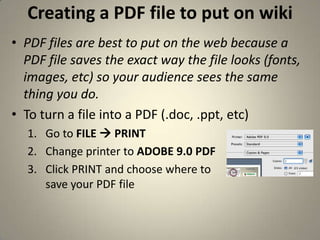
Creating a PDF file to put on wikiPDF files are best to put on the web because a PDF file saves the exact way the file looks (fonts, images, etc) so your audience sees the same thing you do. To turn a file into a PDF (.doc, .ppt, etc)Go to FILE  PRINTChange printer to ADOBE 9.0 PDFClick PRINT and choose where tosave your PDF file
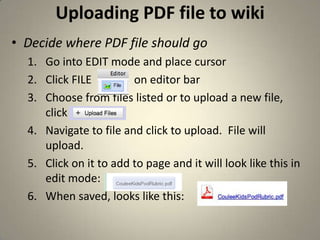
Uploading PDF file to wikiDecide where PDF file should goGo into EDIT mode and place cursorClick FILE               on editor barChoose from files listed or to upload a new file, click  Navigate to file and click to upload.  File will upload.  Click on it to add to page and it will look like this in edit mode:  When saved, looks like this:

Pdf files

  • 1.
  • 2.
  • 3.
    Creating a PDFfile to put on wikiPDF files are best to put on the web because a PDF file saves the exact way the file looks (fonts, images, etc) so your audience sees the same thing you do. To turn a file into a PDF (.doc, .ppt, etc)Go to FILE  PRINTChange printer to ADOBE 9.0 PDFClick PRINT and choose where tosave your PDF file
  • 4.
    Uploading PDF fileto wikiDecide where PDF file should goGo into EDIT mode and place cursorClick FILE on editor barChoose from files listed or to upload a new file, click Navigate to file and click to upload. File will upload. Click on it to add to page and it will look like this in edit mode: When saved, looks like this: