PAL #4: Deco Tool & Inverse Kinematics
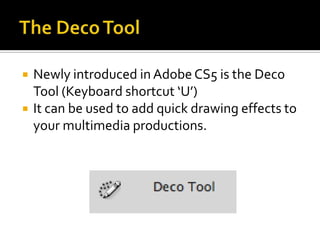
   Newly introduced in Adobe CS5 is the Deco
    Tool (Keyboard shortcut ‘U’)
   It can be used to add quick drawing effects to
    your multimedia productions.
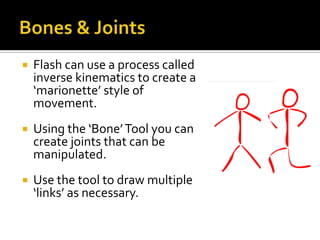
   Flash can use a process called
    inverse kinematics to create a
    ‘marionette’ style of
    movement.
   Using the ‘Bone’ Tool you can
    create joints that can be
    manipulated.
   Use the tool to draw multiple
    ‘links’ as necessary.
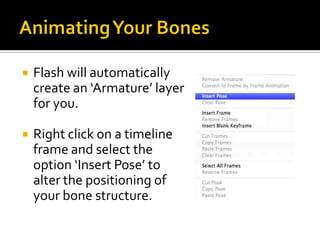
   Flash will automatically
    create an ‘Armature’ layer
    for you.

   Right click on a timeline
    frame and select the
    option ‘Insert Pose’ to
    alter the positioning of
    your bone structure.
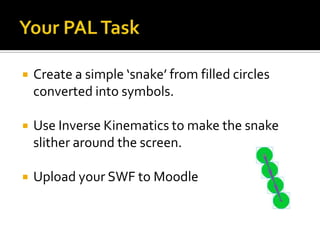
   Create a simple ‘snake’ from filled circles
    converted into symbols.

   Use Inverse Kinematics to make the snake
    slither around the screen.

   Upload your SWF to Moodle

PAL #4: Deco Tool & Inverse Kinematics

  • 1.
    PAL #4: DecoTool & Inverse Kinematics
  • 2.
    Newly introduced in Adobe CS5 is the Deco Tool (Keyboard shortcut ‘U’)  It can be used to add quick drawing effects to your multimedia productions.
  • 4.
    Flash can use a process called inverse kinematics to create a ‘marionette’ style of movement.  Using the ‘Bone’ Tool you can create joints that can be manipulated.  Use the tool to draw multiple ‘links’ as necessary.
  • 5.
    Flash will automatically create an ‘Armature’ layer for you.  Right click on a timeline frame and select the option ‘Insert Pose’ to alter the positioning of your bone structure.
  • 6.
    Create a simple ‘snake’ from filled circles converted into symbols.  Use Inverse Kinematics to make the snake slither around the screen.  Upload your SWF to Moodle