Web 2.0 tools
How to use Padlet
Padlet Assignment
Δημιουργία Padlet
 Steps:
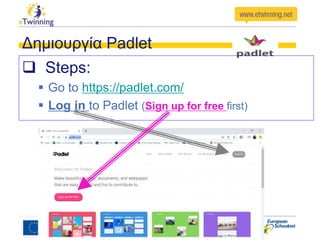
 Go to https://padlet.com/
 Log in to Padlet (Sign up for free first)
Δημιουργία Padlet
 Steps:
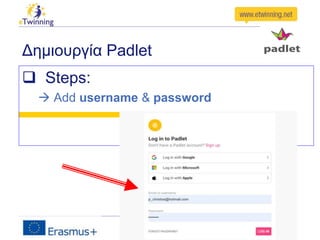
 Add username & password
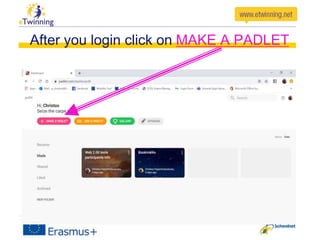
After you login click on MAKE A PADLET
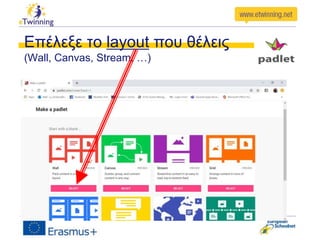
Επέλεξε το layout που θέλεις
(Wall, Canvas, Stream, …)
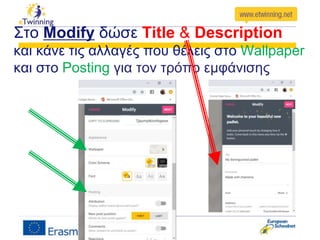
Στο Modify δώσε Title & Description
και κάνε τις αλλαγές που θέλεις στο Wallpaper
και στο Posting για τον τρόπο εμφάνισης
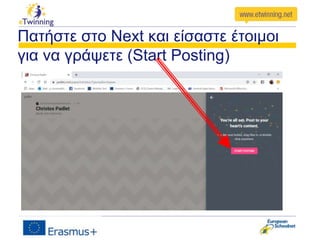
Πατήστε στο Next και είσαστε έτοιμοι
για να γράψετε (Start Posting)
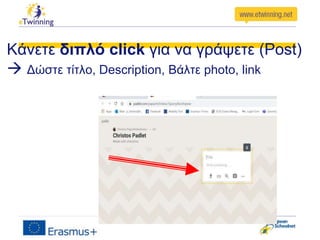
Κάνετε διπλό click για να γράψετε (Post)
 Δώστε τίτλο, Description, Βάλτε photo, link
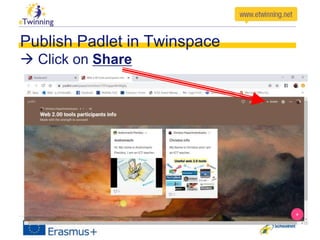
Publish Padlet in Twinspace
 Click on Share
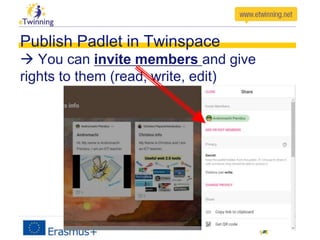
Publish Padlet in Twinspace
 You can invite members and give
rights to them (read, write, edit)
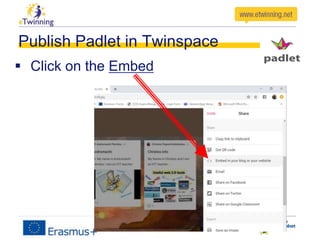
Publish Padlet in Twinspace
 Click on the Embed
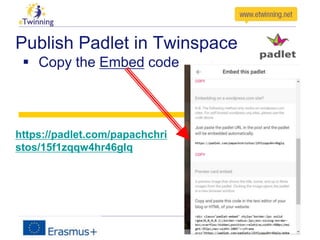
Publish Padlet in Twinspace
 Copy the Embed code
https://padlet.com/papachchri
stos/15f1zqqw4hr46glq
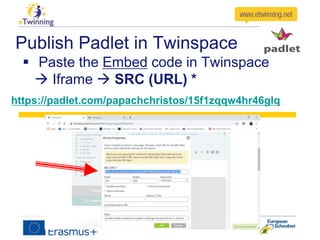
Publish Padlet in Twinspace
 Paste the Embed code in Twinspace
 Iframe  SRC (URL) *
https://padlet.com/papachchristos/15f1zqqw4hr46glq
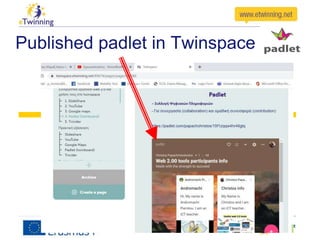
Published padlet in Twinspace
Assignment
After watching the Padlet presentation
participants should create their own padlet and
upload them on a sample Twinspace
Sample twinspace
– …..
– Public link to this TwinSpace: …..
Thanks for your attention
Christos Papachristodoulou
(eTwinning ambassador in Cyprus)

Padlet

Editor's Notes