Review Oracle OpenWorld 2014 
Part Five - SaaS 
Team AMIS 
16th October 2014
2 
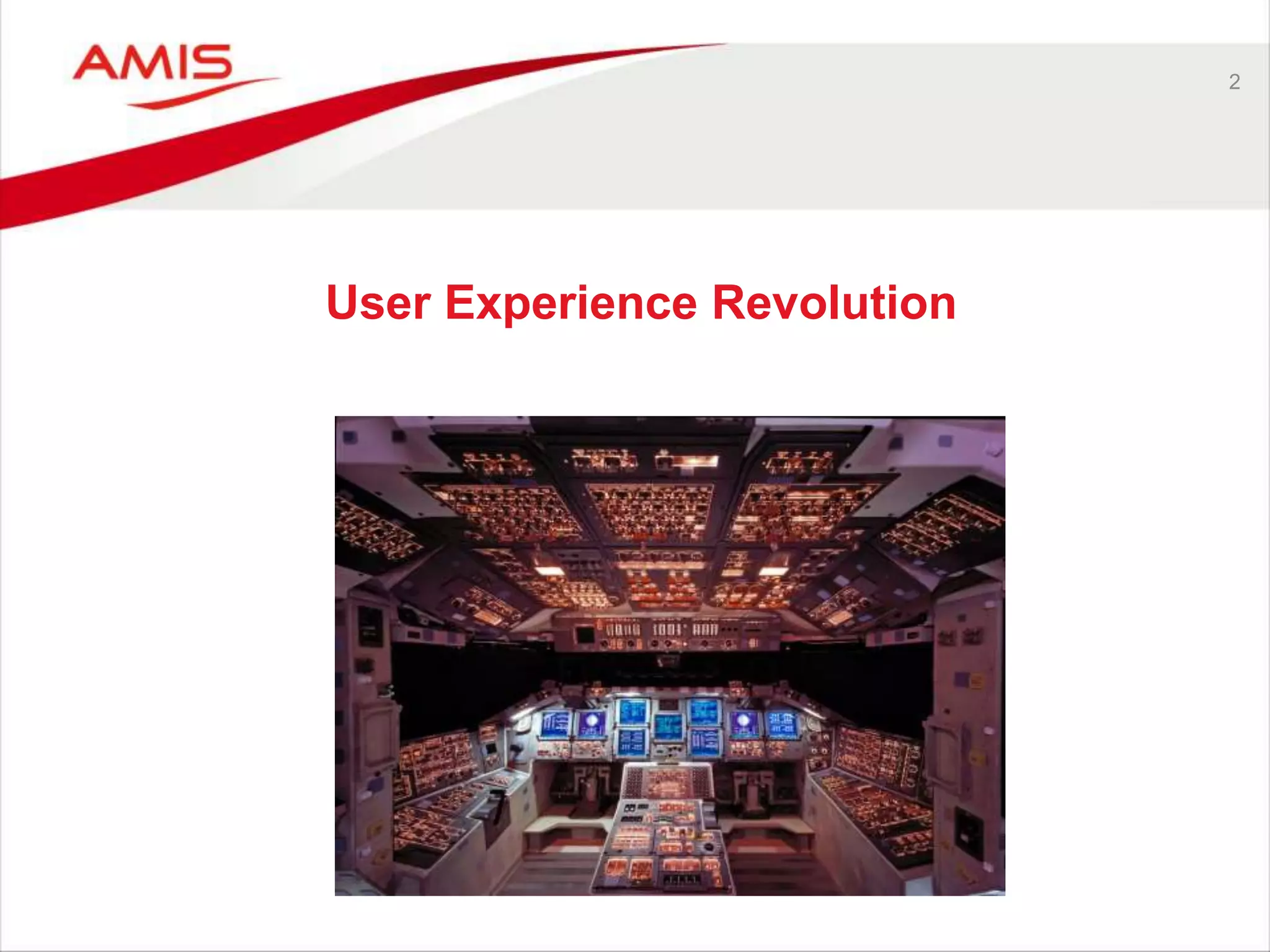
User Experience Revolution
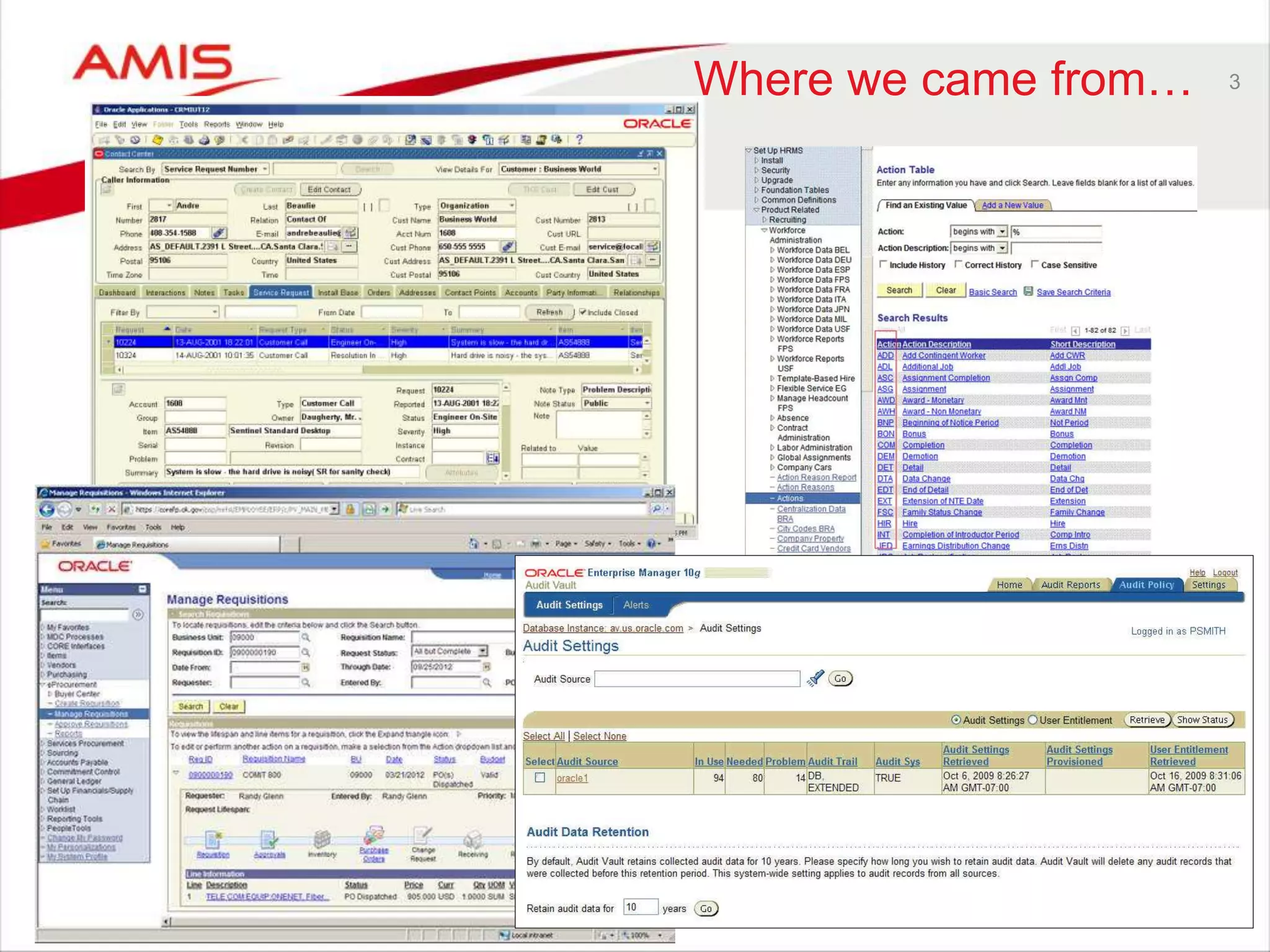
Where we came from… 3
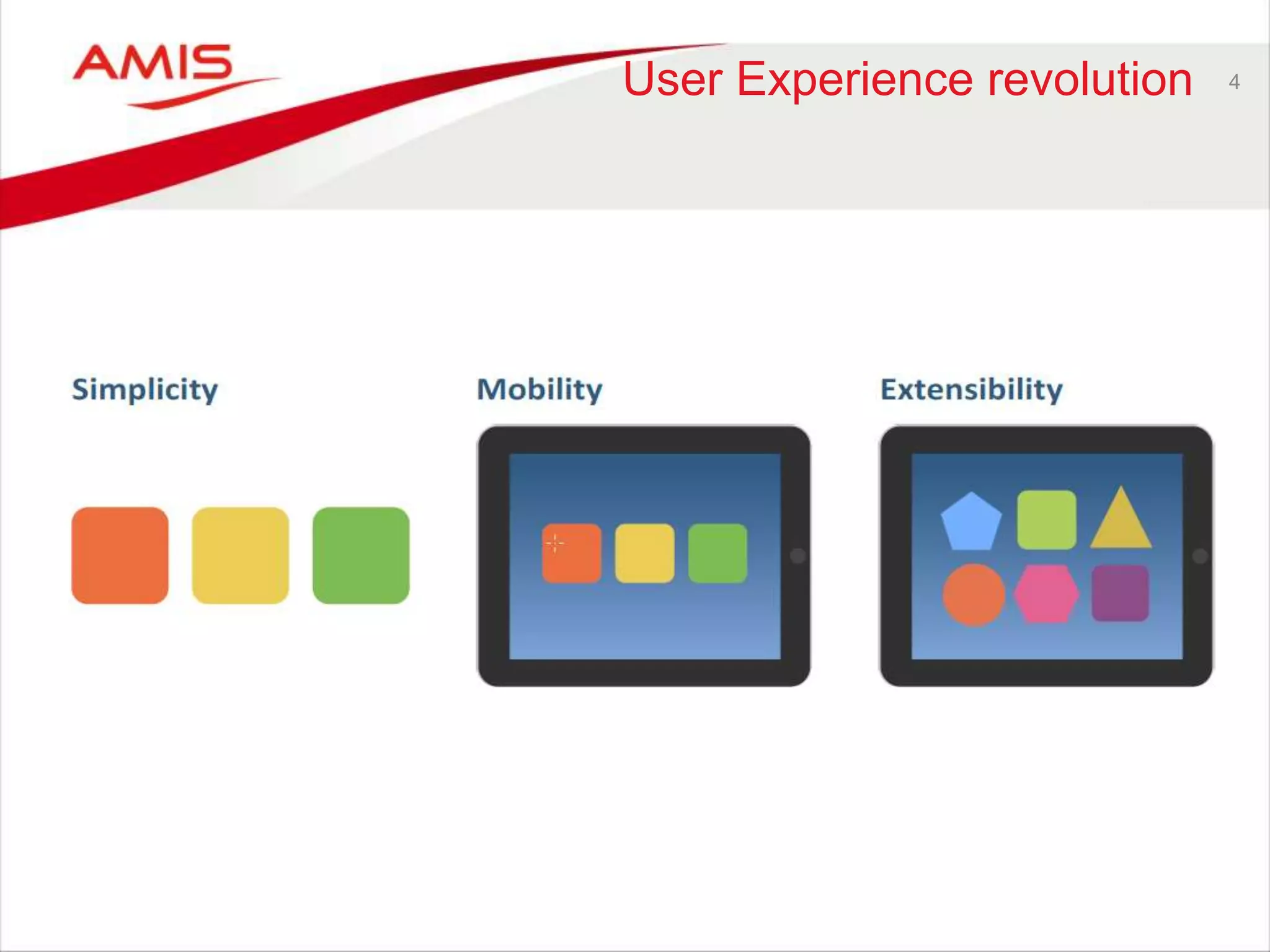
User Experience revolution 4
5 
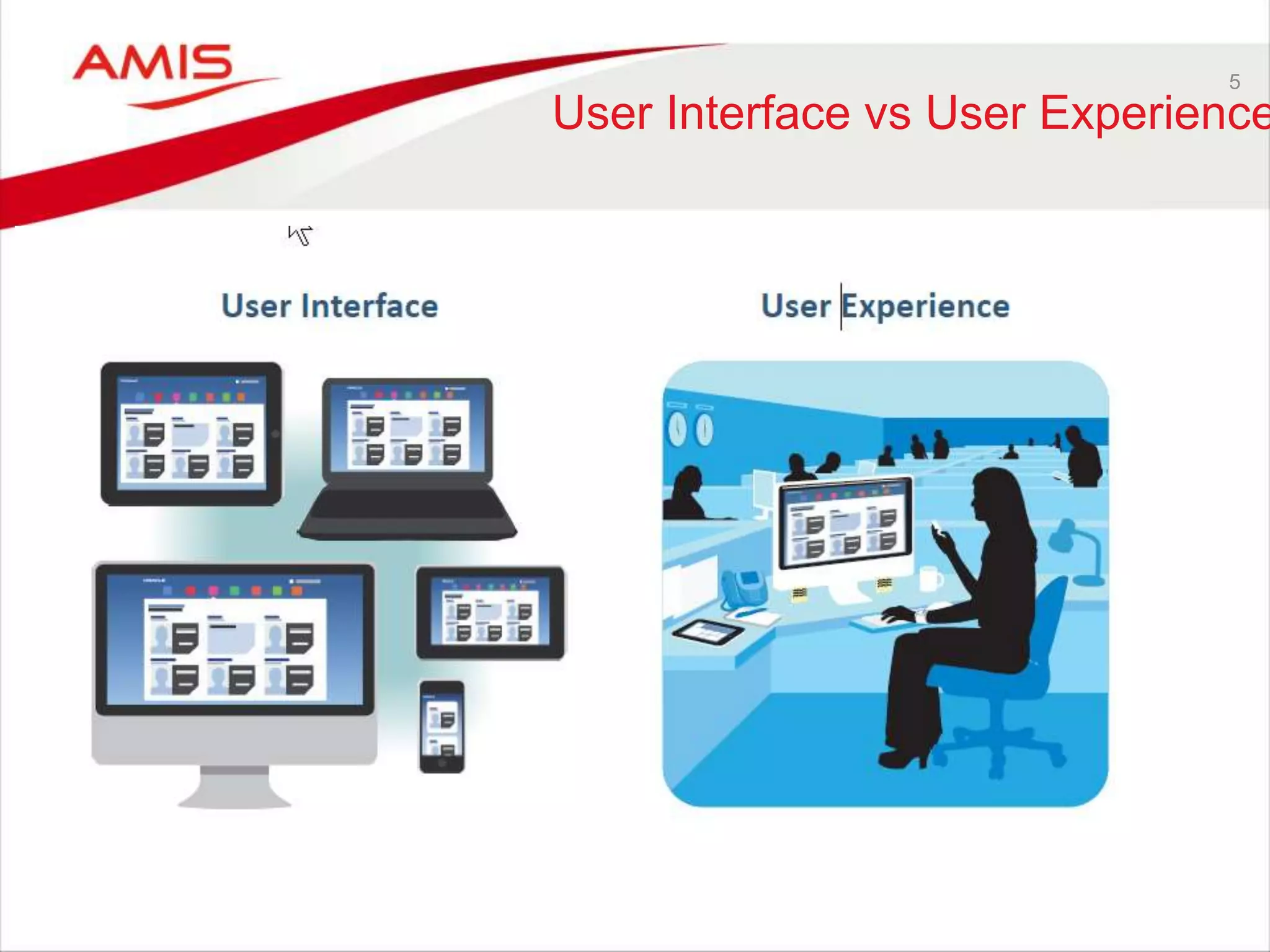
User Interface vs User Experience
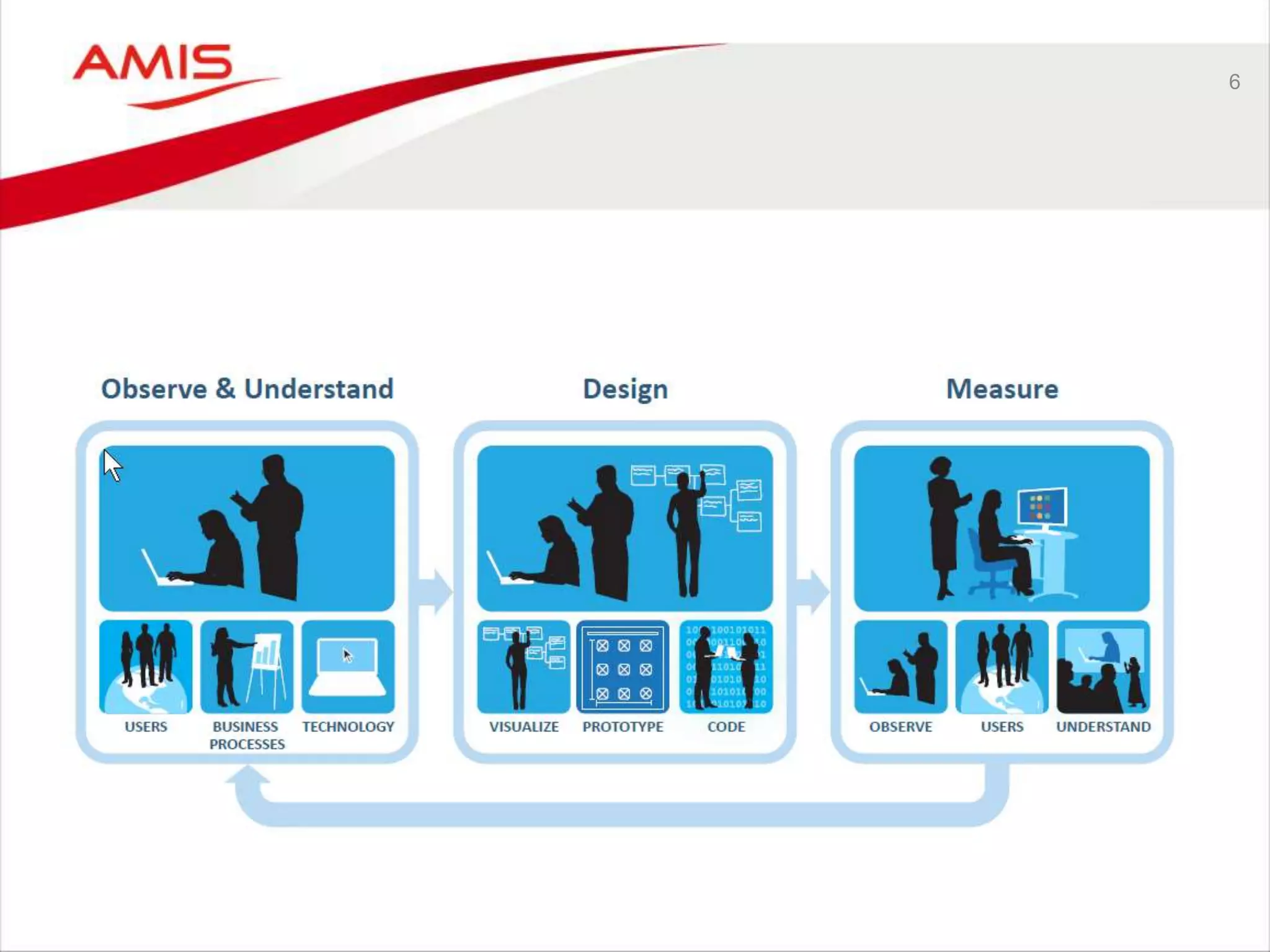
6
DESIGN PRICIPLES 
• Always connected 
• Any location 
• Intelligent context 
• Work on multiple deivces 
• Convenient, easy to use 
• Consumer acceptance 
• Use device for purpose (laptop, tablet, phone etc.) 
• Show what matters most 
• Small relevant info an direct aciton 
• Multimodal input (voice, tekst, photo, video) 
7
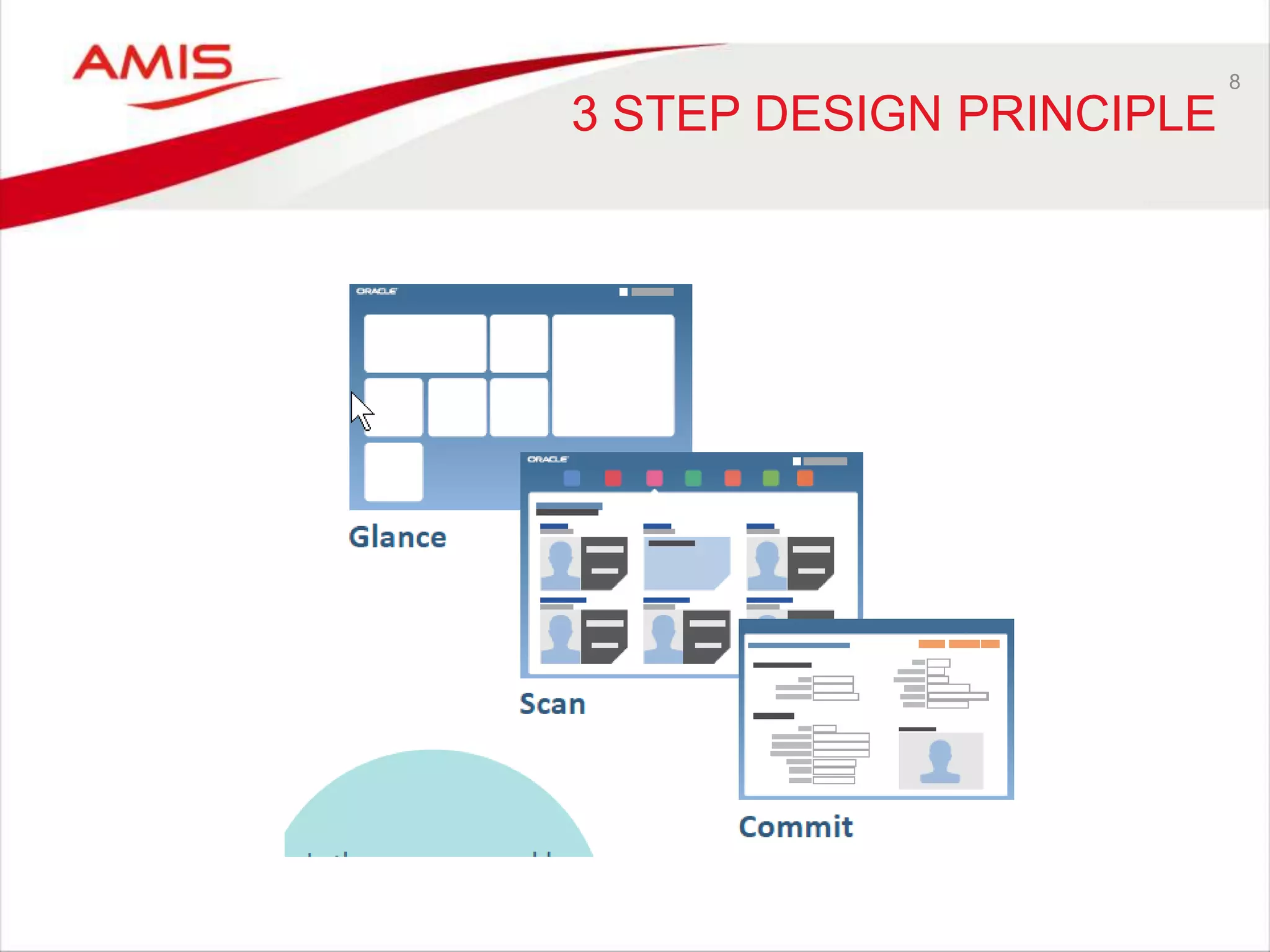
3 STEP DESIGN PRINCIPLE 
8
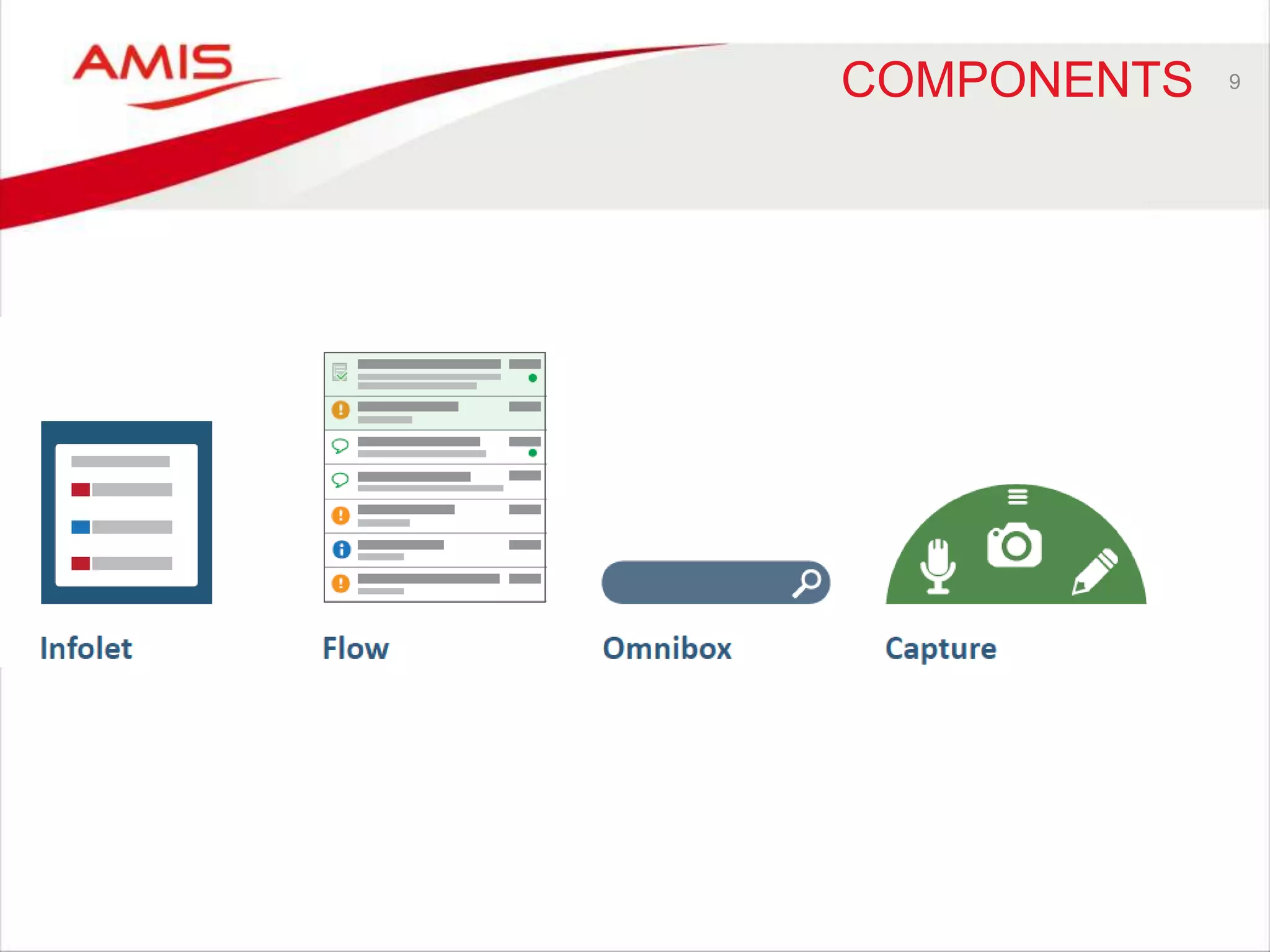
COMPONENTS 9
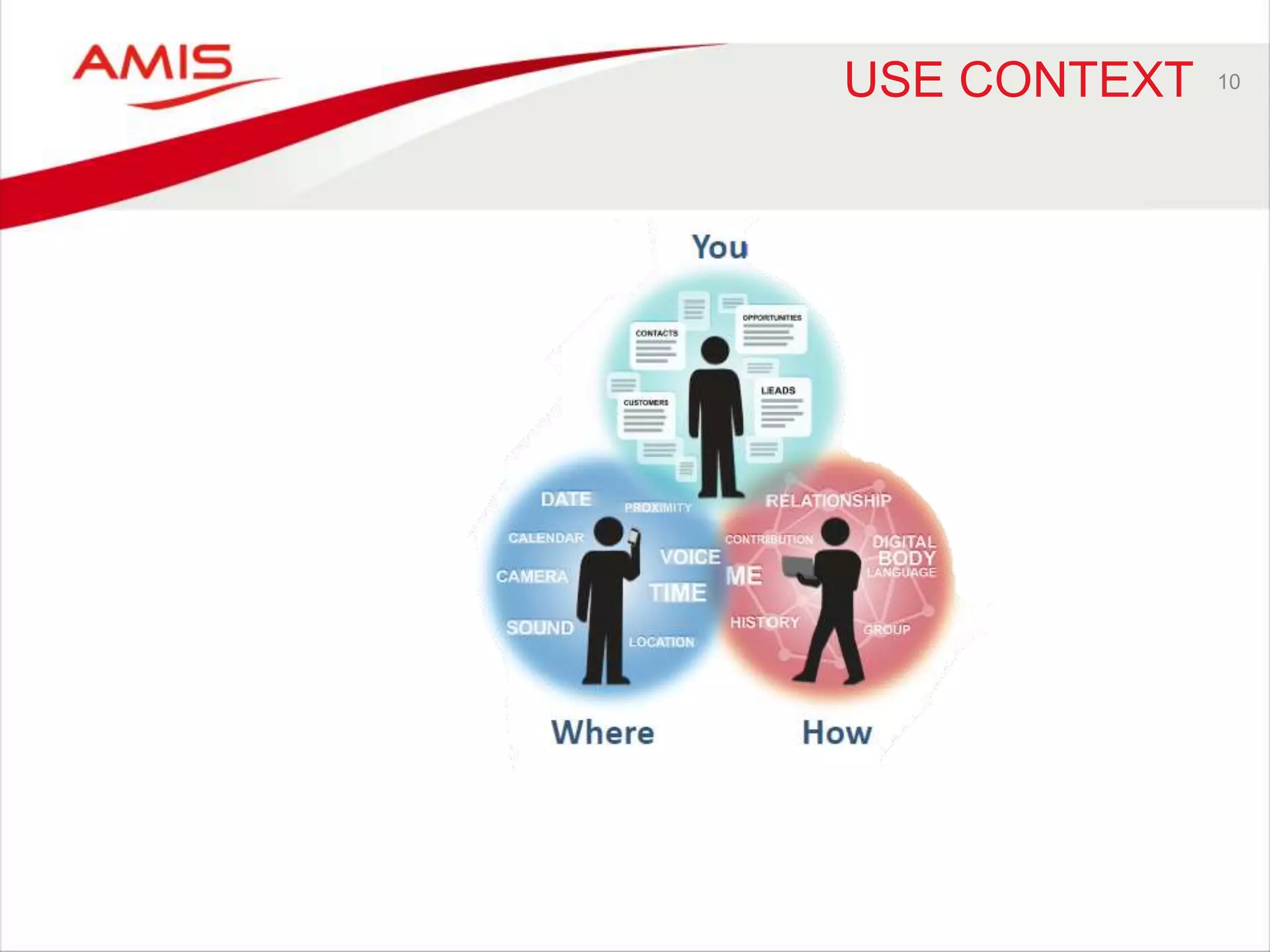
USE CONTEXT 10
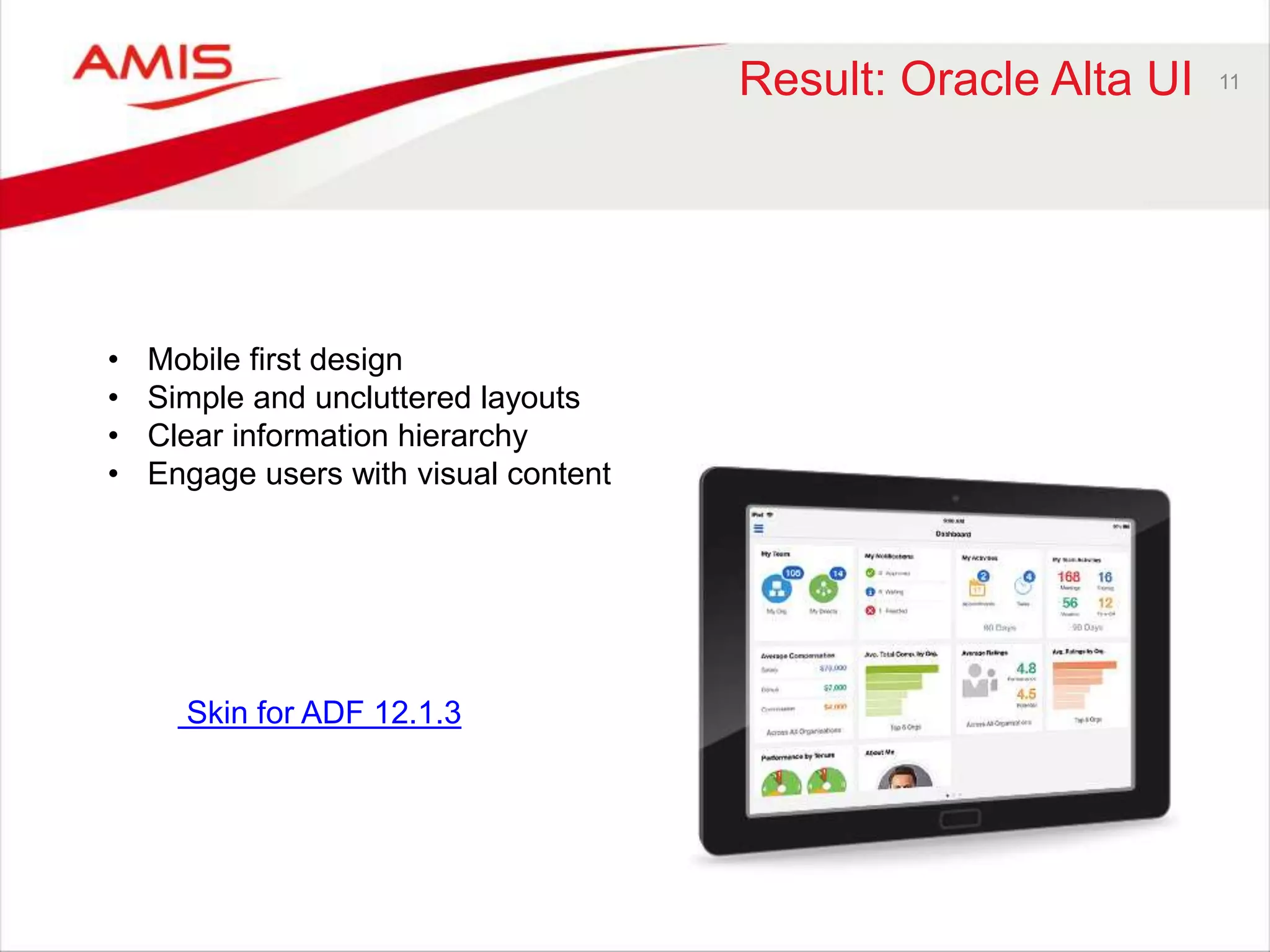
Result: Oracle Alta UI 11 
• Mobile first design 
• Simple and uncluttered layouts 
• Clear information hierarchy 
• Engage users with visual content 
Skin for ADF 12.1.3
ORACLE MAX12 
“MAX is the answer to accelerating 
mobilization by giving business-side 
workers the chance to simply create a 
mobile UI for any Cloud business 
processes at the touch of a few buttons” 
- Browser based 
- No coding required 
- Easy map to business services 
- Edit, test and publish from browser
13
14 
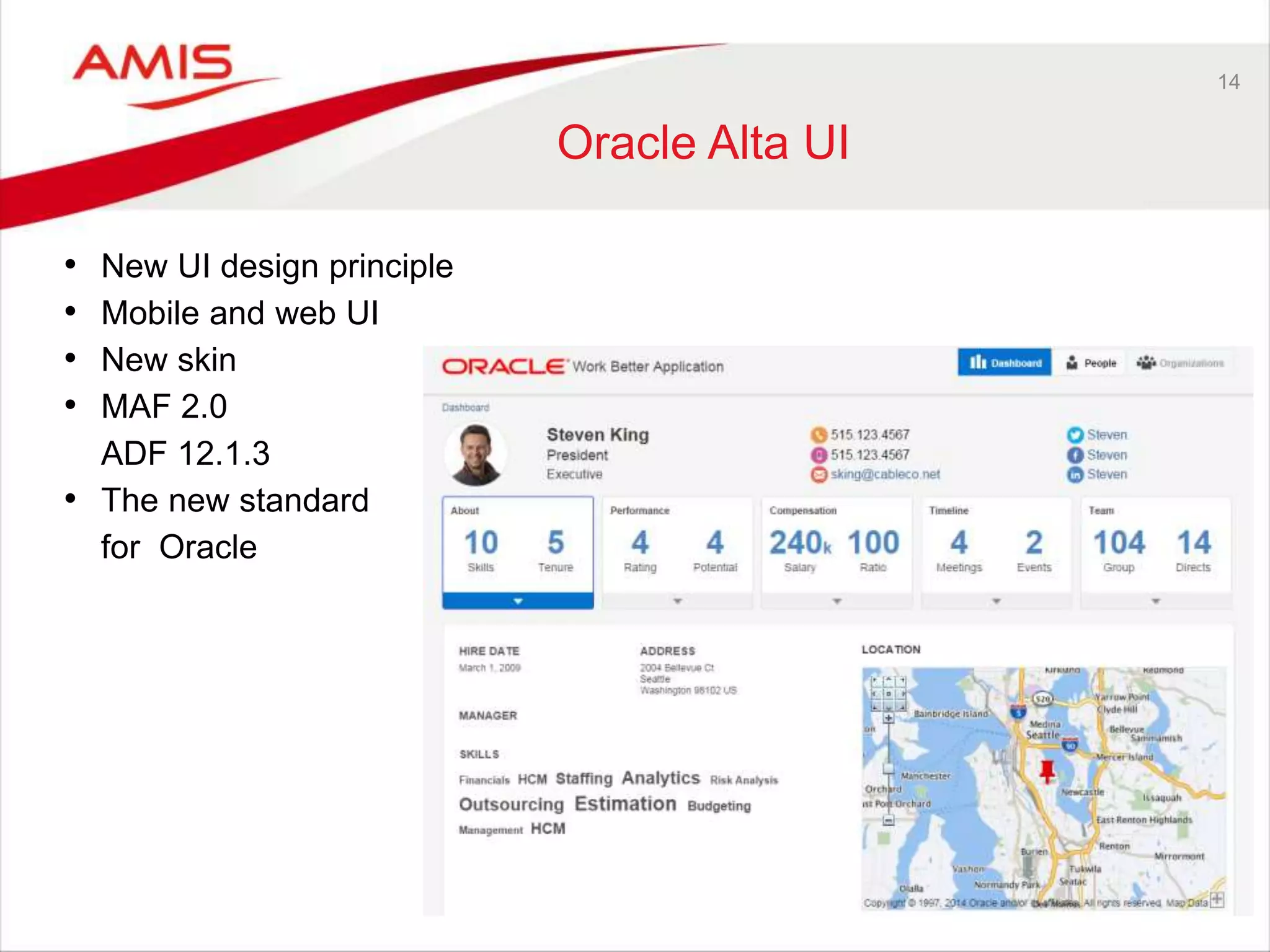
Oracle Alta UI 
• New UI design principle 
• Mobile and web UI 
• New skin 
• MAF 2.0 
ADF 12.1.3 
• The new standard 
for Oracle
15 
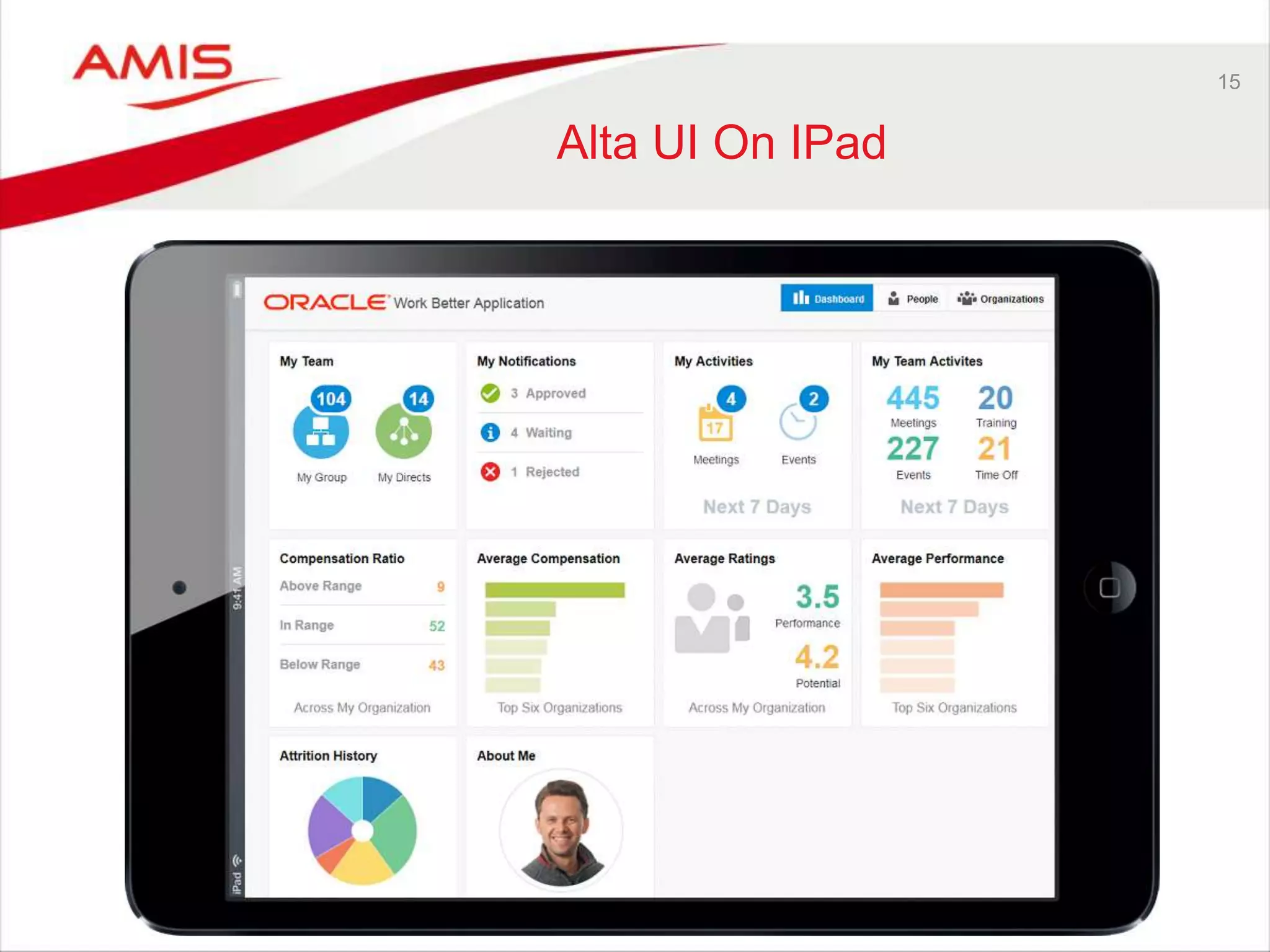
Alta UI On IPad
16 
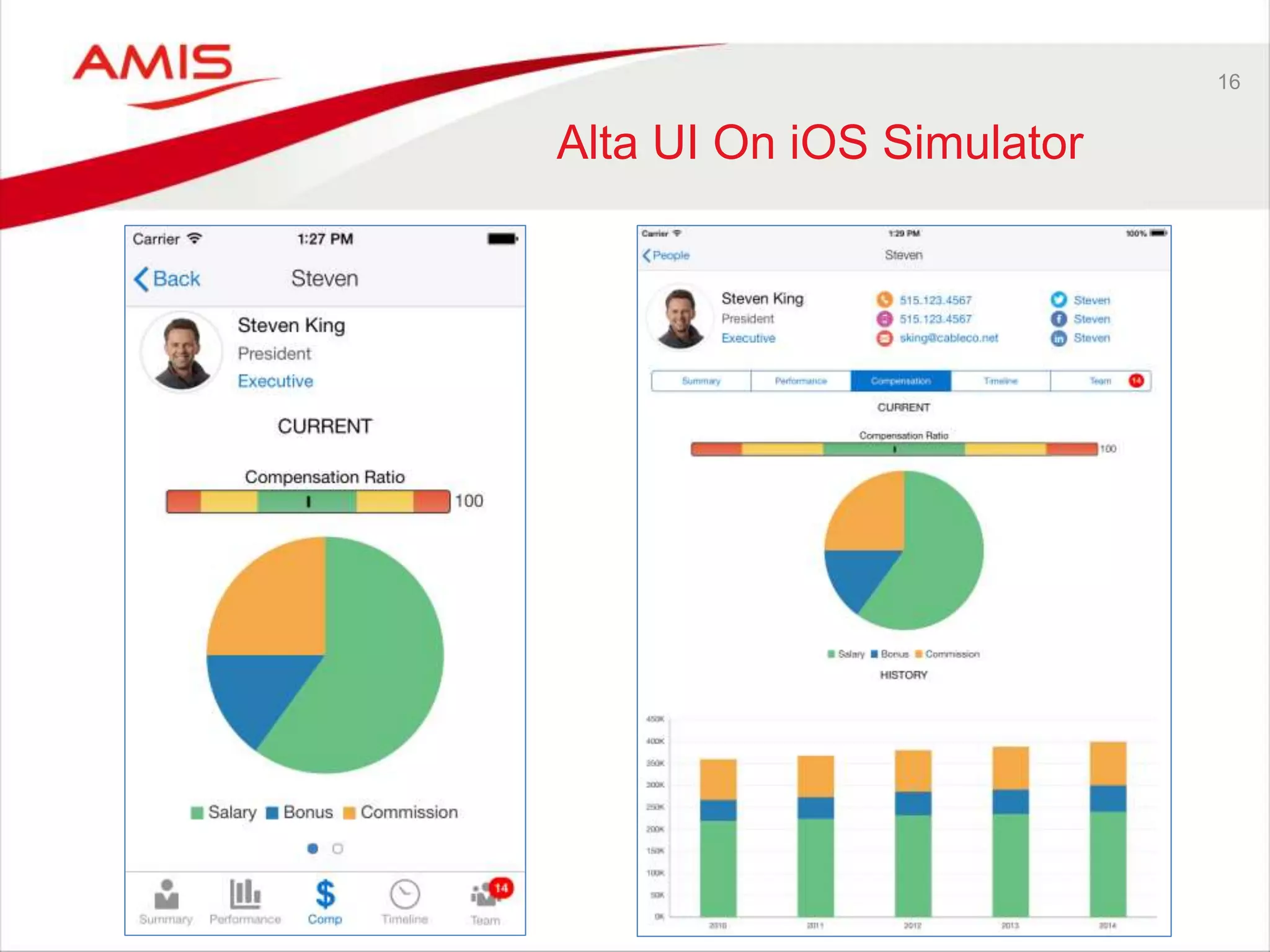
Alta UI On iOS Simulator
17 
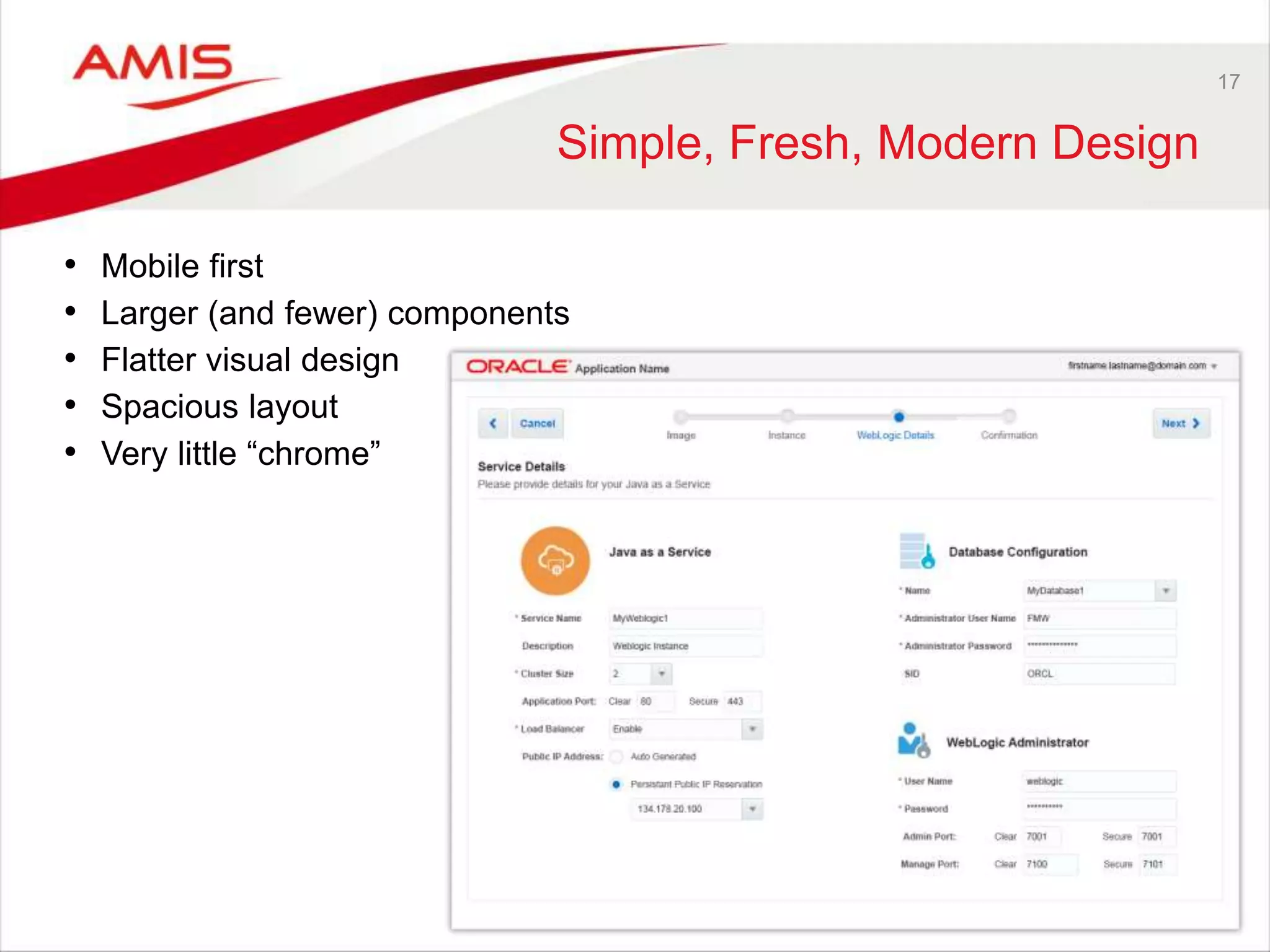
Simple, Fresh, Modern Design 
• Mobile first 
• Larger (and fewer) components 
• Flatter visual design 
• Spacious layout 
• Very little “chrome”
18 
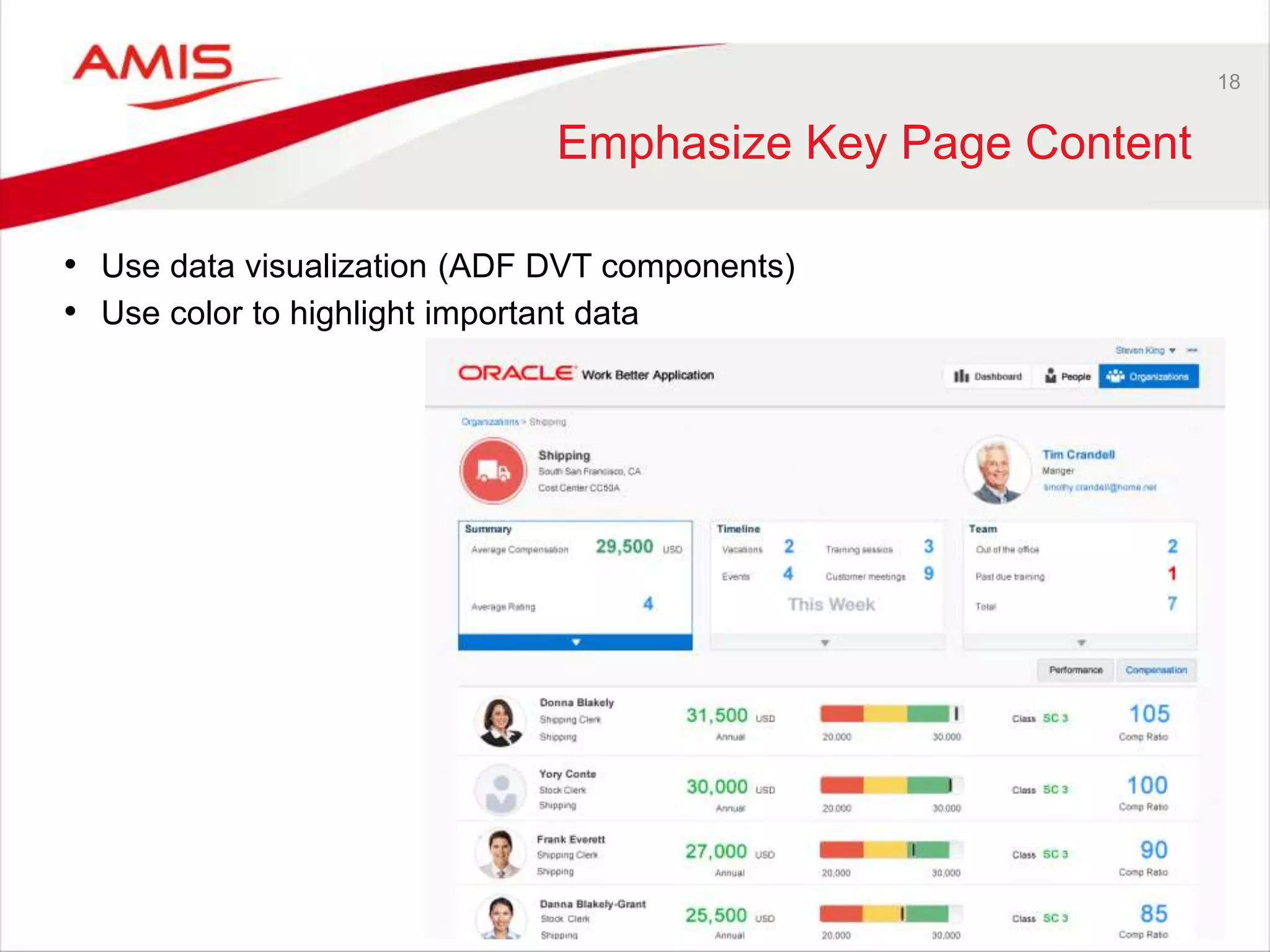
Emphasize Key Page Content 
• Use data visualization (ADF DVT components) 
• Use color to highlight important data
19 
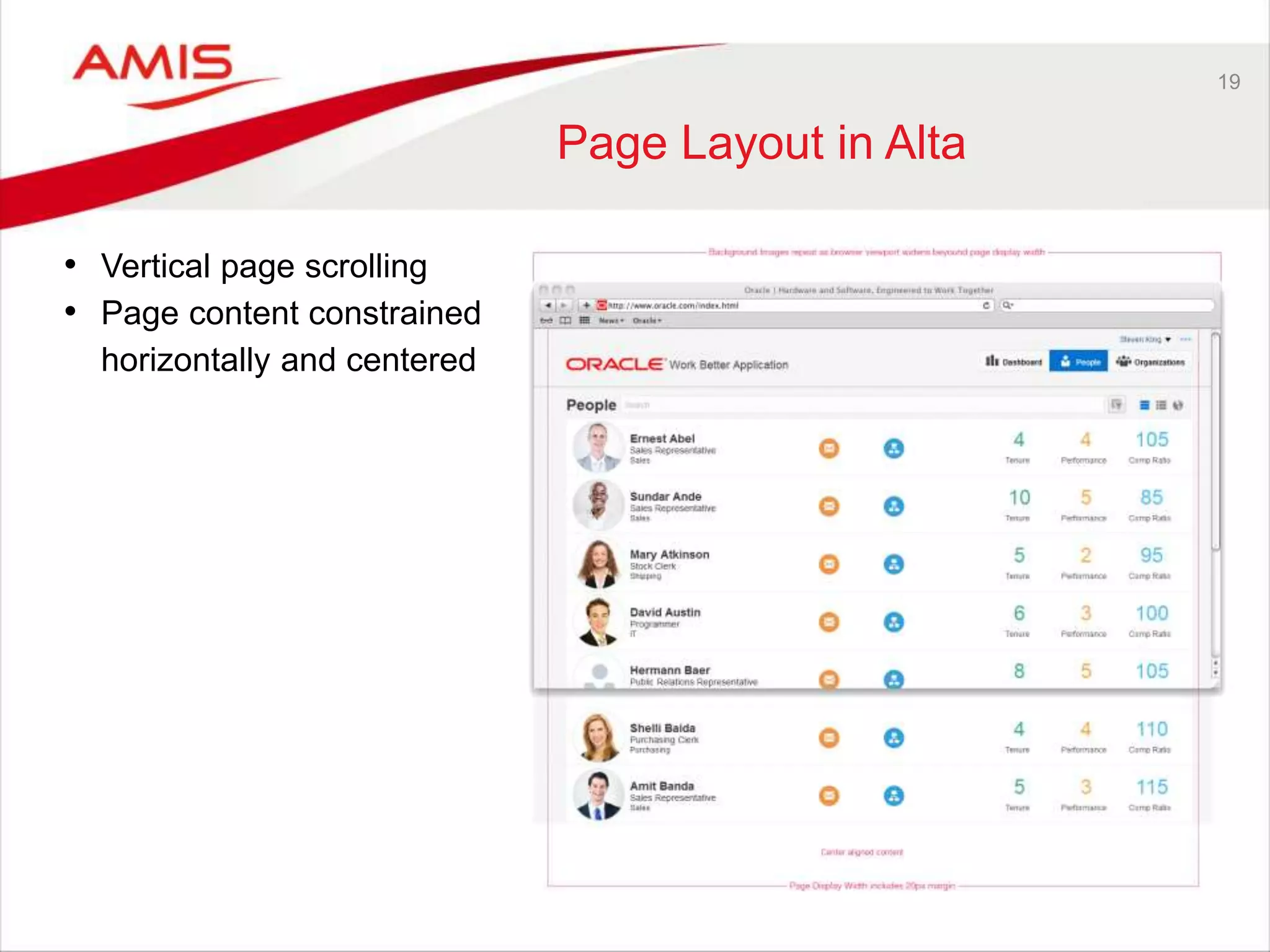
Page Layout in Alta 
• Vertical page scrolling 
• Page content constrained 
horizontally and centered
20 
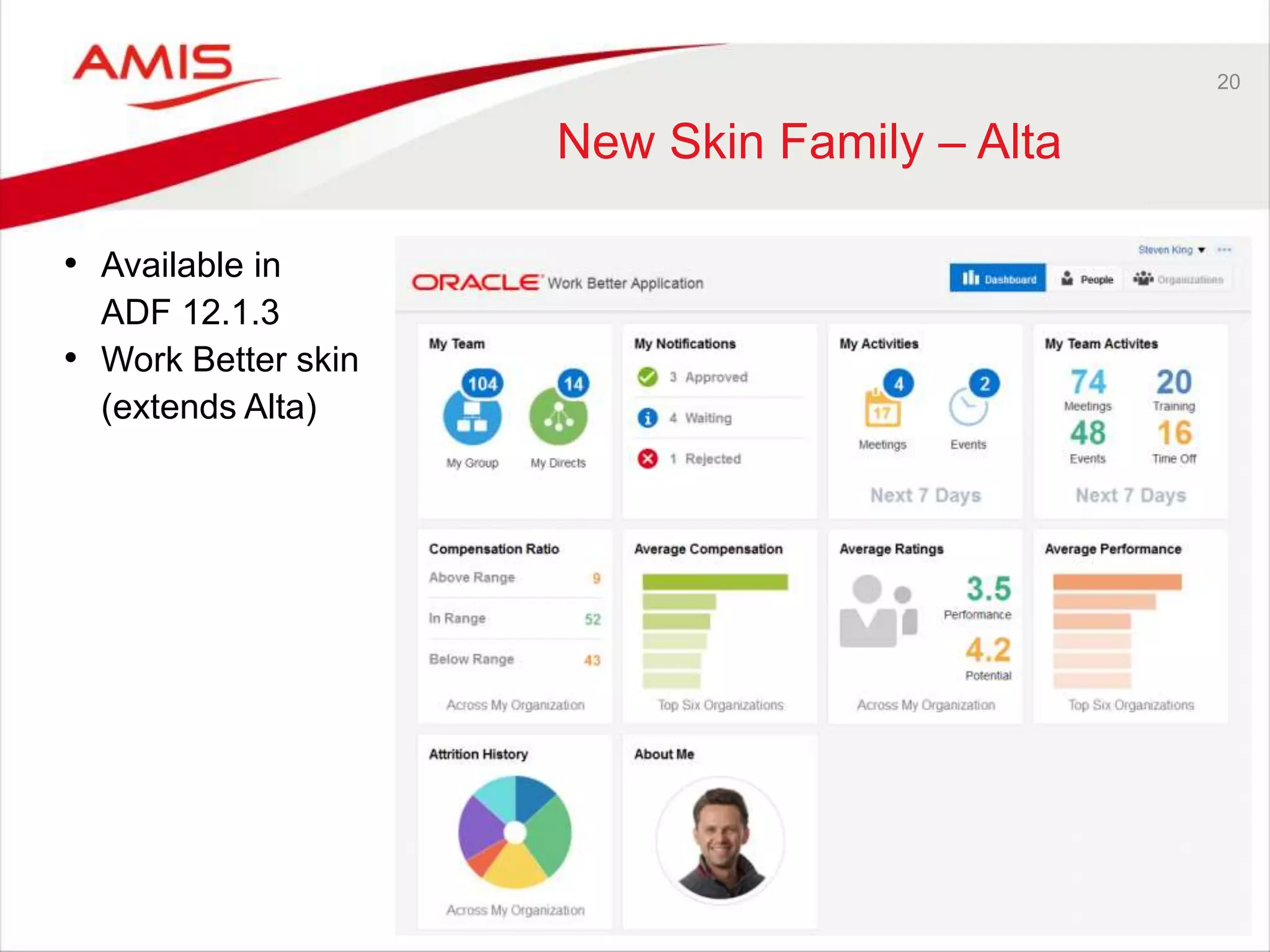
New Skin Family – Alta 
• Available in 
ADF 12.1.3 
• Work Better skin 
(extends Alta)
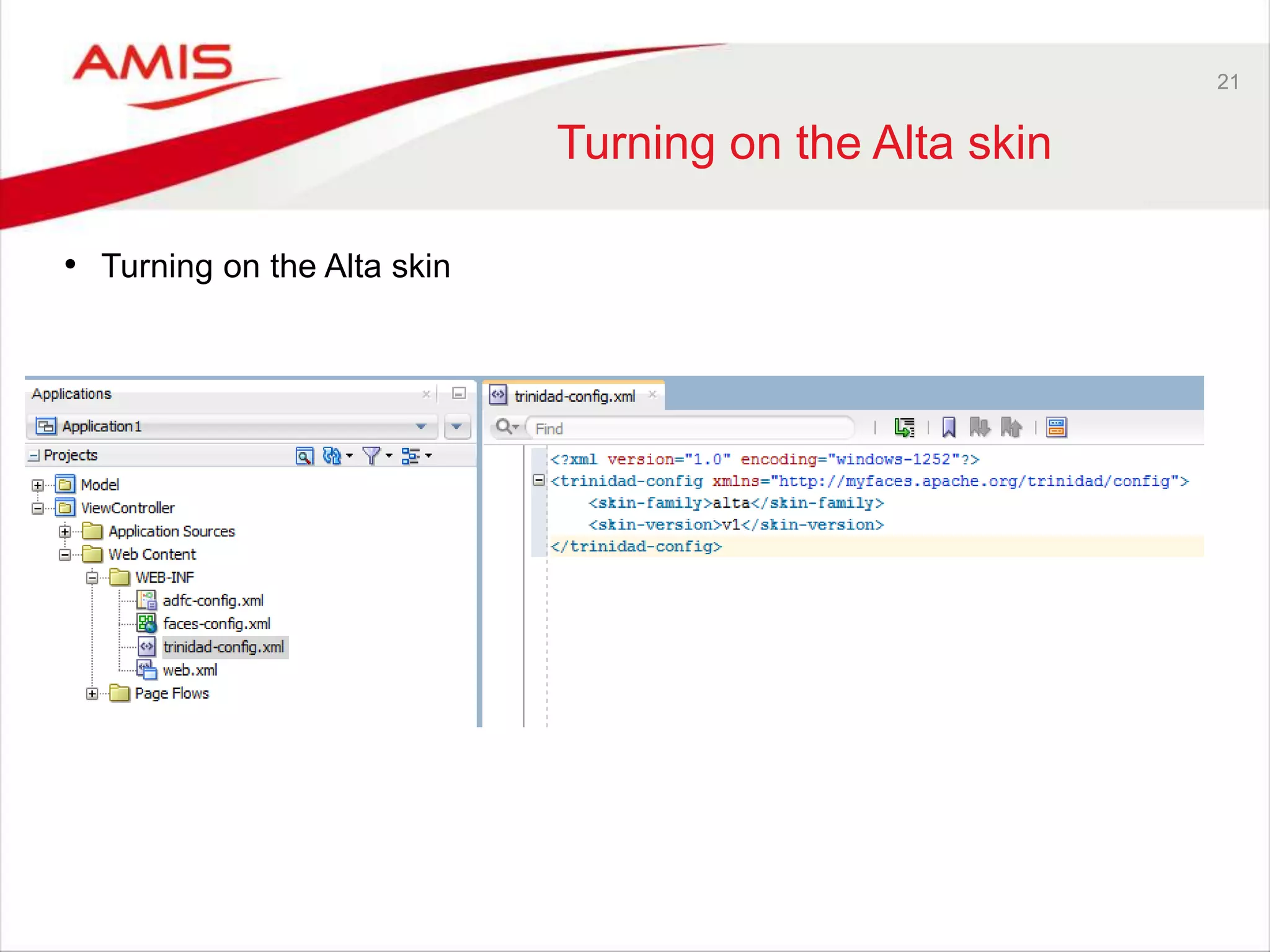
21 
Turning on the Alta skin 
• Turning on the Alta skin
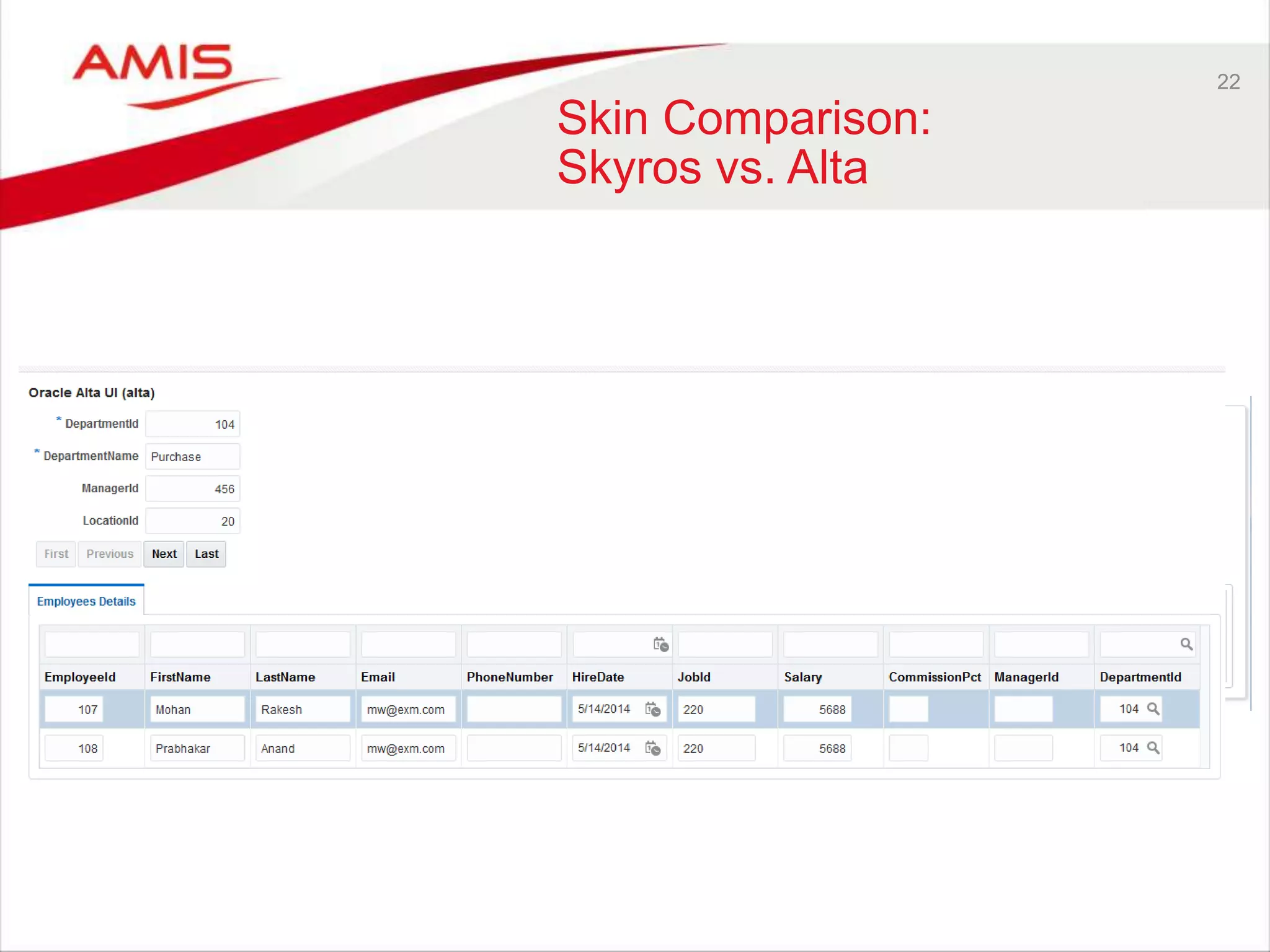
22 
Skin Comparison: 
Skyros vs. Alta
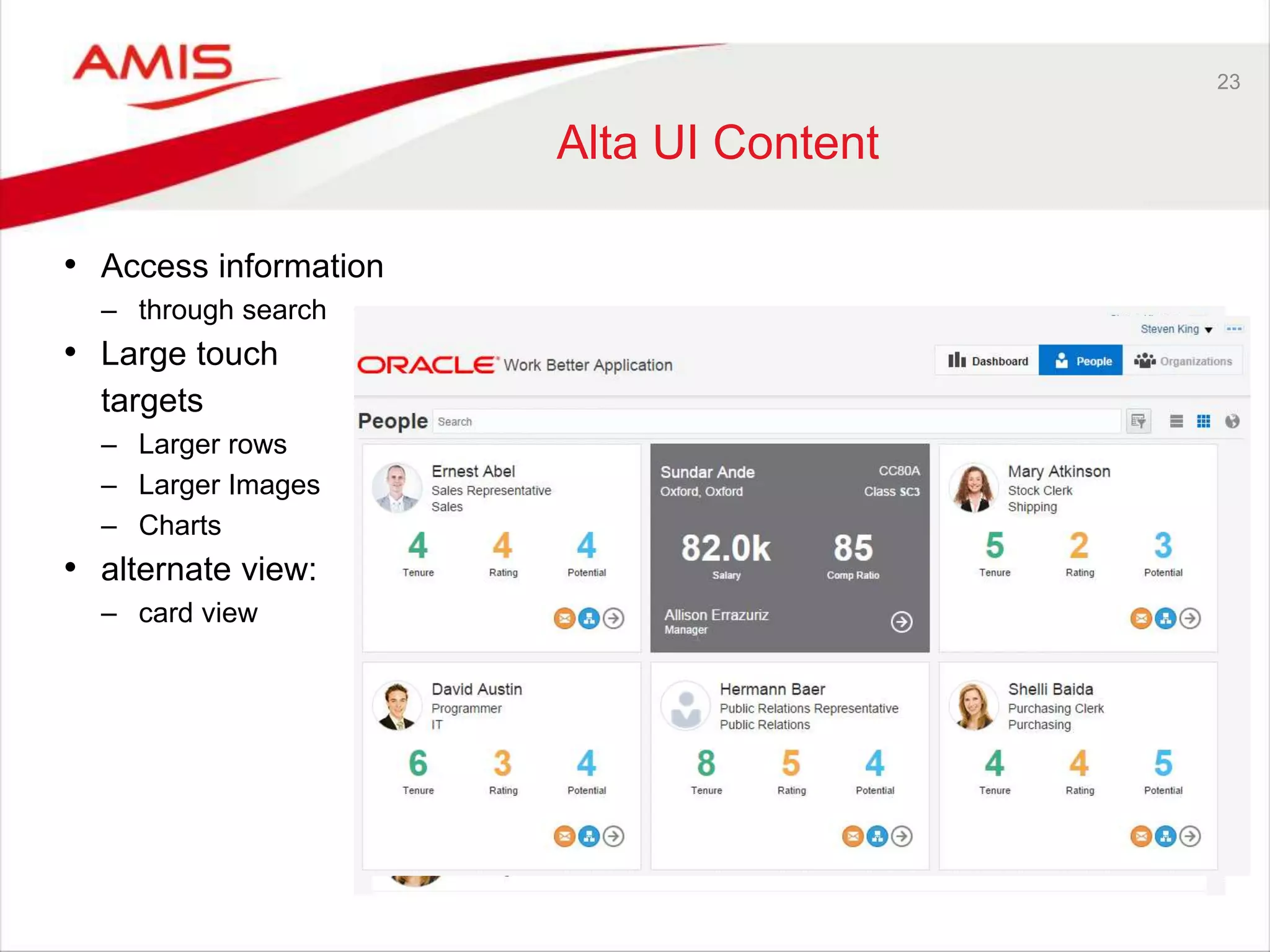
23 
Alta UI Content 
• Access information 
– through search 
• Large touch 
targets 
– Larger rows 
– Larger Images 
– Charts 
• alternate view: 
– card view
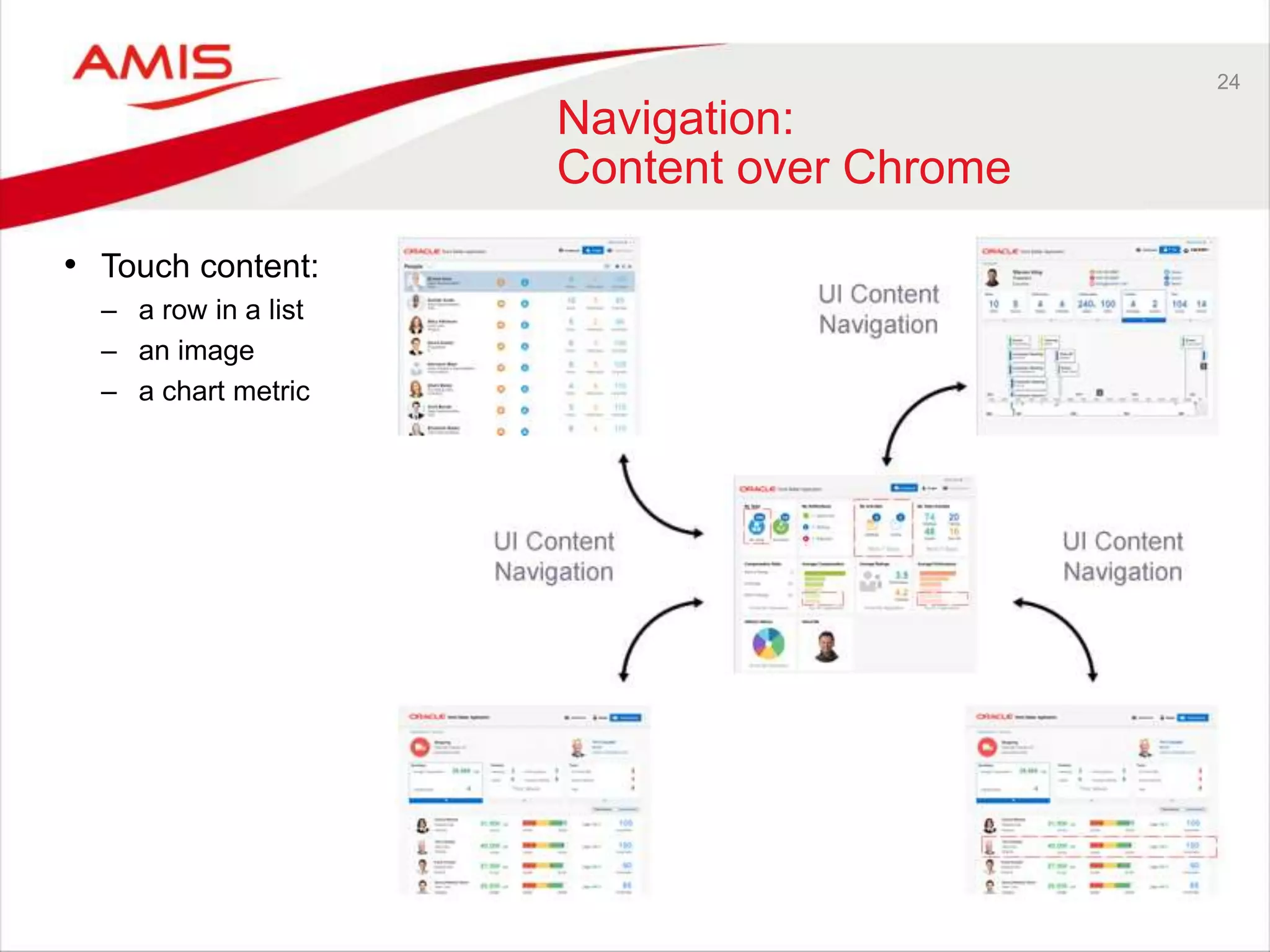
24 
Navigation: 
Content over Chrome 
• Touch content: 
– a row in a list 
– an image 
– a chart metric
25 
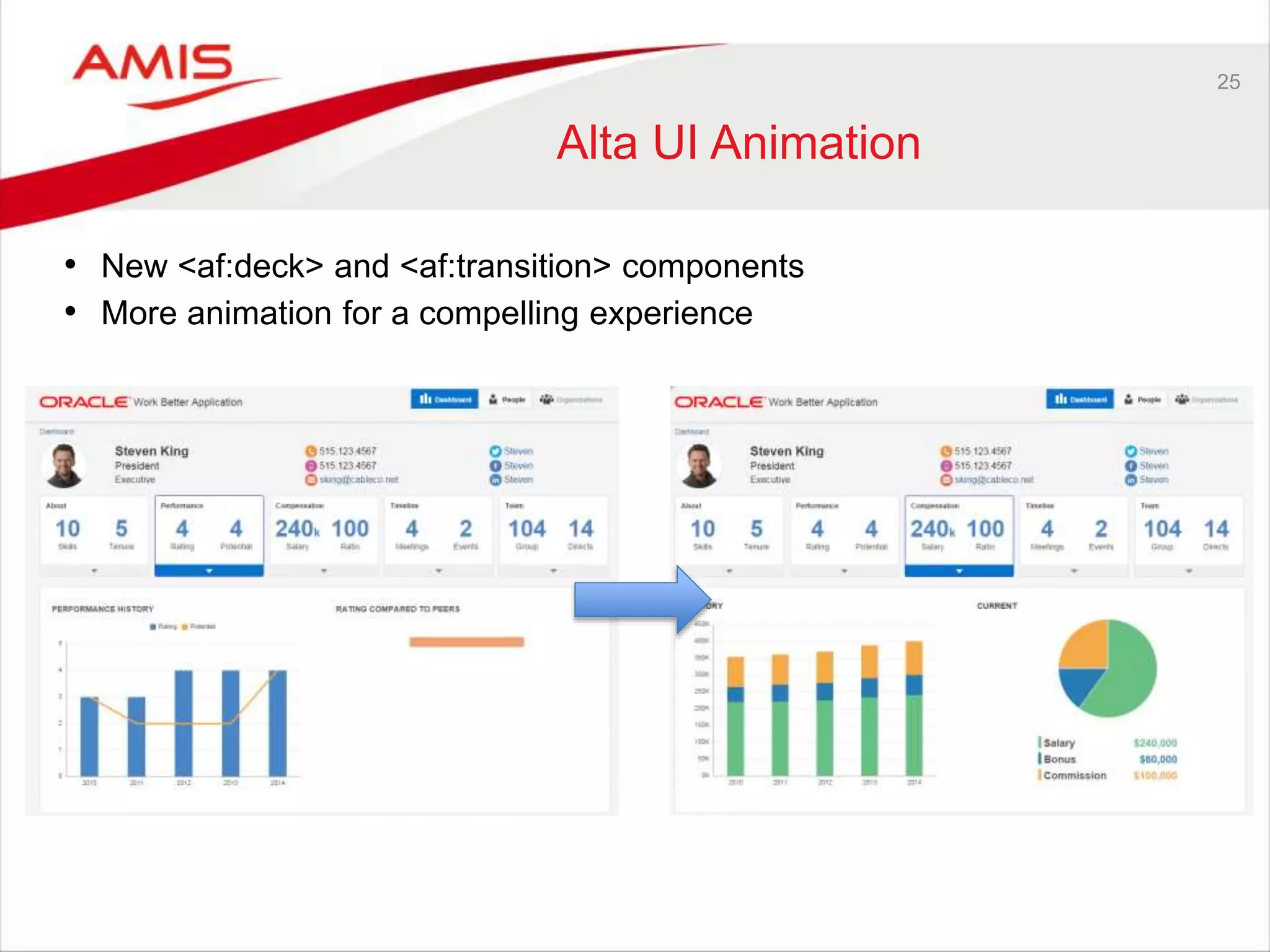
Alta UI Animation 
• New <af:deck> and <af:transition> components 
• More animation for a compelling experience
26 
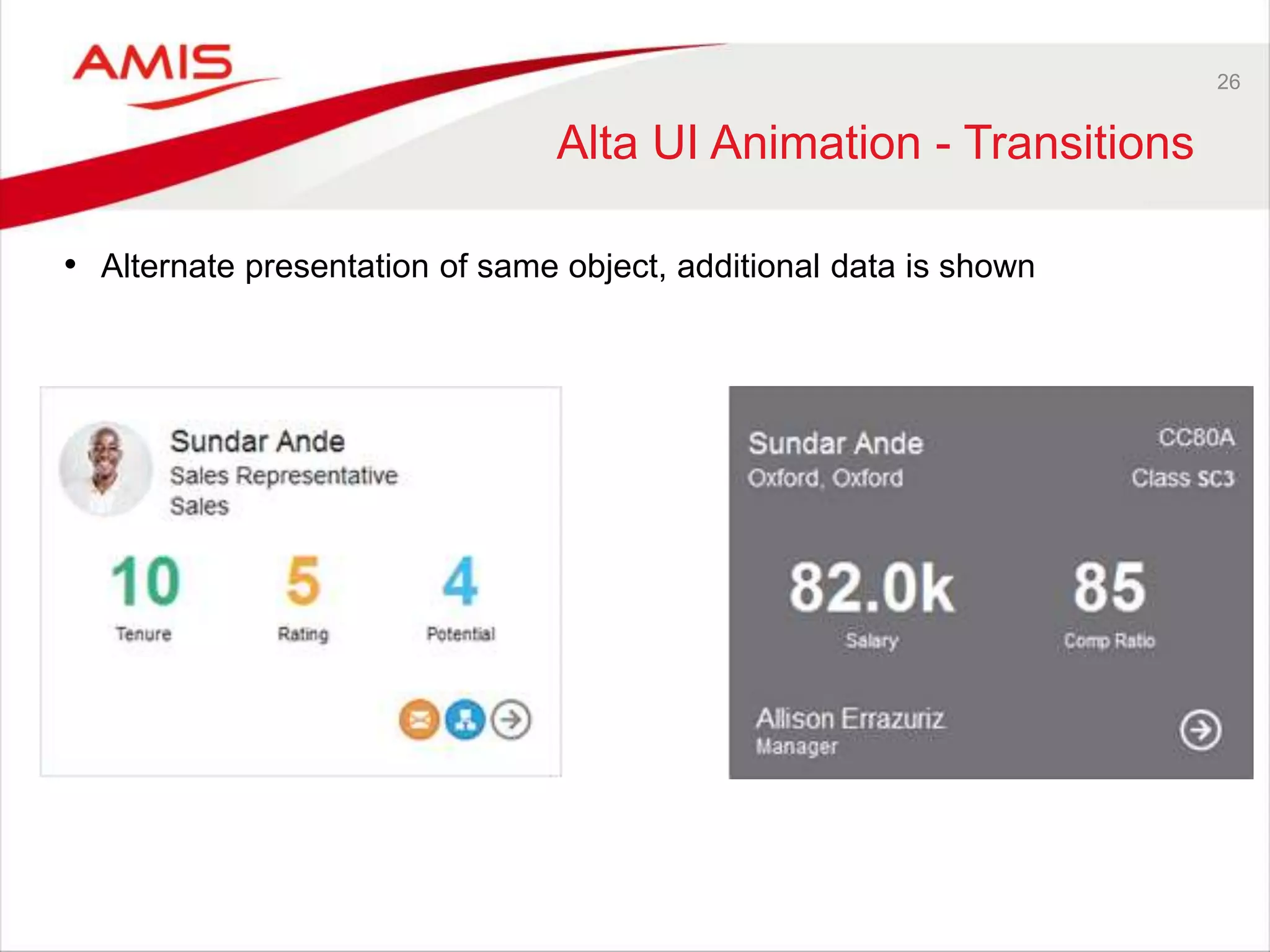
Alta UI Animation - Transitions 
• Alternate presentation of same object, additional data is shown
27 
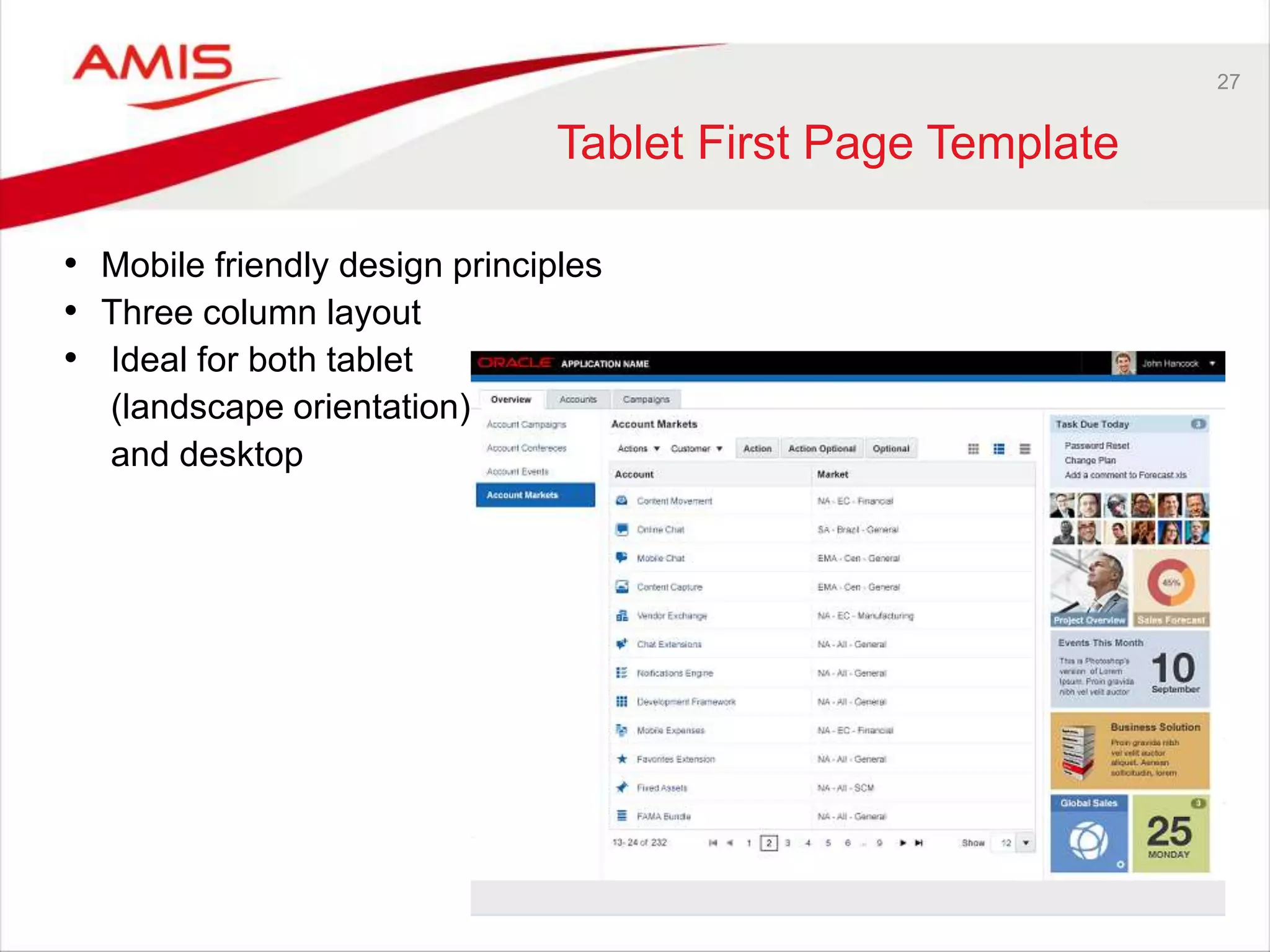
Tablet First Page Template 
• Mobile friendly design principles 
• Three column layout 
• Ideal for both tablet 
(landscape orientation) 
and desktop
28 
Service Bus 12c Cool feature 
• Today’s SOA world is no longer all about SOAP and XML. More and more 
mobile solutions and other integration platforms and tools prefer REST 
Services and JSON. 
• The Service Bus has always been able to provide REST services as well 
as SOAP, and could even do JSON if you put your mind to it. 
• Internally, in the Proxy Message Flows, it was all about SOAP and XML 
• In SB 12.1.3, the Service Bus supports JSON as well as XML REST 
services, variables etc. 
• In SB 12.2, Javascript actions and “end-to-end REST” will allow for 
“native” JSON processing in Message Flows.
29 
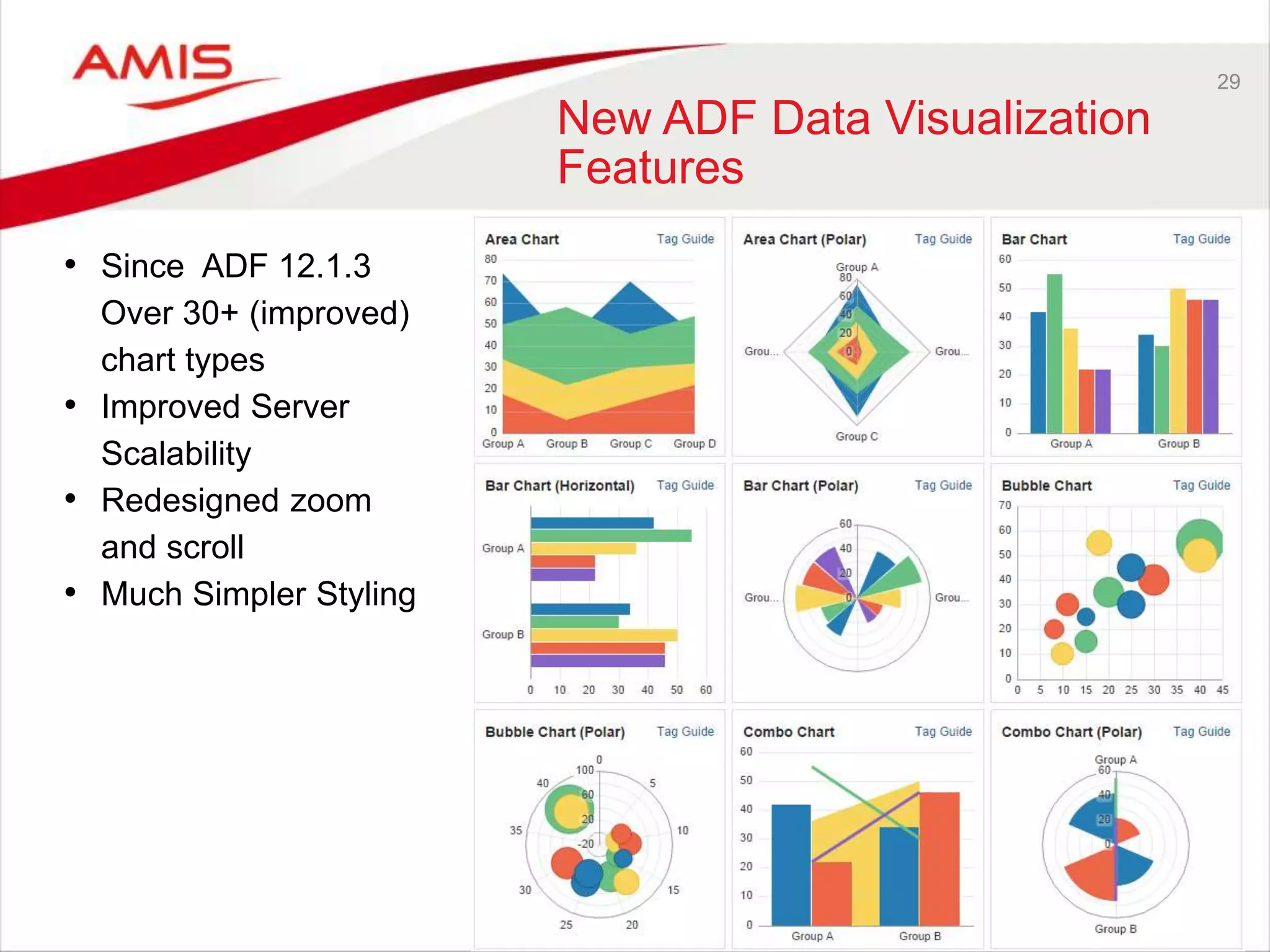
New ADF Data Visualization 
Features 
• Since ADF 12.1.3 
Over 30+ (improved) 
chart types 
• Improved Server 
Scalability 
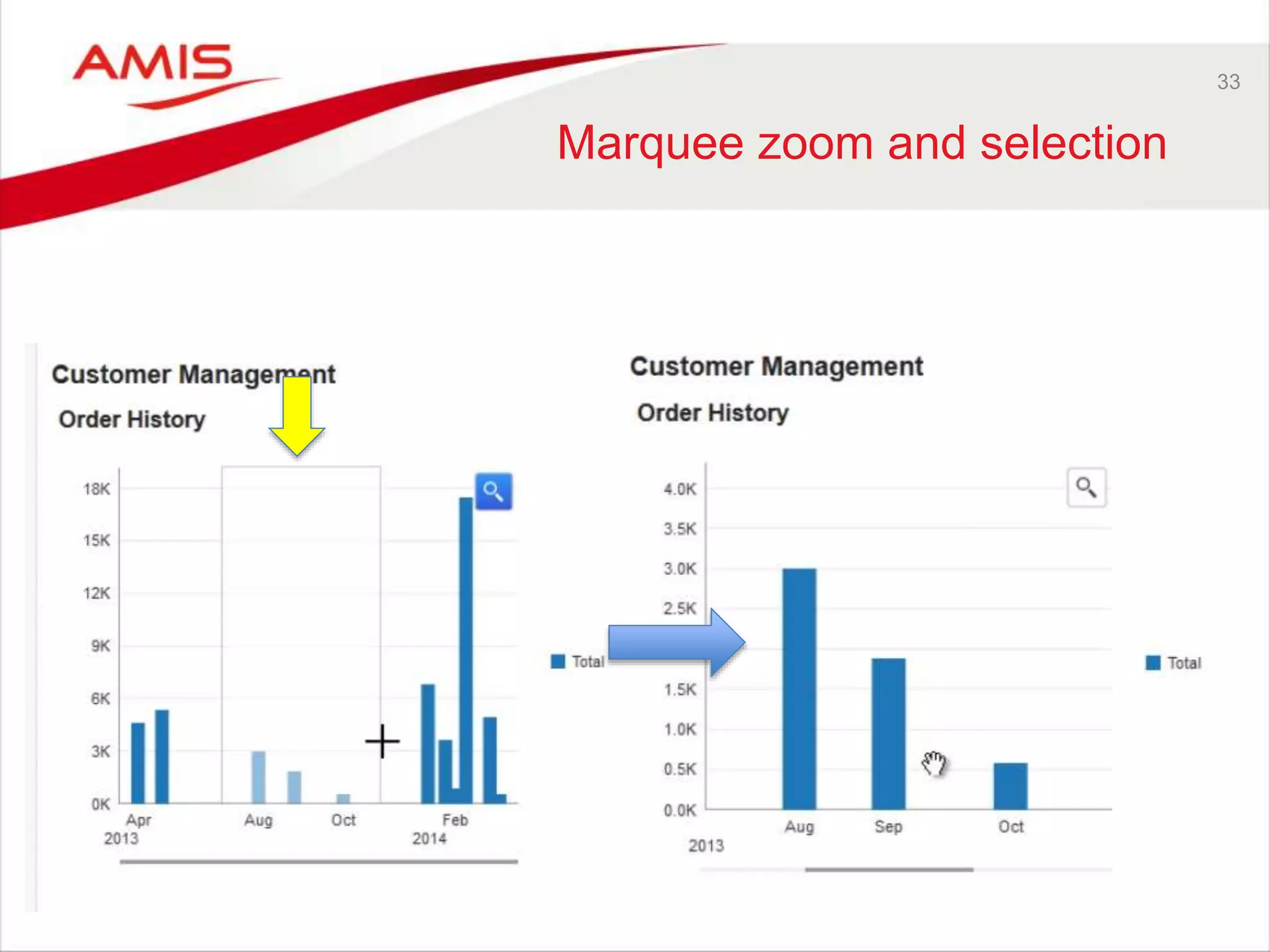
• Redesigned zoom 
and scroll 
• Much Simpler Styling
30 
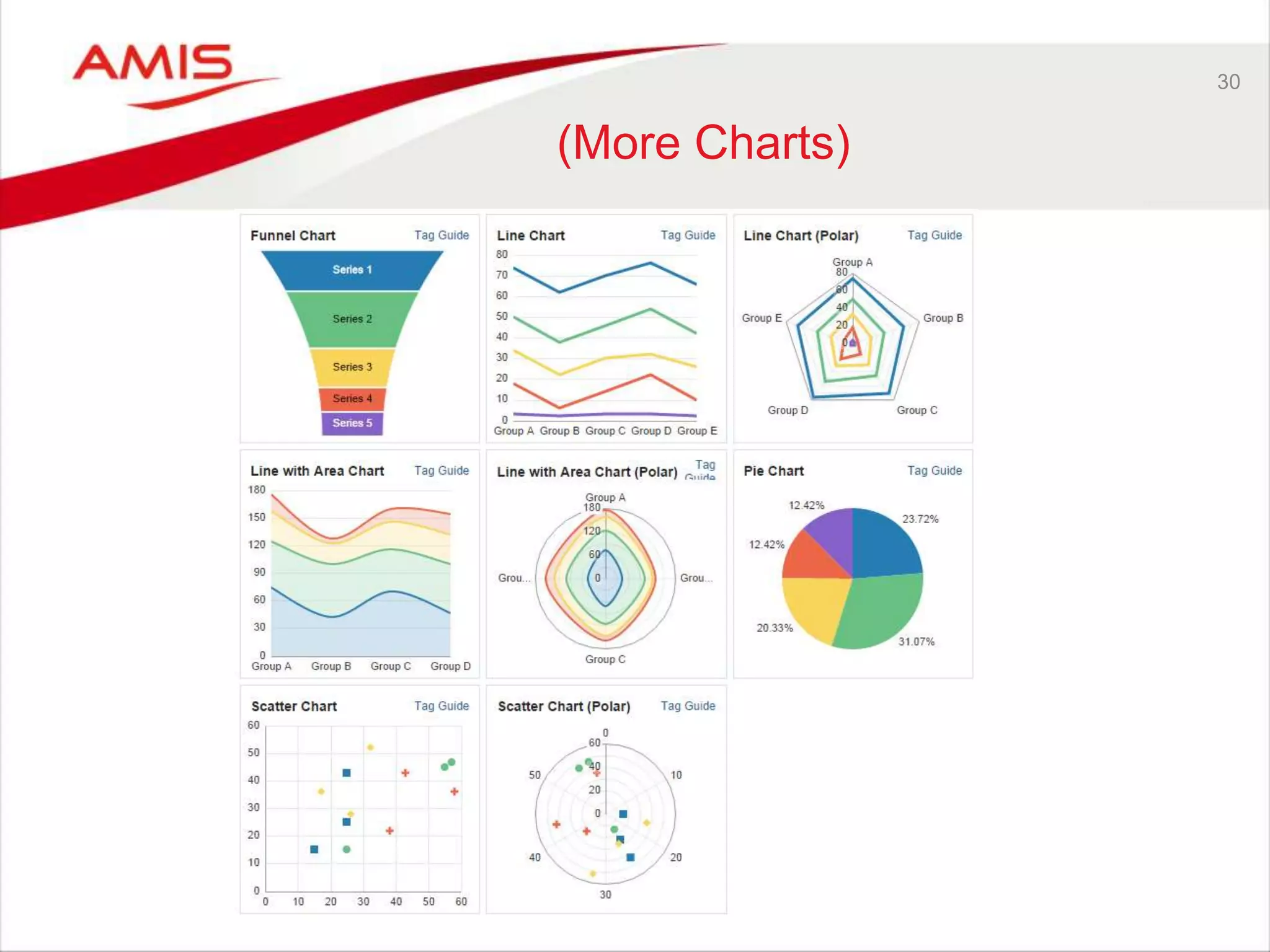
(More Charts)
31 
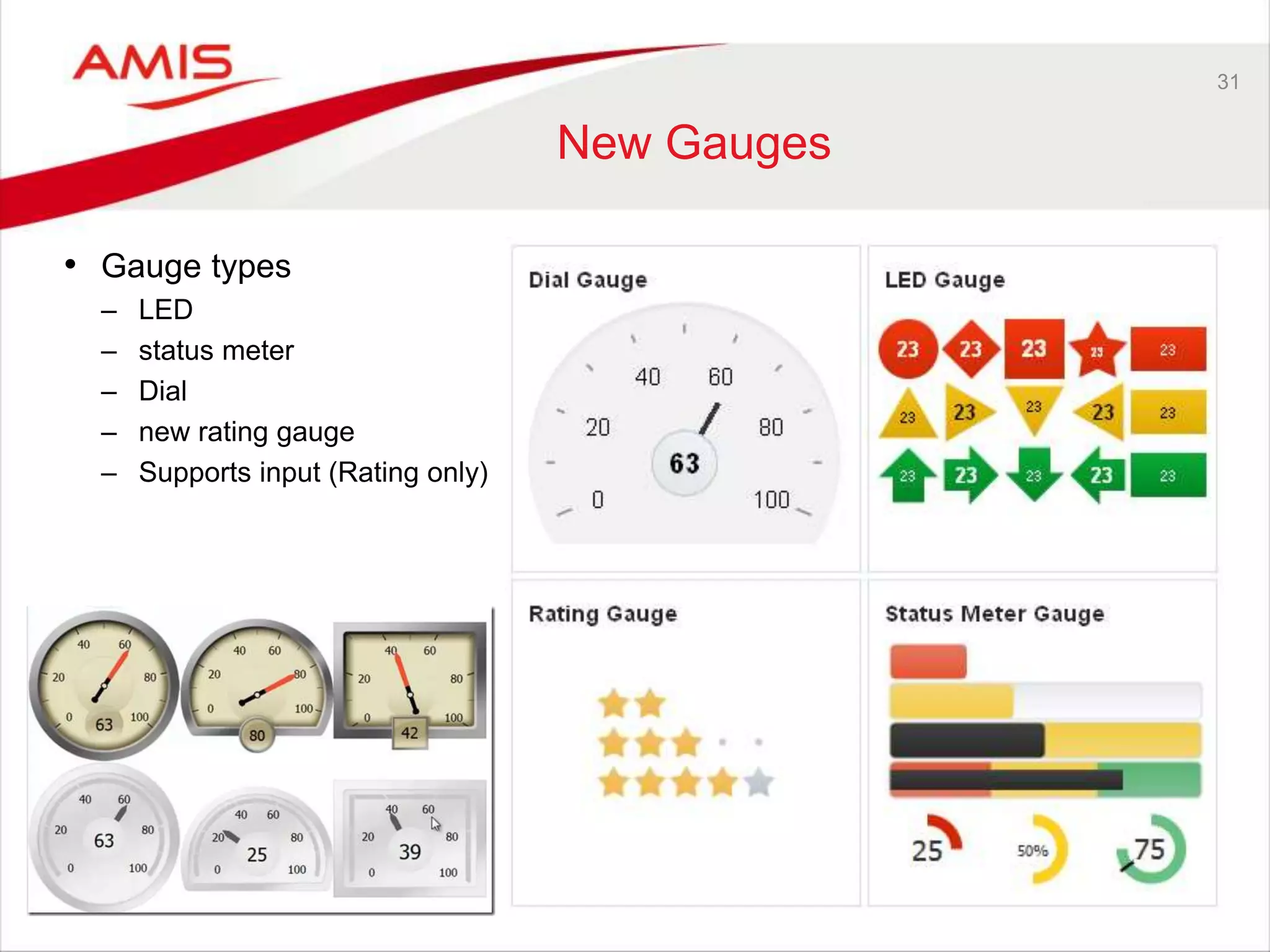
New Gauges 
• Gauge types 
– LED 
– status meter 
– Dial 
– new rating gauge 
– Supports input (Rating only)
32 
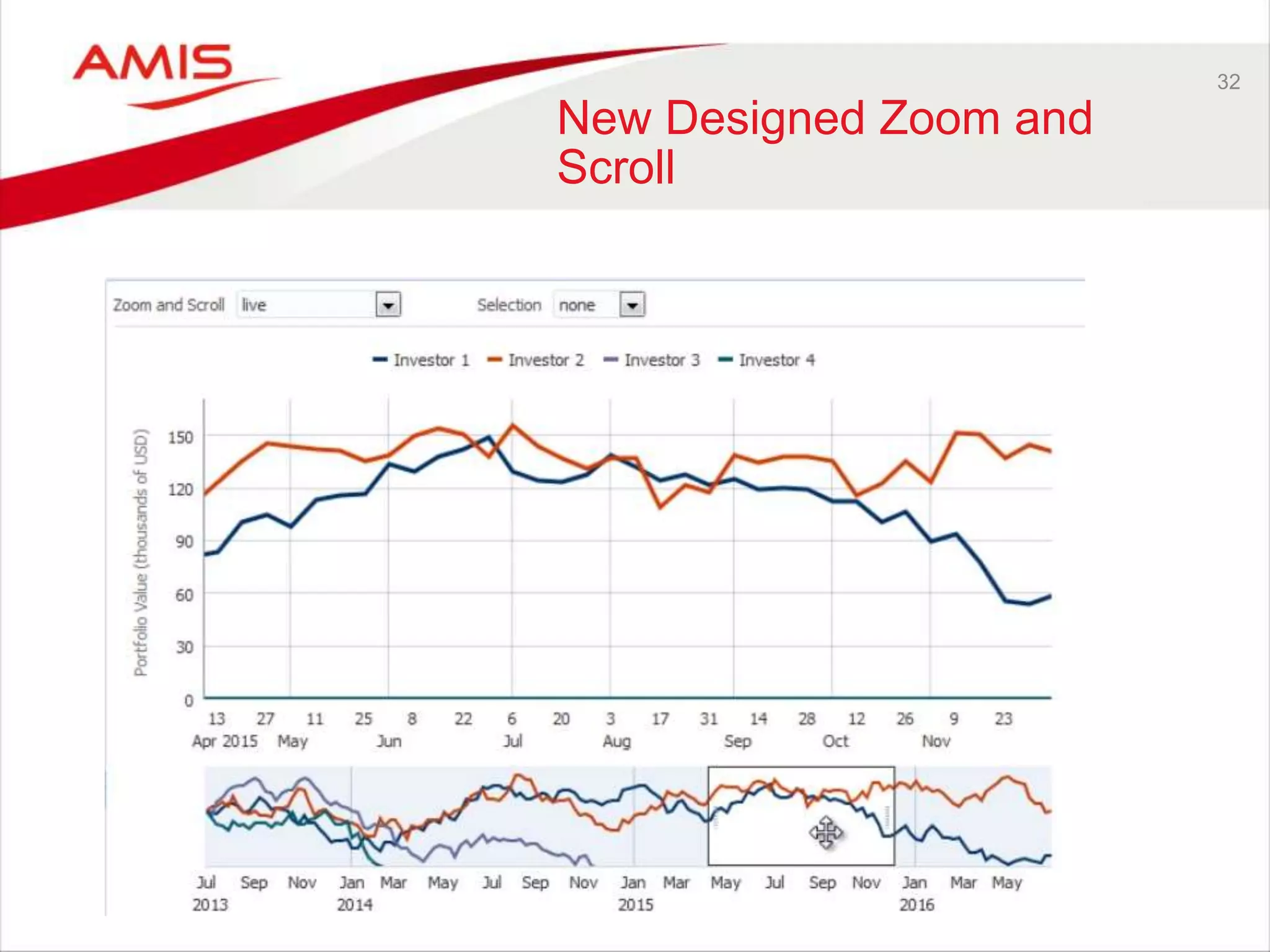
New Designed Zoom and 
Scroll
33 
Marquee zoom and selection
34 
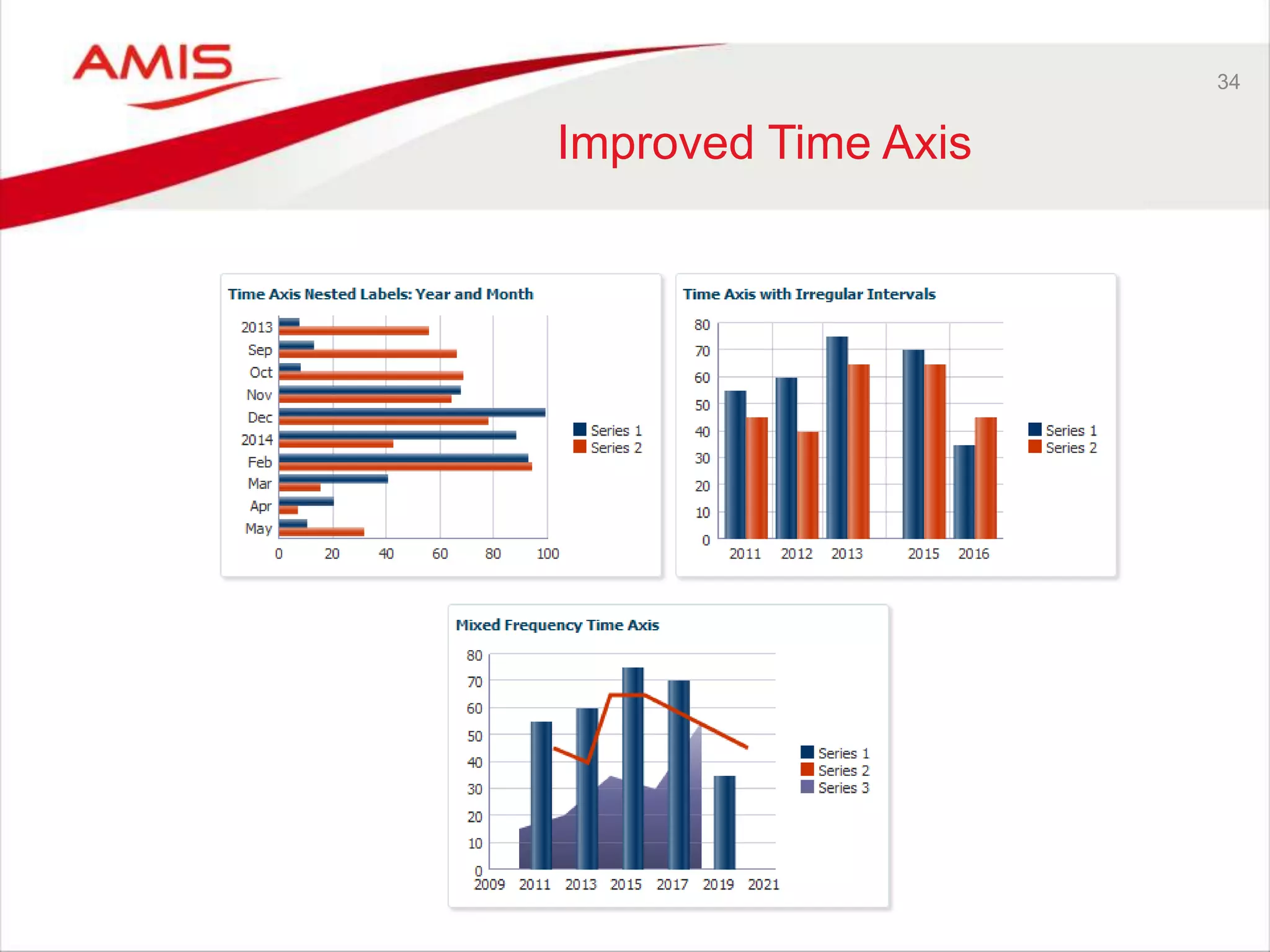
Improved Time Axis
35 
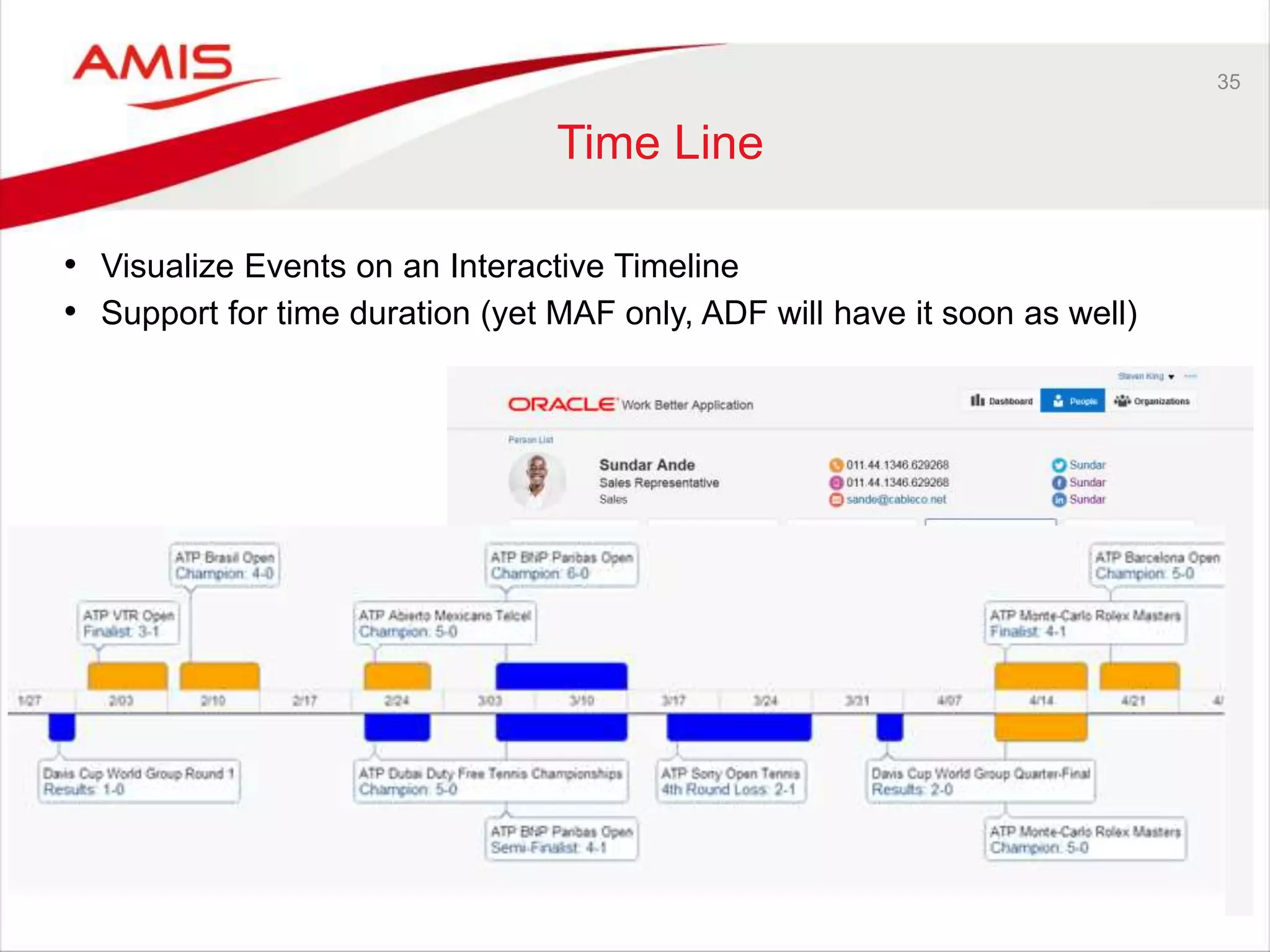
Time Line 
• Visualize Events on an Interactive Timeline 
• Support for time duration (yet MAF only, ADF will have it soon as well)
36 
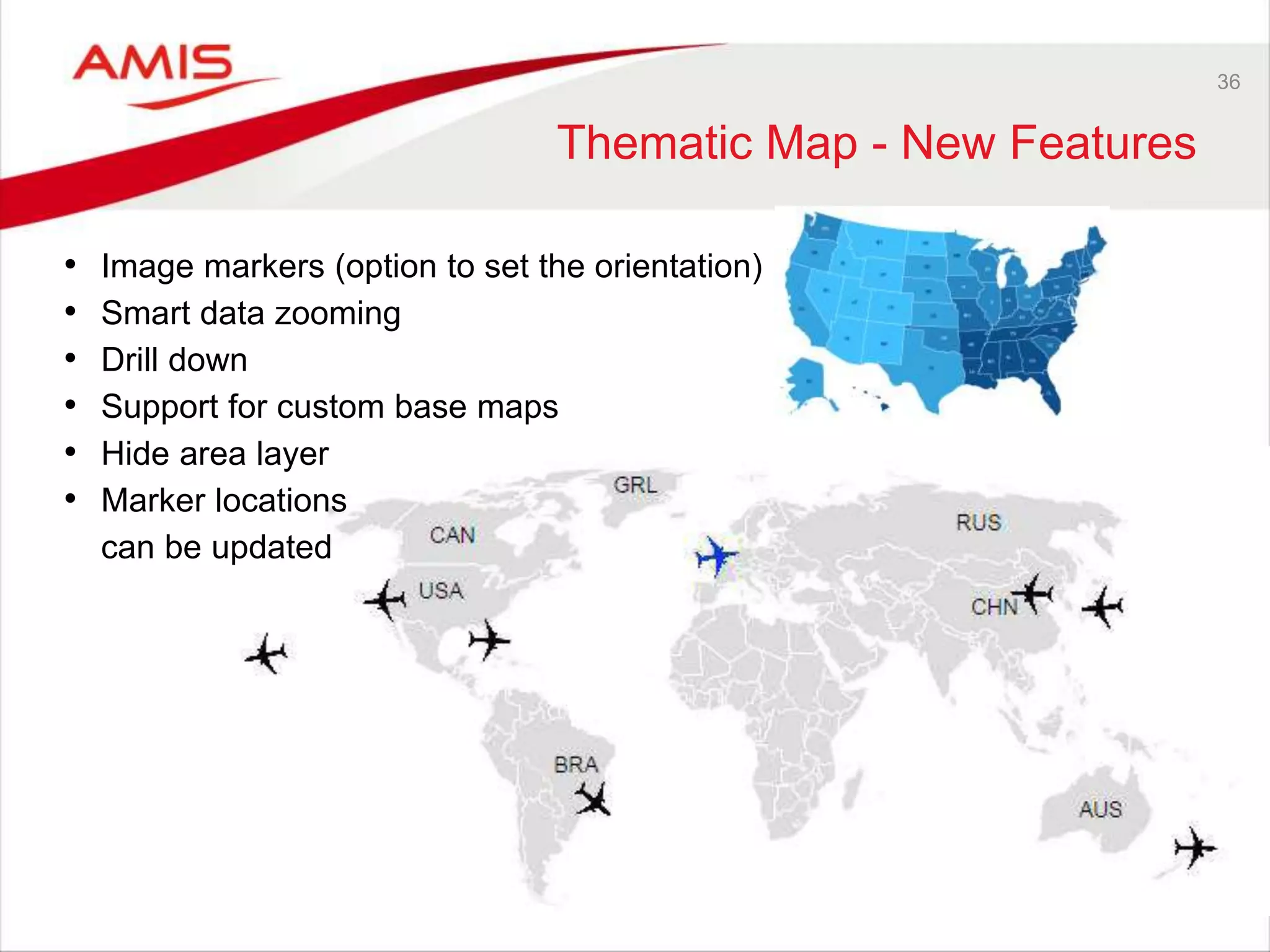
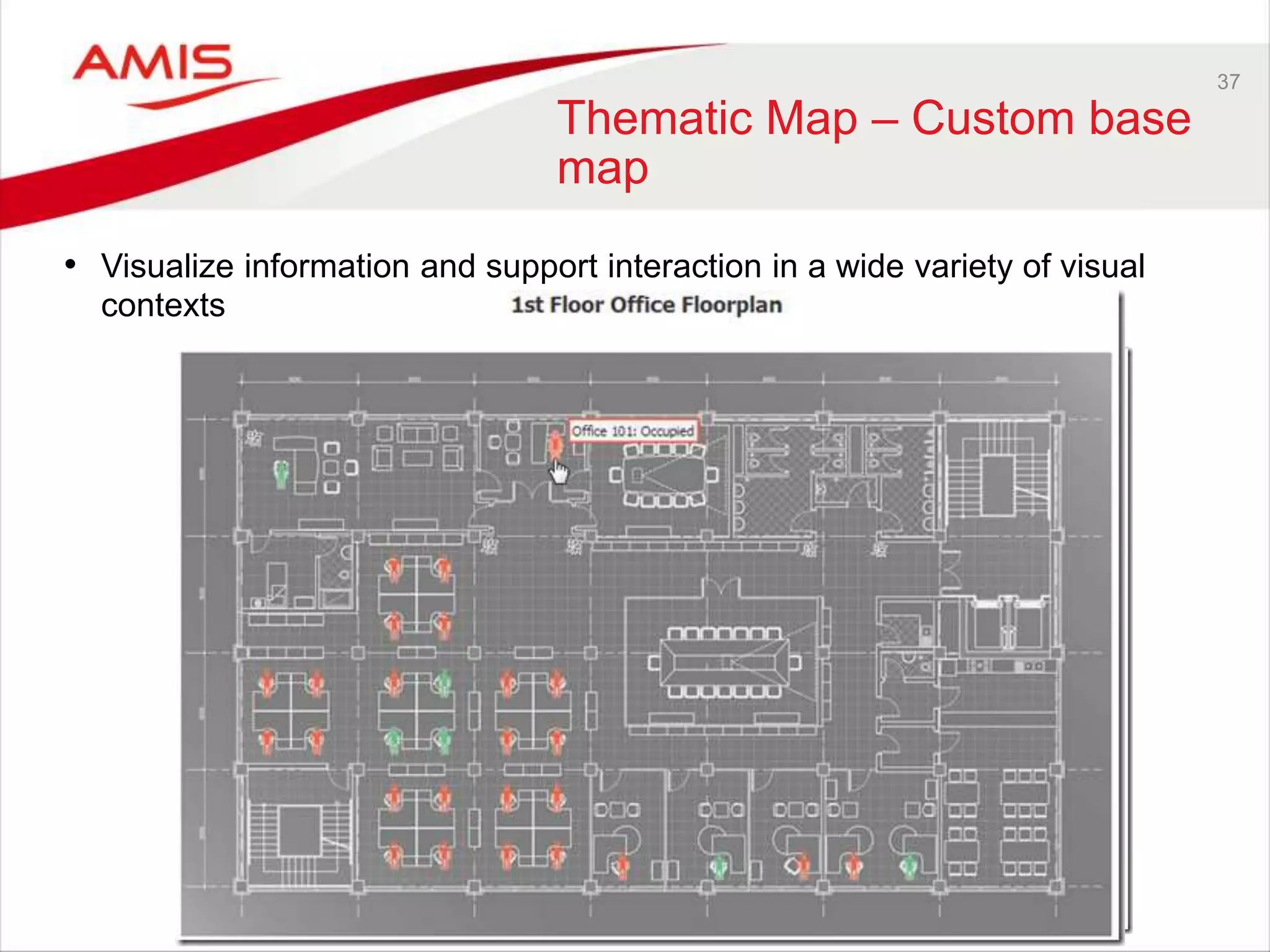
Thematic Map - New Features 
• Image markers (option to set the orientation) 
• Smart data zooming 
• Drill down 
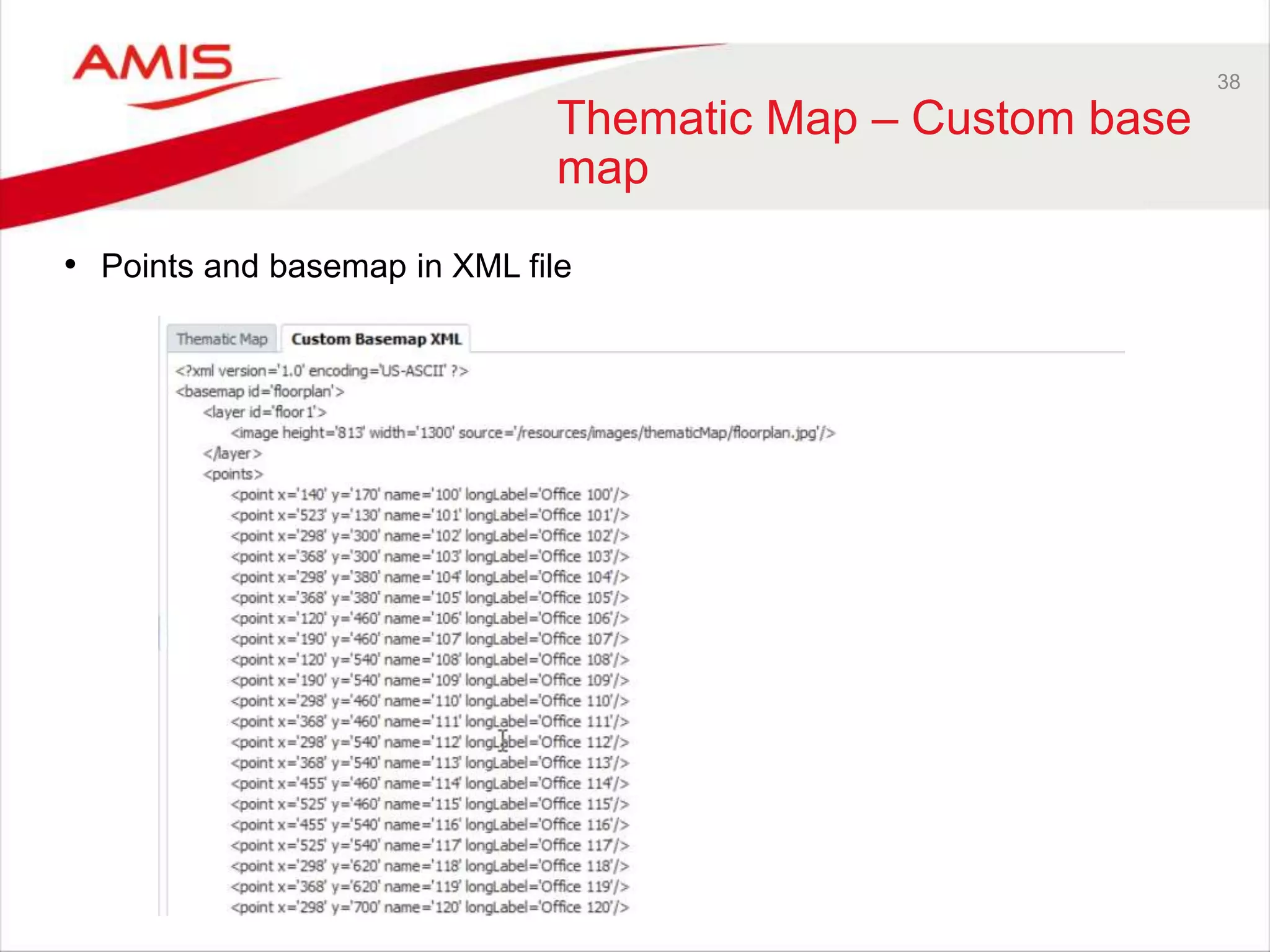
• Support for custom base maps 
• Hide area layer 
• Marker locations 
can be updated
37 
Thematic Map – Custom base 
map 
• Visualize information and support interaction in a wide variety of visual 
contexts
38 
Thematic Map – Custom base 
map 
• Points and basemap in XML file
39 
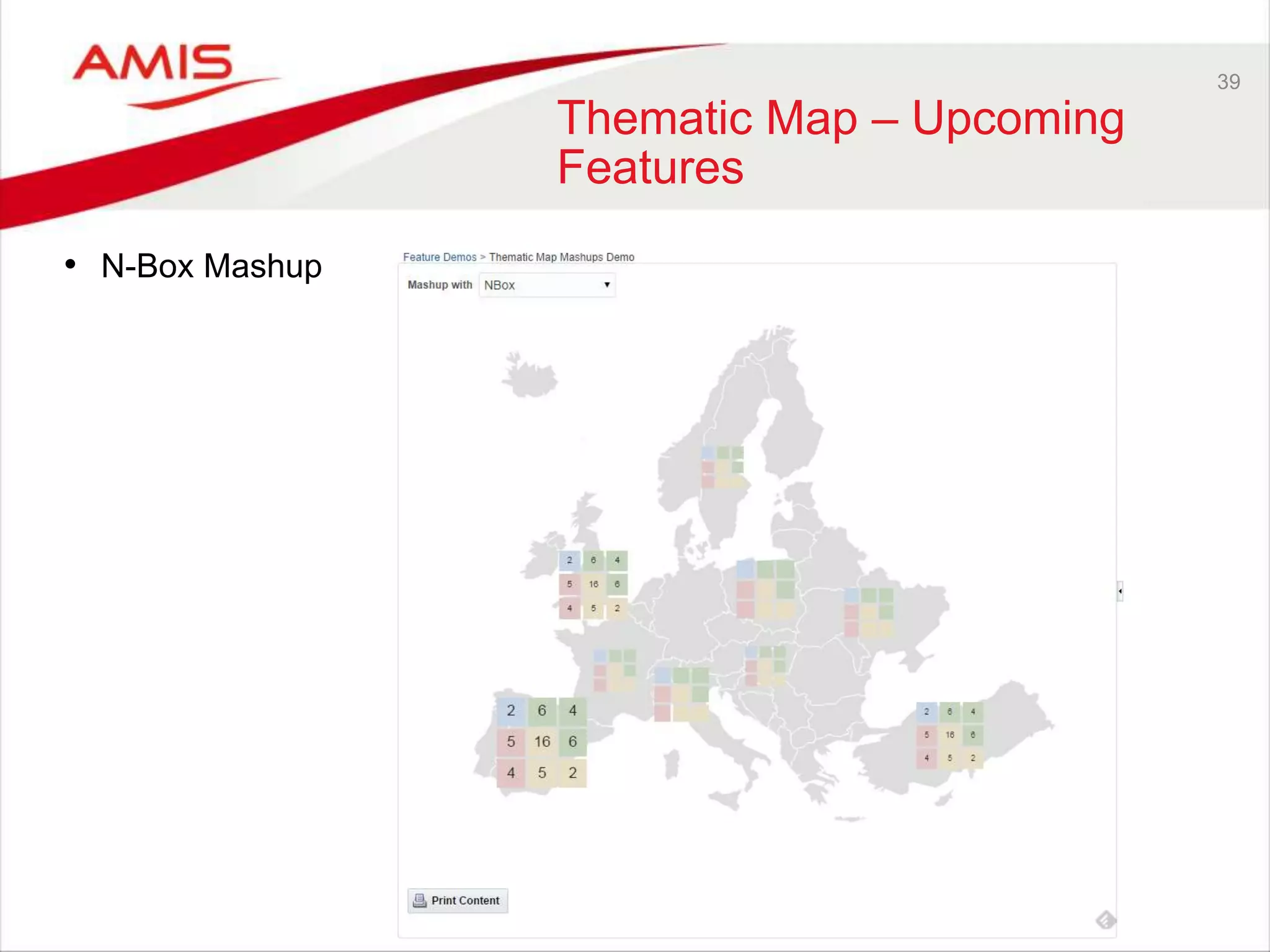
Thematic Map – Upcoming 
Features 
• N-Box Mashup
40 
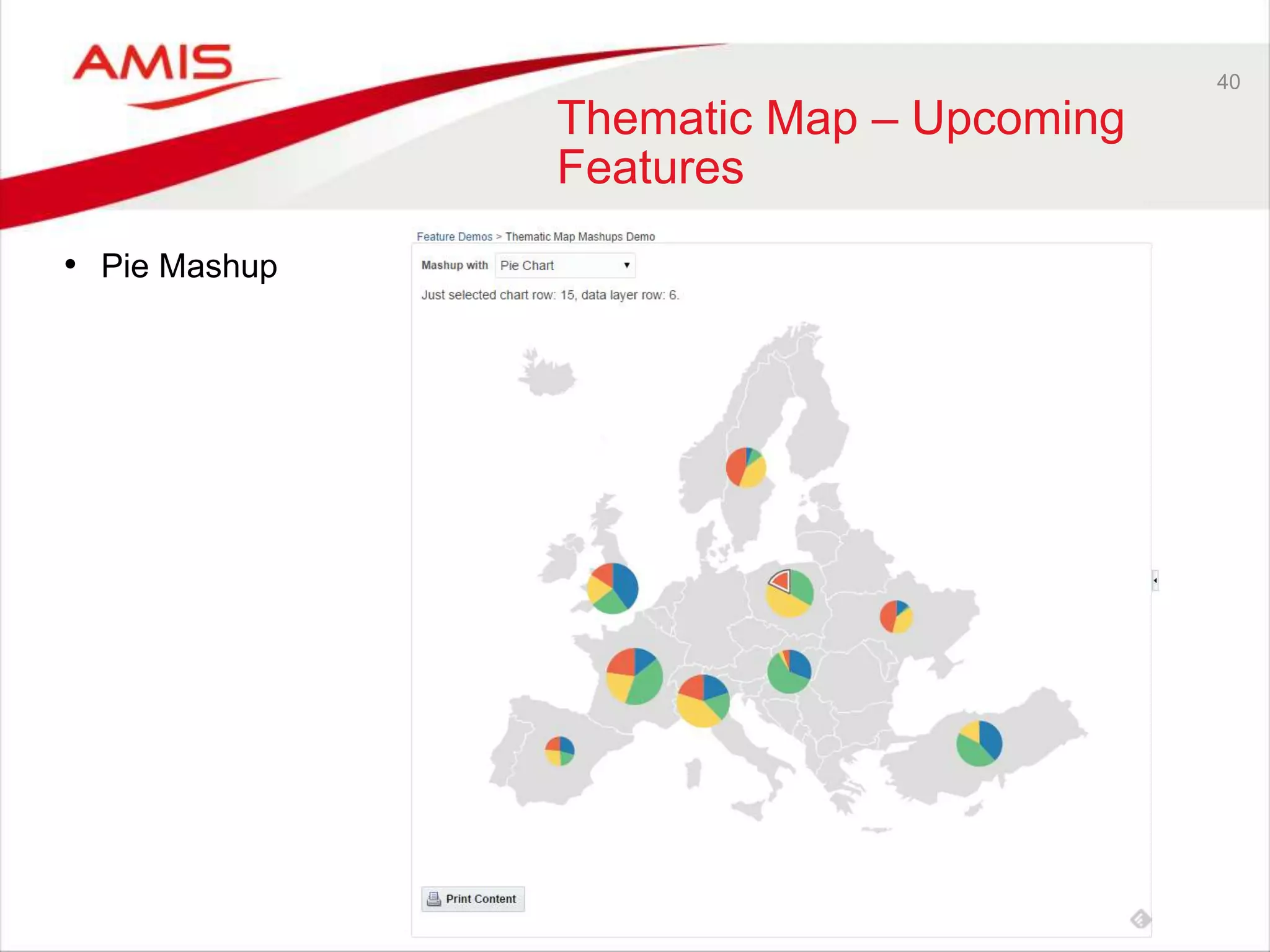
Thematic Map – Upcoming 
Features 
• Pie Mashup
41 
Thematic Map – Upcoming 
Features 
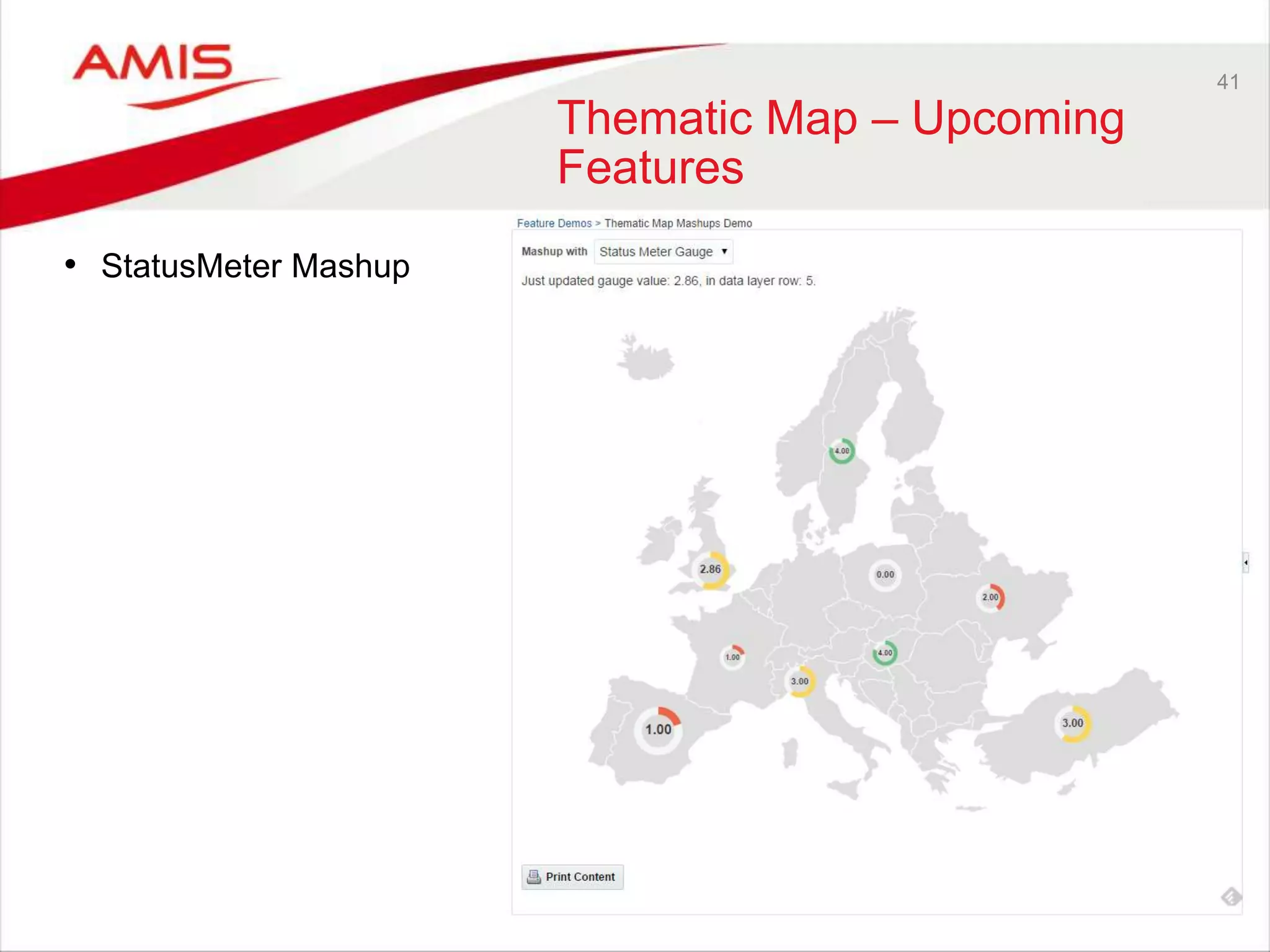
• StatusMeter Mashup
42 
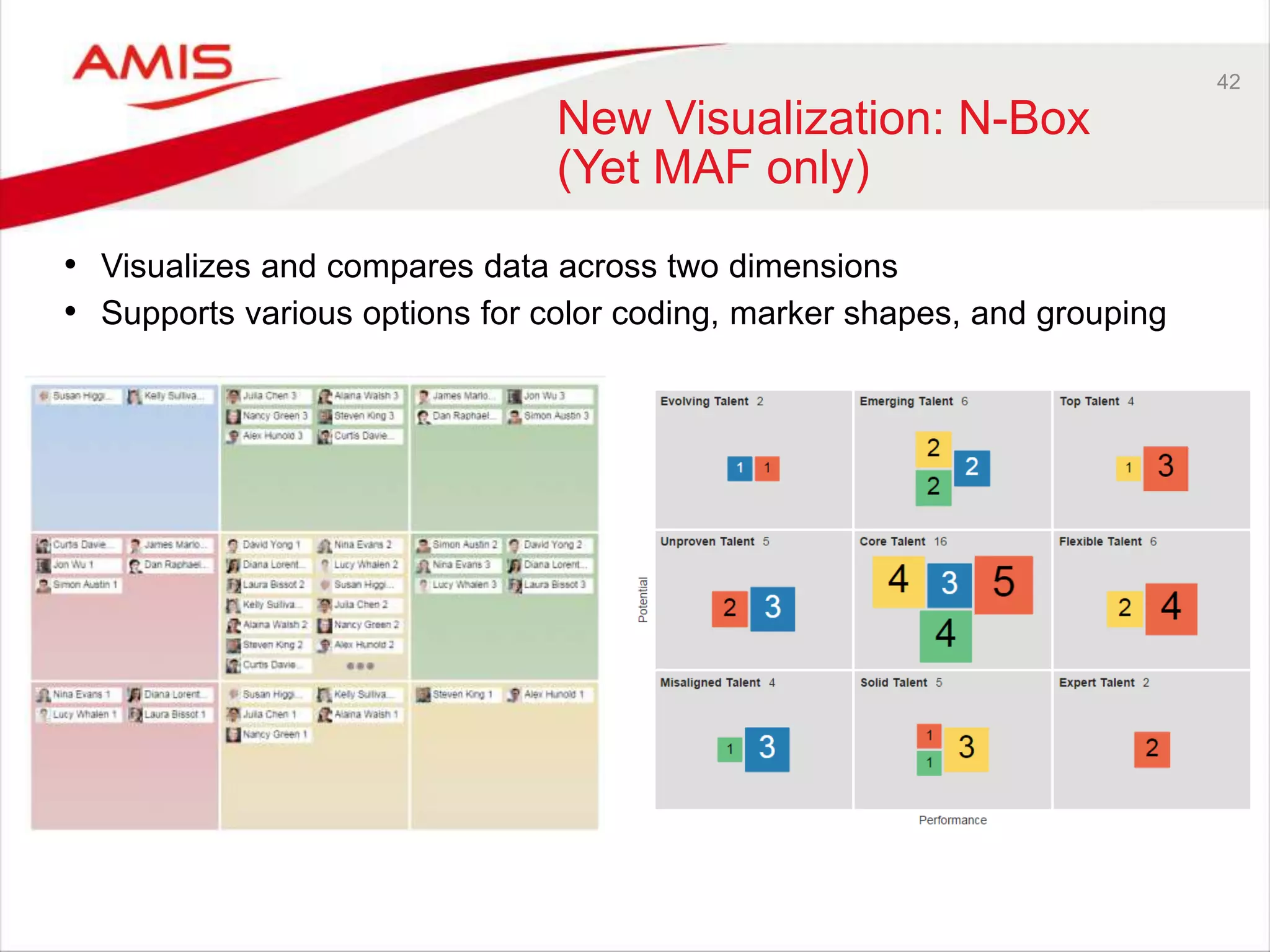
New Visualization: N-Box 
(Yet MAF only) 
• Visualizes and compares data across two dimensions 
• Supports various options for color coding, marker shapes, and grouping
43 
New Visualization: Diagram
44 
DB 12c Cool features 
Did you know that … 
• VARCHAR2 in SQL has been extended to 32K 
– only if the MAX_STRING_SIZE initialization parameter is set to EXTENDED
45 
DB 12c Cool features 
Did you know that … 
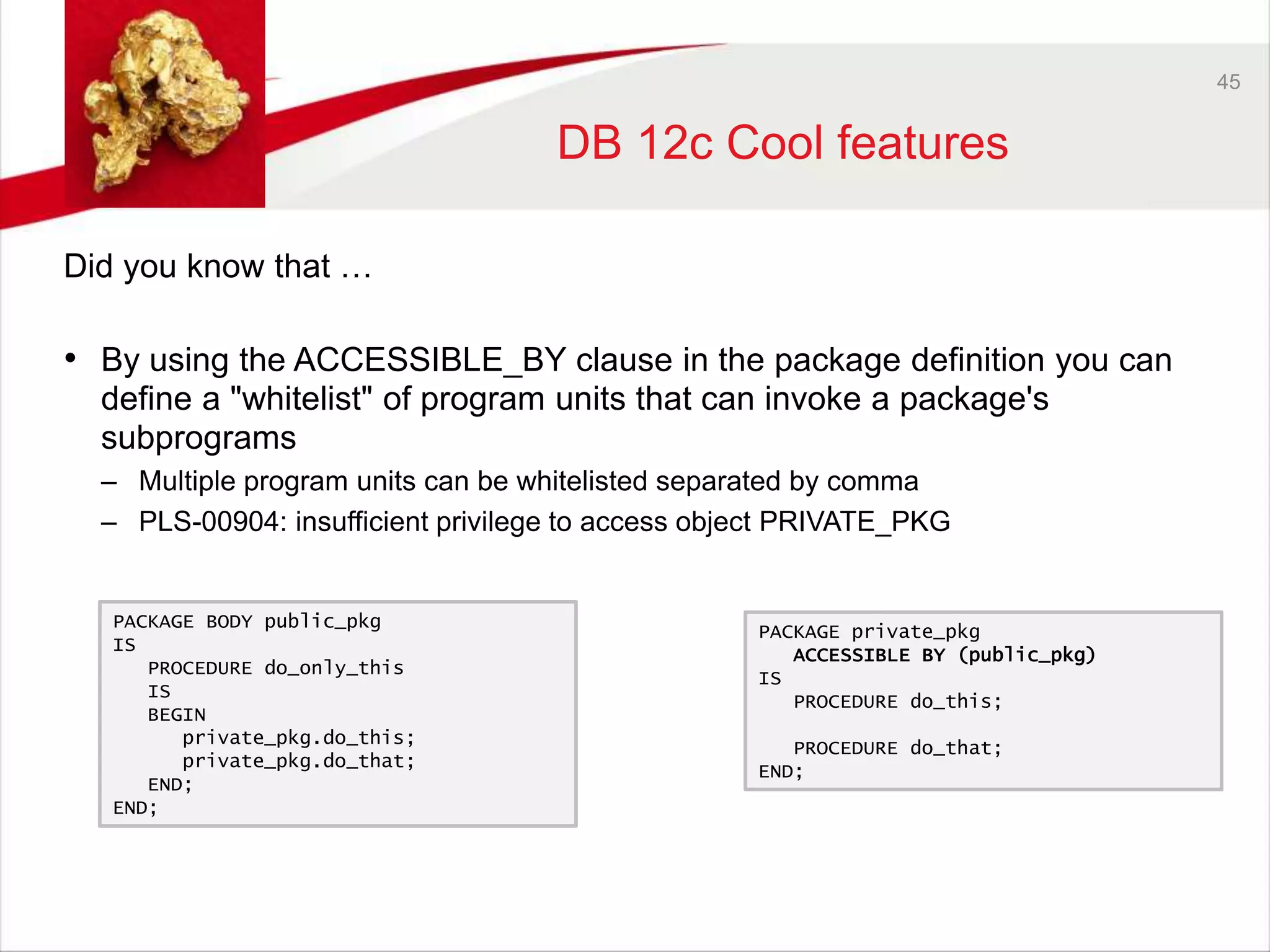
• By using the ACCESSIBLE_BY clause in the package definition you can 
define a "whitelist" of program units that can invoke a package's 
subprograms 
– Multiple program units can be whitelisted separated by comma 
– PLS-00904: insufficient privilege to access object PRIVATE_PKG 
PACKAGE private_pkg 
ACCESSIBLE BY (public_pkg) 
IS 
PROCEDURE do_this; 
PROCEDURE do_that; 
END; 
PACKAGE BODY public_pkg 
IS 
PROCEDURE do_only_this 
IS 
BEGIN 
private_pkg.do_this; 
private_pkg.do_that; 
END; 
END;
46 
DB 12c Cool features 
Did you know that … 
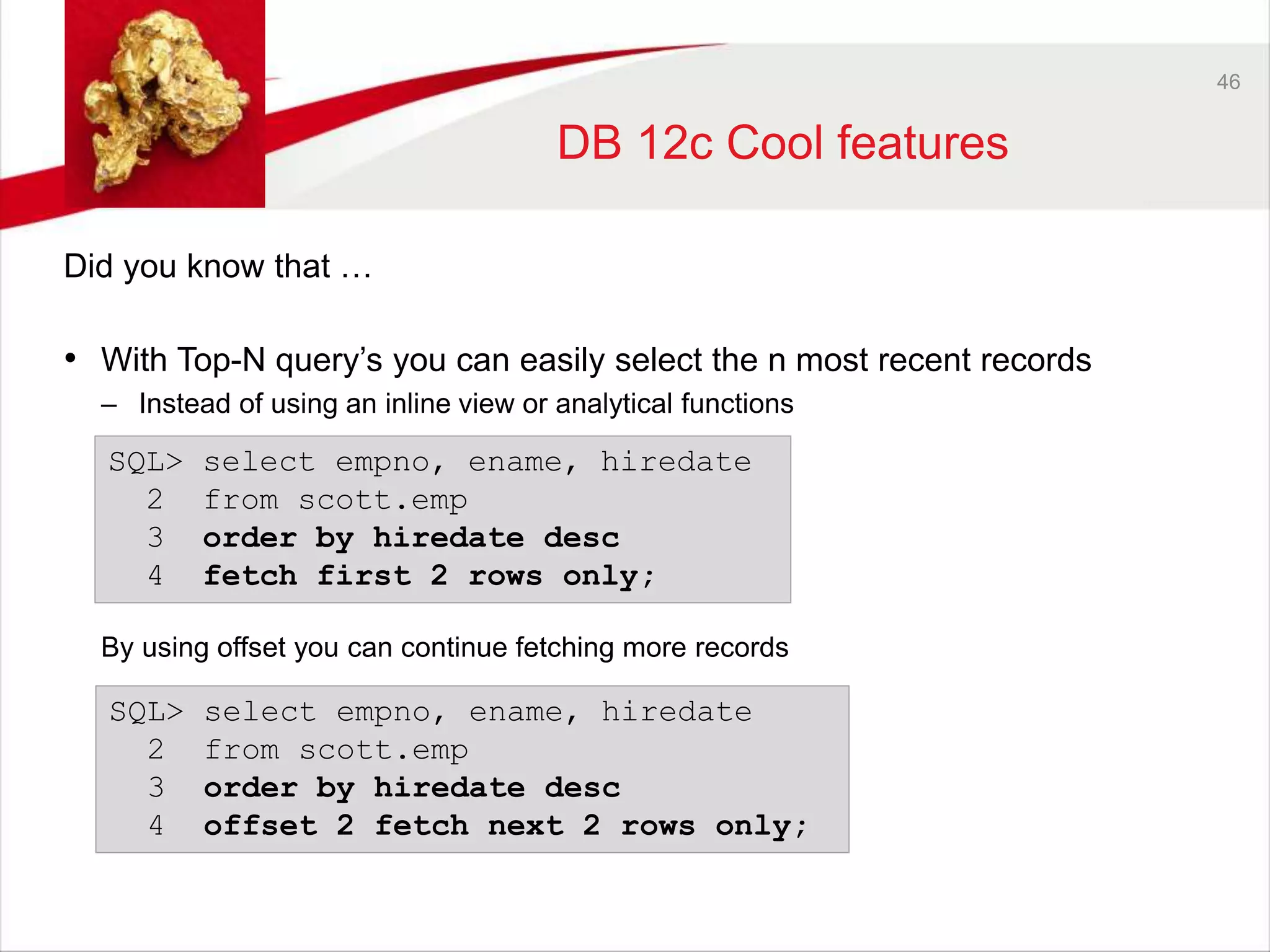
• With Top-N query’s you can easily select the n most recent records 
– Instead of using an inline view or analytical functions 
SQL> select empno, ename, hiredate 
2 from scott.emp 
3 order by hiredate desc 
4 fetch first 2 rows only; 
By using offset you can continue fetching more records 
SQL> select empno, ename, hiredate 
2 from scott.emp 
3 order by hiredate desc 
4 offset 2 fetch next 2 rows only;
47 
DB 12c Cool features 
Did you know that … 
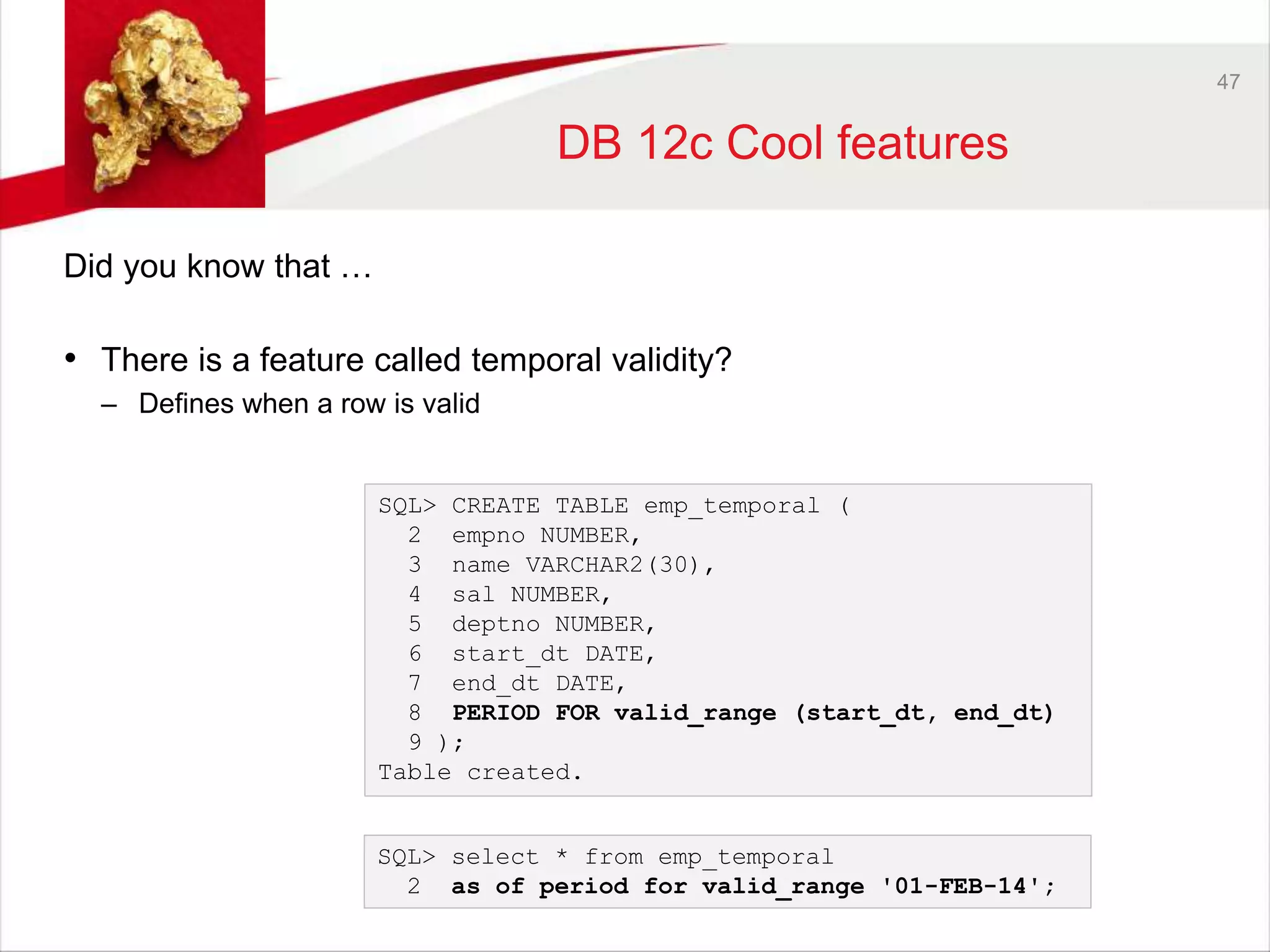
• There is a feature called temporal validity? 
– Defines when a row is valid 
SQL> CREATE TABLE emp_temporal ( 
2 empno NUMBER, 
3 name VARCHAR2(30), 
4 sal NUMBER, 
5 deptno NUMBER, 
6 start_dt DATE, 
7 end_dt DATE, 
8 PERIOD FOR valid_range (start_dt, end_dt) 
9 ); 
Table created. 
SQL> select * from emp_temporal 
2 as of period for valid_range '01-FEB-14';
48 
Social and collaboration 
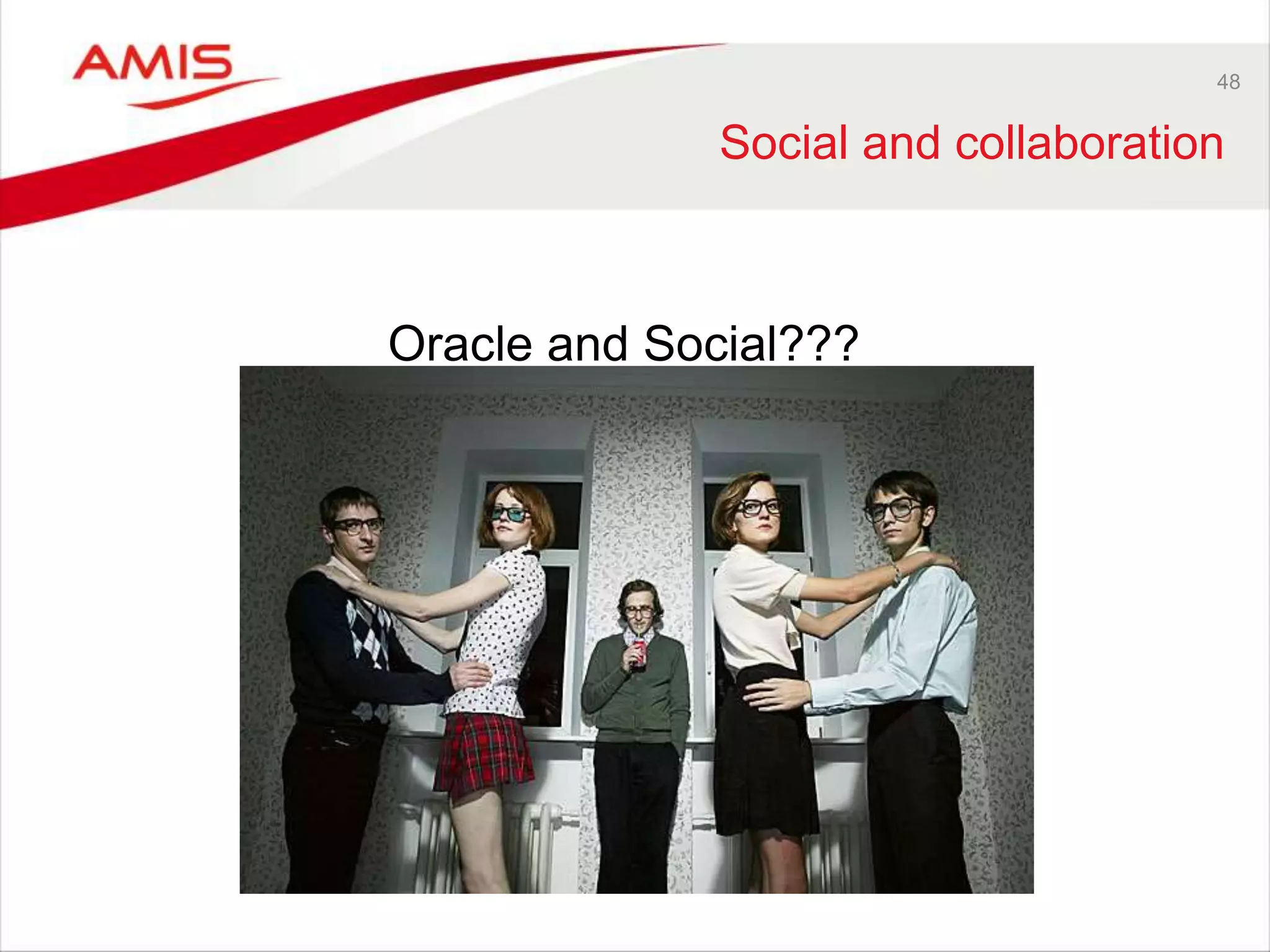
Oracle and Social???
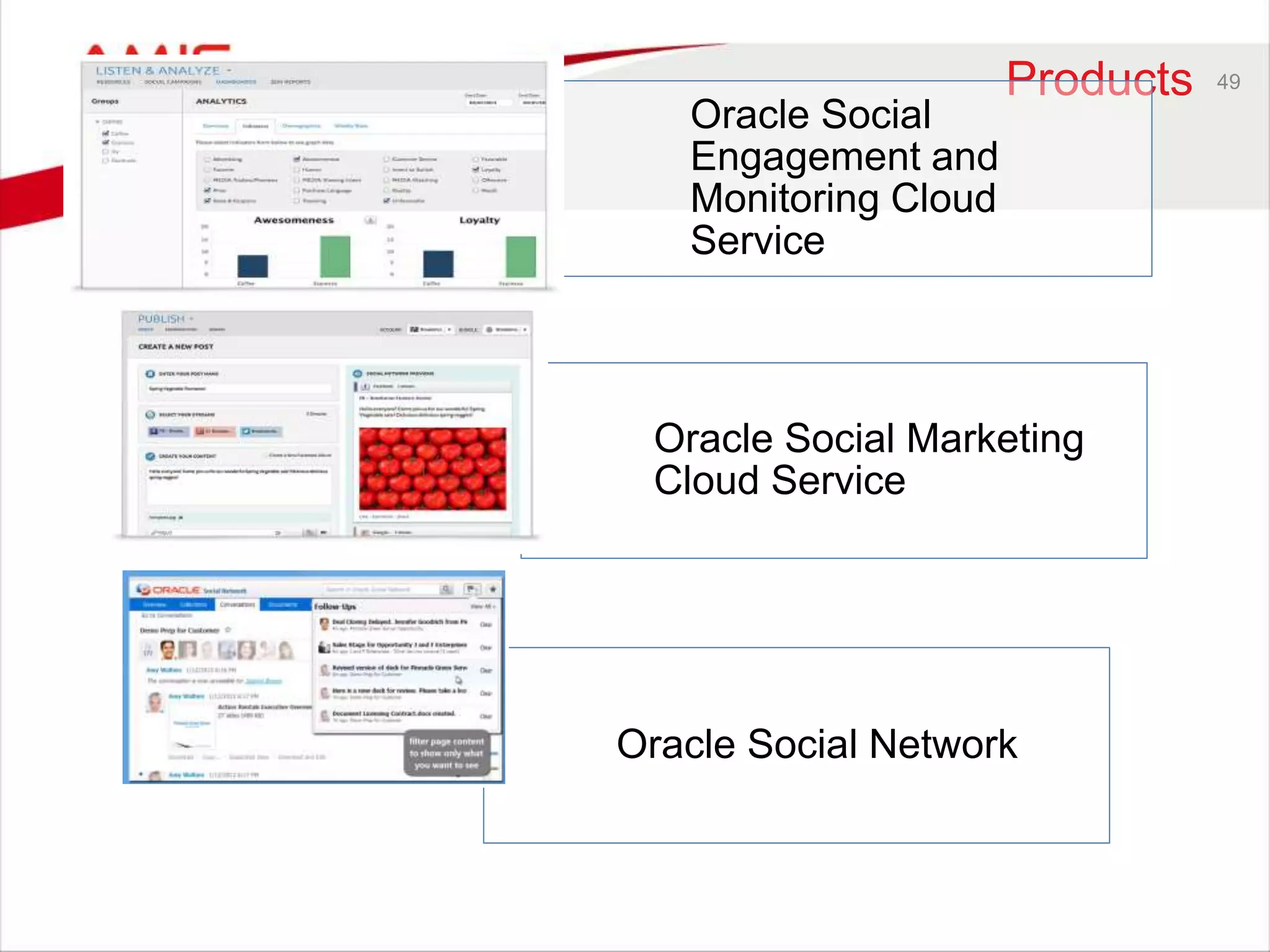
Products 49 
Oracle Social 
Engagement and 
Monitoring Cloud 
Service 
Oracle Social Marketing 
Cloud Service 
Oracle Social Network
Practical application 50 
Oracle Social Engagement and Monitoring 
- Monitor your social profile of your company (analyze) 
- Target potential customers. Lead customers, opinion formers 
- Monitor social engagement of your employees (positive / negative) 
Oracle Social Marketing 
- Social marketing 
- Easy publishing 
- Monitor engagement 
Oracle Social Network 
- Fast communication / collabroation 
- Context sensitive timeline and news feed 
- Direct communication
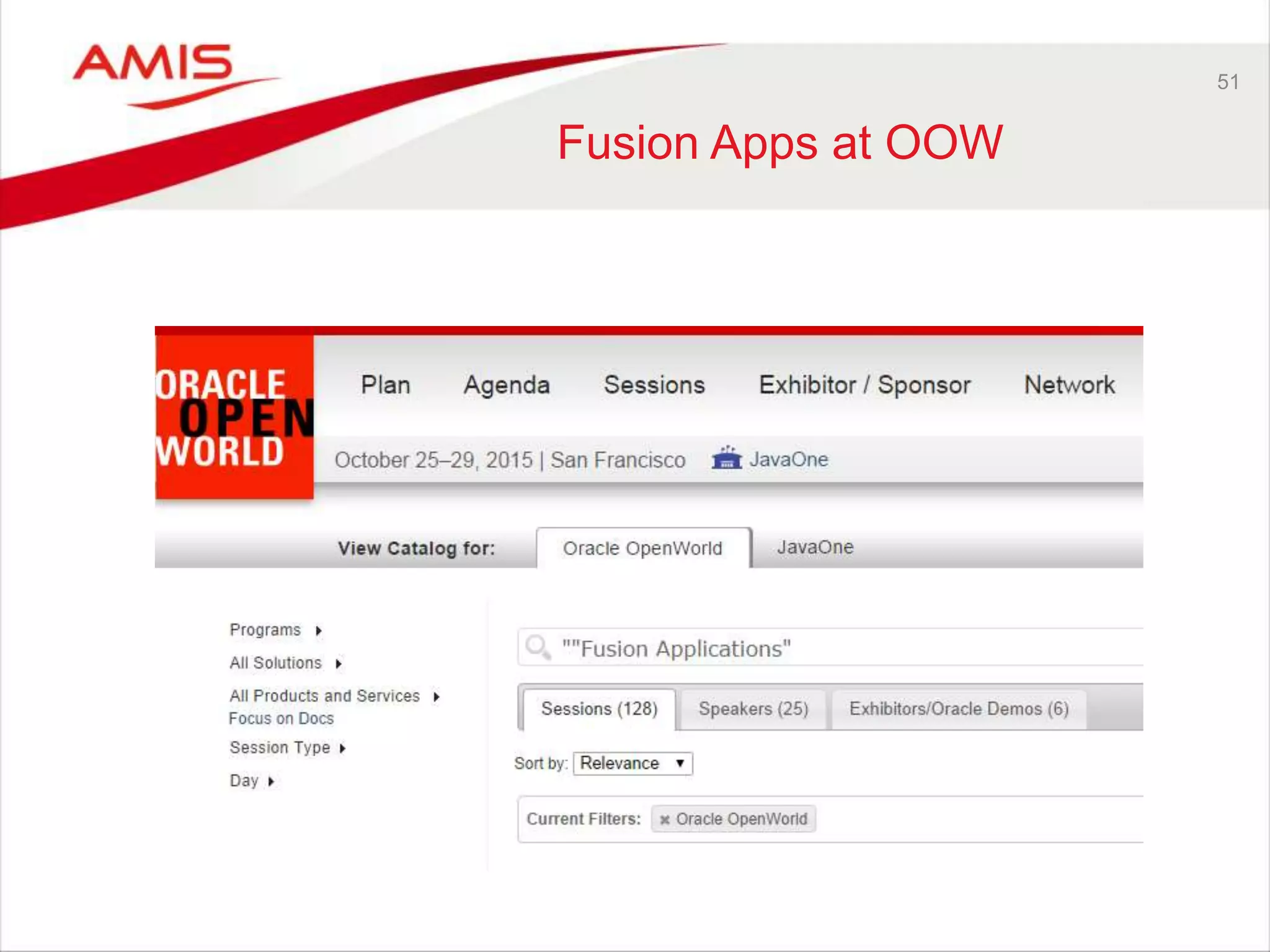
51 
Fusion Apps at OOW
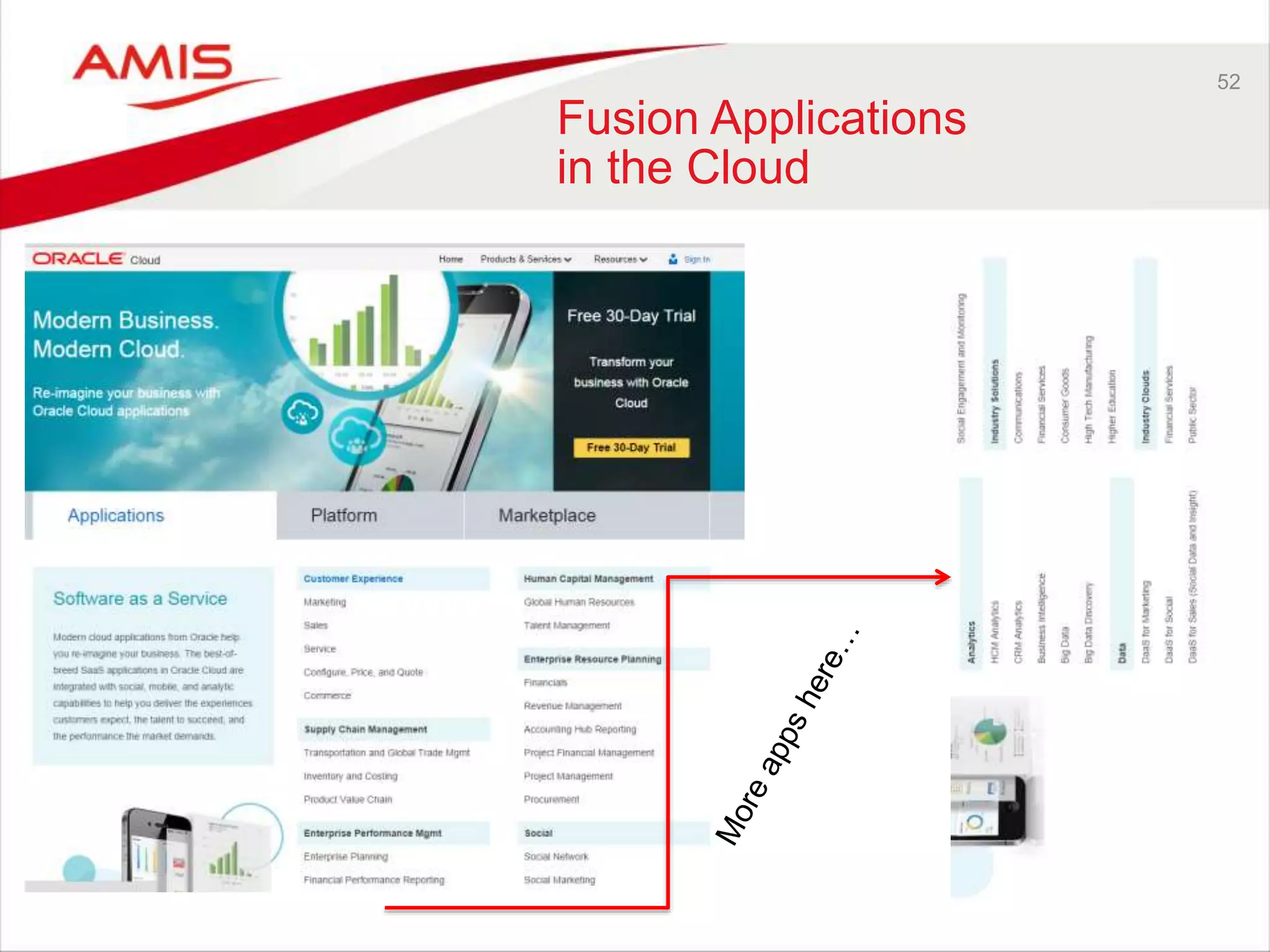
52 
Fusion Applications 
in the Cloud
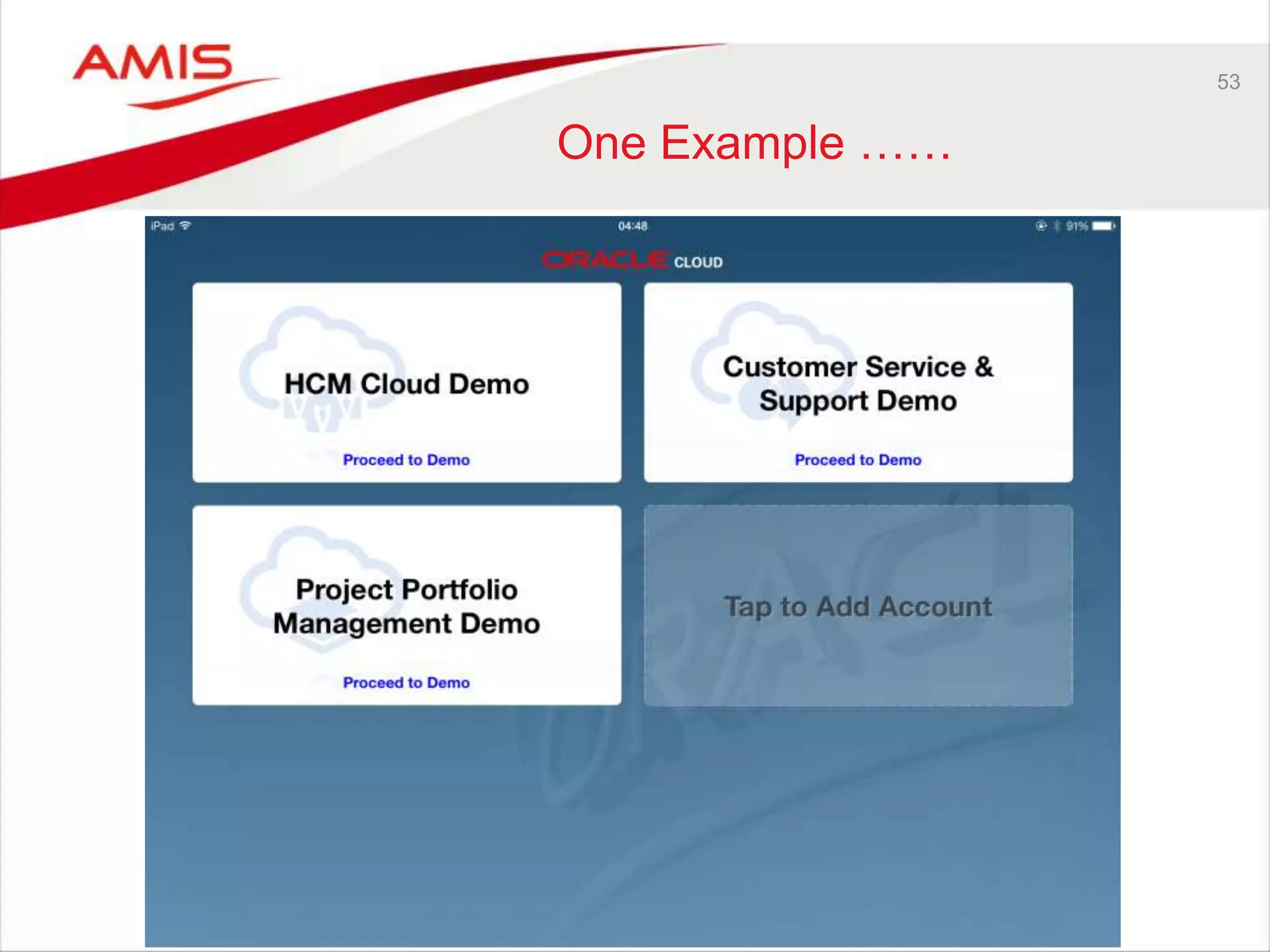
53 
One Example ……
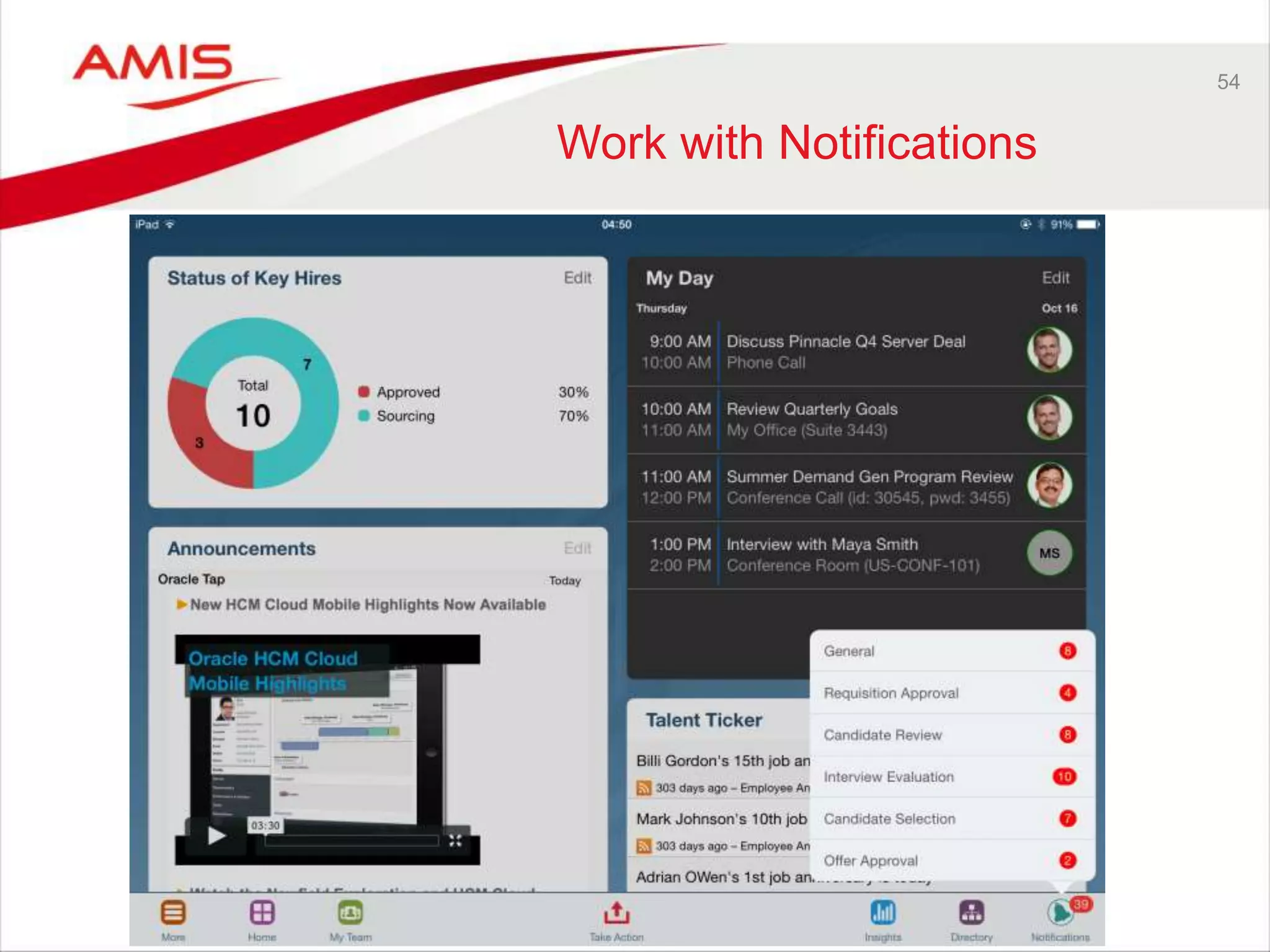
54 
Work with Notifications
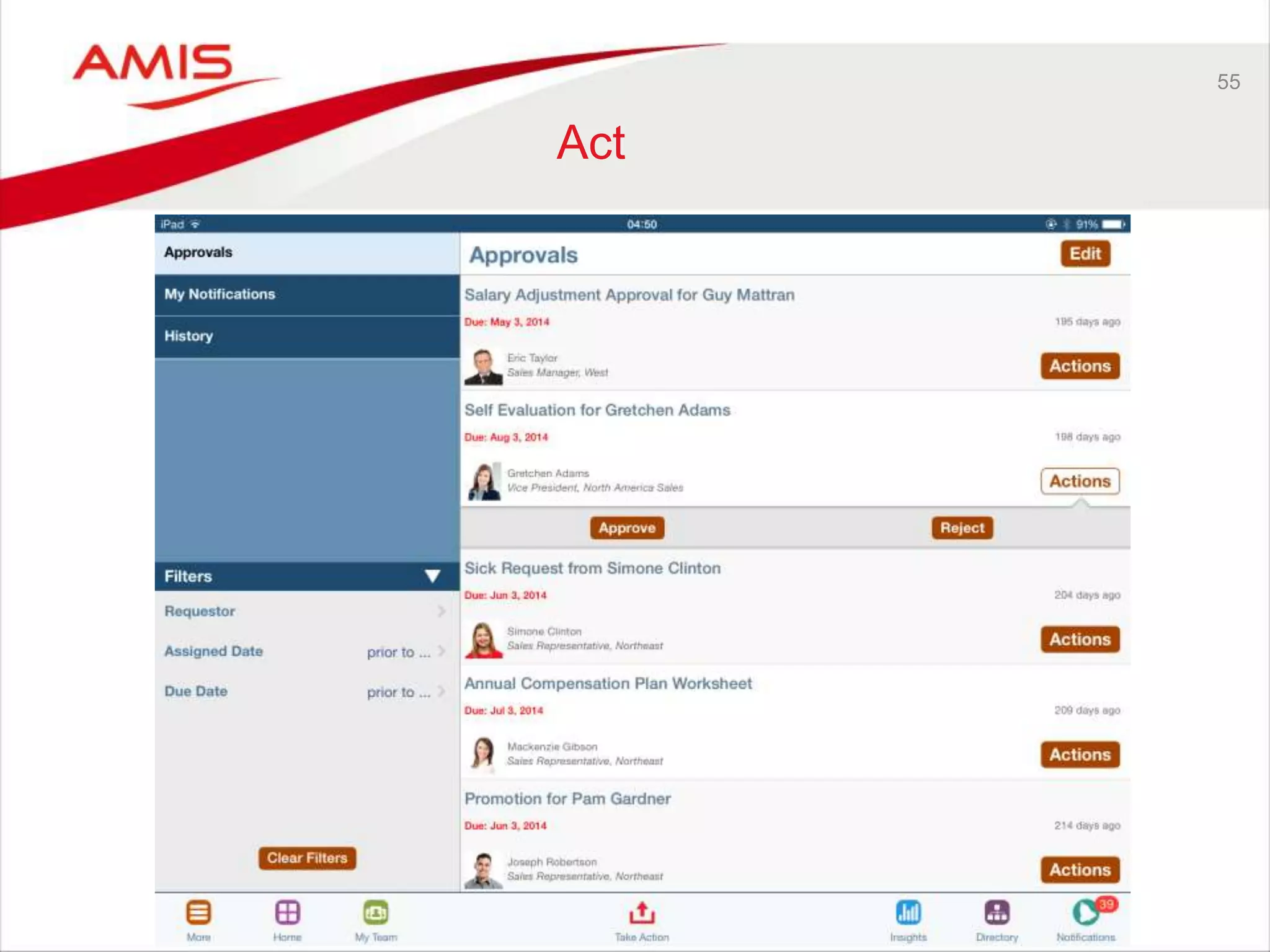
55 
Act
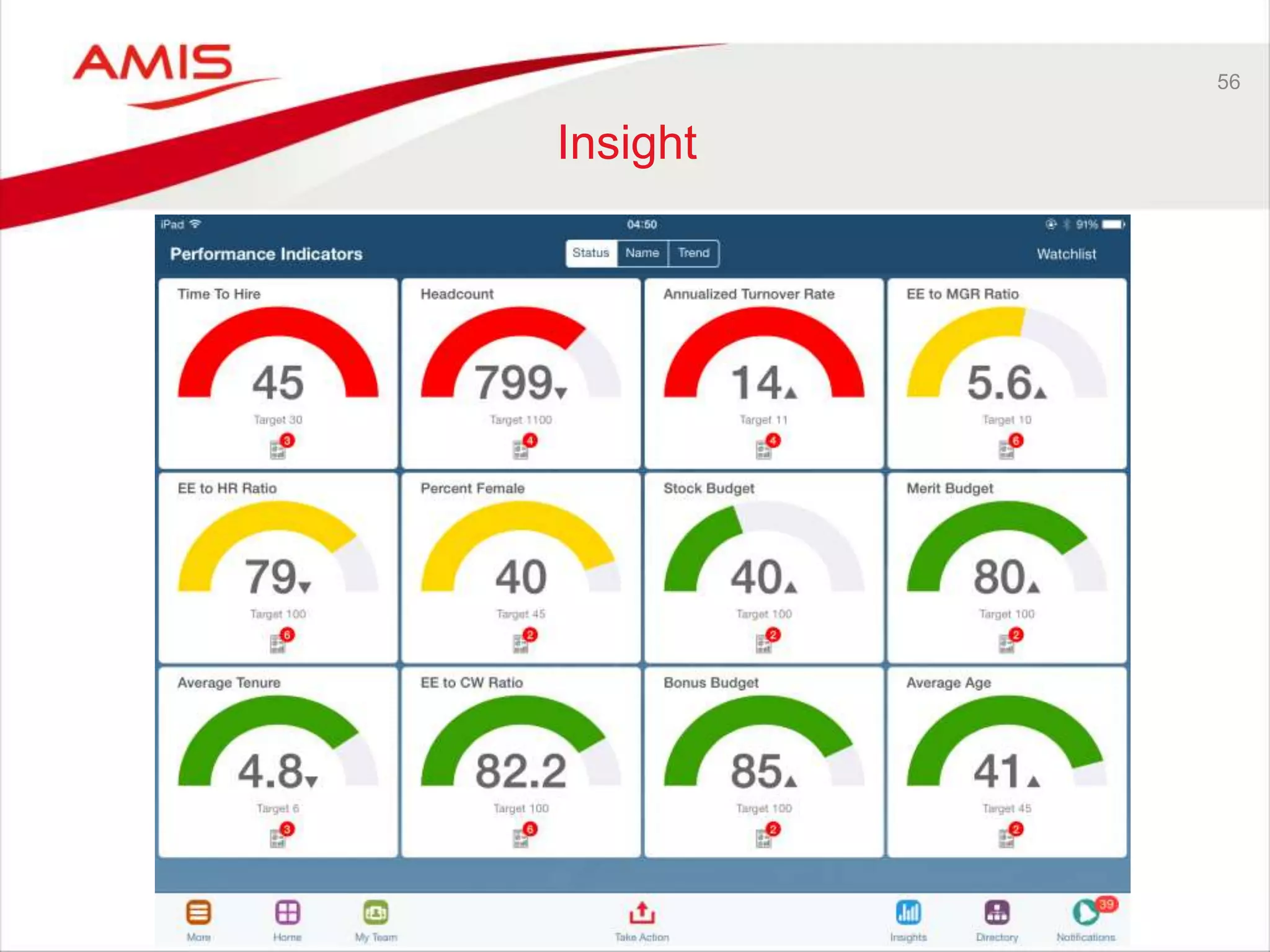
56 
Insight
57 
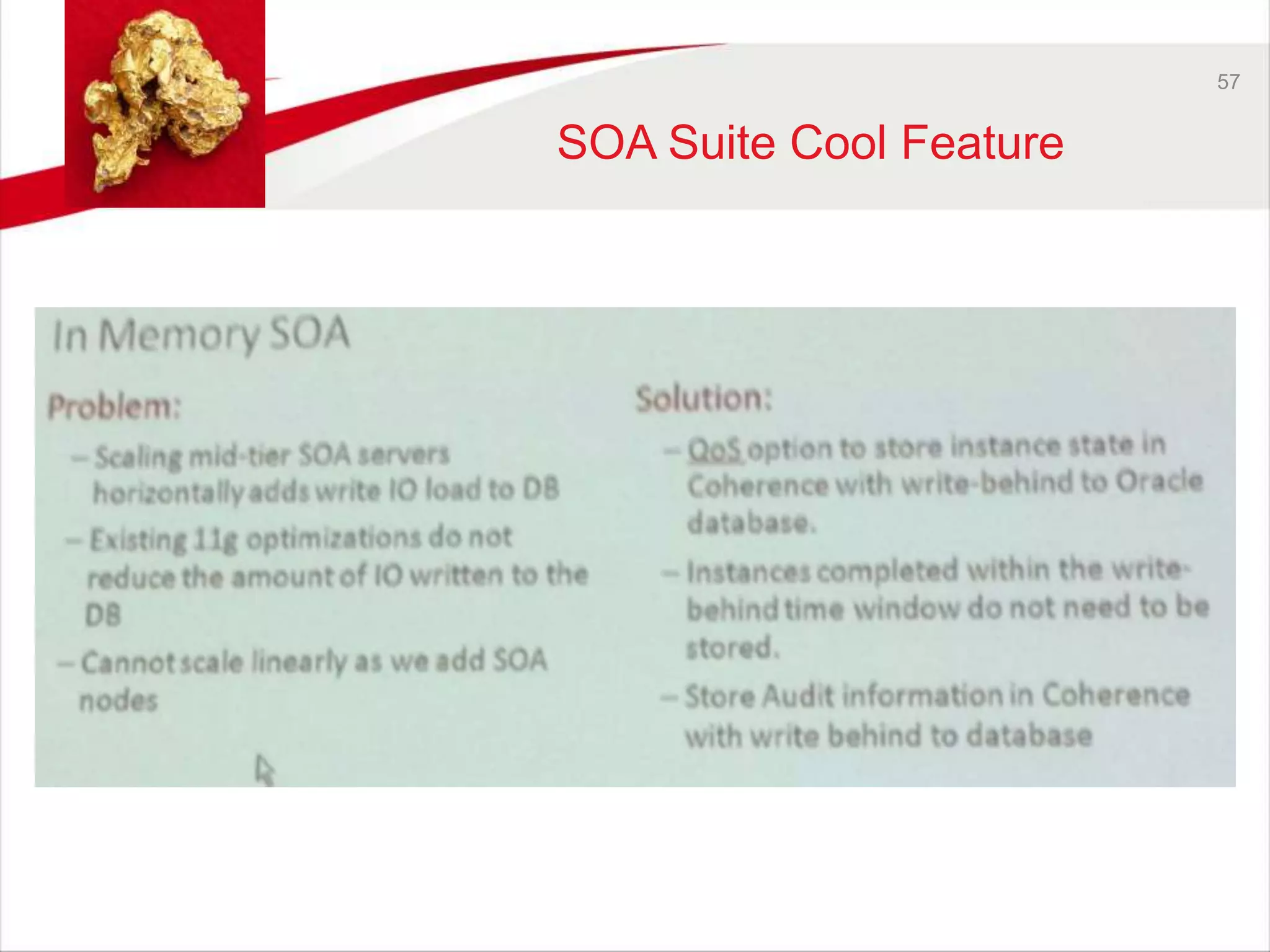
SOA Suite Cool Feature
58
Oracle OpenWorld 2014 Review Part Five - SaaS

Oracle OpenWorld 2014 Review Part Five - SaaS

  • 1.
    Review Oracle OpenWorld2014 Part Five - SaaS Team AMIS 16th October 2014
  • 2.
  • 3.
    Where we camefrom… 3
  • 4.
  • 5.
    5 User Interfacevs User Experience
  • 6.
  • 7.
    DESIGN PRICIPLES •Always connected • Any location • Intelligent context • Work on multiple deivces • Convenient, easy to use • Consumer acceptance • Use device for purpose (laptop, tablet, phone etc.) • Show what matters most • Small relevant info an direct aciton • Multimodal input (voice, tekst, photo, video) 7
  • 8.
    3 STEP DESIGNPRINCIPLE 8
  • 9.
  • 10.
  • 11.
    Result: Oracle AltaUI 11 • Mobile first design • Simple and uncluttered layouts • Clear information hierarchy • Engage users with visual content Skin for ADF 12.1.3
  • 12.
    ORACLE MAX12 “MAXis the answer to accelerating mobilization by giving business-side workers the chance to simply create a mobile UI for any Cloud business processes at the touch of a few buttons” - Browser based - No coding required - Easy map to business services - Edit, test and publish from browser
  • 13.
  • 14.
    14 Oracle AltaUI • New UI design principle • Mobile and web UI • New skin • MAF 2.0 ADF 12.1.3 • The new standard for Oracle
  • 15.
    15 Alta UIOn IPad
  • 16.
    16 Alta UIOn iOS Simulator
  • 17.
    17 Simple, Fresh,Modern Design • Mobile first • Larger (and fewer) components • Flatter visual design • Spacious layout • Very little “chrome”
  • 18.
    18 Emphasize KeyPage Content • Use data visualization (ADF DVT components) • Use color to highlight important data
  • 19.
    19 Page Layoutin Alta • Vertical page scrolling • Page content constrained horizontally and centered
  • 20.
    20 New SkinFamily – Alta • Available in ADF 12.1.3 • Work Better skin (extends Alta)
  • 21.
    21 Turning onthe Alta skin • Turning on the Alta skin
  • 22.
    22 Skin Comparison: Skyros vs. Alta
  • 23.
    23 Alta UIContent • Access information – through search • Large touch targets – Larger rows – Larger Images – Charts • alternate view: – card view
  • 24.
    24 Navigation: Contentover Chrome • Touch content: – a row in a list – an image – a chart metric
  • 25.
    25 Alta UIAnimation • New <af:deck> and <af:transition> components • More animation for a compelling experience
  • 26.
    26 Alta UIAnimation - Transitions • Alternate presentation of same object, additional data is shown
  • 27.
    27 Tablet FirstPage Template • Mobile friendly design principles • Three column layout • Ideal for both tablet (landscape orientation) and desktop
  • 28.
    28 Service Bus12c Cool feature • Today’s SOA world is no longer all about SOAP and XML. More and more mobile solutions and other integration platforms and tools prefer REST Services and JSON. • The Service Bus has always been able to provide REST services as well as SOAP, and could even do JSON if you put your mind to it. • Internally, in the Proxy Message Flows, it was all about SOAP and XML • In SB 12.1.3, the Service Bus supports JSON as well as XML REST services, variables etc. • In SB 12.2, Javascript actions and “end-to-end REST” will allow for “native” JSON processing in Message Flows.
  • 29.
    29 New ADFData Visualization Features • Since ADF 12.1.3 Over 30+ (improved) chart types • Improved Server Scalability • Redesigned zoom and scroll • Much Simpler Styling
  • 30.
  • 31.
    31 New Gauges • Gauge types – LED – status meter – Dial – new rating gauge – Supports input (Rating only)
  • 32.
    32 New DesignedZoom and Scroll
  • 33.
    33 Marquee zoomand selection
  • 34.
  • 35.
    35 Time Line • Visualize Events on an Interactive Timeline • Support for time duration (yet MAF only, ADF will have it soon as well)
  • 36.
    36 Thematic Map- New Features • Image markers (option to set the orientation) • Smart data zooming • Drill down • Support for custom base maps • Hide area layer • Marker locations can be updated
  • 37.
    37 Thematic Map– Custom base map • Visualize information and support interaction in a wide variety of visual contexts
  • 38.
    38 Thematic Map– Custom base map • Points and basemap in XML file
  • 39.
    39 Thematic Map– Upcoming Features • N-Box Mashup
  • 40.
    40 Thematic Map– Upcoming Features • Pie Mashup
  • 41.
    41 Thematic Map– Upcoming Features • StatusMeter Mashup
  • 42.
    42 New Visualization:N-Box (Yet MAF only) • Visualizes and compares data across two dimensions • Supports various options for color coding, marker shapes, and grouping
  • 43.
  • 44.
    44 DB 12cCool features Did you know that … • VARCHAR2 in SQL has been extended to 32K – only if the MAX_STRING_SIZE initialization parameter is set to EXTENDED
  • 45.
    45 DB 12cCool features Did you know that … • By using the ACCESSIBLE_BY clause in the package definition you can define a "whitelist" of program units that can invoke a package's subprograms – Multiple program units can be whitelisted separated by comma – PLS-00904: insufficient privilege to access object PRIVATE_PKG PACKAGE private_pkg ACCESSIBLE BY (public_pkg) IS PROCEDURE do_this; PROCEDURE do_that; END; PACKAGE BODY public_pkg IS PROCEDURE do_only_this IS BEGIN private_pkg.do_this; private_pkg.do_that; END; END;
  • 46.
    46 DB 12cCool features Did you know that … • With Top-N query’s you can easily select the n most recent records – Instead of using an inline view or analytical functions SQL> select empno, ename, hiredate 2 from scott.emp 3 order by hiredate desc 4 fetch first 2 rows only; By using offset you can continue fetching more records SQL> select empno, ename, hiredate 2 from scott.emp 3 order by hiredate desc 4 offset 2 fetch next 2 rows only;
  • 47.
    47 DB 12cCool features Did you know that … • There is a feature called temporal validity? – Defines when a row is valid SQL> CREATE TABLE emp_temporal ( 2 empno NUMBER, 3 name VARCHAR2(30), 4 sal NUMBER, 5 deptno NUMBER, 6 start_dt DATE, 7 end_dt DATE, 8 PERIOD FOR valid_range (start_dt, end_dt) 9 ); Table created. SQL> select * from emp_temporal 2 as of period for valid_range '01-FEB-14';
  • 48.
    48 Social andcollaboration Oracle and Social???
  • 49.
    Products 49 OracleSocial Engagement and Monitoring Cloud Service Oracle Social Marketing Cloud Service Oracle Social Network
  • 50.
    Practical application 50 Oracle Social Engagement and Monitoring - Monitor your social profile of your company (analyze) - Target potential customers. Lead customers, opinion formers - Monitor social engagement of your employees (positive / negative) Oracle Social Marketing - Social marketing - Easy publishing - Monitor engagement Oracle Social Network - Fast communication / collabroation - Context sensitive timeline and news feed - Direct communication
  • 51.
  • 52.
  • 53.
  • 54.
    54 Work withNotifications
  • 55.
  • 56.
  • 57.
    57 SOA SuiteCool Feature
  • 58.

Editor's Notes

  • #28 Start your layout off right with this new page template constructed with the key mobile friendly design principles in mind.  This three column layout template is ideal for both a tablet in the landscape orientation and the desktop. It contains a top area that works well for a logo, product name, and navigation components. The left area also works well for navigation controls. Target the center area for the main content of the page. The right area can contain ancillary content. The content shown in the below screenshot merely suggests what to add and where. It is not included with the template.
  • #30 Over 50 chart types •Client-side layout •Redesigned zoom and scroll •Marquee zoom and selection •Redesigned Time axis •Improved data labeling