CONTACT US ON-
Address-
Opp. Phagwara Bus Stand,Above Bella Pizza, Handa City Center,Phagwara
Email-e2matrixphagwara@gmail.com, jalandhare2matrix@gmail.com
Web site-www.e2matrix.com
Contact no-07508509730, 09041262727, 7508509709
Introduction of
Simulation and OPNET
Outline
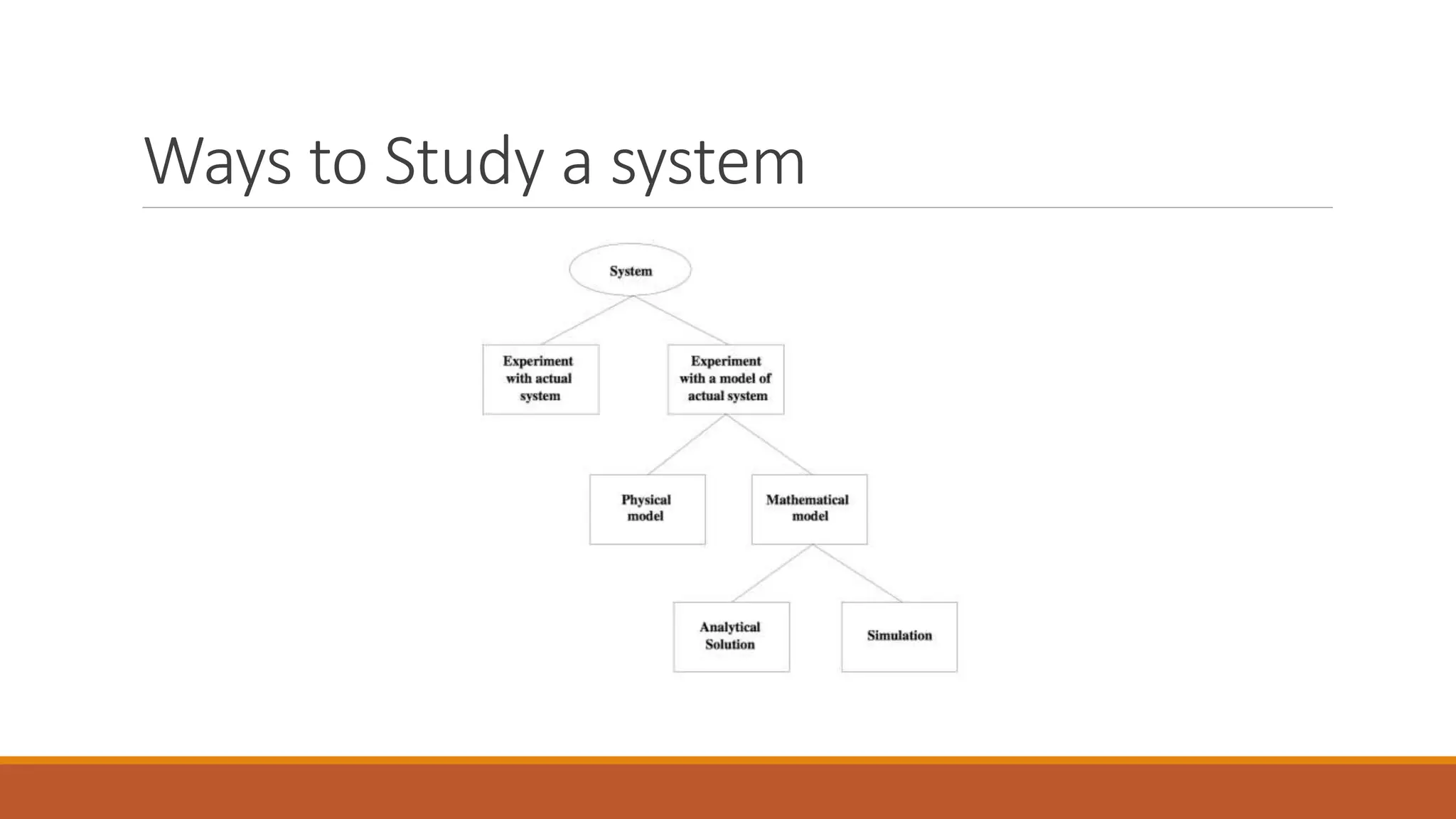
Ways to study a system
Advantages of simulation
OPNET modeler
Main features of OPNET simulator
OPNET workflow
OPNET’s hierarchal modeling
Editors
Project and scenarios
The project and scenario workflow
Organizing models- Object palette
Choose statistics
Simulation
What’s next
References
Ways to Study a system
Advantages of Simulation
Money, money, money
Designing, building, testing,
Redesigning, rebuilding, retesting,…
The level of detail that you can get from a simulation
The only restrictions are your imagination, your programming skills, and your CPU.
OPNET Modeler
OPNET stands for Optimum Network Performance.
OPNET is a computer software to simulate communication networks.
OPNET Modeler, in particular, is a research oriented package, and it is one of the leading
simulators used in the industry.
OPNET Modeler (cont..)
OPNET provides graphical editors to you to edit your own devices,
configure your own networks, design your own protocols, define your
own packet formats, etc.
Main features of OPNET simulator
The graphical modeling approach(Graphical user interface).
The generation of statistical data is customizable.
A variety of comprehensive analysis tools.
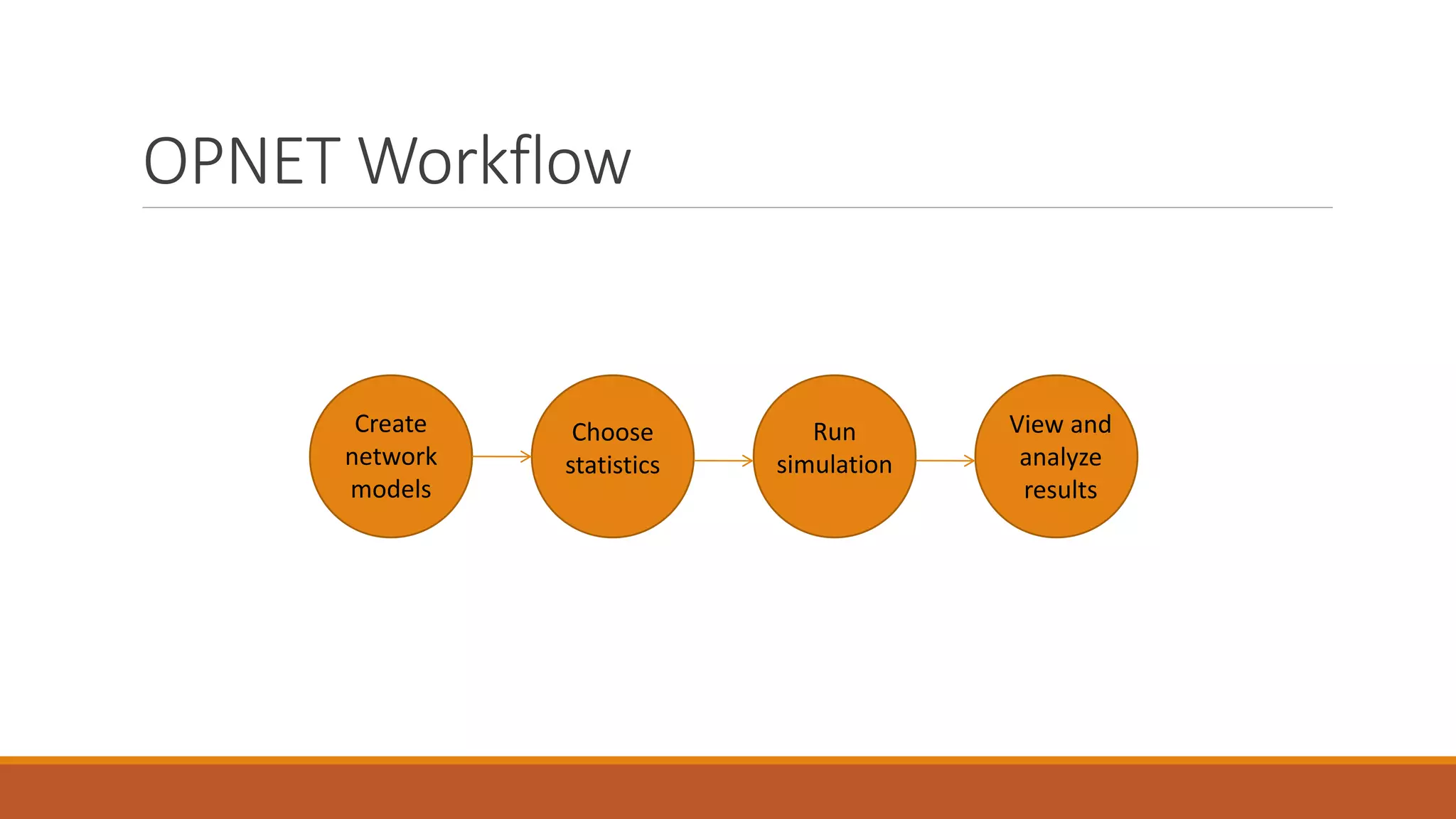
OPNET Workflow
Create
network
models
Choose
statistics
Run
simulation
View and
analyze
results
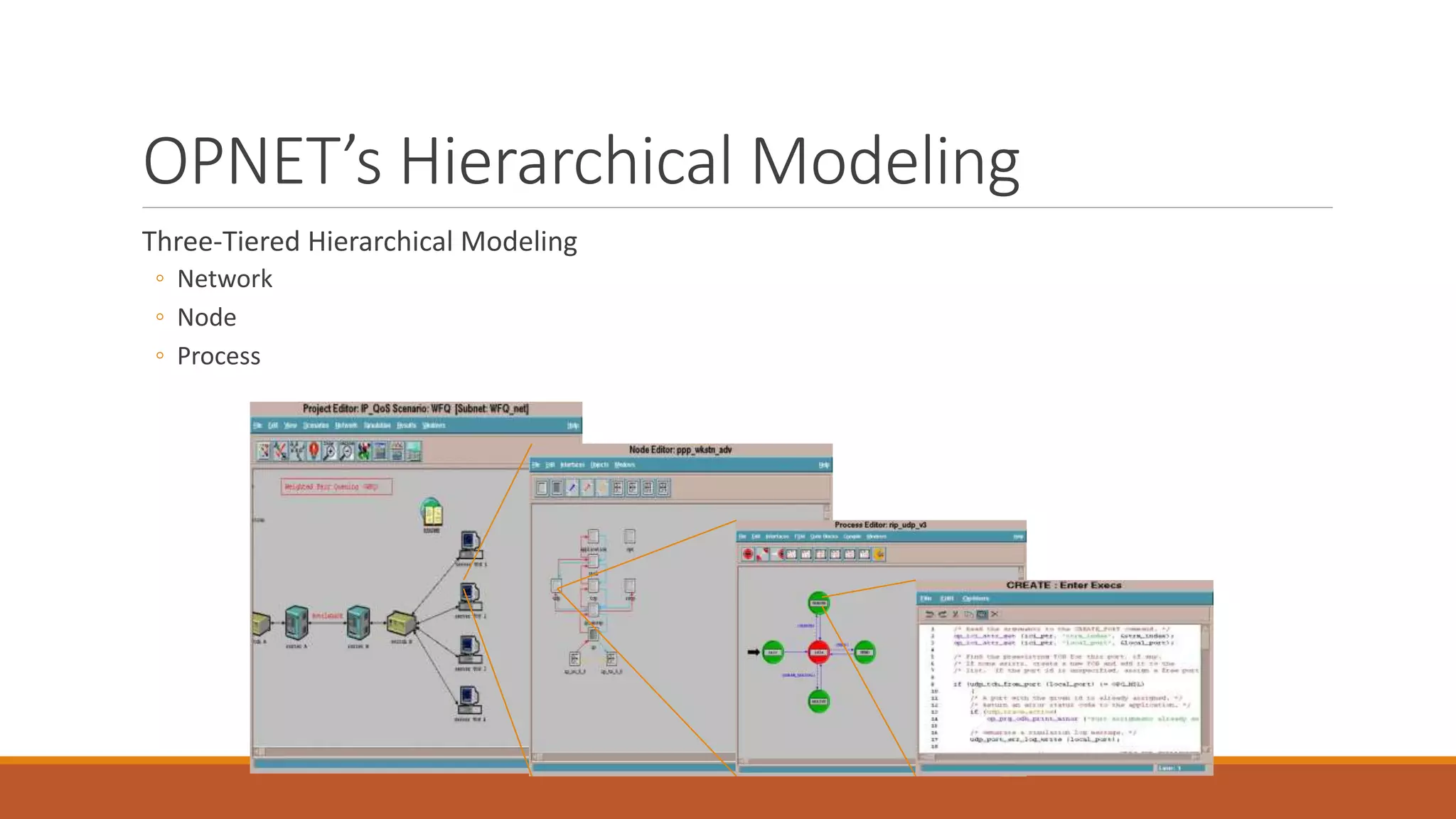
OPNET’s Hierarchical Modeling
Three-Tiered Hierarchical Modeling
◦ Network
◦ Node
◦ Process
Editors
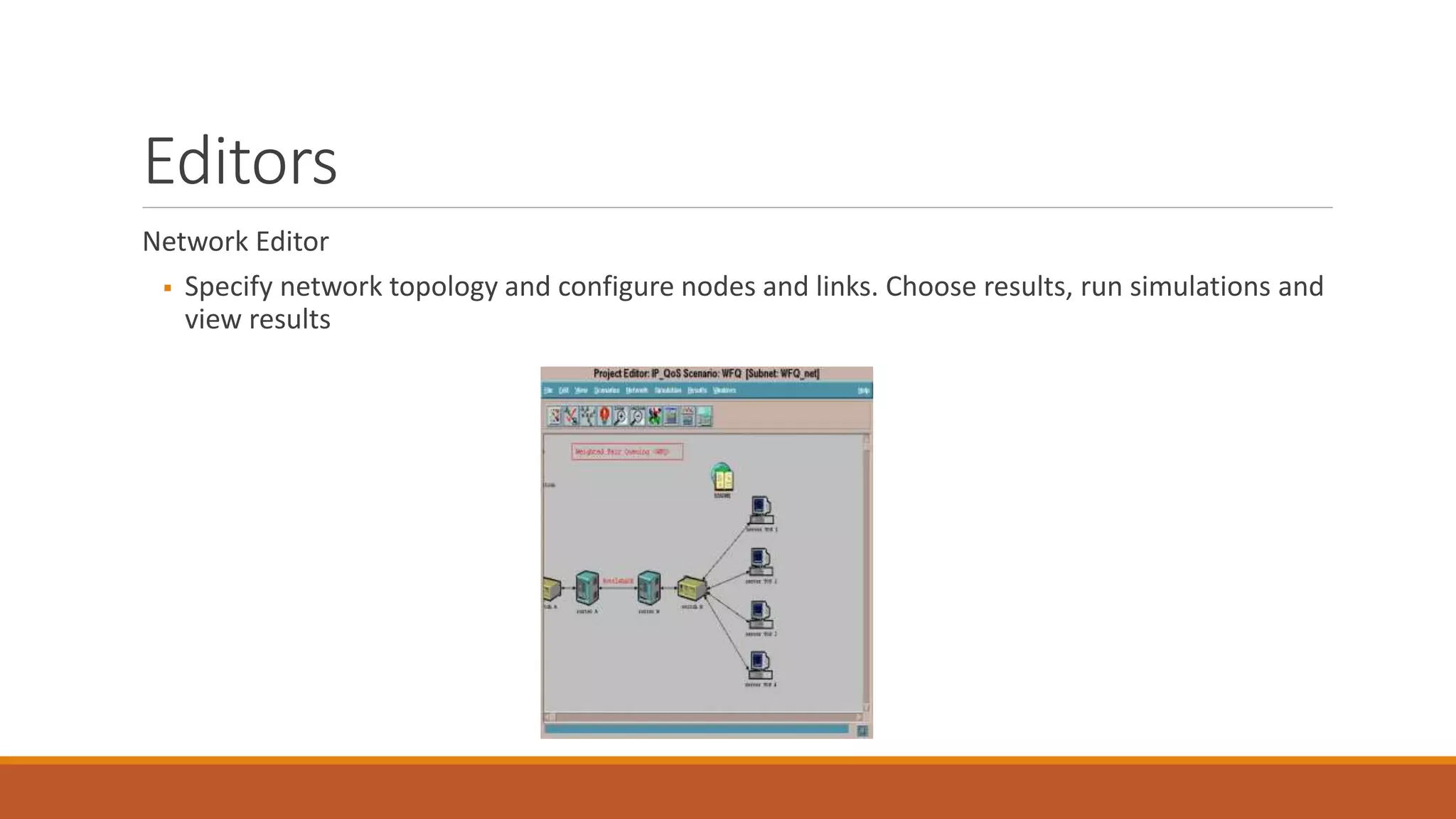
Network Editor
 Specify network topology and configure nodes and links. Choose results, run simulations and
view results
Editors (cont..)
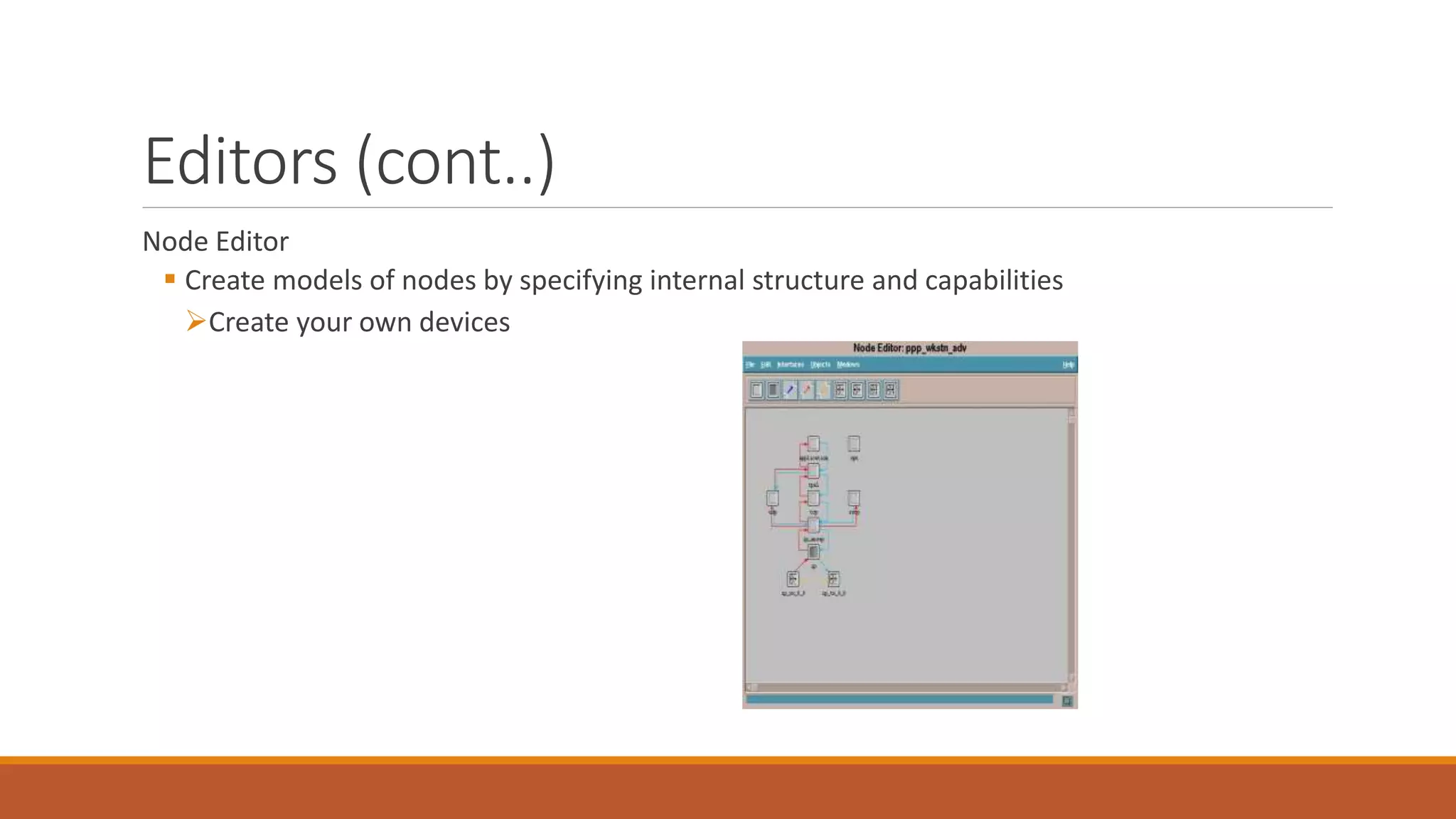
Node Editor
 Create models of nodes by specifying internal structure and capabilities
Create your own devices
Editors (cont..)
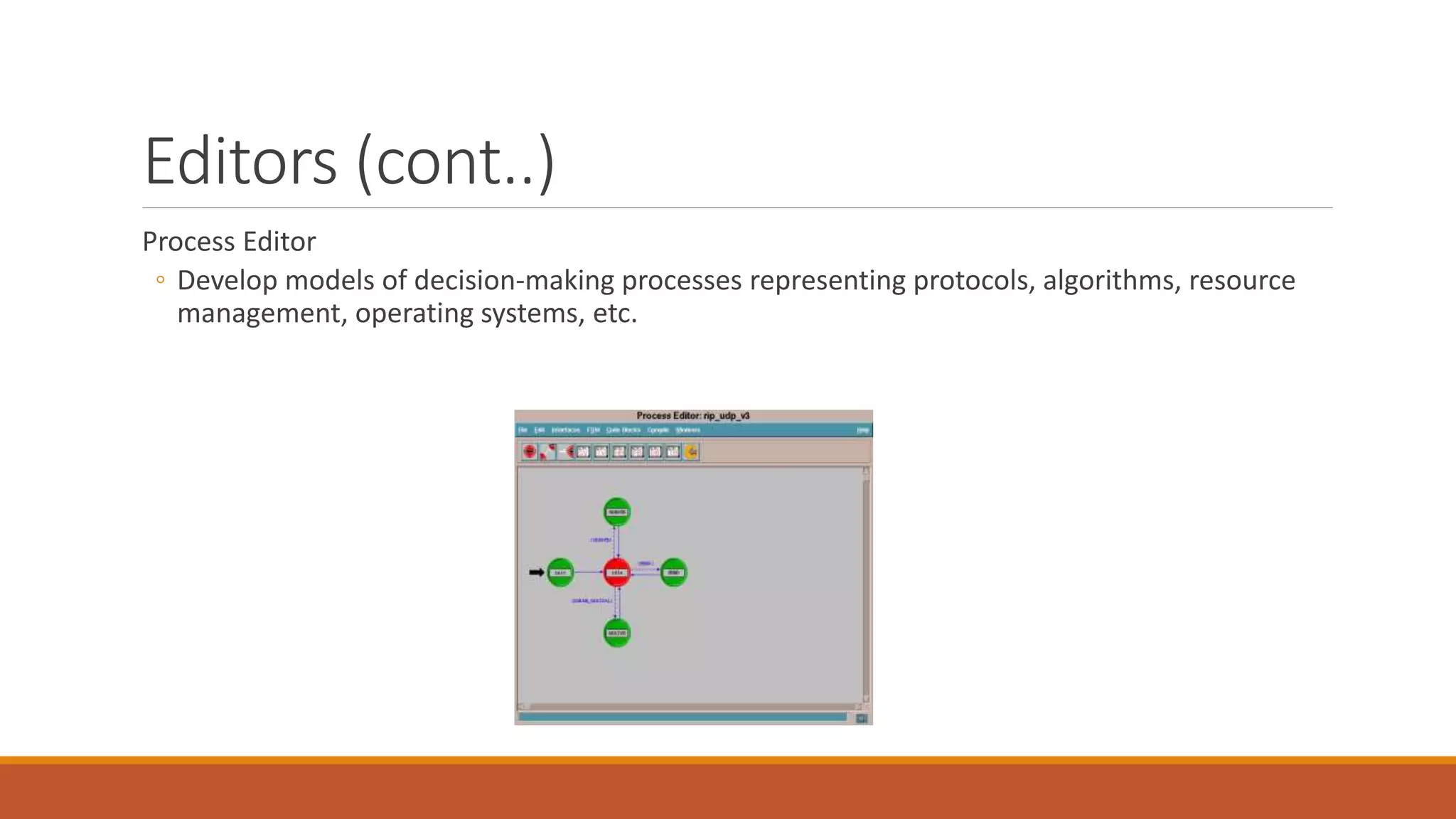
Process Editor
◦ Develop models of decision-making processes representing protocols, algorithms, resource
management, operating systems, etc.
Editors (cont..)
Link Model Editor
Path Editor
Packet Format Editor
PDF Editor
etc
Project and Scenarios
Project-and-Scenario approach to modeling network
Project: Collection of related network scenarios.
Scenario: is a single instance of the network. It represents a unique configuration of the
network.
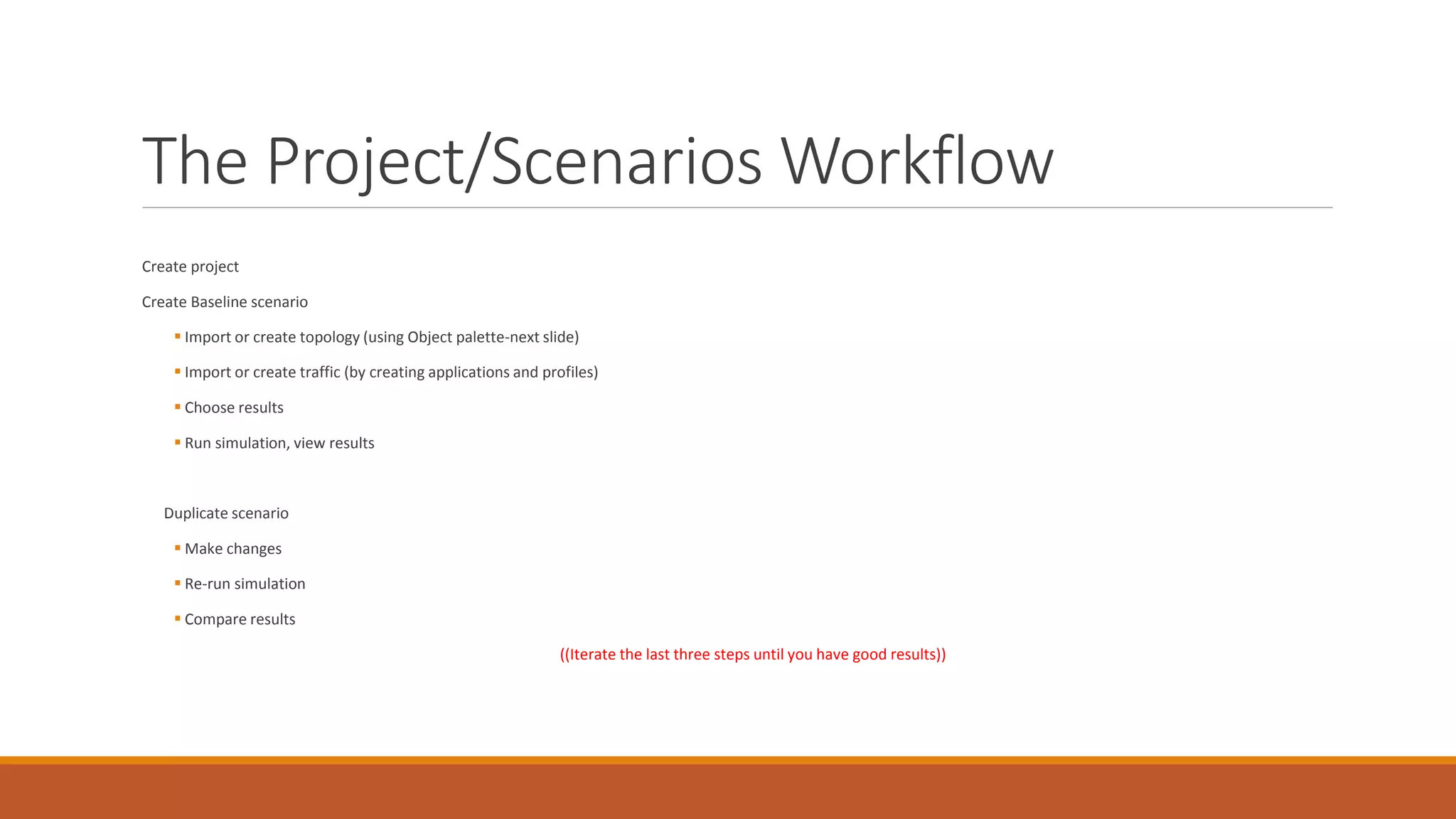
The Project/Scenarios Workflow
Create project
Create Baseline scenario
 Import or create topology (using Object palette-next slide)
 Import or create traffic (by creating applications and profiles)
 Choose results
 Run simulation, view results
Duplicate scenario
 Make changes
 Re-run simulation
 Compare results
((Iterate the last three steps until you have good results))
Organizing models- Object palettes
An object palette is a graphical dialog box that displays a group of nodes and link models.
Object palettes can be customized to contain only the nodes and links that we need.
Choose Statistics
Right click  quick menu
◦ Edit attributes  Choose individual statistics  Check the statistics that you need.
Simulation
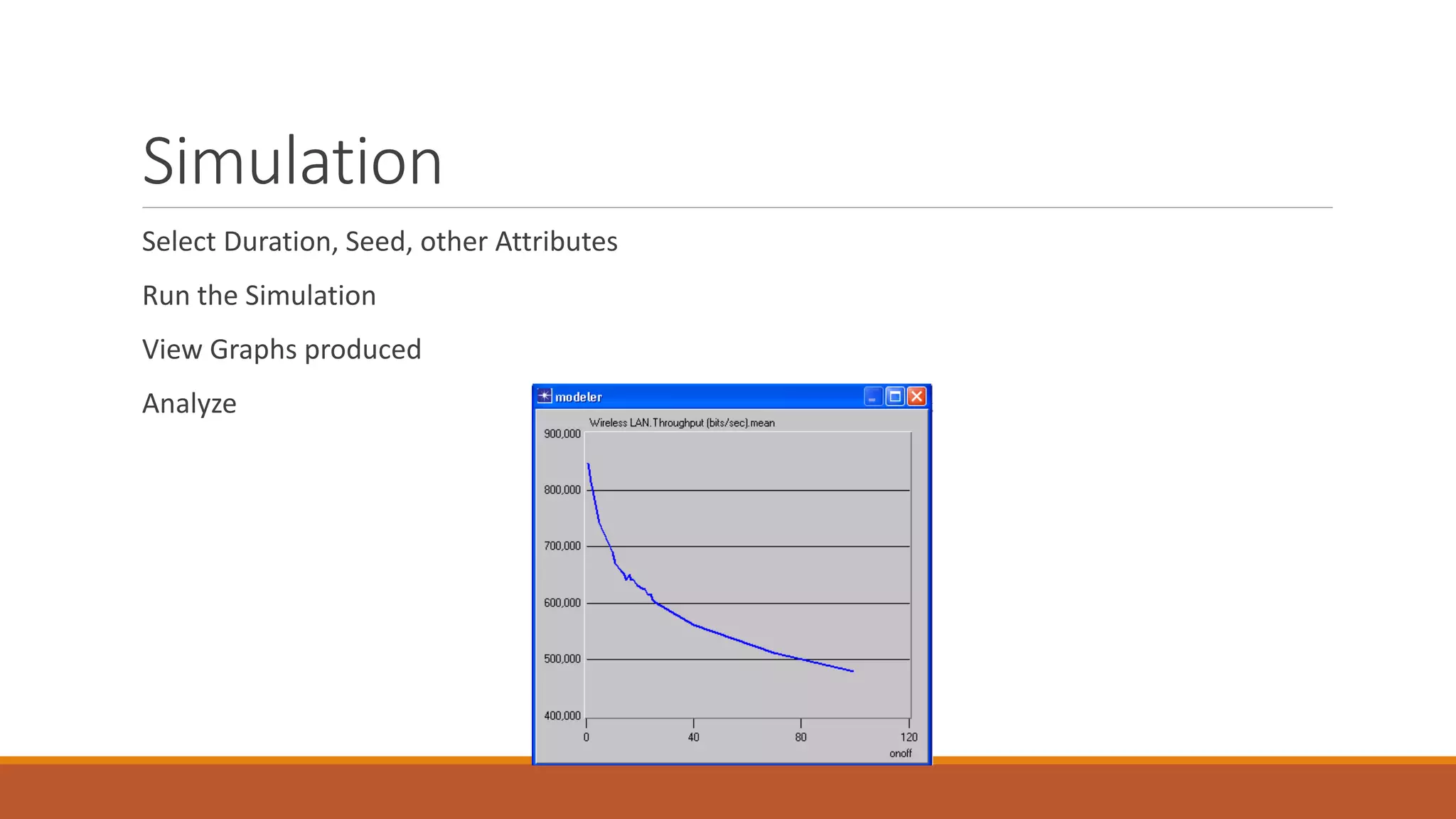
Select Duration, Seed, other Attributes
Run the Simulation
View Graphs produced
Analyze

Opnet final year project in jalandhar

  • 1.
    CONTACT US ON- Address- Opp.Phagwara Bus Stand,Above Bella Pizza, Handa City Center,Phagwara Email-e2matrixphagwara@gmail.com, jalandhare2matrix@gmail.com Web site-www.e2matrix.com Contact no-07508509730, 09041262727, 7508509709
  • 2.
  • 3.
    Outline Ways to studya system Advantages of simulation OPNET modeler Main features of OPNET simulator OPNET workflow OPNET’s hierarchal modeling Editors Project and scenarios The project and scenario workflow Organizing models- Object palette Choose statistics Simulation What’s next References
  • 4.
    Ways to Studya system
  • 5.
    Advantages of Simulation Money,money, money Designing, building, testing, Redesigning, rebuilding, retesting,… The level of detail that you can get from a simulation The only restrictions are your imagination, your programming skills, and your CPU.
  • 6.
    OPNET Modeler OPNET standsfor Optimum Network Performance. OPNET is a computer software to simulate communication networks. OPNET Modeler, in particular, is a research oriented package, and it is one of the leading simulators used in the industry.
  • 7.
    OPNET Modeler (cont..) OPNETprovides graphical editors to you to edit your own devices, configure your own networks, design your own protocols, define your own packet formats, etc.
  • 8.
    Main features ofOPNET simulator The graphical modeling approach(Graphical user interface). The generation of statistical data is customizable. A variety of comprehensive analysis tools.
  • 9.
  • 10.
    OPNET’s Hierarchical Modeling Three-TieredHierarchical Modeling ◦ Network ◦ Node ◦ Process
  • 11.
    Editors Network Editor  Specifynetwork topology and configure nodes and links. Choose results, run simulations and view results
  • 12.
    Editors (cont..) Node Editor Create models of nodes by specifying internal structure and capabilities Create your own devices
  • 13.
    Editors (cont..) Process Editor ◦Develop models of decision-making processes representing protocols, algorithms, resource management, operating systems, etc.
  • 14.
    Editors (cont..) Link ModelEditor Path Editor Packet Format Editor PDF Editor etc
  • 15.
    Project and Scenarios Project-and-Scenarioapproach to modeling network Project: Collection of related network scenarios. Scenario: is a single instance of the network. It represents a unique configuration of the network.
  • 16.
    The Project/Scenarios Workflow Createproject Create Baseline scenario  Import or create topology (using Object palette-next slide)  Import or create traffic (by creating applications and profiles)  Choose results  Run simulation, view results Duplicate scenario  Make changes  Re-run simulation  Compare results ((Iterate the last three steps until you have good results))
  • 17.
    Organizing models- Objectpalettes An object palette is a graphical dialog box that displays a group of nodes and link models. Object palettes can be customized to contain only the nodes and links that we need.
  • 18.
    Choose Statistics Right click quick menu ◦ Edit attributes  Choose individual statistics  Check the statistics that you need.
  • 19.
    Simulation Select Duration, Seed,other Attributes Run the Simulation View Graphs produced Analyze