1
By Former Deloitte Consultants
Operational Excellence Toolkit
In Powerpoint & Excel
Business Process
Management
Essentials
By Ex-Deloitte &
McKinsey
Consultants
33
Aurelien Domont
Slidebooks Consulting
Managing Director
“ Increase your knowledge using our simple and
comprehensive Business Process Management
Training created by ex-Deloitte & McKinsey
Consultants ”
“ Show professionalism with well-designed
Powerpoint and Excel Premium documents ”
Purpose of this document
“ Save weeks of work by re-using our editable
Powerpoint and Excel templates ”
44
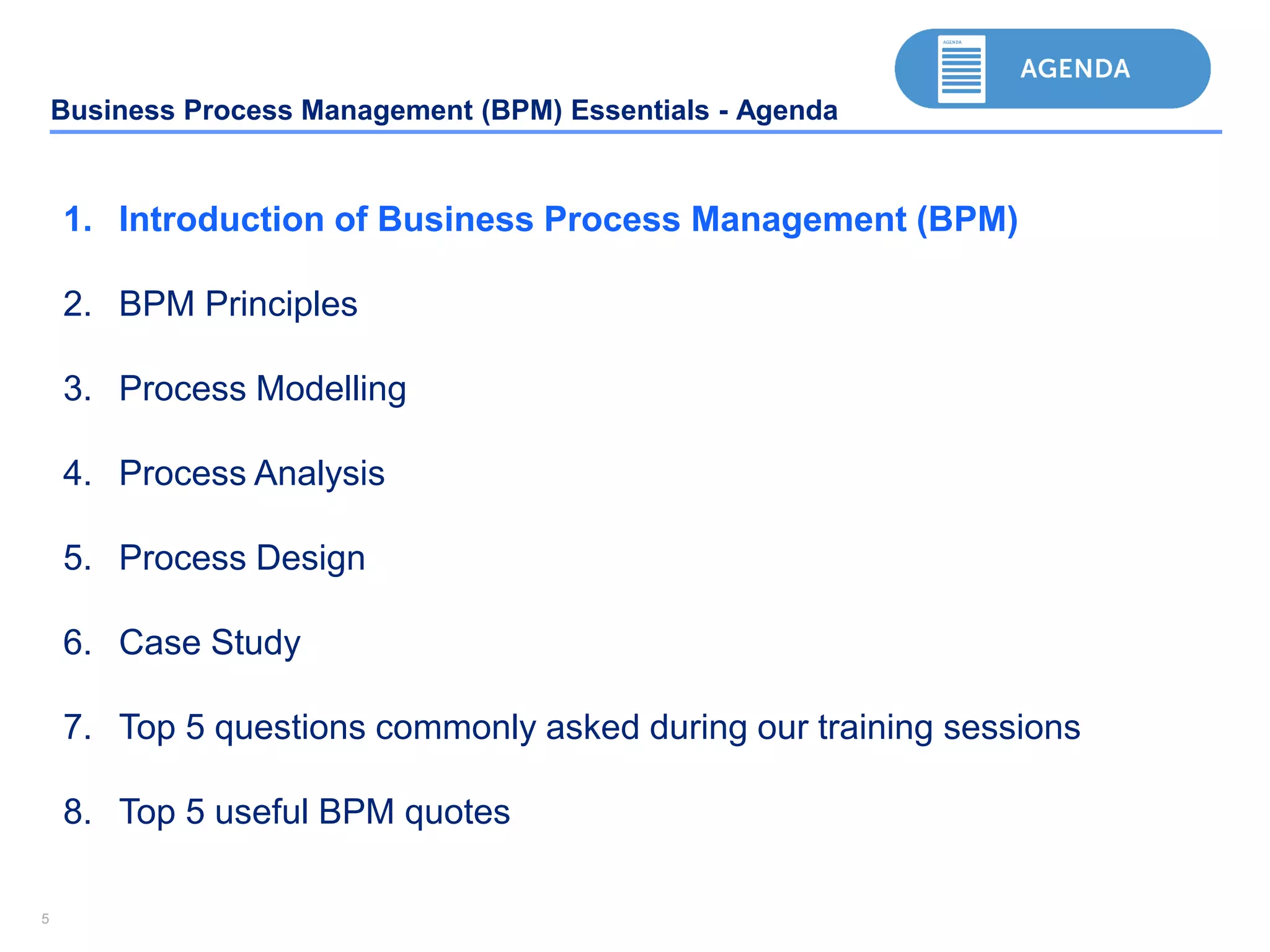
Business Process Management (BPM) Essentials - Agenda
1. Introduction of Business Process Management (BPM)
2. BPM Principles
3. Process Modelling
4. Process Analysis
5. Process Design
6. Case Study
7. Top 5 questions commonly asked during our training sessions
8. Top 5 useful BPM quotes
55
Business Process Management (BPM) Essentials - Agenda
1. Introduction of Business Process Management (BPM)
2. BPM Principles
3. Process Modelling
4. Process Analysis
5. Process Design
6. Case Study
7. Top 5 questions commonly asked during our training sessions
8. Top 5 useful BPM quotes
6
Download Now the rest of this Document and 10,000+ Powerpoint and Excel
Documents at www.slidebooks.com or by clicking anywhere on this page
Download Now
77
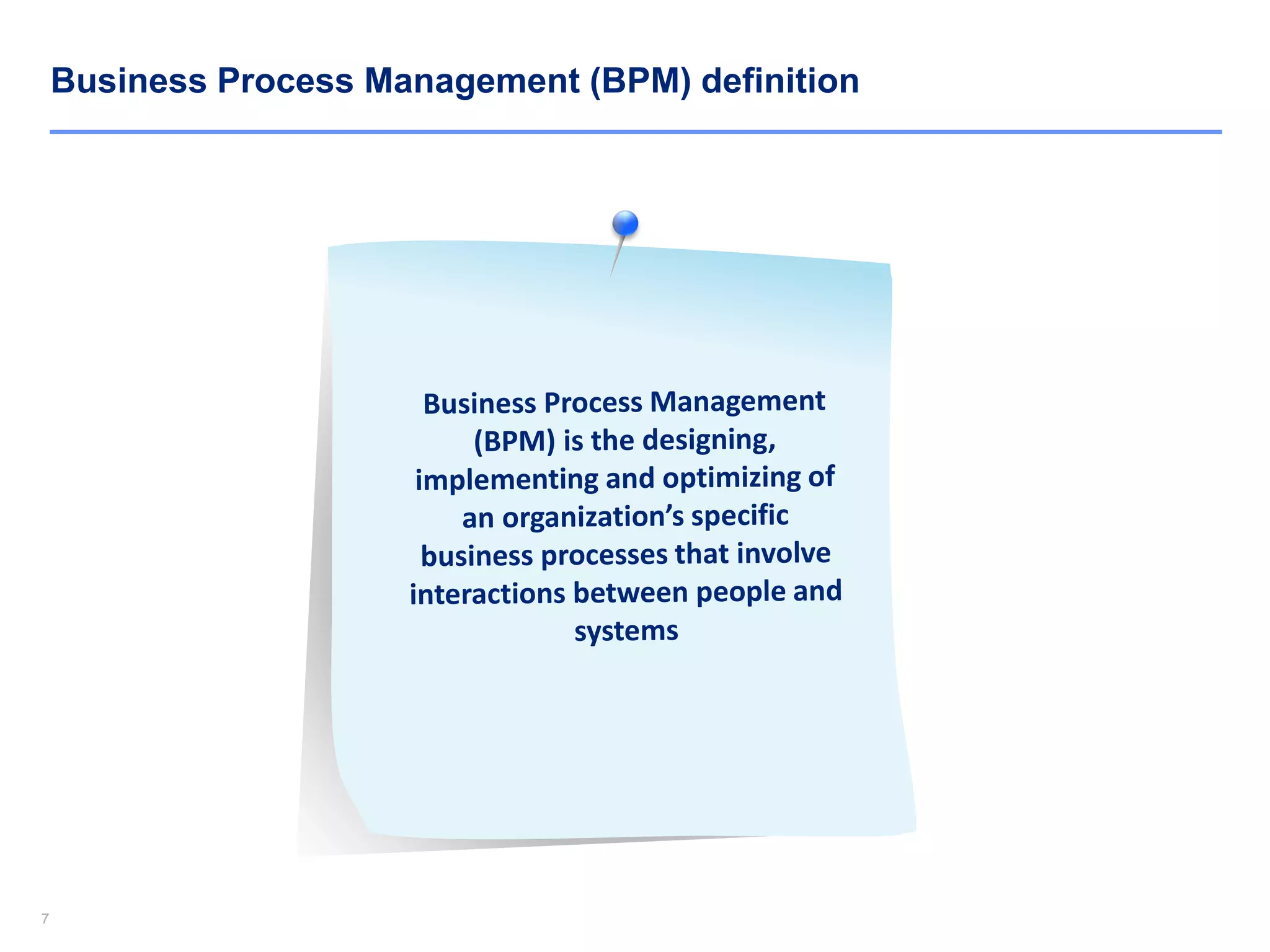
Business Process Management (BPM) definition
88
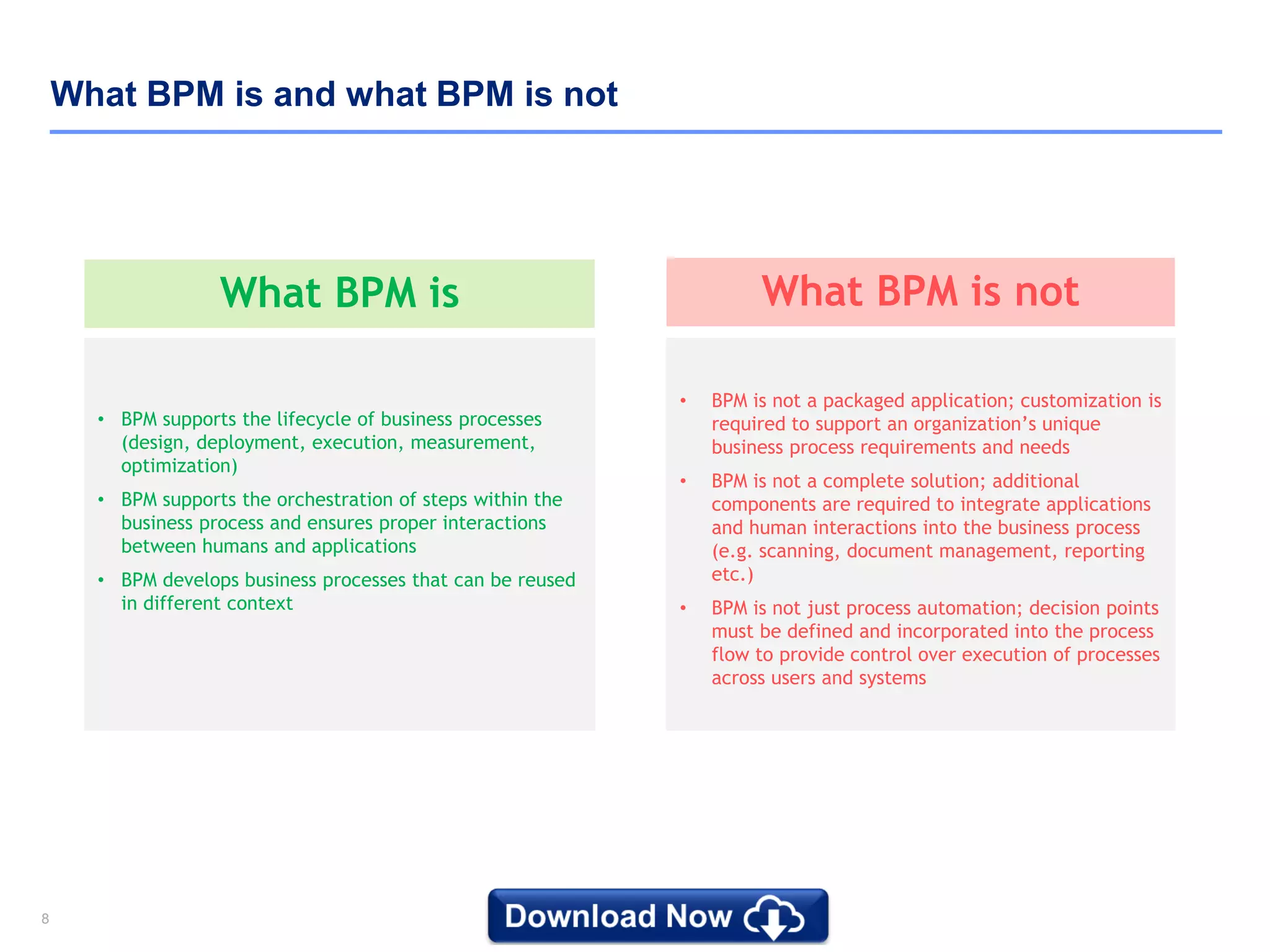
What BPM is and what BPM is not
What BPM is not
• BPM is not a packaged application; customization is
required to support an organization’s unique
business process requirements and needs
• BPM is not a complete solution; additional
components are required to integrate applications
and human interactions into the business process
(e.g. scanning, document management, reporting
etc.)
• BPM is not just process automation; decision points
must be defined and incorporated into the process
flow to provide control over execution of processes
across users and systems
What BPM is
• BPM supports the lifecycle of business processes
(design, deployment, execution, measurement,
optimization)
• BPM supports the orchestration of steps within the
business process and ensures proper interactions
between humans and applications
• BPM develops business processes that can be reused
in different context
99
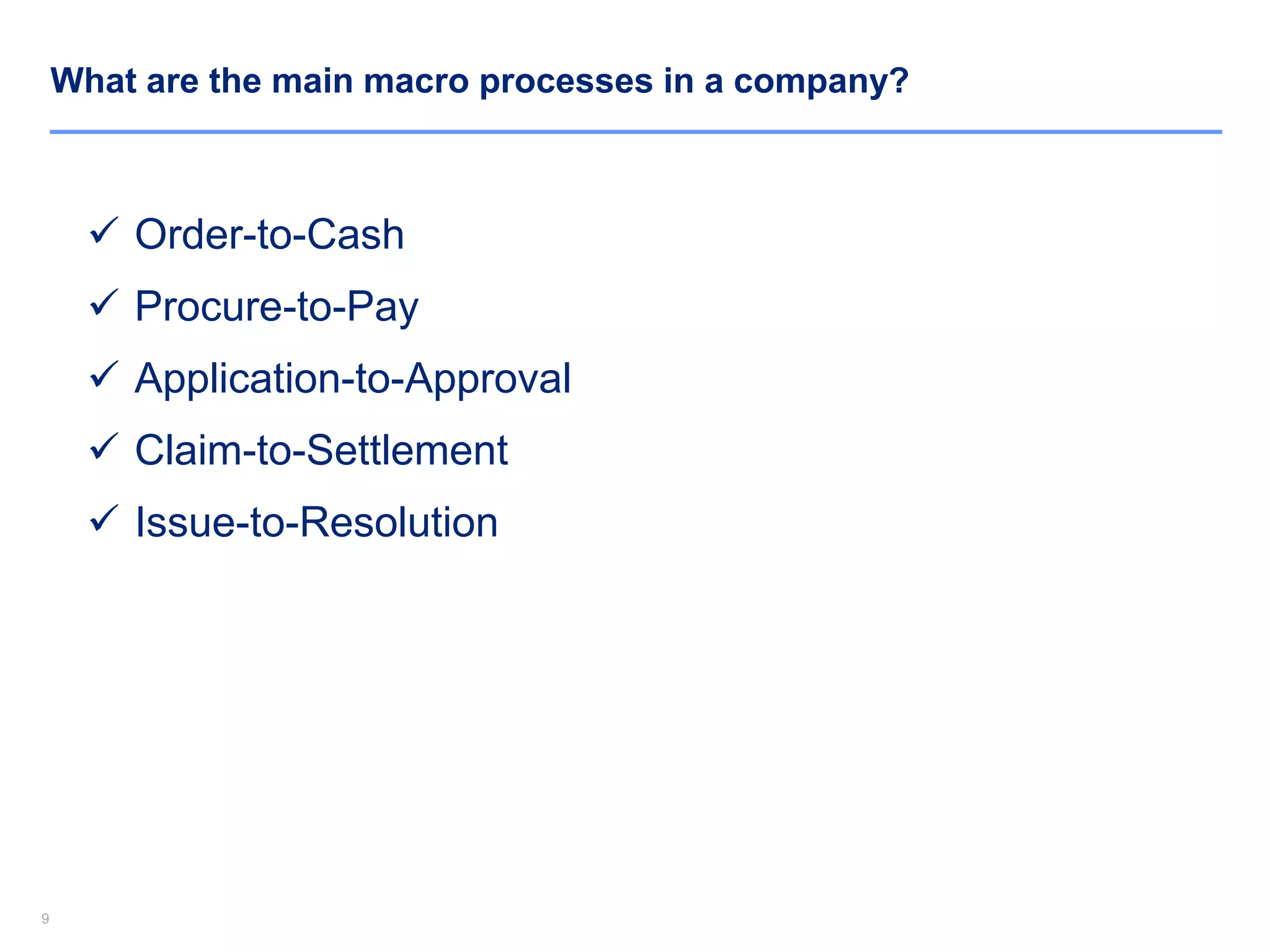
What are the main macro processes in a company?
 Order-to-Cash
 Procure-to-Pay
 Application-to-Approval
 Claim-to-Settlement
 Issue-to-Resolution
1010
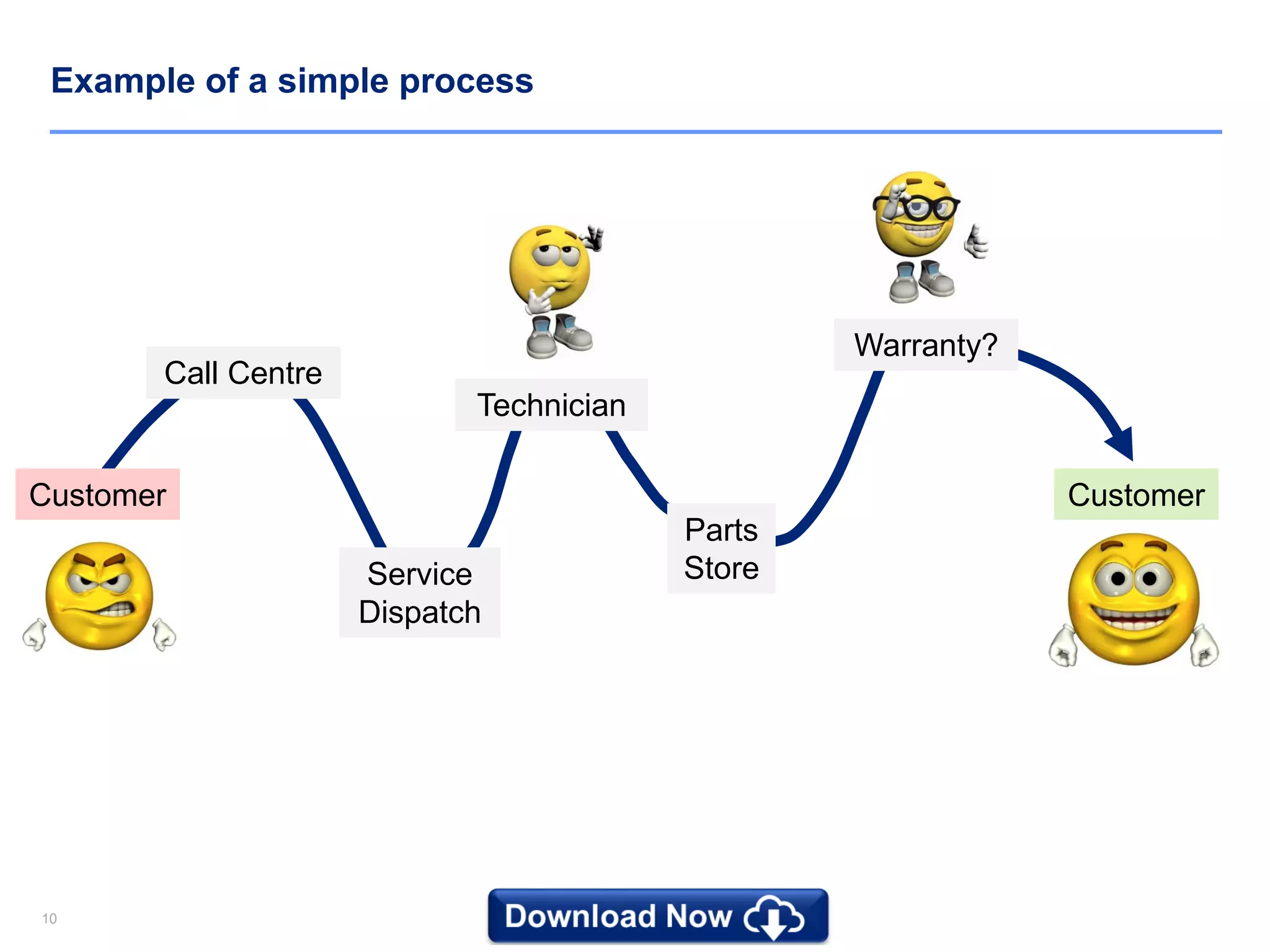
Example of a simple process
Warranty?
Parts
StoreService
Dispatch
Technician
Call Centre
Customer Customer
11
Download Now the rest of this Document and 10,000+ Powerpoint and Excel
Documents at www.slidebooks.com or by clicking anywhere on this page
Download Now
1212
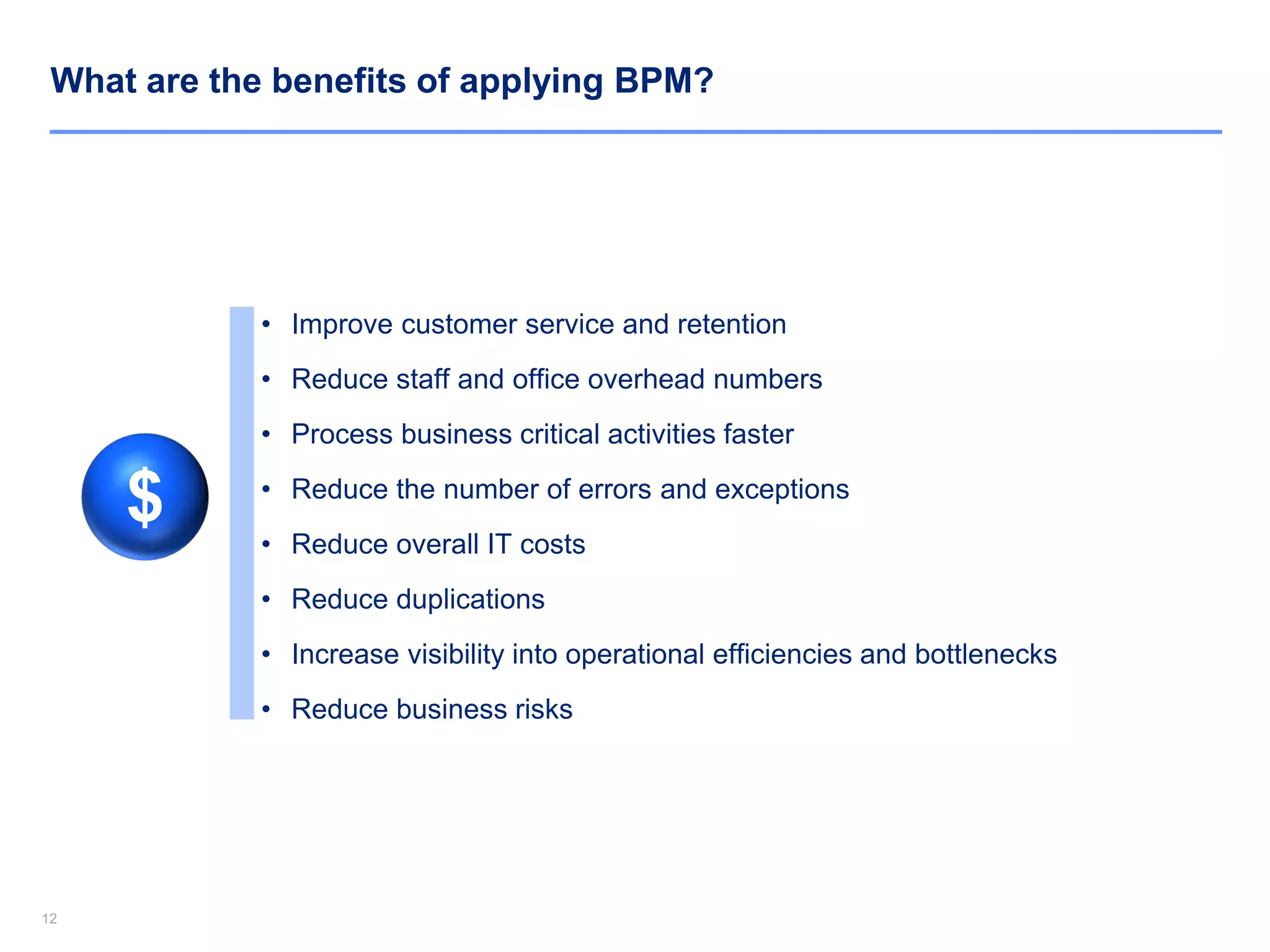
What are the benefits of applying BPM?
• Improve customer service and retention
• Reduce staff and office overhead numbers
• Process business critical activities faster
• Reduce the number of errors and exceptions
• Reduce overall IT costs
• Reduce duplications
• Increase visibility into operational efficiencies and bottlenecks
• Reduce business risks
$
1313
Business Process Management (BPM) Essentials - Agenda
1. Introduction of Business Process Management (BPM)
2. BPM Principles
3. Process Modelling
4. Process Analysis
5. Process Design
6. Case Study
7. Top 5 questions commonly asked during our training sessions
8. Top 5 useful BPM quotes
1414
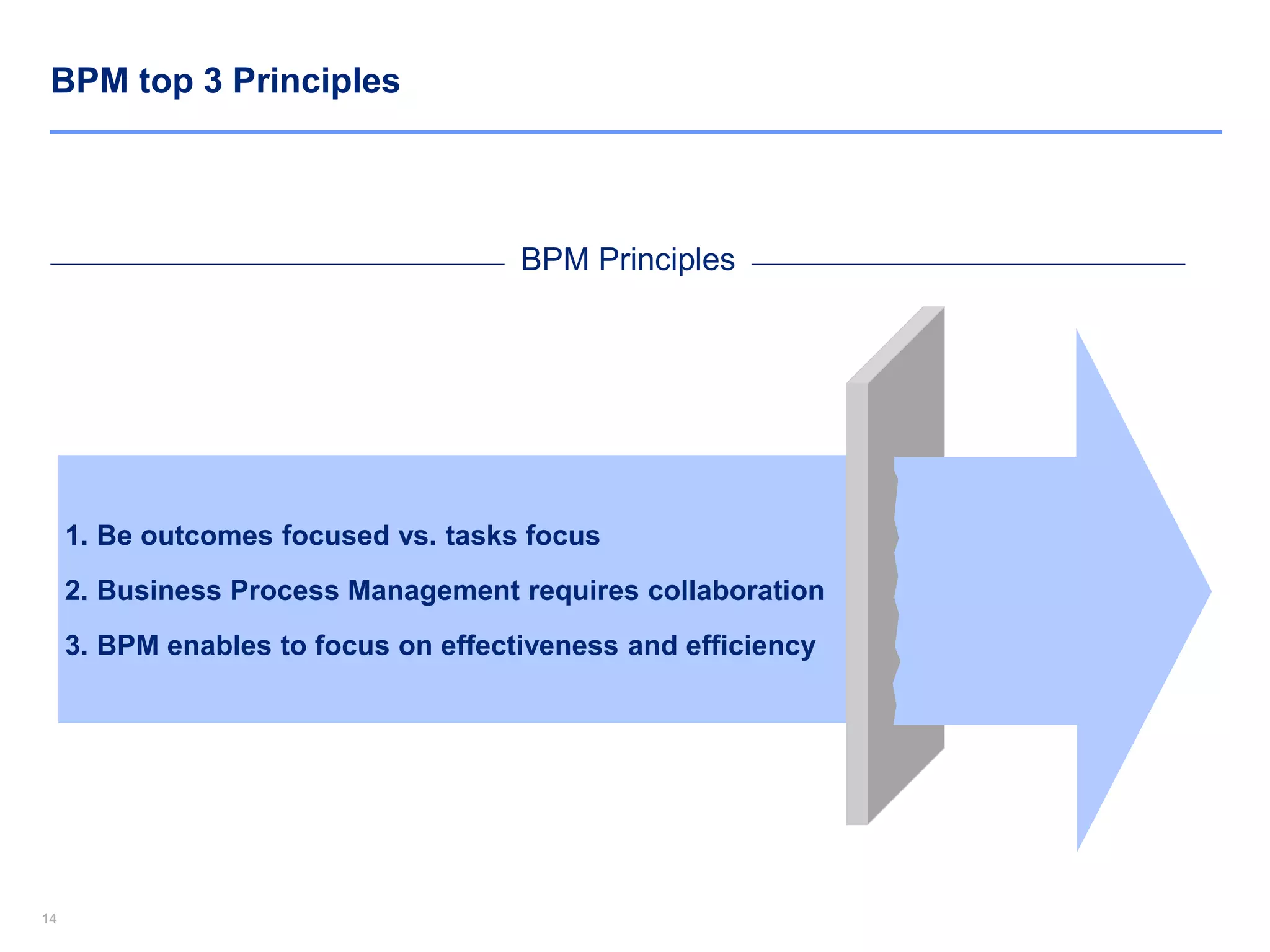
BPM top 3 Principles
1. Be outcomes focused vs. tasks focus
2. Business Process Management requires collaboration
3. BPM enables to focus on effectiveness and efficiency
BPM Principles
1515
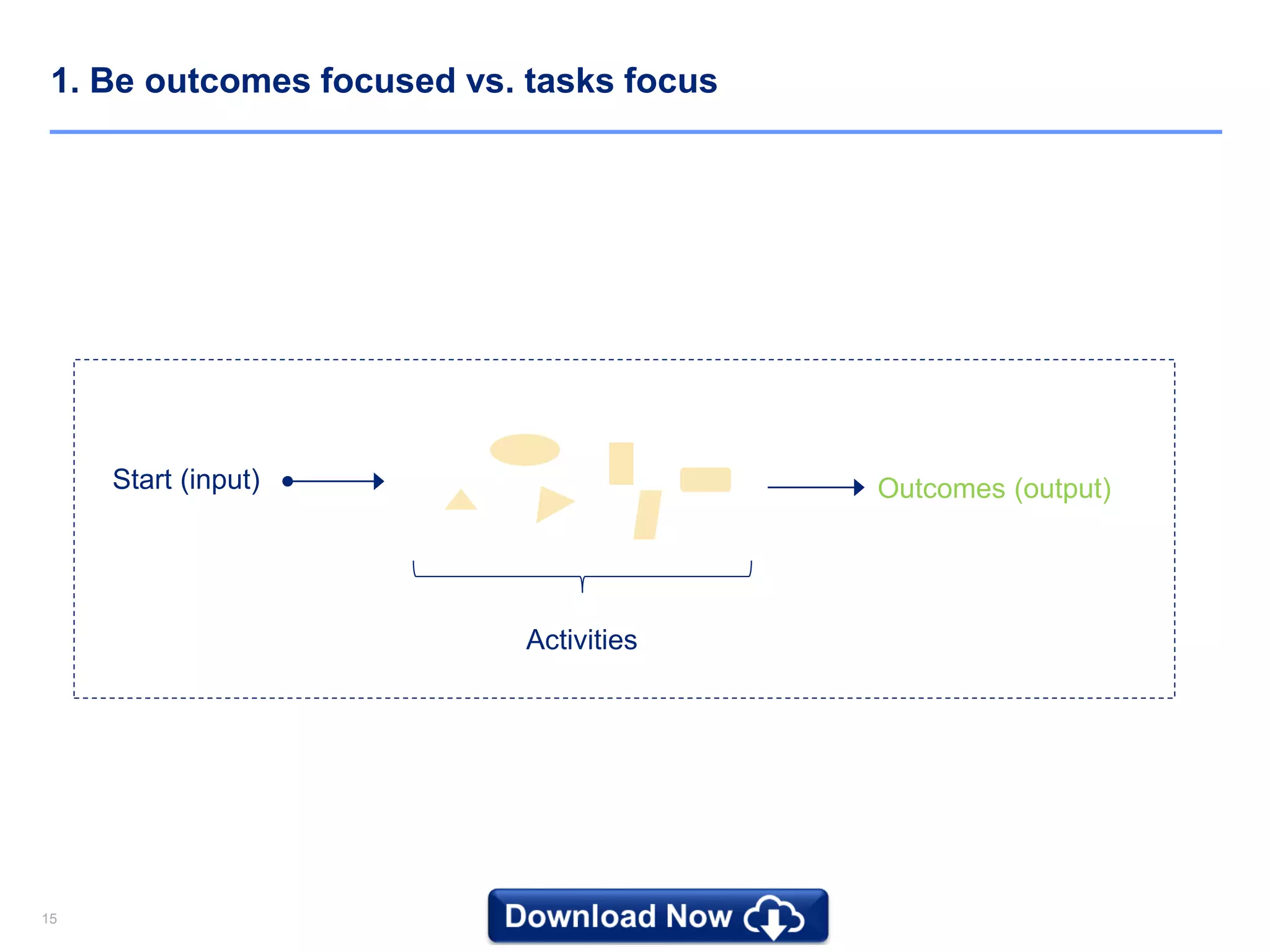
1. Be outcomes focused vs. tasks focus
Start (input) Outcomes (output)
Activities
1616
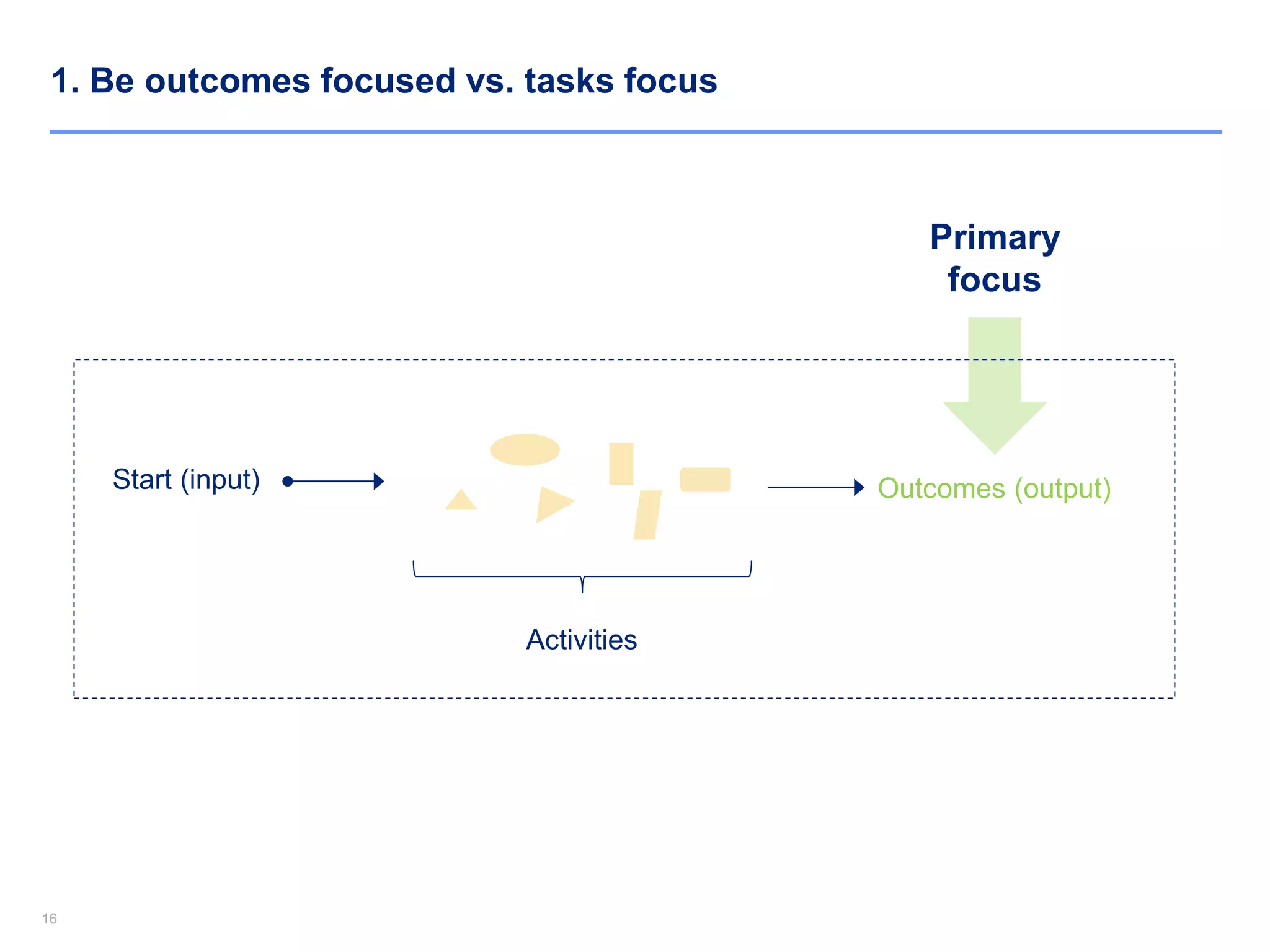
1. Be outcomes focused vs. tasks focus
Start (input) Outcomes (output)
Activities
Primary
focus
17
Download Now the rest of this Document and 10,000+ Powerpoint and Excel
Documents at www.slidebooks.com or by clicking anywhere on this page
Download Now
1818
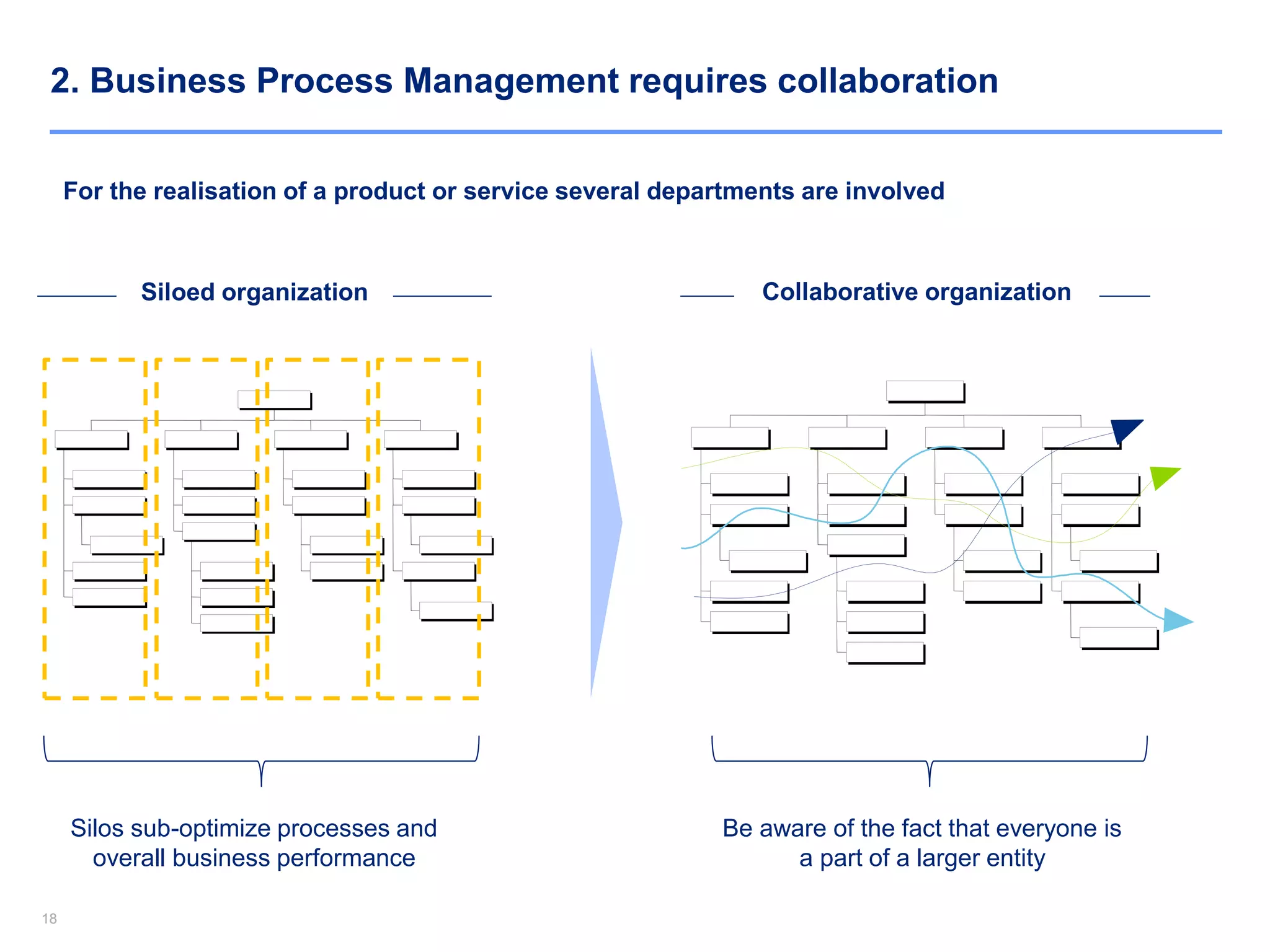
2. Business Process Management requires collaboration
For the realisation of a product or service several departments are involved
Siloed organization Collaborative organization
Silos sub-optimize processes and
overall business performance
Be aware of the fact that everyone is
a part of a larger entity
1919
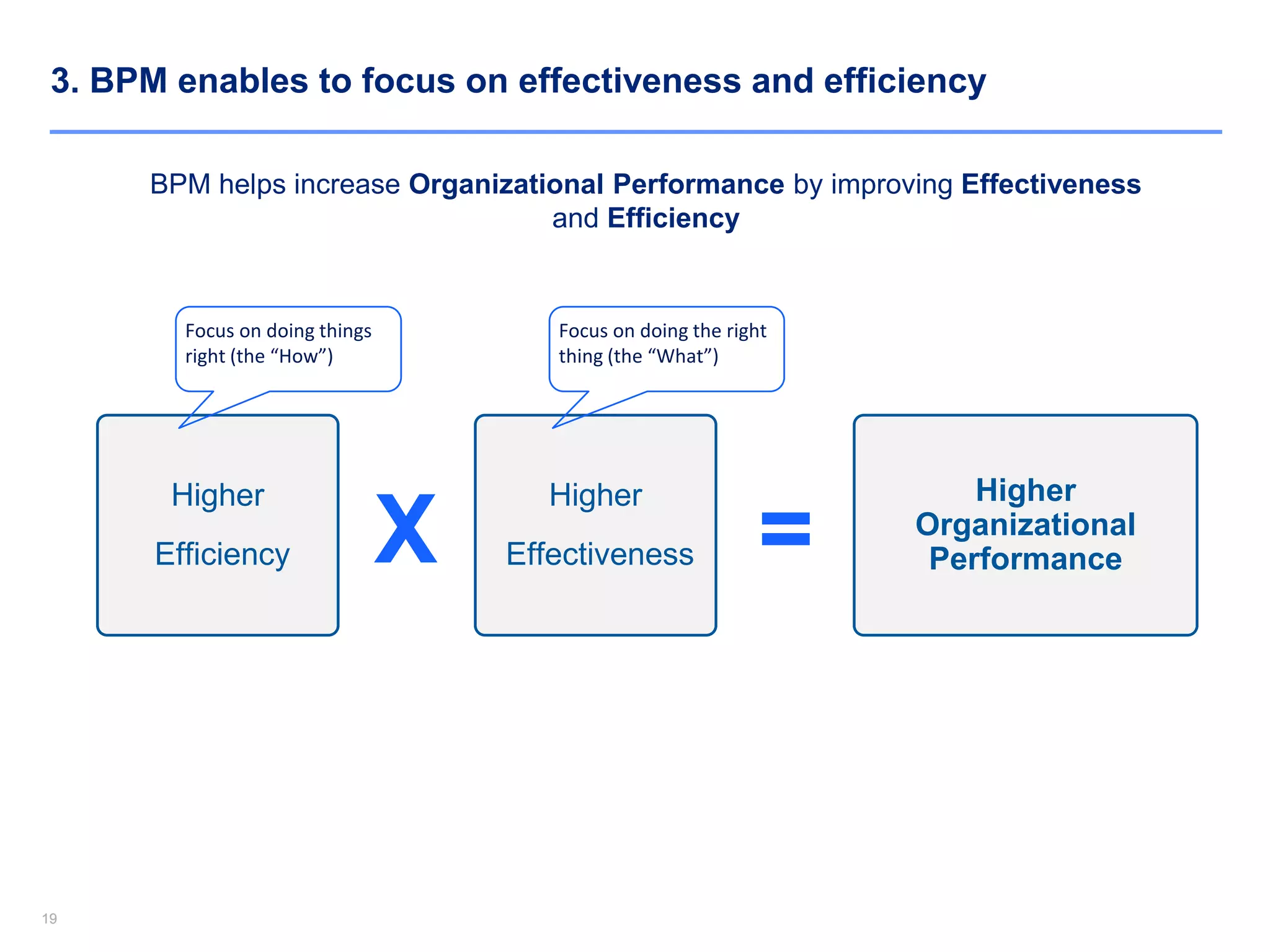
3. BPM enables to focus on effectiveness and efficiency
BPM helps increase Organizational Performance by improving Effectiveness
and Efficiency
Higher
Efficiency
Higher
Effectiveness
Higher
Organizational
PerformanceX =
Focus on doing things
right (the “How”)
Focus on doing the right
thing (the “What”)
2020
Business Process Management (BPM) Essentials - Agenda
1. Introduction of Business Process Management (BPM)
2. BPM Principles
3. Process Modelling
4. Process Analysis
5. Process Design
6. Case Study
7. Top 5 questions commonly asked during our training sessions
8. Top 5 useful BPM quotes
2121
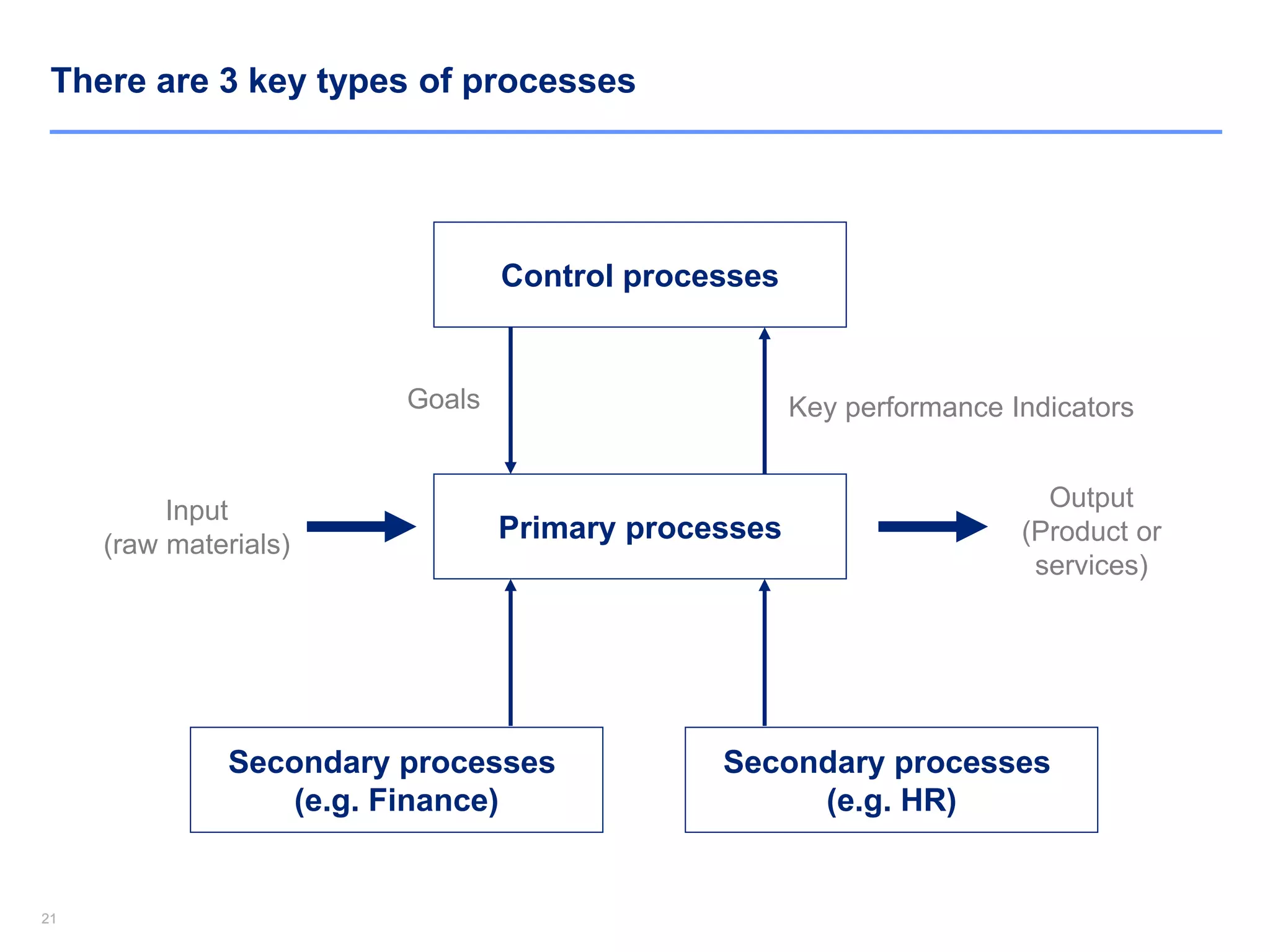
There are 3 key types of processes
Input
(raw materials)
Primary processes
Output
(Product or
services)
Control processes
Secondary processes
(e.g. Finance)
Secondary processes
(e.g. HR)
Goals Key performance Indicators
2222
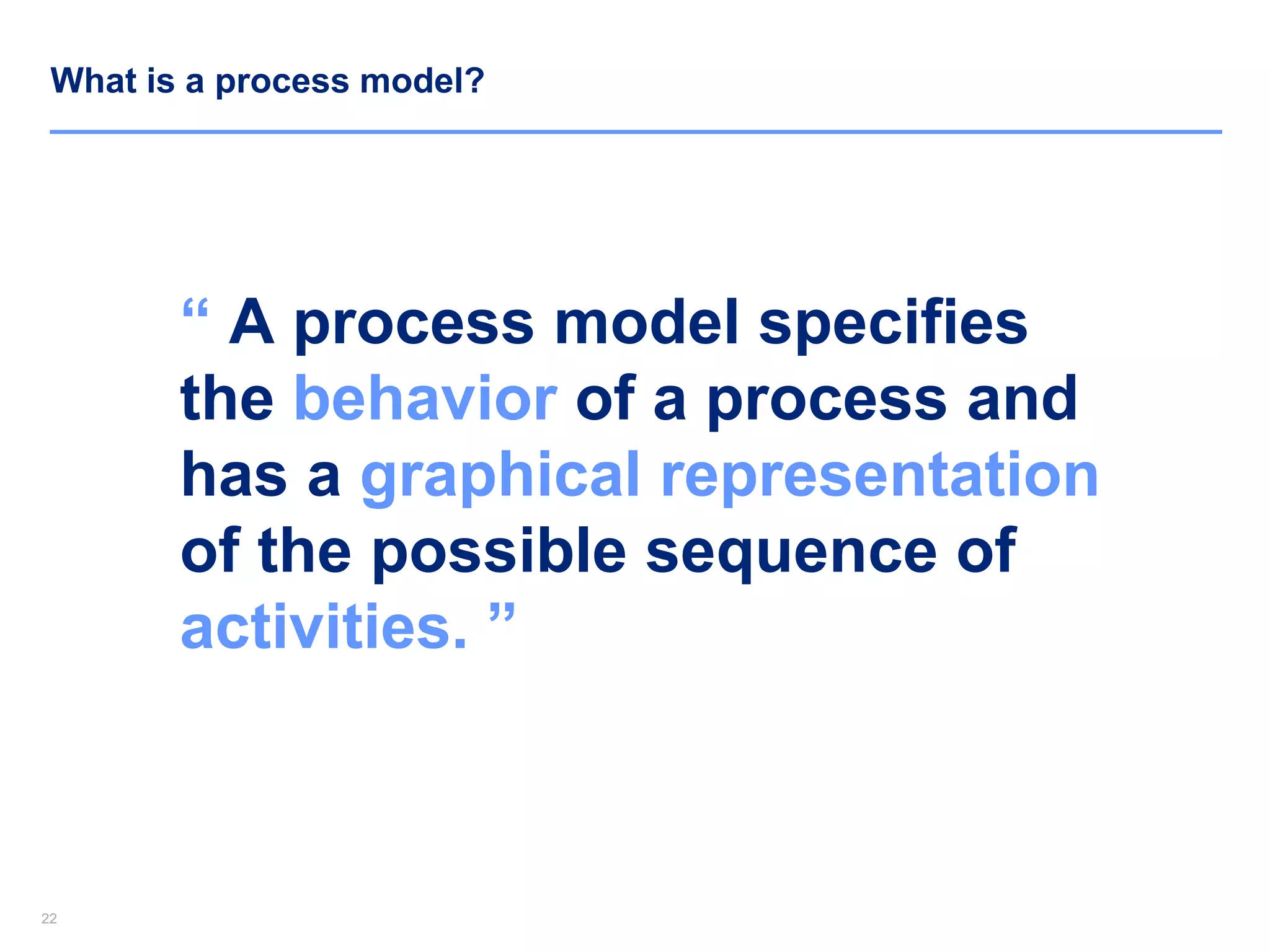
What is a process model?
“ A process model specifies
the behavior of a process and
has a graphical representation
of the possible sequence of
activities. ”
23
Download Now the rest of this Document and 10,000+ Powerpoint and Excel
Documents at www.slidebooks.com or by clicking anywhere on this page
Download Now
2424
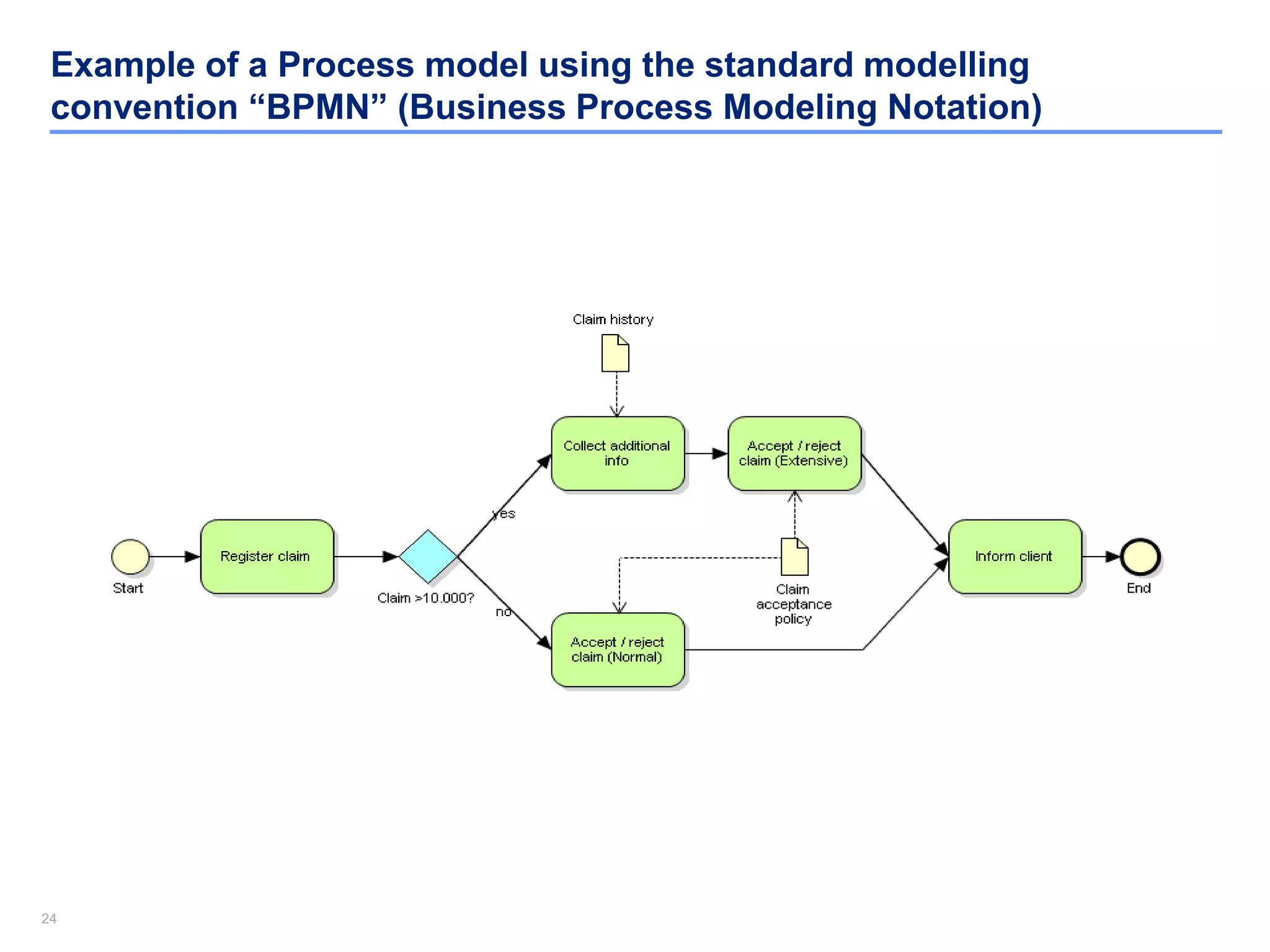
Example of a Process model using the standard modelling
convention “BPMN” (Business Process Modeling Notation)
2525
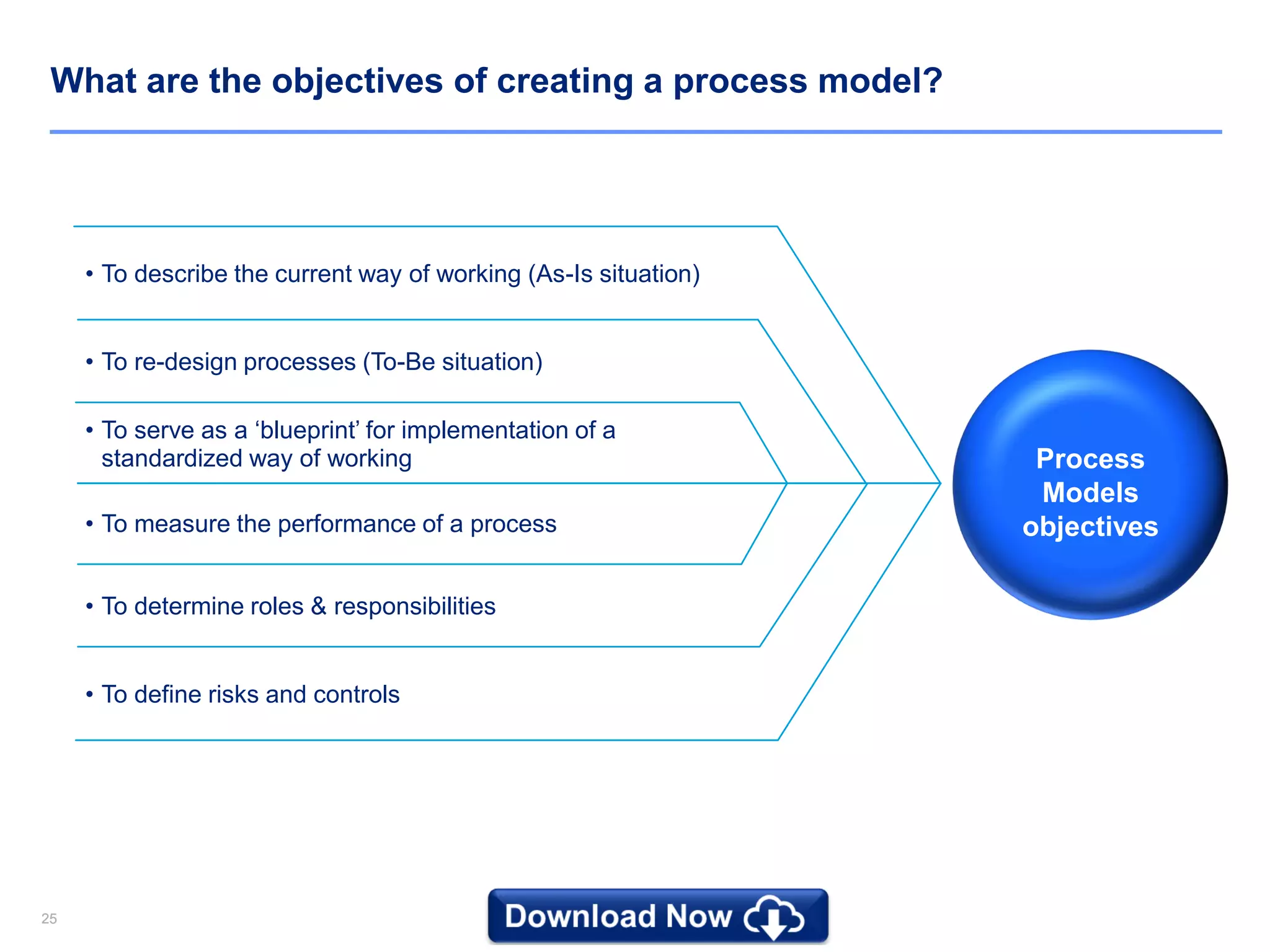
What are the objectives of creating a process model?
• To describe the current way of working (As-Is situation)
• To re-design processes (To-Be situation)
• To serve as a ‘blueprint’ for implementation of a
standardized way of working
• To measure the performance of a process
• To determine roles & responsibilities
• To define risks and controls
Process
Models
objectives
2626
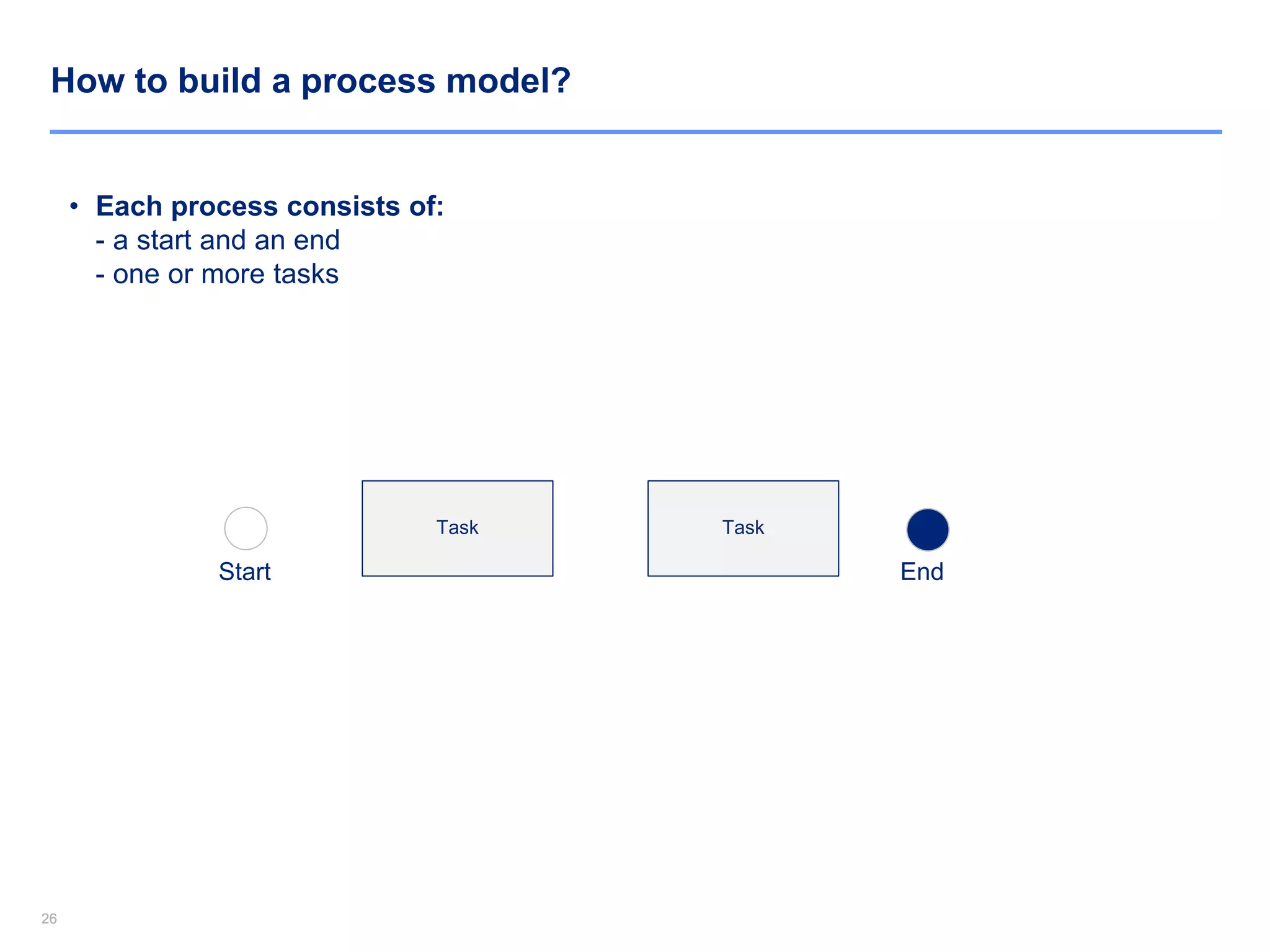
How to build a process model?
• Each process consists of:
- a start and an end
- one or more tasks
Task
Start End
Task
2727
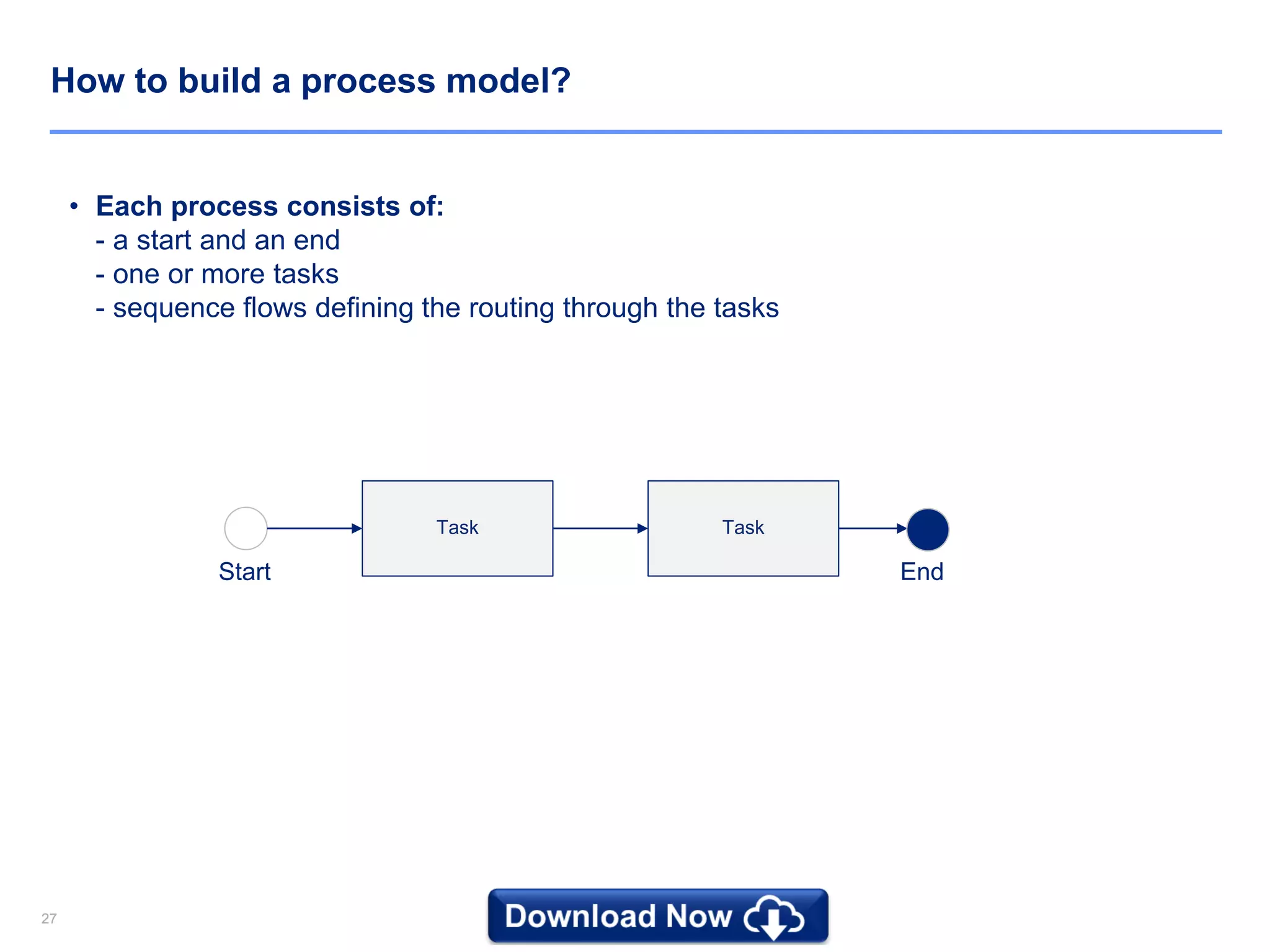
How to build a process model?
• Each process consists of:
- a start and an end
- one or more tasks
- sequence flows defining the routing through the tasks
Task
Start End
Task
2828
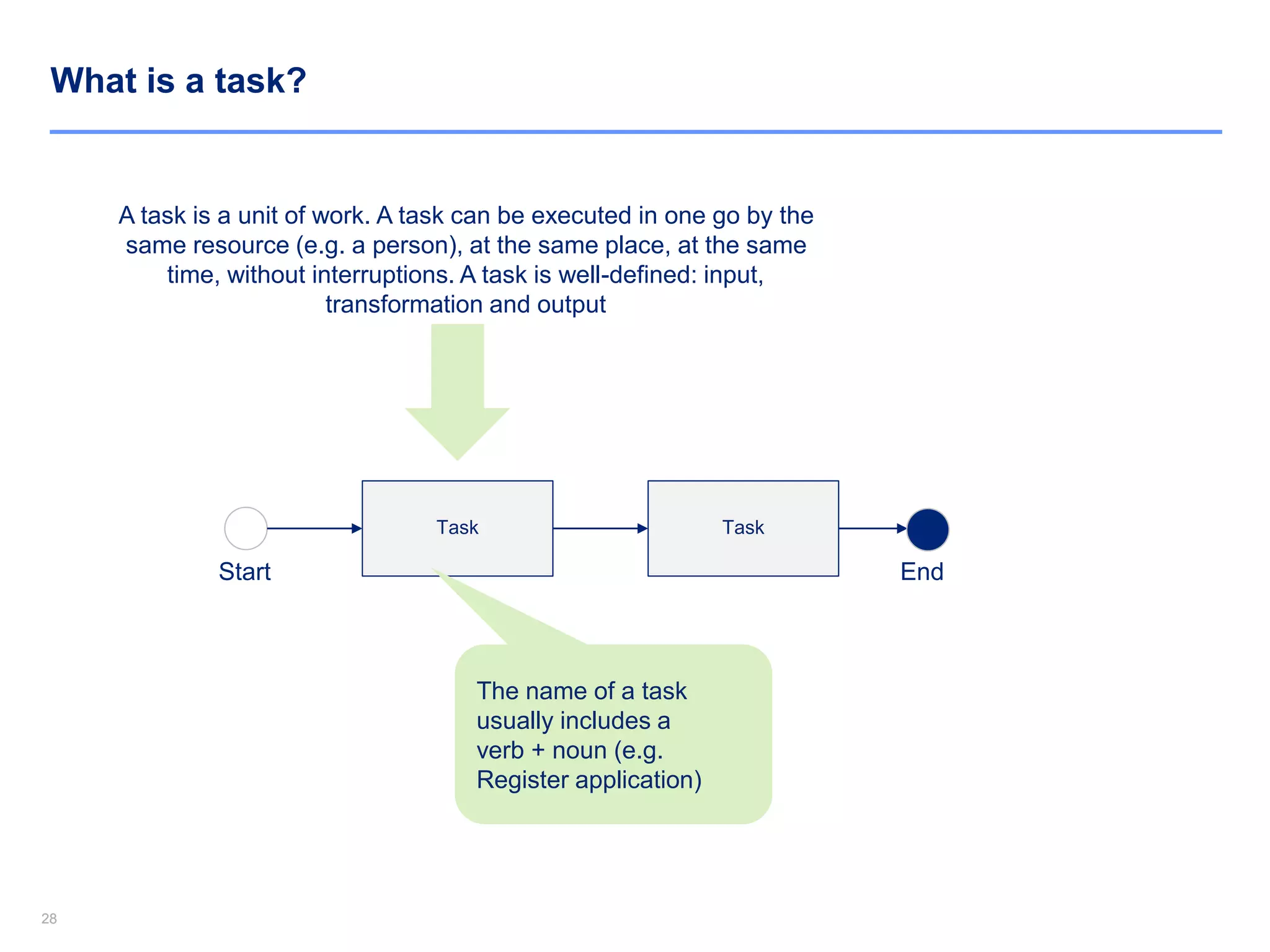
What is a task?
A task is a unit of work. A task can be executed in one go by the
same resource (e.g. a person), at the same place, at the same
time, without interruptions. A task is well-defined: input,
transformation and output
Task
Start End
Task
The name of a task
usually includes a
verb + noun (e.g.
Register application)
29
Download Now the rest of this Document and 10,000+ Powerpoint and Excel
Documents at www.slidebooks.com or by clicking anywhere on this page
Download Now
3030
What is a trigger?
Task
End
Task
Email
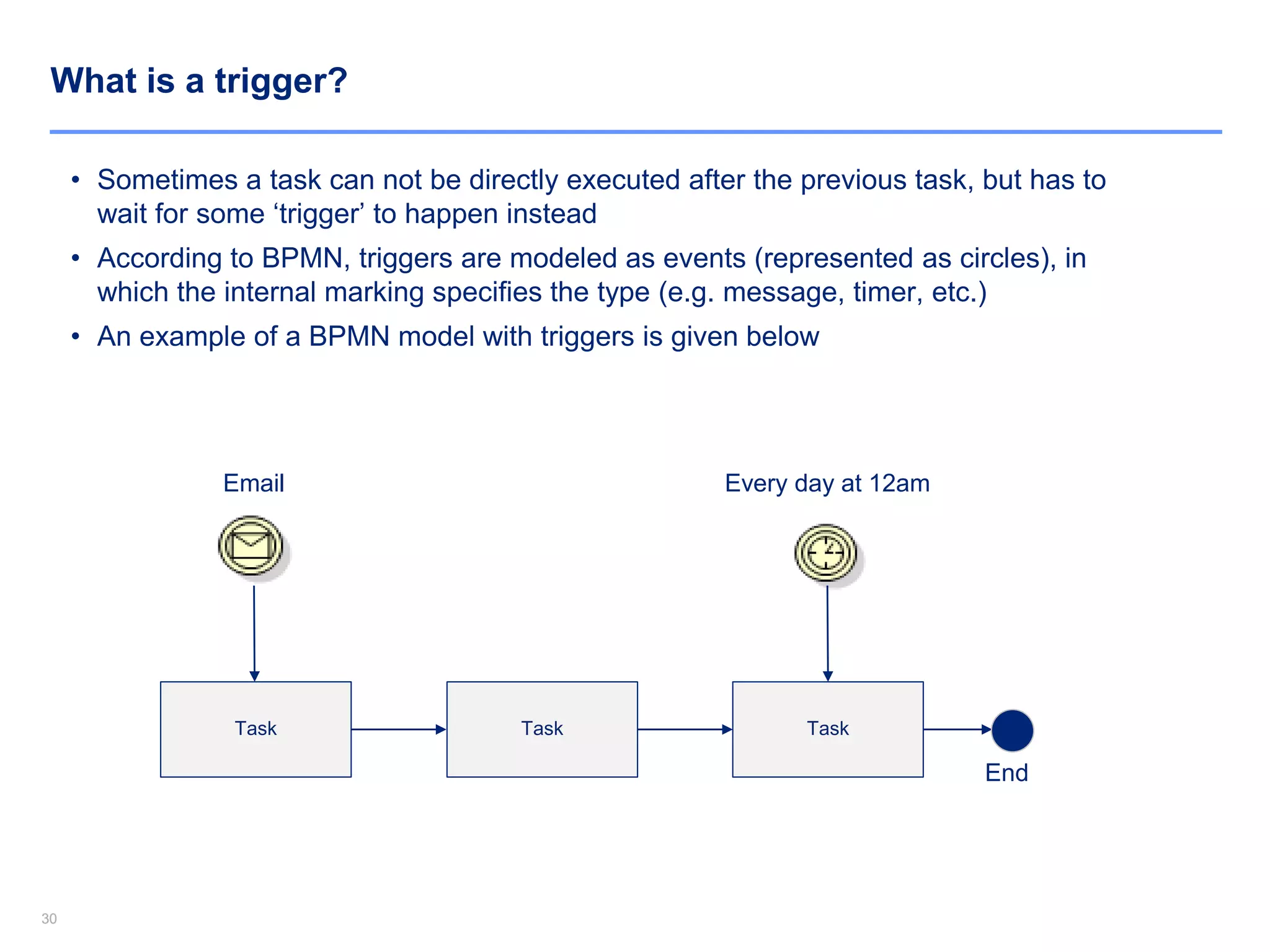
• Sometimes a task can not be directly executed after the previous task, but has to
wait for some ‘trigger’ to happen instead
• According to BPMN, triggers are modeled as events (represented as circles), in
which the internal marking specifies the type (e.g. message, timer, etc.)
• An example of a BPMN model with triggers is given below
Task
Every day at 12am
3131
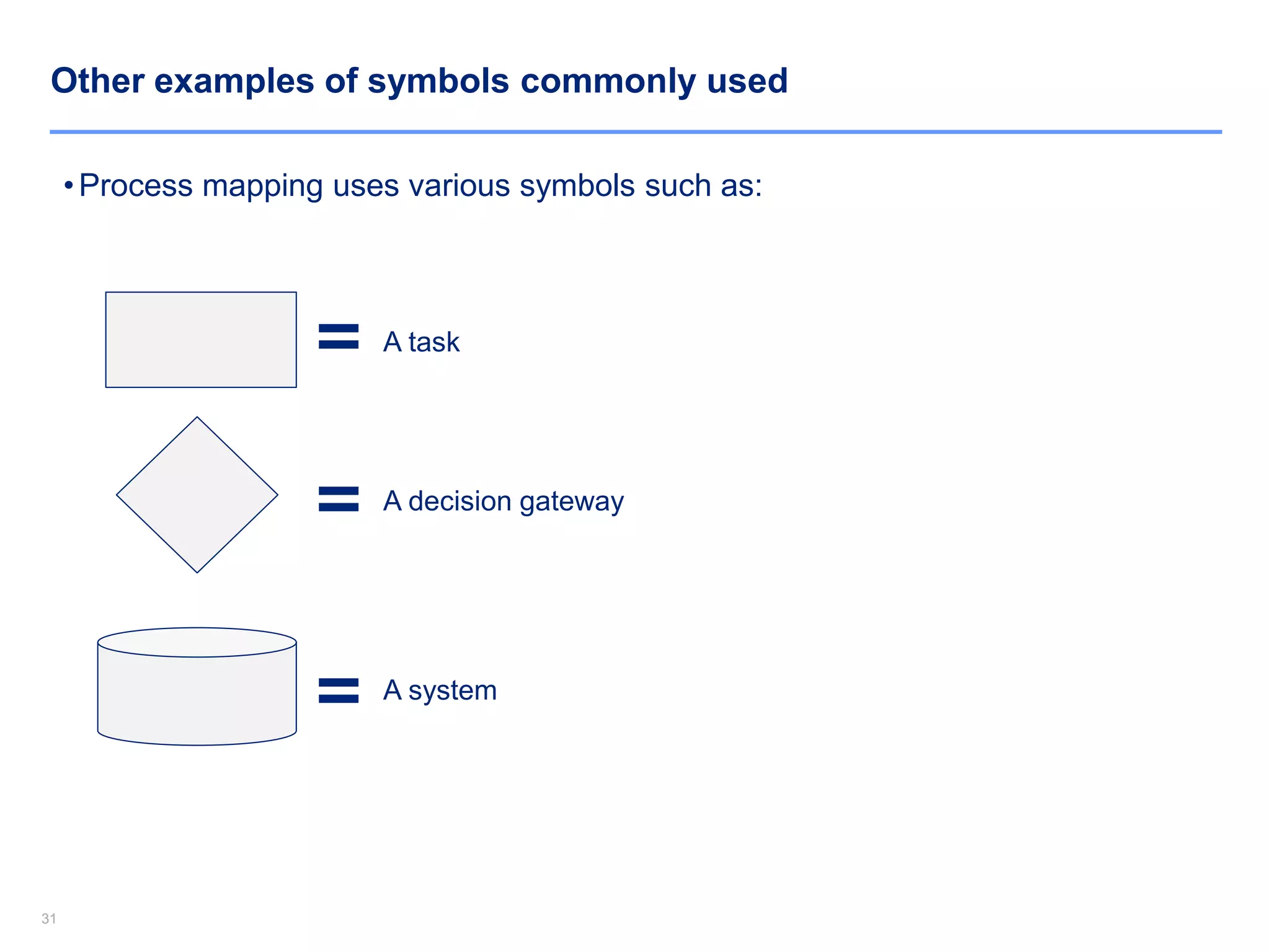
•Process mapping uses various symbols such as:
=
=
=
A task
A decision gateway
A system
Other examples of symbols commonly used
3232
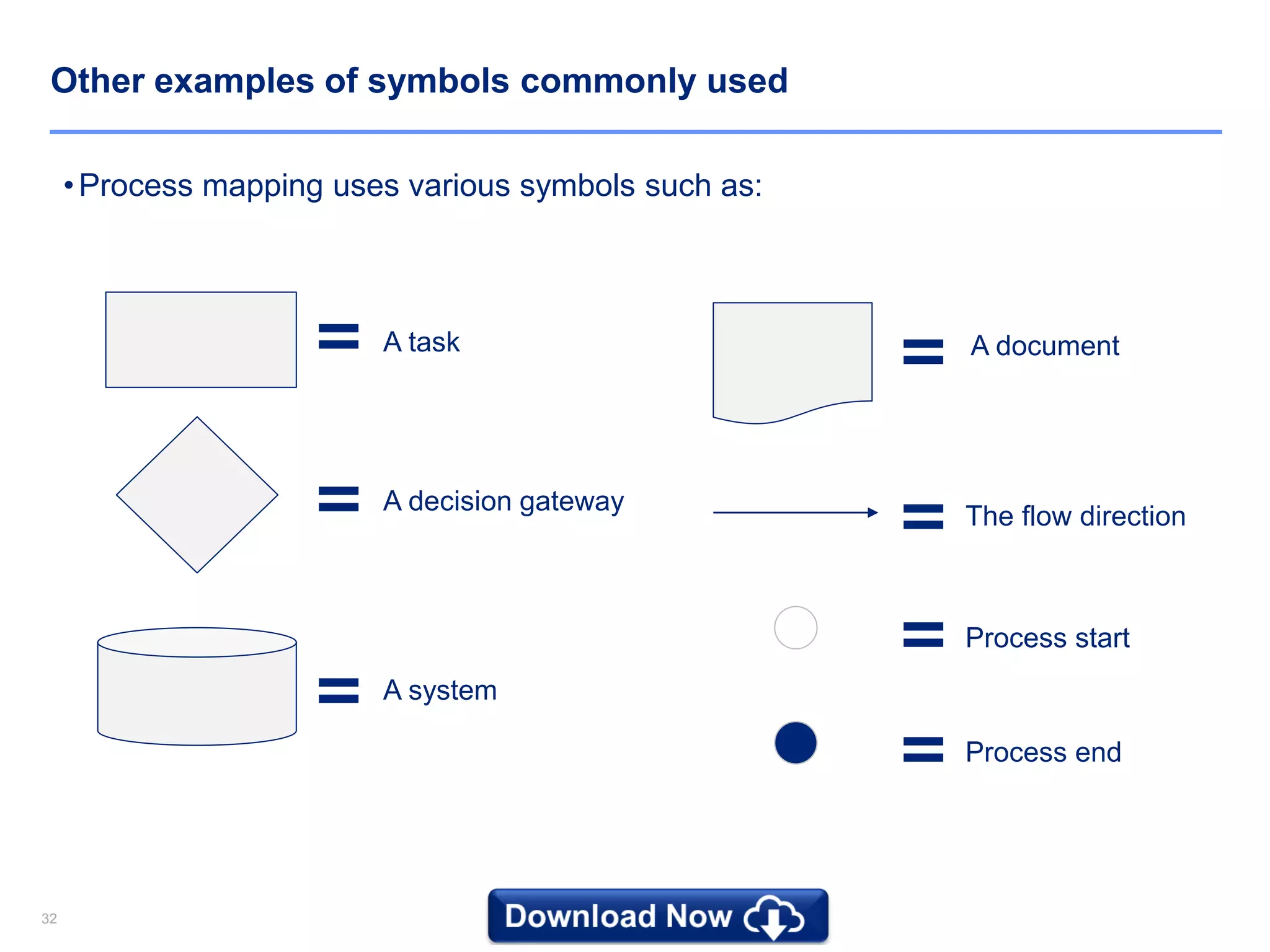
•Process mapping uses various symbols such as:
=
=
=
=A task
A decision gateway
A system
A document
= The flow direction
=
=
Process start
Process end
Other examples of symbols commonly used
3333
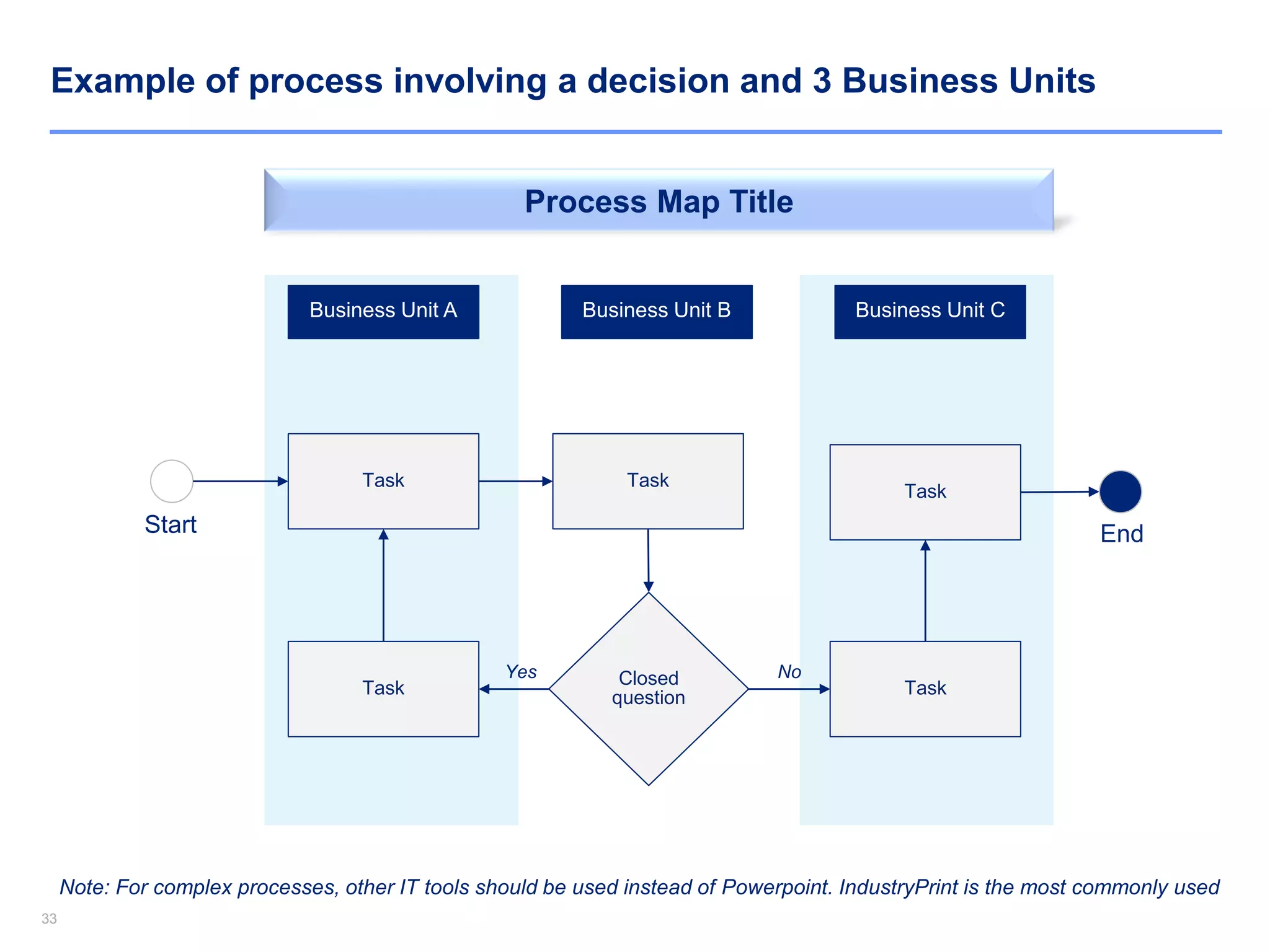
Task Task
Business Unit A Business Unit B Business Unit C
Closed
questionTask
Yes
Task
No
Process Map Title
Note: For complex processes, other IT tools should be used instead of Powerpoint. IndustryPrint is the most commonly used
Task
Start End
Example of process involving a decision and 3 Business Units
3434
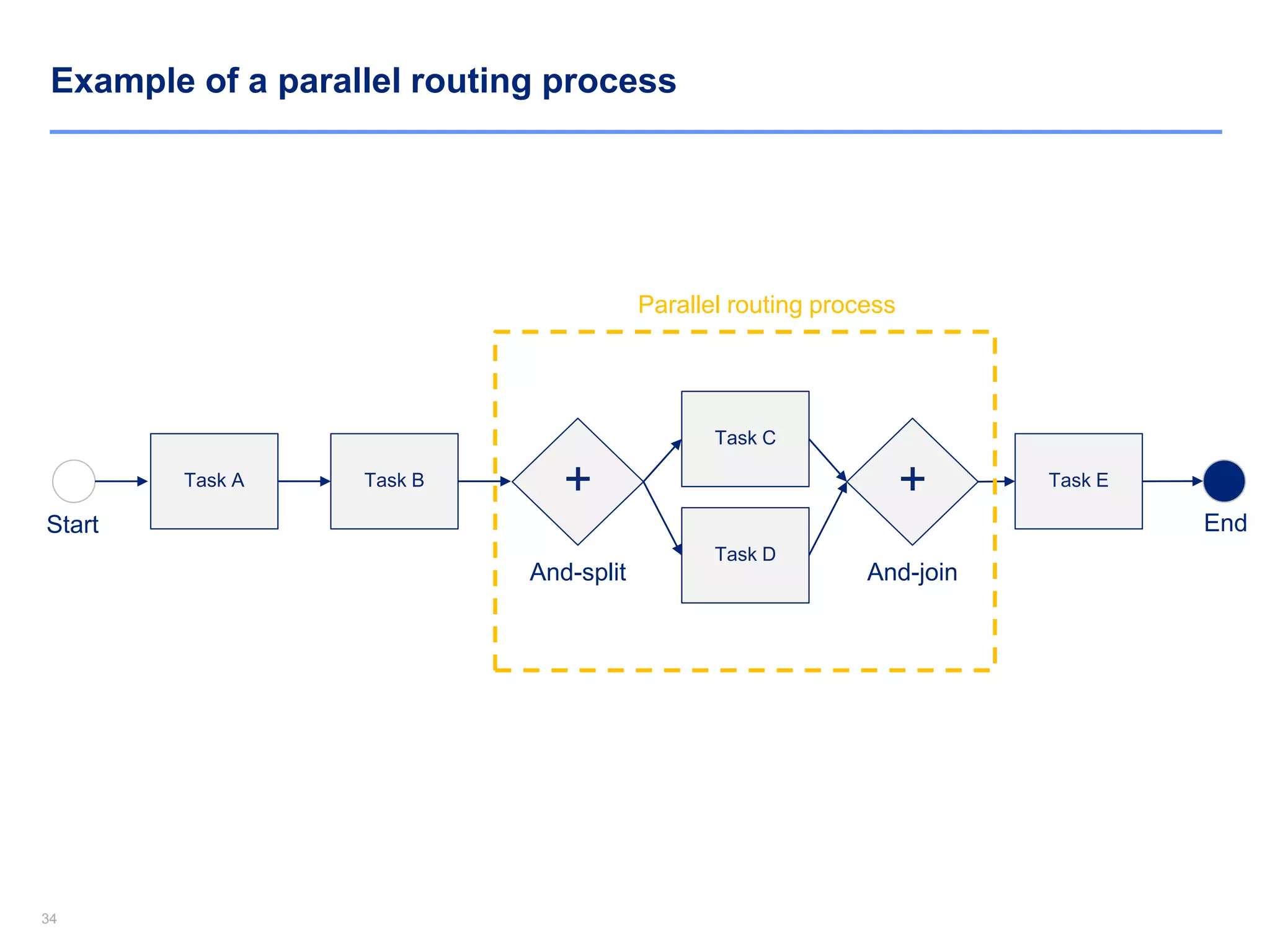
Example of a parallel routing process
Task A Task B
Start
+
And-split
Task D
Task C
+
And-join
Task E
End
Parallel routing process
35
Download Now the rest of this Document and 10,000+ Powerpoint and Excel
Documents at www.slidebooks.com or by clicking anywhere on this page
Download Now

Operational Excellence Models, Strategies, Principles & Tools

  • 1.
    1 By Former DeloitteConsultants Operational Excellence Toolkit In Powerpoint & Excel
  • 2.
  • 3.
    33 Aurelien Domont Slidebooks Consulting ManagingDirector “ Increase your knowledge using our simple and comprehensive Business Process Management Training created by ex-Deloitte & McKinsey Consultants ” “ Show professionalism with well-designed Powerpoint and Excel Premium documents ” Purpose of this document “ Save weeks of work by re-using our editable Powerpoint and Excel templates ”
  • 4.
    44 Business Process Management(BPM) Essentials - Agenda 1. Introduction of Business Process Management (BPM) 2. BPM Principles 3. Process Modelling 4. Process Analysis 5. Process Design 6. Case Study 7. Top 5 questions commonly asked during our training sessions 8. Top 5 useful BPM quotes
  • 5.
    55 Business Process Management(BPM) Essentials - Agenda 1. Introduction of Business Process Management (BPM) 2. BPM Principles 3. Process Modelling 4. Process Analysis 5. Process Design 6. Case Study 7. Top 5 questions commonly asked during our training sessions 8. Top 5 useful BPM quotes
  • 6.
    6 Download Now therest of this Document and 10,000+ Powerpoint and Excel Documents at www.slidebooks.com or by clicking anywhere on this page Download Now
  • 7.
  • 8.
    88 What BPM isand what BPM is not What BPM is not • BPM is not a packaged application; customization is required to support an organization’s unique business process requirements and needs • BPM is not a complete solution; additional components are required to integrate applications and human interactions into the business process (e.g. scanning, document management, reporting etc.) • BPM is not just process automation; decision points must be defined and incorporated into the process flow to provide control over execution of processes across users and systems What BPM is • BPM supports the lifecycle of business processes (design, deployment, execution, measurement, optimization) • BPM supports the orchestration of steps within the business process and ensures proper interactions between humans and applications • BPM develops business processes that can be reused in different context
  • 9.
    99 What are themain macro processes in a company?  Order-to-Cash  Procure-to-Pay  Application-to-Approval  Claim-to-Settlement  Issue-to-Resolution
  • 10.
    1010 Example of asimple process Warranty? Parts StoreService Dispatch Technician Call Centre Customer Customer
  • 11.
    11 Download Now therest of this Document and 10,000+ Powerpoint and Excel Documents at www.slidebooks.com or by clicking anywhere on this page Download Now
  • 12.
    1212 What are thebenefits of applying BPM? • Improve customer service and retention • Reduce staff and office overhead numbers • Process business critical activities faster • Reduce the number of errors and exceptions • Reduce overall IT costs • Reduce duplications • Increase visibility into operational efficiencies and bottlenecks • Reduce business risks $
  • 13.
    1313 Business Process Management(BPM) Essentials - Agenda 1. Introduction of Business Process Management (BPM) 2. BPM Principles 3. Process Modelling 4. Process Analysis 5. Process Design 6. Case Study 7. Top 5 questions commonly asked during our training sessions 8. Top 5 useful BPM quotes
  • 14.
    1414 BPM top 3Principles 1. Be outcomes focused vs. tasks focus 2. Business Process Management requires collaboration 3. BPM enables to focus on effectiveness and efficiency BPM Principles
  • 15.
    1515 1. Be outcomesfocused vs. tasks focus Start (input) Outcomes (output) Activities
  • 16.
    1616 1. Be outcomesfocused vs. tasks focus Start (input) Outcomes (output) Activities Primary focus
  • 17.
    17 Download Now therest of this Document and 10,000+ Powerpoint and Excel Documents at www.slidebooks.com or by clicking anywhere on this page Download Now
  • 18.
    1818 2. Business ProcessManagement requires collaboration For the realisation of a product or service several departments are involved Siloed organization Collaborative organization Silos sub-optimize processes and overall business performance Be aware of the fact that everyone is a part of a larger entity
  • 19.
    1919 3. BPM enablesto focus on effectiveness and efficiency BPM helps increase Organizational Performance by improving Effectiveness and Efficiency Higher Efficiency Higher Effectiveness Higher Organizational PerformanceX = Focus on doing things right (the “How”) Focus on doing the right thing (the “What”)
  • 20.
    2020 Business Process Management(BPM) Essentials - Agenda 1. Introduction of Business Process Management (BPM) 2. BPM Principles 3. Process Modelling 4. Process Analysis 5. Process Design 6. Case Study 7. Top 5 questions commonly asked during our training sessions 8. Top 5 useful BPM quotes
  • 21.
    2121 There are 3key types of processes Input (raw materials) Primary processes Output (Product or services) Control processes Secondary processes (e.g. Finance) Secondary processes (e.g. HR) Goals Key performance Indicators
  • 22.
    2222 What is aprocess model? “ A process model specifies the behavior of a process and has a graphical representation of the possible sequence of activities. ”
  • 23.
    23 Download Now therest of this Document and 10,000+ Powerpoint and Excel Documents at www.slidebooks.com or by clicking anywhere on this page Download Now
  • 24.
    2424 Example of aProcess model using the standard modelling convention “BPMN” (Business Process Modeling Notation)
  • 25.
    2525 What are theobjectives of creating a process model? • To describe the current way of working (As-Is situation) • To re-design processes (To-Be situation) • To serve as a ‘blueprint’ for implementation of a standardized way of working • To measure the performance of a process • To determine roles & responsibilities • To define risks and controls Process Models objectives
  • 26.
    2626 How to builda process model? • Each process consists of: - a start and an end - one or more tasks Task Start End Task
  • 27.
    2727 How to builda process model? • Each process consists of: - a start and an end - one or more tasks - sequence flows defining the routing through the tasks Task Start End Task
  • 28.
    2828 What is atask? A task is a unit of work. A task can be executed in one go by the same resource (e.g. a person), at the same place, at the same time, without interruptions. A task is well-defined: input, transformation and output Task Start End Task The name of a task usually includes a verb + noun (e.g. Register application)
  • 29.
    29 Download Now therest of this Document and 10,000+ Powerpoint and Excel Documents at www.slidebooks.com or by clicking anywhere on this page Download Now
  • 30.
    3030 What is atrigger? Task End Task Email • Sometimes a task can not be directly executed after the previous task, but has to wait for some ‘trigger’ to happen instead • According to BPMN, triggers are modeled as events (represented as circles), in which the internal marking specifies the type (e.g. message, timer, etc.) • An example of a BPMN model with triggers is given below Task Every day at 12am
  • 31.
    3131 •Process mapping usesvarious symbols such as: = = = A task A decision gateway A system Other examples of symbols commonly used
  • 32.
    3232 •Process mapping usesvarious symbols such as: = = = =A task A decision gateway A system A document = The flow direction = = Process start Process end Other examples of symbols commonly used
  • 33.
    3333 Task Task Business UnitA Business Unit B Business Unit C Closed questionTask Yes Task No Process Map Title Note: For complex processes, other IT tools should be used instead of Powerpoint. IndustryPrint is the most commonly used Task Start End Example of process involving a decision and 3 Business Units
  • 34.
    3434 Example of aparallel routing process Task A Task B Start + And-split Task D Task C + And-join Task E End Parallel routing process
  • 35.
    35 Download Now therest of this Document and 10,000+ Powerpoint and Excel Documents at www.slidebooks.com or by clicking anywhere on this page Download Now