#INBOUND14 
Fall 2014 HUG: 
INBOUND Announcements 
Recap & Discussion
#INBOUND14 
Our Top 5 New Features
#INBOUND14 
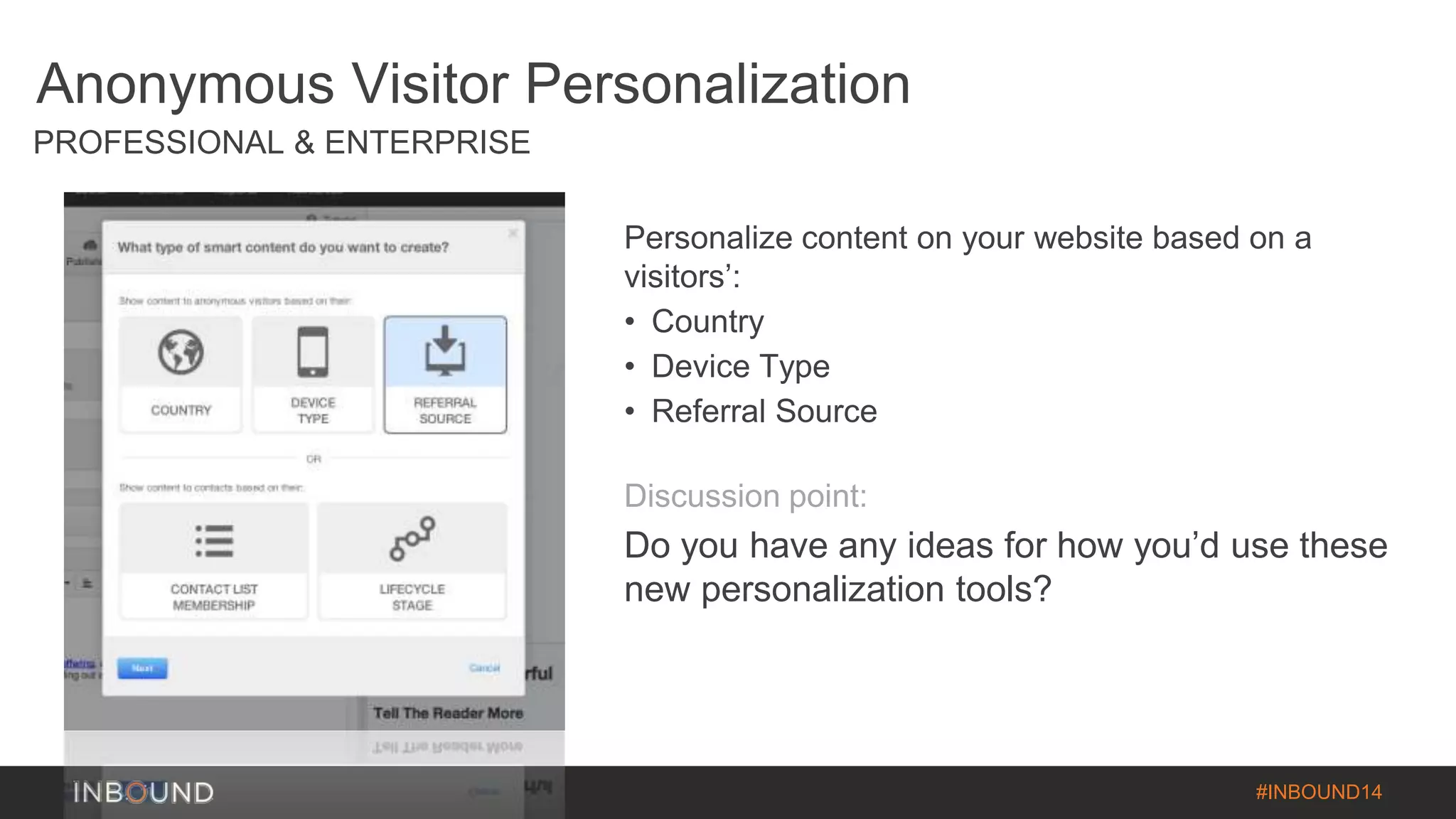
Anonymous Visitor Personalization 
PROFESSIONAL & ENTERPRISE 
Personalize content on your website based on a 
visitors’: 
• Country 
• Device Type 
• Referral Source 
Discussion point: 
Do you have any ideas for how you’d use these 
new personalization tools?
#INBOUND14 
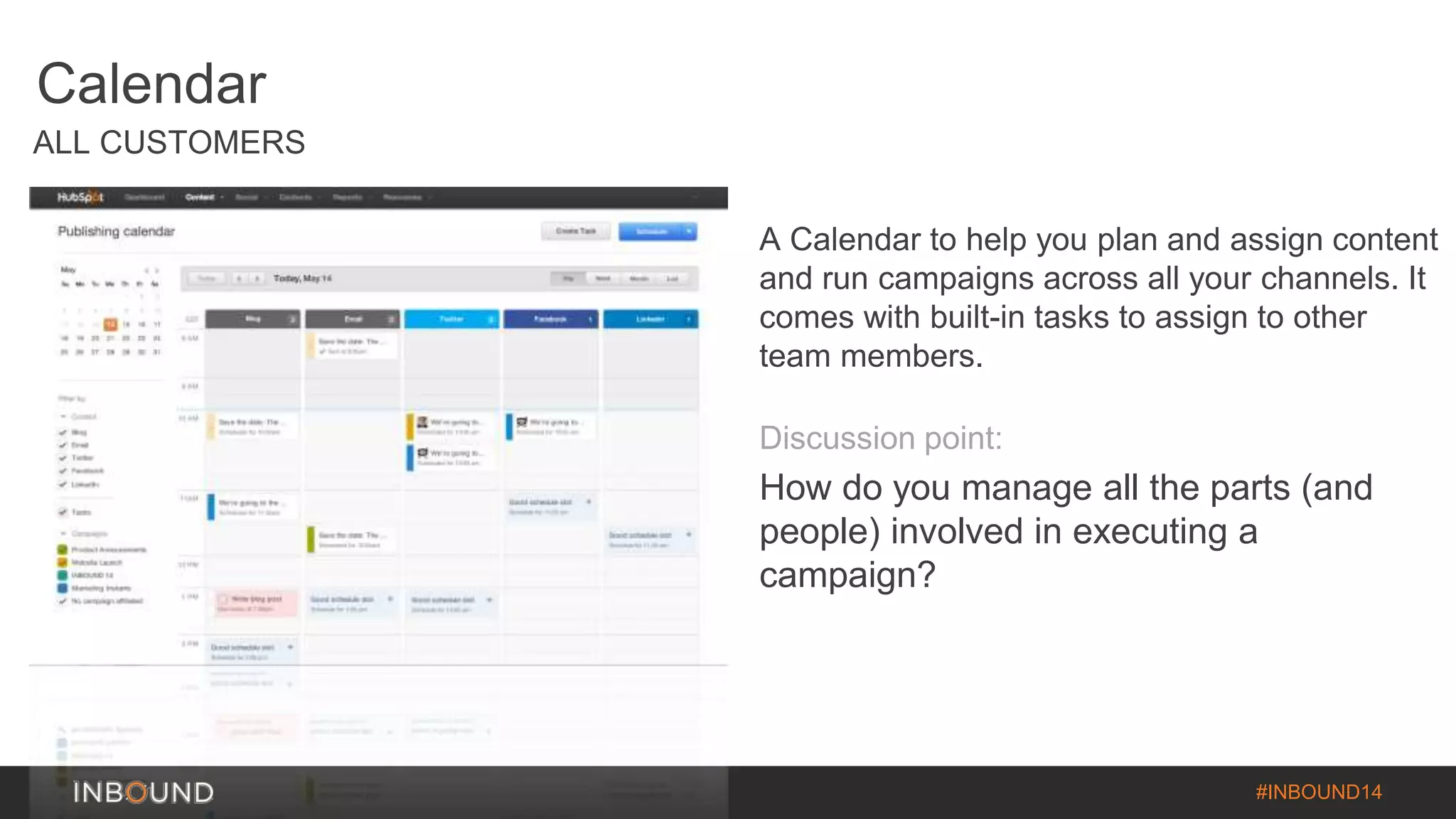
Calendar 
ALL CUSTOMERS 
A Calendar to help you plan and assign content 
and run campaigns across all your channels. It 
comes with built-in tasks to assign to other 
team members. 
Discussion point: 
How do you manage all the parts (and 
people) involved in executing a 
campaign?
#INBOUND14 
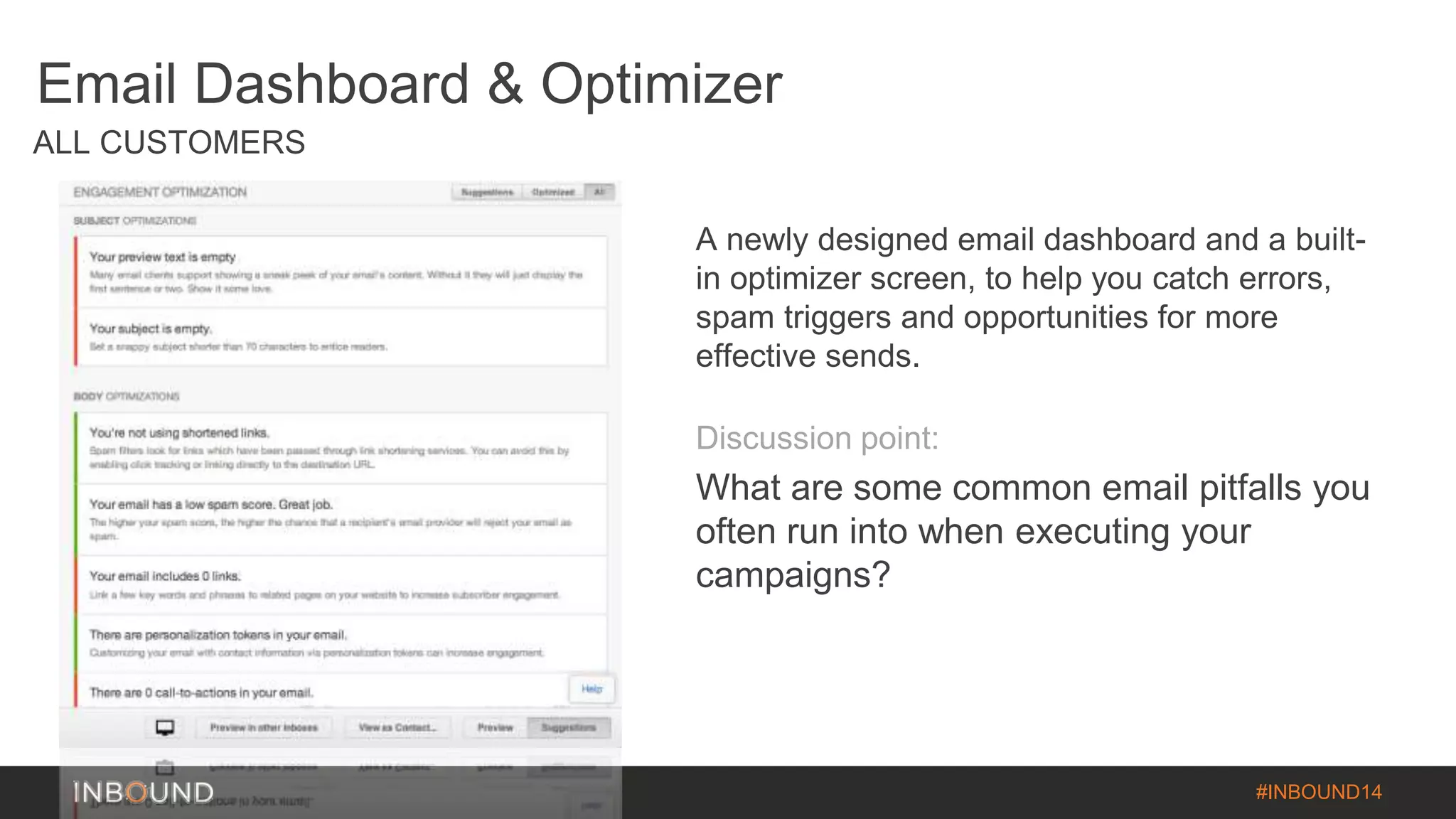
Email Dashboard & Optimizer 
ALL CUSTOMERS 
A newly designed email dashboard and a built-in 
optimizer screen, to help you catch errors, 
spam triggers and opportunities for more 
effective sends. 
Discussion point: 
What are some common email pitfalls you 
often run into when executing your 
campaigns?
#INBOUND14 
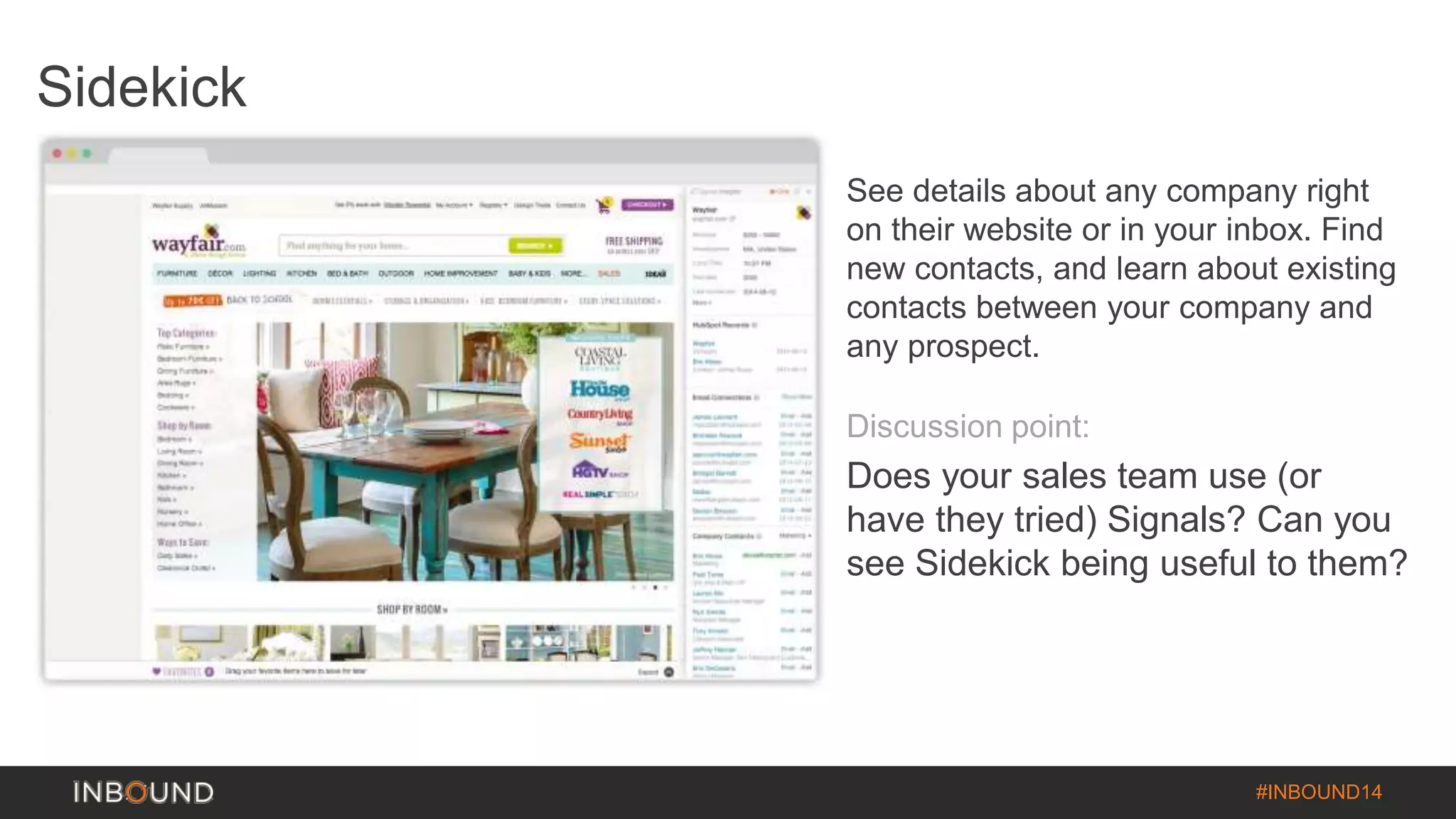
Sidekick 
See details about any company right 
on their website or in your inbox. Find 
new contacts, and learn about existing 
contacts between your company and 
any prospect. 
Discussion point: 
Does your sales team use (or 
have they tried) Signals? Can you 
see Sidekick being useful to them?
#INBOUND14 
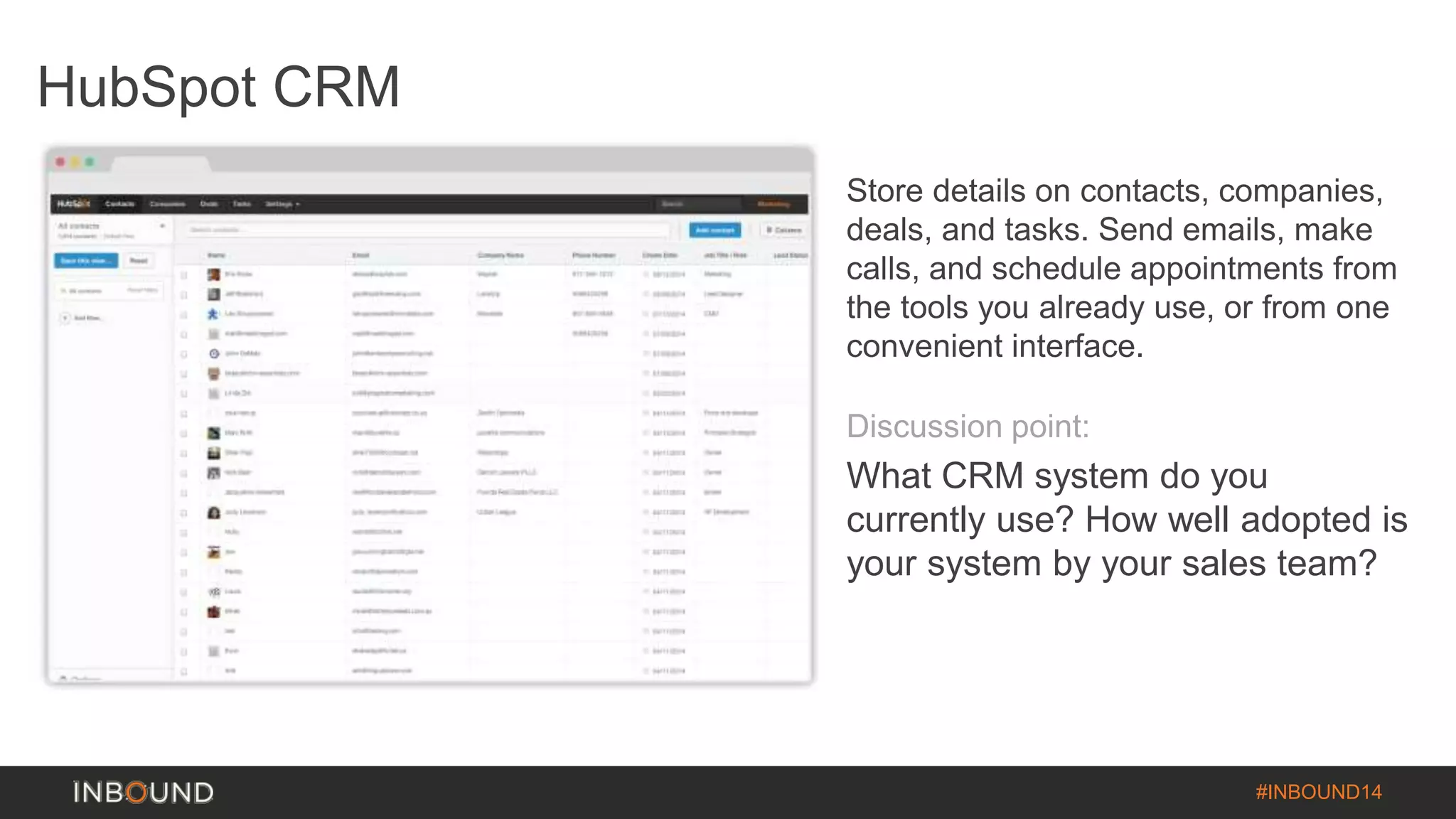
HubSpot CRM 
Store details on contacts, companies, 
deals, and tasks. Send emails, make 
calls, and schedule appointments from 
the tools you already use, or from one 
convenient interface. 
Discussion point: 
What CRM system do you 
currently use? How well adopted is 
your system by your sales team?
Smarketing 
Finding a balance between sales and 
marketing
Evan Dean 
Channel Consultant 
Linkedin.com/in/EvDean
Finding the Balance between sales and 
Marketing 
Nail the Basics: 
• Start with your Persona – This is who we are 
marketing for 
• Get the mechanics right - Smarketing can get 
complicated quickly. We need a stable 
foundation to stand on
Seriously… 
Nail. 
The. 
Basics.
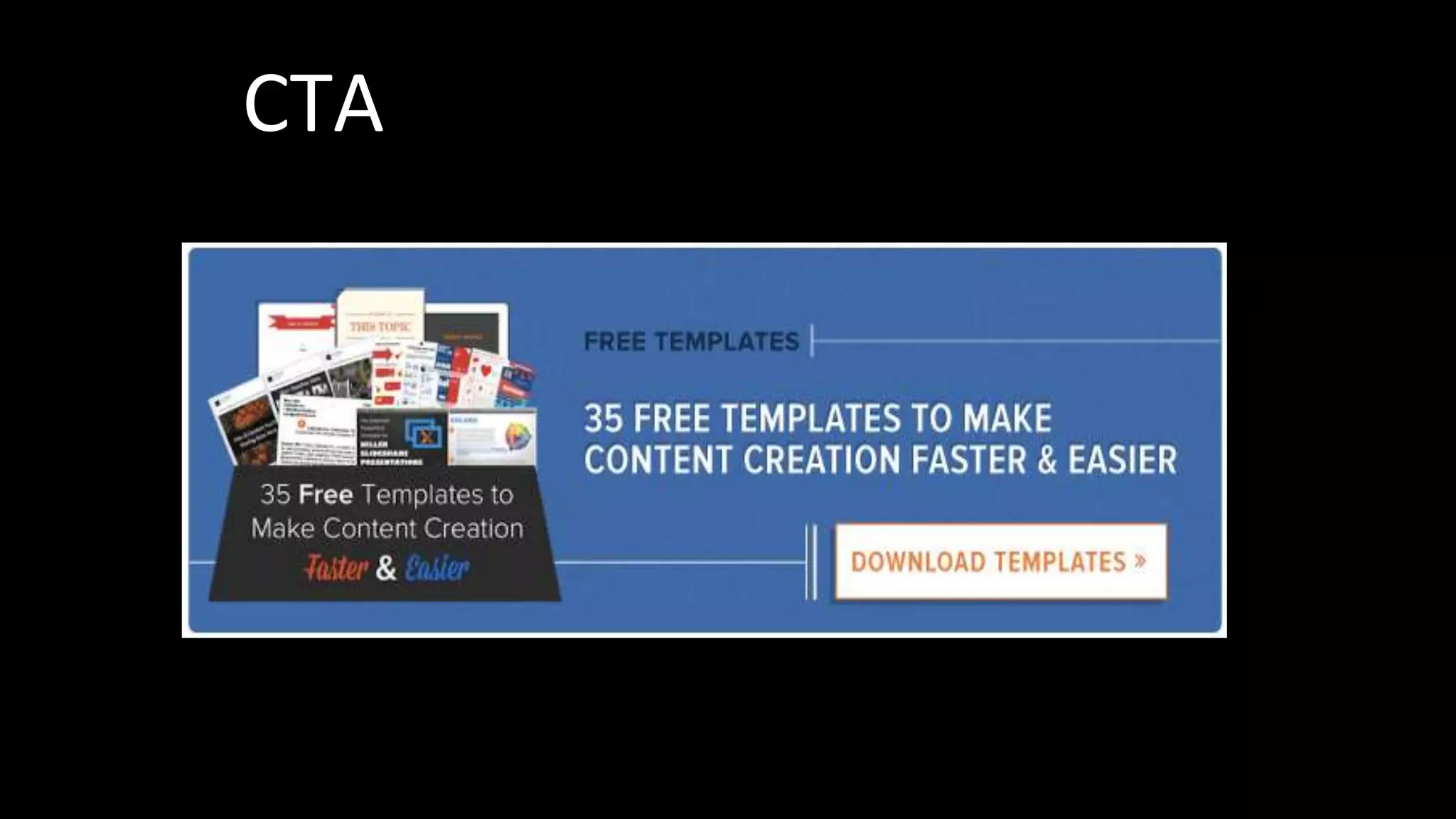
CTA
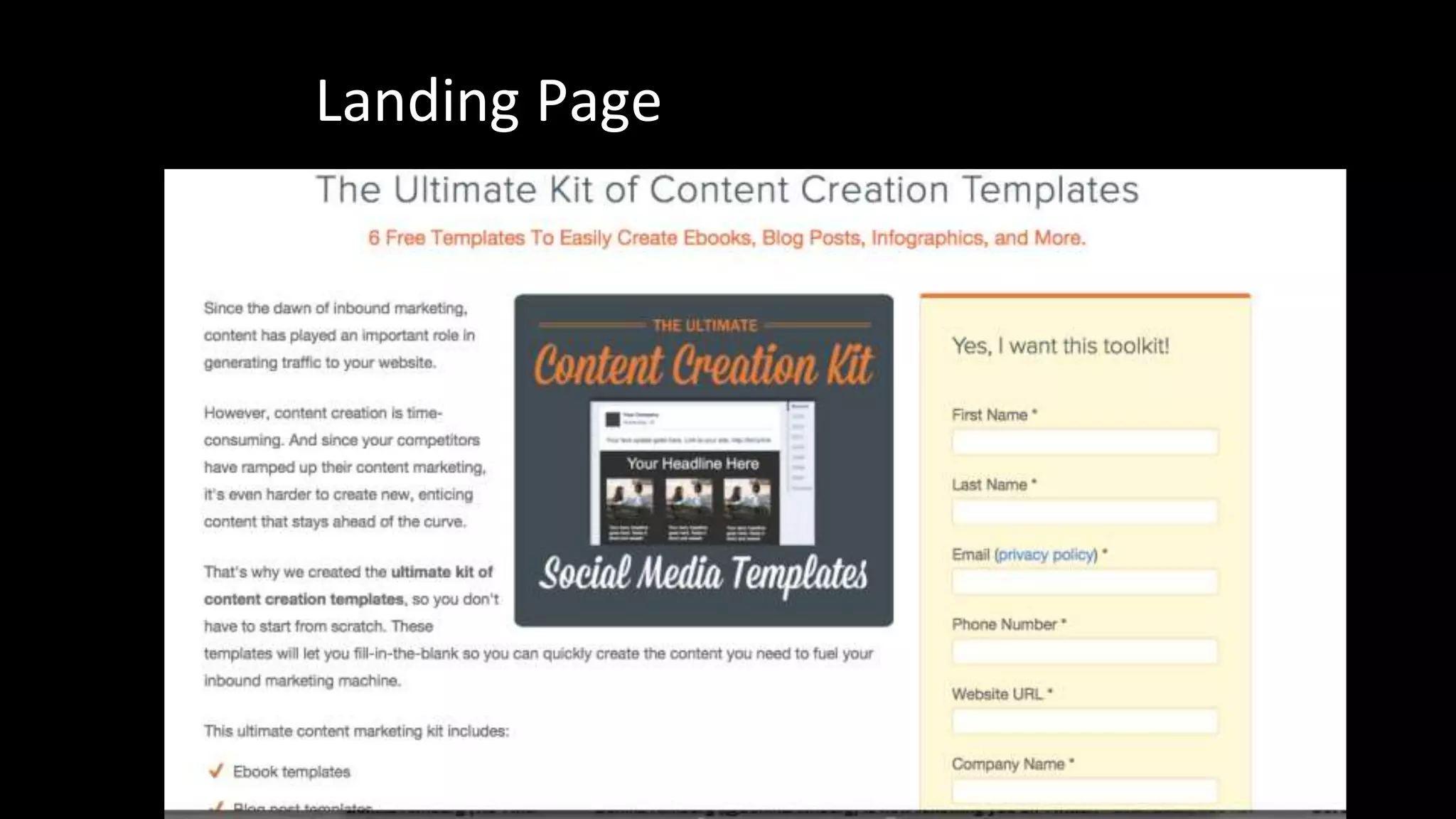
Landing Page
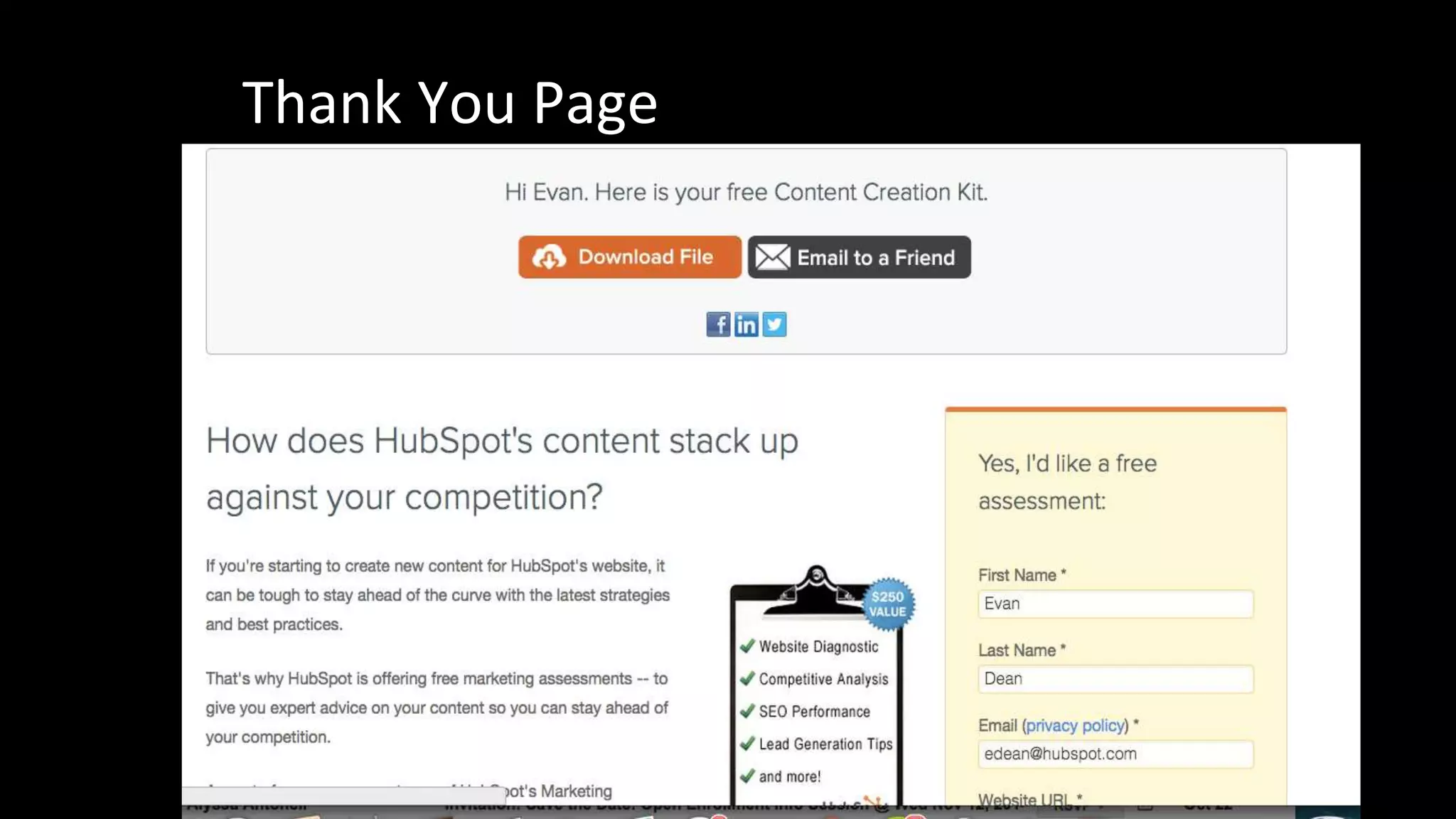
Thank You Page
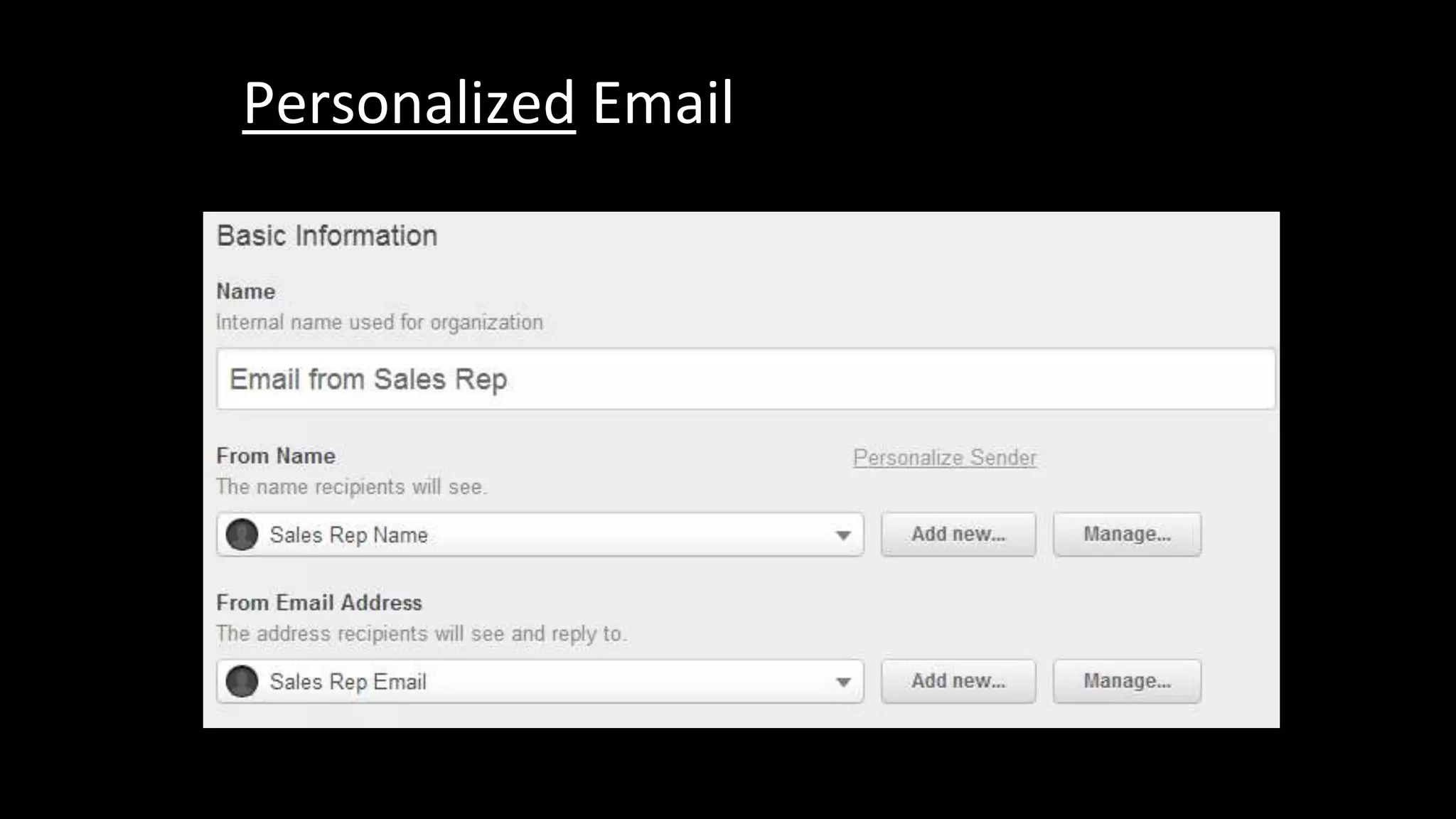
Personalized Email
This Road 
Goes Both 
Ways
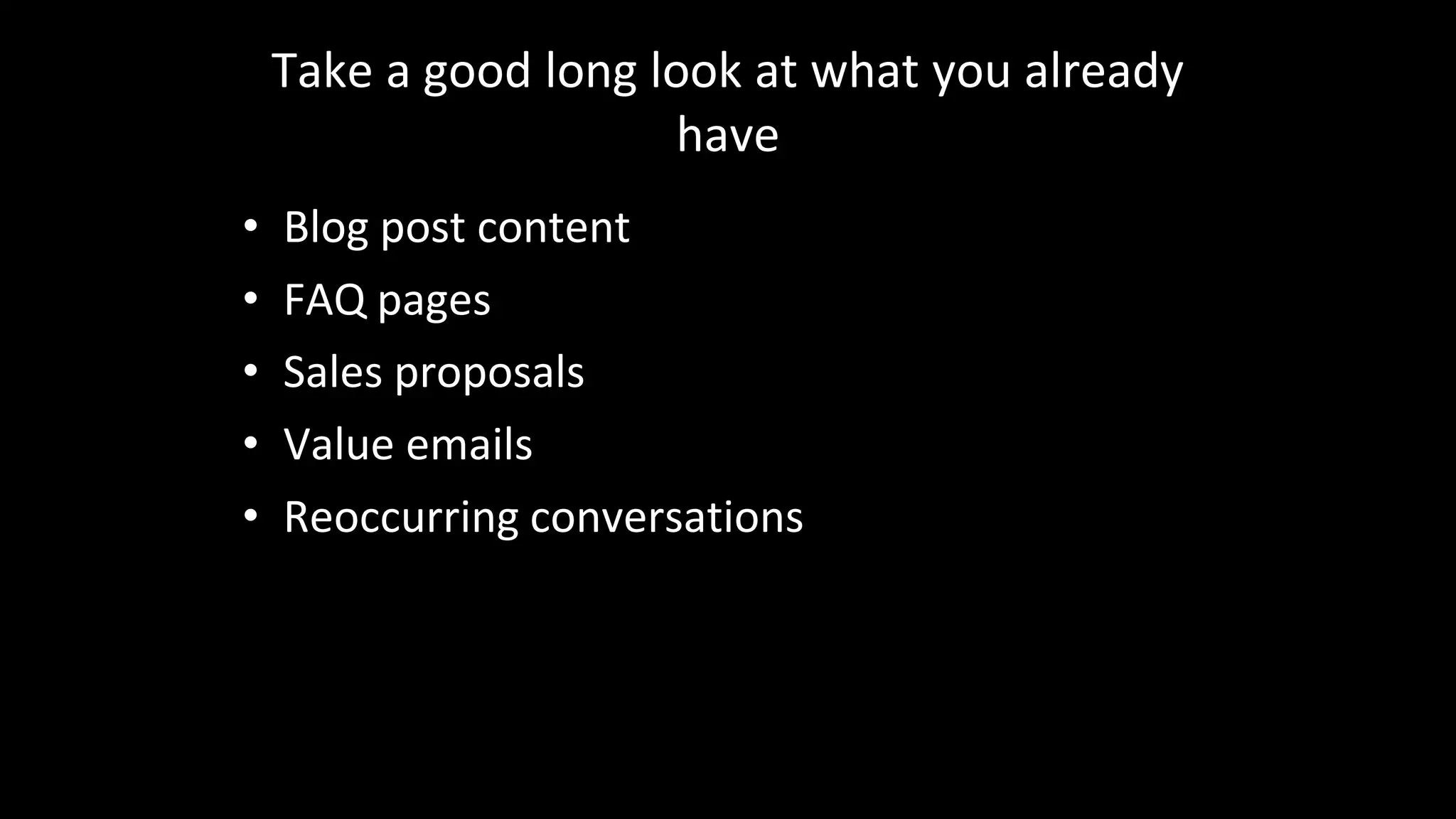
Take a good long look at what you already 
have 
• Blog post content 
• FAQ pages 
• Sales proposals 
• Value emails 
• Reoccurring conversations
That should be your content
Strike a Balance 
• What do we need from 
Marketing? 
• What should we focus 
on?
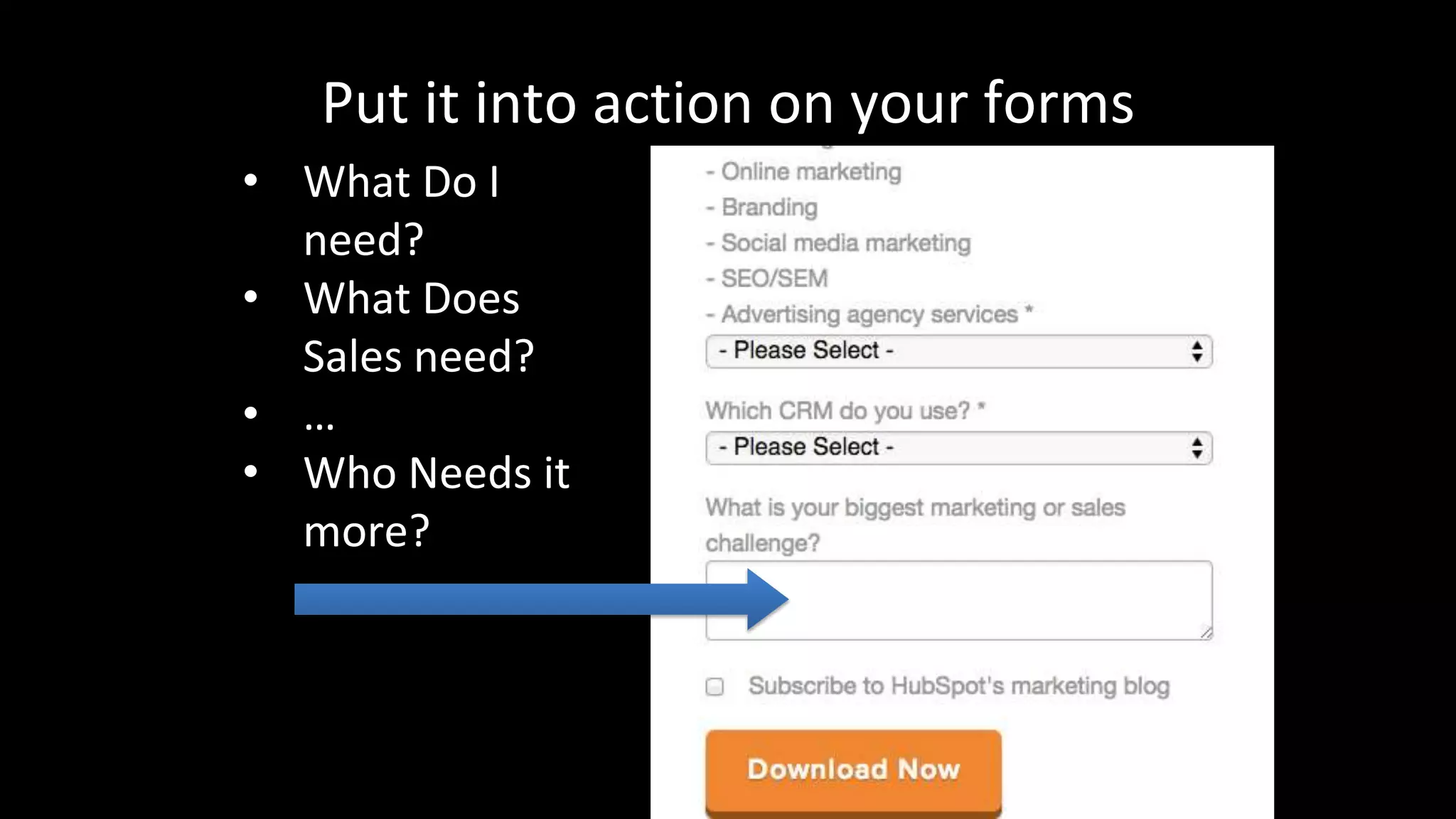
Put it into action on your forms 
• What Do I 
need? 
• What Does 
Sales need? 
• … 
• Who Needs it 
more?
Here? 
Using Workflows to connect Sales and 
Marketing 
Here? 
Here? Here? Here? 
Here? 
Here? Here? Here? Here? 
Here?
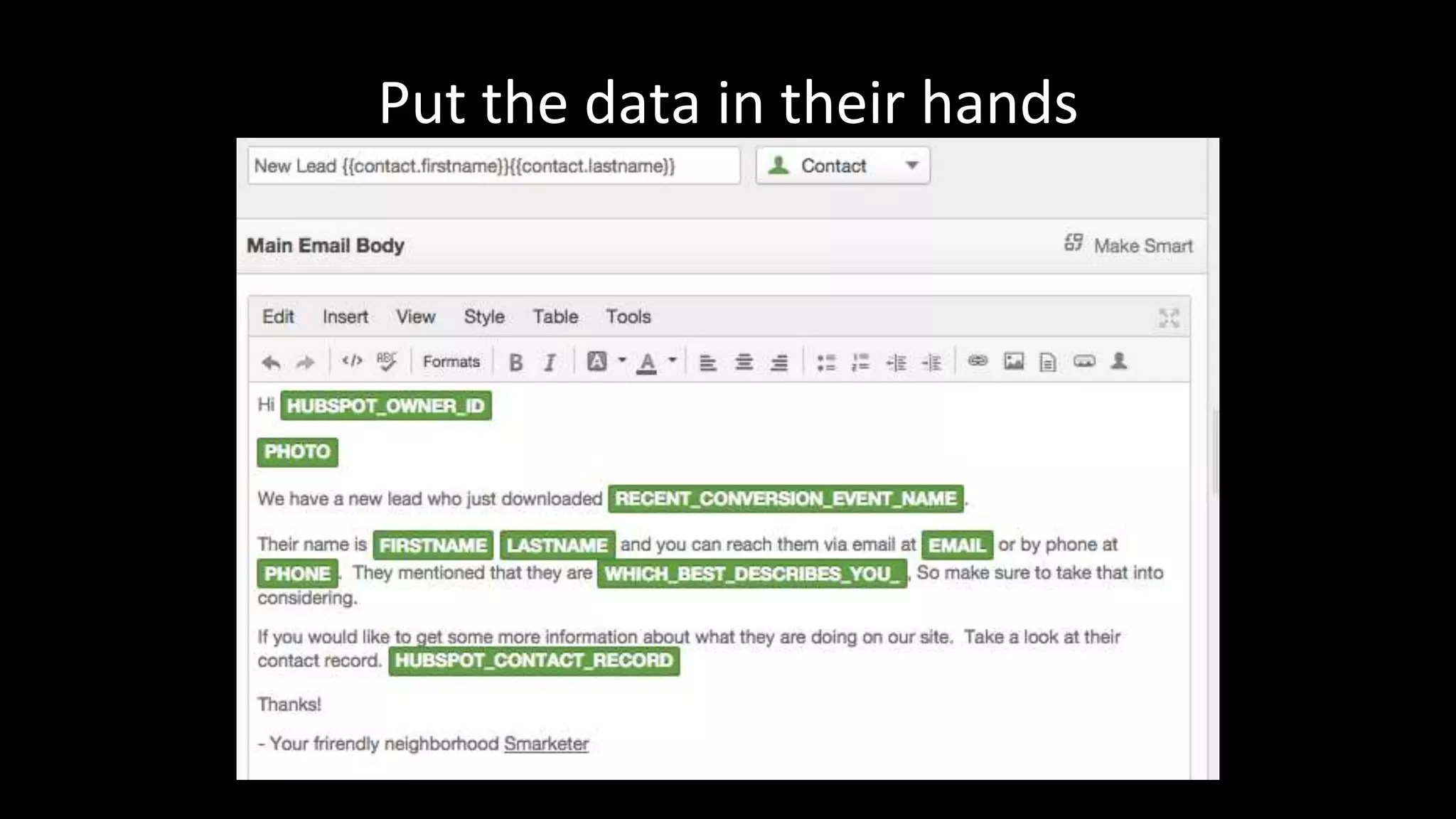
Put the data in their hands
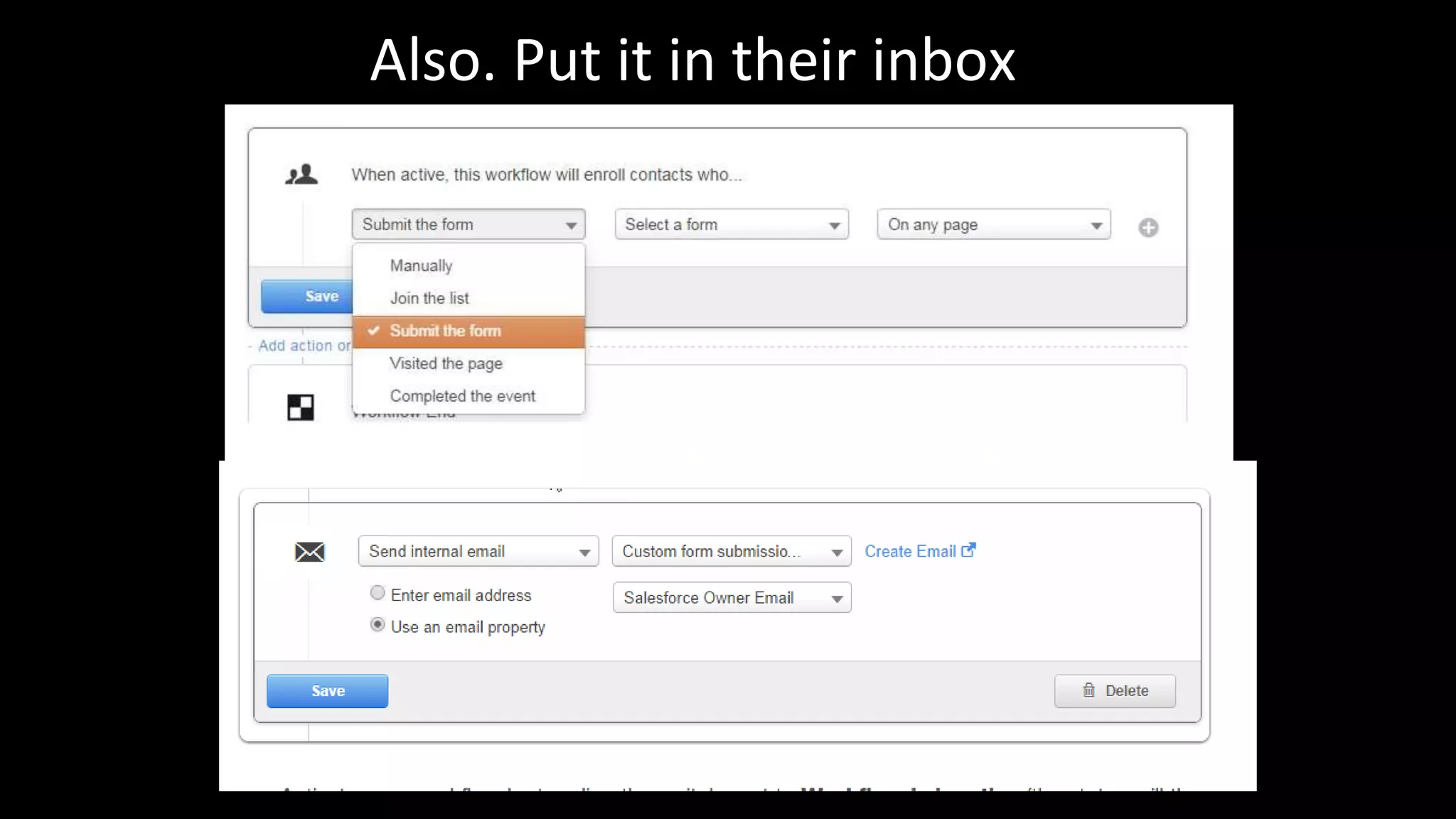
Also. Put it in their inbox
Turn the workflow around via your CRM 
• Use internal properties to start or stop a 
workflow 
– HubSpot CRM 
– Integrated CRM like SFDC 
– Directly into HubSpot 
• Execute using suppression lists and new 
workflows
Review and update

October 2014 HUG

  • 1.
    #INBOUND14 Fall 2014HUG: INBOUND Announcements Recap & Discussion
  • 2.
    #INBOUND14 Our Top5 New Features
  • 3.
    #INBOUND14 Anonymous VisitorPersonalization PROFESSIONAL & ENTERPRISE Personalize content on your website based on a visitors’: • Country • Device Type • Referral Source Discussion point: Do you have any ideas for how you’d use these new personalization tools?
  • 4.
    #INBOUND14 Calendar ALLCUSTOMERS A Calendar to help you plan and assign content and run campaigns across all your channels. It comes with built-in tasks to assign to other team members. Discussion point: How do you manage all the parts (and people) involved in executing a campaign?
  • 5.
    #INBOUND14 Email Dashboard& Optimizer ALL CUSTOMERS A newly designed email dashboard and a built-in optimizer screen, to help you catch errors, spam triggers and opportunities for more effective sends. Discussion point: What are some common email pitfalls you often run into when executing your campaigns?
  • 6.
    #INBOUND14 Sidekick Seedetails about any company right on their website or in your inbox. Find new contacts, and learn about existing contacts between your company and any prospect. Discussion point: Does your sales team use (or have they tried) Signals? Can you see Sidekick being useful to them?
  • 7.
    #INBOUND14 HubSpot CRM Store details on contacts, companies, deals, and tasks. Send emails, make calls, and schedule appointments from the tools you already use, or from one convenient interface. Discussion point: What CRM system do you currently use? How well adopted is your system by your sales team?
  • 8.
    Smarketing Finding abalance between sales and marketing
  • 9.
    Evan Dean ChannelConsultant Linkedin.com/in/EvDean
  • 11.
    Finding the Balancebetween sales and Marketing Nail the Basics: • Start with your Persona – This is who we are marketing for • Get the mechanics right - Smarketing can get complicated quickly. We need a stable foundation to stand on
  • 12.
  • 13.
  • 14.
  • 15.
  • 16.
  • 17.
    This Road GoesBoth Ways
  • 19.
    Take a goodlong look at what you already have • Blog post content • FAQ pages • Sales proposals • Value emails • Reoccurring conversations
  • 20.
    That should beyour content
  • 21.
    Strike a Balance • What do we need from Marketing? • What should we focus on?
  • 22.
    Put it intoaction on your forms • What Do I need? • What Does Sales need? • … • Who Needs it more?
  • 23.
    Here? Using Workflowsto connect Sales and Marketing Here? Here? Here? Here? Here? Here? Here? Here? Here? Here?
  • 26.
    Put the datain their hands
  • 27.
    Also. Put itin their inbox
  • 28.
    Turn the workflowaround via your CRM • Use internal properties to start or stop a workflow – HubSpot CRM – Integrated CRM like SFDC – Directly into HubSpot • Execute using suppression lists and new workflows
  • 29.

Editor's Notes

  • #5 Add a few slides on the calendar